Best Sunsama Alternatives in 2026: 13 Daily Planners, AI Schedulers and Team Tools
Turn this article into takeaways for your work.


Each assistant summarizes the article only for you and suggests best practices for your work.
The best Sunsama alternative depends on one question: do you want to keep planning your own day, or do you want software to do it for you? If you like the ritual and want it cheaper, Akiflow and Morgen are the closest swaps. If you are tired of the ritual, Motion and Reclaim.ai auto-schedule your work and hand you a finished calendar. If your planning problem turned out to be a team coordination problem, Rework, Asana and ClickUp are the honest answers. And if you just want a fast list without a calendar ceremony, Todoist, TickTick and Things 3 cost a fraction of what Sunsama does.
Sunsama earned its following. Every morning you pull tasks in from Todoist, Asana, Jira, Trello, Gmail and your calendar, estimate how long each will take, drag them onto real time slots, then run a shutdown ritual at the end of the day. Nothing auto-fills and nothing nags. The design assumes a human should decide what today looks like, and that assumption is exactly why people love it and exactly why people leave.
Four exits show up over and over: price, ritual fatigue, wanting AI to schedule instead of doing it by hand, and finding that a personal planner cannot fix a team problem. Price is the loudest. Sunsama Pro is $17 per month billed yearly, or $22 per month billed monthly, with no free plan at all, and the vendor is blunt about it, saying Sunsama "doesn't have a free forever plan and doesn't plan to". You get a 14-day free trial with no credit card, and after that it is roughly a dollar per workday, which is how Sunsama frames the number.
This guide covers 13 alternatives against those four exits, with current pricing and an honest "not ideal for" line on every tool.
Key Facts
- Shifting between tasks can cost as much as 40 percent of a person's productive time, according to psychologist David Meyer, cited by the American Psychological Association.
- Office workers spend an average of 11 minutes 4 seconds on a working sphere before switching, and once interrupted they take 25 minutes 26 seconds to get back to it, per Mark, Gonzalez and Harris in No Task Left Behind? Examining the Nature of Fragmented Work (UC Irvine, CHI 2005).
- Employees are now interrupted by a meeting, email or chat every two minutes during core work hours, roughly 275 times a day, per Microsoft's Breaking down the infinite workday Work Trend Index report.
- Writing a specific if-then plan for when and where you will do something raised goal attainment by a medium-to-large effect (d = .65) across 94 independent tests, per Gollwitzer and Sheeran's meta-analysis, Implementation intentions and goal achievement.
- Knowledge workers still spend 58 percent of the day on "work about work" rather than skilled work, per Asana's Anatomy of Work Global Index 2023.
That fourth number is the quiet case for daily planning apps. The ritual is not decoration: committing a task to a specific slot has decades of evidence behind it. The question is not whether to plan your day but who should do it.
Quick Comparison Table
| Tool | Best For | Starting Price | Key Strength | Key Limitation |
|---|---|---|---|---|
| Akiflow | Sunsama's ritual at a lower annual rate | $16/month billed yearly; $34/month billed monthly; no free plan | Command bar capture plus unified inbox across tools | Monthly billing costs more than Sunsama; 7-day trial |
| Motion | Handing scheduling over to AI entirely | $19/seat/month Pro AI; no free plan | Auto-schedules and reshuffles tasks around meetings | You lose the deliberate human planning step |
| Morgen | Calendar-first planning with assisted suggestions | USD 15/month billed yearly; USD 30/month billed monthly | Multi-calendar consolidation plus accept-or-adapt AI plans | No free plan listed; tasks depend on integrations |
| Reclaim.ai | Defending focus time inside an existing calendar | Free Lite; $10/seat/month Starter | Habits and smart meeting rules that protect deep work | Not a task manager; needs a task tool alongside it |
| Todoist | A fast list without a planning ceremony | Free Beginner; $5/user/month billed yearly | Natural language capture and rock-solid reliability | No real time blocking or daily shutdown flow |
| Rework | Teams whose planning problem is really a coordination problem | Project Engine from $99/mo billed yearly, 5 seats (rework.com/pricing) | Tasks, workflows and CRM in one workspace | No guided daily planning or personal shutdown ritual |
| TickTick | Personal planning with a calendar on a small budget | Free; $49.99/year list price, often offered at $35.99/year | Calendar views, Pomodoro and habits in one app | Thin collaboration; no team or business tier |
| Notion | Building your own planning system from scratch | Free; Plus $10/member/month annual | Total flexibility over structure and databases | You have to build and maintain the daily ritual |
| Superlist | A modern lists plus notes app with voice AI | Free; Basic $5/person/month ($59 yearly) | Tasks and notes in one clean surface | No time blocking against a real calendar |
| Asana | Cross-functional projects with real reporting | Free for up to 2 collaborators; Starter $10.99/user/month billed annually | Timelines, workload and portfolio views | Free plan is now tiny; per-seat cost climbs fast |
| ClickUp | One workspace covering docs, tasks and time | Free Forever; Unlimited $7/user/month billed yearly | Enormous feature surface at a low seat price | Configuration burden and a busy interface |
| Trello | Visual planning for a small team | Free (10 boards per Workspace); Standard $5/user/month annual | Fastest onboarding of anything on this list | Boards only; weak for personal time management |
| Things 3 | Apple users who want to own the app outright | $9.99 one-time for iPhone on the US App Store | No subscription and best-in-class Apple UX | Apple only; no web app; no built-in calendar planning |
The Real Split: Manual Planning vs AI Auto-Scheduling
Almost every tool below sits on one side of a single line. Either you decide what today looks like and the software gives you a better surface to decide on, or the software decides and you approve. Sunsama and Akiflow are firmly manual, Motion and Reclaim.ai firmly automated, and Morgen sits deliberately in the middle.
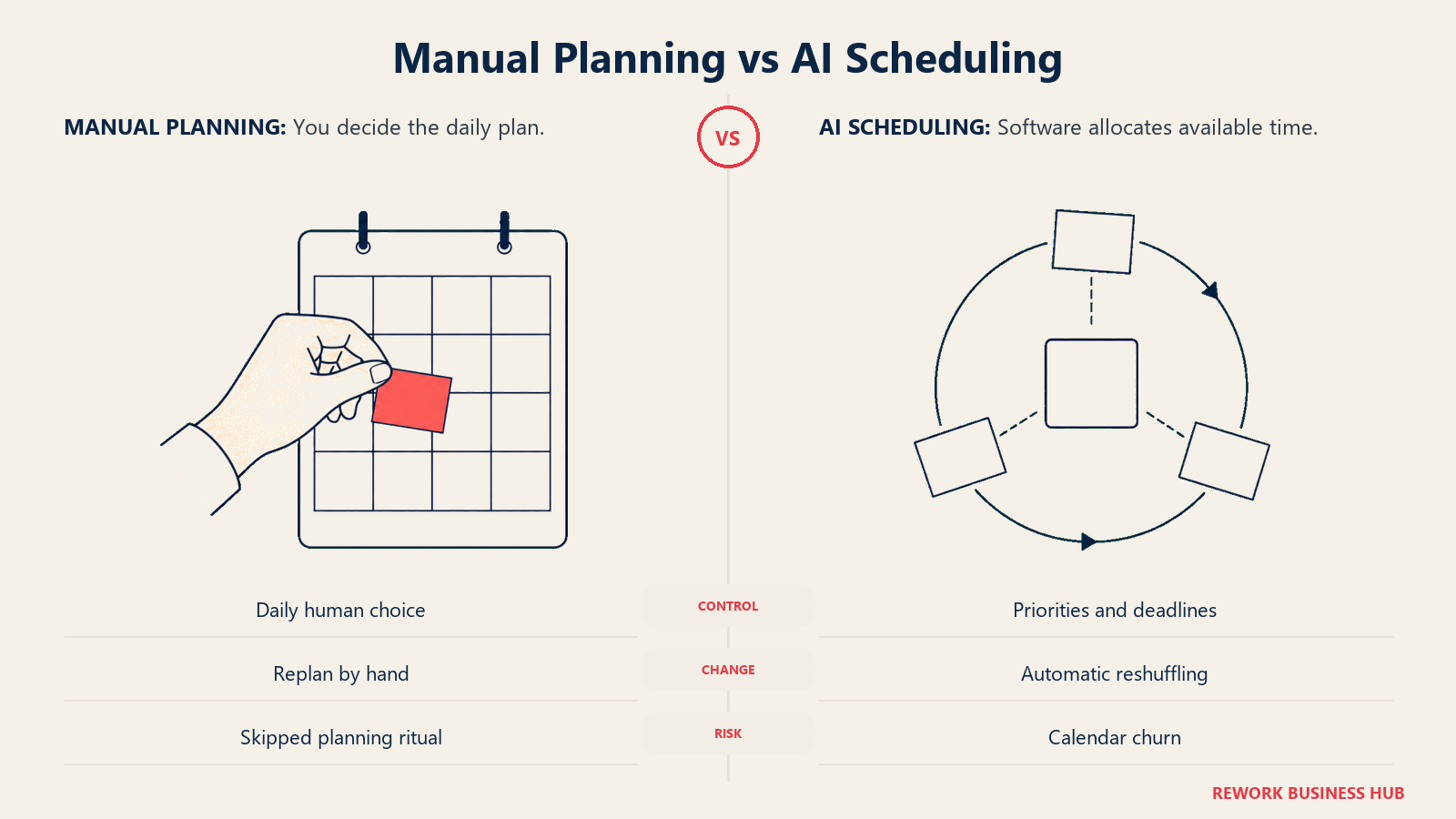
The two camps also fail in opposite ways. Manual planners fail when the ritual becomes a chore and you quietly stop showing up. Auto-schedulers fail when the calendar churns: a meeting moves, forty tasks reshuffle, and you stop trusting a plan you did not make. Pick the failure mode you can live with, and if auto-scheduling appeals but the seat price does not, best Motion alternatives covers cheaper routes.
| Manual planning (Sunsama, Akiflow, Morgen, Things 3) | AI auto-scheduling (Motion, Reclaim.ai) | |
|---|---|---|
| Who decides the day | You, in a daily session | The scheduler, from priorities and deadlines |
| Daily time cost | 10 to 20 minutes of planning and shutdown | Close to zero once configured |
| What it is good at | Realistic workloads, intention, honest capacity | Fitting many tasks around a moving calendar |
| Where it breaks | You skip the ritual for a week and lose the habit | Constant reshuffling erodes trust in the plan |
| Best for | People who want to think about their week | People drowning in meetings and deadlines |
| Worst for | Anyone who resents a daily ceremony | Anyone who wants to feel in control of the plan |
| Typical entry price | $15 to $17 per month billed yearly | $10 to $19 per seat per month |
Unsure which camp you belong to? The tiebreaker is your calendar. If more than half your week is already booked by other people, automation wins because there is little left to decide. If most of your week is open and the hard part is choosing, keep the human in the loop. Our piece on how automated scheduling works covers what these engines can and cannot infer.
Stage Fit Matrix
| Tool | Solo/Freelancer | Small Team (2-10) | Growth Stage (10-50) | Mid-Market (50-200) |
|---|---|---|---|---|
| Akiflow | Strong fit | Partial fit | Poor fit | Poor fit |
| Motion | Strong fit | Strong fit | Good fit | Partial fit |
| Morgen | Strong fit | Good fit | Partial fit | Poor fit |
| Reclaim.ai | Good fit | Strong fit | Strong fit | Good fit |
| Todoist | Strong fit | Good fit | Partial fit | Poor fit |
| Rework | Poor fit | Good fit | Strong fit | Strong fit |
| TickTick | Strong fit | Partial fit | Poor fit | Poor fit |
| Notion | Good fit | Strong fit | Strong fit | Good fit |
| Superlist | Strong fit | Good fit | Partial fit | Poor fit |
| Asana | Partial fit | Good fit | Strong fit | Strong fit |
| ClickUp | Partial fit | Good fit | Strong fit | Strong fit |
| Trello | Good fit | Strong fit | Partial fit | Poor fit |
| Things 3 | Strong fit | Poor fit | Poor fit | Poor fit |
Sizing and Persona Table
| Tool | Team Size Sweet Spot | Primary Buyer | Secondary Buyer |
|---|---|---|---|
| Akiflow | 1-3 | Founder, consultant, operator | Freelancer |
| Motion | 1-30 | Founder, agency lead | Project manager |
| Morgen | 1-10 | Consultant, researcher, engineer | Small team lead |
| Reclaim.ai | 5-100 | Engineering or RevOps manager | IT admin |
| Todoist | 1-10 | Individual contributor | Small business owner |
| Rework | 10-200 | COO, Head of Operations | Sales lead, team manager |
| TickTick | 1-3 | Individual contributor | Student, freelancer |
| Notion | 5-200 | Founder, knowledge manager | Product manager |
| Superlist | 1-10 | Individual contributor | Small team lead |
| Asana | 10-500 | Project manager, VP Operations | Department head |
| ClickUp | 10-300 | Operations manager | Department head |
| Trello | 3-30 | Team lead, coordinator | Marketing manager |
| Things 3 | 1-2 | Apple power user | Designer, writer |
Why People Leave Sunsama
| Exit reason | What Sunsama does | What the leaver wants instead | Where to look |
|---|---|---|---|
| Price | $17/month billed yearly, $22/month billed monthly, no free plan ever | A free tier or a rate under $10 | Todoist, TickTick, Reclaim.ai Lite, Things 3 |
| Ritual fatigue | A guided plan-and-shutdown session every day | Planning that happens without a ceremony | Motion, Reclaim.ai |
| Manual scheduling | You drag every task onto the calendar yourself | Software that fills the calendar for you | Motion, Morgen, Reclaim.ai |
| Team needs | A personal planner with integrations to team tools | Shared workflows, assignments and reporting | Rework, Asana, ClickUp, Trello |
| Depth of task features | Tasks are pulled in from other tools | A real task manager as the system of record | Todoist, Notion, Superlist |
| Apple-native feel | A web-first app | A native Mac and iOS app you buy once | Things 3 |
The first two rows point in opposite directions. Fix price and you drop to a free tier but keep planning by hand. Fix the ritual and you pay the same or more to make it disappear. Few people solve both with one switch, which is how people end up on their third planner in a year, and the true cost of software sprawl is worth a look first.
1. Akiflow: The Closest Thing to Sunsama, Cheaper on Annual Billing
Akiflow is the most direct swap here. It shares Sunsama's belief that a human should time-block their own day, and the shape: a universal inbox pulling work in from your other tools, a command bar for capture, and a calendar you drag tasks onto until the day looks realistic.
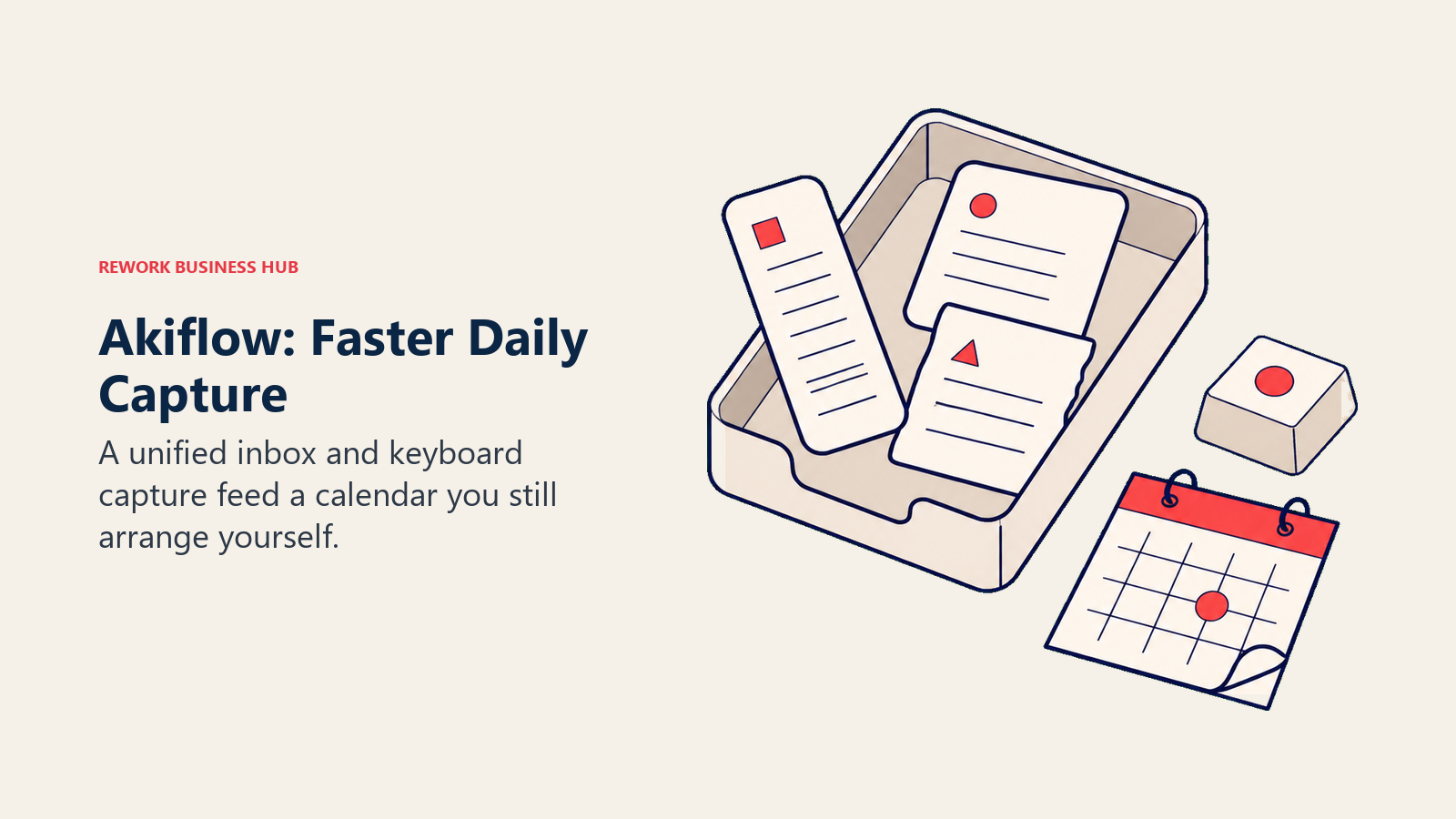
The difference is temperament. Sunsama is calm and coaching. Akiflow is fast and keyboard-driven, built around a Cmd+K command bar and pitched at "founders, operators, and obsessed doers". It has also added an AI assistant that handles some prioritisation and auto-scheduling, so it straddles the manual line more than Sunsama does.
It is a one-to-three person layer on top of whatever team system you already use. The pricing needs care: Akiflow's monthly rate is higher than Sunsama's while its annual rate is lower, so if you tend to cancel planners after two months, the monthly path is the most expensive option on this page.
| What you get | What you don't |
|---|---|
| Universal inbox across email, chat and task tools | A free plan of any kind |
| Command bar capture with natural language | A long trial to evaluate properly |
| Time blocking directly onto your calendar | Team project management |
| Two-way sync with your existing tools | Sunsama's guided reflection and coaching tone |
| An AI assistant for planning and prioritisation | A cheap month-to-month option |
Pricing: Pro is $16 per month billed yearly (listed as $19 struck through, $16 current) or $34 per month billed monthly. There is no free plan and the trial runs 7 days.
Best for: Sunsama users who want the same manual ritual, faster capture, and a lower annual rate. Not ideal for: Anyone who wants to pay month to month, or who needs a long evaluation window.
2. Motion: Let the Scheduler Decide, Not You
Motion is the loudest answer to "I am tired of planning my own day". You give it tasks with deadlines and priorities, and it builds your calendar, then rebuilds it every time a meeting lands or something slips. There is no morning ritual because there is nothing left to arrange by hand.
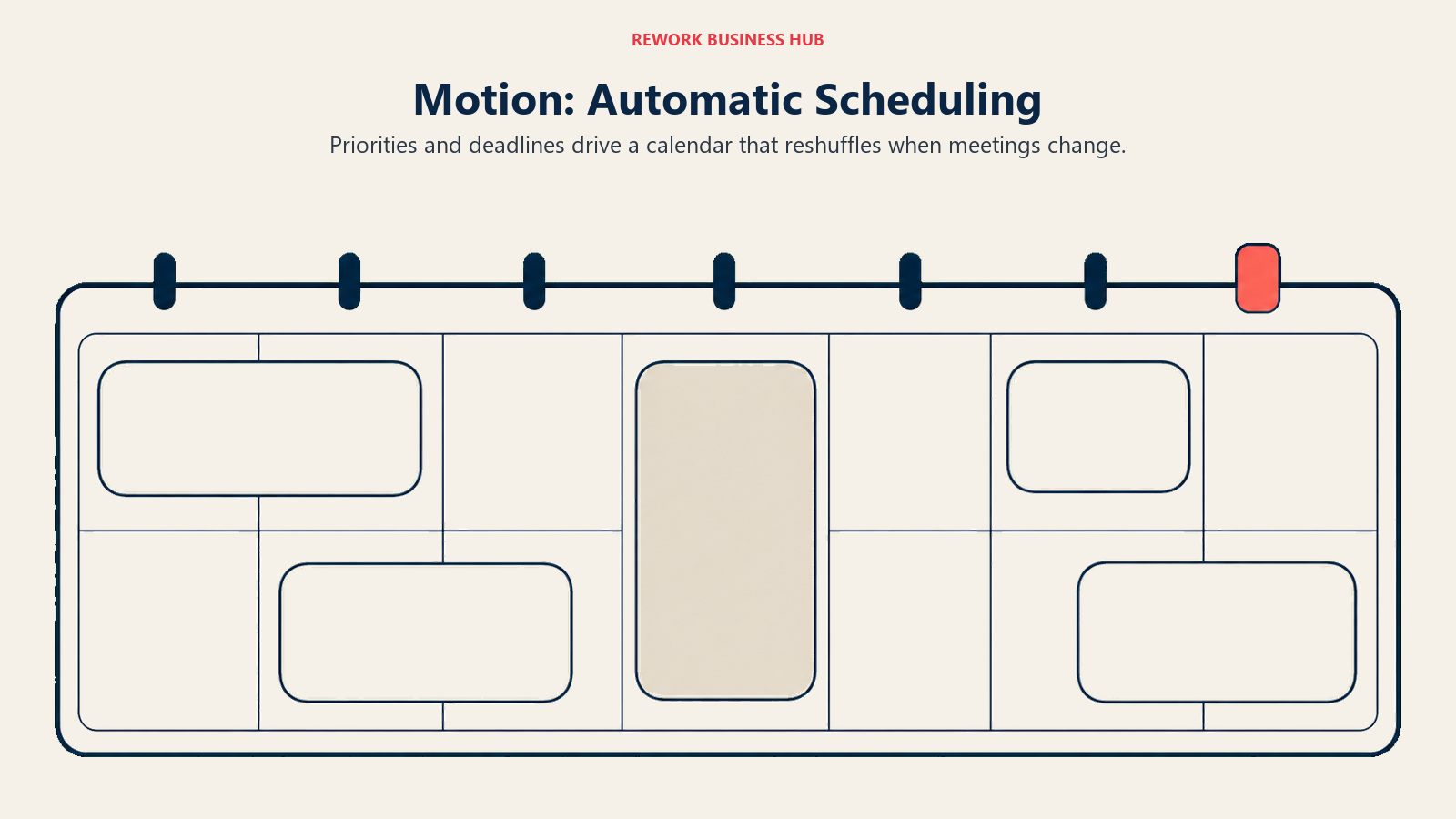
That is a direct rejection of Sunsama's philosophy. Sunsama believes the planning session is the valuable part, because deciding what not to do today is the actual skill. Motion believes it is friction, and that a solver with your deadlines arranges better and faster than you can. Both positions are defensible.
Motion has expanded well past scheduling. Pro AI bundles AI chat, projects, calendar, docs and writing with 7,500 credits per seat per month, and Business AI doubles the credits and adds capacity planning, dashboards, Gantt and time tracking. The downside is trust: when a scheduler moves forty tasks because one meeting shifted, some people relax and some spiral.
| What you get | What you don't |
|---|---|
| Automatic scheduling that reshuffles around meetings | A deliberate human planning ritual |
| AI projects, tasks, docs and meeting handling | A free plan |
| Team capacity planning and Gantt on Business AI | A published trial length |
| Generous AI credit allowances per seat | A cheap entry point for a solo user |
| iOS, Android and desktop apps | The calm, low-stimulus feel Sunsama is known for |
Pricing: Pro AI is $19 per seat per month and Business AI is $29 per seat per month, with annual billing advertised at 33 percent off. There is no free plan, and Motion does not publish a trial length on its pricing page.
Best for: People whose calendars are already full of other people's meetings, who want the remaining hours allocated for them. Not ideal for: Anyone who wants authorship over their day, or who needs a free tier to test with.
3. Morgen: Calendar-First Planning That Suggests Without Taking Over
Morgen is the middle path, and it is underrated. It starts from the calendar rather than the task list, consolidating Google, Outlook, Apple and Fastmail into one surface, then pulling tasks in from Notion and other tools so you schedule against a complete picture.
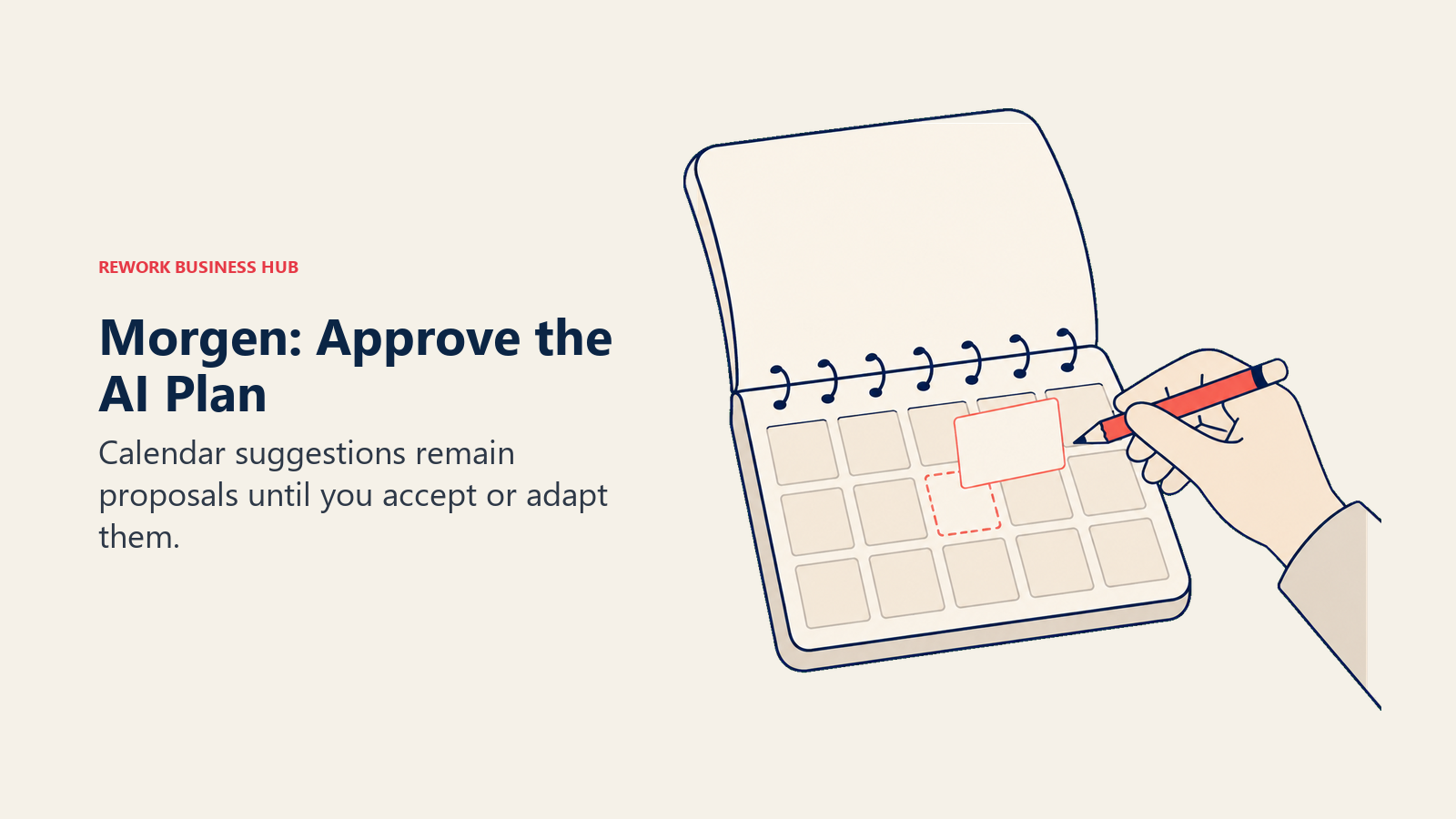
The separator is the AI Planner. Morgen shows live recommendations in your calendar that you accept or adapt, and if you drag a task or change its duration they respond in real time. The machine proposes, you dispose. For an ex-Sunsama user who liked being in charge but resented the dragging, that is often the right answer.
The rest is calendar craft: calendar sets, scheduling links with live availability, travel time blocking and buffers. It runs on web, macOS and Linux, making it one of the few serious planners Linux users can adopt, and it stays personal rather than becoming a project system.
| What you get | What you don't |
|---|---|
| Multi-calendar consolidation across four providers | A free plan |
| AI plans you accept or adapt rather than obey | A task system of its own record |
| Scheduling links with live availability | Deep project management or reporting |
| Travel time and buffer automation | Sunsama's guided shutdown ritual |
| Web, macOS and Linux desktop apps | A large ecosystem of native task integrations |
Pricing: Individual is USD 30 per month billed monthly or USD 15 per month billed yearly. Team is USD 25 per seat per month billed monthly or USD 10 per seat per month billed yearly, with a two-seat minimum. There is a 14-day free trial with no credit card, and no free plan is listed on the pricing page.
Best for: Calendar-heavy professionals who want intelligent suggestions but refuse to hand over final say, especially on Linux. Not ideal for: People wanting a standalone task manager, or teams needing project tracking and reporting.
4. Reclaim.ai: Protect the Focus Time You Already Lost
Reclaim.ai solves a narrower problem than Sunsama, and solves it well. It sits on your calendar and defends time: habits get protected blocks, meetings get scheduled into smart windows, and tasks fill the gaps. It is less a planner than a bodyguard for your week.
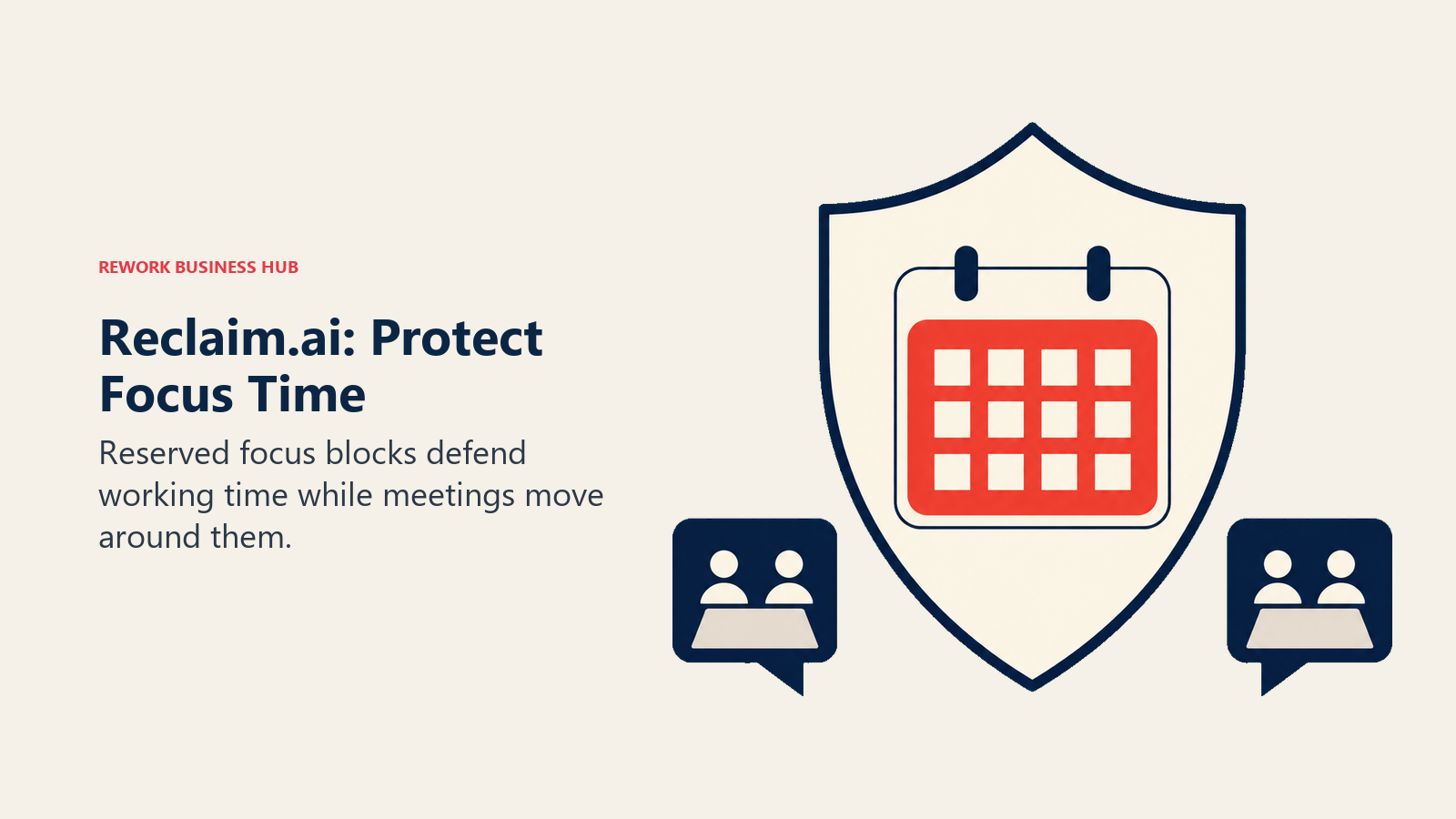
That narrowness is the point. If your complaint is not "I cannot decide what to do" but "meetings ate every hour I meant to work", a full planning app is the wrong purchase. Reclaim attacks the interruption problem the Microsoft data above describes. It expects to sit alongside a task tool rather than replace one, so pairing it with Todoist or Asana is normal.
One piece of 2026 context matters here: Reclaim.ai has been owned by Dropbox since August 2024 and is still operating, with no sunset announced. It is also the only tool in the automated camp with a genuine free tier, which makes it the cheapest way to find out whether you like being auto-scheduled before paying Motion prices to learn the same thing.
| What you get | What you don't |
|---|---|
| Habits and routines with defended calendar blocks | A real task manager |
| Smart meeting scheduling and scheduling links | A daily planning and reflection ritual |
| A free Lite tier to test the concept | Project management or docs |
| Team seat tiers up to 100 seats | Unlimited features on the free plan |
| Deep Google Calendar integration | A standalone system of record for work |
Pricing: Lite is free with a one-week scheduling range, two connected calendars and one scheduling link. Starter is $10 per seat per month for up to 10 seats. Business is $15 per seat per month for up to 100 seats. Enterprise has a 100-seat minimum and is annual only. Reclaim advertises 29 percent off for an annual commitment.
Best for: Teams and individuals whose focus time is eaten by meetings, who already have a task tool they like. Not ideal for: Anyone wanting a Sunsama replacement outright, since Reclaim does not manage tasks as a system of record.
5. Todoist: Drop the Ceremony, Keep the List
Some people leave Sunsama and discover they never needed a planner. They needed a fast, reliable place to put things, and the calendar ritual was a habit they had talked themselves into. Todoist is the tool for that realisation.
The methodology is classic GTD executed cleanly: capture quickly, organise into projects and labels, filter to what matters now. Natural language input ("review contract every friday 3pm") remains best in class, and it is fast everywhere without the sync bugs that plague the category. Todoist plus a calendar you check twice a day is a legitimate system, and our guide to Getting Things Done covers the method.
What you give up is real. There is no shutdown flow, no time-estimate and drag-to-calendar loop, and no forced confrontation with how much you committed to. Sunsama's best trick is showing you that eleven "quick" tasks add up to nine hours; Todoist will happily let you keep adding, and the escape route from that is covered in best Todoist alternatives.
| What you get | What you don't |
|---|---|
| Best natural language capture in the category | Time blocking against a real calendar |
| Genuinely useful free tier | A daily planning and shutdown ritual |
| Fast, reliable sync on every platform | Workload or capacity visibility |
| Filters, labels and saved views | Timelines, dependencies or Gantt |
| A mature integration ecosystem | Built-in habit or focus tracking |
Pricing: The Beginner plan is free with 5 personal projects, 3 filter views and one week of activity history. Pro is US$5 per user per month billed yearly ($60 billed yearly) or $7 per month billed monthly. Business is US$8 per user per month billed yearly ($96 billed yearly) or $10 per user per month billed monthly. Todoist raised annual prices in December 2025, so older comparisons quoting $4 are stale.
Best for: People who want Sunsama's discipline without Sunsama's ceremony, at roughly a third of the price. Not ideal for: Anyone whose actual problem is over-commitment, because Todoist will not stop you.
6. Rework: When the Planning Problem Was Really a Coordination Problem
This one needs an honest framing up front. Rework does not do guided daily planning. There is no morning ritual, no shutdown reflection, no drag-a-task-onto-a-time-slot loop and no personal focus timer. If what you want is a better Sunsama, skip to the next section.
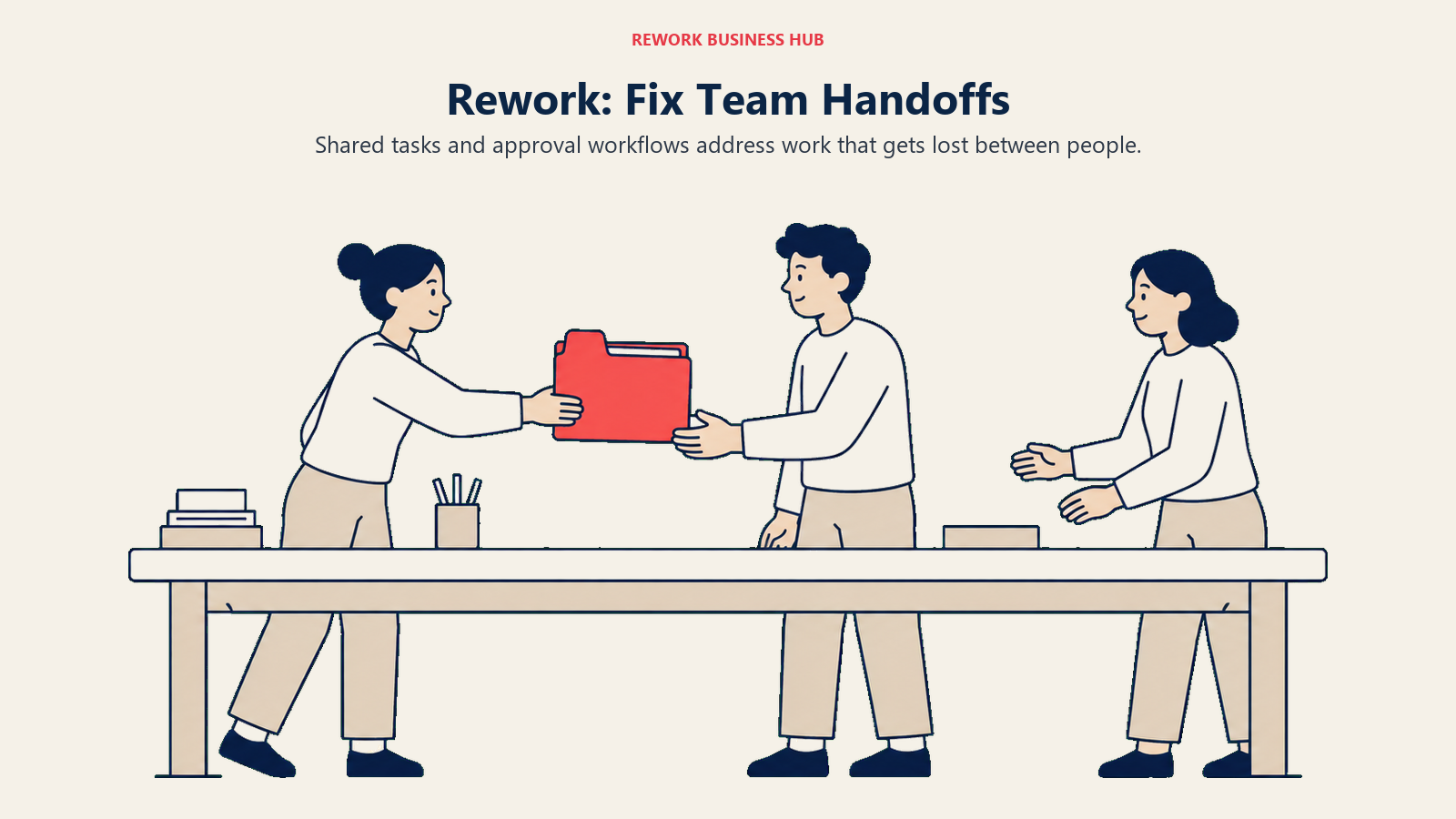
Rework belongs here for a different reader: the person who bought Sunsama to fix a feeling of chaos, ran the ritual faithfully for three months, and realised the chaos was coming from handoffs rather than from their own planning. Work arriving from three channels, status living in someone's head, the same task tracked in a project tool and a spreadsheet and a chat thread. No personal planner fixes that, because the problem sits between people rather than inside one calendar.
Rework is a unified operations platform for mid-size teams. Work Ops covers opinionated project and task management, cross-team workflows, approvals and service flows, in the same product as CRM and lead management rather than integrating with them. A task attaches to the customer, deal or process it belongs to instead of floating in a personal list. The fit is roughly 10 to 200 people, cross-functional and past spreadsheets; below about 10, a personal planner is genuinely the better buy. Compare the shape against Rework vs Notion.
| What you get | What you don't |
|---|---|
| Tasks, workflows and approvals in one workspace | A guided daily planning ritual |
| Tasks connected to CRM and lead records | A personal shutdown and reflection flow |
| Cross-team handoffs with defined process steps | Drag-to-calendar time blocking for one person |
| Multi-view planning (list, board, calendar, table) | A free tier of any kind |
| Team reporting on process and pipeline health | A good fit for a solo user |
Pricing: The Project Engine is $99 per month billed yearly ($1,188 per year), or $120 month to month, with 5 work seats included. Extra seats come in blocks of 5 at $13 per month per block on yearly billing, so 25 seats run $1,812 per year. There is no free tier, only a 14-day free trial (rework.com/pricing). Rework sells engines with seats in blocks of 5 rather than per-user licences, so compare total annual cost against the sum of your current per-seat tools.
Best for: Teams of roughly 10 to 200 where individual planning is fine but handoffs between people keep dropping work. Not ideal for: Solo users and anyone shopping for a personal daily planner. Sunsama, Akiflow or Morgen serve you far better.
7. TickTick: The Budget Way to Keep Planning by Hand
TickTick is the cheapest credible answer to "I liked planning my day, I just cannot justify $17 a month". It treats tasks as time-bound commitments rather than list items, which is Sunsama's instinct executed at a fraction of the cost. If you are weighing it against the other obvious cheap list tool, Todoist vs TickTick settles that one on free-plan caps and whether you ever need a team tier.
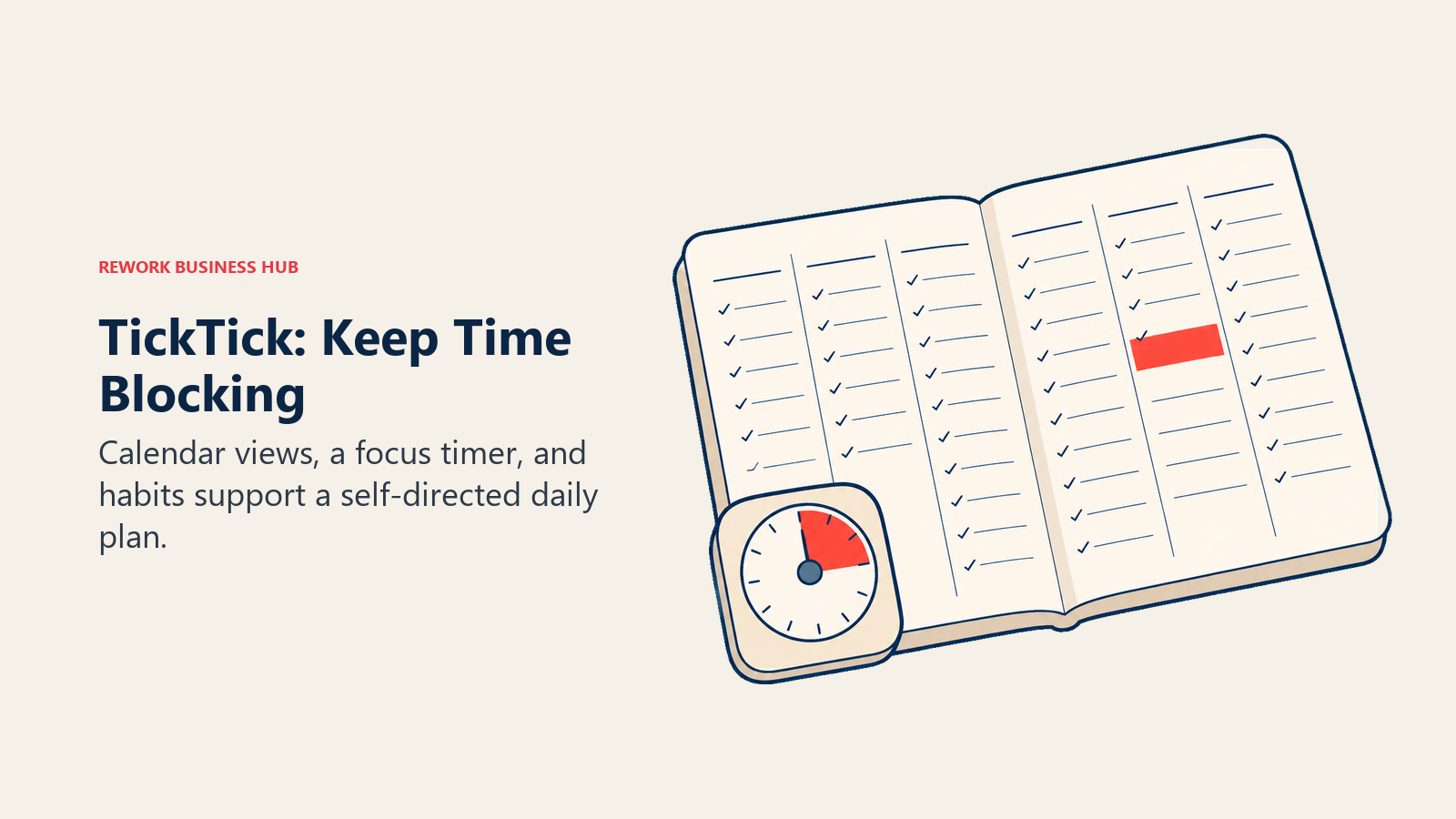
The workflow overlap is real. TickTick gives you calendar views (month, day, three-day and week on Premium), lets you drag tasks onto time slots, includes a Pomodoro timer and layers a habit tracker on top. It will not coach you through a shutdown, but the ingredients for time blocking are there. If your daily session was mostly "look at calendar, pick six things, put them somewhere", TickTick carries that.
Where it stops is collaboration. The free plan caps you at 9 lists, 99 tasks per list, two shared members and list view only; Premium lifts that to 299 lists, 29 shared members and every calendar view. But there is no team or business tier at all, so a growing team hits a hard ceiling rather than an upgrade path, as best TickTick alternatives covers.
| What you get | What you don't |
|---|---|
| Calendar views with drag-to-schedule on Premium | A guided daily planning ritual |
| Built-in Pomodoro and focus timer | Any team or business tier |
| Habit tracking alongside tasks | Workload or capacity reporting |
| Natural language input and smart lists | Deep integrations with work tools |
| Apps on every platform including Android | A shutdown and reflection flow |
Pricing: The free plan is generous within the limits above. Premium has a list price of US$49.99 per year, and TickTick regularly runs a discounted offer at $35.99 per year (about $3.00 per month). There is also a $3.99 per month option through the App Store.
Best for: Individuals who want the time-blocking behaviour Sunsama taught them, at the lowest credible annual price. Not ideal for: Teams of any size, and anyone who needs the coaching layer rather than just the calendar.
8. Notion: Build the Ritual Yourself
Notion is the answer for people who looked at Sunsama and thought "I could build this". Sometimes that is true: databases, relations, rollups and templates are enough raw material to build a daily planning system that fits your brain exactly.
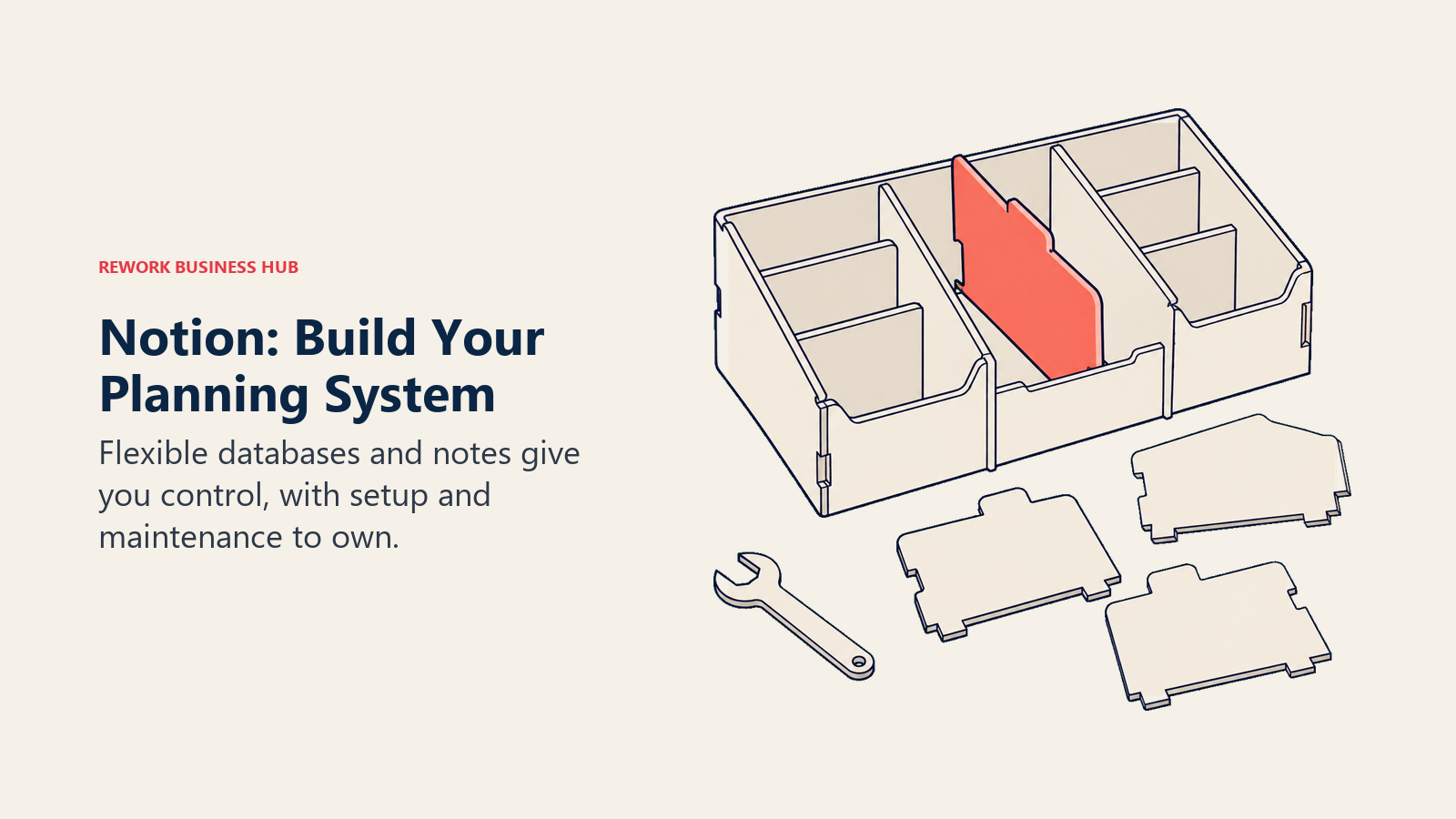
The catch is that you now maintain a product as well as use one. A Sunsama subscription buys an opinion: this is how a day should be planned, and here is the flow that enforces it. Notion buys a canvas. When the ritual gets skipped nobody notices, and when your template breaks you are the one fixing it on a Tuesday morning.
What Notion adds, which Sunsama never tried to, is everything around the tasks. Meeting notes, project briefs, specs and wikis live beside the daily plan, so context is one click away. Notion has also added Custom Agents that run recurring work inside your workspace. Teams needing timelines and dependency tracking usually add a dedicated tool, a ceiling covered in best Notion alternatives.
| What you get | What you don't |
|---|---|
| Complete freedom over structure and views | An opinion about how to plan your day |
| Docs, wiki and tasks in one workspace | Time blocking against a real calendar |
| Databases, relations and templates | A shutdown ritual or focus timer |
| A capable free plan for individuals | Low maintenance |
| Custom Agents for recurring workspace work | Guardrails against overcommitting |
Pricing: There is a free plan. Plus is $10 per member per month on annual billing (monthly runs higher), Business is $20 per member per month on annual billing, and Enterprise is custom. Notion states you save up to 20 percent with yearly billing. The Custom Agents add-on is free to try, then $10 per 1,000 monthly Notion credits.
Best for: People who want the planning system and the knowledge base to be the same thing, and who enjoy building. Not ideal for: Anyone who left Sunsama because they wanted less admin. Notion is more admin, not less.
9. Superlist: Tasks and Notes in One Clean Surface
Superlist comes from the team behind Wunderlist, which tells you most of what you need to know: fast capture, clean design, no ceremony. It positions itself as tasks, notes and plans in one app, light enough for daily routines and structured enough for bigger work.
The relevant feature for an ex-Sunsama user is voice capture and AI. Superlist turns voice recordings into action items and summarises meeting notes, covering a chunk of what people did by hand each morning. Nested lists go as deep as you want, and everything works offline across macOS, iOS, Android and web.
What it does not do is time blocking. There is no calendar you drag tasks onto and no time-estimate loop, so if that mechanic was why you paid for Sunsama, Superlist is a step sideways rather than a replacement. It is actively developed, with release 1.57.0 shipping in August 2026.
| What you get | What you don't |
|---|---|
| Tasks and notes in one surface | Calendar time blocking |
| Voice capture turned into action items | A guided daily ritual |
| Infinitely nested lists and sublists | Project reporting or workload views |
| Offline support and home screen widgets | Deep third-party work integrations |
| A real free tier | Anything resembling a shutdown flow |
Pricing: Free is $0 per person per month with up to 5 private and shared lists (up to 5 people each), unlimited tasks and notes, 25MB uploads and 500MB storage. Basic is $5 per person per month ($59 yearly) with unlimited lists, unlimited team members, Voice AI and all integrations. Super is $21 per person per month ($249 yearly) and adds unlimited AI meeting notes, unlimited AI chat and email and Slack task summarisation.
Best for: People who want a fast tasks-plus-notes app and are happy to plan in their calendar separately. Not ideal for: Anyone whose core Sunsama habit was dragging tasks onto time slots.
10. Asana: When One Person's Plan Becomes Several People's Project
Asana is where Sunsama users land when the honest diagnosis is "my day is fine, our project is not". It is a work management platform built around projects, tasks, assignees and due dates, with timelines, workload views, goals and portfolio reporting on top.
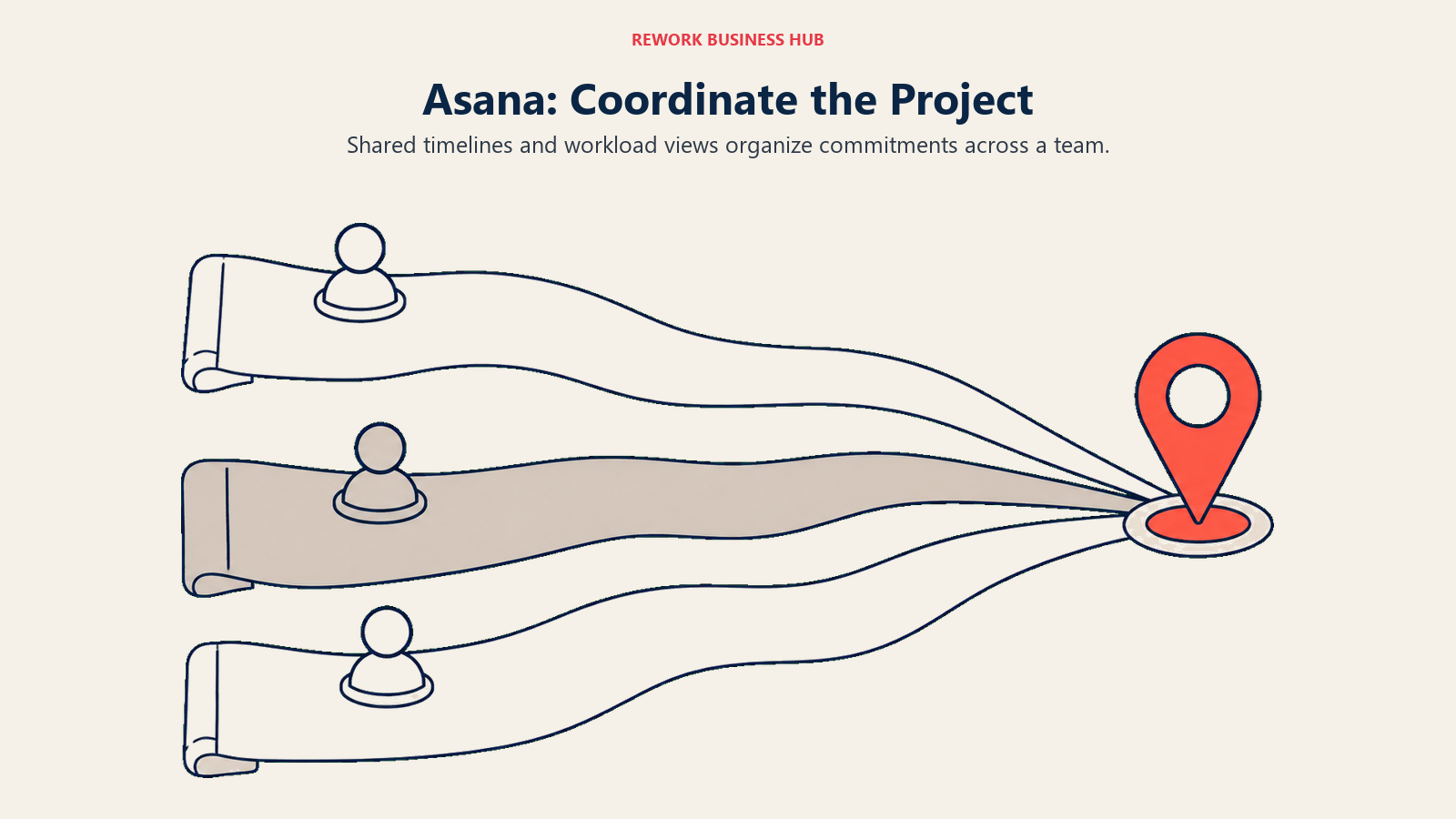
The distance from Sunsama is large. Sunsama optimises for one person's attention over one day; Asana optimises for a group's commitments over weeks and quarters. Asana's own research produced the "58 percent of the day on work about work" figure above, and the product answers it by putting status where the work is, so nobody holds a meeting to find out what happened.
One number needs care, because it changed and most articles have not caught up. Asana's free Personal plan now allows up to 2 collaborators. Not 10, not 15. If you read an older comparison promising a 15-seat free tier, that promise is gone, and it changes the math for small teams considerably. Our best Asana alternatives guide covers what people evaluate when the per-seat cost lands.
| What you get | What you don't |
|---|---|
| Timelines, workload and portfolio views | Personal daily planning or shutdown |
| Rules, forms and workflow automation | Time blocking on your own calendar |
| Goals tied to the work underneath them | A meaningful free tier for teams |
| Strong reporting for managers | A calm, low-stimulus personal surface |
| Mature integrations across the stack | A cheap seat price at scale |
Pricing: Personal is free, and up to 2 users can collaborate for free. Starter is $10.99 per user per month billed annually or $13.49 billed monthly. Advanced is $24.99 per user per month billed annually or $30.49 billed monthly. Enterprise and Enterprise+ are contact sales.
Best for: Teams of 10 or more who need cross-functional visibility, timelines and real reporting. Not ideal for: Individuals looking for a personal planner. Asana makes your day feel more like work, not less.
11. ClickUp: Everything in One Place, for Better and Worse
ClickUp's pitch is consolidation. Tasks, docs, whiteboards, goals, time tracking, dashboards and AI in one workspace, at a seat price well below most competitors. For a team paying for four tools, the arithmetic is genuinely attractive.
For an ex-Sunsama user, the relevant parts are the personal ones. Calendar views, time estimates, time tracking and a My Work surface let you approximate a daily plan without leaving the tool your team already uses. The experience is busier than anything Sunsama would ship, but the ingredients exist.
The honest cost is configuration. Someone has to decide how spaces, folders, lists, statuses and custom fields are structured, and a badly configured ClickUp is worse than a well-configured anything else. Teams that succeed usually have one person who owns the setup. The free plan is generous enough to make a pilot low-risk, and if interface density is the worry, best ClickUp alternatives is the follow-up read.
| What you get | What you don't |
|---|---|
| Tasks, docs, goals and time tracking in one tool | A guided personal planning ritual |
| A genuinely usable free tier | A calm, minimal interface |
| Low per-seat price for the feature surface | Low setup effort |
| Dashboards and custom reporting | Sunsama's opinionated daily flow |
| AI add-ons for teams that want them | AI included in the base seat price |
Pricing: Free Forever includes unlimited tasks, unlimited free plan members and 60MB storage. Unlimited is $7 per user per month billed yearly or $10 billed monthly. Business is $12 per user per month billed yearly or $19 billed monthly. ClickUp Brain is a $9 per user per month add-on and Everything AI is $28 per user per month. Enterprise is contact sales.
Best for: Teams consolidating several tools who want one workspace at a low seat price and have someone to own the setup. Not ideal for: Individuals who left Sunsama because they wanted a quieter, more focused surface.
12. Trello: The Simplest Shared Plan That Works
Trello is the least fashionable tool here and still the right answer more often than people admit. Boards, lists and cards, dragged by hand, understood by anyone in ninety seconds. If your Sunsama exit is "my planning was fine, but nobody else could see it", Trello solves that with almost no adoption cost.
The connection to daily planning is thinner than the tools above. There is a calendar Power-Up and due dates, but Trello does not think in hours and will not notice that you committed to eleven hours of work. What it does is make a small team's shared plan visible, which is a different and sometimes more valuable thing. Butler automation handles repetitive card movement.
The ceiling is around 30 people. Above that, boards multiply faster than anyone can follow them, and teams move to Asana, ClickUp or a platform like Rework.
| What you get | What you don't |
|---|---|
| The fastest onboarding in the category | Personal time blocking or daily planning |
| Butler automation without scripting | Dependencies, workload or Gantt |
| A free tier that small teams can live on | Reporting across multiple projects |
| A large Power-Up ecosystem | Time estimates and capacity checks |
| Genuinely visual shared planning | A system of record beyond boards |
Pricing: Free covers up to 10 boards per Workspace and up to 10 collaborators per Workspace. Standard is $5 per user per month billed annually or $6 billed monthly. Premium is $10 per user per month billed annually or $12.50 billed monthly. Enterprise is $17.50 per user per month billed annually ($210.00 annual price per user).
Best for: Small teams who need a shared plan everyone can read without training. Not ideal for: Anyone replacing a personal daily planner. Trello does not manage your hours.
13. Things 3: Buy It Once, Own It Forever
Things 3 is the anti-subscription answer. Cultured Code sells it as a one-time purchase per platform, so an Apple user can walk away from recurring productivity spend. After a few years of Sunsama at $17 a month billed yearly, that framing lands hard.
The app itself is the most carefully made thing in this category. The Today view, the Upcoming list, the Areas and Projects structure and the Mac quick entry panel are the product of years of restraint. If Sunsama's calm appealed to you, Things 3 is calmer still.
The trade-offs are absolute. It is Apple only, with no Android and no web app, so one Windows machine at work breaks the system. There is no calendar you drag tasks onto, no time estimates and no shutdown ritual, though it shows calendar events beside today's tasks. And there is no collaboration at all.
| What you get | What you don't |
|---|---|
| One-time purchase with no subscription | Any Android or web access |
| The best native Apple UX in the category | Time blocking or time estimates |
| A genuinely calm, distraction-free surface | Collaboration of any kind |
| Fast keyboard-driven capture on Mac | A guided daily ritual |
| Calendar events shown next to today's tasks | Cross-platform sync outside Apple |
Pricing: Things 3 is sold separately per platform as a one-time purchase, at $9.99 for iPhone on the US App Store. Mac, iPad and Vision are purchased separately, and a free trial is available for the Mac app from culturedcode.com.
Best for: Apple-only users who want to stop paying monthly for task management and never think about it again. Not ideal for: Anyone on Windows or Android, anyone who needs to share, and anyone whose core habit is time blocking.
A Note on Clockwise, Because You Will See It Recommended
Older articles still recommend Clockwise as the focus-time alternative to Sunsama. Do not sign up. Salesforce acqui-hired the team and Clockwise shut down on 27 March 2026, about a week after the deal, with user data deleted and nothing transferred. That most lists have not caught up tells you how carefully they were checked, and the users who left mostly moved to Reclaim.ai or Motion, which is part of why those two now dominate the automated half of this category.
What These Tools Actually Cost, Monthly vs Annual
Sunsama's price starts most of these searches, so here is the field side by side with the billing term on every figure. Annual billing is cheaper everywhere it is published, and Akiflow's gap is the largest.
| Tool | Entry paid tier | Billed monthly | Billed annually | Free plan |
|---|---|---|---|---|
| Sunsama (baseline) | Pro | $22 per month | $17 per month | None, and the vendor says it will not add one |
| Akiflow | Pro | $34 per month | $16 per month | None (7-day trial) |
| Motion | Pro AI | $19 per seat per month | Advertised at 33 percent off; no per-seat annual figure published | None |
| Morgen | Individual | USD 30 per month | USD 15 per month | None listed on the pricing page (14-day trial) |
| Reclaim.ai | Starter | $10 per seat per month | Advertised at 29 percent off; no per-seat annual figure published | Yes (Lite) |
| Todoist | Pro | $7 per month | $5 per user per month ($60 billed yearly) | Yes (Beginner) |
| Rework | Project Engine | $120 per month (5 seats) | $99 per month (5 seats), $1,188 billed yearly | None (14-day trial) |
| TickTick | Premium | $3.99 per month via the App Store | $49.99 per year list price, often offered at $35.99 per year | Yes |
| Notion | Plus | Higher than the annual rate | $10 per member per month | Yes |
| Superlist | Basic | $5 per person per month | $59 per year | Yes |
| Asana | Starter | $13.49 per user per month | $10.99 per user per month | Yes, up to 2 collaborators |
| ClickUp | Unlimited | $10 per user per month | $7 per user per month | Yes (Free Forever) |
| Trello | Standard | $6 per user per month | $5 per user per month | Yes (10 boards per Workspace) |
| Things 3 | One-time purchase | Not applicable | Not applicable | No, you buy it once at $9.99 for iPhone on the US App Store |
Two things stand out. The manual-planning camp is expensive across the board: Sunsama, Akiflow and Morgen all land between $15 and $17 per month on annual billing, so switching between them saves a coffee, not a subscription. And leaving that band means changing what you buy, not just who you buy it from. TickTick, Todoist and Things 3 cost less because they do less.
Team buyers should run different arithmetic. Per-seat tools multiply, so ten people on Asana Starter is a different order of spend from a package, and that is the comparison worth making. If per-seat math pushed you to look, why seat-based pricing is dying is a useful frame.
How to Choose: Decision Framework
| If you need... | Pick this |
|---|---|
| The Sunsama ritual, cheaper on annual billing | Akiflow |
| Your calendar filled for you with no daily session | Motion |
| Smart suggestions you still approve yourself | Morgen |
| Focus time defended inside the calendar you already use | Reclaim.ai |
| A fast, reliable list with no planning ceremony | Todoist |
| Team tasks, workflows and customer records in one place | Rework |
| Time blocking on the smallest possible budget | TickTick |
| To design your own planning system from scratch | Notion |
| Tasks and notes together with voice capture | Superlist |
| Timelines, workload and reporting across a department | Asana |
| One workspace covering docs, tasks, goals and time | ClickUp |
| A shared plan a small team can read instantly | Trello |
| To stop paying a subscription, on Apple only | Things 3 |
Frequently Asked Questions about Sunsama Alternatives
How much does Sunsama cost in 2026?
Sunsama Pro is $17 per month billed yearly, or $22 per month billed monthly. There is no free plan and the vendor states it does not plan to add one. The trial runs 14 days with no credit card, and Enterprise is quoted on request.
Is there a free Sunsama alternative?
Yes, several, though none replicate the guided ritual. Reclaim.ai has a free Lite tier and Todoist a free Beginner plan, and TickTick, Notion, Superlist, ClickUp and Trello all have free tiers. Asana's free plan now allows up to 2 collaborators, so it is no longer practical for a team. Rework has no free tier: the Project Engine starts at $99 per month billed yearly with 5 seats included, after a 14-day free trial.
What is the closest alternative to Sunsama?
Akiflow. It shares the same core idea that a person should time-block their own day, with a universal inbox and a command bar for capture. Pro is $16 per month billed yearly or $34 per month billed monthly, so its annual rate sits just below Sunsama and its monthly rate well above.
Should I choose manual planning or AI auto-scheduling?
Look at your calendar. If most of your week is already booked by other people, automation wins because little is left to decide, so Motion or Reclaim.ai fit. If your week is mostly open and the hard part is choosing, keep the human in the loop with Sunsama or Akiflow. Morgen is the middle option.
Is Motion better than Sunsama?
They solve opposite problems. Motion removes the planning session by scheduling work automatically and rescheduling when meetings move. Sunsama treats that session as the valuable part. Motion Pro AI is $19 per seat per month with no free plan, so it is not a saving either.
What happened to Clockwise?
Clockwise shut down on 27 March 2026, about a week after Salesforce acqui-hired the team. User data was deleted and nothing transferred to Salesforce. Any article still recommending it as a Sunsama alternative has not been checked recently. Most former users moved to Reclaim.ai or Motion.
What is the cheapest way to keep time blocking after leaving Sunsama?
TickTick. Premium has a list price of US$49.99 per year and is regularly offered at $35.99 per year, and includes calendar views you can drag tasks onto, a Pomodoro timer and habit tracking. You lose the guided ritual and there is no team tier, but the time-blocking mechanic survives cheaply.
Can Rework replace Sunsama?
Not as a personal daily planner. Rework has no guided planning ritual and no shutdown flow. It belongs here for the reader whose planning problem turned out to be a team coordination problem, where tasks, workflows and customer records need to live in one place. The Project Engine is $99 per month billed yearly, or $120 month to month, with 5 seats included. There is no free tier, only a 14-day free trial.
What to Do Next
Answer the manual versus AI question before you open a single trial, then run exactly two tools for two weeks. Not five. Sunsama's own 14-day trial is a reasonable yardstick and most alternatives give you the same or less, so use them on real work. The winner is the one you still open on a bad Thursday without thinking about it.
Three shortcuts if you know your exit. If price was the problem and you want to keep planning by hand, start with TickTick and Todoist. If the ritual was the problem, start with Reclaim.ai's free Lite tier before paying Motion prices, because it is the cheapest way to learn whether auto-scheduling suits you. And if your day was fine and your team was the mess, stop shopping for planners: look at Rework, Asana or ClickUp, and browse the wider task management software field first.
One last thing, whichever way you go. Write down when and where you will do the planning, not just that you will. That is the if-then structure Gollwitzer and Sheeran measured, and it is the cheapest upgrade available to anyone in this category.
External Resources:
- Sunsama pricing: Pro and Enterprise, plus the no-free-plan policy
- Akiflow pricing: monthly and yearly Pro rates
- Motion pricing: Pro AI and Business AI tiers
- Morgen pricing: Individual and Team tiers
- Reclaim.ai pricing: Lite, Starter, Business and Enterprise

Principal Product Marketing Strategist
On this page
- Key Facts
- Quick Comparison Table
- The Real Split: Manual Planning vs AI Auto-Scheduling
- Stage Fit Matrix
- Sizing and Persona Table
- Why People Leave Sunsama
- 1. Akiflow: The Closest Thing to Sunsama, Cheaper on Annual Billing
- 2. Motion: Let the Scheduler Decide, Not You
- 3. Morgen: Calendar-First Planning That Suggests Without Taking Over
- 4. Reclaim.ai: Protect the Focus Time You Already Lost
- 5. Todoist: Drop the Ceremony, Keep the List
- 6. Rework: When the Planning Problem Was Really a Coordination Problem
- 7. TickTick: The Budget Way to Keep Planning by Hand
- 8. Notion: Build the Ritual Yourself
- 9. Superlist: Tasks and Notes in One Clean Surface
- 10. Asana: When One Person's Plan Becomes Several People's Project
- 11. ClickUp: Everything in One Place, for Better and Worse
- 12. Trello: The Simplest Shared Plan That Works
- 13. Things 3: Buy It Once, Own It Forever
- A Note on Clockwise, Because You Will See It Recommended
- What These Tools Actually Cost, Monthly vs Annual
- How to Choose: Decision Framework
- What to Do Next