Best Task Management Software in 2026: 15 Tools from Solo Lists to 200-Person Teams
Turn this article into takeaways for your work.


Each assistant summarizes the article only for you and suggests best practices for your work.
The best task management software in 2026 depends far less on the feature list than on who opens the app tomorrow morning. If you're a solo user running Getting Things Done, Todoist, Things 3, and TickTick still set the bar, and nothing on the team side will feel as fast. If you're two to ten people sharing a handful of lists, Trello, Superlist, and Any.do keep the coordination overhead near zero. If you're a growth-stage team of ten to fifty that needs assignees, dependencies, and a report someone will actually read, Asana, ClickUp, and monday.com are the realistic shortlist. And if your tasks belong to customers, leads, and approvals rather than to a personal inbox, Rework and Notion are the two worth a serious look, for almost opposite reasons.
That routing matters because most switching regret comes from picking one category and needing another: a personal task manager pressed into running client delivery, or a project platform bought for four people who then spend six weeks naming statuses.
Key Facts
- Workers toggle between apps and websites nearly 1,200 times a day and spend just under four hours a week, roughly 9% of their working time, reorienting after each switch, according to a study of 137 users across three Fortune 500 companies published in Harvard Business Review.
- 62% of the workday is lost to repetitive, mundane tasks, per Asana's Anatomy of Work Global Index, a survey of 9,615 global knowledge workers.
- The same Asana research found leaders now use 10 apps a day and lose 3.6 hours a week to unnecessary meetings, which is the coordination cost a task manager is supposed to absorb.
- Desk workers estimate they spend about a third of the day on tasks they consider low value and not meaningful to their job, per the Slack Workforce Index survey of 10,045 workers across six countries.
- The task management software market is projected to grow from $1.44 billion in 2026 to $2.66 billion by 2031, a 13.10% compound annual growth rate, according to Mordor Intelligence.
Quick Comparison Table
| Tool | Best For | Starting Price | Key Strength | Key Limitation |
|---|---|---|---|---|
| Todoist | Solo GTD and small shared projects | Free; Pro $5/user/month billed yearly ($60/year) | Fastest natural language capture in the category | No Gantt, timeline, or real workload view |
| TickTick | Solo planners who live in a calendar | Free; Premium $49.99/year list price, often offered at $35.99/year | Tasks and calendar in one timeline, plus Pomodoro | No team or business tier at all |
| Asana | Cross-functional projects at 10 to 500 people | Free for up to 2 collaborators; Starter $10.99/user/month billed annually | Mature project structure, goals, and reporting | Free plan is now capped at 2 users |
| ClickUp | Teams that want everything configurable | Free Forever; Unlimited $7/user/month billed yearly | Enormous feature surface for the price | Configuration burden and a busy interface |
| Things 3 | Apple-only individuals who want craft | One-time purchase per platform, $9.99 for iPhone on the US App Store | Best single-user experience ever shipped | Apple only, single user, no collaboration |
| Rework | Mid-size teams where tasks sit inside real processes | Process Engine from $99/mo billed yearly, 5 seats (rework.com/pricing) | Tasks connected to CRM, lead ops, and approvals | No free tier and overkill for solo or a plain board |
| Notion | Teams that want to design their own system | Free; Plus $10/member/month annual (monthly runs higher) | Docs, databases, and tasks in one canvas | A blank canvas needs an owner or it decays |
| Trello | Small teams that think in boards | Free, up to 10 boards and 10 collaborators per Workspace; Standard $5/user/month annual | Fastest tool on this list to adopt | Thin reporting once you pass about 30 people |
| monday.com | Ops teams that want dashboards without code | Free for up to 2 seats; Basic $9/seat/month billed annually | Visual boards plus genuinely good dashboards | Free stops at 2 seats and key features sit on higher tiers |
| Motion | Individuals drowning in both tasks and meetings | Pro AI $19/seat/month, annual billing advertised at 33% off | Auto-schedules tasks into open calendar slots | No free plan and you cede control of your day |
| Sunsama | Deliberate daily planners who want less, not more | Pro $17/month billed yearly, $22/month billed monthly | A guided daily planning ritual that actually sticks | No free plan, ever, and it is a single-user tool |
| Superlist | Small teams that want notes and tasks together | Free; Basic $5/person/month ($59/year) | Notes, tasks, and voice AI in one clean surface | Young product with a shallow integration bench |
| Microsoft To Do | Anyone already paying for Microsoft 365 | Free with a Microsoft account | Zero extra cost and deep Outlook integration | Basic by design, no project layer |
| Any.do | People who need a daily planning nudge | Free forever; Premium $4.99/month billed annually | Daily planner ritual and family or team plans | Recurring tasks are paywalled on the free plan |
| Google Tasks | Google Workspace users who want the minimum | Free with a Google account | Lives inside Gmail and Google Calendar | Barely a task manager, no priorities or tags |
Stage Fit Matrix
| Tool | Solo (1) | Small Team (2-10) | Growth Stage (10-50) | Mid-Market (50-200) |
|---|---|---|---|---|
| Todoist | Strong fit | Good fit | Partial fit | Poor fit |
| TickTick | Strong fit | Partial fit | Poor fit | Poor fit |
| Asana | Partial fit | Good fit | Strong fit | Strong fit |
| ClickUp | Partial fit | Good fit | Strong fit | Good fit |
| Things 3 | Strong fit | Poor fit | Poor fit | Poor fit |
| Rework | Poor fit | Good fit | Strong fit | Strong fit |
| Notion | Good fit | Strong fit | Good fit | Partial fit |
| Trello | Good fit | Strong fit | Partial fit | Poor fit |
| monday.com | Poor fit | Good fit | Strong fit | Strong fit |
| Motion | Strong fit | Good fit | Partial fit | Poor fit |
| Sunsama | Strong fit | Partial fit | Poor fit | Poor fit |
| Superlist | Strong fit | Good fit | Partial fit | Poor fit |
| Microsoft To Do | Strong fit | Partial fit | Poor fit | Poor fit |
| Any.do | Strong fit | Partial fit | Poor fit | Poor fit |
| Google Tasks | Strong fit | Poor fit | Poor fit | Poor fit |
Sizing and Persona Table
| Tool | Team Size Sweet Spot | Primary Buyer | Secondary Buyer |
|---|---|---|---|
| Todoist | 1-10 | Individual contributor | Small team lead |
| TickTick | 1-3 | Individual contributor | Freelancer |
| Asana | 10-500 | Project Manager, VP Operations | Department head |
| ClickUp | 5-200 | Ops lead, agency owner | Engineering or marketing manager |
| Things 3 | 1 | Apple power user | Designer, writer, consultant |
| Rework | 10-200 | Operations Manager, COO | Sales lead, department head |
| Notion | 3-100 | Founder, knowledge manager | Product manager |
| Trello | 2-30 | Team lead, coordinator | Marketing manager |
| monday.com | 10-300 | Ops or marketing director | Team manager |
| Motion | 1-25 | Executive, founder | Consultant, account lead |
| Sunsama | 1-5 | Individual contributor, founder | Consultant |
| Superlist | 1-20 | Founder, small team lead | Individual contributor |
| Microsoft To Do | 1-10 | Microsoft 365 admin | Individual contributor |
| Any.do | 1-10 | Individual contributor | Small business owner |
| Google Tasks | 1-5 | Google Workspace user | Individual contributor |
1. Todoist: The Fastest Way to Get Something Out of Your Head
Todoist is the default answer for a reason. Type "review the Q4 deck every Friday at 4pm" into the quick add box and it parses the date, the recurrence, and the time without you ever touching a date picker. The product philosophy is capture first and organize later, and Todoist is better at the capture half than anything else on this list.
Its real ICP is one person, or a small group sharing a handful of projects. Todoist does have team projects and roles, and they work fine, but they stop short of what a growth-stage team needs: no Gantt chart, no timeline, no workload view, no dependency logic.
Sizing and stage fit: excellent at one person, good from two to ten, and it starts creaking past that. The clearest signal you've outgrown it is catching yourself maintaining a spreadsheet alongside it.
One thing to check before committing: Todoist raised annual prices in December 2025, so older comparisons quoting $4 for Pro are stale. If you're weighing it against its closest rival, the Todoist vs TickTick breakdown goes feature by feature, and best Todoist alternatives maps the upgrade paths.
| What you get | What you don't |
|---|---|
| Best in class natural language capture | Gantt, timeline, or dependency views |
| Clean, fast apps on every platform | Workload and capacity management |
| Filters, labels, and saved views | Manager grade reporting or dashboards |
| Shared team projects with roles | Any connection to customer or deal data |
| Reliable offline sync | A free tier that scales past 5 projects |
Pricing: Beginner (Free) covers 5 personal projects, 3 filter views, and 5 MB uploads. Pro is $5 per user/month billed yearly ($60 billed yearly), or $7/month billed monthly. Business is $8 per user/month billed yearly ($96 billed yearly), or $10/user/month billed monthly.
Best for: Individuals and small teams who want the shortest possible distance between a thought and a captured task. Not ideal for: Anyone who needs timelines, dependencies, or real reporting across more than ten people.
2. TickTick: Tasks and Calendar in the Same Timeline
TickTick is Todoist's closest spiritual sibling, with two differences that decide most head to head evaluations. First, the calendar view puts tasks and events on one timeline, so you can drag a task onto Thursday afternoon and see immediately that Thursday afternoon is already gone. Second, there's a built in Pomodoro timer and a habit tracker, which turns it into a focus tool rather than only a list.
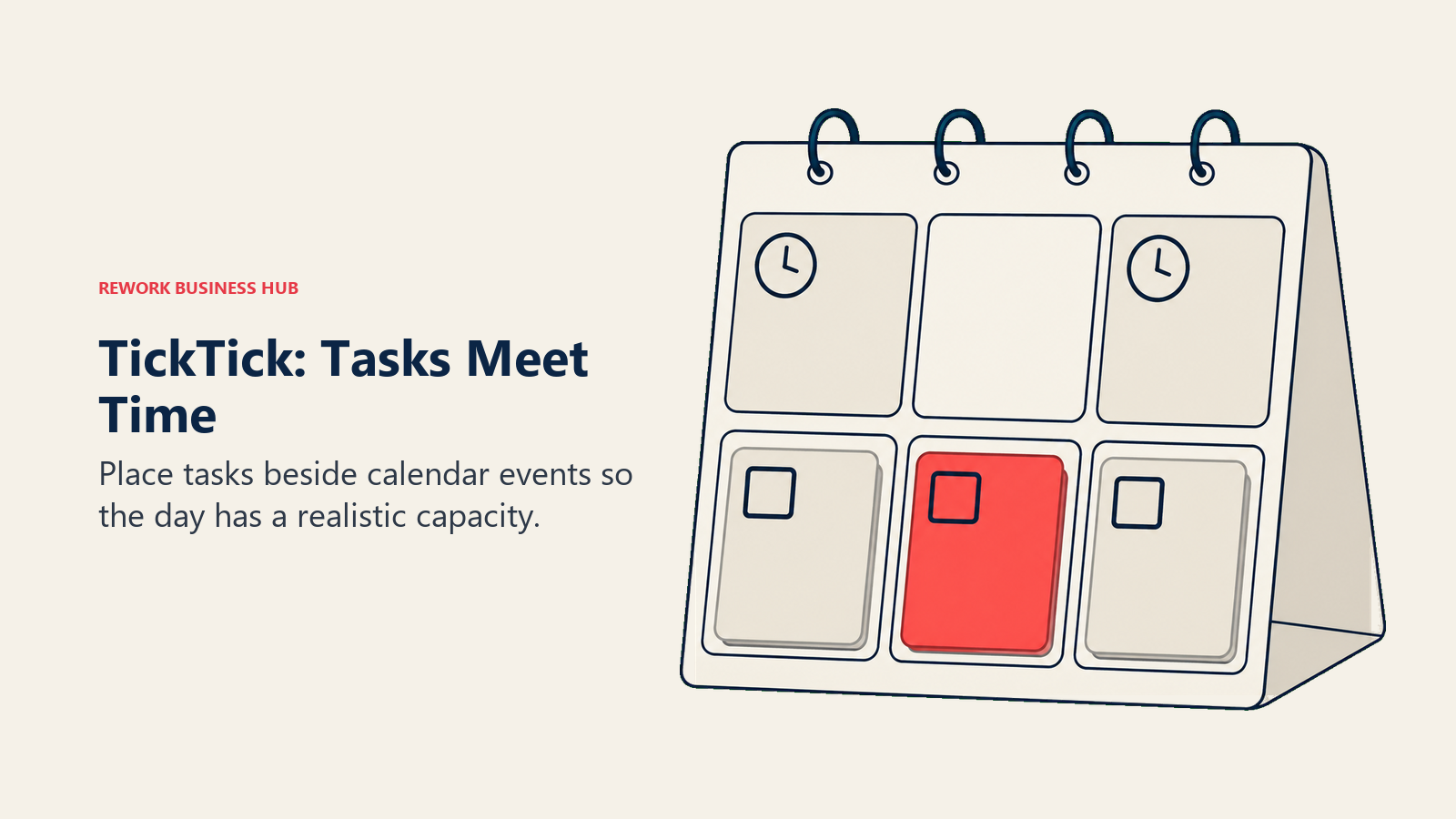
TickTick pushes you toward committing to when, not just what, which suits people who keep finishing the week with a full inbox and no idea where the hours went. It's a strong fit for people who sort by urgency and importance and then want that split to survive contact with an actual calendar.
Sizing is the honest limit. TickTick has no team or business tier at all, and the free plan caps shared members at two per list. You can collaborate, but you cannot administer, report, or provision. Treat it as a one to three person tool and you'll be happy; try to run a department in it and you'll be back here in a quarter. For the step up, see best TickTick alternatives.
| What you get | What you don't |
|---|---|
| Calendar with tasks and events in one view | Any team or business tier |
| Built in Pomodoro timer and habit tracker | Admin controls, SSO, or provisioning |
| Natural language input close to Todoist's | Dependencies or timeline planning |
| Custom smart lists and calendar widgets | Meaningful reporting |
| Genuinely usable free plan for one person | More than 2 shared members per list on free |
Pricing: Free covers 9 lists, 99 tasks per list, 2 shared members per list, and 1 attachment a day (10 MB max), list view only. Premium lists at $49.99/year, and TickTick regularly runs a discounted offer at $35.99/year, which works out to roughly $3.00 a month at the discounted annual rate. The App Store also carries a $3.99/month option. Premium raises the caps to 299 lists, 999 tasks per list, and 29 shared members, and unlocks every calendar view.
Best for: Individuals who plan in a calendar and want tasks, focus timer, and habits in one app. Not ideal for: Teams of any real size. There is no tier built for you.
3. Asana: The Standard for Cross-Functional Project Work
Asana is what most companies mean when they say "we need a proper project tool." It handles the structure that task managers skip: projects with multiple views, sections and subtasks, dependencies, milestones, portfolios, and goals that roll up to something an executive will read.
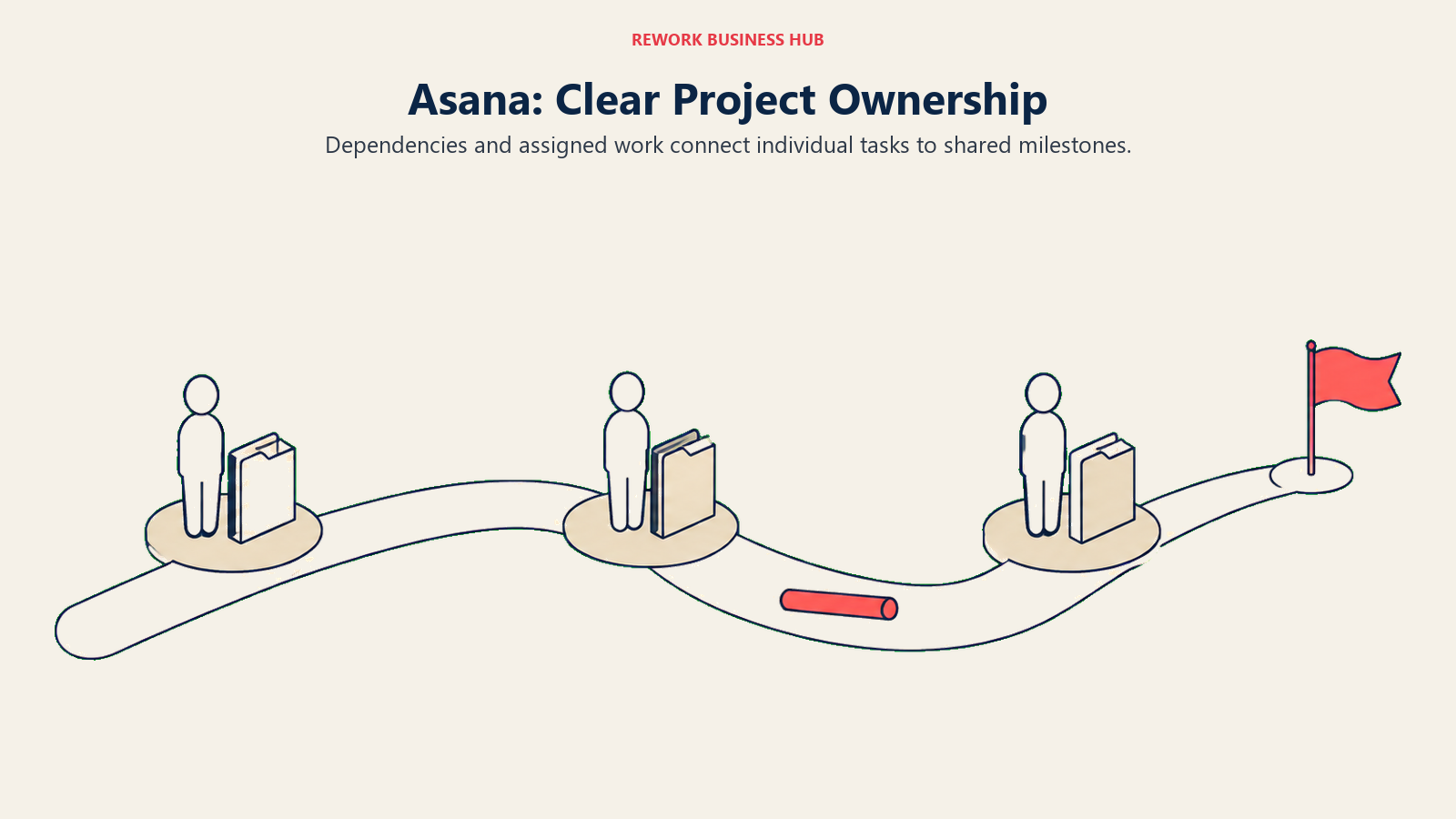
The philosophy is clarity of ownership. Every task has one assignee and one due date, on purpose, which is why cross-functional work tends to survive in Asana when it dissolves in a shared doc. That opinionated stance is also why some teams find it rigid.
Here's the part almost every comparison article still gets wrong: Asana's free Personal plan now says up to 2 users can collaborate for free. Not 10, not 15. If you found this page after reading that Asana's free tier covers a team of fifteen, that guidance is out of date, and the difference decides whether Asana is a free pilot or a paid rollout on day one. Check it yourself on the pricing page before you plan around it.
Sizing and stage fit: 10 to 500 people, best from 20 up. Below ten it's more structure than most teams will maintain. For the head to head against a consolidated ops platform, see Rework vs Asana.
| What you get | What you don't |
|---|---|
| Dependencies, milestones, and portfolios | A free plan that covers a real team |
| Goals that connect work to outcomes | Built in CRM or lead data |
| Rules based automation without code | Cheap entry pricing |
| Timeline, board, list, and calendar views | A lightweight personal inbox feel |
| Strong admin, permissions, and reporting | Native docs as good as Notion's |
Pricing: Personal is free and states that up to 2 users can collaborate for free. Starter is $10.99/user/month billed annually or $13.49 billed monthly. Advanced is $24.99/user/month billed annually or $30.49 billed monthly. Enterprise and Enterprise+ are contact sales.
Best for: Cross-functional teams of 10 to 500 who need dependencies, goals, and reporting that hold up under scrutiny. Not ideal for: Small teams hoping to run free. The free plan is a two person trial, not a team plan.
4. ClickUp: Maximum Configurability for the Money
ClickUp's pitch is that you should not need five tools, and it backs that up with a feature surface nothing else here matches at the price: tasks, docs, whiteboards, goals, dashboards, time tracking, forms, and a sprawling automation builder.
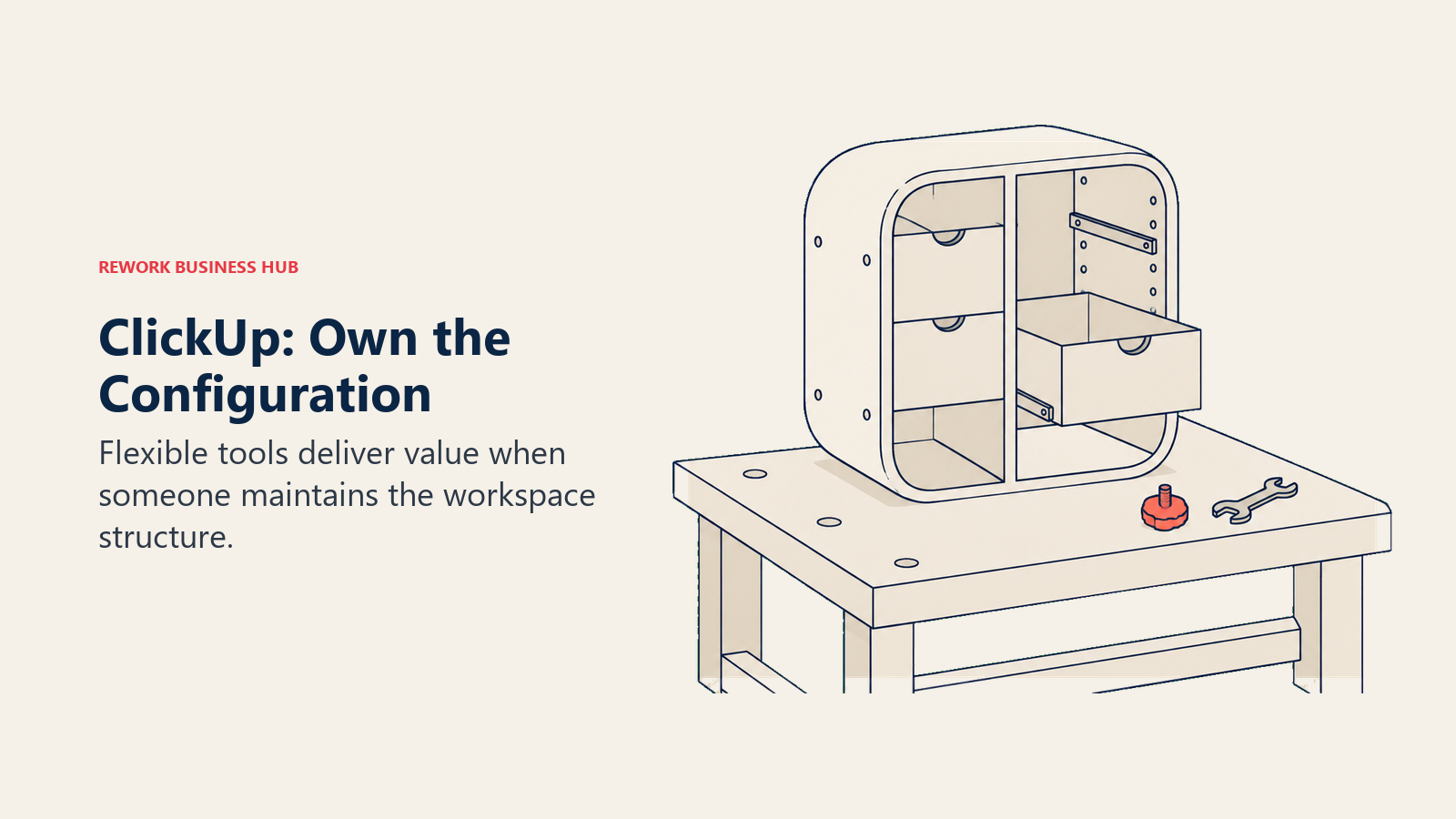
That's also the catch. ClickUp gives you a workshop, not a finished piece of furniture. Teams that assign a real owner to configure it get an enormous amount of value for $7 a seat. Teams that roll it out without one end up with fourteen status names, three competing hierarchies, and a group of people quietly using a spreadsheet again. The tool is not the problem in that scenario, but the tool does make the problem easy to create.
Sizing and stage fit: 5 to 200, sweet spot around 15 to 80. It's most compelling for agencies and ops teams with genuinely varied workflows, and least compelling for a team that wants one board and no decisions. If you're comparing the consolidation argument specifically, Rework vs ClickUp covers where an opinionated platform beats a configurable one.
| What you get | What you don't |
|---|---|
| Huge feature surface at a low seat price | A fast, opinionated default setup |
| Custom statuses, fields, and task types | A calm interface out of the box |
| Docs, whiteboards, goals, and dashboards | Predictable AI pricing without add ons |
| Deep automation without code | Light weight for a five person team |
| Generous free tier with unlimited tasks | Storage on free beyond 60MB |
Pricing: Free Forever includes unlimited tasks, unlimited free plan members, 60MB storage, and 1 form. Unlimited is $7/user/month billed yearly or $10/user/month billed monthly. Business is $12/user/month billed yearly or $19/user/month billed monthly. ClickUp Brain is a $9/user/month add on, and Everything AI is $28/user/month. Enterprise is contact sales.
Best for: Ops-minded teams of 15 to 80 with varied workflows and someone willing to own the configuration. Not ideal for: Small teams who want a tool that is already decided for them.
5. Things 3: The Best Single-User Experience Ever Shipped
Things 3 is not trying to compete with anything else on this page. It's a single user, Apple only task manager built by a small studio that has spent more than a decade on details most vendors would consider finished.
The philosophy is straightforward GTD without the tax. There's no collaboration, no comment thread, no assignee field, no reporting. That's not an oversight, it's the product. If you want the version of this software with other people in it, buy something else.
Sizing and stage fit: exactly one person, on Apple hardware. Consultants, designers, writers, and executives who run their own week tend to love it. Anyone who needs to hand work to someone else will hit the wall immediately.
Pricing is the other thing that sets it apart. Things 3 is a one time purchase per platform rather than a subscription, which over five years makes it the cheapest tool here by a wide margin, provided you never need a second person in it.
| What you get | What you don't |
|---|---|
| The most polished single user UX in the category | Any collaboration at all |
| One time purchase, no subscription | Windows, Android, or web access |
| Excellent keyboard driven macOS app | Reporting, dashboards, or admin |
| Fast, reliable local first sync | Integrations beyond calendar and reminders |
| Calm interface that stays calm at scale | Recurring updates on a subscription cadence |
Pricing: Sold separately per platform as a one time purchase, $9.99 for iPhone on the US App Store. Mac, iPad, and Vision are sold as separate purchases. A free trial is available for the Mac app from culturedcode.com.
Best for: One person on Apple hardware who wants the calmest, fastest personal system available. Not ideal for: Literally any team. There is no multiplayer mode, at any price.
6. Rework: Tasks That Live Inside Your Actual Processes
Every tool above this line treats a task as a self contained item: a title, a date, an owner. Rework treats a task as one step inside a process that already has a customer, a deal, an approver, and a next stage attached to it. That is the whole difference, and it decides whether Rework is obviously right for you or obviously wrong.
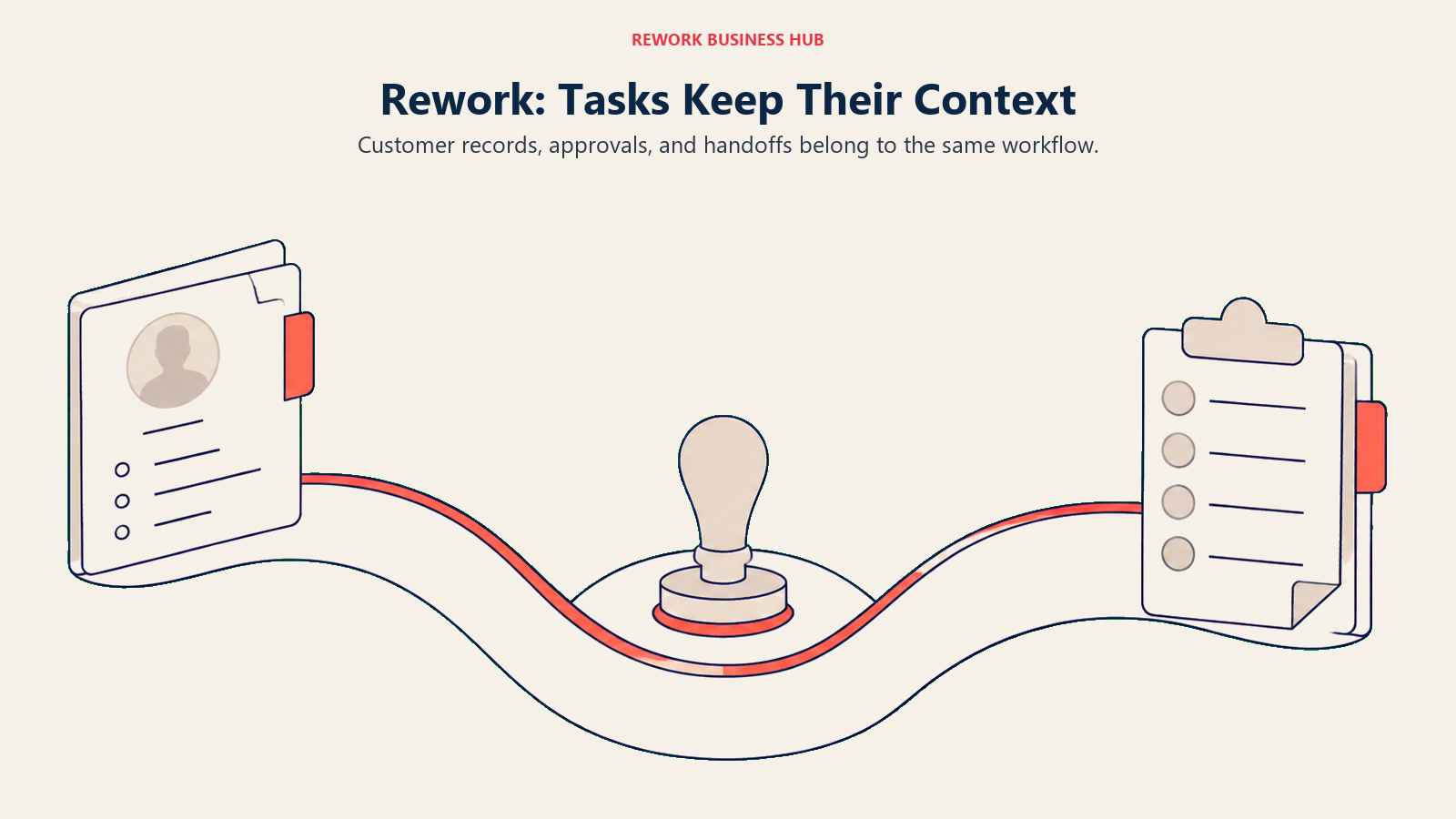
Rework is a Work Ops platform rather than a blank canvas. Instead of handing you an empty workspace and a builder, it ships opinionated cross-team workflows: intake, assignment, approval, handoff, and reporting, with tasks connected to CRM records and lead operations in the same workspace. When a deal closes, onboarding work starts without anyone re-keying it. When a request needs a manager's sign off, the approval is part of the task, not an email next to it. Teams that reach for this are usually paying the tax the true cost of software sprawl describes: a task tool, a CRM, and a forms-and-approvals workaround that nobody owns.
Sizing and stage fit: roughly 10 to 200 people, strongest from 25 up, and strongest again when more than one department touches the same work. Below ten people the process layer is heavier than the problem. Rework also has no free tier, which rules it out of a zero budget pilot.
| What you get | What you don't |
|---|---|
| Tasks connected to CRM and lead ops | A personal task manager for one user |
| Opinionated cross-team workflows and approvals | A blank canvas you design yourself |
| One workspace instead of three logins | A free plan of any kind |
| Engine pricing with seats in blocks of 5, not per seat | The lightest possible kanban board |
| Multi-view task work plus ops reporting | Apple style single user polish |
Pricing: The Process Engine (workflows, approvals, requests and task service) is $99/month billed yearly ($1,188/year), or $120 month to month, with 5 work seats included. Extra seats come in blocks of 5 at $13/month per block on yearly billing, so 25 seats run $1,812/year and 50 seats $2,592/year. There is no free tier, only a 14-day free trial (rework.com/pricing).
Best for: Teams of roughly 10 to 200 where tasks belong to customers and processes, not just to individuals. Not ideal for: Solo users, and teams who only want a kanban board. Rework is a heavier answer than that question deserves.
7. Notion: Build Exactly the System You Want, Then Maintain It
Notion is the opposite bet from Rework. Where Rework hands you decided processes, Notion hands you databases, relations, filters, and views, and trusts you to build the system. In the right hands that produces something better than any off the shelf tool, because it matches how your team actually works instead of how a vendor assumed you work.
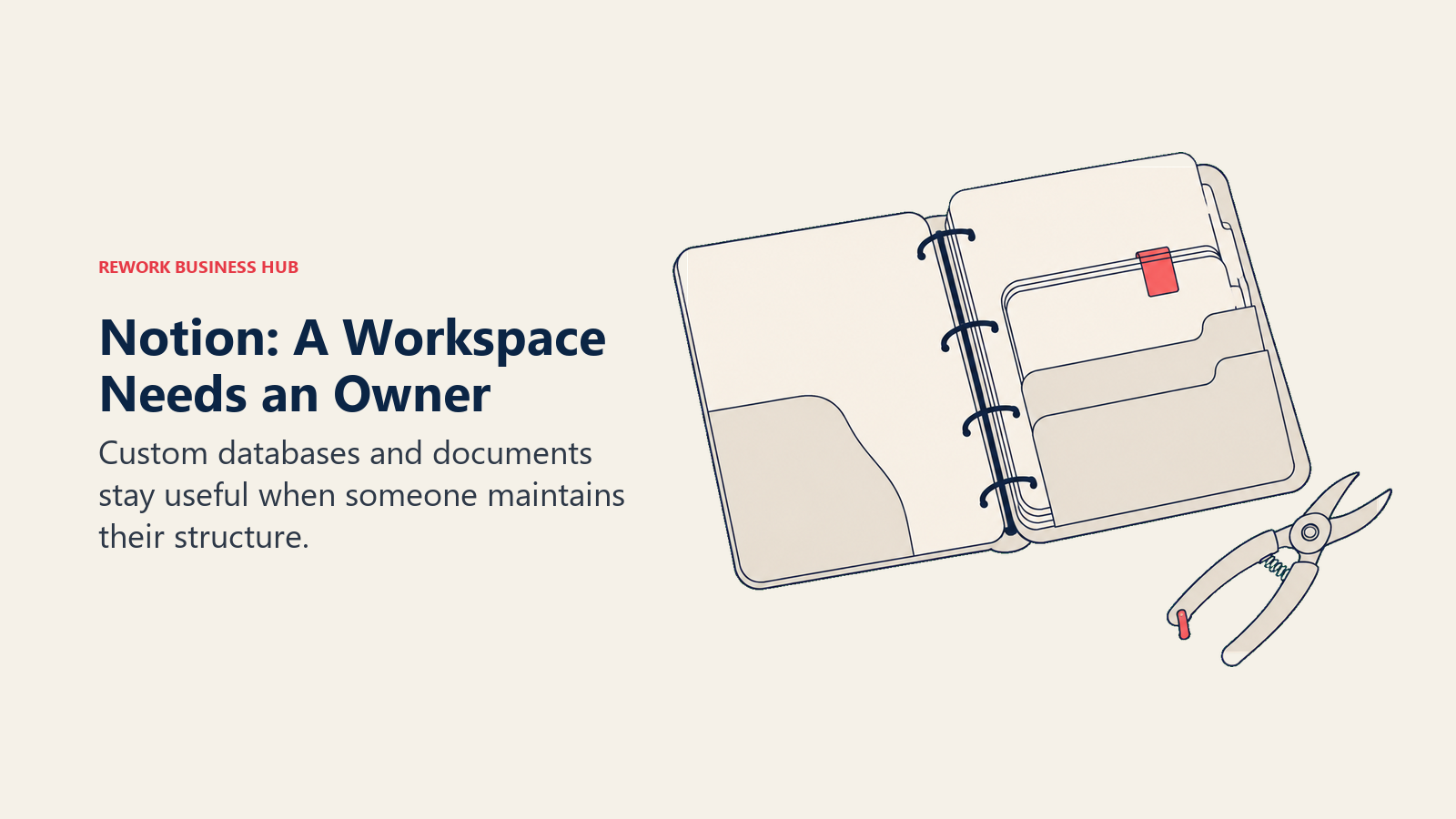
The philosophy is documents and data in one place. The task layer is real: assignees, dates, statuses, rollups, and linked databases all work well.
The cost is maintenance. A Notion workspace without an owner drifts within about two quarters, and search gets slow to trust once nobody is pruning. It also lacks the guardrails a manager wants: no native workload view, no dependency engine, and permissions that need thought at scale. Sizing and stage fit: 3 to 100, best from 10 to 50, with someone explicitly accountable for structure. For the consolidation comparison, see Rework vs Notion.
| What you get | What you don't |
|---|---|
| Docs, databases, and tasks on one canvas | Guardrails that prevent workspace drift |
| Relations, rollups, and custom views | A native workload or capacity view |
| Enormous template ecosystem | A dependency engine |
| Fast adoption in doc-first teams | Ops reporting without manual building |
| Solid free plan for individuals | Structure without an accountable owner |
Pricing: Free plan available. Plus is $10/member/month annual (monthly runs higher), and Business is $20/member/month annual, with Enterprise custom. Notion states you save up to 20% with yearly billing. The Custom Agents add on is free to try, then $10 per 1,000 monthly Notion credits.
Best for: Doc-first teams of 10 to 50 with an owner who will maintain the structure. Not ideal for: Teams who want the process decided for them, or managers who need workload views on day one.
8. Trello: The Fastest Board Anyone Will Actually Adopt
Trello is the lowest adoption risk on this list. Cards, lists, drag and drop, done. A team of six can be genuinely productive in it fifteen minutes after signup, with no training and no configuration meeting.
The philosophy is visible work. Trello is kanban rendered as literally as possible: work moves left to right, and the pile in the middle column is the conversation you need to have. Power-Ups add calendar, timeline, and automation via Butler, which covers more ground than critics expect.
The limits show up at scale, not at speed. Cross-board reporting is thin, there's no real dependency logic, and once you're past roughly thirty people the boards multiply faster than anyone maintains them. Free is also tighter than it used to be: up to 10 boards and 10 collaborators per Workspace. Sizing and stage fit: 2 to 30, sweet spot around 5 to 15.
| What you get | What you don't |
|---|---|
| The fastest adoption curve in the category | Cross-board portfolio reporting |
| Butler automation with no code | Dependency or critical path logic |
| Power-Ups for calendar and timeline | Workload management |
| Clean mobile experience | A structure that survives 30-plus people |
| Usable free tier for a small team | More than 10 boards per free Workspace |
Pricing: Free covers up to 10 boards per Workspace and up to 10 collaborators per Workspace. Standard is $5/user/month annual or $6 billed monthly. Premium is $10/user/month annual or $12.50 billed monthly. Enterprise is $17.50/user/month annual ($210.00 annual price per user).
Best for: Teams of 5 to 15 who want visible work today with zero setup cost. Not ideal for: Anyone who needs to report across many projects or manage capacity.
9. monday.com: Dashboards Your Manager Will Actually Open
monday.com sells the same idea as ClickUp with a different personality. Where ClickUp gives you a toolkit, monday.com gives you a bright, opinionated board and then makes the reporting on top of it unusually good. Dashboards are the reason most teams stay: pull in a few boards, drop in widgets, and a department lead gets a live view without asking anyone for a status update.
The philosophy is that work should be visible without being interpreted. Columns are typed (status, people, date, numbers, formula), so a board is really a spreadsheet with guardrails, and automations move items when a column changes.
The friction is commercial rather than technical. Seats are sold in tiers, the free plan stops at two seats, and features you assumed were standard, like time tracking and dependency columns, sit on higher plans. Budget the tier you'll actually need rather than the entry price. Sizing and stage fit: 10 to 300, sweet spot 20 to 100. If the tier math stops working, best monday alternatives covers where teams go instead.
| What you get | What you don't |
|---|---|
| Dashboards that non-users understand instantly | A meaningful free plan (2 seats) |
| Typed columns and no-code automations | Flat pricing as the team grows |
| Fast adoption in marketing and ops | Advanced features on the entry tier |
| Strong integrations and an app marketplace | Deep document editing |
| Good mobile and guest access | A lightweight personal task view |
Pricing: Free covers up to 2 seats. Basic is $9/seat/month, Standard is $12/seat/month, and Pro is $19/seat/month, all billed annually. Monthly billing runs higher than the annual rates shown here.
Best for: Ops and marketing teams of 20 to 100 who need live dashboards without building them in code. Not ideal for: Anyone hoping the entry tier includes the feature they saw in the demo.
10. Motion: Let an Algorithm Own Your Calendar
Motion's premise is that the hard part is not writing the task down, it's deciding when to do it. So it takes your tasks, their deadlines and durations, and your existing meetings, then schedules the work into real calendar blocks and reshuffles automatically when the day falls apart. For people whose calendar is the actual constraint, that's a categorical improvement over a list.
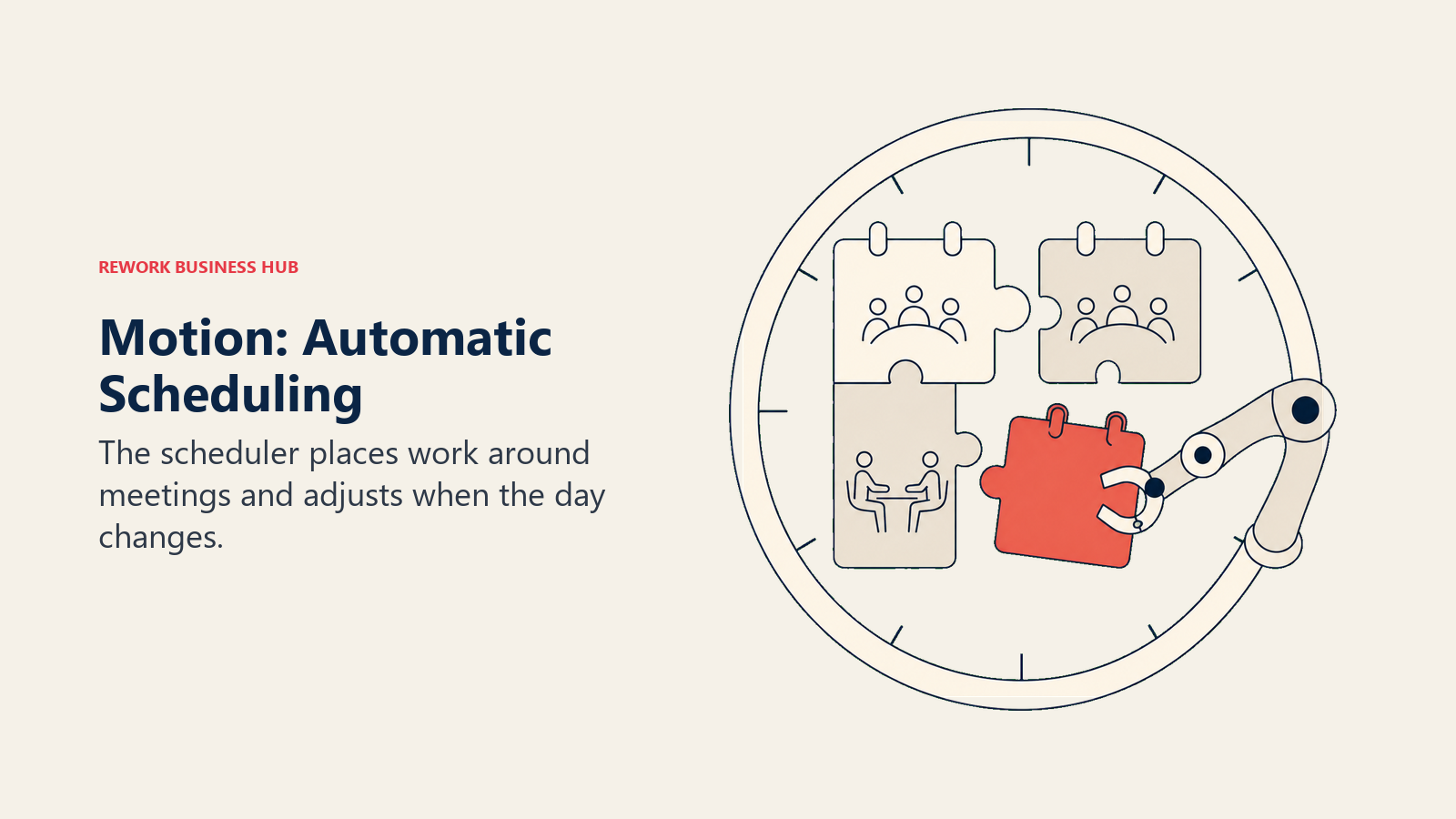
The trade is control. You are handing the sequencing decision to a scheduler, and some people find that liberating while others fight it for two weeks and quit.
Worth knowing for anyone shopping this corner of the market: Clockwise, the best known calendar-optimization tool alongside Motion, was acquired by Salesforce and shut down on 27 March 2026, roughly a week after the deal. User data was deleted and nothing transferred over, so the field of serious auto-scheduling options is smaller now than the older comparison articles suggest. Best Motion alternatives covers who's left.
Sizing and stage fit: 1 to 25, strongest for executives, founders, and consultants with meeting-heavy calendars.
| What you get | What you don't |
|---|---|
| Automatic scheduling of tasks into calendar slots | Any free plan |
| Rescheduling when the day changes | Control over exact sequencing |
| AI projects, docs, and meeting handling | A low entry price |
| Combined task and meeting workload view | Ops or CRM reporting |
| Apps on iOS, Android, and desktop | A published trial length |
Pricing: Pro AI is $19/seat/month with 7,500 credits per seat per month. Business AI is $29/seat/month with 15,000 credits, adding capacity planning, advanced dashboards, timeline and Gantt, time tracking, and permissions. Annual billing is advertised at 33% off. There is no free plan, only a free trial.
Best for: Meeting-heavy individuals and small teams who want the scheduling decision made for them. Not ideal for: Anyone who wants to control their own order of work, or who needs a free tier.
11. Sunsama: A Daily Planning Ritual, Not a Bigger Backlog
Sunsama is the only tool here that actively tries to stop you adding things. Each morning it walks you through a planning session: pull in tasks from your other tools, estimate how long each will take, and stop when the day is full. The point is a realistic day, not a complete inventory of everything you have ever agreed to.
That opinionated ritual is either the reason you love it or the reason you bounce off it in week one. It integrates with the tools where work already lives, including Asana, Trello, Notion, and email, and treats itself as the daily layer on top rather than the system of record.
The commercial position is unusually clear. Sunsama says on its own pricing page that it does not have a free forever plan and does not plan to, and it frames the cost as roughly a dollar per workday. That honesty cuts both ways: you cannot trial it for free indefinitely, but you also know exactly what you're buying. Sizing and stage fit: 1 to 5, effectively a single-user tool with light sharing. Best Sunsama alternatives covers the cheaper and free-tier options.
| What you get | What you don't |
|---|---|
| Guided daily planning with time estimates | Any free plan, now or later |
| Pulls tasks from the tools you already use | Team project management |
| Calendar and tasks in one daily view | Dashboards or manager reporting |
| Weekly review built into the flow | A fast capture-everything inbox |
| Deliberate pace that fights overcommitment | A cheap entry point |
Pricing: Pro is $17 per month billed yearly, or $22 per month billed monthly. There is a 14-day free trial with no credit card required, and Enterprise is contact us. Sunsama has no free forever plan and states it does not plan to add one.
Best for: Individuals and founders who overcommit and want a planning ritual that forces realism. Not ideal for: Teams needing shared projects, and anyone who needs to evaluate on a free tier.
12. Superlist: Notes and Tasks Without the Context Switch
Superlist comes from the team behind Wunderlist, and it shows in the details: fast capture, a clean list surface, and a genuine attempt to solve the problem that your notes and your tasks usually live in different apps. A list item can carry a full note, so the meeting write-up and the follow-up action stay in one place instead of drifting apart.
The AI layer is where it differentiates now. Voice AI on the paid tiers turns spoken input into structured items, and the top tier adds AI meeting notes, AI chat, and email and Slack summarization aimed at the collect-and-triage part of the day rather than the do-the-work part.
The honest caveat is maturity. Superlist is a young product on an active release cadence (version 1.57.0 shipped on 14 August 2026), and the integration bench is shallow next to Asana or ClickUp. Treat it as a strong personal and small-team tool rather than the system your operations depend on. Sizing and stage fit: 1 to 20, sweet spot 1 to 8. If you are choosing between it and the note-first end of this market, weigh how much of your work is capture versus coordination.
| What you get | What you don't |
|---|---|
| Notes and tasks in a single item | A deep integration ecosystem |
| Clean, fast interface across platforms | Dependencies or portfolio views |
| Voice AI capture on paid tiers | Enterprise admin depth |
| Unlimited tasks and notes on free | A long track record |
| Unlimited team members on Basic | Manager reporting |
Pricing: Free is $0 per person/month and covers up to 5 private and shared lists (up to 5 people each), unlimited tasks and notes, 25MB uploads, and 500MB storage. Basic is $5 per person/month ($59 yearly) with unlimited lists and team members, Voice AI, and all integrations. Super is $21 per person/month ($249 yearly), adding unlimited AI meeting notes, AI chat, and email and Slack summarization.
Best for: Individuals and small teams who want notes and tasks in the same place without a heavy platform. Not ideal for: Teams that need integrations, reporting, or a long stability track record.
13. Microsoft To Do: Free, Competent, and Already Installed
Microsoft To Do is the rebuilt Wunderlist inside the Microsoft ecosystem, and its main argument is arithmetic. If your company already pays for Microsoft 365, To Do costs nothing extra and is already provisioned for everyone. My Day gives you a clean daily list, flagged Outlook emails appear as tasks automatically, and Planner and Teams assignments show up alongside personal items.
The philosophy is deliberately small. This is a personal list app with good Microsoft plumbing, not a project tool. There are no dependencies, no timelines, no dashboards, and no meaningful reporting. Microsoft's answer for team work is Planner and Project, which are different products with different prices.
Sizing and stage fit: 1 to 10, and only where Microsoft is already the standard. Outside that ecosystem there is no reason to choose it over Todoist or TickTick. The single strongest case for it: an organization that wants everyone using something rather than nothing, at zero incremental cost.
| What you get | What you don't |
|---|---|
| Free with a Microsoft account | Project management of any kind |
| Deep Outlook and Teams integration | Dependencies, timelines, or dashboards |
| Flagged emails become tasks automatically | Rich third-party integrations |
| My Day daily planning view | Advanced filtering or saved views |
| Zero rollout cost inside Microsoft 365 | Any reason to use it outside Microsoft |
Pricing: Free with a Microsoft account. It is also bundled with Microsoft 365, where Business Basic is $7.00/user/month paid yearly and higher tiers cost more.
Best for: Microsoft 365 organizations that want a competent personal task list at no extra cost. Not ideal for: Anyone outside the Microsoft ecosystem, or any team needing project structure.
14. Any.do: The Daily Planner for People Who Forget to Plan
Any.do's differentiator is a ritual rather than a feature: a daily planning prompt that walks you through today's list and asks you to decide what actually happens. For people who keep a task app and then never open it, that nudge is the whole value proposition, and it is why Any.do retains users who bounced off more powerful tools.
Beyond that, it's a competent list app with calendar views, reminders, and device sync, plus two plan shapes most competitors skip: a Family plan covering four members and a Teams plan with shared boards and workflows.
Read the free plan carefully before you commit. Personal is free forever, but recurring tasks, AI features, and location reminders sit behind Premium, and recurring tasks are the feature most people assume is free. Sizing and stage fit: 1 to 10, sweet spot 1 to 4.
| What you get | What you don't |
|---|---|
| Daily planner prompt that builds the habit | Recurring tasks on the free plan |
| Calendar, reminders, and device sync | Location reminders on free |
| Family plan for four members | Dependencies or timelines |
| Teams plan with shared boards | Manager grade reporting |
| Clean apps on every platform | AI features without paying |
Pricing: Personal is free forever. Premium is $4.99/month billed annually or $7.99/month billed monthly. Family is $8.33/month for 4 members billed annually or $9.99/month billed monthly. Teams is $4.99/member/month billed annually or $7.99/member/month billed monthly.
Best for: Individuals and families who need a daily prompt to actually plan the day. Not ideal for: Teams past about ten people, and anyone who needs recurring tasks without paying.
15. Google Tasks: The Minimum Viable List, Where You Already Are
Google Tasks exists for one reason: it's already in the sidebar of Gmail and Google Calendar, and tasks with dates appear directly on the calendar grid. If your working day is email and calendar, that placement beats a better app you have to remember to open.
Everything else is a compromise. There are no priorities, no tags, no filters, no natural language parsing, no attachments, and no collaboration. You get lists, items, subtasks, dates, and a repeat option.
That's still the right answer for a specific person: a Google Workspace user who wants somewhere to put six things, and who would otherwise put them in a draft email to themselves. Sizing and stage fit: 1 to 5, and strictly personal. For anything beyond that, start one row up in the decision framework below.
| What you get | What you don't |
|---|---|
| Free with a Google account | Priorities, tags, or filters |
| Lives inside Gmail and Google Calendar | Collaboration or assignment |
| Tasks appear on the calendar grid | Natural language input |
| Simple subtasks and repeat options | Attachments or rich notes |
| Nothing to install or roll out | Any reporting at all |
Pricing: Free with a Google account.
Best for: Google Workspace users who want the least possible tool, in the place they already work. Not ideal for: Anyone managing more than a handful of items, or anyone working with other people.
What Changed in Task Management in 2026
Four of the assumptions people carry into this category are now wrong. If you last shopped eighteen months ago, check these before you build a budget.
| What changed | What it means for you |
|---|---|
| Todoist raised annual prices in December 2025 (Pro from $4 to $5, Business from $6 to $8) | Any comparison still quoting $4 for Pro is stale. Budget $60 per user per year for Pro, $96 for Business. |
| Asana's free Personal plan now states that up to 2 users can collaborate for free | A free Asana pilot is a pair, not a department. Plan on Starter at $10.99/user/month billed annually from day one. |
| TickTick lists Premium at $49.99/year and regularly runs a discounted offer at $35.99/year | The number you see depends on when you land on the page. Quote the list price internally so nobody budgets a promotion as permanent. |
| Clockwise shut down on 27 March 2026, about a week after Salesforce acquired the team | The automatic-scheduling field is smaller than older roundups suggest. User data was deleted rather than migrated, so verify export options before you standardize on any scheduler. |
| AI moved from bundled feature to separate line item | ClickUp Brain is a $9/user/month add on and Everything AI is $28/user/month. Notion's Custom Agents are free to try, then $10 per 1,000 monthly credits. Compare plan plus AI, not the sticker price. |
How to Choose: Decision Framework
| If you need... | Pick this |
|---|---|
| The fastest capture for a personal system | Todoist |
| Tasks and calendar in one timeline, solo | TickTick |
| Cross-functional projects with dependencies and goals | Asana |
| Maximum configurability at the lowest seat price | ClickUp |
| The most polished single-user app on Apple hardware | Things 3 |
| Tasks connected to CRM, lead ops, and approvals | Rework |
| Docs, databases, and tasks on one canvas you design | Notion |
| A board a small team adopts in fifteen minutes | Trello |
| Dashboards a department head reads without asking | monday.com |
| Your calendar scheduled for you, automatically | Motion |
| A daily ritual that stops you overcommitting | Sunsama |
| Notes and tasks living in the same item | Superlist |
| Zero extra cost inside Microsoft 365 | Microsoft To Do |
| A daily planning nudge for you or your family | Any.do |
| The absolute minimum, inside Gmail | Google Tasks |
The Three Questions That Actually Decide This
Feature lists will not settle it, because most of these tools do the basics equally well. Three questions will.
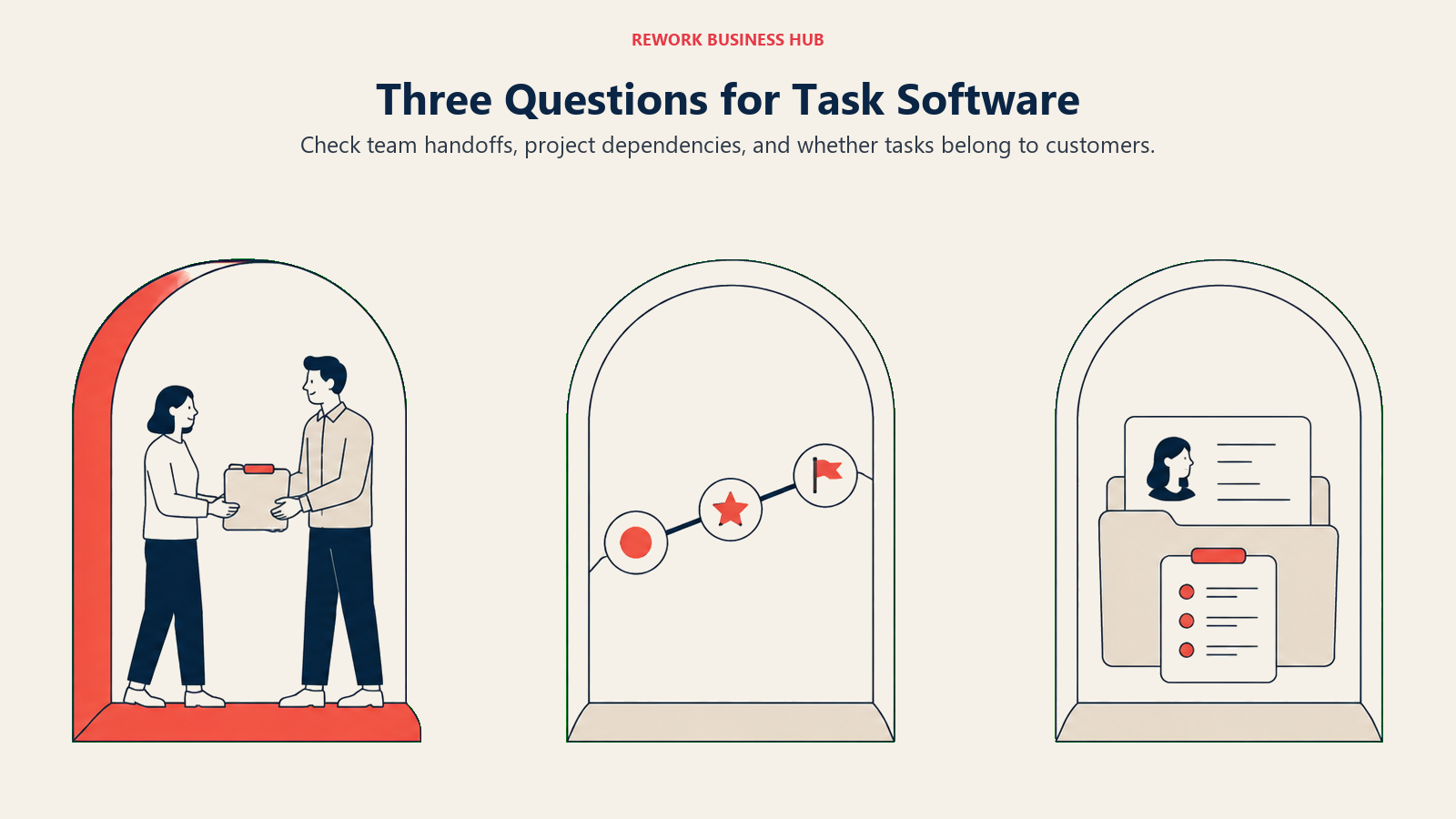
How many people, and do they hand work to each other? One person can pick anything on this list and be fine. The moment work moves between people, half the list drops out. Things 3 has no collaboration at all. TickTick and Sunsama have no team tier worth the name. Google Tasks and Microsoft To Do stop at personal lists. That leaves Todoist and Trello for small teams, and Asana, ClickUp, monday.com, Notion, and Rework once you need assignment plus reporting.
Are you managing tasks or managing work? Task management is a list with owners and dates. Work management adds dependencies, workload, and the question of whether the plan is even possible. If your projects have a sequence that matters, you need the second category, and the roundup of project management software for 2026 is the better shopping list.
Do your tasks belong to something else? This is the question most buyers skip and most regret. If a task is really a step in onboarding a customer, approving a request, or working a lead, then a standalone task manager will always need a second system beside it, plus a person to keep the two in sync. That is the gap Rework closes, and it is the only honest reason to step up from a per-seat task manager to a packaged platform.
Frequently Asked Questions about Task Management Software
What is the best task management software in 2026?
There isn't a single winner because the tools solve different jobs. Todoist, Things 3, and TickTick lead for solo work. Trello and Superlist lead for small teams. Asana, ClickUp, and monday.com lead for growth-stage project work. Rework leads when tasks need to sit inside CRM, lead ops, and approval processes rather than in a standalone list.
What is the best free task management software?
Google Tasks and Microsoft To Do are free with an existing Google or Microsoft account. ClickUp's Free Forever plan is the most capable free team option, with unlimited tasks and unlimited free plan members. Trello's free plan covers up to 10 boards and 10 collaborators per Workspace. Note that Rework has no free tier at all, and Sunsama and Motion have none either.
Does Asana's free plan still cover a whole team?
No. Asana's Personal plan now states that up to 2 users can collaborate for free. Older articles claiming 10 or 15 free users are out of date. If you need more than two people, the entry paid tier is Starter at $10.99/user/month billed annually, or $13.49 billed monthly.
How much does TickTick Premium cost?
TickTick lists Premium at $49.99 per year, and the site regularly runs a discounted offer at $35.99 per year, which works out to roughly $3.00 a month at the discounted annual rate. The App Store also carries a $3.99 monthly option. TickTick has no team or business tier, so the price is per person with no volume path.
What is the difference between task management and project management software?
Task management tracks individual items with owners, dates, and statuses. Project management adds the relationships between items: dependencies, sequencing, milestones, workload, and portfolio views across many projects at once. Todoist, TickTick, Things 3, Microsoft To Do, Any.do, and Google Tasks are task managers. Asana, ClickUp, monday.com, and Rework handle project and work management.
What is the best task management software for a team of 10 to 50?
Asana if you need dependencies, goals, and reporting. ClickUp if you want maximum configurability at $7/user/month billed yearly and have someone to own the setup. monday.com if dashboards matter most. Rework if your tasks connect to customers, leads, and approvals, in which case the Process Engine is $99/month billed yearly with 5 seats included, plus $13/month for each extra block of 5 seats.
Is there still a good automatic scheduling tool now that Clockwise is gone?
Clockwise shut down on 27 March 2026 after Salesforce acquired the team, and user data was deleted rather than transferred. Motion is the main remaining option built around auto-scheduling tasks into calendar slots, at $19/seat/month for Pro AI with annual billing advertised at 33% off. Sunsama covers the same job differently, through a guided daily planning ritual rather than an algorithm.
How much should I budget per person for task management software?
For a personal tool, roughly $5 to $17 a month depending on how much scheduling help you want, from Todoist Pro at $5 per user/month billed yearly up to Sunsama at $17 per month billed yearly. For team plans, the entry tiers run from ClickUp Unlimited at $7/user/month billed yearly to Asana Starter at $10.99/user/month billed annually. Rework is the exception to per-seat math: it sells engines with seats in blocks of 5, starting at $99/month billed yearly for 5 seats.
What to Do Next
Shortlist two tools, not five, and pick them from different rows of the decision framework rather than two variations of the same idea. Comparing Todoist against TickTick tells you very little. Comparing Todoist against Asana tells you which category you're actually in.
Then run both for two weeks on real work. Not a test project, not a migration of everything you own. Take one live piece of work, run it end to end in each tool, and watch which one you still open on day ten without reminding yourself to. That is the only signal that predicts adoption.
If you're a team of ten or more and your tasks keep referring to customers, deals, or approvals that live somewhere else, start with Rework instead. The two-week test there is different: check whether the number of systems your team touches in a day goes down. If it does, the package price is doing work no per-seat task manager can do for you.

Principal Product Marketing Strategist
On this page
- Key Facts
- Quick Comparison Table
- Stage Fit Matrix
- Sizing and Persona Table
- 1. Todoist: The Fastest Way to Get Something Out of Your Head
- 2. TickTick: Tasks and Calendar in the Same Timeline
- 3. Asana: The Standard for Cross-Functional Project Work
- 4. ClickUp: Maximum Configurability for the Money
- 5. Things 3: The Best Single-User Experience Ever Shipped
- 6. Rework: Tasks That Live Inside Your Actual Processes
- 7. Notion: Build Exactly the System You Want, Then Maintain It
- 8. Trello: The Fastest Board Anyone Will Actually Adopt
- 9. monday.com: Dashboards Your Manager Will Actually Open
- 10. Motion: Let an Algorithm Own Your Calendar
- 11. Sunsama: A Daily Planning Ritual, Not a Bigger Backlog
- 12. Superlist: Notes and Tasks Without the Context Switch
- 13. Microsoft To Do: Free, Competent, and Already Installed
- 14. Any.do: The Daily Planner for People Who Forget to Plan
- 15. Google Tasks: The Minimum Viable List, Where You Already Are
- What Changed in Task Management in 2026
- How to Choose: Decision Framework
- The Three Questions That Actually Decide This
- What to Do Next