Unbounce vs Instapage: Seats vs Visitors, and Where the Cheaper Answer Flips in 2026
Turn this article into takeaways for your work.


Each assistant summarizes the article only for you and suggests best practices for your work.
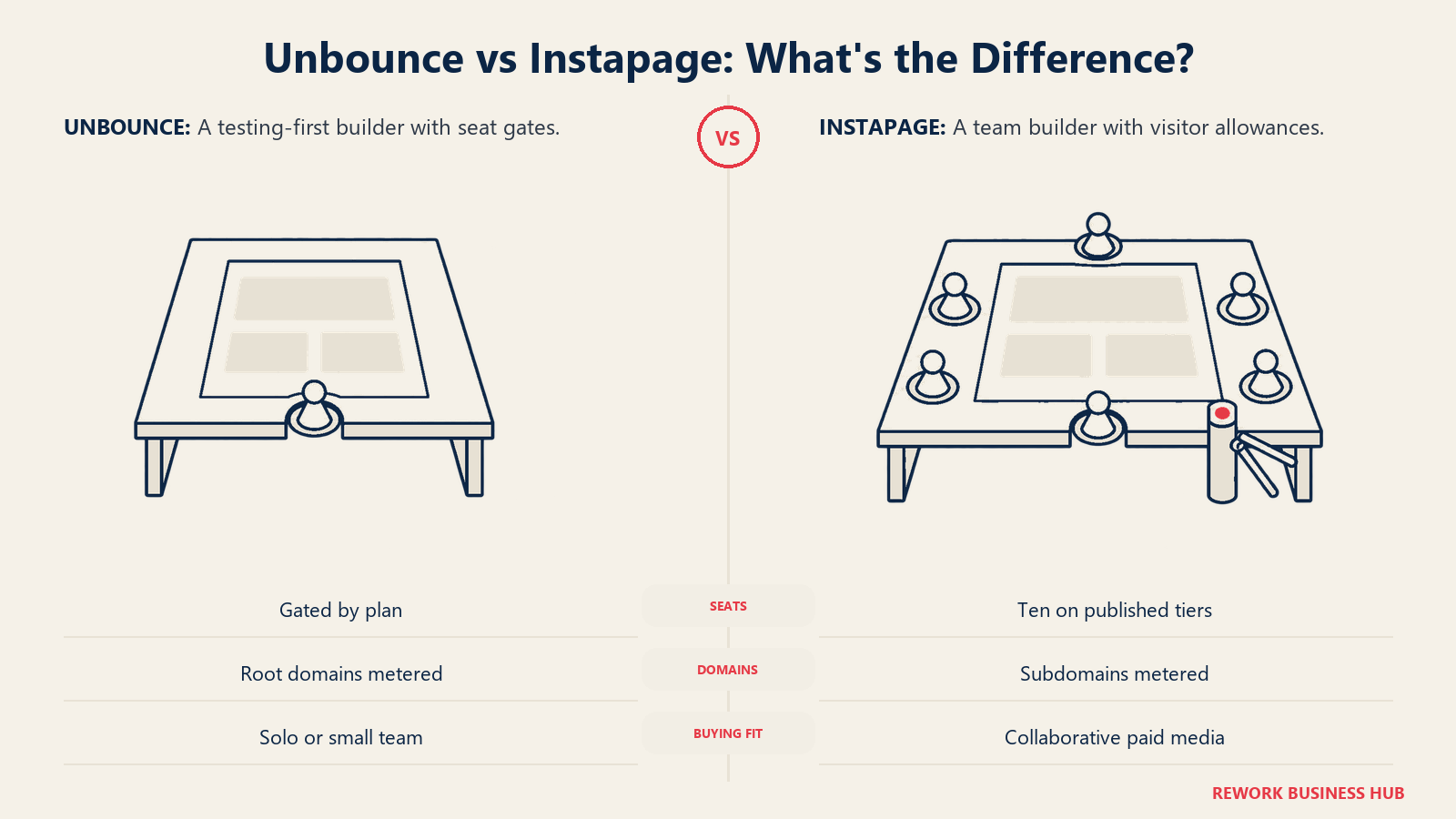
Unbounce and Instapage land on the same shortlist because they do the same job: build a landing page for a paid campaign without waiting on a developer. Compare them on features and you'll come away thinking they're near-identical, because on the page-building side they mostly are. The decision is somewhere else entirely. These two vendors charge you for completely different things, and that single structural difference means a one-person shop and an eight-person team should reach opposite conclusions from the same feature list.
Unbounce meters seats, root domains, and traffic. Its entry plan is genuinely cheap, and it stays capped at one user for two full tiers. Instapage meters unique monthly visitors and subdomains, and it puts 10 team members on every published plan including the entry one. So Unbounce is dramatically cheaper for a solo marketer and Instapage is dramatically cheaper for a team, and the crossover point is not where most buyers assume it is. This comparison is for demand gen, paid media, and marketing ops leads at 10 to 500 person B2B and DTC companies, plus the agencies running their campaigns. Every figure below came from the vendor's own pricing page in September 2026, with monthly versus annual stated explicitly on each one. If you're still scoping the wider field rather than narrowing to these two, our Unbounce alternatives guide compares 14 builders on the same seat-and-traffic basis.
Key Facts
- The median landing page converts at 6.6% across all industries, measured across 57 million conversions, 41,000 landing pages, and 464 million pageviews (Unbounce Conversion Benchmark Report, Q4 2024 dataset).
- SaaS landing pages convert at a 3.8% median, which Unbounce reports as 42% below the 6.6% all-industry baseline (Unbounce SaaS conversion benchmarks).
- Landing page experience is one of only three components Google uses to calculate Quality Score, alongside expected clickthrough rate and ad relevance (Google Ads Help, About Quality Score for Search campaigns).
- A 0.1 second improvement in mobile site speed correlated with an 8.4% lift in retail conversion rates and 9.2% higher consumer spend, across 37 brand sites and more than 30 million sessions (Google, 55 and Deloitte, Milliseconds Make Millions, via web.dev).
- As mobile page load time goes from one second to 10 seconds, the probability of a visitor bouncing increases 123% (Google and SOASTA Research, 2017, via Think with Google).
Unbounce vs Instapage at a Glance
| Factor | Unbounce | Instapage |
|---|---|---|
| What it charges you for | Seats, root domains, and monthly traffic | Unique monthly visitors and subdomains |
| Entry price | $22/mo billed annually, $29/mo billed monthly (Starter) | $79/mo billed annually, $99/mo billed monthly (Create) |
| Users on the entry plan | 1 | 10 |
| Traffic on the entry plan | 500 visits/month | 15,000 unique monthly visitors |
| Where a second seat costs you | Experiment, $112/mo annual, a jump of $90/mo over Starter | Nowhere. 10 members are included on both published tiers |
| Top published tier | Optimize, $187/mo annual, 5 users, 50,000 traffic | Optimize, $159/mo annual, 10 members, 30,000 visitors |
| Above the top published tier | Concierge and Agency, custom quote | Convert, custom quote, demo only |
| Signature feature | Deep A/B and multivariate testing on a mature builder | Heatmaps on every plan plus AdMap ad-to-page matching |
| Free trial | 14 days, no credit card required | 14 days, capped at 2,500 unique visitors, card required |
| Best for | One marketer, one brand, tight budget, real testing depth | A team of three or more, or an agency, running paid pages together |
What Each Tool Is Actually Built For
Unbounce is built around the individual conversion specialist. Its pricing ladder assumes one person owns the pages, and that assumption runs deep: Unbounce's own pricing page puts a single user on Starter and a single user on Build, which means you can spend $888 a year and still have no way to give a colleague a login. The product itself is mature and testing-first. If your job is to take one offer, build six variants, and find out which one wins, Unbounce is designed around exactly that loop.
Instapage is built around the paid media team. Ten team members are included on both of its published tiers, and the feature set follows that assumption: approval workflows, commenting on live page variants, and AdMap, a visual view that connects each Google or Meta ad to the landing page it's supposed to drive so a media buyer can catch a mismatched pair before it burns budget. Heatmaps ship on every plan rather than as an add-on. The trade is that Instapage has no cheap tier at all. Its floor is 15,000 unique monthly visitors, which is a strange fit for a team just starting to run paid traffic, and a great fit for one already spending real money.
| Unbounce | Instapage | |
|---|---|---|
| Core assumption | One person owns the pages | A team collaborates on the pages |
| Ideal company size | Solo through roughly 100 people | 10 to 500 people, plus agencies |
| Ideal buyer | Conversion specialist, growth marketer, solo consultant | Paid media manager, demand gen lead, agency account team |
| Traffic profile it fits | Anything from 500 visits to 50,000, priced in steps | 15,000 visits and up, no cheaper option |
| Where it's strongest | Testing depth and a genuinely low floor | Included seats, ad-to-page mapping, heatmaps as standard |
| Where it's weakest | Seat gating starts immediately and never really stops | No entry point for a small or early campaign program |
| Stage fit | Startup through mature | Growth through mature, rarely a first purchase |
The way to read that table isn't "which product is better." It's "which constraint will I hit first." If you'll hit a seat limit before a traffic limit, Instapage's pricing was designed for you. If you'll hit a traffic limit first, Unbounce's was. Most teams know the answer immediately, and it decides more here than any feature does.
What Each Vendor Actually Meters
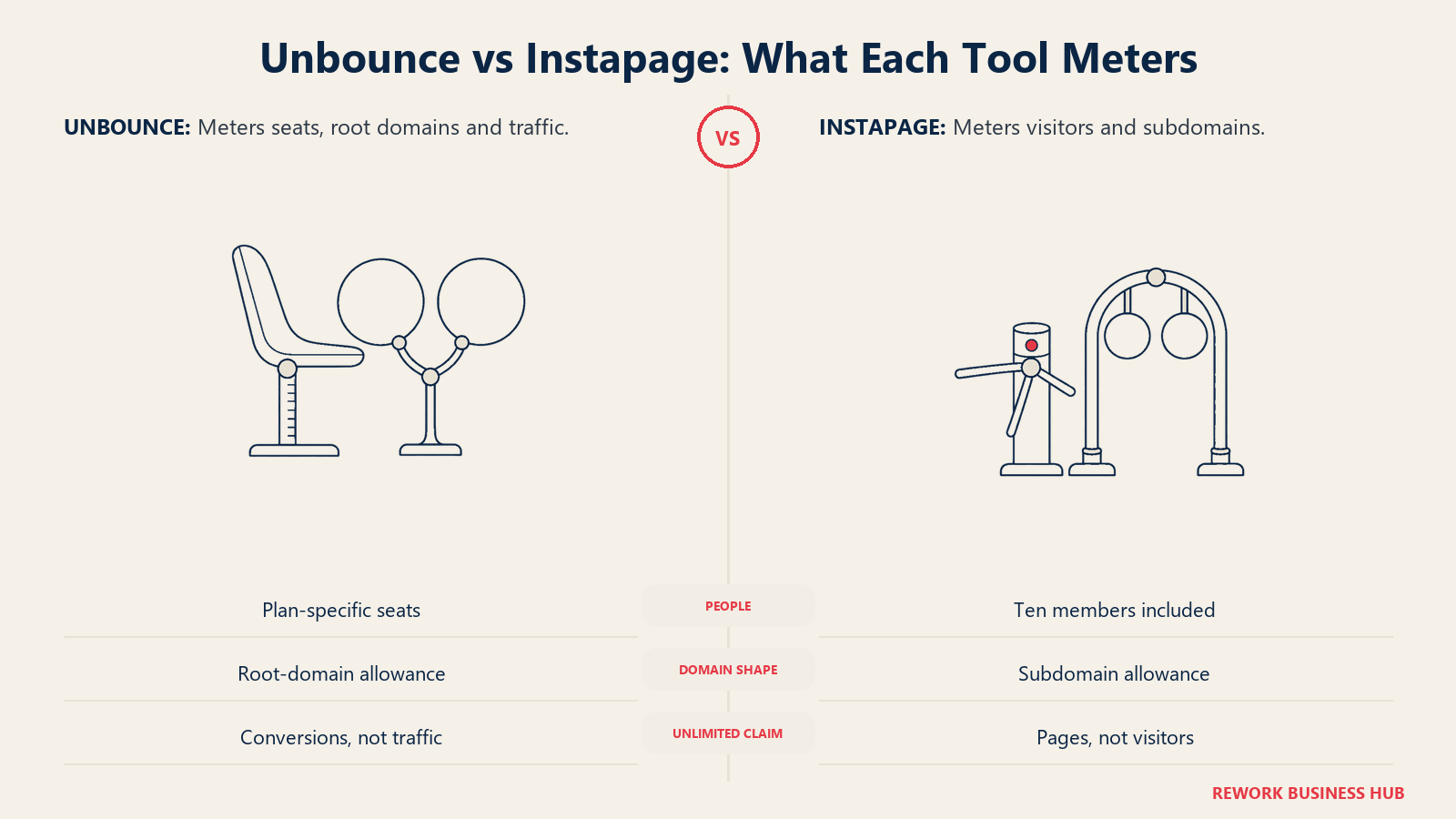
This is the section that decides the article, so be precise about the levers rather than the sticker prices. Both vendors advertise unlimited conversions, which sounds generous until you notice neither one charges for conversions anyway.
| Metering lever | Unbounce | Instapage |
|---|---|---|
| Seats | Metered hard. 1 on Starter, 1 on Build, 3 on Experiment, 5 on Optimize | Not metered on published tiers. 10 team members on both Create and Optimize |
| Visitors or traffic | Metered. 500, 20,000, 30,000, 50,000 by tier | Metered. 15,000 on Create, 30,000 on Optimize with a 50,000 option |
| Root domains | Metered. 1, 1, 2, 3 by tier | Not metered as a separate lever |
| Subdomains | Unlimited on every plan | Metered. 2 on Create, 2 on Optimize at 30,000 visitors, 10 at the 50,000 option |
| Pages | 5 on Starter, unlimited above it | Unlimited on every plan |
| Conversions | Unlimited on every plan | Unlimited on every plan |
| Contacts | Not metered | Unlimited on every plan |
Notice the inversion on domains. Unbounce gives you unlimited subdomains and charges for root domains, which matters if you run pages for more than one brand or client. Instapage does the opposite: it doesn't sell you root domains as a line item, but it caps subdomains, and that cap is tighter than most coverage suggests. Instapage's own comparison table shows the subdomain allowance moving with the visitor option you select inside Optimize, sitting at 2 on the default 30,000-visitor selection and rising to 10 only when you step up to the 50,000-visitor option, which is priced above the default.
For an agency this is the whole ballgame. Running pages for eight clients on separate root domains pushes you into Unbounce's Optimize tier or its custom Agency plan on domain count alone, regardless of seats or traffic. Running those same eight clients on subdomains of your own domain is cheap on Unbounce and constrained on Instapage. Work out which shape your client setup takes before comparing prices, because the domain model can move your tier a full step either way.
Builder, Testing and Optimization Feature Parity
On core page building these two are close enough that features rarely break the tie. The differences that do exist cluster around what happens after the page is live.
| Capability | Unbounce | Instapage |
|---|---|---|
| Drag-and-drop page builder | Yes | Yes |
| Unlimited pages | Above the Starter tier | Yes, on every plan |
| A/B testing | Yes, a core strength and the product's original pitch | Yes, server-side testing plus experiment history and hypothesis tracking |
| AI-assisted experimentation | Yes, traffic-weighting toward the winning variant | Yes, AI experiments route traffic to higher-performing variants automatically |
| Heatmaps | Not a native standard feature | Yes, included on every plan |
| Ad-to-page mapping | No equivalent | AdMap, a visual link between each ad and its destination page |
| Dynamic text replacement | Yes | Yes |
| Approval and commenting workflows | Thin, because the plans assume one user | Built in, and the reason 10 seats are bundled |
| Spam protection on forms | Yes | Invisible reCAPTCHA |
| Free hosting and SSL | Yes | Yes |
| Templates | 100-plus included | Included |
Strip out the collaboration layer and both testing engines are sufficient for a normal optimization program. What Instapage adds is diagnostic: heatmaps tell you where attention goes, and AdMap tells you whether the ad promised what the page delivers. Those are media-buyer tools, not page-builder tools, and they're the honest reason a paid team pays more. What Unbounce holds is a lower floor and a longer track record of disciplined variant testing.
Neither product does anything with the lead after the form submits beyond passing it to an integration, which is the most common gap teams discover in month two. If your pages convert fine but the leads sit untouched, that's a routing problem rather than a page problem, and our explainer on lead response time covers why the first few minutes decide the outcome.
Pricing: What Each Vendor Actually Publishes
Both vendors publish real, self-serve pricing for their main tiers, which already puts them ahead of much of this category. The structures are not comparable line for line, so here they are separately, exactly as each page prints them.
| Unbounce plan | Billed monthly | Billed annually | Users | Root domains | Monthly traffic | Pages |
|---|---|---|---|---|---|---|
| Starter | $29/mo | $22/mo ($264/yr) | 1 | 1 | Up to 500 | 5 |
| Build | $99/mo | $74/mo ($888/yr) | 1 | 1 | Up to 20,000 | Unlimited |
| Experiment | $149/mo | $112/mo ($1,344/yr) | 3 | 2 | Up to 30,000 | Unlimited |
| Optimize | $249/mo | $187/mo ($2,244/yr) | 5 | 3 | Up to 50,000 | Unlimited |
| Concierge | Custom | Custom | Custom | Custom | 100,000 minimum | Unlimited |
| Agency | Custom | Custom | Custom | Custom | 50,000 minimum | Unlimited |
Source: Unbounce's own pricing page. Every plan includes unlimited conversions, unlimited subdomains, free hosting, and a 14-day trial with no credit card required.
One correction is worth making explicitly, because almost every third-party roundup still gets it wrong. Unbounce does not start at $99 a month. That described the old Launch plan, now retired. The floor is Starter at $22/mo billed annually or $29/mo billed monthly, and $99/mo is what Build costs on monthly billing. If an article quotes a $99 entry price for Unbounce in 2026, it hasn't checked the pricing page.
| Instapage plan | Billed monthly | Billed annually | Team members | Subdomains | Unique monthly visitors |
|---|---|---|---|---|---|
| Create | $99/mo | $79/mo ($948/yr) | 10 | 2 | 15,000 |
| Optimize | $199/mo | $159/mo ($1,908/yr) | 10 | 2 at 30,000, 10 at the 50,000 option | 30,000, with a 50,000 option priced above the default |
| Convert | Custom | Custom | Custom | Custom | Custom |
Source: Instapage's own plans page, annual billing. All plans include unlimited pages, unlimited conversions, and unlimited contacts. The 14-day trial is capped at 2,500 unique monthly visitors and requires a card. Convert has no trial, only a demo.
Instapage's page is easy to misread, and it gets misreported constantly, so here's the plain version. Create is $79/mo on annual billing and $99/mo on monthly billing. Optimize is $159/mo on annual billing and $199/mo on monthly billing. The 30,000 and 50,000 figures are visitor options inside the Optimize tier, not separate price points, and the higher of each price pair is the monthly-billing rate rather than a bigger allowance. Annual is always the cheaper of the two, which is the only direction that has ever made sense.
The Real Cost at 1, 3, and 10 Users
Now the part that actually answers the question. All figures below are annual totals on annual billing, matched at comparable traffic so the comparison is fair rather than flattering to either vendor.
| Scenario | Unbounce plan needed | Unbounce annual cost | Instapage plan needed | Instapage annual cost | Cheaper by |
|---|---|---|---|---|---|
| 1 user, under 500 visits/mo | Starter | $264 | Create | $948 | Unbounce, $684 |
| 1 user, 15,000 visits/mo | Build | $888 | Create | $948 | Unbounce, $60 |
| 2 users, 15,000 visits/mo | Experiment | $1,344 | Create | $948 | Instapage, $396 |
| 3 users, 15,000 visits/mo | Experiment | $1,344 | Create | $948 | Instapage, $396 |
| 3 users, 30,000 visits/mo | Experiment | $1,344 | Optimize | $1,908 | Unbounce, $564 |
| 4 users, 30,000 visits/mo | Optimize | $2,244 | Optimize | $1,908 | Instapage, $336 |
| 5 users, 30,000 visits/mo | Optimize | $2,244 | Optimize | $1,908 | Instapage, $336 |
| 10 users, 30,000 visits/mo | No published plan, Concierge or Agency quote | Custom | Optimize | $1,908 | Instapage, by an unquotable margin |
Three things fall out of that table, and they're the reason this comparison exists.
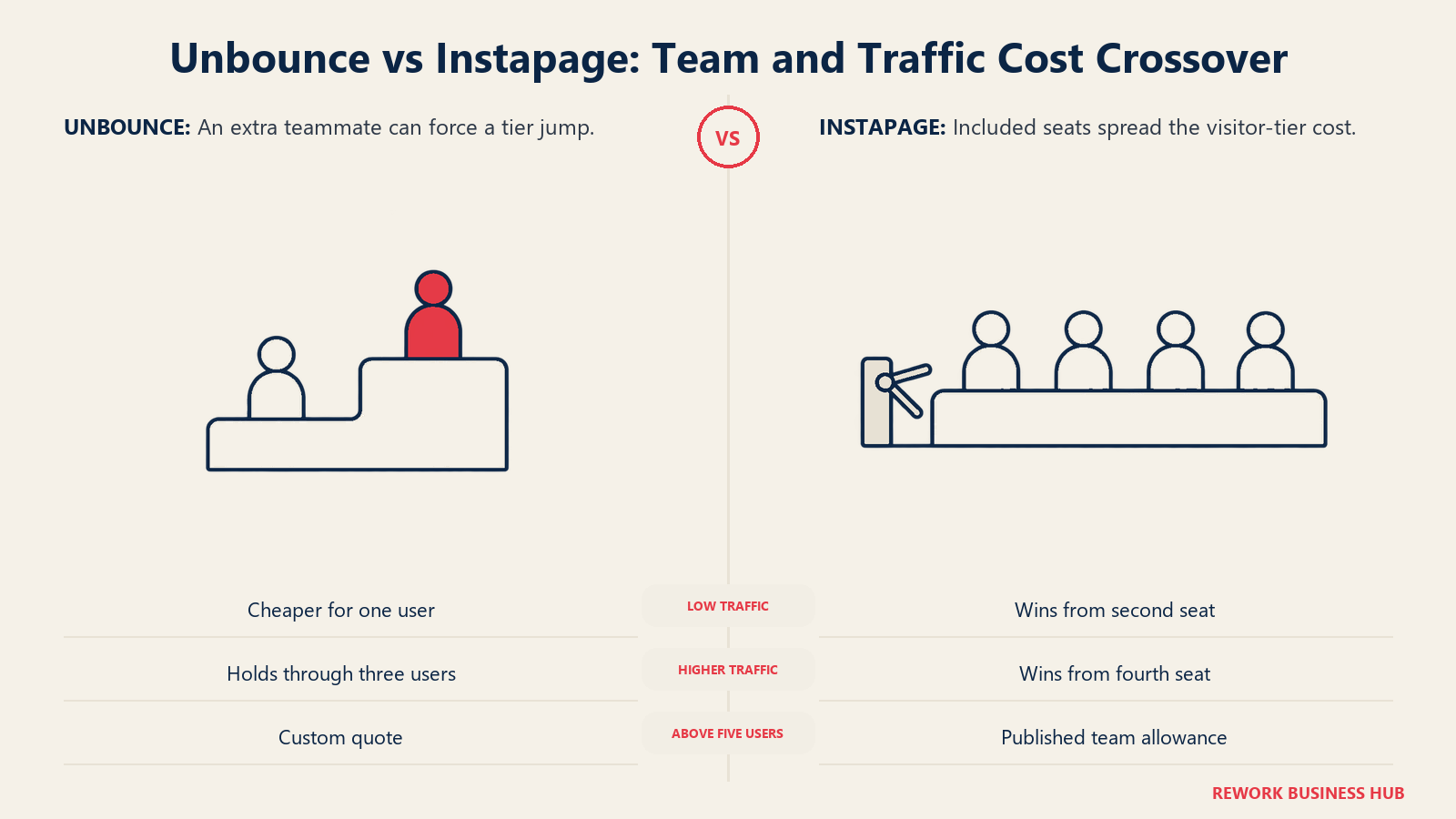
The crossover moves with your traffic, not just your headcount. At 15,000 visits a month, Instapage wins the moment you add a second person, because Unbounce's second seat costs a full tier jump from Build to Experiment while Instapage's second, third, and tenth seats cost nothing. At 30,000 visits a month, Unbounce holds the lead through three users and loses it at four, when Experiment's 3-user cap forces you up to Optimize. So the honest answer to "where does it flip" is: at the second seat if you're under 15,000 visitors, and at the fourth seat if you're at 30,000.
Unbounce has no published answer above five users. This is the hard edge of the comparison. Optimize tops out at five seats, and everything above that is Concierge or Agency, both custom-quoted. An eight-person marketing team cannot buy Unbounce off the pricing page at all, while the same team buys Instapage Optimize for $1,908 a year with two seats to spare. If procurement at your company treats "get a quote" as a two-week detour, that alone may settle it.
The per-seat math is brutal once you use the seats. Instapage Create at $948 a year across a genuinely used 10-person team is roughly $95 per person per year. Unbounce Optimize at $2,244 across five seats is roughly $449. That gap only exists if you actually fill the licenses, which cuts both ways: a solo operator paying Instapage's $948 floor for one login buys nine seats of nothing, at $684 more than Unbounce Starter.
Run this math against your headcount 12 months out rather than today's, since the thing that moves you between tiers is usually a hire rather than a campaign. Remember too that the license is one line inside your blended cost per lead. At most paid budgets the page tool is a rounding error next to the ad spend it supports, which argues for buying the one your team will use well over the one that saves $400 a year.
Implementation and Time to Value
Neither of these is a heavy implementation. The differences are in who has to be involved and what you have to decide before you can publish.
| Unbounce | Instapage | |
|---|---|---|
| Time to first published page | Same day, self-serve at every tier | Same day, self-serve on Create and Optimize |
| Who can own it | One marketer, no admin required, which is the plan's built-in assumption | A team, with approval workflows and commenting built for shared ownership |
| Trial friction | 14 days, no credit card, full access to the plan you pick | 14 days, credit card required, capped at 2,500 unique visitors |
| Setup decision you can't avoid | Which root domain to attach, since you get one on Starter and Build | Which subdomains to attach, since you get two on Create |
| What slows a rollout down | Adding people. Every new seat is a tier decision, not a settings change | Traffic forecasting. Guessing the visitor tier wrong is the main sizing risk |
| Migration between the two | Pages do not port. Rebuilding is the realistic assumption in either direction | Same |
| Where teams get stuck later | Hitting the 3-user or 5-user ceiling mid-campaign | Hitting the 15,000-visitor ceiling on Create during a spike |
The trial difference is small but real on a tight timeline. Instapage's 2,500-visitor cap means you cannot push a genuine paid campaign through the trial, so your evaluation is a build-quality test rather than a performance one. Plan for that by judging the builder and the AdMap workflow instead of trying to prove conversion lift in two weeks.
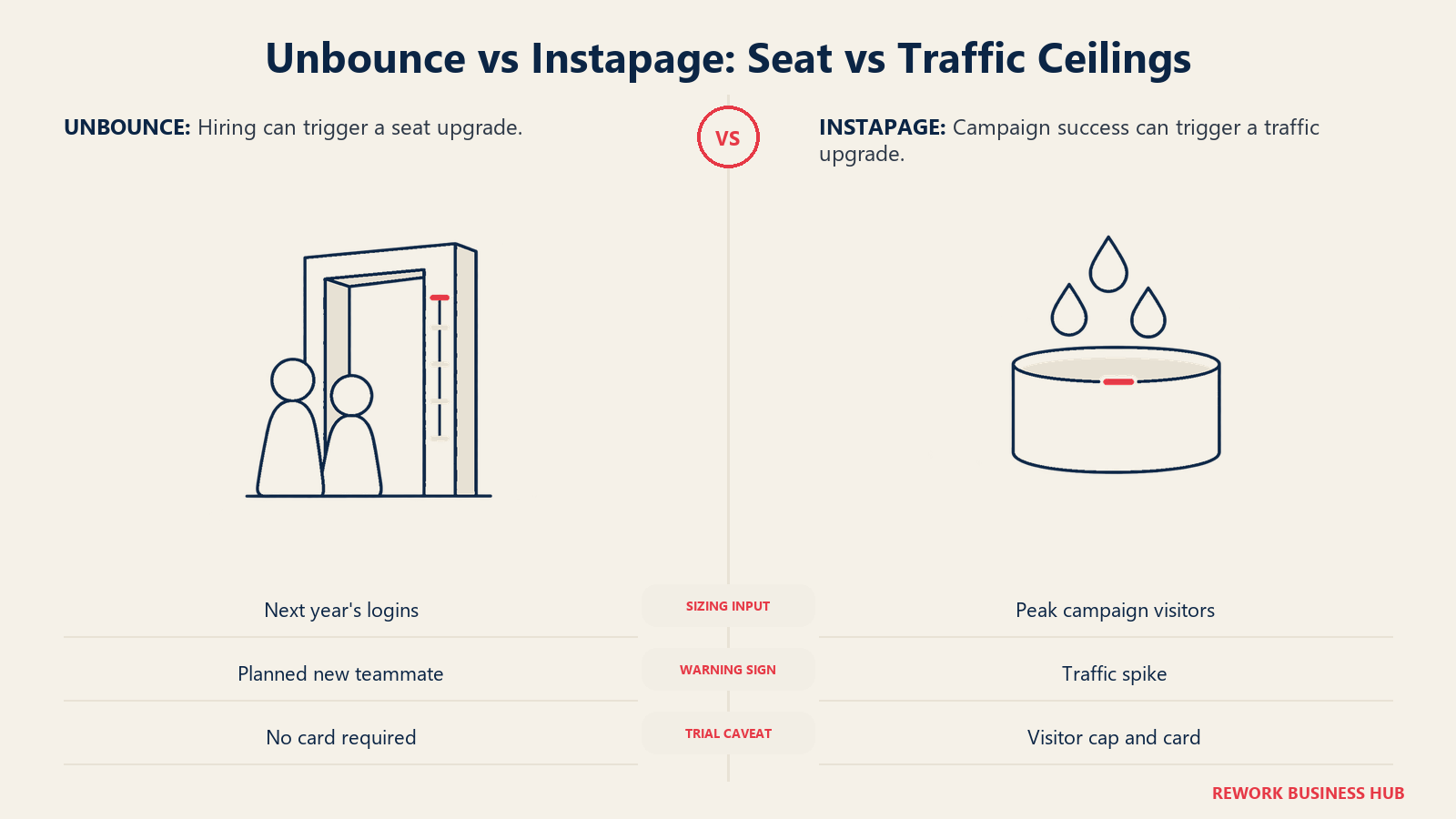
One more note on sizing risk. Unbounce's failure mode is a seat wall, which you see coming because you know when you're hiring. Instapage's is a traffic wall, which you don't, because a good campaign is what triggers it. If your spend is lumpy or seasonal, weight that asymmetry. Teams that also want the visitors who never fill in a form should see our Leadfeeder alternatives guide, since anonymous traffic identification is a separate purchase from either of these.
When Unbounce Is the Right Call
- You're one person, or one person plus an occasional contractor. Starter at $264 a year and Build at $888 a year are genuinely cheap for a real, testable landing page with unlimited subdomains, and Instapage has nothing in that range at all. The 1-user cap that hurts a team is irrelevant to you.
- Your traffic is small or unpredictable. Starter's 500-visit allowance sounds tiny until you remember it costs $22 a month. Instapage's floor is 15,000 visitors whether you use them or not, so if you're launching a first paid program you're paying for headroom you don't have traffic to fill.
- You run pages on several root domains under a small team. Unbounce meters root domains but gives you unlimited subdomains, so a two-domain setup on Experiment is straightforward at $1,344 a year. Instapage's subdomain cap of two on Create is the tighter constraint for that shape.
- Testing depth is the actual job. If your week is building variants and reading results rather than coordinating a team, you're buying Unbounce's original strength and none of Instapage's collaboration premium.
- You want to evaluate without handing over a card. Unbounce's 14-day trial needs no credit card and imposes no traffic cap you'd notice.
Where this stops being true is precisely at hire number two. If you can see a second marketer joining inside the next year, price that hire into the decision now, because on Unbounce it costs a tier and on Instapage it costs nothing.
When Instapage Is the Right Call
- You have three or more people touching the pages. This is the clearest case in the whole comparison. Ten team members are included on Create at $948 a year, and Unbounce cannot match that at any published price. At four users and 30,000 visitors, Instapage is $336 a year cheaper while including twice the seats you need.
- You're an agency or an in-house team with approvals. Commenting and approval workflows are built in rather than bolted on, and they exist because the pricing assumes a group. Passing a page between a copywriter, a designer, a media buyer, and a client is the workflow this product was shaped around.
- You buy media at real volume and need ad-to-page diagnostics. AdMap's visual link between each ad and its destination page catches mismatches before they burn spend, and heatmaps ship on every plan rather than as an upsell. Given that landing page experience is one of the three inputs to Google's Quality Score, that diagnostic layer has a direct line to what you pay per click.
- Your traffic is already above 15,000 visitors a month. The entry floor that makes Instapage a bad first purchase makes it a fair one once you're past it, and unlimited pages on every tier means campaign volume never triggers an upgrade.
- You'd rather forecast traffic than negotiate seats. Instapage's published tiers cover a 10-person team without a sales conversation. Unbounce's do not, above five.
Where this stops being true is the bottom of the range. For a solo operator, Instapage's floor is $684 a year more than Unbounce Starter for nine seats you'll never log into, and no feature closes that gap.
Decision Framework
| If you are... | Pick |
|---|---|
| A solo marketer or consultant on any budget | Unbounce Starter or Build |
| A two-person team under 15,000 visits a month | Instapage Create, which is $396/yr cheaper than Unbounce Experiment |
| A three-person team at 30,000 visits a month | Unbounce Experiment, which is $564/yr cheaper than Instapage Optimize |
| A team of four or more at any real traffic level | Instapage, and the gap widens with every seat |
| A team of six or more | Instapage, since Unbounce has no published plan above five users |
| An agency running client pages on separate root domains | Unbounce, whose root-domain metering fits that shape better |
| A paid media team that needs heatmaps and ad-to-page mapping | Instapage, where both are standard rather than add-ons |
| Still comparing the wider field | Our Unbounce alternatives guide, which covers 14 builders |
| Finding that popups and on-site forms are the real gap | Our OptinMonster alternatives guide |
The honest read: these are similar products with opposite pricing philosophies, and the feature comparison is close enough that it should not decide anything. Count the people who will need a login 12 months from now. If that number is one, Unbounce wins on price by a wide margin and nothing in Instapage's feature set closes it. If that number is four or more, Instapage wins on price while including seats you don't even need yet, and Unbounce stops publishing a price at all. Between two and three, the tiebreaker is your traffic level, and the table above tells you which side of the line you're on.
What to Do Next
Write down two numbers before you open either trial: how many people will need a login within 12 months, and your realistic monthly visitor count at peak spend rather than average spend. Those two numbers pick your tier on both platforms, and they're the only inputs where guessing wrong costs money. Most buyers get the seat number right and the traffic number badly wrong, because they forecast from an average month instead of the campaign month that justified the purchase.
Then run the trials in the right order. Take Unbounce's trial first, since it needs no credit card and has no meaningful traffic ceiling, and use it to judge the builder and the testing workflow. Take Instapage's trial second and spend it specifically on AdMap and the approval flow, because those are the two things you cannot evaluate anywhere else and the 2,500-visitor cap makes a performance test impossible anyway. If your shortlist is still open after that, our best lead management software guide covers what sits on either side of the page itself, and our explainer on landing page lead capture is worth reading before you commit to a form strategy on either platform.
One thing worth naming plainly: both of these products end at the form submit. Neither scores the lead, routes it to a specific rep, or enforces an SLA on the follow-up, and neither is trying to. That's a real gap, because a good lead conversion rate on the page counts for nothing if the lead sits in an inbox for two days. Rework packages the part that comes after: capture, scoring, round-robin and territory routing, ownership, and a multi-channel inbox covering WhatsApp, Instagram DM, Messenger, TikTok, Zalo, and chat, all on the CRM record the lead lands on. The Marketing Engine starts at $99/month billed yearly with 5 seats included, and extra seats come in blocks of 5 at $21/month per block (rework.com/pricing). Be clear about what it isn't, though: Rework is not a landing page builder. There's no drag-and-drop page designer, nothing like Unbounce's A/B and multivariate testing, and no equivalent to Instapage's heatmaps or AdMap ad-to-page matching. Teams that use it run it alongside a page builder rather than instead of one, and if inbound meeting booking rather than lead distribution is the specific bottleneck, our Chili Piper alternatives guide covers that narrower job.
Frequently Asked Questions about Unbounce vs Instapage
Is Unbounce or Instapage cheaper?
It depends entirely on how many people need a login. For one user, Unbounce is far cheaper: Starter is $22/mo billed annually against Instapage Create's $79/mo billed annually. For four or more users at 30,000 visits a month, Instapage is cheaper at $1,908/yr against Unbounce Optimize's $2,244/yr, and it includes 10 seats rather than 5.
Does Unbounce still start at $99 a month?
No. That was the old Launch plan, which has been retired. Unbounce's current floor is Starter at $22/mo billed annually or $29/mo billed monthly. The $99 figure is now what the Build tier costs on monthly billing, and it's still capped at one user and one root domain.
How many users does each plan include?
Unbounce includes 1 user on Starter, 1 on Build, 3 on Experiment, and 5 on Optimize, with anything above that quoted through Concierge or Agency. Instapage includes 10 team members on both Create and Optimize. That difference is the single biggest cost driver in this comparison.
What does Instapage actually cost per month?
Create is $79/mo billed annually or $99/mo billed monthly, covering 15,000 unique monthly visitors. Optimize is $159/mo billed annually or $199/mo billed monthly, covering 30,000 unique monthly visitors with a 50,000-visitor option priced above the default. Convert is custom-quoted and demo-only.
Which one is better for agencies?
It depends on your domain setup rather than your client count. If each client needs a separate root domain, Unbounce's model fits better, since it gives you unlimited subdomains and meters root domains at 1, 1, 2, and 3 by tier. If clients can live on subdomains and you need many people collaborating with approvals, Instapage's 10 included team members and built-in approval workflows fit better.
Does either tool do A/B testing?
Both do. Unbounce built its reputation on variant testing and it remains a core strength. Instapage offers server-side A/B testing plus hypothesis tracking, experimentation history, and AI experiments that route traffic toward higher-performing variants automatically. Neither team should choose on testing alone, because both are sufficient for a normal optimization program.
What is AdMap, and does Unbounce have an equivalent?
AdMap is Instapage's visual view connecting each Google or Meta ad to the landing page it drives, so a media buyer can spot an ad promising something the page doesn't deliver. Unbounce has no direct equivalent. Since landing page experience is one of three components in Google's Quality Score calculation, that ad-to-page alignment has a measurable link to what you pay per click.
Can I move my pages from one platform to the other?
Not directly. Pages don't port between the two, so budget for rebuilding in either direction. That's a real reason to run both trials properly, especially if your team size will change within the year and you could buy the wrong side of the seat crossover.

Sales Operations Practice Lead
On this page
- Key Facts
- Unbounce vs Instapage at a Glance
- What Each Tool Is Actually Built For
- What Each Vendor Actually Meters
- Builder, Testing and Optimization Feature Parity
- Pricing: What Each Vendor Actually Publishes
- The Real Cost at 1, 3, and 10 Users
- Implementation and Time to Value
- When Unbounce Is the Right Call
- When Instapage Is the Right Call
- Decision Framework
- What to Do Next