Best Whimsical Alternatives in 2026: 13 Tools for PMs and Product Teams

Turn this article into takeaways for your work.


Each assistant summarizes the article only for you and suggests best practices for your work.
Miro is the best all-purpose Whimsical alternative once a team outgrows four fixed modes, FigJam is the closest match for teams already paying for Figma, Lucidchart and Lucidspark cover the structured-diagram depth Whimsical doesn't attempt, and Excalidraw or draw.io cover teams that want a genuinely free tool with no attached plan. Whimsical earns its following by doing four things well, flowcharts, wireframes, mind maps, and sticky-note boards, and stopping there, which is exactly why some teams eventually look past it: a free tier gated by a monthly creation quota rather than open-ended use, a canvas that stays deliberately narrow once a team needs open facilitation or a moodboard, and no dedicated depth for teams doing serious UI wireframing at scale.
The people who search for Whimsical alternatives split into a few groups: teams that have outgrown four fixed modes and want a broader canvas, teams that never wanted those constraints in the first place and need real wireframing or structured-diagram depth, and teams that just want the cheapest or the most-already-paid-for tool in their stack. The 13 tools below cover all three, evaluated on pricing, mode depth, facilitation features, and real-world fit.
Key Facts
- The collaborative whiteboard software market was worth USD 3.81 billion in 2026, up from USD 3.17 billion in 2025, and is forecast to reach USD 9.59 billion by 2031 at a 20.28% CAGR, per Mordor Intelligence.
- Real-time collaboration was the largest feature segment in the category, capturing 30.0% of 2025 revenue, per Precedence Research.
- Miro reports more than 100 million users across 250,000 organizations on its own site, the largest self-reported user base among the general-purpose canvases in this list, per Miro.
- Google retired Jamboard on 31 December 2024 and explicitly pointed its users to three partners, FigJam, Lucidspark, and Miro, per Google's own transition announcement.
- Excalidraw's repository has drawn more than 130,000 stars on GitHub and ships under the permissive MIT license, per the project's own repository.
Quick Comparison Table
| Tool | Best For | Starting Price | Key Strength | Key Limitation |
|---|---|---|---|---|
| Miro | Broadest general-purpose canvas | Free / $8/member/mo billed yearly | Deepest feature set and template library | Per-seat cost climbs fast at scale |
| FigJam | Teams already paying for Figma | Free / $3/mo Collab seat (Professional) | Native handoff into Figma design files | Requires a paid Figma plan underneath |
| Lucidchart | Structured, data-linked diagrams | Free / not vendor-published (reported) | Data-linked shapes, cloud architecture import | Dollar pricing isn't published by Lucid |
| Lucidspark | Brainstorming wired to Lucidchart | Free (3 boards) / not vendor-published (reported) | Two-way Lucidchart integration | Team price isn't vendor-published |
| Excalidraw | Free, hand-drawn, self-hosted sketching | Free (open source) / $6/user/mo billed annually | Self-hostable, instant load | No wireframing or facilitation layer |
| Balsamiq | Dedicated low-fidelity wireframing | $16/editor/mo billed annually | Deliberately low-fidelity, fast mockups | No general canvas or mind-map mode |
| Visily | AI-assisted UI design and wireframing | Free / $11/editor/mo billed annually | AI wireframe generation, Figma import/export | Newer product, smaller template library |
| Creately | Diagramming plus a PM layer | Free / not vendor-published (reported) | Visual databases and task tracking built in | UI can feel cluttered with PM features |
| Mural | Facilitated workshops and retros | Free (3 murals) / $9.99/member/mo billed annually | Facilitator Superpowers, deep template library | Only 3 murals stay editable on free |
| Milanote | Moodboards and creative research | Free (100 items) / $9.99/mo billed annually | Purpose-built for research and campaign planning | No diagramming or flowchart mode |
| draw.io (diagrams.net) | Free, unlimited diagramming | Free, no paid tier | Zero cost, no seats, no limits | No AI features, basic real-time collab |
| Canva Whiteboards | Teams already paying for Canva | Free / $144/yr (Pro, 1 person) | Bundled into a design suite most teams use anyway | Whiteboard is secondary to Canva's design tools |
| Boardmix | Lowest per-seat price with AI diagrams | Free / $5/user/mo billed annually | Cheapest paid tier here, plus AI diagram generation | Smaller integration ecosystem |
Why Teams Leave Whimsical
Whimsical's narrowness isn't an accident, it's the entire product bet: four modes, done well, nothing else. That bet holds right up until a team's job stops fitting inside those four modes.
| Pain Point | Who Feels It Most | Better Fit |
|---|---|---|
| Free tier caps at 50 board objects and 50 doc blocks a month, not a board count | Small teams doing steady, ongoing work on the free plan | Excalidraw, draw.io, Apple-only teams on Canva |
| No dedicated wireframing depth for detailed UI mockups | Product designers building real screen-level wireframes | Balsamiq, Visily |
| No structured, data-linked diagramming (ERDs, org charts fed by data) | Ops, IT, and business-architecture teams | Lucidchart, Creately |
| No live facilitation toolkit for large sessions (timers, voting, breakout boards) | Agile coaches, L&D teams, workshop facilitators | Mural, Miro |
| No home for moodboards, research clipping, or campaign planning | Marketing, content, and creative research teams | Milanote |
| Team already pays for a broader design or productivity suite | Teams standardized on Figma or Canva | FigJam, Canva Whiteboards |
| Data can't leave the team's own infrastructure | Security-conscious engineering teams | Excalidraw (self-hosted), draw.io |
The board-object cap surprises people most, since Whimsical's free plan is marketed as unlimited boards. It is, technically. What runs out first is monthly creation activity: once a team crosses 50 new board objects or 50 doc blocks in a month, editing stalls until the next cycle or an upgrade, a different kind of limit than the flat board-count caps most competitors use.
1. Miro: The default upgrade once four modes aren't enough
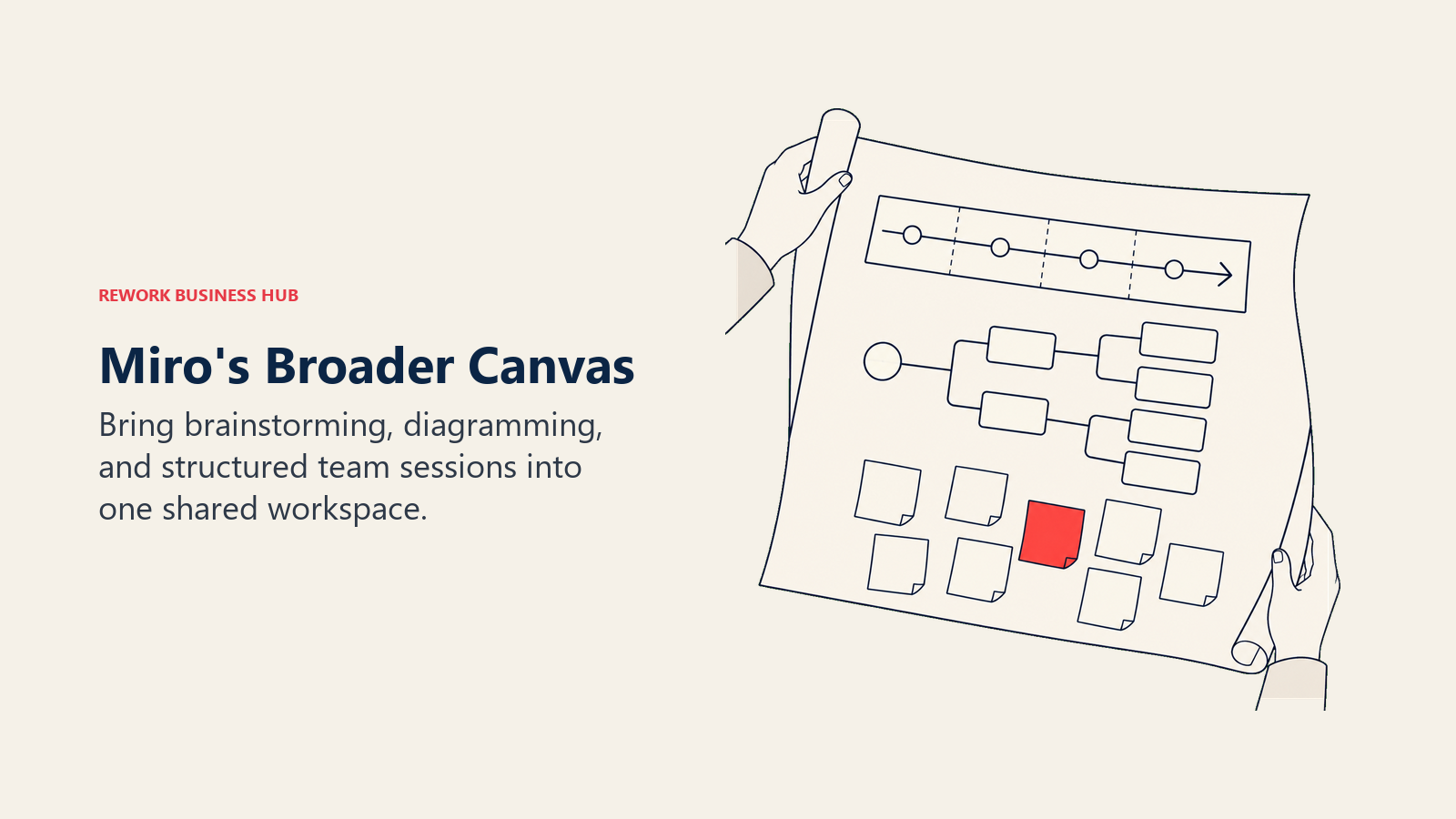
Miro is where most teams land when Whimsical's four modes start feeling narrow and the job grows to include roadmapping, structured retros, and cross-team diagramming in one shared canvas. It reports more than 100 million users across 250,000 organizations on its own about page, the widest self-reported footprint of any general-purpose tool here, and it covers brainstorming, wireframing, and diagramming in a single product rather than four separate modes. For teams weighing Miro specifically against Whimsical and Excalidraw, Whimsical vs Excalidraw vs Miro breaks the three down at 5, 25, and 100 seats. If Miro itself turns out too expensive at your headcount, best Miro alternatives covers the cheaper field, and the wider best online whiteboard software roundup covers the category from the buyer's side.
The tradeoff is real: Miro's paid tiers bill every editor, and a team that pulls a lot of occasional contributors onto paid seats watches the bill climb fast past a few dozen people, a sharper jump than Whimsical's flat per-editor pricing.
| What You Get | What You Don't |
|---|---|
| Brainstorming, wireframing, diagramming, and retros in one canvas | Whimsical's near-zero learning curve |
| The deepest template and integration ecosystem in this list | A cheap way to add many viewer-only seats |
| Room to grow from a small team to a company-wide standard | Editor-billed pricing that stays flat as headcount grows |
Pricing: Free (3 editable boards, unlimited members, no guest or visitor roles until you're paying). Starter $8/member/mo billed yearly ($10/member/mo billed monthly). Business $20/member/mo billed yearly ($25/member/mo billed monthly). Enterprise custom, from 30 members. See Miro's pricing page.
Best for: Teams that have genuinely outgrown Whimsical's four modes and want one broader canvas for brainstorming, diagramming, and structured sessions together.
2. FigJam: The Figma-native equivalent, if you're already paying for Figma
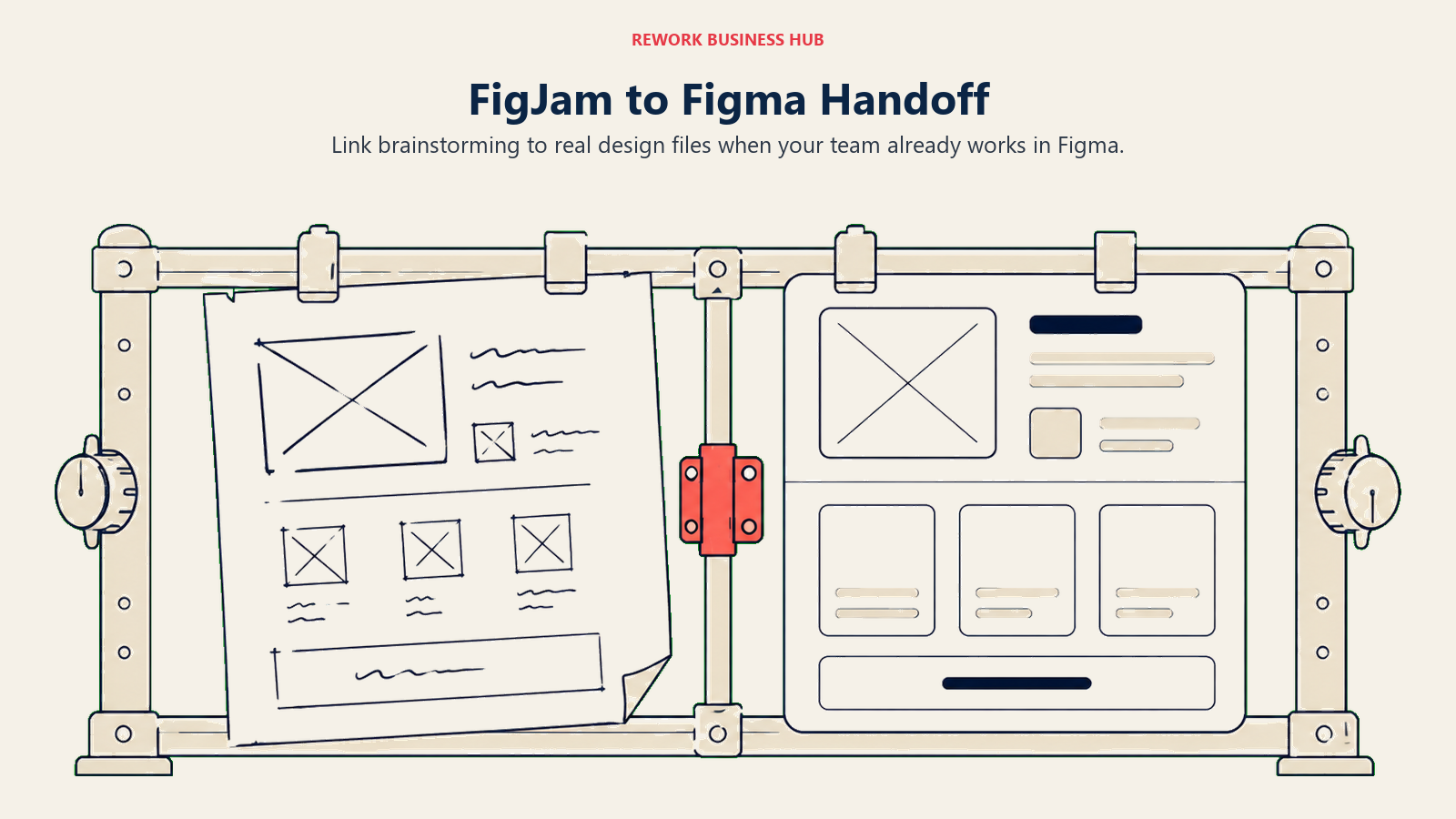
FigJam covers similar ground to Whimsical, flowcharts, sticky notes, simple diagrams, but its real differentiator is the native link into actual Figma design files: linking a FigJam board directly to Figma components, running design critiques in context, handing off annotated wireframes without re-importing anything. That link is something Whimsical, built to be ecosystem-neutral, deliberately doesn't try to match. See best FigJam alternatives for the wider field, and Miro vs FigJam for how FigJam stacks up against the broader canvas above.
The catch is the buying model: FigJam isn't sold on its own. It ships through a Collab seat that attaches to a paid Figma plan, so a team with no other Figma need is still buying into Figma's plan structure to get a whiteboard, the same objection that pushes people toward Whimsical in the first place.
| What You Get | What You Don't |
|---|---|
| Native handoff into real Figma design files | A standalone product, sold on its own |
| A Collab seat that also covers Figma Slides | Whimsical's ecosystem-neutral positioning |
| Templates built for design-specific rituals (crit, user-flow mapping) | Deep facilitation tools for large, open workshops |
Pricing: Not sold standalone. Collab seat: $3/month on the Professional plan (monthly billing), $5/month on Organization or Enterprise (annual billing). A Collab seat has full access to FigJam and Figma Slides; a separate Full seat is only required to create or edit Figma design files. See Figma's pricing page.
Best for: Design teams already paying for a Figma Professional, Organization, or Enterprise plan who want the whiteboard tied directly into design files.
3. Lucidchart: Structured diagramming depth Whimsical doesn't attempt
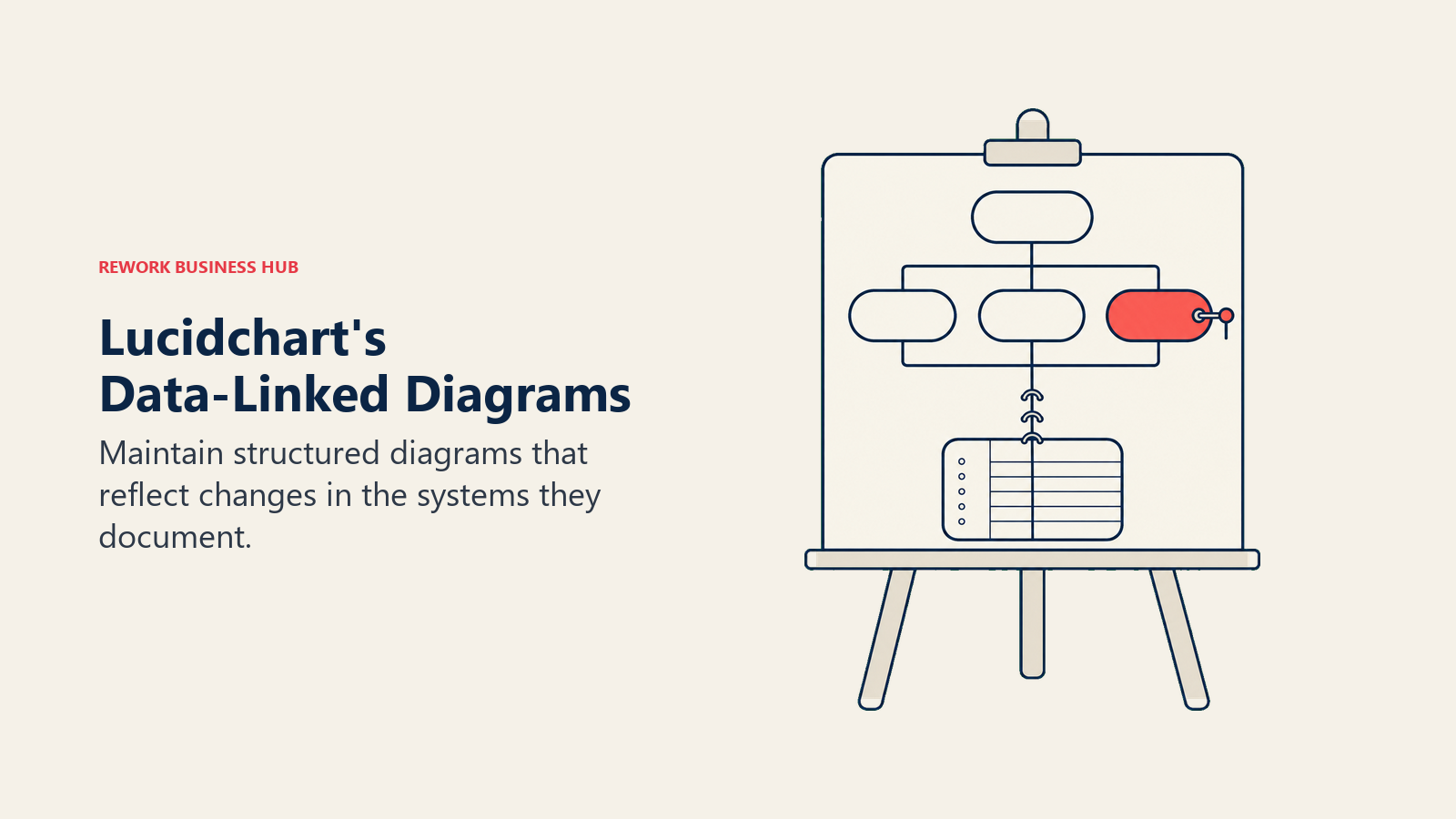
Whimsical's flowchart mode is built for quick decision flows and process sketches, not maintained technical documentation. Lucidchart is the other end of that spectrum: data-linked shapes, automatic AWS and Azure cloud architecture import, and a shape library built for ERDs, network diagrams, and BPMN, workflows Whimsical never set out to cover. For a fuller field of diagramming-first tools, see best Lucidchart alternatives.
Lucid doesn't publish Individual or Team dollar pricing on a page that renders without JavaScript, confirmed by fetching the page directly and finding plan features but no price tokens. Third-party pricing trackers report Individual around $7.95 to $9 per user per month and Team around $9 to $10 per user per month, both billed annually, figures that vary enough between sources that they should be treated as estimates, not confirmed numbers.
| What You Get | What You Don't |
|---|---|
| Data-linked shapes and automatic cloud architecture import | A confirmed dollar price on Lucid's own page |
| Deep Confluence and Jira integrations | Whimsical's speed for a quick, informal flowchart |
| The largest structured shape library in this list | A free tier past 3 editable documents |
Pricing: Free (3 editable documents, 75 shapes per document, 100 templates, Lucid AI). Individual and Team: not vendor-published; third-party trackers report roughly $7.95 to $10 per user per month billed annually (reported, not confirmed by Lucid). Enterprise contact sales, bundles Lucidspark, SAML, and Salesforce integration. See Lucid's pricing page.
Best for: Solution architects, ops teams, and IT groups that need diagrams to stay accurate as the underlying system or process changes, not just a one-time sketch.
4. Lucidspark: Brainstorming wired to Lucidchart's diagram engine
Lucidspark is Lucid's answer to the same job Whimsical does, brainstorming and sticky-note collaboration, but its real edge is the native, two-way link to Lucidchart: a brainstorm can feed directly into a structured flowchart or ERD, and diagram output can flow back the other way. Whimsical has no equivalent structured-diagram partner product to plug into. See best Lucidspark alternatives for the wider field, and Mural vs Lucidspark for how it compares against a facilitation-first competitor instead of a diagramming one.
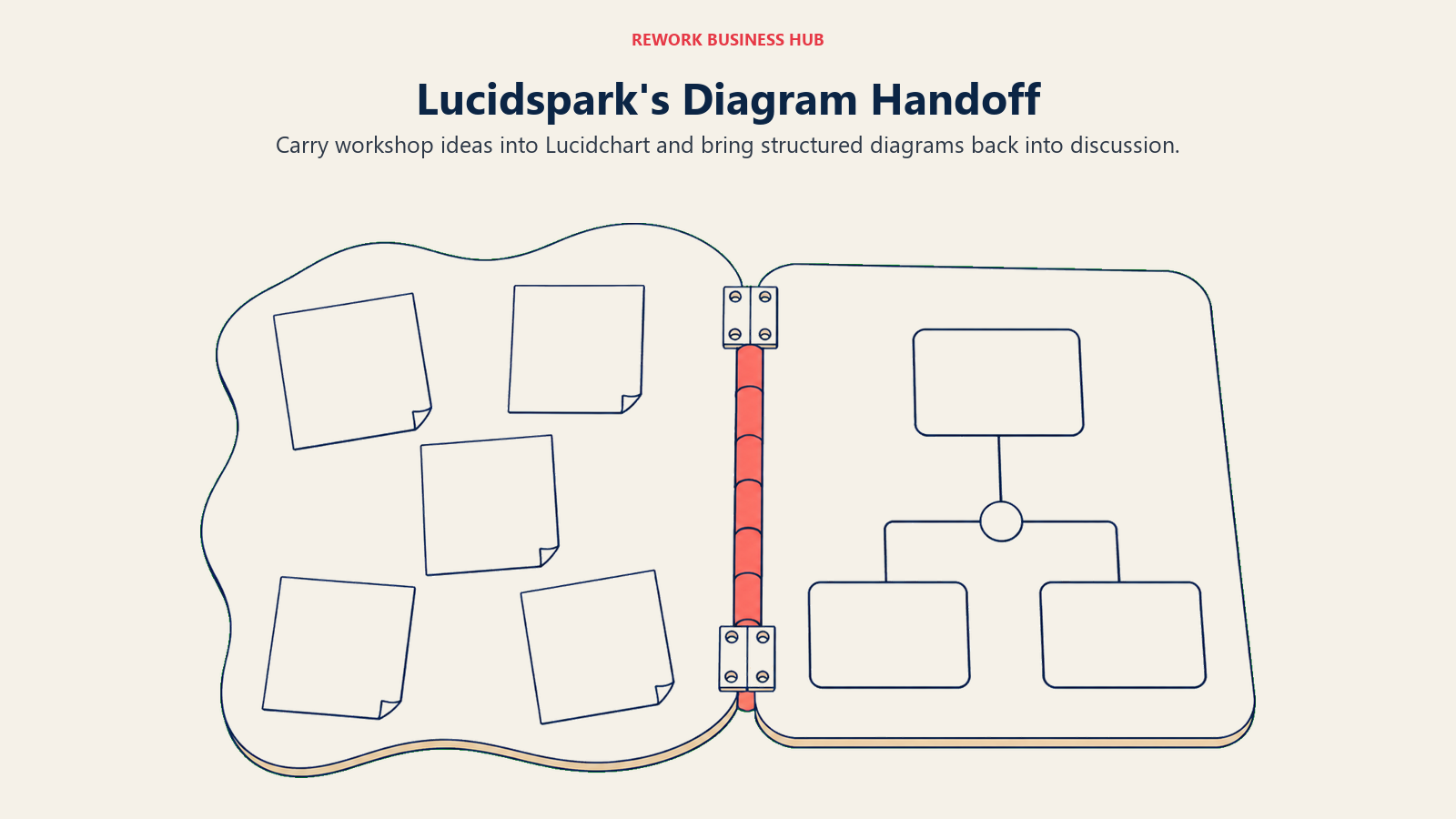
Like Lucidchart, Lucidspark's dollar pricing doesn't render on a fetchable vendor page. The free trial also requires a card up front and auto-bills unless cancelled within 7 days, worth flagging before a team signs up expecting a no-obligation trial the way Whimsical's free tier works.
| What You Get | What You Don't |
|---|---|
| A genuine two-way Lucidchart integration | A vendor-published Team seat price |
| Voting, timers, and breakout boards on Team | Whimsical's card-free, open-ended free tier |
| Enterprise-grade admin controls at scale | The onboarding speed of Whimsical or FigJam |
Pricing: Free (3 editable boards, emoji reactions, freehand drawing). Individual and Team: not vendor-published; reported by RevPilots at roughly $9/month (Individual) and $10 per user per month with a three-user minimum (Team), not confirmed by Lucid. Enterprise sales-quoted, bundles the Lucid Visual Collaboration Suite. See Lucid's pricing page.
Best for: Teams already using or planning to use Lucidchart who want brainstorming wired directly into structured diagrams instead of a separate, disconnected tool.
5. Excalidraw: Free, hand-drawn, and genuinely self-hostable
Excalidraw's hand-drawn look signals rough thinking rather than a finished deliverable, which lowers the social cost of sharing something unfinished, and it's fast: a blank canvas loads in under a second with no account required. The core editor is free and open source, with one infinite scene, unlimited collaborators, and local browser encryption, and security-conscious teams can self-host it entirely, something neither Whimsical nor any other proprietary tool on this list offers at any price. The GitHub repository has drawn more than 130,000 stars under the permissive MIT license, confirmed on the project's own repository.
Where it falls short of Whimsical is structure. Nothing auto-aligns a flowchart or snaps a wireframe to a grid the way Whimsical's four opinionated modes do, so legibility depends entirely on the person drawing, not the tool.
| What You Get | What You Don't |
|---|---|
| Open-source, genuinely self-hostable | Wireframing, mind-mapping, or facilitation modes |
| Local encryption and near-instant load | Auto-aligned structure the way Whimsical's modes provide |
| Unlimited collaborators on the free core | A template library of any real size |
Pricing: Free (open source, unlimited collaborators). Excalidraw+ $6/user/mo billed annually ($7/user/mo billed monthly). See Excalidraw+'s pricing page.
Best for: Engineering teams that want a fast, trustworthy sketch tool without a SaaS subscription or a design-tool ecosystem underneath it.
6. Balsamiq: Wireframing depth Whimsical's four modes don't cover
Whimsical's wireframe mode is fast but shallow by design, built for a quick screen sketch, not a full product's worth of low-fidelity mockups. Balsamiq goes the other direction entirely: a UI purpose-built around deliberately low-fidelity wireframes, so stakeholders critique structure and flow instead of getting distracted by color and polish, a real product philosophy rather than a secondary mode bolted onto a broader canvas.
That focus comes at a real price gap. Balsamiq's entry tier runs well above Whimsical's Pro plan, and there's no general canvas, mind-map mode, or sticky-note board included at any tier. If the per-editor cost is what pushes you to look elsewhere, the best Balsamiq alternatives guide compares the cheaper wireframing options side by side.
| What You Get | What You Don't |
|---|---|
| A UI purpose-built for low-fidelity wireframing | A general canvas, mind maps, or sticky-note boards |
| Unlimited free reviewers on every paid tier | Whimsical's lower entry price |
| AI credits bundled into every tier | Flowcharting or brainstorming depth |
Pricing: Starter $16/month per editor billed annually ($192/year), up to 10 projects, 500 AI credits per editor/mo. Teams $24/month per editor billed annually, up to 100 projects. Enterprise $35/month per editor billed annually, up to 400 projects, SAML SSO, US or EU data residency. Reviewers are unlimited and free on every tier. See Balsamiq's pricing page.
Best for: Product teams whose core need is genuinely low-fidelity wireframes reviewed by non-designers, not a broader flowchart-and-mind-map tool.
7. Visily: AI-assisted UI design and wireframing
Visily is the newest direct challenger to Whimsical's wireframe mode, built around AI-assisted generation: describe a screen or paste a reference, and Visily drafts a starting wireframe the team edits by hand, plus direct Figma import and export for teams that need the wireframe to become a real design file later. Whimsical has no equivalent AI-generation layer for wireframes today.
The tradeoff is maturity. Visily is a newer product than Whimsical, with a smaller template library and less enterprise-procurement track record.
| What You Get | What You Don't |
|---|---|
| AI-generated wireframes from a prompt or reference | The template library depth of older tools |
| Direct Figma import, export, and a code-export option | Whimsical's mind-map or sticky-note modes |
| A usable free tier with 300 AI credits/month | Enterprise brand recognition |
Pricing: Starter free (300 AI credits/month, standard AI design, limited boards and elements). Pro $11 per editor/month billed annually (annual saves 20%). Business $29 per editor/month billed annually (10,000 AI credits/month). See Visily's pricing page.
Best for: Product teams that want AI to draft a first-pass wireframe or UI mock before a human refines it, without paying for a full design tool.
8. Creately: Diagramming plus a lightweight project layer
Creately sits between Whimsical and a project-management tool: a visual canvas for diagrams and whiteboarding that also includes task tracking and visual databases, aimed at teams that currently diagram in one tool and track work in another and want to consolidate. Whimsical stays deliberately outside project-management territory; Creately doesn't.
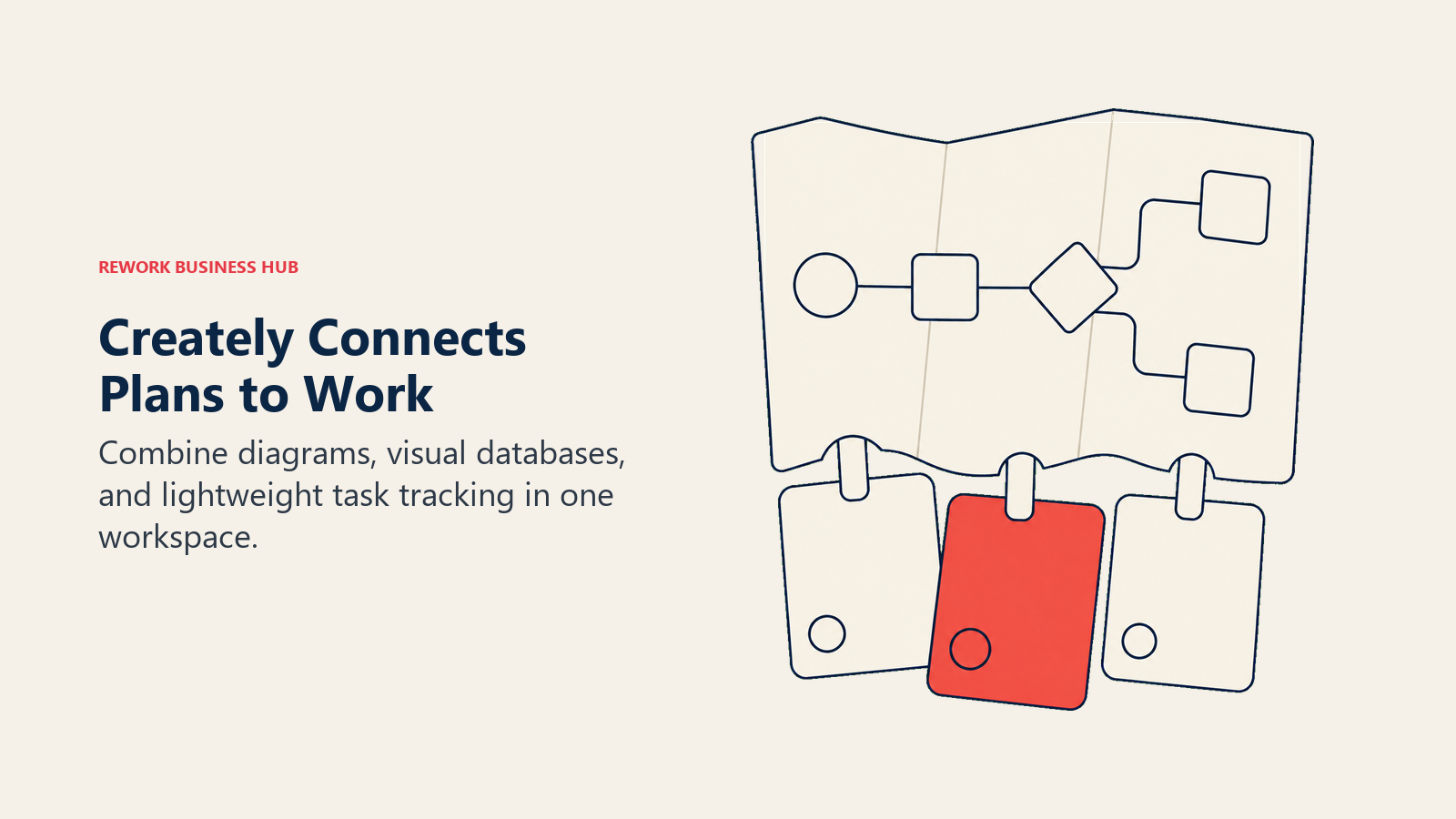
Creately's own pricing page didn't render a dollar figure on a fetch this run (its /pricing path 404s and /plans renders prices client-side), so any specific number below should be read as a third-party estimate, not a confirmed vendor price.
| What You Get | What You Don't |
|---|---|
| Diagramming, visual databases, and light task tracking in one tool | A confirmed dollar price on a fetchable vendor page |
| A genuinely generous free tier (unlimited canvases and collaborators) | Whimsical's simplicity, the UI carries more surface area |
| AI-assisted diagramming on paid plans | The template depth of Miro or Lucidchart |
Pricing: Free (unlimited canvases, unlimited collaborators, 45 items per canvas, 1 folder, 2 imports). Starter, Team, and Business tiers exist with annual discounts; third-party trackers report Starter and Team around $5/user/month billed annually and Business around $89/month flat for unlimited users (reported, not confirmed by Creately this run). Enterprise contact sales. See Creately's plans page.
Best for: Ops and process teams that want diagramming and lightweight project tracking together instead of paying for two separate tools.
9. Mural: Facilitated workshops Whimsical isn't built to run
Mural exists for a job Whimsical doesn't try to do: live-facilitated sessions at scale. Its "Facilitator Superpowers" let a session lead lock the canvas, guide participants stage by stage, and run voting and timers, and its template library goes deep on structured frameworks, retrospectives, journey mapping, Design Sprints, each with facilitation notes attached. Whimsical's sticky-note board mode covers casual brainstorming, not a fifteen-person live workshop with a facilitator running the room. See best Mural alternatives for the wider field.

The tradeoff is casual-use friction: Mural's pricing and onboarding assume a real facilitated session, not a five-minute ad hoc sketch, so it's a heavier tool to reach for than Whimsical for quick, informal use.
| What You Get | What You Don't |
|---|---|
| Best-in-class live facilitation controls | Whimsical's speed for a quick, informal sketch |
| Deep structured framework templates | Competitive pricing for casual, unstructured use |
| Guest access for client and external workshops | A lightweight, opinionated-mode feel |
Pricing: Free (unlimited members, unlimited murals with 3 editable at a time, unlimited view-only visitors). Team+ $9.99/member/mo billed annually ($12.99/member/mo billed monthly). Business $17.99/member/mo billed annually (no monthly figure published). Enterprise contact sales. See Mural's pricing page.
Best for: Agile coaches, L&D teams, and consultancies where a facilitated workshop is a regular, repeatable activity, not an occasional need.
10. Milanote: Moodboards and creative research, not diagrams
Milanote isn't competing with Whimsical on flowcharts or wireframes at all. It's built for the softer, earlier stage of creative work: clipping research, building moodboards, organizing campaign ideas into boards that read more like a corkboard than a whiteboard. A marketing or content team that tried to force that work into Whimsical's four structured modes would find none of them fit; Milanote is built around exactly that gap.
It's the wrong tool the moment the job becomes a flowchart, a wireframe, or a large live facilitation session, all squarely inside Whimsical's or Mural's territory instead.
| What You Get | What You Don't |
|---|---|
| Purpose-built moodboard and research organization | Flowcharting, wireframing, or mind-map modes |
| A genuinely useful free tier for individuals | Real-time facilitation for large sessions |
| Clean, corkboard-style visual organization | A fit for sprint planning or process mapping |
Pricing: Free (100 notes, images, or links; 10 file uploads; unlimited shared boards). Per person $9.99/mo billed annually ($12.50/mo billed monthly). Team from $49/mo billed annually, covering a set headcount that isn't listed publicly (larger teams contact sales). See Milanote's plans page.
Best for: Marketing, content, and creative research teams organizing moodboards and campaign ideas, a job Whimsical's four modes were never built for.
11. draw.io (diagrams.net): Free, unlimited, and open source
draw.io is simply free, no seats, no limits, no paywall, no account required to start. It runs in the browser, as a desktop app, and as a VS Code extension, and it covers flowcharts, ERDs, network diagrams, and BPMN without ever asking for a card. Whimsical's free tier is generous but still gated by a monthly creation cap; draw.io has no equivalent ceiling at all.
What it doesn't have is Whimsical's polish or auto-structuring. Nothing snaps a wireframe to a grid or auto-aligns a flowchart the way Whimsical's opinionated modes do, and real-time collaboration is more basic than any paid tool on this list.
| What You Get | What You Don't |
|---|---|
| Genuinely free, unlimited, no account required | Whimsical's auto-aligned, opinionated modes |
| Runs in the browser, as a desktop app, or in VS Code | AI features or a large template marketplace |
| Native Confluence and Jira apps (priced separately) | Polished, structured collaboration features |
Pricing: draw.io core is free, with no paid SaaS tier. Confluence and Jira apps are priced separately through the Atlassian Marketplace. See draw.io's pricing page.
Best for: Any team that wants zero licensing cost and practical diagramming without a subscription, especially engineering and IT teams already comfortable without a polished UI.
12. Canva Whiteboards: Whiteboarding bundled inside a design suite you probably already pay for
Canva added a whiteboard mode directly inside a product many marketing and content teams already pay for, which makes it a genuine Whimsical alternative for a specific reason: zero incremental tool to procure or expense, since the whiteboard rides on a Canva plan the team likely has anyway. That's a real advantage over Whimsical for a team whose real objection is "we don't want to add one more subscription."
The whiteboard itself is secondary to Canva's design tools, without Whimsical's dedicated flowchart or wireframe modes, so it fits ideation and moodboarding better than structured diagramming.
| What You Get | What You Don't |
|---|---|
| Zero incremental cost for teams already on Canva | Whimsical's dedicated flowchart or wireframe modes |
| A whiteboard living inside the same suite as design assets | A tool built primarily for structured diagramming |
| A workable free tier to test with | The facilitation depth of Mural |
Pricing: Free ($0/year for one person, 5GB storage, 1 Brand Kit). Pro $144/year for one person (100GB storage, 5 Brand Kits). Canva Business $250/year per person, adds team admin and collaboration tools. Enterprise contact sales (some features carry 100 to 150-seat minimums). Prices shown are annual totals, not monthly rates. See Canva's pricing page, and best Canva alternatives if the design suite itself is also up for review.
Best for: Marketing and creative teams already paying for Canva who want lightweight whiteboarding without adding a separate tool and bill.
13. Boardmix: AI-assisted diagrams at the lowest price here
Boardmix undercuts every paid tool in this list on price while adding AI-assisted diagram and mind-map generation, where a written prompt produces a starting flowchart the team then edits by hand, a capability Whimsical doesn't offer natively. For a budget-conscious team that still wants diagramming depth and AI assistance, the combination of lowest per-seat cost and generative structure stands out.
The catch is ecosystem maturity: Boardmix is newer than Whimsical, and its integration library and template marketplace are smaller.
| What You Get | What You Don't |
|---|---|
| The lowest paid per-seat price on this list | The polish or brand recognition of older tools |
| AI-assisted diagram and mind-map generation | A large third-party template marketplace |
| A one-time lifetime plan option | Whimsical's dedicated wireframe mode |
Pricing: Free (1 team workspace, 3 editable boards, 100 objects per board, 1GB storage). Starter $5/user/mo billed annually ($12/user/mo billed monthly). AI Starter $10/mo annual ($15.90/mo monthly). AI Business $20/mo annual ($29.90/mo monthly). Lifetime plans from $99. See Boardmix's pricing page.
Best for: Budget-conscious teams that want AI-assisted diagram generation without paying Miro- or Mural-level per-seat prices.
Where Whimsical Still Wins
None of this makes Whimsical a bad tool, and it's honest to say where it still wins. For a PM, founder, or individual contributor who already knows which of its four modes they need, nothing on this list gets to a clean, legible flowchart or wireframe faster, no template search, no shape library to dig through, no facilitation toolkit to learn first. The Pro plan's $10/editor/mo undercuts Balsamiq, Mural, and Miro's Business tier, and the free tier, capped as it is, still lets a small team run real work at zero cost as long as monthly creation volume stays under the 50-object and 50-block ceiling. The honest read: Whimsical is the right call when the job is genuinely one of its four modes and a team wants speed over breadth. It stops being the right call the moment the job needs structured diagramming, live facilitation at scale, or a home for research and moodboards that none of Whimsical's modes were built to hold.
Stage Fit Matrix
| Tool | Startup (1-20) | Growth (20-100) | Mid-Market (100-500) | Enterprise (500+) |
|---|---|---|---|---|
| Miro | Good | Best fit | Good | Strong |
| FigJam | Best fit (Figma teams) | Good (Figma teams) | Moderate | Weak |
| Lucidchart | Weak | Moderate | Best fit | Strong |
| Lucidspark | Weak | Moderate | Best fit | Strong |
| Excalidraw | Best fit | Good | Good | Works (self-hosted) |
| Balsamiq | Good | Best fit | Moderate | Weak |
| Visily | Best fit | Good | Moderate | Weak |
| Creately | Best fit | Good | Moderate | Weak |
| Mural | Weak | Moderate | Best fit | Strong |
| Milanote | Best fit | Good | Moderate | Weak |
| draw.io | Best fit | Good | Good | Works (self-hosted) |
| Canva Whiteboards | Best fit | Good | Moderate | Weak |
| Boardmix | Best fit | Good | Moderate | Weak |
Sizing and Persona Table
| Tool | Ideal Team Size | Primary Buyer | Secondary Users |
|---|---|---|---|
| Miro | 10-500 | Product or design manager | Sales, ops, leadership |
| FigJam | 2-100 (Figma teams) | Design lead | PMs, engineers in Figma's orbit |
| Lucidchart | 50-500 | IT director, ops lead | Business analysts, architects |
| Lucidspark | 50-500 | IT director, ops lead | Business analysts, architects |
| Excalidraw | 2-100 engineers | Engineering manager, CTO | DevOps, architects |
| Balsamiq | 2-50 | Product designer, PM | Stakeholders reviewing wireframes |
| Visily | 1-30 | Product designer, PM | Founders, early-stage teams |
| Creately | 10-50 | Ops lead, process manager | Business analysts |
| Mural | 20-500 | L&D manager, agile coach | Facilitators, HR, strategy teams |
| Milanote | 1-30 | Marketing or creative lead | Content strategists, brand designers |
| draw.io | 1-200 engineers | Engineering or IT lead | Anyone comfortable without polish |
| Canva Whiteboards | 1-50 (Canva teams) | Marketing or creative lead | Content teams, small businesses |
| Boardmix | 2-50 | Ops lead, small-team manager | Anyone budget-constrained |
How to Choose: Decision Framework
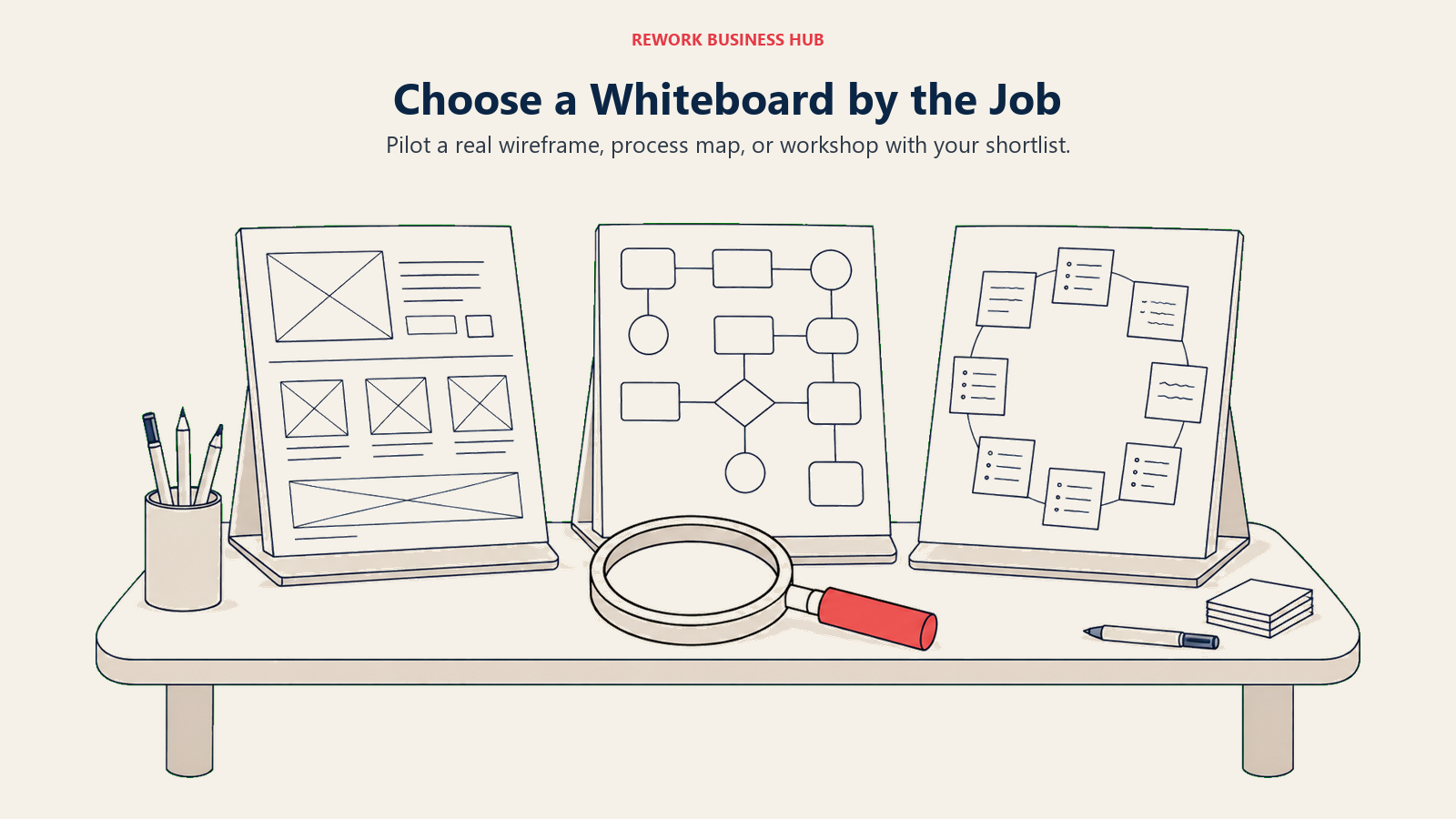
Pilot a real wireframe, process map, or workshop with your shortlist.
| If You Need... | Pick This |
|---|---|
| A broader canvas once four modes genuinely aren't enough | Miro |
| Native handoff into real Figma design files | FigJam |
| Structured, data-linked diagrams that stay accurate as systems change | Lucidchart |
| Brainstorming wired directly into a structured diagram engine | Lucidspark |
| A free, open-source, self-hosted sketch tool | Excalidraw or draw.io |
| Real low-fidelity wireframing depth | Balsamiq |
| AI-assisted wireframe or UI generation | Visily |
| Diagramming plus lightweight project tracking in one tool | Creately |
| Deep facilitation controls for recurring workshops and retros | Mural |
| A home for moodboards, research, and campaign planning | Milanote |
| Zero incremental cost inside a design suite already paid for | Canva Whiteboards |
| The lowest per-seat price plus AI-assisted diagram generation | Boardmix |
What to Do Next
Start from the actual reason Whimsical doesn't fit, not a feature checklist. If it's the monthly creation cap, pilot Excalidraw or draw.io. If it's wireframing depth, pilot Balsamiq or Visily. If it's structured diagramming, pilot Lucidchart. If it's live facilitation at scale, pilot Mural. Pick a real upcoming task, a wireframe, a process map, a workshop, and run it in your top two picks with the same team rather than comparing feature lists in the abstract. The tool people reopen the next week without being reminded is the one worth paying for.

Principal Product Marketing Strategist
On this page
- Key Facts
- Quick Comparison Table
- Why Teams Leave Whimsical
- 1. Miro: The default upgrade once four modes aren't enough
- 2. FigJam: The Figma-native equivalent, if you're already paying for Figma
- 3. Lucidchart: Structured diagramming depth Whimsical doesn't attempt
- 4. Lucidspark: Brainstorming wired to Lucidchart's diagram engine
- 5. Excalidraw: Free, hand-drawn, and genuinely self-hostable
- 6. Balsamiq: Wireframing depth Whimsical's four modes don't cover
- 7. Visily: AI-assisted UI design and wireframing
- 8. Creately: Diagramming plus a lightweight project layer
- 9. Mural: Facilitated workshops Whimsical isn't built to run
- 10. Milanote: Moodboards and creative research, not diagrams
- 11. draw.io (diagrams.net): Free, unlimited, and open source
- 12. Canva Whiteboards: Whiteboarding bundled inside a design suite you probably already pay for
- 13. Boardmix: AI-assisted diagrams at the lowest price here
- Where Whimsical Still Wins
- Stage Fit Matrix
- Sizing and Persona Table
- How to Choose: Decision Framework
- What to Do Next