Best Balsamiq Alternatives in 2026: 13 Tools for Fast, Low-Fidelity Wireframing
Turn this article into takeaways for your work.


Each assistant summarizes the article only for you and suggests best practices for your work.
Figma is the best Balsamiq alternative once a team already pays for a design tool and wants its wireframe pass and its finished screens in the same file, Mockflow and Moqups are the closest like-for-like swaps for teams that just want Balsamiq's deliberately low-fidelity look at a lower per-editor price, Visily and Uizard cover teams that want AI to draft a first pass instead of dragging components by hand, and Penpot or Excalidraw cover teams that want to stop paying a per-editor bill entirely.
The people who search for Balsamiq alternatives split into three groups: teams that like Balsamiq's deliberately low-fidelity look and rectangle-based components but want it cheaper, with more projects included, or without a per-editor bill at all; teams that need AI-assisted drafting or real conditional logic that Balsamiq's static wireframes were never built to do; and teams that would rather fold wireframing into a design tool or whiteboard they already pay for than run a separate wireframing subscription. The 13 tools below cover all three, evaluated on per-editor pricing, wireframing depth, and AI assistance.
Key Facts
- Testing a rough prototype and fixing a usability problem before any code is written runs roughly 100 times cheaper than fixing the same problem after implementation is complete, per the Nielsen Norman Group.
- The collaborative whiteboard and diagramming software market, the category most of these wireframing tools compete in, was worth USD 3.81 billion in 2026, up from USD 3.17 billion in 2025, and is forecast to reach USD 9.59 billion by 2031 at a 20.28% CAGR, per Mordor Intelligence.
- Figma reported 15,964 paid customers with more than $10,000 in annual recurring revenue as of June 30, 2026, up 34% year over year, per Figma's own investor relations page.
- 91% of designers now use AI in their design work at least weekly in 2026, up from 54% a year earlier, a 37-point jump, per the State of AI Design 2026 report.
- The two open-source options on this list have real community weight behind them: Excalidraw's repository carries more than 131,000 GitHub stars under the MIT license, and Penpot's carries nearly 60,000 under MPL-2.0, per Excalidraw's and Penpot's own repositories.
Quick Comparison Table
| Tool | Best For | Starting Price | Key Strength | Key Limitation |
|---|---|---|---|---|
| Figma (and FigJam) | Teams already paying for a design tool | Free / $12/editor/mo billed annually | Wireframe and final UI live in one file | Easy to overbuild fidelity too fast |
| Whimsical | Wireframes plus flowcharts and mind maps in one tool | Free / $10/editor/mo billed annually | Four modes instead of a wireframe-only product | Monthly creation cap on the free tier |
| Visily | AI-assisted wireframing from a prompt or screenshot | Free / $11/editor/mo billed annually | AI wireframe generation, Figma import/export | Smaller template library, newer product |
| Mockflow | Balsamiq's own low-fidelity look, lower price | Free / $9/editor/mo billed annually | Rectangle-based components almost identical to Balsamiq's | Free tier is personal/nonprofit use only |
| Moqups | Unlimited objects and projects without per-editor caps | Free / $7/mo billed annually | Unlimited projects and objects on Starter | Business tier scales in seat blocks, not per-seat |
| Wireframe.cc | The simplest, cheapest dedicated wireframing tool | Free (public only) / $12/mo billed annually | Radically simple, ruler-guided sketching | No component library, single-purpose |
| Justinmind | Wireframing that grows into real interactive prototypes | Free / $19/editor/mo billed monthly | Forms, variables, and conditional user flows | Pricing model mixes monthly and lump annual figures |
| Axure RP | Enterprise-grade conditional logic | No free tier / $29/user/mo | Simulates real app behavior, not just a static screen | Steepest learning curve on this list |
| Uizard | A prompt or screenshot becomes a starting wireframe | Free / $12/mo billed annually | AI Autodesigner drafts a UI from a description | Smaller enterprise track record |
| Penpot | No per-editor bill, open source and self-hostable | Free (cloud) / free (self-hosted) | Genuinely free cloud tier for up to 8 members | Paid cloud tiers have a team spend cap |
| Excalidraw | Free, hand-drawn sketching with zero setup | Free (open source) / $6/user/mo billed annually | Self-hostable, loads in under a second | No dedicated wireframe or component mode |
| Miro | Wireframing alongside roadmaps, retros, and diagrams | Free / $8/member/mo billed annually | Broadest canvas once wireframing is one of many jobs | Per-seat cost climbs fast at scale |
| Canva Whiteboards | Rough layouts inside a suite marketing teams already pay for | Free / $144/yr for one person | Zero incremental tool or bill to add | No dedicated wireframe component library |
Why Teams Leave Balsamiq
Balsamiq's pitch has stayed the same since it launched: deliberately low-fidelity wireframes, so stakeholders argue about structure and flow instead of color and font choice, sold to a small, focused audience that wants exactly that and nothing else. That focus is also where the friction starts once a team's needs move even slightly outside it.
| Pain Point | Who Feels It Most | Better Fit |
|---|---|---|
| Per-editor billing scales fast once several stakeholders need to edit, not just comment | Growing teams past a handful of editors | Penpot, Moqups (Starter), Wireframe.cc |
| No general canvas for flowcharts, mind maps, or brainstorming alongside the wireframes | Teams that want one tool instead of a wireframer plus a whiteboard | Whimsical, Miro |
| No AI-assisted drafting from a prompt or reference screenshot | Teams that want a first-pass wireframe generated, not hand-built | Visily, Uizard |
| No free tier at all, only a 14-day trial | Freelancers and budget-constrained teams that want to try indefinitely at no cost | Mockflow, Moqups, Excalidraw, Penpot |
| No conditional logic, variables, or real interactive prototyping | Teams that need the prototype to behave like the real app, not just look like it | Justinmind, Axure RP |
| Project caps even on paid tiers (10, 100, or 400 projects) | Agencies and teams running many concurrent projects | Penpot, Moqups, draw-style unlimited tools |
| Cloud-only for every plan, no self-hosting option | Security-conscious teams that need design files on their own infrastructure | Penpot (self-hosted), Excalidraw (self-hosted) |
The per-editor model surprises people the most, since it looks identical to a project-based plan at first glance until a fifth or sixth stakeholder needs real edit access, at which point the bill jumps a full tier rather than a few dollars.
1. Figma (and FigJam): The design tool most teams already pay for
Most teams that adopted Balsamiq for standalone low-fidelity wireframing already have Figma seats for their production UI work, and a growing number now run the wireframe pass directly inside Figma using free community wireframe kits or plain rectangles and text, then move to FigJam for the team discussion of flows before committing to visual design. Figma's own investor relations page reported 15,964 paid customers with more than $10,000 in annual recurring revenue as of June 30, 2026, up 34% year over year, the kind of scale that makes "we already have Figma seats" true for a large share of Balsamiq's audience. For teams weighing the whiteboard side of Figma specifically, best FigJam alternatives covers that field, and best Figma alternatives covers the design-tool side.
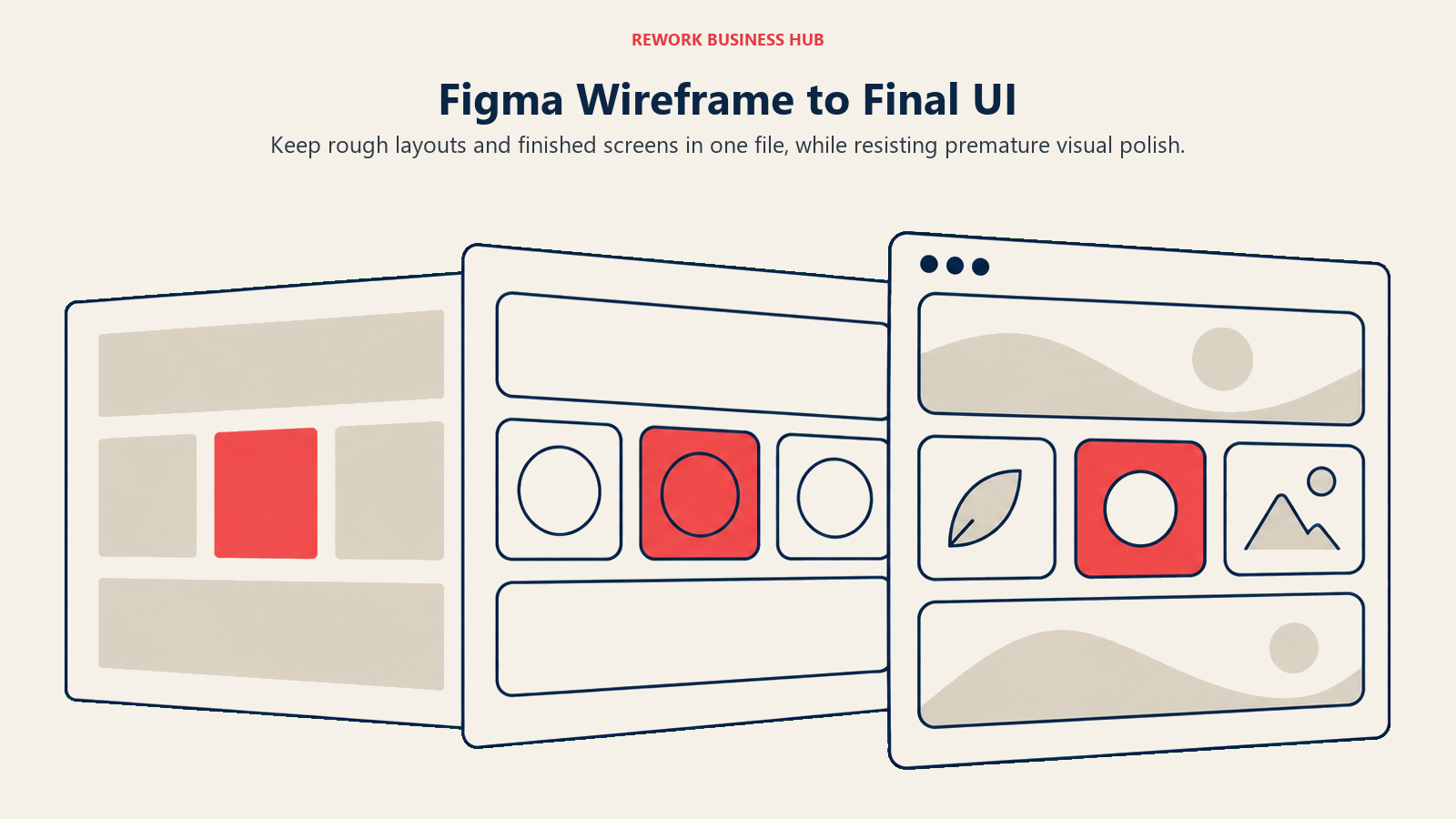
The tradeoff is real: Figma has no dedicated low-fidelity mode the way Balsamiq does, so nothing stops a wireframe from creeping toward full visual polish before the team has agreed on structure, the exact discipline Balsamiq's plain rectangles and stick-figure text enforce by design.
| What You Get | What You Don't |
|---|---|
| Wireframe pass and finished screens in the same file | Balsamiq's enforced low-fidelity discipline |
| A Collab seat that also covers FigJam and Figma Slides | A standalone wireframing-only price point |
| The deepest design-tool ecosystem and plugin library available | A dedicated component set built only for rough mockups |
Pricing: Starter free (unlimited drafts, UI kits and templates, 150 AI credits daily up to 500/month, limited product access). Professional $12/editor/month billed annually ($16/editor/month billed monthly), unlimited files and projects, advanced prototyping, Dev Mode, 3,000 AI credits/month. Organization $55/editor/month billed annually, 3,500 AI credits/month, shared libraries across teams. Enterprise $90/editor/month billed annually, 4,250 AI credits/month, SCIM seat management. FigJam access ships through a separate Collab seat: $3/month on the Professional plan (monthly billing) or $5/month on Organization or Enterprise (annual billing). See Figma's pricing page.
Best for: Teams already paying for Figma who want their wireframe pass and their final UI to live in one file, without running a separate wireframing subscription alongside it.
2. Whimsical: The closest like-for-like wireframe mode, plus three more
Whimsical covers the same low-fidelity wireframing job Balsamiq does, but as one of four fixed modes rather than the entire product, so a team gets flowcharts, mind maps, and sticky-note boards in the same subscription instead of paying for a second tool once a project needs more than a wireframe. Where Balsamiq stays intentionally narrow, Whimsical bets that most teams eventually want the adjacent modes too. For the reverse comparison, our own best Whimsical alternatives roundup covers 13 tools people look for once Whimsical itself feels limiting, and Whimsical vs Excalidraw vs Miro benchmarks three of the broader canvases at 5, 25, and 100 seats.
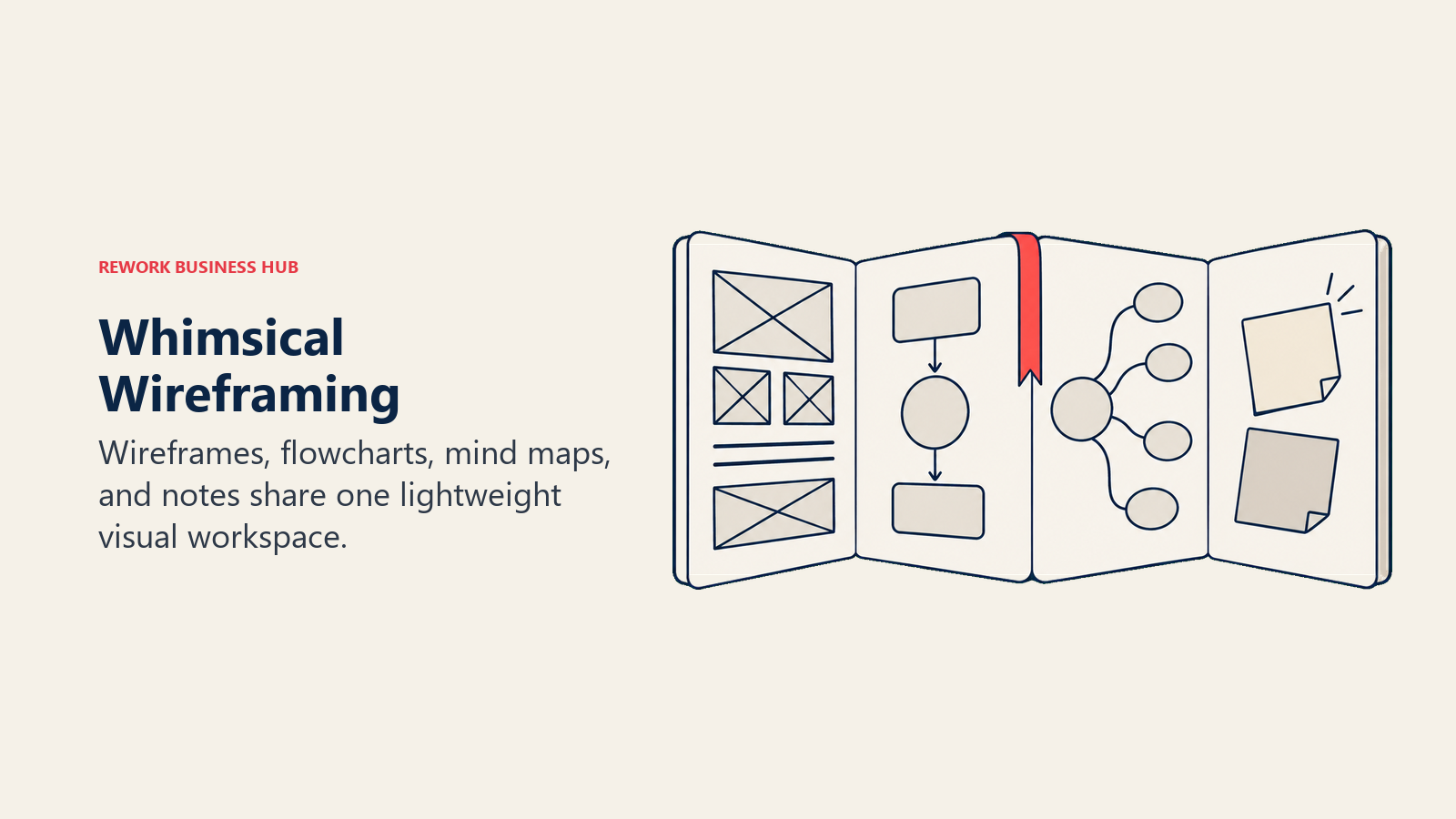
The catch is the free tier's shape: it's not a fixed board count, it's a monthly creation quota of 50 board objects and 50 doc blocks, a ceiling that surprises teams doing steady ongoing work more than Balsamiq's simpler per-project cap ever does.
| What You Get | What You Don't |
|---|---|
| Wireframes, flowcharts, mind maps, and sticky notes in one plan | Balsamiq's purpose-built, wireframe-only component set |
| A lower entry price than Balsamiq's Starter tier | Unlimited free reviewers the way every Balsamiq tier includes |
| A near-zero learning curve for a first wireframe | AI-assisted generation from a prompt or screenshot |
Pricing: Free ($0/editor/month, up to 50 board objects and 50 doc blocks monthly, unlimited boards, members, and guests). Pro $10/editor/month billed annually, which Whimsical's own pricing page states saves 17% versus its monthly rate. Business $20/editor/month. See Whimsical's pricing page.
Best for: Teams that want wireframing plus flowcharts, mind maps, and a sticky-note board in one lightweight tool instead of a wireframe-only product.
3. Visily: AI-assisted wireframing built to replace Balsamiq's exact workflow
Visily is the most direct AI-era answer to Balsamiq's manual, drag-and-drop wireframing workflow: describe a screen or paste a reference image, and Visily drafts a starting wireframe the team edits by hand from there, plus direct Figma import and export for teams that need the wireframe to become a real design file later. That kind of AI-assisted first draft matters more by the day: 91% of designers now use AI in their work at least weekly in 2026, up from 54% a year earlier, per the State of AI Design 2026 report, and wireframing is one of the tasks that survey tracks AI eating into fastest.
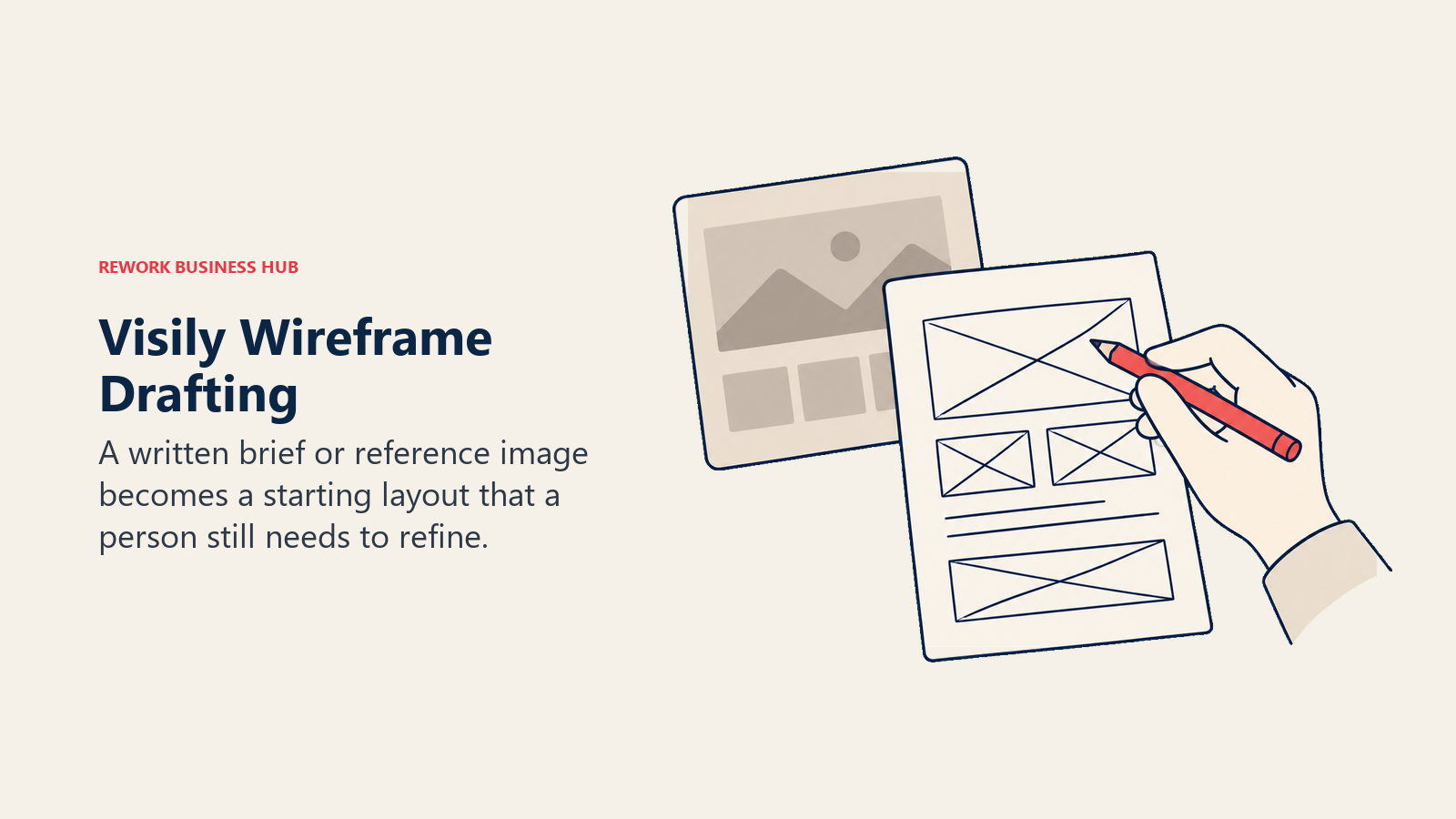
The tradeoff is maturity. Visily is a newer product than Balsamiq, with a smaller template library and a shorter enterprise-procurement track record.
| What You Get | What You Don't |
|---|---|
| AI-generated wireframes from a prompt or reference screenshot | Balsamiq's long enterprise-procurement track record |
| Direct Figma import, export, and a code-export option | A large third-party template marketplace |
| A usable free tier with 300 AI credits a month | Unlimited free reviewers on the free tier |
Pricing: Starter free (300 AI credits/month across the workspace, 2 editable boards, 2,500 elements per board, up to 50 workspace members). Pro $11/editor/month billed annually, which Visily states saves 20% versus monthly billing, 3,000 AI credits/month per editor. Business $29/editor/month billed annually, 10,000 AI credits/month per editor, advanced security and SAML SSO. See Visily's pricing page.
Best for: Teams that want AI to draft the first pass of a wireframe from a prompt or a competitor screenshot before a human refines it.
4. Mockflow: Built in Balsamiq's own image, at a lower per-editor price
Mockflow's entire visual language mirrors Balsamiq's own: rough rectangles, placeholder scribble text, and a component library built specifically to look unfinished on purpose. It markets itself around exactly the same low-fidelity philosophy Balsamiq popularized, then undercuts Balsamiq's Starter tier on price while adding AI credits and a "Build mode" that turns a wireframe into working code on its top tier, something Balsamiq doesn't attempt at any price.
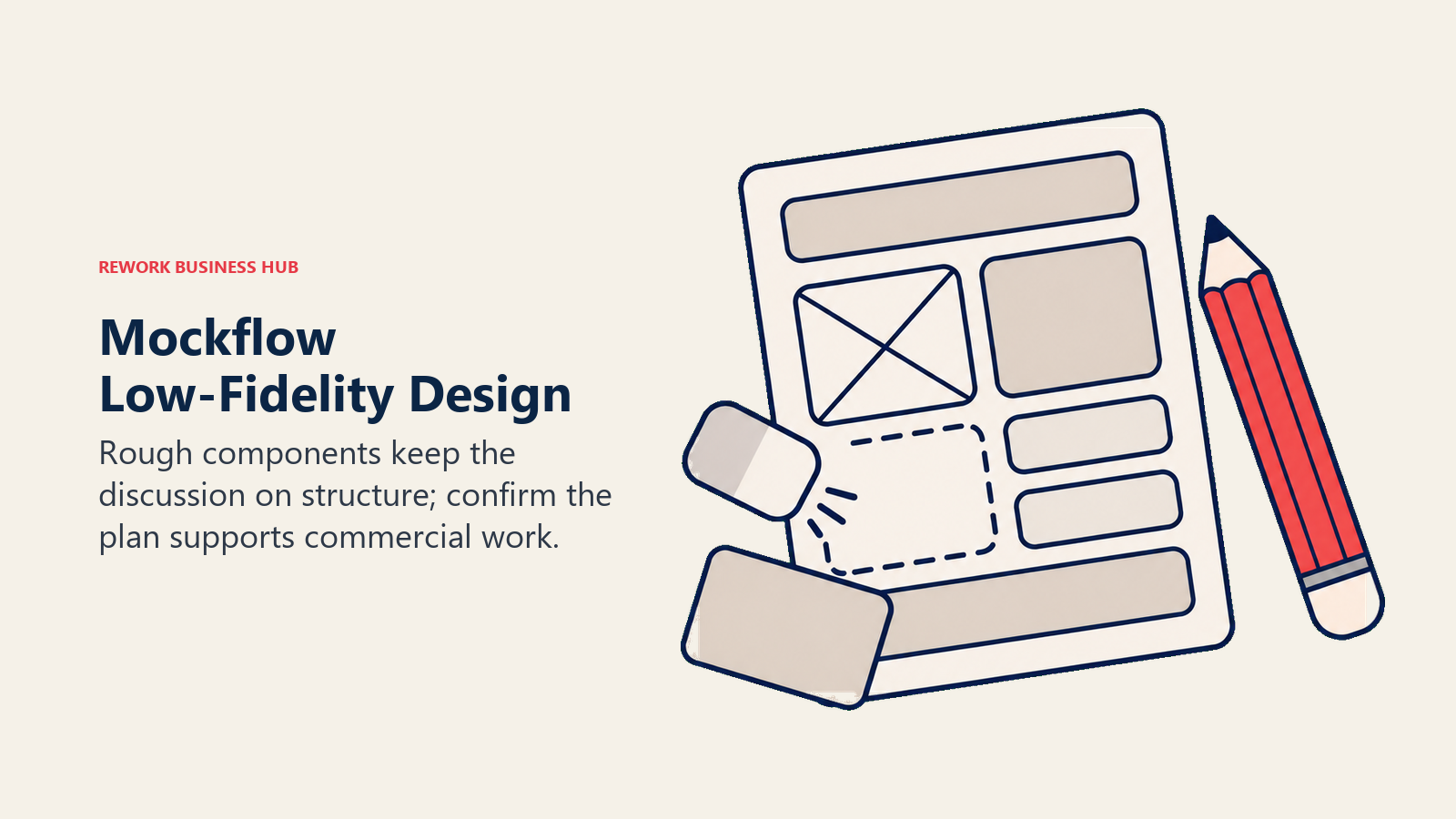
The free tier is the catch: it's genuinely free forever, but restricted to personal or nonprofit use, capped at 4 projects and a 500-component limit, which pushes any commercial team onto a paid seat immediately.
| What You Get | What You Don't |
|---|---|
| A component library nearly identical in spirit to Balsamiq's own | A free tier usable for commercial work |
| A meaningfully lower per-editor price than Balsamiq at every tier | Unlimited free reviewers on the Basic tier |
| Build mode: wireframes converted into working code on Max | Balsamiq's longer track record with enterprise buyers |
Pricing: Basic free (1 editor plus 5 reviewers, public sharing, all wireframing and brainstorming formats, 100 AI credits/month, capped at 4 projects and a 500-component limit, personal or nonprofit use only). Plus $9/editor/month billed annually, unlimited boards and components, unlimited viewers, 800 AI credits/month per editor, 60-day revision history. Max $14/editor/month billed annually, 2,000 AI credits/month per editor, Build mode, SSO/SAML, an offline desktop app. A one-time Day Pass is also available for short bursts of full access without a subscription. See MockFlow's pricing page.
Best for: Teams that liked Balsamiq's deliberately low-fidelity look and rectangle-based components but want the same job done at a meaningfully lower per-editor price.
5. Moqups: Unlimited objects and projects without Balsamiq's project caps
Moqups covers the same low-fidelity wireframing ground as Balsamiq, plus flowcharts and simple diagrams, and its Starter tier removes project and object caps entirely for a single seat at a price well under Balsamiq's own Starter plan. Where Balsamiq caps every tier at a fixed project count (10, 100, or 400), Moqups' Starter tier is unlimited on both projects and objects the moment a team upgrades past the free plan's 2-project ceiling.
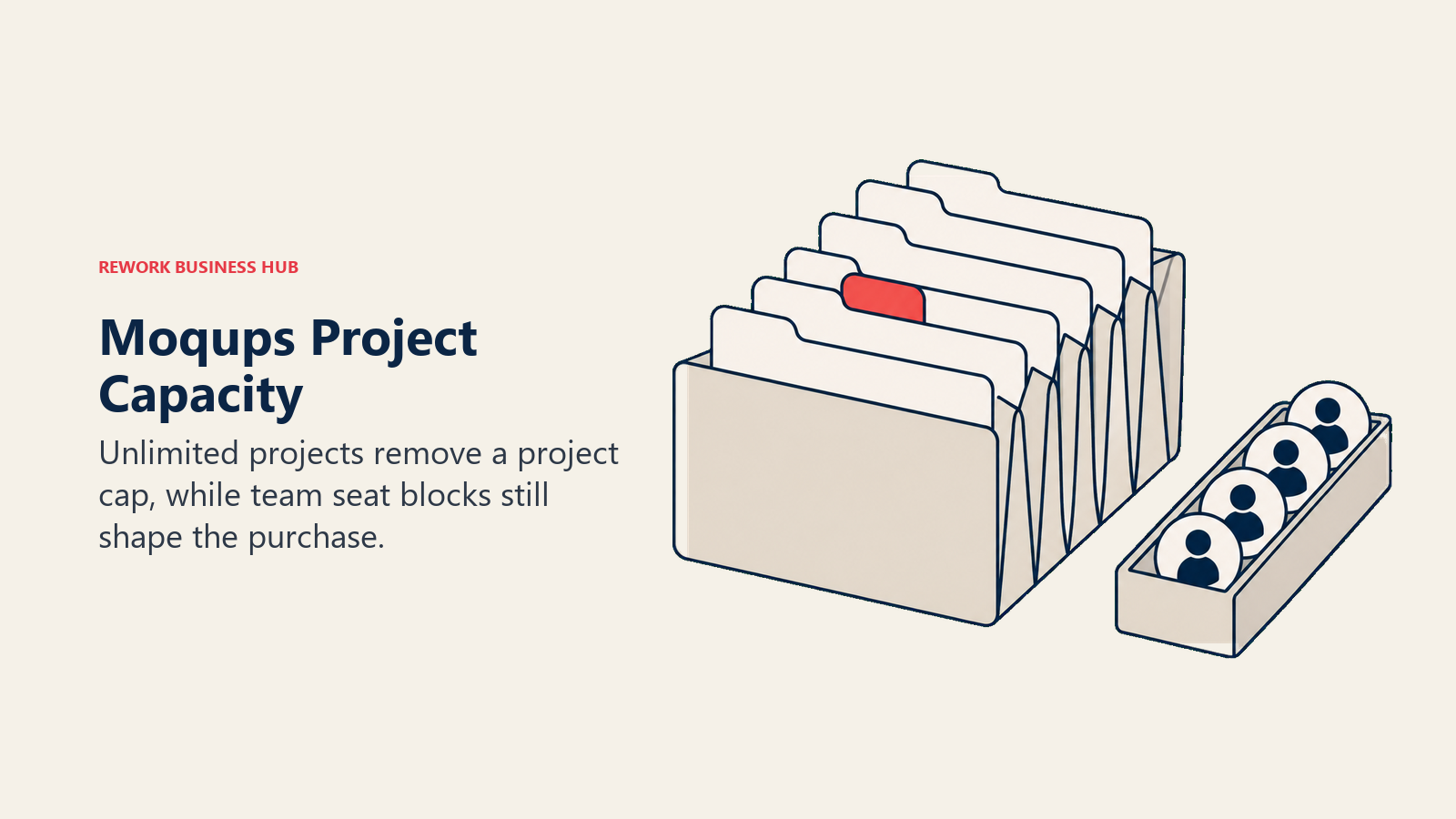
The tradeoff shows up once a team needs more than one seat: Business pricing scales in fixed seat blocks (3, 5, 9, or 10 users) rather than a clean per-seat rate, so a team of 4 or 6 people pays for a block sized around them rather than exact headcount.
| What You Get | What You Don't |
|---|---|
| Unlimited projects and objects on the entry paid tier | Balsamiq's per-seat pricing above the entry tier |
| 150-plus templates and synced components | A free tier past 2 projects and 400 objects each |
| Jira and Confluence integration on Business | Unlimited free reviewers the way Balsamiq includes |
Pricing: Free ($0, 1 seat, 2 projects, 400 objects per project, 150-plus templates). Starter $7/month billed annually ($11/month billed monthly), 1 seat, unlimited projects and objects, unlimited guests and exports. Business from $30/month billed annually ($40/month billed monthly) for the smallest team tier, scaling to 3, 5, 9, or 10 seats, adds live collaboration, team roles, and SSO enforcement. Unlimited $103/month billed annually ($139/month billed monthly), unlimited seats and teams, SAML SSO, SCIM provisioning. See Moqups' pricing page.
Best for: Small teams that want the unlimited-objects wireframing Balsamiq's own Starter tier caps at 10 projects, without paying a separate rate per editor.
6. Wireframe.cc: The simplest, cheapest dedicated wireframing tool here
Wireframe.cc strips wireframing down to almost nothing but the sketch itself: a browser-based canvas with a distinctive ruler-guided, hand-drawn feel, no account required to try it, and no component library to learn before a first screen takes shape. Its free tier goes further than Balsamiq's trial in one way and less far in another, there's no time limit on the free plan, but every free wireframe is single-page and public, with no private account behind it.
Where it trades away depth is obvious the moment a project needs more than one page: no reusable component set, no masters beyond the paid tiers, and nothing like Balsamiq's library of pre-built UI elements.
| What You Get | What You Don't |
|---|---|
| The fastest path from blank canvas to a shareable wireframe link | A component library of any real size |
| The lowest paid entry price of any dedicated wireframing tool here | Unlimited free reviewers or private free wireframes |
| Multi-page, clickable wireframes and master pages on paid tiers | Team roles, SSO, or enterprise admin controls |
Pricing: Free (no account, public wireframes, single-page only). Solo $12/month billed annually ($19/month billed monthly), 1 user, private and multi-page wireframes, master pages, clickable links, PDF and PNG export. Trio $33/month billed annually ($39/month billed monthly), 3 users, same feature set. Enterprise $83/month billed annually ($99/month billed monthly), unlimited users. See Wireframe.cc's pricing page.
Best for: Solo designers or tiny teams who want the fastest possible way to sketch a clickable wireframe and share a link, without learning a component library first.
7. Justinmind: Wireframing that grows into real interactive prototyping
Justinmind starts at the same low-fidelity wireframing job Balsamiq does, then goes considerably further: forms with real validation, variables, conditional user flows, and mobile device testing, letting a team stay in one tool as a project moves from a rough sketch to something that behaves like the real app. Balsamiq never attempts that depth by design; Justinmind is built for teams that know they'll eventually need it.
Its pricing page is worth reading carefully. Standard shows $19 per editor per month on monthly billing, and a separate $295 per editor figure presented as a lump annual payment rather than a discounted monthly-equivalent rate, so the two numbers should be compared as whole totals rather than assumed to follow the usual "annual is cheaper" pattern.
| What You Get | What You Don't |
|---|---|
| Forms, variables, and conditional logic beyond a static wireframe | Balsamiq's deliberately simple, single-purpose pricing page |
| Mobile device testing and shared UI libraries on Standard | A free tier past a single project |
| A tool that scales from rough sketch to real interactive prototype | Unlimited free reviewers on every tier |
Pricing: Free ($0/editor/month, 1 project, unlimited viewers, basic wireframing and vector design). Standard $19/editor/month billed monthly, or $295/editor billed as one annual payment per Justinmind's own pricing page. Professional $29/editor/month billed monthly, or $455/editor billed annually. Enterprise $59/editor/month, with annual pricing available by custom quote. See Justinmind's pricing page.
Best for: Teams that expect to need real interactive logic, forms, and user testing eventually and want one tool that starts at wireframe depth and grows with them.
8. Axure RP: Enterprise-grade conditional logic no wireframing tool here matches
Axure RP's real differentiator isn't the wireframe itself, it's what happens after: variables, conditional logic, and dynamic panels that let a prototype actually behave like the finished application, branching, remembering state, and responding to input rather than just sitting there as a static image the way a Balsamiq mockup does. That depth has made Axure a long-standing default among business analysts and enterprise teams documenting complex workflows, not just designers sketching screens.
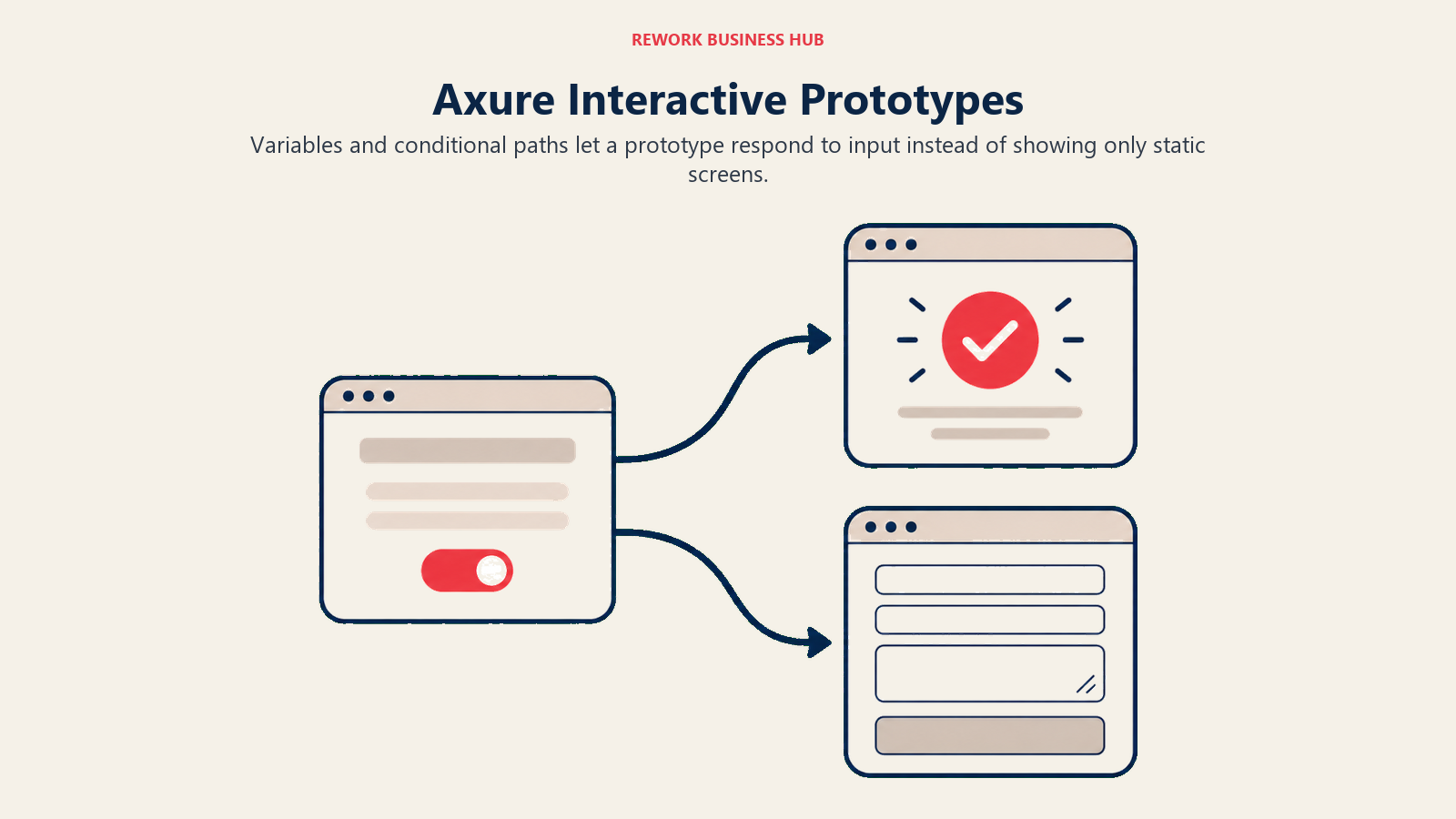
The tradeoff is the same depth that makes it powerful: Axure RP has the steepest learning curve of any tool on this list, and no free tier at all, unlike Balsamiq's 14-day no-card trial.
| What You Get | What You Don't |
|---|---|
| Real conditional logic and dynamic panels, not a static mockup | A free tier or a lightweight first-hour experience |
| Unlimited prototypes, reviewers, and Axure Cloud hosting on Pro | Balsamiq's near-instant onboarding |
| Education and nonprofit discounts up to 60% | AI-assisted wireframe generation |
Pricing: RP Pro $29/user/month, unlimited prototypes, unlimited reviewers, and unlimited projects hosted on Axure Cloud. RP Team $49/user/month, adds co-authoring and revision history for real-time collaboration on shared files. RP Enterprise is custom-quoted, adding single sign-on and private or on-premises hosting options. Axure's pricing page shows a monthly/annual toggle; confirm the exact billing cadence at checkout. See Axure's pricing page.
Best for: Business analysts and enterprise teams that need a prototype to simulate real conditional app behavior, not just present a static wireframe.
9. Uizard: A prompt or a screenshot becomes a starting wireframe
Uizard leans further into AI generation than any other tool on this list: its Autodesigner engine can turn a written product description or a competitor's screenshot into a working starting UI, a fundamentally different first step than Balsamiq's drag-and-place component workflow. For teams that want to skip the blank canvas entirely, that's a real time saver on the first draft of a screen.
The tradeoff is polish versus control: Uizard's AI-generated output tends toward a more finished look than Balsamiq's intentionally rough wireframes, which can short-circuit the "argue about structure, not color" conversation Balsamiq's low-fidelity approach is built to protect.
| What You Get | What You Don't |
|---|---|
| AI-generated wireframes or UI from a text prompt or screenshot | Balsamiq's enforced low-fidelity, structure-first discipline |
| Developer handoff in React and CSS on Pro | A large, mature template marketplace |
| A usable free tier to test the AI generation quality | Unlimited free reviewers |
Pricing: Free (3 AI generations/month, 2 projects, 10 free templates, Autodesigner 1.5). Pro $12/month billed annually, which Uizard states saves roughly 40% versus its monthly rate, 500 AI generations/month, up to 100 projects, Autodesigner 2.0, developer handoff. Business $39/month billed annually, 5,000 AI generations/month, unlimited projects, custom brand kit. Enterprise custom pricing. See Uizard's pricing page.
Best for: Teams that want AI to generate a rough UI straight from a written description or a competitor's screenshot, then edit from there by hand.
10. Penpot: No per-editor bill at all, open source and self-hostable
Penpot's cloud tier removes the per-editor billing question Balsamiq's pricing is built around entirely: its free "Professional" plan covers up to 8 team members at $0, with 10GB of storage and unlimited design files, a real alternative for teams that simply don't want a per-seat line item. It's also fully open source under MPL-2.0, so security-conscious teams can self-host the whole platform with no team-size limit at all, something no proprietary tool on this list, Balsamiq included, offers at any price.
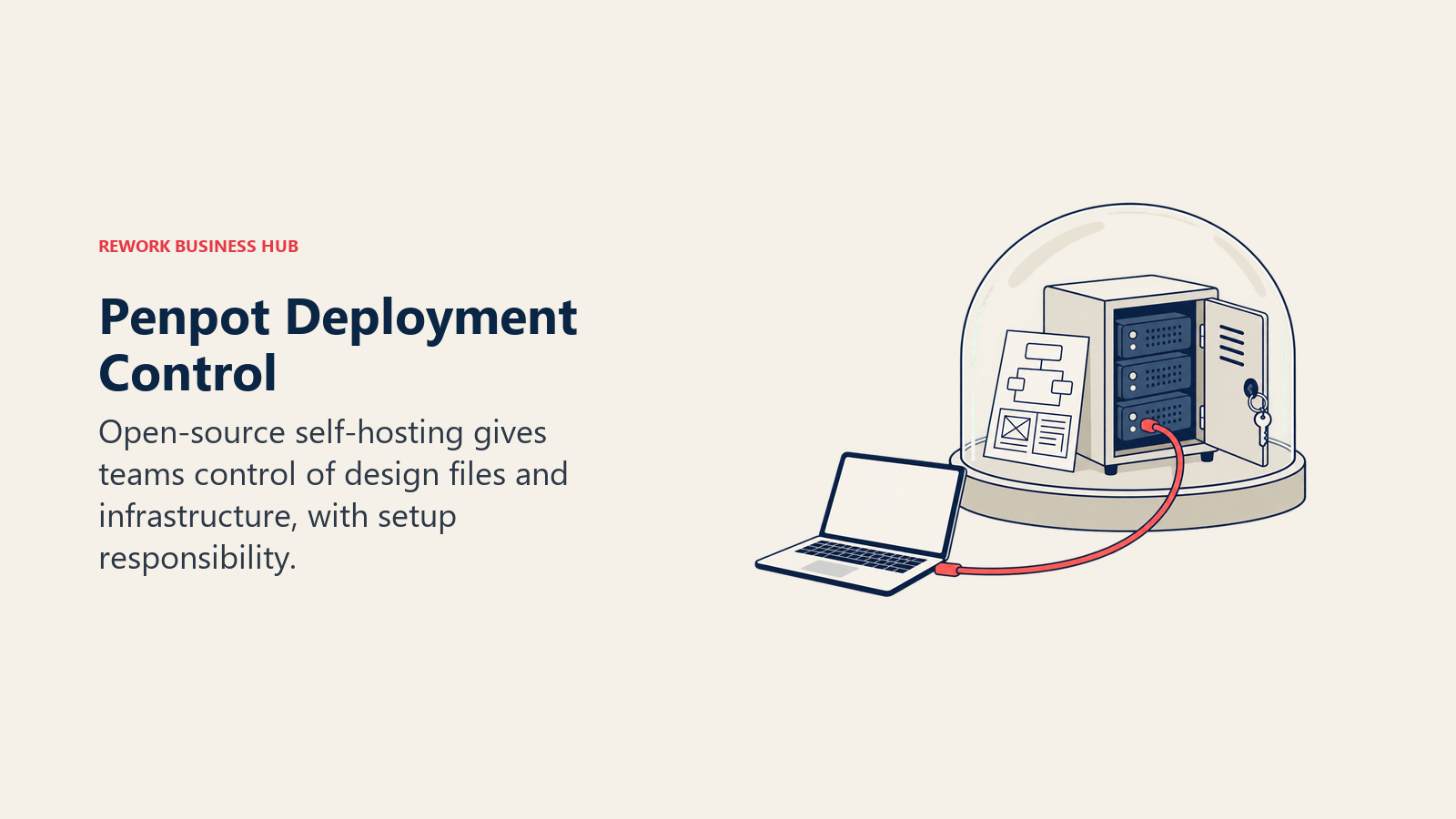
Where Penpot falls short of a dedicated wireframing tool is structure: nothing auto-generates Balsamiq-style rough components, and paid cloud tiers carry a team-wide monthly spend cap rather than a simple per-seat multiplier.
| What You Get | What You Don't |
|---|---|
| A genuinely free cloud tier for up to 8 team members | Balsamiq-style pre-built low-fidelity components |
| Full self-hosting with no team-size limit | A dedicated wireframing mode separate from full UI design |
| Open-source transparency under MPL-2.0 | A free tier past 8 members on the cloud version |
Pricing: Free/Professional cloud tier $0/user/month, up to 8 team members, 10GB storage, 7-day version history, unlimited design files. Unlimited $7/user/month, 25GB storage, 30-day version history, a $175/month spend cap per team. Enterprise $25/user/month with a $950/month minimum, unlimited storage, SSO, and audit logs. Self-hosting the open-source core is free with no team-size limit. See Penpot's pricing page.
Best for: Teams that want to avoid per-editor subscription costs entirely, or that need to keep design files on their own infrastructure.
11. Excalidraw: Free, hand-drawn sketching with zero setup
Excalidraw's hand-drawn look signals rough, unfinished thinking even more literally than Balsamiq's stylized wireframe components do, and it loads in under a second with no account required, a real advantage for a five-minute sketch during a call. The core editor is free and open source, with unlimited scenes, unlimited collaborators, and local browser encryption, and its repository carries more than 131,000 GitHub stars under the permissive MIT license, confirmed on Excalidraw's own repository.
What it doesn't have is any dedicated wireframing structure at all: nothing snaps a layout to a grid or offers a UI component library the way Balsamiq's whole product is built around, so legibility depends entirely on the person drawing.
| What You Get | What You Don't |
|---|---|
| Genuinely free, open source, and self-hostable | Any UI component library or wireframe-specific mode |
| Near-instant load with no account required | Auto-aligned structure the way Balsamiq's components provide |
| Local encryption and unlimited free collaborators | A template library of any real size |
Pricing: Free (open source, unlimited scenes, unlimited collaborators, local encryption). Excalidraw+ $6/user/month billed annually ($7/user/month billed monthly, matching the 14% annual discount stated on Excalidraw's own pricing page), adds cloud sync and a shared team library. See Excalidraw+'s pricing page.
Best for: Engineering-leaning teams that want a fast, free, trustworthy sketch tool and don't need a dedicated wireframe component library.
12. Miro: When wireframing is only one of several jobs to do
Miro absorbs Balsamiq's job into a much broader canvas: wireframing sits alongside roadmapping, structured retros, and cross-team diagramming in the same product, useful once a team's real need has grown past "just wireframes" into a shared home for several kinds of visual work. For a direct look at Miro against two of the more focused tools on this list, Whimsical vs Excalidraw vs Miro breaks down all three at 5, 25, and 100 seats, and best online whiteboard software covers the wider category from the buyer's side.
The tradeoff is cost at scale: Miro bills every editor, and a team that adds many occasional contributors on paid seats will watch the bill climb well past what Balsamiq's flat per-editor tiers ever reach.
| What You Get | What You Don't |
|---|---|
| Wireframing, roadmapping, and structured retros in one canvas | Balsamiq's flat, predictable per-editor pricing |
| The deepest template and integration ecosystem in this list | A dedicated low-fidelity wireframe component library |
| Room to grow from a small team to a company-wide standard | A cheap way to add many viewer-only seats |
Pricing: Free (3 editable boards, unlimited members, 10 AI credits/month). Starter $8/member/month billed annually ($10/member/month billed monthly). Business $20/member/month billed annually ($25/member/month billed monthly). Enterprise custom, from 30 members. See Miro's pricing page, and best Miro alternatives if Miro itself turns out too expensive at your headcount.
Best for: Teams that need wireframing to live alongside roadmaps, retros, and cross-team diagrams in one shared canvas, not as a standalone tool.
13. Canva Whiteboards: Rough layouts inside a suite marketing teams already pay for
Canva's whiteboard mode gives marketing and content teams a place to sketch a basic page layout without adding a new tool or a new bill, since the whiteboard rides on a Canva plan many of those teams already have for everything else. For a team whose real objection to Balsamiq is "we don't want another subscription," that zero-incremental-cost argument carries real weight even without Balsamiq's dedicated wireframing depth.
The honest limit: Canva's whiteboard is secondary to its design tools, with no dedicated wireframe component library, so it fits a rough layout sketch far better than a detailed, structured UI wireframe.
| What You Get | What You Don't |
|---|---|
| Zero incremental cost for teams already on Canva | A dedicated wireframe component library |
| A whiteboard living inside the same suite as brand assets | Balsamiq's structured, UI-specific component set |
| A workable free tier to try before committing | Deep prototyping or conditional logic of any kind |
Pricing: Free ($0/year for one person, 5GB storage, 1 Brand Kit). Pro $144/year for one person (100GB storage, more AI credits, premium templates), per Canva's own pricing page. Business $250/year per person, adds team admin and additional Brand Kits. Enterprise custom pricing (100 to 150-plus seat minimums are common). Prices shown are annual totals, not monthly rates. See Canva's pricing page, and best Canva alternatives if the design suite itself is also up for review.
Best for: Marketing or ops teams already paying for Canva who need an occasional rough layout sketch, not a dedicated wireframing practice.
Where Balsamiq Still Wins
None of this makes Balsamiq a bad choice, and it's worth saying plainly where it still holds up. For a product team that wants exactly one thing, a fast, deliberately unpolished wireframe that keeps a stakeholder conversation on structure instead of color, nothing on this list enforces that discipline as consistently as Balsamiq's own component set does. Every tier includes unlimited free reviewers, a real advantage over tools like Uizard, Excalidraw+, and Miro's free tier that gate viewer access more tightly, and the 14-day trial requires no credit card. The honest read: Balsamiq is the right call when the job is genuinely a quick, low-fidelity mockup reviewed by non-designers and a team wants that discipline built into the tool itself. It stops being the right call the moment the job needs AI-assisted drafting, real conditional logic, a broader canvas for flowcharts and brainstorming, or simply a lower price per editor.
Stage Fit Matrix
| Tool | Startup (1-20) | Growth (20-100) | Mid-Market (100-500) | Enterprise (500+) |
|---|---|---|---|---|
| Figma (and FigJam) | Good | Best fit | Good | Strong |
| Whimsical | Best fit | Good | Moderate | Weak |
| Visily | Best fit | Good | Moderate | Weak |
| Mockflow | Best fit | Good | Moderate | Weak |
| Moqups | Best fit | Good | Moderate | Weak |
| Wireframe.cc | Best fit | Moderate | Weak | Weak |
| Justinmind | Good | Best fit | Good | Moderate |
| Axure RP | Weak | Moderate | Best fit | Strong |
| Uizard | Best fit | Good | Moderate | Weak |
| Penpot | Best fit | Good | Good | Works (self-hosted) |
| Excalidraw | Best fit | Good | Good | Works (self-hosted) |
| Miro | Good | Best fit | Good | Strong |
| Canva Whiteboards | Best fit | Good | Moderate | Weak |
Sizing and Persona Table
| Tool | Ideal Team Size | Primary Buyer | Secondary Users |
|---|---|---|---|
| Figma (and FigJam) | 2-500 | Design lead | PMs, engineers, brand teams |
| Whimsical | 2-100 | Product manager, designer | Founders, engineering leads |
| Visily | 1-30 | Product designer, PM | Founders, early-stage teams |
| Mockflow | 1-50 | Product designer, PM | Stakeholders reviewing wireframes |
| Moqups | 2-50 | Product designer, ops lead | Small design and marketing teams |
| Wireframe.cc | 1-10 | Solo designer, founder | Freelancers, tiny teams |
| Justinmind | 2-100 | Product designer, business analyst | UX researchers, dev teams |
| Axure RP | 10-500 | Business analyst, enterprise UX lead | IT, requirements teams |
| Uizard | 1-30 | Founder, product designer | Non-designers drafting a first UI |
| Penpot | 2-200 | Engineering lead, design lead | Security-conscious IT teams |
| Excalidraw | 2-100 engineers | Engineering manager, CTO | DevOps, architects |
| Miro | 10-500 | Product or design manager | Sales, ops, leadership |
| Canva Whiteboards | 1-50 | Marketing or creative lead | Content teams, small businesses |
How to Choose: Decision Framework
Pilot a real wireframe with your shortlist before committing to a full team migration.
| If You Need... | Pick This |
|---|---|
| Wireframing and finished UI in the same file you already pay for | Figma |
| Wireframes plus flowcharts and mind maps in one lightweight tool | Whimsical |
| AI to draft a first-pass wireframe from a prompt or screenshot | Visily or Uizard |
| Balsamiq's own low-fidelity look at a lower per-editor price | Mockflow |
| Unlimited projects and objects without a per-seat jump | Moqups |
| The simplest, cheapest way to sketch and share a clickable wireframe | Wireframe.cc |
| Wireframing that grows into forms, variables, and real user flows | Justinmind |
| Conditional logic and dynamic panels that behave like the real app | Axure RP |
| No per-editor bill at all, with an option to self-host | Penpot |
| A free, hand-drawn sketch tool with zero setup | Excalidraw |
| Wireframing alongside roadmaps, retros, and cross-team diagrams | Miro |
| A rough layout sketch inside a suite you already pay for | Canva Whiteboards |
What to Do Next
Start from the actual reason Balsamiq doesn't fit your team, not a feature list. If it's price per editor, pilot Mockflow or Moqups. If it's AI-assisted drafting, pilot Visily or Uizard. If it's a per-editor bill you want gone entirely, pilot Penpot or Excalidraw. If it's real conditional logic, pilot Justinmind or Axure RP. Pick one real wireframe you need this week and build it in your top two picks with the same stakeholders who'd review it in Balsamiq, rather than comparing feature lists in the abstract. The tool your reviewers can critique without you explaining the interface first is the one worth switching to.

Principal Product Marketing Strategist
On this page
- Key Facts
- Quick Comparison Table
- Why Teams Leave Balsamiq
- 1. Figma (and FigJam): The design tool most teams already pay for
- 2. Whimsical: The closest like-for-like wireframe mode, plus three more
- 3. Visily: AI-assisted wireframing built to replace Balsamiq's exact workflow
- 4. Mockflow: Built in Balsamiq's own image, at a lower per-editor price
- 5. Moqups: Unlimited objects and projects without Balsamiq's project caps
- 6. Wireframe.cc: The simplest, cheapest dedicated wireframing tool here
- 7. Justinmind: Wireframing that grows into real interactive prototyping
- 8. Axure RP: Enterprise-grade conditional logic no wireframing tool here matches
- 9. Uizard: A prompt or a screenshot becomes a starting wireframe
- 10. Penpot: No per-editor bill at all, open source and self-hostable
- 11. Excalidraw: Free, hand-drawn sketching with zero setup
- 12. Miro: When wireframing is only one of several jobs to do
- 13. Canva Whiteboards: Rough layouts inside a suite marketing teams already pay for
- Where Balsamiq Still Wins
- Stage Fit Matrix
- Sizing and Persona Table
- How to Choose: Decision Framework
- What to Do Next