Best Monday.com Alternatives in 2026: 12 Tools for Operations Teams
Turn this article into takeaways for your work.


Each assistant summarizes the article only for you and suggests best practices for your work.
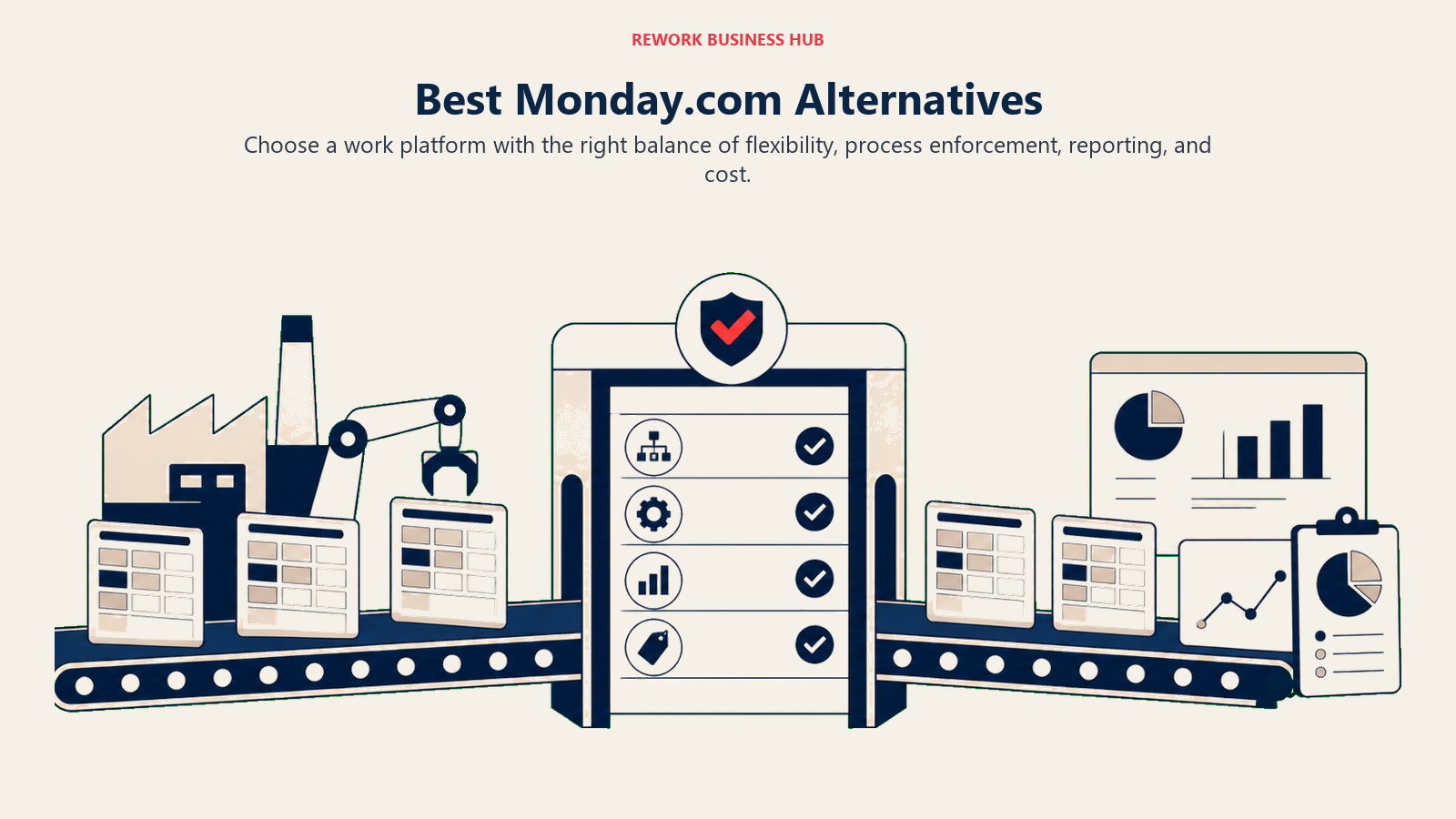
Monday.com sold a lot of teams on the promise of one place to manage everything. And for a while, it worked: the colorful boards, the drag-and-drop simplicity, the feeling that you could model any process with enough columns and automations. But at some point, many ops teams hit the same wall: the tool is flexible enough to build anything, but not opinionated enough to enforce anything. You end up maintaining Monday instead of running your operations through it. The true cost of software sprawl is often what finally pushes teams to consolidate.
Then the bill arrives. Monday's pricing tiers jump fast as headcount grows, and features that feel essential (board limits on lower plans, advanced automations, dashboard reporting, guest seats) are locked behind Pro or Enterprise. If you're a 30-person ops team that has outgrown the Basic tier but can't justify the Enterprise jump, you're stuck in an uncomfortable middle. This article is for you: mid-size operations, sales, and cross-functional teams evaluating what else is out there in 2026.
Quick Comparison Table
| Tool | Best For | Starting Price (per seat/mo) | Key Strength | Key Limitation |
|---|---|---|---|---|
| Rework | Cross-team ops + CRM in one product | From $99/mo billed yearly, 5 seats (rework.com/pricing) | Dedicated workflows + unified CRM + chat inbox | Not a blank-canvas builder |
| Asana | Project tracking + portfolio visibility | $10.99 (Starter) | Goals, Portfolios, Timeline | Weak CRM and client ops |
| ClickUp | Everything-app with high configurability | $7 (Unlimited) | All-in-one: tasks, docs, chat, goals | Steep learning curve, feature bloat |
| Notion | Docs + databases + wikis | $10 (Plus) | Flexible knowledge + light project management | Not built for process enforcement |
| Wrike | Enterprise PM + resource management | $9.80 (Team) | Resource allocation, proofing, approvals | Complex UI, expensive at scale |
| Smartsheet | Spreadsheet-native work management | $9 (Pro) | Familiar grid, Gantt, strong reporting | Less intuitive for non-spreadsheet users |
| Trello | Simple Kanban for small teams | Free / $5 (Standard) | Ease of use, fast setup | Very limited beyond basic boards |
| Basecamp | Straightforward team communication | $15/user or $299 flat | Simple structure, flat-rate pricing | No Gantt, minimal reporting |
| Airtable | Spreadsheet-database hybrid | $20 (Team) | Relational data + custom views | Expensive for large teams |
| Teamwork | Agency project + client management | $10.99 (Deliver) | Client billing, time tracking, retainers | Less strong for internal ops |
| Linear | Modern issue tracking + lightweight PM | $10 (Basic) | Speed, clean UX, cycles | Engineering-first; product team bias |
| Jira | Engineering + expanding to business teams | $8.15 (Standard) | Deep issue tracking, integrations | Complex for non-technical users |
1. Rework: Dedicated Ops Workflows + CRM in One Product
Most Monday alternatives are still blank-canvas tools: give you the building blocks, let you assemble. Rework takes a different bet. It ships opinionated, ready-to-run process templates built for how cross-functional teams actually work: sales ops, onboarding, approvals, procurement, client delivery. No wiring required from scratch.
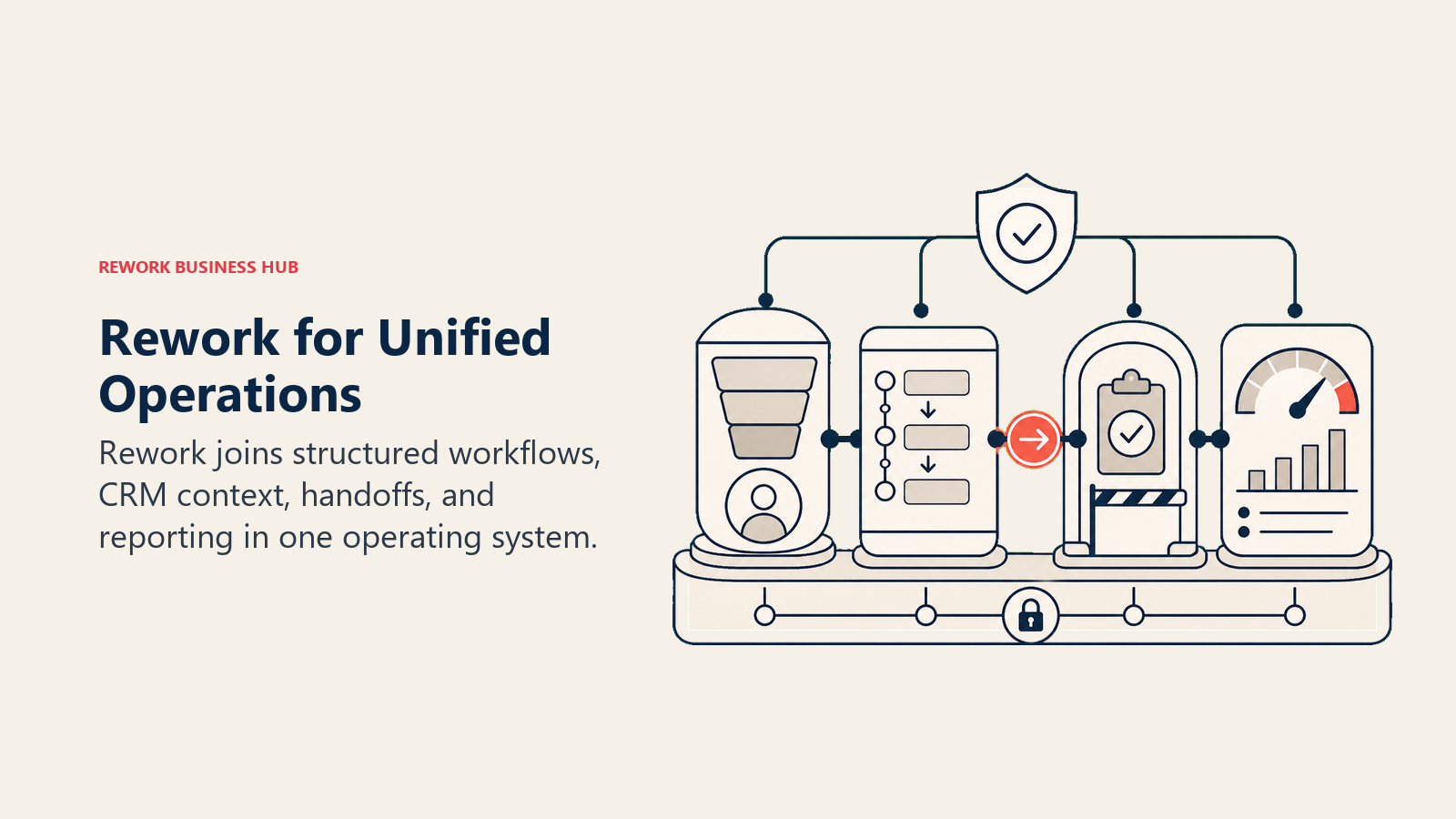
The bigger differentiator for ops teams that touch revenue: Rework includes a full CRM and Lead Management module, with a unified chat inbox (WhatsApp, Messenger, Instagram DM, TikTok, Zalo, web chat) tied to contact records. Monday can model a sales pipeline with enough columns. Rework is built as a revenue + operations product from day one.
| What you get | What you don't |
|---|---|
| Purpose-built process templates for ops, sales ops, onboarding, approvals | Blank-canvas flexibility (it's opinionated by design) |
| Full CRM + Lead Management in the same product | Cheapest per-seat option for small teams |
| Unified multi-channel chat inbox tied to contact timeline | Deep engineering workflow (Linear and Jira are better here) |
| Round-robin, territory, and SLA-based lead routing built in | Kanban-only simplicity (more structured than Trello) |
| Cross-team workflows that enforce process, not just model it |
Pricing: Process Engine from $99/month billed yearly ($1,188/year) or $120 month to month, with 5 work seats included; extra seats come in blocks of 5 ($13/month per block, billed yearly). The CRM is the Sales Engine, from $69/month billed yearly; the chat inbox and lead routing sit in the Marketing Engine ($99/month billed yearly), and the Revenue Engine bundles CRM, inbox and lead capture for $159/month billed yearly. (rework.com/pricing)
Best for: 20-500 person teams where sales, marketing, ops, and CS run shared workflows and you're tired of stitching tools together
2. Asana: Project Management + Goals + Portfolios
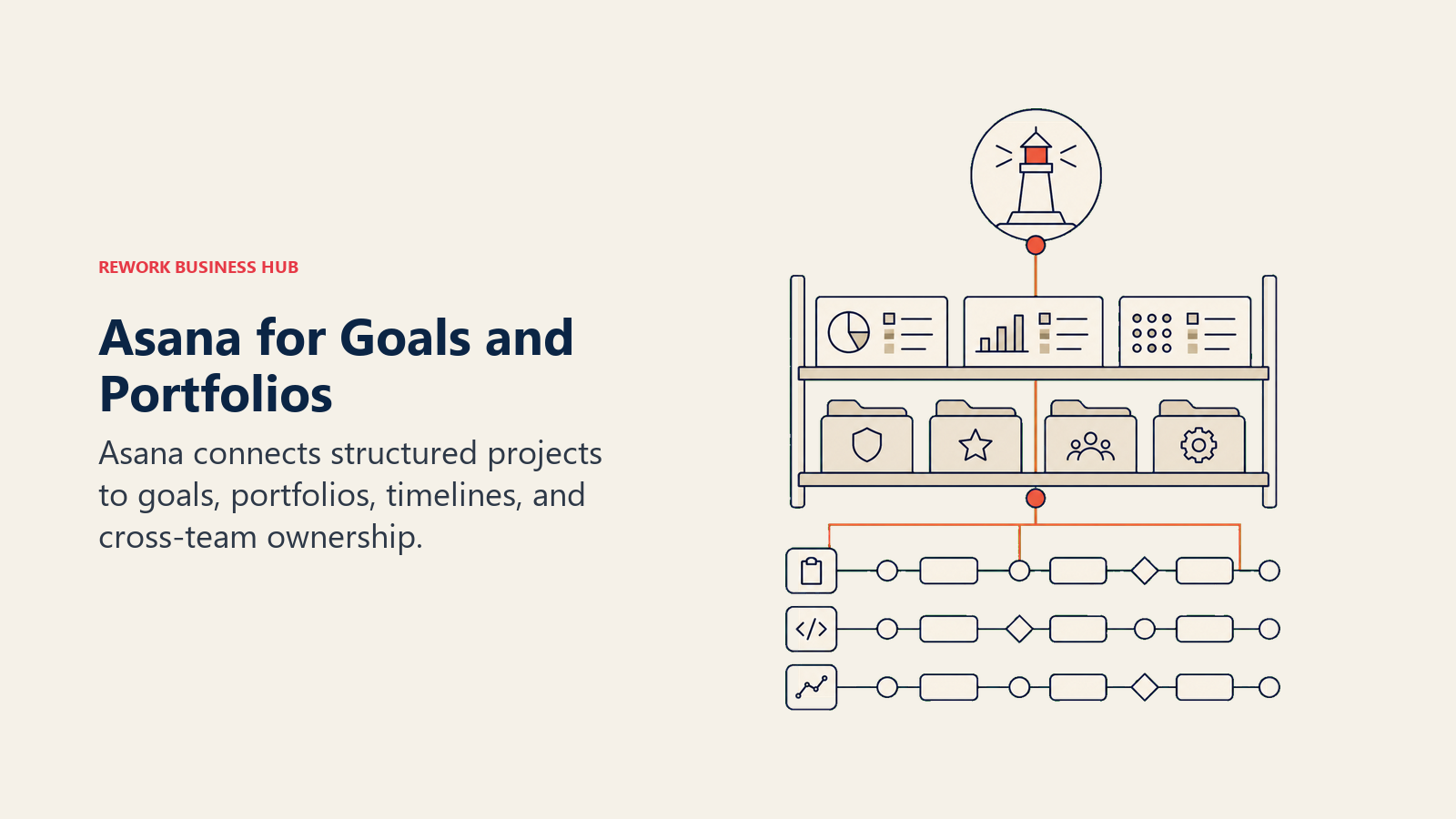
Asana has matured well. What started as a task tracker is now a serious project and work management platform, particularly for teams that need portfolio visibility across multiple workstreams. Goals, Portfolios, and Timeline in the Business tier give program managers and directors the cross-project view that Monday charges heavily for.
It's cleaner than ClickUp and more structured than Notion for project delivery. Where it falls short: process enforcement. Asana models workflows well but doesn't push teams through them. And if your ops function bleeds into CRM territory (client pipeline, lead tracking, account management), you'll end up bolting on HubSpot or Salesforce alongside Asana rather than replacing Monday.
| What you get | What you don't |
|---|---|
| Goals and Portfolios for cross-project visibility | CRM or lead management |
| Strong Timeline view for project planning | Automation depth without higher tiers |
| Clean, mature UI | Purpose-built process templates |
| Solid integrations with Slack, Salesforce, Google Workspace | Budget-friendly pricing at scale |
Pricing: $10.99/seat/mo (Starter), $24.99/seat/mo (Advanced), Enterprise on request
Best for: Marketing teams, program managers, and product/delivery teams that need project tracking with portfolio-level reporting
3. ClickUp: Everything-App (Tasks, Docs, Goals, Chat)
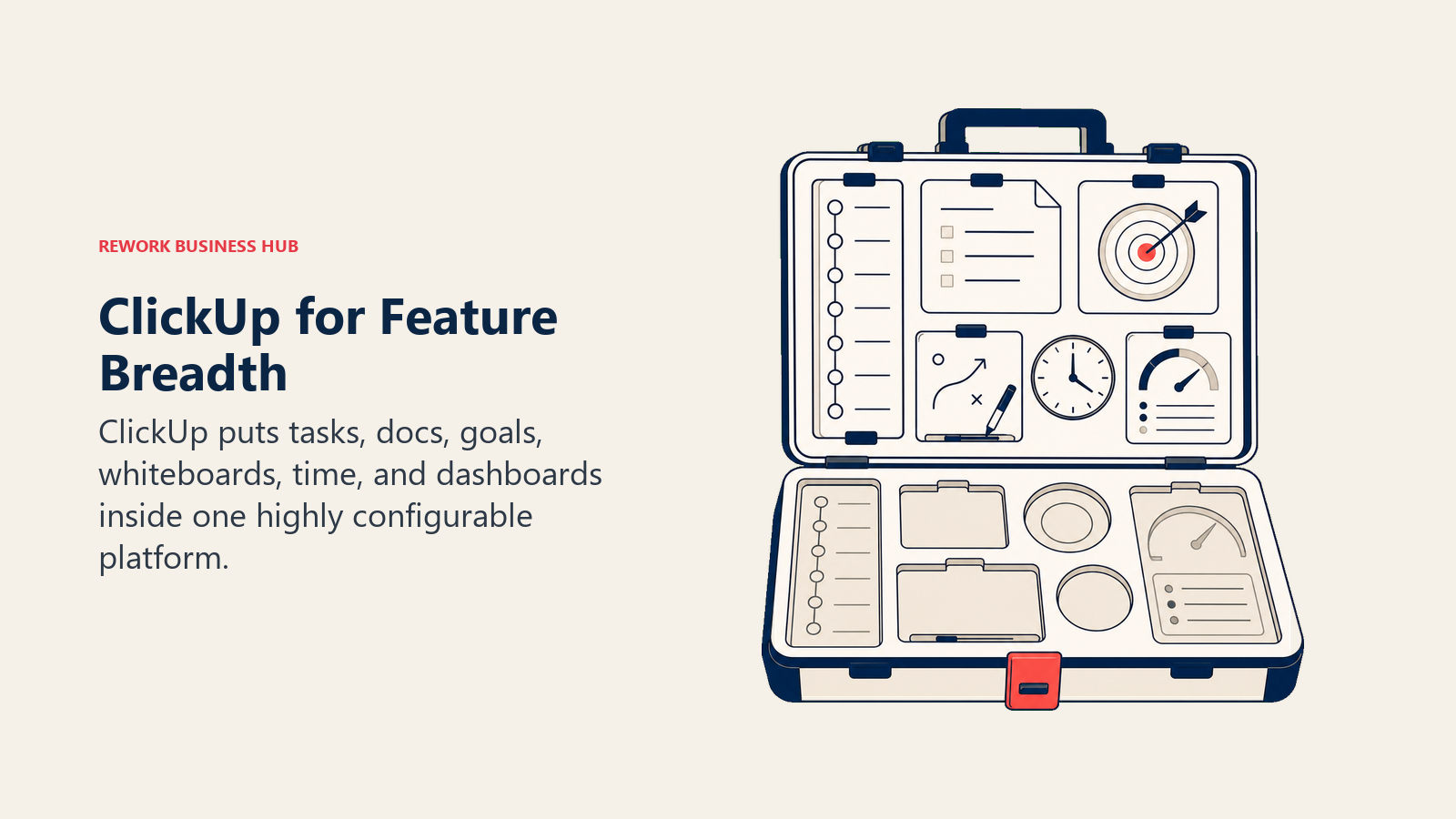
ClickUp's pitch is simple: replace everything. And in terms of feature count, it delivers: tasks, docs, whiteboards, chat, goals, time tracking, sprint management, CRM views, form builders, and automation all live inside ClickUp. For a team willing to invest setup time, it can genuinely replace multiple tools.
The tradeoff is complexity. ClickUp has a steep learning curve, and organizations that don't invest in ClickUp administration tend to end up with messy workspaces that slow teams down rather than speeding them up. The feature sprawl is real. If your ops team values speed of adoption and low maintenance overhead over raw configurability, ClickUp may feel like trading one high-maintenance tool for another.
| What you get | What you don't |
|---|---|
| Widest feature set of any work management tool | Simple, low-maintenance setup |
| Free and Unlimited tiers with solid capabilities | Opinionated workflows out of the box |
| Docs, whiteboards, and chat alongside tasks | Native CRM with full lead management pipeline |
| Strong automation builder at Business tier | Fast time-to-value for non-technical teams |
Pricing: Free, $7/seat/mo (Unlimited), $12/seat/mo (Business), Enterprise on request
Best for: Tech-forward ops teams willing to invest in customization to build their own system of record
4. Notion: Docs + Databases + Wikis + Light Tasks
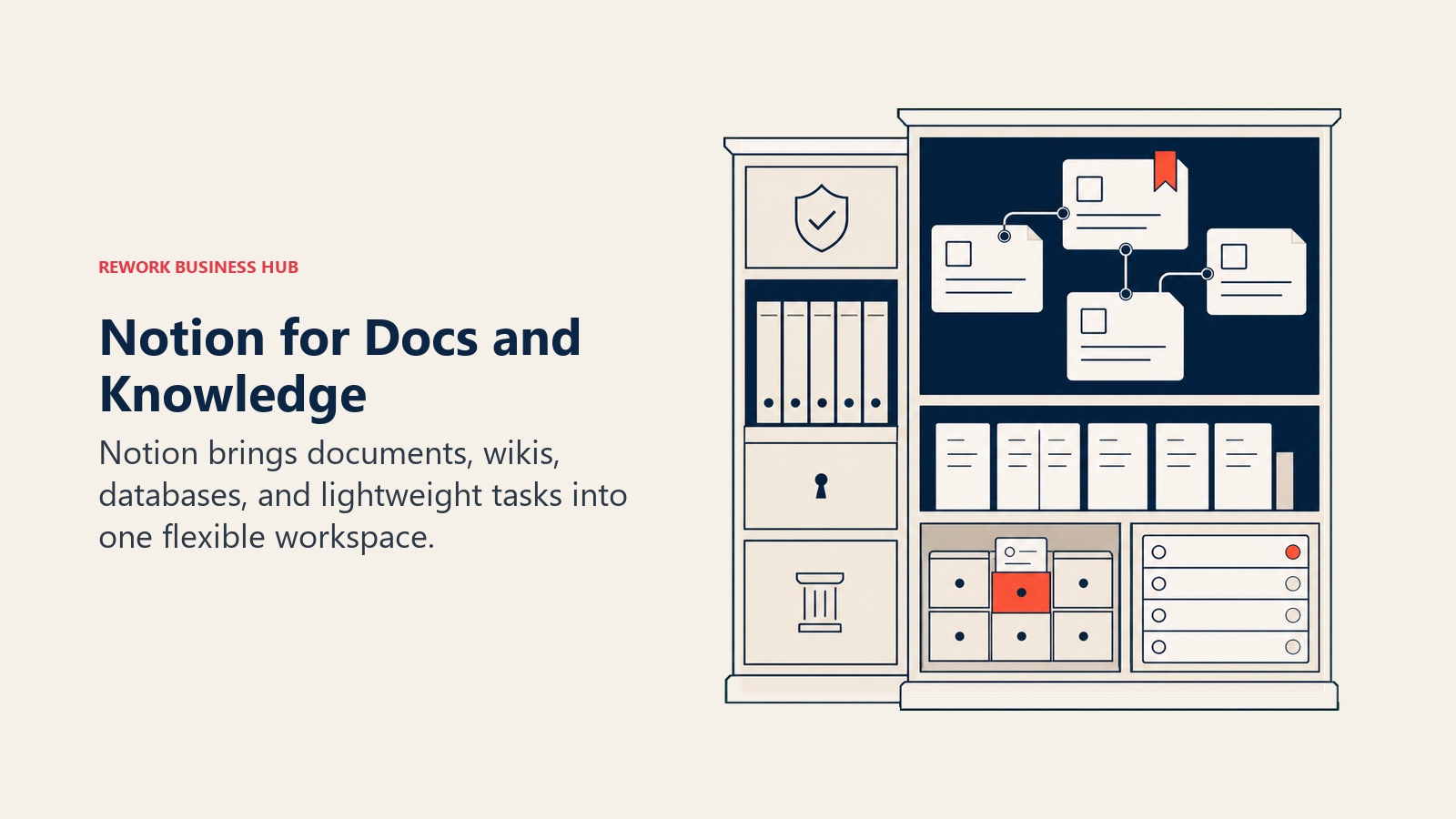
Notion occupies a different space. It's where knowledge lives, not necessarily where operations run. The flexible database model lets teams build custom views on top of structured data, and the wiki-style doc system means your SOPs, runbooks, and meeting notes can live alongside your projects.
But process management is light. You can build a project tracker in Notion, but it won't enforce steps, automate handoffs, or give you real reporting on operational bottlenecks. For ops teams that already have a strong project tool and need a knowledge layer, Notion adds real value. For teams replacing Monday entirely, it tends to leave gaps around accountability, deadlines, and workflow automation. Check out our full best Notion alternatives guide if you're also evaluating that transition.
| What you get | What you don't |
|---|---|
| Best-in-class wiki and knowledge base | Workflow enforcement or automation depth |
| Flexible database model with multiple views | Timeline and Gantt views on lower tiers |
| Clean writing and documentation experience | Native project reporting and dashboards |
| Notion AI for drafting and summarizing | Purpose-built ops or CRM functionality |
Pricing: Free, $10/seat/mo (Plus), $15/seat/mo (Business), Enterprise on request
Best for: Teams that want a unified knowledge base + light project management; pairs well with a dedicated ops tool
5. Wrike: Enterprise PM + Resource Management
Wrike targets larger organizations that need resource management alongside project delivery. Its resource allocation, workload views, proofing and approvals, and Gantt capabilities go deeper than Monday's equivalents on comparable plans. For marketing agencies managing multiple concurrent campaigns or enterprise ops teams handling resource-intensive programs, Wrike competes directly.
The UI is denser and less intuitive than Monday or Asana, and the pricing climbs quickly. Teams under 50 seats often find Wrike's capability depth is more than they need. The sweet spot is 100+ seat enterprise deployments where resource visibility and project governance matter more than ease of onboarding. If you're in this boat, the best Wrike alternatives guide covers the comparison from the other direction.
| What you get | What you don't |
|---|---|
| Strong resource management and workload views | Simple, fast onboarding |
| Proofing and approval workflows built in | Budget-friendly pricing |
| Deep Gantt and dependency management | CRM or revenue operations |
| Enterprise security and compliance features | Intuitive day-to-day UX |
Pricing: $9.80/seat/mo (Team), $24.80/seat/mo (Business), Enterprise on request
Best for: Enterprise PMOs, marketing operations at scale, and program managers running resource-intensive delivery
6. Smartsheet: Spreadsheet-Native Work Management
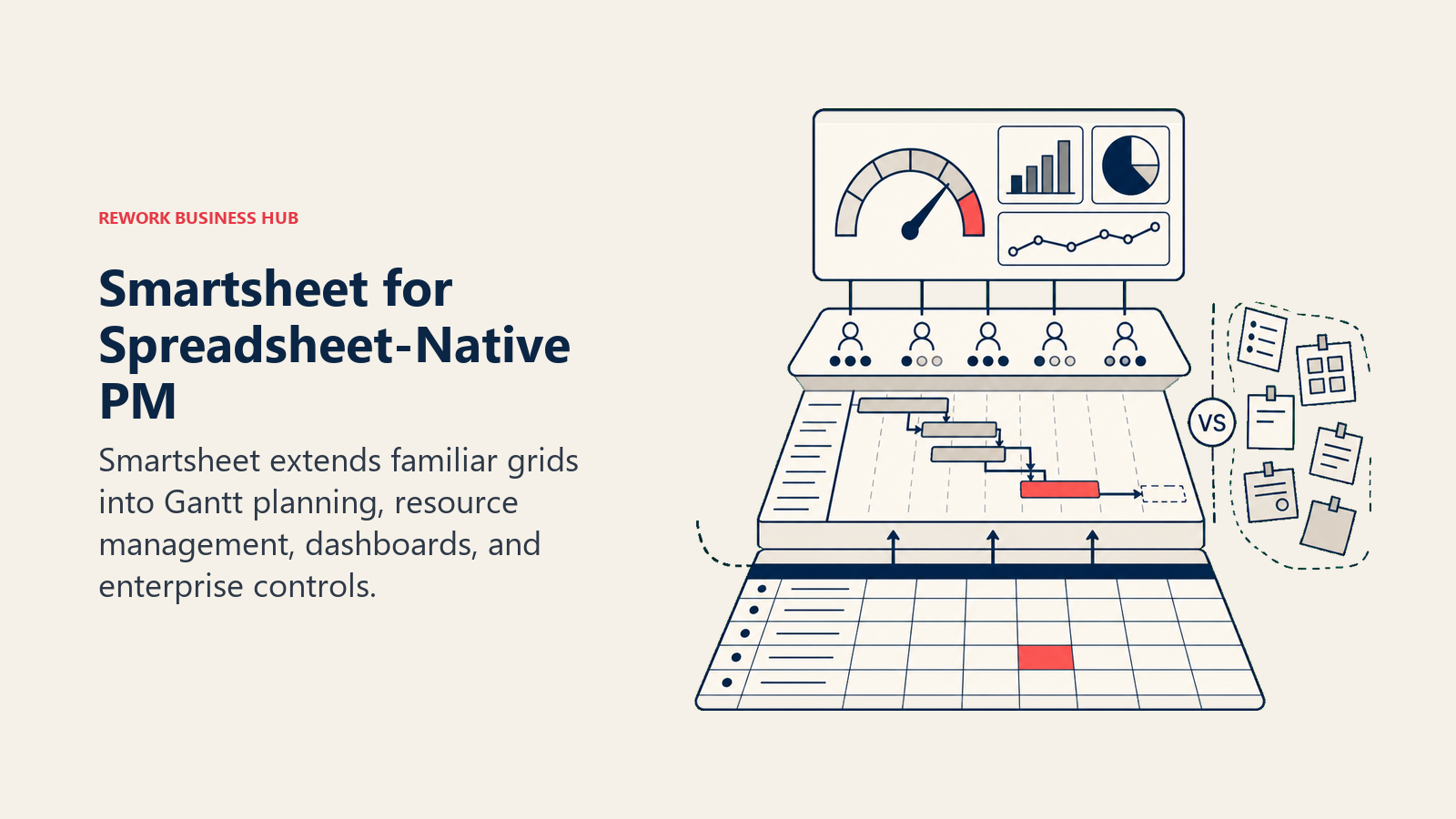
For teams that live in spreadsheets and resist the shift to card or board views, Smartsheet is the most natural Monday alternative. It keeps the grid format ops teams are comfortable with (formulas, columns, row hierarchy) while adding Gantt, dependency tracking, workflow automation, and dashboards on top.
The integration story is strong for enterprise environments: Smartsheet connects deeply with Microsoft 365, Salesforce, and Tableau. Where it loses out: teams with no spreadsheet background find the grid less intuitive than Monday's boards, and the product UI hasn't aged as gracefully as newer entrants. But for finance ops, project controls, and data-heavy operations teams, Smartsheet often wins on familiarity alone. See the best Smartsheet alternatives for a deeper comparison of this space.
| What you get | What you don't |
|---|---|
| Familiar grid model for spreadsheet-native teams | Modern, visual UX |
| Solid Gantt and dependency management | CRM or sales ops functionality |
| Strong Microsoft 365 and Salesforce integrations | Easy adoption for non-spreadsheet users |
| Powerful reporting and dashboards | Lowest per-seat price |
Pricing: $9/seat/mo (Pro), $19/seat/mo (Business), Enterprise on request
Best for: Finance ops, project controls, and teams already deep in Excel or Google Sheets wanting a structured upgrade
7. Trello: Simple Kanban Boards
If the primary complaint about Monday is that it's too complex and too expensive for what your team actually does, Trello is the deliberate simplification. It's boards, lists, and cards. That's the product. Power-Ups extend functionality, but the core experience stays lean.
For small teams running straightforward workflows, Trello is hard to beat on simplicity and price. It's not the right call for cross-functional ops teams managing complex interdependencies, resource allocation, or executive reporting. But for a 10-person team that just needs to track tasks in a shared space without a training investment, Trello still delivers. And when those teams outgrow it, the best Trello alternatives covers where to go next.
| What you get | What you don't |
|---|---|
| Easiest onboarding of any tool on this list | Advanced reporting or Gantt |
| Generous free tier | Scalable ops management |
| Butler automation for basic rules | Native time tracking or resource views |
| Familiar Kanban paradigm | Cross-team process orchestration |
Pricing: Free, $5/seat/mo (Standard), $10/seat/mo (Premium), $17.50/seat/mo (Enterprise). See Trello's pricing page for current details.
Best for: Small teams and individuals needing simple task tracking; not suitable as a Monday replacement for ops teams above 20 people
8. Basecamp: Straightforward Project Communication
Basecamp solves a specific problem: too many tools, too much noise. Its flat structure (projects contain message boards, to-dos, docs, schedules, and chat) removes the configuration overhead that plagues Monday. The flat-rate $299/month pricing for unlimited users is the headline differentiator; once a team grows past 25-30 seats, Basecamp gets very cheap very fast on a per-user basis.
What Basecamp doesn't offer: Gantt views, workload management, advanced automation, or reporting depth. It's communication-first, not process-first. Teams that need detailed project tracking and operational visibility tend to outgrow Basecamp's intentionally simple model.
| What you get | What you don't |
|---|---|
| Flat-rate $299/mo pricing for unlimited users | Gantt, dependencies, or resource management |
| Simple, low-noise communication structure | Advanced automation |
| Quick setup and easy adoption | Reporting and analytics |
| Automatic check-ins and hill charts | CRM or revenue operations |
Pricing: $15/user/mo or $299/mo flat (unlimited users). See Basecamp's pricing page for current details.
Best for: Teams that value simplicity and predictable pricing over feature depth; especially strong at 30+ seats
9. Airtable: Spreadsheet-Database Hybrid
Airtable sits between Notion's flexibility and Smartsheet's grid structure. Its relational database model lets teams link records across tables and build custom views (grid, gallery, kanban, calendar, form) on top of structured data. For operations workflows that are fundamentally data-driven (inventory, vendor management, content calendars, contract tracking), Airtable's data model often fits better than a pure project management tool.
The pricing has climbed. At $20/seat/mo on the Team tier, Airtable is now one of the more expensive tools on this list for growing teams. And like Notion, process enforcement is limited. Airtable models data well but won't push your team through an approval chain the way a dedicated workflow tool does.
| What you get | What you don't |
|---|---|
| Strong relational data model for structured ops | Budget-friendly pricing at scale |
| Multiple views on the same underlying data | Deep workflow automation on lower tiers |
| Automations and form builders | Purpose-built project management |
| Solid API and developer ecosystem | CRM or sales pipeline management |
Pricing: Free, $20/seat/mo (Team), $45/seat/mo (Business), Enterprise on request. See Airtable's pricing page for current details.
Best for: Data-heavy ops teams building custom operational databases; content, product, or vendor management use cases
10. Teamwork: Agency-Focused Project Management
Teamwork is built around the client-agency relationship: billable hours, retainers, project profitability, client portals, and time tracking are first-class features rather than bolt-ons. If you're running an agency or professional services firm where billing accuracy and client visibility matter more than internal ops workflows, Teamwork competes where Monday often falls short.
For internal operations teams without a client-delivery component, Teamwork's specialized focus becomes its limitation. Many of its strongest features (client users, budgeting, profitability reporting) simply don't apply to non-agency ops teams, and the base product for pure project management isn't materially better than Asana or Monday. The best Teamwork alternatives guide covers this in more depth.
| What you get | What you don't |
|---|---|
| Native time tracking and billing integration | Clean UX for non-agency ops |
| Client portal and client user seats | Strong cross-team workflow automation |
| Project profitability and budget tracking | CRM or lead management |
| Retainer and milestone billing | Breadth of integrations |
Pricing: Free, $10.99/seat/mo (Deliver), $19.99/seat/mo (Grow), Enterprise on request
Best for: Marketing and creative agencies, consultancies, and professional services teams billing by project or retainer
11. Linear: Modern Issue Tracking (Beyond Engineering)
Linear built its reputation in engineering as the fastest, cleanest issue tracker available. Cycles replace sprints, the keyboard-driven interface is genuinely fast, and the product philosophy values speed and focus over configuration. In 2025-2026, Linear has been expanding into adjacent product and operations workflows: initiatives, goals, roadmaps, and project tracking for non-engineering teams.
For ops teams that work closely with product and engineering and want a single system, Linear is worth a serious look. But it's still an engineering-first tool at heart. If your operations workflows don't touch engineering at all (sales ops, HR processes, procurement), Linear's paradigm will feel foreign and its feature set insufficient.
| What you get | What you don't |
|---|---|
| Fastest, cleanest UX of any tool on this list | Feature depth for non-engineering ops |
| Cycles, milestones, and initiatives for team rhythm | CRM or sales workflow |
| Strong GitHub, GitLab, and Figma integrations | Resource management |
| Keyboard-first, low-friction task management | Spreadsheet or grid views |
Pricing: Free, $10/seat/mo (Basic), $16/seat/mo (Business), Enterprise on request. See Linear's pricing page for current details.
Best for: Engineering and product teams expanding into operational project management; not suited for purely non-technical ops functions
12. Jira: Engineering-First but Expanding to Business Teams
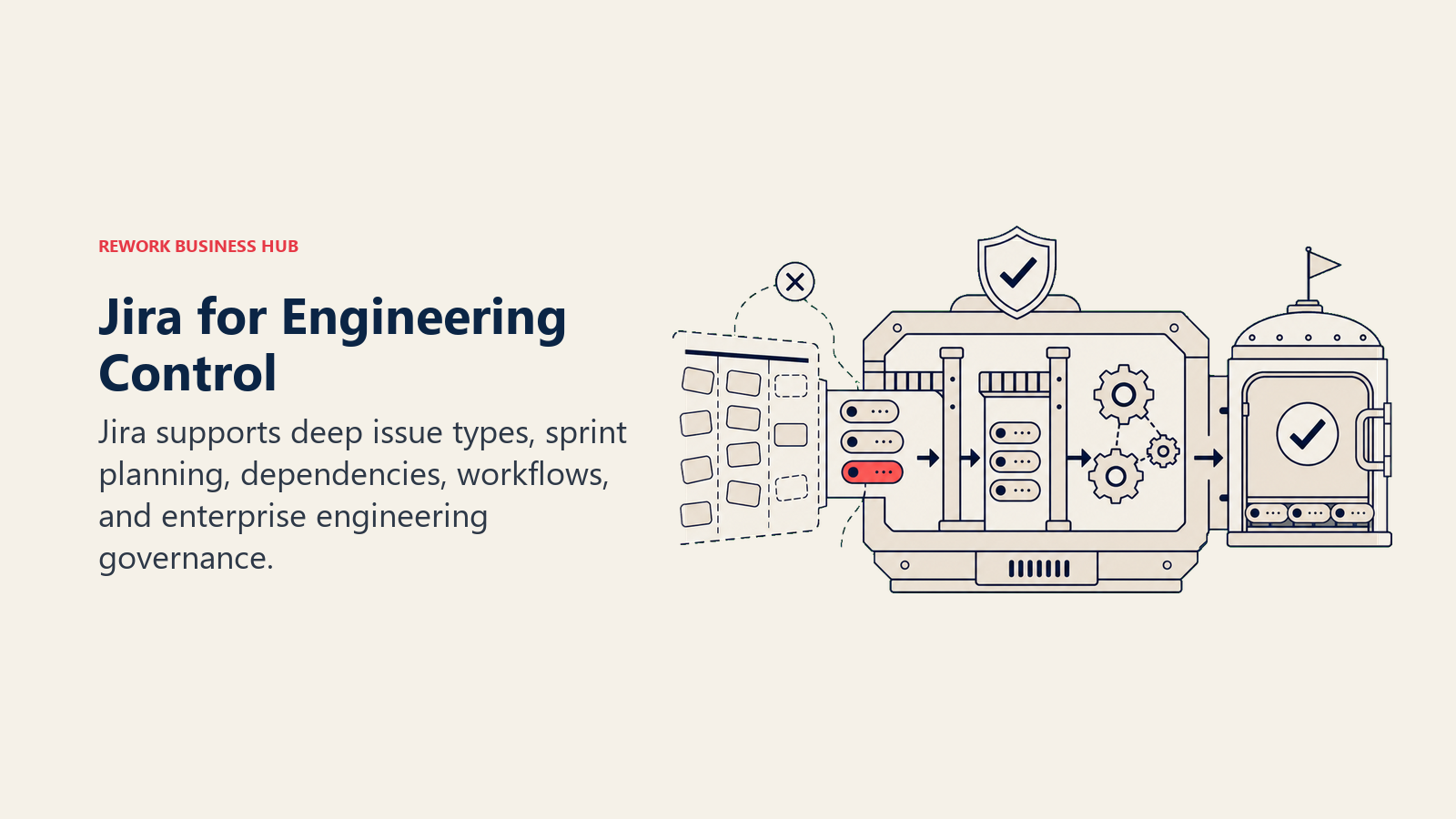
Jira is the default issue tracker for software teams globally and Atlassian's ecosystem depth (Confluence, Bitbucket, Loom) gives it integration advantages that standalone tools can't match. The Business projects mode has expanded Jira's scope into non-engineering workflows, and for companies that already pay for Atlassian Cloud, adding ops teams to Jira is often cost-effective.
The honest limitation: Jira's mental model is still shaped by scrum and agile development. Non-technical users find the configuration requirements steep, and the product surface area creates friction for teams that don't have a dedicated Jira admin. If your ops team isn't already inside the Atlassian ecosystem, the onboarding cost rarely justifies the switch. See the best Jira alternatives if you're evaluating moving away from Atlassian entirely.
| What you get | What you don't |
|---|---|
| Deep integrations within Atlassian ecosystem | Simple setup for non-technical teams |
| Powerful custom workflows and automation | Clean UX without admin configuration |
| Strong reporting and sprint/project metrics | Purpose-built ops or CRM workflows |
| Scalable to very large engineering organizations | Fast time-to-value outside engineering |
Pricing: Free (up to 10 users), $8.15/seat/mo (Standard), $16/seat/mo (Premium), Enterprise on request. See Jira's pricing page for current details.
Best for: Software companies that want one platform for engineering and business teams; teams already in the Atlassian ecosystem
How to Choose: Decision Framework
| If you need this... | Pick this |
|---|---|
| Cross-team ops + CRM + sales workflows in one product | Rework |
| Portfolio visibility and Goals for a marketing or program team | Asana |
| Maximum configurability and willing to invest in setup | ClickUp |
| A knowledge base + wiki with light project management | Notion |
| Resource management for enterprise programs | Wrike |
| Spreadsheet-native work management | Smartsheet |
| Simplest possible Kanban, low cost | Trello |
| Predictable flat-rate pricing, communication-first | Basecamp |
| Relational database model for structured operational data | Airtable |
| Agency project management with client billing | Teamwork |
| Engineering + product teams wanting modern issue tracking | Linear |
| Already deep in Atlassian; need business projects alongside dev | Jira |
Why Teams Leave Monday.com
To make this concrete: here are the four patterns that consistently push ops teams to evaluate alternatives.
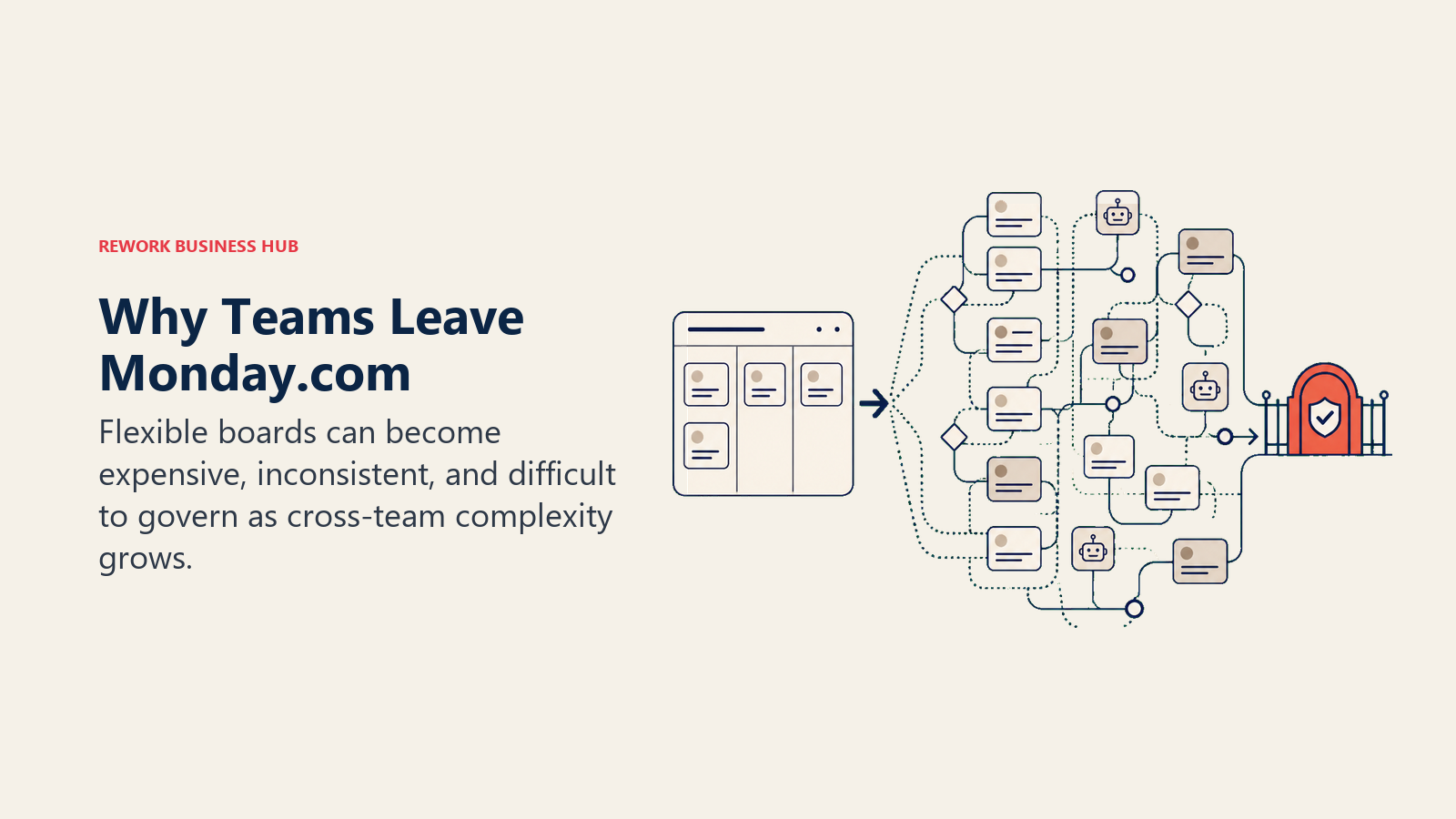
Pricing that scales against you. Monday's per-seat pricing feels reasonable at 10 people. At 50 or 100 seats, the cost crosses a threshold that's hard to justify against alternatives. The Pro and Enterprise tiers unlock features (unlimited boards, advanced reporting, enterprise automation) that mid-size teams need but don't want to pay enterprise prices for. G2 reviews consistently flag pricing as a top concern for teams at the 50-seat threshold. Monday.com on G2 gives you a real-world view of how this plays out.
Configuration doesn't equal process. Monday lets you model anything, but it doesn't enforce anything. Teams that need process discipline (approval steps that can't be skipped, handoffs that automatically route to the right person, SLAs that trigger alerts) find that Monday's flexibility becomes a liability. You spend time maintaining the system instead of running your operations through it. Building an async communication guide for your team before switching tools can help identify which workflows actually need enforcement versus which ones just need visibility.
Not purpose-built for any workflow. Monday is a platform. It's not a CRM, not an HR tool, not a project delivery system. It's a canvas on which you build those things. That's fine if you have the resources to build and maintain them. Many mid-size ops teams don't.
Board limits on lower plans. Teams on the Basic tier hit board limits that require upgrades. When the upgrade price jump is steep, the conversation often becomes "should we move to a better-fit tool entirely?" Running a meeting audit alongside a tool audit can help teams figure out which processes actually need a workflow tool versus which ones are just poorly structured meetings.
What to Do Next
Narrow your shortlist to two tools based on the framework above. Run a real two-week pilot with your actual workflows, not demo scenarios. If your ops team touches revenue and you're running cross-functional workflows today on stitched-together tools, put Rework in that shortlist. If you need a pure project management upgrade without the CRM layer, Asana or ClickUp are the strongest Monday-to-Monday replacements, and the best ClickUp alternatives guide is worth reading before you commit.
The right tool isn't the most flexible one. It's the one your team will actually run their processes through six months from now.
G2 ratings and Gartner Peer Insights reviews referenced in this article reflect data as of early 2026. Pricing is subject to change; check each vendor's pricing page before purchasing.

Customer Success Operations Manager
On this page
- Quick Comparison Table
- 1. Rework: Dedicated Ops Workflows + CRM in One Product
- 2. Asana: Project Management + Goals + Portfolios
- 3. ClickUp: Everything-App (Tasks, Docs, Goals, Chat)
- 4. Notion: Docs + Databases + Wikis + Light Tasks
- 5. Wrike: Enterprise PM + Resource Management
- 6. Smartsheet: Spreadsheet-Native Work Management
- 7. Trello: Simple Kanban Boards
- 8. Basecamp: Straightforward Project Communication
- 9. Airtable: Spreadsheet-Database Hybrid
- 10. Teamwork: Agency-Focused Project Management
- 11. Linear: Modern Issue Tracking (Beyond Engineering)
- 12. Jira: Engineering-First but Expanding to Business Teams
- How to Choose: Decision Framework
- Why Teams Leave Monday.com
- What to Do Next