Best Wrike Alternatives in 2026: 12 Tools for Enterprise Project and Operations Teams
Turn this article into takeaways for your work.


Each assistant summarizes the article only for you and suggests best practices for your work.
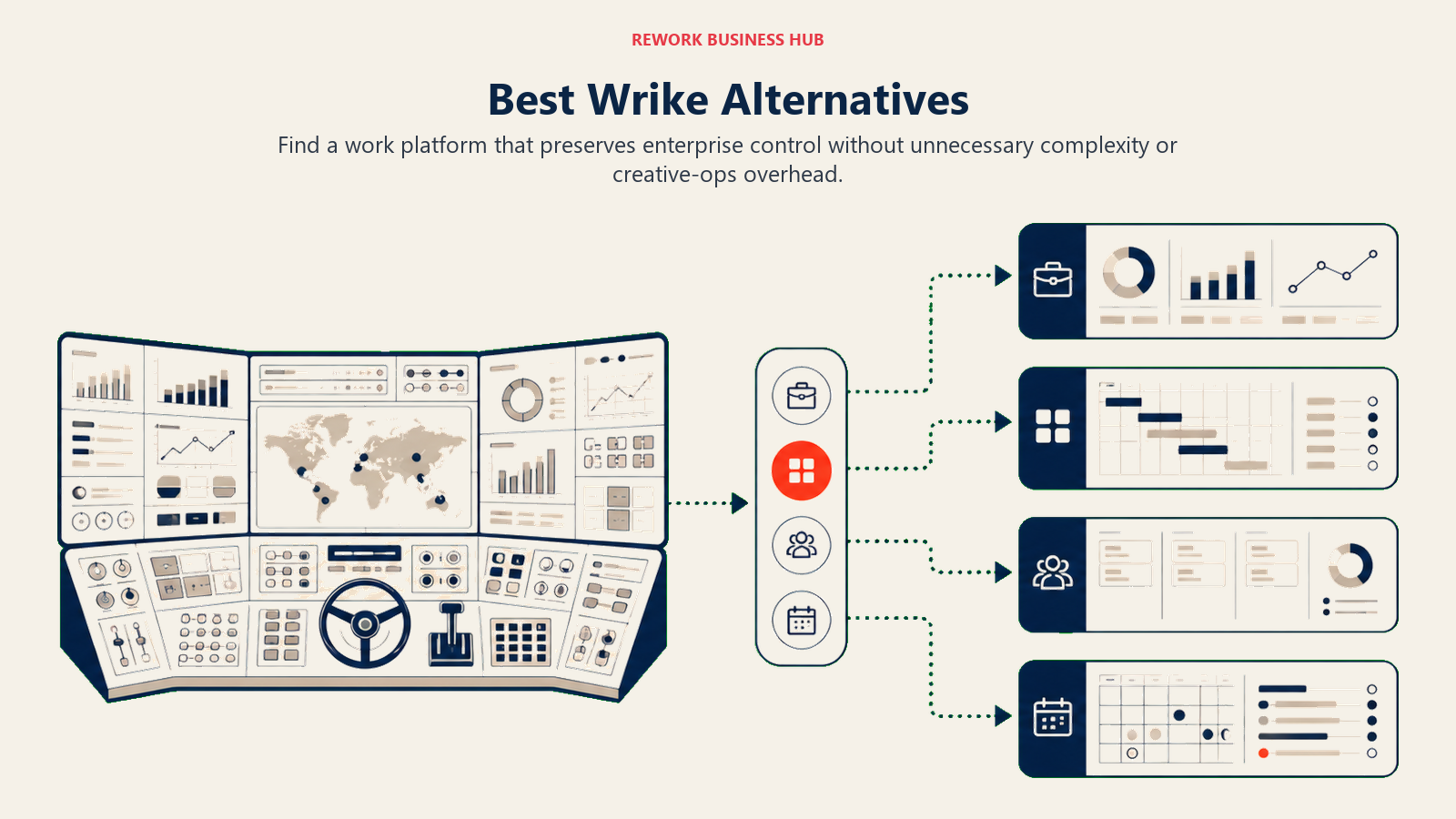
Wrike built its reputation as a serious enterprise work management platform. Resource allocation, Gantt charts, proofing and approvals, time tracking, cross-project dashboards: it covers the full enterprise PM checklist. If you're a marketing operations team running concurrent campaigns with external creative agencies, or a PMO managing a portfolio of capital projects, Wrike genuinely delivers. Before locking in on a Wrike replacement, check out the best Monday.com alternatives guide, since many teams considering Wrike are also evaluating Monday, and that context shapes the comparison.
But here's what drives teams to start searching alternatives. The UI is dense and the learning curve is steep, especially for non-technical users outside the core project management team. The pricing climbs fast, and features that most enterprise teams consider standard (custom dashboards, resource management, advanced automation) are locked behind Business+ or Enterprise tiers. And a significant portion of Wrike's product investment has gone into creative proofing workflows: version control for creative assets, markup tools, brand asset management. That's valuable for marketing creative teams. For everyone else (ops teams, RevOps, sales operations, cross-functional workflows) it's paying for capability they'll never touch. This article is for the teams who've outgrown the default or never fit Wrike's mold to begin with: 50- to 500-person enterprise and mid-market ops teams who want something purpose-built for how they actually work.
Quick Comparison Table
| Tool | Best For | Starting Price (per seat/mo) | Key Strength | Key Limitation |
|---|---|---|---|---|
| Rework | Cross-team ops + CRM in one product | From $99/mo billed yearly, 5 seats (rework.com/pricing) | Dedicated workflows + unified CRM + chat inbox | Not a blank-canvas builder |
| Asana | Project management + Goals/Portfolios | $10.99 (Starter) | Portfolio visibility, Goals, clean UX | Weak CRM and client ops |
| Monday.com | Visual Work OS for ops teams | $9 (Basic) | Flexible visual boards, strong automations | Configuration overhead, pricing at scale |
| ClickUp | Everything-app, max configurability | $7 (Unlimited) | Widest feature set on this list | Steep learning curve, feature bloat |
| Smartsheet | Spreadsheet-native project management | $9 (Pro) | Grid model, Gantt, Microsoft 365 integration | Less intuitive for non-spreadsheet users |
| Notion | Docs + databases + light PM | $10 (Plus) | Flexible knowledge management | Weak process enforcement and automation |
| Microsoft Project / Planner | Enterprise PM in Microsoft ecosystem | $10/seat (Planner) | Deep M365 integration, enterprise governance | Setup complexity, mixed Planner/Project UX |
| Teamwork | Agency PM + client delivery | $10.99 (Deliver) | Billable time, retainers, client portals | Less strong for internal ops without client billing |
| LiquidPlanner | Predictive scheduling + risk management | $15 (Essentials) | Ranged estimation, intelligent scheduling | Niche use case, smaller ecosystem |
| Basecamp | Flat-rate, simple project communication | $15/user or $299 flat | Predictable pricing, low noise | No Gantt, minimal reporting |
| Airtable | Database-first work management | $20 (Team) | Relational data model, custom views | Expensive at scale, light on workflow enforcement |
| Jira | Engineering-first expanding to business | $8.15 (Standard) | Atlassian ecosystem, deep issue tracking | Complex for non-technical teams |
Stage Fit Matrix
| Tool | Startup (1-50) | Growth (50-200) | Mid-Market (200-1,000) | Enterprise (1,000+) |
|---|---|---|---|---|
| Rework | Partial fit | Strong fit | Strong fit | Partial fit |
| Asana | Good fit | Strong fit | Good fit | Partial fit |
| Monday.com | Good fit | Strong fit | Good fit | Partial fit |
| ClickUp | Good fit | Strong fit | Good fit | Partial fit |
| Smartsheet | Partial fit | Good fit | Strong fit | Strong fit |
| Notion | Strong fit | Good fit | Partial fit | Partial fit |
| Microsoft Project / Planner | Rarely used | Partial fit | Strong fit | Strong fit |
| Teamwork | Good fit | Strong fit | Good fit | Partial fit |
| LiquidPlanner | Partial fit | Good fit | Strong fit | Partial fit |
| Basecamp | Good fit | Good fit | Partial fit | Not recommended |
| Airtable | Good fit | Good fit | Partial fit | Not recommended |
| Jira | Good fit | Strong fit | Strong fit | Strong fit |
Sizing and Buyer Persona Table
| Tool | Team Size Sweet Spot | Primary Buyer | Team Type |
|---|---|---|---|
| Rework | 20-500 | COO, Head of Ops, RevOps Lead | Cross-functional (Sales + Ops + Marketing) |
| Asana | 10-300 | Director of PMO, Marketing Ops | Project teams, marketing, product delivery |
| Monday.com | 10-500 | Operations Manager, Team Lead | Ops, marketing, cross-functional |
| ClickUp | 10-500 | IT/Ops Admin, Tech-forward Ops | Tech-forward teams willing to self-configure |
| Smartsheet | 50-1,000+ | PMO Director, Finance Ops | Project controls, finance, enterprise ops |
| Notion | 5-200 | COO, Head of Knowledge | Knowledge-heavy teams, product, design |
| Microsoft Project | 100-5,000+ | PMO, IT, Enterprise Buyer | Enterprise PMO, IT governance |
| Teamwork | 10-200 | Agency Owner, Client Services Director | Agencies, professional services |
| LiquidPlanner | 20-500 | PMO, Engineering Ops | Resource-constrained delivery teams |
| Basecamp | 5-100 | Founder, Ops Manager | Generalist teams wanting simplicity |
| Airtable | 10-300 | RevOps, Data Ops, Marketing Ops | Data-driven ops, custom workflow builders |
| Jira | 10-10,000+ | Engineering Manager, IT Admin | Engineering + business teams in Atlassian orgs |
1. Rework: Dedicated Ops Workflows + CRM in One Product
The core contrast with Wrike: Wrike is a configurable project management platform. Rework ships opinionated, purpose-built process templates for how cross-functional teams actually operate (sales ops, onboarding flows, approval chains, procurement workflows, client delivery cycles) without requiring weeks of admin setup to model your processes.
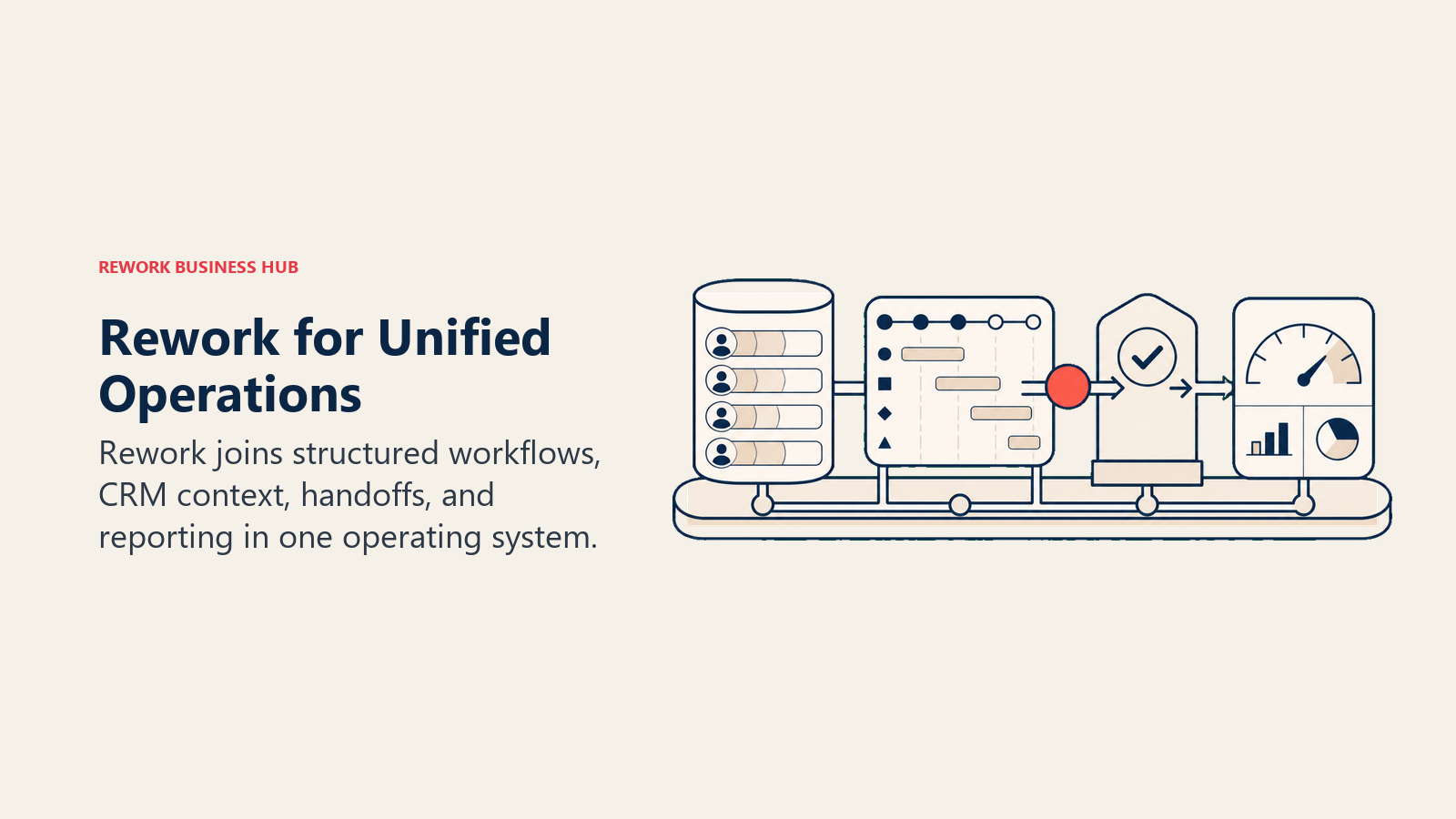
Where Wrike targets enterprise PMOs and creative agencies, Rework's sweet spot is the mid-market ops team (20-500 people) where sales, marketing, customer success, and operations run shared workflows and the pain is disconnected tools dropping handoffs. The built-in CRM and Lead Management module means ops teams that also touch revenue don't need a separate CRM stitched alongside their project tool. The unified chat inbox covers WhatsApp, Messenger, Instagram DM, TikTok, Zalo, and web chat, tying multi-channel communications directly to contact records, not as a bolt-on.
| What you get | What you don't |
|---|---|
| Purpose-built process templates (no assembly required) | Blank-canvas flexibility (it's opinionated by design) |
| Full CRM + Lead Management in the same product | Creative proofing and asset markup |
| Unified multi-channel chat inbox tied to contact timeline | Deepest Gantt or resource allocation for enterprise PMOs |
| Round-robin, territory, and SLA-based lead routing built in | Cheapest per-seat option for 3-person teams |
| Cross-team workflows that enforce process, not just model it | Atlassian or Microsoft ecosystem depth |
Pricing: Process Engine from $99/month billed yearly ($1,188/year) or $120 month to month, with 5 work seats included; extra seats come in blocks of 5 ($13/month per block, billed yearly). The CRM is the Sales Engine, from $69/month billed yearly; the chat inbox and lead routing sit in the Marketing Engine ($99/month billed yearly), and the Revenue Engine bundles CRM, inbox and lead capture for $159/month billed yearly. (rework.com/pricing)
Best for: 20-500 person teams where sales, ops, and marketing run shared workflows and you need CRM + process management without assembling two separate tools
2. Asana: Project Management + Goals + Portfolios
Asana is the most direct structural competitor to Wrike for teams that primarily need project delivery and portfolio visibility, but want a cleaner, more approachable product. Goals, Portfolios, Timeline, and workload views in the Business and Advanced tiers give program managers and operations directors the cross-project oversight that Wrike offers, with significantly better day-to-day UX.
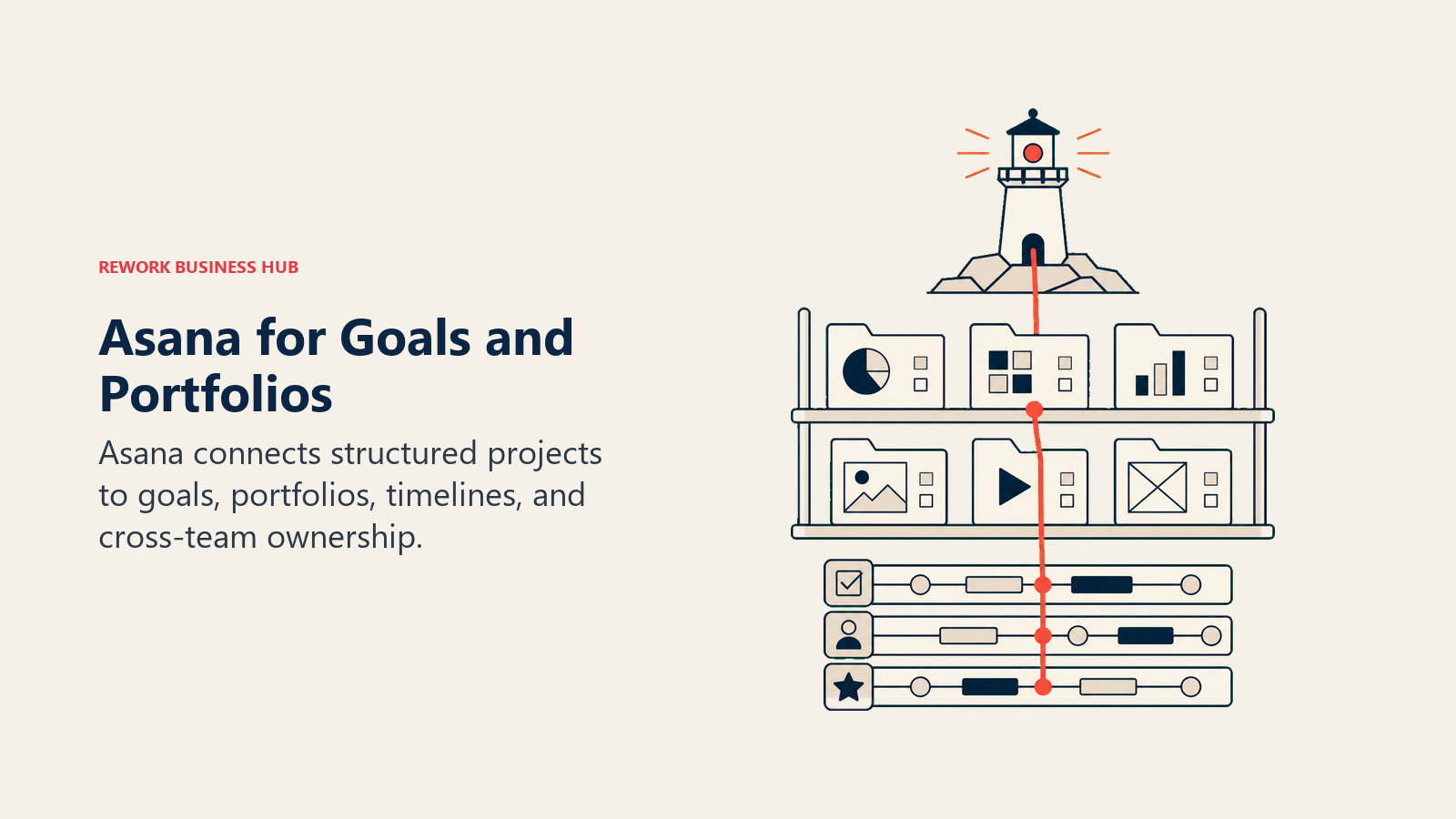
Asana's methodology is project-task hierarchy: everything lives in projects, tasks have owners and due dates, and automation rules keep work moving. It's less opinionated than Rework and less spreadsheet-native than Smartsheet, sitting in a middle ground that works well for marketing operations, product delivery, and program management at 10-300 person scale. What it doesn't do: resource allocation at Wrike's depth, creative proofing, or CRM.
| What you get | What you don't |
|---|---|
| Goals and Portfolios for cross-project visibility | Resource management at Wrike's depth |
| Clean, mature UI with low onboarding friction | Creative proofing or asset approval workflows |
| Strong Timeline view and dependency management | CRM or revenue operations |
| Solid integrations with Slack, Salesforce, Google Workspace | Budget-friendly pricing at scale for large orgs |
Methodology: Project-task hierarchy; automation as connective tissue Sizing: Strong fit from 10-300 seats; starts to hit reporting and governance limits at enterprise scale Stage fit: Best for growth-stage to mid-market companies formalizing project and portfolio management
Team vs company-wide: Works for marketing, product, ops, and cross-functional teams; less suited as a company-wide platform for 500+ employees without heavy customization
Pricing: $10.99/seat/mo (Starter), $24.99/seat/mo (Advanced), Enterprise on request. See Asana's pricing page for current details.
Best for: Program managers, marketing ops, and project delivery teams wanting portfolio visibility without Wrike's complexity or price
3. Monday.com: Visual Work OS
Monday's product vision is a Work OS: a visual, modular platform where any team can build the workflow they need from a set of shared building blocks (boards, items, columns, automations, dashboards). It's more intuitive than Wrike at the board level, and the visual experience is genuinely better for teams that want flexibility without the spreadsheet metaphor.
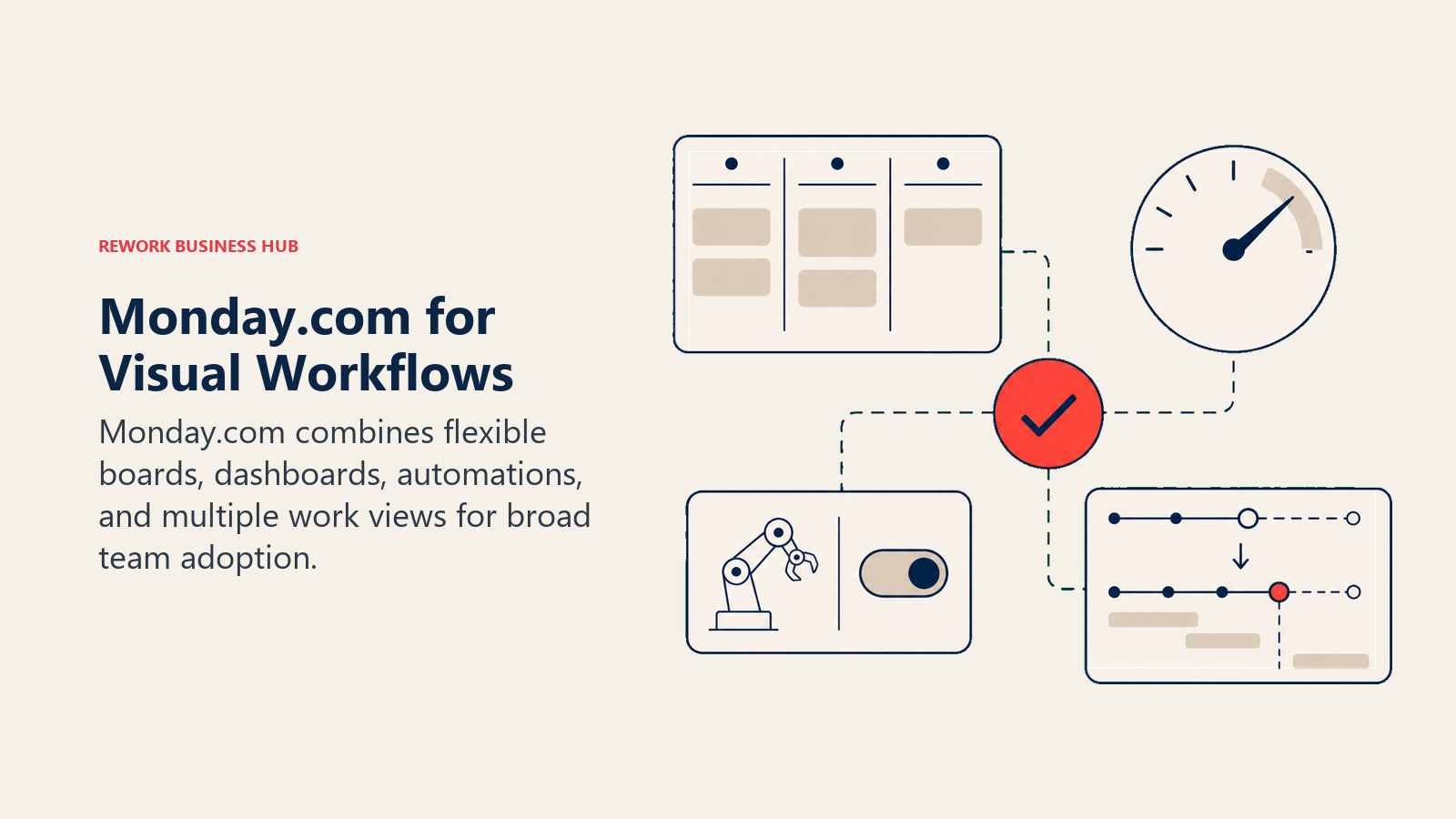
The gap versus Wrike: resource management is shallower (advanced workload views require higher tiers), and the proofing/approval workflows that Wrike does natively require Power-Ups or integrations on Monday. But for the majority of ops teams that don't need deep resource allocation or creative proofing, Monday offers a better daily-use experience at comparable or lower price points.
| What you get | What you don't |
|---|---|
| Highly visual, flexible boards for any workflow | Resource management depth of Wrike |
| Strong automations across views | Creative proofing built in |
| Dashboards and reporting on mid-tier plans | Opinionated process templates |
| Good enterprise features (SOC 2, SAML, audit log) | CRM or lead management |
Methodology: Visual Work OS; modular, high-configurability Sizing: Fits well from 10-500 seats; pricing climbs at enterprise scale similar to Wrike Stage fit: Growth through mid-market; enterprise tier available but competitors often win at F500
Team vs company-wide: Company-wide tool (sales, ops, marketing, HR, IT all use it); requires admin investment at scale
Pricing: $9/seat/mo (Basic), $12/seat/mo (Standard), $19/seat/mo (Pro), Enterprise on request. See Monday.com's pricing page for current details.
Best for: Ops and cross-functional teams wanting visual flexibility without Wrike's steep learning curve
4. ClickUp: Everything-App
ClickUp's bet is total consolidation: tasks, docs, whiteboards, chat, goals, time tracking, sprint management, CRM views, form builders, and automation all in one product. For teams leaving Wrike because they want fewer tools in the stack, ClickUp is the most radical consolidation play on this list. The feature density matches or exceeds Wrike in most categories.
But feature count and usability aren't the same thing. ClickUp's onboarding is steep, and organizations that don't invest in a ClickUp administrator and standardized workspace structure tend to end up with sprawl that slows teams down. The everything-app promise requires a specific kind of buyer: tech-forward, willing to invest setup time, and disciplined about maintaining the system. For teams leaving Wrike because it's too complex, ClickUp may replicate the complexity problem under a different brand.
| What you get | What you don't |
|---|---|
| Broadest feature set of any tool on this list | Low-friction onboarding and fast time-to-value |
| Free and Unlimited tiers with solid capabilities | Opinionated process templates out of the box |
| Docs, whiteboards, and native chat alongside tasks | Enterprise resource management depth |
| Strong automation builder at Business tier | Native CRM with full lead management pipeline |
Methodology: Everything-app; maximum configurability, you build your own system Sizing: Works at 10-500 seats; used at enterprise scale but requires significant admin Stage fit: Growth to mid-market; startups love it, enterprise uses it but needs governance
Team vs company-wide: Company-wide platform, but adoption consistency is the challenge
Pricing: Free, $7/seat/mo (Unlimited), $12/seat/mo (Business), Enterprise on request
Best for: Tech-forward ops and product teams willing to invest in a fully custom system of record
5. Smartsheet: Spreadsheet-Native Project Management
If Wrike's visual complexity is the problem, but your team still needs serious project controls and lives in spreadsheet thinking, Smartsheet is the clearest structural alternative. Its grid model translates directly from Excel and Google Sheets, and it layers Gantt, dependency tracking, resource management, and workflow automation on top of a format most enterprise teams already know.
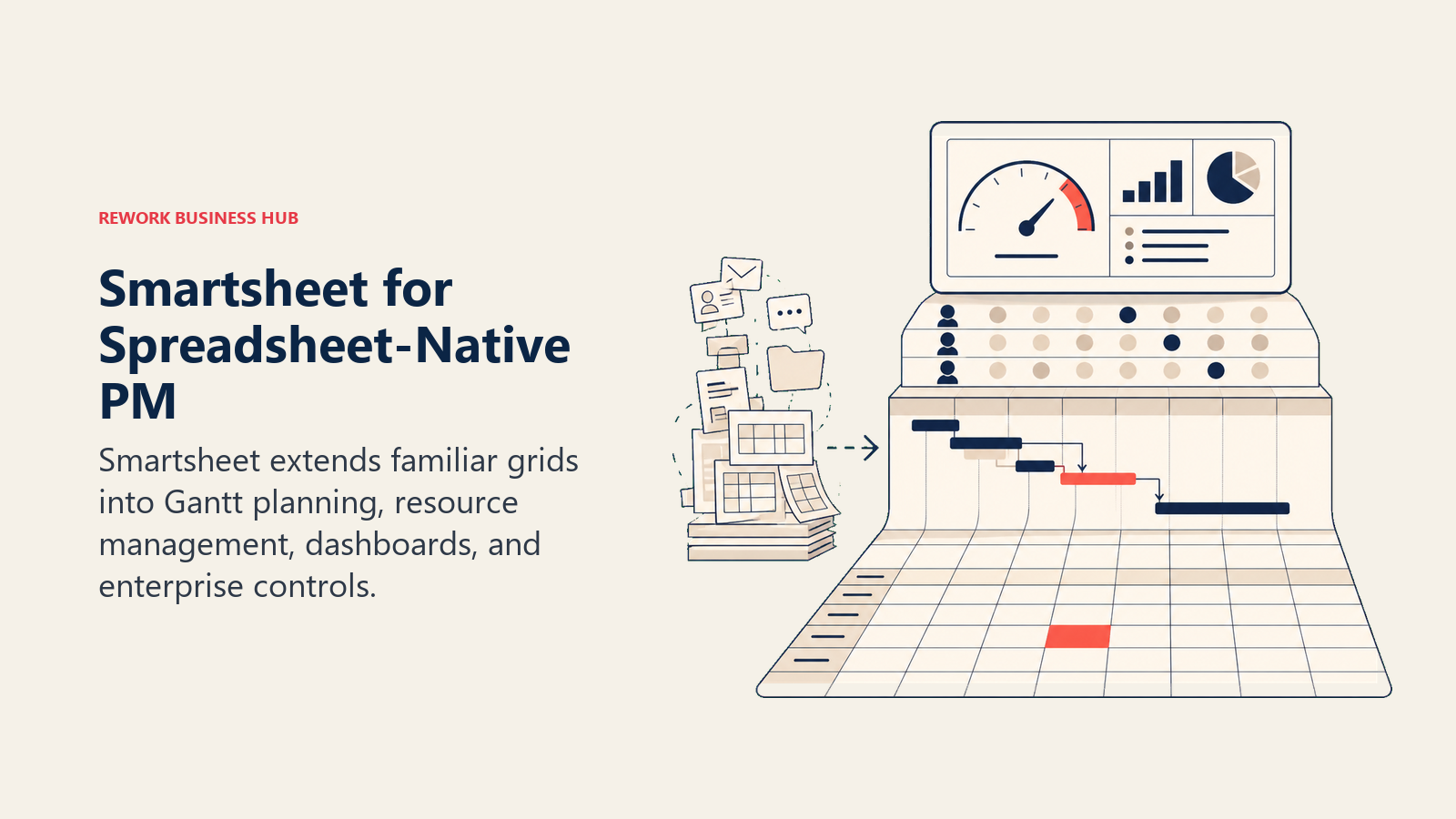
Smartsheet's enterprise integration story is strong: deep Microsoft 365 and Salesforce connections, a solid API, and a governance model that enterprise IT teams find familiar. For PMOs, construction and infrastructure ops, finance ops, and data-heavy project controls teams, Smartsheet often wins on familiarity and enterprise readiness alone. The tradeoff is UI modernity: newer teams trained on visual tools find Smartsheet's grid less engaging. The best Smartsheet alternatives guide covers this from the other direction for teams that are already on Smartsheet and looking out.
| What you get | What you don't |
|---|---|
| Familiar grid model for spreadsheet-native teams | Modern, board-first visual UX |
| Solid Gantt, dependencies, and resource management | CRM or sales ops functionality |
| Strong Microsoft 365 and Salesforce integrations | Fast adoption for teams without spreadsheet experience |
| Powerful dashboards and enterprise reporting | Low-cost entry point |
Methodology: Spreadsheet-native project management; data model first, views on top Sizing: Strong from 50-1,000+ seats; enterprise-grade governance and compliance Stage fit: Mid-market through enterprise; strong in regulated industries and capital-intensive sectors
Team vs company-wide: Primarily project and ops teams; adjacent to finance and executive reporting
Pricing: $9/seat/mo (Pro), $19/seat/mo (Business), Enterprise on request. See Smartsheet's pricing page for current details.
Best for: PMOs, finance ops, project controls, and enterprise teams already comfortable with Excel or Sheets wanting a structured upgrade
6. Notion: Docs + Databases + Light Project Management
Notion occupies a different philosophy from Wrike. Where Wrike is execution-heavy (track tasks, allocate resources, enforce approvals), Notion is knowledge-heavy. Its flexible database model lets teams build custom structures on top of linked records, and the wiki-style doc system means SOPs, runbooks, and project briefs live alongside the work itself.
The honest limitation for teams replacing Wrike: process enforcement is weak. Notion won't push your team through approval steps, auto-route tasks based on rules, or surface resource bottlenecks. It models information well but doesn't run operations through them. For teams that already have a strong execution layer and need a knowledge base alongside it, Notion adds real value. For teams replacing Wrike entirely because they want to run projects through it, expect to find gaps around accountability and reporting. The best Notion alternatives guide covers what teams reach for when Notion isn't enough.
| What you get | What you don't |
|---|---|
| Best-in-class wiki and knowledge management | Workflow enforcement or automation depth |
| Flexible database model with multiple views | Gantt, dependencies, or resource management |
| Notion AI for drafting, summarizing, and search | Native project reporting and dashboards |
| Clean documentation and writing experience | Purpose-built ops or approval workflows |
Methodology: Docs as the OS; databases and pages as the foundation for everything Sizing: Best at 5-200 seats; knowledge management scales, project execution doesn't Stage fit: Startups and growth stage; knowledge-intensive teams at any size
Team vs company-wide: Works company-wide for knowledge; weaker as the sole ops execution tool
Pricing: Free, $10/seat/mo (Plus), $15/seat/mo (Business), Enterprise on request
Best for: Teams prioritizing knowledge management and structured documentation alongside light project tracking; pairs well with a dedicated ops execution tool
7. Microsoft Project / Planner: Enterprise PM in the Microsoft Ecosystem
For enterprises already committed to Microsoft 365, the Microsoft project management stack deserves a serious look. Microsoft Planner (now part of Project for the Web) handles lightweight task and project management for everyday teams. Microsoft Project handles complex portfolio management, resource scheduling, critical path analysis, and program governance at scale.
The honest assessment: the experience is bifurcated. Planner is simple and accessible; Project is powerful but carries decades of enterprise-software UX debt. Teams that don't already own Project licensing often find the value harder to justify versus modern alternatives. But organizations at 500+ seats paying enterprise M365 licensing may already have access to Project capabilities they're underusing, making it a $0 upgrade path for the right buyer.
| What you get | What you don't |
|---|---|
| Deep integration with Teams, SharePoint, and Power BI | Modern, intuitive UX (Project, specifically) |
| Enterprise governance, compliance, and SSO out of the box | Fast time-to-value without a trained admin |
| Portfolio management at genuine enterprise scale | CRM or cross-team ops workflows |
| Often included in existing M365 Enterprise licensing | Simplicity for small or mid-market teams |
Methodology: Enterprise project and portfolio governance; resource-first scheduling Sizing: Primarily relevant at 200+ seats; enterprise PMO and program management context Stage fit: Mature and enterprise organizations; rarely a fit for growth-stage companies
Team vs company-wide: PMO and project-heavy departments; not a general team OS
Pricing: Microsoft Planner included in M365 Business plans (~$6+/user/mo); Project Plan 1 from $10/user/mo, Plan 3 from $30/user/mo
Best for: Enterprise PMOs and IT teams already standardized on Microsoft 365 where incremental licensing unlocks significant project management capability
8. Teamwork: Agency Project Management + Client Delivery
Teamwork is purpose-built for the client-delivery model: billable hours, retainers, project profitability, client portals, and time-to-invoice tracking are first-class features. For marketing agencies, consultancies, and professional services firms where billing accuracy and client visibility are core to the business, Teamwork fills the gap that Wrike and most general PM tools leave open.
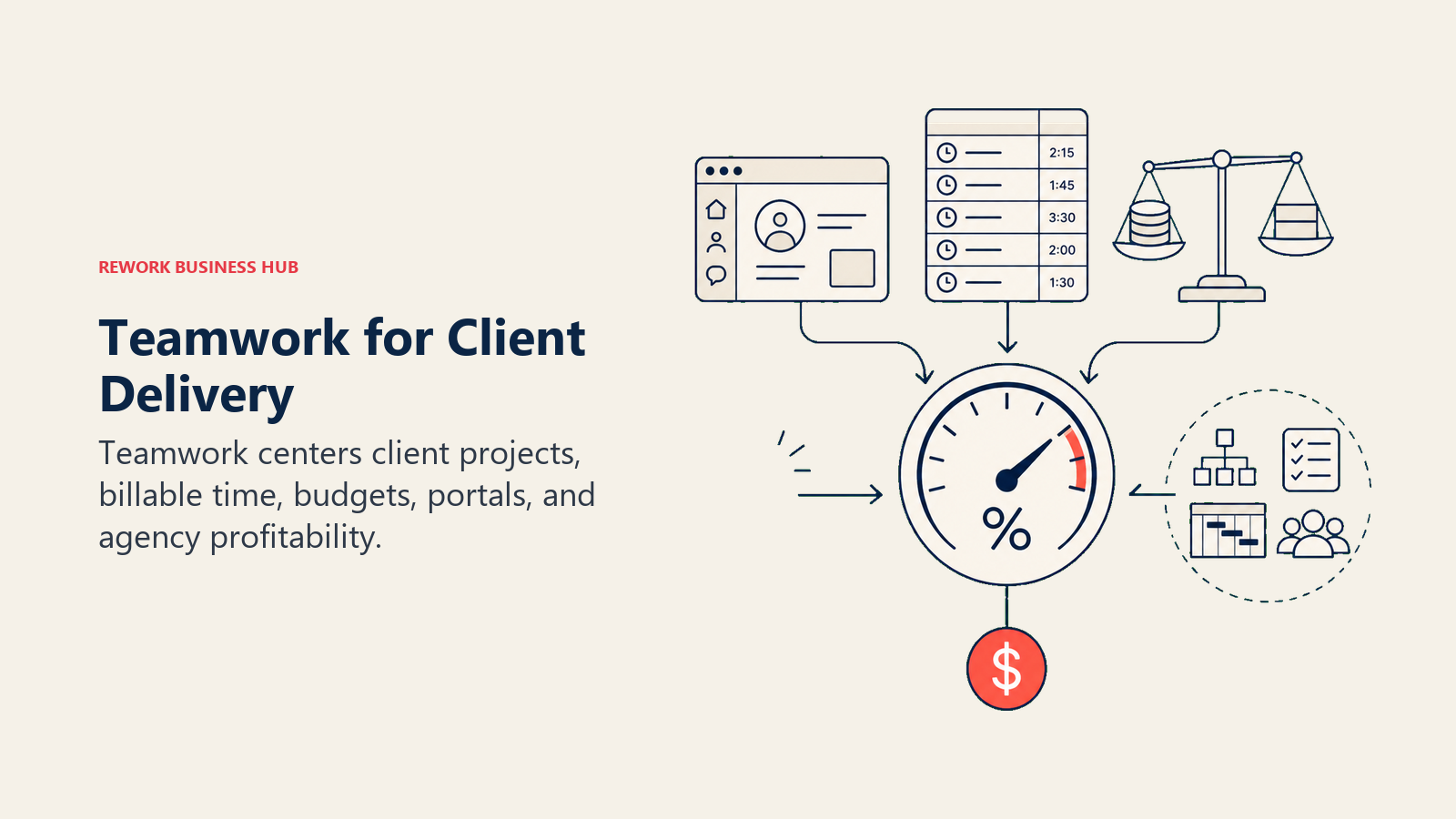
For internal ops teams without a client-billing component, Teamwork's specialized focus becomes a mismatch. The features that make it great for agencies (client user seats, profitability dashboards, retainer management) don't add value to an internal ops function. The base project management beneath those features isn't materially stronger than Asana or Monday for that audience. The best Teamwork alternatives guide covers what agencies look for when they outgrow it.
| What you get | What you don't |
|---|---|
| Native billable time tracking and invoice integration | Clean UX optimized for non-agency ops |
| Client portal and external user access | Strong cross-team workflow automation |
| Project profitability and budget management | CRM or lead management |
| Retainer and milestone billing built in | Breadth of integrations |
Methodology: Client-delivery operations; billing and profitability as first-class outcomes Sizing: Best at 10-200 seats in agency or services contexts; has enterprise clients but less common at 500+ Stage fit: Growth and mid-market for agencies; startups in professional services also fit
Team vs company-wide: Service delivery teams primarily; less a company-wide OS
Pricing: Free, $10.99/seat/mo (Deliver), $19.99/seat/mo (Grow), Enterprise on request
Best for: Marketing agencies, creative studios, consulting firms, and professional services teams where client billing and project profitability are core operations
9. LiquidPlanner: Predictive Scheduling + Risk Management
LiquidPlanner takes a fundamentally different approach to project management: instead of fixed due dates, teams enter ranged task estimates (best case, worst case), and the system calculates probabilistic project completion dates. When resources change, priorities shift, or tasks take longer than expected, the schedule updates automatically across the portfolio.
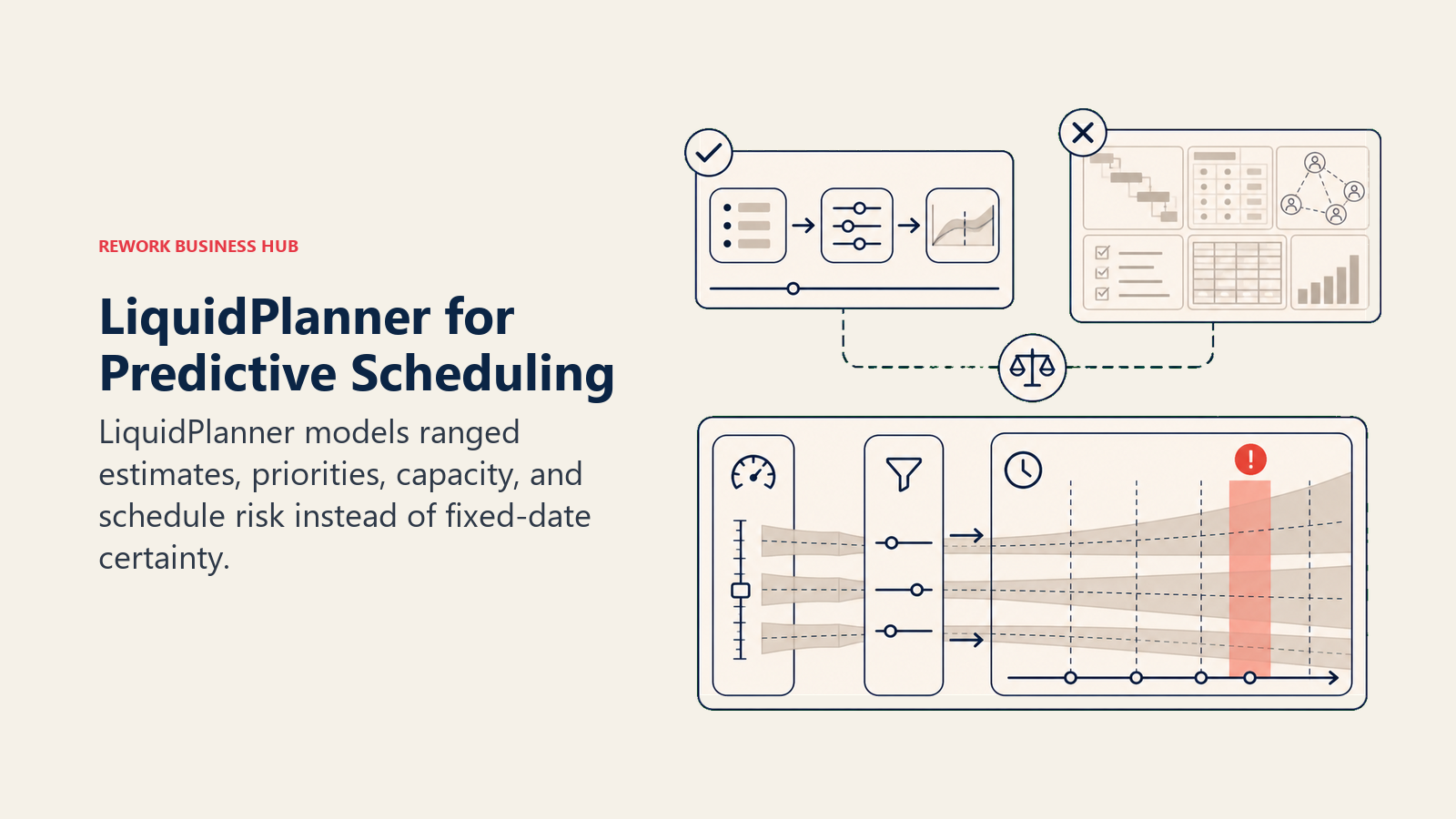
For organizations where schedule risk is a business risk (engineering services firms, product development teams with committed delivery dates, operations teams managing resource-constrained workflows), this predictive model solves a real problem that traditional Gantt charts hide. The tradeoff is tool-specific complexity: LiquidPlanner requires buy-in to its estimation methodology, and teams that just want a simple project tracker will find it overcomplicated.
| What you get | What you don't |
|---|---|
| Ranged estimation and probabilistic scheduling | Simple, kanban-style task management |
| Automatic schedule recalculation when priorities shift | Large ecosystem of integrations |
| Resource workload management tied to realistic capacity | Budget entry-point pricing |
| Portfolio-level risk visibility across projects | CRM or sales operations |
Methodology: Predictive scheduling; probability-weighted completion dates instead of fixed timelines Sizing: Best at 20-500 seats in delivery-heavy contexts; less common at pure enterprise scale Stage fit: Growth and mid-market for engineering-driven or delivery-heavy organizations
Team vs company-wide: Project delivery and ops teams; not a general-purpose work OS
Pricing: $15/seat/mo (Essentials), $28/seat/mo (Professional), Enterprise on request
Best for: Engineering services, product development, and project-heavy operations teams where schedule accuracy and risk visibility directly affect client commitments or revenue
10. Basecamp: Simple Project Communication
Basecamp solves a specific, real problem: too many tools, too much noise. Its intentionally flat structure (projects contain message boards, to-dos, docs, schedules, and group chat) removes the configuration overhead that defines both Wrike and most of its alternatives. You set it up in a day. The flat-rate $299/month pricing for unlimited users is the headline differentiator; at 30+ seats, Basecamp becomes the cheapest option on this list by a significant margin.
What Basecamp trades away is depth. No Gantt views, no resource management, no approval workflows, no project dashboards with cross-portfolio metrics. For teams leaving Wrike because it's too complex and expensive for their actual needs, and who can honestly answer that their work doesn't require that depth, Basecamp is a serious option. It won't replace Wrike for enterprise PMOs, but it will serve small ops teams and startups better than a tool built for 1,000-person organizations.
| What you get | What you don't |
|---|---|
| Flat-rate $299/mo pricing for unlimited users | Gantt, dependencies, or resource management |
| Fast setup and genuinely low maintenance | Advanced workflow automation |
| Simple, low-noise communication structure | Reporting and cross-project analytics |
| Automatic check-ins and project hills | Approvals or proofing workflows |
Methodology: Communication-first project management; intentional simplicity over feature depth Sizing: Strong at 5-100 seats; flat-rate pricing makes it attractive at 30+ Stage fit: Startups and smaller growth-stage teams; teams that have been burned by complexity
Team vs company-wide: Works company-wide for communication; inadequate for serious project governance
Pricing: $15/user/mo or $299/mo flat (unlimited users). See Basecamp's pricing page for current details.
Best for: Small to mid-size teams prioritizing communication clarity and predictable pricing over project management depth
11. Airtable: Database-First Work Management
Airtable sits at the intersection of spreadsheet flexibility and relational database structure. Its linked-record model lets teams build sophisticated data architectures (linking contacts to projects, linking projects to resources, linking resources to budgets) and then build multiple views on top of the same underlying data. For operational workflows that are data management problems at heart (content calendars, vendor tracking, contract management, product roadmaps), Airtable's model often fits better than a pure project management tool.
The pricing reality: Airtable has moved upmarket. At $20/seat/mo on the Team tier, it's now one of the more expensive mid-tier tools on this list. And like Notion, Airtable models data well but won't enforce an approval chain or automate complex cross-team handoffs the way Wrike does. Teams replacing Wrike's resource management and project governance with Airtable will find real capability gaps.
| What you get | What you don't |
|---|---|
| Strong relational data model for operational databases | Resource management or project governance |
| Multiple views on the same data (grid, kanban, gallery, calendar) | Budget-friendly pricing for larger teams |
| Automations and native form builders | Deep Gantt or dependency management |
| Solid API and developer ecosystem | Workflow enforcement for approval chains |
Methodology: Database-first; data model is the foundation, views and automations build on top Sizing: Works at 10-300 seats; becomes expensive and hits limits at enterprise scale Stage fit: Startups to mid-market in data-driven functions; less common in pure enterprise PM
Team vs company-wide: Strong for specific operational functions (RevOps, content, product); less suited as enterprise-wide PM replacement
Pricing: Free, $20/seat/mo (Team), $45/seat/mo (Business), Enterprise on request. See Airtable's pricing page for current details.
Best for: RevOps, content operations, product teams, and data-heavy ops functions building custom operational databases
12. Jira: Engineering-First Expanding to Business Teams
Jira is the dominant issue tracker for software teams globally, and Atlassian's platform depth (Confluence, Bitbucket, Loom, JSM) gives it an ecosystem that standalone tools can't match. In 2025-2026, Jira's Business Projects mode has expanded the product toward non-engineering workflows, and for companies already paying Atlassian Cloud licensing, the marginal cost of adding business teams to Jira is often favorable.
The honest limitation: Jira's mental model was built for agile software development. Non-technical users find the backlog-sprint-issue hierarchy foreign, and the configuration requirements are steep without a dedicated Jira administrator. For ops teams that aren't already embedded in the Atlassian ecosystem, the onboarding cost rarely justifies the switch from Wrike or any modern alternative. The best Jira alternatives guide covers where engineering teams land when they want to move off Jira.
| What you get | What you don't |
|---|---|
| Deep integration within the Atlassian ecosystem | Simple, intuitive setup for non-technical users |
| Powerful custom workflows and automation | Clean UX without significant admin configuration |
| Strong sprint and project metrics | Fast time-to-value outside engineering contexts |
| Scales to very large engineering organizations | Purpose-built ops, CRM, or cross-team workflows |
Methodology: Issue-tracking and sprint management; agile-first, expanding to business processes Sizing: Viable at any scale; strongest ROI at 50-10,000+ in engineering-heavy organizations Stage fit: Growth through enterprise; engineering orgs at any size
Team vs company-wide: Primarily engineering and product; expanding to business teams but not naturally cross-functional
Pricing: Free (up to 10 users), $8.15/seat/mo (Standard), $16/seat/mo (Premium), Enterprise on request. See Jira's pricing page for current details.
Best for: Software companies wanting one platform for engineering and business teams; organizations already standardized on Atlassian Cloud
Why Teams Leave Wrike
To make the search patterns concrete: here are the four dynamics that consistently push teams to evaluate Wrike alternatives.
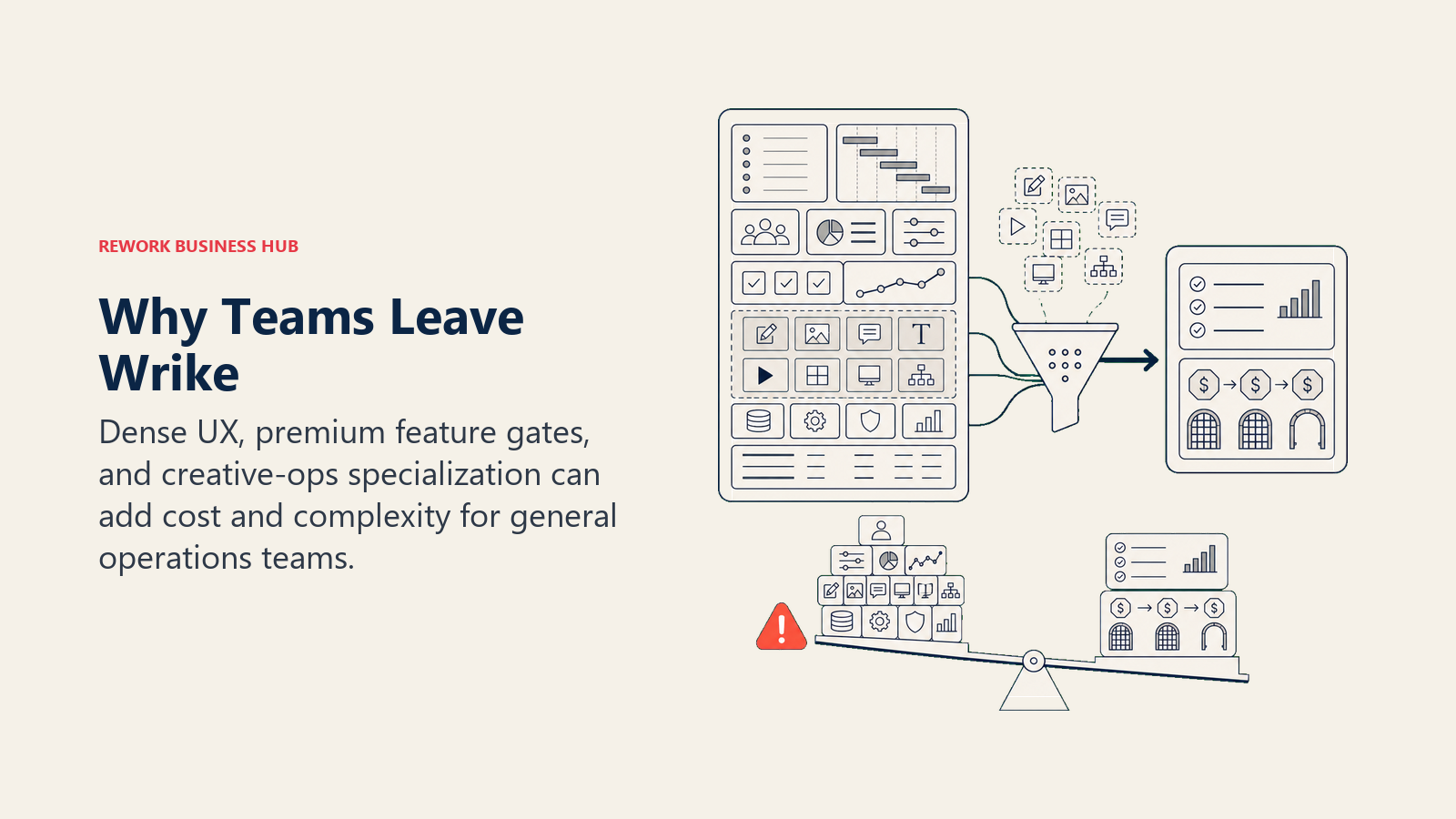
Pricing escalation at scale. Wrike's per-seat pricing is manageable at 20-30 seats. At 100+ seats, the cost of unlocking Business+ or Enterprise tier features (advanced reporting, resource management, custom dashboards, time intelligence) crosses a threshold that's hard to defend internally. Teams paying Wrike enterprise prices often find that Smartsheet, Asana, or ClickUp delivers comparable capability at meaningfully lower total cost. This pattern shows up clearly in the true cost of software sprawl analysis: the seat price is rarely the only cost that scales.
UI complexity relative to team sophistication. Wrike's interface is built for experienced project managers. The sidebar navigation, the multiple view types, the configuration options: they're powerful but not intuitive for team members who aren't daily PM users. Ops and marketing teams where project management isn't the primary job function often struggle to get consistent adoption. The learning curve that's acceptable for a PMO team becomes a recurring frustration for mixed teams.
Creative proofing is niche; most teams pay for it anyway. A significant part of Wrike's product investment is in creative and marketing workflows: proofing, markup tools, brand asset libraries, creative request intake. For marketing creative agencies and in-house creative teams, this is the reason to choose Wrike. For every other team type, it's capability cost embedded in the license that has no business return.
Feels enterprise-heavy for mid-size organizations. Wrike's product philosophy and feature set are sized for 500-5,000 person organizations. Mid-size teams (50-200 people) often find they're using 20% of the product and paying for governance, compliance, and resource management features that don't fit where they are yet. Alternatives like Asana, Monday, or Rework serve that profile with less overhead. Running a meeting audit alongside the tool evaluation often surfaces which workflows actually need a PM tool and which ones are just recurring meetings with no action tracking.
How to Choose: Decision Framework
| If you need this... | Best fit |
|---|---|
| Cross-team ops + CRM + sales workflows in one product | Rework |
| Portfolio visibility and Goals for a project or marketing team | Asana |
| Visual work management with strong automations | Monday.com |
| Maximum configurability and willing to invest in setup | ClickUp |
| Spreadsheet-native PM with enterprise governance | Smartsheet |
| Knowledge management + light project tracking | Notion |
| Enterprise PM inside an existing Microsoft 365 deployment | Microsoft Project / Planner |
| Client billing, retainers, and project profitability | Teamwork |
| Predictive scheduling and range-based risk management | LiquidPlanner |
| Simplest possible project communication, flat-rate pricing | Basecamp |
| Database-first operational workflows | Airtable |
| Engineering + business teams inside the Atlassian ecosystem | Jira |
What to Do Next
Narrow your shortlist to two tools based on the framework above, then run a real two-week pilot with actual workflows, not demo scenarios. If your team is leaving Wrike because the feature depth doesn't match the price, Asana is the cleanest structural replacement with better UX and lower total cost. The best Asana alternatives is worth checking too if you want to map the full landscape before committing. If you're leaving because Wrike doesn't touch your revenue workflows and you're running separate CRM and ops tools alongside it, look at Rework: it closes that gap by design. Running an async communication audit first helps surface which workflows actually need a PM tool and which ones just need better communication norms.
The right alternative isn't the most powerful tool. It's the one your team will still run their operations through six months after onboarding.
Pricing data current as of early 2026. See each vendor's pricing page before purchasing. G2 and Gartner Peer Insights reviews referenced reflect early 2026 aggregate data.

Customer Success Operations Manager
On this page
- Quick Comparison Table
- Stage Fit Matrix
- Sizing and Buyer Persona Table
- 1. Rework: Dedicated Ops Workflows + CRM in One Product
- 2. Asana: Project Management + Goals + Portfolios
- 3. Monday.com: Visual Work OS
- 4. ClickUp: Everything-App
- 5. Smartsheet: Spreadsheet-Native Project Management
- 6. Notion: Docs + Databases + Light Project Management
- 7. Microsoft Project / Planner: Enterprise PM in the Microsoft Ecosystem
- 8. Teamwork: Agency Project Management + Client Delivery
- 9. LiquidPlanner: Predictive Scheduling + Risk Management
- 10. Basecamp: Simple Project Communication
- 11. Airtable: Database-First Work Management
- 12. Jira: Engineering-First Expanding to Business Teams
- Why Teams Leave Wrike
- How to Choose: Decision Framework
- What to Do Next