Best Loom Alternatives in 2026: 10 Async Video Tools for Teams That Communicate Visually
Turn this article into takeaways for your work.


Each assistant summarizes the article only for you and suggests best practices for your work.
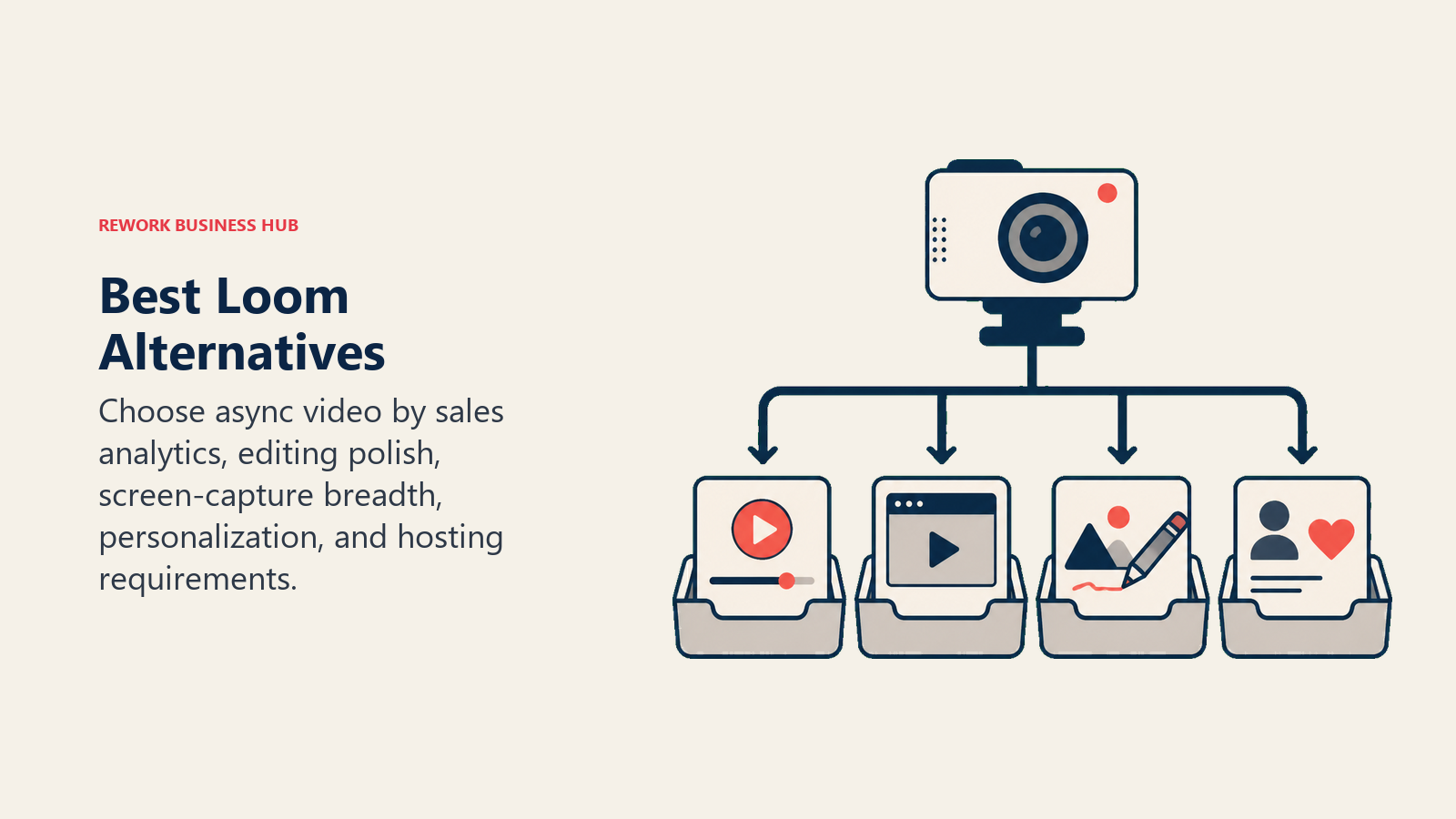
The best Loom alternatives in 2026 are Vidyard for sales teams, Berrycast for simple internal updates, Tella for polished customer-facing demos, and Screenpal for budget-conscious teams that need real editing. The right pick depends on your team size, primary use case, and how much async video sits in your daily productivity workflow.
Loom popularized a simple idea: instead of writing a long Slack message or scheduling a 30-minute meeting, you record a quick screen video and send the link. That idea worked. Millions of teams adopted it, and Loom became the default shorthand for async video communication.
Then Atlassian bought it. And things got complicated.
The Business plan jumped to $12.50 per seat per month. AI features (transcription editing, filler word removal, auto-chapters) moved behind higher-tier paywalls. The free tier now caps storage at 25 videos. Teams using Loom for customer-facing content, sales demos, or large-scale async comms started hitting limits they hadn't planned for. And with Loom's roadmap now subject to Atlassian's broader enterprise priorities, smaller teams are asking a fair question: is there something better suited to how we actually work?
This guide covers 10 honest alternatives. Each one takes a different angle on async video: some lean into sales, some into education, some into pure simplicity. The right pick depends on your team size, use case, and how much you're willing to pay.
If your team is also reconsidering its broader visual communication stack, the best Canva alternatives guide covers design and content creation tools that often pair with async video for sales and marketing teams. For collaborative whiteboarding alongside async updates, see best Miro alternatives.
Quick Comparison Table
| Tool | Best For | Starting Price | Key Strength | Key Limitation |
|---|---|---|---|---|
| Vidyard | Sales teams, video prospecting | Free tier; $19/mo (Pro) | Deep sales integrations, video analytics per viewer | Overkill for internal async comms |
| Berrycast | Small teams, simple async updates | Free tier; $10/seat/mo | Clean UX, annotate on video, no bloat | Limited editing; smaller ecosystem |
| Tella | Polished product demos and tutorials | $19/mo (Pro) | Best-looking recordings in this list; strong branding | No enterprise plan; storage limits on lower tiers |
| Screenpal | Budget-conscious teams, educators | Free tier; $4/mo (Deluxe) | Lowest price point with real editing tools | Dated UI; less polished than newer tools |
| Zight | GIF + screenshot + video teams | Free tier; $9.95/mo (Pro) | All-in-one visual comms: video, GIF, screenshot | Video features less mature than dedicated recorders |
| Komodo Decks | Team knowledge sharing, onboarding docs | Free tier; $8/seat/mo | Screen + cam + slides in one; deck-style organization | Early-stage product; fewer integrations |
| Sendspark | Customer-facing video, personalized outreach | Free tier; $15/mo (Growth) | Personalized video at scale, merge tags for names | Not designed for internal async use |
| Mmhmm | Presenters, virtual backgrounds, live + async | Free tier; $10/mo (Individual) | Most creative presentation layer in this list | Niche UX; polarizing for teams that want simple |
| Vimeo Record | Teams already on Vimeo, video-first brands | Free tier; $20/mo (Standard) | Backed by mature video hosting; clean player | Record feature is secondary to hosting; less focused |
| OBS Studio | Power users, free open-source option | Free (open source) | Unlimited everything, total control | High setup complexity; not a team tool |
Why Teams Are Leaving Loom in 2026
Before getting into alternatives, it helps to name what specifically has changed.
| Reason | Detail |
|---|---|
| Atlassian acquisition uncertainty | Roadmap now influenced by Jira/Confluence priorities, not pure async video needs |
| Business plan price increase | $12.50/seat/month, up from earlier pricing, now comparable to heavier-weight tools |
| AI features behind premium | Transcription editing, filler word removal, and auto-chapters require higher tiers |
| Free tier storage cap | 25 videos maximum, hit quickly by active teams |
| Limited native editing | Trim only; no chapters without AI tier, no real cut/splice editing |
| Enterprise lock-in trajectory | Feature gating increasingly favors Atlassian Cloud customers |
The broader question of meeting culture matters here too. If your team is switching to async video because you want fewer meetings, the meeting audit guide covers how to systematically identify which meetings should become async updates.
Stage Fit Matrix
| Tool | Startup (1-10) | Growth (10-50) | Mid-Market (50-200) | Enterprise (200+) |
|---|---|---|---|---|
| Vidyard | Limited | Good | Best fit | Good |
| Berrycast | Best fit | Good | Limited | Not ideal |
| Tella | Best fit | Good | Good | Limited |
| Screenpal | Best fit | Good | Limited | Not ideal |
| Zight | Best fit | Good | Limited | Not ideal |
| Komodo Decks | Best fit | Good | Good | Limited |
| Sendspark | Limited | Good | Best fit | Good |
| Mmhmm | Best fit | Good | Limited | Not ideal |
| Vimeo Record | Limited | Good | Good | Best fit |
| OBS Studio | Best fit | Limited | Limited | Not ideal |
Sizing and Persona Table
| Tool | Team Size Sweet Spot | Primary Buyer | Secondary Buyer |
|---|---|---|---|
| Vidyard | 10-200 | VP Sales, Sales Ops | Marketing, SDR Team Lead |
| Berrycast | 1-30 | Founder, Team Lead | Product Manager |
| Tella | 1-50 | Product Manager, Designer | Founder, Marketer |
| Screenpal | 1-100 | Operations Manager, Educator | L&D, Training Lead |
| Zight | 1-50 | Designer, PM, Support Lead | Individual contributor |
| Komodo Decks | 5-100 | Head of Enablement, Ops Lead | People Ops, CS Lead |
| Sendspark | 10-500 | Head of Sales, RevOps | Marketing Ops |
| Mmhmm | 1-50 | Presenter, Founder, Trainer | Marketing, CS |
| Vimeo Record | 10-500 | Head of Content, Brand Lead | Marketing Director |
| OBS Studio | 1-5 | Individual power user | Developer, Streamer |
1. Vidyard: Sales-First Video with Deep Analytics
Vidyard's philosophy is that video shouldn't just communicate. It should sell. Where Loom built a general-purpose async tool, Vidyard built specifically around the sales workflow: send a personalized video to a prospect, see exactly when they watched it and how long they stayed, trigger a follow-up based on engagement data.
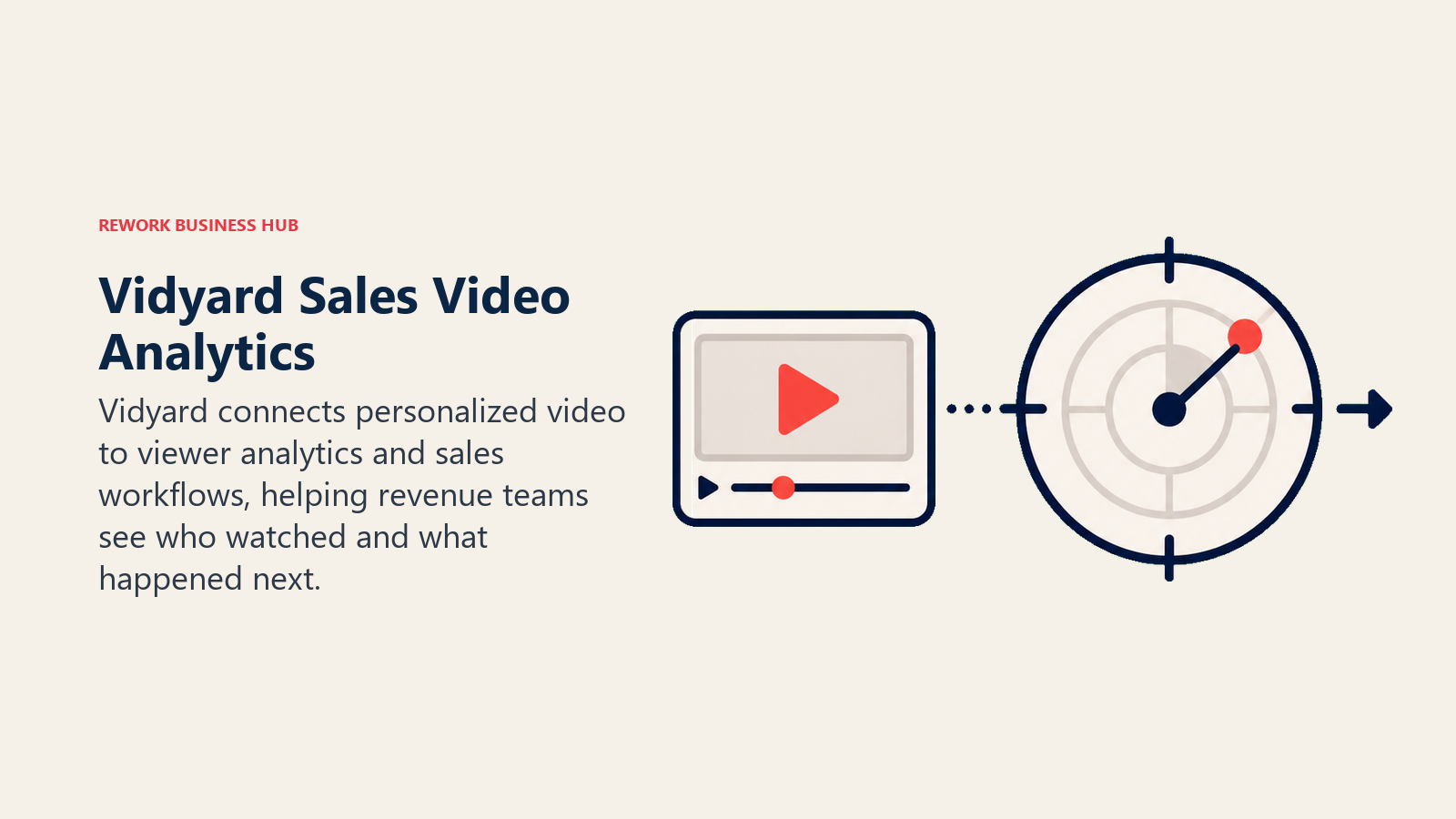
That sales-native angle shapes everything. Vidyard integrates directly with Salesforce, HubSpot, Outreach, and Salesloft. You can embed video in email sequences, track view analytics per recipient, and route hot prospects to your CRM automatically. The free tier includes unlimited video recording, which is generous. The paid tiers unlock analytics depth, team sharing libraries, and the AI script assistant.
For internal async comms (the thing most teams use Loom for), Vidyard works fine but feels over-engineered. You don't need per-viewer analytics to share a product update with your team. But if your primary use case is sales prospecting or customer success outreach, Vidyard is the strongest tool in this list.
| What you get | What you don't |
|---|---|
| Per-viewer watch analytics | Simple internal async comms focus |
| CRM and sales sequence integrations | Lightweight UX for non-sales teams |
| Unlimited video on free tier | Native editing beyond trim |
| AI script and teleprompter tools | Flat pricing for small teams |
| Team video library with sharing controls | Real-time collaboration on recordings |
Pricing: Free tier (unlimited videos, basic analytics); Pro at $19/mo per user; Teams pricing on request. See Vidyard pricing for current plans.
Best for: Sales teams doing outbound prospecting and customer-facing video at scale
2. Berrycast: Clean Async Updates for Small Teams
Berrycast takes the opposite approach from Vidyard. It's designed for simplicity: record, annotate on-screen while you talk, share a link. No dashboard to configure, no integrations to wire up, no feature bloat to navigate around.
The standout feature is live annotation. While recording, you can draw directly on your screen: circle an element, highlight a number, sketch a flow. All without stopping the recording or switching tools. For design reviews, budget walkthroughs, or any situation where you're pointing at specific items on screen, it makes the video significantly more useful than a plain recording.
Berrycast sits comfortably in the 1-to-30-person range. It's used by consultants, small agencies, and internal ops teams who want something lighter than Loom but more polished than a raw QuickTime file. The free tier is functional. The paid tier adds longer recording limits and team management.
| What you get | What you don't |
|---|---|
| Live on-screen annotation during recording | Deep editing tools |
| Clean, shareable link pages | Enterprise-scale team libraries |
| Quick camera + screen modes | Salesforce or HubSpot integrations |
| Viewer comments on video | Analytics beyond basic view counts |
| Free tier with real functionality | Mobile recording app |
Pricing: Free tier; paid plans from $10/seat/month. See Berrycast pricing for current options.
Best for: Small teams, consultants, and agencies doing design feedback and internal async updates
3. Tella: Polished Product Videos Without a Video Editor
Tella's philosophy is that your recordings should look as good as your product. While most screen recorders capture raw footage and call it done, Tella adds a production layer: custom backgrounds, branded layouts, animated transitions between scenes, and a post-recording editor that lets you restructure the video without reshooting.
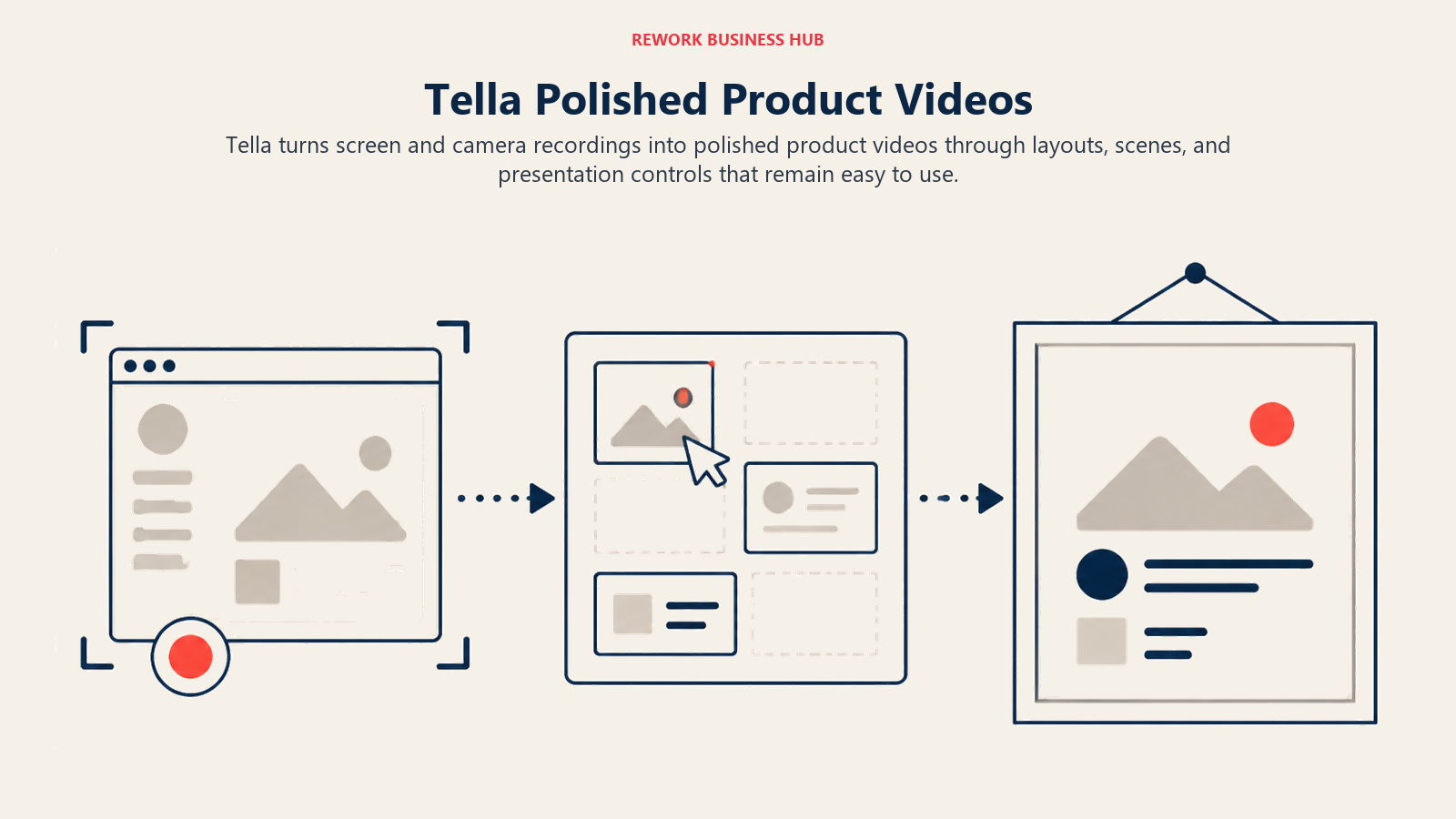
The result is recordings that look like they were made by someone who knows video, even if you've never touched an editing timeline. That makes Tella the strongest option in this list for product demos sent to prospects, feature walkthroughs shared with customers, and tutorial content that will be watched by more than just your internal team.
The ICP is product managers, designers, and founders who want customer-facing recordings to represent the quality of what they've built. It's not the fastest tool for quick internal updates. The production layer adds friction if you just want to fire off a 2-minute team message.
| What you get | What you don't |
|---|---|
| Branded backgrounds and layouts | An enterprise plan for large orgs |
| Post-recording scene editor | Quick-fire async team messaging focus |
| Animated text overlays | Salesforce / CRM integrations |
| Custom end screens and CTAs | Real-time viewer analytics |
| Clean embeddable player | Free tier with storage limit |
Pricing: Free tier (limited storage); Pro at $19/month; Business at $45/month. See Tella pricing for current plans.
Best for: Founders, product managers, and designers creating customer-facing demo and tutorial content
4. Screenpal: Budget-First Screen Recording with Real Editing
Screenpal (formerly Screencast-O-Matic) has been around longer than most tools in this list. It's not the sleekest product, but it covers more ground for less money than any alternative here: screen recording, webcam recording, video editing, a stock library, and cloud hosting, all in one plan that starts at $4 per month.
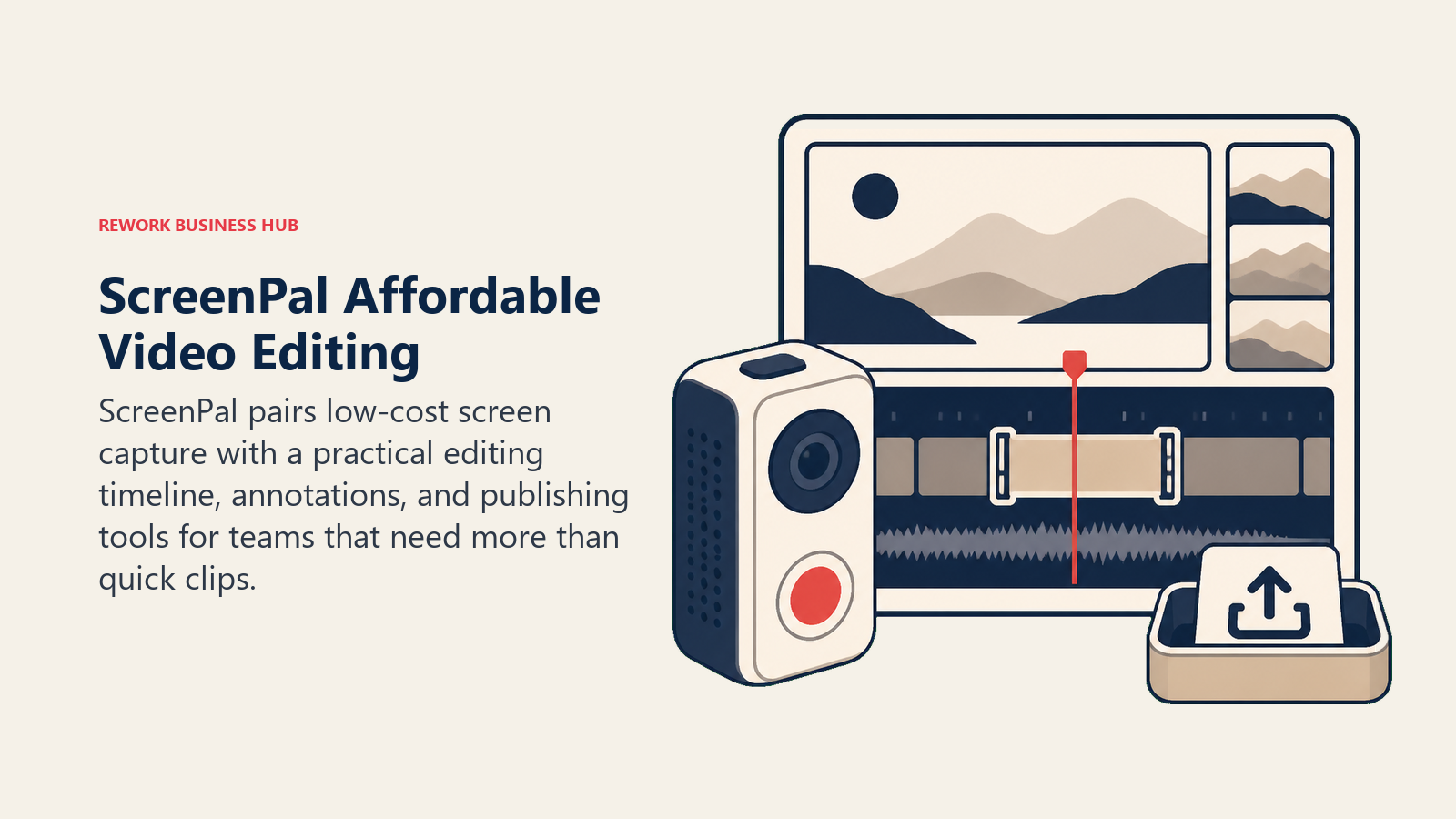
The editing tools are the headline. Unlike Loom and most async-focused tools, Screenpal gives you a real timeline editor: cut, splice, add captions, insert images, layer in music, apply blur to sensitive content. For L&D teams, trainers, and educators building course content, this matters. You don't want to pay for a separate video editor when the recorder already has one built in.
The UI is dated by 2026 standards. The UX doesn't feel as fluid as Tella or Berrycast. But at $4/month for the Deluxe plan, it's hard to argue with the value, especially for teams where cost is a real constraint.
| What you get | What you don't |
|---|---|
| Full timeline video editor built in | Modern UI/UX |
| Captions, blur, music, image overlays | Slick branding controls like Tella |
| Stock music and image library | Deep sales or CRM integrations |
| Cloud hosting and sharing links | Fast share-link workflow for quick async |
| Lowest price point in this list | Per-viewer analytics |
Pricing: Free tier; Deluxe at $4/mo; Business plans from $10/seat/mo. See Screenpal pricing for current options.
Best for: Budget-conscious teams, L&D managers, and educators who need real editing without a separate tool
5. Zight: One Tool for Screenshots, GIFs, and Screen Video
Zight (formerly CloudApp) handles all visual communication, not just video. You can capture a screenshot, annotate it, and share a link in under 10 seconds. Or record a short GIF for a quick how-to. Or make a full video with audio. Everything goes to one link, one library, one team account.
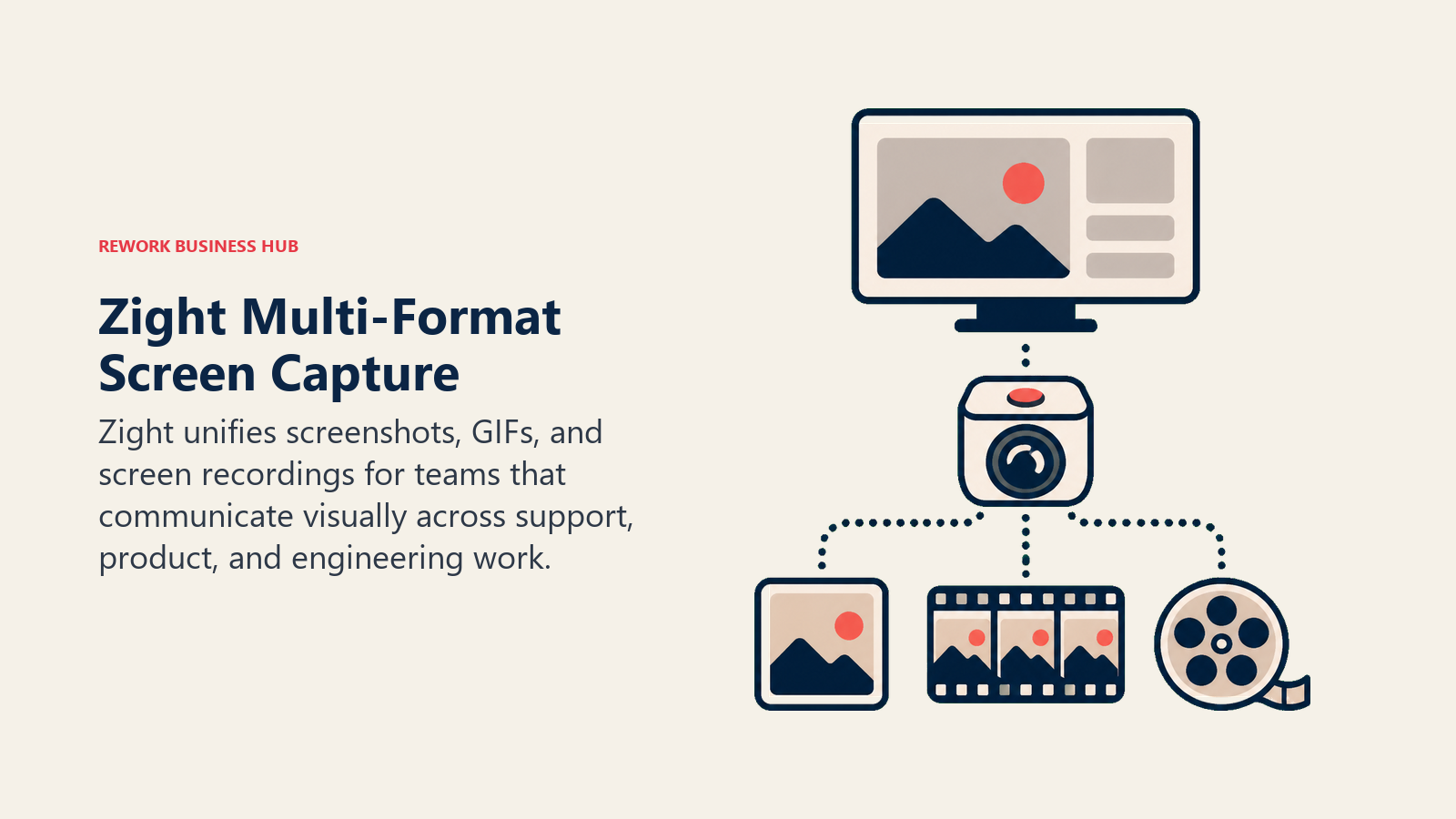
That breadth is the point. Many teams use three separate tools (a screenshot tool, a GIF maker, a screen recorder) when Zight does all three. For customer support teams, designers giving feedback, or ops managers documenting processes, collapsing that stack into one tool has a real workflow payoff.
Video-specific features are less mature than dedicated recorders like Tella or Berrycast. If video is your primary use case, you'll notice the gap. But if you want a single visual communication tool that covers most daily needs without switching apps, Zight is the strongest consolidator in this list.
| What you get | What you don't |
|---|---|
| Screenshots + GIF + video in one product | Video depth of Tella or Berrycast |
| Instant annotated screenshot sharing | Post-recording scene editing |
| 10-second GIF workflow | Full timeline video editor |
| Team library for shared assets | Per-viewer analytics |
| Clean Chrome and desktop app | Dedicated sales integrations |
Pricing: Free tier (limited uploads); Pro at $9.95/mo; Team plans from $8/seat/mo. See Zight pricing for current plans.
Best for: Support teams, designers, and ops managers who share screenshots and short clips more often than long recordings
6. Komodo Decks: Screen Recording That Organizes Into Decks
Komodo Decks rethinks the output format. Where every other tool in this list produces a video file and a share link, Komodo produces a "deck": a structured document where screen recordings, slides, and camera footage are organized into navigable sections. Viewers don't just watch. They skip to the relevant section, leave timestamped comments, and follow the content at their own pace.
That structure matters for onboarding, enablement, and knowledge base content: the kind of material that gets recorded once and watched repeatedly. A new hire watching a 40-minute product onboarding deck can skip to the sections relevant to their role. A CS team watching a feature walkthrough can jump to the integration section. It's a better format than a flat video file for anything meant to be reused.
Komodo is an early-stage product by 2026 standards. The integrations are thinner than established tools and the feature roadmap is still catching up. But for teams building internal knowledge libraries, it's a genuine category innovation.
| What you get | What you don't |
|---|---|
| Navigable deck format with sections | Mature integration ecosystem |
| Screen + cam + slides in one recording | Enterprise-grade security controls |
| Timestamped viewer comments | Deep video analytics |
| Reusable knowledge deck library | One-click quick async send workflow |
| Clean editor for restructuring content | Large team plan pricing transparency |
Pricing: Free tier; paid plans from $8/seat/mo. See Komodo Decks pricing for current options.
Best for: Ops teams, CS enablement, and people ops building reusable onboarding and training libraries
7. Sendspark: Personalized Video at Scale for Customer-Facing Teams
Sendspark is built for one specific use case: sending personalized videos to customers and prospects at scale. Not recording a quick team update, not building a training library. Sending a video to a prospect where the opening screen shows their name and company logo, without recording a separate video for each person.
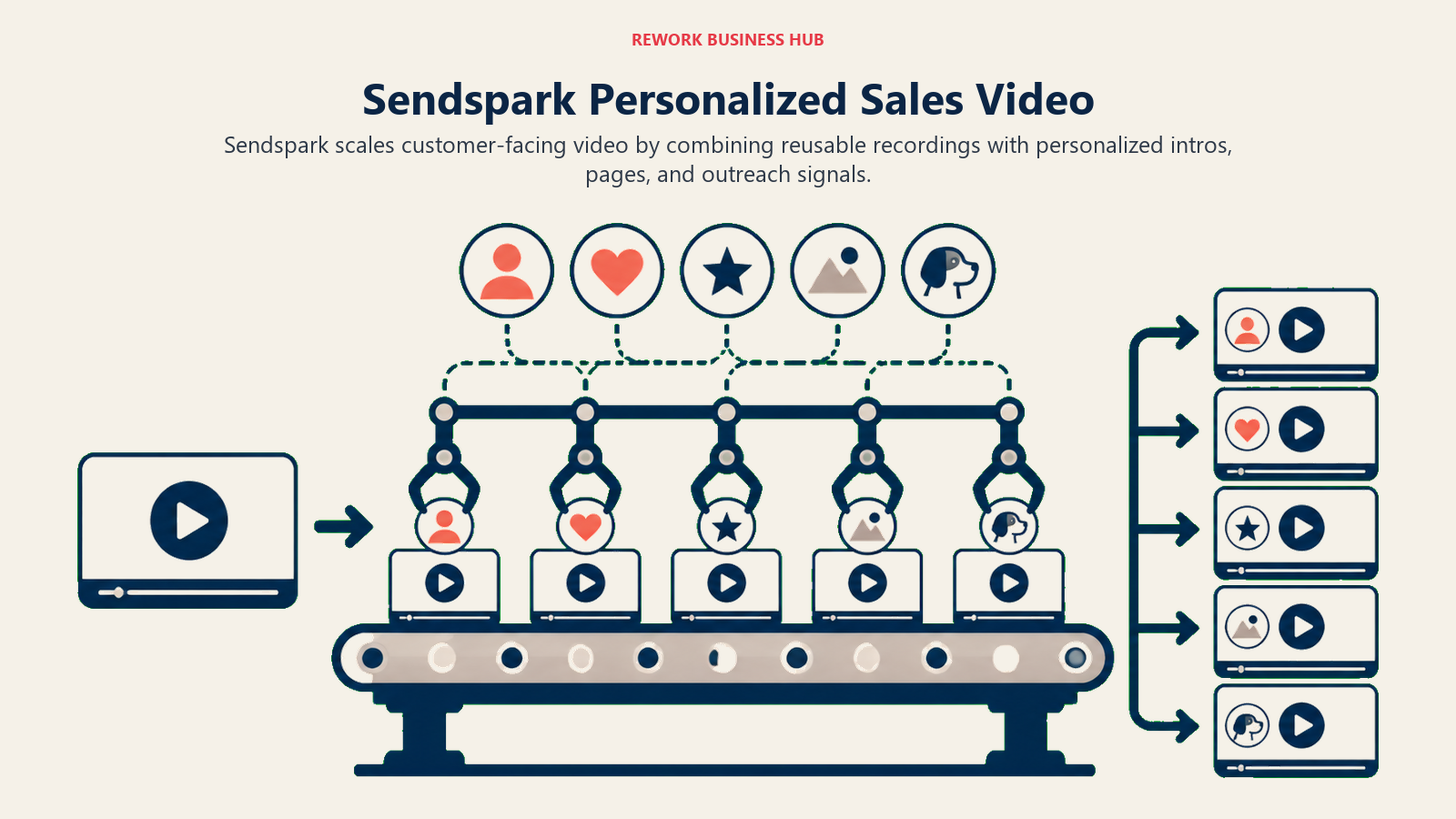
The merge variable feature is the differentiator. You record one base video and Sendspark dynamically inserts personalized intro frames, pulling the recipient's name and company from your CRM, so each viewer sees a video that feels made just for them. This is used by sales teams for cold outreach, CS teams for onboarding, and marketing teams for account-based campaigns.
For internal async communication, Sendspark is the wrong tool. There's no team messaging focus, no internal library, no annotation layer for feedback. But for any team doing customer-facing video at scale, it's the most purpose-built option here.
| What you get | What you don't |
|---|---|
| Personalized video with merge variables | Internal async messaging focus |
| HubSpot, Salesforce, Outreach integrations | Annotation or drawing tools |
| Campaign-level video analytics | Full video editing timeline |
| Video landing pages with CTAs | Team knowledge library features |
| AI script suggestions for outreach | Free storage at scale |
Pricing: Free tier (limited videos); Growth at $15/mo; Scale plans for larger teams. See Sendspark pricing for current plans.
Best for: SDR and AE teams doing outbound prospecting, CS teams running personalized onboarding at scale
8. Mmhmm: The Most Creative Presentation Layer in Async Video
Mmhmm is harder to categorize than every other tool here. It's part virtual background tool, part presentation software, part async recorder. The core idea is that the presenter shouldn't be a small floating head in the corner. They should be integrated into the content, appearing inside slides, behind data visualizations, or against animated virtual stages.
That visual-first philosophy makes Mmhmm the strongest option for anyone who presents regularly and wants their recordings to be genuinely engaging rather than just informative. Founders doing investor updates, trainers running courses, marketers making campaign explanations: the production quality difference over a plain screen recorder is significant.
But Mmhmm's UX is genuinely polarizing. Teams that want a tool where you open it, press record, and send a link often find the setup and customization layer to be more work than the communication problem it's solving. It's a tool for people who care about their presentation style, not for teams that just need fast async updates.
| What you get | What you don't |
|---|---|
| Presenter integrated into slide content | Simple one-click record-and-send |
| Animated virtual stages and backgrounds | Internal team knowledge library |
| Works in live calls (Zoom, Teams) and async | CRM or sales tool integrations |
| Full async recording with custom layouts | Per-viewer watch analytics |
| Desktop and web app | Lightweight free tier at scale |
Pricing: Free tier; Individual at $10/mo; Business pricing on request. See Mmhmm pricing for current plans.
Best for: Founders, trainers, and marketers who present regularly and care about visual production quality
9. Vimeo Record: Backed by Mature Video Hosting
Vimeo is the most established name in professional video hosting. Vimeo Record is their screen recording extension, built on top of that hosting infrastructure, giving you the clean Vimeo player, the reliable CDN, and the access controls that Vimeo has spent years refining.
For teams already paying for Vimeo for marketing video, product videos, or customer-facing content, Record is a natural add-on. The recordings look great in the player, the privacy controls are flexible, and you get basic viewer analytics without adding another tool to the stack.
The core limitation is focus. Vimeo's primary business is video hosting, not screen recording. Record is a feature, not a product. The recording UX is less polished than dedicated tools like Tella or Berrycast, editing is minimal, and the async communication workflow doesn't have the quick-share speed of newer tools. But if your team is video-forward and already in the Vimeo ecosystem, it's worth evaluating before paying for a separate tool.
| What you get | What you don't |
|---|---|
| Clean, professional Vimeo player | Recording-first product focus |
| Mature CDN and reliable hosting | Quick async team messaging workflow |
| Flexible privacy and access controls | Live annotation or drawing tools |
| Basic viewer analytics | Deep sales or CRM integrations |
| Vimeo ecosystem integration | Low-cost entry tier for small teams |
Pricing: Free tier (limited storage); Standard at $20/mo; Advanced plans for larger orgs. See Vimeo pricing for current plans.
Best for: Video-forward marketing and content teams already on Vimeo who want to unify hosting and recording
10. OBS Studio: The Free Open-Source Option With No Limits
OBS Studio is the standard for anyone who wants total control over their recording setup and doesn't want to pay for it. It's free, open-source, and used by everyone from streamers to broadcast professionals to individual content creators.
OBS records video in any format, at any resolution, from any combination of sources: screen, webcam, external camera, audio input, browser window. You can layer multiple sources, add scenes, switch between layouts mid-recording, and export to any format you need. There are no storage limits, no paywalls, no seats. If you can configure it, you can do it.
The configuration requirement is exactly the catch. OBS has no hand-holding. Initial setup for a first-time user takes real time. There's no share link workflow: you export a file and send it yourself. There's no team library, no viewer analytics, no CRM integration. OBS is the right answer for a technically confident individual who wants unlimited capability at zero cost. It's the wrong answer for a team that needs a shared workflow and a fast share link.
| What you get | What you don't |
|---|---|
| Completely free, no storage limits | Share link workflow |
| Total control over recording setup | Team library or collaboration features |
| Multi-source recording and scene switching | Viewer analytics or engagement tracking |
| Export to any video format | CRM or sales integrations |
| Active open-source community and plugins | Easy onboarding for non-technical users |
Pricing: Free (open source). Download at obsproject.com.
Best for: Individual power users, developers, and content creators who want unlimited capability and are comfortable with configuration
How to Choose: Decision Framework
| If you need this | Pick this |
|---|---|
| Sales prospecting and per-viewer analytics | Vidyard |
| Simple internal async updates, small team | Berrycast |
| Customer-facing demos that look polished | Tella |
| Real editing on a tight budget | Screenpal |
| Screenshots + GIFs + video in one tool | Zight |
| Reusable onboarding and enablement decks | Komodo Decks |
| Personalized customer outreach at scale | Sendspark |
| Presenter-forward content with visual flair | Mmhmm |
| Recording + hosting from a mature video platform | Vimeo Record |
| Unlimited capability at zero cost, technical setup ok | OBS Studio |
Feature Coverage by Use Case
| Use Case | Best Tool | Runner-Up |
|---|---|---|
| Sales outbound video | Vidyard | Sendspark |
| Internal team async updates | Berrycast | Komodo Decks |
| Customer demo / product walkthrough | Tella | Berrycast |
| Training and L&D content | Screenpal | Komodo Decks |
| Support and design feedback | Zight | Berrycast |
| Personalized onboarding at scale | Sendspark | Vidyard |
| Conference and investor presentations | Mmhmm | Tella |
| Marketing and brand content | Vimeo Record | Tella |
| Developer or streamer workflows | OBS Studio | Zight |
Pricing Comparison
| Tool | Free Tier | Entry Paid | Mid-Tier | Notes |
|---|---|---|---|---|
| Vidyard | Yes (unlimited videos) | $19/mo (Pro) | Teams pricing | Free tier most generous in list |
| Berrycast | Yes (limited) | $10/seat/mo | - | Simple per-seat model |
| Tella | Yes (storage cap) | $19/mo (Pro) | $45/mo (Business) | No enterprise tier |
| Screenpal | Yes | $4/mo (Deluxe) | $10/seat/mo | Cheapest full-featured option |
| Zight | Yes (limited uploads) | $9.95/mo (Pro) | $8/seat/mo (Team) | Screenshot + video bundled |
| Komodo Decks | Yes | $8/seat/mo | - | Early-stage pricing may change |
| Sendspark | Yes (limited) | $15/mo (Growth) | Scale pricing on request | Per-user pricing at higher tiers |
| Mmhmm | Yes | $10/mo (Individual) | Business on request | Flat individual pricing |
| Vimeo Record | Yes (storage limited) | $20/mo (Standard) | Advanced tiers | Best for teams already on Vimeo |
| OBS Studio | Free | - | - | Open source, always free |
Integration Ecosystem
| Tool | Slack | HubSpot | Salesforce | Outreach | Gmail | Notion |
|---|---|---|---|---|---|---|
| Vidyard | Yes | Yes | Yes | Yes | Yes | - |
| Berrycast | Yes | - | - | - | Yes | - |
| Tella | Yes | - | - | - | Yes | - |
| Screenpal | Yes | - | - | - | Yes | - |
| Zight | Yes | - | - | - | Yes | Yes |
| Komodo Decks | Yes | - | - | - | - | - |
| Sendspark | Yes | Yes | Yes | Yes | Yes | - |
| Mmhmm | Yes | - | - | - | - | - |
| Vimeo Record | Yes | - | - | - | Yes | - |
| OBS Studio | - | - | - | - | - | - |
What to Do Next
Run a 2-week pilot with your top two picks before committing to any annual plan. If sales video is your primary use case, it's worth reading about best Typeform alternatives too, since many sales teams use video alongside conversational forms to increase lead qualification rates.
Most tools in this list have free tiers that are functional enough for a real evaluation. Pick the two that match your primary use case from the decision framework above, run them alongside each other for two weeks, using actual workflows and real content. You'll know quickly which one your team actually reaches for, and which one sits unused.
If your main use case is sales, start with Vidyard. If it's internal async, start with Berrycast or Komodo Decks. If you're building customer-facing content, Tella is worth 10 minutes of setup time to see what the output looks like. And if budget is the actual constraint, Screenpal at $4/month or OBS at $0 will get the job done.
Frequently Asked Questions
Is Loom still worth using in 2026? For many teams, yes, especially if you're already integrated into the Atlassian ecosystem. The product still works well for quick async updates. The case for switching is strongest if you're on the free tier hitting the 25-video cap, if you need AI features without paying Business pricing, or if your primary use case is sales or customer-facing video where specialist tools like Vidyard or Sendspark add meaningful value.
Which Loom alternative is best for sales teams? Vidyard is the strongest sales-specific option. It has the deepest CRM integrations, per-viewer analytics, and a free tier that includes unlimited video recording. Sendspark is the better choice if personalization at scale (sending videos where each prospect sees their own name and company) is the core use case.
What's the best free Loom alternative? Vidyard offers the most generous free tier (unlimited video recording). OBS Studio is free with no limits but requires setup effort. Screenpal, Zight, Berrycast, and most others offer functional free tiers with storage or feature restrictions.
Which alternative is easiest to set up for a non-technical team? Berrycast and Tella have the fastest onboarding. Both can be used within minutes of installing the extension. Screenpal and Zight are also straightforward. OBS Studio is the hardest to set up and is not recommended for teams without a technical owner.

Principal Product Marketing Strategist
On this page
- Quick Comparison Table
- Why Teams Are Leaving Loom in 2026
- Stage Fit Matrix
- Sizing and Persona Table
- 1. Vidyard: Sales-First Video with Deep Analytics
- 2. Berrycast: Clean Async Updates for Small Teams
- 3. Tella: Polished Product Videos Without a Video Editor
- 4. Screenpal: Budget-First Screen Recording with Real Editing
- 5. Zight: One Tool for Screenshots, GIFs, and Screen Video
- 6. Komodo Decks: Screen Recording That Organizes Into Decks
- 7. Sendspark: Personalized Video at Scale for Customer-Facing Teams
- 8. Mmhmm: The Most Creative Presentation Layer in Async Video
- 9. Vimeo Record: Backed by Mature Video Hosting
- 10. OBS Studio: The Free Open-Source Option With No Limits
- How to Choose: Decision Framework
- Feature Coverage by Use Case
- Pricing Comparison
- Integration Ecosystem
- What to Do Next
- Frequently Asked Questions