Best AI Tools for Teachers in 2026: 14 Tools for the K-12 Classroom
Turn this article into takeaways for your work.


Each assistant summarizes the article only for you and suggests best practices for your work.
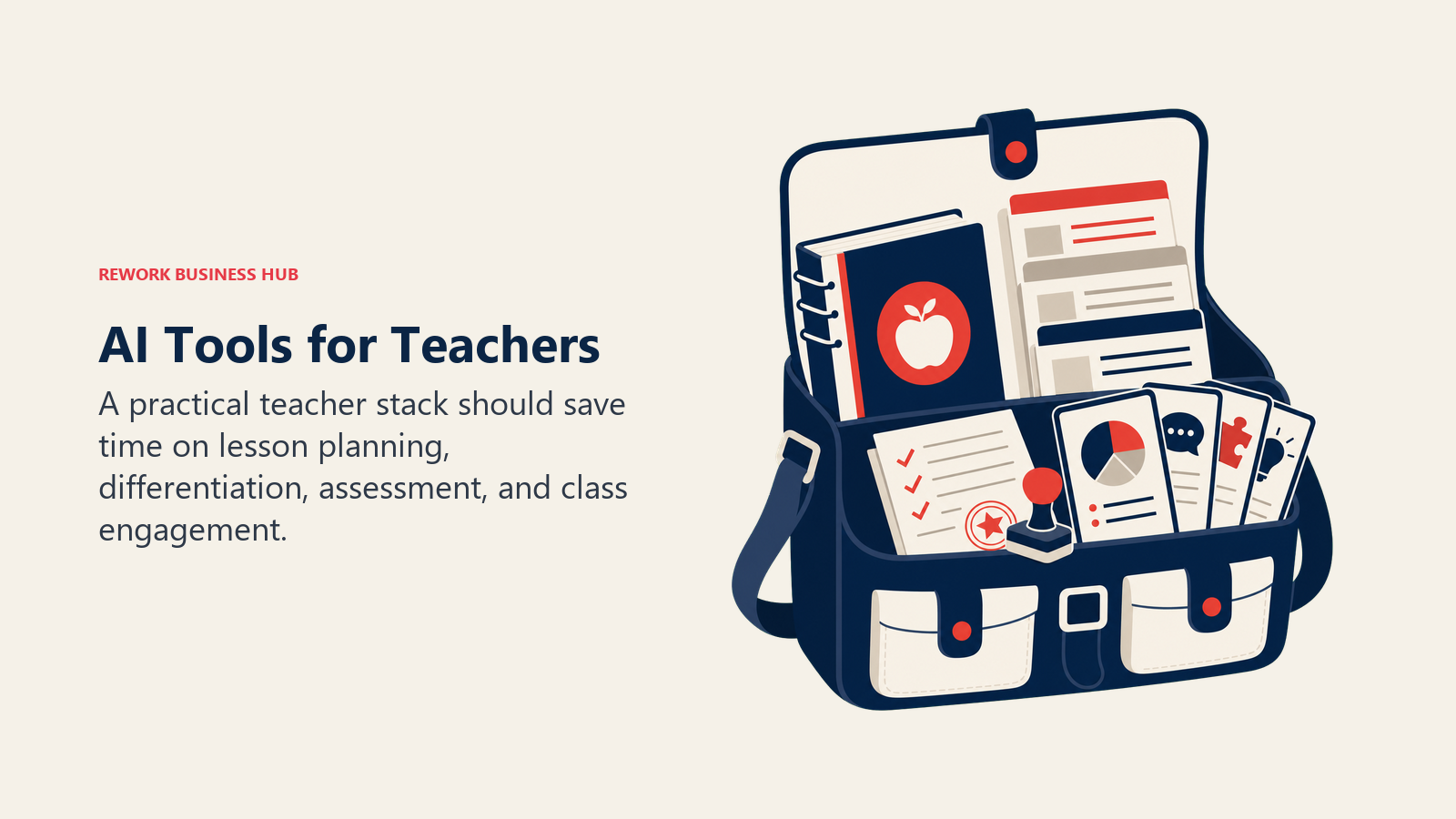
Most teachers don't need a single "best" AI tool. They need a small stack that covers the four things eating their week: planning lessons, differentiating materials for a room full of different readers, grading and giving feedback, and running an engaging class period. ChatGPT for Teachers and Claude for Teachers now cover general drafting for free, MagicSchool and Eduaide.ai cover the full lesson-planning workflow, Diffit and Twee handle differentiation and language content, and Formative, Quizizz, and Gradescope cover assessment. This guide ranks 14 tools teachers are actually using in 2026, not a generic AI list repurposed for education.
Every tool below was evaluated on real classroom use, current pricing, and how it fits into a normal teaching week, not a vendor demo.
What Changed in 2026
- Anthropic launched Claude for Teachers on July 14, 2026, giving verified US K-12 educators a free year of premium Claude access, standards-aligned teaching skills, and built-in connections to nine classroom tools including Brisk Teaching, Canva Education, Diffit, and MagicSchool.
- OpenAI extended ChatGPT for Teachers as a free, education-grade workspace for verified US K-12 educators through June 2028, separate from the paid ChatGPT Plus tier.
- SchoolAI shifted from an always-free individual tier to a 5-Space free trial, with unlimited Spaces now gated behind a paid Pro tier aimed at school-wide adoption.
- Wayground (the rebrand of Quizizz) continued rolling out AI-generated question types and regionalized its Super plan pricing, so US teachers should confirm the current dollar price on the vendor's own pricing page before subscribing.
Key Facts
- Three in 10 teachers now use AI weekly, saving an average of 5.9 hours per week, the equivalent of six weeks over a school year, per the Walton Family Foundation-Gallup teacher survey.
- 53% of English language arts, math, and science teachers used AI for school in 2025, an increase of more than 15 percentage points year over year, per RAND's national teacher and principal survey.
- Teacher AI use nearly doubled in two years, from 34% in 2023 to 61% in 2025, according to the EdWeek Research Center's national teacher survey.
- 64% of teachers say the materials they modify with AI to meet student needs come out higher quality, per the Walton Family Foundation-Gallup study.
- 57% of teachers say AI has helped them improve the quality of student feedback and grading, per the same Walton Family Foundation-Gallup research.
- Only 34% of teachers report having school or district policy on AI and academic integrity, a governance gap that trails adoption, per RAND.
Quick Comparison Table
| Tool | Best For | Standout Capability | Starting Price | Free Tier? |
|---|---|---|---|---|
| ChatGPT for Teachers | General planning, drafting, and research | Free education-grade workspace, no training on your data | Free for verified US K-12 teachers through June 2028 | Yes |
| Claude for Teachers | Standards-aligned lesson planning and long documents | Free premium access, 50-state standards mapping | Free for one year for verified US K-12 teachers | Yes |
| MagicSchool AI | All-in-one lesson planning and resource generation | 80+ purpose-built teacher tools plus Raina chatbot | Free; Plus $8.33/mo (annual) | Yes |
| Khanmigo | Free AI teaching assistant tied to Khan Academy content | Differentiation, quizzes, rubrics, exit tickets | Free for teachers | Yes |
| SchoolAI | Safe, teacher-monitored AI chat for students | Mission Control lets teachers watch every student conversation live | Free trial (5 Spaces); Pro for unlimited | Trial only |
| Brisk Teaching | AI inside Google Docs, Slides, and Classroom | Works directly inside tools you already use, no new tab | Free Forever (20+ tools) | Yes |
| Eduaide.ai | Fast lesson plans, rubrics, and differentiated resources | 120+ generator types across the full planning workflow | Free (15 generations/mo); Pro $5.99/mo | Yes |
| Diffit | Leveling any text for mixed-ability readers | Turns one article into 5+ reading levels in seconds | Free (limited); Individual $14.99/mo | Yes |
| Curipod | Live, interactive AI-generated lesson slides | Real-time student response view during the lesson | Free (weekly cap); School/District custom | Yes |
| Twee | ESL and language-teaching content generation | 100+ generator types built specifically for language teachers | Free trial; Basic $6.50/mo (annual) | Trial only |
| Formative | Real-time formative assessment and auto-grading | Luna AI turns paper worksheets into digital assignments | Free (unlimited formatives); Paid $20.75/mo (annual) | Yes |
| Quizizz (Wayground) | Gamified quizzes with AI question generation | AI-generated question sets from any topic or document | Free (Basic); Super individual paid tier (regional pricing) | Yes |
| Gradescope | Grading exams and problem sets at scale | AI-assisted grouping of similar answers for faster grading | Free (Basic, after institutional trial) | Yes |
| Canva for Education | Slides, worksheets, and visuals with AI design tools | Full Canva Pro-equivalent access, 100% free for K-12 | Free for verified K-12 teachers | Yes |
How to Choose: Decision Framework
Match the tool to the task that's actually eating your week, not the tool with the most features.
| If your biggest time drain is... | Pick... | Why |
|---|---|---|
| Writing lesson plans from scratch | MagicSchool AI or Eduaide.ai | Purpose-built generators cover standards, objectives, and materials in one pass |
| Adjusting reading levels for a mixed-ability class | Diffit | Turns any article or passage into multiple reading levels instantly |
| General drafting, research, and planning | ChatGPT for Teachers or Claude for Teachers | Both are free for verified US K-12 educators and handle open-ended requests well |
| Grading and giving feedback | Formative or Gradescope | Formative auto-grades formative checks; Gradescope handles exams and problem sets at scale |
| Keeping students engaged during a live lesson | Curipod or Quizizz (Wayground) | Both generate interactive, real-time activities students respond to on their own devices |
| Letting students interact with AI safely | SchoolAI or Khanmigo | Teacher-monitored chat spaces and guardrails built for K-12 use |
| Working inside Google Docs, Slides, or Classroom | Brisk Teaching | Runs as a Chrome extension directly inside the tools you already use daily |
| Teaching English or a world language | Twee | Generators built specifically around ESL and language-teaching content |
| Designing worksheets, slides, or visuals | Canva for Education | Fully free for verified K-12 teachers with AI design tools included |
By Budget
| Budget | Best Fits |
|---|---|
| $0, no upgrade needed | ChatGPT for Teachers, Claude for Teachers, Khanmigo, Brisk Teaching, Canva for Education |
| Under $10/month | Eduaide.ai Pro ($5.99/mo), Twee Basic ($6.50/mo annual) |
| $10-20/month | MagicSchool Plus ($8.33/mo annual), Diffit Individual ($14.99/mo) |
| $20+/month | Formative Paid Teacher ($20.75/mo annual) |
| School or district budget required | SchoolAI Pro/Scale, Curipod School & District, Gradescope Institutional, Quizizz School Plan |
1. ChatGPT for Teachers: Free, Education-Grade Workspace
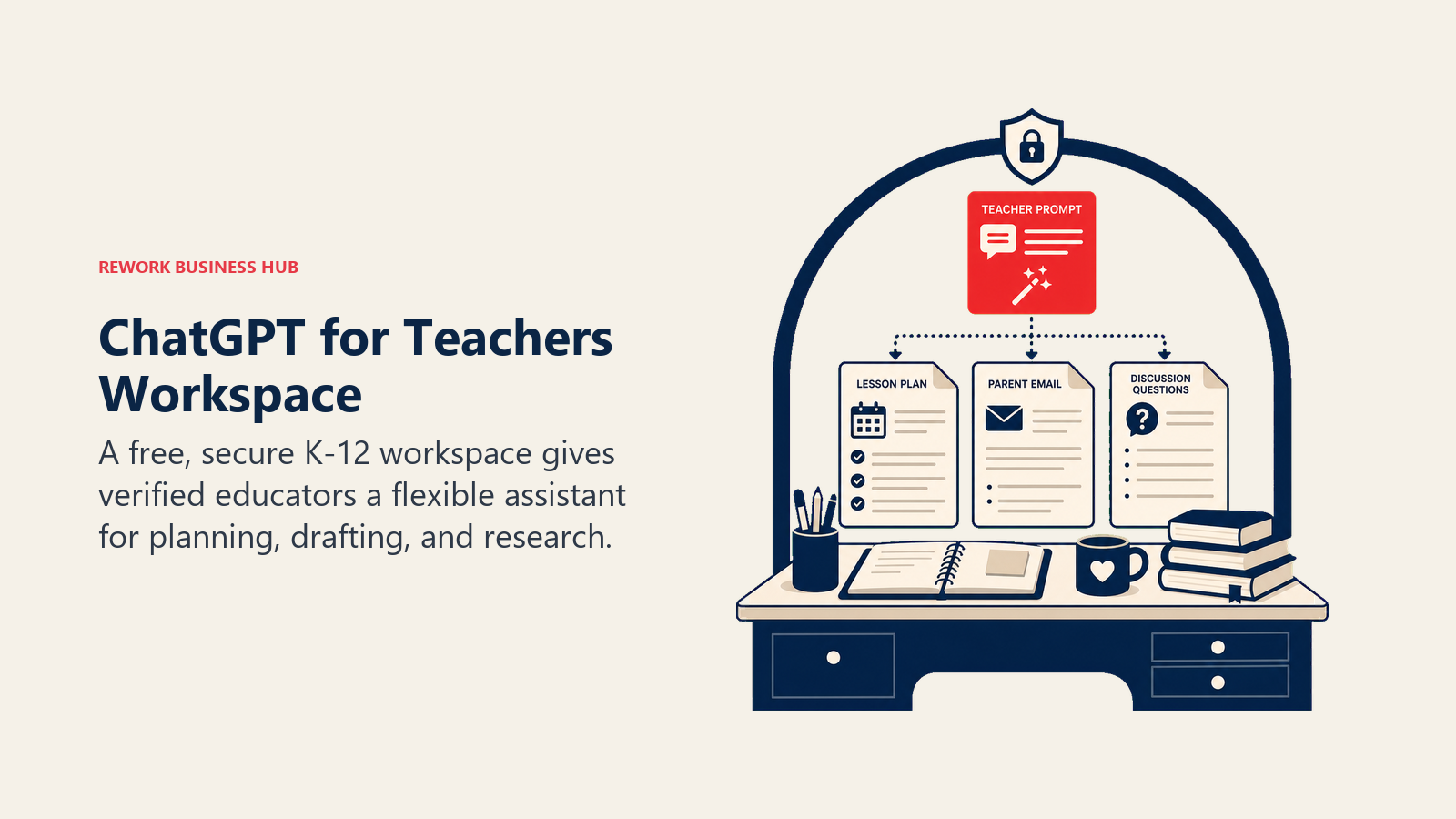
OpenAI's education play in 2026 isn't the general ChatGPT Plus subscription, it's a dedicated free workspace built for K-12 staff. ChatGPT for Teachers gives verified US educators unlimited messages with GPT-5.1 Auto inside a secure workspace where conversations aren't used to train OpenAI's models by default.
Best for: Teachers who want a general-purpose AI assistant for planning, drafting, and research without paying for ChatGPT Plus.
Key strengths:
- Free through June 2028 for verified US K-12 educators, staff, and district leaders
- FERPA-aligned privacy, with data excluded from model training by default
- Same underlying model quality as the paid consumer product, just in an education-scoped workspace
Limitations:
- Eligibility is currently limited to accredited US K-12 schools and districts
- Not purpose-built for education tasks the way MagicSchool or Eduaide.ai are; you're working from a blank chat window, not a lesson-plan generator
- Doesn't include the classroom-monitoring or student-facing safety features that SchoolAI or Khanmigo offer
Pricing: Free for verified US K-12 teachers, staff, and district leaders through June 2028, per OpenAI's ChatGPT for Teachers page. The general consumer plan (ChatGPT Plus) runs $20/mo if you're outside the eligible group.
Standout use case: Drafting a unit plan, a parent email, or a set of discussion questions in minutes, with no per-message cost.
2. Claude for Teachers: Free for a Year, Standards-Mapped
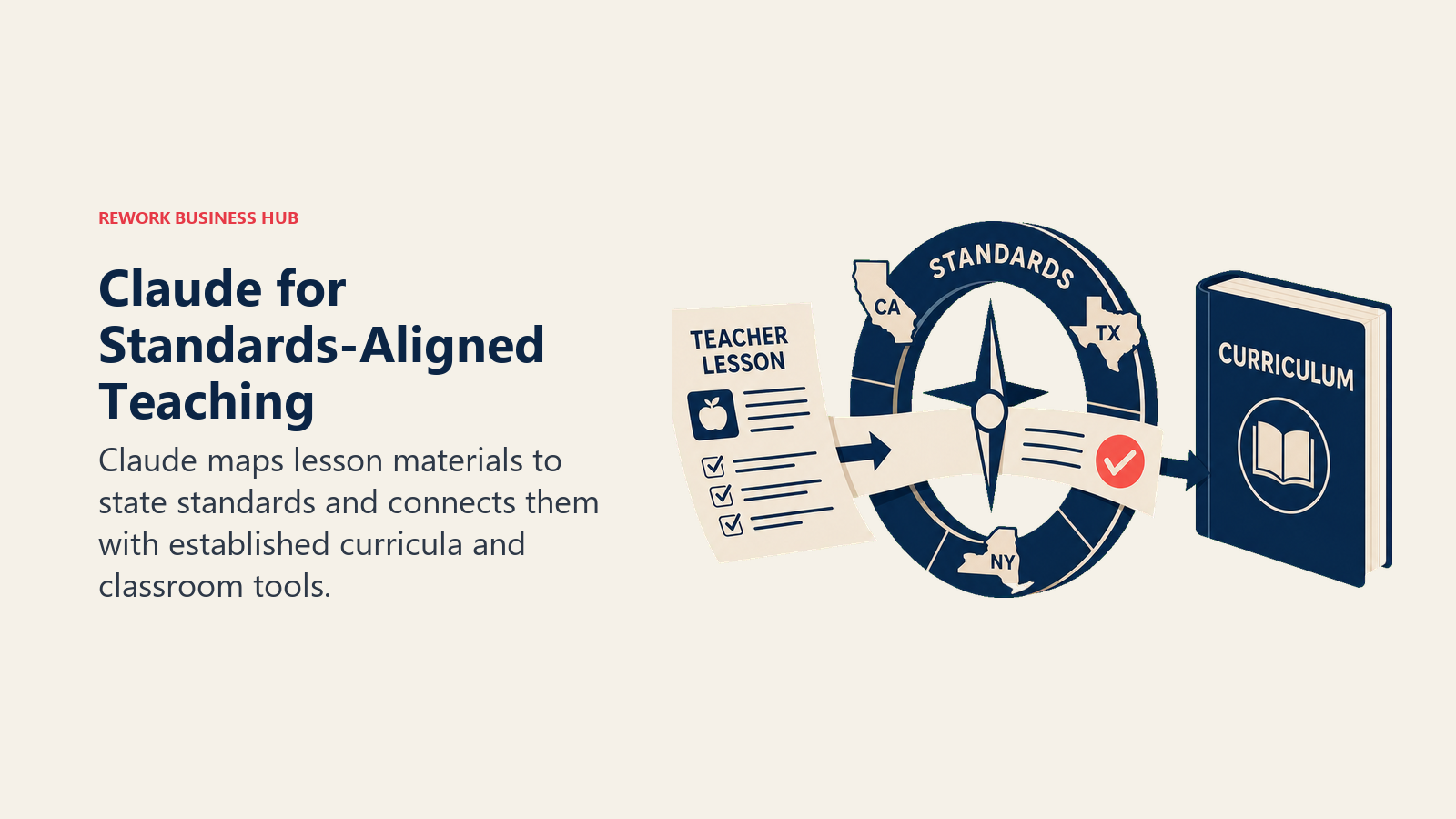
Anthropic entered the K-12 market on July 14, 2026 with Claude for Teachers, and the standards-mapping is the differentiator: Claude connects to academic standards across all 50 states and evidence-based curricula like OpenSciEd and Illustrative Mathematics, so lesson output is aligned to what a district actually requires, not generic content.
Best for: Teachers who want AI-generated materials that map directly to their state's academic standards.
Key strengths:
- Free premium Claude access for one full year for verified US K-12 educators
- Standards alignment across all 50 states through Anthropic's Learning Commons partnership
- Built-in connections to nine other classroom tools, including Brisk Teaching, Canva Education, Diffit, and MagicSchool, so output can flow into tools you already use
Limitations:
- Offer requires signup by June 30, 2027 and is US K-12 only at launch
- No dedicated school or district-wide offering yet; Anthropic has said one is coming
- Long, detailed documents (rubrics, multi-week units) take more prompting effort than a purpose-built lesson-plan tool
Pricing: Free for one year for verified US K-12 educators, per Anthropic's Claude for Teachers announcement. Standard Claude Pro outside this program is $20/mo ($17/mo annual).
Standout use case: Building a unit plan that needs to trace directly back to a specific state standard, with the citation built in.
3. MagicSchool AI: The Broadest Teacher Toolkit
MagicSchool's bet is breadth: 80+ purpose-built teacher tools covering lesson plans, rubrics, IEP accommodations, letters of recommendation, and more, plus 50+ student-facing tools, all inside one dashboard with a general chatbot (Raina) for anything the templates don't cover.
Best for: Teachers who want one dashboard covering the entire planning-to-resource workflow instead of separate tools for each task.
Key strengths:
- Free tier includes all 80+ tools with no paywall on core features
- Studio Mode lets you edit AI output with formatting and images instead of copy-pasting into a doc
- Student Rooms let teachers configure and share specific AI tools directly with students under supervision
Limitations:
- Free tier caps output history and generation limits that Plus removes
- With 80+ tools, discovering the right one for a specific task takes longer than a narrower app
- District-wide features (SIS/LMS integration, SSO, admin dashboards) require the custom-priced Enterprise tier
Pricing: Free ($0); Plus $8.33/mo billed annually at $99.96/yr, or $12.99/mo billed monthly; Enterprise custom, per MagicSchool's pricing page.
Standout use case: Generating a full week of differentiated lesson plans, an IEP accommodation list, and a parent newsletter without leaving one tool.
4. Khanmigo: Free AI Assistant Tied to Real Curriculum
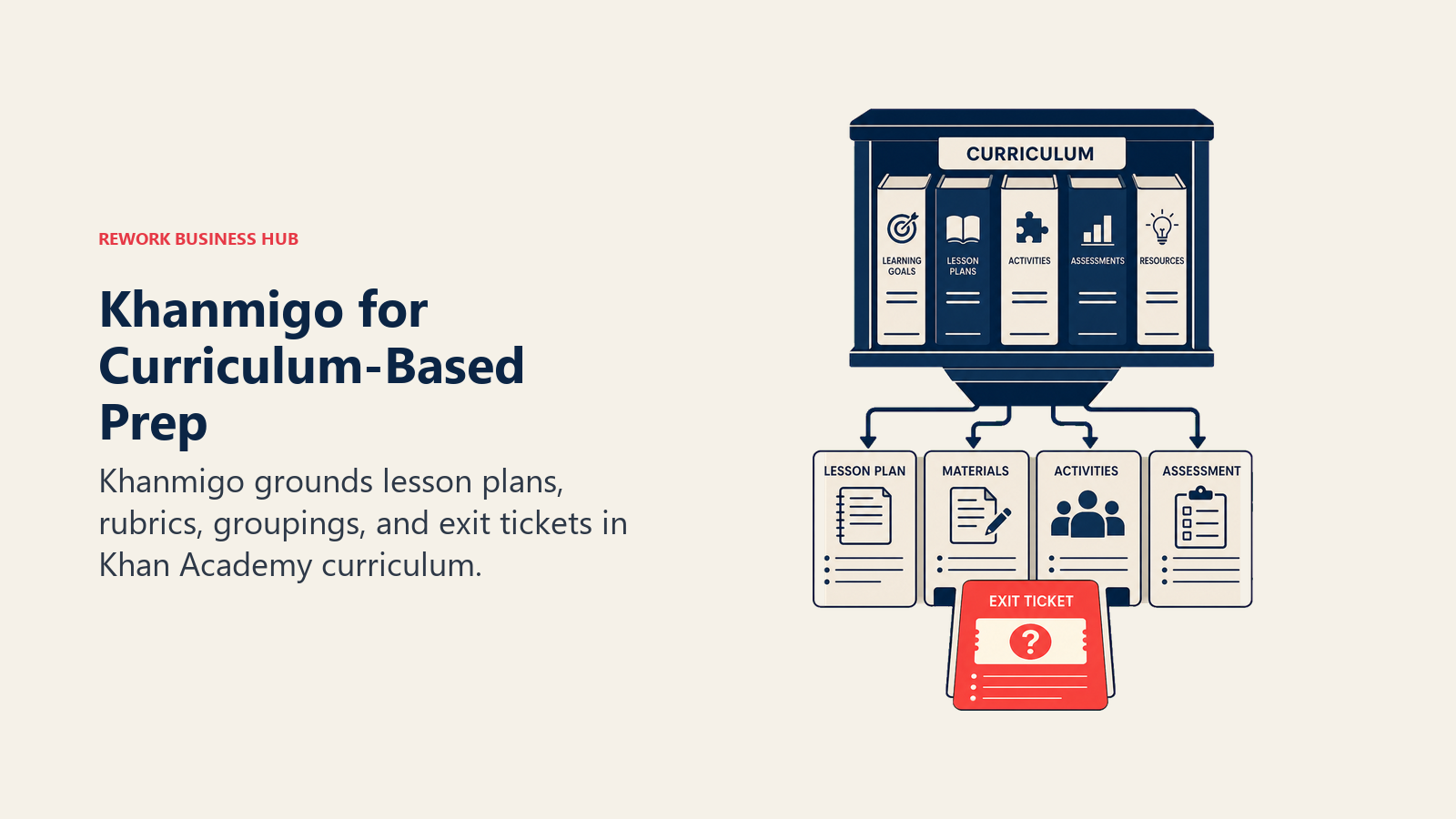
Khan Academy built Khanmigo as a teaching assistant that sits on top of its existing library of standards-aligned lessons, and it's free for teachers through a Microsoft partnership. It handles the repetitive prep work: differentiation, lesson plans, quiz questions, student groupings, warm-up hooks, exit tickets, and rubrics.
Best for: Teachers already using Khan Academy content who want an AI assistant grounded in that same curriculum.
Key strengths:
- 100% free for K-12 teachers in the US and 44+ other countries
- Output stays grounded in Khan Academy's existing, vetted lesson library rather than generating from scratch
- Covers the specific repetitive prep tasks teachers do every week (exit tickets, groupings, rubrics) as named tools, not open-ended prompts
Limitations:
- Teachers cannot currently grant individual students direct access to Khanmigo; student-facing access requires a school or district implementation
- Tied closely to Khan Academy's own content and platform rather than being a general-purpose assistant
- Parent and learner accounts are a separate $4/mo subscription, not included in the free teacher tier
Pricing: Free for teachers; $4/mo (or $44/yr) for parents and learners, per Khanmigo's pricing page.
Standout use case: Generating a differentiated set of exit tickets tied to the exact Khan Academy lesson you taught that day.
5. SchoolAI: Teacher-Monitored AI Chat for Students
SchoolAI's core idea is letting students talk to AI safely, inside "Spaces" that teachers design and watch in real time through a dashboard called Mission Control. If you want students interacting directly with an AI tutor without losing visibility into what's being said, this is the category leader.
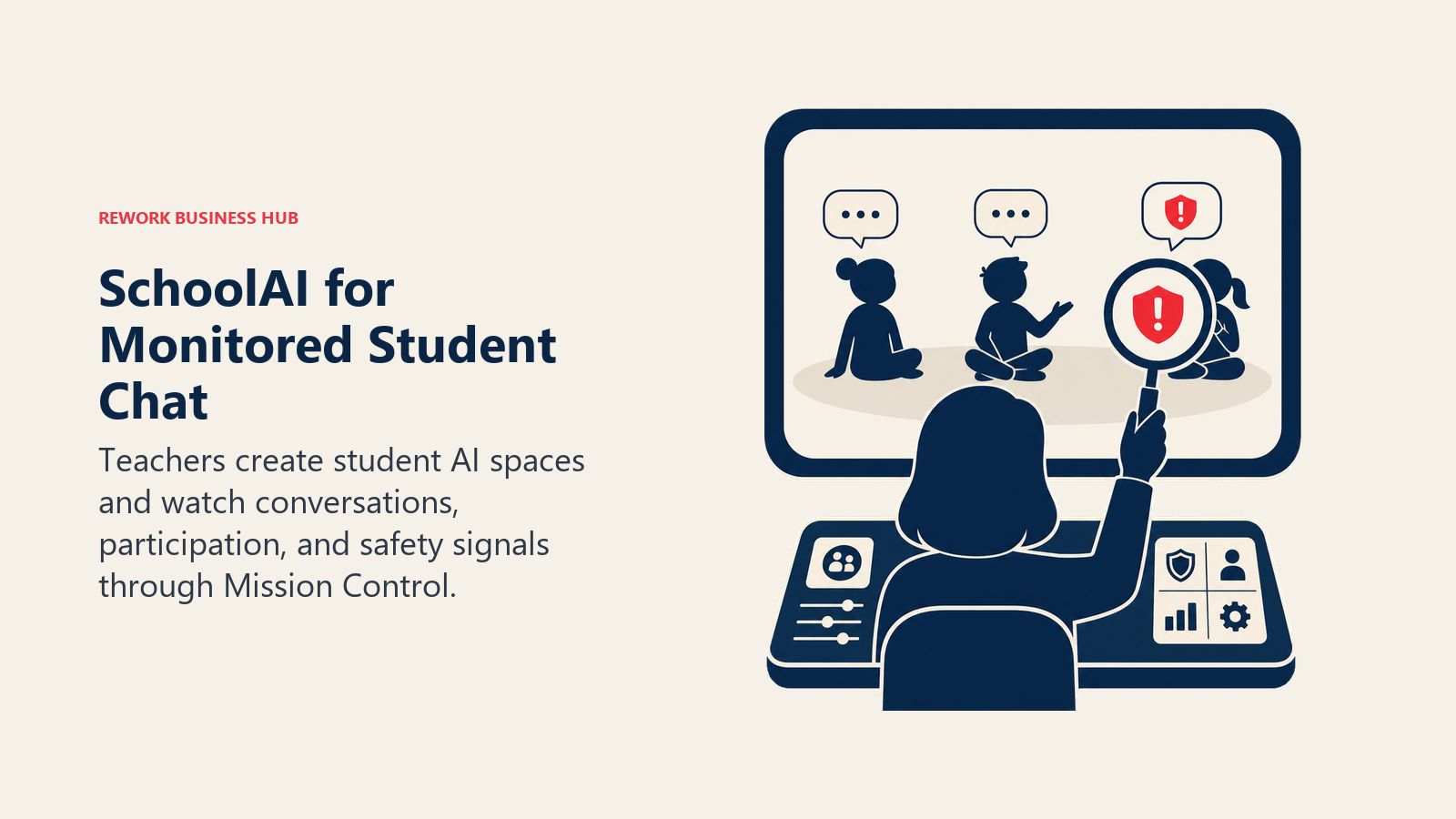
Best for: Teachers who want students using AI directly, with full visibility and safety controls built in.
Key strengths:
- Mission Control shows every student conversation in real time, with safety alerts for concerning language
- 200,000+ community-created Spaces mean you rarely have to build one from scratch
- 60+ language support broadens access for multilingual classrooms
Limitations:
- SchoolAI shifted its model in 2026: individual teachers now get a 5-Space free trial rather than a permanently free unlimited tier
- Unlimited Spaces require the paid Pro tier, and full pricing isn't published; you request it through a demo
- Built around district-wide adoption, so the buying process is heavier than a self-serve individual tool
Pricing: Free trial (5 Spaces); Pro (unlimited Spaces, school-level) and Scale (district-wide) are quote-based, per SchoolAI's pricing page.
Standout use case: Running a supervised AI tutoring station during independent work time, with the ability to see exactly what every student typed and how the AI responded.
6. Brisk Teaching: AI Inside the Tools You Already Use
Brisk Teaching skips the "new dashboard" problem entirely. It's a Chrome and Edge extension that adds AI tools directly into Google Docs, Slides, and Classroom, so there's no context switch to a separate app to give feedback, differentiate a reading, or build a quiz from a Google Doc.
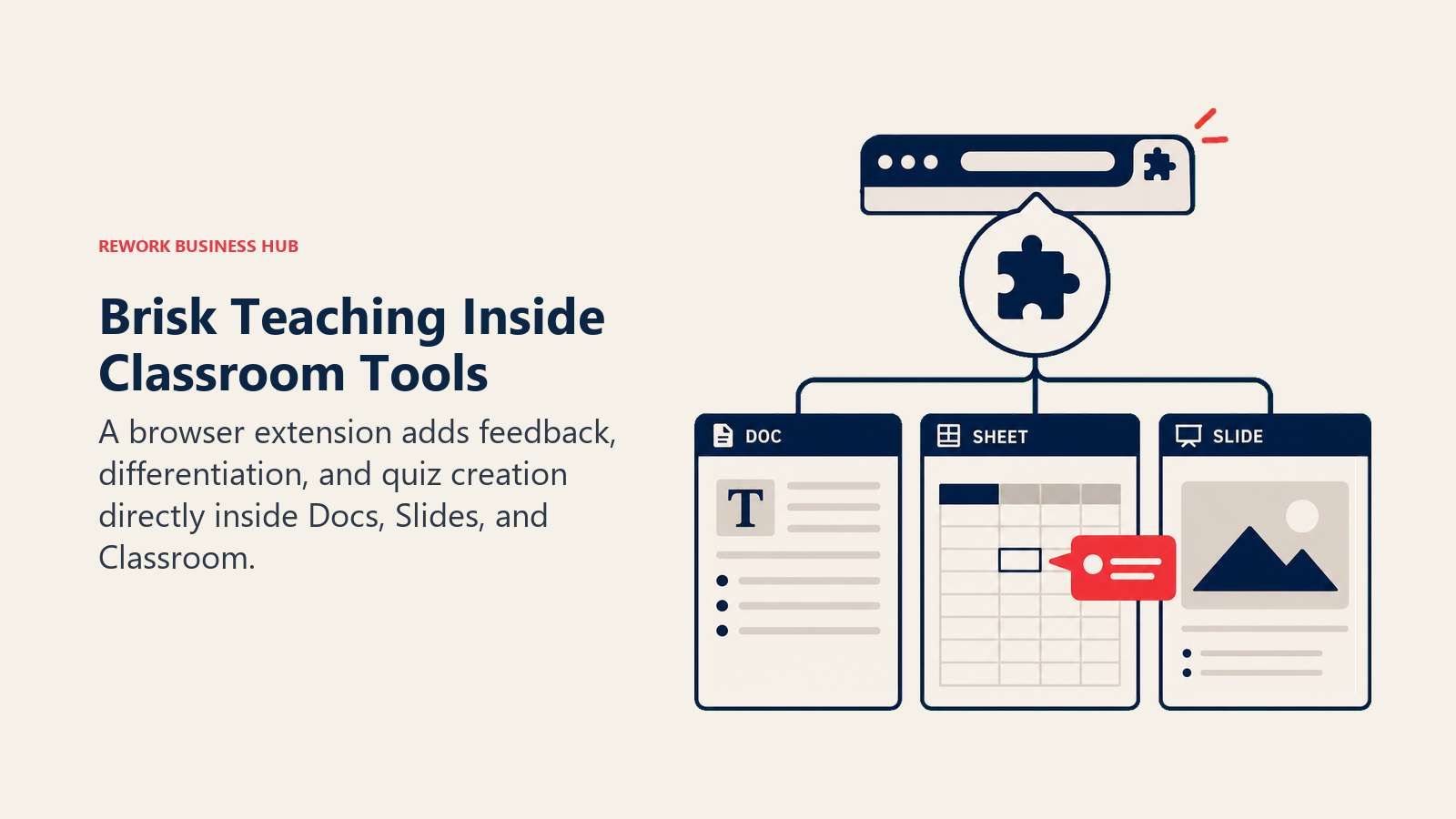
Best for: Teachers in a Google Workspace school who want AI without leaving Docs, Slides, or Classroom.
Key strengths:
- Free Forever plan includes 20+ AI tools with no time limit or feature countdown
- Generates content in 50+ languages, useful for multilingual families and ELL students
- Works directly inside the Google tools teachers already have open all day
Limitations:
- Best value is realized inside Google Workspace; teams on Microsoft 365 get less benefit
- Advanced Premium and Intelligence tiers are quote-based for schools and districts, not published as flat individual pricing
- As a browser extension, it depends on Chrome or Edge; there's no standalone app
Pricing: Educator Free Forever plan at $0/mo; Premium and Intelligence tiers for schools and districts are custom-priced, per Brisk Teaching's plans page.
Standout use case: Highlighting a paragraph in a student's Google Doc and getting instant, rubric-based feedback without opening a second tool.
7. Eduaide.ai: Fast, High-Volume Resource Generation
Eduaide.ai leans into raw generator count: 120+ AI-powered tools spanning lesson plans, differentiated resources, graphic organizers, gamified activities, and an open-ended Eduaide Chat for anything outside the templates.
Best for: Teachers who want the widest range of purpose-built content generators at the lowest paid price point on this list.
Key strengths:
- Pro tier unlocks unlimited generations for $5.99/mo, one of the cheapest paid teacher AI tools available
- 120+ generator types cover lesson planning, assessment, and differentiation without needing a second tool
- 15+ language support for resource generation
Limitations:
- Free tier caps out at 15 monthly generations, which a full-time teacher will burn through quickly
- Interface leans utilitarian compared to more polished dashboards like MagicSchool
- No student-facing safe-chat feature the way SchoolAI or Khanmigo offer
Pricing: Free (15 generations/mo); Pro $5.99/mo or $49.99/yr, per Eduaide.ai's pricing page. School and district discounts are available on request.
Standout use case: Generating a week's worth of graphic organizers and differentiated worksheets for under $6 a month.
8. Diffit: Instant Text Leveling for Mixed-Ability Classrooms
Diffit solves one problem extremely well: taking any article, PDF, or topic and producing the same content at multiple reading levels, plus vocabulary support and comprehension questions. For classrooms with a wide range of reading abilities, this collapses hours of manual leveling work into seconds.
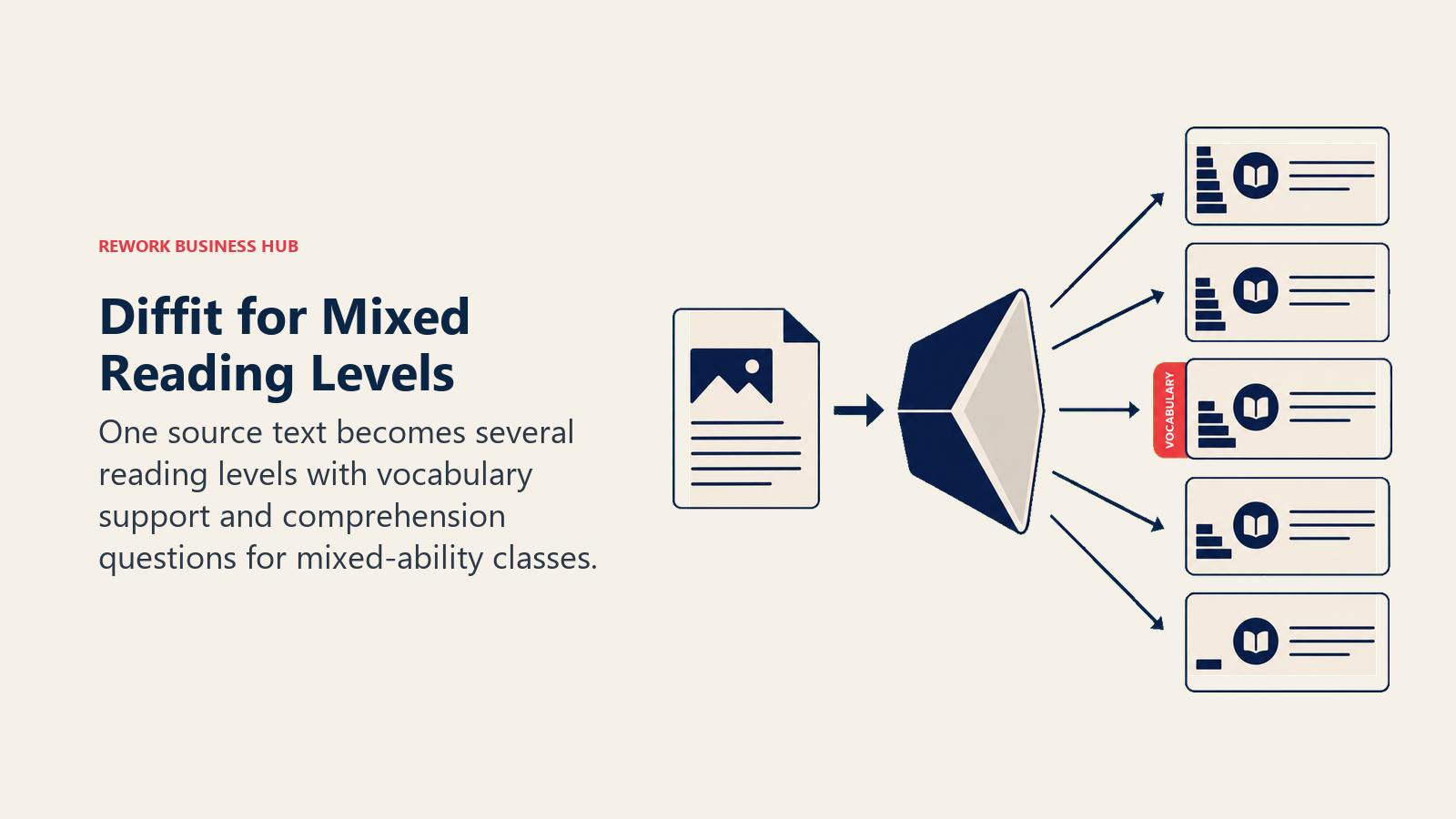
Best for: Teachers differentiating the same lesson content for readers at different levels in one classroom.
Key strengths:
- Generates five or more reading levels from a single source text or topic
- Exports directly to Google Docs, which matters for teachers already living in Google Classroom
- Standards alignment on paid tiers helps tie leveled content back to what you're required to teach
Limitations:
- Free plan drops the features most teachers actually need daily: Google Docs export, longer text inputs, and standards alignment
- $14.99/mo is one of the pricier individual subscriptions on this list
- Narrow scope by design; it doesn't do lesson planning, grading, or engagement the way broader tools do
Pricing: Free (limited); Individual $14.99/mo or $149.99/yr; Schools custom (per-enrollment quote), per Diffit's pricing page.
Standout use case: Turning one current-events article into five reading levels for a mixed-ability class in under a minute.
9. Curipod: Live, Interactive AI-Generated Lessons
Curipod generates full interactive lesson slides from a topic or standard, then runs them as a live activity where students respond from their own devices in real time. It's built for the "bell rings and I need something engaging right now" moment.
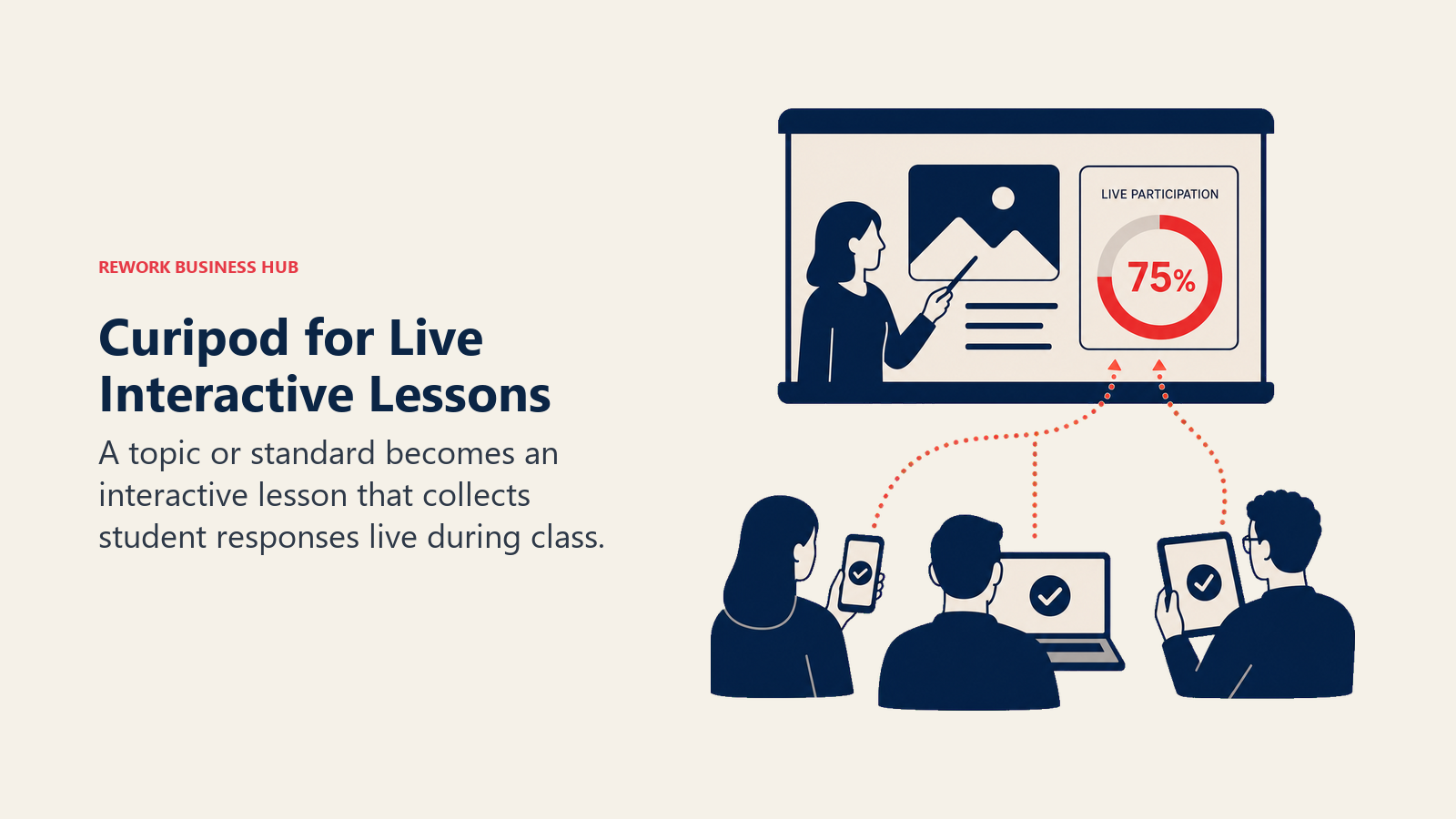
Best for: Teachers who want AI-generated, interactive lesson activities they can run live with real-time student responses.
Key strengths:
- Generates a complete interactive lesson, not just a worksheet, from a single prompt
- Live response view lets you see student thinking as it happens, useful for quick formative checks
- 3 free standards-aligned test-prep lessons are available even on the free tier
Limitations:
- Free plan caps weekly sessions and limits student responses to 1,000 characters
- Persistent lesson reports and student-level "Glow and Grow" summaries, the features that let you revisit who understood what after class, are paid-only
- Paid tier is School & District only; there's no individually-priced paid plan for a single teacher
Pricing: Free (weekly session cap); School & District tier is custom-quoted, per Curipod's pricing page.
Standout use case: Building a warm-up activity from that morning's headline and running it live with the whole class in under five minutes.
10. Twee: AI Built Specifically for Language Teachers
Twee is a niche pick on this list by design: it's built almost entirely around ESL and world-language teaching, generating reading passages, dialogues, grammar exercises, and listening activities tailored to specific proficiency levels (CEFR-aligned).
Best for: ESL and world-language teachers who need content pitched at a specific proficiency level.
Key strengths:
- Generator library is purpose-built for language teaching, not a general tool retrofitted for it
- Text-to-audio generation supports listening comprehension activities directly
- Twee for Schools supports multi-teacher department adoption
Limitations:
- Free trial is limited to 5 runs on most tools before you hit a paywall
- Narrow focus means it's not useful outside language instruction
- Pricing tiers (Basic, Pro, Schools) can be confusing to compare at a glance
Pricing: Free trial (5 runs); Basic $6.50/mo (annual); Pro $10.50/mo (annual); Schools custom, per Twee's pricing page.
Standout use case: Generating a leveled reading passage with matching vocabulary and listening audio for a specific CEFR level in one pass.
11. Formative: Real-Time Assessment and Auto-Grading
Formative turns any assignment into a live, trackable activity where teachers see student answers as they're typed, not after submission. Its AI assistant, Luna, adds the ability to convert paper worksheets into digital, auto-gradable assignments.
Best for: Teachers who want real-time visibility into student understanding during an assignment, plus AI-assisted grading.
Key strengths:
- Free Teacher plan includes unlimited formative creation and basic auto-grading with no credit card required
- Luna AI can turn a scanned paper worksheet into a digital, gradeable assignment
- Real-time student tracking lets you intervene mid-assignment instead of discovering gaps after grading
Limitations:
- Advanced question types, deeper auto-grading, and anti-cheating features are locked behind the $20.75/mo paid tier
- That paid tier is the most expensive individual subscription on this list
- Best suited to formative, in-progress checks rather than summative grading at scale
Pricing: Free Teacher plan ($0); Paid Teacher plan $20.75/mo billed annually; School & District custom, per Formative's plans page.
Standout use case: Watching student answers populate live during a quiz and jumping in to re-teach a concept before the period ends.
12. Quizizz (Wayground): Gamified Quizzes With AI Question Generation
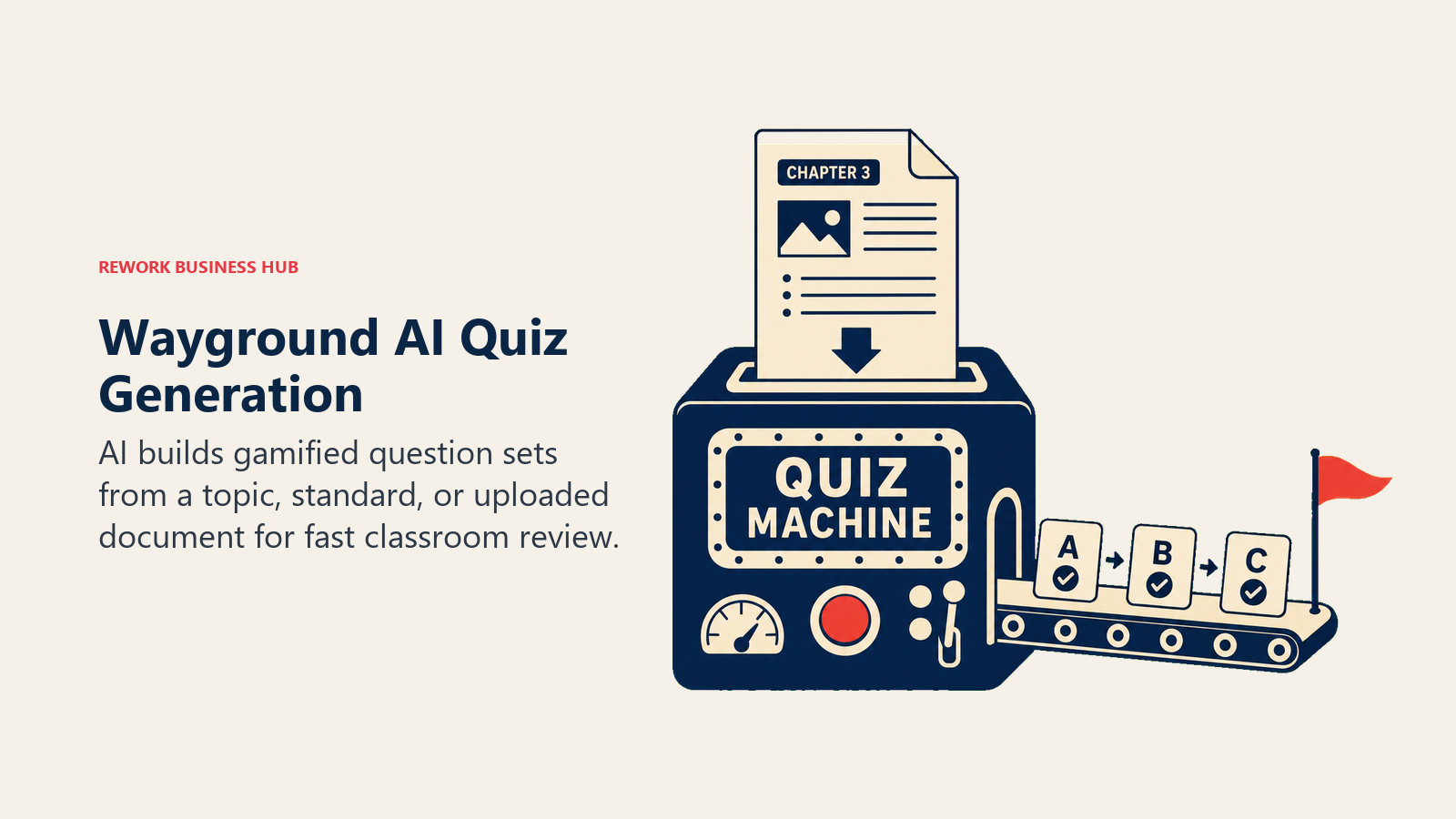
Quizizz rebranded to Wayground in 2026 but kept its core strength: fast, gamified quizzes students actually enjoy taking, now with AI generating question sets directly from a topic, standard, or uploaded document.
Best for: Teachers who want quick, gamified assessments and AI-generated question banks without building quizzes by hand.
Key strengths:
- Free Basic tier includes Quizizz AI and storage for up to 20 activities, enough for regular classroom use
- 1.8M+ premium activities in the shared library on the paid Super tier mean you rarely start from zero
- Strong LMS integrations on paid tiers for schools already using Canvas, Google Classroom, or Schoology
Limitations:
- Individual Super plan pricing is now regionalized and isn't consistently published in US dollars; confirm the current price on Wayground's own pricing page before subscribing
- Free tier's 20-activity storage cap will feel tight for a teacher building a full-year question bank
- Some schools report reimbursing teachers for Super plans through a district-wide license, which isn't available everywhere
Pricing: Free (Basic); Super (individual paid tier, price varies by region, check Wayground's pricing page); School Plans available with teacher reimbursement in some districts.
Standout use case: Generating a 20-question review quiz from a chapter PDF and running it live as a gamified review game before a test.
13. Gradescope: Grading Exams and Problem Sets at Scale
Gradescope is built for one job: grading large volumes of exams, problem sets, and bubble-sheet assessments faster, by grouping similar student answers together so you grade once and apply that grade to every matching response.
Best for: Teachers or instructors grading large stacks of exams, free-response problem sets, or standardized assessments.
Key strengths:
- AI-assisted answer grouping means you write one rubric comment and apply it across every student who gave a similar answer
- Handles handwritten work through scanning, not just typed digital submissions
- Regrade requests and assignment statistics are included even on the free Basic plan
Limitations:
- Institutional (paid) pricing isn't publicly listed; you contact Gradescope directly for a quote, which slows down solo adoption
- Best suited to exam-style and problem-set grading, not day-to-day formative feedback the way Formative is
- Setup (rubric building, answer grouping) takes more upfront time than a simple auto-grader
Pricing: Basic plan free after an institutional trial ends; Institutional licensing is quote-based, per Gradescope's pricing page.
Standout use case: Grading 150 identical free-response exam questions in the time it used to take to grade 20.
14. Canva for Education: Free Design Tools for Every Classroom Visual
Canva for Education gives verified K-12 teachers and students full access to Canva Pro, worth $15/mo on the open market, for $0. That includes Canva's AI design suite (Magic Design, background remover, text-to-image) for building slides, worksheets, posters, and newsletters.
Best for: Teachers who need polished slides, worksheets, and visuals without a design background or a paid subscription.
Key strengths:
- Genuinely free, permanent Pro-level access for verified K-12 educators, not a trial
- AI design tools (Magic Design, background remover) speed up building visual materials from scratch
- Thousands of education-specific templates for lesson slides, worksheets, and classroom decor
Limitations:
- Verification (proof of K-12 employment) takes 1-5 business days unless you have a recognized school email domain
- It's a design tool, not a lesson-planning or grading tool; pair it with a planning tool from this list
- Some advanced brand and enterprise features are still Canva for Teams-only, even on the free education tier
Pricing: 100% free for verified K-12 teachers and students, per Canva for Education.
Standout use case: Turning a text-heavy lesson into a visual slide deck or one-page worksheet in minutes, without any design skill.
Pricing at a Glance
| Tool | Free Tier | Entry Paid Tier | Notes |
|---|---|---|---|
| ChatGPT for Teachers | Yes, full access | N/A (free through June 2028) | Verified US K-12 only |
| Claude for Teachers | Yes, full access | N/A (free for 1 year) | Signup deadline June 30, 2027 |
| MagicSchool AI | Yes | Plus $8.33/mo (annual) | Enterprise custom |
| Khanmigo | Yes, teachers | $4/mo (parents/learners) | Free for all US teachers |
| SchoolAI | Trial (5 Spaces) | Pro (quote-based) | Scale tier for districts |
| Brisk Teaching | Yes (Free Forever) | Premium (quote-based) | Best inside Google Workspace |
| Eduaide.ai | Yes (15 gen/mo) | Pro $5.99/mo | $49.99/yr annual option |
| Diffit | Limited | Individual $14.99/mo | $149.99/yr annual option |
| Curipod | Yes (weekly cap) | School/District (quote-based) | No individual paid tier |
| Twee | Trial (5 runs) | Basic $6.50/mo (annual) | Pro $10.50/mo (annual) |
| Formative | Yes (unlimited formatives) | Paid Teacher $20.75/mo (annual) | Highest individual price on this list |
| Quizizz (Wayground) | Yes (Basic) | Super (regional pricing) | Confirm current USD price on site |
| Gradescope | Yes (Basic, post-trial) | Institutional (quote-based) | No published per-seat price |
| Canva for Education | Yes, full Pro access | N/A | 100% free for verified K-12 |
Trends to Watch
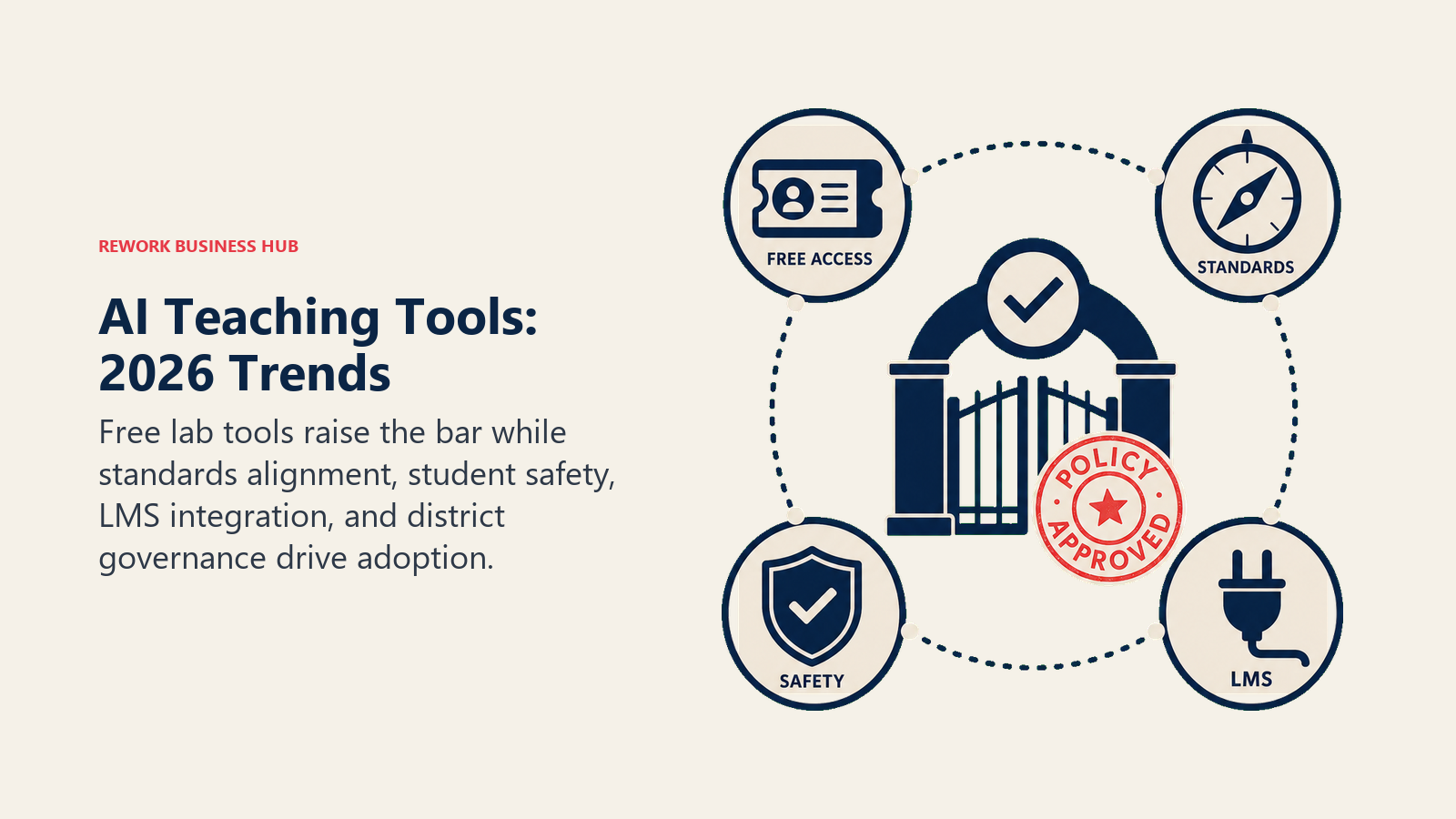
The biggest 2026 shift is the big AI labs going direct to teachers for free. Both OpenAI and Anthropic launched dedicated, no-cost K-12 teacher programs within weeks of each other, which puts real pressure on paid education-specific tools to prove their purpose-built workflows are worth the subscription on top of a free general assistant. Expect the next wave of differentiation to come from standards alignment, student-safety monitoring, and direct LMS integration, the things a general chatbot doesn't do out of the box. At the same time, governance is lagging adoption: with only about a third of teachers working under a formal district AI policy, expect more schools to publish acceptable-use guidance in the 2026-2027 school year, which will shape which tools districts approve for classroom use.
Frequently Asked Questions about AI Tools for Teachers
What is the best free AI tool for teachers in 2026?
ChatGPT for Teachers and Claude for Teachers are both fully free for verified US K-12 educators and cover general planning, drafting, and research well. For purpose-built lesson planning, MagicSchool AI's free tier and Khanmigo (free for all teachers) are the strongest no-cost options.
Is MagicSchool AI actually free, or do I need to upgrade?
The free tier includes all 80+ teacher tools with no feature paywall, though generation and history limits apply. Most teachers using it occasionally never need to upgrade; heavy daily users often move to the $8.33/mo Plus plan for unlimited generations and output history.
What AI tool is best for differentiating reading materials?
Diffit is purpose-built for this: it turns any article, PDF, or topic into five or more reading levels with matching vocabulary and comprehension questions in seconds. MagicSchool and Eduaide.ai both include differentiation generators as part of their broader toolkits.
Are ChatGPT for Teachers and Claude for Teachers safe for student data?
Both are built for teacher use, not direct student use, and both state that conversations aren't used to train their models by default under their education agreements. Neither is a substitute for a student-facing, monitored tool like SchoolAI or Khanmigo if you want students interacting with AI directly under supervision.
What's the best AI tool for grading and giving feedback?
It depends on the assignment type. Formative is built for real-time, in-progress formative checks with AI-assisted auto-grading. Gradescope is built for grading large volumes of exams and problem sets, with AI grouping similar answers so you grade once per group instead of once per student.
Do I need a paid AI tool, or is free enough for most teachers?
Free is enough for most individual teachers in 2026, especially with ChatGPT for Teachers, Claude for Teachers, Khanmigo, Brisk Teaching, and Canva for Education all offering genuinely free full access. Paid tools like Diffit, Eduaide.ai Pro, and Formative's paid tier are worth it if you use their specific feature (leveling, unlimited generations, advanced auto-grading) daily.
How were these tools chosen, and is the pricing current?
Tools were selected because teachers are actually using them for real classroom tasks in 2026, not for popularity alone. AI education pricing shifts often (SchoolAI and Quizizz both changed their models this year), so confirm current pricing directly with the vendor before your school commits budget.
Can AI tools replace lesson planning entirely?
No. Every tool on this list speeds up the mechanical parts of planning, generating drafts, leveling text, building question banks, but a teacher still needs to review output for accuracy, tone, and fit with their specific students. Treat these as drafting and prep accelerators, not a replacement for professional judgment.
What should I check before adopting an AI tool school-wide?
Confirm FERPA and COPPA compliance, ask whether student data is used for model training, check whether the tool needs individual teacher signup or supports SSO/rostering, and look for a published district or Enterprise tier rather than asking every teacher to expense an individual subscription.
Related Reading
- Best AI Tools in 2026: The Top 25 Across Every Category
- Best AI Tools for Students in 2026
- Best AI Tools for Content Writers in 2026
- Claude vs ChatGPT vs Gemini: Which LLM Fits Your Business in 2026
- Perplexity vs ChatGPT Search vs Gemini: AI Research Tools for Executives
- Otter vs Fireflies vs Fathom: AI Meeting Tools
- AI Tool Selection Framework: A Strategic Approach to Choosing the Right AI Solutions
- AI Ethics and Data Privacy: Responsible AI Productivity Tool Adoption
- AI in Higher Education: Leveraging Artificial Intelligence for Enrollment, Student Success, and Operations
Methodology
Every tool on this list was evaluated on real K-12 classroom use cases (lesson planning, differentiation, grading, and engagement), not feature-sheet comparisons alone. Statistics cited above come from RAND's national teacher and principal survey, the Walton Family Foundation-Gallup teacher study, and the EdWeek Research Center, each linked at first mention.
What to Do Next
Start with what's free. Set up ChatGPT for Teachers or Claude for Teachers for general planning and drafting, add Khanmigo or MagicSchool's free tier for structured lesson generation, and use Canva for Education for anything visual. Only add a paid tool once you've identified a specific recurring task, like leveling texts or grading at scale, that a free tool doesn't solve well enough. Most teachers land on a two-or-three-tool stack, not a single all-in-one platform, and the tools that stick are the ones that fit into a Tuesday afternoon, not the ones with the longest feature list.

Principal Product Marketing Strategist
On this page
- What Changed in 2026
- Key Facts
- Quick Comparison Table
- How to Choose: Decision Framework
- By Budget
- 1. ChatGPT for Teachers: Free, Education-Grade Workspace
- 2. Claude for Teachers: Free for a Year, Standards-Mapped
- 3. MagicSchool AI: The Broadest Teacher Toolkit
- 4. Khanmigo: Free AI Assistant Tied to Real Curriculum
- 5. SchoolAI: Teacher-Monitored AI Chat for Students
- 6. Brisk Teaching: AI Inside the Tools You Already Use
- 7. Eduaide.ai: Fast, High-Volume Resource Generation
- 8. Diffit: Instant Text Leveling for Mixed-Ability Classrooms
- 9. Curipod: Live, Interactive AI-Generated Lessons
- 10. Twee: AI Built Specifically for Language Teachers
- 11. Formative: Real-Time Assessment and Auto-Grading
- 12. Quizizz (Wayground): Gamified Quizzes With AI Question Generation
- 13. Gradescope: Grading Exams and Problem Sets at Scale
- 14. Canva for Education: Free Design Tools for Every Classroom Visual
- Pricing at a Glance
- Trends to Watch
- Related Reading
- Methodology
- What to Do Next