Best AI Automation Tools in 2026: 12 Tools for Agentic Workflows
Turn this article into takeaways for your work.


Each assistant summarizes the article only for you and suggests best practices for your work.
The best AI automation tools in 2026 don't just move data from one app to another, they reason about it. Zapier Agents and Make AI Agents bolt autonomous decision-making onto the no-code automation you already know, Lindy and Gumloop build AI "employees" and AI-native pipelines from scratch, n8n and Pipedream give engineering teams full code control over agent logic, and Workato, Tray.ai, and Microsoft Copilot Studio bring agentic automation into enterprise governance. This guide ranks 12 tools by how much genuine AI reasoning sits inside the workflow, not by connector count.
Most "AI automation" lists are really workflow automation lists with an AI label pasted on top. That distinction matters because it changes what you're actually buying: a tool that lets an LLM write the copy in step 3 of a fixed sequence is a very different purchase than a tool that lets an AI agent decide which steps to run, in what order, based on what it finds along the way. This guide covers the second category, tools built around AI agents, natural-language workflow creation, or autonomous decision-making. If your team mostly needs classic trigger-and-action automation across mainstream SaaS apps without heavy agent reasoning, the broader best workflow automation software guide covers that wider field, including Zapier, Make, and n8n on their core automation merits rather than their AI layer specifically. One honest note before the list: Rework automates sales and lead workflows natively inside its own CRM, using AI for lead scoring, follow-up drafting, and pipeline hygiene, but it isn't a general-purpose AI automation platform for connecting dozens of outside apps, so it doesn't appear in the ranking below.
Updated July 2026: What Changed
- Make AI Agents went first-class. The next-generation Make AI Agents shipped February 2, 2026, moving agents into the visual Scenario Builder as reusable, shareable assets on every paid plan instead of a bolted-on extra.
- Zapier split its AI agent product from core automation billing. Zapier Agents now runs on its own activity-based pricing (free tier, then $400/year for Pro), separate from the task-based pricing that covers standard Zaps and AI Steps.
- Microsoft moved Copilot Studio to a credit system. As of September 1, 2025, Copilot Studio agent consumption is billed in Copilot Credits rather than raw messages, and autonomous agent actions consume meaningfully more credits than a simple scripted answer.
- n8n shipped a dedicated AI Agent node. As of May 2026, n8n wraps LangChain primitives (tools, memory, output parsers) inside a standard canvas node, so agent workflows can be built visually or with JavaScript in the same builder used for regular automations.
- Wordware opened to paying customers. After a private beta, Wordware began shipping to its first paying users in January 2026, positioning itself as a natural-language IDE for AI engineers building and shipping agents rather than a business-user automation tool.
Key Facts
- 23% of organizations report they're actively scaling an agentic AI system in at least one business function, and another 39% are experimenting with one, according to McKinsey's State of AI research.
- Gartner predicts 40% of enterprise applications will be integrated with task-specific AI agents by the end of 2026, up from less than 5% in 2025, per Gartner's newsroom.
- Worldwide AI spending is forecast to total $2.59 trillion in 2026, up 47% year over year, according to Gartner's forecast reported via Businesswire.
- The average enterprise now manages 897 applications, but only 29% of them are actually integrated with each other, according to the Salesforce MuleSoft Connectivity Benchmark Report.
- Only one in five companies has a mature governance model for autonomous AI agents, according to Deloitte's State of AI in the Enterprise report.
- A Forrester Total Economic Impact study commissioned by Microsoft found a composite organization using Power Automate saw a 248% ROI over three years with payback in under six months, per the Forrester TEI study.
Quick Comparison Table
Use this snapshot to narrow the field by segment before comparing individual tools.
| Segment | Tool | Best For | Starting Price | Key Strength | Key Limitation |
|---|---|---|---|---|---|
| No-Code + AI Layer | Zapier (AI/Agents) | Widest app library, natural-language Zap building | Free; $19.99/mo (Professional); Agents from $33.33/mo | 7,000+ integrations, plus a standalone AI agent product | AI agent pricing sits separate from core Zap billing |
| No-Code + AI Layer | Make (AI Agents) | Visual AI agents inside a scenario canvas | Free; $9/mo (Core) | AI Agents built into every plan since Feb 2026, no extra SKU | Steeper learning curve than Zapier for non-technical builders |
| No-Code + AI Layer | Relay.app | Human-in-the-loop AI approval workflows | Free; $9/user/mo (Starter) | Native pause-and-approve step other tools bolt on | Smaller integration library (100+ apps) |
| AI-Native Agent Builders | Lindy | Autonomous AI "employees" for inbox, calls, scheduling | $49.99/mo (Plus) | Purpose-built AI employees, not just workflow triggers | Credit system burns fast on voice or web-research tasks |
| AI-Native Agent Builders | Gumloop | Drag-and-drop AI agent and scraping pipelines | Free; $37/mo (Pro) | Visual builder purpose-built for AI/LLM steps | Credit burn varies widely by which model you pick |
| AI-Native Agent Builders | Bardeen | Browser-based AI agent for web scraping and enrichment | Free; $10/mo (Basic) | Automates any website from inside the browser, no API needed | Real cost often runs well above the advertised tier |
| AI-Native Agent Builders | Wordware | Natural-language IDE for building and shipping AI agents | Free; $199/mo (AI Builder) | Purpose-built for AI engineers shipping production agents | Built for AI app builders, not general business ops |
| Developer / Self-Hosted | n8n | Self-hosted AI agents with full LangChain and code control | Free (self-hosted); ~$26/mo (Cloud Starter) | Open-source, unlimited self-hosted AI agent executions | Needs engineering support to run well in production |
| Developer / Self-Hosted | Pipedream | Code-first, event-driven AI automation | Free (100 credits/day); $29/mo (Basic) | 2,500+ triggers, full Node/Python/Go control per step | Not accessible to non-technical users |
| Enterprise Agentic iPaaS | Workato | Enterprise governance with agentic recipes | Custom, from ~$10,000/yr | Workato One agentic automation with full audit trails | Six-figure contracts; overkill under 200 employees |
| Enterprise Agentic iPaaS | Tray.ai (Tray.io) | Merlin AI agent layer for mid-market RevOps | Custom, from ~$595/mo (estimated) | Natural-language workflow building via Merlin AI | No self-serve signup or public pricing |
| Microsoft Ecosystem | Power Automate + Copilot Studio | AI agents natively inside Microsoft 365 | Included in M365; Copilot Studio $200/mo (25K credits) | Combines RPA, flows, and agent-building in one Microsoft stack | Weak and clunky outside the Microsoft ecosystem |
How to Choose an AI Automation Tool in 2026
Most teams buy an AI automation tool the same way they'd buy a regular one: compare feature lists, pick the biggest name. That skips the question that actually determines fit in this category.
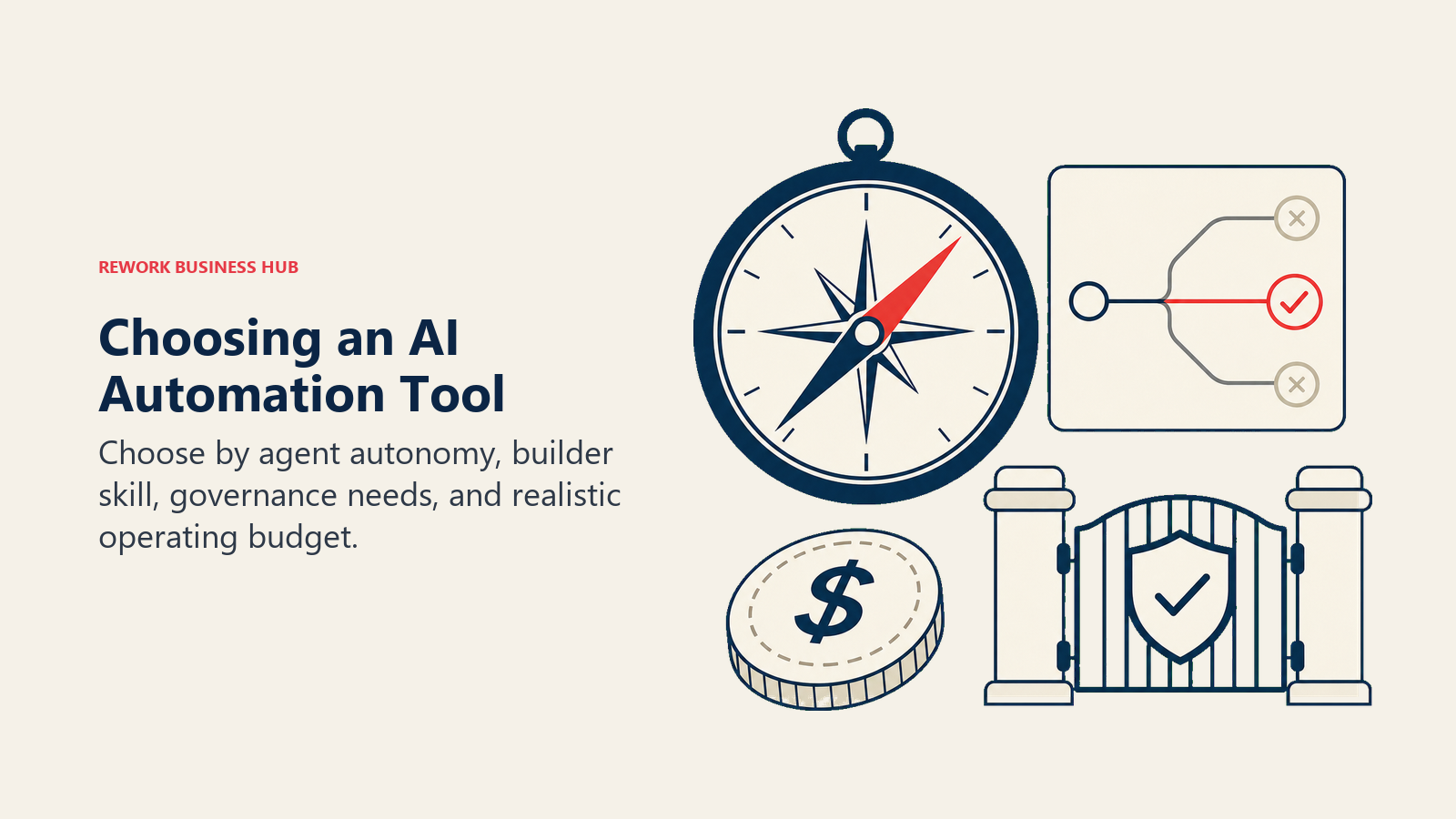
- Do you need an autonomous agent, or an AI step inside a fixed sequence? A tool that lets an LLM draft an email in step 3 of a workflow you designed is a very different product than one where the AI decides which steps to run next based on what it finds. Lindy, Gumloop, and Wordware are built around the second model; Zapier, Make, and Relay.app mostly do the first, with agent products layered on top.
- Who's going to build and maintain these agents? Non-technical ops teams need a visual builder with guardrails (Make, Relay.app, Gumloop). Engineering-led teams get more value from code-first control (n8n, Pipedream, Wordware).
- How much governance do you need over what the AI is allowed to do on its own? Only one in five companies has a mature governance model for autonomous agents today, per Deloitte's research above, which is exactly why Workato, Tray.ai, and Copilot Studio build audit trails and approval gates into their agentic layer instead of leaving it to chance.
If you're comparing the three most common visual automation tools head-to-head before deciding how much AI you actually need, the Zapier vs n8n vs Make comparison is a good starting point.
Framework: By AI Capability
| What You Need | What Matters Most | Best Fits |
|---|---|---|
| A fully autonomous "AI employee" that handles a job end to end | Reasoning, memory, tool use, minimal human setup per task | Lindy, Wordware |
| A visual AI agent builder for structured pipelines | Drag-and-drop AI steps with branching and reflection | Gumloop, Make AI Agents |
| An AI layer bolted onto existing no-code automation | Familiarity, huge app library, one AI step at a time | Zapier AI/Agents, Relay.app |
| Browser-native AI for sites without an API | Scraping, enrichment, form-filling on any web page | Bardeen |
| Full code control over agent logic | Self-hosting, custom LLM chains, data residency | n8n, Pipedream |
| Agentic automation with enterprise governance | Audit trails, approval gates, SOC 2 compliance | Workato, Tray.ai |
| AI agents inside an existing Microsoft 365 license | Native Teams, SharePoint, Dynamics integration | Power Automate + Copilot Studio |
Framework: By Technical Resource Level
| Team Type | What You Need | Best Fits |
|---|---|---|
| No technical resources, need results fast | Point-and-click agent templates | Zapier Agents, Bardeen |
| Ops-savvy but non-developer | Visual canvas with AI steps and guardrails | Make, Gumloop, Relay.app |
| Has engineering capacity | Code-level control, self-hosting option | n8n, Pipedream, Wordware |
| Dedicated IT or integration team | Governed, agentic enterprise recipes | Workato, Tray.ai |
| Standardized on Microsoft 365 | AI agents already inside the license | Power Automate + Copilot Studio |
Framework: By Budget
| Monthly budget | What you can realistically run |
|---|---|
| $0 | Zapier free, Make free, n8n self-hosted, Gumloop free, Bardeen free, Pipedream free tier |
| Under $50 | Zapier Professional, Make Core/Pro, Bardeen Basic, Relay.app Starter, n8n Cloud Starter |
| $50 to $250 | Lindy Plus/Pro, Gumloop Pro, Wordware AI Builder, Pipedream Advanced |
| $250 and up | Tray.ai, Copilot Studio at volume, Wordware Company |
| Custom / sales-led | Workato, enterprise Tray.ai, enterprise n8n |
Stage Fit Matrix
Use this matrix as a stage filter after you understand your AI capability need, technical resources, and budget.
| Tool | Startup (1-20) | Growth (20-100) | Mid-Market (100-500) | Enterprise (500+) |
|---|---|---|---|---|
| Zapier AI/Agents | Strong fit | Strong fit | Possible, watch agent costs | Departmental only |
| Make AI Agents | Strong fit | Strong fit | Good fit | Possible |
| Relay.app | Good fit | Strong fit | Good fit | Limited |
| Lindy | Strong fit | Strong fit | Possible | Limited |
| Gumloop | Strong fit | Strong fit | Good fit | Possible (Enterprise plan) |
| Bardeen | Strong fit | Good fit | Limited | Not ideal |
| Wordware | Strong fit (technical) | Good fit | Possible | Custom |
| n8n | Strong fit (technical) | Strong fit | Good fit | Good fit |
| Pipedream | Strong fit (technical) | Strong fit | Good fit | Custom |
| Workato | Not ideal | Not ideal | Possible | Strong fit |
| Tray.ai | Not ideal | Limited | Strong fit | Strong fit |
| Power Automate + Copilot Studio | Good fit (M365) | Good fit (M365) | Strong fit (M365) | Strong fit (M365) |
Sizing and Persona Table
| Tool | Ideal Team Size | Primary Buyer Persona |
|---|---|---|
| Zapier AI/Agents | 5-500 employees | RevOps Manager, Marketing Ops Lead |
| Make AI Agents | 5-200 employees | Automation Specialist, RevOps Analyst |
| Relay.app | 5-200 employees | Ops Manager, VP of Operations |
| Lindy | 1-100 employees | Founder, Executive Assistant, Ops Lead |
| Gumloop | 1-100 employees | RevOps Lead, Growth Engineer |
| Bardeen | 1-50 employees | Sales Ops, Recruiter, Growth Marketer |
| Wordware | 1-100 employees (technical) | AI Engineer, Applied AI Lead |
| n8n | 1-500 employees | CTO, Technical Ops Lead, DevOps Engineer |
| Pipedream | 1-100 employees (technical) | Software Engineer, Technical Ops Lead |
| Workato | 500-50,000 employees | VP of IT, Enterprise Architect |
| Tray.ai | 50-500 employees | VP of Operations, Integration Engineer |
| Power Automate + Copilot Studio | Any size (M365 orgs) | IT Director, CIO, M365 Admin |
1. Zapier (AI/Agents): Widest App Library Plus a Standalone Agent Product
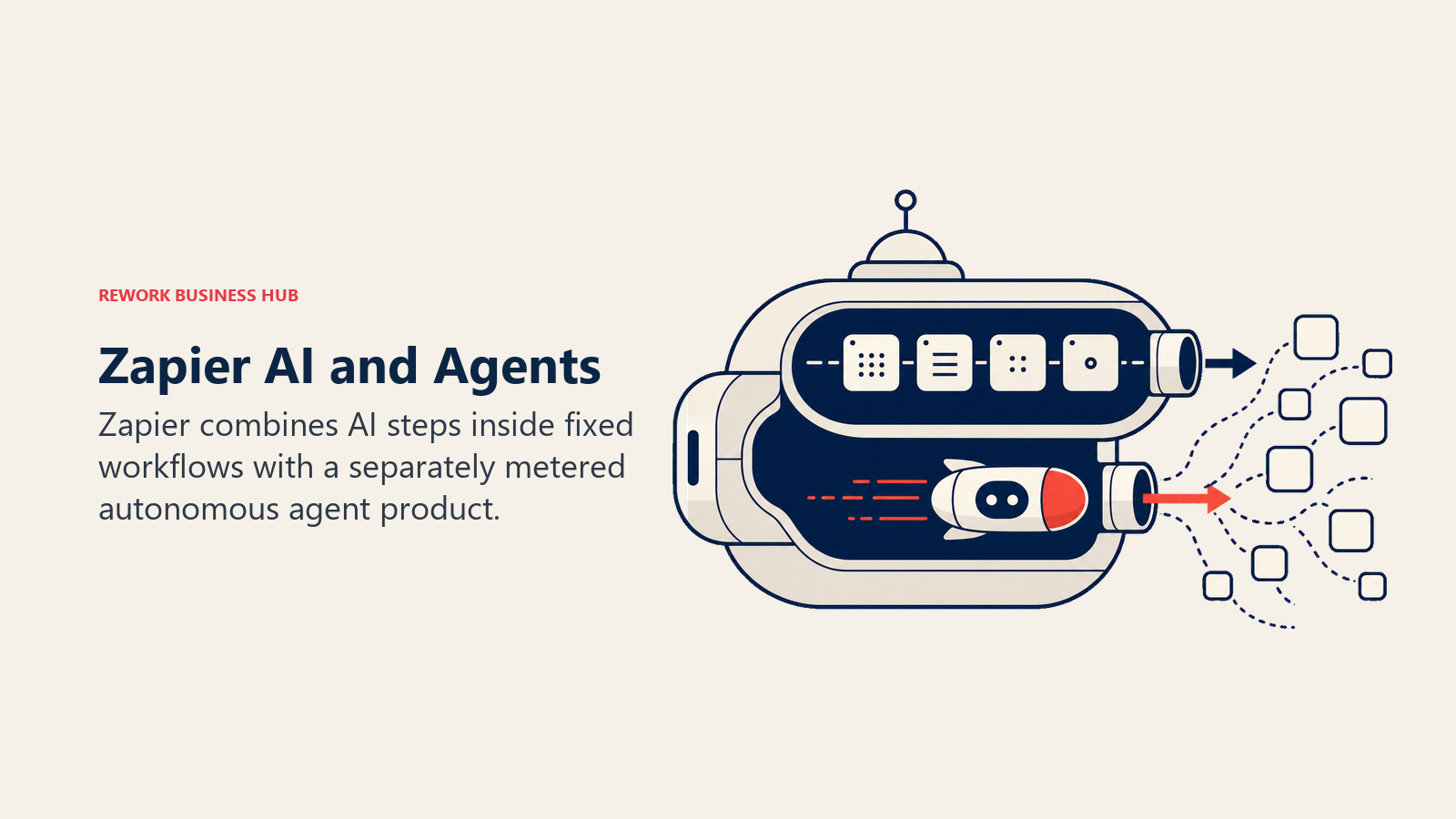
Zapier's AI strategy runs on two tracks. Inside core Zapier, AI Steps let any workflow call an LLM mid-sequence (draft a reply, classify a ticket, summarize a call) billed at the same task-based rate as everything else. Separately, Zapier Agents is a dedicated AI-employee product: build a natural-language agent, give it access to your Zaps and a knowledge base, and let it run autonomously through a chat interface. The two products intentionally don't share a bill. Agents runs on its own activity meter (400 free activities a month, then $400/year for 1,500 activities on Pro), which is worth modeling separately from your regular Zap task volume before you commit. For teams weighing Zapier's core automation strengths outside the AI layer specifically, best Zapier alternatives covers the field.
| What you get | What you don't |
|---|---|
| 7,000+ app integrations, the broadest library on the market | AI agent pricing bundled with your core Zap plan |
| Natural-language Zap creation from a plain description | Deep multi-step reasoning inside a single Zap without Agents |
| A dedicated AI-employee product (Agents) with its own free tier | Predictable costs once agent usage scales past the free tier |
| Large template library and community | Self-hosting or on-premise data control |
Pricing: Free (100 tasks/mo). Professional $19.99/mo. Team $69/mo. Zapier Agents: Free (400 activities/mo), Pro $400/yr (1,500 activities/mo), Enterprise custom.
Best for: Non-technical ops teams that already run Zapier and want an AI agent layered on top without switching platforms.
2. Make (AI Agents): Visual AI Agents in the Scenario Canvas
Make's next-generation AI Agents shipped February 2026, and the product decision behind it is significant: agents are now first-class citizens in the same visual Scenario Builder used for regular automations, not a separate tool bolted to the side. You can see step-by-step reasoning, tool calls, and logs as an agent works, then package that agent as a reusable asset shared across scenarios and teams. AI Agents run on every paid plan using Make's own AI provider, with custom AI provider connections available on paid tiers. For the deeper trade-offs against Make's own ceiling on classic automation, see best Make alternatives.
| What you get | What you don't |
|---|---|
| AI Agents built into every paid plan, no separate SKU | Zapier-level simplicity for a first-time non-technical builder |
| Full visual transparency into agent reasoning and tool calls | Native code execution beyond simple functions |
| Operations-based pricing, cost-effective at automation scale | Enterprise-grade audit logs on lower tiers |
| 1,700+ app integrations for agents to call as tools | A pre-built agent template library as deep as Lindy's |
Pricing: Free (1,000 ops/mo). Core $9/mo (10,000 ops). Pro $16/mo. Teams $29/mo. Enterprise custom.
Best for: Technical-leaning ops teams that already use Make's visual canvas and want agent reasoning without leaving it.
3. Relay.app: AI Automation With a Human Approval Step Built In
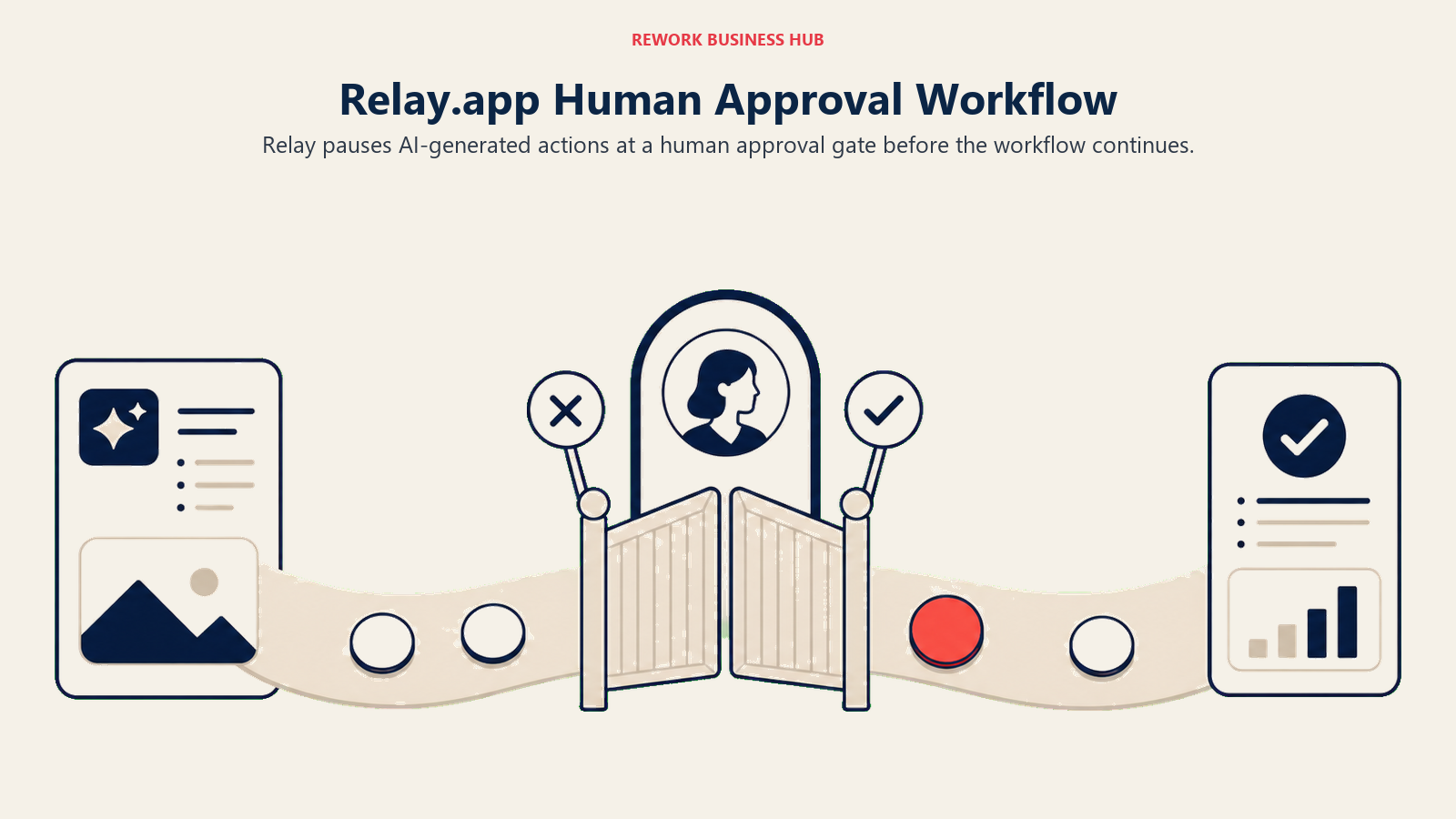
Relay.app's bet is that most AI automation vendors treat human oversight as an afterthought, and it shouldn't be. Every Relay workflow can include a native "human in the loop" step: the AI drafts an action, pauses, notifies the right person, and waits for approve or reject before continuing. That matters more in AI automation than in classic workflow automation, because an LLM making a wrong call (sending the wrong email, approving the wrong refund) is a different risk profile than a static integration breaking. AI-assisted workflow suggestions help non-technical builders get started faster.
| What you get | What you don't |
|---|---|
| Native human-approval steps as a first-class primitive | A large pre-built integration library |
| Clean, modern UI built for business users, not engineers | Deep enterprise governance or SSO |
| AI-assisted workflow suggestions during building | Complex iterator or aggregator logic like Make |
| Per-seat pricing, predictable at scale | Battle-tested reliability across edge cases |
Pricing: Free (1 user, 200 runs/mo). Starter $9/user/mo (unlimited runs). Business $18/user/mo.
Best for: Ops teams building AI-assisted workflows where a human still needs to sign off before the action goes live, like discount approvals or contract actions.
4. Lindy: Autonomous AI Employees, Not Just Workflow Triggers
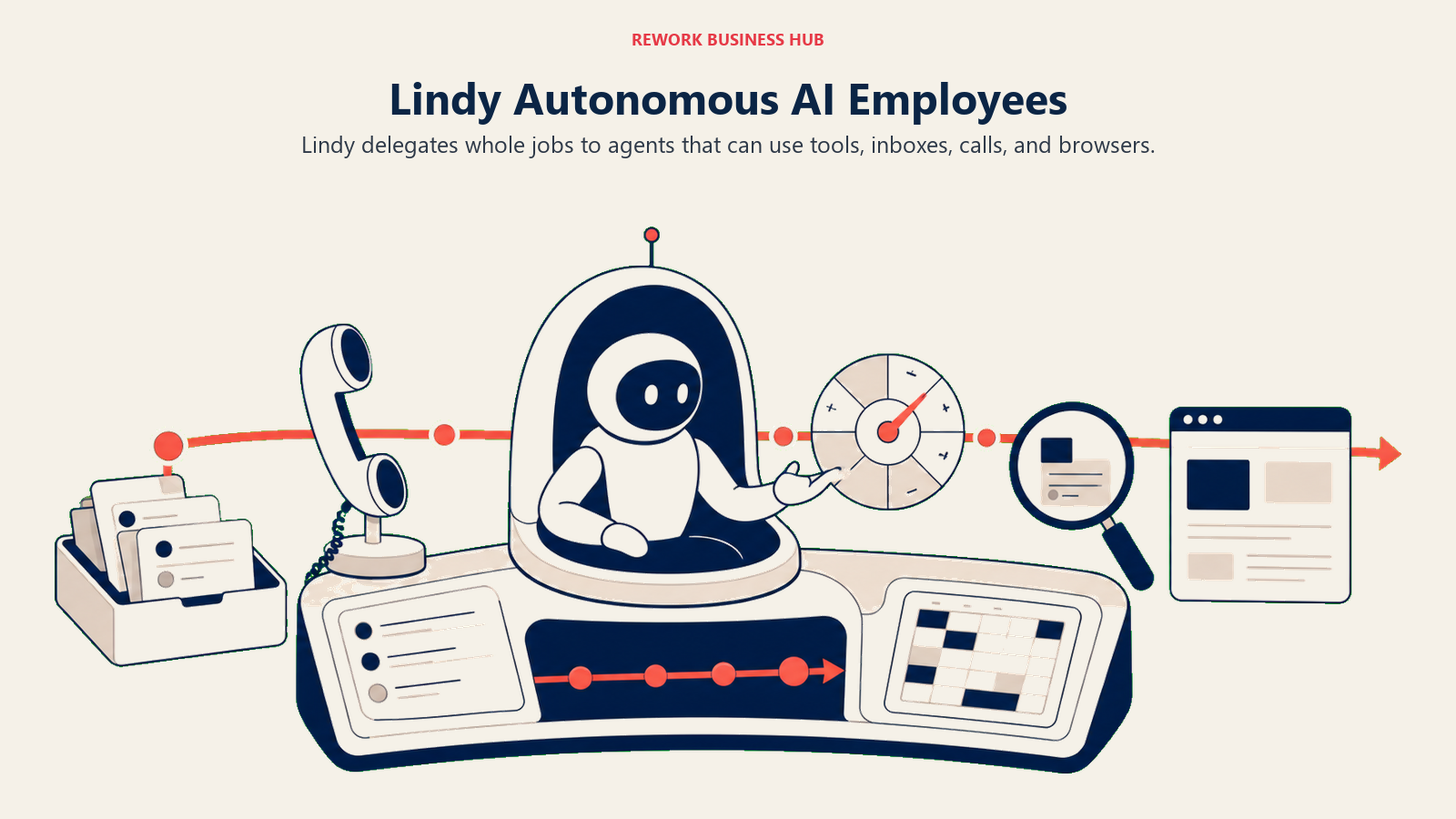
Lindy's product philosophy breaks from the rest of this list: instead of a workflow you configure once, you hire an AI employee that handles an entire job (managing an inbox, screening calls, scheduling meetings, running research) with minimal per-task setup. Pro unlocks computer use, meaning Lindy can operate a browser the way a human assistant would for tasks with no clean API. The tradeoff is a credit-based usage meter that Lindy no longer publishes exact quotas for; by default, an assistant simply pauses when it hits its limit, and voice calls or web research burn credits considerably faster than text tasks.
| What you get | What you don't |
|---|---|
| Purpose-built AI employees for open-ended jobs, not fixed sequences | A published, predictable usage quota per plan |
| Computer-use capability for browser-based tasks (Pro and up) | A large pre-built connector library like Zapier |
| Multiple connected inboxes per plan | Cheap scaling for voice-heavy or research-heavy use cases |
| Month-to-month billing, cancel anytime | Annual discount pricing |
Pricing: Plus $49.99/mo. Pro $99.99/mo (3x usage, computer use). Max $199.99/mo (7x usage). Enterprise custom (SSO, HIPAA, audit logs).
Best for: Founders and small ops teams that want to delegate an entire job function to an AI agent rather than assemble a workflow themselves.
5. Gumloop: Drag-and-Drop AI Agent and Data Pipelines
Gumloop sits between Make's general-purpose visual canvas and Lindy's fully autonomous employee model: a drag-and-drop builder purpose-built for AI and LLM steps specifically, including web scraping, data enrichment, and agent reflection (where an agent reviews and revises its own output before finishing). The generous free tier (5,000 credits, unlimited agents and flows) makes it realistic to build and test a real pipeline before paying. The catch is credit burn: standard AI calls cost 2 credits, but advanced calls using frontier models can cost 10x that, and enrichment steps run 60 credits each, so real cost depends heavily on which models a workflow calls.
| What you get | What you don't |
|---|---|
| Visual builder purpose-built for AI/LLM pipeline steps | Predictable cost across different model choices |
| Unlimited agents and flows on the free tier | A polished no-code UI as approachable as Zapier's |
| Unlimited seats on Pro, useful for team-wide rollout | A large third-party template marketplace |
| MCP server hosting for connecting external AI tools | Enterprise governance below the Enterprise tier |
Pricing: Free (5,000 credits/mo, 1 seat). Pro $37/mo (20,000+ credits, unlimited seats). Enterprise custom.
Best for: RevOps and growth teams building AI-heavy data pipelines (scraping, enrichment, research agents) who want more AI-native structure than a general automation canvas.
6. Bardeen: Browser-Native AI Agent for Web Scraping and Enrichment
Bardeen automates from inside the browser itself, which solves a problem no API-based tool can: acting on websites that don't expose an API at all. Point Bardeen at a page, and it can scrape, fill forms, enrich records, and trigger downstream automations without a developer building a custom integration. That makes it a favorite for sales ops, recruiting, and growth teams pulling data from LinkedIn, directories, and internal tools that were never built to be automated.
| What you get | What you don't |
|---|---|
| Automates any website from inside the browser, no API needed | Predictable costs on enrichment-heavy workflows |
| Premium pre-built scrapers for common data sources | Deep multi-step agent reasoning like Lindy or Gumloop |
| Credit-based model (1 credit per action, 3 for enrichment) | A large workflow template library beyond scraping |
| Free and low-cost entry tiers for individual use | Enterprise-grade compliance below the custom tier |
Pricing: Free (100 credits/mo). Basic $10/mo. Premium $50/mo (1,000 credits/mo, or $480/yr for 12,000 credits). Enterprise custom.
Best for: Sales ops, recruiters, and growth teams doing browser-based scraping and enrichment on sites without a clean API.
7. Wordware: A Natural-Language IDE for Shipping AI Agents
Wordware targets a narrower, more technical audience than the rest of this list: AI engineers and applied-AI teams building production agents, not ops teams automating business processes. Its core idea is writing agent logic in a natural-language, markdown-like syntax inside a cloud IDE, with access to frontier and "exotic" models on paid tiers. After a private beta, it began shipping to its first paying customers in January 2026. This is less a workflow automation tool and more an AI application development environment, best understood as a category-adjacent pick for teams whose "automation" is really custom AI product development.
| What you get | What you don't |
|---|---|
| Natural-language agent programming in a purpose-built IDE | A no-code experience for non-technical business users |
| Access to premium and exotic AI models on paid tiers | A large pre-built connector or template library |
| Generous free-tier credit allowance to prototype agents | Deep business-process automation features (approvals, RPA) |
| A path from prototype to production-grade agent | Long production track record compared to older platforms |
Pricing: Free (AI Tinkerer, $5 credit/mo). AI Builder $199/mo. Company $899/mo. Enterprise custom.
Best for: AI engineering teams building and shipping custom LLM-powered agents as a product, not ops teams automating internal workflows.
8. n8n: Open-Source AI Agents With Full Data Control
n8n's AI Agent node, shipped as of May 2026, wraps LangChain primitives (tools, memory, output parsers) directly inside the standard workflow canvas, so agent logic can be built visually or extended with JavaScript in any node. Because n8n is open-source and self-hostable, it's often the only serious AI automation option for companies where agent data can't leave their own infrastructure (healthcare, fintech, EU-regulated businesses), and there's no separate AI pricing tier: an agent run costs the same as any other execution. For the trade-offs against other developer-grade tools, see best n8n alternatives.
| What you get | What you don't |
|---|---|
| A dedicated AI Agent node with LangChain tools, memory, and parsers | Easy setup for non-technical users |
| Full data control via self-hosting, unlimited executions | The polish of Zapier or Make's consumer UX |
| One pricing model for AI and regular workflow executions | A large pre-built agent template library |
| JavaScript and Python available in any node | Vendor-managed reliability without engineering effort |
Pricing: Free (self-hosted, unlimited). Cloud Starter ~$26/mo (2,500 executions). Cloud Pro ~$65/mo (10,000 executions). Enterprise custom.
Best for: Technical teams and regulated industries that need AI agent workflows to run on infrastructure they control.
9. Pipedream: Code-First AI Automation for Developers
Pipedream's approach treats every trigger, action, and AI call as code you can inspect and edit directly, in Node.js, Python, Go, or Bash. With 2,500+ triggers, it's the largest developer-facing event library on this list, including niche APIs no visual AI tool covers, which makes it a natural fit for teams building AI agents that need to react to events across a wide, custom tech stack rather than a handful of mainstream SaaS apps.
| What you get | What you don't |
|---|---|
| Code-level control over every AI call and data transform | A friendly no-code builder for non-developers |
| 2,500+ triggers, including rare and niche APIs | A polished business-user experience |
| Git-based version control for AI workflow logic | Pre-built AI agent templates for common business tasks |
| Generous free tier (100 credits/day) to prototype agents | Strong enterprise governance features out of the box |
Pricing: Free (100 credits/day, 3 active workflows). Basic $29/mo (2,000 credits/day). Advanced $79/mo (10,000 credits/day). Business custom.
Best for: Developer-led teams building custom AI-triggered automations across a niche or internal tech stack, with full code control and no infrastructure to manage.
10. Workato: Enterprise Agentic Automation With Governance
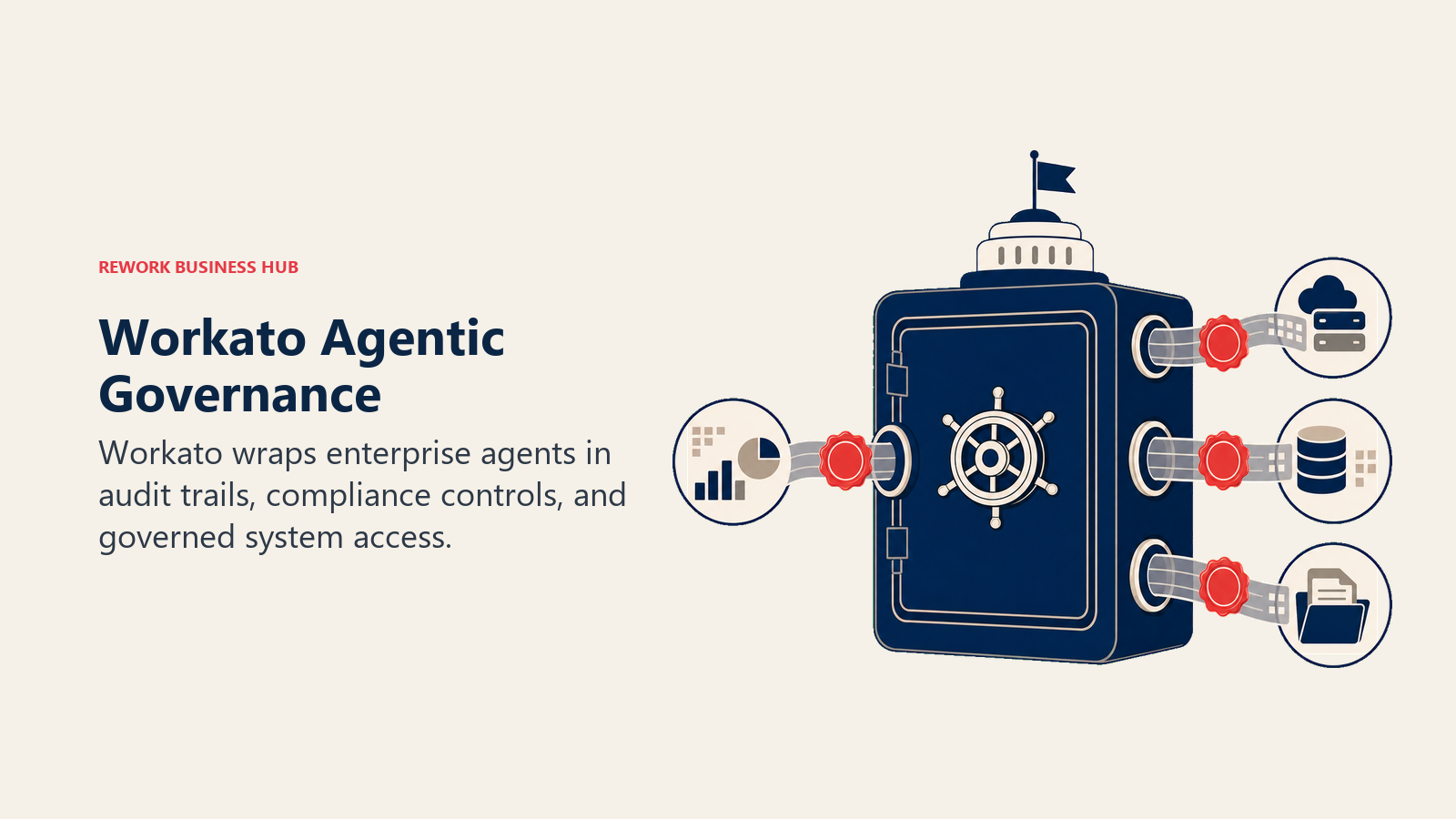
Workato's agentic push, branded Workato One, extends its existing recipe model (built by business teams, reviewed and deployed by IT) with AI agents that can plan and execute multi-step actions inside the same governed environment. That governance is the actual product: full audit trails, SOC 2 and HIPAA compliance documentation, and deep, high-fidelity connectors to Workday, SAP, and ServiceNow that shallower AI tools don't maintain. It targets companies above 500 employees with a dedicated automation team. For where Workato's pricing stops making sense, see best Workato alternatives.
| What you get | What you don't |
|---|---|
| Agentic automation with full audit trails and governance | Affordable pricing for small teams |
| Deep, high-fidelity connectors (Workday, SAP, ServiceNow) | A self-serve trial experience |
| SOC 2, GDPR, HIPAA compliance documentation | Quick setup without a sales conversation |
| A dedicated automation team's workflow, not a solo builder's | Flexibility to experiment cheaply |
Pricing: Custom, sales-led. Standard from ~$10,000/yr. Professional $30,000-$80,000/yr. Enterprise $84,000-$300,000+/yr.
Best for: Enterprises (500+ employees) needing governed, agentic automation across legacy and enterprise systems with a dedicated IT ops function.
11. Tray.ai (Tray.io): Merlin AI for Mid-Market Agentic Workflows
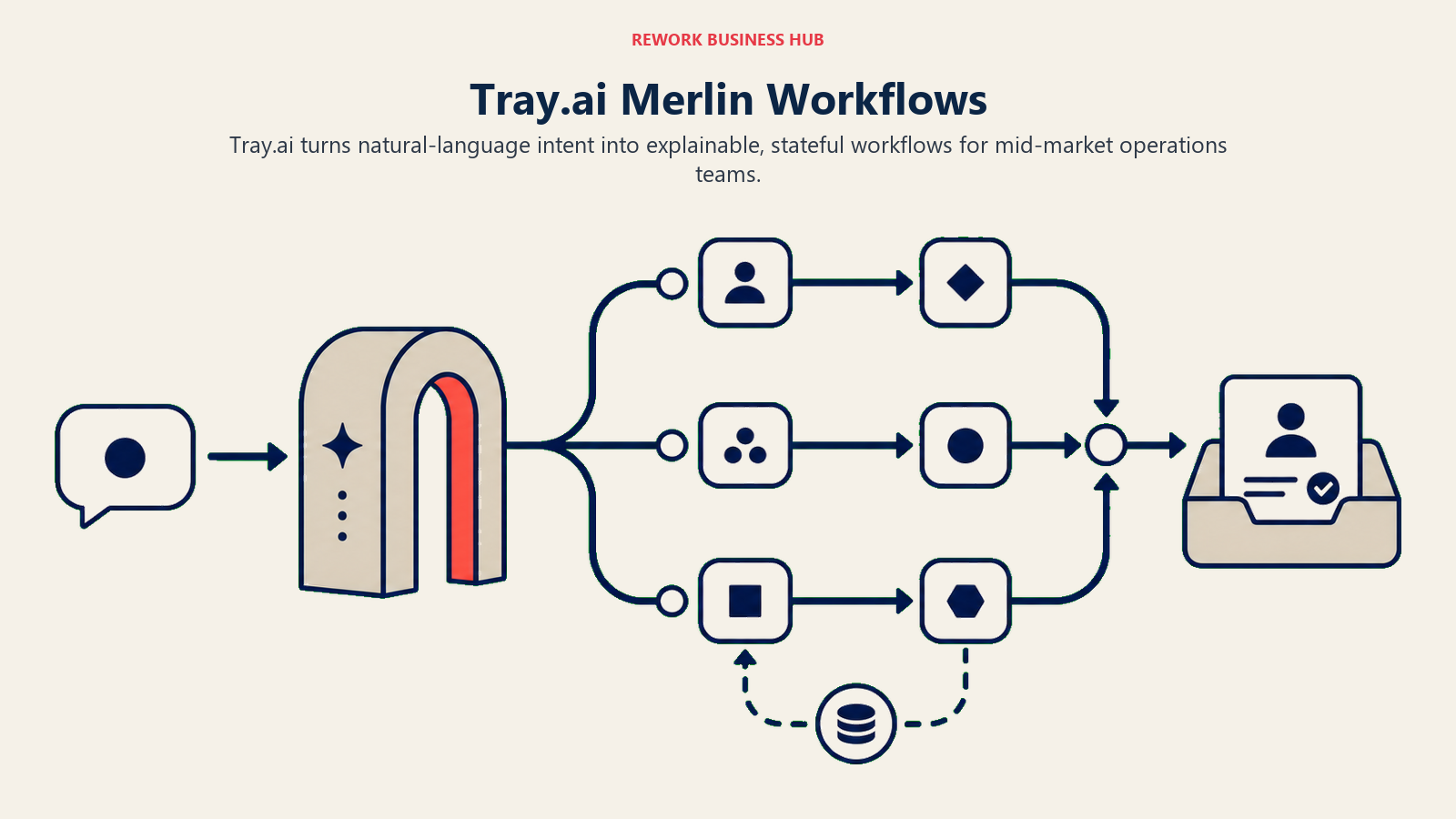
Tray.io rebranded to Tray.ai after pivoting around its Merlin AI agentic platform, and it positions itself between Make's visual simplicity and Workato's enterprise contract size. Merlin lets non-technical operators describe a workflow in natural language and have Tray.ai build (and explain) the underlying automation, while the low-code builder underneath still handles complex, conditional, stateful, long-running workflows. Pricing is entirely custom and sales-led, but it consistently lands below Workato for comparable enterprise connector depth. See best Tray.io alternatives for the full field.
| What you get | What you don't |
|---|---|
| Merlin AI for natural-language workflow building and explanation | Self-serve signup or a trial without sales |
| Complex conditional logic, loops, and stateful workflows | Transparent public pricing |
| Strong RevOps-specific connector depth | A cheap entry point for experimentation |
| Enterprise security (SOC 2, SSO, RBAC) | Fast time-to-first-workflow |
Pricing: Custom, sales-led. Professional tier estimated from ~$595-$695/mo. Enterprise custom.
Best for: Mid-market RevOps and IT teams (50-500 employees) wanting Workato-level agentic depth without Workato's contract size.
12. Microsoft Power Automate + Copilot Studio: AI Agents Inside Microsoft 365
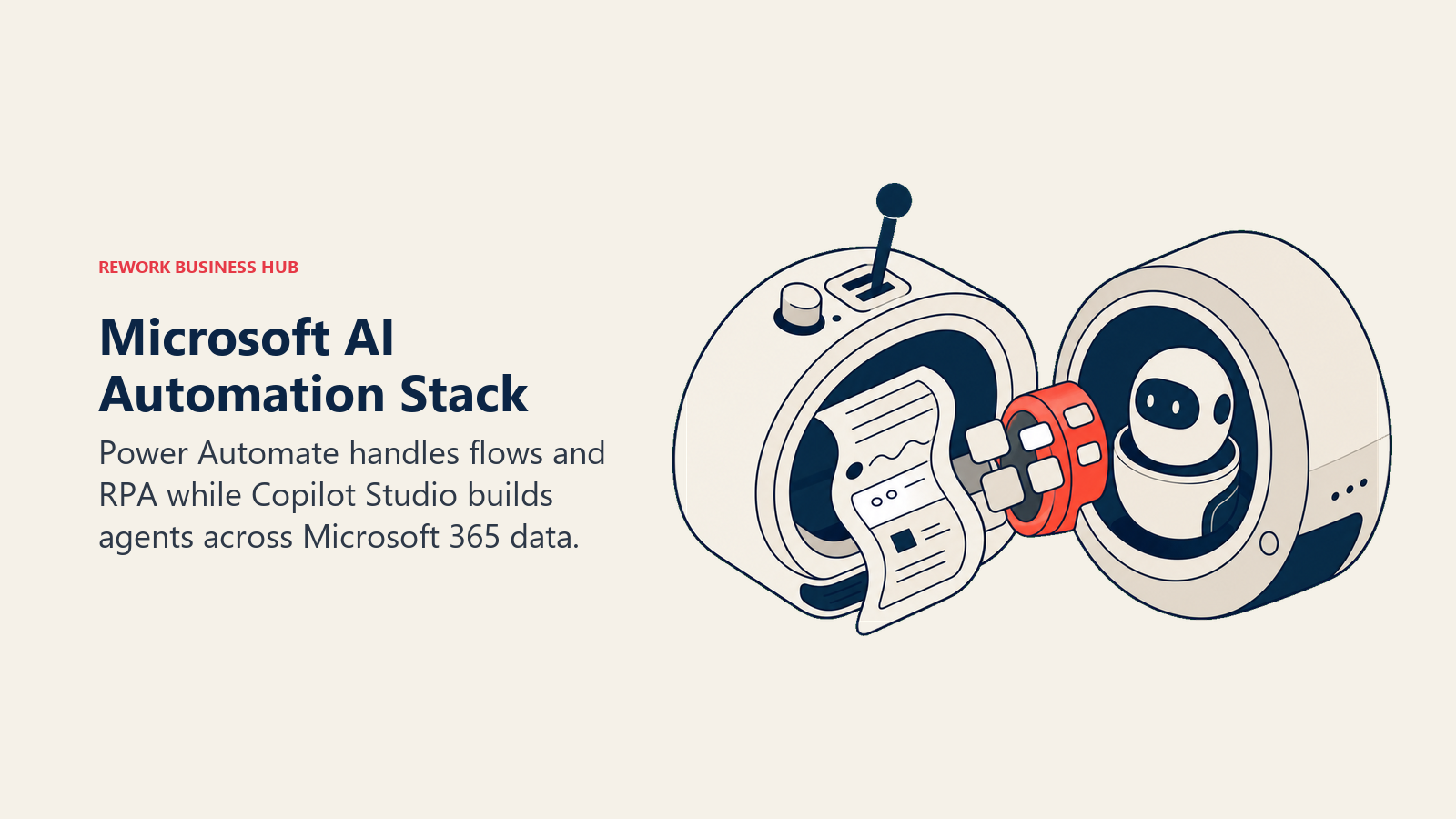
For organizations standardized on Microsoft, the AI automation story runs through two connected products: Power Automate for classic cloud flows and desktop RPA, and Copilot Studio for building conversational and autonomous AI agents that plug into the same Microsoft 365 data (Teams, SharePoint, Dynamics) without a third-party connector. Copilot Studio moved to a Copilot Credits billing model in September 2025, and autonomous agent actions consume meaningfully more credits than a scripted answer, so cost scales with how much genuine reasoning an agent does versus how much it just retrieves.
| What you get | What you don't |
|---|---|
| Native AI agents plus RPA in one Microsoft-integrated stack | A clean, modern UI compared to purpose-built AI tools |
| Copilot Studio agents included at no extra credit cost for licensed M365 Copilot users on internal use | Good non-Microsoft connector quality |
| Desktop flows (RPA) for legacy systems without APIs | Fast debugging and error visibility |
| AI Builder for document processing inside the same platform | Flexibility for a mixed, non-Microsoft tech stack |
Pricing: Power Automate included with M365 Business Premium and above (standard connectors); Premium $15/user/mo. Copilot Studio $200/mo (25,000 credits) or pay-as-you-go via Azure (~$0.01/credit). Process (unattended RPA) $150/bot/mo. See best Power Automate alternatives if your stack extends well beyond Microsoft.
Best for: IT-led AI automation in Microsoft-standardized organizations of any size, especially where Teams, SharePoint, and Dynamics are the primary work surfaces.
AI Automation Buying Mistakes to Avoid
Most AI automation rollouts fail for reasons that have nothing to do with model quality. The true cost of software sprawl is worth reading before you add yet another AI tool on top of an already-stitched stack.
| Mistake | What It Looks Like | What to Do Instead |
|---|---|---|
| Confusing "has an AI step" with "is an AI agent" | Buying Zapier for agent reasoning when you only need one AI-generated field | Match the tool to whether you need autonomous decisions or a single AI-assisted step |
| Ignoring credit burn on frontier models | Budgeting for Gumloop or Bardeen's base tier, then getting billed 5-10x on enrichment-heavy runs | Model your actual model mix and task volume before committing to a tier |
| Handing an autonomous agent to a team with no governance | Letting an AI agent send emails or approve refunds with no human checkpoint | Build in a human-in-the-loop step (Relay.app-style) until trust is earned |
| Buying enterprise agentic iPaaS before you need it | Choosing Workato at 40 people because "we'll grow into it" | Buy for your current stage plus 12-18 months of growth |
| Treating Copilot Studio like a free M365 feature | Deploying autonomous agents without watching Copilot Credit consumption | Track message types; autonomous actions cost far more credits than scripted answers |
| Skipping the technical-fit check | Handing n8n or Wordware to a non-technical team with no engineering support | Match the builder to who will actually own and maintain the agent long-term |
Before you finalize a shortlist, map three of your highest-friction, judgment-heavy workflows (the ones a person currently has to think through, not just execute) and test them in your top two picks. The form-to-CRM automation guide is a good reference if lead capture and routing are part of what you're automating with AI.
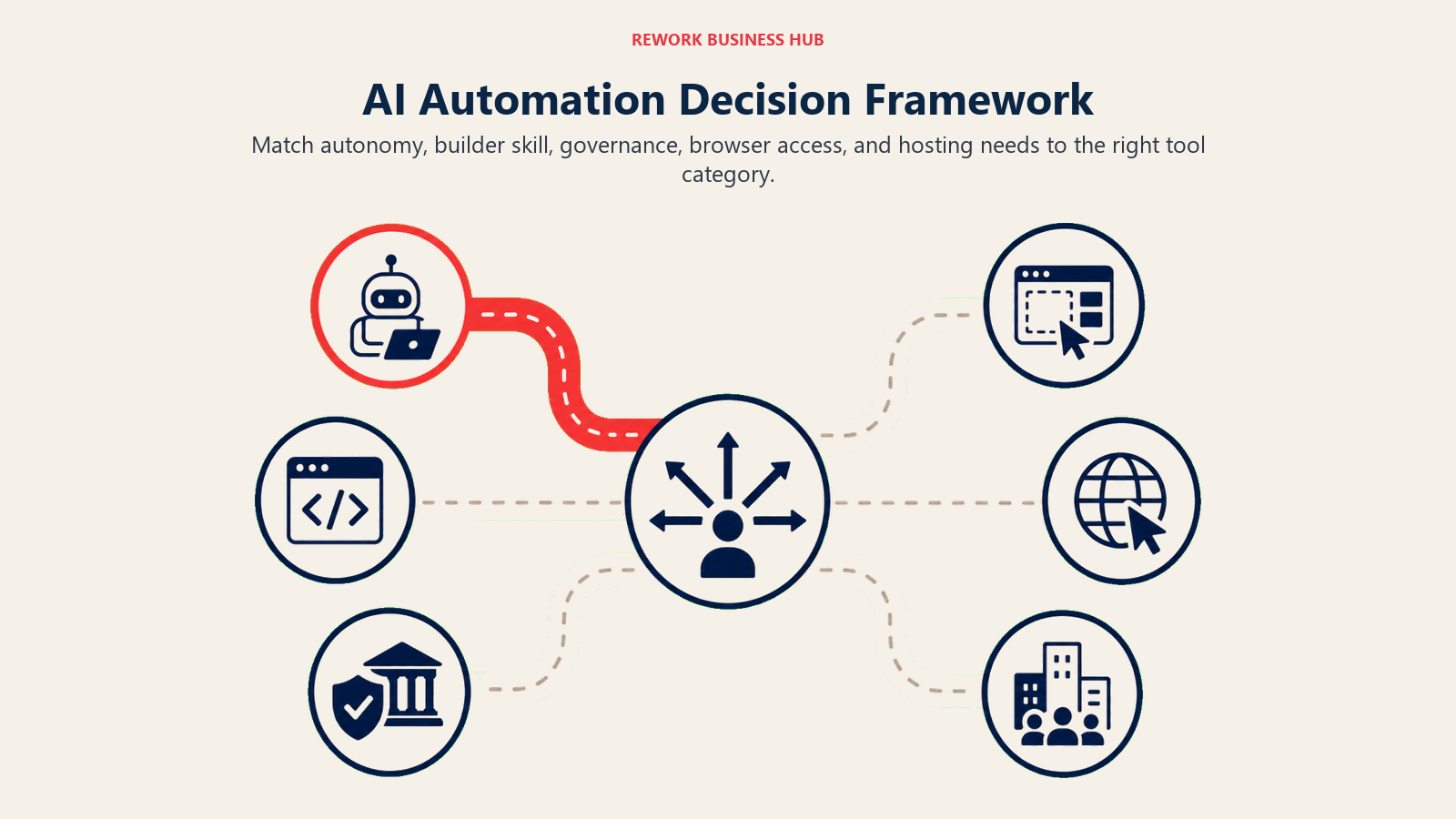
Decision Framework
Use this table as your final filter. Match your situation to the right tool.
| If you need... | Pick... | Why |
|---|---|---|
| An AI agent layered onto the automation tool you already run | Zapier (AI/Agents) | Widest app library; Agents adds autonomous reasoning without switching platforms |
| Visual AI agents built into your existing automation canvas | Make (AI Agents) | Agents are first-class citizens in the Scenario Builder on every paid plan |
| An AI workflow that pauses for human approval before acting | Relay.app | Native human-in-the-loop primitive, not a workaround |
| A fully autonomous AI employee for an entire job function | Lindy | Built for open-ended jobs (inbox, calls, scheduling), not fixed sequences |
| A visual builder purpose-built for AI/LLM pipeline steps | Gumloop | Agent reflection, enrichment, and scraping in one drag-and-drop canvas |
| Browser-native automation for sites with no API | Bardeen | Runs inside the browser; scrapes and fills forms on any page |
| A natural-language IDE for shipping production AI agents | Wordware | Built for AI engineers, not business-process automation |
| Full data control and self-hosted AI agent execution | n8n | Open-source, unlimited self-hosted executions, LangChain node built in |
| Code-first AI automation with no server to manage | Pipedream | 2,500+ triggers; full Node/Python/Go execution per step |
| Enterprise governance and deep Workday/SAP connectors | Workato | Agentic recipes with full audit trails and compliance documentation |
| Agentic depth without Workato's contract size | Tray.ai | Merlin AI layer, stateful workflows, softer mid-market pricing |
| AI agents already inside your Microsoft 365 license | Power Automate + Copilot Studio | Native Teams, SharePoint, and Dynamics integration; credit-based agent billing |
Frequently Asked Questions about AI Automation Tools
What is the best AI automation tool in 2026?
There's no single best tool for everyone. Zapier and Make lead when you want AI layered onto automation you already know, Lindy and Gumloop lead for AI-native agent building, n8n and Pipedream lead for developers who need full code control, and Workato, Tray.ai, or Microsoft Copilot Studio lead when enterprise governance matters more than setup speed.
What's the difference between AI automation tools and traditional workflow automation like Zapier or Make?
Traditional workflow automation runs a fixed sequence of triggers and actions you design in advance. AI automation adds a layer where the AI itself reasons, makes decisions, or acts autonomously partway through, whether that's an AI Step drafting content mid-Zap or a fully autonomous agent like Lindy deciding what to do next based on what it finds. Most 2026 platforms, including Zapier and Make, now offer both models on the same platform.
What's the best AI automation tool for a non-technical team?
Zapier Agents, Relay.app, and Bardeen are all built for point-and-click setup with no coding required. Zapier wins on app coverage and brand familiarity, Relay.app wins on safe human-approval workflows, and Bardeen wins for browser-based scraping and enrichment tasks.
How much does an AI automation tool cost in 2026?
Entry pricing ranges from free (n8n self-hosted, Gumloop, Bardeen, Pipedream, Zapier, Make) to roughly $10-$50 a month for most SMB AI-native tools like Lindy, Gumloop, and Bardeen. Enterprise agentic platforms like Workato and Tray.ai run from around $10,000 a year into six figures once implementation and volume are factored in, and Microsoft Copilot Studio bills separately in credits on top of any Power Automate or M365 licensing.
What's the difference between an AI agent and a regular automation workflow with an AI step?
A regular workflow with an AI step still follows a path you designed: trigger, then fixed steps, one of which happens to call an LLM. A true AI agent decides its own next action based on context, can use multiple tools in an order it chooses, and can adapt when something unexpected happens. Lindy, Gumloop, Wordware, and n8n's AI Agent node are built around genuine agent autonomy; classic Zapier Zaps and Power Automate cloud flows are not, even when an AI Step is involved.
Is n8n or Lindy the better choice for building AI agents?
They serve different builders. n8n is for technical teams who want full code control, self-hosting, and LangChain-level customization inside a workflow canvas. Lindy is for non-technical users who want to describe a job in plain language and have an AI employee run it, with far less configuration but far less control over exactly how it reasons.
Does Rework replace tools like Zapier, Lindy, or Make?
No. Rework automates sales and lead workflows natively inside its own CRM using AI for lead scoring, follow-up drafting, and pipeline hygiene, but it isn't a general-purpose AI automation platform for connecting a wide external stack of apps. If your automation needs are mostly about your CRM and pipeline, Rework may reduce how much middleware you need; if you need to build AI agents across dozens of outside tools, you still need a platform like the ones in this guide.
When do I need an enterprise agentic iPaaS like Workato instead of an AI-native startup tool?
When your AI agents need to touch systems like SAP, Workday, or ServiceNow with governance, audit trails, and a dedicated automation team to run them. Below roughly 200 employees, Workato and enterprise Tray.ai's contract size and implementation overhead rarely pay back compared to Make, n8n, or Gumloop.
Can Microsoft Power Automate build real AI agents, or is it just RPA?
Both. Power Automate itself is closer to classic cloud flows and desktop RPA. Copilot Studio, its companion product, is where the actual AI agent building happens, with autonomous actions, tool use, and a separate credit-based billing model layered on top of standard Power Automate and M365 licensing.
What to Do Next
Don't shortlist by feature list. Pick the one workflow this month where a person is making judgment calls an AI could plausibly make (triaging inbound leads, drafting first-pass responses, enriching a research list), and test it in your top two picks over two weeks with a human-in-the-loop checkpoint before you let anything run fully autonomous. If your bottleneck is CRM, lead routing, or a messy multi-channel inbox specifically rather than general-purpose AI automation, see how Rework's pricing works before you stitch together a separate AI agent platform on top of your existing CRM.

Principal Product Marketing Strategist
On this page
- Updated July 2026: What Changed
- Key Facts
- Quick Comparison Table
- How to Choose an AI Automation Tool in 2026
- Framework: By AI Capability
- Framework: By Technical Resource Level
- Framework: By Budget
- Stage Fit Matrix
- Sizing and Persona Table
- 1. Zapier (AI/Agents): Widest App Library Plus a Standalone Agent Product
- 2. Make (AI Agents): Visual AI Agents in the Scenario Canvas
- 3. Relay.app: AI Automation With a Human Approval Step Built In
- 4. Lindy: Autonomous AI Employees, Not Just Workflow Triggers
- 5. Gumloop: Drag-and-Drop AI Agent and Data Pipelines
- 6. Bardeen: Browser-Native AI Agent for Web Scraping and Enrichment
- 7. Wordware: A Natural-Language IDE for Shipping AI Agents
- 8. n8n: Open-Source AI Agents With Full Data Control
- 9. Pipedream: Code-First AI Automation for Developers
- 10. Workato: Enterprise Agentic Automation With Governance
- 11. Tray.ai (Tray.io): Merlin AI for Mid-Market Agentic Workflows
- 12. Microsoft Power Automate + Copilot Studio: AI Agents Inside Microsoft 365
- AI Automation Buying Mistakes to Avoid
- Decision Framework
- What to Do Next