Best Zapier Alternatives in 2026: 9 Automation Platforms for Operations Teams
Turn this article into takeaways for your work.


Each assistant summarizes the article only for you and suggests best practices for your work.
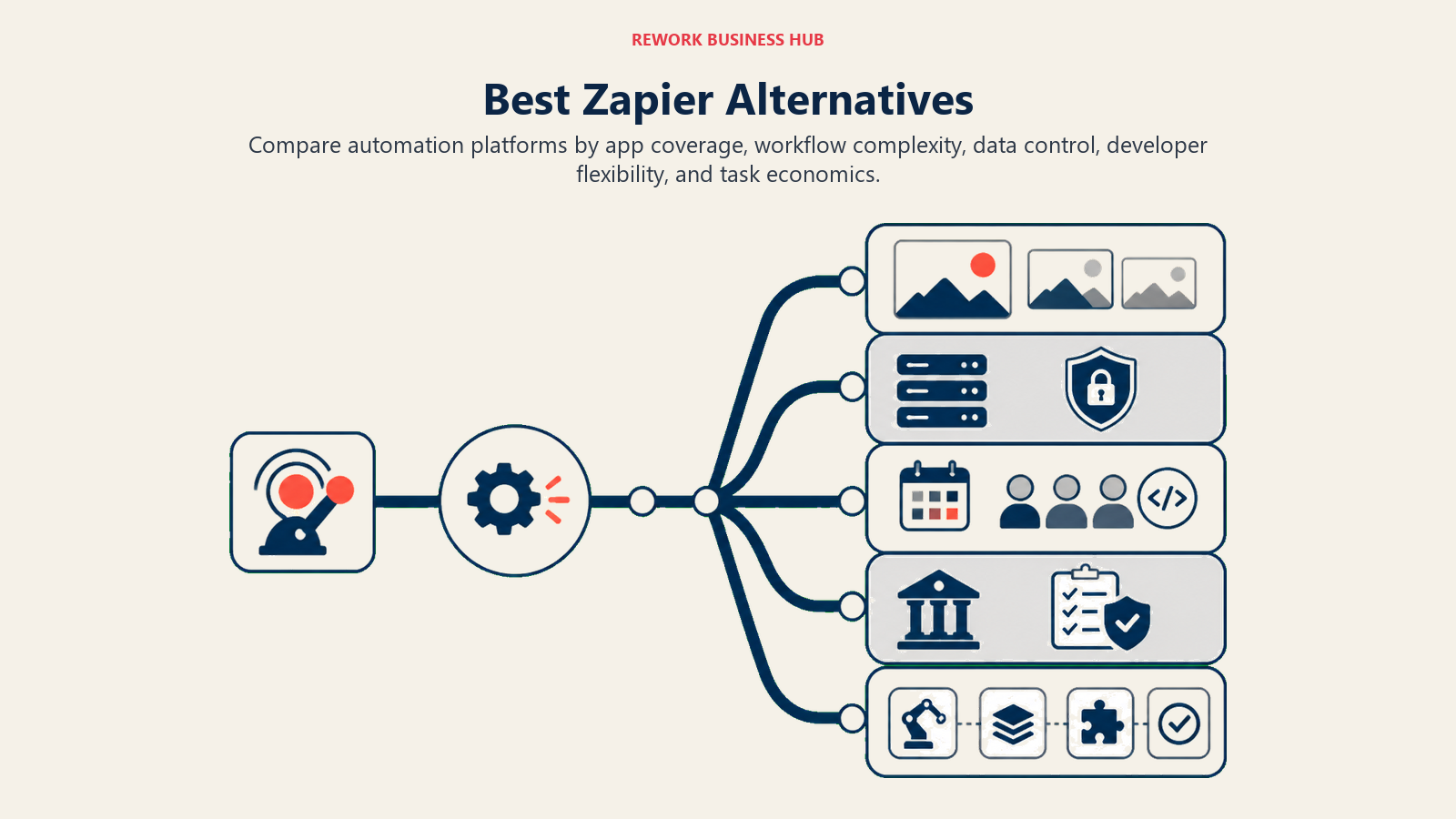
Zapier built the no-code automation category. If-this-then-that at scale, connect everything, no developer required. For teams just starting to automate their stack, it's still a reasonable first stop.
But operations teams running real workflows at real scale hit the wall. Task-based pricing means your monthly bill scales with success: automate more, pay more, unpredictably. Single-step zaps that worked fine at 500 tasks/month break the budget at 50,000. Multi-step workflows get fragile without proper error handling. And every record, every contact, every deal passes through Zapier's servers before reaching its destination. For teams handling customer data under GDPR, CCPA, or just basic security hygiene, that's a conversation worth having.
This guide is for ops managers, RevOps leads, and COOs who've outgrown Zapier's model and need to compare what else is out there, with real numbers and specific fit.
Quick Comparison Table
| Tool | Best For | Starting Price | Key Strength | Key Limitation |
|---|---|---|---|---|
| Make (Integromat) | Complex visual workflows on a budget | Free / $9/mo | Visual scenario builder, low cost | Learning curve; scenarios get messy at scale |
| n8n | Technical teams wanting self-hosted control | Free (self-host) / $20/mo | Open-source, full data control | Requires dev skill to run in production |
| Microsoft Power Automate | Microsoft 365 shops | Included with M365 / $15/mo | Deep Microsoft integration | Clunky UI; poor fit outside Microsoft ecosystem |
| Workato | Enterprise automation at scale | ~$10,000+/year | Enterprise-grade, AI-assisted | Expensive; overkill for teams under 500 |
| Tray.io | Mid-market ops and RevOps teams | Custom pricing | Flexible, powerful logic | Complex pricing; not self-serve |
| Pipedream | Developer-friendly event automation | Free / $29/mo | Code-first, huge trigger library | Requires coding comfort; less no-code friendly |
| Integrately | Zapier switchers on a budget | $19.99/mo | Millions of pre-built automations | Less flexible for custom logic |
| Pabbly Connect | High-volume automations on a flat rate | Free; $349 one-time (lifetime) | An Unlimited monthly plan, plus one-time lifetime licences | Entry lifetime tier caps tasks and steps; smaller integration library than Zapier |
| Relay.app | Human-in-the-loop approval workflows | Free / $9/mo | Human approval steps built in | Smaller integration library; newer product |
1. Make (Formerly Integromat): Visual Scenario Builder at a Fraction of the Cost
Make's product philosophy is visual automation as a first-class citizen. Where Zapier shows you a linear list of steps, Make shows you a scenario canvas: nodes and connections you can actually see and debug. For anyone who's tried to troubleshoot a 12-step Zapier workflow by reading a text log, this alone is worth the switch.
Make's pricing model is operations-based (not task-based), which is the core structural difference from Zapier. You buy a monthly operations budget, and multi-step scenarios are generally far cheaper per operation than equivalent Zapier tasks. Teams running high-volume, multi-step automations typically see 60-80% cost reduction switching from Zapier to Make. See Make's pricing tiers before modeling the switch. The Core plan at $9/month covers 10,000 operations, which is real value for multi-step workflows.
The target user is a technically literate ops person or a solo developer who wants power without writing full code. Make handles error routing, iterators, aggregators, and conditional logic far better than Zapier's basic filters. It connects to 1,700+ apps and supports webhooks, custom API calls, and data transformation natively. For a detailed comparison of Make versus its own alternatives, see best Make alternatives.
| What you get | What you don't |
|---|---|
| Visual canvas for building and debugging workflows | Clean version control or scenario history |
| Operations-based pricing (much cheaper than task-based) | Strong team collaboration features |
| Iterators, aggregators, and advanced data transforms | A gentle learning curve for non-technical users |
| 1,700+ app integrations | Enterprise-grade audit logs or governance |
| Error handling and custom error routes | Native AI-assisted workflow building |
Pricing: Free (1,000 ops/mo). Core: $9/mo (10,000 ops). Pro: $16/mo (150,000 ops). Teams: $29/mo.
Best for: Technical ops teams and power users who've hit Zapier's pricing ceiling. Not ideal for: Non-technical teams who want drag-and-drop simplicity without the learning curve. Sizing: 1-200 employees. Stage: All stages.
2. n8n: Open-Source Automation With Full Data Control
n8n's philosophy is that automation infrastructure should be owned by the team running it. Open-source, self-hostable, full access to the underlying code. For companies where data residency matters (healthcare, fintech, legal, any regulated industry), n8n is often the only serious option.
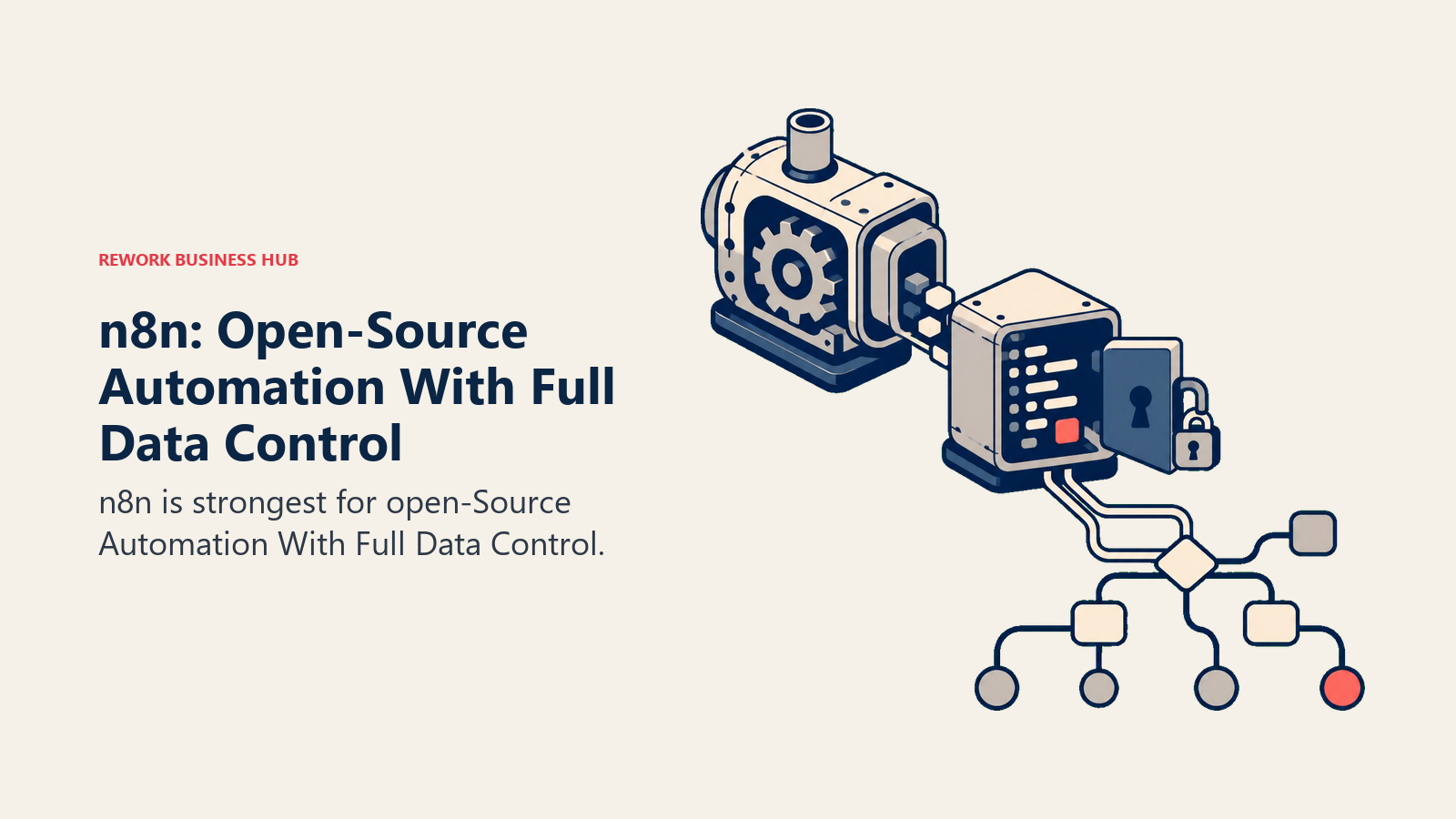
The product is a workflow builder with a visual node canvas similar to Make, but with a code-first DNA. Every node can be augmented with JavaScript. You can write custom nodes. You can inspect exactly what data flows where. Nothing is a black box. The free self-hosted tier is genuinely unlimited in executions for technical teams willing to run it themselves.
The target buyer is a startup CTO, a technical ops lead, or a RevOps engineer who needs automation without handing customer data to a third-party SaaS. The non-technical ops manager who wants to click and configure without touching a terminal is not n8n's user. For a comparison of n8n against other developer-grade tools, see best n8n alternatives.
| What you get | What you don't |
|---|---|
| Full data control with self-hosting | Easy setup for non-technical users |
| Open-source code (MIT for core) | A polished, consumer-friendly UI |
| JavaScript in any node | A large pre-built template library |
| Unlimited executions (self-hosted) | Vendor-managed reliability without effort |
| Active community and custom nodes | Native mobile app |
Pricing: Free (self-hosted, unlimited). n8n Cloud: $20/mo (2,500 executions). Enterprise: custom.
Best for: Technical teams, regulated industries, or anyone who needs data to stay on-premises. Not ideal for: Non-technical ops teams who need fast setup without infrastructure work. Sizing: 1-500+ employees. Stage: All stages.
3. Microsoft Power Automate: Deep Integration for Microsoft 365 Shops
Power Automate's approach is simple: if your company runs on Microsoft, automation should be native to that ecosystem. Teams already using Teams, SharePoint, Outlook, Dynamics 365, and the rest of the M365 suite get automation that works without an API key or third-party account.
Power Automate is included with most Microsoft 365 business plans, which makes the pricing math easy for IT departments evaluating alternatives. Desktop flows (UI automation for legacy systems without APIs), cloud flows (standard trigger-action automation), and process advisor (AI-assisted process mining) are all part of the same platform.
For enterprise companies standardized on Microsoft, Power Automate can automate things other tools simply can't: clicking through legacy desktop software, scraping data out of Excel files that live in SharePoint, pulling from on-premises SQL Server. No other tool on this list handles that combination. But outside the Microsoft ecosystem, it's mediocre. Connecting to Salesforce, HubSpot, or any non-Microsoft tool is possible but clunky.
| What you get | What you don't |
|---|---|
| Deep M365 integration (Teams, SharePoint, Outlook, Dynamics) | A clean, modern UI |
| Included with many M365 plans | Good non-Microsoft integrations |
| Desktop UI automation (RPA) for legacy systems | Fast debugging and error visibility |
| AI Builder for document processing | Flexibility for multi-tool tech stacks |
| On-premises data gateway | Quick start without training |
Pricing: Included with M365 Business plans. Standalone: $15/user/mo. Premium: $40/user/mo.
Best for: IT-led automation in Microsoft-standardized enterprises. Not ideal for: Teams using a mixed SaaS stack that includes non-Microsoft tools heavily. Sizing: 50-10,000+ employees. Stage: Mid-market to enterprise.
4. Workato: Enterprise Integration Platform With AI-Assisted Automation
Workato's product vision is the integration platform as the connective tissue of the enterprise. Not just automating workflows, but creating a shared automation layer that IT governs and every team uses. They call this "collaborative automation": recipes built by business teams, reviewed and deployed by IT, with full audit trails and governance.
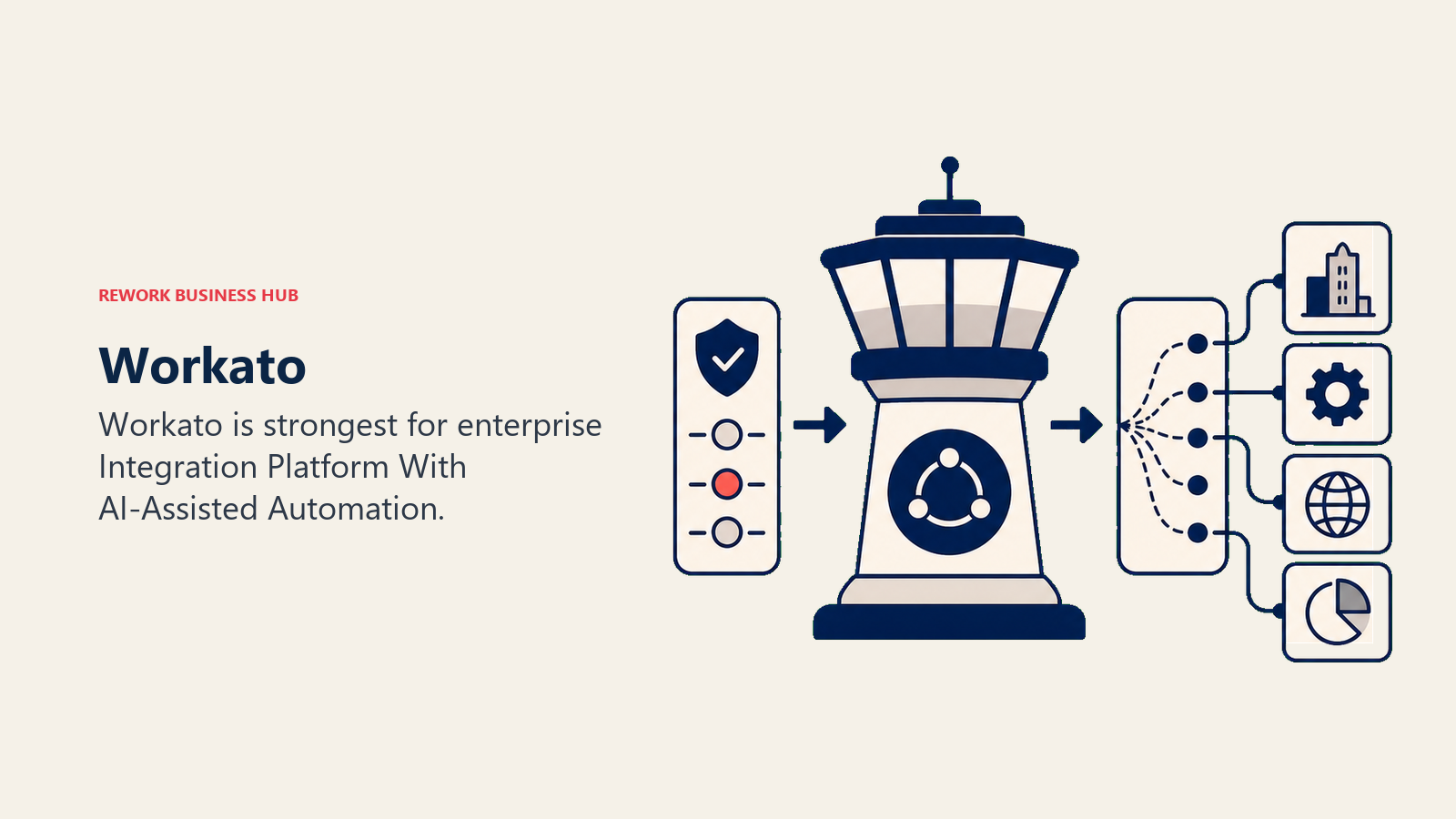
The ICP is clear: companies above 500 employees with a dedicated IT ops or RevOps function who need enterprise-grade security, compliance documentation, and platform stability. Workato's connectors are deep, not just surface-level. Their Salesforce connector, for example, handles bulk operations, metadata changes, and real-time triggers that shallow integrations miss.
AI-assisted automation in Workato (Autopilot) lets you describe a workflow in plain English and get a draft recipe. The recipe community is large, with thousands of pre-built templates for common enterprise scenarios. The pricing is the obvious constraint: Workato doesn't publish pricing publicly, but ballpark starting points are $10,000-$15,000/year for small enterprise packages, scaling significantly with usage.
| What you get | What you don't |
|---|---|
| Enterprise-grade governance and audit logs | Affordable pricing for small teams |
| Deep, high-fidelity connectors for major platforms | A self-serve trial experience |
| AI-assisted recipe creation | Quick setup without a sales conversation |
| SOC 2, GDPR, HIPAA compliance documentation | A simple visual canvas for non-technical builders |
| IT governance + business team collaboration | Flexibility to experiment cheaply |
Pricing: Custom. Estimated $10,000-$25,000+/year for typical enterprise packages.
Best for: Enterprises (500+ employees) needing a governed, company-wide integration layer. Not ideal for: Teams under 200 people who don't need enterprise compliance overhead. Sizing: 500-50,000+ employees. Stage: Enterprise and scaling mid-market.
5. Tray.io: Flexible Logic for RevOps and Mid-Market Operations
Tray.io positions itself as "universal automation": built for the kind of complex, conditional, multi-system workflows that Zapier's linear steps and Make's canvas both struggle with at a certain complexity level. Its target is the RevOps and ops professional at a scaling B2B company.
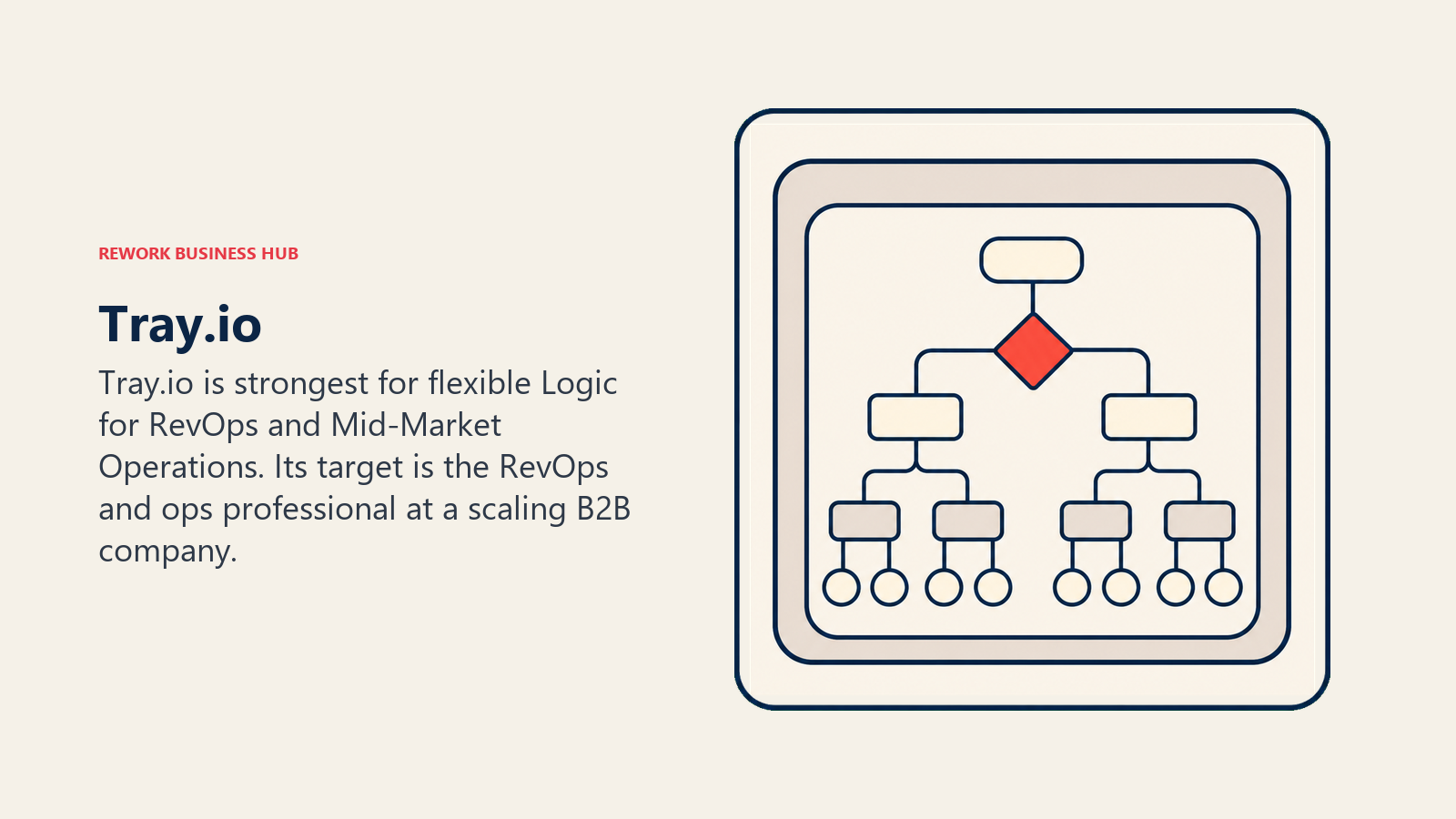
Where Zapier thinks in steps and Make thinks in nodes, Tray thinks in logic. Conditionals, loops, data transformation, and error handling are first-class in the builder. A Tray workflow can branch based on Salesforce field values, loop through records, transform data structures, call internal APIs, and update five systems simultaneously. That's genuinely hard to build reliably in simpler tools.
Tray also built a "Merlin AI" layer that helps non-technical operators write workflows in natural language. It's been in production long enough to be useful rather than just a demo feature. But Tray is not self-serve. You go through a sales process, pricing is custom, and onboarding involves a customer success team. For teams that have already decided automation is a significant investment, that's fine. For teams wanting to sign up and start automating in an afternoon, it's real friction.
| What you get | What you don't |
|---|---|
| Complex conditional logic and loops built-in | Self-serve signup or trial |
| Strong RevOps-specific connector depth | Transparent public pricing |
| Merlin AI for natural language workflow building | Cheap entry point for experimentation |
| Enterprise security (SOC 2, SSO, role-based access) | A free tier |
| Data transformation without code | Fast time-to-first-workflow |
Pricing: Custom. Mid-market packages typically start around $5,000-$8,000/year.
Best for: RevOps and ops teams at mid-market companies (100-1,000 employees) with complex multi-system workflows. Not ideal for: Teams that need fast self-serve setup or are below the budget threshold. Sizing: 100-2,000 employees. Stage: Growth to mid-market.
6. Pipedream: Developer-First Event Automation With a Massive Trigger Library
Pipedream's approach is code-first automation. Every trigger, every action, every data transformation can be written as Node.js, Python, Go, or Bash. The visual builder exists, but it's a scaffold for code, not a replacement for it. For developers who are tired of fighting with no-code tools' limitations, Pipedream is a relief.
The trigger library is the largest on this list: 2,000+ integrated sources including niche APIs that Zapier and Make don't cover. Pipedream monitors GitHub events, Stripe webhooks, Slack events, Airtable updates, and hundreds of other sources natively. Adding a custom trigger to any API takes a few lines of code. See Pipedream's pricing. The free tier covers 10,000 credits/month, generous enough for many internal automation use cases.
The non-technical ops manager won't enjoy Pipedream. The UI is functional but not polished for business users. Building anything beyond simple triggers requires JavaScript comfort. And while the free tier is generous, understanding the credit model takes some study.
| What you get | What you don't |
|---|---|
| Code-level control in every step | A friendly no-code builder for non-developers |
| 2,000+ triggers including rare/niche APIs | A polished business-user experience |
| Git-based version control for workflows | Pre-built templates for common business processes |
| Generous free tier | A quick onboarding for non-technical operators |
| Community-maintained components | Strong enterprise governance features |
Pricing: Free (10,000 credits/mo). Basic: $19/mo (100,000 credits). Advanced: $49/mo.
Best for: Developer-led teams who want automation with the full power of code. Not ideal for: Non-technical operations teams who need click-and-configure simplicity. Sizing: 1-200 employees. Stage: All.
7. Integrately: One-Click Automations for Zapier Switchers
Integrately's positioning is direct: it's built for people leaving Zapier. The pitch is straightforward: millions of pre-built automation templates, one-click activation, and pricing that's 90% cheaper than Zapier for comparable usage.
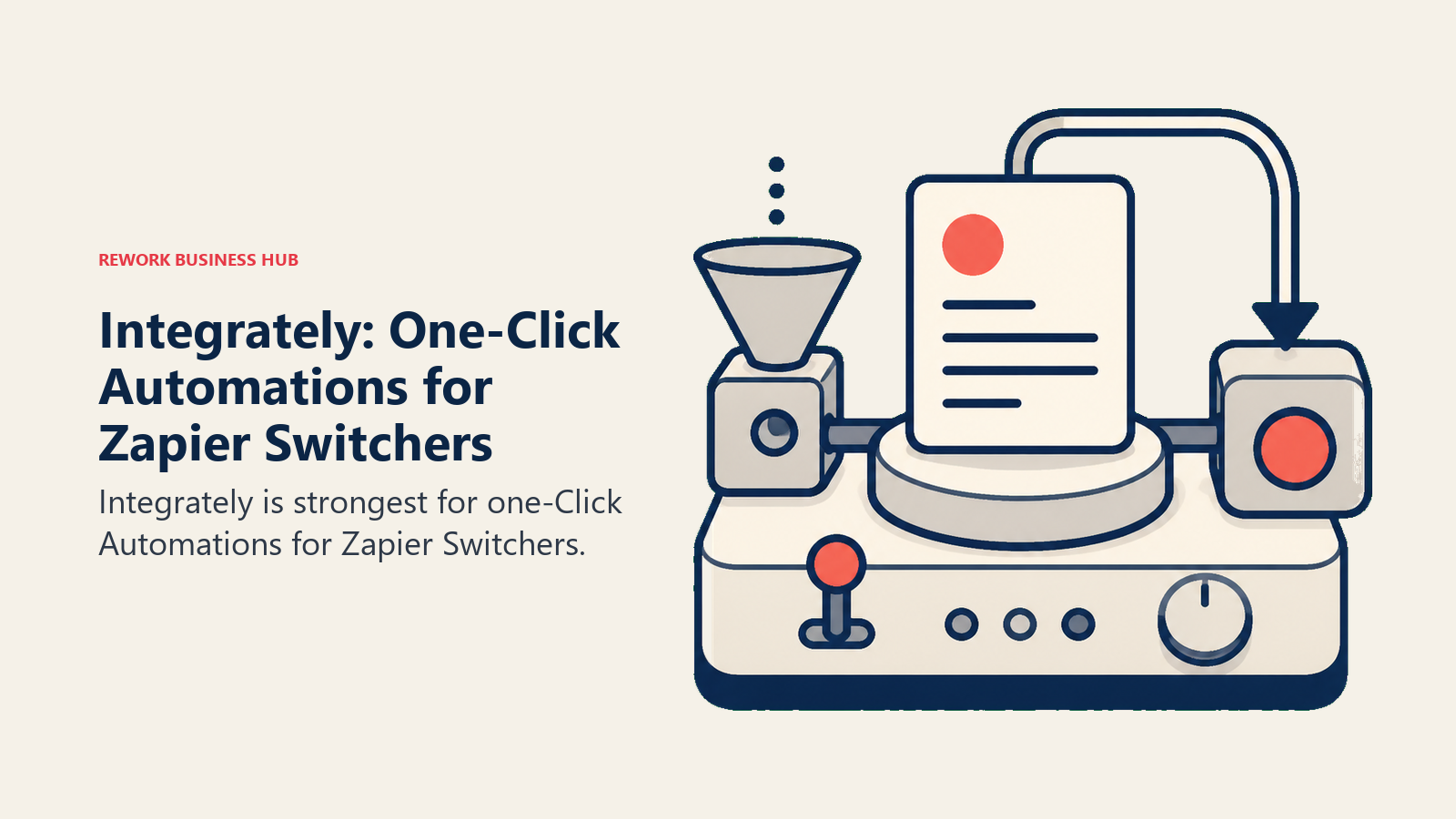
The product is genuinely easy. Pick two apps, pick a trigger, pick an action, and Integrately has probably already built that combination. For the most common automation patterns (new HubSpot contact to Mailchimp list, Calendly booking to Google Sheets, Stripe payment to Slack notification), setup takes two minutes.
Integrately supports 1,200+ apps and multi-step automations. The builder is clean and more intuitive than Make for simple workflows. Pricing is flat-rate by plan, not task-based, which is a meaningful advantage for teams worried about bill surprises. But the ceiling shows up quickly. When you need conditional logic, data transformation, loops, or error handling beyond "retry on failure," Integrately starts to show its seams.
| What you get | What you don't |
|---|---|
| Millions of pre-built automation templates | Complex conditional logic or loops |
| One-click activation for common workflows | Deep data transformation capabilities |
| 1,200+ app integrations | Strong error handling for critical workflows |
| Flat-rate pricing (not task-based) | Developer access or webhook flexibility |
| Clean, approachable UI | Enterprise governance or audit features |
Pricing: Starter: $19.99/mo (2 million tasks). Professional: $39/mo. Grow: $99/mo.
Best for: Small teams switching from Zapier who want simpler pricing and fast setup for standard automations. If Integrately itself becomes the constraint, the best Integrately alternatives guide picks up from there. Not ideal for: Teams needing custom logic, complex data transforms, or enterprise-grade reliability. Sizing: 1-50 employees. Stage: Early to growth.
8. Pabbly Connect: Unlimited Tasks Without the Per-Task Bill
Pabbly Connect's product philosophy is one blunt differentiator: no task limits. You pay a flat fee per month (or a one-time lifetime fee), and your automations run without a counter ticking up in the background. For teams running high-volume automations (e-commerce order processing, lead syncing, subscription event handling), this matters enormously. See Pabbly Connect's pricing. Lifetime deals appear periodically and are worth checking.
The platform supports 1,000+ integrations, multi-step automations, and basic conditional logic. The builder is functional without being sophisticated. It handles the standard automation patterns reliably and the pricing model is the reason people choose it.
Pabbly's lifetime deal (periodically available around $349 one-time) is what put it on the map. For bootstrapped startups and cost-conscious small businesses, paying once and never worrying about automation bills is a real strategic advantage. The trade-offs are visible: the UI is dated, the integration depth for complex platforms (Salesforce, HubSpot) is shallower than Workato or Tray, and the support experience is variable.
| What you get | What you don't |
|---|---|
| Unlimited tasks at a flat price | A modern, polished interface |
| Lifetime pricing option | Deep integrations for complex enterprise platforms |
| 1,000+ app integrations | Strong conditional logic or data transformation |
| Multi-step workflows | Reliable support for critical workflows |
| No per-task pricing anxiety | Enterprise security and compliance documentation |
Pricing: Free covers 100 tasks/month. The subscription page quotes in Indian rupees as of September 2026: Standard about ₹1,138/month for 10,000 tasks, Unlimited about ₹4,999/month with no task cap. Lifetime licences are published in USD: Standard $349 one-time (3,000 tasks/month, 10 workflows, two steps each), Ultimate $799 (10,000 tasks/month, unlimited multi-step workflows), Ultimate Plus $1,298 (20,000 tasks/month).
Best for: Budget-conscious teams with high task volume who want flat-rate pricing above all else. Not ideal for: Teams needing enterprise security, deep integrations, or sophisticated workflow logic. Sizing: 1-50 employees. Stage: Early to growth.
9. Relay.app: Human-in-the-Loop Automation for Approval Workflows
Relay.app's core idea is that automation doesn't mean removing humans from every step. Some workflows need a human decision before they proceed: a manager approving a discount, a legal team signing off on a contract action, a sales rep confirming a contact before enrichment runs. Relay builds this pattern natively.
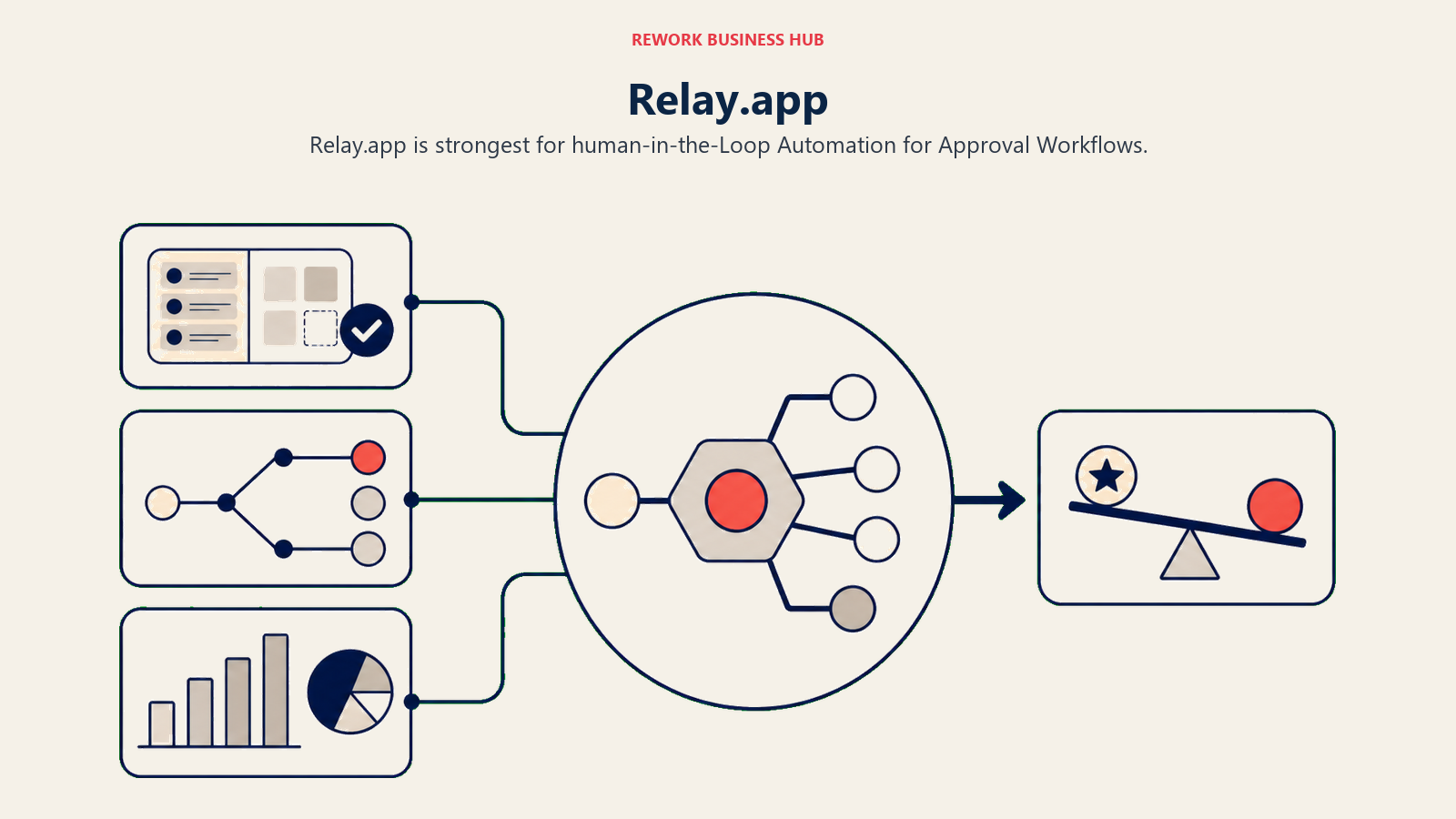
Every Relay workflow can include a "human in the loop" step. When the workflow reaches that step, it pauses, notifies the right person, waits for their input (approve/reject/modify), and then continues. Other tools treat human approval as a workaround (Slack notification + manual resume). Relay makes it a first-class workflow primitive. See Relay.app's pricing. The per-user model makes costs predictable as your team grows.
The builder is clean and modern, the UI is designed for non-technical business users, and the integration library is growing (100+ native integrations in 2026). The AI features include automatic workflow suggestions based on the apps you've connected. The honest constraint is that Relay is a newer, smaller product. The integration library is smaller than Zapier, Make, or n8n.
| What you get | What you don't |
|---|---|
| Native human-approval steps in workflows | A large pre-built integration library |
| Clean, modern UI built for business users | Maturity and enterprise track record |
| AI-assisted workflow suggestions | Deep integrations for complex platforms |
| Collaborative workflow building | Self-hosted or data control options |
| Growing integration library | Complex data transformation capabilities |
Pricing: Free (1 user, 200 runs/mo). Starter: $9/user/mo (unlimited runs). Business: $18/user/mo.
Best for: Ops teams building approval-heavy workflows where humans need to stay in the loop. Not ideal for: Fully automated pipelines with no human review steps, or teams needing a large connector library today. Sizing: 5-200 employees. Stage: Growth to mid-market.
Stage Fit Matrix
| Tool | Startup (1-20) | Growth (20-100) | Mid-Market (100-500) | Enterprise (500+) |
|---|---|---|---|---|
| Make | Strong fit | Strong fit | Good fit | Limited fit |
| n8n | Strong fit | Strong fit | Good fit | Good fit |
| Power Automate | Not ideal | Good fit (if M365) | Strong fit (M365) | Strong fit (M365) |
| Workato | Not ideal | Not ideal | Good fit | Strong fit |
| Tray.io | Not ideal | Good fit | Strong fit | Good fit |
| Pipedream | Strong fit | Strong fit | Good fit | Limited fit |
| Integrately | Strong fit | Good fit | Limited fit | Not ideal |
| Pabbly Connect | Strong fit | Good fit | Limited fit | Not ideal |
| Relay.app | Good fit | Strong fit | Good fit | Limited fit |
Sizing and Persona Table
| Tool | Team Size Sweet Spot | Primary Buyer | Use Pattern |
|---|---|---|---|
| Make | 1-150 | Technical ops manager, solo developer | Team or cross-team automation |
| n8n | 1-500 | CTO, technical ops lead, DevOps | Engineering-led, then company-wide |
| Power Automate | 50-10,000+ | IT Director, CIO, M365 admin | IT-governed, company-wide |
| Workato | 500-50,000 | IT Ops, RevOps Director, CIO | Enterprise-wide integration layer |
| Tray.io | 100-2,000 | RevOps Manager, Head of Ops | RevOps and cross-functional ops |
| Pipedream | 1-200 | Developer, technical founder | Technical ops, developer tooling |
| Integrately | 1-50 | Marketing ops, solo founder | Single-team, standard automations |
| Pabbly Connect | 1-50 | Bootstrap founder, e-commerce ops | High-volume, budget-first teams |
| Relay.app | 5-200 | Ops manager, VP of Ops | Approval and review workflows |
How to Choose: Decision Framework
| If you need this... | Pick this |
|---|---|
| Complex visual workflows at low cost | Make |
| Full data control and open-source flexibility | n8n |
| Native integration with Microsoft 365 stack | Power Automate |
| Enterprise governance with AI-assisted recipes | Workato |
| Complex multi-system RevOps logic | Tray.io |
| Code-level automation with version control | Pipedream |
| Fast setup with pre-built templates on a budget | Integrately |
| Unlimited tasks without per-task billing | Pabbly Connect |
| Human-approval steps as a native workflow primitive | Relay.app |
Why Teams Leave Zapier: The Real Reasons
Understanding the specific failure modes helps you pick the right replacement.
| Pain Point | Why It Happens | Who Feels It Most |
|---|---|---|
| Task-based pricing scales badly | Every action in a multi-step zap counts as a task | High-volume ops teams, e-commerce, lead-gen |
| Single-step zap limitations | Zapier's original model was one trigger, one action | Teams with conditional logic or multi-system flows |
| Fragile multi-step workflows | No built-in error handling; one step fails, everything stops | RevOps, finance ops, any mission-critical automation |
| No error handling depth | Retry logic is basic; debugging failures is a text log | Technical ops leads who maintain complex workflows |
| Data passes through Zapier servers | All records transit Zapier's infrastructure before delivery | GDPR-regulated companies, healthcare, legal |
| Slow response to complex issues | Support tier determines response quality | Growing teams without Enterprise contracts |
Pricing Comparison Table
| Tool | Free Tier | Entry Paid | Mid-Tier | Billing Model |
|---|---|---|---|---|
| Make | Yes (1,000 ops/mo) | $9/mo | $16/mo | Operations-based |
| n8n | Yes (self-hosted) | $20/mo (cloud) | $50/mo | Execution-based |
| Power Automate | With M365 | $15/user/mo | $40/user/mo | Per user |
| Workato | No | ~$10,000+/year | Custom | Custom enterprise |
| Tray.io | No | ~$5,000/year | Custom | Custom |
| Pipedream | Yes (100 credits/mo free) | $29/mo | $49/mo | Credit-based |
| Integrately | No | $19.99/mo | $39/mo | Flat monthly |
| Pabbly Connect | No | Rupee-priced Standard | Rupee-priced Unlimited | Flat monthly / lifetime |
| Relay.app | Yes (200 runs/mo) | $9/user/mo | $18/user/mo | Per user |
Integration Depth Comparison
| Tool | Native Integrations | Custom API | Webhooks | Code Steps |
|---|---|---|---|---|
| Make | 1,700+ | Yes | Yes | Limited |
| n8n | 400+ | Yes | Yes | Full (JS/Python) |
| Power Automate | 1,000+ (M365-heavy) | Yes | Yes | Power Fx |
| Workato | 1,200+ (deep) | Yes | Yes | Ruby snippets |
| Tray.io | 600+ | Yes | Yes | JavaScript |
| Pipedream | 2,000+ | Yes | Yes | Full (JS/Python/Go) |
| Integrately | 1,200+ | Limited | Yes | No |
| Pabbly Connect | 1,000+ | Limited | Yes | No |
| Relay.app | 100+ | Yes | Yes | Limited |
What to Do Next
Run a two-week pilot with your top two picks before committing. The tools that look equivalent in a table often feel completely different when you're building your actual workflows.
Pick your evaluation criteria before you start: Is pricing predictability the deciding factor? Data residency? Ease of use for your non-technical ops team? The depth of your Salesforce integration? Each criterion points to a different winner.
For most ops teams at 20-200 people who've outgrown Zapier's pricing model, Make is the first tool to evaluate, especially when a technically literate ops person manages a complex multi-tool stack.
If you're in a Microsoft shop, Power Automate is already included in your plan. Run the pilot before paying for anything else. If you need self-hosted data control, n8n is the only real answer on this list. And if your ops workflows are built around human approvals and sign-offs, Relay.app solves that problem specifically.
The right tool is the one your team will actually maintain six months from now.
For teams whose automation is primarily about keeping CRM and pipeline data clean, the form-to-CRM automation guide shows which triggers and actions map to real revenue impact versus the ones that just move data around. And if you're also comparing your scheduling tool stack alongside Zapier (many orgs use Zapier to patch the gap between Calendly and their CRM), the best Calendly alternatives guide covers scheduling tools that connect natively to CRM without needing Zapier as glue. Finally, the Zapier vs n8n vs Make comparison guide covers the three most common visual automation tools head-to-head for teams who've narrowed their evaluation to those options.

Principal Product Marketing Strategist
On this page
- Quick Comparison Table
- 1. Make (Formerly Integromat): Visual Scenario Builder at a Fraction of the Cost
- 2. n8n: Open-Source Automation With Full Data Control
- 3. Microsoft Power Automate: Deep Integration for Microsoft 365 Shops
- 4. Workato: Enterprise Integration Platform With AI-Assisted Automation
- 5. Tray.io: Flexible Logic for RevOps and Mid-Market Operations
- 6. Pipedream: Developer-First Event Automation With a Massive Trigger Library
- 7. Integrately: One-Click Automations for Zapier Switchers
- 8. Pabbly Connect: Unlimited Tasks Without the Per-Task Bill
- 9. Relay.app: Human-in-the-Loop Automation for Approval Workflows
- Stage Fit Matrix
- Sizing and Persona Table
- How to Choose: Decision Framework
- Why Teams Leave Zapier: The Real Reasons
- Pricing Comparison Table
- Integration Depth Comparison
- What to Do Next