Best Make (Integromat) Alternatives in 2026: 9 Automation Platforms for Operations Teams
Turn this article into takeaways for your work.


Each assistant summarizes the article only for you and suggests best practices for your work.
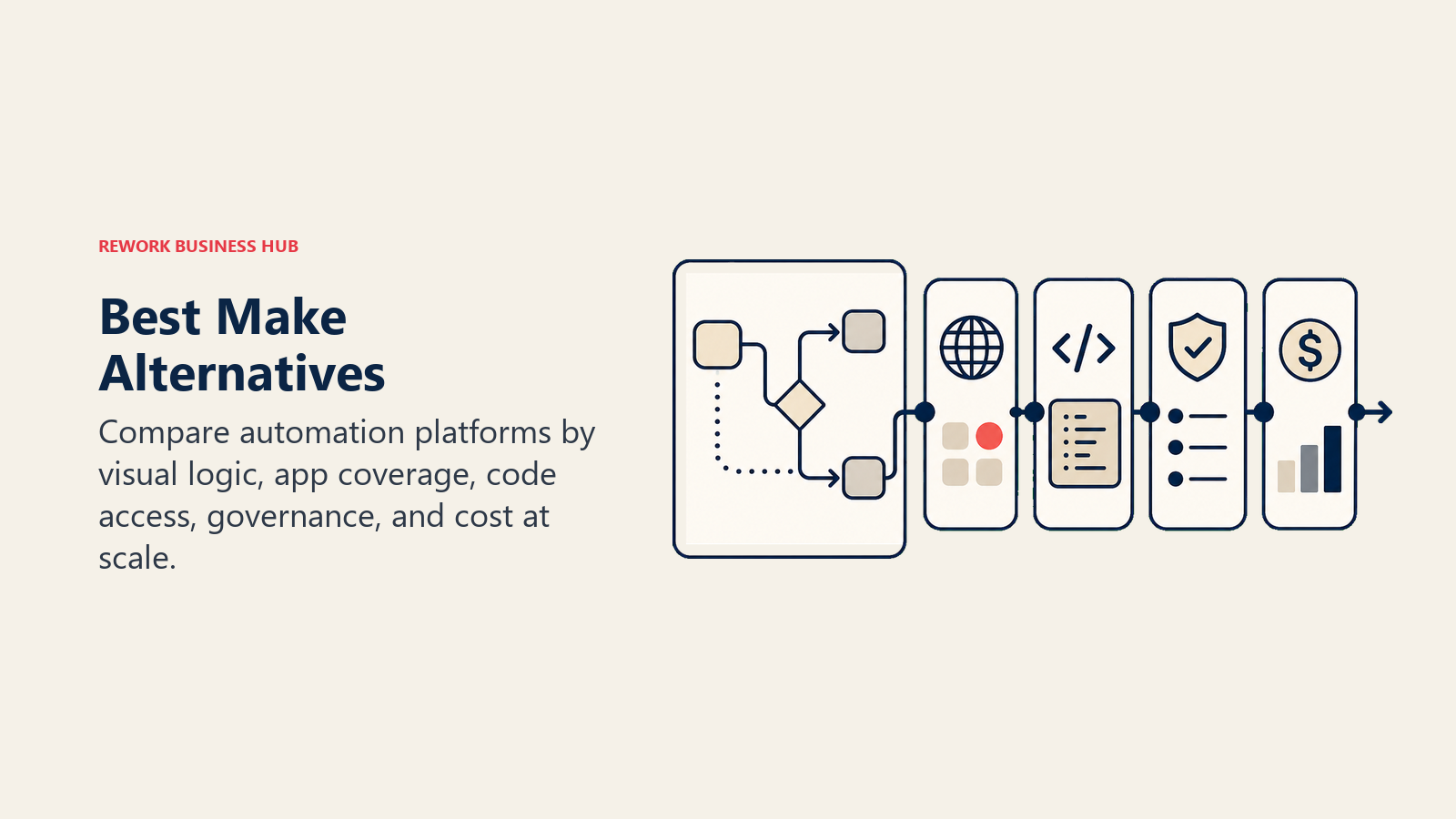
Make (formerly Integromat) genuinely changed how operations teams think about workflow automation. The visual scenario canvas (modules connected by routes, branching with routers, iterators for looping over arrays, aggregators for collecting results) is one of the most expressive low-code automation environments ever built. For ops and RevOps teams at 5-to-500-person companies building anything beyond linear Zapier-style zaps, Make was the tool that made it possible without writing code.
But by 2026, a clear pattern of friction has emerged. If you're also evaluating best n8n alternatives (the open-source, self-hosted counterpart to Make), that guide covers overlapping tools and the specific trade-offs between hosted and self-managed automation. And if you're replacing Make because you're also replacing Zapier, the best Zapier alternatives comparison covers the no-code end of the same spectrum. Teams hit the scenario builder's learning curve earlier than expected: routers, iterators, and error handlers require a mental model closer to programming than point-and-click. The operations-based pricing model (paying per scenario run, not per user) is economical in theory but unpredictable in practice when workflows fire thousands of times a month. Error handling (catching, routing, and retrying failed modules) is technically capable but requires configuration that feels disproportionate to common tasks. Large datasets slow down, and support on lower-tier plans is slow. If you're re-evaluating, here are 9 alternatives worth a serious look.
Quick Comparison Table
| Tool | Best For | Starting Price | Key Strength | Key Limitation |
|---|---|---|---|---|
| Zapier | Teams wanting the widest app library with minimal setup | Free (limited); from $19.99/mo | 7,000+ app integrations; fastest time-to-first-automation | Expensive at volume; weaker branching and looping vs. Make |
| n8n | Technical ops teams wanting self-hosted, code-friendly automation | Free (self-hosted); cloud from $20/mo | Open-source, self-hostable, full code access in any node | Requires more technical setup; community support tier limited |
| Microsoft Power Automate | Microsoft 365 shops wanting deep Office/Teams/SharePoint automation | Included in M365; premium from $15/user/mo | Native Microsoft ecosystem depth unmatched by any alternative | Poor outside Microsoft stack; UI is clunky |
| Workato | Enterprise ops teams needing enterprise-grade iPaaS with governance | Enterprise pricing (from ~$10,000/yr) | Recipes + callable workflows; strong compliance and audit | Overkill and cost-prohibitive for teams under 200 |
| Tray.io | Mid-market and enterprise ops needing advanced logic + API builder | Enterprise pricing | Visual + code hybrid; strong error handling; API builder | Expensive; requires dedicated ops ownership |
| Pipedream | Developer-led ops teams wanting code-first serverless automation | Free (100k events/mo); from $29/mo | Fastest way to build code-based integrations; Node/Python native | Not no-code; requires developer comfort |
| Pabbly Connect | Budget-conscious teams wanting flat-rate automation | Free; $349 one-time (lifetime) | An Unlimited monthly plan with no task cap | Entry lifetime tier caps tasks and steps; smaller app library |
| Integrately | Teams migrating from Zapier wanting 1-click pre-built automations | Free (limited); from $19.99/mo | Largest library of ready-made automation templates | Less flexible for custom logic; limited advanced features |
| Relay.app | Human-in-the-loop ops teams wanting approval steps in automations | Free (limited); from $9/mo | Built-in human approval steps; modern UX; AI-powered run customization | Newer platform; smaller integration library |
Stage Fit Matrix
| Tool | Startup (1-10) | Growth Stage (10-100) | Mid-Market (100-500) | Enterprise (500+) |
|---|---|---|---|---|
| Zapier | Good fit | Strong fit | Works; gets expensive | Limited enterprise controls |
| n8n | Works (technical founders) | Strong fit | Good fit | Strong if self-hosted |
| Power Automate | Works (M365 users) | Good fit (M365) | Strong fit (M365 shops) | Enterprise tier available |
| Workato | Too expensive | Limited fit | Works | Sweet spot |
| Tray.io | Too expensive | Edge cases | Good fit | Strong fit |
| Pipedream | Good fit (technical) | Strong fit (dev-led) | Works | Works with dev resources |
| Pabbly Connect | Strong fit | Good fit | Works | Limited at scale |
| Integrately | Good fit | Good fit | Works | Not designed for it |
| Relay.app | Good fit | Strong fit | Works | Too early to say |
Sizing and Persona Table
| Tool | Ideal Team Size | Who Buys It | Ops or IT? |
|---|---|---|---|
| Zapier | 1-500 | Anyone; often the ops or marketing manager | Either |
| n8n | 5-500 | Engineering-adjacent ops, IT, developer founders | IT or technical ops |
| Power Automate | 50+ (M365 shops) | IT Director, Ops Manager, M365 admin | IT-led |
| Workato | 200+ | VP IT, Enterprise Architect, RevOps at scale | IT + ops joint |
| Tray.io | 100-1,000 | Platform ops, IT, RevOps | IT or senior ops |
| Pipedream | 2-200 | Developer, technical founder, IT engineer | Developer-led |
| Pabbly Connect | 1-100 | Founders, small ops teams, agency owners | Ops |
| Integrately | 1-100 | Ops generalist, marketing ops, small team leads | Ops |
| Relay.app | 5-200 | Ops Manager, COO, cross-functional team leads | Ops |
1. Zapier: The widest app library with the fastest time-to-automation
Zapier's bet is that if every app in your stack connects to Zapier, and if the interface is simple enough for any team member to build a Zap without training, then automation becomes a company-wide capability rather than an IT function. That bet has paid off: Zapier now has over 7,000 app integrations, the widest library of any automation platform.
The product is genuinely easy. A Zap takes minutes to build: pick a trigger app, pick a trigger event, pick an action app, map the fields. For operations teams running linear workflows (form submission triggers Slack notification and creates a HubSpot deal), Zapier is still the fastest path from idea to working automation. See Zapier's current pricing before committing at scale. The per-task model surprises teams who automate aggressively.
The tension starts at scale. Zapier's per-task pricing model means that high-volume workflows get expensive quickly. Multi-step branching requires Paths, which are functional but less expressive than Make's router model. Loops and iterators are available but feel bolted on. Teams with complex logic often find themselves fighting the tool rather than working with it. The best Zapier alternatives guide covers this in more detail if you're evaluating replacements.
| What you get | What you don't |
|---|---|
| 7,000+ app integrations | Affordable pricing at high task volumes |
| Fastest setup for linear workflows | Deep branching and looping comparable to Make |
| Large community; pre-built Zap templates | Self-hosting or on-premise option |
| Strong no-code editor; accessible to non-technical team members | Advanced error handling and retry logic |
Pricing: Free tier (5 Zaps, 100 tasks/mo); Starter from $19.99/mo; Professional from $49/mo; Team from $69/mo. Costs scale with task volume.
Best for: Teams needing broad app connectivity with minimal setup, especially where workflows are mostly linear and task volumes are moderate.
Not ideal for: High-volume automation, complex branching logic, or teams with budget sensitivity to task-based pricing.
2. n8n: Open-source automation with full code access and self-hosting
n8n's philosophy is different from any other tool on this list: the code is open, you can self-host it, and every node can run custom JavaScript or Python alongside visual connectors. This makes n8n well-suited to technical ops teams and engineering-adjacent operations managers who want Make's expressive logic but with full transparency and control over the execution environment.
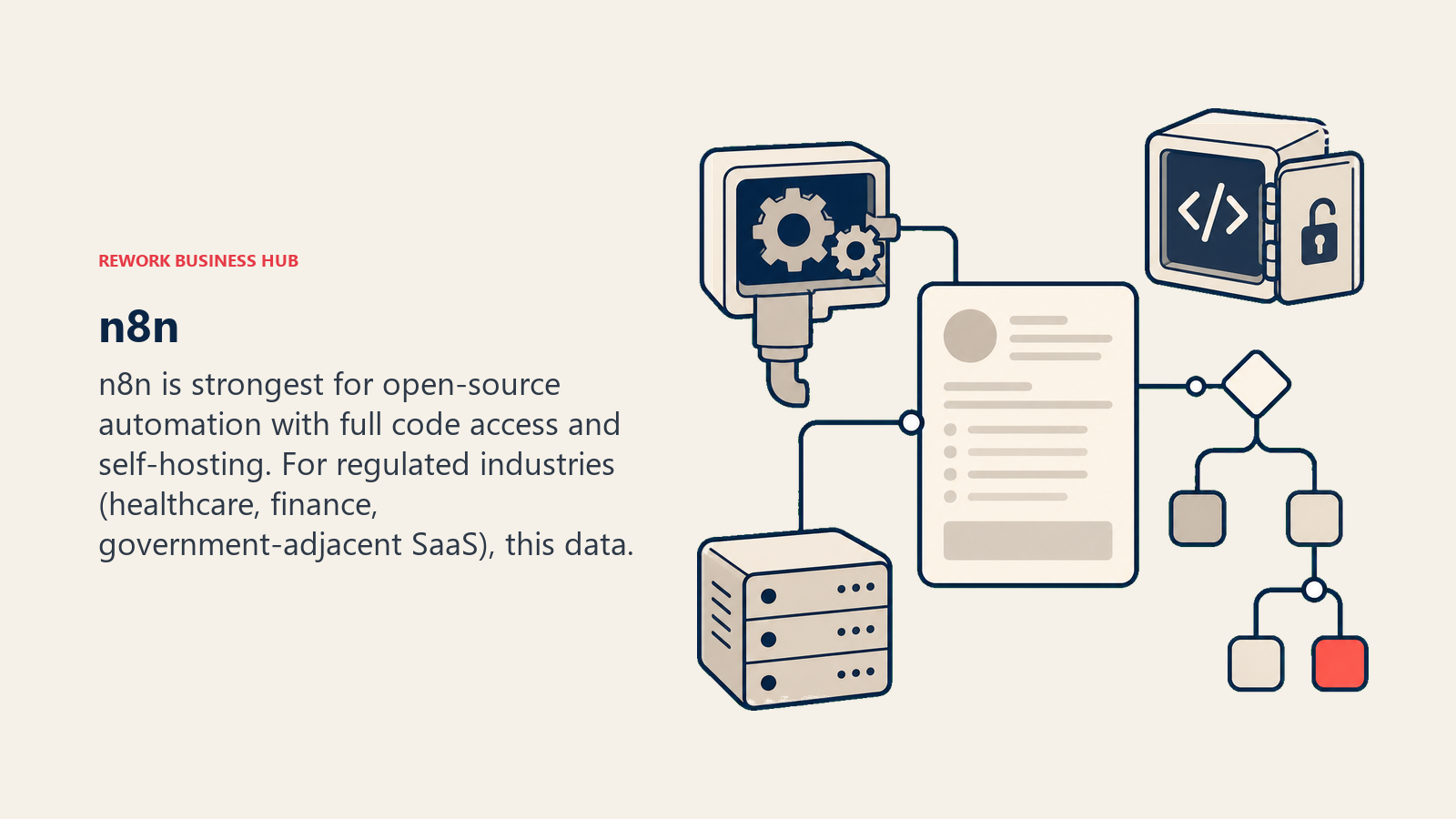
The self-hosted version is free. Deploy it on your own infrastructure, store your data internally, connect to internal APIs and databases that would otherwise require exposing endpoints to a cloud platform. For regulated industries (healthcare, finance, government-adjacent SaaS), this data residency capability is often the deciding factor. See n8n's cloud pricing if self-hosting isn't a priority.
The n8n cloud offering has closed most of the UX gap with Make. The canvas is visual, the node library covers 400+ integrations, and community nodes extend coverage further. But n8n's ceiling is genuinely higher than Make's for teams who are comfortable writing code: you can build custom nodes, extend existing ones, and handle logic that no visual builder can express. If you're comparing the two head to head, the best n8n alternatives guide has a detailed breakdown.
| What you get | What you don't |
|---|---|
| Full open-source code; self-hosting available | No-code simplicity for non-technical team members |
| JavaScript/Python execution inside any node | The polish of Zapier or Make's consumer-grade UX |
| 400+ integrations; extensible with custom nodes | Large enterprise support or SLA guarantees (free tier) |
| Data residency and privacy control (self-hosted) | Done-for-you setup; requires technical ownership |
Pricing: Free (self-hosted, unlimited); cloud from $20/mo (Starter, 2,500 executions); Pro from $50/mo.
Best for: Technical ops teams, DevOps-adjacent ops, and teams in regulated industries needing self-hosted automation with code flexibility.
Not ideal for: Non-technical operations managers who want point-and-click simplicity without developer support.
3. Microsoft Power Automate: Deep Microsoft 365 automation for IT-led shops
Power Automate's approach is vertical integration. Microsoft built it to automate everything in the Microsoft ecosystem deeply and cheaply, since it's included in most M365 commercial licenses. If your stack is SharePoint, Teams, Excel, Outlook, Dataverse, Dynamics 365, and Azure, Power Automate connects these at a depth no third-party tool can match. Native table reads from SharePoint, approval flows inside Teams channels, Excel-triggered workflows, Power BI alert actions: all of this runs without API configuration.
For operations and IT teams that live in M365, this is a genuinely strong option. The cost math works well: if you're already paying for M365, Power Automate is mostly included. Premium connectors (Salesforce, ServiceNow, non-Microsoft apps) require the premium license at $15/user/month, but that's still competitive.
Outside the Microsoft ecosystem, Power Automate is a different story. The connector quality for non-Microsoft apps is inconsistent, the UI has improved but remains more complex than it should be, and concepts like environments, solutions, and connection references require IT governance overhead that small teams don't have bandwidth for.
| What you get | What you don't |
|---|---|
| Unmatched depth inside Microsoft 365 stack | Good UX outside Microsoft ecosystem |
| Included in most M365 commercial licenses | Simple setup for non-IT administrators |
| Desktop automation (RPA) via Power Automate Desktop | Competitive pricing for non-M365 shops |
| Approval flows natively inside Teams | Consistent connector quality for third-party SaaS |
Pricing: Included in M365 Business Premium and above; premium connectors from $15/user/mo.
Best for: Organizations standardized on Microsoft 365 where IT manages the automation layer and native M365 integration depth is the primary requirement.
Not ideal for: Teams outside the Microsoft ecosystem, or ops managers who want to build and maintain workflows without IT involvement.
4. Workato: Enterprise iPaaS with governance and callable workflows
Workato isn't trying to compete with Zapier on breadth or Make on visual expressiveness. It targets the IT director at a 500-person company who needs automation that respects data governance, has audit trails, supports role-based access to recipes, and connects enterprise systems like Salesforce, SAP, Workday, and ServiceNow alongside modern SaaS.
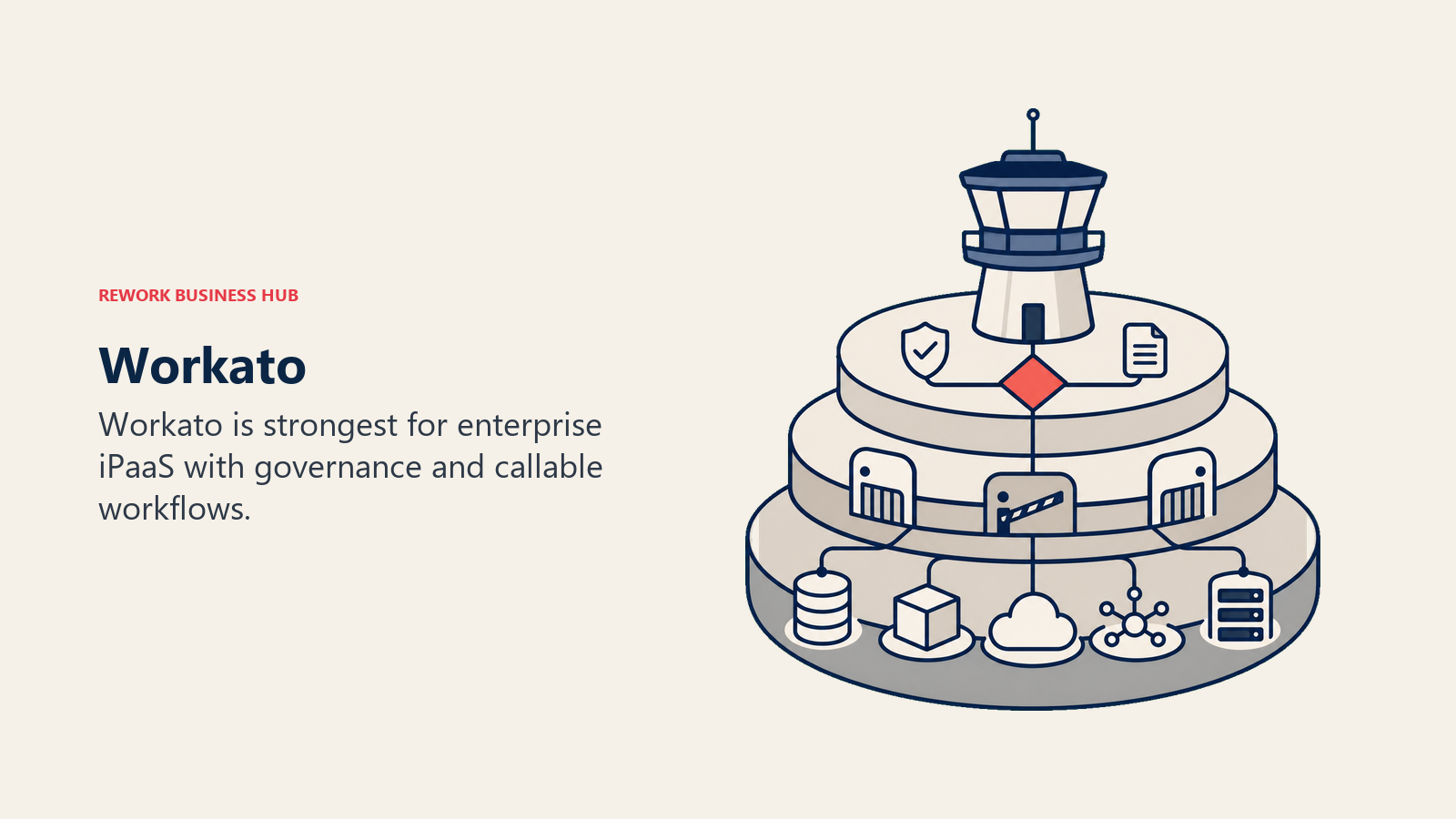
The callable recipe model is genuinely smart for enterprise ops: you build a master workflow (called a recipe), then other recipes can call it like a function. This means a change to a core process updates everywhere it's used, rather than requiring edits to dozens of individual workflows. For enterprises running 200+ automations, this reusability matters.
The price reflects the positioning. Workato starts around $10,000 per year for enterprise plans, which is entirely rational for a 500-person company replacing manual ops processes but completely inaccessible for a 30-person RevOps team. If you're under 200 people, Workato is worth knowing about but probably not worth evaluating seriously.
| What you get | What you don't |
|---|---|
| Callable recipes for reusable workflow components | Pricing accessible to growth-stage teams |
| Enterprise connectors: SAP, Workday, ServiceNow | A no-code-friendly experience for business users |
| Audit trails, role-based access, governance controls | Quick time-to-first-automation |
| Certified partner ecosystem and professional services | Self-service trial without sales involvement |
Pricing: Enterprise pricing; typically from $10,000/yr. Contact sales for specifics.
Best for: Enterprise operations and IT teams at 200+ person companies where governance, compliance, and enterprise system integration are non-negotiable requirements.
Not ideal for: Growth-stage companies under 200 people or teams without dedicated IT or automation engineering resources.
5. Tray.io: Visual and code hybrid for mid-market and enterprise ops
Tray.io sits between Make and Workato on the sophistication spectrum. The platform combines a visual workflow builder with the ability to drop into full code at any point, making it accessible to ops managers for straightforward integrations while giving IT engineers the escape hatch they need for complex logic.
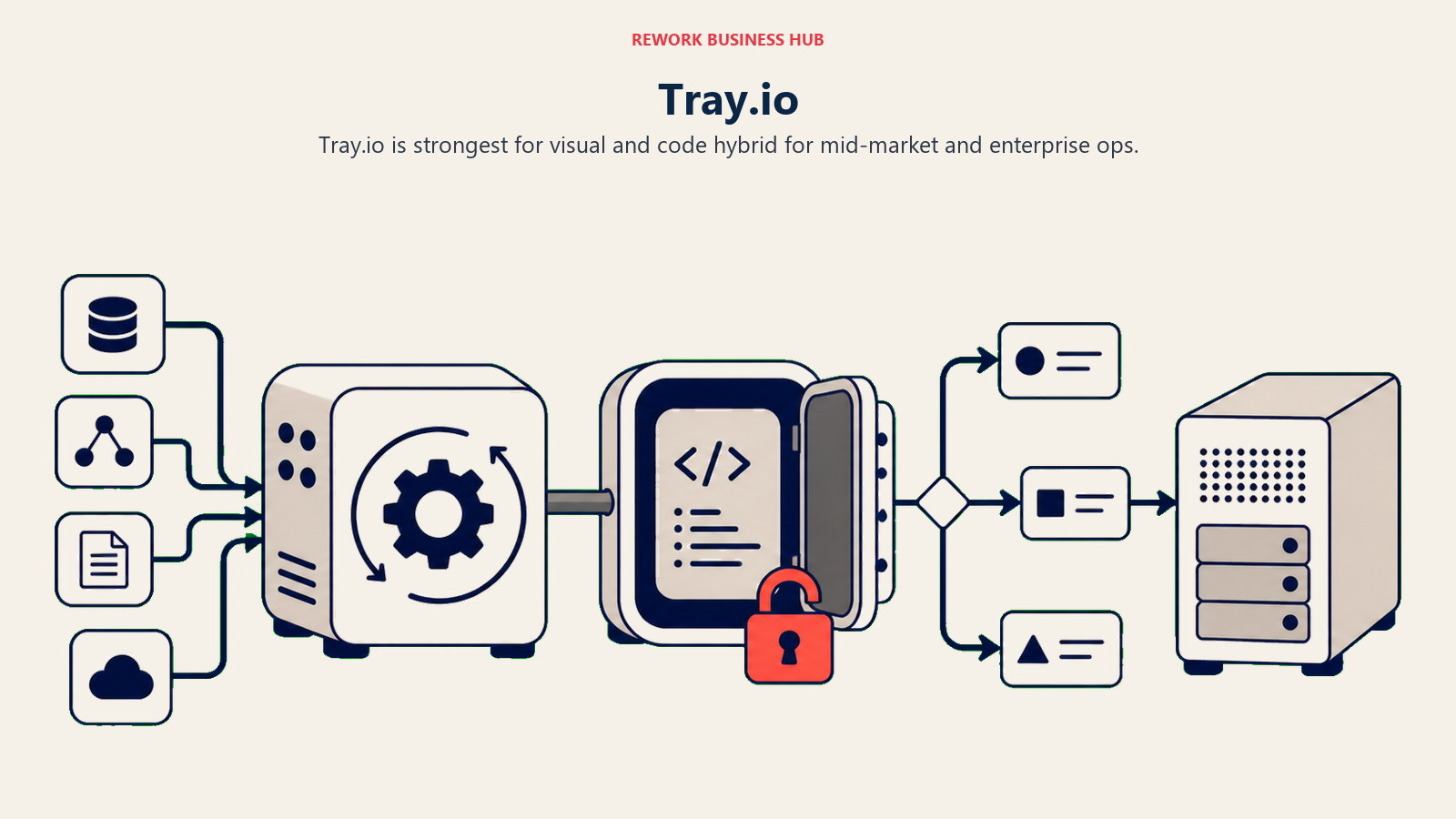
The API builder is Tray's differentiator: you can use Tray to build and expose your own APIs, not just consume them. For ops teams that need to connect systems without published connectors, or that want to create internal integration endpoints for partner teams, this is a meaningful capability.
Error handling in Tray is more sophisticated than Make's approach and easier to configure. Failed steps can route to dedicated error workflows, send alerts, log to external systems, and retry with backoff logic without requiring the configuration gymnastics that Make demands. For operations teams running mission-critical automations (revenue reporting, SLA breach alerts, contract renewal triggers), this reliability matters.
| What you get | What you don't |
|---|---|
| Visual + code hybrid; accessible and powerful | Affordable pricing for small teams |
| API builder for creating internal integration endpoints | Quick self-serve onboarding without sales process |
| Sophisticated error handling with retry and routing | A large library of pre-built templates |
| Strong audit and monitoring dashboard | Consumer-grade UX simplicity |
Pricing: Enterprise pricing; typically requires contacting sales. Mid-market plans available but not publicly listed.
Best for: Mid-market ops teams at 100-500-person companies running complex, mission-critical integrations where error handling and reliability are priorities.
Not ideal for: Small teams, budget-sensitive ops, or users who want simple point-and-click automation without engineering involvement.
6. Pipedream: Developer-first serverless automation with code in every step
Pipedream's approach is the inverse of no-code tools: code is the default, visual is the wrapper. Every step in a Pipedream workflow can execute Node.js, Python, Go, or Bash directly. The platform is serverless: your code runs on Pipedream's infrastructure with no server management. For developer-led ops teams or companies where engineers handle the automation layer, this is much faster than building custom integrations from scratch.
The event source model is also distinctive. Pipedream can subscribe to webhooks, poll APIs on a schedule, listen to message queues, or trigger from a database change event. This makes it a natural fit for real-time ops automations that need to respond to events rather than run on a fixed schedule. You can review Pipedream's free and paid plans. The free tier is generous enough for many internal automation use cases.
The 100,000 free events per month on the free tier is generous enough that many technical teams never outgrow it for internal automation. For growth-stage SaaS companies where engineers also handle ops tooling, Pipedream can eliminate the need for a separate automation platform entirely.
| What you get | What you don't |
|---|---|
| Full Node/Python/Go execution in every workflow step | No-code accessibility for non-technical team members |
| 100k free events/month on free tier | Enterprise governance, SSO, and access controls (free tier) |
| Real-time event triggers across webhooks, queues, APIs | Visual-first interface for business process owners |
| Large library of pre-built actions maintained by community | Built-in human approval steps or manual intervention points |
Pricing: Free (100k events/mo); Basic from $29/mo; Advanced from $49/mo. Volume pricing available.
Best for: Developer-led ops teams, technical founders, and engineering teams who want code-first serverless automation without infrastructure management.
Not ideal for: Non-technical operations managers or teams that want to build automations without developer involvement.
7. Pabbly Connect: Flat-rate pricing for teams watching automation costs
Pabbly Connect's entire value proposition is pricing simplicity. Where Zapier and Make both charge based on task or operation volume, Pabbly charges a flat monthly or lifetime fee regardless of how many times your automations run. For ops teams with high-volume, repetitive workflows (syncing form responses to CRM, routing support tickets, updating spreadsheets), this model can represent significant savings.
The product covers the automation fundamentals: multi-step workflows, conditional routing, formatter tools, delay steps, and a growing library of 1,000+ app integrations. It's not as polished as Zapier, not as expressive as Make, and not as code-friendly as n8n. But for teams whose workflows fit the common patterns and who are primarily making a purchasing decision on cost, Pabbly is genuinely the best value in this market. See Pabbly Connect's current plans. Lifetime deals appear periodically and are worth watching for.
The lifetime deal (periodically available) makes Pabbly attractive for bootstrapped companies and agencies that want to lock in automation costs permanently.
| What you get | What you don't |
|---|---|
| Flat-rate pricing regardless of task volume | Polish and UX quality of Zapier or Make |
| 1,000+ app integrations | Advanced logic: deep iterators, code nodes, complex branching |
| Multi-step workflows with conditional routing | Enterprise governance, SSO, team permissions |
| Lifetime deal option for permanent cost lock-in | Large community or extensive documentation depth |
Pricing: Starter from $19/mo (unlimited tasks); Growth from $29/mo; Business from $39/mo. Lifetime deals periodically available.
Best for: Cost-sensitive ops teams, agencies, and bootstrapped companies running high-volume automations who want flat-fee pricing and are comfortable with a less polished experience.
Not ideal for: Teams needing advanced logic, large enterprise app libraries, or consumer-grade UX quality.
8. Integrately: 1-click pre-built automations for teams migrating from Zapier
Integrately's approach is the opposite of n8n's: reduce time-to-first-automation to near zero. The platform has over 20 million pre-built automation templates, meaning most common workflow patterns (form submission to CRM, calendar to email, Shopify to Slack) are available as single-click activations without field mapping.
For operations teams that primarily need common integrations up and running quickly and don't need custom logic, this template-first approach is genuinely faster than any alternative. Integrately also markets itself as a Zapier alternative with lower pricing, and on that dimension it delivers: the per-automation cost is lower, and the task limits are more generous on entry-level plans.
The limitation shows up when workflows get custom. Once you move beyond the pre-built templates into conditional logic, multi-branch routing, or data transformation, Integrately's builder is less expressive than Make or n8n. It's a tool for getting standard automations live fast, not for building sophisticated workflow logic.
| What you get | What you don't |
|---|---|
| 20M+ pre-built automation templates (1-click activation) | Advanced branching, iterators, or code-node execution |
| Lower per-automation cost than Zapier | Deep error handling and retry logic |
| 1,000+ app integrations | Self-hosting or data residency options |
| Fast onboarding without field-mapping for common workflows | Enterprise governance and access controls |
Pricing: Free (limited); Starter from $19.99/mo; Professional from $39/mo; Growth from $99/mo.
Best for: Teams migrating from Zapier who want lower pricing and faster setup for standard integrations, without needing advanced custom logic.
Not ideal for: Teams building complex, branching, or logic-heavy workflows that require more than template-based automation.
9. Relay.app: Human-in-the-loop automation with AI-powered run customization
Relay.app addresses a gap that most automation platforms ignore: workflows that aren't fully automatable. Many real-world ops processes need a human touchpoint: an approval, a judgment call, a piece of context that no system can determine algorithmically. Relay is built around the idea that automation and human action aren't opposites; they're complementary steps in the same workflow.
The platform supports approval steps, review steps, and custom input requests natively. A workflow might auto-pull lead data, score it, then pause and ask an SDR to confirm the outreach message before sending. Or route a contract for legal review, wait for sign-off, then trigger the next step. This human-in-the-loop model is a fundamental architectural difference from tools like Make or Zapier, where pausing for a human requires workarounds.
Relay also integrates AI into workflows as a first-class step: you can run prompts mid-workflow to categorize data, draft content, or make conditional decisions, with the AI output feeding into the next automation step. The platform is newer than most on this list, which means fewer integrations and less battle-testing, but the design direction is worth watching for modern ops teams. Check Relay.app's pricing. The per-user model makes costs predictable at team scale.
| What you get | What you don't |
|---|---|
| Native human approval and review steps in workflows | Large app library (newer platform) |
| AI steps for classification, drafting, and decisions mid-workflow | Battle-tested reliability across edge cases |
| Modern, clean UX; fast to build | Deep enterprise governance or SSO |
| Per-seat pricing model (predictable costs) | Complex iterator/aggregator logic for data manipulation |
Pricing: Free (limited runs); Starter from $9/user/mo; Pro from $18/user/mo.
Best for: Ops teams running workflows that intentionally involve human review or approval, and teams wanting to integrate AI steps natively without external AI API management.
Not ideal for: Fully automated, high-volume workflows with no human touchpoints, or teams needing a deep library of enterprise connectors.
Why Teams Leave Make: Common Patterns
| Pain Point | Description | Who Feels It Most |
|---|---|---|
| Scenario builder learning curve | Routers, iterators, aggregators require a programming mental model | Non-technical ops managers |
| Operations-based pricing confusion | Paying per operation run makes cost forecasting difficult at scale | Finance-conscious ops directors |
| Complex error handling | Catching, routing, and retrying failed modules requires significant setup | Ops teams running mission-critical automations |
| Slow large-dataset processing | Workflows processing large arrays or bulk records can be slow | Data ops, reporting workflows |
| Limited support on lower tiers | Support speed and quality degrade significantly on starter plans | Growing teams on mid-tier plans |
| No human approval steps | Pausing for human input requires workarounds (Webhooks, manual triggers) | Ops teams with compliance requirements |
Feature Comparison: Core Automation Capabilities
| Feature | Make | Zapier | n8n | Power Automate | Relay.app |
|---|---|---|---|---|---|
| Visual workflow builder | Yes (canvas) | Yes (linear) | Yes (canvas) | Yes | Yes |
| Branching and conditional logic | Yes (routers) | Yes (Paths) | Yes | Yes | Yes |
| Iterators and loops | Yes | Limited | Yes | Yes | No |
| Code execution in steps | Limited | No | Yes | Yes (expressions) | No |
| Human approval steps | No (workaround) | No | No | Yes | Yes (native) |
| Error handling and retry | Yes (complex) | Basic | Yes | Yes | Basic |
| Self-hosting | No | No | Yes | No | No |
| AI steps native | No | No | Partial | Yes (Copilot) | Yes |
Pricing Comparison at Scale
| Tool | 10,000 tasks/mo | 100,000 tasks/mo | 1M tasks/mo |
|---|---|---|---|
| Make | Core plan ~$16/mo | Teams plan ~$99/mo | Enterprise pricing |
| Zapier | Starter ~$49/mo | Professional ~$99/mo | Team pricing |
| n8n Cloud | Starter ~$20/mo | Pro ~$50/mo | Enterprise |
| Pabbly Connect | Rupee-priced Standard | Rupee-priced Standard | Rupee-priced Unlimited |
| Pipedream | Free tier covers it | Basic ~$29/mo | Advanced ~$49/mo |
| Integrately | Professional ~$39/mo | Growth ~$99/mo | Enterprise |
| Relay.app | Starter ~$9/user/mo | Pro ~$18/user/mo | Enterprise |
Note: Make and Zapier pricing above is approximate. Costs vary based on active scenarios, team size, and feature tier. Always verify current pricing at the vendor's site.
Integration Ecosystem Depth
| Tool | App Library Size | Notable Connectors | Custom/API Support |
|---|---|---|---|
| Make | 1,500+ apps | Salesforce, HubSpot, Slack, Google, Shopify | HTTP module for any REST API |
| Zapier | 7,000+ apps | Broadest library on market | Webhooks available |
| n8n | 400+ (extensible) | Major SaaS + custom nodes | Full code in every node |
| Power Automate | 1,000+ connectors | Deep M365, Dynamics, Azure | Custom connectors available |
| Workato | 1,200+ | SAP, Workday, ServiceNow, enterprise stack | Custom connector builder |
| Tray.io | 600+ | Enterprise focus | API builder for custom endpoints |
| Pipedream | 2,000+ | Strong developer ecosystem | Code native; any API |
| Pabbly Connect | 1,000+ | Standard SaaS library | Webhook and API support |
| Integrately | 1,200+ | Standard SaaS library | Basic webhook support |
| Relay.app | 30+ (growing) | Core business apps only | HTTP steps for unlisted apps |
How to Choose: Decision Framework
| If your primary need is... | Choose |
|---|---|
| The widest app library with fastest no-code setup | Zapier |
| Self-hosted automation with full code control | n8n |
| Deep Microsoft 365 and Teams automation | Microsoft Power Automate |
| Enterprise-grade governance, audit, and callable workflow patterns | Workato |
| Advanced error handling + API builder at mid-market | Tray.io |
| Serverless code-first automation without server management | Pipedream |
| High-volume automation at flat-rate pricing | Pabbly Connect |
| Pre-built 1-click templates for standard integrations | Integrately |
| Workflows that intentionally pause for human review or approval | Relay.app |
Ops Team Maturity Fit
| Automation Maturity | Best Starting Point | Why |
|---|---|---|
| Just starting (first automations) | Zapier or Integrately | Fastest time-to-first-automation; no training required |
| Running 10-50 automations, hitting Zapier limits | Make or n8n | More expressive logic at lower per-task cost |
| Need human approvals in workflows | Relay.app | Native approval steps without workarounds |
| Developer-led ops team | Pipedream or n8n | Code-native, maximum flexibility |
| Standardized on M365 | Power Automate | Already licensed; deepest Microsoft integration |
| Enterprise, 200+ employees, compliance needs | Workato or Tray.io | Governance, audit, and enterprise connector depth |
What to Do Next
Run a two-week pilot with your top two picks. Map three of your highest-friction workflows: the ones your team handles manually or that break most often in Make. Set them up in each tool. Measure setup time, error rate, and what the monthly cost would be at your actual automation volume. The right tool is the one your ops team can maintain without constant troubleshooting, at a price that scales predictably as your workflows grow.
If you're hitting Make's learning curve or pricing confusion, start with n8n (if you have technical resources) or Relay.app (if human approvals matter). If cost is the main driver, Pabbly Connect solves that directly.
For teams thinking about the broader cost of maintaining multiple middleware tools, the true cost of software sprawl puts a number on what layered integrations actually cost over time, not just in licensing but in maintenance hours. And for RevOps teams building automation around their sales pipeline, the CRM workflow automation guide covers how to structure automation logic at the CRM layer before deciding what needs an external tool like Make or Zapier.

Principal Product Marketing Strategist
On this page
- Quick Comparison Table
- Stage Fit Matrix
- Sizing and Persona Table
- 1. Zapier: The widest app library with the fastest time-to-automation
- 2. n8n: Open-source automation with full code access and self-hosting
- 3. Microsoft Power Automate: Deep Microsoft 365 automation for IT-led shops
- 4. Workato: Enterprise iPaaS with governance and callable workflows
- 5. Tray.io: Visual and code hybrid for mid-market and enterprise ops
- 6. Pipedream: Developer-first serverless automation with code in every step
- 7. Pabbly Connect: Flat-rate pricing for teams watching automation costs
- 8. Integrately: 1-click pre-built automations for teams migrating from Zapier
- 9. Relay.app: Human-in-the-loop automation with AI-powered run customization
- Why Teams Leave Make: Common Patterns
- Feature Comparison: Core Automation Capabilities
- Pricing Comparison at Scale
- Integration Ecosystem Depth
- How to Choose: Decision Framework
- Ops Team Maturity Fit
- What to Do Next