7shifts vs Deputy: Which Employee Scheduling Software Fits Your Team in 2026?
Turn this article into takeaways for your work.


Each assistant summarizes the article only for you and suggests best practices for your work.
Search "7shifts vs Deputy" and you'll find two tools that both build a schedule, run a mobile time clock, and let staff swap shifts from a phone. That surface-level overlap is where the similarity ends. These are the two genuine head-to-head names in shift scheduling, and they're priced on axes that don't translate into each other: 7shifts charges per location with a hard employee cap baked into every tier, and Deputy charges per user with no headcount band at all. Get that difference wrong and you can end up paying double for the same headcount, or paying for compliance depth a general scheduler was never built to deliver.
This comparison is for whoever owns the schedule at a business with hourly staff, whether that's one restaurant, three retail locations, or a healthcare or services team where a missed shift costs real money. If you've narrowed your search to these two specifically, you've probably already worked out that 7shifts leans hard into restaurants and Deputy leans hard into everything else, and now you want the real math behind that, not the marketing version.
That math turns out to hinge less on which tool has more features and more on the shape of your business. A single busy restaurant with 40 staff on the floor is a different pricing problem than three small retail counters with 12 people apiece, even though both add up to roughly the same total headcount. One pricing model rewards that shape, the other ignores it completely, and picking the wrong one for your situation can mean paying two or three times what the other vendor would have charged for the exact same team.
Key Facts
- 89% of frontline workers had a shift changed or cancelled with less than 48 hours' notice in the past three months, according to the Frontline Workforce Index 2026, research from Legion Technologies and Retail Economics surveying 2,000 UK retail and hospitality workers.
- Full-service restaurants spent a median of 36.5% of sales on salaries and wages including benefits in 2024, up from roughly 33% a decade earlier, while limited-service restaurants spent a median of 31.7%, up from about 28%, according to the National Restaurant Association.
- 42% of restaurant operators say their restaurant was not profitable last year, and more than 9 in 10 name food, labor, insurance, energy, and swipe fee costs among their top challenges, per the National Restaurant Association's 2026 State of the Restaurant Industry report.
- Any hours worked over 40 in a week must be paid at one and a half times the regular rate under the Fair Labor Standards Act, the federal floor every scheduling tool in this category is ultimately building against, per the U.S. Department of Labor.
- 7shifts holds a 4.5 out of 5 rating across 129 reviews on G2, while Deputy holds a 4.6 out of 5 rating across 666 reviews, both solid scores in a category where reviewers are quick to complain about a clunky mobile app.
TL;DR
| 7shifts | Deputy | |
|---|---|---|
| What it is | Restaurant-native scheduling built around labor cost vs. sales, tip handling, and POS integration | General-purpose scheduling and compliance platform with award-style labor law automation and demand forecasting |
| Pricing model | Per location, with a hard employee cap inside every tier | Per user, no headcount band, but a $30 minimum monthly invoice below 6 users |
| Free plan | Comp: scheduling, time clock, team communication, up to 15 employees, single-location businesses only | None. 14-day free trial |
| Entry paid tier | Essentials, $39.99/location/month annual ($44.99 monthly), up to 30 employees | Lite, $5/user/month ($4.50/user/month annual-equivalent) |
| Most popular tier | Pro, $79.99/location/month annual ($89.99 monthly), up to 60 employees | Core, $6.50/user/month ($5.85/user/month annual-equivalent) |
| Top tier | Premium, $134.99/location/month annual ($149.99 monthly), unlimited employees | Pro, $9/user/month ($8.10/user/month annual-equivalent), bundles Messaging+ free |
| Compliance depth | Markets general predictive-scheduling support; specifics aren't spelled out on the public pricing page | Deep: automated pay-rule interpretation, Fair Workweek advance notice, predictability pay alerts, clopening risk warnings, Core and Pro only |
| Vertical focus | Restaurants and food service, specifically | General-purpose: retail, hospitality, healthcare, and services, across multiple sites |
| Best for | A single busy location, or a small restaurant group where every site stays under a tier's cap | Multi-state or multi-industry operators, or teams needing compliance automation past what 7shifts confirms |
Who Each Tool Is Actually Built For
7shifts isn't a general scheduler with a restaurant skin on it. Its whole design center is the number a restaurant manager actually watches week to week: labor cost as a percentage of sales, tracked live against a connected point-of-sale system, alongside tip pooling and a Tip Management add-on for deeper payout automation. That depth is exactly why a restaurant should pay for it, and exactly why a retailer or clinic has little use for most of what it does.
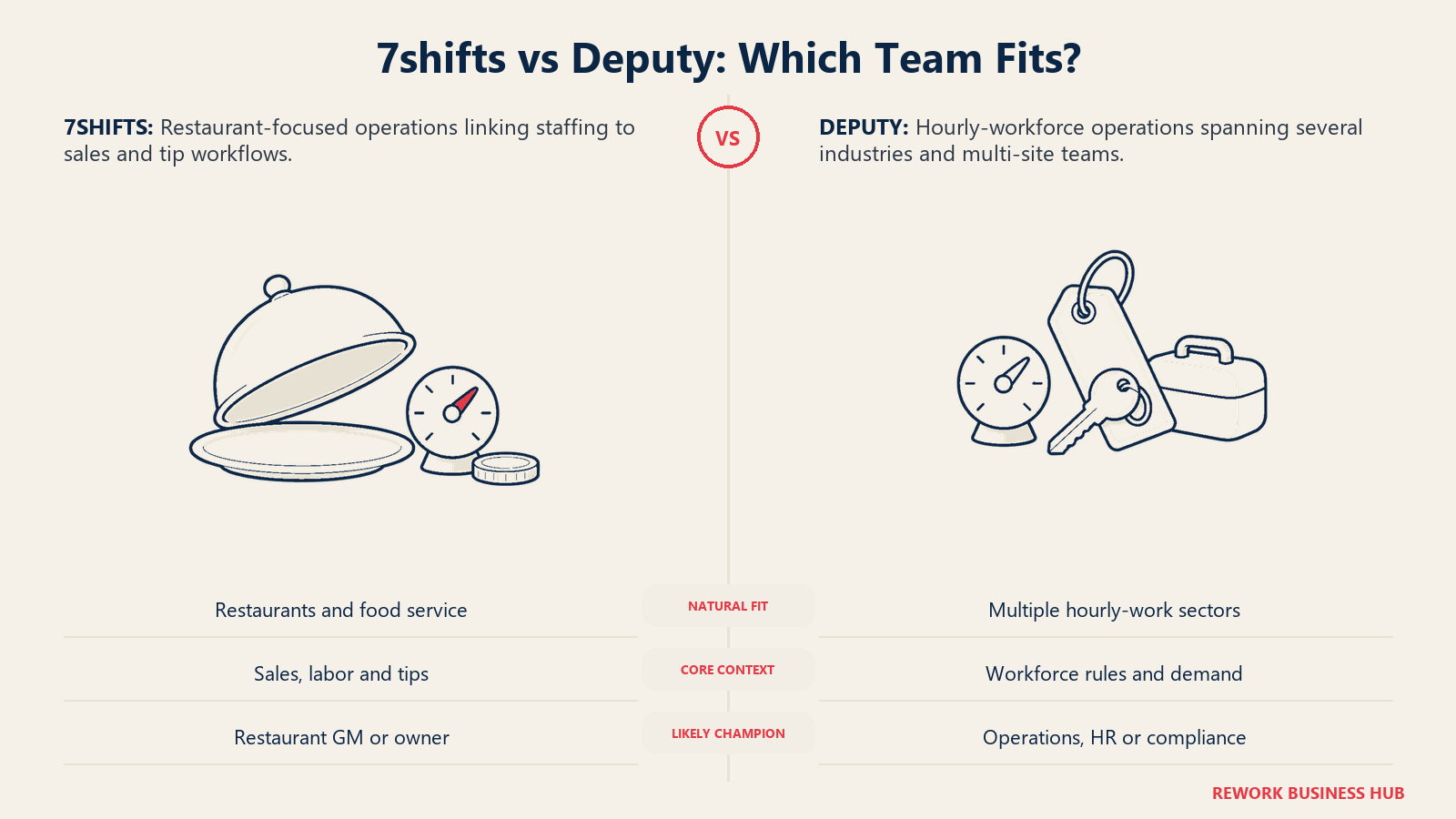
Deputy came out of Australia with roots in award interpretation, the process of calculating the legally required minimum pay under a specific labor agreement, and that heritage still shows. Deputy automates pay-rule interpretation and keeps audit-ready digital records, on top of its own Demand Forecasting module that also pulls sales data from a connected POS system, but built for retail, hospitality, healthcare, and services rather than restaurants alone. It sells into multi-site operators who need scheduling and compliance handled by the same product, regardless of industry.
| 7shifts | Deputy | |
|---|---|---|
| Design center | Labor cost against real point-of-sale sales, tip handling, restaurant-specific workflows | Compliance-automated scheduling and demand forecasting across multiple industries |
| Natural buying trigger | You run a restaurant, café, bar, or food-service business and want labor cost tied to actual sales | You have real labor law exposure (multi-state, predictive scheduling ordinances, award-style pay rules) or want demand-driven scheduling outside food service |
| Company profile that fits best | Single or multi-location restaurants and food-service operators | Retail, hospitality, healthcare, and multi-site operators across verticals |
| Pricing axis | Per location, with a hard employee cap inside each tier | Per user, no headcount band, but a $30 minimum monthly invoice below 6 users |
| Primary champion | Restaurant GM, ops lead, or owner-operator | Ops, HR, or compliance lead accountable for wage and hour risk |
Neither company is chasing the enterprise buyer here. Both sell mostly to small and mid-size hourly-workforce businesses, and the real split isn't company size, it's vertical depth (restaurant-specific vs. general-purpose) plus how each one meters the bill.
Scheduling and Demand Forecasting
Both tools tie scheduling to a connected point-of-sale system, but for different reasons and at different tiers.
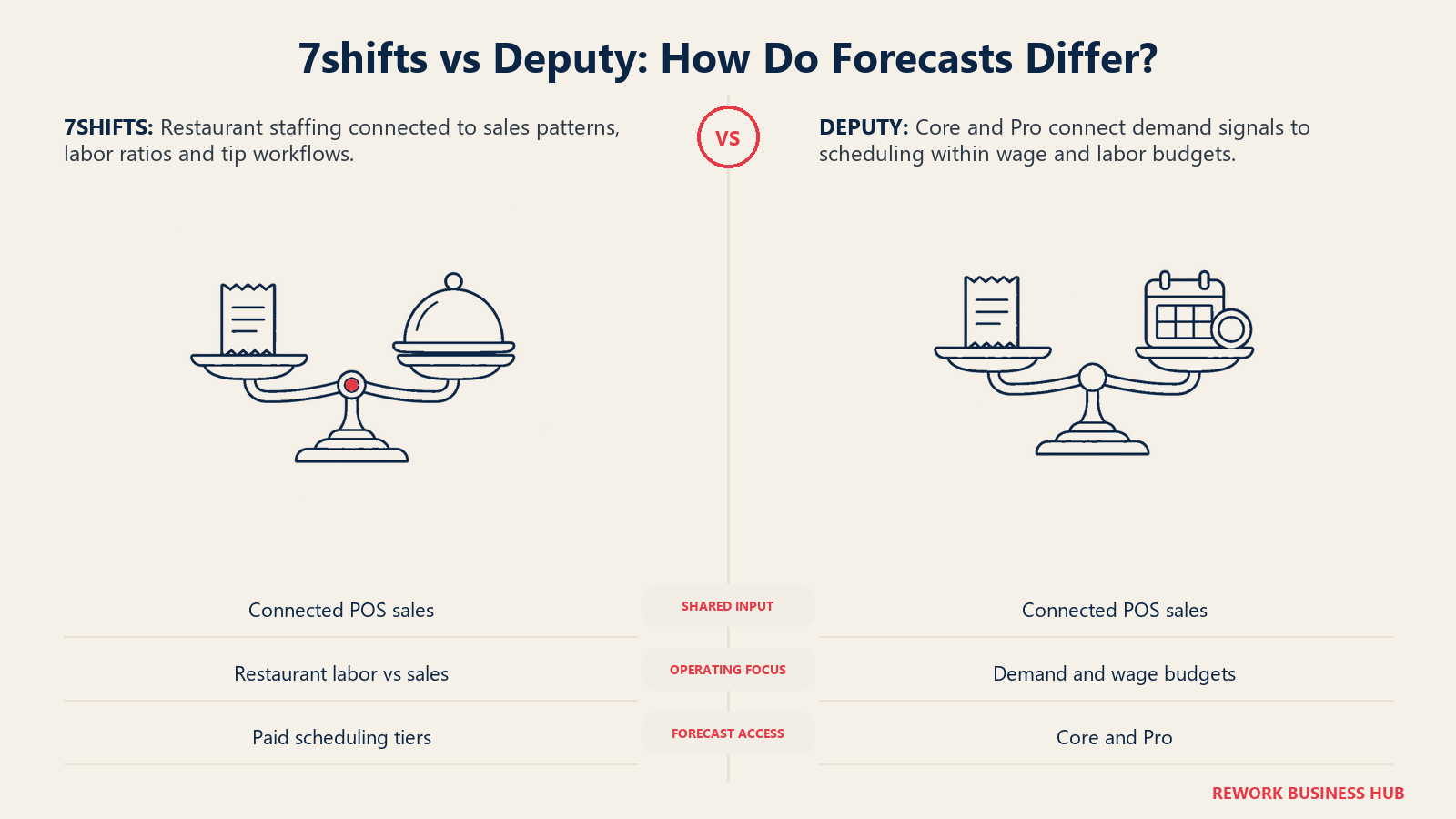
7shifts' whole reason to exist is labor cost as a live percentage of sales. Connect a POS system and the labor-to-sales number updates in something close to real time, alongside tip pooling on the base plan and a paid Tip Management add-on for deeper payout automation. Deputy's Demand Forecasting, gated to Core and Pro, does something similar mechanically, pulling POS sales data into Smart Scheduling tools that build a schedule against a wage or labor budget, but it's built to work across retail, hospitality, and healthcare, not tuned to a restaurant's specific metrics like tip pooling or a menu-driven sales curve.
| Capability | 7shifts | Deputy |
|---|---|---|
| POS integration | Yes, native to 12+ named POS systems including Toast, Square, Clover, Lightspeed, and Revel | Yes, native to 6 named POS systems including Square, Clover, Lightspeed, Revel, and Vend |
| Demand-forecast auto-scheduling | Yes, tied to restaurant sales, available on paid tiers | Core and Pro only, not Lite |
| Labor cost tracked against live sales | Yes, this is 7shifts' core selling point | Yes, via Demand Forecasting and Smart Scheduling, Core and Pro only |
| Tip pooling and payout | Yes, base feature; Tip Management add-on adds deeper payout automation at $49.99/location/month | Not a named feature |
| Reusable schedule templates | Yes | Yes |
| Shift-level task or checklist | Via Task Management add-on, $12.99/location/month | Via Deputy Tasking, included |
| Vertical the tool is built for | Restaurants and food service specifically | General-purpose: retail, hospitality, healthcare, services |
Mobile App, Time Clock, and Shift Swaps
Reviewers on both sides treat the mobile app as the thing that decides whether a rollout actually sticks, since a scheduling tool nobody opens on their phone doesn't do its job. Both tools cover the basics: a mobile time clock, employee-claimed open shifts, and a peer-to-peer swap flow with manager approval. Deputy goes further on the identity-verification side, with a GPS location stamp at punch, geofencing that blocks off-site clock-ins, and a separate Kiosk app for a shared device that adds PIN login, facial recognition, or photo capture, and can run offline for up to 24 hours. 7shifts doesn't publish an equivalent named kiosk mode at that depth, though its mobile time clock is included on the free Comp plan from day one.
| Capability | 7shifts | Deputy |
|---|---|---|
| Manual drag-and-drop builder | Yes, all tiers | Yes, all tiers |
| Mobile time clock | Yes, included on the free Comp plan | Yes, GPS-stamped |
| Geofencing to block off-site punches | Not a named feature at this depth | Yes |
| Shared-device kiosk mode | Not a named feature | Yes, named Kiosk app: PIN, facial recognition, or photo capture, works offline up to 24 hours |
| Employee-claimed open shifts | Yes | Yes, named Open Shifts |
| Peer-to-peer shift swap with manager approval | Yes | Yes, named Shift Swap/Offer |
| In-app team messaging | Yes, included | Yes, included on all tiers; Messaging+ add-on extends it |
| iOS and Android apps | Yes | Yes |
Compliance and Labor Law
This is the section that most honestly separates the two, and it's worth reading closely if compliance exposure is any part of why you're evaluating either tool. Deputy's Fair Workweek tooling, gated to Core and Pro, includes a Good Faith Estimate for upfront hours, Advance Notice scheduling, Predictability Pay alerts, and Compliance Alerts that flag "clopening" risk, working a closing shift followed too soon by an opening one. Layer in Award Interpretation, Deputy's automated calculation of legally required minimum pay under a specific labor agreement, and a Record of Compliance report for audits, and this is a genuinely deep compliance stack built to work across states and industries. Our Deputy vs When I Work comparison covers this stack in full detail if compliance depth is the deciding factor for you.
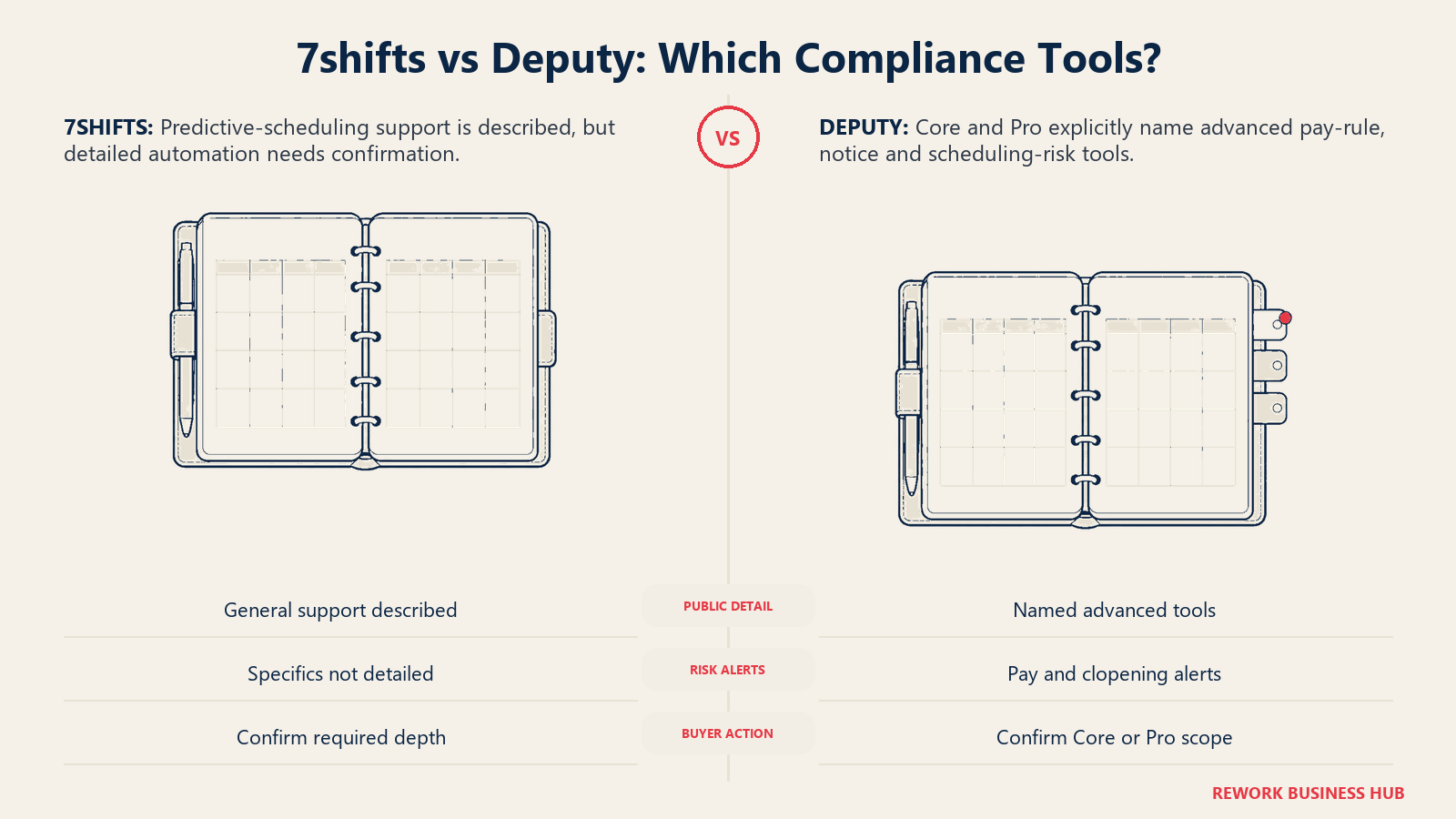
7shifts markets general predictive-scheduling compliance support as part of its restaurant feature set, but its public pricing page doesn't spell out whether that means automated predictability-pay calculation or something lighter, like compliant schedule posting. If your business operates under a predictive scheduling ordinance (Oregon statewide, and cities including New York, Chicago, Seattle, and San Francisco as of 2026, a fuller list is in our 7shifts vs Sling vs ZoomShift comparison) or a multi-state pay-rule structure, Deputy's Core tier at minimum is doing confirmed compliance work that 7shifts doesn't spell out in the same detail.
| Capability | 7shifts | Deputy |
|---|---|---|
| Automated pay-rule / award interpretation | Not a named feature | Yes |
| Fair Workweek advance notice and consent tracking | Markets general predictive-scheduling support; specifics not detailed on the pricing page | Yes, named modules, Core and Pro only |
| Predictability pay alerts | Not a named feature | Yes, named Predictability Pay |
| Clopening risk alerts | Not a named feature | Yes |
| Digital audit trail | Yes, via shift and schedule history | Yes, named Record of Compliance |
| Which tier includes this depth | Not tier-gated the way Deputy's is, since specifics aren't published | Core and Pro only, not Lite |
| Vertical compliance focus | Restaurant-specific: labor cost against real-time sales | General-purpose: multi-state pay rules, award-style interpretation, predictive scheduling ordinances |
7shifts Pricing, Location by Location
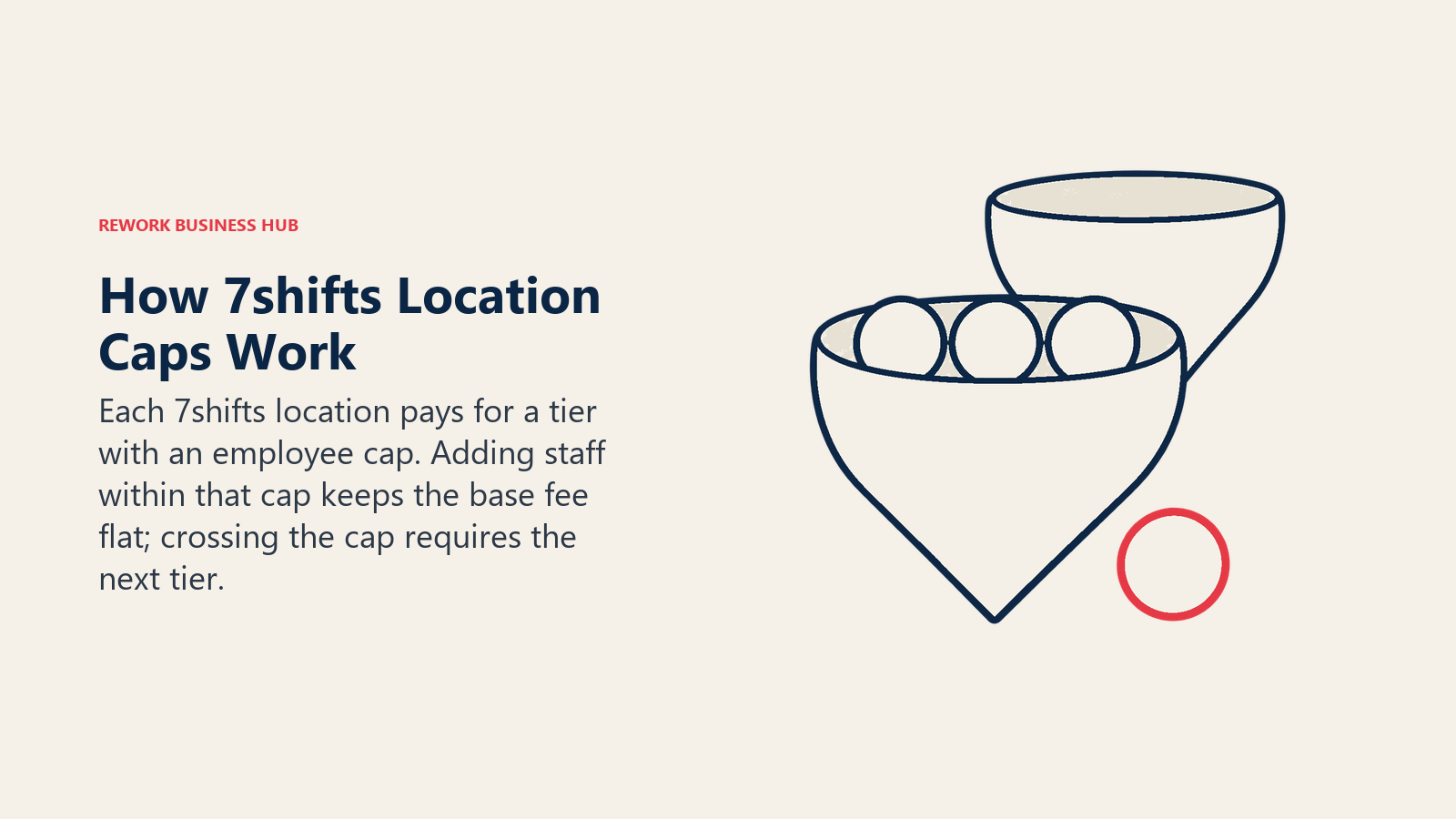
7shifts bills per location, and every tier caps how many employees that location can carry. Cross the cap and the location's bill jumps to the next tier in full, whether you added one employee or twenty.
| Plan | Monthly | Annual | Employee cap |
|---|---|---|---|
| Comp (free) | $0 | $0 | Up to 15 employees, single-location businesses only |
| Essentials | $44.99/location/month | $39.99/location/month | Up to 30 employees |
| Pro | $89.99/location/month | $79.99/location/month | Up to 60 employees |
| Premium | $149.99/location/month | $134.99/location/month | Unlimited employees |
Annual billing is about 10% cheaper across every paid tier. One nuance worth knowing before you assume the free plan applies to you: Comp's own limits are stated as "for single locations" plus "up to 15 employees." A business running more than one location doesn't qualify for Comp at any site, even if an individual location has only 4 or 5 people on staff. That's a real cost trigger, not a technicality, and it shows up in the worked math below.
The other nuance worth flagging twice: $39.99 appears in two different places on 7shifts' price list and means two different things. As the annual per-location rate for Essentials, it's a subscription price. As the standalone rate for the 7shifts Payroll add-on ($39.99/location/month plus $6 per employee paid), it's an entirely separate charge. That $6-per-employee figure only applies if you actually run payroll through 7shifts; a Premium customer paying their team through a different payroll provider pays $134.99 per location per month on annual billing and nothing more. A few third-party write-ups get this backwards, so read your own invoice before assuming either number applies to you.
Deputy Pricing, Per User
Deputy bills per user with no location field and no headcount band inside a tier. Every administrator, supervisor, and manager counts as a user.
| Plan | Price | What's included |
|---|---|---|
| Lite | $5/user/month | Scheduling, timesheets, time clocking, basic compliance, shift swap, leave and availability, basic reporting, messaging and news feed |
| Core | $6.50/user/month | Adds advanced scheduling, timesheet auto-approval, biometric time clocking, advanced compliance, micro-scheduling, auto-scheduling, demand forecasting, wage and labor budgets |
| Pro | $9/user/month | Adds automation, insights, priority support; Messaging+ is included free |
| Enterprise | Quote only | Custom |
Billed upfront annually for roughly 10% off, or in monthly installments at the list rate above. Deputy carries a minimum monthly spend of USD $30 per invoice on monthly Lite, Core, and Pro plans, in force since September 1, 2025. At the headcounts in this comparison (12 and up) that floor never actually binds, since even 12 users on Lite already total $60 a month, well past $30. It only becomes decisive under 6 users; our Deputy vs When I Work comparison walks through that math in full if you're scoping a very small single team.
Direction check, since a summarizing tool can invert this: for both vendors, the annual figure is the lower one. 7shifts Essentials is $44.99 monthly and $39.99 annual, not the other way around, and the same pattern holds for Deputy.
Deputy AI is currently listed as "introductory free" across tiers, with a printed caveat that "price and availability may change." Treat it as free today, not as a permanent feature. Deputy's own add-on ladder, covered below, is where its real bill tends to move.
The Real Cost at One Location: 12, 25, 35, and 60 Employees
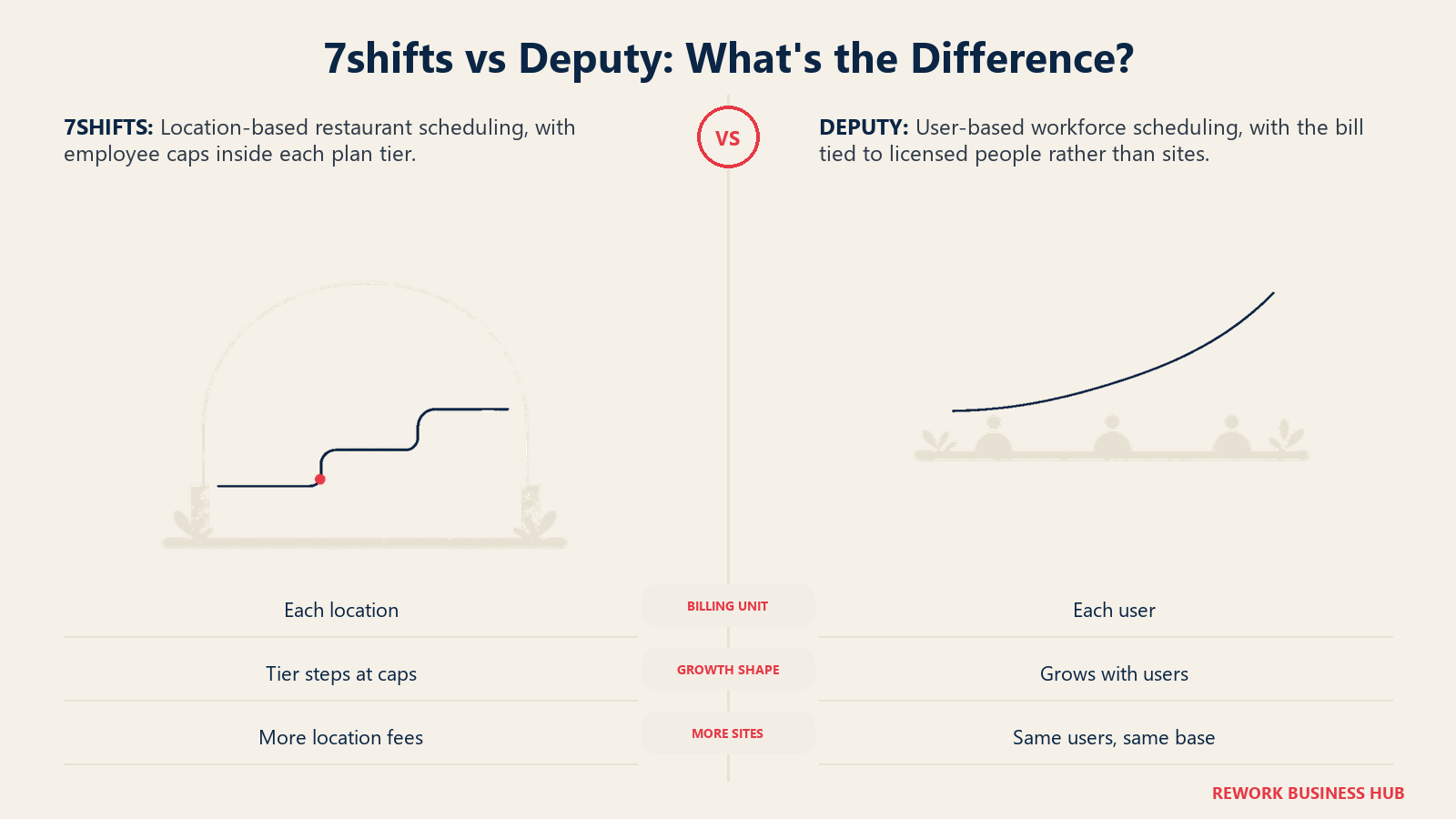
Here's where the two pricing models actually diverge for a single site. 7shifts' bill is set by which tier your headcount falls into, flat, regardless of exactly how many people that is under the cap. Deputy's bill climbs smoothly with every added user, no steps at all. Figures below use annual billing, the lower number for both vendors, and show whichever 7shifts tier the headcount actually requires.
| Employees, 1 location | 7shifts tier | 7shifts annual cost | Deputy Lite annual cost | Deputy Core annual cost |
|---|---|---|---|---|
| 12 | Comp (free, single location only) | $0/yr | $648.00/yr | $842.40/yr |
| 25 | Essentials | $479.88/yr | $1,350.00/yr | $1,755.00/yr |
| 35 | Pro | $959.88/yr | $1,890.00/yr | $2,457.00/yr |
| 60 | Pro, at its 60-employee ceiling | $959.88/yr | $3,240.00/yr | $4,212.00/yr |
Notice that 35 employees and 60 employees cost 7shifts exactly the same at one location: $959.88 a year either way, because Pro's price is flat all the way up to its cap. Hire a 61st employee and the bill jumps again, to Premium's $134.99 a month annual. At a single site with 16 or more employees, 7shifts' flat per-location fee consistently undercuts Deputy's per-user total, sometimes by a wide margin, which is exactly what you'd expect from a model that stops charging more once you're inside a tier's ceiling.
Monthly vs Annual Billing, at 25 Employees
Both vendors publish a real discount for paying annually rather than monthly, and it's worth seeing the gap in dollar terms rather than just as a percentage.
| Billing term | 7shifts Essentials | Deputy Lite | Deputy Core |
|---|---|---|---|
| Monthly, paid all year | $44.99/mo, $539.88/yr | $125.00/mo, $1,500.00/yr | $162.50/mo, $1,950.00/yr |
| Annual, paid upfront | $39.99/mo equivalent, $479.88/yr | $112.50/mo equivalent, $1,350.00/yr | $146.25/mo equivalent, $1,755.00/yr |
| Annual savings | $60.00/yr (about 11%) | $150.00/yr (10%) | $195.00/yr (10%) |
Deputy's discount is a clean, stated 10% on every tier. 7shifts' works out closer to 11% at Essentials specifically, close enough to the "about 10% cheaper" description both vendors use in their own marketing, but worth computing yourself rather than assuming the exact percentage on either page.
What Happens When You Add Locations
This is the part of the comparison that actually decides which tool fits a multi-site business, and it runs against intuition. Deputy's bill is identical whether your team sits at one location or ten: only total headcount matters. 7shifts' bill is the opposite: identical headcount, split across more locations, almost always costs more, not less, because you're paying a full per-location fee at every site rather than one blended rate for the whole company.
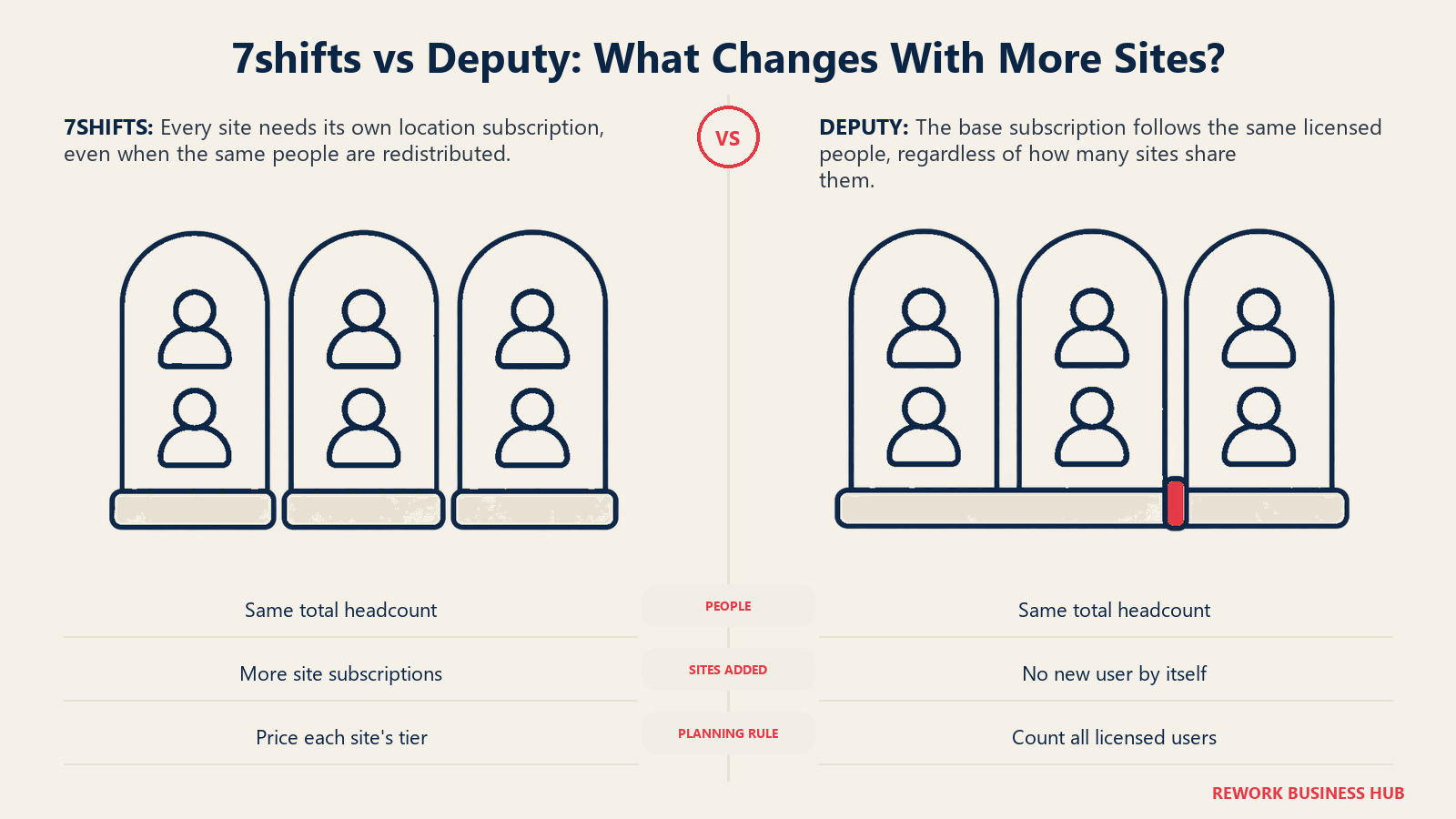
Take the same four headcounts from above and spread them evenly across 3 locations instead of concentrating them at 1.
| Total employees (spread across 3 locations) | 7shifts, 1 location | 7shifts, 3 locations | Deputy Core (either shape) |
|---|---|---|---|
| 12 (about 4/site) | $0/yr (Comp) | $1,439.64/yr (3 x Essentials; Comp requires a single-location business) | $842.40/yr |
| 25 (about 8/site) | $479.88/yr (Essentials) | $1,439.64/yr (3 x Essentials) | $1,755.00/yr |
| 35 (about 12/site) | $959.88/yr (Pro) | $1,439.64/yr (3 x Essentials, each site under 30) | $2,457.00/yr |
| 60 (20/site) | $959.88/yr (Pro, at its cap) | $1,439.64/yr (3 x Essentials, each site at 20) | $4,212.00/yr |
Read the 12-employee row twice. A single-location business with 12 employees pays 7shifts nothing at all on the free Comp plan. Split that exact same 12 people across 3 locations, 4 apiece, and the bill becomes $1,439.64 a year, not because you added a single employee, but because Comp is explicitly restricted to single-location businesses and every one of those 3 sites now needs its own paid Essentials subscription. Deputy doesn't care either way: 12 users cost $842.40 a year whether they work at one address or ten.
The 35-employee row makes the opposite point. Concentrated at one location, that headcount needs Pro at $959.88 a year. Spread across 3 locations at about 12 each, every site fits comfortably under Essentials' 30-employee cap, and yet the 3-location total, $1,439.64 a year, is still higher than the 1-location Pro cost. Three flat location fees, even at a lower tier each, add up to more than one higher-tier fee at a single site. If you're comparing 7shifts against Deputy for a business with several small locations, run this exact math with your own headcount and location count before assuming either vendor is the cheaper option. It genuinely depends on shape, not just total size.
Add-Ons: Where the Sticker Price Stops Being the Real Bill
Neither vendor's homepage price is the whole story once you need payroll, HR, or deeper analytics.
| Add-on | 7shifts | Deputy |
|---|---|---|
| Payroll | $39.99/location/month plus $6/employee paid (included at Premium; the $6 only applies if you run payroll through 7shifts) | $8/user/month plus a $49/month base fee (available on annual Core and Pro plans) |
| HR platform | Not a named add-on | $2/user/month, 30-day free trial |
| Extended team messaging | Not applicable, messaging is included natively | Messaging+, $1.95/user/month on Lite and Core; included free on Pro |
| Analytics / deeper reporting | Not a named add-on, reporting is included in the base tiers | Analytics+, $1.50/user/month |
| Tip management | $49.99/location/month | Not a named feature |
| Manager log book | $14.99/location/month | Not a named feature |
| Shift-level tasks | Task Management add-on, $12.99/location/month | Included via Deputy Tasking |
| Employee onboarding | $2.99 per onboarding package sent | Covered under the HR add-on |
| AI features | Not confirmed as a named add-on | Deputy AI, "introductory free" today, price and availability may change |
The pattern is consistent: 7shifts' add-ons are restaurant-operations specific (tips, manager logs, onboarding packages), while Deputy's add-ons round out a general-purpose HR and analytics stack. Neither is more expensive across the board, they're just built for different gaps.
Integrations and Payroll Partners
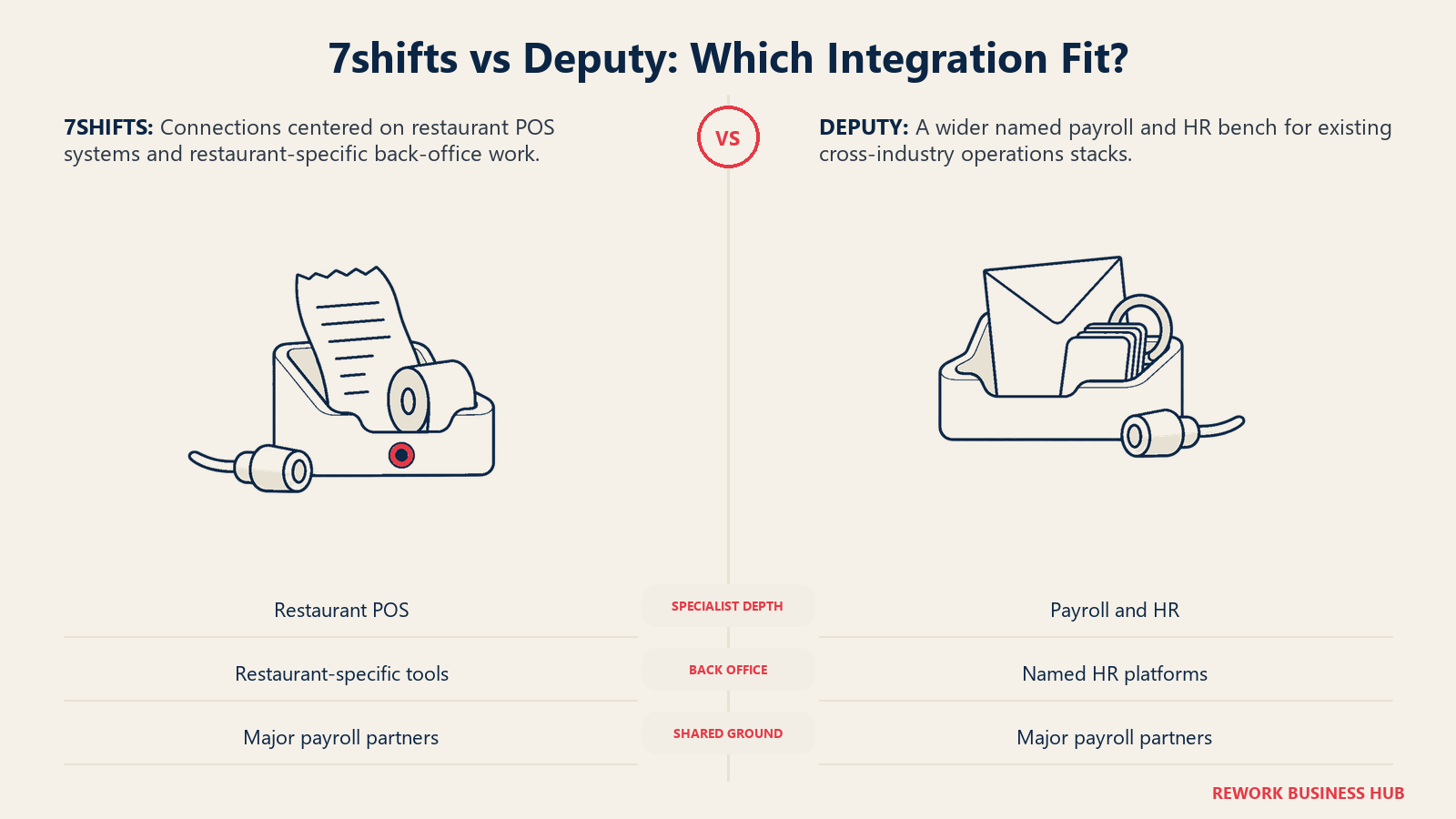
Both vendors publish a real integration bench, but they lean in different directions: 7shifts toward restaurant POS breadth, Deputy toward payroll and HR breadth.
| Integration category | 7shifts | Deputy |
|---|---|---|
| Native POS partners | 12 named, including Toast, Square, Clover, Lightspeed, Revel, and TouchBistro | 6 named: Square, Clover, Lightspeed, Revel, Vend, and Epos Now |
| Payroll partners | 15 named, including ADP Workforce Now, Gusto, Paychex, Paycor, Paylocity, QuickBooks Online, and Wagepoint | 22 named, including ADP, Gusto, Paychex, Paycor, Paylocity, TriNet, Xero, and Wagepoint |
| Dedicated HR platforms | Not a named integration category; back-office bench is restaurant-specific (RASI, Restaurant 365) | 9 named, including BambooHR, HiBob, and intelliHR |
| Where each bench runs deeper | Restaurant POS breadth and restaurant-specific back-office tools | Payroll partner count, and the only one of the two with a named HR integration bench |
If payroll or HR integrations matter as much as scheduling itself, that gap is worth weighing before you commit. Our best payroll software and best HR software roundups cover the standalone options on both sides of that decision.
Worth noting: both vendors' payroll benches overlap heavily on the household names (ADP, Gusto, Paychex, Paycor, Paylocity, Wagepoint all appear on both lists), so if you already have a payroll provider under contract, neither vendor is likely to force a switch. The real difference shows up if you don't have one yet, or if you're weighing whether to run payroll through the scheduling tool itself. Deputy's broader named bench, plus its dedicated HR platform integrations, gives it more room to plug into an existing stack; 7shifts' narrower list leans on its own Payroll add-on and a pair of restaurant-specific back-office tools instead of a wide third-party bench.
Who Should Pick 7shifts
- You run a restaurant, café, bar, or other food-service business where labor cost against real sales is the number that actually matters
- Tip pooling and payout automation need to live in the same tool as the schedule
- Your headcount at each location fits comfortably under a tier's cap, so you're not paying for a jump you don't need
- You want the deepest restaurant-specific POS bench in this comparison
- You're a single location, or a small group of locations you're willing to price out individually rather than assuming per-user math applies
Who Should Pick Deputy
- You operate outside food service, in retail, healthcare, hospitality, or general services
- You need confirmed compliance depth: automated pay-rule interpretation, Fair Workweek advance notice, predictability pay alerts, or clopening warnings
- You run multiple locations and want one predictable per-user rate that doesn't change based on how many sites that headcount is split across
- You want the wider payroll and HR integration bench, without relying on a restaurant-specific back office
- You're comfortable budgeting for Core or Pro to unlock the compliance and forecasting depth, since Lite doesn't include it
If Neither Fits
If restaurant depth and a lower price at a single site is the draw but 7shifts still feels like the wrong shape, Sling and ZoomShift are both lighter, cheaper, and per-user rather than per-location, worth a look if coordination or a small single-site budget matters more than POS-tied forecasting. If Deputy's compliance depth is the draw but its price or setup feels heavier than you need, When I Work is the simpler, cheaper general-purpose alternative, at the cost of that same compliance automation. And if what actually brought you here is deskless-crew communication and checklists rather than either vendor's core strength, Connecteam is worth a look, free for up to 10 users across all its hubs. For a genuinely free plan at a single small location, Homebase is the more straightforward starting point than either 7shifts or Deputy.
If you haven't actually narrowed the field to these two yet, our full employee scheduling software roundup and best workforce management software roundup cover the wider category, and Best 7shifts Alternatives or Best Deputy Alternatives are the right next stop if this comparison rules one of the two out rather than picking a winner.
Decision Framework
| If you are... | Pick |
|---|---|
| Running one restaurant location with headcount that fits neatly under a tier cap | 7shifts |
| Running several small locations and comparing per-location vs. per-user pricing | Run the math first; 7shifts often costs more once you're paying a full location fee at every site |
| Operating under predictive scheduling laws or multi-state pay rules | Deputy (Core or Pro) |
| Wanting labor cost tied to real sales data and tip pooling in one tool | 7shifts |
| Operating outside food service, in retail, healthcare, or general services | Deputy |
| Needing a wide, confirmed payroll and HR integration bench | Deputy |
| Wanting the deepest restaurant-specific POS bench in this comparison | 7shifts |
| Still comparing the wider category before narrowing down | See our full employee scheduling software roundup |
The verdict: if you're running a restaurant and labor cost against sales is genuinely the job to be done, 7shifts is built for exactly that, and at a single site with more than 15 employees, its flat per-location fee usually beats Deputy's per-user total by a wide margin. Once you're operating outside food service, or across several locations where 7shifts' flat per-site fee stacks up fast, or anywhere real compliance exposure exists, Deputy's per-user model and confirmed compliance depth is the more honest fit, even at a higher headline price.
What to Do Next
- Count your locations before you count your employees. 7shifts' pricing barely reacts to headcount inside a tier, but it reacts hard to how many sites you're running; Deputy is the reverse.
- Check whether Comp's single-location restriction rules it out for you. If you run more than one site, the free 7shifts tier isn't available at any of them, even if each site is tiny.
- Price your actual add-on stack, not the sticker price. If payroll, HR, or Messaging+ are in scope, add them to your seat or location count before comparing totals.
- Confirm your compliance exposure directly. If you operate under a predictive scheduling ordinance or multi-state pay rules, that alone should weigh heavily toward Deputy's Core tier or higher.
- Run both trials with your real team, not a demo account, since mobile adoption and reporting habits show up faster in daily use than in a feature list. Adjacent decisions worth lining up at the same time: our best time tracking software roundup, best payroll software roundup, and best HR software roundup.
Frequently Asked Questions about 7shifts vs Deputy
Is 7shifts or Deputy cheaper?
It depends on your shape, not just your headcount. At a single location with 16 or more employees, 7shifts' flat per-location fee usually undercuts Deputy's per-user total by a wide margin, since 7shifts stops charging more once you're under a tier's cap. Spread the same headcount across several locations, and 7shifts often costs more, not less, because you're paying a full location fee at every site. Deputy's total never changes based on location count, only total users.
Does 7shifts' free Comp plan work for a multi-location business?
No. 7shifts' own pricing page states Comp is "for single locations" and covers up to 15 employees. A business running more than one location doesn't qualify for the free plan at any of its sites, even if each individual location has only a handful of employees, and needs at least Essentials at every site instead.
What is 7shifts' $6 per employee Payroll charge, and does every customer pay it?
No. The $6 per employee paid applies only if you actually run payroll through 7shifts Payroll, which otherwise costs $39.99 per location a month on its own. A Premium customer who runs payroll through a different provider pays 7shifts' flat $134.99 per location a month (annual billing) and nothing further.
Does Deputy's $30 minimum monthly spend affect a typical comparison shopper?
Usually not. Deputy has charged a minimum of USD $30 per invoice on monthly Lite, Core, and Pro plans since September 1, 2025, but it only changes the effective price below 6 users. At 12 employees or more, the headcounts most readers are actually comparing, the floor never binds.
Which tool has deeper labor law compliance?
Deputy, and it isn't close on what's publicly confirmed. Its Core and Pro tiers include automated pay-rule interpretation, Fair Workweek advance notice and consent tracking, predictability pay alerts, and clopening risk warnings. 7shifts markets general predictive-scheduling compliance support as part of its restaurant feature set, but its public pricing page doesn't spell out the specifics the way Deputy's does.
Is Deputy AI really free?
It's listed as "introductory free" across Deputy's tiers, with a printed caveat that price and availability may change. Treat it as free today, not as a permanent feature of the product.
Which tool fits a business outside food service?
Deputy. 7shifts is built specifically around restaurant metrics like labor cost against POS sales and tip pooling, and a retailer, clinic, or services business would be paying for depth it has no real use for. Deputy's Demand Forecasting and compliance stack are built to work across retail, hospitality, healthcare, and general services.
Does 7shifts require every location to be on the same pricing tier?
Each location is billed against its own headcount, so a business with one large site and two small ones can end up paying for Pro at the busy location and Essentials at the smaller two. There's no requirement to match tiers across sites, but there's also no blended discount for running several locations at once. Each site's bill is calculated independently against its own cap.
Related Resources:
- Best Employee Scheduling Software in 2026
- Best Workforce Management Software in 2026
- Best 7shifts Alternatives in 2026
- Best Deputy Alternatives in 2026
- Deputy vs When I Work
- 7shifts vs Sling vs ZoomShift
- Best Connecteam Alternatives in 2026
- Best Homebase Alternatives in 2026
- Best Time Tracking Software in 2026
- Best Payroll Software in 2026
- Best HR Software in 2026

Principal Product Marketing Strategist
On this page
- Key Facts
- TL;DR
- Who Each Tool Is Actually Built For
- Scheduling and Demand Forecasting
- Mobile App, Time Clock, and Shift Swaps
- Compliance and Labor Law
- 7shifts Pricing, Location by Location
- Deputy Pricing, Per User
- The Real Cost at One Location: 12, 25, 35, and 60 Employees
- Monthly vs Annual Billing, at 25 Employees
- What Happens When You Add Locations
- Add-Ons: Where the Sticker Price Stops Being the Real Bill
- Integrations and Payroll Partners
- Who Should Pick 7shifts
- Who Should Pick Deputy
- If Neither Fits
- Decision Framework
- What to Do Next