Best Height Alternatives in 2026: 13 Tools for Teams After the Shutdown
Turn this article into takeaways for your work.


Each assistant summarizes the article only for you and suggests best practices for your work.
Height was genuinely good. The interface was clean and fast, the embedded chat-within-task design felt thoughtful, and the autonomous AI vision for Height 2.0 was ambitious in the right direction. But on March 22, 2025, CEO Michaël Villar announced that Height would shut down, and on September 24, 2025, the service went dark permanently. If you were on Height, you're now shopping for a replacement.
Teams leave (or left) Height for several distinct reasons: the pivot to AI-autonomous project management created uncertainty about the product's stability and direction; the pricing changed with the Business plan introduction; the integration ecosystem was smaller than mature tools like Jira or Asana; some teams needed dedicated engineering issue tracking with git integration and sprint velocity that Height never fully built out; and the shutdown itself forced a migration regardless of preference. This guide covers 13 tools that address each of those gaps, with real 2026 pricing, honest ICP framing, and a decision framework at the end so you can pick the right one for your team rather than just the most popular one.
Quick Comparison Table
| Tool | Best For | Starting Price | Key Strength | Key Limitation |
|---|---|---|---|---|
| Rework | Mid-size ops teams needing task management plus CRM and job workflows | $999/year (up to 10 users) | Unified work ops, not just task management | Not a dedicated engineering issue tracker |
| Linear | Eng teams wanting the closest UI feel to Height | Free; $10/user/month (Basic) | Speed, keyboard-first UX, git integration | Scoped to engineering teams, weak for non-technical stakeholders |
| Asana | Cross-functional teams managing projects and goals | Free; $10.99/user/month (Starter) | Timeline, portfolios, goal tracking | Complex per-seat pricing; not built for engineering workflows |
| ClickUp | Teams consolidating multiple tools into one | Free; $7/user/month (Unlimited) | Unmatched feature breadth | High complexity and setup overhead |
| Notion | Teams that want tasks inside their wiki | Free; $10/user/month (Plus) | Flexible, team already knows it | No native prioritization or sprint logic |
| Trello | Small teams wanting simple kanban | Free; $5/user/month (Standard) | Simplest kanban in this list | Limited for complex multi-project orgs |
| Jira | Engineering teams needing sprint tracking and git | Free (10 users); $8.15/user/month (Standard) | Best-in-class sprint boards and backlogs | Steep learning curve; expensive at scale |
| monday.com | Teams with mixed work across departments | Free (2 seats); $9/seat/month (Basic) | Visual project tracking, strong automations | Gets expensive with large teams |
| Basecamp | Flat-rate teams that hate per-seat pricing | $15/month (Plus); $299/month (Pro Unlimited) | Simple, fixed-cost, all-in | No sprint boards or advanced reporting |
| Wrike | Mid-market teams needing structured project delivery | Free; $10/user/month (Team) | Strong resource management and proofing | Expensive at Business tier |
| Shortcut | Product and engineering teams in one workflow | Free (10 users); $8.50/user/month (Team) | Closest combined PM and eng tool to Height | Smaller ecosystem than Jira or Asana |
| Airtable | Teams that want spreadsheet-database flexibility | Free; $20/editor/month (Team) | Ultimate structural flexibility | Requires heavy setup; not a task manager out of the box |
| Teamwork | Client-facing teams managing projects with external stakeholders | Free; $10.99/user/month (Starter) | Client portals and billing built in | Overkill for internal-only teams |
1. Rework: Best for Mid-Size Teams That Want Work Management Plus CRM and Ops
Rework is a unified work management, CRM, and operations platform for teams of 5 to 200. It's not trying to be a direct Height replacement for pure task tracking, and it doesn't pretend otherwise. What it does is connect planning and task execution to job workflows, approvals, lead management, and cross-team operations in a single platform. If your team's real problem is work sprawled across a task tool, a CRM, and a spreadsheet, Rework solves that in one place.
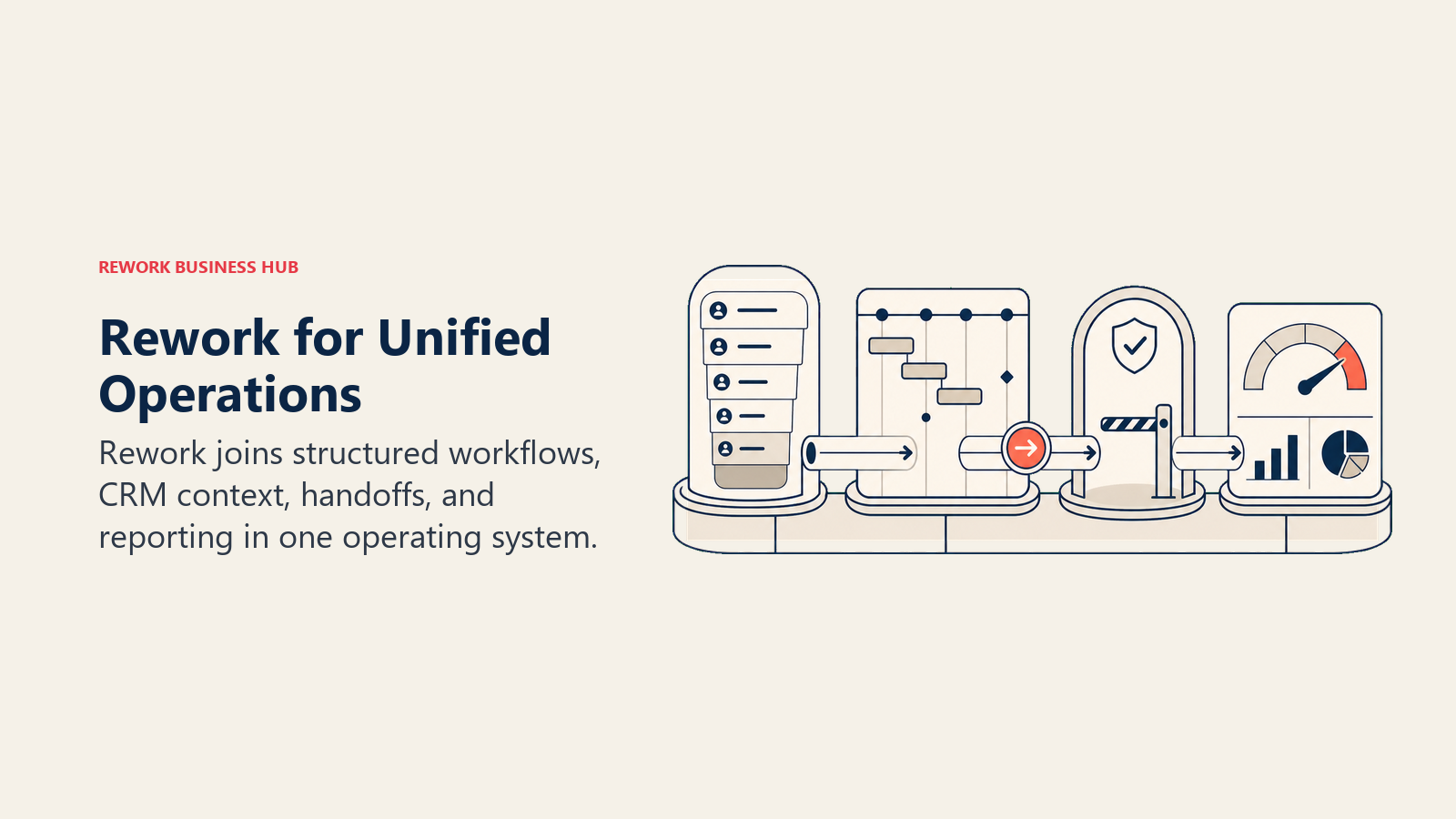
The pitch for Height refugees specifically: if you used Height for project and task coordination across product, ops, and delivery teams rather than deep engineering sprint work, Rework is worth a serious look. The team-level task structure is familiar, and the addition of CRM and ops pipelines means you can consolidate further rather than just swap one single-purpose task tool for another.
ICP: Operations-heavy teams (10 to 200 people) that manage both internal project work and external client or pipeline workflows, particularly those in professional services, SaaS ops, or agency work.
Sizing fit: Work Ops Starter handles up to 10 users at a fixed annual rate. Standard covers up to 20 included users with per-seat expansion. Not designed for solo users or under-5 teams.
Stage fit: Growth to mid-market. The overhead of the full platform pays off once cross-team coordination and client-facing ops become the bottleneck, not before.
| Pros | Cons |
|---|---|
| Task planning connected to CRM and job workflows | Not a dedicated engineering issue tracker |
| Fixed annual pricing, no per-seat inflation for core tiers | No git integration or sprint velocity views |
| Covers work ops beyond just project management | Onboarding assumes full platform adoption |
| Strong fit for ops-heavy product and service orgs | Poor fit for purely developer-centric teams |
Pricing: Work Ops Starter: $999/year for up to 10 users. Work Ops Standard: $1,999/year for up to 20 users included, then $6/user/month for each additional user. See rework.com/pricing.
Best for: Mid-size teams that want project execution, CRM, and ops pipelines managed in one platform rather than a pure task tracker.
2. Linear: Best for Engineering Teams Wanting the Closest Feel to Height
Linear is the most common destination for Height refugees who valued the clean, fast, keyboard-first UI. The two products share a design sensibility: everything loads instantly, keyboard shortcuts cover most workflows, and there's an explicit philosophy of keeping complexity out of the interface. If what you loved about Height was how it felt to use, Linear is the closest match on the market right now.
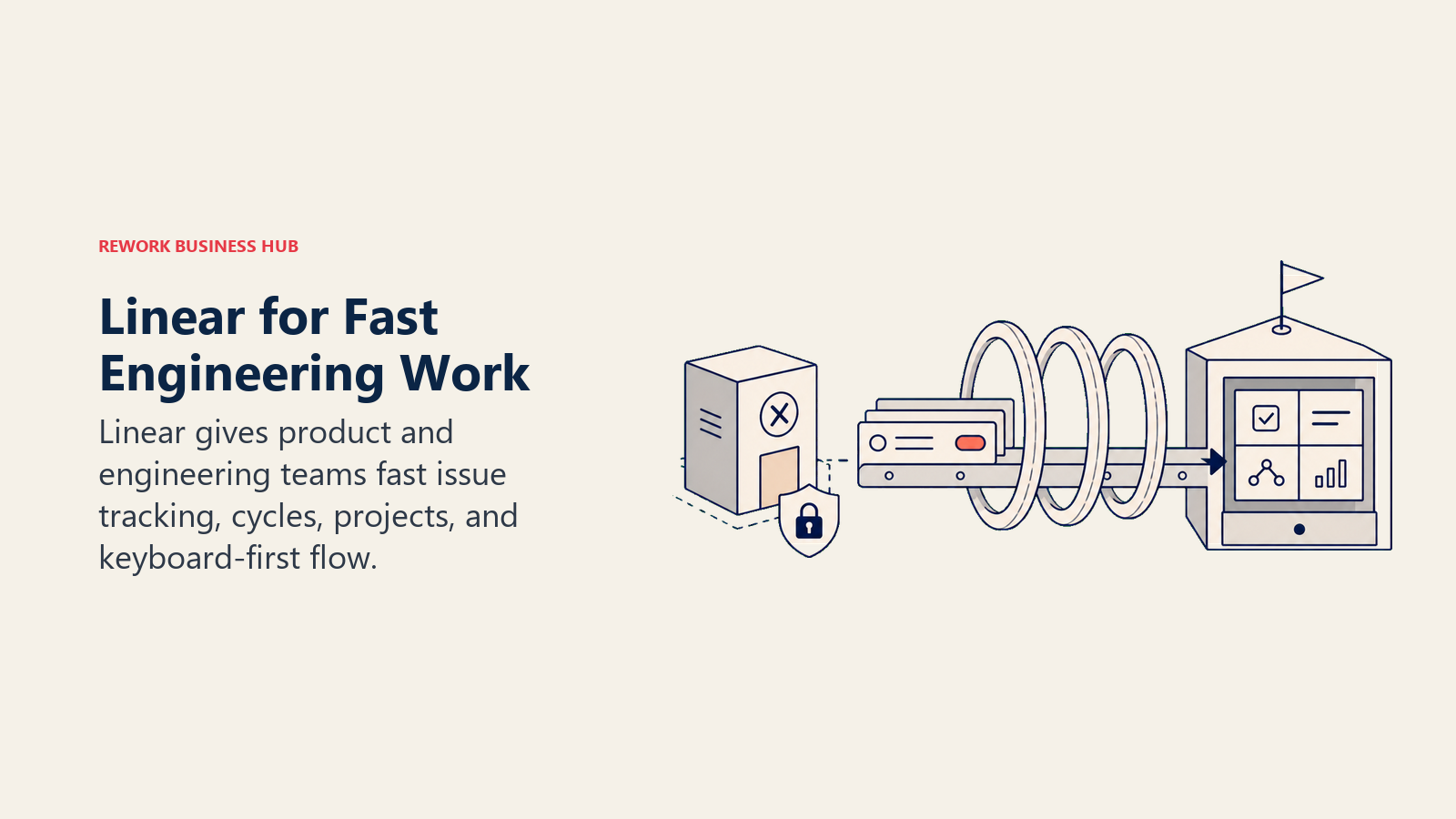
But Linear is an engineering tool, not a general project manager. Issues, cycles (their term for sprints), and projects are built around the software development workflow. Non-technical stakeholders can view work, but they can't operate the tool as naturally as they could in Height. The roadmap views on the Business plan connect engineering cycles to initiative-level planning, which is the closest to Height's cross-functional vision. The Basic plan at $10/user/month (annual) removes the 250-issue cap and handles most teams up to 50 engineers.
ICP: Software engineering teams (5 to 200 engineers) where the PM and engineering lead work closely together and both are comfortable with a technical interface.
Sizing fit: Free plan works for tiny teams. Basic ($10/user/month) is the practical entry point for real teams. Business ($16/user/month) adds AI automation, analytics, and the roadmap views worth having.
Stage fit: Startup to mid-market. Linear works from a 3-person team finding PMF all the way through Series C engineering orgs. Enterprise is available but most enterprise teams go Jira.
| Pros | Cons |
|---|---|
| Closest UX feel to Height of any tool on this list | Not suitable for non-technical stakeholders or cross-functional ops |
| Fast issue tracking with keyboard-first design | No customer feedback portal or idea scoring |
| Sprint cycles tied to roadmap initiatives | Business plan required for real roadmap use |
| Strong GitHub, GitLab, and Slack integrations | Weak portfolio visibility for exec-level stakeholders |
Pricing: Free (250 issues, 2 teams). Basic $10/user/month (annual). Business $16/user/month (annual). Enterprise: custom. See linear.app/pricing. The Linear alternatives guide covers the full engineering tool landscape.
Best for: Engineering teams that want fast issue tracking with sprint planning, and want the interface closest to what Height offered.
3. Asana: Best for Cross-Functional Teams Coordinating Projects Across Departments
Asana is the default "next step up" for teams that outgrow simple task lists. Timeline, portfolios, and goal tracking cover the cross-team visibility layer that product-heavy teams need, and the integration library is one of the broadest in the market. Where Height was newer and less proven, Asana has a decade of enterprise adoption behind it.
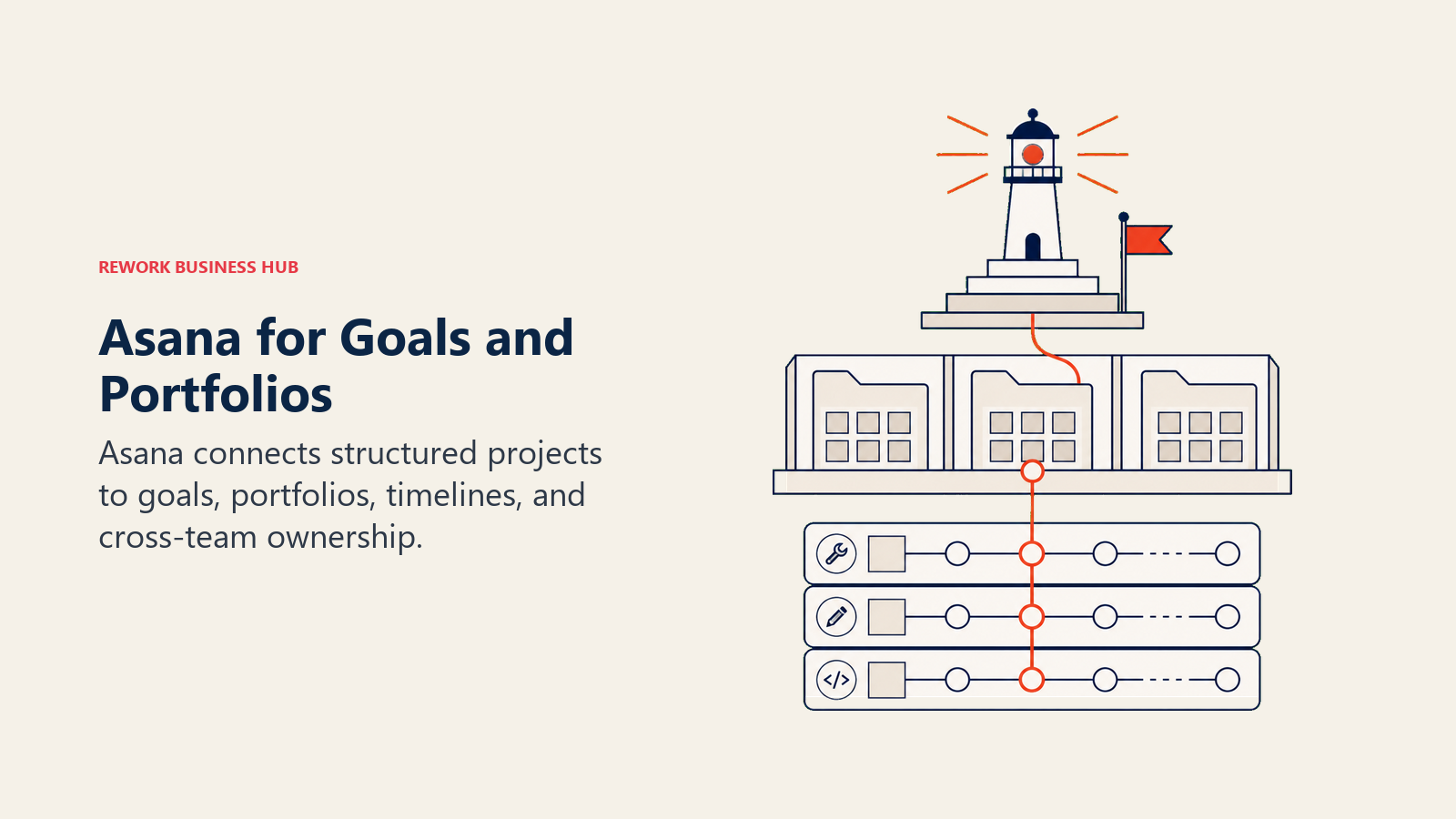
The Starter plan at $10.99/user/month (annual) covers most teams up to 50. Advanced ($24.99) adds portfolios and resource management for mid-market. The trade-off is complexity: Asana has a lot of configuration surface, and teams with primarily engineering workflows will find it frustrating compared to Linear or Shortcut. It's also genuinely not built for sprint tracking, which matters if that was central to your Height usage.
ICP: Cross-functional teams (20 to 500 people) spanning product, marketing, design, and ops who need shared project visibility and goal alignment across departments.
Sizing fit: Scales from small teams on the free plan up through large enterprise orgs. The per-seat pricing stacks up fast for mid-market teams with 50+ members.
Stage fit: Growth to enterprise. Asana's feature depth pays off when cross-team coordination and portfolio visibility are the primary bottlenecks.
| Pros | Cons |
|---|---|
| Strong timeline, portfolio, and goal tracking | Not built for engineering sprint workflows |
| Large integration library (700+) | Per-seat pricing compounds fast at scale |
| Familiar to most ops and marketing teams | Onboarding takes days, not hours |
| Advanced at $24.99 adds real resource management | Complexity can slow adoption for smaller teams |
Pricing: Free (10 users, basic features). Starter $10.99/user/month (annual). Advanced $24.99/user/month (annual). Enterprise: custom. See asana.com/pricing. The Asana alternatives guide covers the broader comparison.
Best for: Cross-functional teams where roadmap execution spans marketing, design, product, and engineering and you need shared portfolio visibility.
4. ClickUp: Best for Teams Consolidating Multiple Tools Into One
ClickUp is the everything-tool argument taken to its logical conclusion. Tasks, docs, goals, roadmaps, OKRs, dashboards, time tracking, whiteboards, and chat all live in one platform. The Unlimited plan at $7/user/month (annual) is hard to beat on raw cost given that feature set.
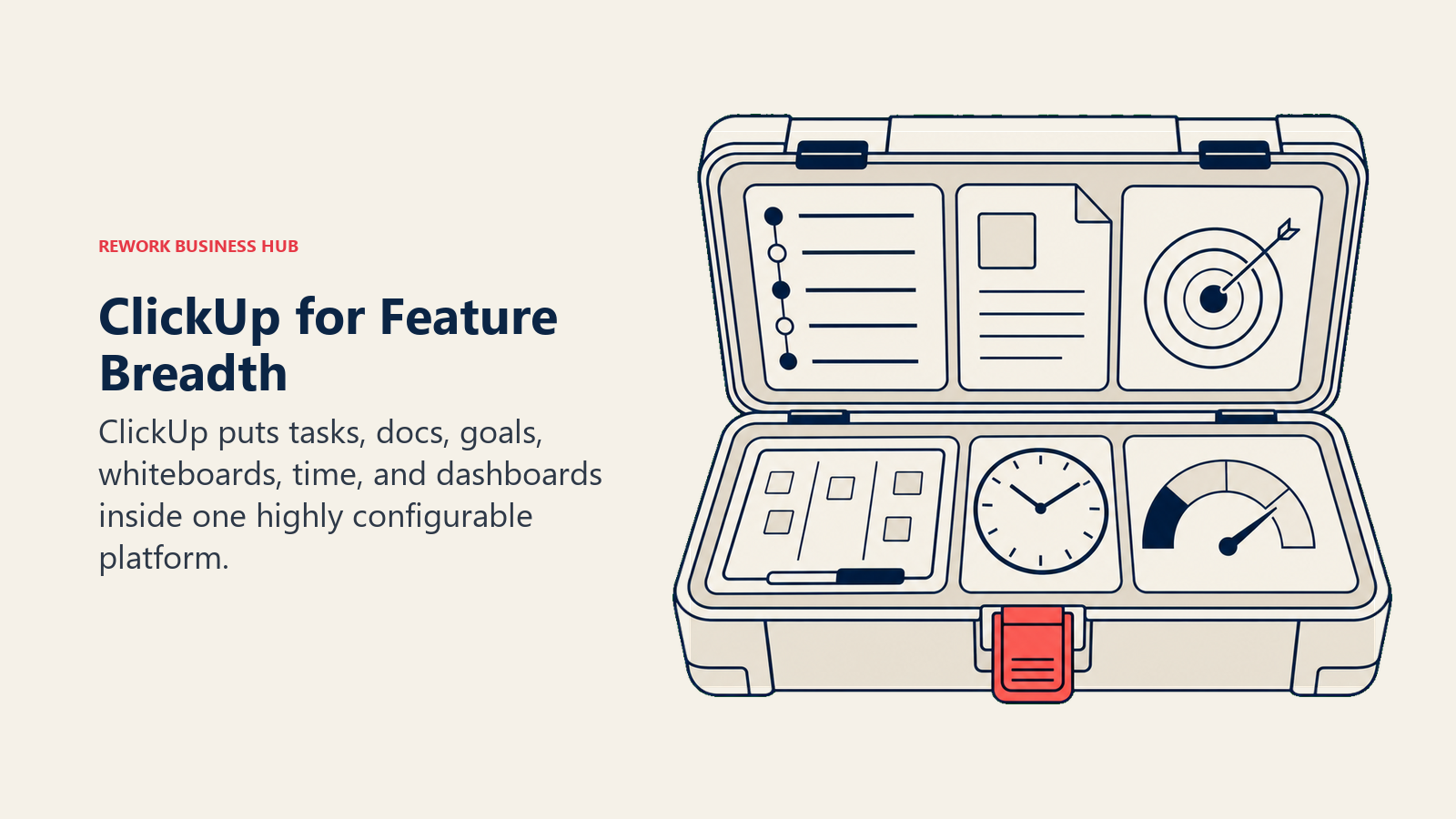
The catch is complexity. ClickUp's breadth is also its tax: configuration options are endless, notifications are noisy by default, and teams that just want a fast task manager often spend weeks building the workspace before doing actual work. But if you were using Height plus two or three other tools to fill gaps, ClickUp can genuinely consolidate that stack. The AI add-on (ClickUp Brain, $9/user/month) adds summarization and task automation on top of the base plans.
ICP: Ops-heavy teams (10 to 200 people) with mixed work across projects, OKRs, product planning, and support who want a single platform rather than a best-of-breed stack.
Sizing fit: Free plan handles individuals and tiny teams. Unlimited ($7) is the sweet spot for most small to mid-size teams. Business ($12) adds more automations and dashboards for growth-stage orgs.
Stage fit: Seed to mid-market. ClickUp rewards teams willing to invest in setup. Enterprises often find the admin overhead too high and go to Asana or monday.
| Pros | Cons |
|---|---|
| Unmatched feature breadth per dollar | High complexity and notification noise |
| Strong roadmap, OKR, and sprint views | Feature quality inconsistent across modules |
| Free plan with unlimited tasks and members | Learning curve slows initial adoption |
| Large integration library | Not keyboard-first; less polished than Linear |
Pricing: Free plan. Unlimited $7/user/month (annual). Business $12/user/month (annual). Business Plus $19/user/month (annual). Enterprise: custom. See clickup.com/pricing. Read the ClickUp alternatives piece for broader context.
Best for: Teams that want to replace three or four tools (task manager, docs, OKR tracker, dashboards) with a single platform and are willing to invest in setup.
5. Notion: Best for Teams That Want Tasks Living Inside Their Existing Wiki
Notion is where tasks live for teams that already use it as their knowledge base. If your team's documentation, specs, and meeting notes are in Notion, adding a task database there avoids context switching without adding a new tool to the stack. The Plus plan at $10/user/month (annual) is accessible, and the AI features come bundled in the Business plan at $15/user/month.
But Notion has no native sprint logic, no prioritization frameworks, no progress tracking dashboards, and no deep dev integrations. Every Notion-based task system is a hand-built template that needs maintenance as the team grows. It works well for 2 to 15 people with relatively simple task structures. Beyond that, the lack of built-in structure becomes a productivity cost rather than a flexibility win.
ICP: Early to mid-stage teams (1 to 25 people) that already live in Notion for docs and want lightweight task tracking in the same workspace without adopting a dedicated PM tool.
Sizing fit: Best at small scale. Teams with complex multi-project workflows quickly outgrow what Notion's database views can handle without heavy custom work.
Stage fit: Pre-product through early growth. Once project complexity grows, teams typically add Linear or Asana alongside Notion rather than replacing it.
| Pros | Cons |
|---|---|
| Team already knows and uses it | No native sprint boards, backlog grooming, or velocity |
| Maximum flexibility for custom task structures | Requires ongoing template maintenance |
| Strong documentation layer around tasks | No integrations with dev tools beyond basic embeds |
| Affordable Plus plan at $10/user | Not a task manager out of the box |
Pricing: Free plan. Plus $10/user/month (annual). Business $15/user/month (annual). Enterprise: custom. See notion.com/pricing. Full breakdown in the Notion alternatives guide.
Best for: Early-stage teams that already run on Notion and want tasks in the same space rather than managing a separate PM tool.
6. Trello: Best for Small Teams That Want Simple Kanban Without the Overhead
Trello is the simplest kanban board on this list. Cards, lists, and boards cover 90% of what a small team needs to track work visually, and the free plan is genuinely usable (unlimited cards, 10 boards per workspace). The Standard plan at $5/user/month (annual) adds custom fields, unlimited boards, and advanced checklists.
It's not a Height replacement for teams that valued multi-view work tracking, sprint cycles, or cross-team visibility. Trello has no timeline view on the free plan, no goals or OKRs, no resource management, and limited reporting. But for a 3 to 10 person team that needs a shared visual task board and nothing more, Trello's simplicity is a feature, not a limitation.
ICP: Small teams (2 to 15 people) with straightforward workflow tracking needs, often used in marketing, content, and creative departments rather than engineering or ops.
Sizing fit: Free and Standard plans suit teams up to 20 well. Premium ($10/user/month) adds timeline and calendar views. Enterprise ($17.50/user/month) handles org-wide rollout.
Stage fit: Early-stage through growth. Trello hits a ceiling quickly when project complexity increases, which is why most fast-growing teams add a more powerful tool within 12 to 18 months.
| Pros | Cons |
|---|---|
| Simplest kanban setup in this list | No sprint boards, velocity, or OKR tracking |
| Generous free plan | Limited reporting and no resource management |
| Fast onboarding (minutes, not days) | Timeline view locked to Premium and above |
| Strong Power-Ups (integrations) library | Not built for multi-team or cross-department orgs |
Pricing: Free plan (10 boards). Standard $5/user/month (annual). Premium $10/user/month (annual). Enterprise $17.50/user/month (annual). See trello.com/pricing. The Trello alternatives guide covers when to move on.
Best for: Small teams that need a shared visual board to track work and don't need sprint planning, resource management, or portfolio reporting.
7. Jira: Best for Engineering Teams That Need Deep Sprint Tracking and Git Integration
Jira is the default engineering issue tracker for a reason: sprint boards, backlogs, velocity charts, roadmaps, and integrations with GitHub, GitLab, Bitbucket, and CI/CD pipelines are all first-class. If your team used Height primarily for engineering issue tracking and found Height's depth insufficient, Jira is the obvious answer.
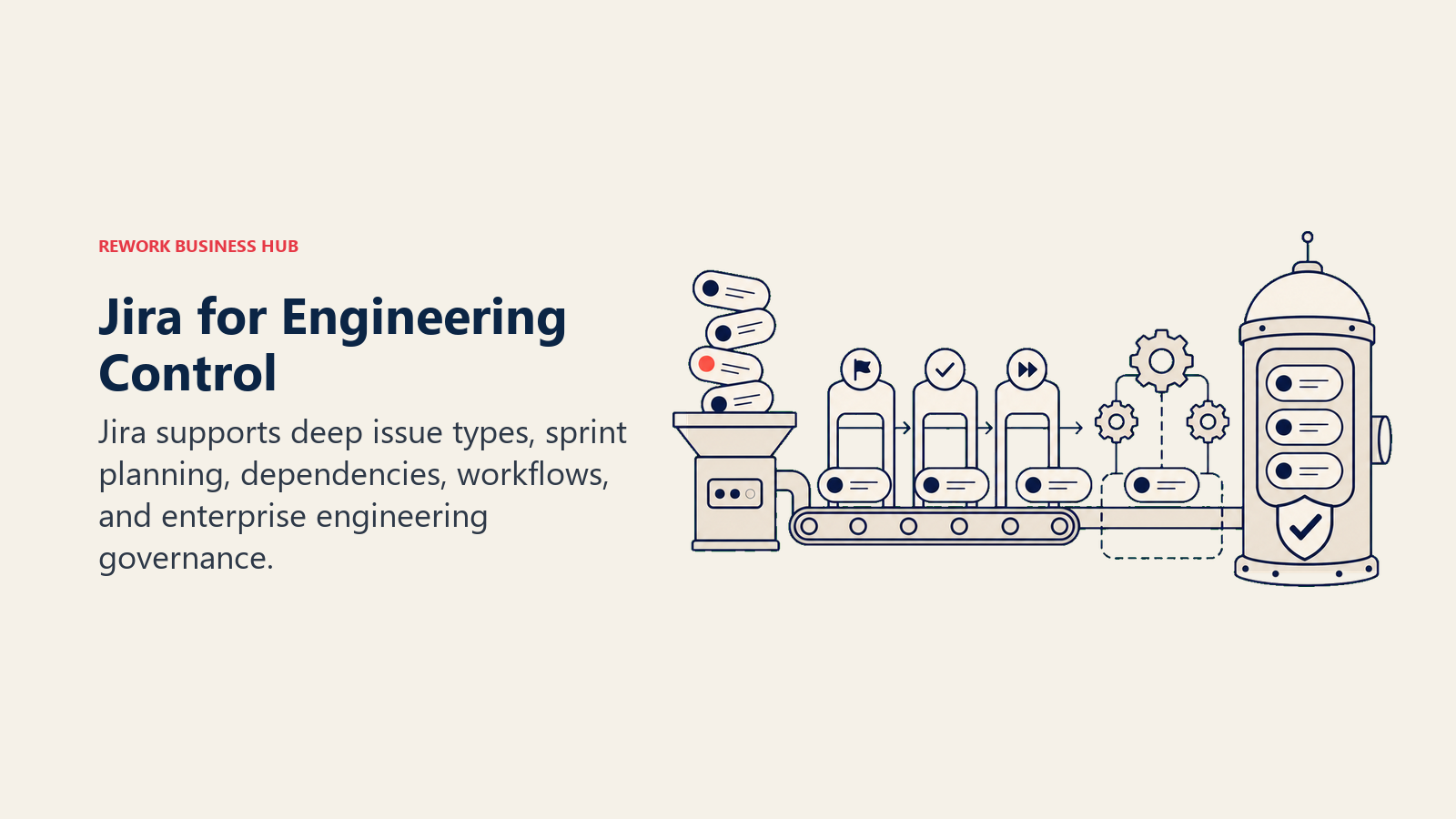
The Standard plan at $8.15/user/month (annual) covers most engineering teams. Premium ($16/user/month) adds advanced roadmaps, capacity planning, and multi-project dependencies. The free plan handles teams up to 10 users with full sprint functionality, which makes it genuinely useful for early-stage engineering teams.
The trade-off is complexity and setup overhead. Jira's configuration surface is vast, onboarding takes days for admins and hours for individual contributors, and the project and issue hierarchy takes time to design correctly. Non-engineering stakeholders often struggle with Jira compared to more general-purpose tools.
ICP: Engineering and product teams (5 to 500+ people) with active software development workflows, sprint cadences, and dev toolchain integrations.
Sizing fit: Scales from small teams on the free plan through large enterprise engineering orgs. Premium and Enterprise add the capacity planning and dependency management that mid-to-large teams need.
Stage fit: Early-stage engineering through enterprise. Jira's ROI grows with team size and sprint complexity.
| Pros | Cons |
|---|---|
| Best-in-class sprint boards, backlogs, and velocity | Steep learning curve for admins and new users |
| Deep git integration (GitHub, GitLab, Bitbucket) | Non-engineers find it frustrating |
| Free plan for teams under 10 | Configuration overhead is high |
| Strong roadmap and dependency management | Can become slow and cluttered at scale |
Pricing: Free (10 users). Standard $8.15/user/month (annual). Premium $16/user/month (annual). Enterprise: custom. See atlassian.com/software/jira/pricing. Full competitive context in the Jira alternatives guide.
Best for: Engineering teams that need enterprise-grade sprint tracking, backlog management, and deep dev toolchain integration.
8. monday.com: Best for Teams With Mixed Work Across Departments
monday.com is a visual work management platform built around customizable boards that can model almost any workflow: project tracking, CRM, HR onboarding, event planning, or software development. The breadth makes it popular for teams with work that doesn't fit neatly into a single category.
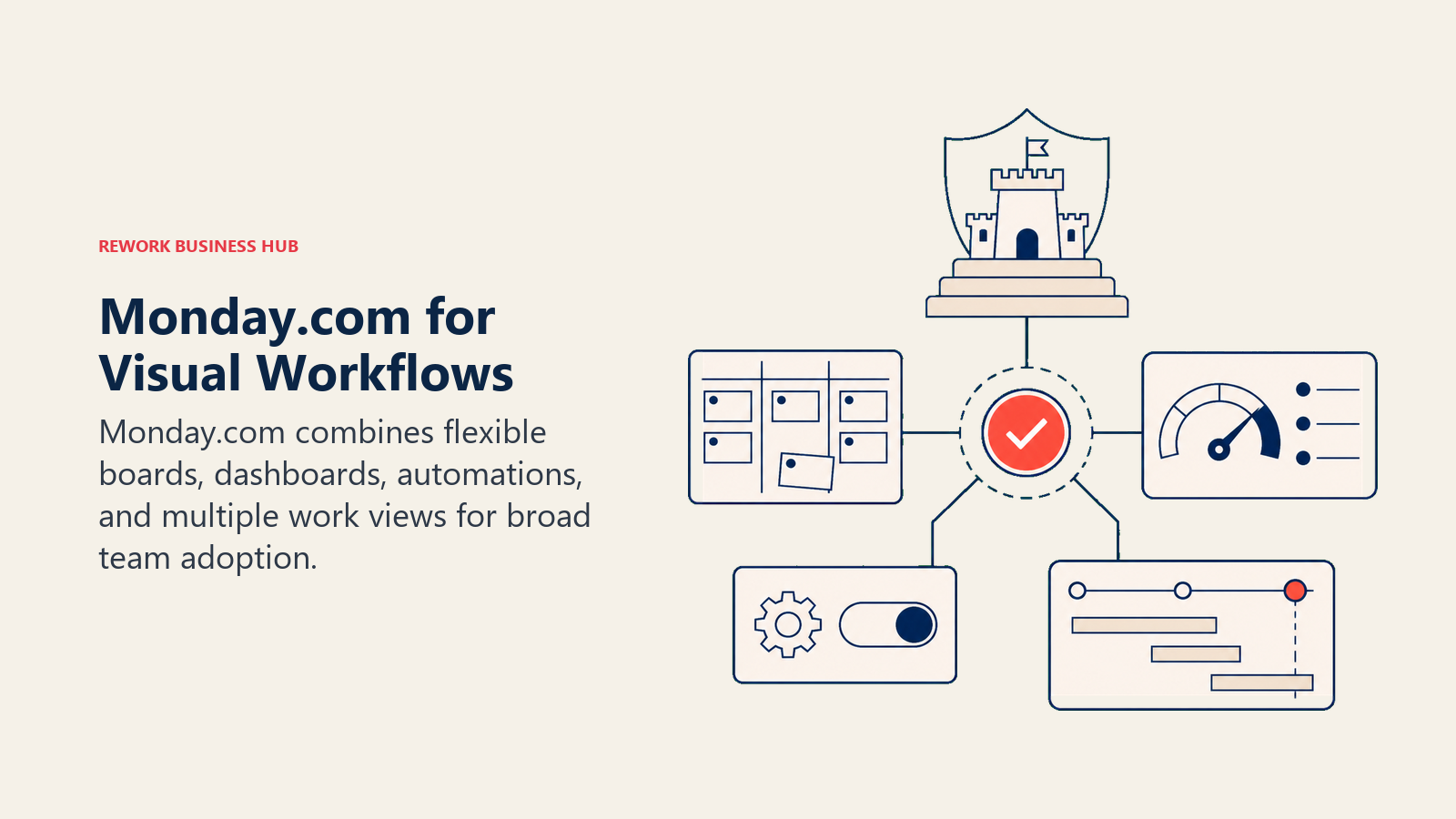
The Basic plan at $9/seat/month (annual, minimum 3 seats) is accessible for small teams. Standard ($12/seat/month) adds timeline views, automations, and integrations. Pro ($19/seat/month) unlocks time tracking, formula columns, and dashboards. The visual board design and automation builder are monday's strongest differentiators: teams can build automated workflows without technical expertise.
Where monday falls short for Height refugees is engineering specificity. Sprint boards, cycle management, and git integrations exist on monday dev (a separate product), but the core platform isn't built for engineering teams in the same way Linear, Shortcut, or Jira are.
ICP: Mixed-function teams (10 to 200 people) spanning sales, marketing, ops, and project delivery who want visual work tracking with automation across departments.
Sizing fit: Minimum 3-seat requirement and per-seat pricing make it cost-effective from small teams through mid-market. Enterprise pricing is custom.
Stage fit: Growth to mid-market. monday works well once teams have multiple departments with shared work streams that need coordination.
| Pros | Cons |
|---|---|
| Visual boards adaptable to any workflow | Per-seat pricing compounds fast at 50+ users |
| Strong no-code automation builder | Not built for engineering sprint workflows |
| Large integration library | Can feel like overkill for simple task tracking |
| Familiar UI, low training overhead | Reporting depth lower than Wrike or Asana Advanced |
Pricing: Free (2 seats, limited). Basic $9/seat/month (annual, min 3 seats). Standard $12/seat/month. Pro $19/seat/month. Enterprise: custom. See monday.com/pricing. The monday.com alternatives guide covers the broader landscape.
Best for: Cross-functional teams that need visual work tracking with automation across marketing, sales, ops, and project delivery.
9. Basecamp: Best for Teams That Want Simple, Flat-Rate Pricing and Low Overhead
Basecamp is the anti-complexity argument in this list. No per-seat math, no feature tiers designed to upsell you into the next level, and no sprint boards or backlog grooming. Instead, you get projects with message boards, to-do lists, schedules, file storage, and a group chat called Campfire, all for a flat monthly fee.
The Pro Unlimited plan at $299/month (flat, regardless of team size) is one of the best deals in software for teams of 15 or more people, because the per-person cost collapses as you add members. For a 30-person team that's roughly $10/person/month; for 50, it's under $6. If you were on Height's Business plan ($11.99/user/month, annual) with 20+ users, Basecamp Pro Unlimited is substantially cheaper.
What you give up: sprint planning, kanban boards, timeline views, OKR tracking, resource management, and advanced reporting. Basecamp works for teams with predictable project structures and low complexity. It's a poor fit for engineering teams or orgs managing many parallel projects with dependencies.
ICP: Small to mid-size teams (10 to 100 people) doing predictable project work, particularly agencies, consultancies, and operational teams that value simplicity over feature depth.
Sizing fit: Plus at $15/month (flat) works for tiny teams. Pro Unlimited at $299/month becomes exceptional value at 15+ users and grows more cost-effective with every seat added.
Stage fit: Early to mid-market. Basecamp tends to lose adoption when teams need sprint cadences, portfolio reporting, or engineering-specific tooling.
| Pros | Cons |
|---|---|
| Best flat-rate pricing in this list | No kanban boards, sprint tracking, or timelines |
| Simple structure with low training overhead | Limited reporting and no resource management |
| Strong async communication features | Poor fit for engineering-heavy or high-complexity teams |
| Pro Unlimited is excellent value at 20+ people | Fewer integrations than Asana or ClickUp |
Pricing: Plus $15/month (flat, all features). Pro Unlimited $299/month (flat, unlimited users, 5TB storage, priority support). See basecamp.com/pricing.
Best for: Teams that want simple, predictable project management with flat-rate pricing and are comfortable trading feature depth for low complexity.
10. Wrike: Best for Mid-Market Teams Needing Structured Project Delivery
Wrike sits between ClickUp (maximum breadth, high complexity) and Asana (cross-functional focus, simpler UI) in the project management market. Its differentiators are resource management, request forms, proofing and approval workflows, and a structured folder/project/task hierarchy that scales well for mid-market teams managing multiple simultaneous project portfolios.
The Team plan at $10/user/month (annual) covers most growing teams. Business ($25/user/month) adds resource management, budgeting, and custom field reporting. The Pinnacle plan (custom pricing) adds capacity planning and business intelligence dashboards. Wrike is a strong match for teams that found Height too lightweight for complex project delivery with multiple stakeholders and approval chains.
ICP: Mid-size project delivery teams (20 to 200 people) in professional services, marketing, creative, or IT where structured workflows, request intake, and proofing are core operations.
Sizing fit: Team plan is accessible; Business becomes cost-effective once you need the resource management features. Pinnacle and Apex are for large enterprise rollouts.
Stage fit: Growth to enterprise. Wrike's complexity pays off when project portfolios and team structures grow beyond what simpler tools can handle.
| Pros | Cons |
|---|---|
| Strong resource management and capacity planning | Expensive at Business tier ($25/user) |
| Request forms and approval workflows built in | Interface can feel complex for simple projects |
| Proofing and annotation for creative teams | Learning curve for non-ops users |
| Solid reporting and custom dashboards | Less intuitive than Asana or monday for new adopters |
Pricing: Free plan (limited). Team $10/user/month (annual). Business $25/user/month (annual). Pinnacle and Apex: custom. See wrike.com/price. The Wrike alternatives guide has the full competitive breakdown.
Best for: Mid-market teams with structured project delivery workflows that need resource management, request intake, and proofing, not just task tracking.
11. Shortcut: Best for Product and Engineering Teams in a Combined Workflow
Shortcut (formerly Clubhouse) is the closest direct structural replacement for Height among tools still operating in 2026. It combines product planning, engineering sprint management, and issue tracking into a single tool without forcing you to choose between a PM-first or eng-first interface. Stories, Epics, and Milestones map to a workflow that product managers and engineers can both navigate comfortably.
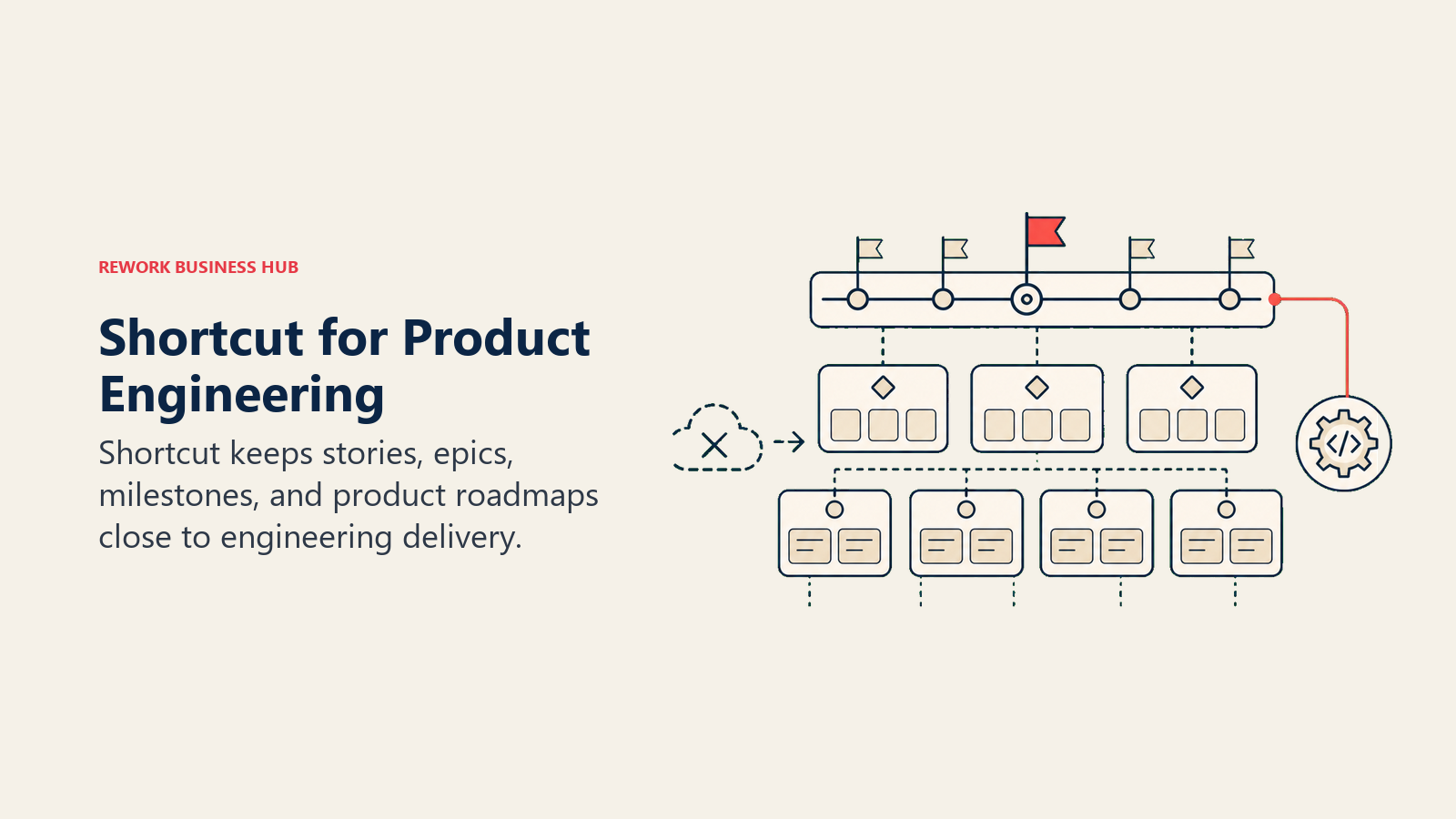
The Team plan at $8.50/user/month (annual) handles unlimited users and includes full reporting. Free for up to 10 users, which is generous for small teams. Shortcut integrates with GitHub, GitLab, Bitbucket, Slack, Figma, and Zapier, covering the core dev toolchain. The interface is faster and cleaner than Jira, and the workflow is more opinionated than ClickUp.
Shortcut's limitation is ecosystem size. The integration library, community, and third-party tooling around Shortcut are significantly smaller than Jira or Asana. And for teams that need executive portfolio views, advanced resource management, or enterprise-grade SSO on a budget, the Business plan at $16/user/month closes the gap.
ICP: Product and engineering teams (5 to 100 people) where both roles collaborate closely on sprint planning and issue tracking without wanting the complexity of Jira or the genericness of ClickUp.
Sizing fit: Free plan works up to 10 users. Team ($8.50) covers most growing teams. Business ($16) adds SSO and advanced analytics for larger orgs.
Stage fit: Startup through mid-market. Shortcut is well-suited for Series A through Series B product and engineering teams that need structure without the Jira overhead.
| Pros | Cons |
|---|---|
| Best combined PM and engineering tool for this list | Smaller ecosystem than Jira or Asana |
| Clean interface, lower complexity than Jira | Limited portfolio and resource management features |
| Free plan for 10 users is genuinely useful | Less known; fewer templates and third-party integrations |
| Strong GitHub and GitLab integration | Advanced analytics require Business tier |
Pricing: Free (10 users, core features). Team $8.50/user/month (annual). Business $16/user/month (annual). Enterprise: custom. See shortcut.com/pricing.
Best for: Product and engineering teams that want a single tool covering planning, sprints, and issue tracking without Jira's complexity or ClickUp's noise.
12. Airtable: Best for Teams That Want Spreadsheet-Database Flexibility
Airtable is a relational database dressed as a spreadsheet, with task-view overlays (grid, kanban, calendar, gallery, Gantt) layered on top. For teams that outgrew spreadsheets but find traditional project management tools too rigid for their data structures, Airtable hits a sweet spot of flexibility and approachability.
The Team plan at $20/editor/month (annual) includes 50,000 records per base, automations, and the view types most teams need. Business ($45/editor/month) adds advanced admin controls and 125,000 records per base. Viewer seats on the Team plan are billable (Commenter and above), so cost can escalate unexpectedly if you add many stakeholders.
Airtable's risk is the blank-canvas problem: you need to design your own task structure, which takes time to get right and often needs rebuilding as the team's workflow evolves. It's not a task manager out of the box. Teams that want to get started fast are better served by Linear, Asana, or ClickUp.
ICP: Operations and data teams (5 to 200 people) that manage structured data alongside workflow tracking, often in marketing ops, HR, research, or content production.
Sizing fit: Team plan suits small to mid-size teams. Business is cost-effective when you need the admin controls and higher record limits. Watch editor seat costs carefully.
Stage fit: Any stage, but especially useful for teams with unique data structures that standard PM tools can't model cleanly.
| Pros | Cons |
|---|---|
| Ultimate flexibility for custom data structures | Requires significant setup; no out-of-box PM templates |
| Strong relational data across bases | Editor-seat billing can get expensive fast |
| Multiple view types (kanban, Gantt, gallery, grid) | No native sprint or agile workflow |
| Powerful automation and integration layer | Not a task manager by default |
Pricing: Free (5 editors, 1,000 records/base). Team $20/editor/month (annual). Business $45/editor/month (annual). Enterprise Scale: custom. See airtable.com/pricing. Full context in the Airtable alternatives guide.
Best for: Teams that need a flexible, relational data structure for tracking work, and are willing to invest time in designing their own workflow rather than using a prebuilt PM tool.
13. Teamwork: Best for Client-Facing Teams Managing Projects With External Stakeholders
Teamwork is purpose-built for teams that manage project delivery for external clients. Client portals, project billing, time tracking, and budget management are native features rather than add-ons, which sets it apart from every other tool in this list. If you were using Height for internal ops and shipping projects to clients, Teamwork handles the full cycle from scoping through invoicing.
The Starter plan at $10.99/user/month (annual, minimum 5 users) covers the basics. Deliver ($19.99/user/month) adds resource scheduling, budgeting, and the client portal depth most agencies need. Teamwork is overkill for internal-only teams, but for agencies and consultancies, the billing and client visibility features save meaningful admin time.
ICP: Agencies, consultancies, and project delivery teams (5 to 200 people) that manage external client projects with billing, time tracking, and client-facing reporting.
Sizing fit: Minimum 5-user requirement. Starter suits small agencies; Deliver scales for mid-size teams managing multiple active client projects. Scale (custom) handles enterprise service orgs.
Stage fit: Any stage once client-facing project delivery is the core business model. Not appropriate for product-only or internal-ops teams.
| Pros | Cons |
|---|---|
| Native client portals and project billing | Overkill for internal-only teams |
| Time tracking and budget management built in | Interface less modern than ClickUp or Linear |
| Strong reporting for client-facing project delivery | Minimum 5-user requirement |
| Invoice and retainer management (Grow plan) | Fewer integrations than Asana or monday |
Pricing: Free (5 users, basic features). Starter $10.99/user/month (annual). Deliver $19.99/user/month (annual). Scale: custom. See teamwork.com/pricing.
Best for: Agencies and consultancies that need client portals, billing, and time tracking built into their project management tool.
Stage Fit Matrix
| Stage | Best Fit |
|---|---|
| Pre-product / 1-5 person team | Trello (free), Notion (free), Linear (free), Shortcut (free) |
| Seed / early growth (5-20 people) | Shortcut Team, Asana Starter, ClickUp Unlimited, Basecamp Plus |
| Growth / Series A-B (20-100 people) | Linear Business, Asana Advanced, Jira Standard, Rework Work Ops, Wrike Team |
| Mid-market (100-500 people) | Jira Premium, monday Pro, Asana Advanced, Wrike Business, Rework Work Ops Standard |
| Enterprise (500+ people) | Jira Enterprise, Asana Enterprise, monday Enterprise, Wrike Pinnacle/Apex |
| Client-facing at any stage | Teamwork (Starter through Scale) |
Sizing and Persona Table
| Team Size | Buyer Persona | Top Picks |
|---|---|---|
| 1-10 | Founder, solo PM, small eng team | Shortcut (free), Linear (free), Trello (free), Notion (free) |
| 10-30 | Head of Product, Eng Lead, Ops Manager | Shortcut Team, Asana Starter, ClickUp Unlimited, Basecamp Plus |
| 30-100 | VP Engineering, Director of Ops, COO | Linear Business, Jira Standard, Rework Work Ops, Wrike Team |
| 100-500 | CPO, CTO, Head of PMO | Jira Premium, monday Pro, Asana Advanced, Wrike Business |
| 500+ | CTO, CIO, Enterprise Program Director | Jira Enterprise, Asana Enterprise, Wrike Apex |
| Agency / client-facing | Agency Owner, Account Director | Teamwork Deliver, Teamwork Scale |
How to Choose: Decision Framework
| If you need... | Pick |
|---|---|
| The closest UI and keyboard-first experience to Height | Linear (Basic or Business) |
| Engineering sprint tracking with deep git integration | Jira (Standard or Premium) |
| A combined product and engineering workflow without Jira complexity | Shortcut (Team) |
| Cross-functional project visibility across marketing, product, and ops | Asana (Starter or Advanced) |
| Maximum feature breadth to replace multiple tools at once | ClickUp (Unlimited or Business) |
| Simple kanban for a small non-technical team | Trello (Standard) |
| Task management inside your existing documentation workspace | Notion (Plus) |
| Visual boards and automations across mixed department work | monday.com (Standard or Pro) |
| Flat-rate pricing that gets cheaper as you add team members | Basecamp (Pro Unlimited) |
| Structured project delivery with resource management and proofing | Wrike (Business) |
| Ops workflows plus CRM and cross-team pipelines in one platform | Rework (Work Ops Starter or Standard) |
| Client-facing project delivery with billing and time tracking | Teamwork (Deliver) |
| Custom relational data structures alongside task tracking | Airtable (Team) |
What to Do Next
Height refugees tend to fall into three buckets, and the right next step is different for each.
If you loved Height's interface and primarily used it for engineering work, start a Linear trial this week. The migration path is smooth (Linear imports from Height), and you'll recognize the keyboard-first feel immediately. The Basic plan at $10/user/month is a fair trade for the quality of the experience.
If you used Height across product, ops, and non-engineering teams, the decision is harder. ClickUp and Asana both have the breadth to cover cross-functional work, but they require real setup investment. Shortcut is worth a look if product and engineering are tightly coupled. And if your team's bigger frustration is ops fragmentation rather than task tracking, Rework's Work Ops platform addresses a different and deeper problem than any pure task manager does.
If you need simplicity above all, Basecamp Pro Unlimited is the most overlooked option for teams of 15 or more: flat pricing, low overhead, and no sprint complexity to configure.
Whatever you pick, run a real two-week pilot with your top two options before committing to an annual plan. Most of these tools have free plans or trials long enough to test with actual project work, not just toy tasks. The right tool for your team is the one your team will actually use, not the one with the longest feature list.
See also:
- Best PM Software in 2026 for a broader look at the general project management landscape
- Best Linear Alternatives if Linear is your shortlist and you want to compare it against other engineering tools
- Best Jira Alternatives if deep sprint tracking is the primary requirement
- Best ClickUp Alternatives if feature breadth is your priority but ClickUp feels like too much
- Best Asana Alternatives for the full cross-functional PM landscape

Principal Product Marketing Strategist
On this page
- Quick Comparison Table
- 1. Rework: Best for Mid-Size Teams That Want Work Management Plus CRM and Ops
- 2. Linear: Best for Engineering Teams Wanting the Closest Feel to Height
- 3. Asana: Best for Cross-Functional Teams Coordinating Projects Across Departments
- 4. ClickUp: Best for Teams Consolidating Multiple Tools Into One
- 5. Notion: Best for Teams That Want Tasks Living Inside Their Existing Wiki
- 6. Trello: Best for Small Teams That Want Simple Kanban Without the Overhead
- 7. Jira: Best for Engineering Teams That Need Deep Sprint Tracking and Git Integration
- 8. monday.com: Best for Teams With Mixed Work Across Departments
- 9. Basecamp: Best for Teams That Want Simple, Flat-Rate Pricing and Low Overhead
- 10. Wrike: Best for Mid-Market Teams Needing Structured Project Delivery
- 11. Shortcut: Best for Product and Engineering Teams in a Combined Workflow
- 12. Airtable: Best for Teams That Want Spreadsheet-Database Flexibility
- 13. Teamwork: Best for Client-Facing Teams Managing Projects With External Stakeholders
- Stage Fit Matrix
- Sizing and Persona Table
- How to Choose: Decision Framework
- What to Do Next