Best SAP Business One Alternatives in 2026: 9 ERP Platforms for Growing SMBs
Turn this article into takeaways for your work.


Each assistant summarizes the article only for you and suggests best practices for your work.
SAP Business One is a serious piece of software. It handles financials, inventory, purchasing, and manufacturing in a single system, and for the right company, it's genuinely powerful. But if you're a growing SMB and your finance team just came back from a $75,000 implementation quote, or your ops team is stuck waiting three weeks for a simple customization, you're probably asking the right question. You can review SAP Business One's product overview to understand what the standard module set actually covers before requesting an implementation quote.
This guide is for founders, COOs, and operations leads at companies between 20 and 300 employees who need more structure than spreadsheets but less complexity (and cost) than a full SAP deployment. We ranked 9 platforms honestly. Every platform here has real strengths. The goal is to match the right tool to your stage, not to declare a universal winner. Before committing to a new platform, read preparing your data before migration, which covers the most common pitfalls when switching from legacy ERP systems.
Quick Comparison Table
| Tool | Best For | Starting Price | Key Strength | Key Limitation |
|---|---|---|---|---|
| NetSuite | Finance-heavy SMBs scaling to mid-market | ~$999/mo base + $99/user | Deep financials, real ERP at SMB pricing | Complex to implement; expensive for small teams |
| Microsoft Dynamics 365 BC | Microsoft-stack companies needing full ERP | From $70/user/mo | Deep Microsoft integration, strong financials | UI complexity; requires partner setup for full value |
| Odoo | SMBs wanting modular ERP at low cost | Free (Community); from $9.90/user/mo | Most modular ERP on the market; covers everything | Support quality varies; Community version limits |
| Sage Intacct | Finance teams needing serious multi-entity accounting | ~$400-800/mo base | Best-in-class multi-entity financial management | Not a full ERP; limited ops outside finance |
| Acumatica | Manufacturing and distribution SMBs | Consumption-based; ~$1,800+/mo | Strong manufacturing + distribution; no per-user fees | Expensive for small teams; requires partner |
| ERPNext | Budget-conscious SMBs willing to self-manage | Free (open source); hosted from $50/mo | Full open-source ERP, all modules included | Requires technical setup; UI is functional, not polished |
| Zoho One | SMBs wanting an all-in-one SaaS stack | $37/user/mo (all apps) | 50+ apps in one subscription, excellent value | Depth varies by app; not a traditional ERP |
| Xero + inventory apps | Small product businesses needing clean accounting | Xero from $15/mo; add-ons extra | Best-in-class SMB accounting UX | Inventory management requires third-party add-ons |
| DEAR Systems (Cin7) | Product companies with complex inventory needs | From $349/mo | Purpose-built inventory + manufacturing for SMBs | Limited CRM and HR; narrow use case |
Stage Fit Matrix
| Tool | Startup (1-20) | Growth (20-100) | Mid-Market (100-300) | Enterprise (300+) |
|---|---|---|---|---|
| NetSuite | Too heavy | Growing into it | Strong fit | Strong fit |
| Dynamics 365 BC | Too heavy | Growing into it | Strong fit | Strong fit |
| Odoo | Good fit | Strong fit | Strong fit | Possible with IT team |
| Sage Intacct | Finance teams only | Good fit | Strong fit | Good fit |
| Acumatica | Too expensive | Growing into it | Strong fit | Strong fit |
| ERPNext | Good fit (tech teams) | Good fit | Good fit | Possible with support |
| Zoho One | Strong fit | Strong fit | Good fit | Too fragmented |
| Xero + add-ons | Strong fit | Good fit | Outgrows it | Too limited |
| DEAR Systems | Small product biz | Strong fit | Strong fit | Too narrow |
Sizing and Persona Table
| Tool | Ideal Team Size | Primary Buyer | Industry Sweet Spot |
|---|---|---|---|
| NetSuite | 50-500 | CFO, Controller, IT Director | Wholesale, e-commerce, professional services |
| Dynamics 365 BC | 50-500 | IT Director, CFO, Operations VP | Manufacturing, retail, professional services |
| Odoo | 5-300 | CTO, IT Manager, COO | Manufacturing, retail, services, non-profit |
| Sage Intacct | 20-500 | CFO, Controller | Non-profit, healthcare, financial services |
| Acumatica | 50-300 | Operations Director, IT Director | Manufacturing, distribution, construction |
| ERPNext | 5-200 | CTO, Technical Founder | Manufacturing, trading, non-profit |
| Zoho One | 5-150 | Founder, Operations Manager | Services, agencies, SMBs across verticals |
| Xero + add-ons | 1-50 | Founder, Finance Manager | Retail, e-commerce, small product businesses |
| DEAR Systems | 5-200 | Operations Manager, Inventory Manager | E-commerce, wholesale, light manufacturing |
Why Teams Leave SAP Business One
Before getting into alternatives, it's worth being direct about the real pain points. SAP B1 users who switch usually cite the same five issues.
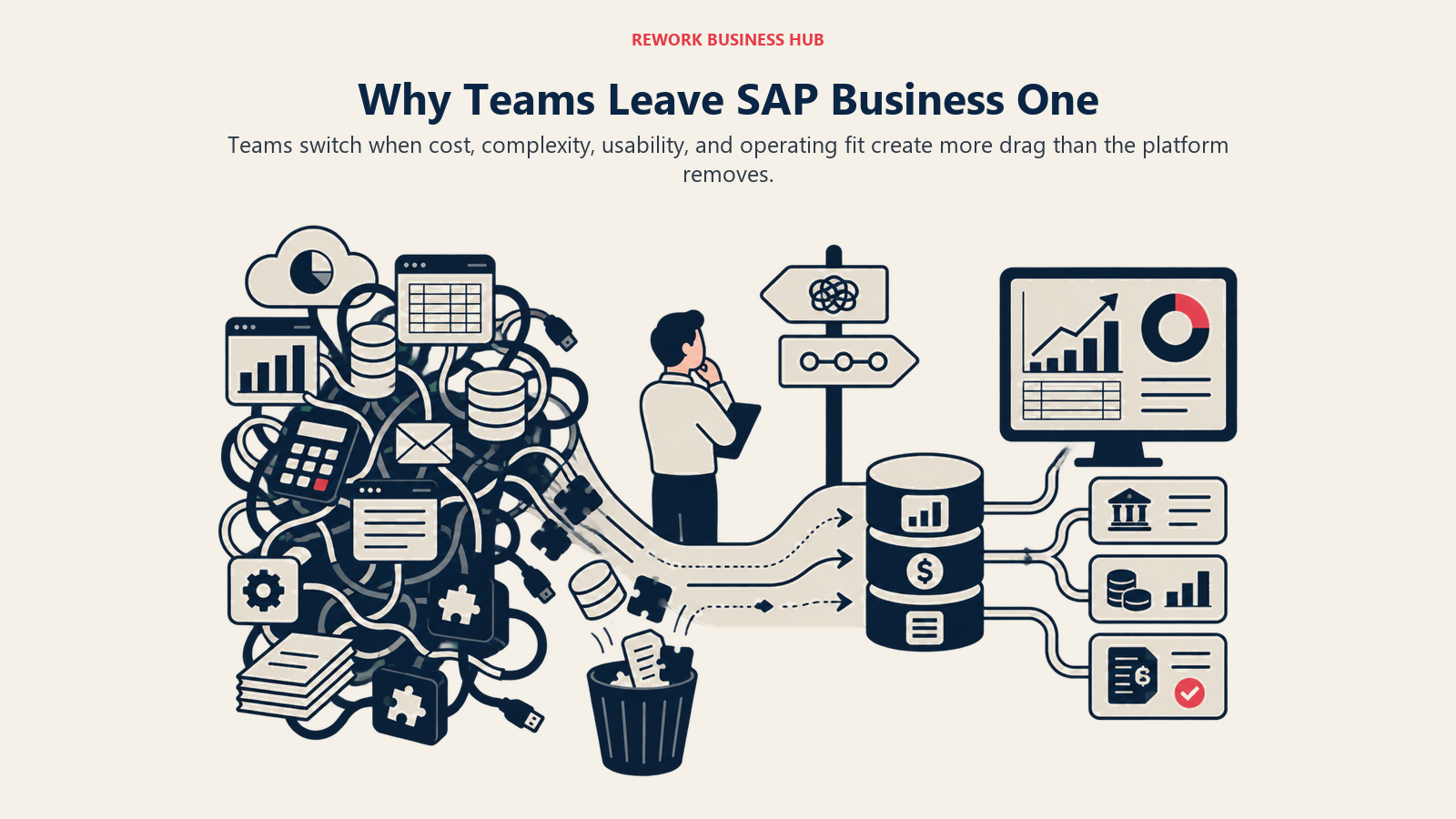
| Pain Point | What It Looks Like in Practice |
|---|---|
| Implementation cost | $50,000-$150,000+ before you touch a single feature |
| SAP partner dependency | You can't configure or extend the system without paying a partner |
| Rigid customization | Adapting workflows requires SDK development, not clicks |
| Dated UI | The interface was designed for a different era of desktop software |
| On-premise default | Cloud/HANA option exists but adds cost and complexity |
| Overkill for simple ops | Full manufacturing modules when you just need CRM + inventory |
These aren't criticisms of SAP's engineering. B1 is a capable system built for a specific use case. But if your company doesn't need multi-entity consolidation, manufacturing BOMs, or a full chart of accounts at that complexity, you're paying for horsepower you won't use.
1. NetSuite: full ERP for SMBs growing into mid-market
NetSuite is Oracle's cloud ERP for growing companies, and it's the most commonly cited SAP B1 alternative for good reason. It covers the full ERP surface: financial management, revenue recognition, inventory, purchasing, CRM, and HR. More importantly, it's designed to scale from $5M ARR to $500M+ without requiring a platform migration.
The methodology behind NetSuite is "one unified system." Rather than stitching together point solutions, the pitch is a single data model for finance, operations, and commerce. For companies that have outgrown QuickBooks or Xero but don't want the complexity of a full SAP deployment, NetSuite sits in a practical middle ground.
The sizing fit is clearest at 50-500 employees. Below that, you're paying for complexity you don't need. Above 500, many companies graduate to SAP S/4HANA or Oracle Fusion. The buyer is almost always finance-led: a CFO or Controller who needs audit trails, multi-currency, and proper revenue recognition. If NetSuite itself looks too heavy, the best NetSuite alternatives guide covers lighter alternatives at the same price tier.
| What you get | What you don't |
|---|---|
| Full general ledger and financial management | Simple, fast onboarding |
| Multi-entity, multi-currency consolidation | Affordable entry pricing |
| Inventory and supply chain management | Self-service implementation |
| CRM and order management | Best-in-class UX |
| Revenue recognition (ASC 606 / IFRS 15) | True manufacturing depth (use Acumatica for that) |
Pricing: Base license starts around $999/month + $99/user/month. Expect $20,000-$50,000+ in first-year implementation costs with a partner. See NetSuite's ERP product pages for module details.
Best for: Companies at $5M-$100M revenue with complex financials, multi-entity structures, or investor-grade reporting requirements.
Not ideal for: Early-stage companies who need fast time to value or teams primarily focused on CRM and customer ops.
2. Microsoft Dynamics 365 Business Central: ERP for Microsoft-stack companies
Business Central (BC) is Microsoft's ERP for SMBs, the spiritual successor to Navision. If your company is already on Microsoft 365, Azure, and Teams, BC integrates more naturally than any other ERP on this list. The entire stack talks to each other: financials in BC, communication in Teams, documents in SharePoint, and data in Power BI.
The product philosophy is "ERP as part of the Microsoft ecosystem." BC doesn't try to win on being the best standalone ERP. It wins because it reduces the friction of data moving between tools your team already uses. Power Automate lets non-developers build workflows. Power BI connects directly to BC data without exports.
Company size fit is 50-500 employees. Below that, the implementation cost doesn't pencil out. The buyer is typically IT or finance, often with a Microsoft licensing agreement already in place. Industry sweet spots include professional services, retail, light manufacturing, and distribution. For a broader look at Dynamics, the best Dynamics 365 alternatives guide covers the full module lineup.
| What you get | What you don't |
|---|---|
| Full ERP: GL, AP/AR, inventory, purchasing | Simple self-service implementation |
| Native Microsoft 365 and Teams integration | Affordable without a partner |
| Power BI embedded analytics | Competitive CRM (compared to Salesforce) |
| Strong manufacturing for light production | Best UI in class |
| Customizable via extensions (AppSource) | Good support without a certified partner |
Pricing: From $70/user/month for Essentials; $100/user/month for Premium. Implementation typically $15,000-$80,000 with a Microsoft partner.
Best for: Companies already on the Microsoft stack that need a full ERP and can invest in a proper implementation.
Not ideal for: Companies that want fast deployment, non-Microsoft stacks, or primarily need CRM and ops (not full financials).
3. Odoo: the most modular ERP on the market
Odoo's positioning is simple: one platform, every business application, and you only pay for what you use. The application library covers CRM, sales, accounting, inventory, manufacturing, HR, project management, e-commerce, and more. Every module shares the same database, so a sales order in CRM automatically triggers inventory allocation and an accounting entry.
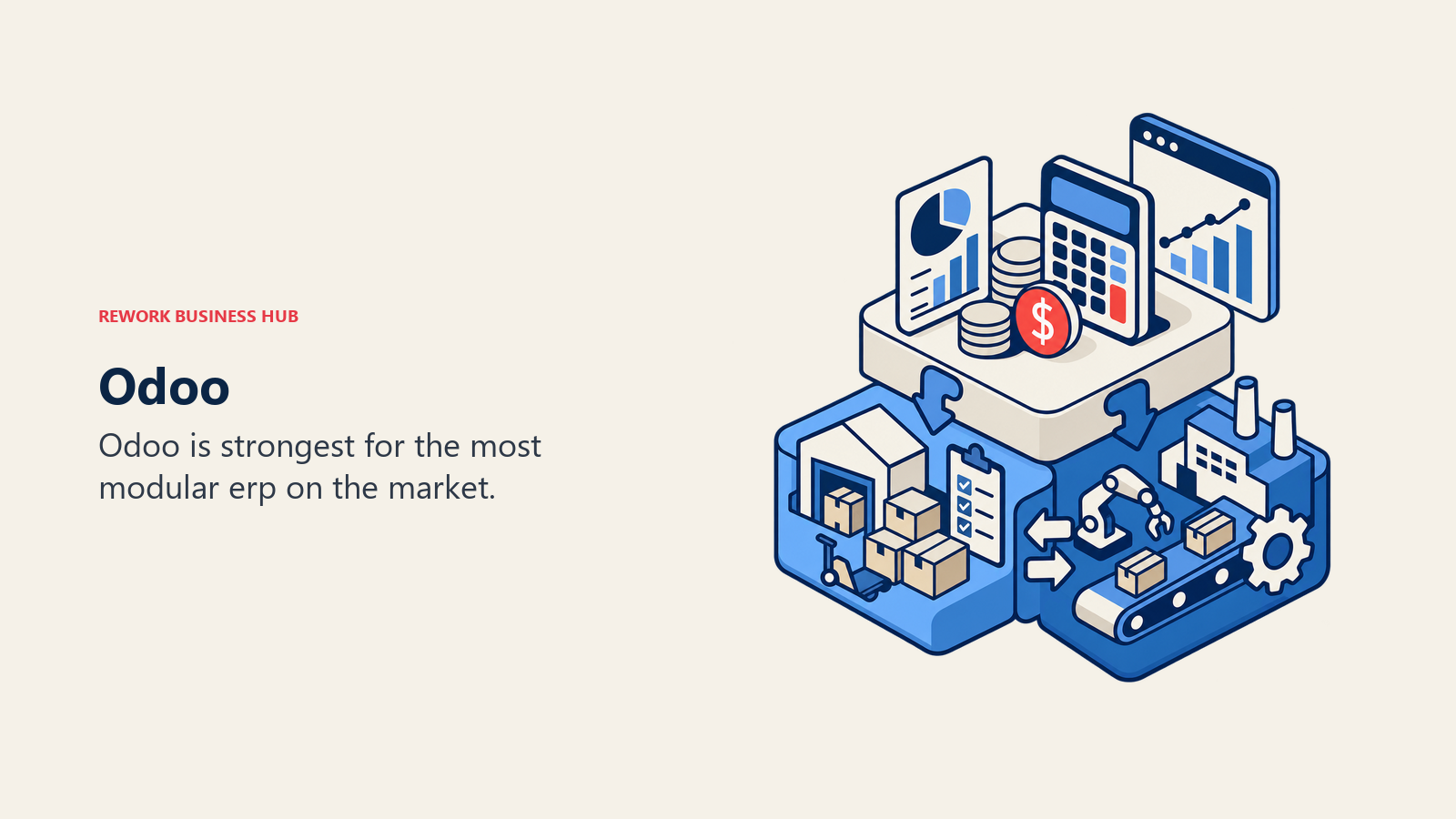
The methodology is "composable ERP." Unlike SAP or NetSuite, which ship everything at once, Odoo lets you start with two modules and add more as you grow. This makes it uniquely accessible for SMBs that want ERP capability without ERP-level commitment upfront.
Two editions exist: Community (open source, free, self-hosted, limited support) and Enterprise (paid, adds proprietary apps and Odoo support). Most serious business deployments use Enterprise. Company size fit runs from 5 employees to 300+, making it one of the widest-range tools on this list. If Odoo's complexity is a concern, the best Odoo alternatives guide covers the full landscape of simpler and more complex options.
| What you get | What you don't |
|---|---|
| 80+ business applications in one platform | Polished UX of purpose-built SaaS tools |
| True modular adoption (start small, expand) | Reliable support on Community edition |
| Accounting, inventory, manufacturing, CRM, HR | Quick implementation (complex to configure well) |
| Open source core with active community | Consistent quality across all modules |
| Competitive pricing for Enterprise edition | Strong out-of-box reporting |
Pricing: Community edition is free (self-hosted). Enterprise from $9.90/user/month (cloud) or $24.90/user/month with all apps. Implementation varies widely. See Odoo's pricing page for current edition details.
Best for: SMBs that want a single platform across all business functions and are willing to invest in configuration. Particularly strong for manufacturing, retail, and trading companies.
Not ideal for: Companies that need fast deployment or best-in-class UX in a specific area (sales, for example) rather than good-enough across the board.
4. Sage Intacct: best-in-class multi-entity financial management
Sage Intacct is not trying to be a full ERP. It's a cloud financial management platform that wins on the depth and sophistication of its accounting capabilities. Multi-entity consolidation, dimensional reporting, automated revenue recognition, and audit trails that satisfy Big Four auditors: these are areas where Intacct genuinely outperforms broader ERP platforms.
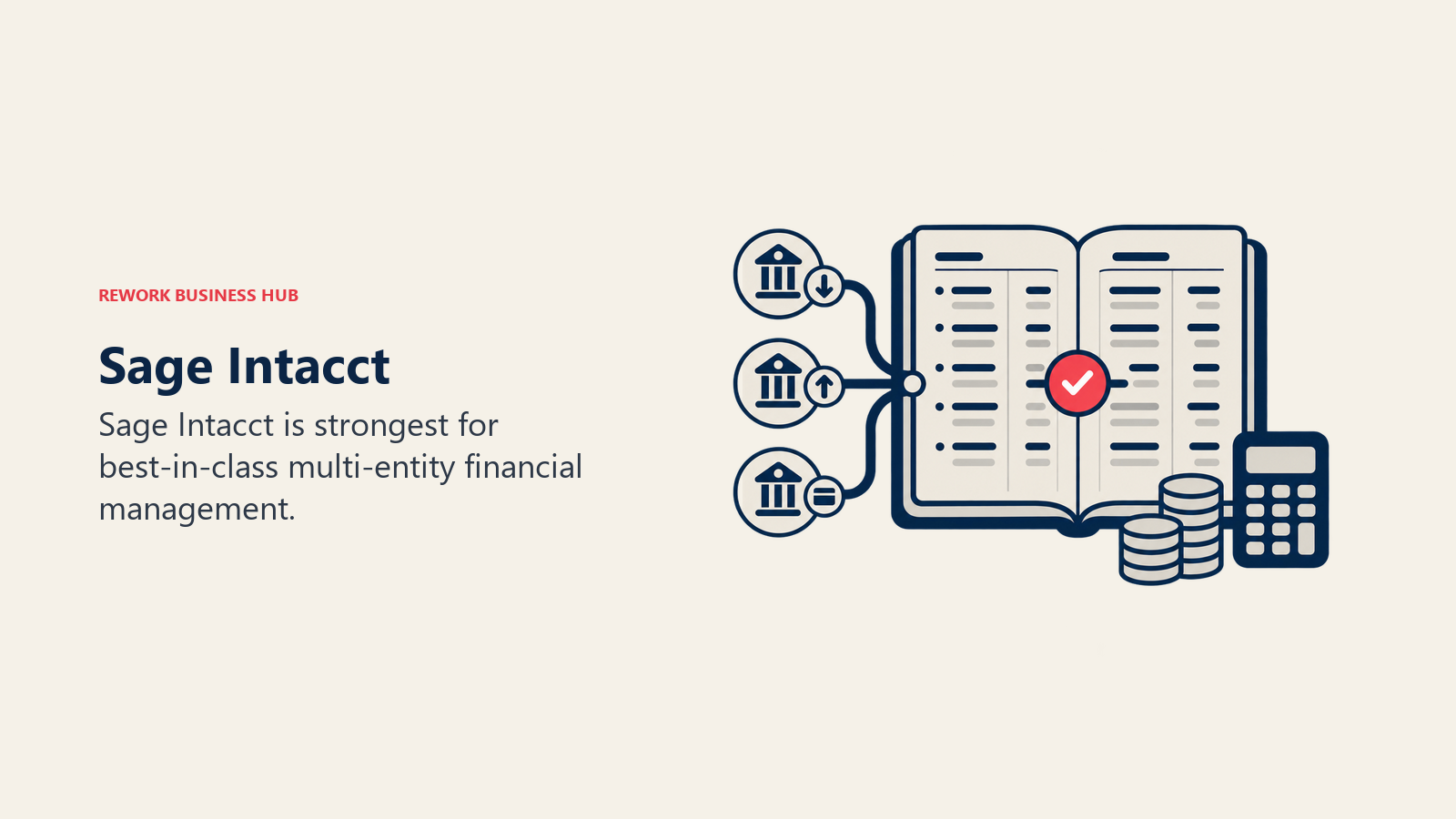
The product philosophy is "modern accounting, not legacy ERP." Intacct integrates with best-of-breed tools for CRM, payroll, and HR rather than trying to own those categories itself. Salesforce Connector, ADP integration, and REST APIs are first-class citizens.
Buyer is almost always finance-led: CFO, Controller, or Director of Finance. Company stage fit is growth to mid-market, particularly for non-profits (where Intacct dominates), healthcare, financial services, and professional services. If you're running a single entity and your accounting team is small, the price won't make sense.
| What you get | What you don't |
|---|---|
| Best multi-entity consolidation in the SMB tier | Manufacturing, inventory, or supply chain |
| Dimensional chart of accounts (better than SAP B1) | CRM or sales ops |
| Strong non-profit and government fund accounting | HR or payroll |
| AICPA preferred accounting solution | Simple pricing |
| Deep integration ecosystem (Salesforce, ADP) | Ease of setup without an accountant |
Pricing: Typically $400-$800/month base + user fees. Full deployment costs depend heavily on entity count and module selection.
Best for: CFO-led organizations at 25-500 employees with multi-entity structures, complex revenue recognition, or audit/compliance requirements.
Not ideal for: Product companies, manufacturers, or teams primarily needing ops, CRM, or inventory management.
5. Acumatica: manufacturing and distribution for SMBs
Acumatica targets a specific and underserved segment: SMBs in manufacturing, distribution, construction, and retail that need real ERP depth but aren't ready for SAP S/4HANA pricing. The product covers financials, distribution, manufacturing, field service, and project accounting with depth that most SMB ERPs skip.
The standout architectural decision is consumption-based pricing: you pay for compute usage, not per-user licenses. For manufacturers with many shop floor workers who touch the system occasionally, this model is significantly cheaper than per-seat pricing. This approach aligns directly with where the market is heading: seat-based pricing is dying covers the broader shift toward consumption models.
The methodology is "industry ERP without enterprise complexity." Acumatica invests heavily in industry editions (Manufacturing Edition, Distribution Edition, Construction Edition) rather than trying to be a generic horizontal platform. The trade-off is that you get genuine depth in your industry at the cost of breadth across others.
| What you get | What you don't |
|---|---|
| Full manufacturing ERP (MRP, BOM, production orders) | Simple onboarding or self-service setup |
| No per-user fees (consumption-based pricing) | Affordable entry point for small teams |
| Strong distribution and warehouse management | Best-in-class CRM |
| Open API for integrations | Large partner ecosystem (growing) |
| Cloud-native, mobile-ready | Polished modern UI |
Pricing: Consumption-based. Typically $1,800-$4,000/month for a growth-stage manufacturer. Requires a certified partner for implementation.
Best for: Manufacturers, distributors, and construction companies at 50-300 employees that need serious ERP depth and are currently using outdated on-premise systems.
Not ideal for: Service businesses, SaaS companies, or any team that primarily needs CRM and ops rather than production planning.
6. ERPNext: full open-source ERP for technical teams
ERPNext is the most complete open-source ERP available. Accounting, inventory, purchasing, manufacturing, CRM, HR, project management: all included, all free if you self-host. For technically capable teams or companies with in-house developers, it offers a level of customizability that no proprietary vendor can match.
The product philosophy is "ERP should be accessible." Frappe Technologies, the company behind ERPNext, believes enterprise software shouldn't be locked behind implementation contracts. Every module is open, every workflow is customizable, and the community has built hundreds of integrations and extensions.
The realistic limitation is operational: self-hosting ERPNext requires server management, updates, and configuration. Companies without technical staff typically use Frappe Cloud (hosted) or a local partner. The UI is functional but won't win design awards. The tradeoff is that you get an extraordinarily capable platform for a fraction of the cost of SAP B1.
| What you get | What you don't |
|---|---|
| Full ERP across all modules, open source | Polished UI or UX |
| Complete customizability with no vendor lock-in | Hands-off implementation |
| Active community and large module library | Enterprise-grade support without a paid plan |
| Frappe Cloud for managed hosting | Brand credibility for investor/board presentations |
| Free for self-hosted deployments | Pre-built integrations with Western SaaS ecosystem |
Pricing: Free (open source, self-hosted). Frappe Cloud hosted from $50/month. Partner implementations vary.
Best for: Technical founders, NGOs, and SMBs with in-house technical capacity that want full ERP without the licensing cost. Strong in manufacturing, trading, and non-profit.
Not ideal for: Non-technical teams, companies that need fast deployment, or organizations that require formal SLAs and support contracts.
7. Zoho One: all-in-one SaaS suite for SMBs
Zoho One isn't an ERP in the traditional sense. It's a bundle of 50+ SaaS applications covering CRM, finance (Zoho Books), HR (Zoho People), inventory (Zoho Inventory), project management (Zoho Projects), marketing automation, and more. At $37/user/month for the full suite, the value per dollar is exceptional for SMBs that would otherwise pay for five separate tools.
The methodology is "one platform, every department, one login." Zoho's philosophy is that SMBs shouldn't need a systems integrator to get their CRM talking to their accounting software. Everything is pre-integrated because it's built by the same company.
The honest caveat is depth. Zoho Books isn't as deep as Sage Intacct. Zoho CRM isn't as polished as Salesforce. Zoho Inventory doesn't match Cin7 for complex multi-warehouse operations. But for companies that need "good enough across everything" rather than "best in one area," Zoho One is genuinely hard to beat at its price point. For a look at what sits around Zoho in the CRM space, the best Zoho alternatives guide is useful.
| What you get | What you don't |
|---|---|
| 50+ applications in a single subscription | ERP-grade depth in any single module |
| Pre-integrated suite (no middleware needed) | Standout UX in CRM, accounting, or HR |
| Excellent pricing relative to competitive suites | Serious manufacturing capabilities |
| Mobile apps across all products | Fast, expert support |
| Active Marketplace for extensions | Depth for complex multi-entity accounting |
Pricing: $37/user/month (Zoho One, all apps). Individual apps also sold separately. Free trials available. See Zoho One's pricing page for current rates.
Best for: SMBs at 5-150 employees that want a broad SaaS stack without buying and integrating eight separate tools. Particularly useful for companies that have outgrown point solutions but aren't ready for a full ERP investment.
Not ideal for: Companies with complex accounting, manufacturing, or inventory needs that require genuine depth rather than good-enough coverage.
8. Xero + inventory apps: clean accounting with modular inventory
Xero built its reputation on doing one thing exceptionally well: SMB accounting with a UI that non-accountants can actually use. Bank reconciliation, invoicing, expense tracking, payroll, and reporting are all genuinely best-in-class in the SMB segment. Where Xero falls short is inventory and operations, which is why it's typically deployed alongside an inventory add-on.
The ecosystem model is Xero's strategy. Rather than building mediocre inventory management into the core product, Xero integrates with specialized tools: Cin7, DEAR Systems, Unleashed, Tradegecko, and others. This composable approach lets product businesses get world-class accounting and purpose-built inventory management rather than compromising on both.
Company size fit is clearest at 1-50 employees. Growing companies eventually hit Xero's reporting and multi-entity limits and migrate to NetSuite or Sage Intacct. The buyer is typically a founder, finance manager, or small business owner who wants professional accounting without the complexity of enterprise systems. Teams looking beyond Xero should check the best Xero alternatives guide for what comes next.
| What you get | What you don't |
|---|---|
| Best SMB accounting UX on the market | Inventory management in the core product |
| Strong ecosystem of 1,000+ integrations | ERP capabilities |
| Clean mobile experience | Multi-entity consolidation |
| Bank-level security and reconciliation | CRM or sales ops |
| Real-time financial reporting | Scalability beyond ~100 employees |
Pricing: Xero from $15/month (Starter) to $78/month (Ultimate). Inventory add-ons like Cin7 add $349+/month.
Best for: Small product businesses, e-commerce companies, and service businesses at 1-50 employees that need clean accounting with flexible inventory options.
Not ideal for: Companies that need a unified system, complex multi-entity reporting, or more than basic operational management.
9. DEAR Systems (Cin7): purpose-built inventory for product businesses
DEAR Systems, now rebranded as Cin7 Core, is purpose-built for product businesses: manufacturers, wholesalers, retailers, and e-commerce operators with complex inventory requirements. It handles multi-warehouse management, bill of materials, batch and serial number tracking, purchase orders, and manufacturing orders with a level of specificity that general ERPs often miss.
The methodology is "inventory-first operations." Where generic ERPs treat inventory as one module among many, Cin7 Core treats it as the operational spine of the business. Every other workflow (purchasing, sales orders, production) connects back to inventory accuracy. Integrations with accounting platforms (Xero, QuickBooks) and e-commerce channels (Shopify, WooCommerce, Amazon) are mature and reliable.
The limitation is scope. Cin7 Core is not a CRM, not an HR system, and not a financial management platform. You'll pair it with Xero or QuickBooks for accounting and something like HubSpot for CRM. For the right business, this composable stack outperforms a monolithic ERP on both cost and usability. Teams pairing Cin7 with e-commerce platforms should check the best Shopify alternatives and best WooCommerce alternatives guides if they're also evaluating storefronts.
| What you get | What you don't |
|---|---|
| Purpose-built multi-channel inventory management | CRM or customer relationship management |
| Strong B2M (bill of materials) and production orders | HR, payroll, or workforce management |
| Multi-warehouse, multi-location support | Full ERP financial management |
| Mature e-commerce and accounting integrations | Generic horizontal platform flexibility |
| Batch, serial, and expiry tracking | Competitive pricing at enterprise scale |
Pricing: From $349/month (Core plan). Higher tiers for more SKUs, locations, and users.
Best for: E-commerce, wholesale, and light manufacturing companies at 5-200 employees where inventory accuracy is the operational priority.
Not ideal for: Service businesses, SaaS companies, or any team where inventory management is not the core operational challenge.
How to Choose: Decision Framework
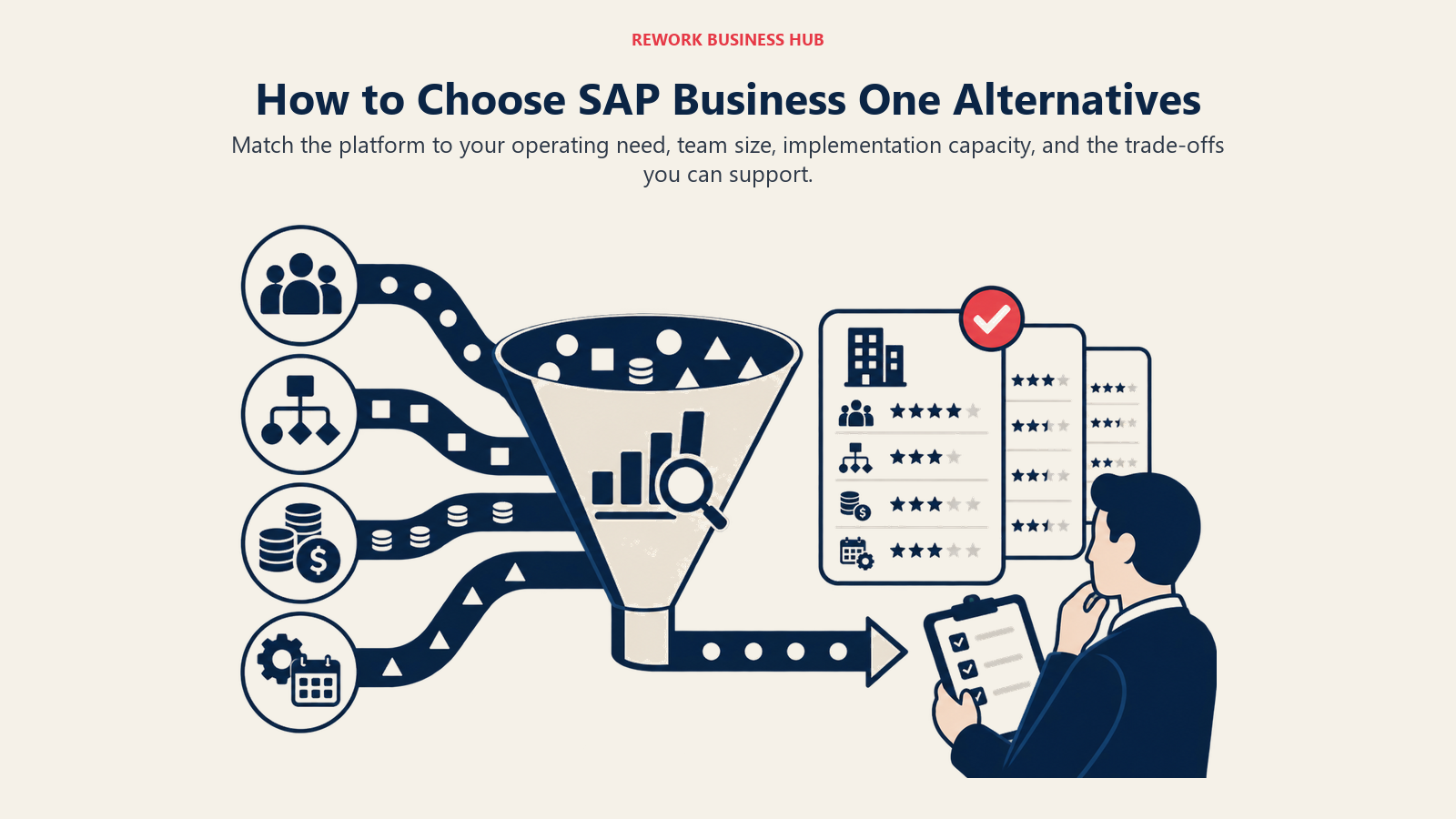
Match the platform to your operating need, team size, implementation capacity, and the trade-offs you can support.
| If you need... | Pick this |
|---|---|
| Full ERP with serious multi-entity financials | NetSuite or Sage Intacct |
| Full ERP on the Microsoft stack | Dynamics 365 Business Central |
| Modular ERP you can grow into over time | Odoo |
| Manufacturing or distribution ERP depth | Acumatica or Cin7 Core |
| Full ERP on a tight budget with technical team | ERPNext |
| Broad SaaS suite without ERP complexity | Zoho One |
| Best accounting UX + flexible inventory stack | Xero + Cin7 Core |
| You're primarily replacing SAP B1 for CRM use | Zoho One (Zoho CRM plus Zoho Books) |
| You need SAP B1's full ERP surface, cheaper | NetSuite or Odoo Enterprise |
Feature-by-Feature Comparison
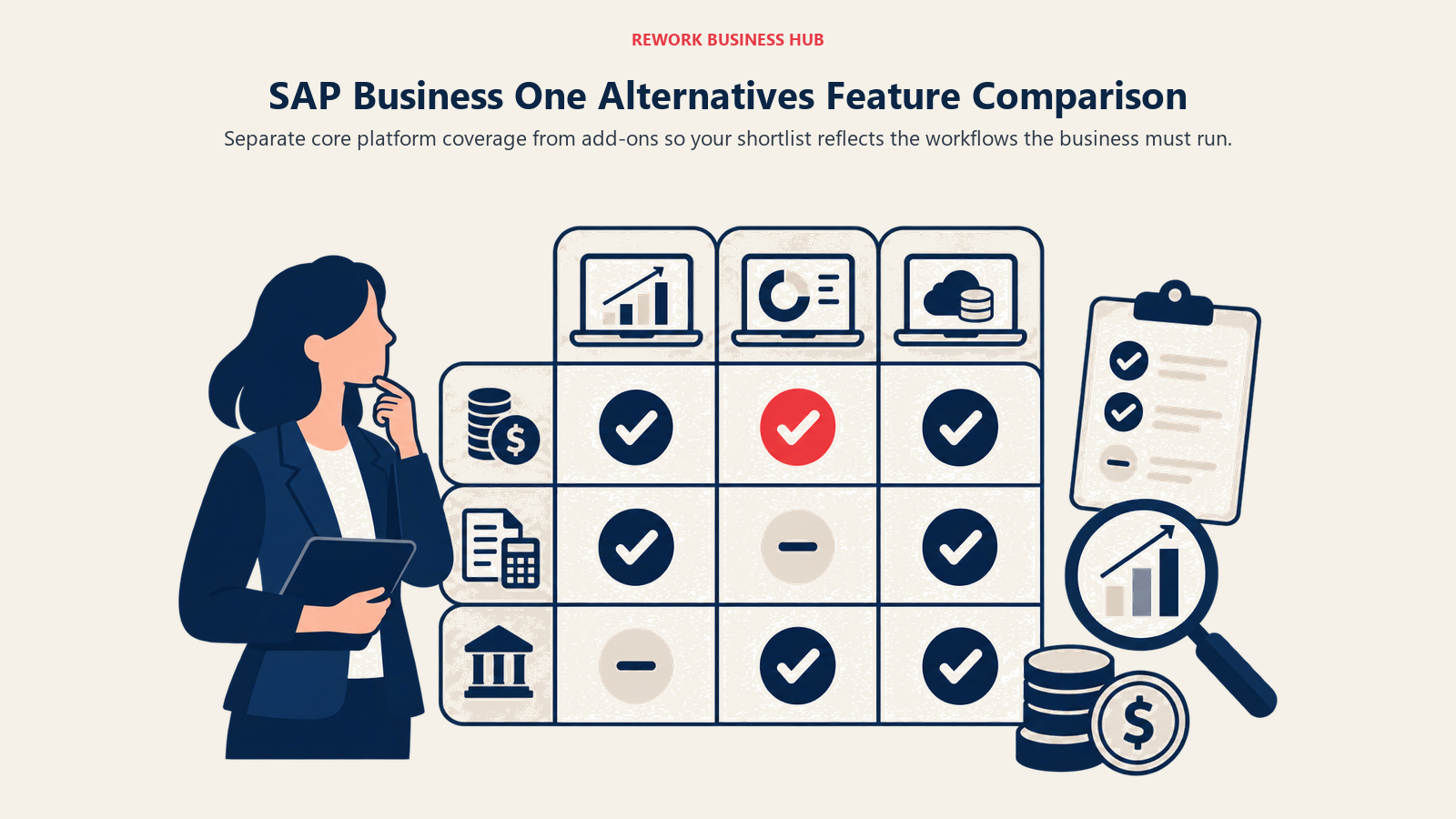
Separate core platform coverage from add-ons so your shortlist reflects the workflows the business must run.
| Feature | NetSuite | Dynamics 365 BC | Odoo | Sage Intacct |
|---|---|---|---|---|
| CRM and pipeline | Basic | Basic | Good | None |
| General ledger | Yes | Yes | Yes | Yes |
| Multi-entity accounting | Yes | Yes | Yes (Enterprise) | Yes |
| Inventory management | Yes | Yes | Yes | No |
| Manufacturing (MRP) | Basic | Good | Yes | No |
| HR and payroll | Yes | Yes | Yes | No |
| E-commerce | Yes | No | Yes | No |
| Self-service onboarding | No | No | Partial | No |
| Open source | No | No | Community edition | No |
| Feature | Acumatica | ERPNext | Zoho One | Xero + add-ons | Cin7 Core |
|---|---|---|---|---|---|
| CRM and pipeline | Basic | Basic | Good (Zoho CRM) | No | No |
| General ledger | Yes | Yes | Yes (Zoho Books) | Yes (Xero) | No (integrates) |
| Inventory management | Yes | Yes | Yes | Via add-on | Yes |
| Manufacturing (MRP) | Yes | Yes | No | No | Light |
| HR and payroll | Yes | Yes | Yes (Zoho People) | Via add-on | No |
| Per-user pricing | No (consumption) | Free / flat | Per user | Per user | Flat |
| Open source | No | Yes | No | No | No |
| Self-service onboarding | No | Partial | Yes | Yes | Yes |
What to Do Next
The fastest way to figure out which platform fits is to run a structured two-week pilot with your top two candidates. Before you start, write down the five workflows that drive the most operational friction in your current setup. Then test each platform against those five workflows specifically.
Most of the tools on this list offer free trials or free tiers. Zoho One and ERPNext let you get hands-on without a sales call. NetSuite, Dynamics 365 BC, and Acumatica require a demo and partner engagement, which is a useful signal: if you need a partner to evaluate the software, factor that into your total cost of ownership.
For most growing SMBs leaving SAP Business One, the answer is a split decision: a purpose-built ops and CRM tool for customer-facing workflows, paired with a proper accounting platform for financial management. That combination often outperforms a monolithic ERP on both cost and usability, and it's much easier to swap one layer without disrupting the other. According to G2's ERP software reviews, implementation complexity and total cost of ownership are the two factors SMB buyers most frequently underestimate during ERP selection.
Related reading:

Principal Product Marketing Strategist
On this page
- Quick Comparison Table
- Stage Fit Matrix
- Sizing and Persona Table
- Why Teams Leave SAP Business One
- 1. NetSuite: full ERP for SMBs growing into mid-market
- 2. Microsoft Dynamics 365 Business Central: ERP for Microsoft-stack companies
- 3. Odoo: the most modular ERP on the market
- 4. Sage Intacct: best-in-class multi-entity financial management
- 5. Acumatica: manufacturing and distribution for SMBs
- 6. ERPNext: full open-source ERP for technical teams
- 7. Zoho One: all-in-one SaaS suite for SMBs
- 8. Xero + inventory apps: clean accounting with modular inventory
- 9. DEAR Systems (Cin7): purpose-built inventory for product businesses
- How to Choose: Decision Framework
- Feature-by-Feature Comparison
- What to Do Next