Best Bitrix24 Alternatives in 2026: 11 All-in-One Business Tools That Are Easier to Use
Turn this article into takeaways for your work.


Each assistant summarizes the article only for you and suggests best practices for your work.
Bitrix24 made a bold promise: one product for CRM, tasks, chat, sites, HR, and everything else. For a price-sensitive startup trying to avoid paying for five separate tools, that promise is genuinely attractive. And to its credit, Bitrix24 delivers on feature count. The problem is that it delivers on feature count circa 2015. The interface is dense, the navigation requires exploration rather than intuition, and getting a new hire productive on Bitrix24 routinely takes longer than expected. You can review Bitrix24's current pricing plans to see where the free tier ends and paid tiers begin.
The complaints that push teams away are consistent: cluttered UI that hasn't aged well, an overwhelming feature set with no clear path to using the right module for the job, performance that slows under load, and support quality that swings from helpful to unresponsive depending on tier. If you've been running Bitrix24 and the energy spent managing the tool is starting to outweigh the energy it saves, you're in the right place. Here are 11 alternatives built for how teams actually work in 2026.
Quick Comparison Table
| Tool | Best For | Starting Price | Key Strength | Key Limitation |
|---|---|---|---|---|
| Rework | Mid-size teams needing CRM + ops + multi-channel inbox | From $159/mo billed yearly, 5 marketing + 5 sales seats (rework.com/pricing) | Unified CRM, lead management, and chat inbox in one modern product | Not a free all-in-one for micro-teams |
| HubSpot CRM | Marketing-led sales teams at any size | Free / $15/user/mo (Starter) | Best-in-class marketing + sales integration | Hub pricing adds up fast at scale |
| Monday.com | Visual work management with flexible boards | $9/user/mo | Highly configurable, strong automations | Not a deep CRM; pricing jumps fast |
| ClickUp | Everything-app with high configurability | $7/user/mo | Widest feature set of any tool on this list | Steep learning curve; feature bloat risk |
| Zoho One | Teams wanting 45+ apps for one price | $37/user/mo (all apps) | Massive app breadth; affordable at scale | UI inconsistency across apps; complex setup |
| Freshworks | CRM + helpdesk + marketing in one ecosystem | $9/user/mo (Freshsales) | Modern UI, Freddy AI, clean product philosophy | Ecosystem depth lags HubSpot and Salesforce |
| Pipedrive | Sales teams wanting simple pipeline management | $14/user/mo | Clean sales UX, fast onboarding | Limited ops or marketing automation |
| Odoo | Companies wanting open-source ERP + CRM | Free self-hosted / ~$13/user/mo | Deepest ERP breadth; on-prem option | High implementation complexity |
| Notion | Teams needing docs + databases + light tasks | $10/user/mo | Best knowledge base + flexible databases | No workflow enforcement or CRM depth |
| Asana | Project-focused teams needing portfolio visibility | $10.99/user/mo | Goals, Portfolios, Timeline | No CRM; process enforcement is light |
| Microsoft 365 + Dynamics | Enterprises already on Microsoft stack | $8/user/mo (M365) + Dynamics add-on | Deep Microsoft integration, Power Platform | High complexity; enterprise-only pricing model |
Stage Fit Matrix
| Tool | Startup (1-20) | Growth (20-100) | Mid-Market (100-500) | Enterprise (500+) |
|---|---|---|---|---|
| Rework | Partial fit | Strong fit | Strong fit | Partial fit |
| HubSpot CRM | Strong fit | Strong fit | Strong fit | Partial fit (cost) |
| Monday.com | Strong fit | Strong fit | Moderate fit | Partial fit |
| ClickUp | Strong fit | Strong fit | Moderate fit | Partial fit |
| Zoho One | Strong fit | Strong fit | Strong fit | Moderate fit |
| Freshworks | Strong fit | Strong fit | Moderate fit | Partial fit |
| Pipedrive | Strong fit | Strong fit | Moderate fit | Not ideal |
| Odoo | Partial fit | Strong fit | Strong fit | Strong fit |
| Notion | Strong fit | Strong fit | Moderate fit | Partial fit |
| Asana | Strong fit | Strong fit | Strong fit | Strong fit |
| Microsoft 365 + Dynamics | Not ideal | Partial fit | Strong fit | Strong fit |
Sizing and Buyer Persona Table
| Tool | Ideal Team Size | Primary Buyer | Team Scope |
|---|---|---|---|
| Rework | 20-500 | COO, Head of Revenue, RevOps Lead | Company-wide (sales + marketing + ops + CS) |
| HubSpot CRM | 5-500 | VP Marketing, Head of Sales, RevOps | Revenue team-first, expands cross-functionally |
| Monday.com | 10-500 | Operations Manager, Director of Ops | Cross-team; ops and project management focus |
| ClickUp | 10-200 | Head of Ops, PM Lead, Team Lead | Cross-team; any department willing to customize |
| Zoho One | 10-500 | COO, IT Manager, Founder | Company-wide; every department in the ecosystem |
| Freshworks | 10-300 | Head of Sales, Head of Support | Sales + CS; marketing secondary |
| Pipedrive | 5-100 | Sales Manager, Founder, Head of Sales | Sales-team-first; limited cross-functional scope |
| Odoo | 20-500 | CTO, IT Director, COO | Company-wide ERP; requires technical resources |
| Notion | 5-200 | Head of Product, Knowledge Manager, Any team lead | Knowledge-first; supplements a project tool |
| Asana | 10-500 | Director of Ops, Program Manager, PMO | Cross-team project delivery; not revenue-focused |
| Microsoft 365 + Dynamics | 200+ | CIO, IT Director, Head of Sales | Enterprise-wide; requires Microsoft ecosystem |
1. Rework: CRM + Operations + Multi-Channel Inbox
Bitrix24's product philosophy is "give teams everything and let them sort it out." Rework's philosophy is the opposite: give mid-size cross-functional teams the workflows they actually need, assembled and ready to run. No 30-page admin guide, no building your CRM pipeline out of blank columns.
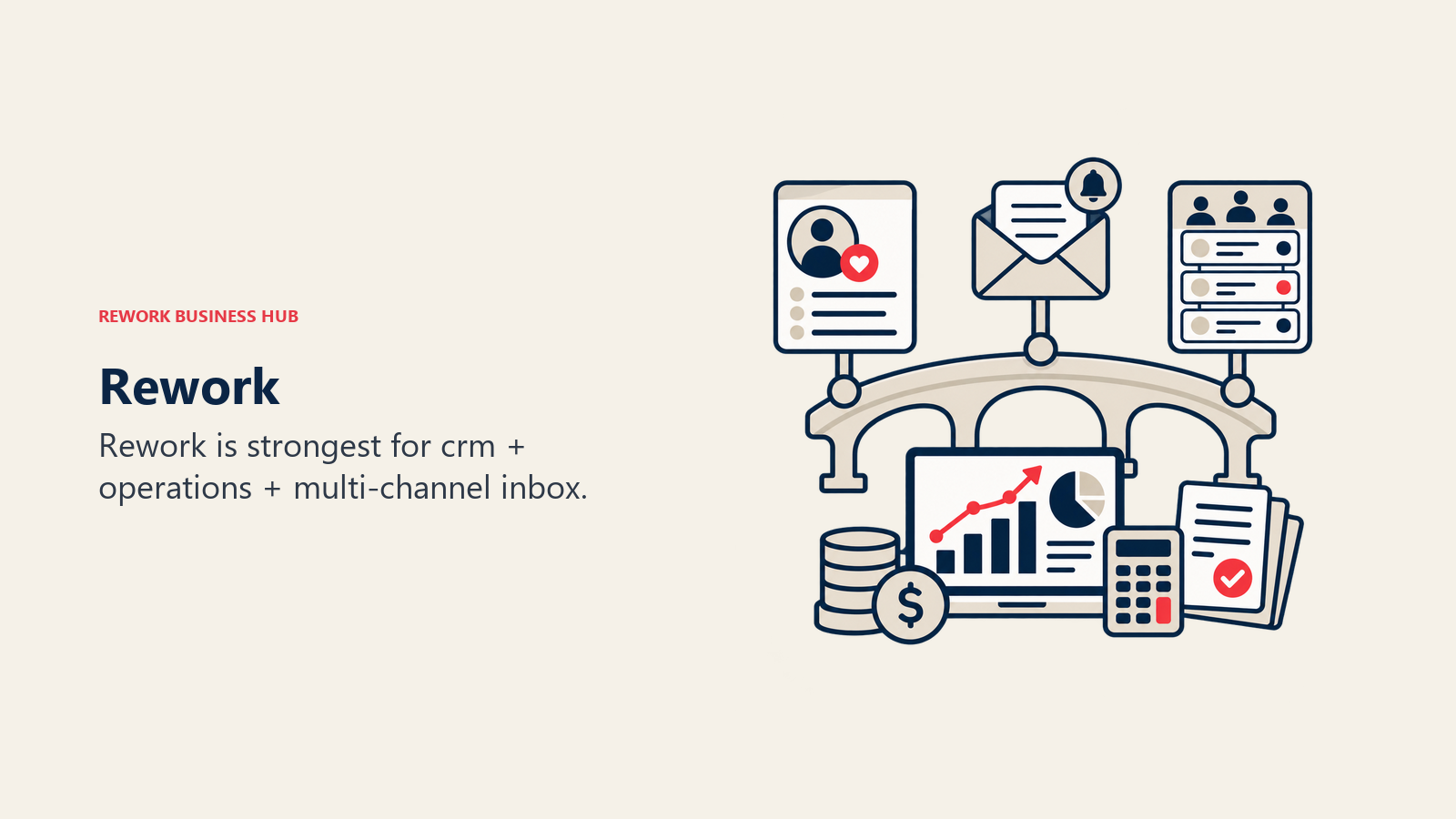
For teams that have outgrown Bitrix24 specifically because of the UX debt and the complexity tax, Rework's opinionated structure is the draw. The CRM, lead management, and operations workflows are purpose-built for how sales, marketing, ops, and CS teams share work. Teams evaluating Odoo as an alternative should also check the best Odoo alternatives guide, since the module pricing model there creates a similar complexity problem at a higher price point. The multi-channel chat inbox pulls WhatsApp, Messenger, Instagram DM, Zalo, Telegram, and live chat into a unified contact timeline, replacing the fragmented communication modules that make Bitrix24 feel like several disconnected apps wearing one login.
Where Rework earns its spot on this list: round-robin and territory-based lead distribution are built into the Lead app, not locked behind an enterprise tier. Marketing-to-sales handoff workflows, lead scoring, and nurture sequences connect directly to pipeline. That's the gap most Bitrix24 users are trying to patch with five separate tabs.
| What you get | What you don't |
|---|---|
| Full CRM + pipeline with quota and forecasting | A free tier for 5-person teams |
| Unified inbox: WhatsApp, Messenger, IG DM, Zalo, Telegram, live chat | Blank-canvas flexibility (it's opinionated) |
| Lead capture, scoring, distribution, and nurture in one product | A 1,000+ app marketplace the size of HubSpot's |
| Cross-team ops workflows and process templates | Enterprise governance for 500+ custom objects |
| Revenue reporting across marketing + sales | Deep helpdesk SLA reporting |
Pricing: Revenue Engine (CRM, omnichannel inbox and lead capture) is $159/month billed yearly ($1,908/year) or $190 month to month, with 5 marketing and 5 sales seats included; ops workflows are the Process Engine, from $99/month billed yearly. 14-day free trial. See rework.com/pricing.
Best for: Mid-size teams running sales, marketing, ops, and CS on shared workflows who want CRM + lead management + unified chat without assembling it from separate tools.
2. HubSpot CRM: Marketing + Sales Suite
HubSpot is the category benchmark for marketing-led CRM. The free tier is genuinely useful, the onboarding is smooth, and the breadth of integrations is unmatched at this price point. For teams that run inbound marketing as their primary growth motion, HubSpot's native connection between content, forms, email sequences, and pipeline is hard to replicate.
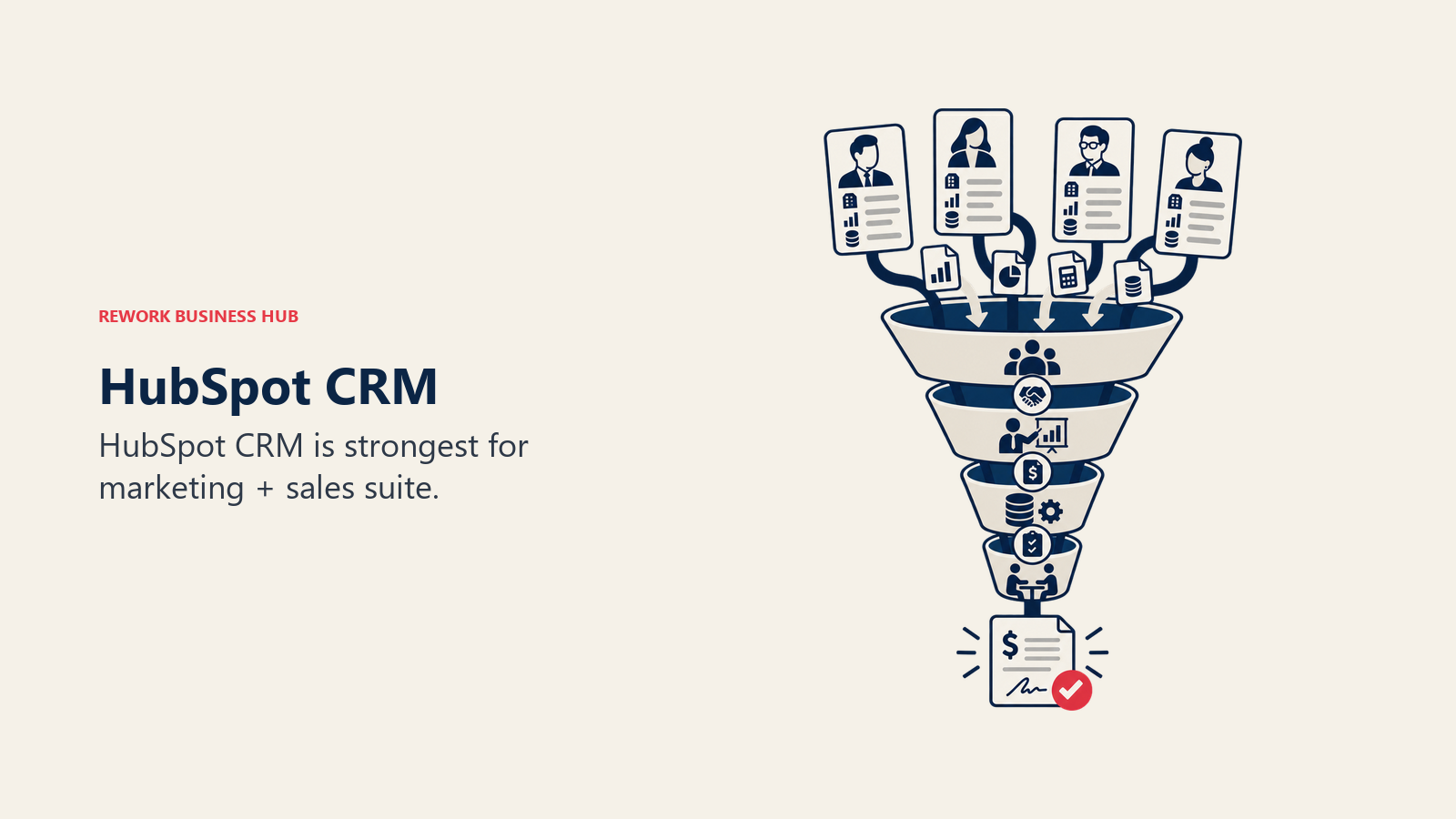
The methodology here is marketing-first: HubSpot designs the product around the buyer's journey, from first content touchpoint through closed deal and into service. That philosophy works brilliantly for inbound SaaS companies. It works less well for outbound-heavy sales teams or ops-led organizations where the primary use case is operational workflow management rather than lead nurture.
The pricing is the recurring story. Marketing Hub + Sales Hub + Service Hub at Professional tier for a 50-person team pushes into $30,000-$60,000+ annually. You can review HubSpot's pricing page to see what each hub costs before stacking them. For a full comparison of HubSpot's pricing tiers against mid-market alternatives, see the best HubSpot alternatives guide. Contact-based billing adds another variable. For Bitrix24 teams moving up, HubSpot is the natural upgrade path if you're marketing-led and have budget. Before committing, teams in an active migration should also review preparing data before migration, since the contact deduplication step alone saves hours during import.
| What you get | What you don't |
|---|---|
| Best-in-class marketing and email automation | Predictable pricing as your contact list grows |
| Deep integration between marketing, sales, and service hubs | Simple, flat pricing for ops-first teams |
| Massive ecosystem of 1,000+ integrations | Ops workflow templates and process enforcement |
| Clean pipeline and deal management UI | Native multi-channel chat inbox (WhatsApp/IG DM cost extra) |
Methodology: Buyer-journey-first; marketing generates leads, sales closes, service retains. Sizing fit: 5 to 500+ employees. Sweet spot: 20-200 marketing-led revenue teams. Stage fit: Startup finding PMF through growth scaling marketing ops.
Team scope: Revenue team-first. Marketing + Sales + CS. Ops teams use it secondarily. Pricing: Free CRM, $15/user/mo (Starter), $90/user/mo (Professional), Enterprise on request.
Best for: Inbound-led SaaS and services businesses where marketing automation is the primary growth lever.
3. Monday.com: Visual Work OS
Monday.com's pitch is maximum flexibility: model any workflow, for any team, in a visual board interface. It's the blank canvas that Bitrix24 also tried to be, but Monday executes the UX significantly better. The board-centric design is intuitive, automations are accessible without developer involvement, and the dashboard layer gives ops and exec teams cross-project visibility.
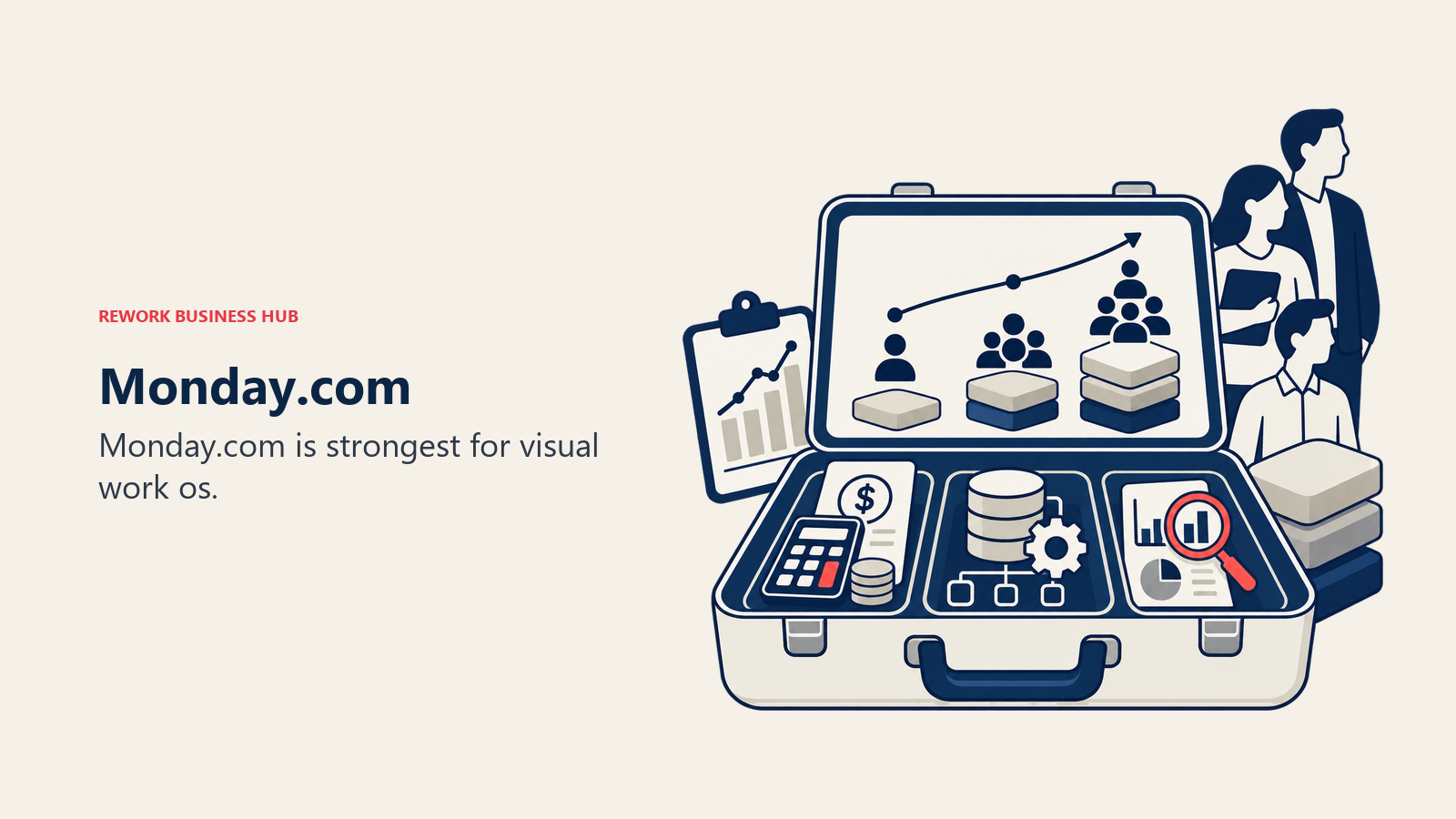
The methodology is neutral by design: Monday doesn't tell you how to work, it gives you the infrastructure to model how you do work. That flexibility is the product's greatest strength and its main limitation. Teams that need process discipline (approval steps that can't be skipped, handoffs that route automatically, SLAs that trigger escalations) tend to find that Monday's flexibility becomes a configuration burden.
For Bitrix24 users who primarily used it for task management and project tracking (not CRM), Monday is a clear UX upgrade. If CRM was central to your Bitrix24 usage, Monday's native CRM module is a work board re-skinned as a pipeline: functional for simple use cases, but not a replacement for a purpose-built CRM. Teams concerned about the true cost of software sprawl should weigh whether Monday's flexibility means you'll end up buying a CRM alongside it anyway.
| What you get | What you don't |
|---|---|
| Intuitive visual boards with strong UX | Purpose-built CRM or lead management |
| Flexible automations accessible to non-technical users | Process enforcement (it models, not enforces) |
| Strong dashboard and cross-project reporting | Affordable per-seat pricing at 50+ seats |
| 200+ integrations with popular business tools | Opinionated ops workflows out of the box |
Methodology: Flexible Work OS; any team, any workflow, assembled by the user. Sizing fit: 10-500. Sweet spot: 20-150 ops and project-management teams. Stage fit: Startup through growth; enterprise pricing gets steep.
Team scope: Cross-team. Strong for ops, marketing, and project delivery. Pricing: $9/user/mo (Basic), $12/user/mo (Standard), $19/user/mo (Pro), Enterprise on request. See Monday.com's pricing page for current plan details.
Best for: Ops teams that want flexible, visual workflow management without the complexity of Bitrix24.
4. ClickUp: The Everything-App
ClickUp's strategy is explicit: replace every tool in your stack. And in terms of raw feature count, it delivers: tasks, docs, whiteboards, goals, time tracking, chat, sprint management, form builders, and automation all live inside one product. The Unlimited tier at $7/user/mo is one of the most competitive prices on this list for what it includes.
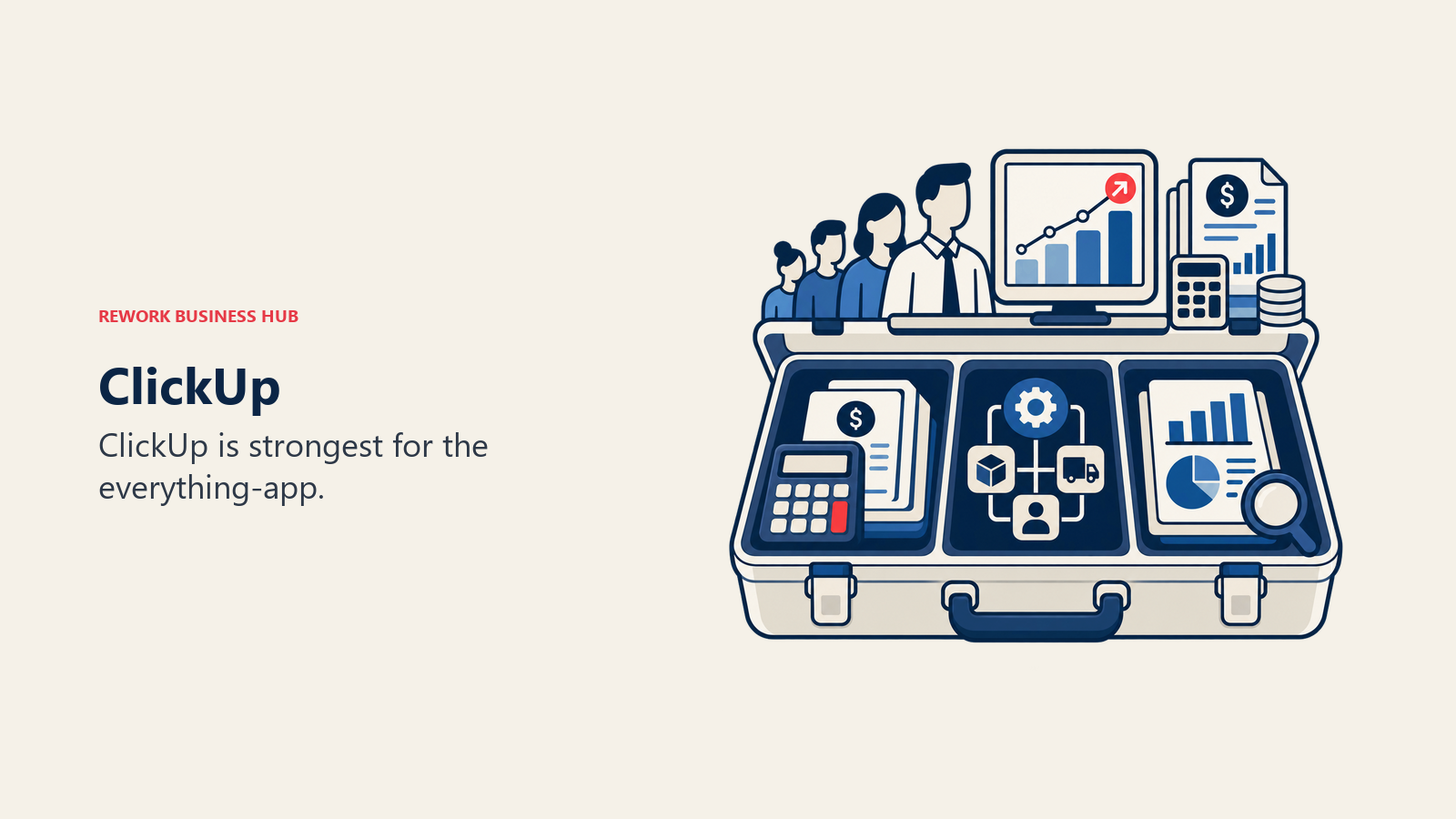
The philosophy is breadth through configurability. Unlike Monday's visual-first design or Asana's project delivery focus, ClickUp gives power users the ability to customize their workspace extensively. That same depth is the friction point: organizations that don't invest in ClickUp administration end up with messy workspaces that create their own kind of complexity tax, just a different one than Bitrix24's.
For Bitrix24 teams, ClickUp is a legitimate upgrade path if the primary pain was UI and UX. ClickUp's interface is meaningfully more modern. But if the pain was "too many features, not enough clarity on how to use them," ClickUp may trade one form of overwhelm for another.
| What you get | What you don't |
|---|---|
| Widest feature set of any tool on this list | Simple, low-maintenance setup |
| Competitive pricing, especially on Unlimited tier | Opinionated workflows ready to run |
| Docs, chat, goals, and time tracking alongside tasks | Native full-depth CRM with lead distribution |
| Strong automation builder for non-developers | Fast time-to-value for non-technical teams |
Methodology: Maximum configurability; build your own system of record from flexible building blocks. Sizing fit: 10-200. Sweet spot: tech-forward teams of 20-100 willing to invest setup time. Stage fit: Startup through early mid-market. Less ideal once complexity requires dedicated ClickUp admins.
Team scope: Cross-team. Any department, but requires internal champions to set it up well. Pricing: Free, $7/user/mo (Unlimited), $12/user/mo (Business), Enterprise on request.
Best for: Tech-forward teams wanting maximum feature breadth at low cost, willing to invest in configuration.
5. Zoho One: 45+ App Ecosystem
Zoho One is the closest structural parallel to Bitrix24 on this list: it's an all-in-one bundle that covers CRM, project management, email, HR, marketing, finance, analytics, and more. The difference is that Zoho One is a bundle of genuinely separate, mature products rather than one monolithic app that tries to do everything in the same interface.
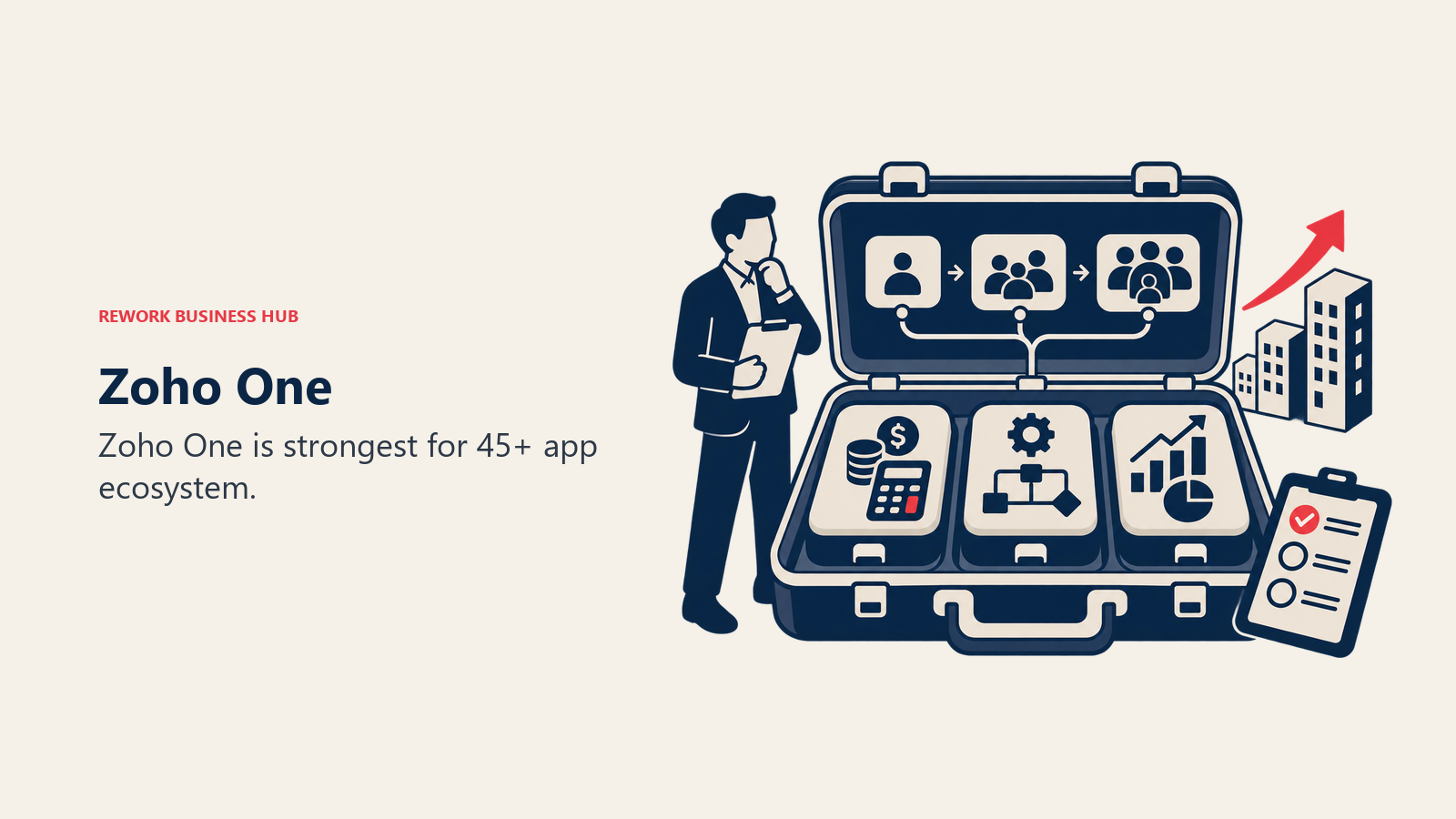
The methodology is ecosystem depth over integration elegance. You get Zoho CRM, Zoho Projects, Zoho Desk, Zoho Marketing Plus, Zoho Books, Zoho People, and 40+ others under one subscription. Each app has its own maturity curve, its own UI patterns, and its own learning investment. For teams that need breadth across multiple departments and are price-sensitive, the $37/user/mo all-apps price is genuinely hard to beat.
The honest caveat: Zoho's apps vary in polish. Some (Zoho CRM, Zoho Desk) are mature and competitive with best-in-class tools. Others feel like they need another 18 months of UX investment. Setup complexity is real. You're not getting one coherent product; you're getting 45 connected tools that require integration and configuration work. Teams evaluating Zoho alternatives can also compare against the best Zoho alternatives guide for a deeper breakdown.
| What you get | What you don't |
|---|---|
| 45+ business apps under one subscription price | Consistent UX across all apps |
| Mature CRM with territory management and AI | Fast onboarding without technical resources |
| Zoho One pricing that gets compelling at 50+ seats | The brand credibility of HubSpot or Salesforce |
| On-premise deployment option for Zoho CRM | A single coherent product philosophy |
Methodology: Ecosystem breadth; one vendor for every business function, priced as a bundle. Sizing fit: 10-500. Best value at 50+ seats where per-app alternatives get expensive. Stage fit: Growth through mid-market. Startups may find it complex to set up; enterprises may prefer best-of-breed.
Team scope: Company-wide. Every department can use a Zoho app, but cross-app workflows require setup. Pricing: $37/user/mo (All Employee Apps), individual apps from $14/user/mo. See Zoho One's pricing page for plan details.
Best for: Price-sensitive teams of 30-200 that need breadth across departments and are willing to invest in setup.
6. Freshworks: CRM + Helpdesk + Marketing
Freshworks takes a cleaner product philosophy than Bitrix24 or Zoho: build best-in-class tools for each function (sales, support, marketing, IT) that integrate naturally with each other, rather than one product that tries to do everything in one UI. The result is apps that feel modern and focused rather than sprawling.
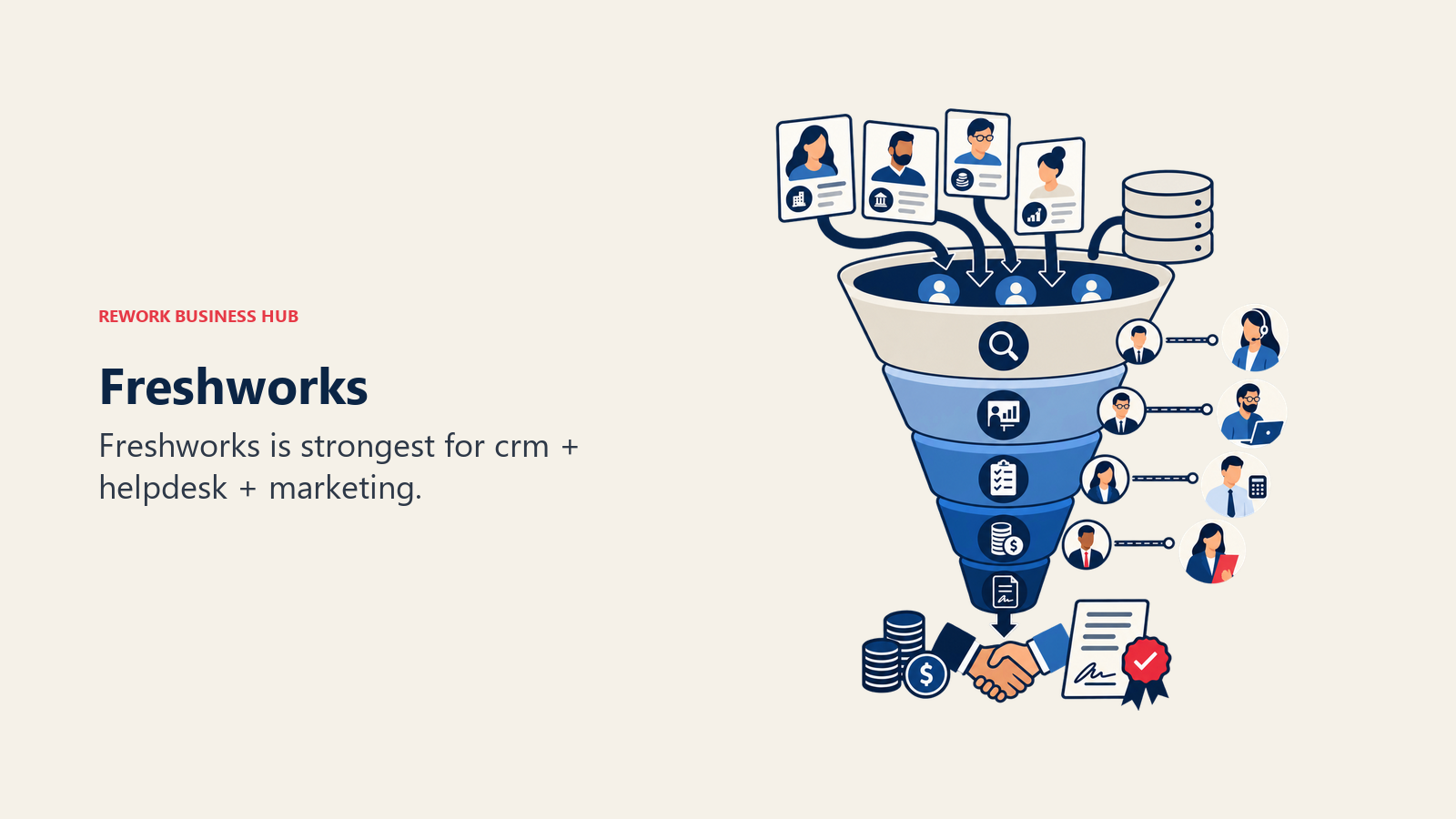
Freshsales is the CRM anchor: a clean, modern pipeline with Freddy AI for lead scoring, deal intelligence, and contact enrichment. Freshdesk is the helpdesk. Freshmarketer handles marketing automation. They share a contact record, which is the integration story Freshworks sells to teams that bought into the HubSpot-equivalent model but found HubSpot's pricing prohibitive.
For Bitrix24 users whose primary pain was CRM UX and helpdesk quality, Freshworks is a direct and credible upgrade. The per-seat pricing is competitive, especially on Freshsales' Growth tier. The limitation is ecosystem maturity: Freshworks' integration library and app marketplace are smaller than HubSpot's, and the brand carries less weight in enterprise procurement conversations. See the best Freshworks alternatives guide for a comparison of what teams commonly pair with Freshworks.
| What you get | What you don't |
|---|---|
| Modern, clean CRM UI that is well ahead of Bitrix24 | The HubSpot brand or ecosystem depth |
| Freddy AI for lead scoring, deal intelligence, enrichment | Native multi-channel chat inbox (WhatsApp/IG DM) on base tiers |
| Freshdesk + Freshsales integration on shared contact record | Advanced ops workflow templates |
| Competitive pricing at growth stage | Deep territory management on lower tiers |
Methodology: Best-of-breed per function (sales, support, marketing) that shares a contact record. Sizing fit: 10-300. Sweet spot: 20-100 seat revenue and support teams. Stage fit: Startup finding PMF through growth scaling sales + support.
Team scope: Revenue team (sales + CS) primary; marketing secondary. Pricing: $9/user/mo (Freshsales Growth), $39/user/mo (Pro), $59/user/mo (Enterprise). Review Freshsales' pricing page for current plan details.
Best for: Teams that want a modern CRM + helpdesk combination without HubSpot's pricing model.
7. Pipedrive: Simple Sales CRM
Pipedrive's philosophy is deliberate simplicity: the best CRM for a sales team is one that sales reps actually use. Everything is designed around the sales rep's daily workflow (activities, calls, emails, pipeline stages) rather than the ops manager's reporting needs or the founder's all-in-one ambitions.
The result is one of the fastest time-to-value CRMs on the market. A sales team can have Pipedrive set up, contacts imported, and active deals in pipeline within hours rather than days. The UX is clean, the pipeline view is intuitive, and the activity-based selling methodology (focus on the next action, not the outcome) works particularly well for outbound teams.
For Bitrix24 users whose primary use case was sales pipeline management, Pipedrive is a strong, focused alternative. But it's not an all-in-one replacement. Marketing automation requires Campaigns (add-on), lead distribution is basic compared to what ops teams need, and the product doesn't expand into project management, HR, or cross-functional ops workflows.
| What you get | What you don't |
|---|---|
| Cleanest sales pipeline UX on this list | Marketing automation without add-ons |
| Fast setup (active in hours, not days) | Advanced lead distribution and territory routing |
| Activity-based selling methodology baked in | Cross-functional ops or project management |
| Strong reporting for sales performance | A platform that grows beyond sales |
Methodology: Sales-first simplicity; activity-based selling with minimal overhead for reps. Sizing fit: 5-100. Sweet spot: 5-50 seat sales teams. Stage fit: Startup finding PMF through growth. Rarely chosen at mid-market for ops-wide deployments.
Team scope: Sales-team-only. Marketing and ops teams need separate tools. Pricing: $14/user/mo (Essential), $29/user/mo (Advanced), $59/user/mo (Professional), $69/user/mo (Power).
Best for: Sales teams that want a dedicated, simple CRM and don't need their pipeline tool to run the rest of the business.
8. Odoo: Open-Source ERP + CRM
Odoo is the closest thing to a true Bitrix24 replacement from a feature breadth standpoint, and then some. It covers CRM, project management, accounting, inventory, manufacturing, HR, marketing, helpdesk, and ecommerce in a single platform. The open-source version is free to self-host. The hosted version starts around $13/user/mo per app, or $38/user/mo for all apps.
The philosophy is ERP-completeness: Odoo is designed to run the entire company on one platform, not just the revenue team or the ops team. That makes it genuinely competitive for manufacturing companies, distributors, professional services firms, and any business where finance, inventory, and operations need to talk to CRM.
The honest tradeoff is implementation complexity. Odoo requires real technical investment to deploy well. Self-hosted means someone manages infrastructure. Even the hosted version requires configuration that most SaaS tools don't need. For Bitrix24 teams moving up because Bitrix24 was too complex, Odoo's learning curve is comparable or steeper. But you get materially more capability in return. And if Odoo still isn't the right fit, the best Odoo alternatives guide covers the next tier of options.
| What you get | What you don't |
|---|---|
| Deepest ERP breadth of any tool on this list | Simple, fast deployment without technical resources |
| Open-source with self-hosted option | A polished modern UX (improving, but not there yet) |
| True accounting, inventory, manufacturing, and CRM in one | A vendor with HubSpot-level market presence and support |
| Modular structure: buy only the apps you need | Fast onboarding for non-technical teams |
Methodology: ERP-completeness; run every business function in one system. Sizing fit: 20-500+. Best value at 50+ where ERP breadth justifies implementation investment. Stage fit: Growth through enterprise. Not ideal for early-stage startups without technical resources.
Team scope: Company-wide ERP scope. Finance, ops, manufacturing, sales, HR all on one platform. Pricing: Free (self-hosted, one app), $13/user/mo (hosted, per app), $38/user/mo (all apps, One plan).
Best for: Companies that need genuine ERP coverage (accounting, inventory, manufacturing) alongside CRM and project management.
9. Notion: Docs + Databases + Light Tasks
Notion is not an all-in-one business platform in the Bitrix24 sense, but it solves a specific Bitrix24 pain point: the buried knowledge and documentation problem. Bitrix24's wiki and document features are functional but navigating them is an exercise in patience. Notion's document model is inherently more intuitive, more flexible, and more pleasant to use.
The philosophy is docs-as-the-operating-system: if your team can document their processes clearly, connect those docs to project databases, and build lightweight trackers alongside their knowledge base, Notion argues you can run significant parts of your ops without a dedicated project management tool. For product, marketing, and ops teams that live in documentation, this works well.
For Bitrix24 teams looking for a full replacement including CRM and pipeline management, Notion isn't the answer. But as part of a leaner stack (Notion for knowledge + a focused CRM) it frequently solves the "our information is buried in Bitrix24" complaint more elegantly than any all-in-one alternative.
| What you get | What you don't |
|---|---|
| Best-in-class wiki and knowledge base | Workflow enforcement or process automation |
| Flexible database model with multiple views | CRM or sales pipeline depth |
| Notion AI for drafting, summarizing, and Q&A over your wiki | Timeline and reporting on free/Plus tiers |
| Clean, modern document writing experience | Real-time dashboards for operational metrics |
Methodology: Docs-as-OS; knowledge and lightweight project management coexist in the same structure. Sizing fit: 5-200. Works at any size but process gaps grow with team complexity. Stage fit: Startup through growth. Enterprise teams tend to add dedicated tools alongside it.
Team scope: Knowledge-first teams (product, marketing, ops). Rarely replaces a full CRM or PM tool alone. Pricing: Free, $10/user/mo (Plus), $15/user/mo (Business), Enterprise on request.
Best for: Teams that want a unified knowledge base plus light project management; most effective paired with a focused CRM.
10. Asana: Project Management + Goals + Portfolios
Asana has matured into a serious project and work management platform, particularly for teams running multiple concurrent workstreams and needing portfolio-level visibility. Goals, Portfolios, and Timeline in the Business tier give program managers and directors the cross-project view that Bitrix24's project module approximates but rarely delivers cleanly.
The methodology is project delivery-first: Asana is designed for teams with defined project lifecycles, clear deliverables, and accountability structures around tasks and milestones. It's more structured than Monday, more intuitive for non-technical users than Jira, and more focused on delivery than Notion.
Where it falls short for Bitrix24 replacements: Asana doesn't have a meaningful CRM, and it doesn't enforce process in the way ops teams need. You can model an approval workflow in Asana, but Asana won't block someone from skipping a step. For pure project management use cases, Asana is excellent. For all-in-one replacement, you'll still need a separate CRM.
| What you get | What you don't |
|---|---|
| Goals and Portfolios for cross-project visibility | CRM or lead management |
| Clean, mature project delivery UI | Process enforcement for ops workflows |
| Strong Timeline view for planning | Budget-friendly pricing at 100+ seats |
| Solid integrations with Salesforce, Slack, Jira | Purpose-built ops workflow templates |
Methodology: Project delivery-first; structured task management with portfolio and goal visibility. Sizing fit: 10-500+. One of the few tools on this list that scales well into enterprise. Stage fit: Growth through enterprise. Strong for teams with formal PMOs or delivery practices.
Team scope: Project-focused teams (marketing, PMO, product delivery, program management). Pricing: $10.99/user/mo (Starter), $24.99/user/mo (Advanced), Enterprise on request.
Best for: Marketing teams, program managers, and ops teams that need project tracking and portfolio reporting without a CRM requirement.
11. Microsoft 365 + Dynamics: Enterprise Suite
Microsoft's story for enterprise teams is strong: if your org is already running Teams, Outlook, SharePoint, and Excel, adding Dynamics 365 as the CRM and sales layer creates a deeply integrated suite with single sign-on, shared data, and Power Platform automation across everything. For a 300-person company already paying for Microsoft 365, the incremental cost of Dynamics 365 Sales is lower than it appears at first glance.
The methodology is enterprise integration over product elegance. Microsoft doesn't compete on UX. Dynamics 365 is complex by modern SaaS standards. But it competes on depth of integration with the tools enterprises already use, on governance and compliance capabilities (HIPAA, SOC 2, FedRAMP), and on the Power Platform ecosystem (Power Automate, Power BI, Power Apps) that lets technical teams extend and automate without custom development. For teams evaluating Dynamics against other platforms, the best Dynamics 365 alternatives guide covers the full mid-market picture.
For Bitrix24 teams, this is only the right migration path if: you're 200+ employees, you're already on Microsoft 365, and you have IT resources to manage the deployment. For everyone else, the complexity and pricing model make it the wrong direction.
| What you get | What you don't |
|---|---|
| Deep integration with the full Microsoft 365 stack | Simple onboarding without dedicated IT resources |
| Power Platform for no-code/low-code automation and BI | Modern, clean CRM UX |
| Enterprise governance, compliance, and security | Predictable per-seat pricing without Dynamics add-ons |
| Copilot AI across Teams, Dynamics, and Office apps | A fit for teams under 100 without IT infrastructure |
Methodology: Enterprise integration-first; depth within the Microsoft ecosystem over standalone elegance. Sizing fit: 200+. Not the right choice for teams under 100 without existing Microsoft commitments. Stage fit: Mature and enterprise. Teams optimizing existing Microsoft investment, not buying fresh.
Team scope: Company-wide. Sales, ops, finance, HR all on Microsoft stack. Pricing: Microsoft 365 Business Premium from $22/user/mo. Dynamics 365 Sales from $65/user/mo. Full enterprise suite is custom.
Best for: Large enterprises already committed to Microsoft 365 that want to consolidate CRM and sales automation under the same vendor.
Why Teams Leave Bitrix24
The pattern is consistent across teams of different sizes and industries. Four pain points come up repeatedly.
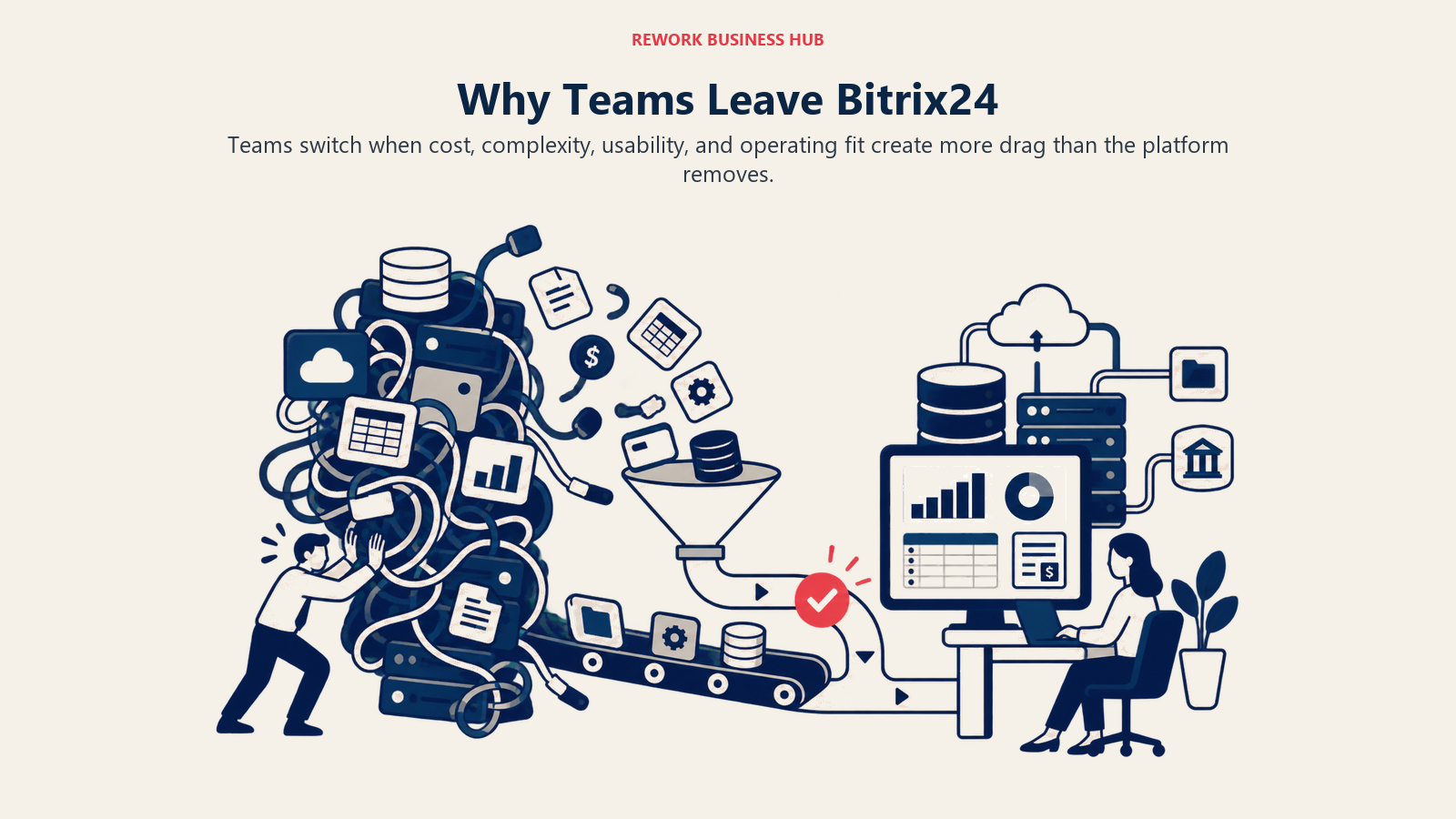
The UI hasn't kept up. Bitrix24's interface was designed in a different era of software. The navigation is dense, the information hierarchy is unclear, and new users consistently describe it as "hard to figure out where anything is." Every modern competitor on this list has made meaningful UX investment in the last three years. Bitrix24 hasn't kept pace.
The feature set is overwhelming, not empowering. Having CRM, tasks, chat, sites, HR, and telephony in one product sounds like a value proposition. In practice, it means every new user has to decide which of 15 modules is the right one for their use case. Teams end up using 20% of the product and ignoring the rest, which is fine until someone builds a workflow in the wrong module and you have data scattered across three places.
Performance under load. Teams on Free or Basic tiers report slower response times as their data grows. Cloud storage limits, slower page loads, and occasional sync delays are recurring complaints, especially for growing teams who started on Bitrix24 because it was free and are now paying for a product that doesn't feel faster.
Support quality is uneven. On the Free tier, support is community and self-service. On paid tiers, response quality varies significantly. For ops teams running business-critical workflows, unpredictable support is a real operational risk.
How to Choose: Decision Framework
Match the platform to your operating need, team size, implementation capacity, and the trade-offs you can support.
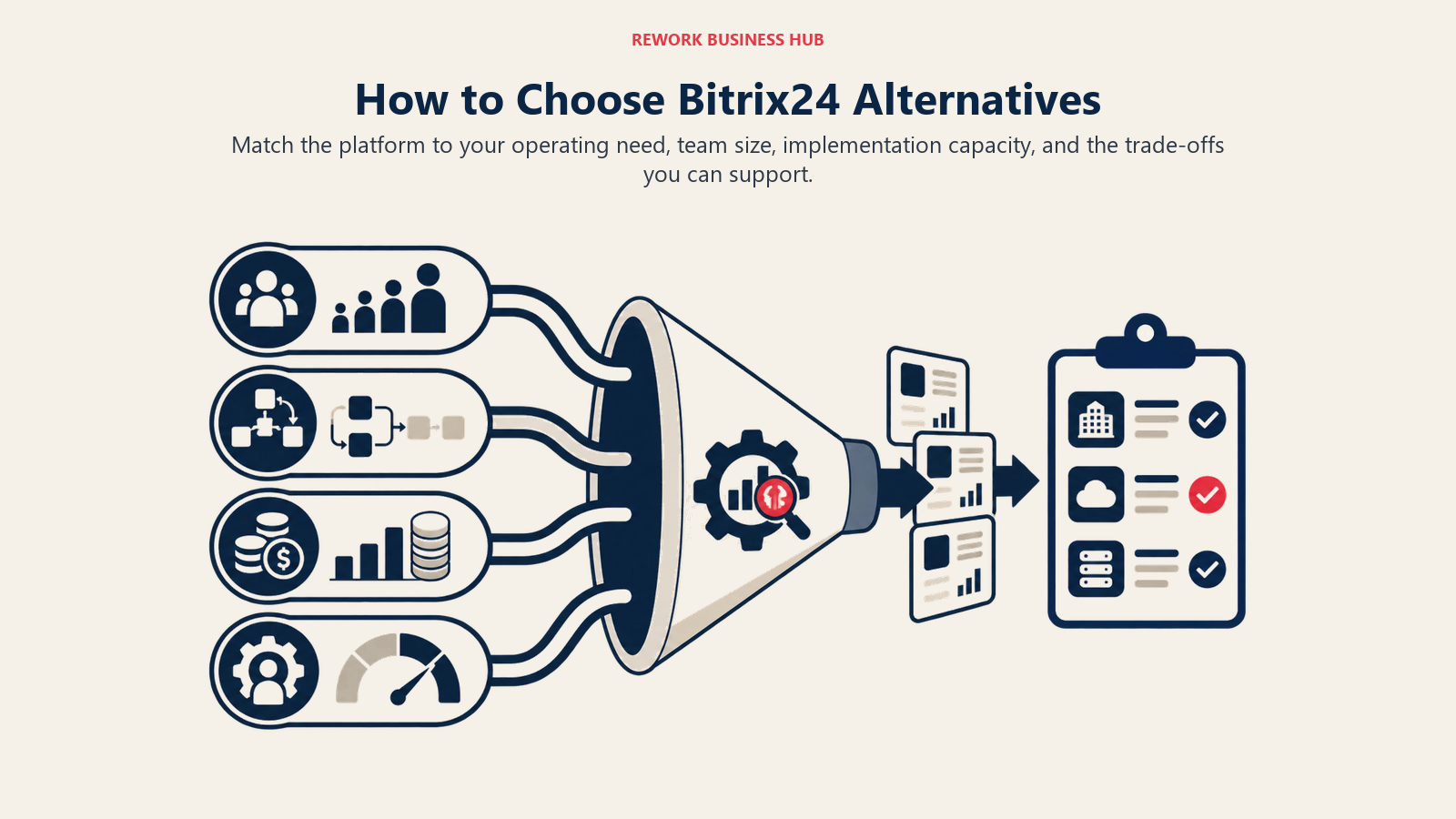
| If you need this... | Pick this |
|---|---|
| CRM + lead management + unified chat inbox for a 20-500 person team | Rework |
| Inbound marketing automation + CRM and have budget for Hub pricing | HubSpot CRM |
| Visual work management that's simpler than Bitrix24 with no CRM requirement | Monday.com |
| Maximum feature breadth at low cost and willing to configure | ClickUp |
| All-in-one breadth across every department at an affordable per-seat price | Zoho One |
| Modern CRM + helpdesk with clean UX and Freshworks ecosystem | Freshworks |
| Simple, sales-only pipeline management for a team of 5-50 | Pipedrive |
| Full ERP coverage (accounting, inventory, manufacturing) alongside CRM | Odoo |
| Knowledge base + wiki + light project management without a full PM tool | Notion |
| Project and portfolio management for a PMO or delivery-focused ops team | Asana |
| Enterprise on Microsoft 365 needing CRM consolidated under one vendor | Microsoft 365 + Dynamics |
What to Do Next
Narrow your shortlist to two tools based on where your primary Bitrix24 pain lives. If the core problem was CRM UX and lead management, run Rework or Freshworks against a 2-week pilot with your actual sales workflow. If the problem was project management and task tracking with no CRM need, run Monday or Asana against your current ops process. Teams also considering how pricing models work across the ERP and CRM space should read seat-based pricing is dying, which reframes how to evaluate per-user costs against the alternatives.
Don't evaluate tools in demo mode. Import real contacts, build your actual pipeline stages, and have your team use it for their actual work for two weeks. The tool that gets adopted is the right tool. Everything else is a feature list. According to G2's business software research, all-in-one platform adoption is highest when teams run a structured pilot rather than making decisions from demos alone.

Principal Product Marketing Strategist
On this page
- Quick Comparison Table
- Stage Fit Matrix
- Sizing and Buyer Persona Table
- 1. Rework: CRM + Operations + Multi-Channel Inbox
- 2. HubSpot CRM: Marketing + Sales Suite
- 3. Monday.com: Visual Work OS
- 4. ClickUp: The Everything-App
- 5. Zoho One: 45+ App Ecosystem
- 6. Freshworks: CRM + Helpdesk + Marketing
- 7. Pipedrive: Simple Sales CRM
- 8. Odoo: Open-Source ERP + CRM
- 9. Notion: Docs + Databases + Light Tasks
- 10. Asana: Project Management + Goals + Portfolios
- 11. Microsoft 365 + Dynamics: Enterprise Suite
- Why Teams Leave Bitrix24
- How to Choose: Decision Framework
- What to Do Next