Best WooCommerce Alternatives in 2026: 10 E-Commerce Platforms for Growing Online Stores
Turn this article into takeaways for your work.


Each assistant summarizes the article only for you and suggests best practices for your work.
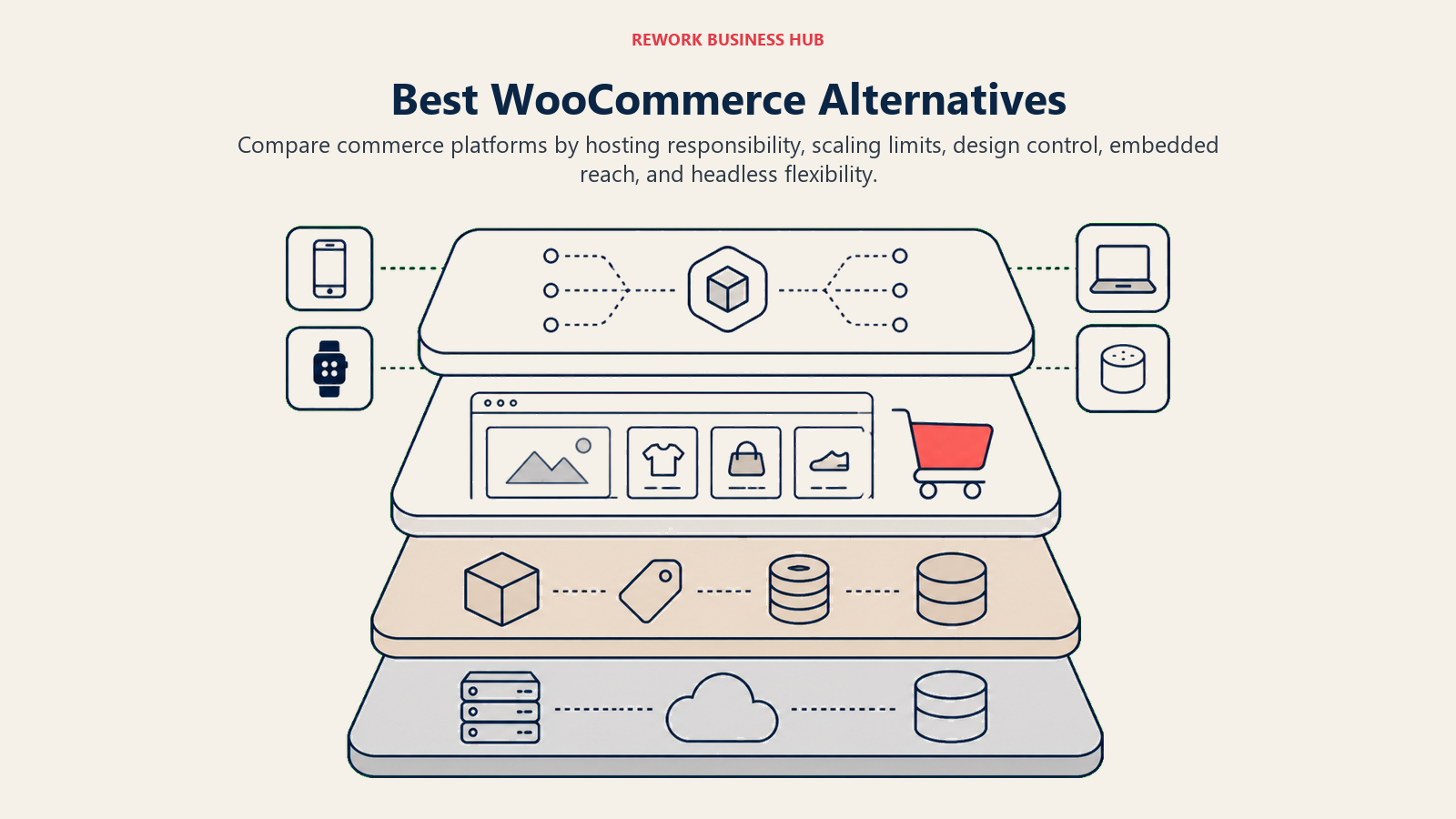
WooCommerce powers roughly 37% of all online stores globally, and that number makes sense. It's free, it runs on WordPress, and it gives you full control over your stack. But "full control" cuts both ways. You're also responsible for hosting reliability, plugin compatibility, security patching, SSL renewals, database optimization, and every update that breaks something two weeks before a product launch.
Most store owners don't want to manage infrastructure. They want to sell. If you've hit the point where your WooCommerce setup feels like a second job, or you're planning a store and want to skip that phase entirely, there are mature platforms built specifically so you don't have to think about any of that. This guide covers 10 of the strongest alternatives, with honest assessments of who each one is actually built for.
If your move away from WooCommerce is part of a broader tech stack evaluation, best Shopify alternatives covers overlapping platforms for DTC brands at different growth stages. And if your e-commerce store is part of a larger B2B tech evaluation, best HubSpot alternatives covers the CRM layer that often connects to e-commerce platforms.
Quick Comparison Table
| Platform | Best For | Starting Price | Key Strength | Key Limitation |
|---|---|---|---|---|
| Shopify | Brands scaling fast | $29/month | Ecosystem depth, ease of use | Transaction fees without Shopify Payments |
| BigCommerce | High-volume catalogs | $39/month | No transaction fees, B2B tools | Fewer themes, steeper learning curve |
| Adobe Commerce (Magento) | Large enterprise | Free (open-source) / custom | Unlimited customization | Requires developer team to operate |
| Wix eCommerce | Small stores, beginners | $17/month | Drag-and-drop simplicity | Limited scalability beyond ~500 SKUs |
| Squarespace Commerce | Brand-forward stores | $23/month | Design quality | Weak inventory and B2B features |
| PrestaShop | European mid-market | Free (open-source) | Multi-currency, EU compliance | Self-hosted complexity like WooCommerce |
| OpenCart | Cost-conscious developers | Free (open-source) | Lightweight, extensible | Requires technical setup and maintenance |
| Ecwid | Adding store to existing site | Free–$89/month | Embeds anywhere | Not a standalone storefront |
| Medusa | Developer-led teams (headless) | Free (open-source) | Full stack control, composable | Requires engineering resources |
| Saleor | GraphQL-first headless builds | Free (open-source) | API-first, modern architecture | Steep learning curve without GraphQL experience |
Why Teams Leave WooCommerce
Before getting into alternatives, it's worth naming what actually pushes people to switch. Because "WooCommerce is bad" isn't the right framing. WooCommerce is a solid plugin. The friction comes from what surrounds it.
| Pain Point | What It Looks Like in Practice |
|---|---|
| WordPress maintenance overhead | Core updates, theme updates, plugin updates, each one a potential conflict |
| Plugin conflicts | Two plugins modify the same WooCommerce hook and checkout breaks on a Friday |
| Security responsibility | You patch vulnerabilities, manage firewalls, monitor for injections |
| Hosting costs compound | Performance at scale needs managed WooCommerce hosting at $50-200+/month |
| Performance optimization | Image compression, caching layers, CDN config: all on you |
| Developer dependency | Customizations require PHP/WordPress knowledge or an agency retainer |
If most of that list is your current reality, the alternatives below are worth a close look.
1. Shopify: The Default for DTC Brands Scaling Fast
Shopify is the closest thing e-commerce has to a category default. It started as a solution for founders who didn't want to manage servers, and it's held that positioning for 20 years while building one of the deepest platform ecosystems in commerce.
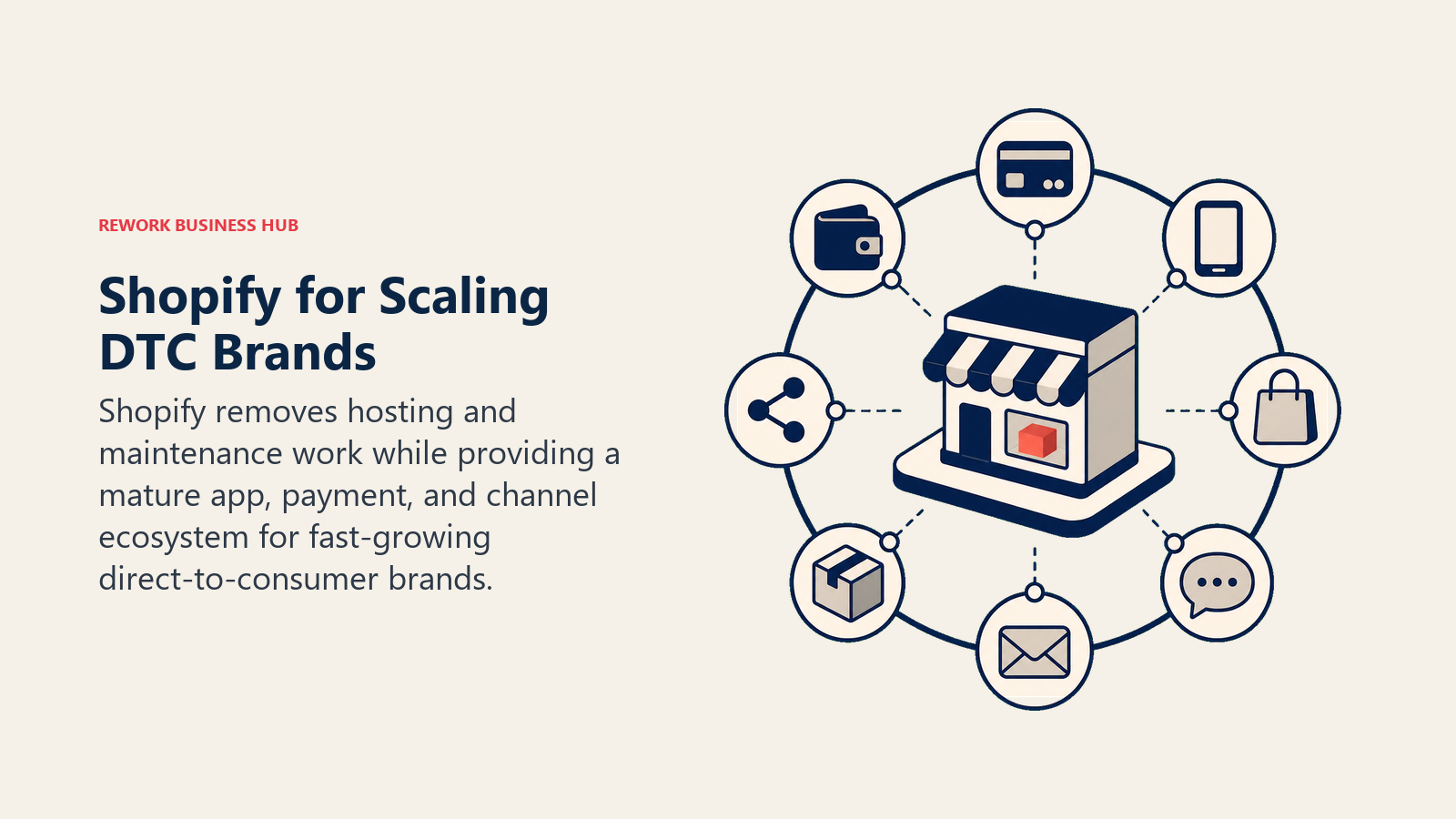
Methodology / philosophy: Shopify's product bet is that most merchants should never think about infrastructure. The platform handles hosting, CDN, PCI compliance, SSL, and uptime guarantees. The trade-off is that you work within Shopify's architecture (Liquid templates, Shopify's checkout, Shopify's API surface) rather than owning every layer.
Target audience: Direct-to-consumer brands, fashion and apparel, lifestyle goods, subscription businesses, and any merchant prioritizing time-to-market over technical flexibility. Shopify's sweet spot is founders and small marketing teams who want to spend time on growth, not dev ops.
Sizing fit: Solo operators to enterprise. Shopify Basic works for single-product launches. Shopify Plus starts at $2,300/month and handles thousands of orders per minute for brands like Gymshark and Allbirds.
Stage fit: Especially strong at the 0-to-$1M ARR phase when speed matters most. Also viable at enterprise scale through Shopify Plus, though large catalogs with complex B2B requirements sometimes hit the platform's opinionated limits.
Team vs company-wide: Primarily a marketing and operations platform. Finance teams use it for revenue reporting; fulfillment teams use it for order management. But it's not an ERP replacement.
| What You Get | What You Don't |
|---|---|
| Hosted, managed infrastructure | Checkout customization on lower plans |
| 8,000+ apps in the marketplace | Server-level access or custom PHP logic |
| Built-in payments (Shopify Payments) | Transaction fee waived only with Shopify Payments |
| POS integration for retail | Native B2B pricing tiers (requires Plus or apps) |
| Strong mobile app for store management | Full page builder flexibility (Liquid has learning curve) |
Pricing:
| Plan | Monthly Cost | Key Limits |
|---|---|---|
| Basic | $29 | 2 staff accounts, basic reports |
| Shopify | $79 | 5 staff accounts, standard reports |
| Advanced | $299 | 15 staff accounts, advanced reporting |
| Shopify Plus | From $2,300 | Unlimited staff, custom checkout, B2B |
Note: Transaction fees of 0.5-2% apply if you don't use Shopify Payments (varies by country availability).
Best for: DTC brands that want to move fast and grow without managing a WordPress stack.
2. BigCommerce: Built for High-Volume Catalogs Without Transaction Fees
BigCommerce takes a different philosophical stance from Shopify. Where Shopify abstracts everything into a managed experience, BigCommerce gives merchants more native flexibility (especially around catalog complexity, B2B pricing, and multi-channel selling) without requiring apps for features that should be built-in.
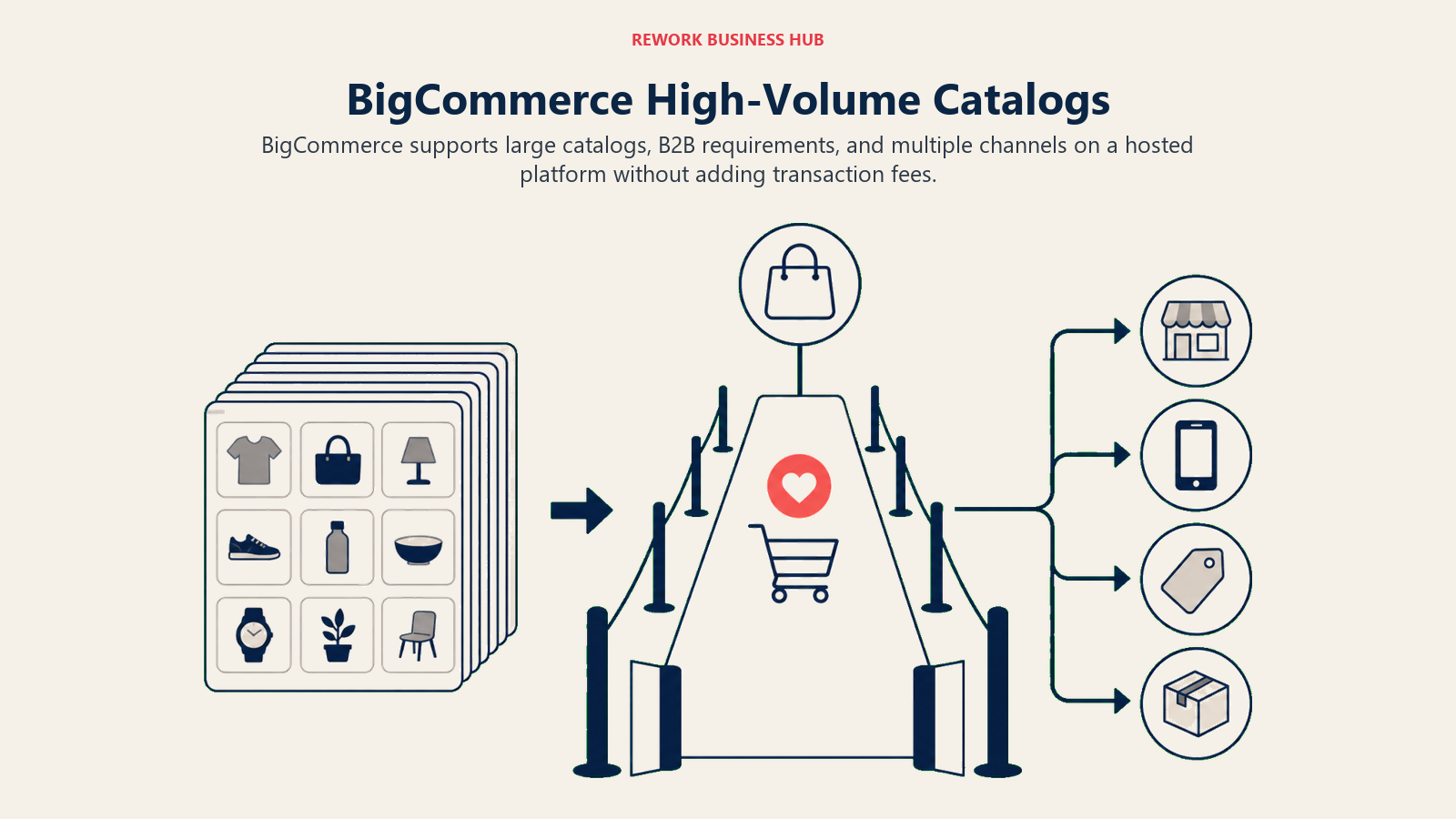
Methodology / philosophy: BigCommerce's core argument is that mature stores shouldn't pay transaction fees and shouldn't need a $50/month app to enable product variants, faceted search, or customer group pricing. Those features are in the platform. The company positions itself explicitly against "app tax" creep. For teams also running email marketing alongside their store, best Klaviyo alternatives covers the email tools that integrate cleanly with BigCommerce.
Target audience: Merchants with large SKU counts (500+), B2B sellers with tiered pricing or account-based checkout, and retailers already running on Shopify who've outgrown it operationally.
Sizing fit: Mid-market to enterprise. BigCommerce's real strengths surface at 1,000+ SKUs or when B2B workflows like quote requests, purchase orders, and custom pricing by customer group become necessary.
Stage fit: Better at growth and mature stages than at early founding. The platform has more surface area than a first-time founder needs, but that depth pays off when catalog and operational complexity increase.
Team vs company-wide: Operations and merchandising teams are primary users. IT teams appreciate the headless capabilities (BigCommerce Stencil or composable front-end via API). Finance teams use it for multi-currency and tax configuration.
| What You Get | What You Don't |
|---|---|
| No transaction fees on any plan | Shopify's app ecosystem breadth |
| Native B2B features (customer groups, quotes) | As many free themes as Shopify |
| Multi-storefront from one backend | A fully drag-and-drop page experience |
| Strong API for headless setups | The same name recognition with agency partners |
| Built-in product filtering and faceted search |
Pricing:
| Plan | Monthly Cost | GMV Threshold |
|---|---|---|
| Standard | $39 | Up to $50K/year GMV |
| Plus | $105 | Up to $180K/year GMV |
| Pro | $399 | Up to $400K/year GMV |
| Enterprise | Custom | Custom |
GMV limits push merchants to higher plans as revenue grows, which is a real consideration in long-term cost modeling.
Best for: Mid-market merchants with complex catalogs, B2B requirements, or high transaction volumes who want to avoid per-transaction fees.
3. Adobe Commerce (Magento): Enterprise-Grade Flexibility with Full Source Access
Adobe Commerce (formerly Magento) is what large enterprises use when they need complete control over every layer of the commerce stack and have the engineering team to operate it. The open-source version (Magento Open Source) is free; Adobe Commerce adds cloud hosting, B2B modules, customer segmentation, and enterprise SLAs.
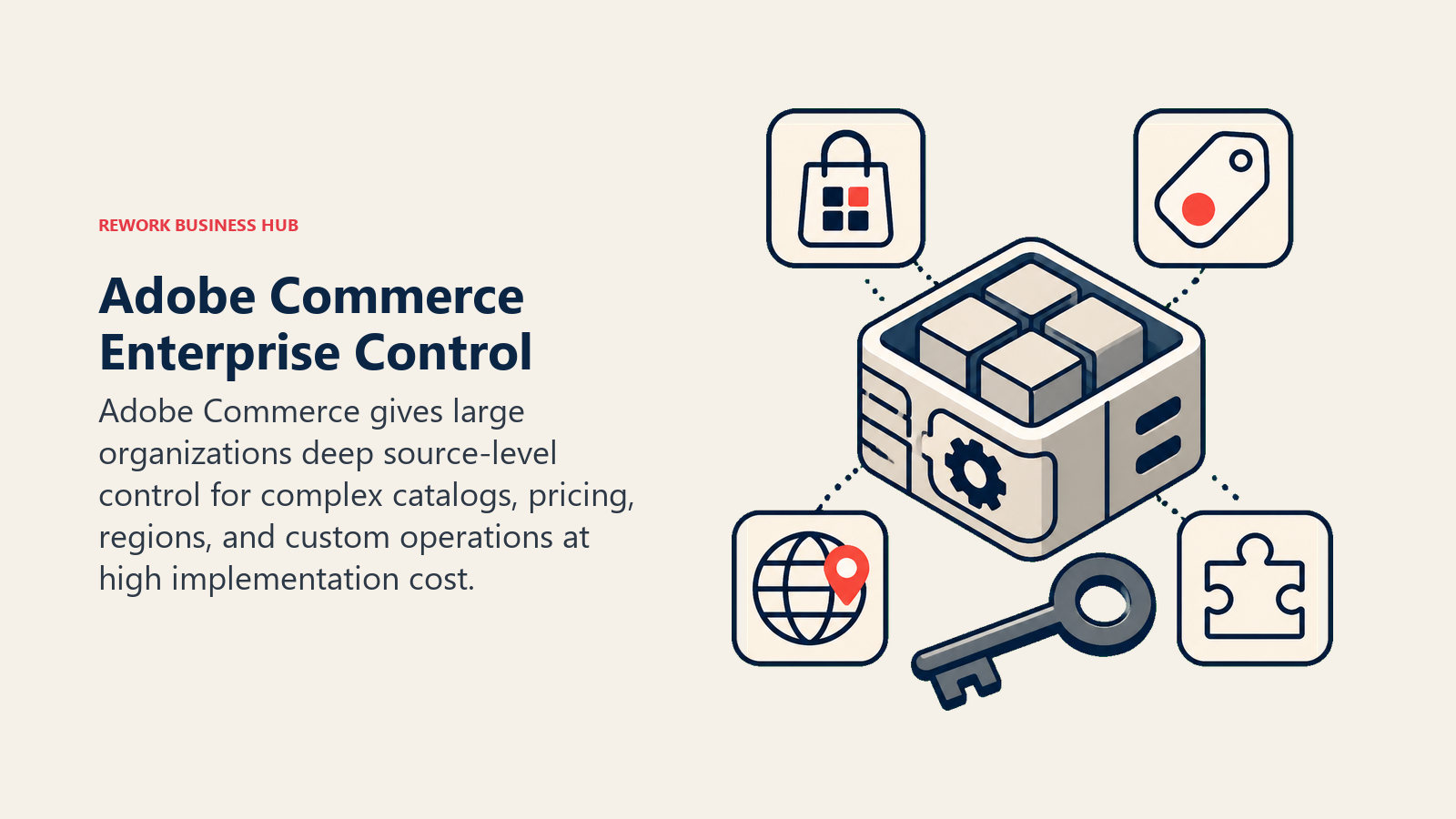
Methodology / philosophy: Magento was built on the premise that enterprise commerce is too complex and too custom to be handled by a SaaS platform's constraints. Every module, every template, every data model is extensible. The platform doesn't impose opinions. It gives you the tools and expects your team to know how to use them.
Target audience: Enterprises with large engineering teams, complex multi-store setups (multiple brands, regions, currencies), heavy B2B catalog requirements, or regulatory constraints that prevent using third-party SaaS infrastructure.
Sizing fit: Built for 200+ employee organizations with dedicated development resources. Companies running Magento Open Source without a developer are fighting against the platform, not with it.
Stage fit: Enterprise and mature. Not a platform you graduate into from WooCommerce unless you're also bringing on a development team.
Team vs company-wide: Engineering-heavy. Merchandising teams use the admin UI, but every meaningful customization touches PHP and XML configuration. IT and infrastructure teams own the deployment pipeline.
| What You Get | What You Don't |
|---|---|
| Complete source code ownership | Managed hosting (on open-source version) |
| Unlimited customization via modules | Ease of setup or low operational overhead |
| Multi-store, multi-language, multi-currency natively | A modern developer experience by default |
| Strong B2B module in Adobe Commerce | Quick path from idea to launch |
| Large ecosystem of certified agencies |
Pricing:
| Edition | Cost |
|---|---|
| Magento Open Source | Free (self-hosted) |
| Adobe Commerce (cloud) | Custom - typically $22,000-$125,000+/year based on GMV |
Best for: Enterprises with in-house development teams that need full source control and unlimited customization depth.
4. Wix eCommerce: The Simplest Path to a Working Store
Wix started as a website builder and added commerce on top of that foundation. It shows, in both good and bad ways. The drag-and-drop editor is genuinely the most accessible in the industry. But the commerce layer hits ceilings that larger stores run into quickly.
Methodology / philosophy: Wix bets on non-technical users. The entire product is designed around the idea that you should be able to build a professional-looking store without writing a single line of code or learning any platform-specific concepts.
Target audience: Sole proprietors, artisans, local service businesses adding an online store, and early-stage brands testing a product idea before committing to a more capable platform.
Sizing fit: Solo to small team (1-20 people). Merchants with fewer than 500 SKUs and modest traffic volumes. Wix eCommerce starts to strain with large catalogs, complex shipping rules, or high concurrency.
Stage fit: Ideal at the pre-product-market-fit stage. It lets you launch fast, validate, and iterate without infrastructure overhead. But many merchants migrate off Wix as they scale, so plan for that eventually.
Team vs company-wide: Owner-operated stores. A solo founder or a small team can manage everything from the Wix dashboard without specialist knowledge.
| What You Get | What You Don't |
|---|---|
| Fastest path to a live store | Advanced inventory management |
| 900+ designer-made templates | Scalable performance under high traffic |
| Built-in SEO tools | Full API for custom integrations |
| App market for extensions | B2B or wholesale capabilities |
| Free plan available for basic testing | Multi-currency checkout (limited) |
Pricing:
| Plan | Monthly Cost | Notes |
|---|---|---|
| Light | $17 | No commerce features |
| Core | $29 | Commerce enabled, basic |
| Business | $36 | Full commerce, subscriptions |
| Business Elite | $159 | High-volume features |
Best for: Small stores, beginners, and anyone validating a concept before investing in a more scalable platform.
5. Squarespace Commerce: Design-First for Brand-Centric Sellers
Squarespace built its reputation on design quality, and that reputation holds in 2026. If your store's visual identity is a primary competitive advantage (boutique fashion, artisan food, photography prints, handmade goods), Squarespace's templates are a genuine differentiator compared to what you'd build from scratch.
Methodology / philosophy: Squarespace argues that a store's design should be as polished as its products. The platform invests heavily in template quality and the editing experience. Commerce is a layer on top of that design-first foundation.
Target audience: Creative professionals, independent brands, boutique retailers, and service businesses adding physical or digital product sales. Squarespace attracts buyers who care deeply about how their site looks and are willing to accept some operational constraints in exchange for that quality.
Sizing fit: Solo to small team. Works well up to a few hundred SKUs. Inventory complexity and high-volume operations push against the platform's limits.
Stage fit: Best at early and mid-stage for brand-forward businesses. Mature stores with sophisticated fulfillment, B2B requirements, or high traffic volumes typically need to move to Shopify or BigCommerce.
Team vs company-wide: Owner-managed. Marketing team uses the built-in email campaigns. Inventory management is manual or via limited integrations.
| What You Get | What You Don't |
|---|---|
| Best-in-class templates | Deep inventory management |
| Built-in email marketing | B2B pricing or wholesale tools |
| Appointment scheduling integration | Large app ecosystem |
| Physical and digital product support | Advanced analytics |
| Clean mobile editing experience | Abandoned cart recovery on lower plans |
Pricing:
| Plan | Monthly Cost | Notes |
|---|---|---|
| Basic | $23 | Commerce included |
| Advanced | $65 | Subscriptions, abandoned cart, advanced shipping |
Best for: Brand-forward stores where design quality is a competitive advantage and catalog complexity is low.
6. PrestaShop: Open-Source with European Market Depth
PrestaShop is the most widely used open-source e-commerce platform in Europe, with particularly strong adoption in France, Spain, and Latin America. If you need multi-currency checkout, VAT handling, GDPR compliance built into the core, and language flexibility across a European market, PrestaShop has genuine depth that Shopify and BigCommerce add via apps.
Methodology / philosophy: PrestaShop follows the open-source customization model: you install the software, choose your hosting, and extend through modules. The difference from WooCommerce is that PrestaShop is a dedicated commerce platform, not a WordPress plugin. Commerce is the product, not an extension.
Target audience: European mid-market merchants, multi-language stores, sellers who need GDPR-compliant data handling natively, and technically capable teams who want open-source flexibility without the WordPress layer.
Sizing fit: Small to mid-market (10-200 employees). Works well for stores with moderate catalog complexity and established technical resources. Enterprise deployments exist but require significant custom development.
Stage fit: Growth to mature stage. Better suited for established businesses with some technical capacity than for first-time founders launching a concept.
Team vs company-wide: Operations and developer-dependent. Non-technical merchants can use the admin UI, but customization and performance tuning require PHP development.
| What You Get | What You Don't |
|---|---|
| Free core platform | Managed hosting (you own infrastructure) |
| 600+ built-in features | The simplicity of Shopify or Wix |
| Native EU compliance tooling | A large English-language support community |
| 6,000+ modules in the marketplace | Out-of-the-box performance optimization |
| Strong multi-language support |
Pricing:
| Component | Cost |
|---|---|
| PrestaShop core | Free |
| Hosting | $10-100+/month depending on scale |
| Modules | $30-300+ each, or subscription bundles |
| PrestaShop Platform (hosted) | Custom pricing |
Best for: European mid-market merchants needing open-source flexibility with strong multi-currency and compliance capabilities.
7. OpenCart: Lightweight Open-Source for Developer-Led Teams
OpenCart is the leanest open-source option on this list. It's a dedicated e-commerce application, not a CMS with commerce bolted on, with a clean admin interface, a reasonable extension marketplace, and a small enough footprint that developers can understand the full codebase without months of study.
Methodology / philosophy: OpenCart aims to be the simplest possible dedicated e-commerce application that still handles serious catalog and order management. It doesn't try to be everything. It gives you a working store foundation and gets out of the way.
Target audience: Developers building custom stores for clients, small businesses with in-house technical resources, and merchants in cost-sensitive markets where $30/month SaaS fees are meaningful.
Sizing fit: Small to medium stores. OpenCart handles catalogs well up to a few thousand SKUs. High-traffic, high-volume operations typically require significant optimization work.
Stage fit: Early and growth stages for technical teams. Not a platform that scales to enterprise without substantial custom development.
Team vs company-wide: Developer-managed with merchant admin access. Non-technical users can manage products and orders from the admin panel, but any meaningful customization requires developer involvement.
| What You Get | What You Don't |
|---|---|
| Free core platform | Managed infrastructure |
| Simple, readable codebase | Modern developer tooling (it's PHP/MVC) |
| Multi-store from one install | Shopify's or BigCommerce's feature breadth |
| 13,000+ extensions in marketplace | Strong community documentation in English |
| Low resource requirements on shared hosting |
Pricing:
| Component | Cost |
|---|---|
| OpenCart core | Free |
| Hosting | $5-50/month |
| Extensions | $20-200+ each |
| OpenCart Cloud | From $29/month (hosted version) |
Best for: Developer teams building cost-efficient custom stores who want a clean, dedicated commerce codebase without the WordPress layer.
8. Ecwid by Lightspeed: Add Commerce to Any Existing Website
Ecwid doesn't replace your website. It adds a store to whatever you already have. That's a genuinely different value proposition from every other platform on this list, and it's the right answer for a specific set of problems.
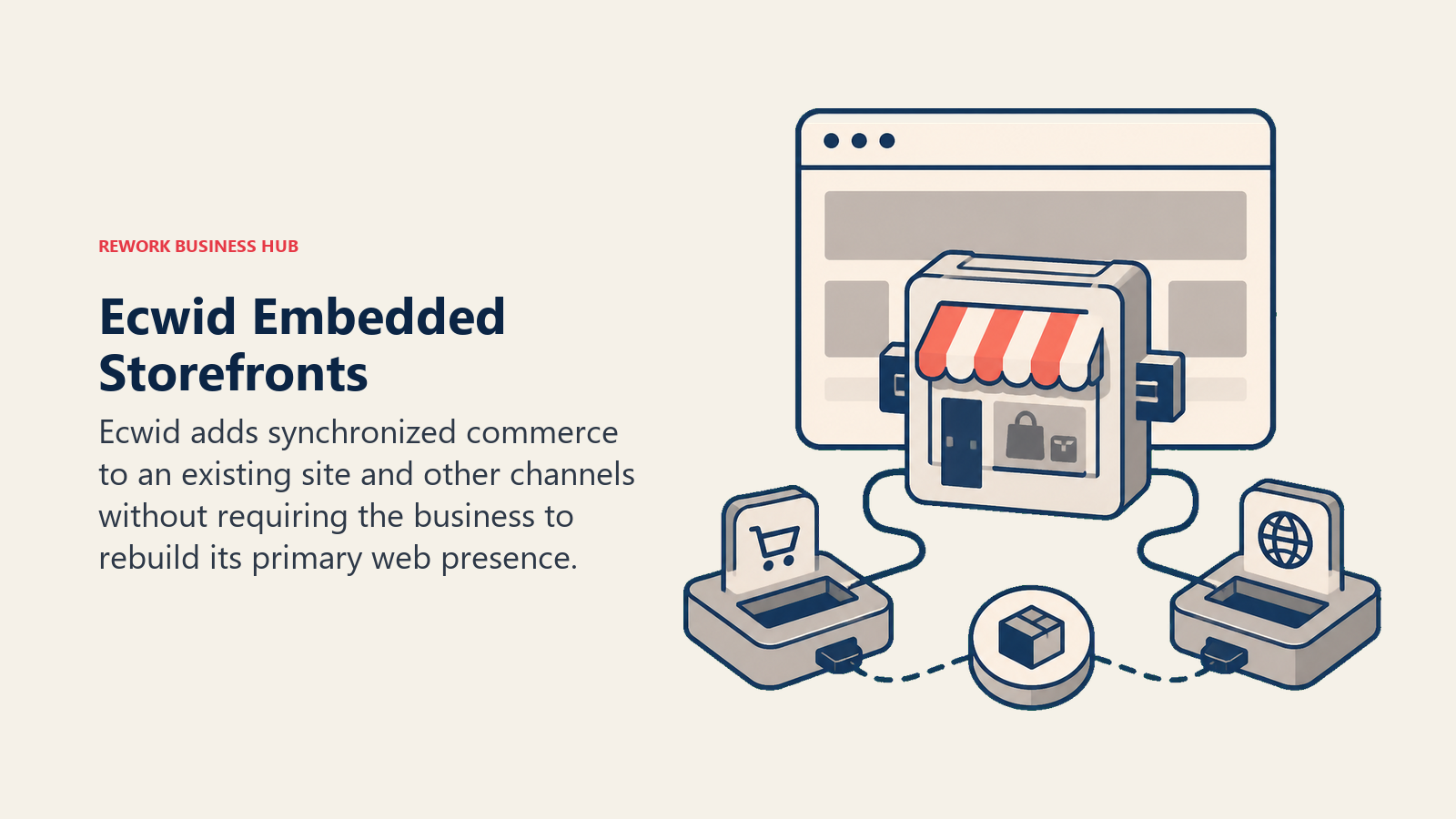
Methodology / philosophy: Ecwid's premise is that many businesses already have a website (built on WordPress, Wix, Squarespace, a custom CMS, or anything else) and they don't want to rebuild it just to sell online. Ecwid embeds into any site with a script tag and turns it into a store.
Target audience: Existing website owners adding product sales, brick-and-mortar retailers going online without abandoning their current web presence, and businesses selling on multiple platforms simultaneously (website + Amazon + Facebook + Instagram + POS).
Sizing fit: Solo to small-medium. Ecwid's free plan supports up to 5 products. Paid plans scale to unlimited products and multi-channel sync. It works well for stores up to a few hundred SKUs.
Stage fit: Best at early and growth stages. The "add to existing site" model makes it fast to launch without rebuilding. Growing stores with complex operations often move to a standalone platform eventually.
Team vs company-wide: Small team or owner-managed. The admin interface is simple enough for non-technical users. Multi-channel sync is the standout operational feature for teams selling across platforms.
| What You Get | What You Don't |
|---|---|
| Embeds in any existing website | A standalone storefront out of the box |
| Multi-channel selling (Amazon, eBay, social) | The customization depth of open-source tools |
| Free plan for up to 5 products | Advanced B2B features |
| POS integration | Deep SEO control |
| Automatic tax calculation |
Pricing:
| Plan | Monthly Cost | Products |
|---|---|---|
| Free | $0 | Up to 5 |
| Venture | $25 | Unlimited |
| Business | $45 | Unlimited + digital goods |
| Unlimited | $105 | Everything + custom app |
Best for: Businesses with existing websites that want to add commerce without rebuilding their web presence.
9. Medusa: Headless Commerce for Developer-Led Teams
Medusa is an open-source Node.js commerce engine built for teams that want Shopify-level reliability on their own infrastructure with complete API control. It's not a storefront. It's a backend. Your front-end is wherever you build it: Next.js, React, a mobile app, or any other interface. For engineering teams that want to automate the operational workflows around their headless commerce stack, best Make alternatives covers the automation tools most commonly used alongside composable platforms.
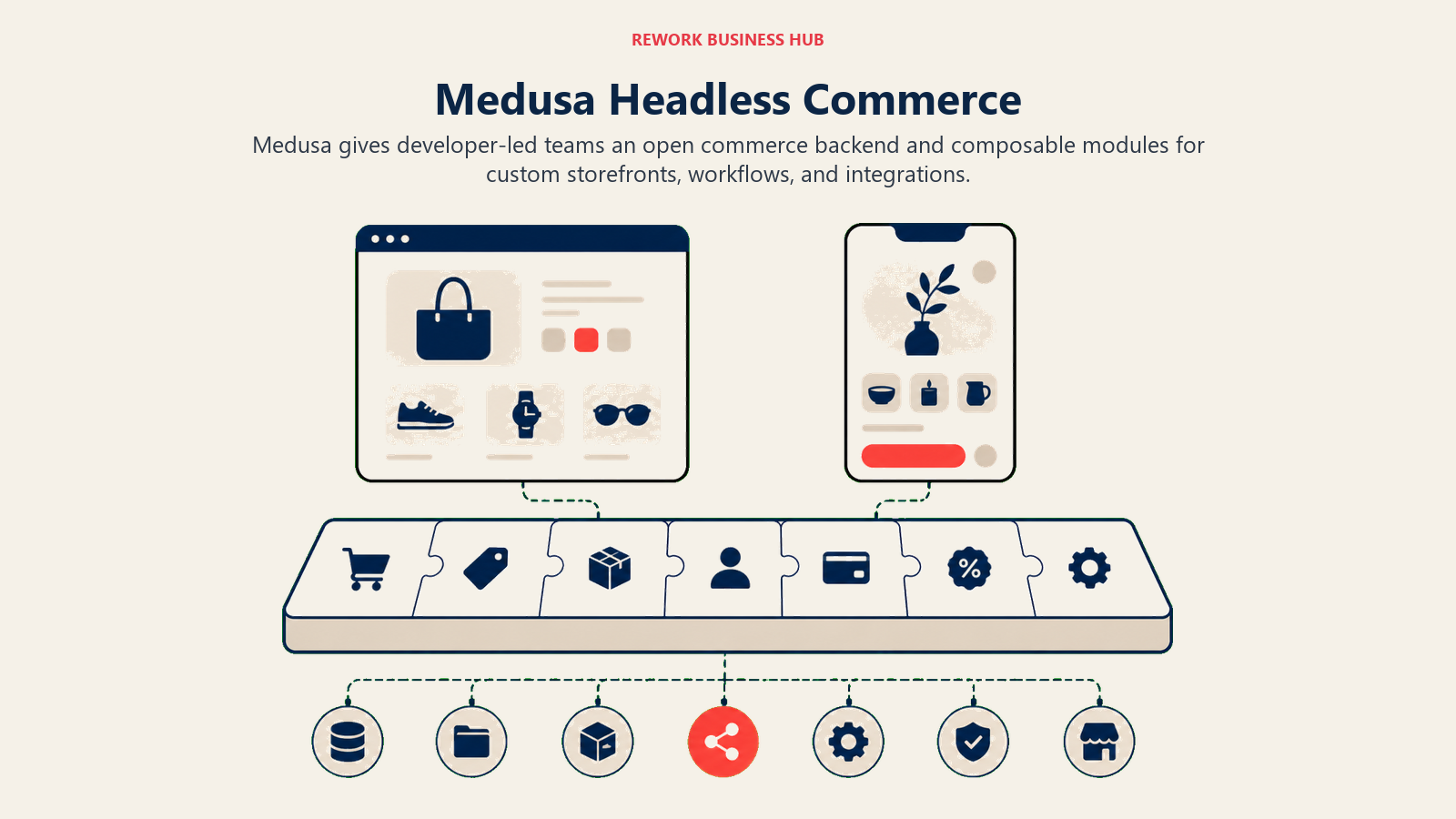
Methodology / philosophy: Medusa's thesis is that modern commerce infrastructure should be composable. You shouldn't be locked into a SaaS vendor's checkout, their front-end rendering, their payment gateway list, or their data model. Medusa gives you a production-grade commerce API that you control entirely.
Target audience: Engineering teams at funded startups and growth-stage companies that need custom commerce logic that SaaS platforms can't deliver. Also strong for agencies building bespoke commerce experiences for clients.
Sizing fit: Growth to enterprise, but only with engineering resources. Medusa isn't harder to operate than WooCommerce once set up, but it requires a developer to set it up and maintain it.
Stage fit: Best at growth stage and beyond, when a company has 1-2 engineers dedicated to the platform and needs custom checkout flows, complex pricing logic, or multi-region infrastructure.
Team vs company-wide: Engineering-owned. Merchants interact through whatever admin UI is built on top of the Medusa Admin or custom tooling. The platform itself has no drag-and-drop merchant interface.
| What You Get | What You Don't |
|---|---|
| Full Node.js source code ownership | A merchant-friendly admin out of the box |
| Plugin system for payments, fulfillment, CMS | Zero-code customization |
| Next.js starter storefront | Managed cloud hosting (unless using Medusa Cloud) |
| Multi-region, multi-currency core support | The SaaS platform app ecosystem |
| Active open-source community |
Pricing:
| Option | Cost |
|---|---|
| Medusa open-source | Free (self-hosted) |
| Medusa Cloud (managed) | Contact for pricing (early access) |
| Infrastructure (AWS/GCP/etc.) | $50-500+/month depending on scale |
Best for: Engineering teams that need full composability, custom checkout logic, and ownership of every layer of the commerce stack.
10. Saleor: GraphQL-First Headless Commerce
Saleor is a Python/Django headless commerce platform with a GraphQL API at its core. If your engineering team is already invested in GraphQL, or you're building a front-end in a framework where GraphQL is the natural data layer, Saleor's architecture fits naturally in a way that REST-based alternatives don't.
Methodology / philosophy: Saleor bets on GraphQL as the right API paradigm for modern commerce: strongly typed, efficient data fetching, self-documenting schema. The platform is designed to serve as the commerce data layer in a larger composable architecture, alongside a CMS, a PIM, a search layer, and a front-end framework.
Target audience: Engineering teams fluent in GraphQL and Python, organizations building composable commerce stacks, and companies that need the flexibility of headless with the structure of a typed API contract.
Sizing fit: Mid-market to enterprise, with in-house engineering. The learning curve is real. But teams that clear it get a system that scales well and adapts to complex business logic without fighting the framework.
Stage fit: Growth stage and beyond. Saleor isn't the right first platform for a new store. It's right when you've outgrown a SaaS platform's constraints and your team has the GraphQL expertise to operate it.
Team vs company-wide: Engineering-owned backend with a built-in dashboard for merchants. The Saleor Dashboard (React-based) covers standard operations (products, orders, customers) but advanced workflows require development work.
| What You Get | What You Don't |
|---|---|
| Full GraphQL API (no REST layer) | A REST API if your team prefers it |
| Python/Django codebase (readable, extensible) | A drag-and-drop front-end builder |
| Built-in multi-channel and multi-currency | Managed hosting on the open-source version |
| Saleor Cloud for managed deployment | A large English-language agency ecosystem |
| Active community and clear roadmap |
Pricing:
| Option | Cost |
|---|---|
| Saleor open-source | Free |
| Saleor Cloud Starter | $400/month |
| Saleor Cloud Growth | $750/month |
| Enterprise | Custom |
Best for: GraphQL-first engineering teams building composable commerce stacks who need a typed, self-documenting API contract as their commerce foundation.
Stage Fit Matrix
Which platform fits your current company stage?
| Platform | Pre-Launch / Validating | Growth (1-50 employees) | Mid-Market (50-200) | Enterprise (200+) |
|---|---|---|---|---|
| Shopify | Strong | Strong | Strong (via Plus) | Viable (via Plus) |
| BigCommerce | Viable | Strong | Strong | Strong |
| Adobe Commerce | Not recommended | Viable (with devs) | Strong | Best fit |
| Wix eCommerce | Strong | Viable | Not recommended | Not recommended |
| Squarespace Commerce | Strong | Viable | Not recommended | Not recommended |
| PrestaShop | Viable | Strong | Strong | Viable |
| OpenCart | Viable | Strong | Viable | Not recommended |
| Ecwid | Strong | Strong | Viable | Not recommended |
| Medusa | Not recommended | Viable (with devs) | Strong | Strong |
| Saleor | Not recommended | Viable (with devs) | Strong | Strong |
Sizing and Persona Table
Who actually buys each platform, and how big is the team?
| Platform | Team Size | Primary Buyer | Secondary User |
|---|---|---|---|
| Shopify | 1-500 | Founder, Head of E-Commerce | Marketing, Ops |
| BigCommerce | 10-500+ | VP E-Commerce, IT Director | Merchandising, Finance |
| Adobe Commerce | 200+ | CTO, VP Engineering | IT Ops, Merchandising |
| Wix eCommerce | 1-20 | Founder, Owner-Operator | Marketing |
| Squarespace Commerce | 1-15 | Creative Founder, Brand Manager | Marketing |
| PrestaShop | 5-200 | Technical Founder, Dev Lead | Ops, Finance |
| OpenCart | 1-50 | Developer, Agency | Merchant Admin |
| Ecwid | 1-50 | Owner-Operator, Marketing Manager | Ops |
| Medusa | 5-100+ | CTO, Lead Engineer | Product, Ops |
| Saleor | 10-200+ | Engineering Lead, CTO | Product, Merchandising |
How to Choose: Decision Framework
| If You Need... | Pick This |
|---|---|
| Fastest path to a live store, no technical knowledge | Wix or Squarespace Commerce |
| Managed platform, maximum ecosystem, DTC brand | Shopify |
| High-volume catalog, no transaction fees, B2B pricing | BigCommerce |
| Full source control, enterprise customization budget | Adobe Commerce |
| European market, multi-language, open-source preference | PrestaShop |
| Commerce layer on an existing site without rebuilding | Ecwid |
| Headless, composable, Node.js stack | Medusa |
| GraphQL-first engineering team, typed API | Saleor |
| Low-cost open-source with dedicated commerce codebase | OpenCart |
| Large catalog + engineering team + growth stage budget | BigCommerce or Medusa |
What to Do Next
Pick your top two candidates from the table above and run a two-week pilot with real product data. Most platforms offer free trials - Shopify gives you 3 days free then $1/month for 3 months, BigCommerce offers a 15-day free trial, and the open-source options let you run local or staging environments at no cost.
The fastest way to find friction is to put your actual catalog into the platform and simulate your three most complex order scenarios. Shipping rules, B2B pricing, or multi-currency checkout: whatever gives you trouble in WooCommerce today will surface in a trial if the platform has the same gap. Don't rely on feature checklists. Run the workflows that matter to your business before committing.
Related: Growing e-commerce operations often run into ops coordination problems alongside the platform question. And if transaction fees are what's driving the migration conversation, the true cost of software sprawl puts the full platform cost picture together: not just the monthly fee, but the apps, the integrations, and the developer time that compound around it.
External Resources:
- Shopify pricing: Basic through Plus plans
- BigCommerce pricing: Standard, Plus, Pro comparison
- Medusa open-source: self-hosted and cloud pricing
- Saleor Cloud pricing: Starter, Growth, and Enterprise tiers

Principal Product Marketing Strategist
On this page
- Quick Comparison Table
- Why Teams Leave WooCommerce
- 1. Shopify: The Default for DTC Brands Scaling Fast
- 2. BigCommerce: Built for High-Volume Catalogs Without Transaction Fees
- 3. Adobe Commerce (Magento): Enterprise-Grade Flexibility with Full Source Access
- 4. Wix eCommerce: The Simplest Path to a Working Store
- 5. Squarespace Commerce: Design-First for Brand-Centric Sellers
- 6. PrestaShop: Open-Source with European Market Depth
- 7. OpenCart: Lightweight Open-Source for Developer-Led Teams
- 8. Ecwid by Lightspeed: Add Commerce to Any Existing Website
- 9. Medusa: Headless Commerce for Developer-Led Teams
- 10. Saleor: GraphQL-First Headless Commerce
- Stage Fit Matrix
- Sizing and Persona Table
- How to Choose: Decision Framework
- What to Do Next