Best Zendesk Sell Alternatives in 2026: 12 CRMs to Switch to Before Retirement
Turn this article into takeaways for your work.


Each assistant summarizes the article only for you and suggests best practices for your work.
Zendesk confirmed on September 9, 2025 that it's retiring Zendesk Sell, with end of life set for August 31, 2027, roughly 12 months from today. After that date Zendesk offers no sales CRM at all, and any Sell data still in your account gets deleted under Zendesk's Service Data Deletion Policy once your subscription ends or the EOL date hits, whichever is first.
This isn't a "the pricing changed" roundup. It's a forced migration, and the clock is running. Zendesk named Pipedrive as its recommended migration partner and built export tooling for it, worth knowing before you assume the safest move is also the best one. Below: 12 CRMs worth evaluating, a timeline for the next 12 months, what to export, and, if you bought Sell to sit next to Zendesk Support, what keeping that connection actually takes with a different CRM.
Key Facts
- Zendesk Sell reaches end of life on August 31, 2027, with data deletion tied to that date or your subscription end, whichever comes first. (Zendesk, support.zendesk.com)
- The global CRM market is projected to reach $101B in 2026 and $145B by 2029, growing at 12.8% annually. (Gartner)
- CRM delivers an average ROI of $8.71 for every $1 spent, with sales teams reporting a 34% productivity boost. (Nucleus Research / Salesforce)
- 91% of companies with 11+ employees now use a CRM, yet 83% of CRM migration projects exceed their budgets or timelines. (Gartner)
- The average SMB CRM migration costs $12K to $40K in labor and tooling and takes 3 to 7 months. (Wezom / DataFlowMapper, 2025)
Your Migration Timeline
You have roughly 12 months until the August 31, 2027 end of life date. That's enough time to do this right, but only if you start now instead of waiting for a deletion warning email.
| Time Remaining | What to Do |
|---|---|
| 12 months out (now) | Audit your Sell setup: stages, fields, automations, integrations. Pull a full export now. |
| 9-11 months out | Shortlist 3-4 CRMs against stage fit and Support needs. Book demos, ask about import tooling. |
| 6-8 months out | Run a 2-4 week pilot with real deals. Test the import path and any Support integration. |
| 3-5 months out | Migrate in phases: contacts, then deals and history, then activity logs. Run both systems briefly in parallel. |
| 1-2 months out | Full cutover. Retrain reps, redirect automations, pull a final backup export. |
| 0-1 month out | Verify: reconcile record counts, confirm automations fire, confirm every rep is actually using the replacement. |
| August 31, 2027 (EOL) | Sell data is deleted under Zendesk's policy if not already removed with your subscription. |
Exports stay available in the Export panel for only 30 days after creation, so don't treat one export as a permanent safety net.
What to Export Before You Leave
Zendesk's export tools cover standard record types, but it's easy to miss something buried in a custom field. Pull an export that includes:
- Leads and contacts, including custom fields, not just the default schema.
- Deals and pipeline stage history, so you keep a record of how long deals sat in each stage.
- Notes and activity logs, the hardest thing to reconstruct after the fact.
- Call logs, if you've used Sell's calling features or a connected dialer.
- Email history. Confirm your target CRM imports threaded history, not just individual messages.
- Custom fields and objects, with a written record of what each means before nobody remembers.
- Automation rules, documented manually since these don't export as data.
Move any export out of the panel immediately; the 30-day window is a deadline, not a buffer.
Quick Comparison Table
Use this as a first filter, not a final verdict. Pipedrive gets special attention below since Zendesk picked it as the recommended path, but that's a convenience argument, not a fit argument.
| Tool | Best For | Starting Price | Key Strength | Key Limitation |
|---|---|---|---|---|
| Rework | CRM + Support on one timeline | From $69/mo billed yearly for 5 seats (CRM only); $159/mo with the inbox (Revenue Engine) (rework.com/pricing) | Multi-channel inbox tied to the contact record | Smaller brand and marketplace than HubSpot/Salesforce |
| Pipedrive | Vendor-blessed migration path | From $14/seat/mo annual (Lite) | Zendesk's named migration partner | Lead distribution needs workarounds on lower tiers |
| HubSpot Sales Hub | Sales, marketing, service on one layer | Free tools; Starter $7/seat/mo annual | Massive ecosystem | Professional adds a $1,500 onboarding fee |
| Salesforce Sales Cloud | Outgrowing mid-market tools | Starter Suite $25/user/mo annual | Deepest customization | Higher tiers are quote-only |
| Zoho CRM | Budget-conscious, broad ecosystem | Free for 3 users; from $14/user/mo (reported) | Price, Zoho One value | Steeper learning curve, legacy UI |
| Freshsales | A second support-plus-sales combo | $9/user/mo annual (Growth) | Clean UX, Freddy AI, fast onboarding | Support and chat billed separately |
| Close | Heavy call and email volume | $9/user/mo annual (Solo, 1 user) | Built-in power dialer and SMS | Solo caps at one user |
| monday CRM | Pipeline inside a familiar board UI | $12/seat/mo annual (Basic, 3-seat min) | Flexible visual boards | CRM depth lighter than purpose-built tools |
| Copper | Google Workspace-native teams | $23/seat/mo annual (Basic) | Auto-captures Gmail, Drive, Calendar | Value disappears outside Google |
| Attio | A programmable data model | Free for 3 seats; Plus $35/user/mo annual | Clean API, customizable objects | Thinner integration library |
| Insightly | CRM and project delivery together | $29/user/mo annual (Plus) | Native project management | No free plan, only a 14-day trial |
| Nutshell | A simple, no-frills pipeline | $13/user/mo annual (Foundation) | Low starting price, easy setup | Automation behind higher tiers |
Stage Fit Matrix
Team size changes what a practical Sell replacement looks like, from low-friction startup tools to enterprise platforms built for governance.
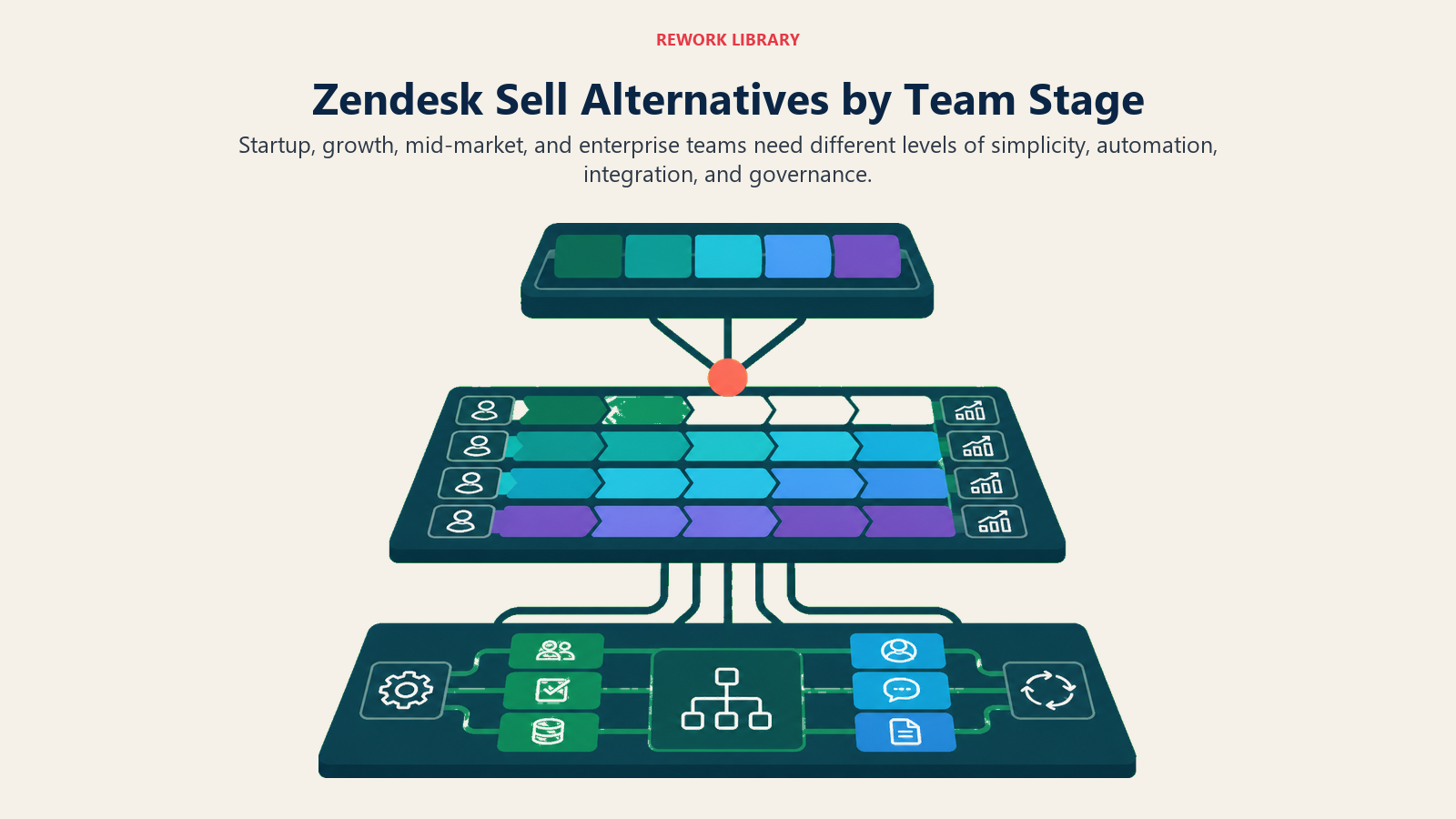
| Tool | Startup (1-10) | Growth (10-50) | Mid-Market (50-200) | Enterprise (200+) |
|---|---|---|---|---|
| Rework | Not ideal | Strong fit | Strong fit | Good fit |
| Pipedrive | Good fit | Good fit | Adequate | Limited |
| HubSpot Sales Hub | Free tier works | Good fit | Good fit | Gets expensive |
| Salesforce Sales Cloud | Overkill | Overkill | Good fit | Best fit |
| Zoho CRM | Good fit | Good fit | Good fit | Adequate |
| Freshsales | Good fit | Good fit | Adequate | Limited |
| Close | Good fit | Good fit | Adequate | Limited |
| monday CRM | Good fit | Good fit | Adequate | Limited |
| Copper | Good fit | Good fit | Adequate | Not designed for it |
| Attio | Good fit | Good fit | Adequate | Early-stage product |
| Insightly | Good fit | Good fit | Adequate | Limited |
| Nutshell | Good fit | Good fit | Adequate | Not designed for it |
Sizing and Persona Table
| Tool | Ideal Team Size | Who Buys It | Primary Buyer Pain |
|---|---|---|---|
| Rework | 20-500 | COO, Head of RevOps | CRM and Support on one record |
| Pipedrive | 5-100 | Sales Manager, Founder | Lowest-friction migration off Sell |
| HubSpot Sales Hub | 10-500 | VP Marketing, RevOps | One platform for marketing, sales, service |
| Salesforce Sales Cloud | 100-5000+ | CRO, IT/CIO | Custom objects, enterprise governance |
| Zoho CRM | 10-200 | Ops Manager, Founder | Full-featured, affordable ecosystem |
| Freshsales | 10-50 | Sales Manager | Same support-plus-sales combo as Zendesk |
| Close | 5-100 | Head of Inside Sales | High call and email volume |
| monday CRM | 10-150 | Ops Lead | Already on Monday, wants pipeline too |
| Copper | 5-100 | Founder (Google shops) | Lives in Gmail |
| Attio | 5-100 | Founder, RevOps | Flexible CRM without legacy schema |
| Insightly | 10-100 | Delivery Lead | Delivery tracked alongside the pipeline |
| Nutshell | 5-50 | Sales Manager | Simple pipeline, no complexity |
1. Rework: CRM and Support Conversations on One Timeline
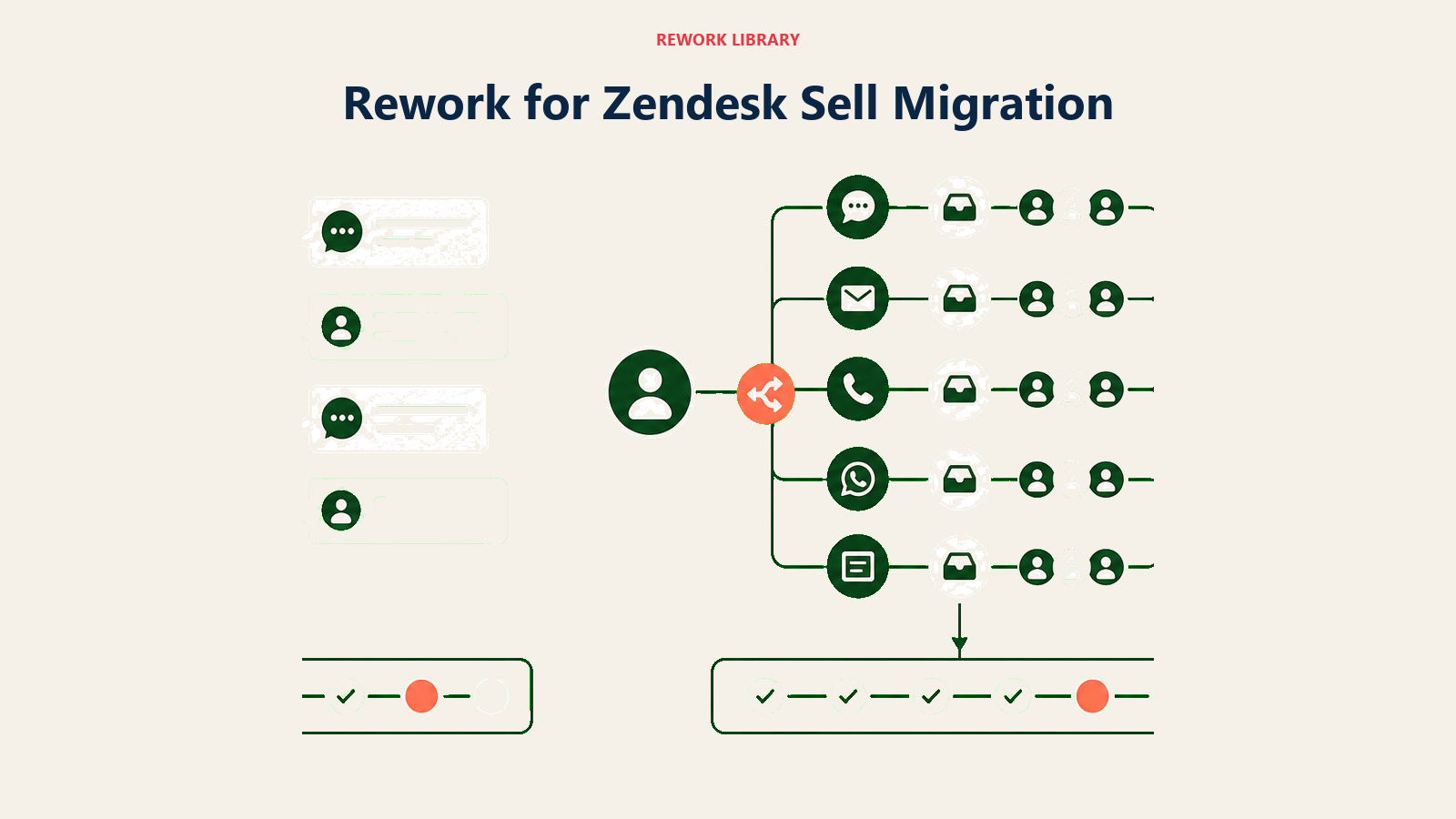
Most Sell buyers picked it because it sat next to Zendesk Support, not because it was the best sales CRM around. Rework's multi-channel inbox puts WhatsApp, Messenger, Instagram DM, TikTok, Zalo, and live chat on the same contact timeline as the deal record natively, next to logged emails, so a support conversation and a sales conversation about the same person land in one place instead of two products needing a sync job. The honest limitations: Rework handles support as chat conversations (including a support live-chat widget), not as a ticketing help desk, so it rebuilds the conversation link, not Zendesk Support itself. Its brand and app marketplace are thinner than HubSpot's or Salesforce's, and it's not built for a solo seller or a 2-person team; every engine starts at 5 seats.
| What you get | What you don't |
|---|---|
| Unified CRM, lead management, and multi-channel inbox on one contact record | Freshworks-style perpetual free tier |
| Native WhatsApp, Messenger, Instagram DM, TikTok, Zalo, web chat | The brand recognition of HubSpot or Salesforce |
| Round-robin, territory, and SLA-based lead routing built in | A large third-party app marketplace |
| Cross-team ops workflows beyond sales (separate Process Engine) | Enterprise governance for 1,000+ seats |
Pricing: The Sales Engine (CRM) is $69/month billed yearly for 5 seats. The multi-channel inbox and lead management come with the Revenue Engine, $159/month billed yearly ($1,908/year) for 5 marketing and 5 sales seats. See rework.com/pricing.
Best for: Teams leaving Sell who bought it to sit next to Zendesk Support and want that connection rebuilt natively. See best sales pipeline software for pipeline tools generally, or best CRM software for the full category. Not ideal for: Solo sellers, teams under 5 people, or companies needing a mature third-party app marketplace on day one.
2. Pipedrive: Zendesk's Named Migration Partner
Pipedrive is the name Zendesk itself puts in front of Sell customers: its retirement announcement names Pipedrive as the recommended migration partner, with dedicated import tooling to pull Sell data across. That's a convenience argument, not a fit argument. Its philosophy is sales-first simplicity, a visual, activity-based pipeline with no marketing or support layer bolted on. Current tiers are Lite, Growth, Premium, and Ultimate (old Essential/Advanced/Professional/Power names are retired). Lead distribution needs Zapier or an add-on on lower tiers, with no native path back to a Support conversation. See best Pipedrive alternatives or Rework vs Pipedrive.
| What you get | What you don't |
|---|---|
| Zendesk's own recommended migration path, with import tooling | Native multi-channel inbox (WhatsApp, Messenger) without add-ons |
| Clean, fast, activity-based pipeline UX | Built-in lead distribution or round-robin on lower tiers |
| Strong mobile app | Marketing automation without a third-party tool |
| Easy onboarding, ramp measured in hours | A native Zendesk Support connection beyond the standard app |
Pricing: From $14/seat/month billed annually (Lite). Growth and Ultimate run higher (reported); Pipedrive's pricing page doesn't expose exact figures to automated tools, so confirm current numbers directly with Pipedrive before you commit.
Best for: Teams that want the lowest-friction exit from Sell and whose needs are genuinely "pipeline and activity tracking," not multi-channel messaging or deep lead routing. Not ideal for: Teams whose real reason for liking Sell was the Support connection, or teams that need native lead distribution without add-ons.
3. HubSpot Sales Hub: Marketing and Sales Under One Roof
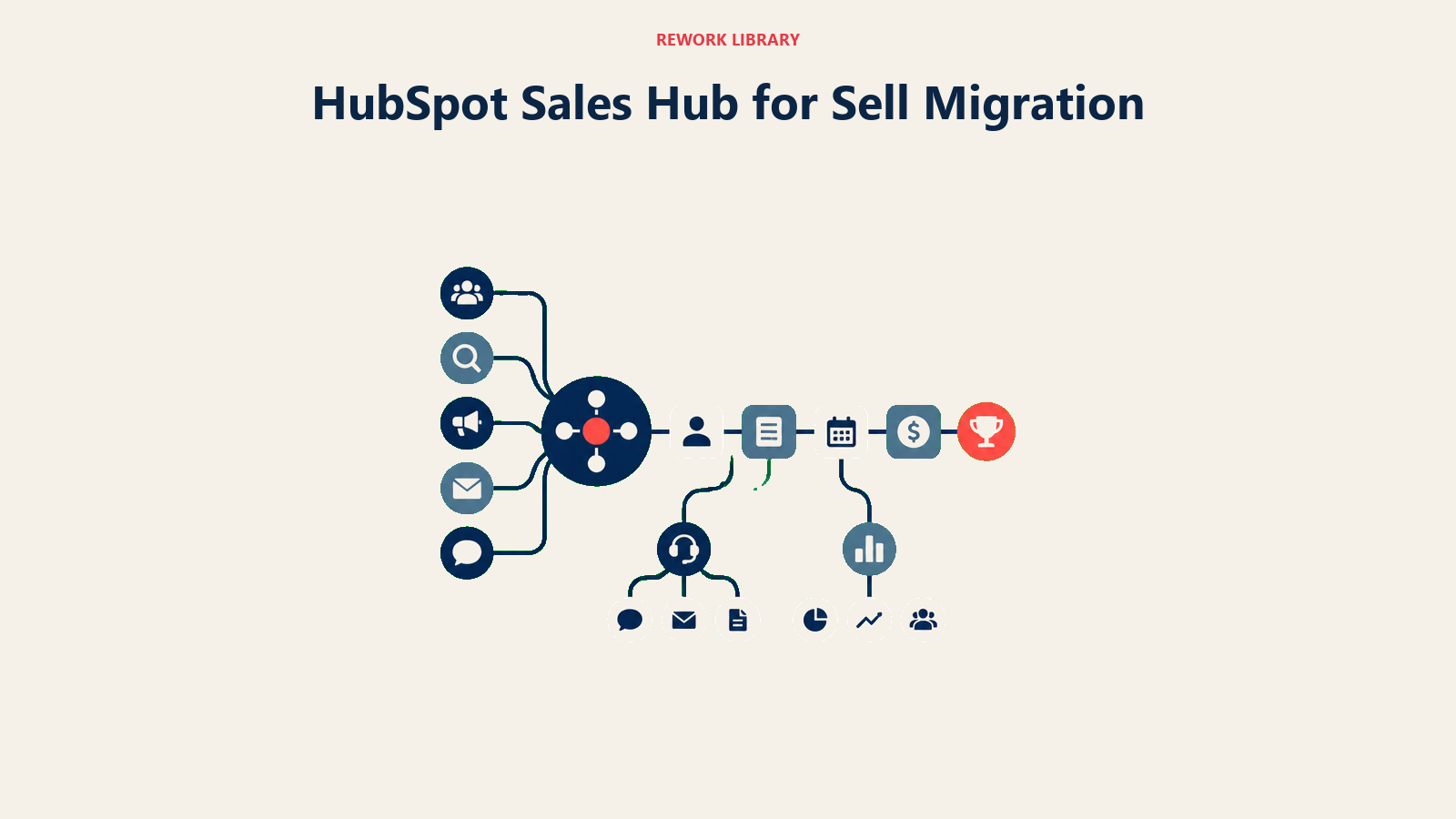
HubSpot's pitch is a growth platform: marketing, sales, and service sharing one data layer so a company can grow without re-platforming. The free tools are genuinely usable for up to 2 users. The real cost shows up once you need the features that move a revenue team: Professional adds a required $1,500 onboarding fee, Enterprise a required $3,500 fee, neither waivable, and there's no native Zendesk Support connection out of the box. See HubSpot vs Salesforce or best HubSpot alternatives.
| What you get | What you don't |
|---|---|
| Free CRM tier that's genuinely usable, not a trial | Onboarding fees waived at Professional or Enterprise |
| Massive app marketplace and integration ecosystem | Native Zendesk Support integration without an add-on |
| Mature marketing automation alongside the CRM | Simple flat per-seat pricing at higher tiers |
| Sequences, meetings, and deal-stage automation | A native multi-channel inbox without paid add-ons |
Pricing: Free tools available (up to 2 users). Starter $7/seat/mo billed annually ($20/seat/mo monthly). Professional $90/seat/mo billed annually ($100 monthly) plus a required $1,500 one-time onboarding fee. Enterprise $150/seat/mo billed annually plus a required $3,500 one-time onboarding fee.
Best for: Teams that want marketing and sales sharing one database and are prepared to pay for the combined platform, onboarding fee included. Not ideal for: Sales-only teams that don't need the marketing layer but would still be paying to support it.
4. Salesforce Sales Cloud: Enterprise Depth if You've Outgrown Sell
Salesforce's thesis is the "customer 360": every interaction living in one data platform with a shared identity layer, the destination most enterprise RevOps leads eventually land at. Starter Suite publishes a confirmed $25/user/mo billed annually, but the tiers most growth companies need (Pro Suite, Enterprise, Unlimited) are quote-based, so don't assume that price scales linearly. Below roughly 200 employees, implementation overhead usually outweighs the depth on offer, which best Salesforce alternatives is built to check.
| What you get | What you don't |
|---|---|
| Deepest custom object and data modeling in this list | Affordable mid-market pricing above Starter Suite |
| AppExchange with thousands of integrations | Fast implementation without a partner |
| Mature reporting and analytics depth | Published pricing above the entry tier |
| Industry clouds for regulated verticals | A quick, low-overhead CRM swap |
Pricing: Starter Suite $25/user/mo billed annually. Higher editions (Pro Suite, Enterprise, Unlimited) are quoted directly by Salesforce; see salesforce.com/sales/pricing.
Best for: Companies at 200+ employees, or growing fast toward it, that need deep customization and enterprise governance. Not ideal for: Growth-stage teams under 200 employees unless the complexity and budget are already justified by other parts of the business.
5. Zoho CRM: Budget Ecosystem Replacement
Zoho CRM's philosophy is breadth at budget: pipeline, leads, automation, telephony, email, and analytics, priced below every comparable competitor, with a free edition for up to 3 users. The limitation is the interface: Zoho is wide rather than deep, with visible legacy complexity, so matching what Sell delivered takes more setup. Zoho's page serves local currency by geography rather than a fixed USD list; figures below are reported equivalents. Check best Zoho alternatives if unsure the wider ecosystem fits.
| What you get | What you don't |
|---|---|
| A genuinely free tier for up to 3 users | A polished, modern UX |
| Comprehensive feature set at a low per-seat price | A quick ramp-up; setup takes real effort |
| Zia AI for scoring and predictions | Dedicated support quality at lower tiers |
| Strong API and customization depth | An intuitive out-of-the-box experience |
Pricing: Free for 3 users. Paid tiers (reported): Standard $14/user/mo, Professional $23/user/mo, Enterprise $40/user/mo, Ultimate $52/user/mo, all billed annually (India-market list: 800/1,400/2,400/2,600 rupees/user/mo, same tiers).
Best for: Cost-conscious teams (10-200) willing to invest setup time for a lower total bill. Not ideal for: Teams that prioritize UX and fast onboarding over total cost of ownership.
6. Freshsales: The Other Support-Suite CRM
If what you liked about Zendesk was the pattern (support desk and sales CRM from one vendor family), Freshsales is the closest swap: Freshworks runs Freshdesk and Freshsales as sibling products the way Zendesk ran Support and Sell, with Freddy AI covering both. The catch is the same fragmentation Sell customers are escaping: Freshdesk, Freshchat, and Freshmarketer are separate billed products, so "one vendor" doesn't mean "one product." See best Freshsales alternatives for the reverse direction.
| What you get | What you don't |
|---|---|
| A support-desk-plus-CRM pattern familiar from Sell | A single unified product; Freshdesk and Freshchat bill separately |
| Freddy AI for scoring and automation | Deep custom reporting below Enterprise |
| Clean, fast onboarding | A confirmed perpetual free tier |
| Native phone and email in the CRM | Native WhatsApp or Instagram without Freshchat |
Pricing: Growth $9/user/mo billed annually. Pro $39/user/mo. Enterprise $59/user/mo. A 21-day free trial is available; Freshworks does not currently confirm a perpetual free tier.
Best for: Teams that specifically want the support-desk-and-CRM-from-one-vendor pattern Sell offered, without switching operating models. Not ideal for: Teams trying to escape multi-product fragmentation entirely rather than trade one vendor's version of it for another's.
7. Close: Built for Call and Email Heavy Teams
Close's philosophy is closing deals through communication, not software configuration: a built-in power dialer, predictive dialer, SMS, and email sequences as native features, which matters if your Sell workflow leaned on calling. It's a sales-team tool with no path back to a support desk without a separate integration. The Solo plan covers exactly one user and caps at 10,000 leads; any real team goes to Essentials and up, where seats become unlimited. See best Close alternatives.
| What you get | What you don't |
|---|---|
| Built-in power and predictive dialer | Marketing automation or lead capture |
| Native SMS and email sequences | Multi-channel inbox (WhatsApp, Messenger) |
| Activity-based reporting for call volume | Ops workflows for non-sales teams |
| Clean, sales-focused UX | A native Zendesk Support connection |
Pricing: Solo $9/user/mo billed annually ($19 monthly, 1 user only, 10,000 lead cap). Essentials $35/user/mo billed annually ($49 monthly), unlimited users. Growth $99/user/mo billed annually ($109 monthly). Scale $139/user/mo billed annually ($149 monthly).
Best for: Inside sales teams with high call and email volume who want the dialer and CRM as one product. Not ideal for: Teams without significant call volume, or teams that need the CRM connected to a support desk.
8. monday CRM: Visual Pipeline for Ops-Minded Teams
monday CRM is the sales layer of Monday.com's "work OS," built for teams that already run project work on its boards and want pipeline in the same workspace. Stages, contacts, and basic activity logging work well, but lead distribution and detailed analytics stay lighter than purpose-built CRMs, and there's no native support-desk connection. Every plan requires a 3-seat minimum, and pricing moves to a custom quote past 40 users.
| What you get | What you don't |
|---|---|
| Flexible board-style pipeline views | Deep lead routing or territory management |
| Works inside the existing Monday workspace | Purpose-built sales analytics |
| Easy adoption for non-CRM users | A native Zendesk Support connection |
| Automations tied to broader Monday workflows | Built-in dialer or calling features |
Pricing: Basic $12/seat/mo billed annually ($18 monthly, 3-seat minimum). Standard $17/seat/mo billed annually ($25 monthly). Pro $28/seat/mo billed annually ($41 monthly). Ultimate is quote-based; teams over 40 users move to a custom quote at any tier.
Best for: Teams already running delivery or ops work on Monday who want pipeline in the same workspace. Not ideal for: Teams that need deep CRM functionality and aren't already invested in the Monday ecosystem.
9. Copper: Google Workspace Native
Copper is built for teams whose workflow lives in Google Workspace: it auto-captures emails, contacts, and calendar events without manual entry, a real differentiator over Sell's more manual model for Google-native agencies. Its value depends entirely on that fit though; teams on Outlook lose the advantage and are left with a comparatively thin CRM at above-average pricing, with no native Support connection either way. See best Copper alternatives if Google-native isn't the deciding factor.
| What you get | What you don't |
|---|---|
| Auto-capture from Gmail, Drive, and Calendar | Value outside a Google-first stack |
| Zero rekeying for Google-native teams | Strong lead distribution or routing |
| Clean, minimal interface | Marketing automation |
| Google Drive file attachment on deals | A multi-channel inbox |
Pricing: Basic $23/seat/mo billed annually ($29 monthly). Professional $59/seat/mo billed annually ($69 monthly). Business $99/seat/mo billed annually ($134 monthly).
Best for: Small to mid-size teams (5-100) whose entire workflow runs through Google Workspace. Not ideal for: Teams outside Google Workspace, or teams that need marketing automation and lead routing.
10. Attio: Flexible Data Model for Technical Teams
Attio's premise is that a CRM should be as flexible as a spreadsheet and as powerful as a database, with objects and relationships customizable from the ground up, a real fit for a RevOps lead who found Sell's data model too rigid. The trade-off is maturity: it's an earlier-stage product with a shorter integration roster and no established Support connection beyond the API. Treat it as a forward bet, not a present-tense drop-in.
| What you get | What you don't |
|---|---|
| Fully flexible, programmable data model | A mature integration ecosystem |
| Modern, clean UI | Deep sales-specific analytics out of the box |
| Strong developer-friendly API | A large community for training resources |
| First-class objects and relationships | Enterprise-level governance and permissions |
Pricing: Free for up to 3 seats. Plus $35/user/mo billed annually ($44 monthly). Pro $79/user/mo billed annually ($99 monthly). Enterprise custom, annual only.
Best for: Technical founders and RevOps teams that want to define their own CRM schema and have the appetite to configure it. Not ideal for: Teams that need an established integration library or enterprise-grade analytics on day one.
11. Insightly: Project Delivery Meets CRM
Insightly pairs a sales CRM with native project management, so once a deal closes, delivery work stays in the same product, a real advantage for services teams where "closed won" means "project kickoff." There's no free plan, only a 14-day trial, and no native Support connection, and teams needing only the sales side may find some of that surface area unused.
| What you get | What you don't |
|---|---|
| Native project management tied to the pipeline | A free tier; only a 14-day trial |
| Workflow automation across sales and delivery | A native Zendesk Support connection |
| Custom objects and relationship mapping | The pipeline-only simplicity of a dedicated sales tool |
| Solid reporting and dashboards | A large third-party app marketplace |
Pricing: Plus $29/user/mo billed annually. Professional $49/user/mo billed annually. Enterprise $99/user/mo billed annually.
Best for: Teams that need project delivery tracked in the same product as the sales pipeline. Not ideal for: Teams that only need pipeline management and would rather not pay for unused project features.
12. Nutshell: Simple Pipeline for Small Sales Teams
Nutshell's pitch is a straightforward pipeline without enterprise complexity. If your Sell usage never went beyond tracking deals and logging activity, Nutshell covers the same ground with a shorter learning curve and a lower entry price than most on this list. Advanced automation and multi-pipeline configuration sit behind higher tiers, and there's no native Support connection, so teams that outgrow the basics may climb the tier ladder faster than they'd like.
| What you get | What you don't |
|---|---|
| Simple setup and a short learning curve | A native Zendesk Support connection |
| A lower entry price than most on this list | Deep automation on entry tiers |
| Built-in email marketing on higher plans | A large third-party integration library |
| Solid mobile app | Advanced reporting below Pro |
Pricing: Foundation $13/user/mo billed annually. Growth $25/user/mo. Pro $42/user/mo. Business $59/user/mo. Enterprise $79/user/mo.
Best for: Small sales teams that want a no-frills pipeline without enterprise-tier complexity. Not ideal for: Teams that need multi-channel messaging or a Support-desk connection built in.
If You Stay in the Zendesk Ecosystem
Not everyone leaving Sell wants to leave Zendesk entirely. If Support is still doing its job, there are three realistic ways to keep sales and support connected: a native app marketplace integration (Pipedrive and HubSpot both have Zendesk Marketplace listings, though how much syncs varies by app), middleware like Zapier sitting between the two products, or a direct API integration, the most flexible and the most work, worth it only if the handoff has custom logic a prebuilt app can't express.
Whichever path you pick, test it with real tickets and deals before cutting over the team. "It says it integrates" doesn't mean it captures everything Sell used to show natively.
Pricing at 10, 25, and 50 Seats (Annual)
Numbers below use a mid-tier plan per tool (named in parentheses), billed annually, so the comparison reflects real working features rather than the cheapest entry tier.
| Tool (Plan used) | 10 seats / year | 25 seats / year | 50 seats / year |
|---|---|---|---|
| Rework (Sales Engine, Standard) | $1,080 | $1,836 | $3,096 |
| Pipedrive (Growth, reported) | $4,680 | $11,700 | $23,400 |
| HubSpot Sales Hub (Professional)* | $10,800 | $27,000 | $54,000 |
| Salesforce Sales Cloud (Starter Suite) | $3,000 | Quote (Pro Suite/Enterprise) | Quote (Enterprise/Unlimited) |
| Zoho CRM (Professional, reported) | $2,760 | $6,900 | $13,800 |
| Freshsales (Pro) | $4,680 | $11,700 | $23,400 |
| Close (Growth) | $11,880 | $29,700 | $59,400 |
| monday CRM (Standard) | $2,040 | $5,100 | $10,200 |
| Copper (Professional) | $7,080 | $17,700 | $35,400 |
| Attio (Plus) | $4,200 | $10,500 | $21,000 |
| Insightly (Professional) | $5,880 | $14,700 | $29,400 |
| Nutshell (Growth) | $3,000 | $7,500 | $15,000 |
*Plus a required $1,500 onboarding fee in year one. Salesforce's mid-market and enterprise tiers are quote-only, reflected above rather than guessed. Rework's figures cover the CRM only (Sales Engine); the multi-channel inbox needs the Revenue Engine, from $1,908/year billed yearly for 5 marketing and 5 sales seats.
How to Choose: Decision Framework
The best replacement depends on the operating problem your new CRM must solve, not just how easily it imports Zendesk Sell data.
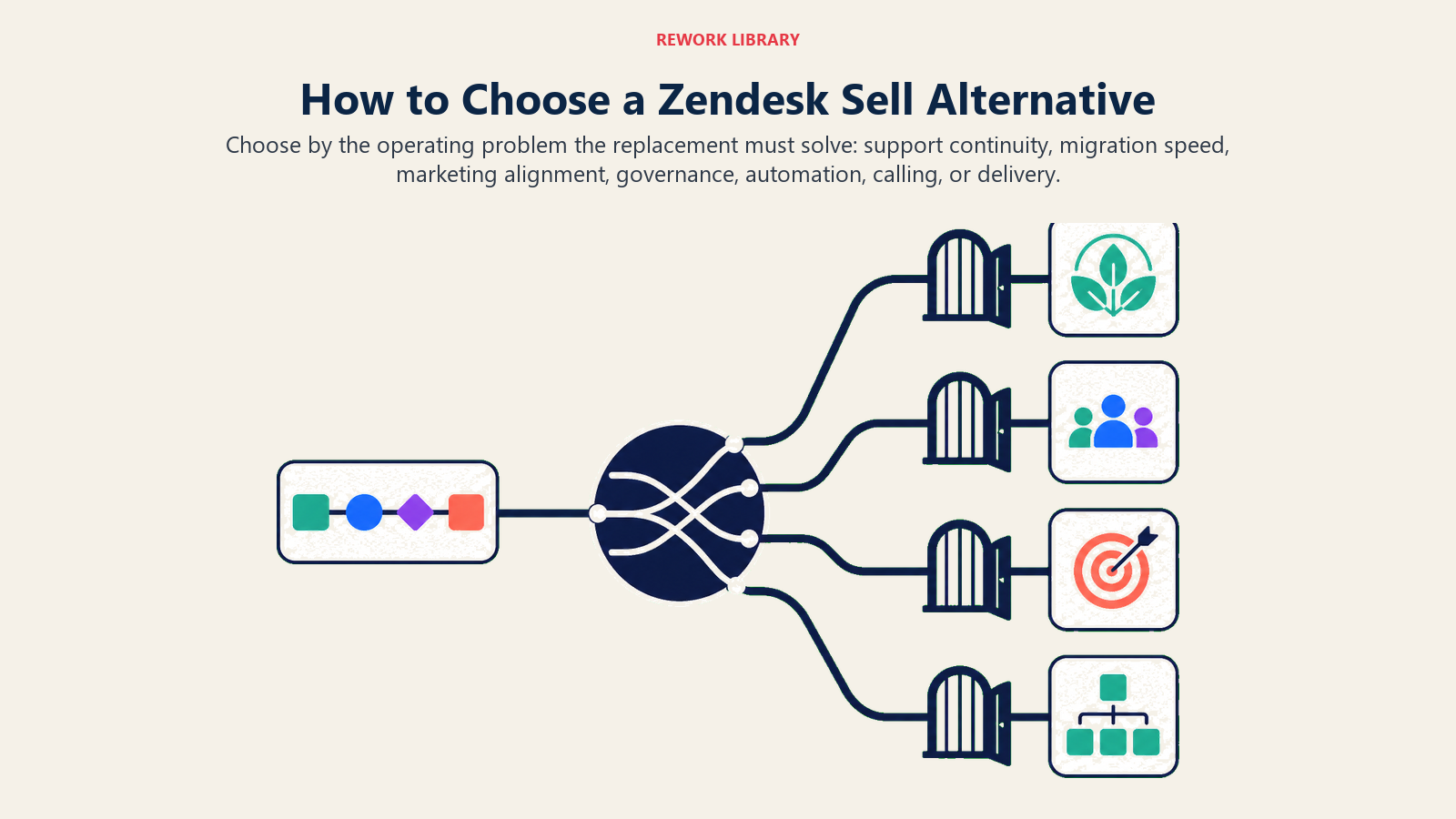
| If you need this... | Pick this |
|---|---|
| CRM and Support conversations on one record, no rebuild | Rework |
| The lowest-friction path, Zendesk's own recommended tooling | Pipedrive |
| Marketing and sales on one platform, budget not the constraint | HubSpot Sales Hub |
| Deep customization for a 200+ employee organization | Salesforce Sales Cloud |
| Full feature set at the lowest per-seat cost | Zoho CRM |
| The same support-desk-plus-CRM pattern, different vendor | Freshsales |
| Heavy call and email volume, dialer as important as pipeline | Close |
| Delivery work already runs on Monday boards | monday CRM |
| Your workflow lives entirely in Google Workspace | Copper |
| A fully custom, programmable data model | Attio |
| Sales pipeline and post-sale delivery in one product | Insightly |
| A simple pipeline without enterprise cost or complexity | Nutshell |
What to Do Next
Pull a full export from Zendesk Sell this week, before you shortlist anything. Then run a 2-4 week pilot with your top two picks using real deals, testing the Support connection if it matters to you. What matters most: does the team adopt it without heavy coaching, does it cut manual data entry, and does it solve the reason you picked Sell, not just replace its logo. Twelve months is a long runway that gets short fast, so start today. For a wider lens, see best sales pipeline software.

Head of Enterprise Solutions
On this page
- Key Facts
- Your Migration Timeline
- What to Export Before You Leave
- Quick Comparison Table
- Stage Fit Matrix
- Sizing and Persona Table
- 1. Rework: CRM and Support Conversations on One Timeline
- 2. Pipedrive: Zendesk's Named Migration Partner
- 3. HubSpot Sales Hub: Marketing and Sales Under One Roof
- 4. Salesforce Sales Cloud: Enterprise Depth if You've Outgrown Sell
- 5. Zoho CRM: Budget Ecosystem Replacement
- 6. Freshsales: The Other Support-Suite CRM
- 7. Close: Built for Call and Email Heavy Teams
- 8. monday CRM: Visual Pipeline for Ops-Minded Teams
- 9. Copper: Google Workspace Native
- 10. Attio: Flexible Data Model for Technical Teams
- 11. Insightly: Project Delivery Meets CRM
- 12. Nutshell: Simple Pipeline for Small Sales Teams
- If You Stay in the Zendesk Ecosystem
- Pricing at 10, 25, and 50 Seats (Annual)
- How to Choose: Decision Framework
- What to Do Next