Best Fireflies.ai Alternatives in 2026: 14 Tools for Teams That Outgrew the Credits Cap
Turn this article into takeaways for your work.


Each assistant summarizes the article only for you and suggests best practices for your work.
If Fireflies.ai got your team through its first year of CRM-synced call notes and now feels like it's throttling you, Otter.ai and Fathom are the safest general swaps, Grain and tl;dv dig deeper into sales coaching without gating automations behind a meter, and Zoom AI Companion or Google Gemini in Meet might already be sitting inside a platform you're already paying for. This guide ranks 14 alternatives by the reasons teams actually leave Fireflies: an AI Credits cap that throttles automations even on paid tiers, storage limits that force a mid-year upgrade, a bot that announces itself on every external call, and wanting either deeper sales coaching or a cheaper plain notetaker instead.
Fireflies itself has restructured its tiers more than once in the past year, and the rest of the category moves just as fast, so confirm the vendor page before you commit a team to a new contract. For the full category view beyond just Fireflies, see our broader AI meeting assistants and notetakers guide.
What Changed in 2026
- Google folded Gemini's "take notes for me" into core Workspace plans. It's now bundled into Business Standard and above, so any team already on a qualifying Workspace plan gets meeting notes in Docs without buying anything extra.
- tl;dv is running a 40% off annual-plan promotion, which narrows the gap between its free tier and Pro, but makes the sticker price on its own site easy to misread if you're not checking the billing toggle.
- Fireflies' own AI Credits structure still gates automations separately from transcription on every tier, 20 credits on Free and Pro, 30 on Business, 50 on Enterprise, which remains the single biggest reason teams start shopping this list.
- Avoma renamed its entry tier from Starter to Startup in 2026 and kept the price at $19/recorder-seat/month annual, so don't be thrown off if you see the new name on the pricing page.
- Microsoft extended its discounted Copilot Business rate ($18/user/mo versus the standard $21) through December 31, 2026, for organizations up to 300 people.
Key Facts
- The average knowledge worker spends 11.3 hours a week in meetings, 28% of the entire workweek, per Microsoft's 2026 Work Trend Index.
- Companies pay an estimated $25,000 per employee a year for meetings employees themselves call unnecessary, a figure that tops $100 million annually at companies with 5,000 or more staff, per research led by UNC Charlotte's Dr. Steven Rogelberg with Otter.ai, reported by CBS News.
- 30% of employees now admit they skip meetings entirely and trust an AI assistant to capture what matters instead, per Forbes' coverage of a 2026 workplace survey.
- 61% of organizations cut a project or initiative in the past 12 months because of an unplanned SaaS cost increase, per Zylo's 2026 SaaS pricing research.
- Only 34.7% of workers whose meetings included an AI notetaker say they were always asked for consent first, per a July 2026 survey of 500 US workers commissioned by Kolmogorov Law.
Why Teams Look for a Fireflies.ai Alternative
Teams usually start shopping once cost, consent, or workflow fit begins to break down.
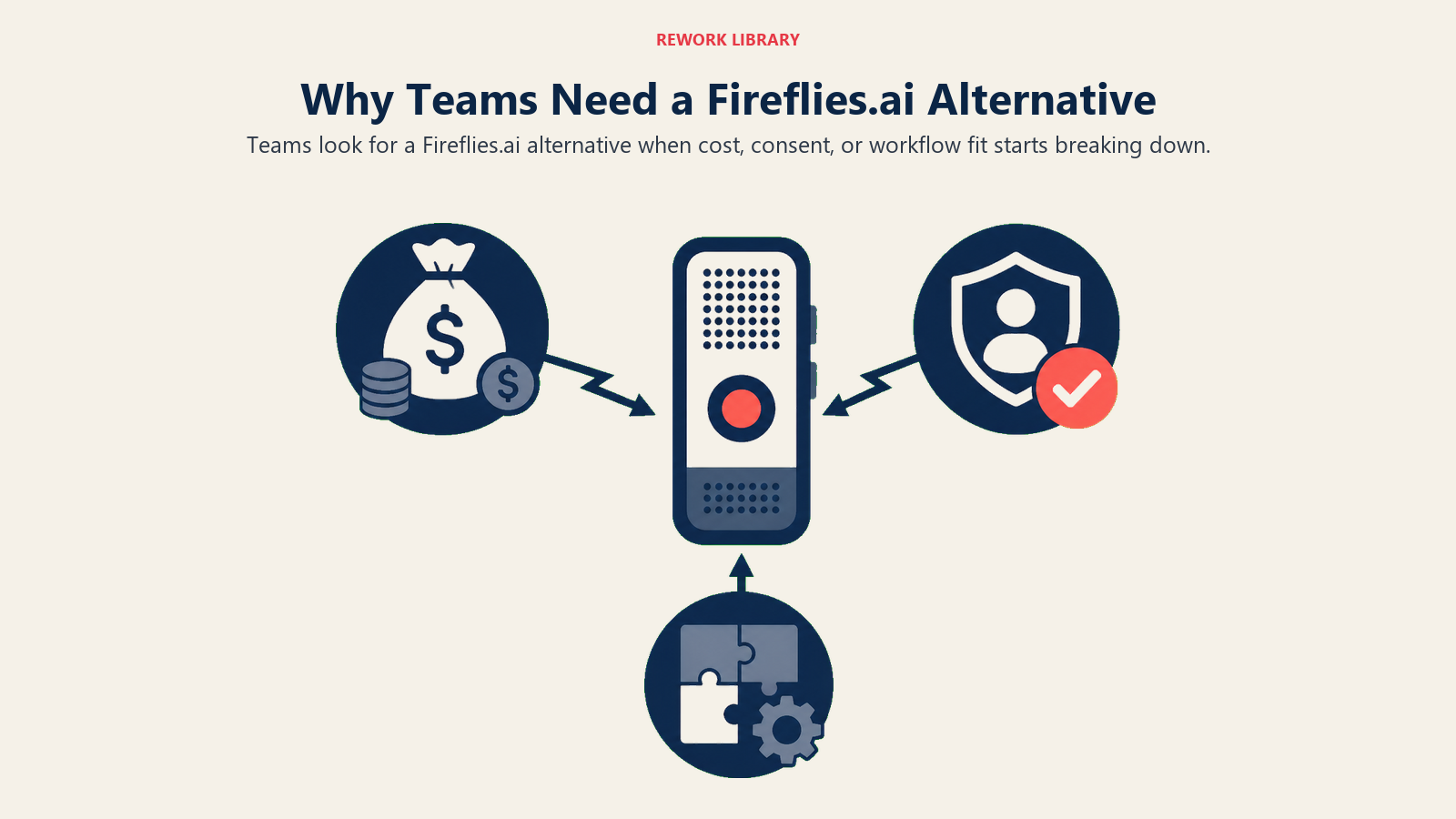
| Pain Point | Where It Bites | What to Look For Instead |
|---|---|---|
| AI Credits cap automations | Business tier only gets 30 credits a month; AskFred queries and workflow triggers draw it down fast | A tool that doesn't meter automations separately from transcription |
| Storage caps by tier | Free caps at 400 minutes total for the whole team; Pro caps at 8,000 minutes per seat | Unlimited or per-account storage that doesn't force a mid-year upgrade |
| A visible bot joins every call | External prospects and candidates sometimes bristle at a notetaker bot joining unannounced | A tool that works from live notes instead of a bot avatar |
| Coaching depth is shallow | Fireflies covers transcription and CRM sync well but offers limited win/loss or objection-handling analysis | A tool built specifically for revenue coaching, not just note capture |
| Paying for AI notes you already have | Teams on Zoom, Teams, or Workspace often already have a bundled notetaker sitting unused | Check what's already included in a platform you pay for before buying a new one |
Quick Comparison Table
| Tool | Best For | Starting Price | Key Strength | Key Limitation |
|---|---|---|---|---|
| Otter.ai | Broad transcript search, no credits meter | Free; Pro from $8.33/user/mo | Deep full-text search across meeting history | Native CRM sync still trails Fireflies |
| Fathom | Most generous free tier | Free; Team from $15/user/mo | Unlimited recording free, 90-day money-back guarantee | Team and Business plans need 2 users minimum |
| Granola | No bot announcing itself on the call | Free; Business $14/user/mo | No visible meeting bot, works from live notes | Free tier shows only a rolling 30-day window of notes |
| tl;dv | Sales coaching without a credits cap | Free; Pro from $18/user/mo | AI coaching scorecards, uncapped automation | Business tier costs more than 3x Pro |
| Avoma | Coaching plus revenue forecasting | 14-day trial; Startup $19/recorder-seat/mo | Conversation and revenue intelligence in one platform | Add-ons push real cost well past the sticker price |
| Grain | Clip-based deal review, not transcripts | Free viewer seats; Starter $19/seat/mo | Shareable highlight reels pulled from the call | Business and Enterprise pricing isn't published |
| Circleback | Automations without a credits meter | No free tier; $20.83/mo annual | Automations trigger from meeting content automatically | No free plan, only a trial |
| Sembly | Workspace-wide documentation | Basic from $10/user/mo | Multi-meeting AI chat across a whole workspace | No standing free tier |
| Read AI | Sentiment beyond just the meeting | Free; Pro from $15/user/mo | Video highlights and participation coaching | Per-seat license only covers that person's own meetings |
| Zoom AI Companion | Zoom-native teams avoiding a new bill | Included from $14.16/user/mo | Bundled free with any paid Zoom plan | Weaker coverage outside the Zoom ecosystem |
| Microsoft Teams Premium | Recap inside Teams, no new bot | $10/user/mo annual (add-on) | Recap lives inside Teams | Full Copilot license triples the cost |
| Google Gemini in Meet | Notes that land in Docs automatically | Included from $14/user/mo | Notes save straight to Docs and Drive | Requires Business Standard Workspace or higher |
| Notta | Cheapest paid plan, plain notetaker | Free; Pro from roughly $8.17/mo | Lowest paid entry price on this list | No native CRM sync |
| Fellow | Structured 1:1s and meeting culture | Free; Team from $7/user/mo | Agendas and action items alongside AI notes | AI notes capped at 10/month even on Team tier |
Sizing and Stage Fit at a Glance
| Tool | Best Team Size | Stage Fit | Rollout Style |
|---|---|---|---|
| Otter.ai | 10-200 | Growth to established | Team-wide |
| Fathom | 1-50 | Early to growth | Individual or team |
| Granola | 1-50 | Early stage, founder-led | Individual, expands to team |
| tl;dv | 10-200 | Growth-stage revenue teams | Team-wide (sales org) |
| Avoma | 10-200 | Growth to enterprise revenue teams | Team-wide (recorders) |
| Grain | 10-50 | Early growth sales teams | Team-wide (recorders) |
| Circleback | 1-50 | Early to growth | Individual or small team |
| Sembly | 10-500 | Growth to enterprise | Team-wide (workspace) |
| Read AI | 10-200 | Growth stage, manager-led rollout | Team-wide (per-recorder) |
| Zoom AI Companion | 10-200+ | Any stage, Zoom-native | Team-wide (bundled) |
| Microsoft Teams Premium | 50-200+ | Established, Microsoft-native | Team-wide (bundled) |
| Google Gemini in Meet | 50-200+ | Established, Workspace-native | Team-wide (bundled) |
| Notta | 1-10 | Early stage, budget-constrained | Individual |
| Fellow | 10-50 | Early to growth, culture-focused | Team-wide |
1. Otter.ai: Broad Transcript Search Without a Credits Meter
Otter's biggest edge over Fireflies for a team switching is simple: full-text search across a company's entire meeting history, with no separate credits system throttling AI actions the way Fireflies does even on paid tiers. OtterPilot joins Zoom, Teams, and Meet calls automatically and produces a searchable transcript and summary without a rep touching a workflow builder.
| What you get | What you don't |
|---|---|
| No AI-credit throttle on automations, unlike Fireflies | Native CRM sync is thinner than Fireflies' four-platform sync |
| Deep full-text search across meeting history | Per-meeting caps below the Business tier (90 min on Pro) |
| Works across Zoom, Teams, Meet, and file imports | Enterprise pricing still needs a sales call |
Pricing: Basic free (300 min/mo, 30-min meeting cap); Pro $16.99/user/mo monthly or $8.33/user/mo billed annually (1,200 min/mo, 90-min meeting cap); Business $30/user/mo monthly or $19.99/user/mo annually (unlimited meetings, 4-hour cap); Enterprise custom.
Best for: Teams that liked Fireflies' searchability but not its credits meter, and want a shared archive across the whole company. For a direct look at how it stacks up against two of Fireflies' other close rivals, see our Otter vs Fireflies vs Fathom comparison. If Otter's own limits turn out to be the problem, our Best Otter.ai Alternatives guide covers what to pick next.
2. Fathom: The Most Generous Free Tier on This List
Fathom's free plan does something Fireflies' free plan doesn't: unlimited recording and call summaries at zero cost, indefinitely, with no credits system gating what the AI can do. That makes it the default first stop for a team testing whether it can leave Fireflies without spending anything up front.
The 90-day money-back guarantee across Premium, Team, and Business is a real differentiator. Fireflies, Otter, Granola, and tl;dv all offer no guarantee at all.
| What you get | What you don't |
|---|---|
| Unlimited recording free, no AI-credit throttle | Team and Business plans require a 2-user minimum |
| 90-day money-back guarantee, best in category | Coaching depth is lighter than tl;dv or Avoma |
| Moderate HubSpot and Salesforce integration | Fewer native CRM platforms than Fireflies' four |
Pricing: Free (unlimited recording and summaries, individual); Premium $20/mo monthly or $16/mo annually (individual, no team minimum); Team $19/user/mo monthly or $15/user/mo annually (2-user minimum); Business $34/user/mo monthly or $25/user/mo annually (2-user minimum); Enterprise custom.
Best for: Teams that want to try real AI meeting notes without committing budget while they evaluate a Fireflies replacement. For sales teams evaluating meeting intelligence specifically, our Gong vs Chorus vs Fathom comparison covers how Fathom compares to heavier enterprise platforms, and our Best Fathom Alternatives guide covers what to pick if Fathom itself falls short.
3. Granola: No Bot Announcing Itself on the Call
Granola solves a problem Fireflies doesn't try to: the awkwardness of a visible bot avatar joining an external call and announcing itself to a prospect or candidate. Granola runs quietly in the background and blends a rep's own typed notes with the audio transcript, producing a cleaner summary without anyone on the call seeing a bot join.
The 2026 pricing simplification helps too: three flat tiers, nothing metered.
| What you get | What you don't |
|---|---|
| No visible bot avatar, unlike Fireflies | Free tier shows only a rolling 30-day window of notes |
| Works from live human notes plus audio | Less native CRM depth than Fireflies at this price |
| Flat per-user pricing, no AI-credit meter | Enterprise ($35/user/mo) is a steep jump for SSO alone |
Pricing: Basic free (unlimited note-taking, but note access is limited to a rolling 30-day window); Business $14/user/mo; Enterprise $35/user/mo. Source: granola.ai, checked August 2026.
Best for: Founders and external-facing teams who want clean notes without a bot visibly joining every call. Our Granola vs Otter comparison breaks down the workflow difference in more detail.
4. tl;dv: Sales Coaching Without a Credits Meter
tl;dv splits into two products under one name. Pro is a solid general notetaker with unlimited AI notes and CRM sync through Zapier. Business adds AI coaching scorecards, customizable sales playbooks, and objection-handling analysis, the kind of deal-level insight Fireflies doesn't offer even on its top tier, and unlike Fireflies, none of it sits behind a separate credits system.
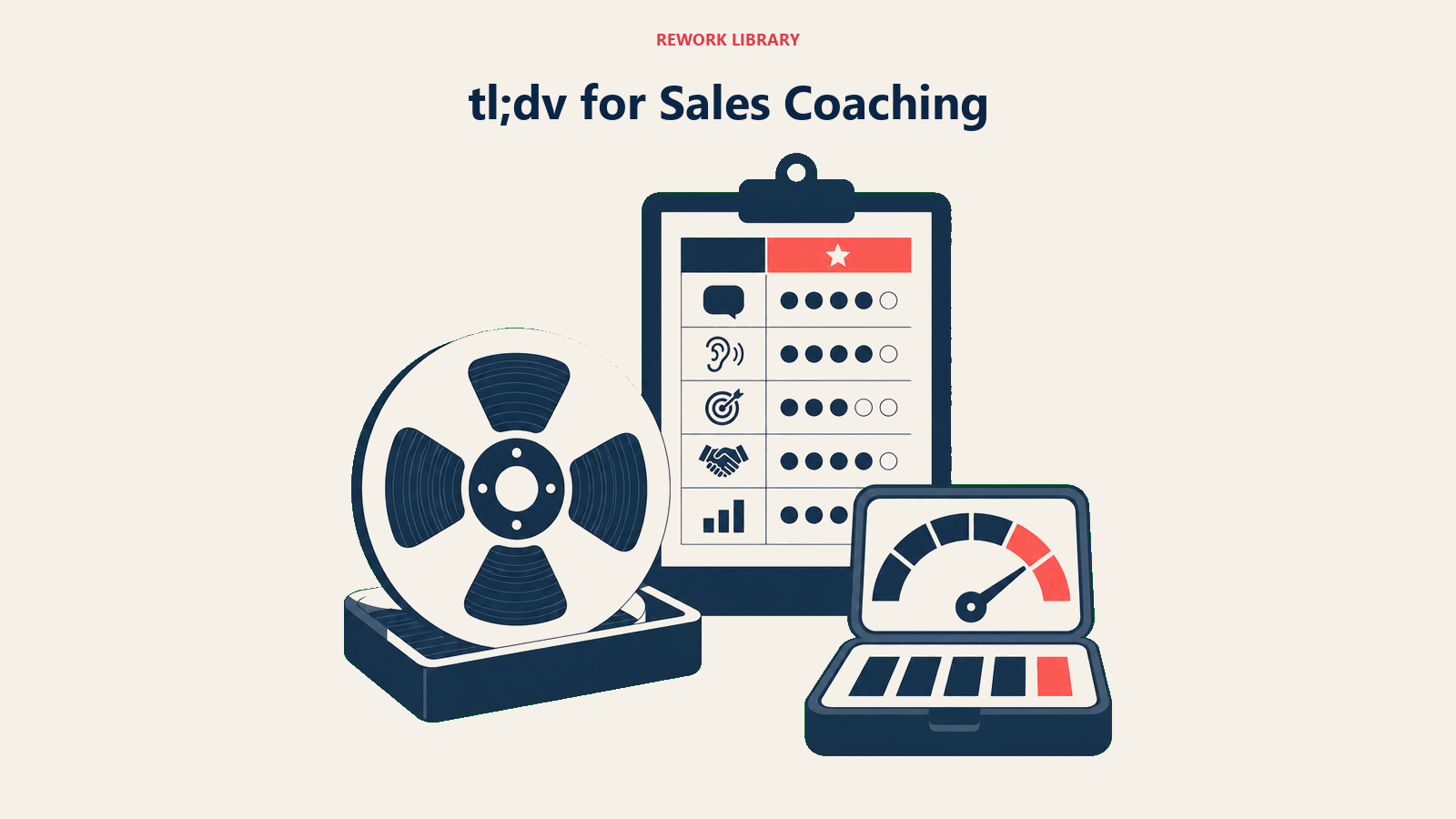
The price jump between tiers matters: Pro runs $18/user/mo annually ($29 monthly), Business jumps to $59/user/mo annually ($98 monthly), more than triple. tl;dv currently runs a 40% off annual-plan promotion, so confirm the live number before budgeting.
| What you get | What you don't |
|---|---|
| AI coaching scorecards, not gated by credits | Business costs more than 3x Pro |
| Native Salesforce/HubSpot sync at Business tier | Pro only gets CRM sync through Zapier |
| Genuinely useful free tier for occasional use | Free tier caps at 10 AI summaries for the account's lifetime |
Pricing: Free (10 AI summaries lifetime, 3-month storage); Pro $29/user/mo monthly or $18/user/mo annually; Business reportedly $98/user/mo monthly or $59/user/mo annually; Enterprise custom. tl;dv's own pricing page shows euro figures (Pro €18/user/mo annual, Business €29/user/mo annual), so confirm your region's price with tl;dv before you budget.
Best for: Sales orgs that want coaching and deal analysis without an automation credits cap, and can budget for Business. Our Best AI Tools for Sales guide covers where tl;dv's coaching layer fits alongside prospecting tools, and our Best tl;dv Alternatives guide covers what to pick if the Business jump is too steep.
5. Avoma: Coaching and Forecasting Without a Credits System
Avoma bundles what's usually three separate purchases, conversation intelligence, revenue intelligence, and scheduling, into one platform, and none of its add-ons meter automations the way Fireflies' AI Credits do. The base plans (renamed Startup, Organization, Enterprise in 2026) cover recording and notes; the real value sits in the paid add-ons.
That add-on structure means the sticker price understates real cost. A team wanting call scoring, deal intelligence, and lead routing together lands closer to $77-83 per seat per month once the add-ons stack on the base plan. Only recorders need a paid seat, viewers and collaborators are free.
| What you get | What you don't |
|---|---|
| Conversation and revenue intelligence in one platform | Real cost with add-ons runs well past the base price |
| Only recorders need a paid seat, viewers are free | Organization plan caps at 100 seats |
| 14-day trial of the full stack, no credit card | Add-ons priced separately, not bundled by default |
Pricing: Startup $29/recorder-seat/mo monthly or $19/recorder-seat/mo annually (up to 25 seats); Organization $39/recorder-seat/mo monthly or $29/recorder-seat/mo annually (up to 100 seats); Enterprise $39/recorder-seat/mo annual only (10-seat minimum); Conversation Intelligence and Revenue Intelligence add-ons $35/mo monthly or $29/mo annually each; Lead Router add-on $25/mo monthly or $19/mo annually.
Best for: Revenue teams that want coaching, forecasting, and lead routing on one platform and can budget for the add-ons. Our Best Avoma Alternatives guide covers what to pick if the add-on math gets too rich.
6. Grain: Clip-Based Deal Review Instead of Long Transcripts
Grain's differentiator is format. Instead of handing a rep a long transcript to skim the way Fireflies does, Grain surfaces AI highlight reels and shareable video clips pulled straight from the call, built for teams that review deals by watching a 90-second moment rather than reading a summary.
Pricing transparency drops off past the entry tier: Business and Enterprise pricing isn't published on Grain's own site, a real contrast to Fireflies' fully public tier list.
| What you get | What you don't |
|---|---|
| Shareable clip highlights, not just transcript summaries | Business and Enterprise pricing isn't published |
| Free viewer seats, pay only for recorders | Fewer native CRM integrations than Fireflies |
| HubSpot CRM sync included at the Starter tier | Team performance insights require a paid seat |
Pricing: Free (viewer seats only, no recording); Starter $19/seat/mo (billed monthly, per recorder); Business and Enterprise pricing not published, contact sales (reportedly starting around $19-35+/seat/mo for annual contracts).
Best for: Sales teams that review deals through short clips rather than full transcripts. Our Best AI Tools for SDRs guide covers where clip-based tools like Grain fit next to a broader prospecting stack.
7. Circleback: Automations That Trigger Without a Credits Meter
Circleback's edge is what happens after the call ends. CRM field updates, follow-up email drafts, and task creation in a project tool trigger automatically from meeting content, no workflow builder to configure and no separate credits system limiting how many of those automations fire in a month, the exact friction that pushes teams off Fireflies' Business tier.
The tradeoff is upfront commitment: there's no standing free tier, only a trial, so a team can't test-drive it the way it can Fathom or Otter.
| What you get | What you don't |
|---|---|
| Automations trigger from meeting content, uncapped | No free tier, only a trial |
| Unlimited meetings on every paid plan | No monthly-only discount for annual commitments |
| Team plan adds shared automations | Thinner integration list than Fireflies |
Pricing: Individual $20.83/user/mo annually (roughly $25 monthly); Team $25/user/mo annually (roughly $30 monthly); Enterprise custom.
Best for: Teams that want post-meeting automation without building workflows themselves or watching a credits counter, and are ready to commit past a trial.
8. Sembly: Workspace-Wide Documentation and Automation
Sembly's differentiator is depth at the workspace level, not the individual meeting. Pro and above unlock multi-meeting AI chat, so a manager can ask questions across a collection of past meetings instead of one at a time, plus custom vocabulary for specialized industries, none of it metered by a separate credits system.
MAX adds HIPAA compliance, custom SSO, and unlimited meeting history at $30/user/mo annually (up to 500 users), a genuinely competitive price for that compliance bundle.
| What you get | What you don't |
|---|---|
| Multi-meeting AI chat across a whole workspace | No standing free tier, entry point is a paid Basic plan |
| HIPAA and custom SSO bundled at MAX ($30/user/mo) | Smaller integration ecosystem than Fireflies |
| No separate credits system gating automations | Up to 500-user cap on MAX before Enterprise |
Pricing: Basic $17/user/mo monthly or $10/user/mo annually (1 user); Pro $29/user/mo monthly or $20/user/mo annually (up to 40 users); MAX $39/user/mo monthly or $30/user/mo annually (up to 500 users, 3-user minimum); Enterprise custom.
Best for: Teams that want structured, searchable meeting documentation with workspace-wide automations and compliance controls a growing company will eventually need.
9. Read AI: Sentiment Across Meetings, Email, and Chat
Read AI extends past the meeting itself into email and Slack/Teams chat sentiment analysis, plus a meeting coach that scores talk-time balance and participation. For a manager trying to understand communication patterns beyond just what got recorded on a call, Fireflies doesn't touch that layer at all.
The licensing model trips people up: it's per-seat and per-recorder, so one license covers only that person's own meetings, not workspace-wide capture the way Fireflies' Business tier does.
| What you get | What you don't |
|---|---|
| Sentiment analysis across meetings, email, and chat | Per-seat license only covers that person's own meetings |
| Video highlights and participation coaching | Enterprise+ requires a 5-seat minimum |
| Salesforce, HubSpot, and Notion integrations at Pro | Free tier caps at 5 meetings/month |
Pricing: Free (5 meetings/mo); Pro $19.75/user/mo monthly or $15/user/mo annually; Enterprise $29.75/user/mo monthly or $22.50/user/mo annually (5+ licenses); Enterprise+ $39.75/user/mo monthly or $29.75/user/mo annually.
Best for: Managers who want communication insight across meetings, email, and chat, not just meeting transcripts.
10. Zoom AI Companion: Already Paid For on a Zoom-Native Team
If a team already pays for Zoom Workplace Pro or above, AI Companion is included at no additional cost. There's no separate credits system, no AI-line-item negotiation, and because it runs inside Zoom's own infrastructure, no visible bot avatar joins the call the way Fireflies does.
The limitation is scope: AI Companion is strong inside Zoom and weaker as a cross-platform tool. A team running a mix of Zoom, Teams, and Meet meetings won't get the unified coverage Fireflies offers across platforms.
| What you get | What you don't |
|---|---|
| Included free with any paid Zoom Workplace plan | Not available on Zoom's free Basic plan |
| No visible bot avatar joining calls | Weak coverage outside the Zoom ecosystem |
| Zero new AI credits system to manage | Less deep CRM automation than Fireflies or tl;dv |
Pricing: Included from $14.16/user/mo (Zoom Workplace Pro, billed annually); a standalone AI Companion add-on is available for accounts that don't otherwise qualify.
Best for: Zoom-native organizations that want AI meeting notes without adding a new vendor, a new bill, or a new credits system to track.
11. Microsoft Teams Premium: Recap Inside Teams, No New Bot
Buyers often conflate two different Microsoft products here. Teams Premium ($10/user/mo annually) unlocks Intelligent Recap, AI-generated meeting recaps, chapters, and action items inside Teams calls without leaving the app. Full Microsoft 365 Copilot ($30/user/mo, or a promotional $18/user/mo for Copilot Business on teams up to 300 people through December 31, 2026) is a much broader license spanning Word, Excel, Outlook, and PowerPoint, of which meeting recap is only one piece.
Teams that only want meeting recap should check whether Teams Premium alone covers the need before paying for the full Copilot license.
| What you get | What you don't |
|---|---|
| Recap lives inside Teams, no separate bot or app | Teams Premium alone doesn't include cross-app AI |
| No new vendor relationship for Teams-native orgs | Full Copilot license triples the cost of Teams Premium |
| No AI-credits system to track | Weak outside the Microsoft 365 ecosystem |
Pricing: Teams Premium $10/user/mo annual (add-on, recap only); Microsoft 365 Copilot Business $18/user/mo promotional (standard $21) for orgs up to 300 users through December 31, 2026; the enterprise Copilot add-on runs $30/user/mo.
Best for: Teams-native organizations that want in-app recap without adding a third-party notetaker or a credits system to monitor.
12. Google Gemini in Meet: Notes That Land in Docs Automatically
Gemini's "take notes for me" feature in Google Meet transcribes the conversation and saves a summary with action items automatically as a Google Doc in Drive, with an email recap sent after the call ends. No export step, no separate app, no credits meter.
The gating changed meaningfully in 2026: what used to require a standalone add-on now comes bundled into Workspace Business Standard and above. Teams on Workspace Starter don't get it, and personal users need a Google AI Pro subscription instead.
| What you get | What you don't |
|---|---|
| Notes save automatically to Docs and Drive | Requires Business Standard Workspace or higher |
| Bundled into core plans, no separate add-on cost | Less coaching or CRM depth than dedicated tools |
| No AI-credits system limiting usage | Weaker outside the Google Meet ecosystem |
Pricing: Included from $14/user/mo (Workspace Business Standard, billed annually); personal Google AI Pro runs $19.99/mo.
Best for: Google Workspace organizations that want notes to land automatically in Docs without a separate vendor bill.
13. Notta: The Cheapest Paid Plan on This List
Notta strips the category down to what a lot of teams actually want after leaving Fireflies: transcription and AI summaries at a genuinely low price, without a credits system, a CRM sync layer, or a coaching module they'll never use. 1 in 5 workers (20%) now use AI tools to auto-generate meeting notes, per the same Forbes-reported 2026 survey cited above, and Notta is built for exactly that plain use case rather than a sales-ops rollout.
The tradeoff is depth: no native CRM sync, and recording caps that make it a better fit for individuals than a company-wide deployment.
| What you get | What you don't |
|---|---|
| Cheapest paid tier of any tool on this list | No native CRM sync |
| No AI-credits system to track | Business tier scales awkwardly for larger teams |
| Generous free tier for occasional use | 5-hour max recording length even on paid tiers |
Pricing: Free (120 min/mo, 3-min recording cap); Pro $97.99/year, roughly $8.17/mo billed annually (1,800 min/mo); Business $199.99/year, roughly $16.67/mo billed annually (unlimited transcription); Enterprise custom (51-seat minimum).
Best for: Budget-conscious teams and individuals who just want a plain notetaker, not a CRM-synced sales platform. Our Best AI Note-Taking Apps guide covers where Notta fits against broader note-taking tools beyond meetings.
14. Fellow: Meeting Culture First, AI Notes Second
Fellow's bet is that meetings need agendas and action items as much as they need transcripts. It's built around structure first, AI second: shared agendas, collaborative notes, and pre-meeting briefs, with AI transcription layered on top rather than being the whole product, a different philosophy from Fireflies' transcript-and-CRM focus entirely.
That makes it a strong fit for teams fixing how they run one-on-ones and weekly status updates, not just teams that want a recording archive. The catch: even the Team tier caps AI notes at 10 per user per month, so heavy AI users need Business to go unlimited.
| What you get | What you don't |
|---|---|
| Agendas, action items, and AI notes in one workflow | AI notes capped at 10/month even on Team tier |
| Free tier works for teams up to 5 people | Enterprise requires a 10-user minimum |
| No CRM-focused credits system to manage | Less transcript-search depth than Otter |
Pricing: Free (5 AI notes/recordings lifetime, up to 5 users); Team $11/user/mo monthly or $7/user/mo annually (up to 20 seats); Business $23/user/mo monthly or $15/user/mo annually (up to 50 seats); Enterprise $25/user/mo annual minimum (10+ users).
Best for: Teams that want to fix meeting structure and culture, not just replace Fireflies with another transcript tool. Our Best AI Productivity Tools guide covers where Fellow fits alongside broader workflow tools.
Fireflies Alternatives Buying Mistakes to Avoid
The most common mistakes are overbuying, underchecking consent, and picking a tool that does not match the meeting workflow.
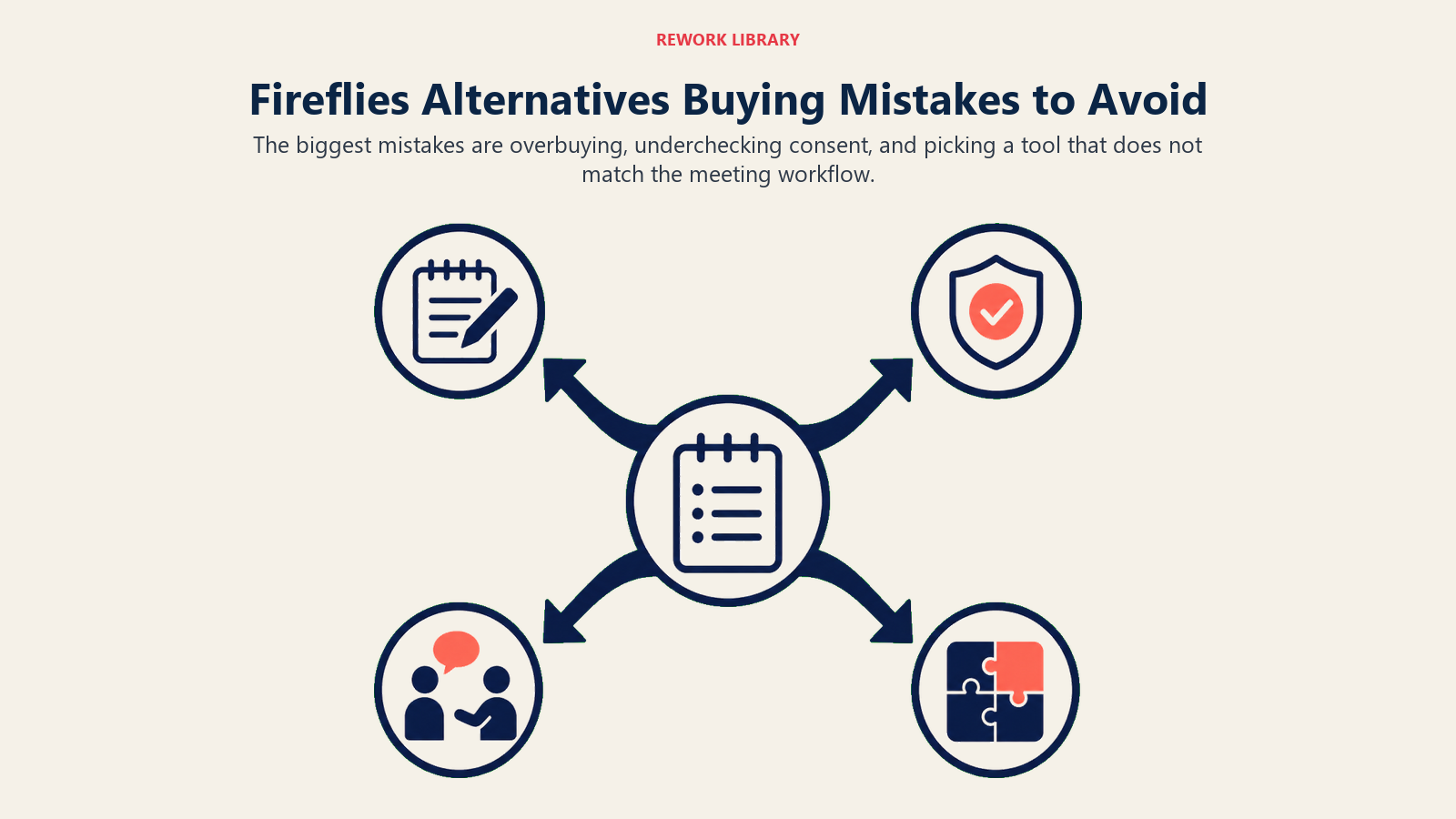
| Mistake | What It Looks Like | What to Do Instead |
|---|---|---|
| Judging free tiers by price alone | Picking Granola's free tier for a growing team, then hitting the 25-note lifetime cap in month two | Read the free tier's real limit (per month vs. lifetime), not just the price |
| Assuming every alternative has a credits system | Budgeting for tl;dv or Circleback the way you budgeted around Fireflies' AI Credits | Confirm whether the new tool actually meters automations before assuming a cap exists |
| Licensing every viewer instead of just recorders | Buying Read AI or Avoma seats for a whole team when only meeting owners need to record | Confirm whether the tool licenses recorders only or every participant |
| Ignoring the free recap already in your video platform | Buying a new notetaker for a Teams-only company already paying for Microsoft 365 | Check whether Teams Premium, Zoom AI Companion, or Gemini in Meet already covers the job |
| Paying for coaching when you only need notes | Paying Avoma's stacked add-on price when a plain transcript would do | Match spend to the job: transcripts need a $10-20 tool, deal coaching needs $30-80 |
| Migrating without checking export options | Losing historical Fireflies transcripts because nobody exported them before cancelling | Export or archive existing Fireflies data before switching, not after |
How to Choose: Decision Framework
Start with the job the new tool has to do, not the number of meeting notes features on the page.
| If you need... | Pick... | Why |
|---|---|---|
| The safest general-purpose swap for Fireflies | Otter.ai | Similar broad transcript search, no AI-credits meter |
| The most generous free tier before committing to a paid tool | Fathom | Unlimited recording and summaries free, 90-day money-back on paid tiers |
| A notetaker that doesn't join as a visible bot | Granola | Works from live human notes plus audio, no bot avatar |
| AI coaching and deal-risk scorecards | tl;dv or Avoma | Both built specifically for sales coaching, not just transcripts |
| Clip-based deal review instead of long transcripts | Grain | Shareable highlight reels pulled straight from the call |
| Automations that trigger without a credits cap | Circleback | Post-meeting actions fire automatically, uncapped |
| Zero new AI line item on a platform you already pay for | Zoom AI Companion, Microsoft Teams Premium, or Google Gemini in Meet | Already bundled into a plan most mid-size companies hold |
| The cheapest plain notetaker with no CRM layer | Notta | Lowest paid tier on this list, no sync or coaching bloat |
Frequently Asked Questions about Fireflies.ai Alternatives
What is the best Fireflies.ai alternative in 2026?
There's no single best swap for everyone. Otter.ai is the safest general-purpose replacement, Fathom offers the most generous free tier, tl;dv and Avoma go deeper into sales coaching, and Zoom AI Companion or Google Gemini in Meet may already be included in a platform you're already paying for.
Why do teams leave Fireflies.ai?
The most common reasons are the AI Credits system that caps automations even on paid tiers, tiered storage limits that force a mid-year upgrade, the awkwardness of a visible bot joining external calls, and wanting either deeper sales coaching or a cheaper plain notetaker than Fireflies offers.
Is there a truly free Fireflies alternative?
Fathom offers the most generous free tier: unlimited recording and AI summaries at no cost, indefinitely. Otter, Granola, tl;dv, Read AI, and Fellow also offer free tiers, but each caps usage differently, so check whether the limit resets monthly or applies for the account's lifetime.
Which Fireflies alternative has the best CRM sync?
Grain and tl;dv Business both offer native CRM sync comparable to Fireflies' Salesforce, HubSpot, Pipedrive, and Zoho coverage. Avoma also syncs natively but adds cost through its Conversation Intelligence and Revenue Intelligence add-ons.
Do any Fireflies alternatives avoid an AI credits system entirely?
Yes. Otter, Fathom, Granola, tl;dv, Circleback, and Sembly all price by seat rather than metering automations separately, so a team doesn't have to watch a credits counter the way it does on Fireflies' paid tiers.
Do I need a separate notetaker if I already pay for Zoom, Teams, or Google Workspace?
Not necessarily. Zoom AI Companion is included free with any paid Zoom Workplace plan, Microsoft's Teams Premium unlocks recap for $10/user/mo without the full Copilot license, and Google Gemini in Meet is bundled into Workspace Business Standard and above.
How much does a Fireflies alternative cost for a small team?
Entry-level paid plans mostly run $7-20 per user per month billed annually, with Fellow starting lowest at $7/user/mo and Otter, Sembly, and Notta landing near $8-10/user/mo. Sales-coaching platforms like tl;dv Business and Avoma with add-ons run considerably higher.
Are AI meeting bots a privacy concern when switching tools?
It can be. Only 34.7% of workers whose meetings included an AI notetaker say they were always asked for consent first, per a July 2026 survey of 500 US workers. Look for SOC 2 or HIPAA compliance if you're in a regulated industry, and check whether recordings are used for AI model training by default.
What to Do Next
Before you sign a new contract, export any historical transcripts and CRM-synced data out of Fireflies so you don't lose call history mid-switch. Then pick two tools from the framework above, one free-tier option and one paid option that matches your actual reason for leaving (credits, storage, bot awkwardness, or coaching depth), and run them side by side for two weeks of real meetings before rolling out company-wide.
If your team already pays for Zoom, Microsoft Teams, or Google Workspace, check what's bundled first. The cheapest Fireflies alternative is often the one you're already paying for and not using.

Principal Product Marketing Strategist
On this page
- What Changed in 2026
- Key Facts
- Why Teams Look for a Fireflies.ai Alternative
- Quick Comparison Table
- Sizing and Stage Fit at a Glance
- 1. Otter.ai: Broad Transcript Search Without a Credits Meter
- 2. Fathom: The Most Generous Free Tier on This List
- 3. Granola: No Bot Announcing Itself on the Call
- 4. tl;dv: Sales Coaching Without a Credits Meter
- 5. Avoma: Coaching and Forecasting Without a Credits System
- 6. Grain: Clip-Based Deal Review Instead of Long Transcripts
- 7. Circleback: Automations That Trigger Without a Credits Meter
- 8. Sembly: Workspace-Wide Documentation and Automation
- 9. Read AI: Sentiment Across Meetings, Email, and Chat
- 10. Zoom AI Companion: Already Paid For on a Zoom-Native Team
- 11. Microsoft Teams Premium: Recap Inside Teams, No New Bot
- 12. Google Gemini in Meet: Notes That Land in Docs Automatically
- 13. Notta: The Cheapest Paid Plan on This List
- 14. Fellow: Meeting Culture First, AI Notes Second
- Fireflies Alternatives Buying Mistakes to Avoid
- How to Choose: Decision Framework
- What to Do Next