Granola vs Otter.ai: Bot-Free Notes or a Searchable Transcript Archive in 2026?
Turn this article into takeaways for your work.


Each assistant summarizes the article only for you and suggests best practices for your work.
You've probably already narrowed the field. Between the two dozen names covered in our best AI meeting assistants roundup, Granola and Otter.ai keep coming up together, and not because they do the same thing. They solve the same problem (you shouldn't have to choose between paying attention in a meeting and having a usable record of it) from two different starting points.
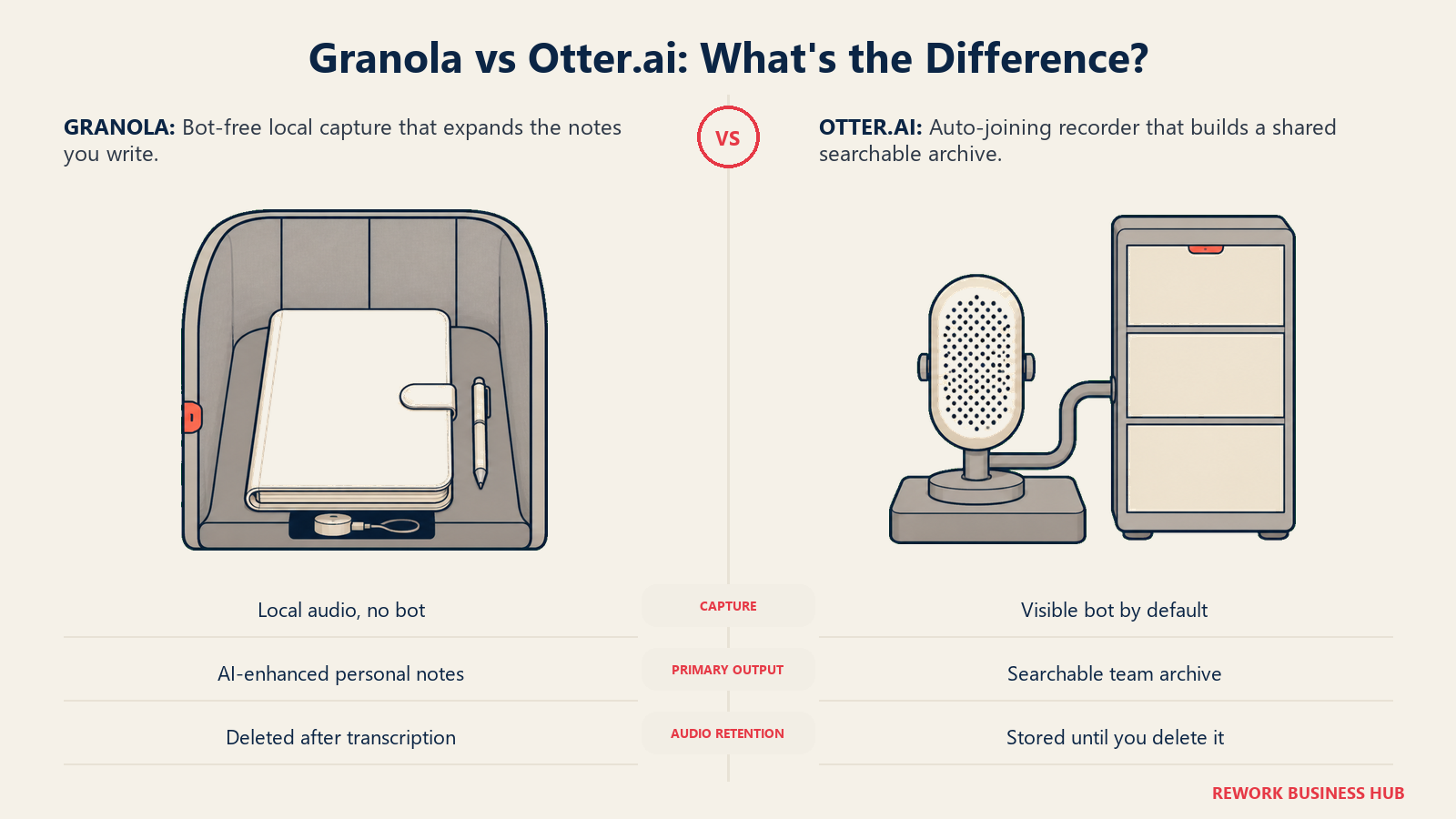
Granola doesn't send anything into your call. It listens through your computer's mic and system audio, lets you type rough notes while you talk, then fills in what you missed using the transcript. Otter sends an AI Notetaker that joins Zoom, Google Meet, or Teams as a visible participant and builds a searchable, permanent transcript archive across every meeting your team has had. One optimizes for the meeting you're in right now. The other optimizes for the meeting you'll need to find six months from now. That difference decides almost everything else here.
TL;DR
| Granola | Otter.ai | |
|---|---|---|
| Capture model | No bot. Local mic and system audio capture on your device | AI Notetaker bot joins the call as a visible participant (bot-free desktop/Chrome recording also available) |
| Core output | Your own rough notes, AI-enhanced with transcript detail after the call | Auto-generated summary plus a full, searchable transcript |
| Works for in-person meetings | Yes, via iOS/Android app, built for walking meetings and coffee catchups | Yes, via mobile app and Chrome/desktop recording |
| Free plan limit | Unlimited notes, but only the last 30 days are accessible until you upgrade | 300 minutes/month, 25 most-recent conversations retained |
| Paid entry price | Business, $14/user/month, billed monthly | Pro, $8.33/user/month billed annually ($16.99 billed monthly) |
| Audio retention | Transcribed in real time, then deleted; the transcript and notes remain | Recordings stored on Otter's cloud (AWS S3) until you delete them |
| Best for | Operators and consultants who want their own notes enhanced, not replaced | Teams that need a shared, long-term, searchable meeting archive |
Key Facts
- The global AI meeting assistant market is projected to grow from $3.47 billion in 2025 to $21.48 billion by 2033, a 25.8% compound annual growth rate, per Grand View Research.
- 57% of meetings now happen as ad hoc calls with no calendar invite, per Microsoft's 2026 Work Trend Index, exactly the kind of meeting a calendar-triggered notetaker bot is built to miss.
- 33.4% of employed Americans say an AI notetaker has sat in on one of their work meetings, but only 34.7% of those workers say they were always asked for permission first, per a July 2026 survey of 500 employed U.S. adults commissioned by Kolmogorov Law.
- The average worker attends roughly five online or hybrid meetings a week, on top of the in-person meetings a video-only tool never sees, per Owl Labs' 2025 State of Hybrid Work report.
Who Each Tool Is Actually Built For
Granola started from a simple observation: most people already take some notes in a meeting, just badly, because typing and listening at the same time is hard. So Granola's whole design leans into that habit instead of replacing it. You jot a few rough bullets while you talk, and after the call, Granola uses the transcript to expand and organize what you wrote, in your own voice, not a generic AI summary template. There's no bot to configure, no calendar permission to grant, no participant to explain to a client. It's built for people who run a lot of their own meetings and want a better version of what they were already doing.
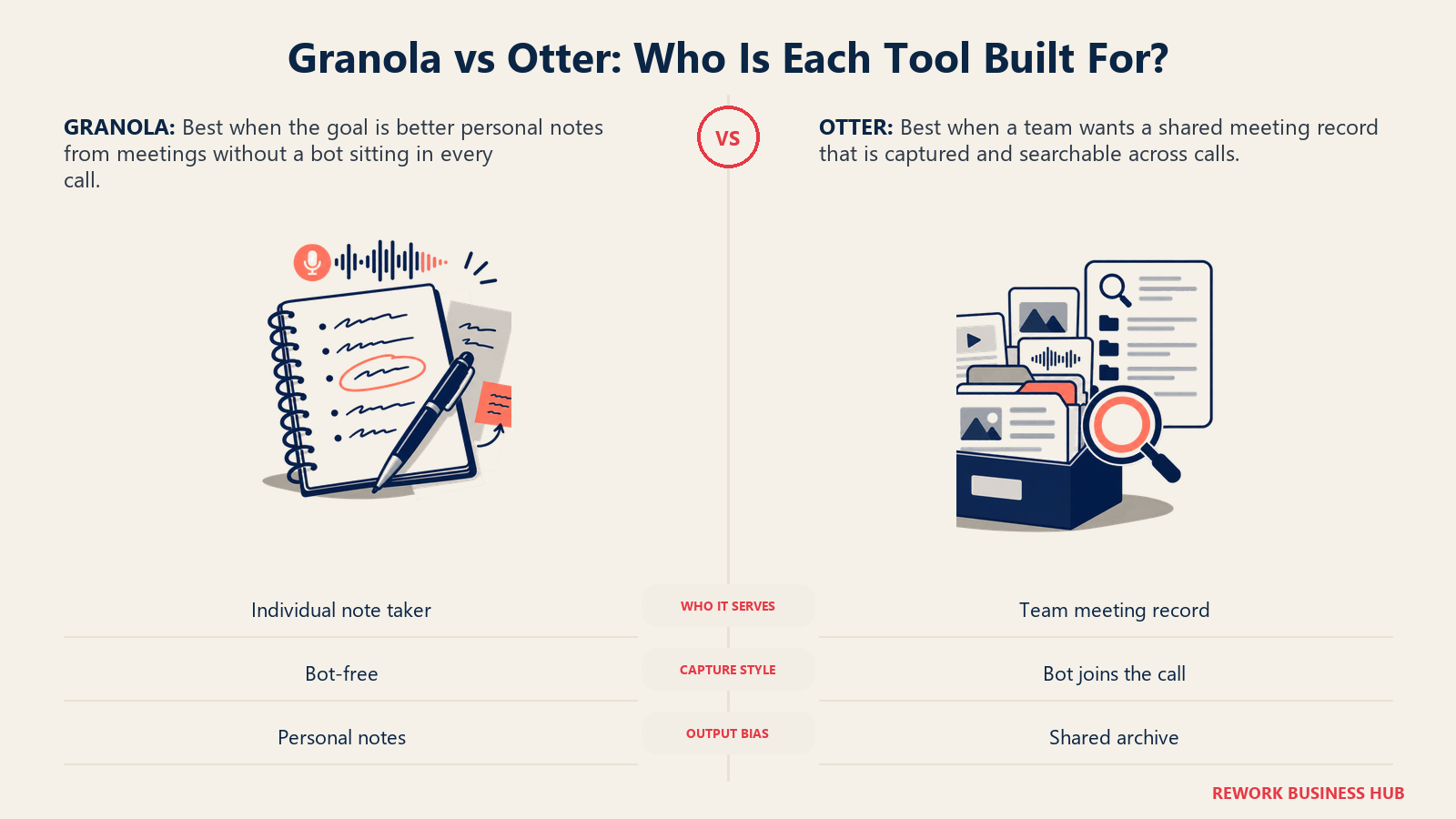
Otter started from the opposite premise: most organizations don't have a note-taking habit worth preserving, they have a documentation gap. Reps forget to log calls, managers can't verify what was actually said on a customer call, and compliance teams need a record that doesn't depend on any one person remembering to type. Otter's AI Notetaker auto-joins meetings from your calendar, transcribes in real time, and builds an institutional archive that exists whether or not anyone in the room was paying attention to note-taking at all.
| Granola | Otter.ai | |
|---|---|---|
| Design premise | Enhance the notes a person already takes | Create a record independent of whether anyone takes notes |
| Sweet-spot user | Founders, consultants, recruiters, individual operators running their own calls | Sales, CS, and ops teams that need a shared, searchable call archive |
| Typical team size | Solo to mid-size teams (Business tier is per-seat, no minimum published) | Solo through enterprise, with dedicated Business and Enterprise tiers |
| Buying trigger | Wanting better personal notes without adding a visible tool to the call | Needing a consistent, team-wide record of what was said in every meeting |
Capture Model: Does a Bot Join Your Call?
This is the real fork in the road, and it's worth being precise about it rather than reducing it to a slogan.
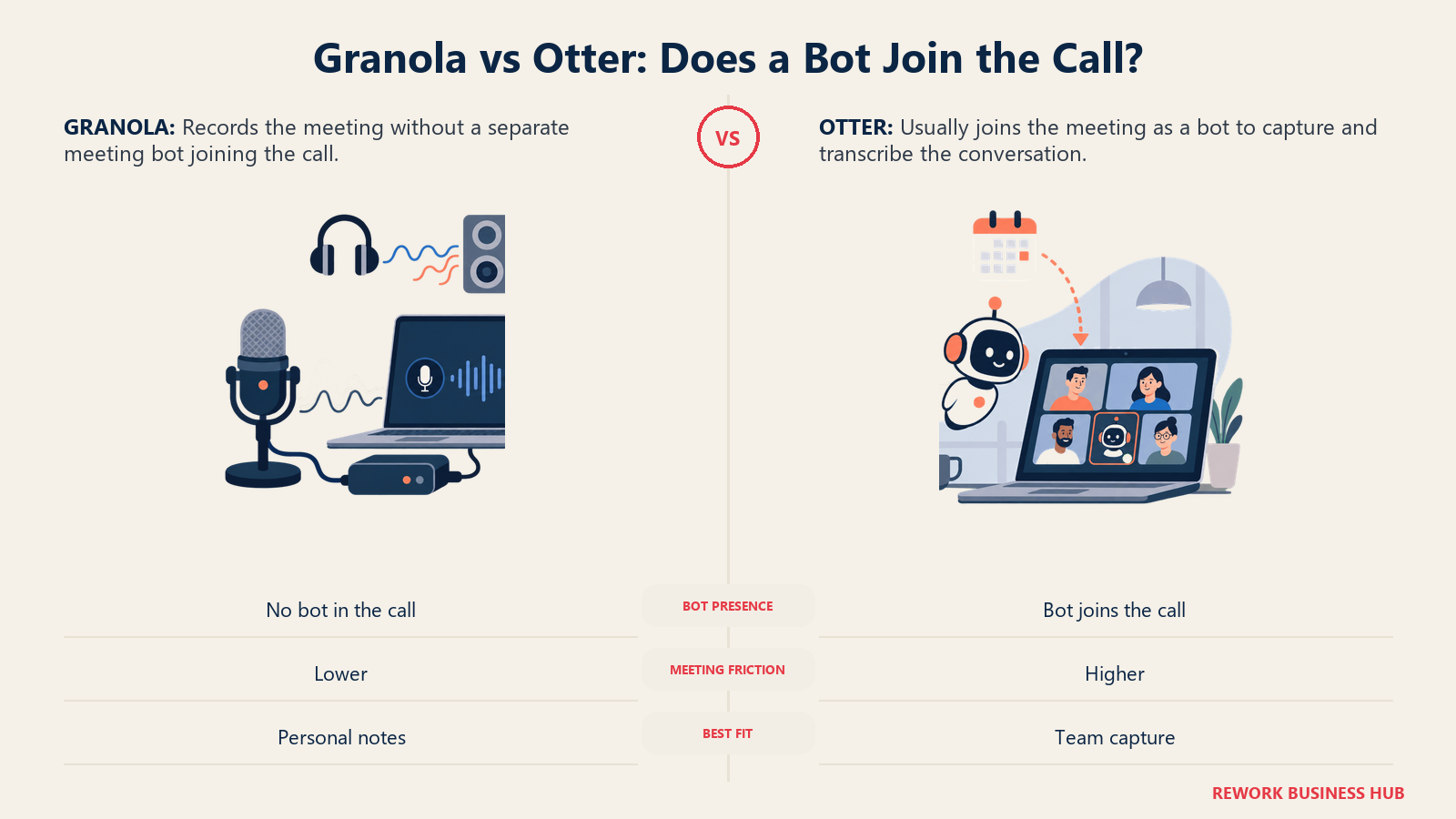
Granola captures your computer's mic and system audio directly, with no bot invited to the meeting at all. Its own product description is blunt about it: it "uses your computer audio, so doesn't invite a bot." It works with Zoom, Google Meet, Teams, and, because it isn't integrating with any specific call platform, "every other meeting app" too. Nothing shows up in the participant list. The only person who knows Granola is running is whoever is running it.
Otter's flagship feature is the opposite: an AI Notetaker you send automatically to any meeting on your calendar, where it joins as a named participant, visible to everyone on the call, and transcribes in real time. That visibility cuts both ways: it saves you from remembering to start anything, but it also gives every attendee a visible signal that something's recording, a form of disclosure Granola's model doesn't have. Otter has since added a bot-free desktop and Chrome recording mode too, so a team that wants Granola's invisible-capture approach without switching tools has that option, though it isn't the default workflow.
| Granola | Otter.ai | |
|---|---|---|
| Default capture method | Local computer audio, no bot | AI Notetaker bot auto-joins from your calendar |
| Bot-free option available | Yes, it's the only mode | Yes, via desktop or Chrome recording, as an alternative to the bot |
| Visible to other participants | No | Yes, by default (bot appears in the participant list) |
| Requires calendar/meeting platform permissions | No | Yes, for the auto-join bot workflow |
| Works on calls the tool doesn't integrate with | Yes, since it's just capturing your machine's audio | Only via bot-free recording or manual mobile capture |
Platform and Device Coverage
Both tools have converged on broad device support, so this isn't the dividing line it was a couple of years ago. What differs is what that coverage is for.
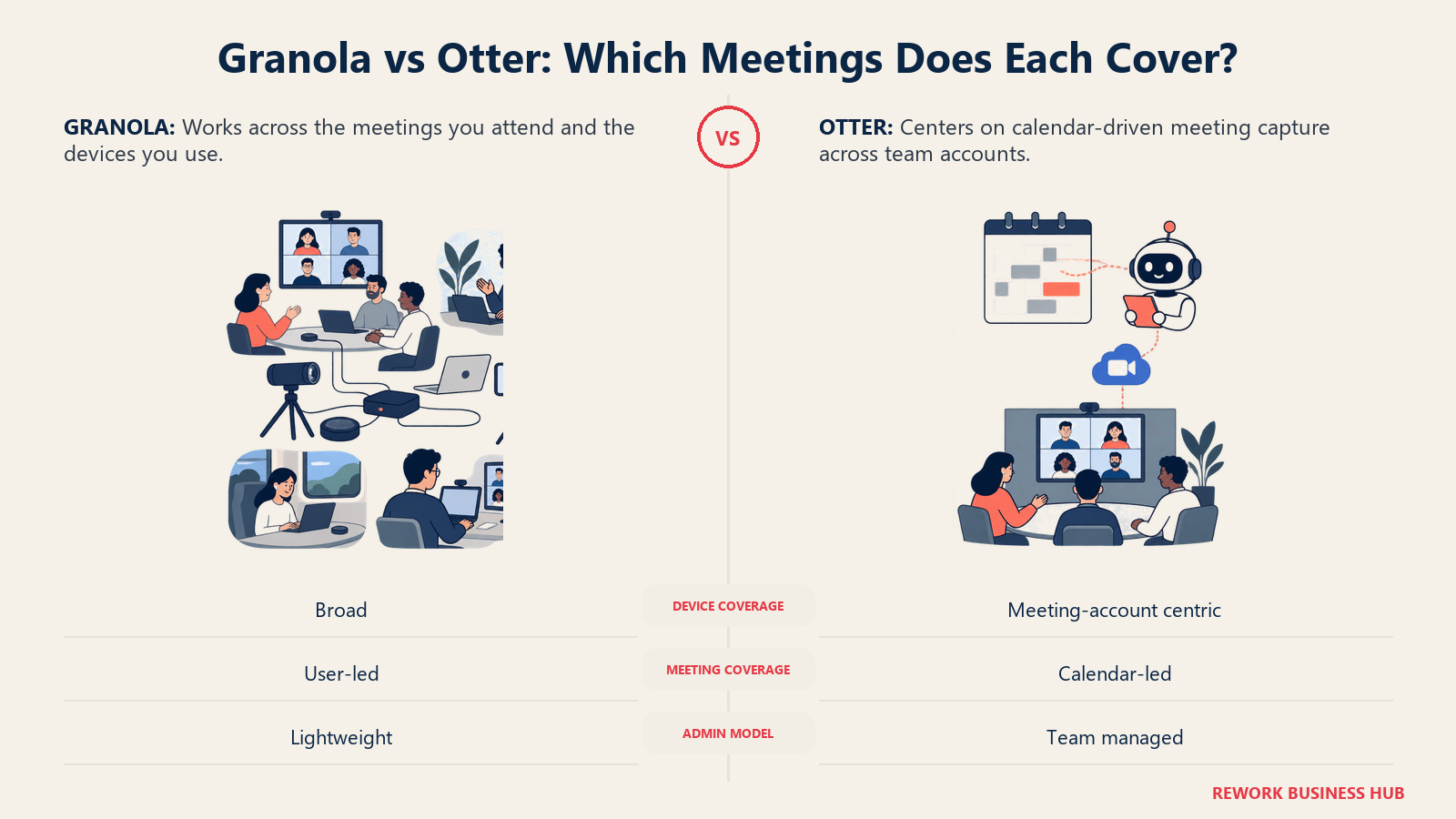
Granola runs on macOS, Windows, iOS, and Android. Because it captures locally rather than joining a call, the desktop app covers any video meeting regardless of platform, and the mobile app is built explicitly for meetings that never touch a screen at all. Granola markets this directly: "made for in-person meetings too," pitched at walking meetings, conference floor conversations, and coffee catchups captured the same way as a Zoom call.
Otter covers Mac and Windows through its desktop app (which now supports bot-free recording), a Chrome extension, and mobile apps for on-the-go capture. Its AI Notetaker bot connects to Zoom, Google Meet, and Microsoft Teams through calendar sync, plus file upload support for audio and video you've already recorded elsewhere. In-person capture works through the mobile app too, though it's a secondary path rather than a headline feature.
| Granola | Otter.ai | |
|---|---|---|
| Desktop | macOS, Windows | macOS, Windows |
| Mobile | iOS, Android | iOS, Android |
| Browser | Not applicable (works with any browser-based meeting via local audio) | Chrome extension |
| Video platforms | Any (local audio capture, platform-agnostic) | Zoom, Google Meet, Microsoft Teams (bot); any platform via bot-free recording |
| In-person capture | Core, explicitly marketed use case | Supported via mobile app, secondary to the bot workflow |
| File import (pre-recorded audio/video) | Not a headline feature | Yes, with Dropbox and direct upload support |
If your team runs mostly scheduled video calls on the big three platforms, this section is close to a wash. If a meaningful share of your work happens face to face, at a client site or in a hallway, Granola's design starts from that use case rather than treating it as an edge case. Our AI tools for consultants guide covers more of this reader profile.
Transcript Quality, Search, and Long-Term Recall
Here the two products genuinely diverge in philosophy, not just feature checklists.
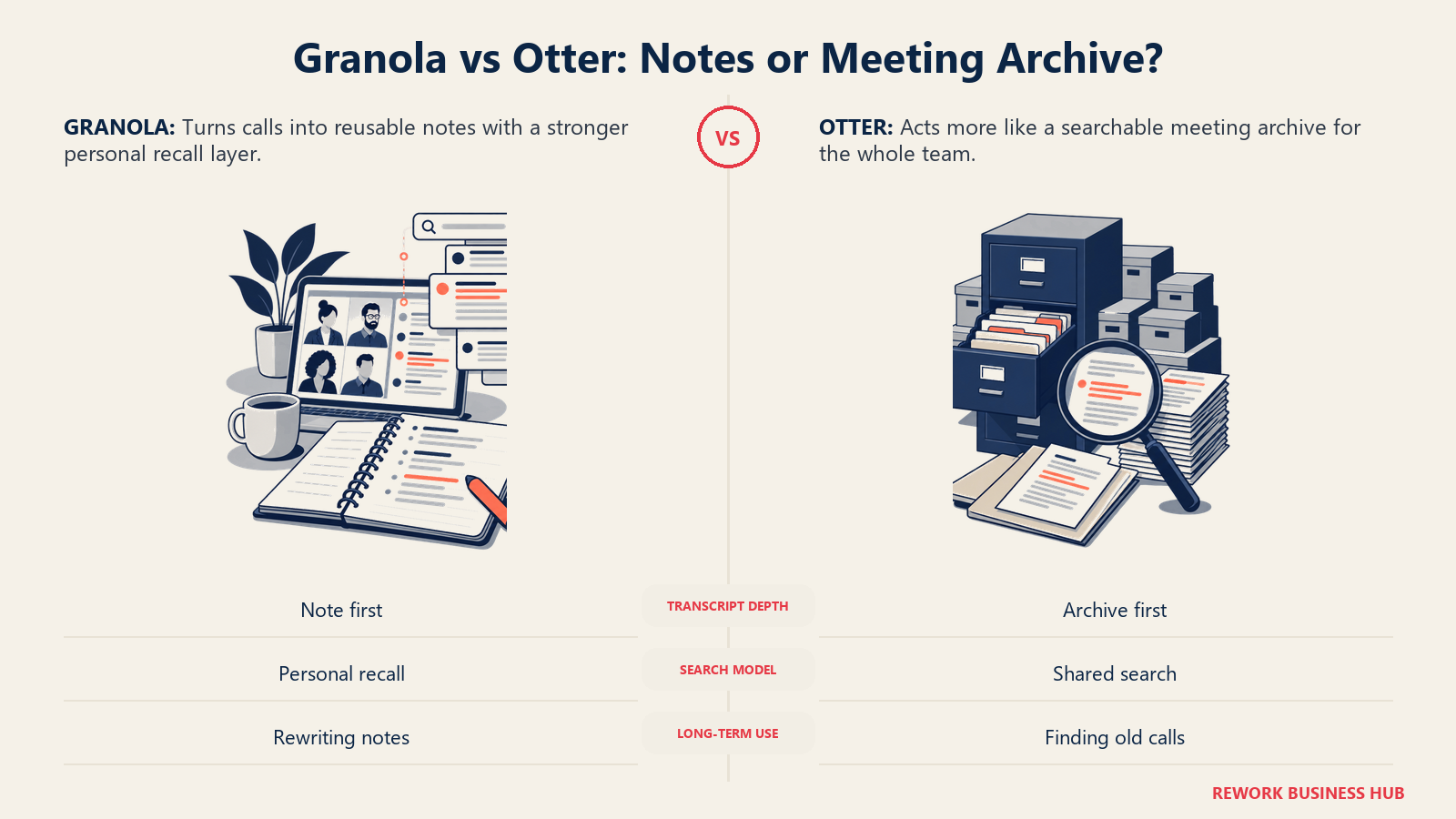
Granola treats the raw transcript as a supporting asset, not the product. It transcribes in real time so you can query it live ("what were their main concerns?"), but full transcript access through the API is restricted to paid plans, and on the free Basic tier your accessible history is capped at a rolling 30 days. Notes older than that aren't deleted, just locked until you upgrade. Business removes that ceiling entirely: every meeting you've ever captured stays searchable and queryable, useful for a cross-meeting question like "which concerns came up most across our last 40 customer calls."
Otter was built around search and retrieval from the start. Even the free Basic plan gets 300 transcription minutes a month with full-text search, though history is capped at your 25 most recent conversations, a hard count rather than a rolling time window. Paid tiers raise the usable minutes (1,200/month on Pro, effectively unlimited on Business) rather than changing how search works, since full-text search is available from the entry tier up. See our best AI transcription tools roundup if raw transcription accuracy, not note-taking style, is your primary decision factor.
| Granola | Otter.ai | |
|---|---|---|
| Real-time transcript during the call | Yes, used as live context, queryable while the meeting runs | Yes, streamed as the primary visible artifact |
| Free tier history limit | Rolling 30 days (time-based) | 25 most recent conversations (count-based) |
| Full transcript API access | Paid plans only | Available from the entry tier |
| Cross-meeting search/query | Unlimited on Business and up | Full-text search from the free tier |
| Where the product optimizes | Your enhanced notes, transcript as backup | The transcript and archive itself |
Note Style and Output Format
This is the part of the comparison that a feature table alone won't capture, so it's worth walking through what you actually see after a meeting ends.
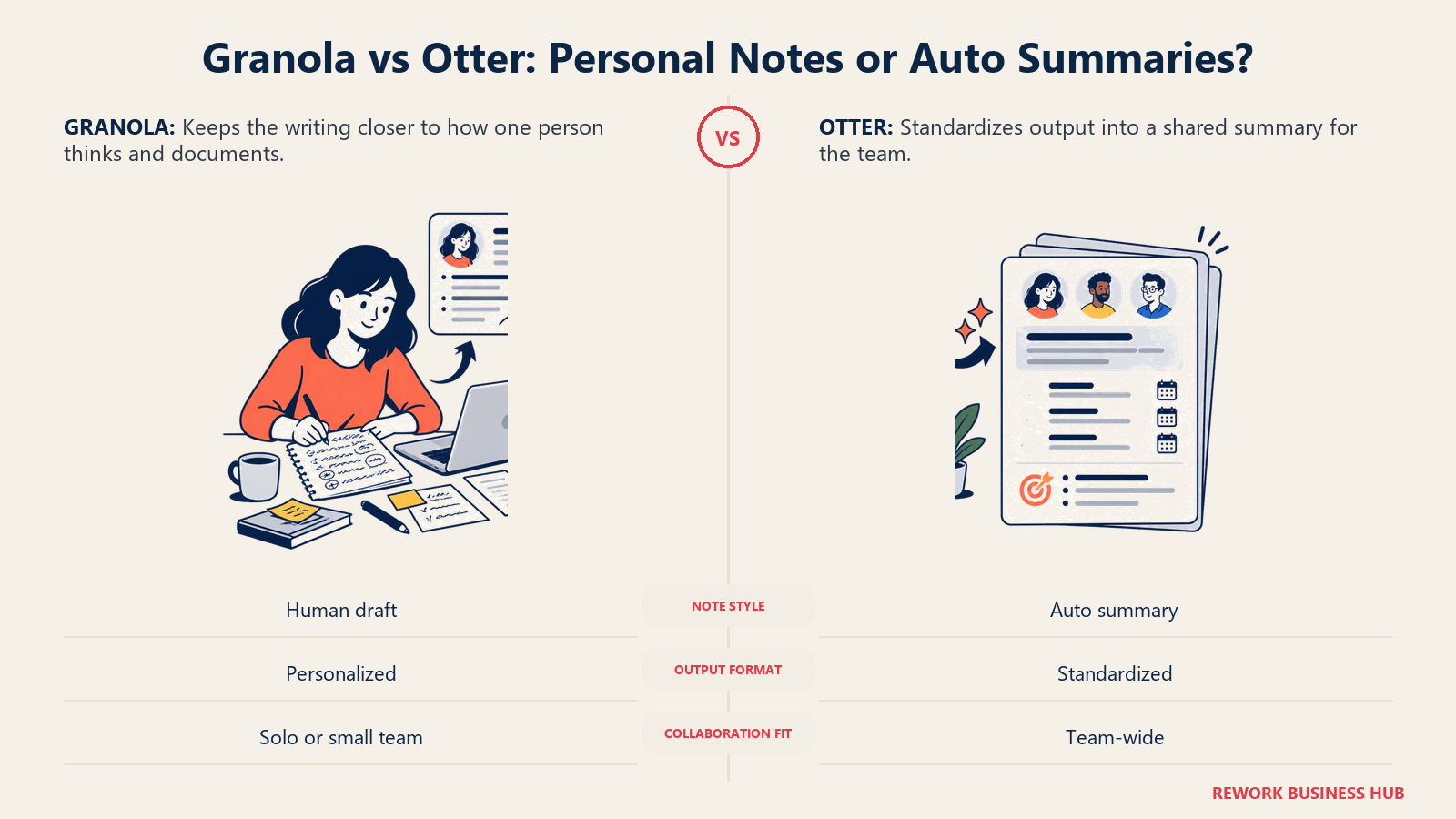
With Granola, you finish a call and look at notes that are recognizably yours: the bullets you typed, expanded with detail pulled from the transcript, shown as added gray text alongside your original black-text notes so you see exactly what the AI contributed. Custom templates shape that output for recurring meeting types (client check-ins, 1:1s, discovery calls). The result reads like a good version of the notes you'd have taken anyway, not a document that announces it was AI-written.
With Otter, you get a structured, auto-generated summary regardless of whether you typed anything: an outline, key takeaways, action items, and speaker-labeled transcript, produced the same way whether you were an active note-taker or said nothing all meeting. Nobody's output quality depends on how good a note-taker they personally are, which matters for teams standardizing documentation across many reps. See our best AI note-taking apps guide for how this format trade-off plays out more broadly.
| Granola | Otter.ai | |
|---|---|---|
| Primary artifact | Your own notes, AI-enhanced | Auto-generated summary and transcript |
| Depends on the user taking notes | Yes, at least a rough starting point | No, output is consistent regardless of user behavior |
| Custom templates | Yes | Limited (structured summary format is largely fixed) |
| Speaker labeling | Not a headline feature | Yes, standard on every transcript |
| Best for | Individuals who already have a note-taking habit worth preserving | Teams standardizing documentation across many people |
Integrations and CRM/Workflow Write-Back
Granola's Business tier ($14/user/month) bundles integrations with Notion, Slack, HubSpot, Affinity, and Zapier, plus an MCP server and API access for teams building AI workflows on top of meeting data. The free Basic tier is limited to Slack only. That's a deep integration set for a mid-market price point, particularly the native HubSpot and Affinity connections, which put Granola within reach of light CRM write-back without an enterprise contract.
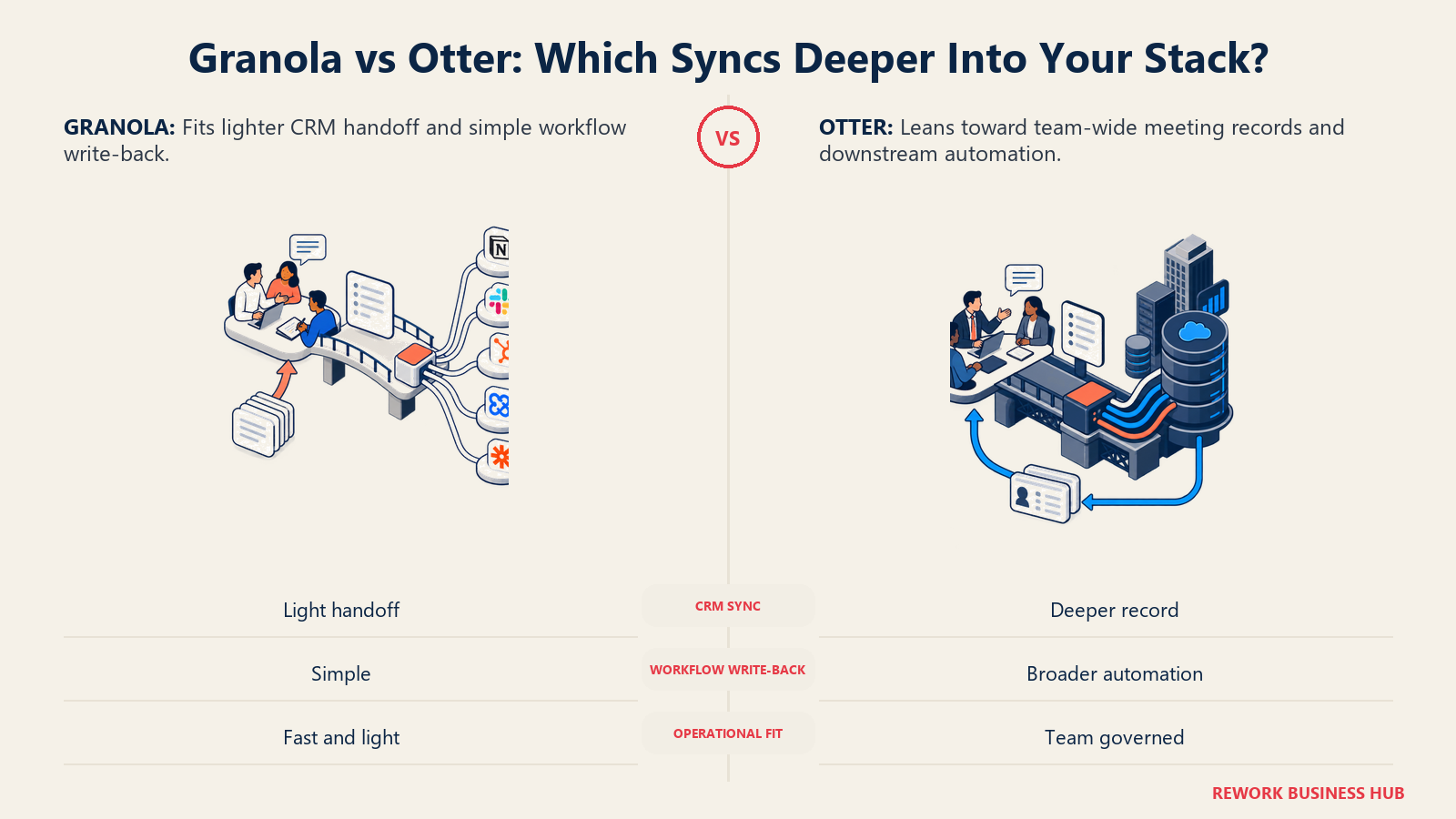
Otter's integration depth scales more sharply with plan tier. Zapier, Slack notifications, and calendar sync are available broadly, but the deeper CRM story, "Otter Sales Notetaker" and custom Salesforce integrations, sits behind the Enterprise plan rather than being bundled into Business. If routing call data into a CRM without custom configuration is your goal, weigh that against Granola's Business-tier HubSpot connection directly. Revenue teams should also read our AI tools for sales guide, since CRM write-back quality usually decides this for a sales org.
| Granola | Otter.ai | |
|---|---|---|
| Free tier integrations | Slack only | Zapier, Slack, calendar sync |
| Mid-tier CRM integrations | HubSpot, Affinity (bundled in Business, $14/user/month) | Not bundled; deeper CRM sync sits at Enterprise |
| Workflow tools | Notion, Zapier, MCP, API | Zapier, API/webhooks (Enterprise) |
| Dedicated sales integration | Not a named product | Otter Sales Notetaker (Enterprise) |
| Where the real CRM depth lives | Business tier | Enterprise tier |
Team and Admin Features
Both tools offer shared workspaces from a low price point, but they cap team use in different ways, and it's worth checking both against how your team actually operates.
Granola includes shared folders even on the free Basic tier, with centralized billing added at Business and full admin controls, SSO, org-wide auto-deletion policies, and priority support arriving at Enterprise ($35/user/month and up). There's no published hard cap on free-workspace membership, but the 30-day history limit and Slack-only integration push any real team collaboration toward a paid tier anyway.
Otter caps its free Basic workspace at 5 members total, a hard number rather than a soft nudge. Business and Enterprise unlock SSO/SAML, an admin dashboard, user role management, and workspace analytics showing call volume and topic frequency across the team, useful for a manager building a coaching process on top of meeting data rather than just an archive.
| Granola | Otter.ai | |
|---|---|---|
| Free workspace member cap | Not a published hard limit | 5 members |
| Shared folders/collaboration | Basic tier and up | Business plan and up |
| SSO/SAML | Enterprise only | Business plan and up |
| Admin dashboard and role management | Enterprise | Business and Enterprise |
| Workspace analytics (call trends, topic frequency) | Not a named feature | Business and Enterprise |
| Centralized billing | Business and up | Business and up |
Privacy, Consent, Retention, and Compliance
Both vendors take security seriously on paper, but the underlying architecture creates real differences worth knowing before you put either tool in front of a client.
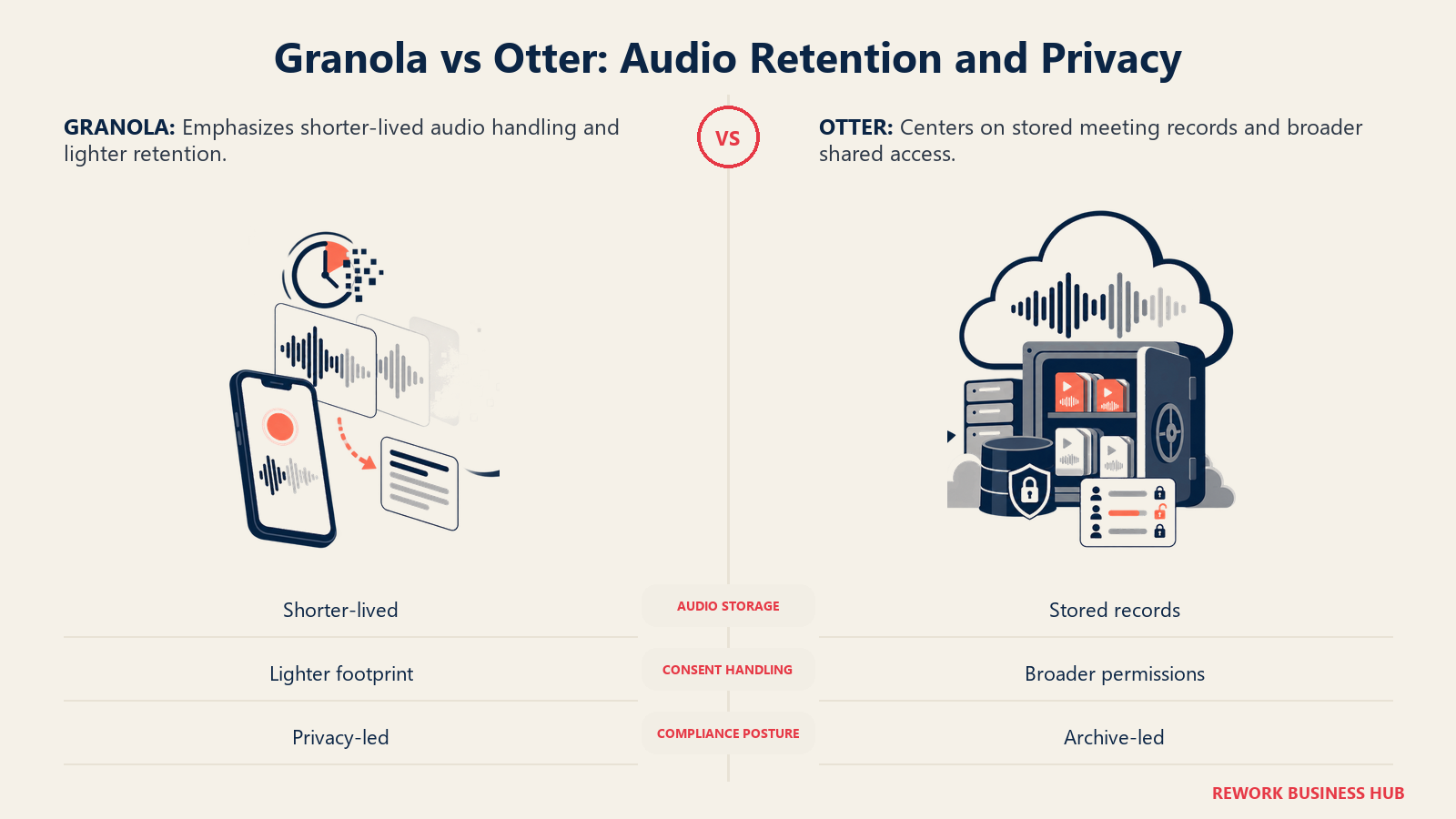
Granola is SOC 2 Type 2 certified and states it's committed to GDPR compliance with a Data Processing Agreement on request. It trains on anonymized user data by default, with an opt-out in settings, and Enterprise workspaces have that training turned off by default. The architecture detail worth knowing: on desktop, Granola transcribes audio in real time and then deletes it, so no raw recording persists once the transcript exists. On iPhone, audio is cached temporarily during the meeting and deleted once transcription completes.
Otter is SOC 2 Type II certified (2025 attestation) and became HIPAA compliant in July 2025, with a Business Associate Agreement available for Enterprise customers. Conversations, including the underlying audio, are stored on Otter's cloud infrastructure (AWS S3, AES-256 encryption) until you delete them, with deleted items auto-purging from trash after 30 days and admins able to configure custom retention windows on Business and Enterprise plans. That's a meaningfully different model from Granola: Otter keeps the recording, not just the transcript, until someone removes it.
The consent question sits above both products. A July 2026 survey of 500 employed U.S. adults found only about a third of workers whose meetings included an AI notetaker say they were always asked permission first. Otter's visible bot at least signals to other participants that something is recording. Granola's invisible local capture gives no such signal, which puts the entire disclosure burden on whoever is running it, especially on calls with people outside your own company.
| Granola | Otter.ai | |
|---|---|---|
| SOC 2 | Type 2 certified | Type II certified |
| GDPR | Compliant, DPA on request | Compliant, DPA available |
| HIPAA | Not published | Compliant (Enterprise add-on, BAA available) |
| Raw audio retention | Deleted after real-time transcription | Stored on AWS S3 until manually deleted |
| Model training on your data | Opt-out available; off by default for Enterprise | Not a named default behavior on the pricing page |
| Visible signal to other participants | None (no bot) | Bot appears in participant list by default |
Quick Comparison Table
| Feature | Granola | Otter.ai |
|---|---|---|
| Bot joins the call | No | Yes (bot-free option also available) |
| Real-time transcription | Yes | Yes |
| AI-enhanced personal notes | Yes, core feature | Not the primary workflow |
| Auto-generated summary regardless of user input | Not the primary workflow | Yes, core feature |
| Custom note templates | Yes | Limited |
| Cross-meeting AI chat/search | Yes (Business and up: unlimited history) | Full-text search from free tier |
| In-person meeting capture | Core, marketed use case | Supported, secondary use case |
| Native CRM integrations (mid-tier) | HubSpot, Affinity (Business, $14/user/month) | Deeper CRM sync at Enterprise only |
| Free tier history | Rolling 30 days | 25 most recent conversations |
| Free tier minutes | Not minute-limited | 300 minutes/month |
| Team member cap on free plan | Not published | 5 members |
| SSO | Enterprise only | Business and up |
| HIPAA compliance | Not published | Yes (Enterprise) |
| Entry paid price | $14/user/month | $8.33/user/month (annual) |
| Highest published tier | $35/user/month (Enterprise starting price) | Custom (Enterprise) |
Pricing: What Each Plan Actually Costs
Source: both vendors' own pricing pages.
Granola bills flat, per user, per month, with no published annual discount on either paid tier. Basic is free with unlimited note capture but a rolling 30-day access window. Business is $14/user/month with unlimited history and the integrations covered above. Enterprise starts at $35/user/month and moves to custom terms from there.
Otter bills monthly or annually, with a real discount for committing to a year: Pro drops from $16.99/user/month billed monthly to $8.33/user/month billed annually, a 51% difference. Business drops from $30/user/month billed monthly to $19.99/user/month billed annually, a 33% difference. Enterprise is quote-only.
| Plan | Granola | Otter.ai |
|---|---|---|
| Free | Basic, $0/user/month, unlimited notes, 30-day rolling history | Basic, $0/user/month, 300 min/month, 25-conversation history, 5-member workspace cap |
| Entry paid (monthly billing) | Business, $14/user/month | Pro, $16.99/user/month |
| Entry paid (annual billing) | $14/user/month (no annual discount published) | Pro, $8.33/user/month (51% off monthly rate) |
| Mid/team tier (monthly billing) | Included in Business above | Business, $30/user/month |
| Mid/team tier (annual billing) | Included in Business above | Business, $19.99/user/month (33% off monthly rate) |
| Top published tier | Enterprise, starting at $35/user/month | Enterprise, custom quote |
Cost at 5, 25, and 100 Seats
The numbers below are annual totals, so the billing basis (monthly vs. annual) is stated in each row label. Small teams evaluating AI tools for small business should pay close attention to the gap between Otter's monthly and annual rates specifically, since it's the largest swing in this table.
| Plan (billing basis) | 5 seats/year | 25 seats/year | 100 seats/year |
|---|---|---|---|
| Granola Business, $14/user/month, monthly billing (no annual option) | $840 | $4,200 | $16,800 |
| Otter Pro, $8.33/user/month, billed annually | $500 | $2,499 | $9,996 |
| Otter Pro, $16.99/user/month, billed monthly | $1,019 | $5,097 | $20,388 |
| Otter Business, $19.99/user/month, billed annually | $1,199 | $5,997 | $23,988 |
| Otter Business, $30/user/month, billed monthly | $1,800 | $9,000 | $36,000 |
Two things stand out. Otter's annual-billed Pro tier is the cheapest paid option at every seat count, provided usage stays inside the 1,200-minute monthly cap. And Granola's Business tier lands between Otter's annual Pro and annual Business pricing, and since it's the same flat $14/user/month with or without a commitment, it's the easier number to budget if your org won't sign an annual contract.
Implementation and Time to Value
Neither tool asks for much setup to get basic value, which is part of why both show up so often in head-to-head searches.
| Factor | Granola | Otter.ai |
|---|---|---|
| Setup time (individual) | Under 15 minutes; install and join your next call | Under 30 minutes; install or connect calendar for the bot |
| Configuration needed for CRM sync | Minutes, for the native HubSpot/Affinity connectors on Business | Hours, for Enterprise-tier custom integrations and field mapping |
| Rep training load | Very low; workflow mirrors existing note-taking habits | Low; the bot runs without user action once calendar-connected |
| First value | Day 1, after your first enhanced note | Day 1, after your first transcribed call |
| Team-wide rollout | Days, mostly a billing decision since Basic already supports sharing | Days to a week, longer if consolidating from another CRM-sync tool |
When Granola Is the Right Call
- You already take some notes in meetings and want them enhanced, not replaced by a generic AI summary that reads like nobody was in the room.
- A meaningful share of your meetings are in-person, client site visits, conference conversations, hallway catchups, where a bot has nothing to join.
- You don't want any visible indicator to external participants that an AI tool is present on the call, and you're comfortable owning that disclosure decision yourself.
- You want HubSpot or Affinity sync without paying for an enterprise-tier CRM integration package, and $14/user/month covers your team's real usage.
- You're a founder or independent operator (see our AI tools for startups guide) running most of your own meetings with no ops team to configure anything.
When Otter Is the Right Call
- You need a consistent, searchable record of every meeting regardless of whether the person in the room remembered to take notes.
- Your team needs HIPAA compliance or a formal audit trail, and you're prepared to pay for the Enterprise tier that includes it.
- You want the lowest possible per-seat cost and can commit to annual billing; Otter's annual Pro tier undercuts every other option in this comparison.
- You want a visible signal to meeting participants that a recording tool is present, rather than fully invisible local capture.
- You're evaluating the wider field, not just these two. See our Otter vs Fireflies vs Fathom comparison for how Otter stacks up against tools built for sales coaching and CRM automation, a different axis than the one covered here.
Decision Framework
The cleanest way to frame this choice is by whether the buyer wants personal notes or a shared call record.
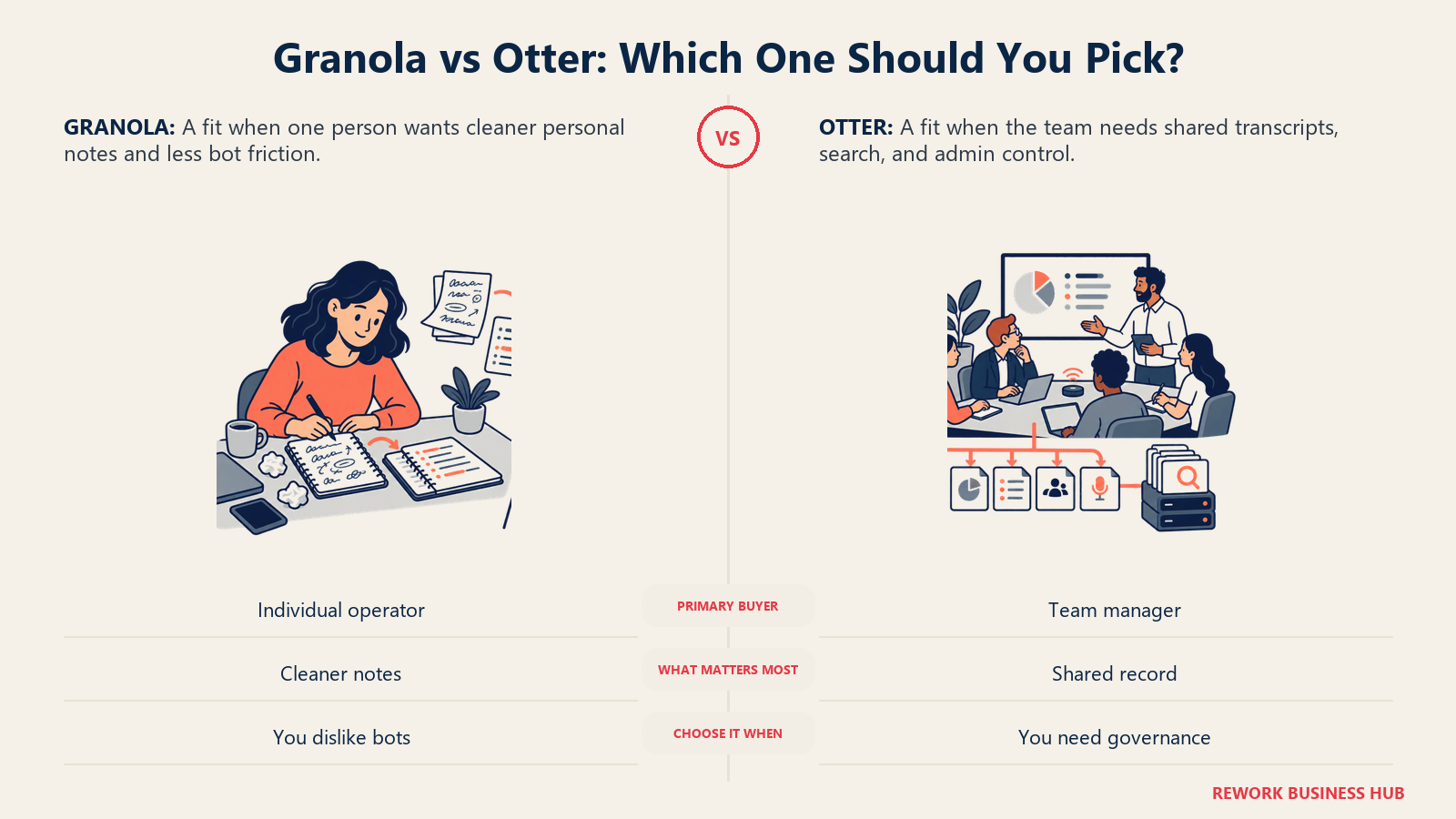
| If you are... | Pick |
|---|---|
| Someone who already takes rough notes and wants them cleaned up, not replaced | Granola |
| A team that needs a searchable archive across every meeting, whether or not anyone took notes | Otter.ai |
| Running mostly in-person or ad hoc meetings a calendar-bot never sees | Granola |
| Standardizing documentation across many reps with inconsistent note-taking habits | Otter.ai |
| Prioritizing the lowest per-seat cost and able to commit to annual billing | Otter.ai (Pro, annual) |
| Wanting predictable flat pricing with no annual commitment required | Granola (Business) |
| Needing HIPAA compliance or a formal BAA | Otter.ai (Enterprise) |
| Uncomfortable with any visible tool joining external or client calls | Granola |
What to Do Next
- Count your in-person and ad hoc meetings for one week. If they're a meaningful share of your calendar, that tips the decision toward Granola, since Otter's core value depends on the bot having a call to join.
- Check your CRM sync needs against the actual tier, not the homepage. Granola bundles HubSpot and Affinity into its $14/user/month Business plan; Otter's equivalent sits at Enterprise, so price that tier directly if write-back matters.
- Decide whether annual billing fits your budget process. Otter's annual discount is real (up to 51% off Pro) and changes which tool is cheaper at scale; Granola's flat monthly rate is simpler to model but doesn't reward a longer commitment.
- If you actually need coaching and call scoring, look one category over. Our Otter vs Fireflies vs Fathom comparison and the best Otter alternatives guide cover tools built for that.
- Run a two-week pilot before committing seats. Give three people the tool that matches your goal and measure one thing: did they use it after every meeting, or did it become another unused tab.
Frequently Asked Questions about Granola vs Otter.ai
Does Granola really not use a bot at all?
Correct. Granola captures your computer's microphone and system audio locally and never joins a meeting as a participant. It works with Zoom, Google Meet, Teams, and any other meeting app for that reason, since it isn't integrating with the call platform itself, just listening to your device's audio.
Is Otter's AI Notetaker bot visible to other people on the call?
Yes, by default. The AI Notetaker joins as a named participant in the meeting, visible in the participant list to everyone on the call. Otter also offers bot-free desktop and Chrome recording as an alternative, but the auto-join bot is its default and most-marketed workflow.
Which tool is cheaper for a small team?
It depends on billing commitment. Otter's Pro plan billed annually ($8.33/user/month) is the cheapest paid option in this comparison at every seat count checked. Granola's Business plan ($14/user/month) has no annual discount but requires no annual commitment, which some teams prefer for budgeting even though the sticker price is higher.
Does either tool keep a recording of the actual meeting audio?
Granola transcribes audio in real time and then deletes it, so no raw recording persists afterward, only the transcript and your notes. Otter stores the underlying recording on its cloud infrastructure until you delete it, with deleted items auto-purging from trash after 30 days.
Can Granola or Otter sync meeting notes into a CRM?
Both can, but at different tiers. Granola bundles native HubSpot and Affinity integrations into its $14/user/month Business plan. Otter's deeper CRM sync, including its dedicated Otter Sales Notetaker, sits behind the Enterprise plan rather than being included in Business.
Is either tool HIPAA compliant?
Otter is, as of a 2025 HIPAA compliance announcement, with a Business Associate Agreement available on its Enterprise plan. Granola's public pages don't mention HIPAA compliance as of August 2026.

Principal Product Marketing Strategist
On this page
- TL;DR
- Key Facts
- Who Each Tool Is Actually Built For
- Capture Model: Does a Bot Join Your Call?
- Platform and Device Coverage
- Transcript Quality, Search, and Long-Term Recall
- Note Style and Output Format
- Integrations and CRM/Workflow Write-Back
- Team and Admin Features
- Privacy, Consent, Retention, and Compliance
- Quick Comparison Table
- Pricing: What Each Plan Actually Costs
- Cost at 5, 25, and 100 Seats
- Implementation and Time to Value
- When Granola Is the Right Call
- When Otter Is the Right Call
- Decision Framework
- What to Do Next