Best AI Tools for UI/UX Design in 2026: 13 Tools Ranked by Use Case
Turn this article into takeaways for your work.


Each assistant summarizes the article only for you and suggests best practices for your work.
There's no single winner in AI tools for UI/UX design, because the job splits into tasks that different tools handle differently. Figma Make and Magician work best when you're already living inside a Figma file. Visily, UX Pilot, and Uizard are built for people who aren't trained designers but need a real wireframe today. Anima and v0 by Vercel exist to turn a finished screen into shippable code. Lovable goes a step further and builds the whole working app, not just the interface. Most design teams end up running two or three of these side by side rather than picking one "AI design tool" and calling it done.
This guide evaluates 13 tools on output quality, how well they fit a real design workflow (not a demo), pricing, and where each one genuinely helps versus where it just adds a credit meter. For the full 25-tool AI stack across every category, not just design, see our best AI tools in 2026 guide.
What Changed in 2026
AI design buying changed in 2026 as core suites absorbed new capabilities, credits replaced simple access, and code generation became part of everyday design work.
- Google folded Galileo AI into Stitch after acquiring the team in 2025. Stitch now runs on Gemini 2.5 Pro, launched a real-time streaming design agent and multiplayer editing at I/O 2026, and remains free while it stays in Google Labs.
- Figma bundled its AI features (Make, Dev Mode AI, First Draft) into credit-metered seats instead of selling them standalone. A single complex Make prompt can burn 60 to 340 credits, so teams on the Professional tier's 3,000 monthly credits run out faster than the sticker price suggests.
- Motiff, one of the more capable AI-native design tools of 2025, shut down on June 23, 2026, with data export available only until October 31, 2026. If you were on Motiff, export your files now; this guide substitutes Anima for Figma-to-code handoff instead.
- Vibe coding crossed into mainstream design workflow: per the UX Tools State of Prototyping Spring 2026 survey, 43.8% of designers now spend more than half their build time on AI-generated code, and 59.1% have built their own tool or utility with AI in the last six months.
Key Facts
- Figma still leads at 82.6% weekly usage among designers, but Claude now ranks as the second most-used tool overall, ahead of every dedicated design app except Figma itself, per the UX Tools State of Prototyping Spring 2026 survey. See our Claude vs ChatGPT vs Gemini comparison for the general-purpose model most designers already reach for daily.
- 72% of designers now use generative AI tools in their work, and 89% of those say they're working faster as a result, per Figma's State of the Designer 2026 report.
- UX designers report 35% faster prototyping when using AI tools, according to the AI in Design Report 2026 from Designer Fund and Foundation Capital, based on a survey of 900+ designers across 60+ countries.
- Weekly AI usage for design tasks jumped from 54% in 2025 to 91% in 2026, and 75% of designers now use AI daily, per the same AI in Design Report 2026.
- Only 33% of designers use AI to generate design assets, 22% use it for first drafts of interfaces, and 21% use it to explore layout options, meaning most AI use is still narrow and task-specific rather than end-to-end, per Figma's design statistics library.
- 40% of designers and developers say they don't yet trust AI-generated output enough to rely on it fully, the same Figma dataset found, which is why every tool below still needs a human pass before it ships.
Quick Comparison Table
| Tool | Best For | Standout Capability | Starting Price | Free Tier? |
|---|---|---|---|---|
| Figma Make | Teams already living inside Figma | Prompt-to-UI using your real component library | Bundled in Professional, $16/seat/mo (annual) | Yes (150 AI credits/day) |
| Google Stitch | Free, fast concepting from a prompt | Gemini 2.5 Pro streaming design agent | Free (Google Labs beta) | Yes, fully free |
| Visily | Non-designers building a first wireframe | Screenshot-to-editable-design conversion | $11/editor/mo (annual, Pro) | Yes (300 AI credits/mo) |
| UX Pilot | Full UX flows plus AI design critique | Multi-screen flow generation with UX review | ~$14/mo (Standard) | Yes (45 credits) |
| Uizard | Fast mockups for non-designers | Autodesigner text-to-mockup engine | $12/mo (annual, Pro) | Yes (3 AI generations/mo) |
| Magician for Figma | AI directly inside your existing Figma canvas | In-canvas "spells" for copy, images, icons | Free (public beta) | Yes, fully free |
| Anima | Figma-to-code handoff for dev teams | Clean React/HTML export from real Figma files | $20/seat/mo (Starter) | Yes (5 imports/day) |
| v0 by Vercel | Engineers generating shippable UI components | Design Mode plus one-click Vercel deploy | Free ($5 credits); Premium $20/mo | Yes |
| Lovable | Shipping a full working app, not just screens | Prompt-to-app with built-in backend and hosting | Free; Pro $25/mo (annual) | Yes (30 credits/mo) |
| Framer AI | Marketing sites that need to actually publish | AI layout plus a real CMS and hosting stack | $10/mo (Basic) | Yes (no custom domain) |
| Relume | Kicking off a Webflow site from a sitemap | AI sitemap and wireframe generator for Webflow | $20/mo (Starter) | Yes (1 project) |
| Khroma | On-brand color systems in seconds | Personalized palette engine trained on your taste | Free | Yes, fully free |
| Attention Insight | Predicting where users will look before you ship | AI-generated attention heatmaps pre-launch | $23/mo (Solo) | 7-day trial only |
1. Figma Make: AI Inside the Tool Your Team Already Uses
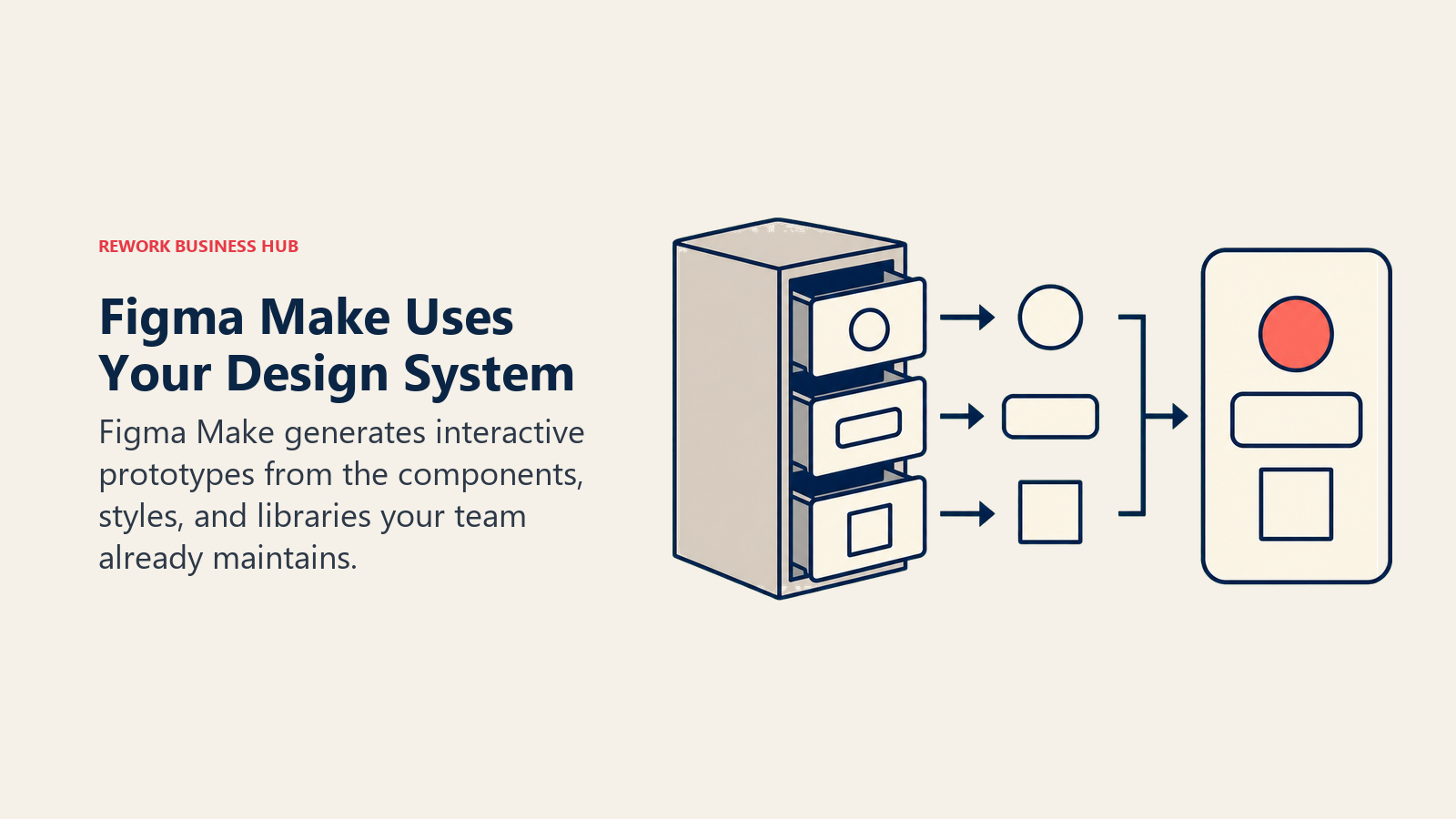
Figma Make is the safest default for teams that already run their design system in Figma, because it generates screens using your real components, styles, and libraries instead of a generic AI aesthetic. Type a prompt, get an interactive prototype with working clickable states, then keep editing it like any other Figma file.
The catch is cost predictability. AI features are no longer sold standalone; they're bundled into seat tiers, and a single complex Make prompt can consume 60 to 340 credits against a Professional seat's 3,000 monthly allowance. Teams doing heavy daily generation burn through that fast and end up on the pricier Organization tier just for headroom.
| What you get | What you don't |
|---|---|
| Generates using your actual component library, not generic UI | Can't be purchased as a standalone add-on |
| Interactive prototypes with real clickable states | Credit costs are hard to predict per prompt |
| No context-switching out of your existing Figma file | Complex prompts can burn through monthly credits fast |
Pricing: Professional $16/seat/mo with 3,000 AI credits; Organization $55/seat/mo; Enterprise $90/seat/mo (annual billing)
Best for: Design teams with an established Figma component library who want AI generation without leaving their existing tool. If Figma itself isn't the right base tool for your team, the best Figma alternatives guide covers the field.
2. Google Stitch (formerly Galileo AI): Free, Fast Concepting
Google acquired Galileo AI in 2025 and rebuilt it as Stitch, a free Gemini-powered tool for turning a text prompt or rough sketch into UI screens. At I/O 2026, Google added a real-time streaming design agent that renders components onto the canvas as it generates, plus live multiplayer editing, both free.
Stitch is the best zero-cost entry point on this list for early concepting: no credit card, no seat limits, no paywall. The tradeoff is that it's still a Google Labs experiment, which means the product can change shape without warning and there's no guaranteed SLA. Industry analysts expect Stitch to introduce paid tiers once it graduates from Labs, likely priced 30-50% below Figma.
| What you get | What you don't |
|---|---|
| Completely free, no credit card required | Experimental Labs product, no roadmap guarantee |
| Gemini 2.5 Pro streaming design agent | Generated screens still need real design-system polish |
| Real-time multiplayer editing at no cost | Not yet built for production handoff workflows |
Pricing: Free (350 Standard generations/mo, 200 Pro-mode generations/mo)
Best for: Solo designers and small teams who want fast AI concepting without committing budget yet
3. Visily: Wireframes for People Who Aren't Trained Designers
Visily's whole premise is that you shouldn't need Figma fluency to produce a professional wireframe. Type a description, upload a screenshot of a competitor's app, or sketch on paper and photograph it, and Visily converts any of those into an editable, fully structured design with real components rather than a flat image.
Product managers, founders, and marketers lean on Visily specifically because the output is genuinely editable afterward, not a locked mockup you have to rebuild from scratch in another tool. It won't replace a senior product designer's craft, but for turning a rough idea into something a developer or stakeholder can react to, it's fast.
| What you get | What you don't |
|---|---|
| Converts screenshots and hand sketches into editable designs | Not a substitute for high-fidelity visual design work |
| 1,500+ templates for common app and web patterns | Business tier's SSO jump is a steep 2.6x price increase |
| No design training required to produce something usable | Advanced prototyping logic is thinner than Figma |
Pricing: Free (300 AI credits/mo); Pro $11-14/editor/mo; Business $29/editor/mo (annual billing)
Best for: Non-designers (PMs, founders, marketers) who need a real, editable wireframe fast, not a static image
4. UX Pilot: Full Flows Plus Built-In Design Critique
UX Pilot goes beyond single-screen generation and builds multi-screen user flows from a prompt, then adds an AI review pass that flags usability and accessibility issues before you hand the file to a developer. That critique layer is what separates it from pure wireframe generators; it's closer to having a second set of UX eyes on the file.
The credit system rewards planning ahead: casual use fits inside the Standard tier's roughly 70 screens per month, but teams generating full flows regularly will want the Pro tier's 200-screen allowance to avoid running dry mid-project.
| What you get | What you don't |
|---|---|
| Multi-screen flow generation, not just single screens | Credit-based pricing punishes heavy, unplanned usage |
| Built-in AI critique for usability and accessibility gaps | Visual polish still needs a human design pass |
| Free tier available with no credit card required | Smaller template library than Visily or Uizard |
Pricing: Free (45 credits); Standard ~$12-14/mo; Pro ~$22/mo (monthly, no long-term contract)
Best for: Solo designers and small product teams that want AI-generated flows with a built-in UX sanity check
5. Uizard: The Fastest Path From Text to Mockup
Uizard's Autodesigner engine is built for speed above everything else: describe a screen and get a clickable mockup in under a minute, using one of 10 built-in templates as a starting structure. It's the tool most often recommended to founders validating an idea before they've hired a designer.
The free tier is genuinely limiting at 3 AI generations a month, which means most real usage lands on the Pro tier. Where Uizard earns its keep past the mockup stage is handoff: it exports directly to React and CSS, so an early-stage engineering team can go from prompt to working front-end scaffolding without a separate Anima or v0 step.
| What you get | What you don't |
|---|---|
| Fastest text-to-mockup turnaround on this list | Free tier's 3 generations/mo is a real constraint |
| Direct React/CSS handoff without a separate tool | Visual sophistication trails Figma Make or Visily |
| Unlimited hand-editing once a design exists | Best suited to early concepting, not final polish |
Pricing: Free (3 AI generations/mo); Pro $12/mo; Business $39/mo (annual billing)
Best for: Founders and early-stage teams validating an app idea before a dedicated designer joins
6. Magician for Figma: AI Without Leaving the Canvas
Magician is a Figma plugin, not a separate app, which is its entire value proposition. Instead of generating a new file elsewhere, it drops AI "spells" directly into your existing canvas: generate icon sets, write UX copy, remove backgrounds from images, or fill placeholder text with realistic content, all without breaking your flow.
It's currently free during public beta with every spell unlocked, which makes it close to a no-brainer add-on for any team already paying for Figma seats. That will likely change once it exits beta, and generative spells already draw down your account's bundled Figma AI credits rather than running on a separate meter.
| What you get | What you don't |
|---|---|
| Free during public beta, all spells included | Free pricing likely won't survive exiting beta |
| Never leaves the Figma canvas, zero context-switching | Consumes your bundled Figma AI credits, not separate |
| Good for icons, copy, and image cleanup mid-design | Not a full-screen or flow generator like Stitch or UX Pilot |
Pricing: Free (public beta; draws on Figma AI credits)
Best for: Figma-native teams who want small AI assists (copy, icons, image cleanup) without a separate subscription
7. Anima: The Cleanest Figma-to-Code Handoff
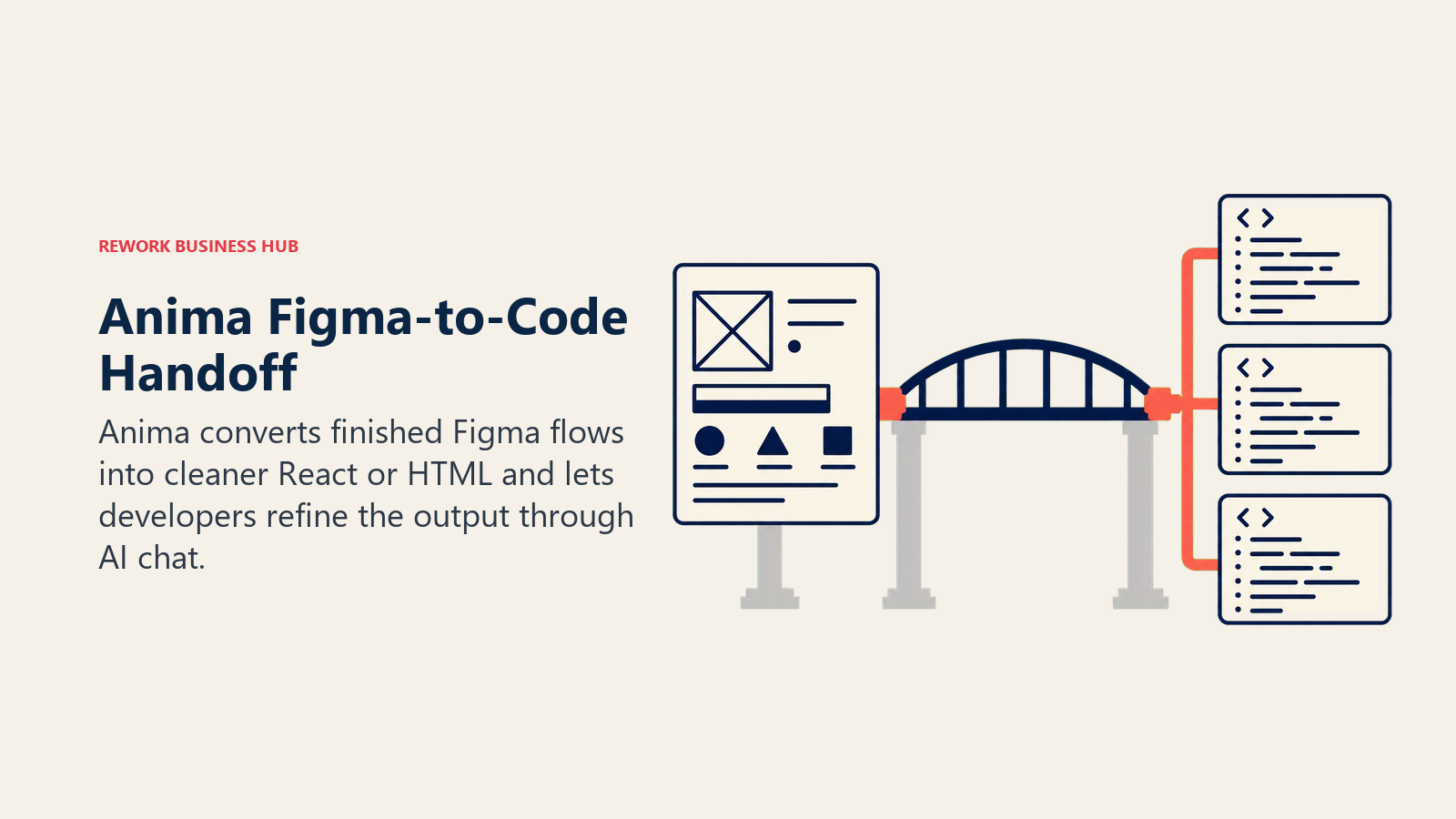
Anima's job is narrow and it does it well: take a real Figma file and turn it into production-ready React or HTML, not the messy div soup that generic exporters produce. Its AI chat layer also lets developers ask for specific changes ("make this section responsive," "convert to Tailwind") without hand-editing generated code line by line.
It's the direct successor for teams that lost Motiff to its June 2026 shutdown and need a reliable design-to-dev bridge. The free tier's 5 daily imports are enough to evaluate quality; real team usage needs the Starter tier at minimum.
| What you get | What you don't |
|---|---|
| Clean React/HTML output, not generic div markup | Per-seat pricing adds up fast for larger dev teams |
| AI chat for targeted code edits post-generation | Business tier's SSO requires annual billing only |
| Direct Figma flow imports, not just single screens | Best for handoff, not for original design generation |
Pricing: Free (5 imports/day); Starter $20/seat/mo; Pro $40/seat/mo; Business $150/mo (annual billing)
Best for: Engineering teams that need clean, editable code out of an already-finished Figma design. For a broader look at AI coding tools beyond design handoff, see best AI coding tools or, for editor-level AI assistants, best Cursor alternatives.
8. v0 by Vercel: Built for Engineers, Not Just Designers
v0 skews further toward the engineering side of UI/UX than any other tool here. It generates React components styled with Tailwind and shadcn/ui, and because it's a Vercel product, a generated interface can go from prompt to a live deployed URL in the same session. Design Mode lets you visually tweak the output afterward instead of only editing through more prompts.
It's the tool of choice for frontend-heavy teams who think of UI generation as a coding accelerant rather than a design tool. Design-first teams without engineering fluency will find the credit-based, token-metered pricing harder to predict than a flat per-seat plan.
| What you get | What you don't |
|---|---|
| Generates real React/Tailwind/shadcn code, not mockups | Credit-based token pricing is hard to budget precisely |
| One-click deploy straight to a live Vercel URL | Less approachable for non-engineers than Uizard or Visily |
| Figma import support on the Premium tier | Business tier's $100/seat/mo is steep for design-only use |
Pricing: Free ($5 credits/mo); Premium $20/mo; Team $30/seat/mo; Business $100/seat/mo (Enterprise custom)
Best for: Frontend engineering teams generating production UI components, not just visual mockups
9. Lovable: When You Need a Working App, Not Just a Screen
Lovable's category is really "AI app builder" more than "AI design tool," and it's on this list because so many product teams now skip the pure-design phase entirely and prompt straight into a working app with a real backend, database, and auth. For founders validating a product, that collapses weeks of design-then-build into a single afternoon.
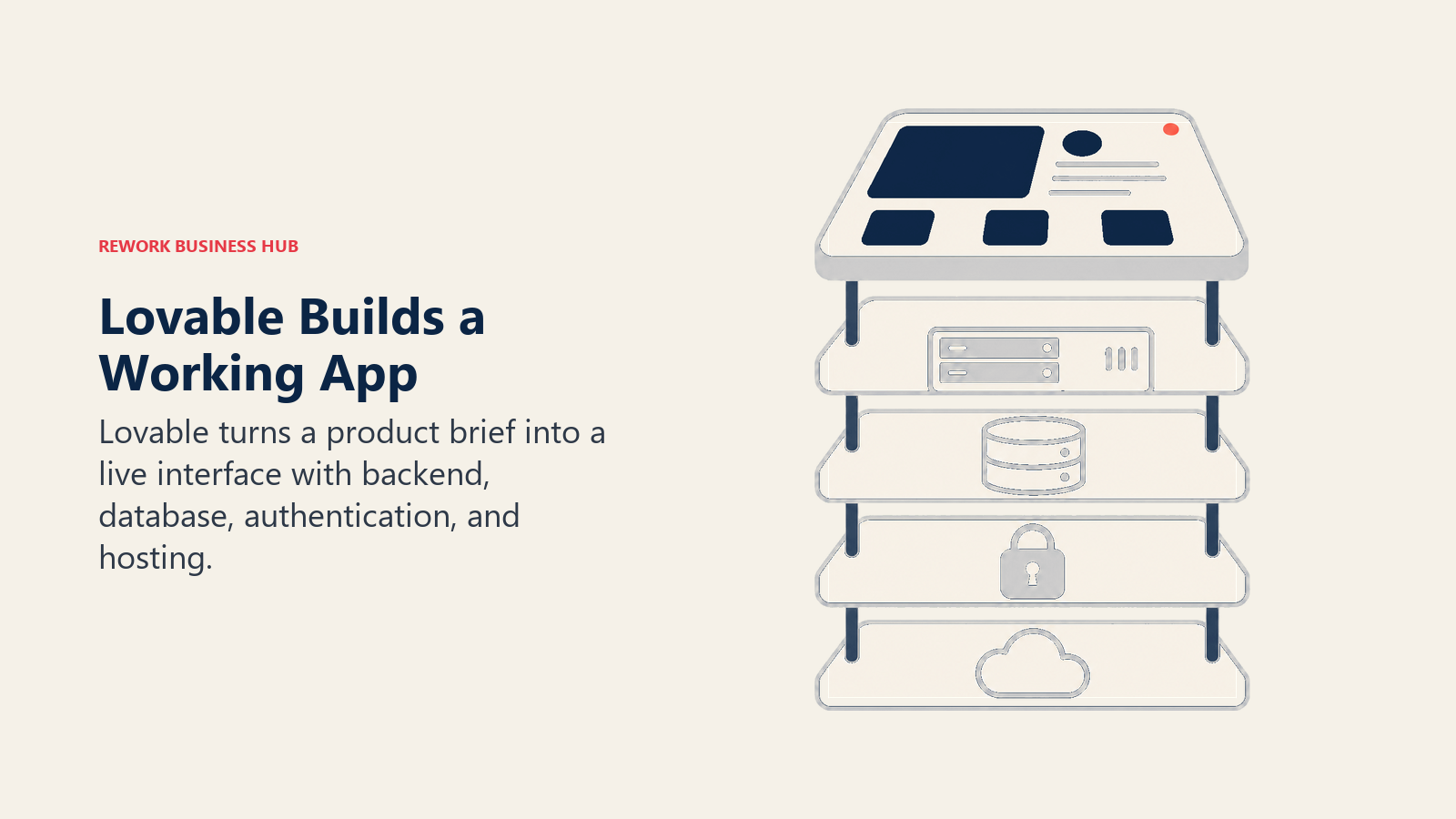
The tradeoff is that Lovable optimizes for shipping fast, not for design craft. Interfaces it generates are functional and clean but rarely distinctive, and serious visual design work still benefits from a dedicated tool like Figma Make first. Production apps also rack up separate Cloud and AI usage charges on top of the base plan. For the full field of prompt-to-app builders, see the best vibe coding tools in 2026.
| What you get | What you don't |
|---|---|
| Full working app: UI, backend, database, and hosting | Generated UI is functional but rarely visually distinctive |
| Fastest path from idea to a live, usable product | Production apps add metered Cloud and AI charges on top |
| Free tier includes real daily build credits | Not a replacement for a dedicated visual design tool |
Pricing: Free (5 daily build credits); Pro $25/mo; Business $50/mo (annual billing saves ~17%)
Best for: Founders and small teams who want a working app fast, not just a set of design screens
10. Framer AI: A Marketing Site That Actually Publishes
Framer's AI layer generates full page layouts and copy from a prompt, but the reason design and marketing teams pick Framer over a pure mockup tool is that the output is a real, publishable website with a CMS, custom domain, and hosting built in, not a design file someone still has to build.
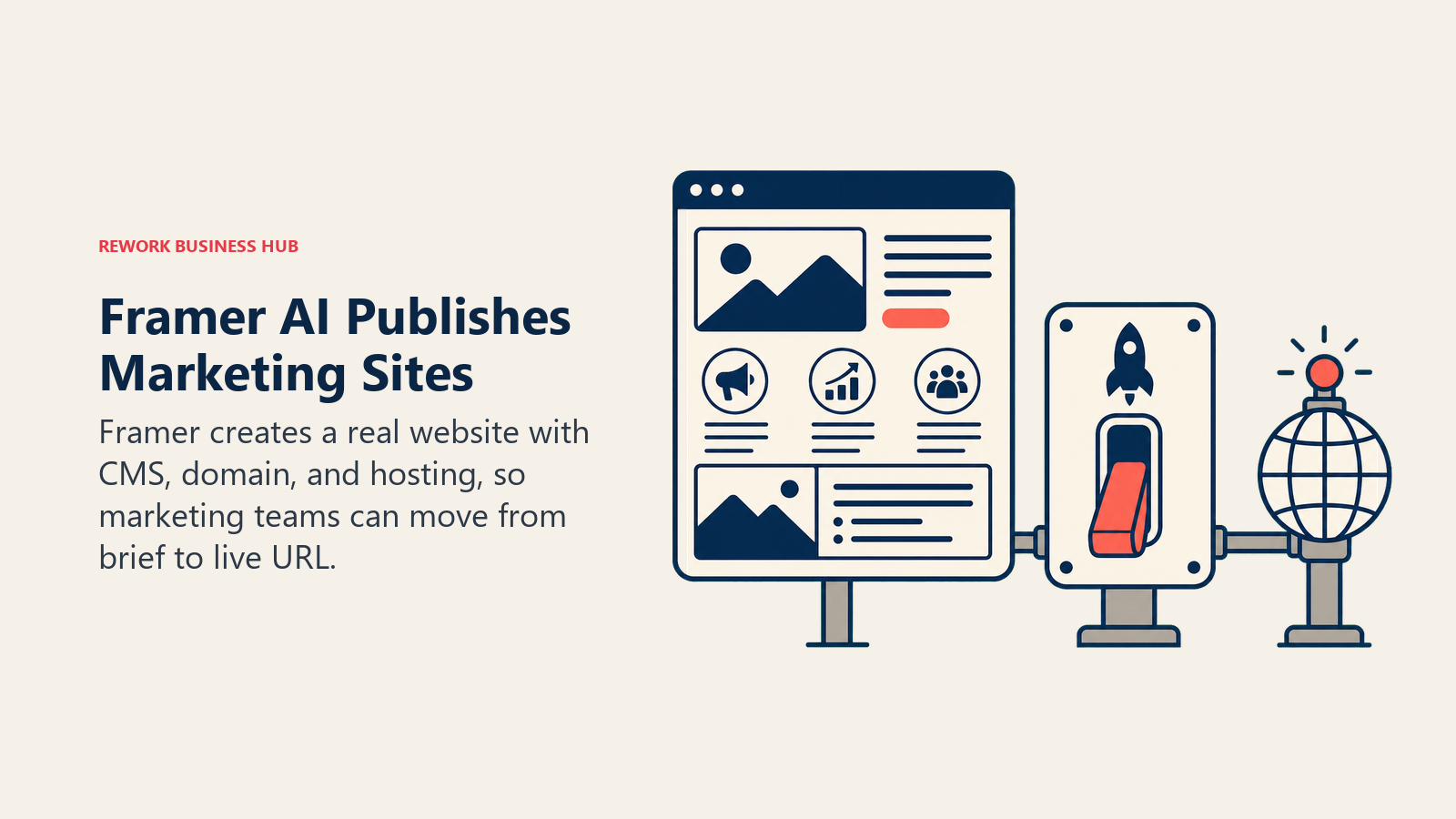
For product marketing and growth teams shipping landing pages without waiting on engineering, that end-to-end path is the whole value. It's a weaker fit for teams that need the output to become a native app or a complex web application; Framer is purpose-built for marketing and content sites.
| What you get | What you don't |
|---|---|
| AI layout and copy that publishes to a real live site | Built for marketing sites, not complex web apps |
| CMS, custom domain, and hosting included in paid tiers | $20/mo per-editor seat charge on top of every paid plan |
| No developer needed to go from prompt to live URL | Free tier can't connect a custom domain |
Pricing: Free; Basic $10/mo; Pro $30/mo; Scale $100/mo (plus $20/mo per editor seat)
Best for: Marketing and growth teams shipping landing pages and content sites without an engineering dependency. If Webflow is your team's actual hosting stack instead, see best Webflow alternatives.
11. Relume: AI Sitemaps and Wireframes for Webflow Teams
Relume solves a specific handoff problem: going from "we need a website" to a structured sitemap and low-fidelity wireframe fast, then handing that off into Webflow for real build-out. It generates page structure and component-level wireframes from a short brief, which gives designers a starting skeleton instead of a blank canvas.
The honest limitation is that Relume can't publish anything on its own. You still need Webflow to host the finished site and often Figma to polish the visual design, so it's one step in a three-tool chain rather than an end-to-end solution like Framer.
| What you get | What you don't |
|---|---|
| Fast AI sitemap and wireframe generation from a brief | Can't publish or host a site on its own |
| Clean handoff into Webflow's component system | Requires Webflow (and often Figma) to finish the job |
| Good starting skeleton instead of a blank page | Pro tier's $200-250/mo is steep for solo use |
Pricing: Free (1 project); Starter $16-20/mo; Pro $200-250/mo; Team (per-seat) (annual billing)
Best for: Agencies and in-house teams already committed to a Webflow build who want a faster starting point
12. Khroma: AI Color Palettes Trained on Your Taste
Khroma is a narrow, single-purpose tool and makes no apology for it: you rate palettes you like, its algorithm learns your preferences, and it generates an unlimited stream of on-brand color combinations you can view as typography, gradients, or applied to a sample layout. Every pair includes a WCAG accessibility rating, so contrast issues surface before you commit.
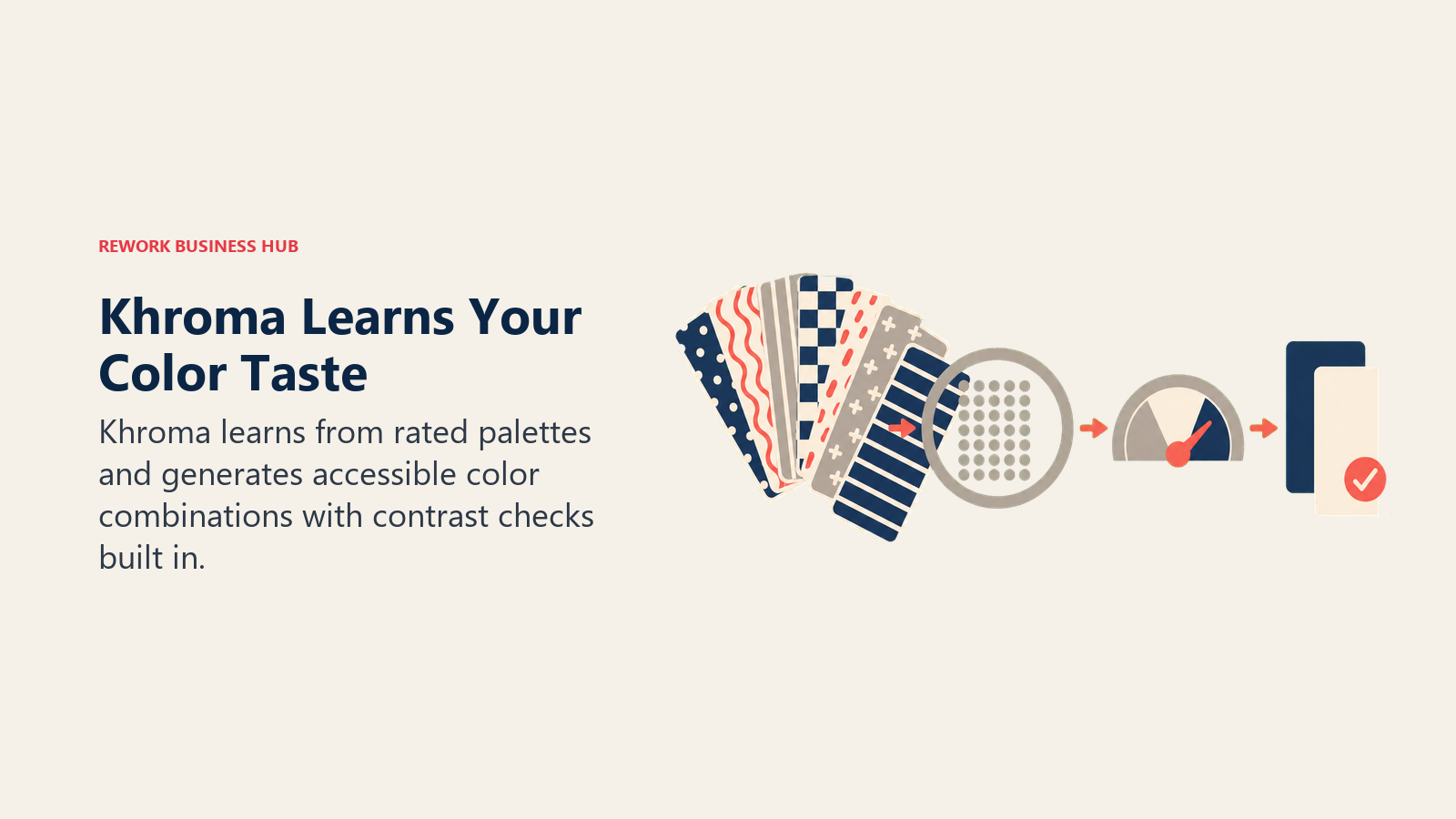
It's genuinely free with no paid tier, no watermark, and no account required to start browsing. The limitation is scope: it solves color, not layout, copy, or component structure, so it's a companion to the other tools on this list rather than a competitor to any of them.
| What you get | What you don't |
|---|---|
| Completely free, no paywall or watermark | Solves color only, not layout or components |
| Learns your taste instead of generating generic palettes | No team collaboration or brand-kit management features |
| Built-in WCAG contrast ratings on every pair | No export beyond hex/RGB values and images |
Pricing: Free, no paid tier
Best for: Any designer who wants fast, on-brand, accessibility-checked color palettes without leaving the browser. For AI image asset generation rather than color systems, see best AI image generators, and for broader creative and marketing tools, best Canva alternatives.
13. Attention Insight: Predicting Where Users Will Actually Look
Attention Insight flips the usual design workflow: instead of testing a design after launch with real user eye-tracking, it generates an AI-predicted attention heatmap and clarity score before you ship, based on a model trained on real eye-tracking data. Upload a screen or a live URL and get a prediction of where a user's eyes will land first.
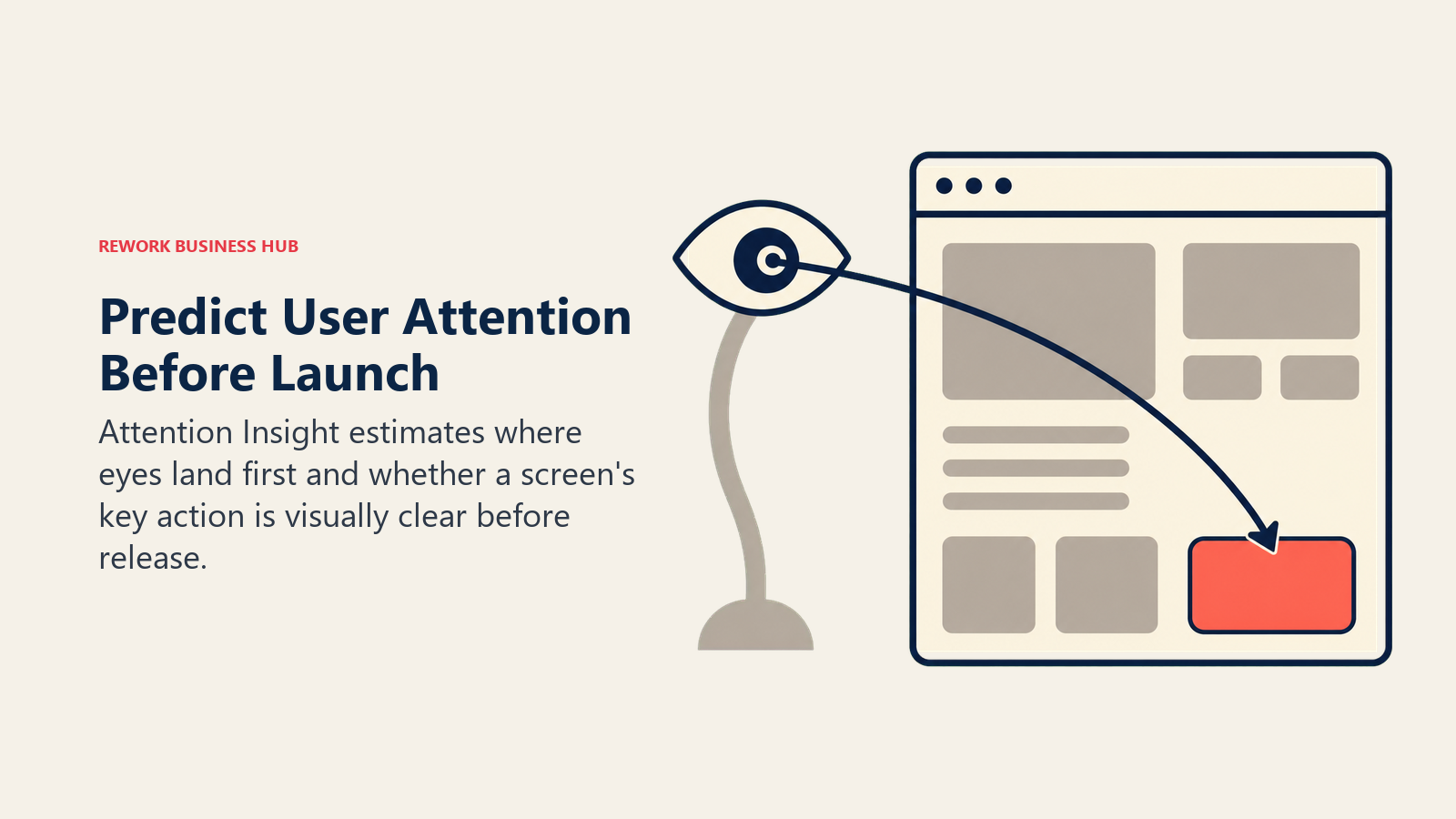
It's a validation tool, not a generation tool, and it earns its place on this list because most AI design tools optimize for producing screens fast without checking whether anyone will actually notice the CTA. The Solo tier's 20 credits and 3-month storage window are thin for ongoing use; agencies running this regularly will land on the Team tier.
| What you get | What you don't |
|---|---|
| Pre-launch attention prediction without real user testing | Doesn't generate or edit designs, only evaluates them |
| Trained on real eye-tracking data, not a generic model | Solo tier's 20 credits/mo run out fast with regular use |
| Useful for landing pages, ads, and high-stakes screens | Team tier's $479/mo is a big jump from Solo's $23 |
Pricing: Solo $23/mo (20 credits); Team $479/mo (500 credits); Custom (enterprise) (20% off annual)
Best for: Teams validating high-stakes screens (landing pages, checkout, ads) before launch, not generating new ones
How to Choose: Decision Framework
Choose the tool by the next deliverable your team needs, from an early wireframe to production code, a live app, or pre-launch validation.
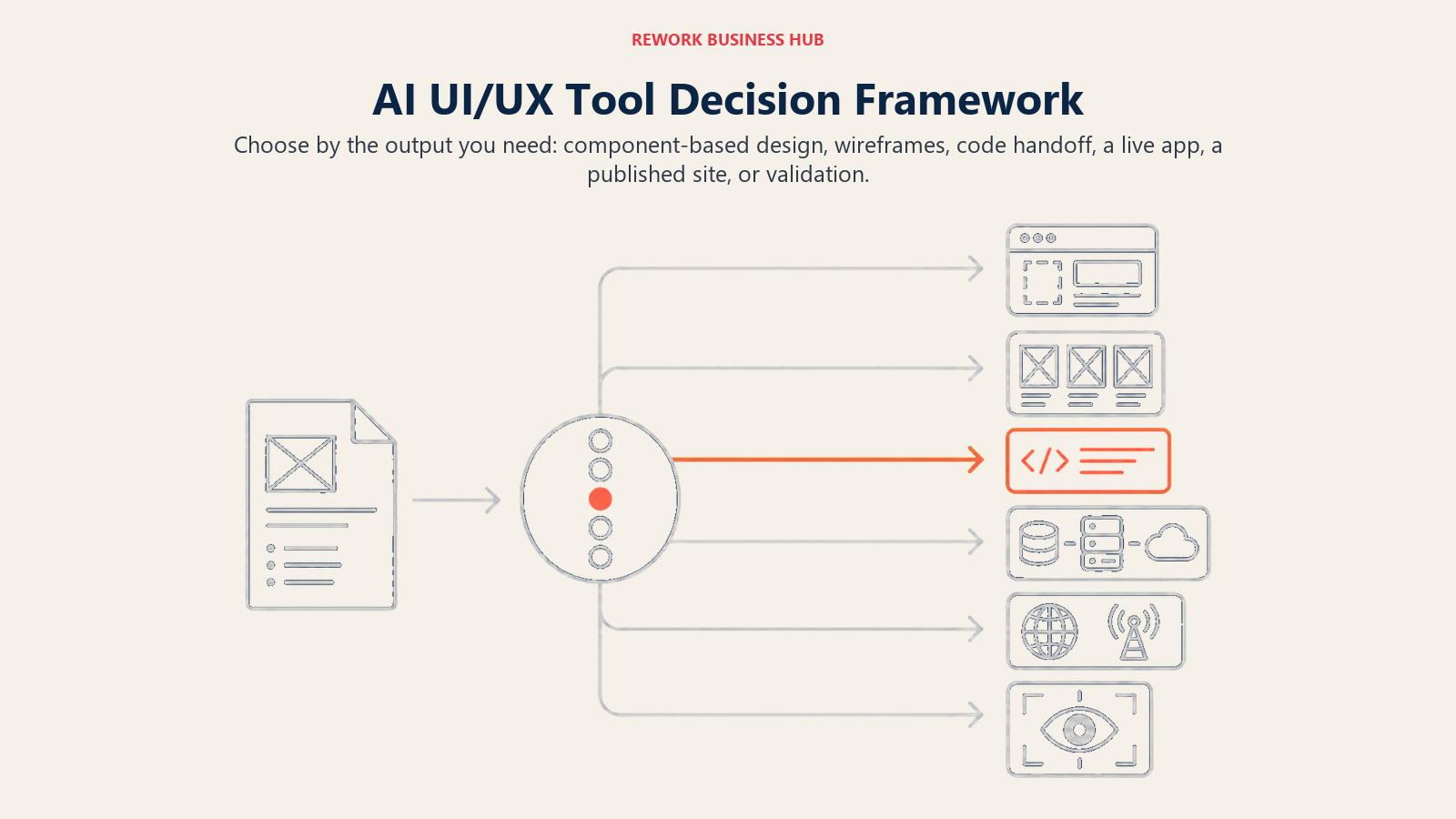
| If you need... | Pick... | Why |
|---|---|---|
| AI generation using your real Figma component library | Figma Make | No context-switching; output matches your design system |
| Free AI concepting with zero setup or budget | Google Stitch | Fully free Gemini-powered generation, no credit card |
| A first wireframe and you're not a trained designer | Visily or Uizard | Both convert prompts/screenshots into editable designs fast |
| Multi-screen flows plus a built-in UX critique | UX Pilot | Generates flows and flags usability issues in one pass |
| Small AI assists without leaving your Figma canvas | Magician for Figma | Free plugin; copy, icons, and image cleanup in-canvas |
| Clean code from a finished Figma design | Anima | Purpose-built React/HTML handoff, not generic markup |
| Production React components an engineer will actually ship | v0 by Vercel | Real Tailwind/shadcn code with one-click deploy |
| A full working app, not just design screens | Lovable | Prompt-to-app with backend, database, and hosting included |
| A marketing site that publishes itself | Framer AI | Real CMS, domain, and hosting; no engineering needed |
| Validation that users will actually see your CTA | Attention Insight | Pre-launch AI attention prediction from real eye-tracking data |
Frequently Asked Questions about AI Tools for UI/UX Design
What is the best AI tool for UI/UX design in 2026?
There's no single best tool because the category splits by task. Figma Make is the strongest pick if your team already has a Figma component library, Visily and Uizard are best for non-designers building a first wireframe, and Anima or v0 by Vercel are best when the real goal is clean code handoff rather than a polished screen.
Can AI tools replace UX designers?
No. Per Figma's State of the Designer 2026 report, only 33% of designers use AI to generate design assets and 40% say they don't yet trust AI output enough to rely on it fully. These tools speed up drafting, wireframing, and handoff, but the strategic thinking, user research, and final polish still need a human designer.
Which AI design tool is best for non-designers?
Visily and Uizard are both built specifically for people without formal design training. Visily converts screenshots and hand sketches into editable designs, while Uizard's Autodesigner turns a text description into a clickable mockup in under a minute using built-in templates.
What's the difference between Figma Make and v0 by Vercel?
Figma Make generates and edits designs inside Figma using your existing component library, aimed at designers. v0 by Vercel generates production React and Tailwind code and deploys it live, aimed at engineers. Teams often use both: Figma Make for the design, v0 or Anima for the handoff to code.
Are AI-generated UI designs good enough to ship as-is?
Rarely without review. Figma's 2026 data found 78% of professionals say AI tools speed up their workflow, but only 58% say it improves the quality of their work. Treat AI output as a fast first draft that still needs a design review pass before it reaches production.
How much do AI design tools cost in 2026?
Entry pricing ranges from fully free (Google Stitch, Khroma, Magician for Figma) to roughly $10-20/seat/month for most prototyping and wireframing tools (Framer AI, Anima, Relume, v0). Full app builders like Lovable and specialty tools like Attention Insight run $20-50/month at the entry tier, with per-seat business plans scaling from there.
What happened to Galileo AI?
Google acquired Galileo AI in mid-2025 and rebuilt it as Stitch, a free Gemini-powered design tool now running in Google Labs. Former Galileo users can import their old conversation history into Stitch, though imported chats are view-only.
Is Motiff still available in 2026?
No. Motiff shut down on June 23, 2026, with data export available only until October 31, 2026. Teams that relied on it for AI-assisted Figma-to-code handoff should export their files immediately and evaluate Anima or v0 by Vercel as a replacement.
What to Do Next
Pick one task, not one tool. If your bottleneck is wireframing, trial Visily or Uizard on your next real project for a week. If it's handoff, run one screen through Anima and one through v0 and compare the code your engineers actually want to merge. The tools that stick are the ones that remove a specific, recurring friction point in your workflow, not the ones with the flashiest demo.
If you're scaling the design team that will actually run these tools, our UX designer, product designer, and senior UI designer job description templates are ready to adapt. And if your next deliverable is a stakeholder deck rather than a UI screen, best AI presentation tools covers that adjacent category.

Principal Product Marketing Strategist
On this page
- What Changed in 2026
- Key Facts
- Quick Comparison Table
- 1. Figma Make: AI Inside the Tool Your Team Already Uses
- 2. Google Stitch (formerly Galileo AI): Free, Fast Concepting
- 3. Visily: Wireframes for People Who Aren't Trained Designers
- 4. UX Pilot: Full Flows Plus Built-In Design Critique
- 5. Uizard: The Fastest Path From Text to Mockup
- 6. Magician for Figma: AI Without Leaving the Canvas
- 7. Anima: The Cleanest Figma-to-Code Handoff
- 8. v0 by Vercel: Built for Engineers, Not Just Designers
- 9. Lovable: When You Need a Working App, Not Just a Screen
- 10. Framer AI: A Marketing Site That Actually Publishes
- 11. Relume: AI Sitemaps and Wireframes for Webflow Teams
- 12. Khroma: AI Color Palettes Trained on Your Taste
- 13. Attention Insight: Predicting Where Users Will Actually Look
- How to Choose: Decision Framework
- What to Do Next