Best Figma Alternatives in 2026: 10 Design Tools for Product and Marketing Teams
Turn this article into takeaways for your work.


Each assistant summarizes the article only for you and suggests best practices for your work.
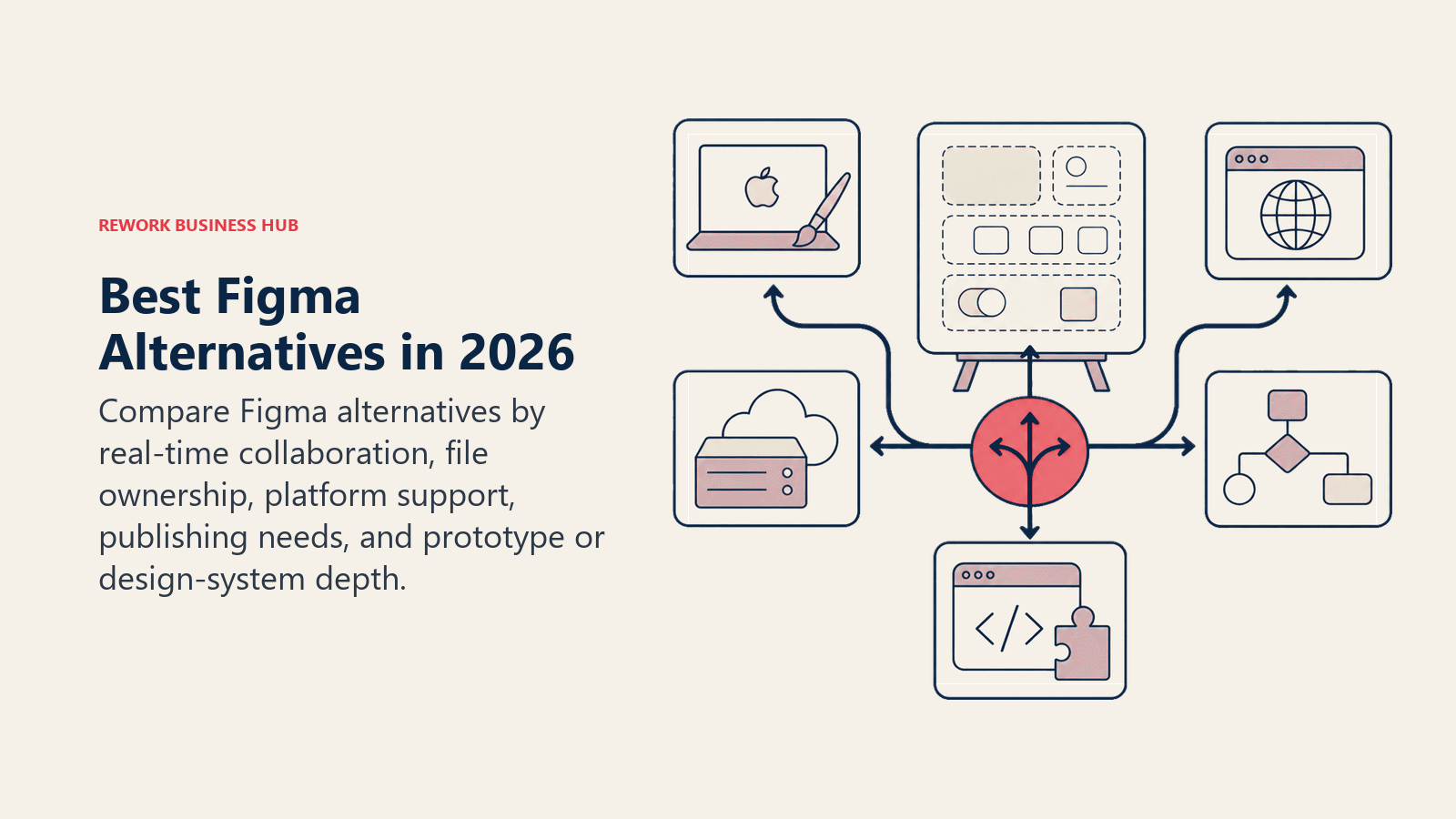
Figma didn't break anything. It actually fixed a lot: real-time collaboration, browser-based access, a plugin ecosystem that took years for competitors to match. If your team is happy on Figma and the price works, there's no urgent reason to switch.
But a real set of problems has emerged. The Adobe acquisition attempt collapsed in late 2023, but it left a trust deficit that some teams never recovered from. Organization-tier pricing jumped to $75/editor/month, making Figma one of the most expensive line items in a design team's stack. Very large files still lag. And if your laptop is offline on a train, you're not designing. For teams hitting these friction points, the alternatives have genuinely caught up in ways they hadn't in 2022.
If your design team is also evaluating adjacent tools, the best Miro alternatives guide covers whiteboarding and visual collaboration platforms that often sit alongside a Figma replacement in the same tooling review. Teams reconsidering the full design stack might also look at best Canva alternatives for simpler template-first tools that non-designers can run independently. And for teams rebuilding their broader productivity stack at the same time, the best Google Workspace alternatives covers the suites that design teams often evaluate for docs and collaboration alongside their design tool decision.
Quick Comparison Table
| Tool | Best For | Starting Price | Key Strength | Key Limitation |
|---|---|---|---|---|
| Sketch | Mac-native product teams | $12/editor/mo | Native performance, mature ecosystem | Mac-only, no real-time collab |
| Adobe XD | Adobe CC users (winding down) | Included in CC ($59.99/mo) | Deep Adobe integration | No active development, sunset concerns |
| Penpot | Open-source, self-hosted teams | Free (cloud); self-host free | Full open-source, CSS-first export | Smaller plugin ecosystem |
| Framer | Marketing sites and interactive prototypes | Free; $20/mo (Basic) | Code-to-publish pipeline | Steeper learning curve for non-devs |
| InVision | Legacy prototyping (winding down) | Legacy pricing only | Enterprise adoption base | Sunset confirmed; migrate away |
| Axure RP | Complex enterprise UX flows | $29/user/mo (Pro) | Logic-heavy prototyping depth | Not visual-design focused |
| Lunacy | Windows-first offline design | Free | Fully offline, Sketch-compatible | Windows/macOS only, smaller community |
| Plasmic | Design-to-code for React teams | Free; $49/mo (Starter) | Publishes directly to production | Requires developer comfort |
| UXPin | Design systems at scale | $19/user/mo (Basic) | Merge with React components | Complex onboarding |
| Moqups | Fast wireframing and diagramming | Free; $7/mo billed annually (Starter) | All-in-one whiteboard + wireframe | Not for high-fidelity UI |
Why Teams Are Actually Leaving Figma
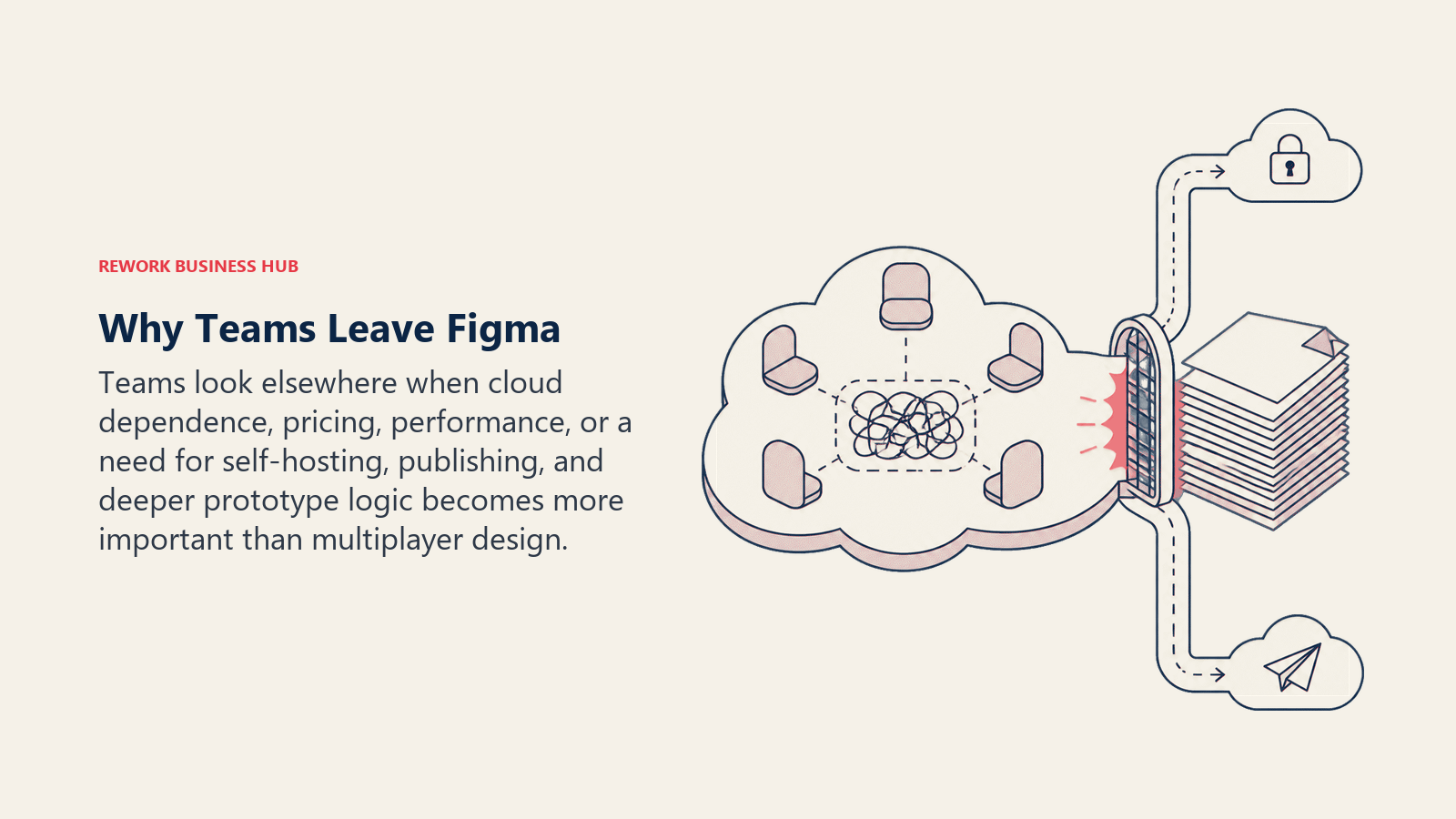
Before comparing tools, it's worth naming the real reasons, not the vague "looking for something new" kind.
| Pain Point | Who Feels It Most | Severity |
|---|---|---|
| Organization tier price jump ($75/editor/mo) | Scaling design teams | High |
| Adobe acquisition trust damage (resolved but felt) | Privacy-conscious orgs, EU teams | Medium |
| Performance lag in files with 100+ frames | Product teams building large apps | High |
| No reliable offline mode | Remote/travel-heavy designers | Medium |
| Plugin quality inconsistency | Teams relying on automation | Low-Medium |
| Vendor lock-in risk perception | CTOs, IT procurement | Medium |
If none of those apply to you, stay on Figma. If one or two resonate, the tools below are worth a proper evaluation.
1. Sketch: The Mac-Native Veteran
Sketch pioneered modern UI design tooling before Figma existed. It lost ground when Figma introduced browser-based collaboration, but it's been building back since. Sketch now has a web viewer and cloud collaboration layer, though the core is still a Mac app, and that's still its biggest strength: native speed.
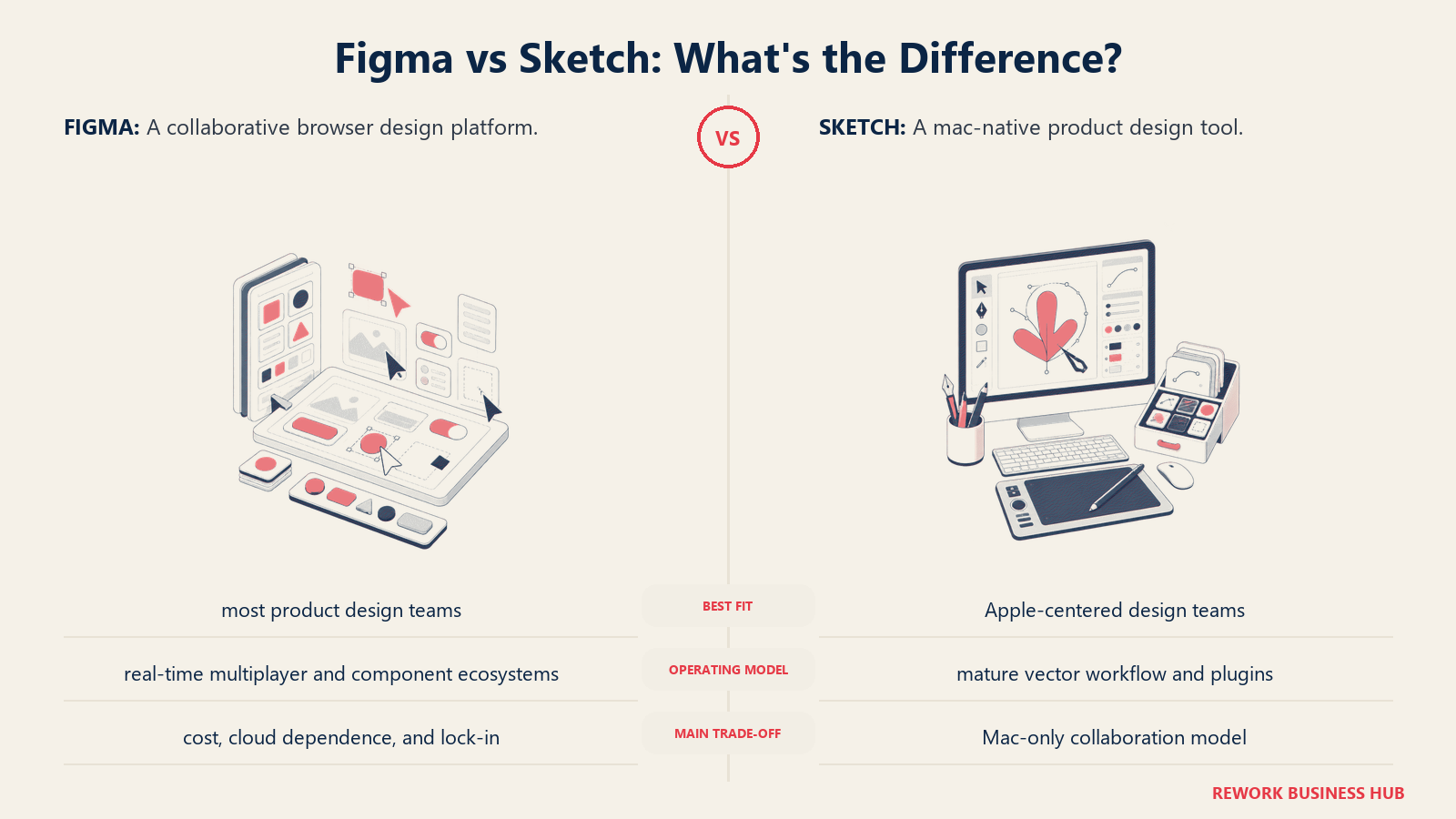
Methodology: Sketch treats design as a Mac-native workflow. The bet is that designers who spend eight hours a day in a design tool deserve a native app, not a browser tab. The performance difference on large files is real.
Target audience: Mac-native product design teams at companies that run on Apple hardware. Mid-size to enterprise. The ICP is a senior product designer who's been using Sketch since 2015 and never fully bought into browser-based tools.
| Pros | Cons |
|---|---|
| Native Mac performance on large files | Mac-only, no Windows |
| Mature plugin ecosystem (hundreds of plugins) | Real-time multiplayer collab is limited vs Figma |
| Sketch Libraries for design systems | No offline mode for cloud docs |
| One-time purchase option (perpetual license) | Slower to ship new features |
Sizing fit:
| Team Size | Fit |
|---|---|
| Solo designer | Strong: lightweight, fast |
| Small team (2-10) | Strong with cloud plan |
| Mid-size (10-50) | Good: libraries help at scale |
| Enterprise (50+) | Moderate: collab gaps vs Figma |
Stage fit: Best for established product teams at growth or mature stage who have standardized on Mac and prioritize performance over real-time collaboration.
Team vs company-wide: Team tool. Primarily product design. Marketing teams typically won't adopt it.
Pricing: $12/editor/month (cloud plan). Perpetual license available at $120/year.
Best for: Mac-based product design teams frustrated with Figma's performance on complex files.
2. Adobe XD: Proceed with Caution
Adobe XD was Adobe's answer to Figma before Adobe tried to buy Figma instead. Since that acquisition fell through, XD's development has effectively stalled. Adobe is directing users toward Firefly-integrated tools and has confirmed no major new XD features on the roadmap. It still works. But it's on a sunset track.
Methodology: XD was built to sit inside the Adobe Creative Cloud ecosystem, with tight integration with Photoshop, Illustrator, and After Effects. The handoff to developers was cleaner than most tools when it launched. That architecture still works, but it's not getting better.
Target audience: Teams already paying for Adobe Creative Cloud who haven't had a reason to migrate. Often agencies and marketing design teams rather than product teams.
| Pros | Cons |
|---|---|
| Included in Adobe CC subscription | No active development, features frozen |
| Deep integration with Photoshop, Illustrator | No clear migration path from Adobe |
| Repeat grid and auto-animate features | Community and plugin ecosystem shrinking |
| Works on both Mac and Windows | Not worth building new workflows around |
Sizing fit:
| Team Size | Fit |
|---|---|
| Solo designer | Usable if on CC already |
| Small team (2-10) | OK short-term, plan migration |
| Mid-size (10-50) | Not recommended for new projects |
| Enterprise (50+) | Actively migrate away |
Stage fit: Only makes sense for teams already deeply embedded in Adobe CC who need a short-term stopgap. Don't start new projects here.
Team vs company-wide: Team tool. Creative/marketing teams only.
Pricing: Included with Adobe Creative Cloud at $59.99/month (all apps). No standalone plan.
Best for: Adobe CC subscribers who need a stopgap while evaluating a real migration target. Not for new team adoption.
3. Penpot: The Open-Source Challenger
Penpot is the only major open-source design tool that can genuinely compete with Figma for UI design work. Built on open web standards (SVG-based, CSS-first export), it runs in a browser and can be self-hosted. That last part is the reason European teams, regulated industries, and privacy-first organizations are adopting it fast.
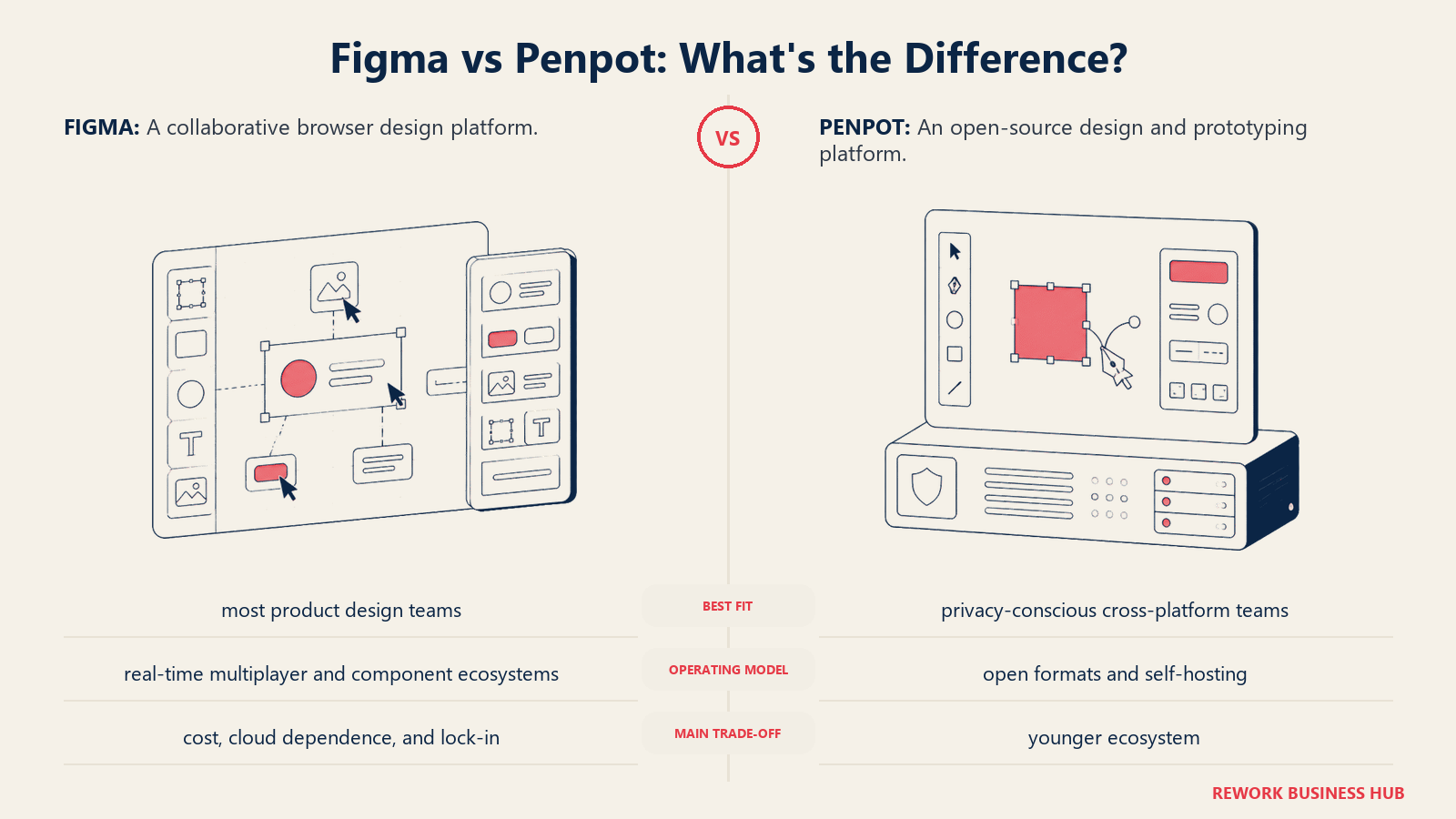
Methodology: Penpot's philosophy is that design tools should be open infrastructure, not vendor-locked SaaS. It exports CSS-ready properties by default, which narrows the gap between design and developer handoff. The team at Kaleidos (the company behind it) treats the tool as a public utility as much as a product.
Target audience: Engineering-forward product teams, startups wanting to avoid vendor lock-in, EU companies with GDPR concerns, and design teams at organizations that self-host their stack.
| Pros | Cons |
|---|---|
| Fully open-source (AGPL), self-host or cloud | Plugin ecosystem much smaller than Figma |
| CSS-first export (cleaner dev handoff) | Fewer third-party integrations |
| Real-time collaboration on both cloud and self-hosted | Some advanced features still catching up |
| Free on cloud with no editor seat limits | Self-hosting requires DevOps overhead |
Sizing fit:
| Team Size | Fit |
|---|---|
| Solo designer | Excellent: free, no limits |
| Small team (2-10) | Strong: collaborative, no cost |
| Mid-size (10-50) | Good: self-hosting option is valuable |
| Enterprise (50+) | Viable with dedicated infra team |
Stage fit: Ideal for early-stage teams that want to avoid Figma pricing as they scale, and for mature companies in regulated industries where data residency matters.
Team vs company-wide: Primarily product design. Can extend to marketing if teams are willing to learn it.
Pricing: Free on cloud. Self-hosted is free. Enterprise plans available for support contracts.
Best for: Teams that need real-time collaboration, design-to-code handoff, and either can't afford Figma at scale or need data control.
4. Framer: When Design Needs to Ship
Framer crossed a boundary that most design tools haven't: it publishes to production. You design something in Framer and it becomes a live website, not a static mockup. That capability makes it irrelevant for traditional product design work (you're not publishing your app's UI from Framer), but it's a genuine breakthrough for marketing teams.
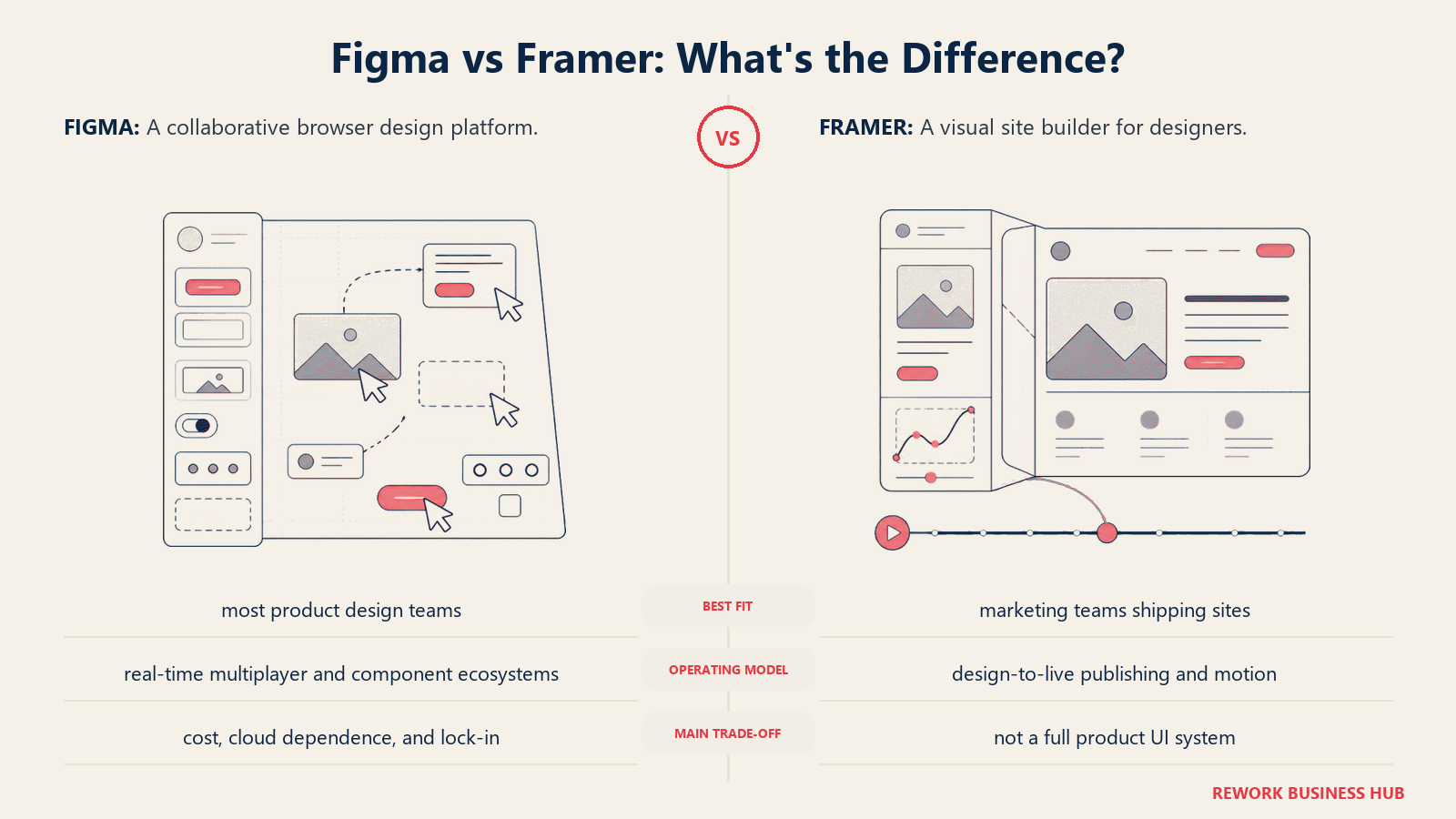
Methodology: Framer's bet is that the line between design and publishing should disappear for marketing and landing pages. The product merges a design canvas with a website builder that outputs production-ready code. Animations, interactions, and responsive layouts are all native.
Target audience: Marketing teams, design engineers, growth teams, and agencies building landing pages, campaign microsites, and marketing sites. Product designers who need to prototype high-fidelity interactions also use it, though it's overkill for wireframing.
| Pros | Cons |
|---|---|
| Design-to-live-website pipeline | Not built for app UI design at scale |
| Native animations and micro-interactions | Learning curve for non-technical designers |
| CMS integration for content-driven pages | Component logic can get complex |
| Strong template ecosystem | Pricing adds up for multi-site teams |
Sizing fit:
| Team Size | Fit |
|---|---|
| Solo designer/founder | Strong: fast from idea to live |
| Small team (2-10) | Strong for marketing-forward teams |
| Mid-size (10-50) | Good for marketing; product team will need another tool |
| Enterprise (50+) | Marketing use only; not enterprise product design |
Stage fit: Ideal for early-stage companies that need a high-quality marketing presence without a developer, and for growth-stage teams shipping landing pages fast.
Team vs company-wide: Marketing and growth team tool. Product designers will need a different tool for app UI work.
Pricing: Free (limited). Basic at $20/month. Plus at $50/month.
Best for: Marketing teams and design engineers who need to go from design to live website without a dev handoff.
5. InVision: Migrate Now
InVision had a decade as the dominant prototyping tool. It taught the industry what design handoff and interactive prototypes could look like. But it officially began its wind-down in 2024, with free plans shuttered and the product in legacy maintenance mode. Existing enterprise contracts are being honored, but the roadmap is empty.
Methodology: InVision was built around the prototype-handoff loop: designers built clickable mockups in InVision Studio or InVision Cloud, developers used Inspect to pull specs. It was good. It's not the future.
Target audience: Enterprise companies still running legacy InVision contracts. Anyone still using InVision for new work should have a migration plan active.
| Pros | Cons |
|---|---|
| Deep enterprise penetration (teams know it) | Officially winding down |
| Good developer inspect tools (legacy) | No new features shipping |
| InVision DSM for design systems (legacy) | Free plans gone |
| Established enterprise workflows | Vendor risk is real |
Sizing fit:
| Team Size | Fit |
|---|---|
| Solo designer | Don't start here |
| Small team (2-10) | Migrate immediately |
| Mid-size (10-50) | Migrate with urgency |
| Enterprise (50+) | Honor contract, migrate in parallel |
Stage fit: No stage fit for new adoption. Existing enterprise users should treat this as a migration project, not a design tool evaluation.
Team vs company-wide: N/A for new teams.
Pricing: Legacy enterprise contracts only. No new plans available.
Best for: Teams who have existing InVision contracts and need time to migrate. Not for new adoption.
6. Axure RP: When Logic Is the Design
Axure RP doesn't compete with Figma on visual design. It competes on prototyping complexity. If you need a prototype with conditional logic, dynamic content, repeating data structures, and multi-state components that behave like real software, Axure is the tool. No other option in this list does that as well.
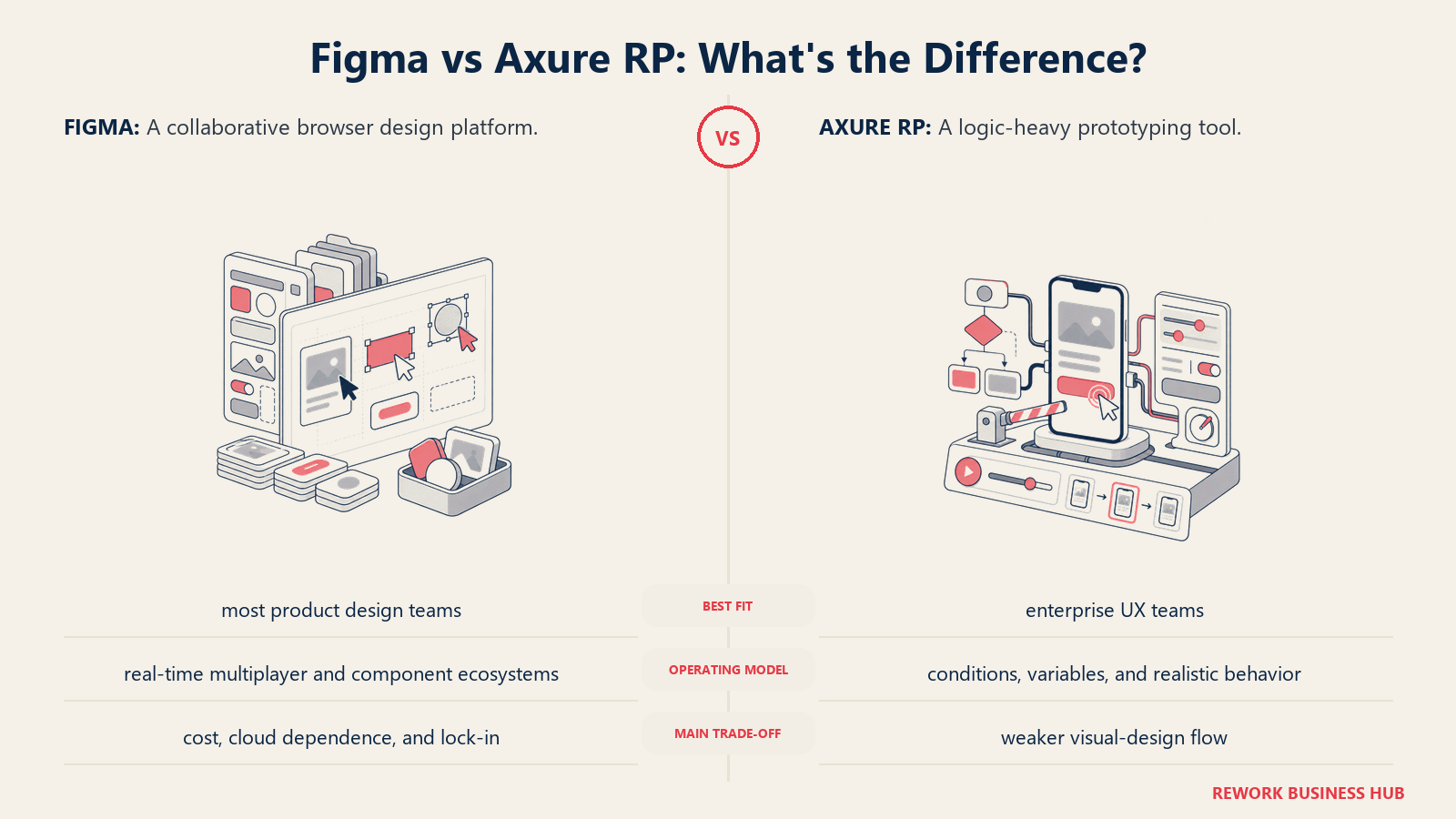
Methodology: Axure treats prototypes as software simulations, not mockups. You can wire up logic, variables, and conditions that make a prototype behave like a functional app. That's the purpose and the ceiling: it's for complex UX validation, not visual polish.
Target audience: Senior UX designers and UX researchers at enterprise companies. Government, healthcare, and financial services teams that need to validate complex workflows before committing to development. Not for marketing teams or visual designers.
| Pros | Cons |
|---|---|
| Conditional logic and dynamic panels unmatched | Steep learning curve |
| Enterprise-grade prototype fidelity | Visual design tools are dated |
| Good documentation and annotation tools | Not collaborative in real-time |
| Output to HTML, no viewer app needed | Expensive for small teams |
Sizing fit:
| Team Size | Fit |
|---|---|
| Solo UX researcher | Viable but expensive |
| Small team (2-10) | Good for UX-heavy teams |
| Mid-size (10-50) | Strong: enterprise UX workflows |
| Enterprise (50+) | Strong: especially regulated industries |
Stage fit: Mature companies with complex products that need rigorous UX validation before development. Not for startups iterating fast.
Team vs company-wide: UX/research team tool. Not cross-functional.
Pricing: $29/user/month (Pro). $49/user/month (Team).
Best for: Enterprise UX teams building complex, logic-heavy prototypes for regulated industries or large-scale apps.
7. Lunacy: The Free Offline Option
Lunacy is built by Icons8 and it's free. Not freemium with a paywall at five screens. Actually free. It runs natively on Windows and macOS, reads and writes Sketch files natively, and works completely offline. For Windows-based design teams that need a capable tool without a subscription, it's the most overlooked option in this list.
Methodology: Lunacy is built on the philosophy that professional design tools shouldn't require a subscription. The business model is Icons8's asset library (icons, photos, illustrations) embedded in the app. The tool itself is free and always will be.
Target audience: Windows-first design teams, freelancers and agencies who can't justify per-seat costs, teams in markets where Figma pricing is prohibitive, and designers who need to work offline regularly.
| Pros | Cons |
|---|---|
| Free: no seat limits, no paywalls | Windows and macOS only (no Linux, no browser) |
| Fully offline by default | Smaller community than Figma or Sketch |
| Reads and writes Sketch files | Real-time collaboration is limited |
| Built-in icons, photos, and illustration assets | Plugin ecosystem is nascent |
Sizing fit:
| Team Size | Fit |
|---|---|
| Solo designer | Excellent: full features, free |
| Small team (2-10) | Good for cost-sensitive teams |
| Mid-size (10-50) | Moderate: collab gaps |
| Enterprise (50+) | Not recommended |
Stage fit: Early-stage and bootstrapped teams where design budget is constrained. Freelancers. Teams in markets where Figma's USD pricing creates friction.
Team vs company-wide: Product and marketing design. Not company-wide.
Pricing: Free. No paid tiers for the core tool.
Best for: Windows-based designers and cost-sensitive teams who need an offline-capable, full-featured tool at zero cost.
8. Plasmic: Design That Deploys
Plasmic sits between Framer and a headless CMS. It's a visual design tool that outputs real code directly into a React codebase. A designer can build a component in Plasmic and a developer can import it into their app without writing a line of UI code. That's the value proposition, and it's genuinely different from anything else in this list.
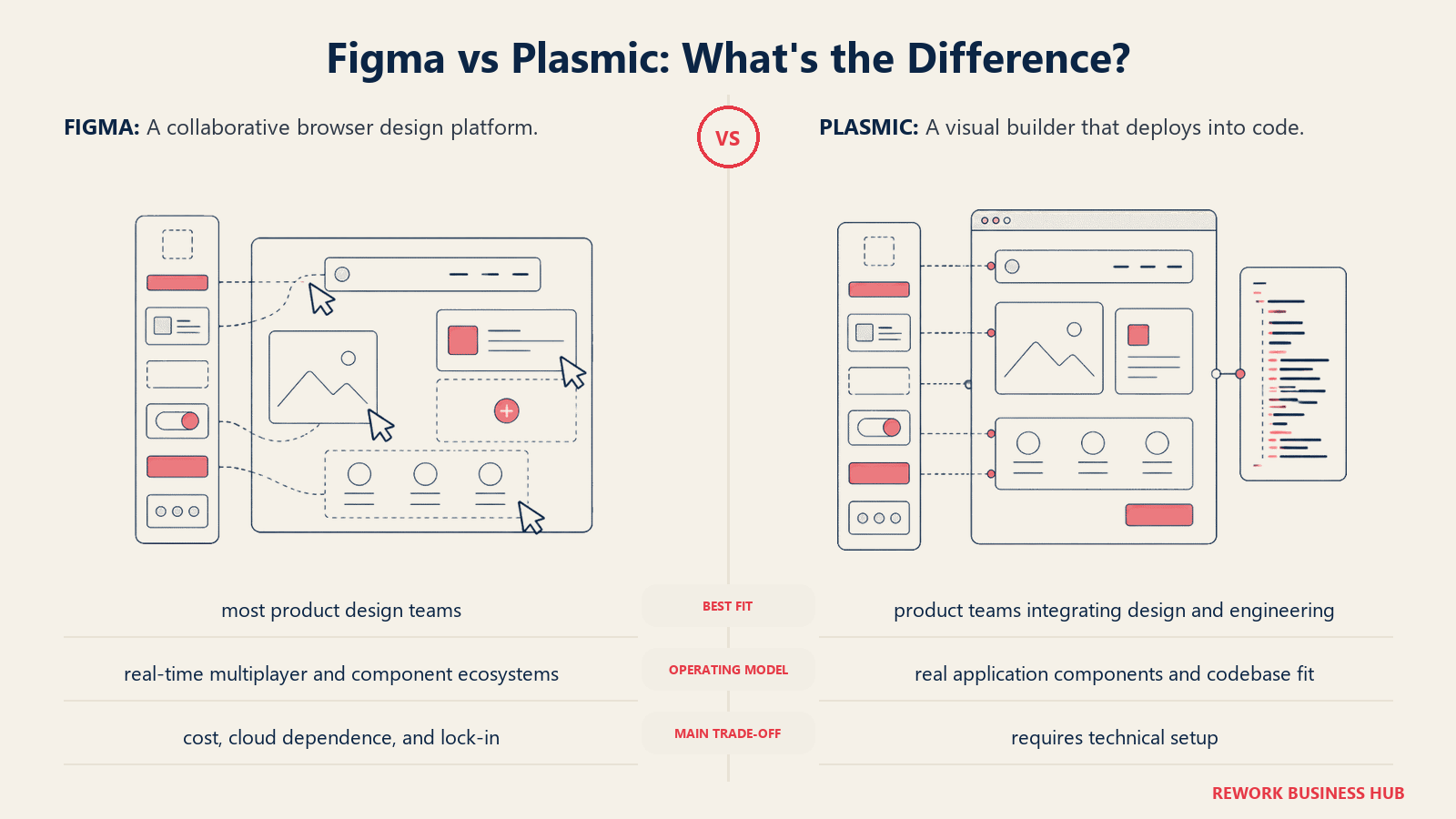
Methodology: Plasmic treats design as a code-generation step. The editor is visual, but the output is production React (or Next.js, Gatsby, etc.). Non-developers build the UI, developers import components. The feedback loop between design and engineering compresses from days to hours.
Target audience: Engineering-forward product teams with a React or Next.js stack, design engineers who are comfortable in code, and companies that want non-developers to own marketing and landing page content without touching the codebase.
| Pros | Cons |
|---|---|
| Design directly outputs to production code | Requires developer setup and comfort |
| Non-devs can edit live content after publish | Onboarding is complex for design-only teams |
| Component-level integration with React codebase | Not suitable for teams without a dev partner |
| CMS and content management built in | Limited use for traditional wireframing |
Sizing fit:
| Team Size | Fit |
|---|---|
| Solo designer | Only if also a developer |
| Small team (2-10) | Strong for design-eng pairs |
| Mid-size (10-50) | Good for product teams with React stack |
| Enterprise (50+) | Viable for specific workflows |
Stage fit: Growth-stage and mid-market product companies with React stacks who want to close the design-to-code gap. Requires at least one developer to set up.
Team vs company-wide: Product and engineering. Marketing use for content editing post-setup.
Pricing: Free (hobby). Starter at $49/month. Growth at $149/month.
Best for: Design and engineering pairs who want to eliminate the handoff layer entirely and ship design directly to production.
9. UXPin: Design Systems at Depth
UXPin built a capability that no other visual design tool has matched: Merge. It lets you import real React components from a codebase directly into the design canvas. Your designers design with the exact components that ship in production: not pixel copies, the actual code. That eliminates the class of problems where a design looks perfect and the implemented version diverges.
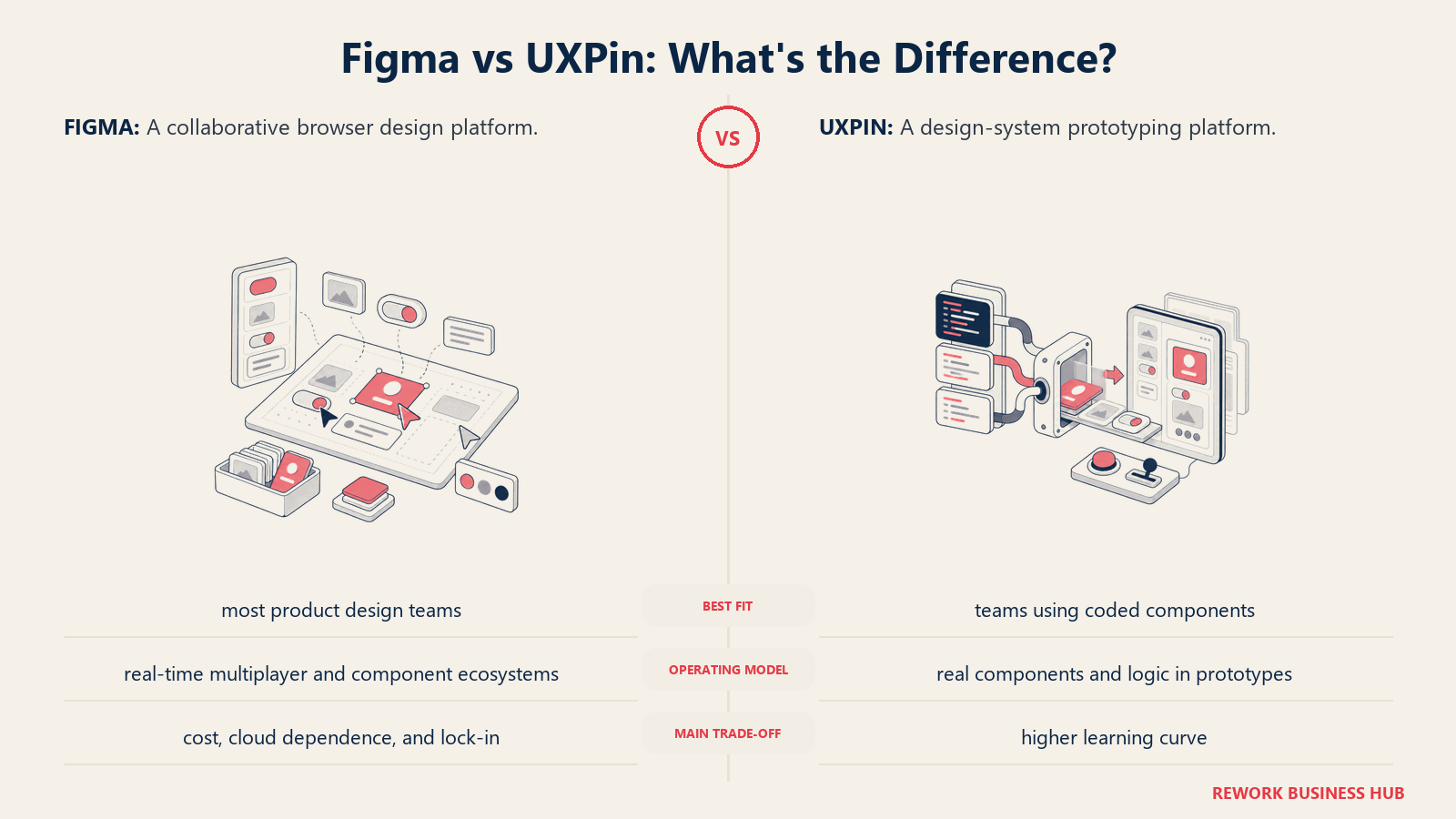
Methodology: UXPin's philosophy is that design and code should share the same component library. The design canvas renders real React (or Storybook) components, so what you design is what ships. The tool also has strong documentation and design system management features.
Target audience: Senior product designers and design system leads at mid-size to enterprise companies. Teams that have a mature React component library and want to connect it to their design workflow. Not for teams without an existing component system.
| Pros | Cons |
|---|---|
| Merge: design with real React components | Expensive at scale |
| Strong design system documentation | Complex onboarding |
| States and interactive components built in | Requires existing React component library for Merge |
| Good developer handoff and specs | Less intuitive for quick mockups |
Sizing fit:
| Team Size | Fit |
|---|---|
| Solo designer | Too complex and expensive |
| Small team (2-10) | Moderate: if design system is mature |
| Mid-size (10-50) | Strong: where the product shines |
| Enterprise (50+) | Strong: enterprise plan with SSO/SCIM |
Stage fit: Mature product teams that have invested in a design system and want to enforce consistency at the code level. Not for teams in early product stages.
Team vs company-wide: Product design and front-end engineering. Not cross-functional.
Pricing: Basic at $19/user/month. Advanced at $29/user/month. Enterprise custom.
Best for: Product design teams with a mature React component library who want to eliminate design-code divergence at the component level.
10. Moqups: Fast Wireframing Without Overhead
Moqups is a browser-based all-in-one tool that combines wireframing, diagramming, flowcharting, and basic prototyping in a single canvas. It's not trying to be a Figma replacement for high-fidelity UI design. It's for the phase before that: mapping flows, sketching layouts, building IA diagrams, and sharing early concepts without the overhead of a full design tool.
Methodology: Moqups treats the early ideation phase as its entire product surface. The bet is that teams don't need Figma's complexity for wireframing and flowcharting. They need something fast, collaborative, and cheap. The tool does all of that well.
Target audience: Product managers, business analysts, UX leads, and small teams that need to wireframe and diagram without a design background. Also useful as a whiteboard replacement for remote teams doing collaborative planning.
| Pros | Cons |
|---|---|
| All-in-one: wireframes, diagrams, flowcharts | Not for high-fidelity UI design |
| Fast onboarding, no design background needed | Limited component and plugin ecosystem |
| Real-time collaboration | Export options are basic |
| Affordable pricing | Not a Figma replacement for product designers |
Sizing fit:
| Team Size | Fit |
|---|---|
| Solo PM or analyst | Excellent |
| Small team (2-10) | Strong: collaborative wireframing |
| Mid-size (10-50) | Good for planning and IA phases |
| Enterprise (50+) | Limited: better tools exist at this scale |
Stage fit: Any stage for early-phase planning. Particularly useful for startups that haven't hired a designer yet and need to communicate product ideas visually.
Team vs company-wide: Cross-functional. PMs, analysts, designers, and stakeholders can all use it without training.
Pricing: Free (3 projects). Solo at $13/month. Team at $22/month.
Best for: Product managers and non-designers who need to wireframe, diagram, and communicate product ideas without learning a full design tool.
Stage Fit Matrix
| Tool | Startup (0-10) | Growth (10-50) | Mid-Market (50-200) | Enterprise (200+) |
|---|---|---|---|---|
| Sketch | Good | Strong | Strong | Moderate |
| Adobe XD | Avoid new use | Avoid new use | Avoid new use | Migrate away |
| Penpot | Excellent | Strong | Good | Viable |
| Framer | Excellent | Strong | Good (marketing) | Good (marketing) |
| InVision | Avoid | Avoid | Migrate | Migrate |
| Axure RP | Limited | Moderate | Strong | Strong |
| Lunacy | Excellent | Good | Moderate | Not recommended |
| Plasmic | Good (if dev) | Strong | Good | Viable |
| UXPin | Limited | Moderate | Strong | Strong |
| Moqups | Excellent | Strong | Good | Limited |
Sizing and Persona Table
| Tool | Team Size Sweet Spot | Primary Buyer | Secondary Buyer |
|---|---|---|---|
| Sketch | 2-50 designers | Senior Product Designer | Design Manager |
| Adobe XD | Legacy only | N/A (existing contracts) | N/A |
| Penpot | 1-100+ | CTO / VP Engineering | Design Lead |
| Framer | 1-20 | Head of Marketing | Design Engineer |
| InVision | Legacy only | N/A (existing contracts) | N/A |
| Axure RP | 5-200 (UX focus) | Director of UX | UX Researcher |
| Lunacy | 1-20 | Individual Designer | Freelancer |
| Plasmic | 2-50 | VP Engineering | Head of Product |
| UXPin | 10-200+ | Design System Lead | VP Product |
| Moqups | 1-50 | Product Manager | Business Analyst |
How to Choose: Decision Framework
| If you need... | Choose |
|---|---|
| Best Figma replacement for Mac product teams | Sketch |
| Open-source with self-hosting and data control | Penpot |
| Design that publishes directly to a live website | Framer |
| Prototype with conditional logic and dynamic data | Axure RP |
| Free, offline-capable tool on Windows | Lunacy |
| Design directly integrated with React codebase | Plasmic |
| Design systems with real component sync | UXPin |
| Fast wireframing for PMs and non-designers | Moqups |
| Time to migrate from a winding-down tool | Away from InVision and XD |
What Figma Still Does Best
In the interest of honest comparison: Figma remains the strongest choice for most cross-functional product teams. Real-time collaboration at scale, browser accessibility, the Dev Mode handoff layer, and the sheer breadth of the plugin ecosystem are not matched by any single alternative.
| Figma strength | Who it matters for |
|---|---|
| Real-time multi-user editing | Distributed design teams |
| Browser-based (zero install) | Teams with mixed OS environments |
| Dev Mode + code inspect | Engineering-design collaboration |
| Plugin ecosystem depth | Teams with automated design ops workflows |
| Component library management | Teams with large, evolving design systems |
The alternatives in this list win on specific dimensions: cost, data control, offline use, code integration, or complexity depth. Figma wins on breadth and collaboration. The right choice depends on which dimension matters most to your team.
What to Do Next
Pick your top two alternatives based on the decision framework above, then run a two-week parallel pilot. Don't evaluate tools in demos; evaluate them in the context of your actual work. Take one real project (a product screen redesign, a landing page, a prototype for a user test) and build it in each tool. The productivity difference you feel on day five is more reliable than any feature checklist.
If you're leaving Figma specifically because of pricing, Penpot and Lunacy are the two tools that cost nothing and don't compromise on core capability. If you're leaving because of vendor risk or data control, Penpot's self-hosted option is the most direct answer. And if your real problem is that design and engineering are always out of sync, Plasmic or UXPin will address that at the root.
For teams pairing a Figma alternative with a website builder, the best Webflow alternatives covers tools like Framer that sit at the intersection of design and publishing. Framer in particular shows up in both lists for good reason. And if remote async collaboration is part of the problem, the async communication guide covers how distributed design teams structure feedback without real-time tools.
Related reading: Engineering teams evaluating AI coding tools alongside their design stack may also be looking at GitHub Copilot alternatives. Several of those tools, like Cursor and Plasmic, touch the design-to-code handoff directly.
According to the State of Design Tools survey by Uxcel, Figma retains 70%+ market share among product designers, but 28% of teams reported evaluating alternatives in 2024, up from 12% in 2022. Pricing and vendor trust are the two most cited reasons.
Camellia writes about product and design tooling for B2B teams. Last updated April 2026.

Principal Product Marketing Strategist
On this page
- Quick Comparison Table
- Why Teams Are Actually Leaving Figma
- 1. Sketch: The Mac-Native Veteran
- 2. Adobe XD: Proceed with Caution
- 3. Penpot: The Open-Source Challenger
- 4. Framer: When Design Needs to Ship
- 5. InVision: Migrate Now
- 6. Axure RP: When Logic Is the Design
- 7. Lunacy: The Free Offline Option
- 8. Plasmic: Design That Deploys
- 9. UXPin: Design Systems at Depth
- 10. Moqups: Fast Wireframing Without Overhead
- Stage Fit Matrix
- Sizing and Persona Table
- How to Choose: Decision Framework
- What Figma Still Does Best
- What to Do Next