Best AI Tools for Content Creation in 2026: 13 Tools Across Text, Image, Video, and Audio
Turn this article into takeaways for your work.


Each assistant summarizes the article only for you and suggests best practices for your work.
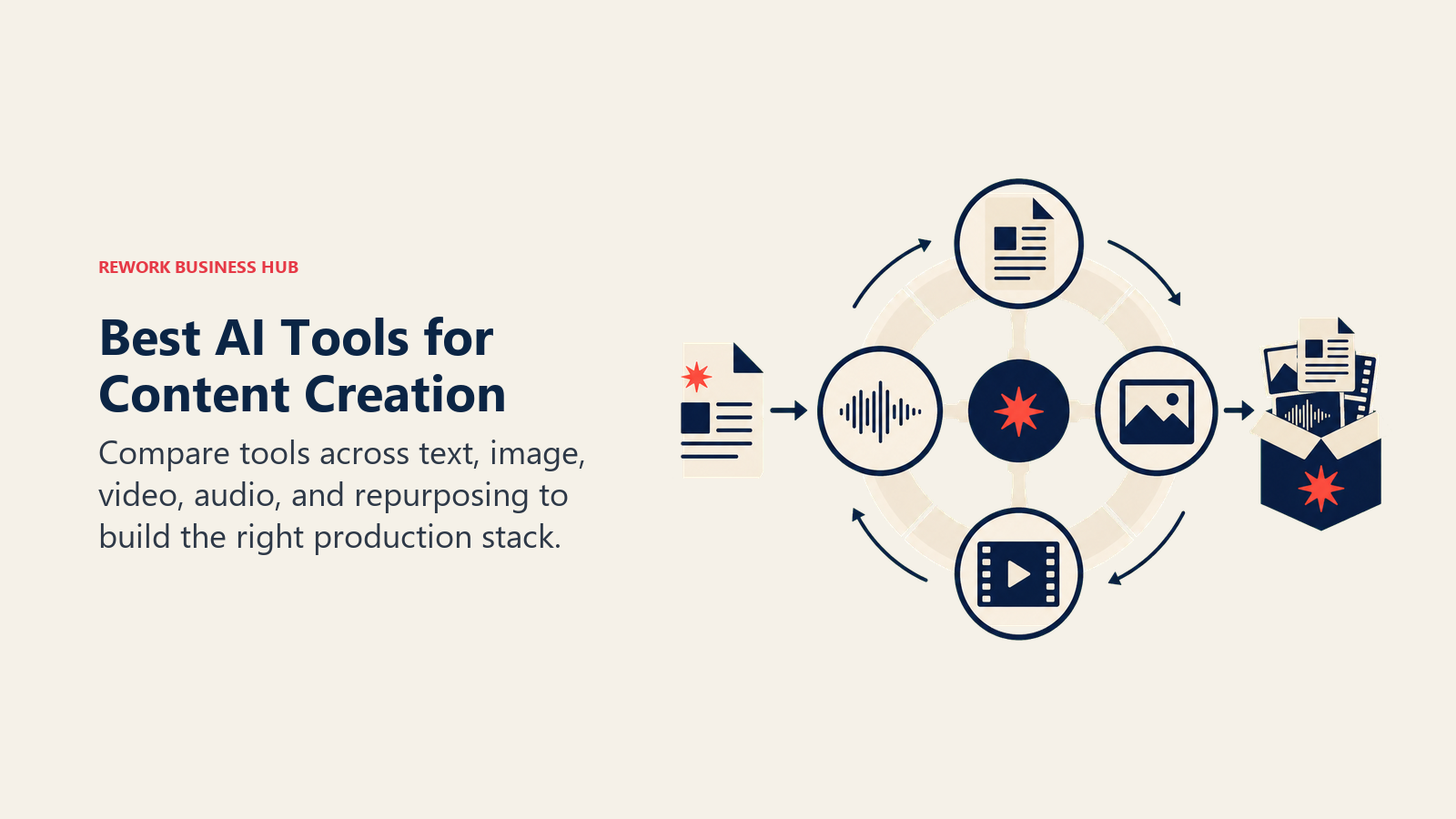
Most "best AI content tools" lists only cover one format. That's a problem, because a real content operation in 2026 rarely stays inside one format for long: a blog post becomes a LinkedIn carousel, a webinar becomes six short clips, and a product announcement needs copy, a hero image, and a 30-second demo video by Friday. This guide covers the full stack instead: ChatGPT and Claude for drafting, Midjourney and Adobe Firefly for images, Runway, Synthesia, and HeyGen for video, ElevenLabs for voice, and Descript, Opus Clip, and Castmagic for turning one piece of source material into many. If you'd rather browse the wider category first, the best AI tools in 2026 roundup covers all 25 categories this list draws from.
Every tool below was evaluated on output quality, how well it fits into a real cross-format workflow, and pricing transparency, not marketing claims. If you want to go deep on a single format instead of the full stack, this guide links out to a dedicated roundup for each one.
Key Facts
- Content creation is marketers' single most extensively used AI application, at 42.5% of respondents, ahead of media creation and ad automation, per HubSpot's 2026 State of Marketing Report.
- 97% of marketing leaders now use AI in their daily creative work, and 49% specifically use AI every day for image and video generation, per Canva's State of Marketing and AI Report 2026.
- 88% of organizations now use AI in at least one business function, and 79% use generative AI specifically, up from 72% and far fewer respectively in 2024, according to McKinsey's Global AI Survey.
- The average designer now uses 7 AI design tools regularly, more than double the 3 tools reported in 2025, per the AI in Design Report 2026.
- 91% of businesses now use video as a marketing tool, an all-time high, and 63% say they've used AI to help create or edit that video, per Wyzowl's State of Video Marketing 2026.
- 83.5% of marketers say AI means they're now expected to produce more content than before, with 35.7% saying "much more," per HubSpot's 2026 data.
Quick Comparison Table
| Tool | Format | Best For | Starting Price | Key Strength |
|---|---|---|---|---|
| ChatGPT | Text (multimodal) | General drafting, ideation, research | Free; Plus $20/mo | Strongest all-purpose engine; multimodal in one interface |
| Claude | Text | Long-form drafting, style consistency | Free; Pro $20/mo ($17/mo annual) | Long context window, strong instruction-following |
| Jasper | Text | Enterprise brand-voice campaigns at volume | Pro $69/mo ($59/mo annual) | Brand voice controls across 50+ templates |
| Midjourney | Image | Highest-ceiling stylized visuals | $10/mo (Basic) | Best-in-class artistic quality and style control |
| Adobe Firefly | Image + video | Commercially safe generation in Creative Cloud | Free; Standard $9.99/mo | Licensed training data, IP indemnification |
| Canva Magic Studio | All formats | One tool across social, decks, and brand assets | Free; Pro $15/mo | Broadest single-tool format coverage |
| Runway | Video | Creative control for filmmakers and agencies | Free; Standard $12/mo (annual) | Camera direction, character consistency |
| Synthesia | Video (avatar) | Corporate training and L&D at scale | Free; Starter $29/mo | Deepest AI avatar library, SCORM export |
| HeyGen | Video (avatar) | Fast, localized marketing and sales video | Free; Creator $29/mo | Voice cloning and lip-sync translation |
| ElevenLabs | Audio | Voice cloning, narration, dubbing | Free; paid from $6/mo | Most realistic voices, largest voice library |
| Descript | Audio + video | Transcript-based editing across formats | Free; paid from $16/mo (annual) | Edits audio and video like a text document |
| Opus Clip | Repurposing (video) | Long-form video into short social clips | Free; paid from $15/mo | AI virality scoring, multi-platform auto-posting |
| Castmagic | Repurposing (text) | One transcript into notes, blogs, and social copy | Paid from $19/mo (annual) | Deepest AI content generation from one upload |
How to Think About a Multi-Format Content Stack
Most teams build their AI stack backward. They pick a tool because it's trending, then bend their workflow to fit it. That's how a marketing team ends up paying for three overlapping video subscriptions while still hand-writing every caption. Build the stack forward instead, starting from the actual production pipeline.
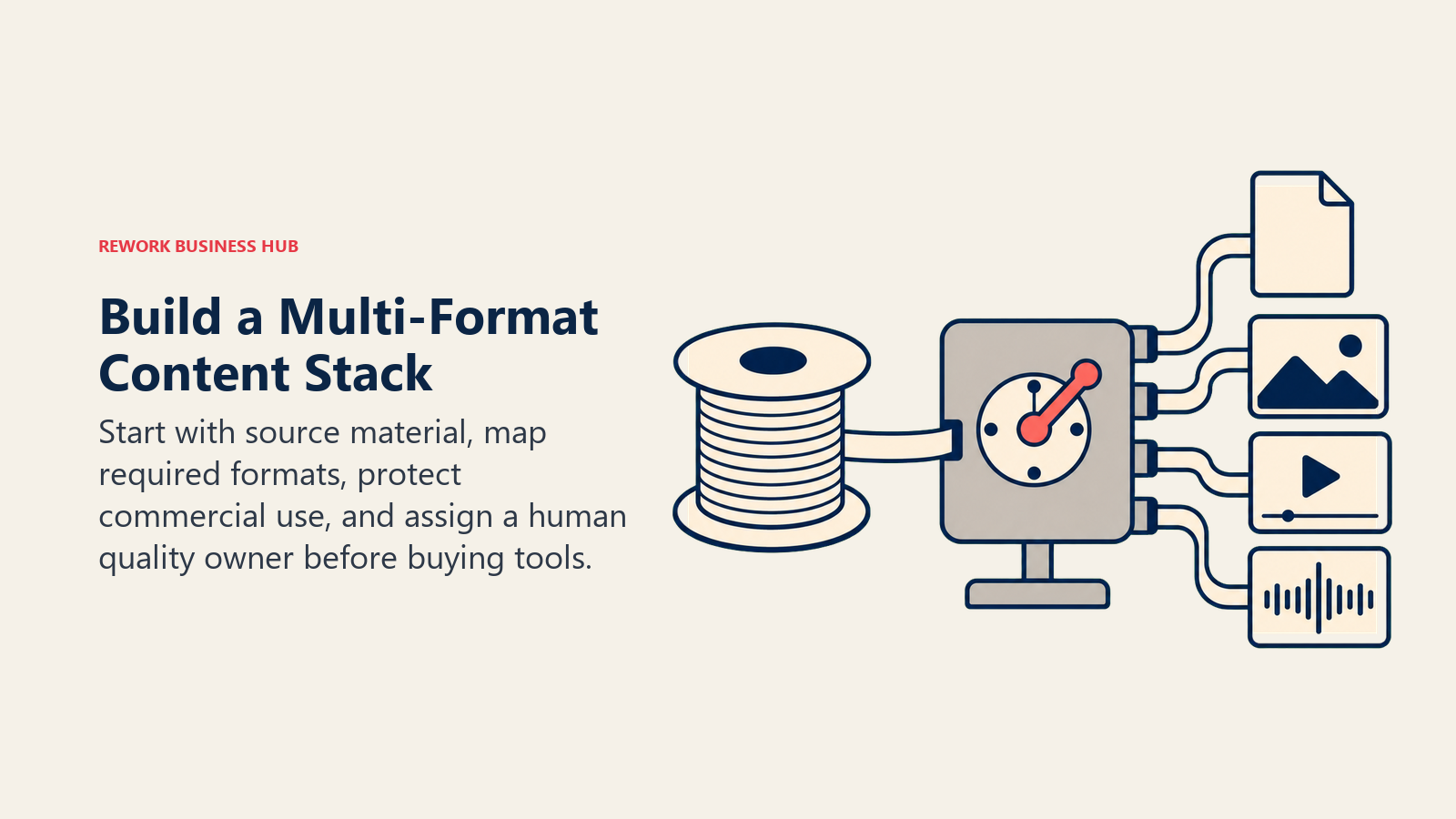
- Where does the content start? Most output traces back to either written source material (a brief, an outline, a script) or recorded source material (a webinar, a podcast, an interview). Text tools like ChatGPT and Claude own the first path; Descript and Castmagic own the second.
- What formats does it need to become? A single campaign might need a blog post, a hero image, a 30-second video, and a voiceover. Map the formats before shopping for tools, so you're not buying five subscriptions to cover three jobs.
- Where does commercial safety matter? Paid ads and client-facing work should run through tools with clear licensing and indemnification, like Adobe Firefly, rather than a model with undisclosed training data.
- How much does repurposing multiply your output? A single webinar can become a blog post, five social clips, an email, and a podcast episode without a second production pass. Tools like Opus Clip and Castmagic exist specifically to capture that multiplier, and skipping them is the most common way teams leave output on the table.
- Who owns quality control across formats? AI-assisted output still needs a human editing pass. A Semrush ranking study found purely AI-generated pages reached Google's #1 spot just 9% of the time, versus 80% for human-written pages, which is the strongest argument yet for a human-led, AI-assisted workflow rather than a fully automated one. If your team is restructuring who owns that editing pass, the content marketing manager job description template is a useful reference for how that role's scope is shifting.
Framework: By Format
| Format | Job | Best Fits | Deep-Dive Guide |
|---|---|---|---|
| Text | Drafting, editing, SEO research | ChatGPT, Claude, Jasper | Best AI tools for content writers |
| Image | Marketing visuals, brand assets | Midjourney, Adobe Firefly, Canva | Best AI image generators |
| Video | Cinematic, avatar-led, or edited | Runway, Synthesia, HeyGen | Best AI video generators |
| Audio | Voiceover, narration, dubbing | ElevenLabs, Descript | Best AI voice generators |
| Repurposing | One source into many assets | Opus Clip, Descript, Castmagic | Best AI podcast tools |
Framework: By Team Type
| Team Type | Signal | Best Starting Stack |
|---|---|---|
| Solo creator or freelancer | One person covering every format | ChatGPT, Canva Magic Studio, Descript |
| Content marketing team | Blog-first, repurposing into social | Claude or ChatGPT, Canva, Opus Clip, Castmagic |
| Brand or creative team | High visual bar, commercial-use requirements | Midjourney or Adobe Firefly, Runway, Adobe Firefly Video |
| L&D or internal comms | Presenter-led training content | Synthesia, ElevenLabs, Descript |
| Sales and demand gen | Personalized, localized outbound video | HeyGen, ElevenLabs, Jasper |
| Podcast or video-first media | Recording through distribution | Descript, Opus Clip, Castmagic, ElevenLabs |
1. ChatGPT: The Default Starting Point for Every Format
ChatGPT's bet is that content creation shouldn't require switching apps for every step. Drafting, brainstorming, research synthesis, and now image generation through GPT Image all live inside the same conversation, which makes it the tool most teams reach for first regardless of what they're ultimately producing.

The tradeoff is depth. ChatGPT handles the first 80% of most tasks well, but a serious video production, a brand-consistent image library, or a polished voiceover still needs a dedicated tool from further down this list. Teams that only use ChatGPT tend to produce content that's fast but visually and sonically generic.
| What you get | What you don't |
|---|---|
| One interface for drafting, research, and quick images | Not a dedicated tool for any single format at depth |
| GPT Image generation built into the same session | Video generation (Sora) has separate availability limits |
| Fastest way to go from idea to first draft | Output style needs real editing before it reads as brand-specific |
Pricing: Free; ChatGPT Plus $20/mo; ChatGPT Pro $100/mo (higher usage limits, Sora 2 Pro quality)
Best for: Teams that want one starting point for drafting and quick visuals before routing to format-specific tools
2. Claude: Best for Long-Form Drafting and Style Consistency
Claude's strength shows up on longer, more structured writing jobs: a 2,500-word guide, a style-guide-constrained brand voice, or a document that needs to stay coherent across many sections. Where ChatGPT is the faster generalist, Claude tends to follow detailed instructions and maintain tone more reliably over a long draft.
For content teams producing pillar content, reports, or anything that needs a consistent voice across dozens of articles, that instruction-following matters more than raw speed. It's a text-only tool, so it sits at the start of the pipeline rather than covering the full format range.
| What you get | What you don't |
|---|---|
| Strong instruction-following on detailed style guides | Text-only; no native image or video generation |
| Long context window for structured, multi-section drafts | Less suited to fast, casual brainstorming than ChatGPT |
| Reliable tone consistency across long documents | No built-in SEO research tooling |
Pricing: Free; Pro $20/mo ($17/mo annual)
Best for: Content teams producing long-form, style-guide-constrained writing at volume
3. Jasper: Best for Brand-Voice Campaigns at Enterprise Scale
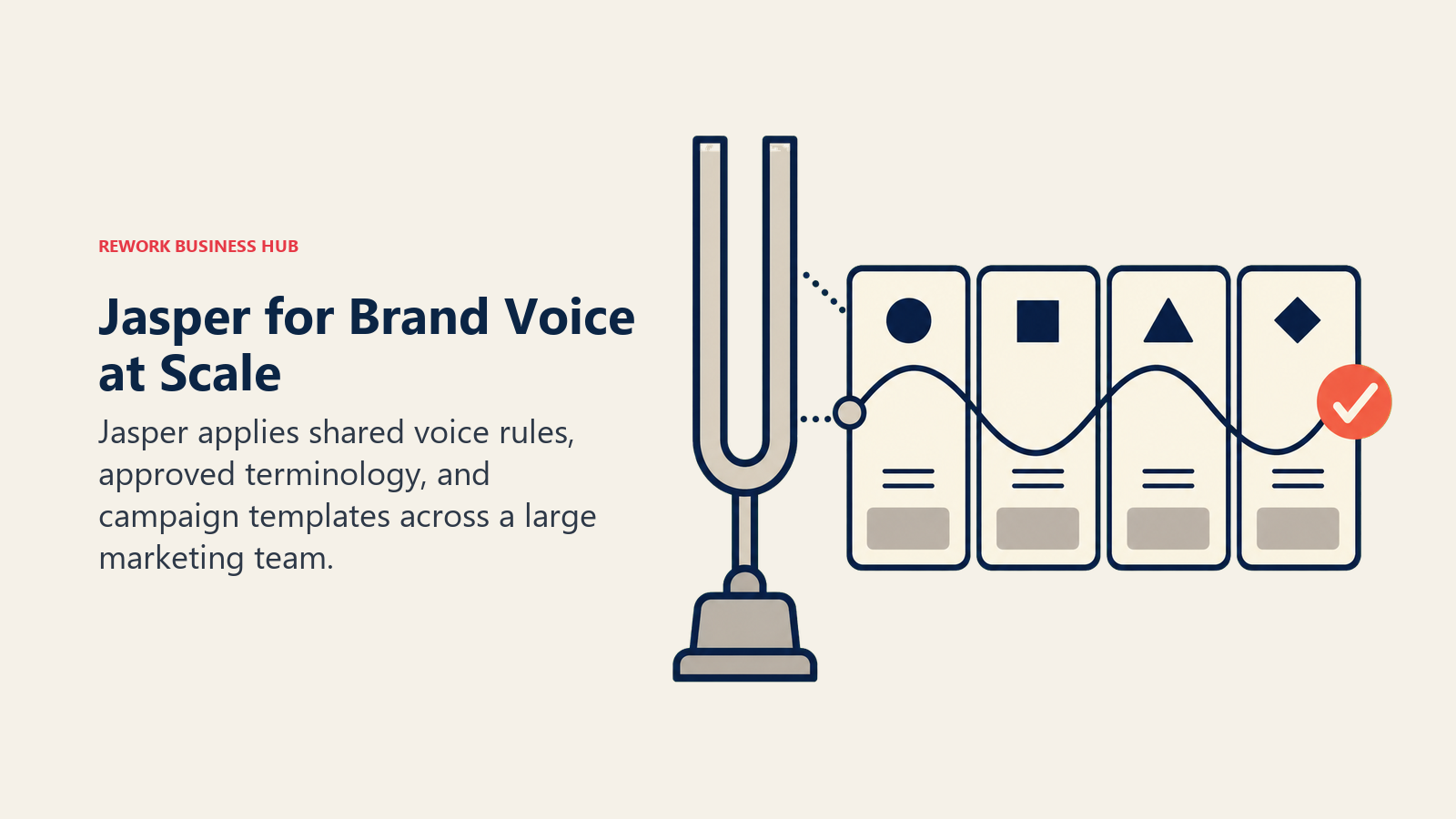
Jasper is built for a specific problem ChatGPT and Claude don't solve well out of the box: keeping dozens of writers and a growing library of AI-generated content on-brand across every channel. Brand voice controls, terminology gating, and 50+ marketing-specific templates let a large team produce content that reads consistently even when ten different people are prompting the same model.
That enterprise focus is also the limitation for smaller teams. Jasper's pricing and template-heavy workflow are built for a marketing org running campaigns across many channels, not a solo creator who just needs a fast draft.
| What you get | What you don't |
|---|---|
| Brand voice and terminology controls across a team | Priced for teams, not individual creators |
| 50+ templates built for marketing-specific formats | No free tier, trial only |
| Workflow automation connecting content to campaigns | Less flexible for open-ended, non-marketing writing |
Pricing: Pro $69/mo ($59/mo annual)
Best for: Marketing organizations running brand-consistent campaigns across many writers and channels
4. Midjourney: Highest Aesthetic Ceiling for Images
Midjourney still produces the most striking stylized images of any generator on the market. For hero images, concept art, and marketing visuals where aesthetic quality is the whole point, it remains the tool creative teams reach for first, even as competitors close the technical gap.
The catch is workflow friction. Midjourney runs through Discord or its own web app rather than integrating into a broader design tool, and it has no free trial. Teams that need images embedded directly into decks, social posts, or brand templates often pair it with Canva or Adobe Firefly downstream rather than using it standalone.
| What you get | What you don't |
|---|---|
| Best-in-class artistic quality and style control | No free trial; paid from day one |
| Strong for concept art and stylized marketing visuals | Weaker native text rendering inside images |
| Large community and prompt-reference ecosystem | Not integrated into a broader design or brand workflow |
Pricing: Basic $10/mo; higher tiers required for companies over $1M annual revenue
Best for: Creative and marketing teams that need the highest aesthetic ceiling for standalone visuals
5. Adobe Firefly: The Commercially Safe Cross-Format Choice
Adobe Firefly's differentiator isn't raw output quality, it's licensing. Trained on Adobe Stock, licensed content, and public-domain material, Firefly is the safer default once generated images or video leave an internal Slack channel and end up in a paid ad or client deliverable. Adobe backs eligible Firefly-model output with IP indemnification, which matters the moment legal gets involved.

Firefly also spans two formats: Firefly for images and Firefly Video for commercially safe video generation, both inside the same Creative Cloud ecosystem most agencies and in-house creative teams already pay for. The tradeoff is aesthetic ceiling: Firefly is generally less stylistically striking than Midjourney for images or Runway for video, in exchange for licensing peace of mind.
| What you get | What you don't |
|---|---|
| Licensed training data with IP indemnification | Less stylistically striking than pure-play rivals |
| Spans both image and video generation | Premium credits (video especially) drain fast |
| Deep Photoshop, Illustrator, and Creative Cloud integration | Best value only if you're already in the Adobe ecosystem |
Pricing: Free; Standard $9.99/mo (images); Firefly Video paid from $9.99/mo
Best for: Agencies and in-house teams that need commercially safe, licensed generation across both images and video
6. Canva Magic Studio: The Broadest Single-Tool Format Coverage
Canva's bet is that most teams don't want a dozen specialized tools, they want one that covers social posts, presentations, brand assets, and short video clips without switching context. Magic Studio bundles Magic Design (full layouts from a prompt), Magic Media (image and video generation), Magic Write (on-brand copy drafts), and Magic Switch (reformatting one design into a dozen sizes automatically).
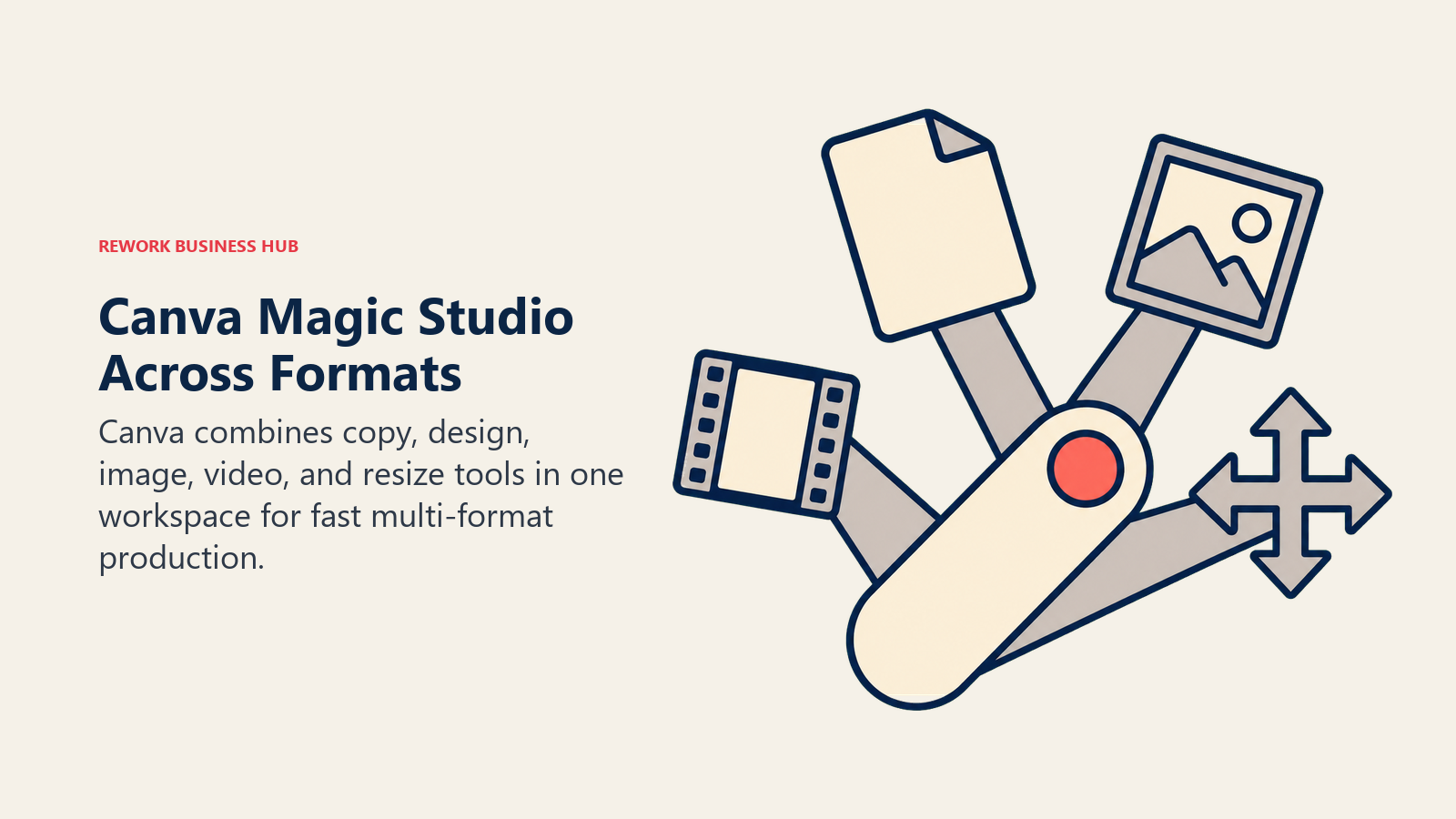
For a lean marketing team or small business moving fast across many formats in a single day, that breadth is the real value, not any one AI feature in isolation. The tradeoff shows up at volume: every Magic feature draws from the same monthly AI credit pool, so heavy video-clip generation can eat into the credits available for design work. Teams that have outgrown Canva's depth in any one format can compare options in the best Canva alternatives roundup, and the best AI graphic design tools guide breaks down the wider design-tool category in more depth.
| What you get | What you don't |
|---|---|
| One tool spanning social, decks, brand assets, and clips | Shared AI credit pool across every Magic feature |
| Magic Switch reformats one design into many sizes at once | Less depth in any single format than a dedicated tool |
| Massive template library for fast starting points | Not built for cinematic or long-form video |
Pricing: Free; Pro $15/mo
Best for: Lean teams that need one tool covering many formats instead of five specialized subscriptions
7. Runway: Deepest Creative Control for Video
Runway is the video generator professional filmmakers and VFX teams actually use, not just a novelty text box. Gen-4's camera controls, consistent character references, and Explore Mode for relaxed-rate experimentation give creative teams a level of directorial control that one-shot prompt tools don't match.
That control comes at a cost once you move past casual use. Credits burn fast at higher resolutions, and the step up to real production volume runs well past the entry tier. It's the right tool when creative control is the priority, not the fastest or cheapest way to get a single clip.
| What you get | What you don't |
|---|---|
| Camera direction, character consistency, multi-shot control | Credits burn fast at 1080p and above |
| Explore Mode for extended experimentation on top tiers | Entry-level plan is thin for regular production |
| Established inside professional VFX and film pipelines | Steeper learning curve than a one-prompt tool |
Pricing: Runway pricing: Free (125 one-time credits); Standard $12/mo annual; Pro $28/mo annual; Max $76/mo annual
Best for: Creative teams and agencies that need directorial control over generated video, not just a prompt box
8. Synthesia: The Standard for Presenter-Led Training Video
Synthesia solves a specific problem: turning a script into a presenter-led video without a camera, studio, or on-camera talent. That's exactly what corporate training, L&D, and internal comms teams need at scale, and its avatar library (180+ stock avatars on the Creator plan) plus SCORM export for LMS platforms make it the default choice for that use case.
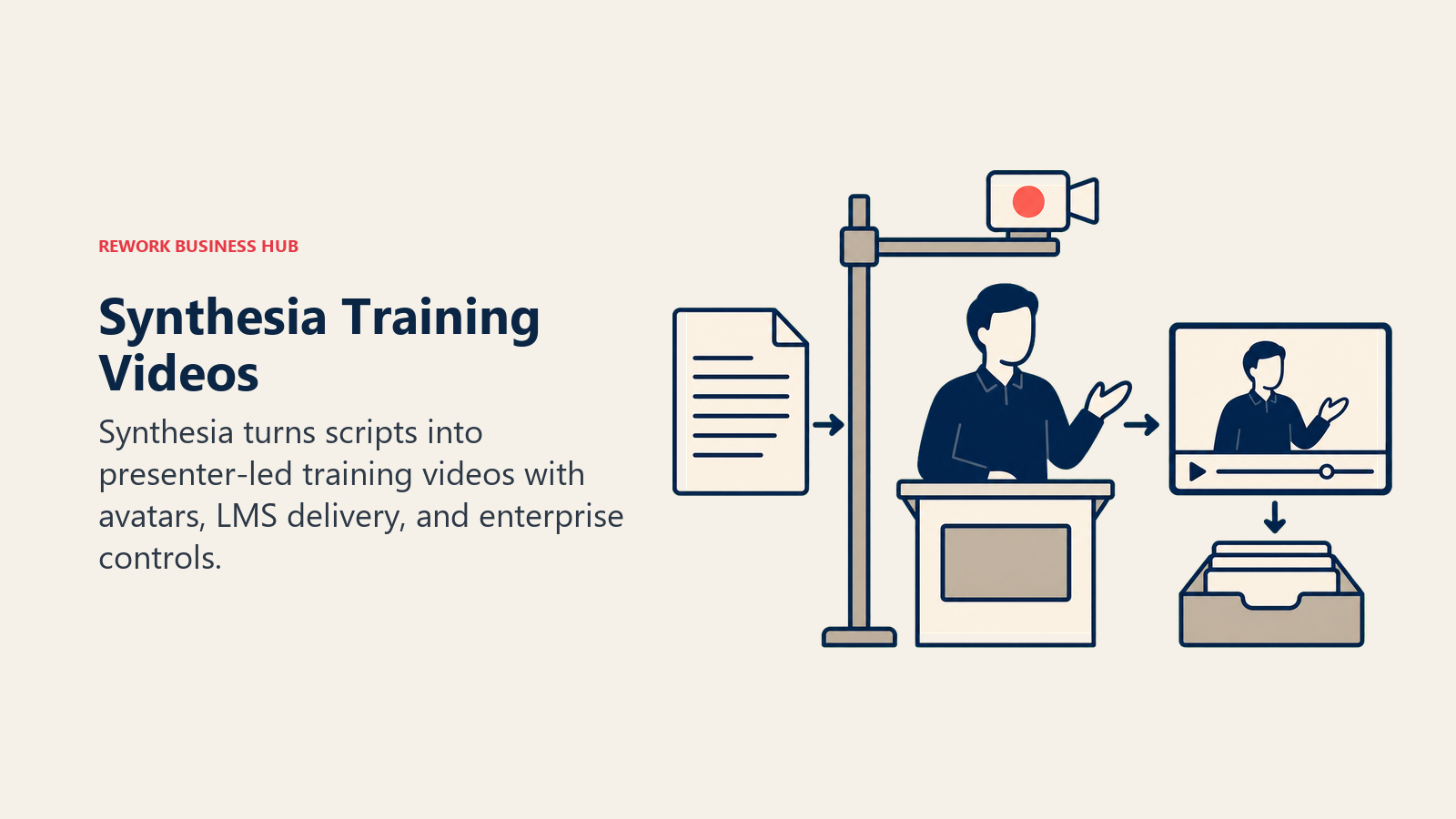
The free and Starter tiers are genuinely limiting at 10 minutes of video per month, and personal avatars require the $89/month Creator tier. Budget for that tier from the start if presenter-led video is a regular part of the content mix, not an occasional one.
| What you get | What you don't |
|---|---|
| Deepest AI avatar library and enterprise compliance | Free and Starter tiers cap out at 10 minutes/month |
| SCORM export and LMS integration for training teams | Not built for cinematic or narrative-style video |
| Interactive video and API access on the Creator tier | Personal avatars require the $89/mo Creator tier |
Pricing: Synthesia pricing: Free (10 min/mo, watermarked); Starter $29/mo; Creator $89/mo; Enterprise custom
Best for: L&D, training, and internal comms teams that need presenter-led video without a production crew
9. HeyGen: Fastest Avatar Video for Marketing and Sales
HeyGen targets a faster-moving job than Synthesia: marketing and sales teams that need a talking-avatar video turned around quickly, often personalized or localized for a specific audience. Voice cloning and lip-sync translation let one script become dozens of localized versions without re-recording anything, which is the feature that makes it a genuine content-multiplier tool.
Team pricing is where HeyGen gets more expensive than it first looks. The Business tier's base price adds a further per-seat fee, so a small marketing team lands well above the headline number once everyone's added.
| What you get | What you don't |
|---|---|
| Fast avatar generation with voice cloning and lip-sync translation | Business tier stacks a per-seat fee on the base price |
| 4K export and unlimited voice clones on the Pro tier | Free tier caps out at just 3 videos per month |
| Workspace sharing and SSO on Business/Enterprise | Less deep avatar library than Synthesia for training use cases |
Pricing: HeyGen pricing: Free (3 videos/mo); Creator $29/mo; Pro from $49/mo; Business $149/mo + $20/seat/mo
Best for: Marketing and sales teams that need fast, localized, personalized talking-avatar video
10. ElevenLabs: Broadest Voice Cloning and Narration
ElevenLabs is the voice layer most of the tools above eventually connect to. Whether it's narration for a video, a cloned brand voice for an avatar tool, or multilingual dubbing for localized content, ElevenLabs leads the category on realism and voice library breadth, which is part of why it reached a $11 billion valuation after its early-2026 Series D round.
Voice cloning now comes with real guardrails: Tennessee's ELVIS Act and a growing list of similar state statutes require explicit consent before cloning a real person's voice for commercial use, and ElevenLabs now requires a verified consent statement before enabling a professional clone.
| What you get | What you don't |
|---|---|
| Most realistic voices and largest voice library in the category | Credits burn fast on longer or multilingual projects |
| Multilingual dubbing and narration for repurposed content | Voice cloning requires verified consent for real people |
| API access for embedding voice into other workflows | Not a video or editing tool on its own |
Pricing: Free; paid from $6/mo
Best for: Any team that needs narration, brand voice, or dubbing layered on top of video or audio content
11. Descript: Editing and Repurposing Across Audio and Video
Descript's core idea is that editing audio or video should work like editing a text document: cut a word from the transcript, and the corresponding audio or video cuts with it. Overdub lets you fix a flubbed line by typing the correction instead of re-recording, and Studio Sound handles a version of the cleanup that used to require a dedicated audio engineer.
Because it edits existing footage rather than generating new content, Descript sits downstream of the generative tools on this list. It's the tool that turns a raw recording, whether from a podcast, a webinar, or a Zoom call, into a polished asset ready to publish or repurpose further.
| What you get | What you don't |
|---|---|
| Edits audio and video by editing the transcript | Not a generative model; needs source footage |
| Overdub fixes flubbed lines without re-recording | AI credits deplete fast on longer episodes |
| Studio Sound handles automated audio cleanup | Full Overdub library requires the Creator tier or above |
Pricing: Free; paid from $16/mo (annual)
Best for: Teams editing existing recordings across both audio and video in one workflow
12. Opus Clip: Turning Long-Form Video Into Short Clips
Opus Clip solves the single highest-leverage repurposing job in content creation: turning one long recording, a webinar, a podcast, an interview, into ten short clips ready for social. Its AI virality scoring identifies the strongest 30-90 second moments automatically, and multi-platform auto-posting removes the manual work of exporting and uploading each clip separately.
For teams already producing long-form content who aren't yet capturing the short-form multiplier, Opus Clip is often the single highest-ROI addition to the stack. Minutes-based credits do drain quickly on longer source files, so heavy users should budget for a mid-tier plan rather than the free tier.
| What you get | What you don't |
|---|---|
| AI virality scoring finds the best moments automatically | Minutes-based credits drain fast on long source files |
| Multi-platform auto-posting across TikTok, Reels, Shorts | Free and Starter tiers cap monthly processing minutes |
| Purpose-built for the single highest-leverage repurposing job | Not an editing tool for the long-form asset itself |
Pricing: Free (60 min/mo); paid from $15/mo
Best for: Any team producing long-form video or audio that isn't yet repurposing it into short clips
13. Castmagic: One Transcript Into Notes, Blogs, and Social Copy
Castmagic covers the repurposing job Opus Clip doesn't: turning one transcript into written assets. Upload a recording once and it generates show notes, timestamped chapters, blog posts, social captions, email newsletter copy, and quote graphics from the same source material, which is the layer that replaces what used to require a part-time content writer.
For teams that monetize partly through content marketing built on recorded conversations (podcasts, webinars, customer calls), Castmagic's depth of output justifies its premium price over budget alternatives like Swell AI. Smaller teams just getting a repurposing workflow started may prefer to test the concept on a cheaper tool before upgrading.
| What you get | What you don't |
|---|---|
| Show notes, blog posts, social copy, and newsletters from one upload | Pricier per hour than budget repurposing tools |
| Deepest AI content generation of the dedicated repurposing tools | Single-purpose; not a recording or video-editing tool |
| Replaces a meaningful chunk of manual content-marketing writing | Best value at volume, less so for occasional use |
Pricing: Paid from $19/mo (annual)
Best for: Teams that regularly turn recorded conversations into written content marketing assets
Content Creation Buying Mistakes to Avoid
Most wasted spend in a content AI stack comes from buying tools for the wrong stage of the pipeline, not from picking a bad tool. Before adding another subscription, check it against the mistakes below.
| Mistake | What It Looks Like | What to Do Instead |
|---|---|---|
| Buying one tool per format before mapping the workflow | Five subscriptions covering three actual jobs | Map your content pipeline first, then fill the gaps |
| Treating a generalist tool as a specialist replacement | Using ChatGPT for final brand visuals instead of drafts | Use general tools for ideation, dedicated tools for final output |
| Skipping the repurposing layer entirely | Publishing one long-form asset and stopping | Add Opus Clip or Castmagic before buying another creation tool |
| Ignoring commercial licensing until legal asks | Running Midjourney or ChatGPT images in paid ads | Confirm indemnification (Adobe Firefly) before paid campaigns |
| Underestimating per-seat and credit costs at scale | Budgeting only the headline monthly price | Check per-seat fees and credit burn rate before committing a team |
| Cloning a voice without consent | Using ElevenLabs or HeyGen on a colleague's voice without sign-off | Confirm consent and check the vendor's verification process |
Decision Framework
The right starting tool depends on the production job and the operating constraint that matters most to your team.
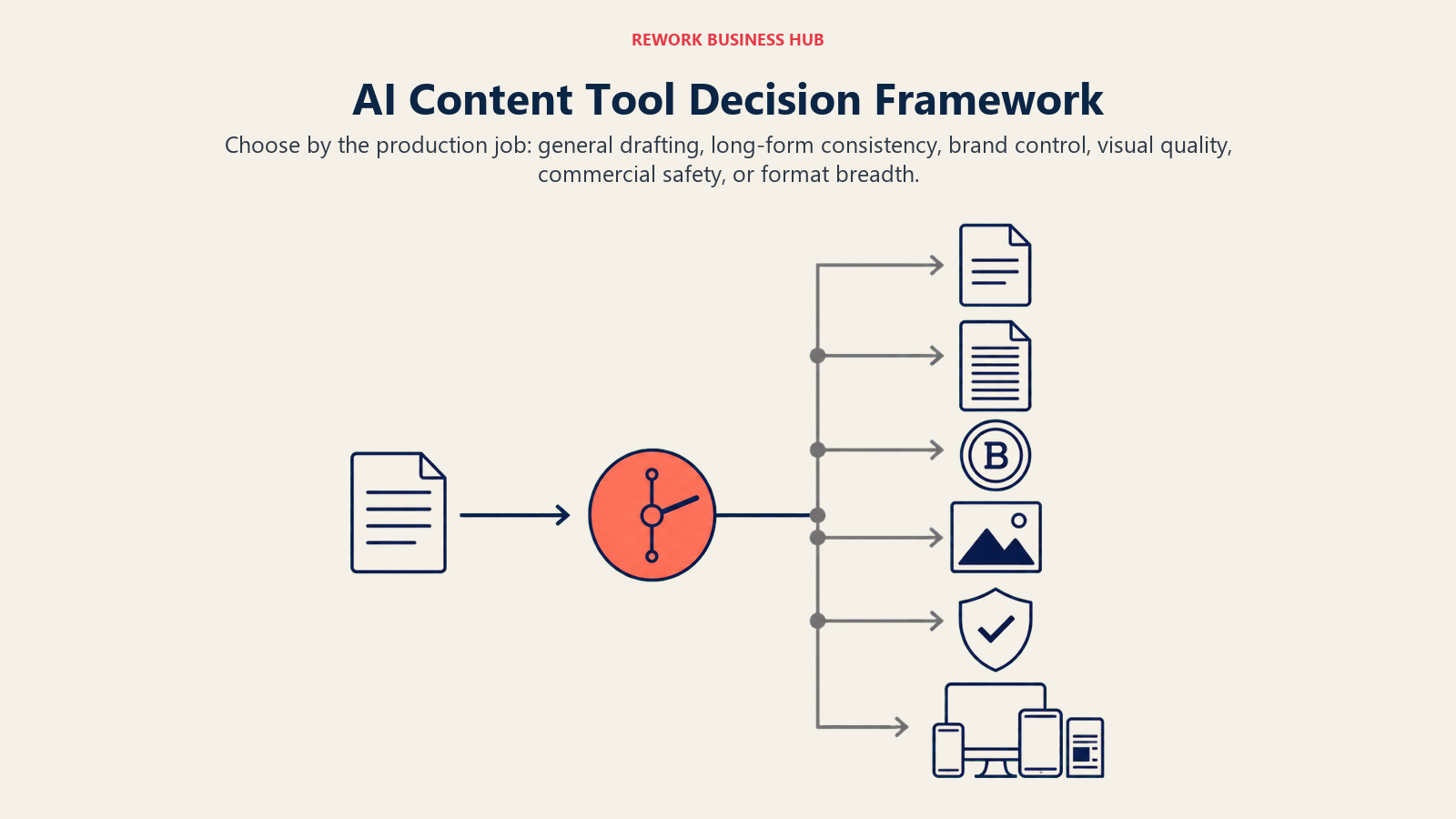
| If you need... | Pick... | Why |
|---|---|---|
| A single starting point for drafting and quick visuals | ChatGPT | Fastest path from idea to first draft, multimodal in one place |
| Long-form writing with strict style-guide consistency | Claude | Strongest instruction-following over long documents |
| Brand-consistent copy across a large marketing team | Jasper | Brand voice controls built for scale |
| The highest aesthetic ceiling for a hero image | Midjourney | Best-in-class artistic quality and style control |
| Commercially safe generation for paid campaigns | Adobe Firefly | Licensed training data with IP indemnification |
| One tool covering most formats without five subscriptions | Canva Magic Studio | Broadest single-tool format coverage |
| Directorial control over generated video | Runway | Camera direction, character consistency, VFX-grade control |
| Presenter-led training video at scale | Synthesia | Deepest avatar library, SCORM export |
| Fast, localized, personalized sales or marketing video | HeyGen | Voice cloning and lip-sync translation built in |
| Realistic narration, brand voice, or dubbing | ElevenLabs | Broadest voice cloning and library |
| Editing existing recordings like a text document | Descript | Transcript-based editing across audio and video |
| Turning long-form video into short social clips | Opus Clip | AI virality scoring and auto-posting |
| Turning one recording into written content assets | Castmagic | Deepest transcript-to-content generation |
Frequently Asked Questions about AI Tools for Content Creation
What is the best AI tool for content creation overall in 2026?
There's no single best tool because content creation spans too many formats. ChatGPT and Claude lead on text, Midjourney and Adobe Firefly lead on images, Runway, Synthesia, and HeyGen lead on video, and ElevenLabs leads on voice. Most real content operations run four or five of these tools together rather than relying on one.
Do I need a different AI tool for every content format?
Mostly, yes, at least at a professional quality bar. General tools like ChatGPT can produce a passable draft in almost any format, but a dedicated tool still wins for final output: Midjourney for a hero image, Runway or Synthesia for finished video, ElevenLabs for narration that doesn't sound synthetic.
What's the fastest way to get more content out of what I already produce?
Add a repurposing tool before adding another creation tool. Opus Clip turns one long-form video into short social clips automatically, and Castmagic turns one recording into show notes, blog posts, and social copy. Most teams sitting on unused long-form content see the fastest ROI here.
Which AI content tools are safe to use in paid advertising?
Check the vendor's training data and indemnification terms before running generated content in a paid campaign. Adobe Firefly is trained on licensed Adobe Stock and public-domain content and backs eligible output with IP indemnification, which makes it the safer default for image and video generation used in paid ads or client work.
How much does a full AI content creation stack cost?
A lean stack covering text, image or design, and basic video editing can run $30-60 per month using entry tiers of ChatGPT or Claude, Canva Pro, and Descript. Adding dedicated video generation (Runway, Synthesia, or HeyGen), voice (ElevenLabs), and repurposing (Opus Clip, Castmagic) typically pushes a team stack to $150-400 per month depending on volume.
Is AI-generated content good enough to rank in search or perform on social without human editing?
Not reliably on its own. A Semrush ranking study found purely AI-generated pages reached Google's #1 spot just 9% of the time, versus 80% for human-written pages, which is why a human-led, AI-assisted workflow consistently outperforms a fully automated one across every format on this list.
What changed most in the content creation tool landscape in 2026?
Repurposing consolidated into "one upload, many outputs" tools like Opus Clip and Castmagic, avatar video (Synthesia, HeyGen) became standard practice for training and localized marketing, and voice cloning tools added mandatory consent verification in response to new state laws like Tennessee's ELVIS Act.
What to Do Next
Map your actual content pipeline before adding a single new subscription: where does content start (written brief or recorded conversation), what formats does it need to become, and where are you currently stopping short of repurposing it fully. Most teams find their biggest gap isn't a missing creation tool, it's a missing repurposing step. Start there, pilot two tools for two weeks with real output, and expand the stack only once you've confirmed a tool earns its place in the actual weekly workflow.

Principal Product Marketing Strategist
On this page
- Key Facts
- Quick Comparison Table
- How to Think About a Multi-Format Content Stack
- Framework: By Format
- Framework: By Team Type
- 1. ChatGPT: The Default Starting Point for Every Format
- 2. Claude: Best for Long-Form Drafting and Style Consistency
- 3. Jasper: Best for Brand-Voice Campaigns at Enterprise Scale
- 4. Midjourney: Highest Aesthetic Ceiling for Images
- 5. Adobe Firefly: The Commercially Safe Cross-Format Choice
- 6. Canva Magic Studio: The Broadest Single-Tool Format Coverage
- 7. Runway: Deepest Creative Control for Video
- 8. Synthesia: The Standard for Presenter-Led Training Video
- 9. HeyGen: Fastest Avatar Video for Marketing and Sales
- 10. ElevenLabs: Broadest Voice Cloning and Narration
- 11. Descript: Editing and Repurposing Across Audio and Video
- 12. Opus Clip: Turning Long-Form Video Into Short Clips
- 13. Castmagic: One Transcript Into Notes, Blogs, and Social Copy
- Content Creation Buying Mistakes to Avoid
- Decision Framework
- What to Do Next