Best Gumloop Alternatives in 2026: 10 AI Agent and Workflow Builders Compared
Turn this article into takeaways for your work.


Each assistant summarizes the article only for you and suggests best practices for your work.
The best Gumloop alternatives depend on what's bothering you. Lindy is the pick if you want an assistant your team talks to, n8n or Activepieces if you want self-hosting and predictable run counts, Zapier Agents or Make if your automations already live there, and Relevance AI if you want agent-specific metering with a published price. This guide compares ten of them on billing unit, build style, who each is built for and where each one falls short, with the credit math written out so you can model your own bill.
Gumloop is a capable product, and plenty of teams should stay on it. Its pitch is agents that anyone in a company can build while IT controls access, and its credit docs are unusually clear about what a unit costs. The point of this list is the other case: the credits burn faster than you planned, there's no free plan to prototype on, or you'd rather pay for runs than for model tokens. Each tool below is judged on the same four questions: how it charges, how you build with it, what team size it suits, and the honest "not ideal for."
Key Facts
- Gumloop defines one credit as $0.005, so $1 buys 200 credits, and Pro is $37 a month for 20,000 credits, per Gumloop's credits documentation.
- Gumloop adds an orchestration fee of 8% on top of an agent chat's model, tool-call and compute credits, per the same credits documentation.
- n8n counts one execution as a single run of an entire workflow, however many steps it has, per n8n's pricing page.
- Zapier's agent activities are a separate meter from its tasks: Free includes 400 activities a month, and each agent run is capped at 10 activities on Free and 40 on paid plans, per Zapier's pricing page.
- Flowise's end of life is August 31, 2026 per its sunset notice, and Relay.app's site says it closed in September 2026, so two names that appear on older lists are no longer safe choices.
Why Teams Look Beyond Gumloop
Nobody moves an agent platform for fun. A live agent has prompts, connections, test cases and a team that trusts it, so switching costs a pilot and a rebuild. When buyers start searching for alternatives, it's usually one of five reasons.
- The bill is hard to forecast. Gumloop meters model cost, tool calls, compute minutes and an 8% fee. That's transparent, but a pilot has to run before you know what a real task costs. Tools that charge per run or per action are easier to put in a budget spreadsheet.
- There's no free plan. Gumloop's pricing page lists Pro and Enterprise only, with a 14-day free trial on Pro. Zapier, Make, Activepieces, Pipedream (for development) and Dify's Sandbox all have free tiers that let a skeptic build before anyone signs anything.
- You want an assistant, not a canvas. Some teams don't want to design agents node by node. They want to tell something what to do in Slack and have it learn. That's a different product shape, and Lindy leans into it.
- You need self-hosting or open source. Gumloop offers VPC deployments on Enterprise, but if the requirement is "runs on our own server, source available," n8n, Activepieces and Dify are built for that.
- Your automations already live elsewhere. If three hundred Zaps or Make scenarios already run the business, adding the vendor's own agent feature beats operating a second platform.
There's a quieter sixth reason too: integration depth. Gumloop advertises 100+ MCP integrations. Zapier's agents page cites 9,000+ apps, and Pipedream cites 3,000+ connectors. If the app you need is a long-tail one, count connectors before you count features.
What Changed in 2026
Three shifts matter if you're rerunning a shortlist this year. First, pricing moved from seats and tasks to credits almost everywhere. Make now bills in credits, Activepieces sells a credit pool, Lindy sells a shared credit pool, and Relevance AI split its meter into Actions and Vendor Credits. The units look alike and aren't, which is why this guide has a billing-unit table and a worked cost comparison.
Second, the market consolidated and thinned out. Workday closed its acquisition of Pipedream, and its release names Flowise as a recent acquisition too (Workday). Flowise has since announced its own sunset. Relay.app shut down. A tool that was on every 2025 list can be gone by autumn 2026.
Third, "agent" now covers three different products: conversational assistants (Lindy), visual builders where AI is a step (Make, Activepieces, n8n, Zapier), and agent platforms with a team workspace (Gumloop, Relevance AI). Pick the shape first and the vendor second.
Where Gumloop Stands Today
Gumloop, operated by AgentHub Inc., calls itself "the multiplayer AI agent builder," and says anyone at a company can build agents with any AI model and any integration while IT controls access (gumloop.com). Its building blocks are agents described in plain language, triggers written in English, reusable Skills, shareable Artifacts such as dashboards and documents, cloud browsers with a credential vault, and an MCP server plus REST API for developers. Enterprise controls include SSO, audit logging, usage monitoring and VPC deployments. The site names Gusto and Samsara in its customer stories.
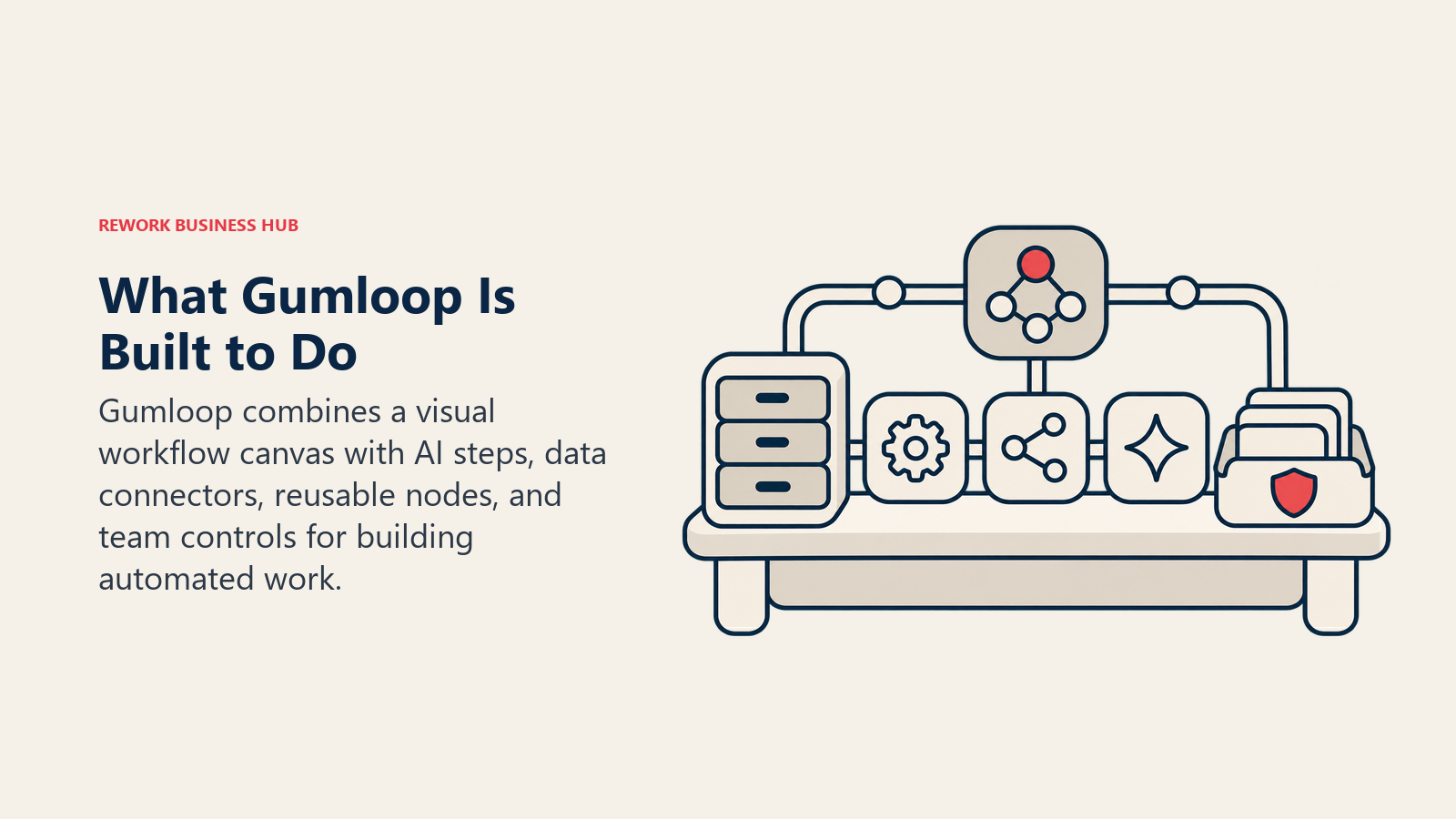
On price, the pricing page lists Pro from $37 a month with 20,000 credits, unlimited seats and teams, 5 concurrent workflow runs, 25 concurrent agent chats and an 8% orchestration fee. Enterprise is custom. Per the credits docs, the 20,000 credits are 7,400 at list price plus 12,600 bonus, they don't roll over except on Enterprise, and overage is optional, billed at $0.005 a credit and capped at 1,000,000 overage credits per billing period by default. No annual price is listed.
| Dimension | What Gumloop offers | What to ask in a switch decision |
|---|---|---|
| Build style | Plain-language agents, skills, triggers, workflows | Who on your team will own the agents after launch? |
| Billing unit | Credits at $0.005 each, plus an 8% orchestration fee on agent chats | What does one of your real tasks cost in credits? |
| Free tier | None, 14-day trial on Pro | Do you need to prototype before buying? |
| Seats | Unlimited on Pro | Are you paying per seat anywhere else? |
| Hosting | Cloud, VPC on Enterprise | Is self-hosting a hard requirement? |
Quick Comparison Table
| Tool | Best For | Starting Price | Key Strength | Key Limitation |
|---|---|---|---|---|
| Lindy | Teams wanting a conversational AI employee | $29.99 per seat per month (3,000 credits) | Works through Slack, email and phone; 40+ built-in skills | Seat price plus credits; no annual price listed |
| n8n | Technical teams wanting self-hosting | €20 per month billed annually (2,500 executions) | Pay per workflow run, not per step | Needs engineering support in production |
| Zapier Agents | Teams already automating on Zapier | Free (400 activities); Pro about $33 per month annual | 9,000+ apps as agent tools | Agent activities are a separate meter |
| Make | Visual builders who want AI inside scenarios | From $9 per month for 10,000 credits | Low cost per credit; AI agents inside scenarios | Credits per action can climb with AI modules |
| Relevance AI | Agent teams wanting published plans | $19 per month billed annually | Splits Actions from model cost | Free plan retired |
| Activepieces | Open-source, self-hostable automation | Free; Plus $20 per month (10,000 credits) | MIT-licensed community edition | Smaller piece library than Zapier |
| Dify | Teams building LLM apps and RAG | Free; Professional $590 per workspace per year | Open-source LLM app platform | More developer-leaning than Gumloop |
| Pipedream | Developers wiring agents to APIs | Free for development; Startup $99 per month annual | Code-friendly with 3,000+ connectors | Now part of Workday |
| Workato | Enterprise integration and governance | Quote only | Enterprise governance and MCP gateways | No public pricing |
| Flowise | Existing users only | Free; Starter $35 per month | Open source, Apache 2.0 | Sunset, end of life August 31, 2026 |
How the Alternatives Charge
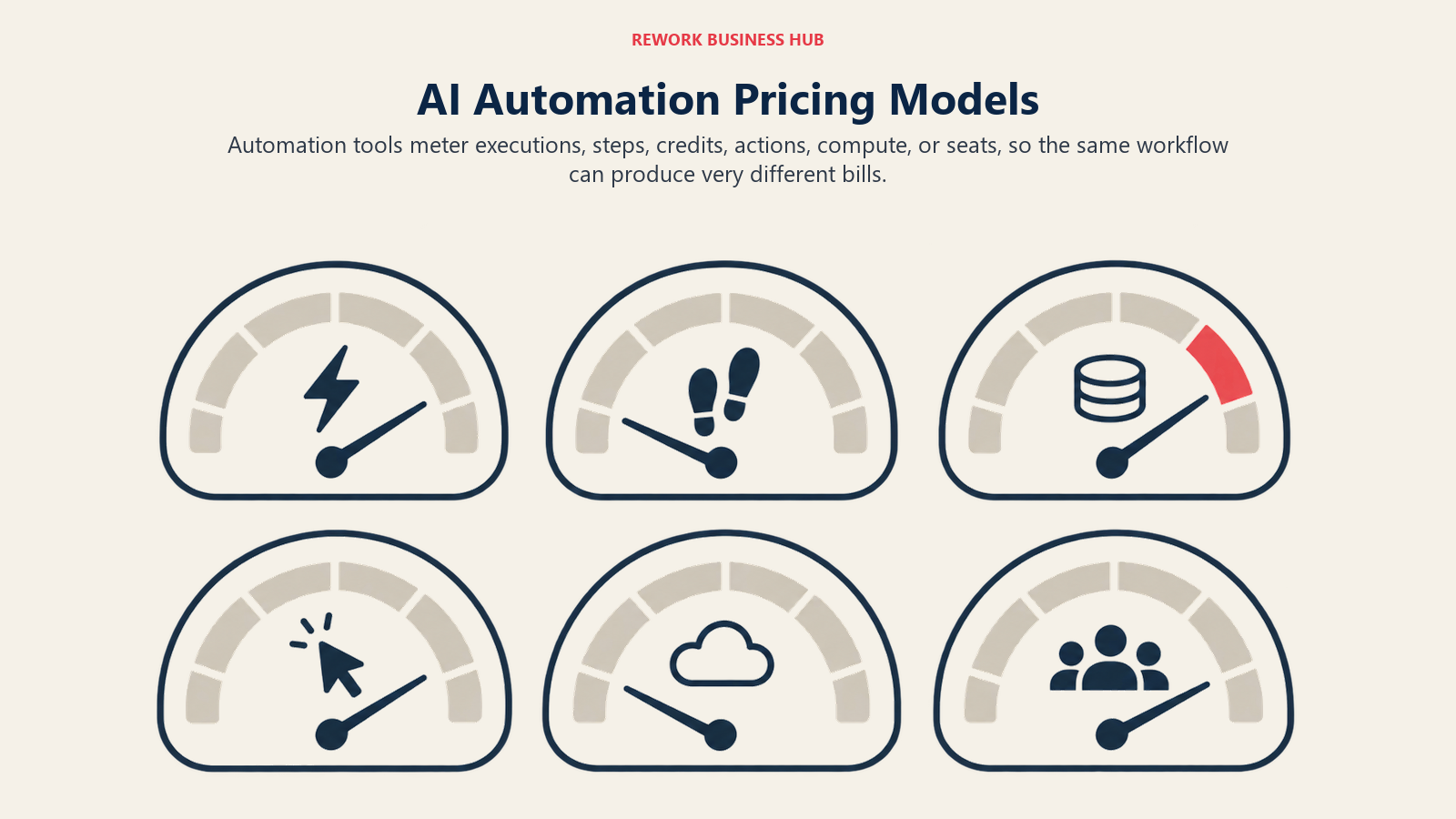
Billing unit is the most common reason a Gumloop buyer shops around, so here's what each vendor meters, from each vendor's own pages.
| Tool | Billing unit | What one unit buys | Published rate? |
|---|---|---|---|
| Gumloop | Credit | $0.005 of model cost, 1 credit minimum per tool call, 5 credits per compute minute | Yes, $37 for 20,000 |
| Lindy | Credit, shared pool per workspace | Work done by Lindy; about one cent each | Yes, $29.99 per seat |
| n8n | Execution | One whole workflow run | Yes, €20 to €667 |
| Zapier Agents | Activity | One agent step, capped per run | Yes, Free and Pro |
| Make | Credit | Usually 1 per module action; AI features use more | From $9 for 10,000 |
| Relevance AI | Action plus Vendor Credit | An agent running a tool; wholesale model cost | Yes, $19 and $234 annual |
| Activepieces | Credit | 1 per run; AI steps 2, 10 or 20 | Yes, $20 and $200 |
| Dify | Message credit | Model calls on Dify's provider quota | Yes, annual per workspace |
| Pipedream | Credit | 1 credit per 30 seconds of compute | Yes, $99 |
| Workato | Task and edition limits | Not defined on the page | No |
Don't compare these rates head to head. An n8n execution can contain fifty steps, a Make credit is usually one step, and a Gumloop credit is a slice of model spend. Run the same real task through your top two and compare invoices, not rate cards.
The Cost of One Credit, Roughly
The next table divides each plan's price by its credits. It's a back-of-envelope guide to unit cost, not a forecast, because the units mean different things.
| Plan | Price | Credits per month | Price per credit |
|---|---|---|---|
| Gumloop Pro | $37 | 20,000 | about $0.0019 effective ($0.005 list) |
| Lindy Team (one seat) | $29.99 | 3,000 | about $0.01 |
| Activepieces Plus | $20 | 10,000 | $0.002 |
| Make (entry, 10,000 credits) | $9 | 10,000 | $0.0009 |
| Pipedream Startup | $99 annual | 10,000 | about $0.0099 |
The spread is the lesson. Make and Activepieces charge a tenth of a cent or two per unit because a unit is one step or one run. Lindy and Gumloop charge more per unit because a unit includes model work. For a high-volume, low-judgment job like syncing leads, the cheap units win by a mile. For an agent that reads a long thread and decides, the per-unit price matters less than how many units the task eats.
Reading Vendor Claims
Every vendor here has a headline. Lindy cites a 4.9 G2 rating, Gumloop names customers without publishing metrics, Zapier says its allowances reset monthly even on annual plans. These are vendor statements. Ask for the denominator behind any "saves 80%" figure, and trust your own pilot over any dashboard.
Build Style and Stage Fit
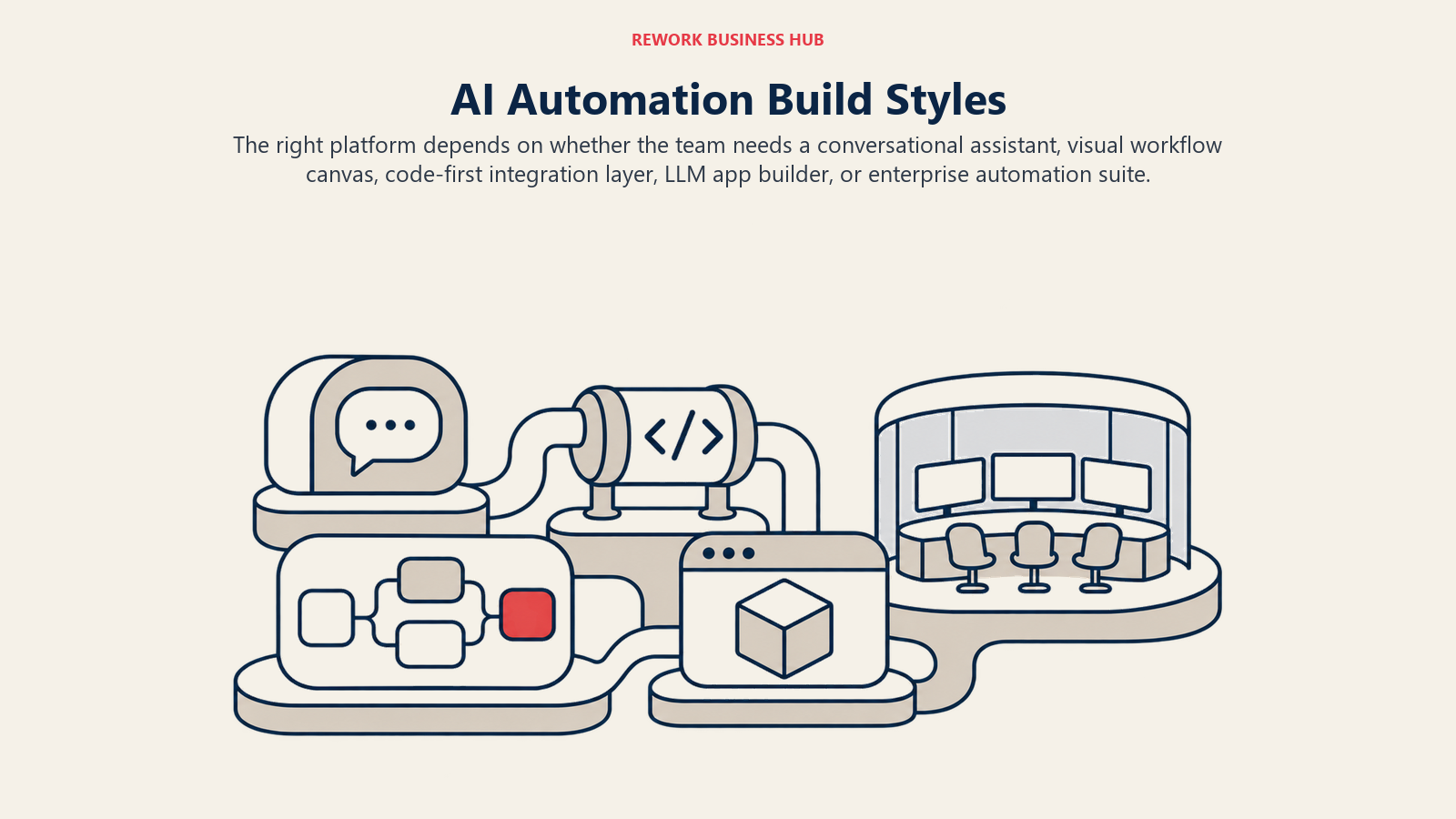
The practical difference between these automation tools is not feature count but how work gets built, governed, and maintained at your team’s current stage. Compare the construction model and operating skill required before deciding which platform can move from a small pilot into dependable production workflows.
| Tool | How you build | Technical skill needed | Where AI sits |
|---|---|---|---|
| Lindy | Describe tasks in chat, teach by example | Low | The AI is the worker |
| n8n | Node canvas, code nodes allowed | Medium to high | AI nodes inside workflows |
| Zapier Agents | Describe an agent, give it apps | Low | Agent layered over Zaps |
| Make | Scenario canvas | Low to medium | AI modules and agents in scenarios |
| Relevance AI | Agent builder with tools | Medium | The agent decides, tools execute |
| Activepieces | Flow builder, TypeScript pieces | Low to medium | AI steps in flows |
| Dify | Visual LLM app builder | Medium | Prompt, RAG and workflow orchestration |
| Pipedream | Code-first workflows | High | Code calls models |
| Workato | Recipes and agent studio | Medium, plus admins | Governed agents |
| Stage | Best fit | Why |
|---|---|---|
| Solo or tiny team prototyping | Zapier free, Make free, Activepieces free | Free tiers with no card |
| Small ops team, first agents | Lindy, Zapier Agents, Relevance AI | Fast setup, published plans |
| Growing team, many automations | Make, n8n, Gumloop | Volume economics and shared workspaces |
| Technical team, control matters | n8n, Activepieces, Dify, Pipedream | Self-hosting or code access |
| Enterprise, governance first | Workato, Gumloop Enterprise | SSO, audit logs, quotes |
Sizing and Persona
| Tool | Team size sweet spot | Typical buyer |
|---|---|---|
| Lindy | 3-100 | Founder, ops lead, chief of staff |
| n8n | 5-500 | Automation engineer, IT |
| Zapier Agents | 1-500 | Ops manager, marketer |
| Make | 1-200 | Ops builder, agency |
| Relevance AI | 5-200 | RevOps, sales ops |
| Activepieces | 1-100 | Technical founder, IT |
| Dify | 5-500 | AI engineer, product team |
| Pipedream | 2-100 | Developer |
| Workato | 500+ | CIO, platform team |
These ranges are judgment calls, not vendor claims. They're a starting point for the shortlist, not a rule.
A few patterns hold up in practice. Per-seat pricing, like Lindy's, feels cheap at three people and expensive at thirty, because every active user is billed. Pooled pricing, like Gumloop's unlimited seats or Activepieces' flat plans, flips that: the first month looks pricier, and the tenth teammate costs nothing extra. Run-based pricing, like n8n's, rewards a few long workflows over many tiny ones. And developer-leaning tools like Pipedream and Dify are cheap in dollars but cost engineering hours, so count the salary behind the build before you call them free.
1. Lindy: An AI Employee Instead of a Canvas
Lindy is the alternative for teams that read Gumloop's builder-first pitch and think "I don't want to build, I want to delegate." Its homepage describes an AI employee for whole teams that "plugs into your tools, learns how you work, and takes real work off your plate," with 40+ built-in skills, editable memory stored as plain files, scheduled Routines, a Watch and Learn feature, meeting notes, phone calls, and a browser. It works through Slack, iMessage, email and the browser, and claims 1,500+ integrations plus MCP support.
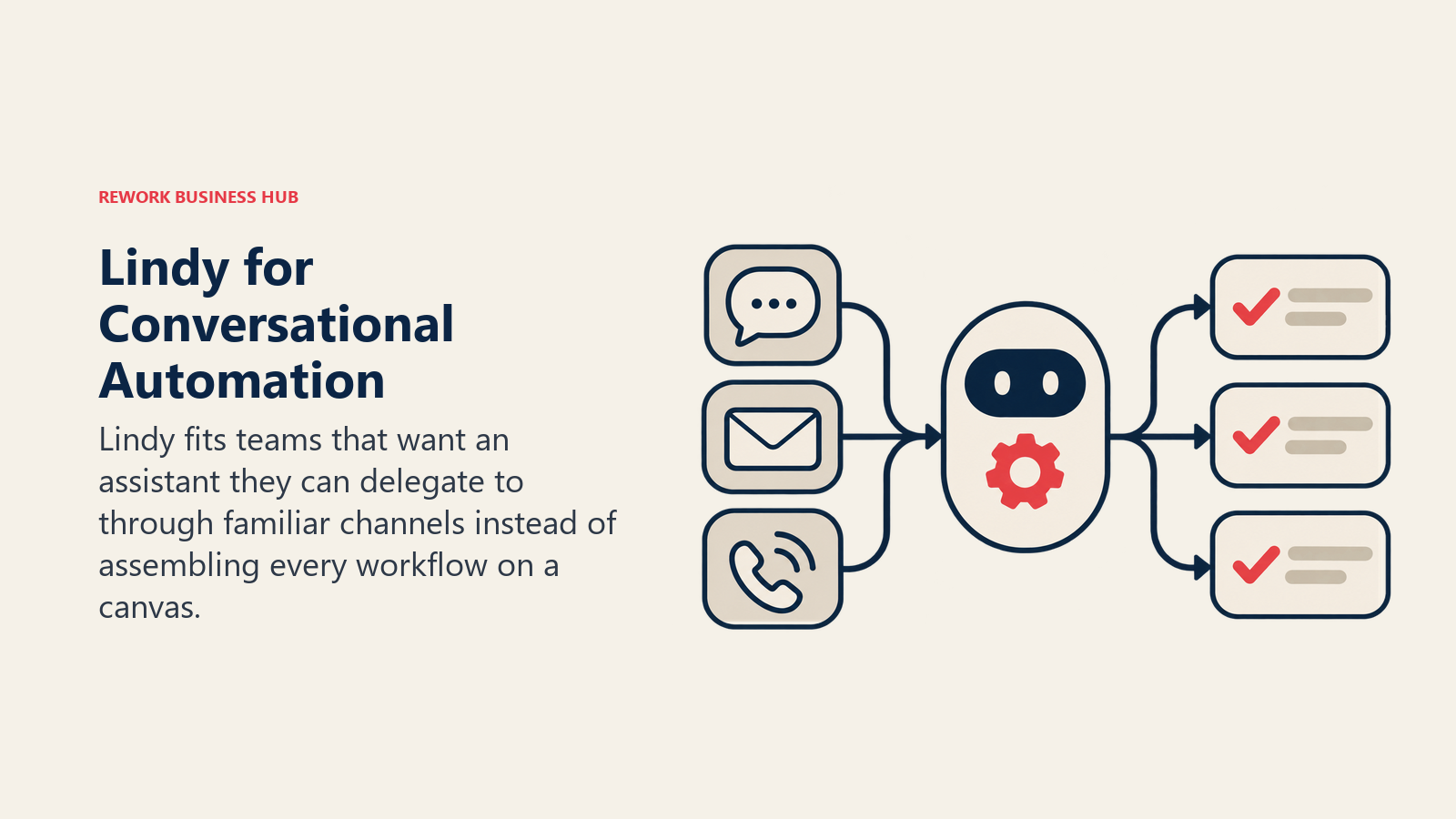
Pricing, per Lindy's pricing page: a Free plan with $50 in credits that lasts 7 days, Team at $29.99 a month per seat with 3,000 credits per seat, and custom Enterprise. Every active user is billed, and all seats share one pool. Everyday asks use 2 to 250 credits, deep research 250 to 1,000, and larger builds 1,000 to 2,500. Monthly credits don't roll over, top-ups cost $10 per 1,000 and don't expire, and when credits run out, actions pause. No annual price is listed.
| What you get | What you don't |
|---|---|
| Conversational setup with no node graph | Seat fees on top of credits |
| Memory, routines and phone calls | Credits drain faster on heavy reasoning |
| Shared credit pool with no surprise bills | Free credits last only 7 days |
Pricing: $29.99 per seat per month with 3,000 credits; top-ups $10 per 1,000. Source: lindy.ai/pricing.
Best for: Teams that want to hand work to an assistant. Not ideal for: structured, high-volume pipelines. See best Lindy alternatives and Lindy vs Zapier Agents.
2. n8n: Pay for Runs, Not Steps
n8n is the usual answer when a technical team wants Gumloop-style AI workflows without a model-meter bill. The unit is the execution: per n8n's pricing page, "an execution is a single run of your entire workflow," and step count or data volume doesn't change that. A fifty-step workflow with three model calls is still one execution.
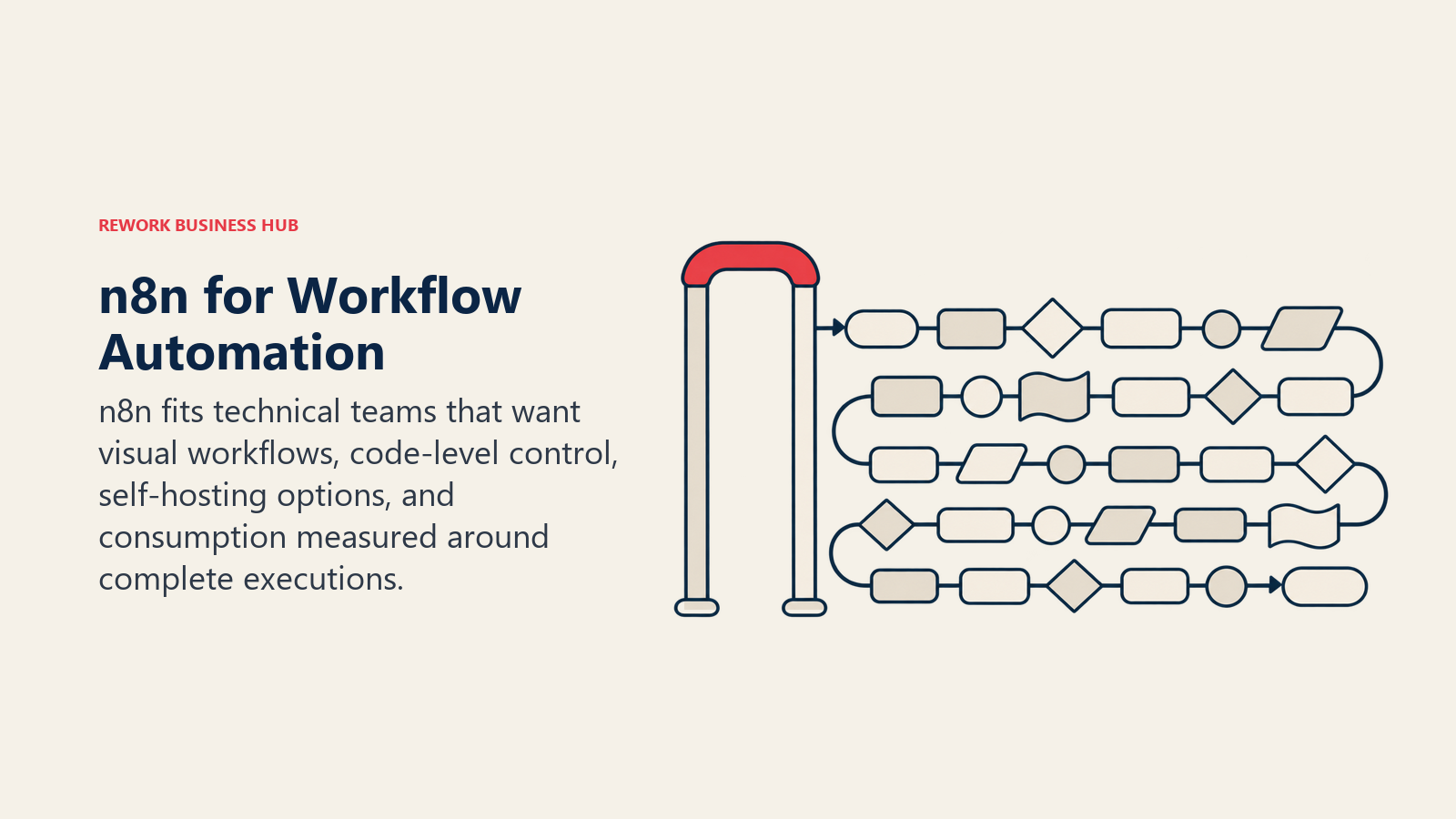
Cloud plans are Starter at €20 a month billed annually for 2,500 executions, Pro at €50 for 10,000, Business at €667 for 40,000 (self-hosted only), and Enterprise on request. The page lists annual prices only. Starter and Pro overages are capped. A standard self-hosted version is on GitHub, and its license is the Sustainable Use License, which allows use for your own internal business or non-commercial purposes but not redistribution for a fee. That matters if you plan to resell or embed it.
| What you get | What you don't |
|---|---|
| Per-run pricing that ignores step count | You supply the model keys and pay providers directly |
| Self-hosting available | Needs engineering support in production |
| Code nodes when the canvas runs out | Source-available with use restrictions, not a permissive license |
Pricing: Starter €20, Pro €50, Business €667 per month, billed annually. Source: n8n.io/pricing.
Best for: Technical teams with volume and data-control needs. Not ideal for: non-technical teams who want an agent described in plain English. See best n8n alternatives.
3. Zapier Agents: The Agent Inside the Platform You Already Use
If your business already runs on Zaps, the cheapest switch is the one with no migration. Zapier's agents page describes AI teammates that connect to your business data and "perform tasks across 9,000+ apps."
Agents are an add-on with their own meter, per Zapier's pricing page: Free includes 400 activities a month, Pro includes 1,500 activities starting around $33.33 a month on annual billing, and Enterprise is custom and listed as coming soon. Activities are shared across the account on Team and Enterprise, a run is capped at 10 activities on Free and 40 on paid plans, and activities don't draw from your task pool. The underlying Zapier plans are Free (100 tasks), Professional from $19.99 a month billed annually ($29.99 monthly), and Team from $69 annually ($103.50 monthly). Annual billing is discounted 33% off the monthly rate.
| What you get | What you don't |
|---|---|
| 9,000+ apps without extra integration work | Two meters: tasks and activities |
| A real free tier for agents | Run caps of 10 or 40 activities |
| Monthly or annual billing | Allowances reset monthly even on annual plans |
Pricing: Agents Pro about $33.33 per month billed annually; Zapier Professional from $19.99 per month annual. Source: zapier.com/pricing.
Best for: Teams with Zapier already in production. Not ideal for: anyone trying to avoid per-task billing. See best Zapier alternatives.
4. Make: Cheap Credits for Visual Builders
Make is the closest like-for-like for teams that like Gumloop's visual canvas but want lower unit costs. Credits are the billing unit: per Make's help center, fixed-rate apps typically use 1 credit per operation, while AI and advanced features can use more. Make's pricing page lists a Free plan at 1,000 credits a month and says annual payment in advance costs less than monthly.
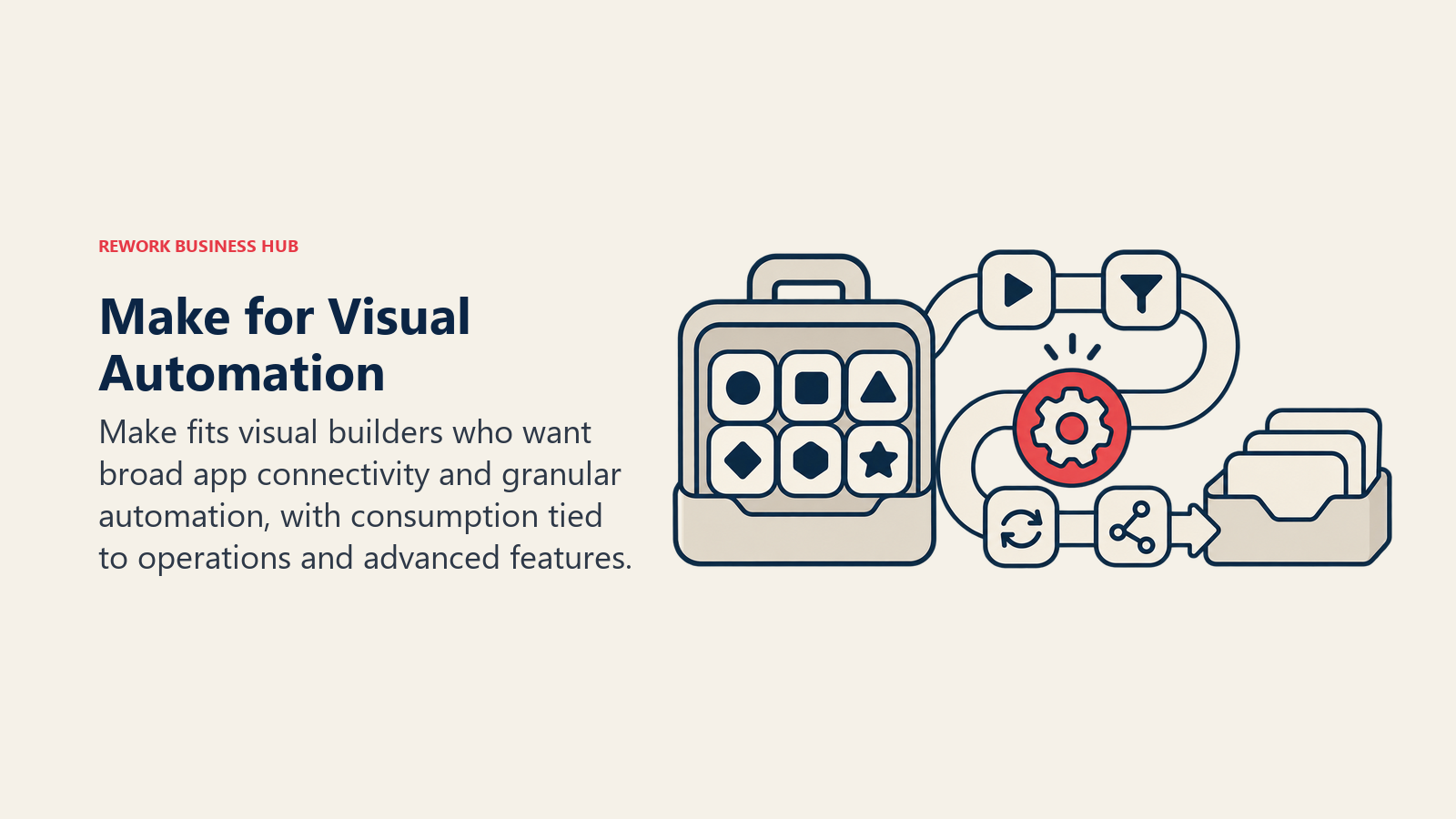
On dollars, Make's comparison page says paid plans start at $9 for 10,000 credits a month, with Pro at $16 and Teams at $29 at the same 10,000 credits. Make's blog lists Core at $12 and Teams at $38. Credits expire at the end of the term, and when they run out, scenarios stop until more are added. Make's blog also says native AI agents and AI tools add reasoning steps inside a scenario.
| What you get | What you don't |
|---|---|
| Low cost per unit | AI features use more than one credit |
| AI agents inside visual scenarios | Credits expire at term end |
| Buy extra credits in bundles | Scenarios stop when credits run out |
Pricing: Paid plans from $9 per month for 10,000 credits; Core listed at $12 on Make's blog. Source: make.com pricing.
Best for: Ops builders who want volume economics. Not ideal for: teams who want a plain-language agent. See best Make alternatives.
5. Relevance AI: Agent Metering With a Published Price
Relevance AI is the most agent-native alternative on this list, and its credit docs separate two costs most vendors blur together. Per its pricing documentation, an Action is counted each time an agent runs a tool, and a Vendor Credit covers LLM and tool usage at wholesale cost with no markup. You can bring your own API keys to bypass vendor credits.
Pro is $19 a month billed annually ($29 monthly), with 30,000 Actions a year (2,500 a month) and $240 in Vendor Credits a year ($20 a month), 2 build users and 1 project. Team is $234 a month annually ($349 monthly), with 84,000 Actions a year and $840 in Vendor Credits a year, 5 build users and 45 end users. Top-ups are $80 per 1,000 Actions and $20 per 10,000 Vendor Credits. Vendor Credits roll over while you're subscribed; plan Actions reset at renewal. The docs say the Free plan is retired for new and existing accounts.
| What you get | What you don't |
|---|---|
| Two meters you can reason about | Free plan retired |
| Bring-your-own keys option | Small Pro allowance of build users |
| Credits that roll over | Marketing page now leads with enterprise |
Pricing: Pro $19 per month billed annually ($29 monthly); Team $234 annually ($349 monthly). Source: relevanceai.com docs.
Best for: Sales and ops teams building a handful of serious agents. Not ideal for: hobby projects with no budget. See best Relevance AI alternatives.
6. Activepieces: Open Source With a Simple Credit
Activepieces describes itself on GitHub as an open source replacement for Zapier, and it exposes its pieces as MCP servers for tools like Claude Desktop and Cursor. The Community Edition is MIT licensed, with enterprise features under a separate commercial license.
The pricing page lists Free at $0 with 1,000 credits a month and five seats, Plus at $20 a month flat for 10,000 credits and five seats with bring-your-own AI keys, Team at $200 a month flat for 50,000 credits and 25 seats with SSO, Ultimate custom, and Embed from $36,000 a year. Each run costs one credit regardless of steps. AI steps cost 2 credits on a fast model, 10 on a smart model and 20 on a frontier model, and your own keys drop an AI step to 1. Extra credits on Plus and Team cost $0.007 each. Annual billing is offered but annual prices aren't listed.
| What you get | What you don't |
|---|---|
| MIT-licensed core you can self-host | Fewer pieces than Zapier |
| Flat pricing with generous seats | Annual prices aren't listed |
| Run-based credits | Less agent-specific tooling than Gumloop |
Pricing: Free; Plus $20 per month; Team $200 per month. Source: activepieces.com/pricing.
Best for: Small technical teams that value open source. Not ideal for: buyers who need a huge connector catalog. See best Activepieces alternatives.
7. Dify: When the Product Is the LLM App
Dify is a different animal: its GitHub page calls it an open-source LLM app development platform combining workflows, RAG pipelines, agent capabilities, model management and observability. It's available as Dify Cloud, a self-hosted Community Edition under the Dify Open Source License (Apache 2.0 with additional conditions), and Dify Enterprise.
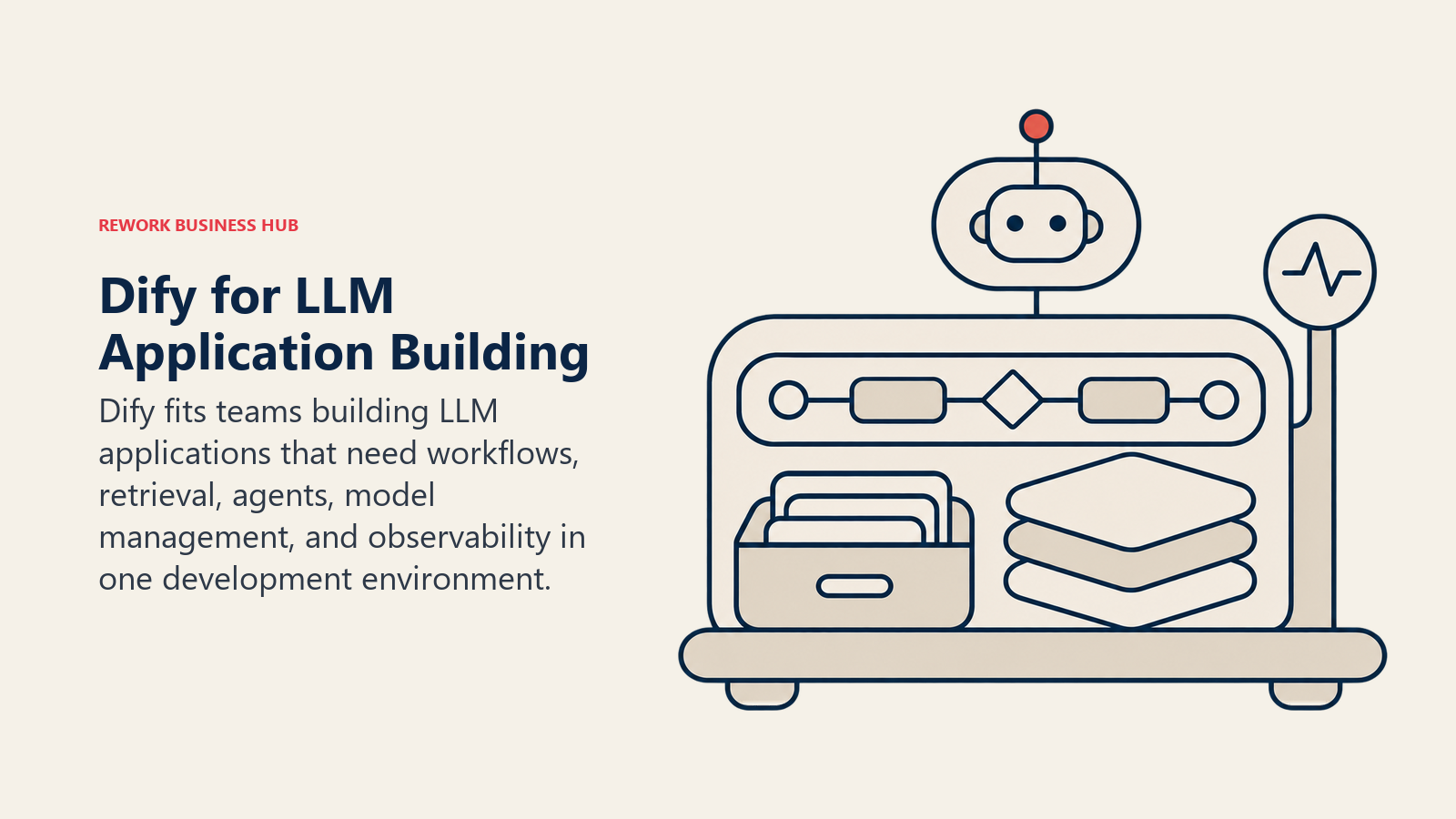
Per Dify's pricing, Cloud has a free Sandbox with 200 message credits, Professional at $590 per workspace per year with 5,000 message credits a month, 3 members and 50 apps, and Team at $1,590 per workspace per year with 10,000 message credits, 50 members and 200 apps. Monthly and annual options exist, and annual is advertised as saving 17%, but only annual prices are listed. After message credits run out, you switch to your own API key.
| What you get | What you don't |
|---|---|
| Strong RAG and workflow orchestration | More developer-leaning |
| Self-hostable Community Edition | License carries added conditions |
| Per-workspace pricing | Annual prices only on the page |
Pricing: Sandbox free; Professional $590 per workspace per year; Team $1,590. Source: dify.ai/pricing.
Best for: Teams shipping LLM-powered apps. Not ideal for: business users who just want to wire apps together. See best open-source AI agent frameworks.
8. Pipedream: Code-First Glue, Now Inside Workday
Pipedream suits developers who want agents and triggers wired to APIs in code. Its pricing page lists a Free plan for development (3,000+ connectors, 10,000+ prebuilt tools and triggers, unlimited team members, no production), Startup at $99 a month billed annually or $150 monthly with production, 100 external users and 10,000 usage credits, and a custom Business plan. A credit is 1 per 30 seconds of compute for actions, MCP tool calls, proxy requests and deployed trigger events, and extra credits cost $0.012 each.
Ownership changed: Workday's release announced the deal, and Workday's fiscal 2026 results say it closed. Check how that fits your vendor policy.
| What you get | What you don't |
|---|---|
| Free development with full API access | Production needs Startup |
| Code-friendly, 3,000+ connectors | Not a no-code tool |
| Compute-based credits | Now part of Workday |
Pricing: Startup $99 per month billed annually ($150 monthly). Source: pipedream.com/pricing.
Best for: Developers building agent tooling. Not ideal for: non-technical teams. See Zapier vs Workato vs Pipedream.
9. Workato: The Enterprise Governance Route
Workato is the right alternative when the question isn't price but control. Its pricing page publishes no dollar figures, directing buyers to sales, and describes editions: Standard, Business MCP (adds pre-built MCP servers and an AI/MCP gateway), Enterprise MCP, and Workato ONE (adds Agent Studio and Workato GO). Consumption is tracked by capability, such as workflows, API management and event streams, in a usage dashboard. Workato Pre-Packaged Genies is an optional add-on, and agentic pricing isn't detailed.
| What you get | What you don't |
|---|---|
| Governance, concurrency and on-prem agents | No published price |
| MCP gateway and Agent Studio | Contract and implementation overhead |
| Enterprise support | Overkill for small teams |
Pricing: Pricing on request. Source: workato.com/pricing.
Best for: Enterprises with SAP, Workday or ServiceNow estates. Not ideal for: teams under a few hundred people. See best Workato alternatives.
10. Flowise: Sunset, So Plan an Exit Not an Entry
Flowise was an open-source visual builder for AI agents, and it appears on many older Gumloop comparisons. Its sunset notice sets July 29, 2026 as the code freeze, August 10, 2026 for the GitHub repository to become a public archive, and August 31, 2026 as end of life. The code stays on GitHub under Apache 2.0 and the notice encourages forks. It doesn't say what happens to hosted Flowise Cloud, whose pricing page still shows Free, Starter at $35 and Pro at $65 a month.
| What you get | What you don't |
|---|---|
| Apache 2.0 code you can fork | No maintainers after end of life |
| Visual agent builder | No upgrade path named |
| Low legacy pricing | Unclear cloud future |
Pricing: Free; Starter $35 and Pro $65 per month as listed. Source: flowiseai.com.
Best for: Teams already running it who need time to migrate. Not ideal for: any new project. If you're leaving Flowise, Dify and Activepieces are the open-source options above.
Who Should Stay on Gumloop
Switching has a cost: you rebuild agents, retest and retrain people. Staying makes sense when:
| Situation | Why staying makes sense |
|---|---|
| Your agents are live and your credit use is predictable | The 20,000-credit Pro pool already fits your volume |
| You want unlimited seats | Per-seat tools like Lindy get pricey as the team grows |
| IT needs access control | Gumloop's pitch is builders plus IT oversight |
| The pain is the bill only | Use the credit math in the docs to find the expensive nodes |
| You need agents, triggers and a browser in one place | Few alternatives bundle all three |
If cost is the complaint, turn on spend caps and review which agents burn the most credits before leaving. Gumloop's docs show an agent chat of 400 reasoning, 10 compute and 15 tool-call credits comes to 459 with the 8% fee, about $2.30. Knowing which agents cost that much tells you whether the problem is Gumloop or the design.
How to Choose: Decision Framework
For the wider market, see best AI agent platforms, best no-code AI agent builders and best AI automation tools.
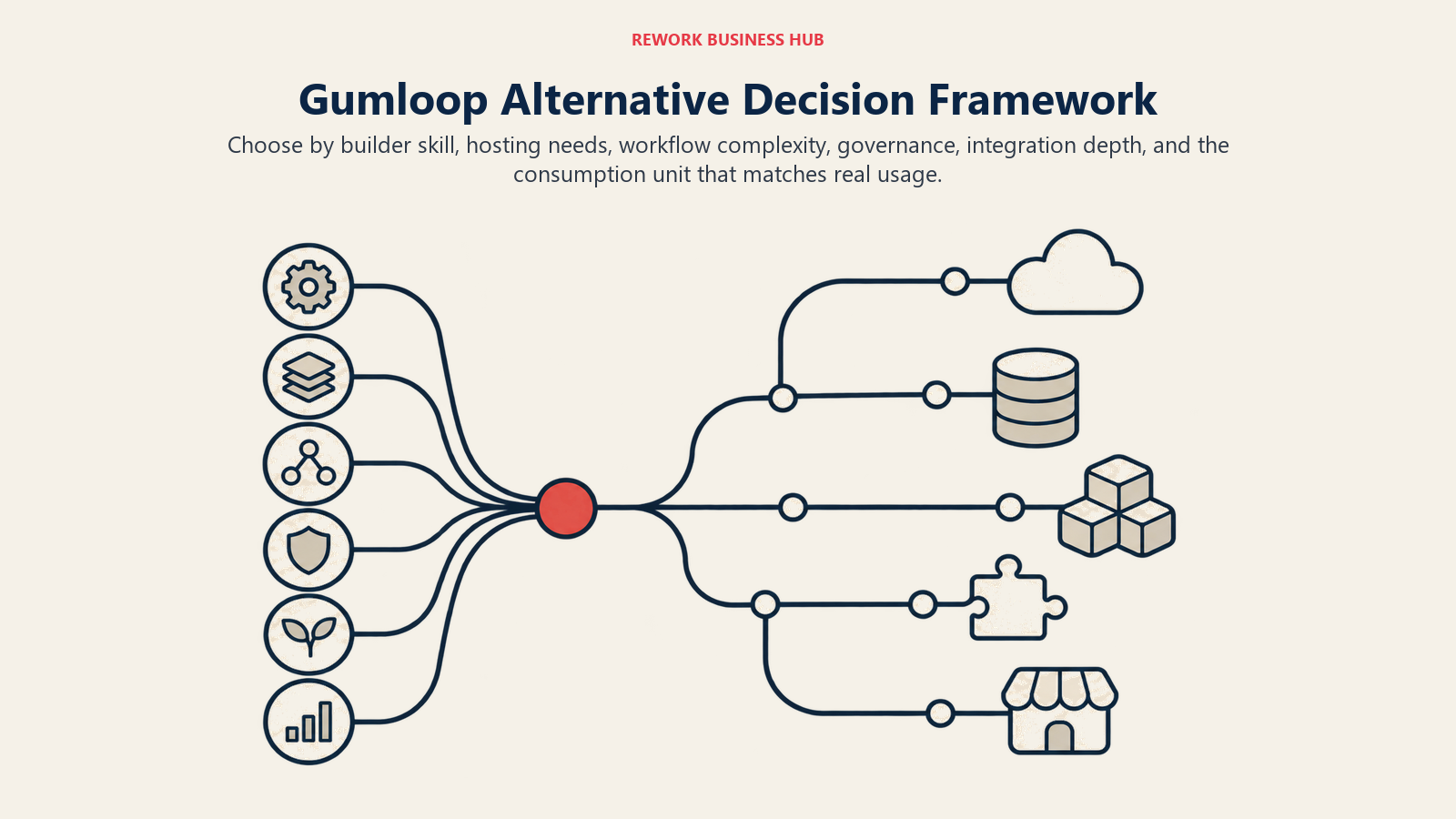
| If you need... | Pick... | Why |
|---|---|---|
| An assistant you talk to | Lindy | Slack, email and phone, shared credits |
| Pay per run, self-host option | n8n | One execution regardless of steps |
| No migration from Zapier | Zapier Agents | 9,000+ apps, free 400 activities |
| The lowest cost per step | Make | Entry from $9 for 10,000 credits |
| Published agent pricing | Relevance AI | Actions and Vendor Credits split |
| MIT-licensed, flat pricing | Activepieces | $20 for 10,000 credits |
| An LLM app with RAG | Dify | Open-source LLM platform |
| Code-first agent plumbing | Pipedream | Developer tooling, 3,000+ connectors |
| Enterprise governance | Workato | Editions with MCP gateway |
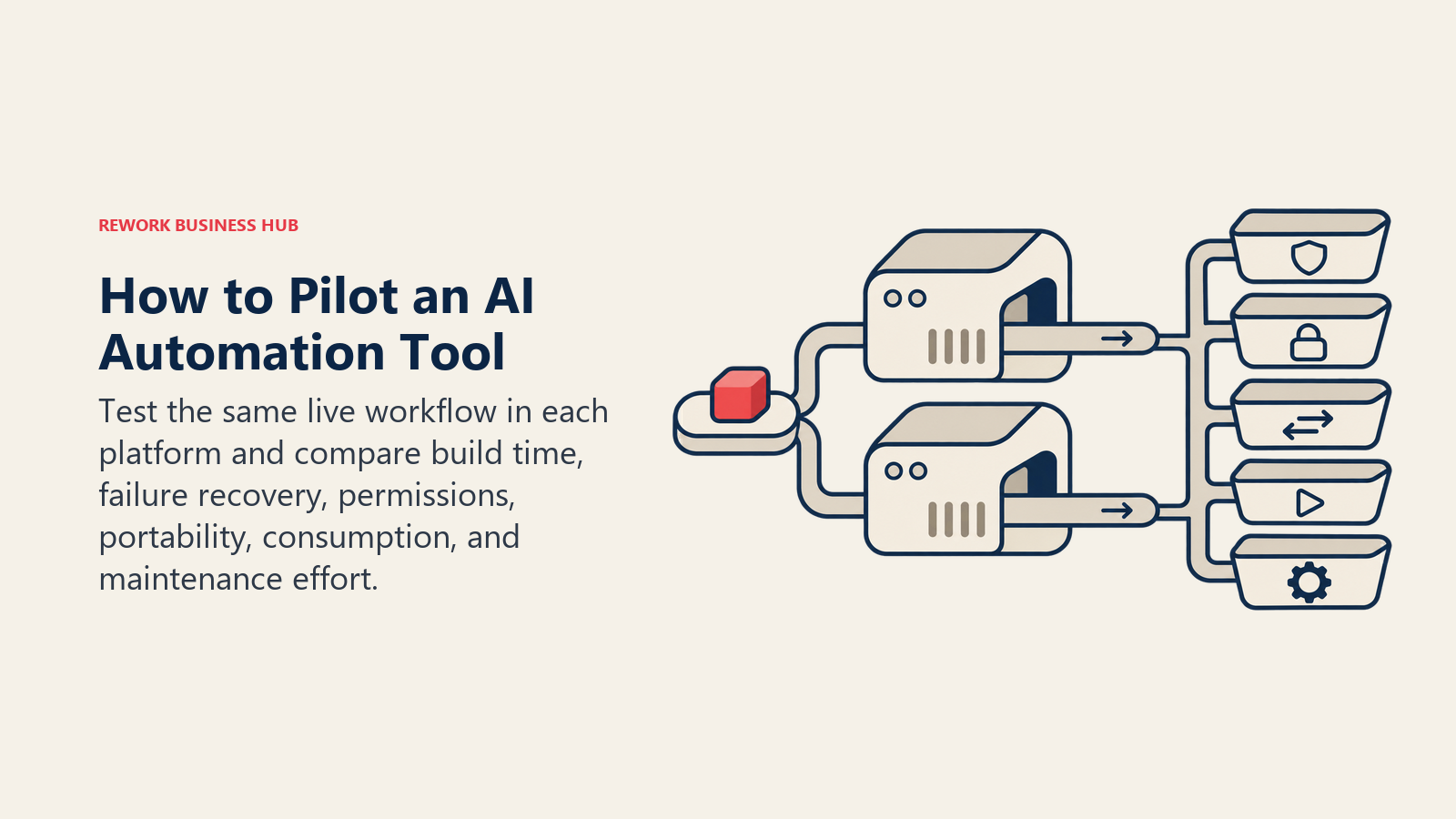
What to Test in a Pilot
| Test | What to measure | Red flag |
|---|---|---|
| Real cost per task | Credits or runs for 50 actual jobs | Vendor picks the sample |
| Failure handling | Does a failed step charge you? | Silent retries that bill |
| Free-plan limits | Can you build before buying? | Trial expires before launch |
| Permissions | Can IT see and limit access? | Shared admin logins |
| Exit path | Can you export flows and prompts? | Everything lives in the vendor |
Run each pilot for two weeks on live work, with one agent doing one job you care about, not the easiest demo. Log every unit consumed, compare it to the invoice, and write down who owns the agent after launch. An agent without an owner drifts on any platform.
Frequently Asked Questions about Gumloop Alternatives
How much does Gumloop cost?
Gumloop Pro starts at $37 a month and includes 20,000 credits, with unlimited seats and an 8% orchestration fee on agent chats. There's no free plan, but Pro comes with a 14-day trial. Enterprise is custom priced.
What is a Gumloop credit?
A credit is $0.005, so $1 buys 200. Model calls bill at cost, every successful tool call costs at least 1 credit, and compute is 5 credits per active minute. Credits don't roll over on Pro.
Is there a free Gumloop alternative?
Yes. Zapier, Make, Activepieces, Pipedream (for development) and Dify's Sandbox all have free plans, and n8n's self-hosted Community Edition has no license fee.
What is the best Gumloop alternative for non-technical teams?
Lindy and Zapier Agents are the easiest starts, because you describe the work instead of drawing a graph. Make is the better pick if you're comfortable with a visual canvas.
Which alternative is best for self-hosting?
n8n and Activepieces both offer self-hosting, and Dify has a Community Edition. n8n uses the Sustainable Use License, Activepieces' core is MIT, so check the license against your plans.
Is Flowise still a good option?
No, not for new work. Its end of life is August 31, 2026, though the Apache 2.0 code stays available to fork.
Are credits comparable across these tools?
Not directly. A Make credit is usually one step, an n8n execution is a whole workflow run, and a Gumloop credit is a slice of model spend. Compare invoices from the same real task.
What to Do Next
Pick two alternatives that match your reason for leaving, run the same real task through each and through Gumloop, and compare the credits consumed and the bill. If neither beats your Gumloop cost on a like-for-like basis, you've got your answer, and you'll know exactly which agents to tune.

Co-Founder, Rework.com
On this page
- Key Facts
- Why Teams Look Beyond Gumloop
- What Changed in 2026
- Where Gumloop Stands Today
- Quick Comparison Table
- How the Alternatives Charge
- The Cost of One Credit, Roughly
- Reading Vendor Claims
- Build Style and Stage Fit
- Sizing and Persona
- 1. Lindy: An AI Employee Instead of a Canvas
- 2. n8n: Pay for Runs, Not Steps
- 3. Zapier Agents: The Agent Inside the Platform You Already Use
- 4. Make: Cheap Credits for Visual Builders
- 5. Relevance AI: Agent Metering With a Published Price
- 6. Activepieces: Open Source With a Simple Credit
- 7. Dify: When the Product Is the LLM App
- 8. Pipedream: Code-First Glue, Now Inside Workday
- 9. Workato: The Enterprise Governance Route
- 10. Flowise: Sunset, So Plan an Exit Not an Entry
- Who Should Stay on Gumloop
- How to Choose: Decision Framework
- What to Test in a Pilot
- What to Do Next