Best Lindy Alternatives in 2026: 13 AI Agent Builders for Teams That Outgrew Credits
Turn this article into takeaways for your work.


Each assistant summarizes the article only for you and suggests best practices for your work.
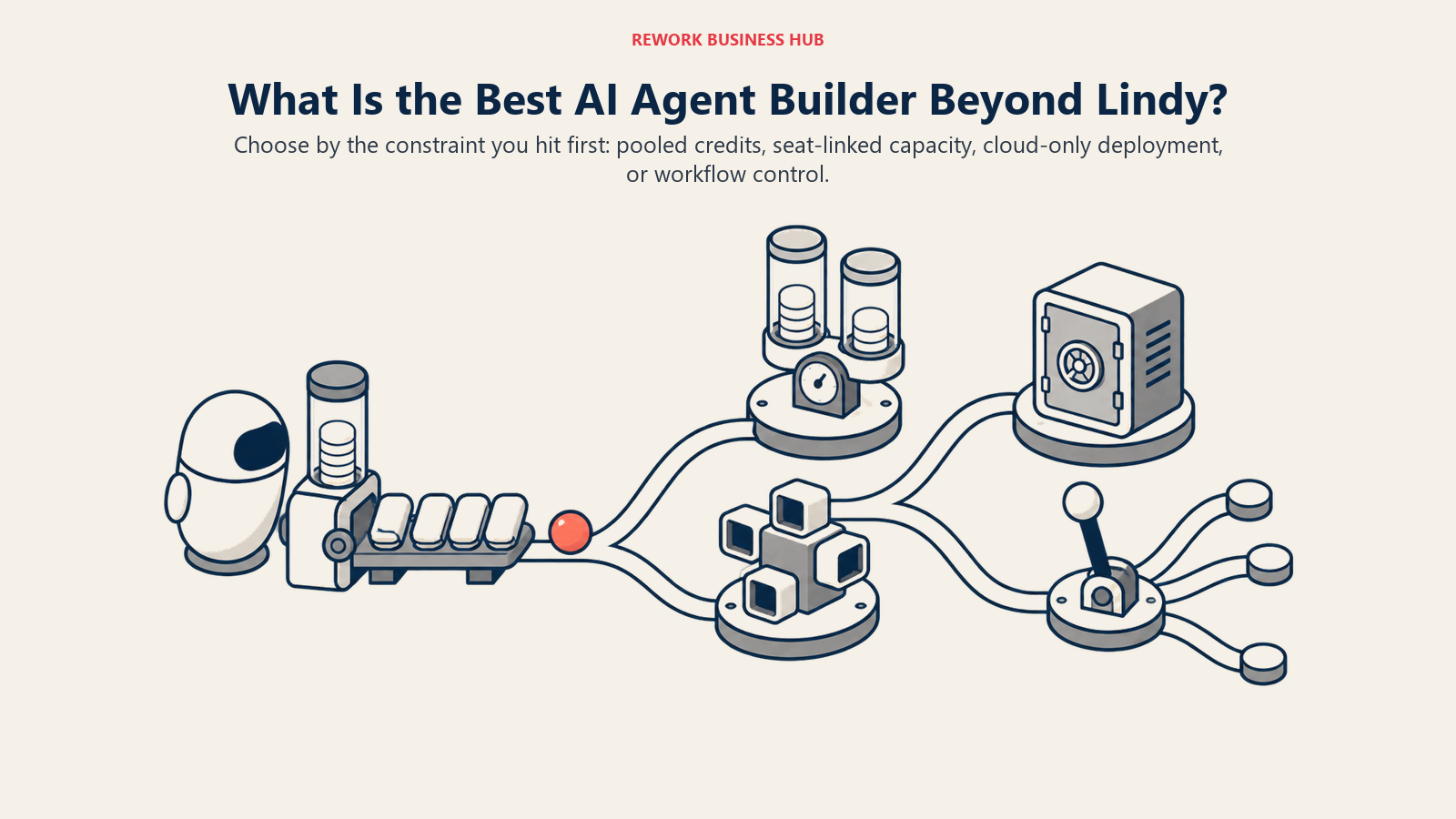
If you're reading this, Lindy probably worked, until it didn't. Maybe the shared credit pool ran dry three weeks into the month with a busy inbox agent still going. Maybe adding a fourth teammate meant a fourth seat, not a bigger pool to draw from. Maybe the job needs an app catalog Lindy doesn't have, a self-hosted deployment your security team will actually approve, or branching logic that outgrew the "AI employee" framing entirely. This guide ranks 13 real alternatives against those specific walls, not a generic feature checklist, and orders them by which wall each one solves best.
Every price below comes from the vendor's own pricing or docs page, with monthly and annual rates called out separately since that's where most "wrong price" complaints start. Where a vendor no longer publishes a self-serve number, that's stated plainly, not guessed at.
Key Facts
- Enterprises buying ready-made AI agent solutions instead of building their own rose from 53% in 2024 to 76% in 2025, per Menlo Ventures' State of Generative AI in the Enterprise.
- Only 16% of what companies call an AI agent in production actually plans, observes, and adapts on its own, per the same Menlo Ventures report; the rest are largely fixed-sequence workflows wearing agent branding.
- Gartner predicts over 40% of agentic AI projects will be canceled by the end of 2027, citing unclear business value and inadequate risk controls as the leading causes.
- 57% of organizations now have AI agents running in production, rising to 67% among enterprises with 10,000 or more employees, per LangChain's State of Agent Engineering survey of 1,340 practitioners.
- The average enterprise runs 897 applications and only 29% are integrated with each other, per MuleSoft's Connectivity Benchmark Report, one reason an agent builder's app catalog often decides whether it can act on anything at all.
Why Teams Look Beyond Lindy
Lindy earns its popularity honestly. Handing an entire job function, like inbox triage or call screening, to one AI "employee" is a faster on-ramp than assembling a workflow step by step, and for a founder or a five-person team it's often the right first move. See how to build an AI agent with Lindy for what that setup looks like, and best AI agent platforms for the full three-class breakdown this guide sits inside. The reasons teams look elsewhere tend to cluster into four walls:
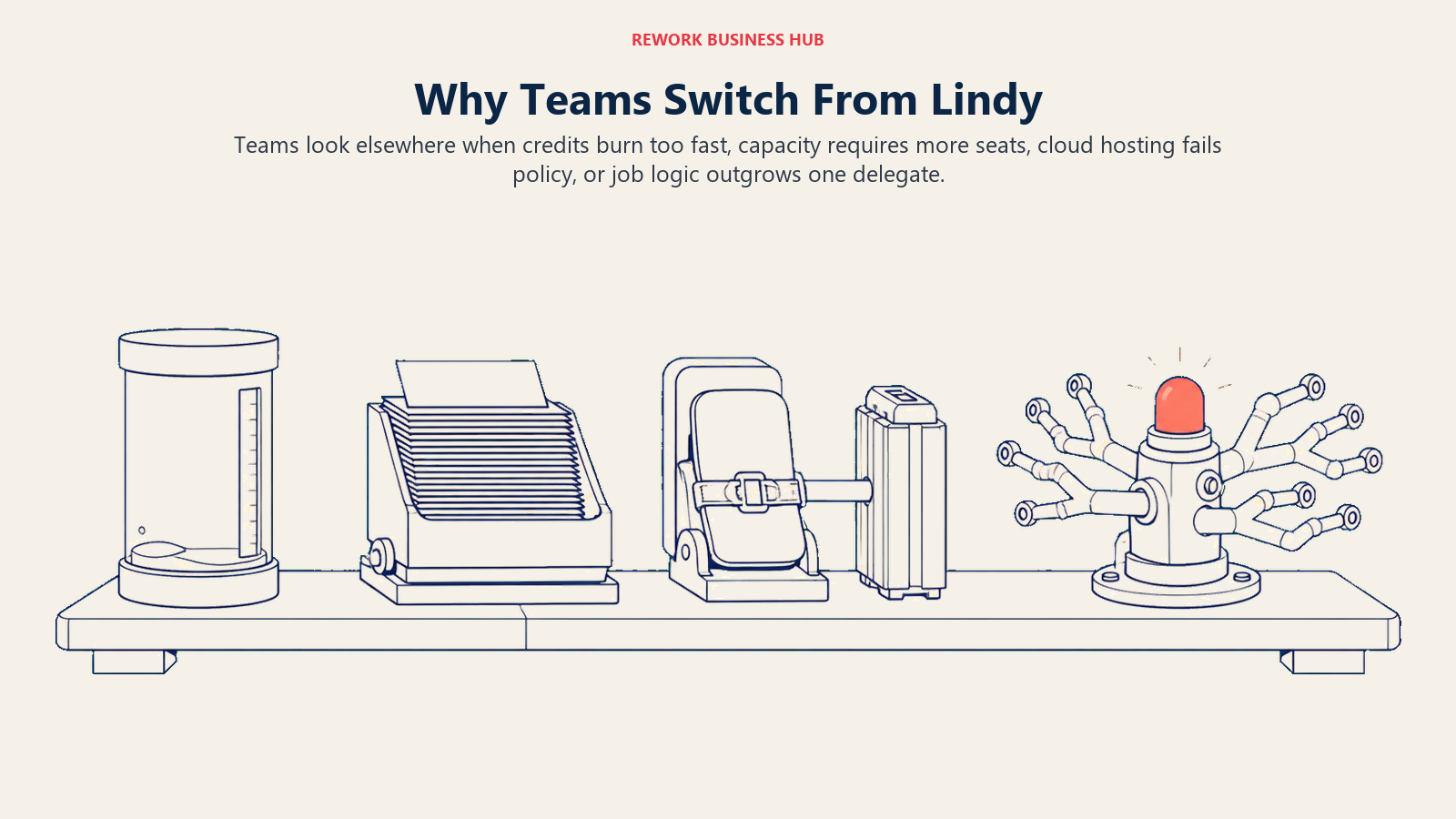
- The credit pool runs out faster than expected. Voice, research, and multi-step runs cost more credits than a single Slack message, and Lindy doesn't publish one flat rate.
- Credits and seats are welded together. Each seat does add its own credits to the shared workspace pool, but Lindy publishes no way to buy more credits without buying another seat, so the only lever for more capacity is more headcount on the bill.
- The workflow needs data residency or self-hosting. Regulated teams, or anyone wanting agent logic on infrastructure they control, outgrow a cloud-only "employee" model fast.
- The logic outgrew "AI employee" framing. Complex branching or deep grounding in one system of record needs real orchestration, not a single delegate.
What a Lindy credit actually buys
Lindy doesn't publish one fixed credit cost per action, since price scales with which AI model runs the task, how many steps it takes, and whether voice is involved. What is published and verifiable is the tier structure itself:
| Plan | Price | Credits per seat (pooled across the workspace) | Cost per credit |
|---|---|---|---|
| Plus | $29.99/month per user | 3,000 | $0.0100 |
| Pro | $99.99/month per user | 15,000 | $0.0067 |
| Max | $199.99/month per user | 35,000 | $0.0057 |
Source: lindy.ai/pricing.
The per-credit rate actually drops as you move up tiers, so the real squeeze is volume and seats together, not the sticker price. Here's that arithmetic for two illustrative workloads, using the range third-party trackers report for Lindy's per-action cost (roughly 1 to 3 credits for a simple action, 5 to 10 or more for a multi-step run on a premium model). Lindy doesn't publish the exact rate, so treat these as estimates built on public tier numbers, not a vendor-confirmed guarantee:
| Workload (illustrative) | Runs per month | Credits at 1-3 per run | Credits at 5-10 per run | Fits comfortably on |
|---|---|---|---|---|
| Light: a handful of scheduled tasks a day | About 440 (20/day, 22 workdays) | 440 to 1,320 | 2,200 to 4,400 | Plus |
| Busy: an agent triaging inbound all day, every day | About 4,500 (150/day) | 4,500 to 13,500 | 22,500 to 45,000 | Pro at best, often forces Max |
Voice adds a separate meter on top: each phone number carries a flat monthly fee, and calls burn credits per minute regardless of tier. Seats and credits move together: two people on Pro is $199.98 a month for 30,000 pooled credits, since every seat contributes its own allocation to one workspace pool. That cuts both ways. You are not paying twice for the same credits, but you also cannot top the pool up without adding another seat. See AI agent cost optimization for the fuller framework on modeling this before you commit.
Quick Comparison Table
| Tool | Best For | Starting Price | Key Strength | Key Limitation |
|---|---|---|---|---|
| Relevance AI | Same AI-workforce framing, transparent dual metering | Free; Pro $19/mo annual | Splits task runs from model cost instead of one pool | Main marketing page now leads enterprise-only |
| Bardeen | Cheapest personal, browser-based delegate | Free trial credits; Basic $10/mo | Runs inside the browser, not a separate app | Smaller connector catalog than Zapier or Make |
| Zapier Agents | Teams that already automate on Zapier | Free; Pro about $33/mo annual | 9,000+ app integrations available as agent tools | Agent pricing runs on its own separate meter |
| Make | Agent logic inside a visual canvas | Free; Core $9/mo annual | AI Agents on every paid plan, no extra SKU | Steeper learning curve than Zapier |
| n8n | Full data control, unlimited self-hosted runs | Free self-hosted; Cloud from about €20/mo | Free, unlimited self-hosted executions | Needs engineering support in production |
| Gumloop | Technical teams wanting visible per-node cost | Pro $37/mo (20k credits) | Bring-your-own API keys, 35+ models | 8% orchestration fee stacks on top of credits |
| Clay | GTM research and outbound, not general delegation | Free; Launch from $167/mo | Purpose-built for enrichment and outbound actions | Overkill and costly for non-GTM use cases |
| MindStudio | Simplest no-code builder, pay-per-use tokens | Free; Individual $20/mo ($16 annual) | Unlimited agents and runs, no token markup | Thin free tier caps at 1,000 runs/month |
| Stack AI | Retrieval-heavy internal knowledge agents | Free; Enterprise custom | RAG-native workflow builder | Vendor page now skips straight to Enterprise |
| Dust | Company-wide knowledge agents, not one delegate | Free; Pro $30/mo ($24 annual) | Seat-bundled credits, 20+ models included | Free tier's 500 credits are lifetime, not monthly |
| Microsoft Copilot Studio | Microsoft 365 and Azure-standardized orgs | User license free; credits $200/mo per 25k | SharePoint, Dataverse, Teams grounding built in | Credit consumption is hard to estimate upfront |
| Salesforce Agentforce | Salesforce-standardized CRM automation | Flex Credits $500/100k; Conversations quote-only | Native reasoning over live Salesforce data | Two pricing models that can't coexist in one org |
| CrewAI | Full engineering control, no credit meter at all | Free (open source) | Fastest path to a working multi-agent crew | Hosted platform's free tier caps at 50 runs/month |
Sizing and Stage Fit
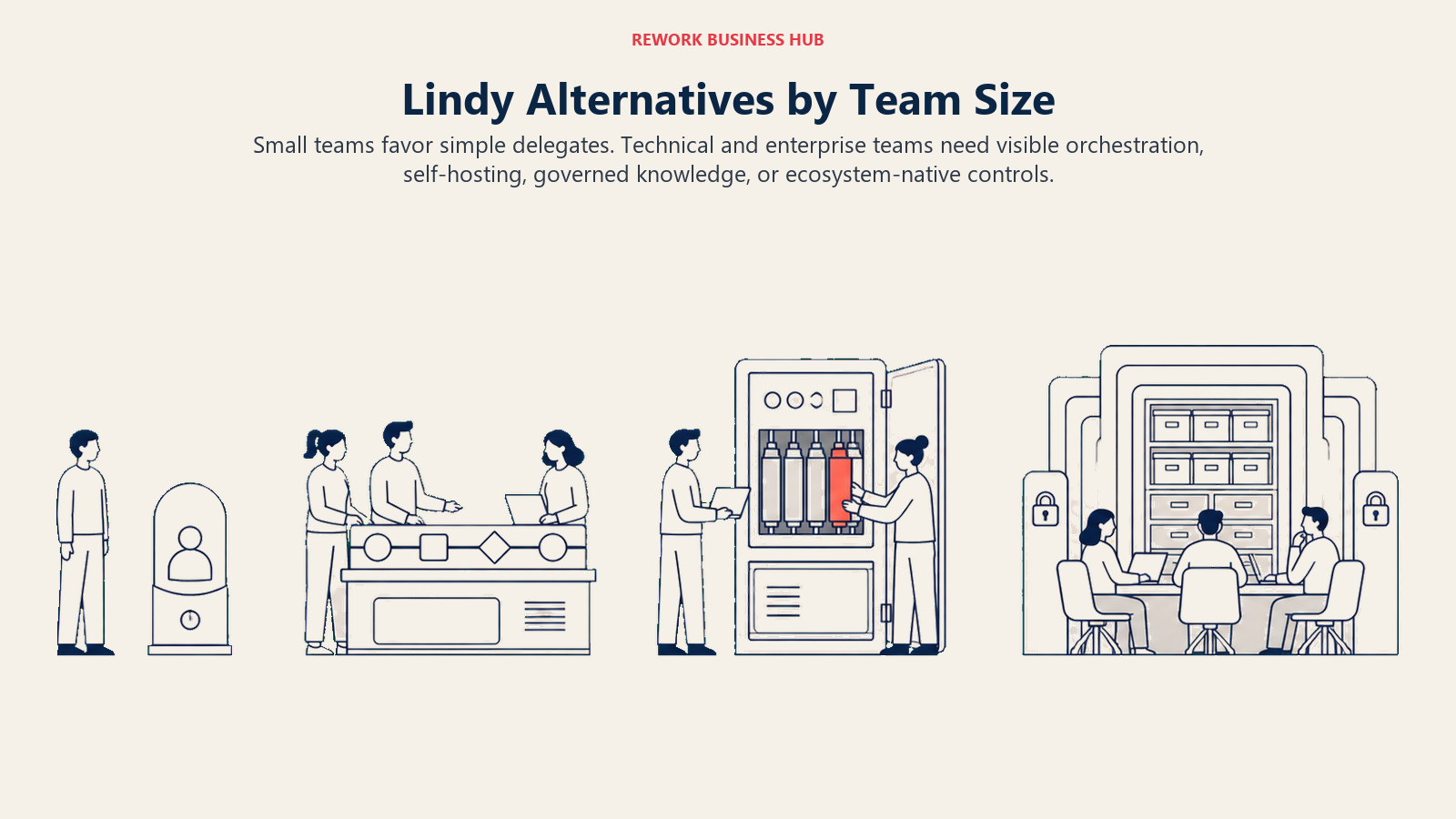
The useful dividing line is not company size alone. It is how much orchestration, data control, and ongoing technical ownership the team can support.
| Tool | Team Size Sweet Spot | Technical Skill Needed | Pricing Model | Data Control |
|---|---|---|---|---|
| Relevance AI | 1-20 | Low to medium | Dual meter: Actions plus Vendor Credits | Cloud only |
| Bardeen | 1-10 | Low | Credit pool, scales with browser actions | Cloud only |
| Zapier Agents | 1-200 | Low | Separate activity meter atop core Zapier | Cloud only |
| Make | 5-200 | Low to medium | Flat credit tiers, same across AI Agents | Cloud only |
| n8n | 5-500+ | Medium to high | Flat execution tiers, or free self-hosted | Self-hosted option available |
| Gumloop | 5-50, technical ops | Medium | Credit pool plus 8% orchestration fee | Cloud, bring-your-own API keys |
| Clay | 1-50, GTM teams | Low to medium | Actions plus data credits | Cloud only |
| MindStudio | 1-50 | Low | Flat seat fee plus pay-per-use tokens | Cloud only |
| Stack AI | 1 to enterprise | Medium | Free, or custom Enterprise | Cloud; VPC and on-prem at Enterprise |
| Dust | 5-500+ | Low to medium | Seat-bundled credits | Cloud only |
| Microsoft Copilot Studio | 50-10,000+ | Medium | Tenant-wide prepaid credit packs | Microsoft cloud tenant |
| Salesforce Agentforce | 50-10,000+ | Medium | Per-conversation or Flex Credits | Salesforce cloud |
| CrewAI | 1 to unlimited, engineering teams | High | Free framework, pay only for model API calls | Fully self-hosted option |
No-Code Delegate Builders (Closest to Lindy's Framing)
These two keep Lindy's core pitch, a single AI "employee" you delegate a job to, but change how the meter works underneath.
1. Relevance AI: Transparent Dual Metering Instead of One Pool
Relevance AI's bet is legibility: instead of one opaque credit pool, it splits cost into two meters, Actions (how many times a workflow runs) and Vendor Credits (the model compute those runs consume). For a team that got burned not knowing which part of a Lindy bill came from volume versus model, seeing those numbers separately is the appeal. What changed in 2026: Relevance AI's marketing page (relevanceai.com/pricing) now leads with enterprise, sales-gated messaging, so the self-serve numbers below come from its docs page instead.
| What you get | What you don't |
|---|---|
| Two separate, legible usage meters instead of one pool | Marketing pricing page no longer shows self-serve tiers directly |
| 2,000+ integrations and unlimited agents at Enterprise | Free tier caps at 200 Actions/month, thin for daily use |
| Add-on Actions and Vendor Credits sold separately if you run out | Two meters to budget instead of one, more to track |
Pricing: Free ($0, 200 Actions/month, $2 one-time bonus Vendor Credits). Pro $19/month billed annually or $29/month billed monthly (2,500 Actions/month, $20 Vendor Credits/month). Team $234/month billed annually or $349/month billed monthly (7,000 Actions/month, $70 Vendor Credits/month). Enterprise custom. Extra Actions cost $80 per 1,000; extra Vendor Credits cost $20 per 10,000. Source: relevanceai.com/docs/get-started/pricing.
Best for: Teams that liked Lindy's AI-workforce framing but want to see task volume and model cost as two separate, legible numbers instead of one shared pool. For a deeper head-to-head, see best Relevance AI alternatives.
2. Bardeen: The Cheapest Way to Delegate From Inside the Browser
Bardeen's angle is narrower and cheaper than most of this list: it runs as a browser extension that delegates tasks directly inside the tabs you already have open, LinkedIn, Gmail, spreadsheets, without a separate app to configure. For a solo operator or small team whose "agent" work is mostly web-based research and data entry, that's a lighter on-ramp than a full workflow platform.
| What you get | What you don't |
|---|---|
| Runs inside the browser you already work in, no new app | Smaller connector catalog than Zapier, Make, or n8n |
| Entry tier at $10/month, the cheapest paid plan on this list | Enrichment actions cost 3 credits each, burn faster than simple ones |
| Free monthly credit allotment to start without paying | Less suited to complex, multi-step branching logic |
Pricing: Free tier included with a starting credit allotment. Basic $10/month (100 credits/month). Premium $50/month or $480/year (1,000 credits/month, or 12,000/year on the annual plan, about a 20% discount). Enterprise custom, billed annually. Source: bardeen.ai/pricing.
Best for: Solo operators and small teams whose delegated work is mostly browser-based research, enrichment, and data entry, and who want the cheapest possible paid entry point.
Workflow-Automation Platforms That Added Agents
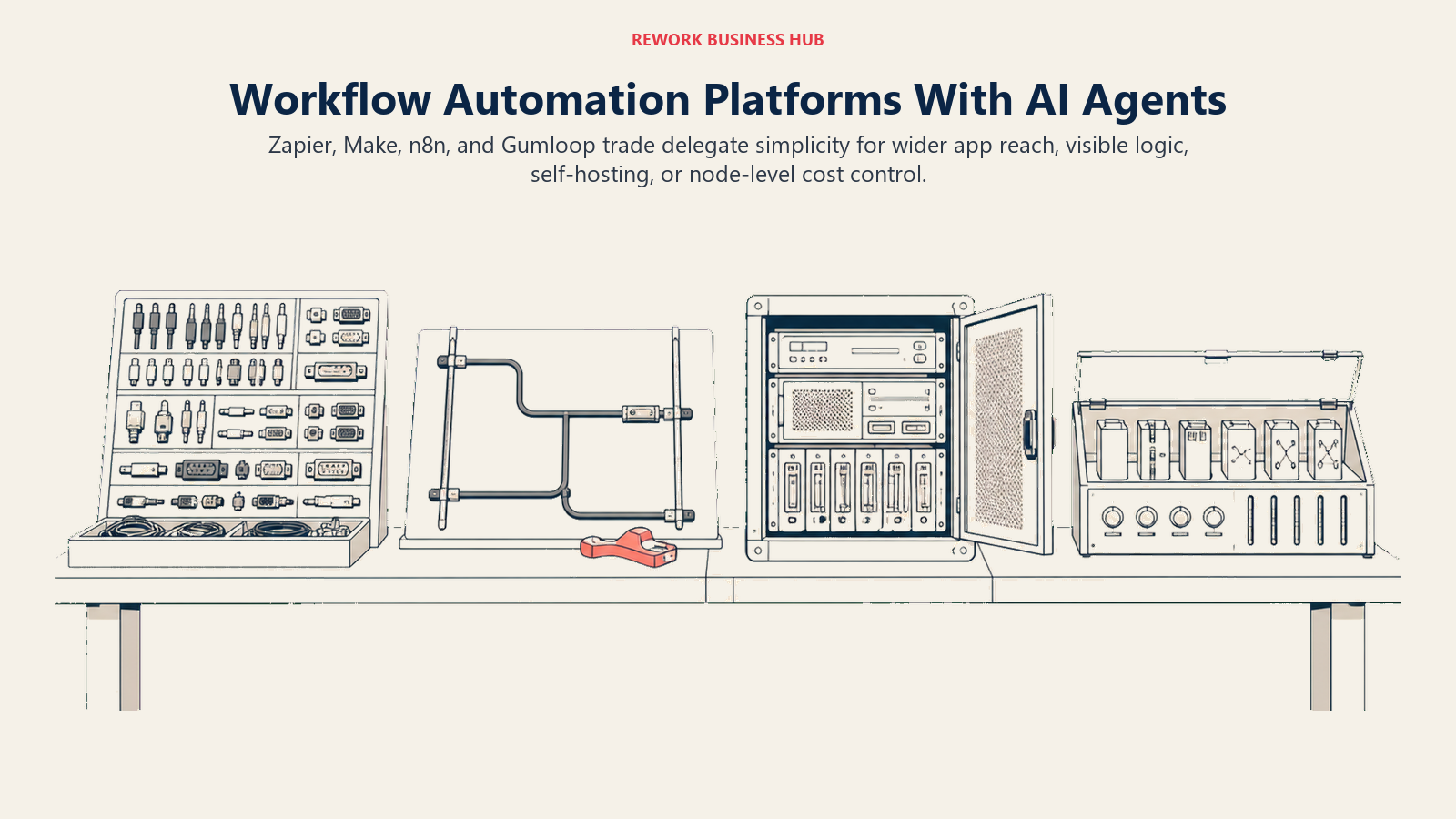
These platforms started as automation tools and added an agent layer on top, trading some of Lindy's "single employee" simplicity for a wider app catalog or more control over where the workload runs. See no-code vs code AI agents for that tradeoff, and best no-code AI agent builders for a ranking focused only on this class.
3. Zapier Agents: Widest App Catalog for an Agent to Call as Tools
Zapier's bet is that the fastest way to a working agent is giving it access to the automation platform teams already run. Zapier Agents sits atop core Zapier, letting an agent reason over a task and call any of its 9,000-plus app integrations as a tool, rather than follow one fixed trigger-then-action sequence. For a team that left Lindy because it needed an integration Lindy doesn't have, this is usually where it lives.
| What you get | What you don't |
|---|---|
| 9,000+ app integrations available as agent tools | Agent pricing runs on its own separate meter from core Zapier |
| No-code, natural-language agent building | Non-technical builders may still need a Zapier admin |
| Works alongside existing Zaps without a rebuild | Not built for deep custom or branching logic |
Pricing: Zapier Agents: Free (400 agent activities/month). Pro $400/year, about $33/month (1,500 activities/month). Enterprise custom. Core Zapier, which Agents runs on top of: Free (100 tasks/month), Professional from $19.99/month annual, Team from $69/month annual. Source: zapier.com/pricing.
Best for: Teams already automating on Zapier that need an agent to reach into an app catalog wider than Lindy's. If this is your shortlist, Lindy vs Zapier Agents works the two meters against each other at realistic volumes.
4. Make: AI Agents Built Into the Visual Canvas
Make's bet is that agent reasoning should live in the same visual Scenario Builder teams already use, not a separate bolted-on product. AI Agents ship on every paid plan, no extra SKU the way Lindy or Zapier price agent capability separately. For teams that want to see exactly which step an agent took and why, Make's visual debugging shows every decision inline.
| What you get | What you don't |
|---|---|
| AI Agents on every paid plan, no separate SKU to buy | Steeper learning curve than Zapier for non-technical builders |
| Visual, step-by-step debugging of each agent decision | 1,700+ integrations, fewer than Zapier's catalog |
| Choice of Make's AI provider or bring your own LLM key | Smaller pre-built agent template library than Lindy's |
Pricing: Free ($0, 1,000 credits/month, 2 active scenarios). Core $9/month billed annually (10,000 credits/month). Pro $16/month. Teams $29/month. Enterprise custom. Source: make.com/en/pricing.
Best for: Technical-leaning ops teams that want agent reasoning inside a visual canvas without paying for a separate agent product on top.
5. n8n: Self-Hosted Control With Full LangChain Access
n8n's philosophy is that automation infrastructure should be something you own outright, not rent. Every plan, including the free self-hosted Community edition, ships the same AI Agent node, built on LangChain primitives, wired up visually or extended with raw JavaScript. For a team leaving Lindy specifically for data residency or self-hosting, n8n is usually the first stop. Building an AI agent with n8n covers the setup.
| What you get | What you don't |
|---|---|
| Free, unlimited self-hosted AI agent executions | Needs engineering support to run well in production |
| JavaScript escape hatch inside any node | Cloud tiers priced in EUR, less familiar for USD budgets |
| Full LangChain tool, memory, and parser access | Business tier requires self-hosting for SSO and Git control |
Pricing: Community edition free, self-hosted, unlimited executions. Cloud Starter about €20/month annual (roughly $22 USD; 2,500 executions/month, 2,300 AI credits/month). Cloud Pro about €50/month annual (roughly $54 USD; 10,000 executions/month, up to 13,700 AI credits/month). Business about €667/month annual (roughly $720 USD), self-hosted with SSO/SAML (40,000 executions/month). Enterprise custom. Source: n8n.io/pricing.
Best for: Technical teams and regulated industries that left Lindy specifically for data control, and want agent workflows running on infrastructure they own.
6. Gumloop: Visible Per-Node Cost for Technical Teams
Gumloop's pitch sits between a no-code builder and a developer tool: workflows are built node by node, but each node's model and cost are visible and swappable, including bringing your own API key to bypass Gumloop's markup entirely. That transparency directly answers the "where did my credits go" complaint that drives people off Lindy.
| What you get | What you don't |
|---|---|
| Bring-your-own API keys to control model spend directly | No published free self-serve tier beyond a trial |
| 35+ models selectable per node, unlimited agents | 8% orchestration fee applies on top of credit usage |
| Concurrent workflow runs and agent chats built in | Only 5 concurrent workflow runs on the Pro tier |
Pricing: Pro $37/month (20,000 credits/month, unlimited agents, 5 concurrent workflow runs, 25 concurrent agent chats, 8% orchestration fee). Enterprise custom, with volume discounts on the orchestration fee. Source: gumloop.com/pricing.
Best for: Technical ops teams that want node-level visibility into what's consuming credits, with the option to bring their own model keys.
Vertical and Simple No-Code Builders
7. Clay: Purpose-Built for GTM Research and Outbound
Clay isn't a general-purpose agent builder, and that's the point. If Lindy's job was mostly lead research, enrichment, and outbound personalization, Clay does that one job with far deeper data sources than a general delegate, at the cost of being the wrong tool for anything outside GTM.
| What you get | What you don't |
|---|---|
| Deep data-provider network built specifically for enrichment | Wrong tool for anything outside sales and marketing research |
| Separate Actions and Data Credits meters, easy to model cost | Starting price is higher than any other builder on this list |
| Expandable tiers up to 200,000 actions/month | Enterprise requires an annual commitment |
Pricing: Free ($0, 500 actions/month, 100 data credits/month). Launch from $167/month (15,000 actions/month, 3,000 data credits/month). Growth from $446/month (40,000 actions/month, 6,000 data credits/month). Enterprise custom, annual commitment required. Source: clay.com/pricing.
Best for: Sales and marketing teams whose Lindy use case was mostly research, enrichment, and outbound, not general job delegation.
8. MindStudio: The Simplest No-Code Builder, Pay-Per-Use Tokens
MindStudio strips the model away from the markup: agents run on whichever of 200-plus AI models you pick, billed at cost with no MindStudio surcharge, while the platform fee stays flat regardless of agent or run count.
| What you get | What you don't |
|---|---|
| Unlimited agents and unlimited runs on the paid tier | Free tier caps at 1,000 runs/month, thin for daily use |
| Pay-per-use AI model tokens with no MindStudio markup | Business tier features (SSO, audit logs) are custom-priced only |
| Flat $20/month fee regardless of how many agents you run | Fewer integrations than Zapier, Make, or n8n |
Pricing: Free ($0 plus usage, 1 agent, 1,000 runs/month). Individual $20/month, or $16/month billed annually (unlimited agents and runs, usage billed separately). Business custom. Source: mindstudio.ai/pricing.
Best for: Small teams that want the simplest possible no-code builder and are comfortable paying model costs directly instead of through a credit markup.
Knowledge-Work and Enterprise-Lite Platforms
Built for retrieval over a company's own documents and data, closer to an internal knowledge layer than a single delegated employee.
9. Stack AI: Retrieval-Native Workflow Builder
Stack AI's core strength is grounding agents in a company's own documents and data through native retrieval-augmented generation, aimed at internal knowledge work rather than general task delegation. What changed in 2026: Stack AI's pricing page now shows only two tiers, Free and Enterprise. Third-party trackers report a Starter tier around $199/month and a Team tier around $899/month, but neither figure appears on the vendor's own page, so treat those as unconfirmed.
| What you get | What you don't |
|---|---|
| Native RAG for grounding agents in company documents | Vendor page now jumps straight from Free to Enterprise |
| SOC 2, HIPAA, and GDPR compliance options at Enterprise | No confirmed mid-market price between Free and custom |
| On-premises and VPC deployment for regulated teams | Free tier caps at 500 runs/month, 2 projects, 1 seat |
Pricing: Free ($0, 500 runs/month, 2 projects, 1 seat). Enterprise custom (dedicated infrastructure, solution engineers, on-premises and VPC options, SSO). Source: stackai.com/pricing.
Best for: Teams whose Lindy use case was really internal knowledge retrieval, and who are prepared to go straight to an Enterprise conversation once the free tier is outgrown.
10. Dust: Company-Wide Knowledge Agents, Not One Delegate
Dust's model is seat-based rather than employee-based: every person on the team gets a seat with a bundled credit budget, drawing on 20-plus models from OpenAI, Anthropic, Google, Mistral, and DeepSeek, aimed at giving a whole company access to grounded agents rather than delegating one job to one bot. What changed in 2026: Dust moved to this credit-metered, per-seat structure mid-year, from its earlier unlimited fair-use model.
| What you get | What you don't |
|---|---|
| Seat-bundled credits, no separate agent-versus-platform fee | Free tier's 500 credits are lifetime, not renewing monthly |
| Access to 20+ frontier models included in every paid seat | Per-seat pricing scales the way Lindy's does as the team grows |
| Pro and Max annual pricing meaningfully cheaper than monthly | Overhauled pricing structure is new enough to still be settling |
Pricing: Free ($0, 500 credits, lifetime allotment). Pro $30/month, or $24/month billed annually (8,000 credits/month). Max $150/month, or $120/month billed annually (40,000 credits/month). Enterprise custom. Source: dust.tt/home/pricing and docs.dust.tt/docs/subscriptions.
Best for: Companies that want every employee equipped with grounded agents drawing on the same knowledge base, not one delegate handling one function.
Enterprise Managed Suites
For a team already standardized on Microsoft or Salesforce, the ecosystem you're already paying for is usually a stronger agent platform than any standalone tool. See enterprise AI agent platforms for a ranking focused only on this class.
11. Microsoft Copilot Studio: Microsoft 365 and Azure Grounding
Copilot Studio's core strength is grounding an agent in whatever an organization already has in SharePoint, Dataverse, and Microsoft Graph, with no separate data pipeline to build. Billing runs on Copilot Credits, pooled at the tenant level rather than metered per user the way Lindy's seats work, efficient at scale but harder to estimate upfront.
| What you get | What you don't |
|---|---|
| Native SharePoint, Dataverse, and Teams grounding | Credit consumption varies a lot by task complexity |
| Copilot Studio user license itself is free | Real budgeting needs a usage estimate, not a sticker price |
| Tenant-wide pooling instead of per-seat credit silos | Weakest fit for organizations outside the Microsoft stack |
Pricing: Copilot Studio user license free. Tenant Copilot Credits: a prepaid pack of 25,000 credits costs $200/month on an annual commitment, about $0.008 per credit, or pay-as-you-go via Azure at roughly $0.01 per credit with no commitment. Source: Microsoft's official Copilot Studio licensing documentation.
Best for: Microsoft 365 and Azure-standardized organizations that want agents grounded in data they already store there, without per-seat credit silos.
12. Salesforce Agentforce: Deepest Native CRM Grounding
Agentforce reasons directly over live Salesforce data, accounts, cases, opportunities, with no integration layer in between. For a Salesforce shop that adopted Lindy for CRM-adjacent tasks, Agentforce closes that gap entirely. The catch in 2026 is pricing complexity: Agentforce runs on two separate, incompatible pricing models that can't operate in the same org at once.
| What you get | What you don't |
|---|---|
| Native reasoning over live Salesforce records | Two pricing models that can't coexist in one org |
| No integration layer between agent and CRM data | Real cost is hard to forecast until usage patterns settle |
| Enterprise Edition includes 100,000 free credits | Requires an underlying Salesforce license to use at all |
Pricing: Flex Credits model, $500 per 100,000 credits (one standard action equals 20 credits, about $0.10), for employee and voice use cases. Enterprise Edition orgs get 100,000 free credits via Salesforce Foundations. Source: Salesforce's official Agentforce pricing help article.
Best for: Salesforce-standardized sales and service orgs automating work that already lives inside CRM records. For a deeper head-to-head against Agentforce specifically, see best Agentforce alternatives, and for Copilot Studio, best Copilot Studio alternatives.
Open-Source and Developer Framework
Open-source frameworks remove the packaged credit meter, but the trade is direct ownership of orchestration, model selection, deployment, and maintenance.
13. CrewAI: Zero Credit Meter, Full Engineering Control
CrewAI is the one entry on this list with no credit meter at all. It's an open-source Python framework you install and code against: define agents by role (researcher, writer, reviewer), give each a goal and tools, and let CrewAI handle handoffs. For a team that outgrew "AI employee" framing and has engineering capacity to spend, this is the escape hatch from per-seat and per-credit pricing altogether. See open-source AI agent frameworks for a ranking focused only on this class.
| What you get | What you don't |
|---|---|
| No credit meter, no seat price, the framework itself is free | Requires an engineer to build and maintain, unlike a no-code tool |
| Role-based API that's readable without deep framework knowledge | Hosted platform's free tier caps at 50 executions/month |
| Full control over which model runs each agent, at API cost only | No built-in app catalog the way Zapier or Make have |
Pricing: Open-source Python framework free (MIT license). Hosted platform Basic tier free (50 workflow executions/month, visual editor, AI copilot, GitHub integration). Enterprise custom, adds SSO, RBAC, workload identity, and PII redaction. Source: crewai.com/pricing.
Best for: Engineering teams that have fully outgrown no-code delegation and want to own the logic, the model choice, and the cost, without a credit meter anywhere in the stack.
How to Choose: Decision Framework
For a broader checklist beyond just Lindy switches, see how to choose an AI agent platform.
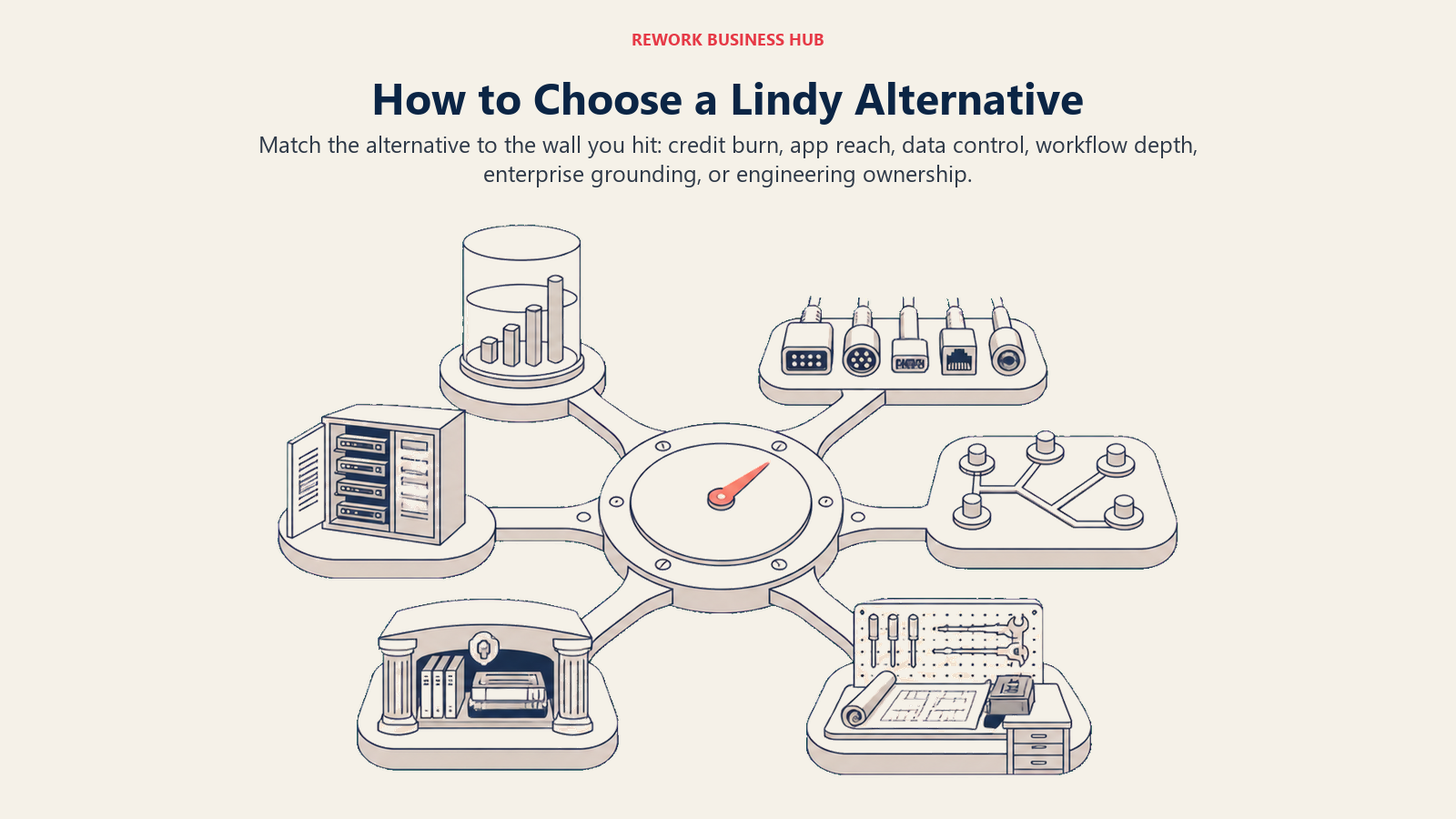
| If you need... | Pick... | Why |
|---|---|---|
| The closest like-for-like swap with transparent metering | Relevance AI | Splits task-run cost from model cost instead of one opaque pool |
| The cheapest possible personal, browser-based delegate | Bardeen | Entry tier at $10/month, credits scale with actual browser actions |
| To keep using an app catalog you already automate with | Zapier Agents | 9,000+ integrations available as agent tools, no new platform to learn |
| Agent logic inside a visual canvas your team already runs | Make | AI Agents ship on every paid plan, no separate SKU |
| Full data control and unlimited self-hosted runs | n8n | Free, unlimited executions on the self-hosted Community edition |
| Deep grounding in your company's internal knowledge base | Stack AI or Dust | Both are built for retrieval-heavy, team-wide knowledge work |
| Deep native grounding in Microsoft 365 or Salesforce | Copilot Studio or Agentforce | No integration layer between the agent and your system of record |
| Full engineering control with no credit meter anywhere | CrewAI | Open-source framework; the only real cost is the model API calls you make |
Frequently Asked Questions about Lindy Alternatives
What's the biggest reason teams leave Lindy in 2026?
Credit consumption at scale. A busy agent running dozens of multi-step tasks a day can burn a plan's monthly allotment in one or two weeks. Adding a teammate does add that seat's credits to the shared pool, but buying capacity means buying headcount, and unused credits do not roll over to the next cycle.
Is there a free Lindy alternative that actually competes on features?
Several. Zapier Agents, Make, Relevance AI, Stack AI, MindStudio, and Dust all publish a free tier, though each caps volume differently, from 200 monthly Actions on Relevance AI to 500 lifetime credits on Dust, so check the allowance against real usage first.
Which alternative is closest to how Lindy actually works?
Relevance AI and Bardeen keep the closest "delegate a job to one AI worker" framing. Zapier Agents, Make, and n8n are a bigger jump: automation platforms with an agent layer added, not a single AI employee.
Do any of these alternatives avoid credit-based pricing entirely?
CrewAI does, since it's an open-source framework with no credit meter; you only pay for the model API calls your code makes. n8n's self-hosted Community edition also avoids credits, charging nothing for unlimited executions.
Should a small team switch to an enterprise platform like Copilot Studio or Agentforce?
Only if the team is already standardized on Microsoft 365 or Salesforce. The advantage is native grounding in data already stored there; without that standardization, you're paying for governance a small team doesn't need yet.
How much does switching away from Lindy actually cost in migration time?
No-code platforms generally don't export workflows to another platform's format, so expect to rebuild rather than migrate automations directly. Budget time to re-create the highest-value workflows first, not a wholesale one-day switch.
Is Gumloop or Clay a good general Lindy replacement?
Gumloop can be, for technical teams that want node-level cost visibility. Clay is narrower by design: it replaces the research and outbound slice of what Lindy does, so it's a strong pick only if that was your main use case.
What to Do Next
Pick the wall that's actually blocking you, credit burn, seat pricing, data control, or outgrown logic, and run a two-week pilot with the single alternative that solves it best, using one real workflow you're already running in Lindy today. Measure whether it finishes that job correctly without a human rescuing it at every step, and check the actual bill against the credit math worked out earlier in this guide. That tells you more about fit than a longer shortlist would.

Principal Product Marketing Strategist
On this page
- Key Facts
- Why Teams Look Beyond Lindy
- What a Lindy credit actually buys
- Quick Comparison Table
- Sizing and Stage Fit
- No-Code Delegate Builders (Closest to Lindy's Framing)
- 1. Relevance AI: Transparent Dual Metering Instead of One Pool
- 2. Bardeen: The Cheapest Way to Delegate From Inside the Browser
- Workflow-Automation Platforms That Added Agents
- 3. Zapier Agents: Widest App Catalog for an Agent to Call as Tools
- 4. Make: AI Agents Built Into the Visual Canvas
- 5. n8n: Self-Hosted Control With Full LangChain Access
- 6. Gumloop: Visible Per-Node Cost for Technical Teams
- Vertical and Simple No-Code Builders
- 7. Clay: Purpose-Built for GTM Research and Outbound
- 8. MindStudio: The Simplest No-Code Builder, Pay-Per-Use Tokens
- Knowledge-Work and Enterprise-Lite Platforms
- 9. Stack AI: Retrieval-Native Workflow Builder
- 10. Dust: Company-Wide Knowledge Agents, Not One Delegate
- Enterprise Managed Suites
- 11. Microsoft Copilot Studio: Microsoft 365 and Azure Grounding
- 12. Salesforce Agentforce: Deepest Native CRM Grounding
- Open-Source and Developer Framework
- 13. CrewAI: Zero Credit Meter, Full Engineering Control
- How to Choose: Decision Framework
- What to Do Next