Product Backlog: O Que É e Como Gerenciar Um
Turn this article into takeaways for your work.


Each assistant summarizes the article only for you and suggests best practices for your work.
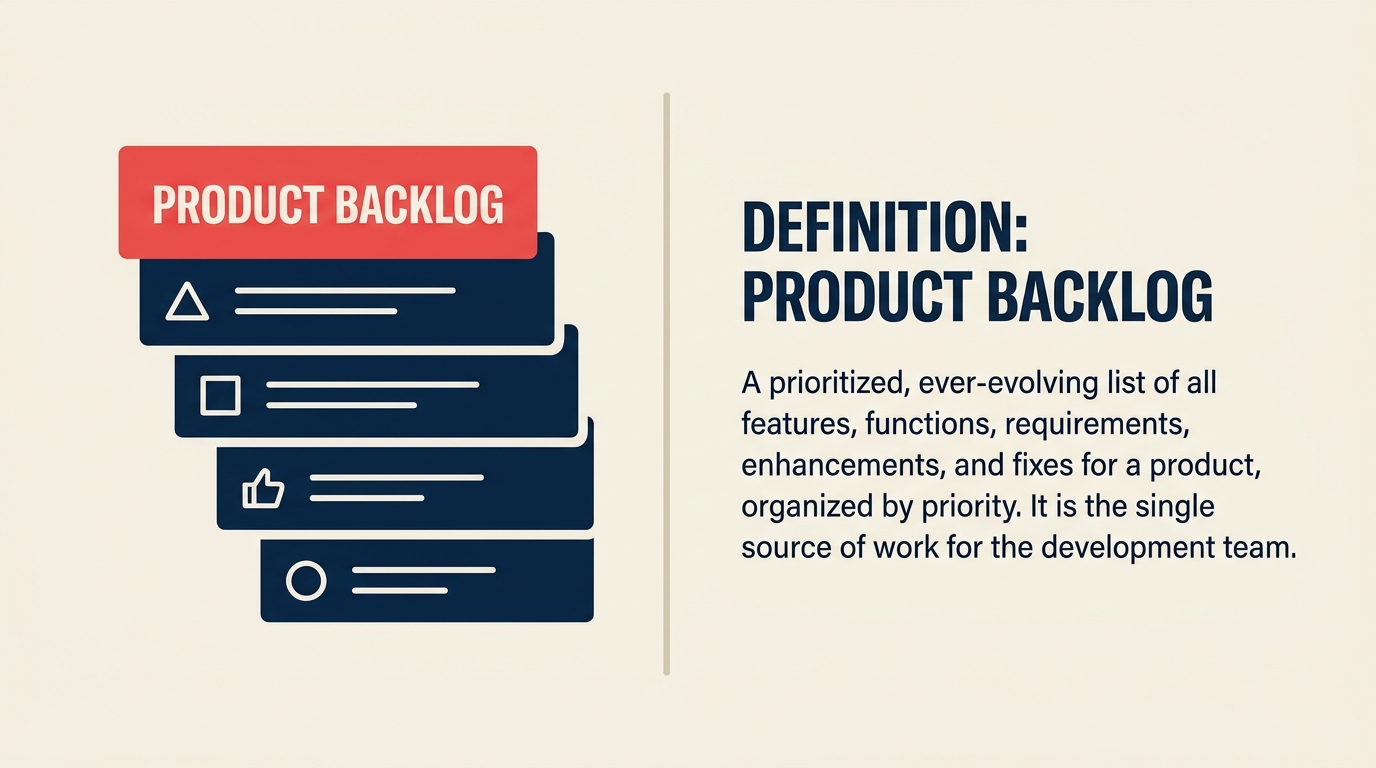
Toda equipe de produto tem mais ideias do que tempo. O product backlog é onde você torna essa escolha visível: uma lista única e ordenada de tudo que a equipe pode trabalhar, classificada pelo que mais importa agora.
O que é um product backlog?
Um product backlog é uma lista viva e priorizada de todo o trabalho que uma equipe de produto identificou como potencialmente valioso: funcionalidades, correções, melhorias e tarefas de pesquisa. O product owner é responsável pelo conteúdo e pela ordenação: ele decide o que entra, o que sai e o que será trabalhado primeiro.
Não é uma lista de desejos, e não é uma lista de tarefas para ser cumprida do início ao fim para sempre. É uma ferramenta dinâmica que reflete o entendimento atual da equipe sobre o que o produto precisa.
Principais dados: product backlog
- 87% das equipes ágeis usam Scrum, o framework que torna o product backlog um artefato central. (Digital.ai 18th State of Agile Report, 2025)
- Product backlogs devem ficar abaixo de 150 itens; backlogs que crescem para 200 a 400 itens são considerados um antipadrão do scrum. (Scrum Alliance, 2024)
- 74% das organizações já usam abordagens Agile ou híbridas de Agile, tornando a gestão de backlog uma prática quase universal entre as equipes. (Digital.ai State of Agile, 2025)
O que entra em um product backlog?
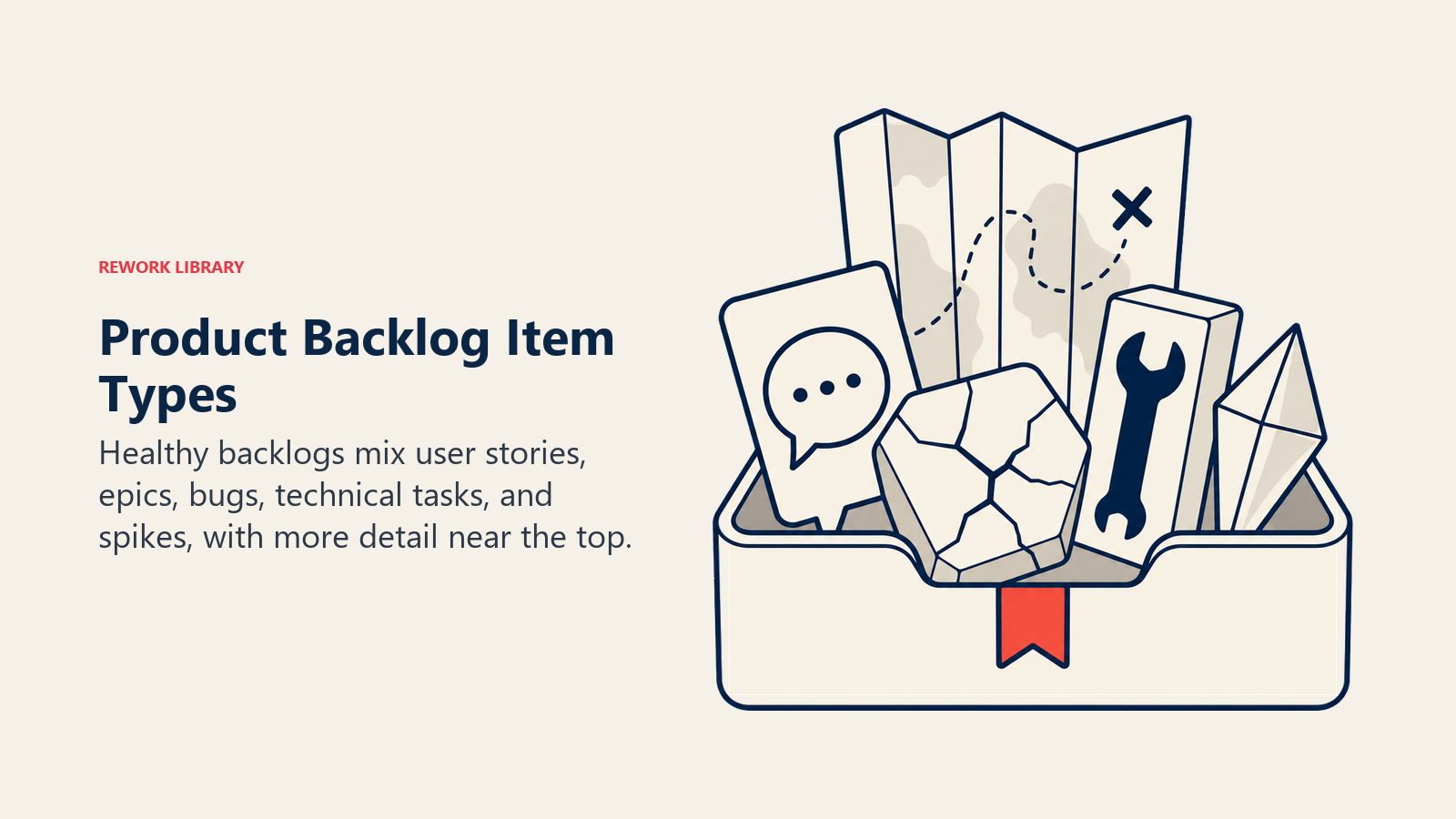
Um backlog saudável contém mais do que apenas pedidos de funcionalidades. Aqui estão os principais tipos de item que você encontra em um backlog bem mantido:
| Tipo de item | O que é | Exemplo |
|---|---|---|
| User story | Uma funcionalidade descrita a partir da perspectiva do usuário final | "Como representante de vendas, quero filtrar leads por tamanho do negócio" |
| Epic | Um grande bloco de trabalho que será desmembrado em stories | "Reconstruir o dashboard de relatórios" |
| Bug | Um defeito que precisa ser corrigido | "Botão de login sem resposta no Safari mobile" |
| Tarefa técnica | Trabalho de infraestrutura ou qualidade de código sem funcionalidade direta para o usuário | "Migrar banco de dados para PostgreSQL 16" |
| Spike | Pesquisa ou exploração com tempo limitado para reduzir incertezas | "Investigar a viabilidade do modo offline" |
Nem todo item precisa estar perfeitamente detalhado assim que entra no backlog. Itens perto do topo devem ser específicos e bem compreendidos; itens mais abaixo podem permanecer genéricos até subirem de prioridade.
Product backlog versus sprint backlog
Essas duas listas estão relacionadas, mas cumprem propósitos diferentes. Confundi-las é um dos erros mais comuns de equipes Scrum iniciantes.
| Dimensão | Product backlog | Sprint backlog |
|---|---|---|
| Responsável | Product owner | Equipe de desenvolvimento |
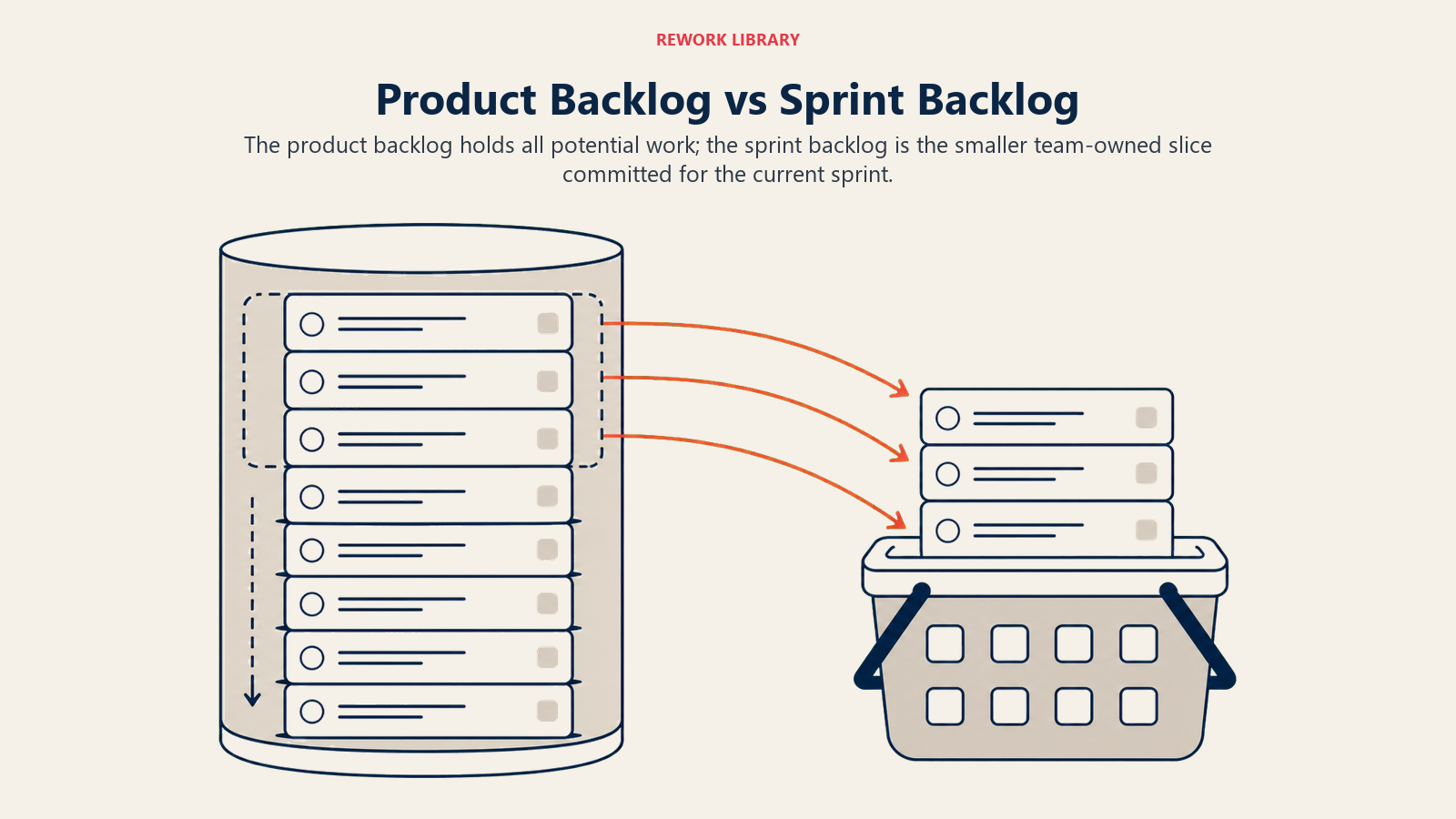
| Escopo | Tudo que o produto pode precisar (lista longa) | Trabalho comprometido apenas para o sprint atual |
| Horizonte de tempo | Contínuo, sem data final fixa | Delimitado pelo sprint (1 a 4 semanas) |
| Possibilidade de mudança | Pode mudar a qualquer momento entre sprints | Travado durante a duração do sprint |
| Origem | Criado a partir de necessidades de negócio, pesquisa com usuários, bugs | Itens retirados do topo do product backlog |
O sprint backlog é uma fotografia retirada do product backlog durante o sprint planning. Depois que o sprint começa, as equipes não devem adicionar novos itens ao sprint backlog: é para isso que existe o product backlog. Se algo urgente surgir no meio do sprint, ele espera.
Benefícios de um product backlog bem gerenciado
Um bom product backlog faz mais do que organizar o trabalho. Ele cumpre várias funções ao mesmo tempo.
Cria alinhamento compartilhado. Quando o product owner mantém um backlog claro e ordenado, stakeholders, desenvolvedores e a liderança enxergam a mesma visão do que está por vir e por quê. Essa clareza reduz as conversas do tipo "por que não estamos trabalhando em X?".
Melhora a precisão do planejamento. Equipes que refinam o backlog regularmente, adicionando detalhes e estimativas aos próximos itens, chegam ao sprint planning mais preparadas. Menos correria significa compromissos mais confiáveis. Veja backlog refinement para saber como conduzir bem essas sessões.
Protege a equipe da expansão do escopo. Um backlog gerenciado funciona como um filtro. Novas solicitações passam pelo product owner antes de chegar perto da equipe. O product owner avalia se o novo item justifica empurrar outro para baixo.
Torna as trocas explícitas. Quando cada item está em uma única lista e ordenado por prioridade, você vê imediatamente o que está escolhendo não fazer. Essa visibilidade ajuda a liderança a tomar decisões melhores sobre recursos.
O modelo DEEP para um backlog saudável
O modelo DEEP, criado por Mike Cohn, descreve quatro qualidades de um product backlog bem mantido. É um diagnóstico simples que você pode aplicar ao seu próprio backlog para identificar o que está fora do lugar.
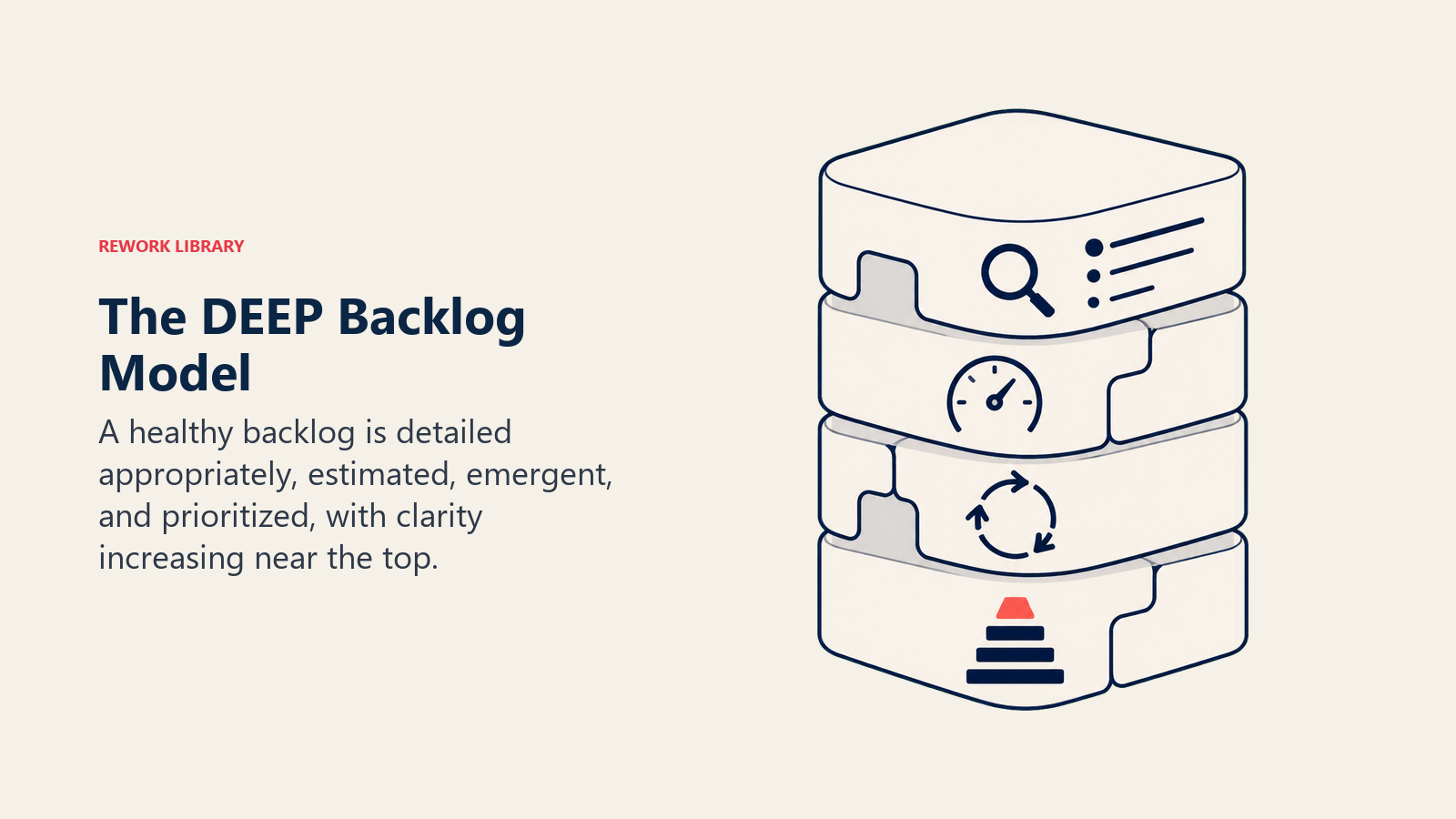
Detalhado adequadamente (Detailed appropriately). Itens perto do topo (previstos para os próximos um ou dois sprints) devem ter critérios de aceitação claros, dependências anotadas e contexto suficiente para a equipe estimar. Itens mais abaixo podem permanecer como anotações genéricas: investir detalhe em algo que talvez você nunca construa desperdiça o tempo de todos.
Estimado (Estimated). Itens de alta prioridade devem carregar estimativas de esforço, tipicamente em story points. Itens de baixa prioridade ainda não precisam de estimativas. A estimativa melhora conforme os itens são refinados perto do topo.
Emergente (Emergent). O backlog muda. Novas informações vindas dos usuários, do mercado ou de descobertas técnicas devem atualizar o conteúdo e a ordenação do backlog. Um backlog que nunca muda é sinal de que o product owner não está ouvindo.
Priorizado (Prioritized). Cada item tem uma posição. Sempre existe um item que é o número um. O topo do backlog deve refletir o trabalho mais valioso atualmente para o produto, não o trabalho mais antigo.
Aplique o DEEP como uma pergunta rápida de retrospectiva: "Em qual dessas quatro qualidades nosso backlog está mais fraco agora?" Depois, corrija esse ponto.
Como gerenciar um product backlog
A gestão do backlog é um ciclo de manutenção recorrente que mantém o trabalho de curto prazo de maior valor em evidência, sem preservar para sempre cada ideia antiga.
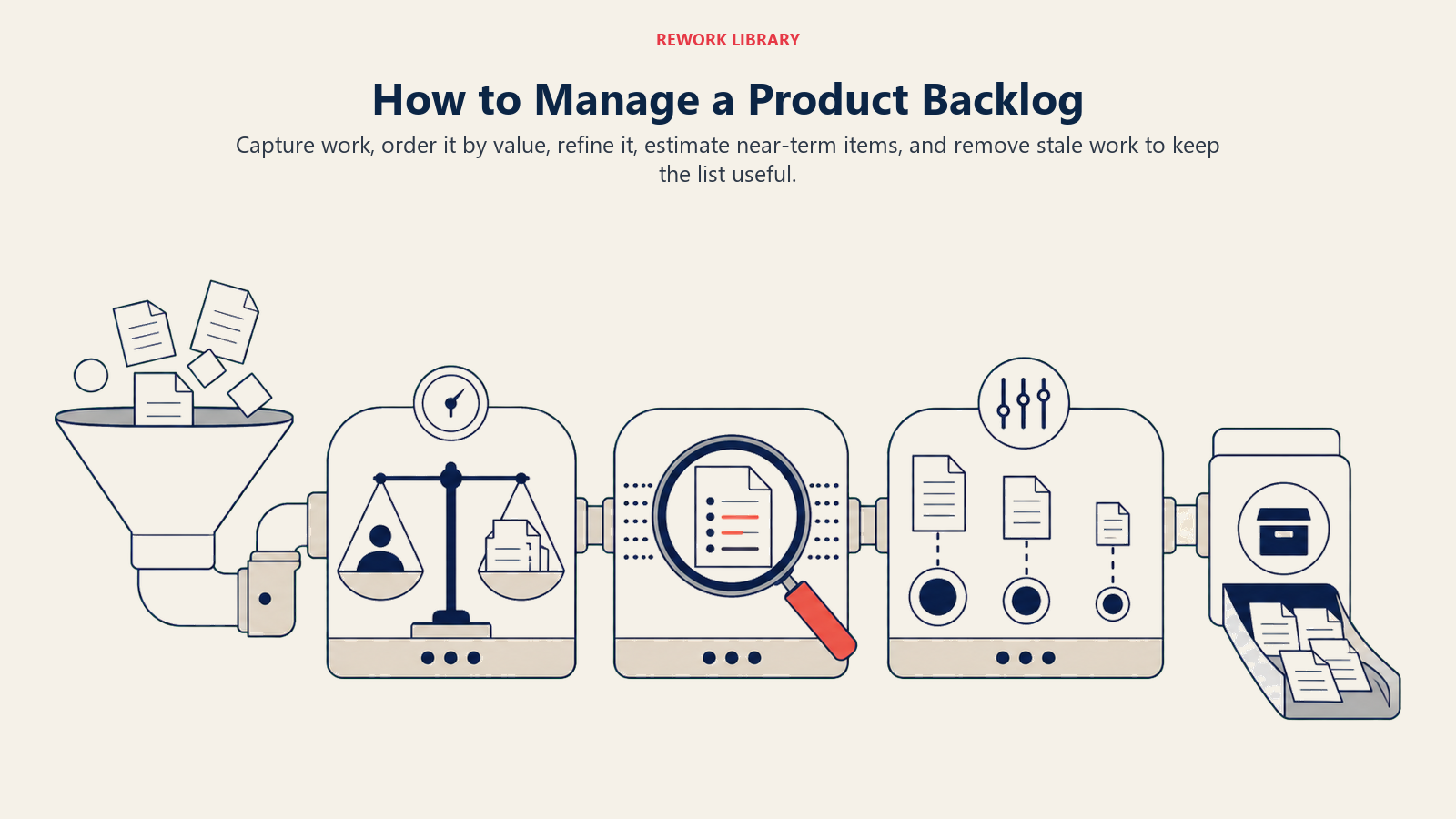
Etapa 1: Capture itens continuamente
Não espere um ciclo de planejamento para adicionar itens. Quando um bug é reportado, adicione-o. Quando uma entrevista com usuário revela uma necessidade não atendida, adicione-a. Quando o tech lead sinaliza um problema de infraestrutura se aproximando, adicione-o. Use um modelo consistente para que os itens sejam comparáveis; a maioria das equipes usa um formato simples de user story: "Como [papel], eu quero [ação] para que [resultado]."
Mantenha a barra baixa para adicionar itens. A barra para trabalhar neles deve ser mais alta.
Etapa 2: Ordene por valor
Ordenar (não apenas priorizar por tag ou rótulo) significa que cada item tem uma posição específica. O product owner usa vários fatores: valor de negócio, impacto no cliente, risco, dependências e urgência. Nem sempre é uma fórmula limpa. Às vezes um item de menor valor precisa vir primeiro porque um item de maior valor depende dele.
Uma boa regra: se você não consegue explicar por que o item nº 5 fica acima do item nº 6, a ordenação ainda não está cumprindo seu papel.
Etapa 3: Refine regularmente
O backlog refinement, às vezes chamado de grooming, é o processo contínuo de revisar, esclarecer e dimensionar itens do backlog antes que cheguem ao sprint planning. A maioria das equipes realiza uma sessão dedicada de refinamento uma vez por sprint, separada do planejamento.
No refinamento, a equipe pergunta: Esse item está claro o suficiente para ser trabalhado? Existem dependências ocultas? A estimativa ainda se sustenta com o que sabemos agora? Algum item precisa ser dividido em partes menores?
A definition of done também tem lugar nas conversas de refinamento. Cada item deve ter critérios compartilhados para quando está concluído.
Etapa 4: Estime o trabalho futuro
Equipes que usam story points ou tamanhos de camiseta conseguem estimar o esforço relativo sem se comprometer com horas. O objetivo não é precisão; é ter informação suficiente para planejar um sprint e identificar itens grandes demais para serem concluídos de uma vez.
O planning poker é a técnica de estimativa mais comum: cada membro da equipe vota simultaneamente sobre o esforço e, depois, discutem-se grandes divergências até a equipe chegar a um consenso razoável.
Etapa 5: Mantenha-o enxuto
Backlogs que ultrapassam 150 itens ficam ingerenciáveis. Itens no final raramente são trabalhados, mas criam carga cognitiva toda vez que alguém percorre a lista. Programe uma "limpeza de backlog" regular a cada trimestre: exclua itens que claramente não são mais relevantes, mescle duplicatas e arquive coisas que eram boas ideias na época, mas não são mais.
Um backlog menor é um backlog mais saudável.
Exemplos de product backlog
O que entra em um product backlog depende da equipe. Aqui estão três contextos comuns:
| Tipo de equipe | Itens típicos do backlog |
|---|---|
| Equipe de produto de software | Novas funcionalidades, integrações de API, melhorias de performance, correções de segurança, atualizações do design system |
| Equipe de marketing | Landing pages de campanhas, atualizações de sequências de e-mail, lacunas de conteúdo para SEO, correções de rastreamento de analytics, migrações de ferramentas |
| Equipe de operações | Scripts de automação de processos, dashboards de relatórios, renovações de contratos com fornecedores, documentação de compliance, melhorias de workflow |
Qualquer equipe que precise rastrear, priorizar e entregar trabalho pode usar um product backlog; não é exclusivo de software. Equipes de marketing e operações têm adotado cada vez mais esse padrão porque ele resolve o mesmo problema central: mais trabalho do que capacidade, e a necessidade de decidir o que importa mais.
Melhores práticas
Faça isto:
- Mantenha o backlog ordenado, não apenas categorizado. Uma equipe, uma prioridade.
- Envolva a equipe de desenvolvimento no refinamento. Eles percebem coisas que o product owner deixa passar.
- Defina um critério de "pronto" para os itens do backlog (semelhante à definition of done): uma checklist que indica quando um item está refinado o suficiente para o sprint planning.
- Revise o backlog antes de cada sessão de sprint planning, não durante ela.
- Exclua com coragem. Um item que está no backlog há 18 meses sem subir de posição provavelmente não vai acontecer.
Evite isto:
- Tratar o backlog como um documento de requisitos. É uma ferramenta para conversa, não um contrato.
- Deixar várias pessoas adicionarem e reordenarem itens de forma independente. Um product owner, uma lista ordenada.
- Adicionar detalhe demais cedo demais. Reserve o esforço de refinamento para itens que realmente estão prestes a entrar em pauta.
- Usar o backlog como depósito de "talvez". Ideias que ainda não foram validadas devem ficar em outro lugar até conquistarem espaço.
- Pular a estimativa dos itens antes de chegarem ao sprint planning. Isso atrasa toda a equipe no pior momento.
Leituras relacionadas
- Backlog refinement - como conduzir sessões de refinamento eficazes
- Definition of done - definindo critérios claros de conclusão para cada item
- User stories - escrevendo itens do backlog a partir da perspectiva do usuário
- Sprint planning - trazendo itens do backlog para dentro de um sprint
- Story points - estimando itens do backlog sem se comprometer com horas
- What is Scrum? - o framework que torna o product backlog um artefato central
- What is Agile? - os princípios por trás do pensamento ágil de backlog

On this page
- O que é um product backlog?
- O que entra em um product backlog?
- Product backlog versus sprint backlog
- Benefícios de um product backlog bem gerenciado
- O modelo DEEP para um backlog saudável
- Como gerenciar um product backlog
- Etapa 1: Capture itens continuamente
- Etapa 2: Ordene por valor
- Etapa 3: Refine regularmente
- Etapa 4: Estime o trabalho futuro
- Etapa 5: Mantenha-o enxuto
- Exemplos de product backlog
- Melhores práticas
- Leituras relacionadas