Generative AI for HR Teams: Practical Everyday Uses
Turn this article into takeaways for your work.


Each assistant summarizes the article only for you and suggests best practices for your work.
Generative AI for HR teams means using language models to draft and summarize the text HR produces all day, such as policies, employee communications, job descriptions, interview guides and meeting notes, with a person reviewing everything before it leaves the team. It's a drafting and summarizing tool, not a decision-maker. The value is time saved on first drafts. The risk is what you paste in, and what you publish without reading.
This guide is for CHROs, HR directors and HR managers who want their teams using the tools well, instead of either banning them or letting everyone improvise. For the wider picture of where AI fits across people operations, start with AI in HR. This page stays on the daily work of writing and summarizing.
Key Facts
- In SHRM's January 2024 survey of 2,366 US HR respondents, 65% of organizations using AI for recruiting said they use it to generate job descriptions, and 42% use it to customize job postings (SHRM, April 2024).
- Just under half of organizations have formal AI policies, and many of those are underdeveloped, according to SHRM research summarized in April 2026 (SHRM, "AI in HR 2026").
- 78% of AI users at work bring their own AI tools, based on Microsoft's survey of about 31,000 knowledge workers across 31 markets (Microsoft Work Trend Index, 2024).
- In a University of Washington study of three language models comparing over 550 resumes, the models favored white-associated names 85% of the time and never favored Black male-associated names over white male-associated names (UW News, October 2024).
- A Stanford study found general-purpose chatbots hallucinated between 58% and 82% of the time on legal queries, and even purpose-built legal research tools got more than 17% of answers wrong (Stanford HAI, 2024).
What Generative AI Does Well in HR
Generative AI produces new text from patterns it learned in training. Ask it for a first draft of an onboarding email and it will give you something plausible in seconds. That's the whole trick, and it's more useful than it sounds, because so much HR work is writing.
In ACE Framework terms, most of what follows is the Generate capability, sometimes paired with Ingest (reading a document you give it) and Analyze (summarizing or comparing). Two patterns cover nearly every case:
- Generative research: you ask the model to explain, outline or compare something so you can start from a draft instead of a blank page. Example: "Outline the main sections a remote work policy usually covers."
- Workflow copilot: the model sits inside a task you already do and speeds up a step. Example: summarizing a long email thread before you reply.
Both patterns share one rule. The model produces a draft, and an accountable person turns it into the final version. If you want a team standard, that's the sentence to put at the top of it. The longer treatment of this idea is on human-in-the-loop.
What it does badly matters just as much. It doesn't know your company's actual policies, your jurisdiction's current rules, or your employees. It can sound completely sure while being wrong. And it can't be held accountable for anything, which means you are.
Everyday Tasks, Review Rules and What Never to Paste
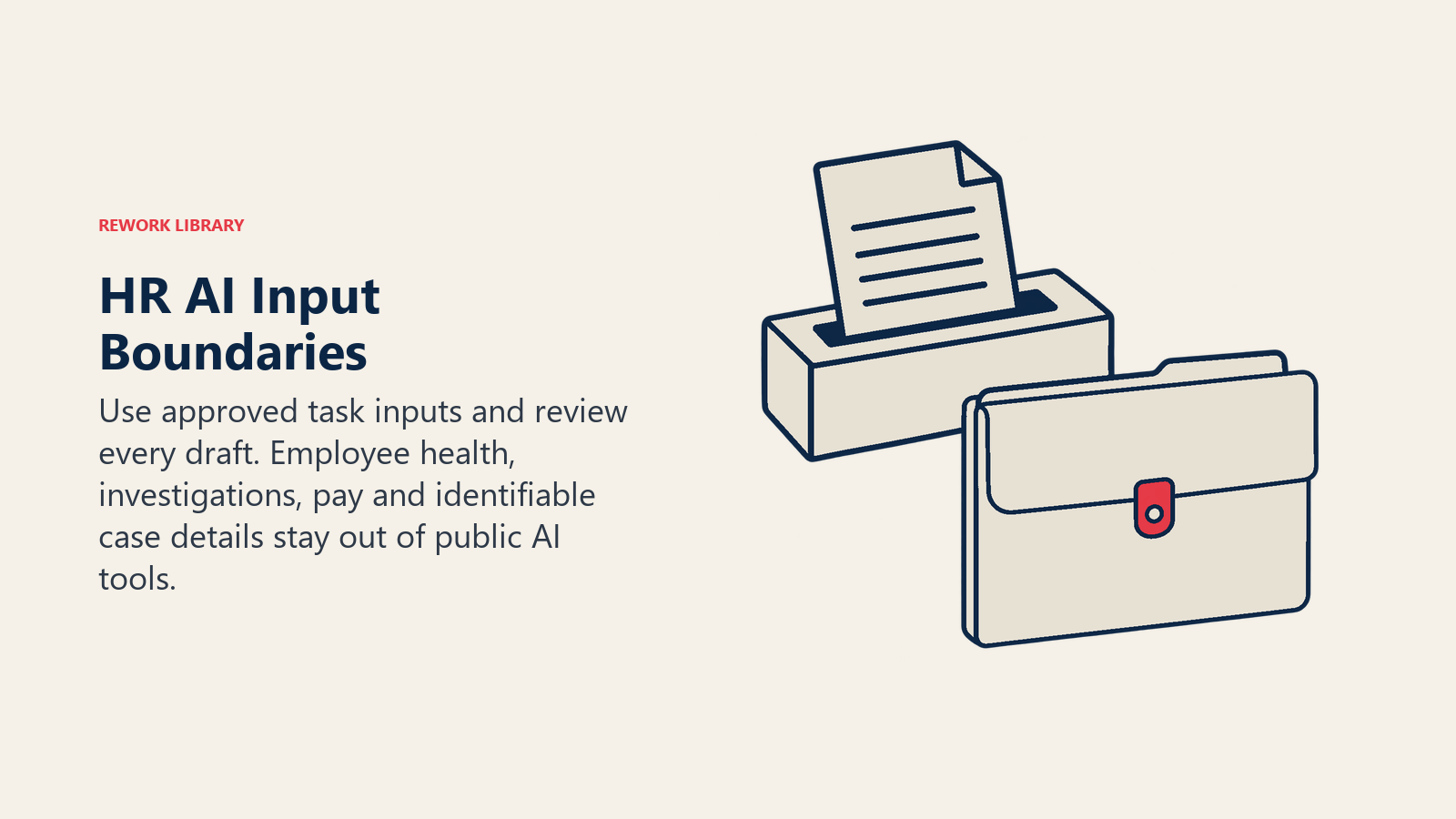
This table is the part to print and pin up. Each row pairs a common HR task with the way generative AI helps, the check a person must do before using the output, and the information that never goes into a prompt.
| Task | Good use | Review rule | Never paste |
|---|---|---|---|
| Policy drafts | Generate a structure and plain-language first draft from a short brief | Legal or HR counsel reads every clause; compare against local law and your existing handbook | Real case details, named employees, anything from a live dispute |
| Employee communications | Draft announcements, reminders, benefits explainers, manager talking points | Owner checks facts, dates, names and tone; sensitive messages (layoffs, restructures) are written by a person | Names of affected individuals, salary or severance figures, unannounced decisions |
| Interview guides | Draft competency-based questions and a scoring rubric for a role | Hiring manager and HR check every question is job-related and lawful; keep one rubric for all candidates | Candidate resumes, notes about specific candidates |
| Meeting and case summaries | Summarize your own meeting notes into actions and owners | Attendee confirms the summary; decisions and numbers are checked against source notes | Investigation details, witness statements, health or disability information, disciplinary files |
| Job descriptions | Turn a role brief into a structured posting and a shorter ad version | Hiring manager confirms duties and requirements; HR checks for biased or exclusionary wording and pay transparency rules | Internal pay bands for the role, compensation data for current staff |
| FAQ answers | Draft answers to common questions (leave, expenses, onboarding) from your approved policy text | Policy owner approves each answer; update it when the policy changes | Individual employee questions that include their personal circumstances |
A few notes on how to read it.
The "never paste" column follows one test. Would you be comfortable seeing this text in the vendor's logs, or in an unrelated person's screen? If a prompt contains an identifiable employee plus something private about them, the answer is no. Replace names with roles ("an employee on the sales team") and strip anything that could identify a person from the context.
Treat health, medical leave and disability information as off-limits by default. Health data is a special category under data protection law in many jurisdictions. The GDPR, for example, says special categories of personal data should not be processed unless the regulation allows it in specific cases (GDPR, Recital 51). Your own jurisdiction may have its own rules, so check with legal before any exception.
Investigation details stay out entirely. Confidentiality is a promise to the people who raised concerns, and the people accused. A summary tool that's built into your approved HR system may be acceptable under your policy. A public chatbot is not.
Pay data is its own category. Individual compensation, bands under negotiation and equity grants should only go into tools your company has approved for that purpose.
Example Prompts You Can Adapt
Good prompts give the model a role, the context, the format and the constraints. These are examples to adapt, not scripts to copy. More on the craft is in prompt engineering.
Policy draft (no sensitive data): "Draft a one-page remote work policy for a 300-person software company with employees in two countries. Cover eligibility, equipment, working hours, security expectations and how exceptions are approved. Use plain language at an eighth-grade reading level. Mark any section where local law may differ with [LEGAL CHECK]."
Interview guide: "Create six behavioral interview questions for a customer support team lead. For each, list what a strong answer shows and what a weak answer shows. Questions must relate only to job duties. Don't ask about age, family, health or origin."
Job description rewrite: "Rewrite this job description so every requirement is truly required for the job. Separate must-haves from nice-to-haves. Flag gendered or exclusionary wording and suggest neutral alternatives."
Meeting summary from your own notes: "Here are my notes from a team planning meeting, with names replaced by roles. Summarize in five bullets, then list action items with owner and due date. If a date or owner is missing, say 'not stated' instead of guessing."
FAQ draft from approved policy text: "Using only the policy text below, write answers to these five employee questions. If the policy doesn't answer a question, say so instead of making something up."
Notice the pattern in the last two. Telling the model to say "not stated" or to use "only the policy text below" reduces, but doesn't remove, invented content. You still read the output against the source.
The Four Pitfalls
Hallucination
Models generate fluent text whether or not it's true. AI hallucination shows up in HR as an invented legal citation in a policy draft, a made-up benefits rule in an FAQ, or a meeting summary that adds a decision nobody made.
The numbers are not small. Stanford researchers found that general-purpose chatbots hallucinated between 58% and 82% of the time on legal queries, and that tools built specifically for legal research still produced incorrect information in more than 17% of answers (Stanford HAI). That's legal research, not HR drafting, so don't read it as an HR error rate. Read it as a warning about anything legal-adjacent.
The consequences land on the employer. In 2024 a British Columbia tribunal held Air Canada responsible for wrong refund information its website chatbot gave a customer, rejecting the argument that the chatbot was a separate entity (McCarthy Tétrault). It wasn't an HR case, but the principle carries over. If an AI-drafted FAQ tells an employee the wrong thing about parental leave, "the AI wrote it" won't be much of a defense.
The fix is a review rule with a name on it. Every AI-assisted document has an owner who reads it, checks facts and numbers against the source, and signs off.
Bias in generated text
Language models learn from human writing, and human writing carries bias. The effect is clearest when models are asked to judge people. In the University of Washington study, three language models compared over 550 resumes across more than 500 job listings, with names varied to signal race and gender. The models favored white-associated names 85% of the time, favored male-associated names 52% of the time against 11% for female-associated names, and never preferred Black male-associated names over white male-associated names (UW News).
That study tested resume ranking, which is a decision task. Everyday drafting is lower stakes, but the same tendencies can leak into job ads, performance feedback drafts and interview questions. A model asked to write a job ad for a "rockstar" or a "digital native" may reproduce exclusionary phrasing without anyone noticing.
Two practical rules help. First, don't use general-purpose generative tools to rank, score or screen candidates or employees. Those uses are covered by employment law and, in some places, specific audit and notice rules, and they belong in a governed process (see bias in AI and AI governance). Second, for any text about people, such as job ads, feedback or competency questions, run a deliberate check for loaded wording before publishing.
Confidentiality
Confidentiality is where HR has less room for error than almost any other function. You hold the most sensitive data in the company: health, pay, family circumstances, complaints. Anything typed into a public tool may be stored, reviewed or used under that vendor's terms, and you can't take it back.
The simplest protections are mostly policy rather than technology:
- Name the approved tools and what each is approved for.
- Publish the never-paste list in the table above, adapted to your organization.
- Prefer enterprise tools that keep your data out of model training and give you admin controls, and read what your contract actually says.
- Anonymize by default. Roles instead of names. Ranges instead of salaries. Dates generalized.
If your company operates in the EU or UK, bring your data protection officer in early. They'll want to know what personal data touches which tool.
Shadow AI
Shadow AI is employees using AI tools the company hasn't approved. In HR, it often starts with good intentions: someone is behind on a policy rewrite and opens a free chatbot.
It's very common. Microsoft's 2024 Work Trend Index found that 78% of AI users bring their own AI tools to work, in a survey of about 31,000 knowledge workers (Microsoft Work Trend Index). Assume your HR team is no exception. Our page on shadow AI goes deeper.
A ban rarely works, because people keep using the tools quietly and stop telling you. The better move is to give people a sanctioned option that's good enough, a short policy they can remember, and a safe way to ask "is this okay?" Without those, the tools go underground.
Setting Rules Your Team Will Follow
SHRM's April 2026 research summary reports that just under half of organizations have formal AI policies and many of them are underdeveloped, that IT usually drives AI initiatives, and that less than half of HR functions are involved in AI strategy in any way (SHRM). HR has a seat to claim here, since HR's data and HR's employees are on the line.
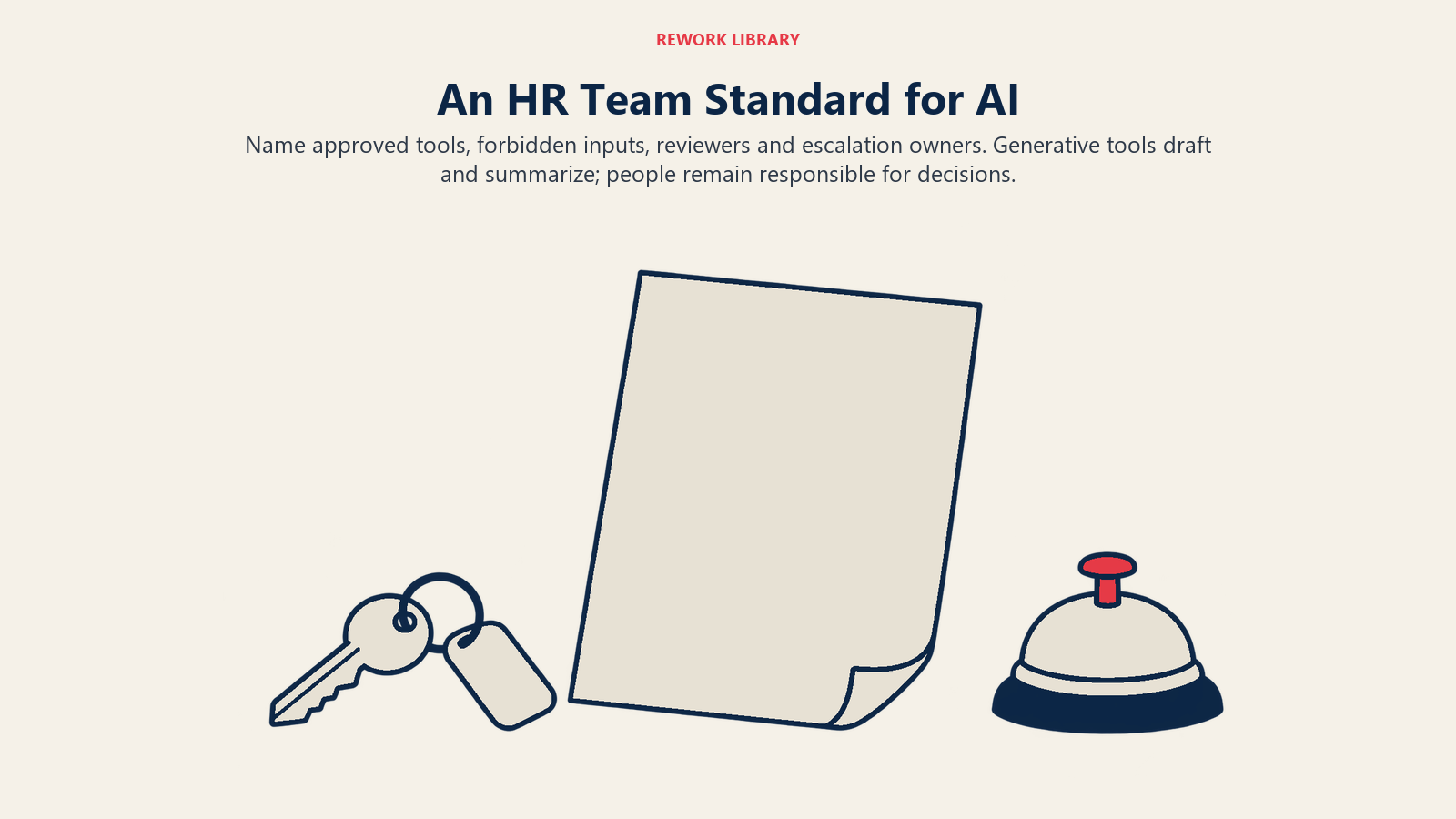
A usable team standard fits on one page:
- Approved tools. List them, and say what each may be used for.
- Never-paste list. Personal data, health data, investigation details, pay data, candidate materials, unannounced decisions.
- Review rule. Every AI-assisted output has a named human owner who verifies facts before it's used.
- Disclosure. Decide when employees or candidates should be told that AI helped, and say it plainly.
- No decisions by prompt. Generative tools draft and summarize. They don't rank candidates, rate performance or recommend discipline.
- Escalation. Say who to ask when a case is unclear, and who handles an incident if something sensitive was pasted by mistake.
Pair the standard with short training. SHRM reports that among organizations using AI in HR, nearly 30% had trained or upskilled employees to work alongside AI (SHRM, April 2024), which leaves most teams without it. A one-hour session with real examples of good and bad prompts does more than a long policy document.
How to Start Without Creating a Mess
Don't roll out ten use cases at once. Pick two or three low-risk, high-volume tasks and run them for a month.
- Choose tasks with no sensitive data. Job description drafts, generic policy outlines, and onboarding emails are good starting points.
- Set the review rule first. Decide who approves each output type before the first prompt is written.
- Build a small prompt library. When someone writes a prompt that works, save it, with the constraints, so others don't start from scratch.
- Track simple measures. Hours saved on first drafts, number of edits reviewers make, and errors caught before publishing. These tell you whether the tool helps and where it fails.
- Add use cases slowly. Move into higher-stakes work such as employee relations only with tools and approvals that match the risk.
Teams often find that the biggest gain isn't speed. It's consistency: policy language that matches across documents, job ads that follow one format, FAQs that use the same terms as the handbook.
Where This Fits in the Bigger Picture
Everyday drafting is the easiest entry point to AI in HR because the downside is containable and the benefit shows up quickly. It's also the foundation for later steps. A team that has learned to review output, protect data and keep humans accountable is better placed to take on riskier work such as AI-assisted screening or analytics. A team that hasn't learned those habits will carry the gaps with it.
Keep the principle simple. Generative AI drafts. People decide. And whatever you wouldn't put in an email to a stranger doesn't go in a prompt.

Senior Customer Retention Strategist
On this page
- Key Facts
- What Generative AI Does Well in HR
- Everyday Tasks, Review Rules and What Never to Paste
- Example Prompts You Can Adapt
- The Four Pitfalls
- Hallucination
- Bias in generated text
- Confidentiality
- Shadow AI
- Setting Rules Your Team Will Follow
- How to Start Without Creating a Mess
- Where This Fits in the Bigger Picture