AI-Powered Employee Self-Service in HR
Turn this article into takeaways for your work.


Each assistant summarizes the article only for you and suggests best practices for your work.
AI-powered employee self-service is an assistant that answers employees' HR questions (policies, leave balances, benefits, pay dates) in plain language, pulls personal answers from the HR system, and hands the conversation to a person when it can't answer safely. It replaces the search-the-intranet-then-email-HR routine with one question and one reply.
This guide is for HR managers, HR operations leads and the executives who sign off on these tools. It explains how the assistants work, what keeps their answers correct, when a human must take over, and how to tell whether the whole thing is paying off. If you want the build side, the AI policy Q&A agent blueprint covers how to construct one.
Key Facts
- A tribunal in British Columbia held Air Canada responsible for wrong bereavement-fare information its website chatbot gave a customer, awarding $650.88 in damages, $36.14 in pre-judgment interest and $125 in tribunal fees (Mondaq).
- Air Canada argued the chatbot was a separate legal entity responsible for its own actions, and the tribunal member called that a remarkable submission and rejected it (Mondaq).
- NIST's generative AI risk profile defines confabulation as "the production of confidently stated but erroneous or false content," the formal term for what most people call hallucination (NIST AI 600-1).
- The practical lesson: an employer owns what its assistant says. Accuracy controls and escalation aren't extras; they're the product.
What Employees Actually Ask
Most HR questions fall into three buckets, and each needs a different mechanism behind the answer.
| Question type | Example | Where the answer comes from | Main risk |
|---|---|---|---|
| Policy | "Can I carry over unused vacation?" | Approved policy documents | Out-of-date or misread policy |
| Personal data | "How many sick days do I have left?" | The HR system, for that employee only | Showing the wrong person's data |
| Process and action | "I need to change my bank account for payroll" | A workflow that routes to the right form or approver | Doing the wrong thing, or doing it without approval |
| Sensitive or judgment | "My manager is treating me unfairly" | Nowhere. It needs a person | Mishandling a complaint |
The first three are good candidates for AI. The fourth isn't, and a well-designed assistant recognizes it and steps aside. In ACE Framework terms, the policy answers are a retrieval assistant (it ingests documents and generates an answer grounded in them), while the personal and process answers add a workflow layer that reads records and triggers small actions.
How the Assistant Answers
There are two ways a tool can answer a policy question, and the difference matters more than any other design choice.
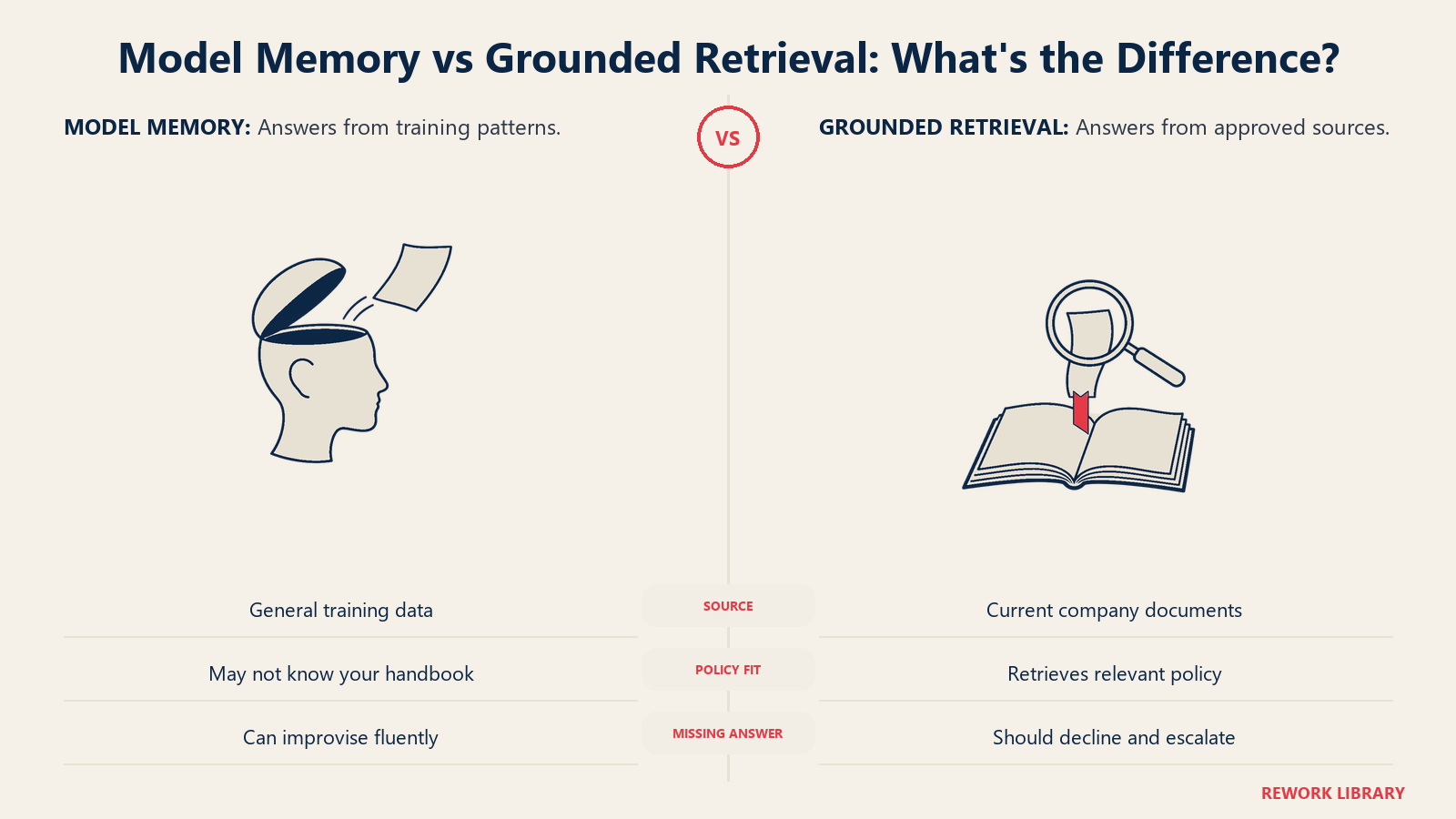
Model memory. The language model answers from what it learned in training. It sounds fluent and is often wrong about your company, because it has never read your handbook.
Grounded retrieval. The assistant searches your approved documents, pulls the relevant passages, and writes an answer using only that material, ideally with a link to the source. This is the approach to require. When the documents don't contain an answer, a well-built assistant says so instead of improvising.
Personal answers work differently. The assistant checks who is asking, calls the HR system for that person's record, and reports what it finds. The model never "knows" a leave balance; it reads one. That keeps the number as accurate as the underlying data, which is why HR data foundations come before any assistant goes live.
Real Examples by Function
HR operations. A shared HR inbox gets the same twenty questions all week: holiday dates, probation length, how to request a letter. The assistant answers those from the handbook and the leave policy, and the team's inbox shrinks to the cases that need judgment. The build for the leave side is described in the AI time off and leave agent.
Benefits team. During open enrollment, employees ask what a plan covers and what changes if they add a dependent. The assistant explains plan documents in plain language and points to the enrollment screen. It doesn't recommend a plan, which would cross from information into advice.
Payroll and finance. Employees ask when the next pay run lands and why a payslip differs from last month. The assistant can state the schedule and explain the line items it can see, then route disputes to payroll staff.
Managers. A manager asks how to handle a request for unpaid leave or what the notice period is for a role. The assistant answers from policy and flags anything that depends on local law for HR to confirm.
Legal and compliance. Counsel decides which topics the assistant may answer at all, reviews the wording of standard replies, and requires logs of what employees were told.
Accuracy Controls That Matter
A wrong answer from an HR assistant isn't a typo. It can be a missed leave entitlement or a benefit an employee thought they had. The Air Canada case is the cleanest illustration: the chatbot gave a customer wrong information, and the company still owned the answer. The same logic applies to an HR assistant that contradicts your handbook.
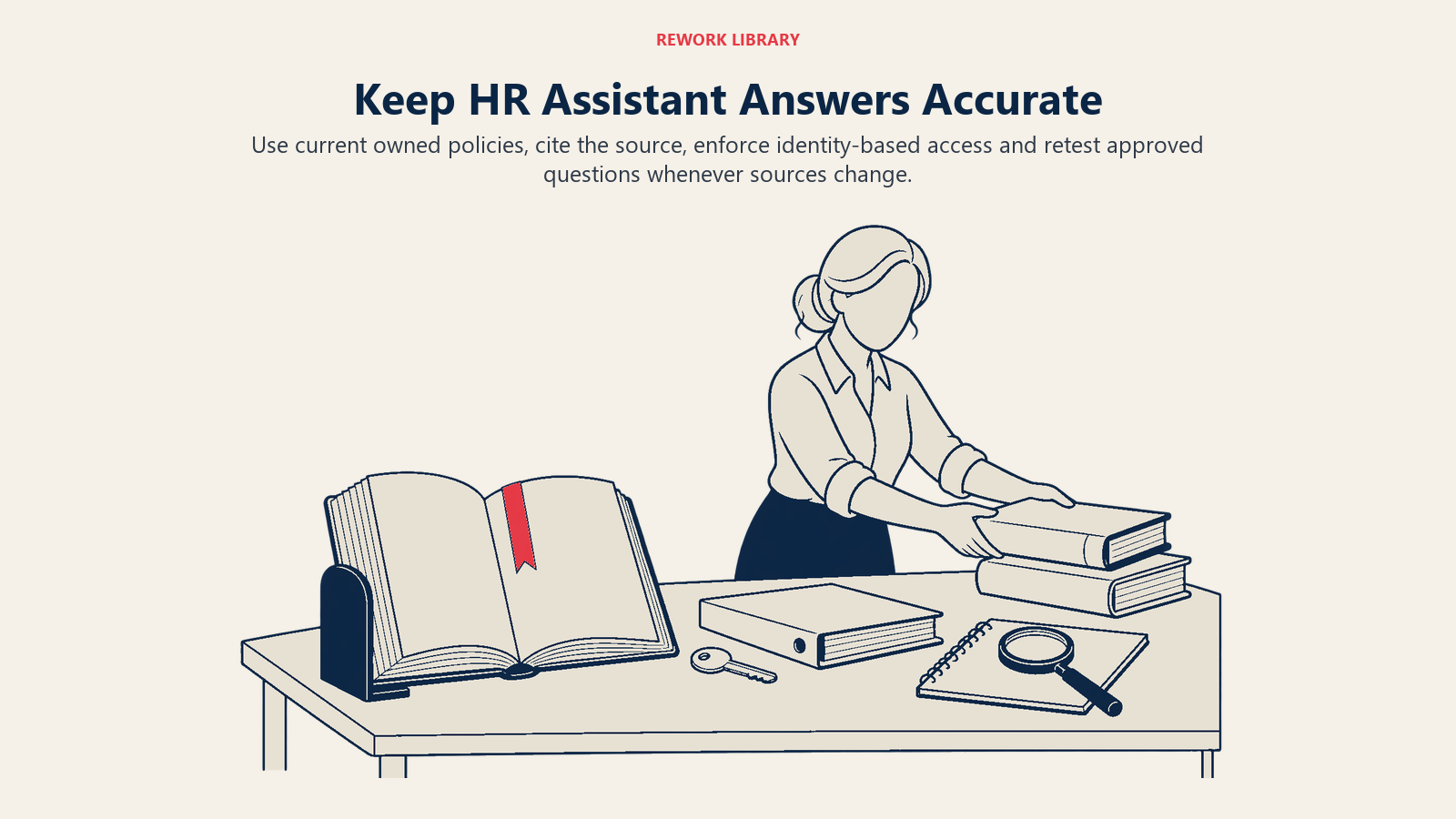
Controls that reduce that risk:
- Approved sources only. Limit the assistant to a defined library of current policies. Remove superseded versions, because a model can't tell an old policy from a new one unless you do.
- One owner per document. Every policy has a named person who updates it. A stale source is the most common cause of a wrong answer.
- Cite the source. Each policy answer links to the passage it came from, so the employee and HR can check it.
- Say "I don't know." Configure the assistant to decline when the documents don't cover the question, instead of guessing. Test this deliberately with questions you know aren't answered.
- Scope by location and employee type. A leave rule that applies in one country or to one contract type must not be shown to everyone. Pass the employee's attributes into the lookup.
- Enforce access. Personal-data answers must respect the same permissions as the HR system itself. An employee sees their own record, a manager sees their team, nobody else.
- Log everything. Keep the question, the sources used, the answer and the outcome, so you can audit and fix patterns.
- Test with a fixed question set. Write 50 to 100 real questions with approved answers, and re-run them every time a policy or the model changes.
The concept behind most failures is covered in AI hallucination. The NIST generative AI profile treats confabulation as a named risk for exactly this reason: the output reads as confident whether or not it's true.
Escalation to HR
Escalation is where employee trust is won or lost. A good handoff is fast, keeps context, and never makes the employee repeat themselves.
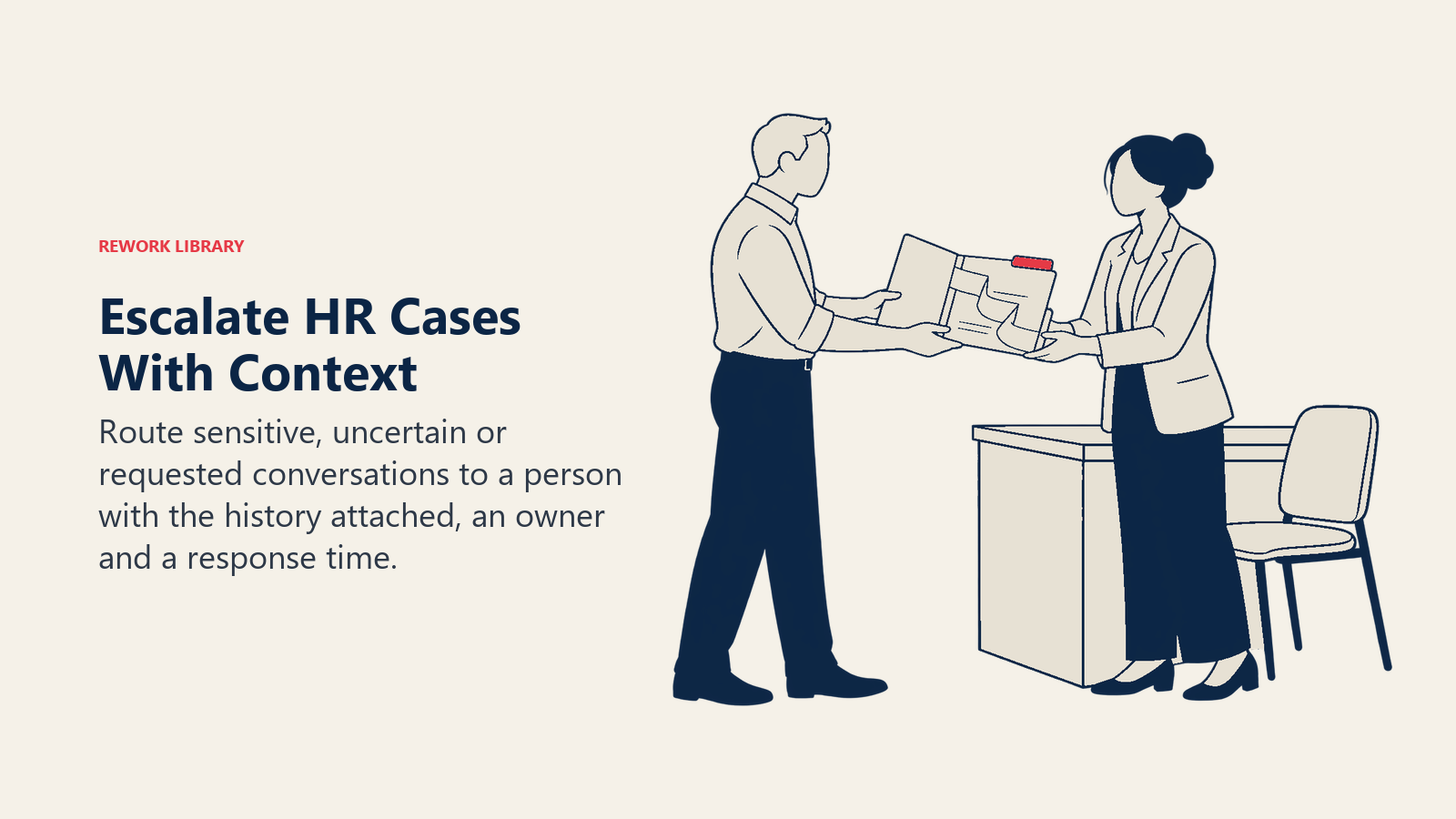
Set the assistant to escalate when:
- The employee asks for a human, in any wording.
- The topic is on the sensitive list: harassment, discrimination, grievances, disciplinary matters, medical conditions, resignation under pressure, pay disputes.
- The assistant has no source for the answer, or its confidence is low.
- The employee has rephrased the same question twice without getting a useful answer.
- The question involves a decision, such as approving an exception, that only HR can make.
When it escalates, the assistant should create a case with the conversation attached, tell the employee who will pick it up and by when, and route it to the right queue. A handoff that drops the employee into a generic inbox with no history is worse than no assistant at all.
For the most sensitive topics, don't let the assistant respond with anything beyond a brief acknowledgment and the route to a person. The employee needs a human there, and the wrong automated phrase can make a bad moment worse.
Measuring Deflection (and Not Fooling Yourself)
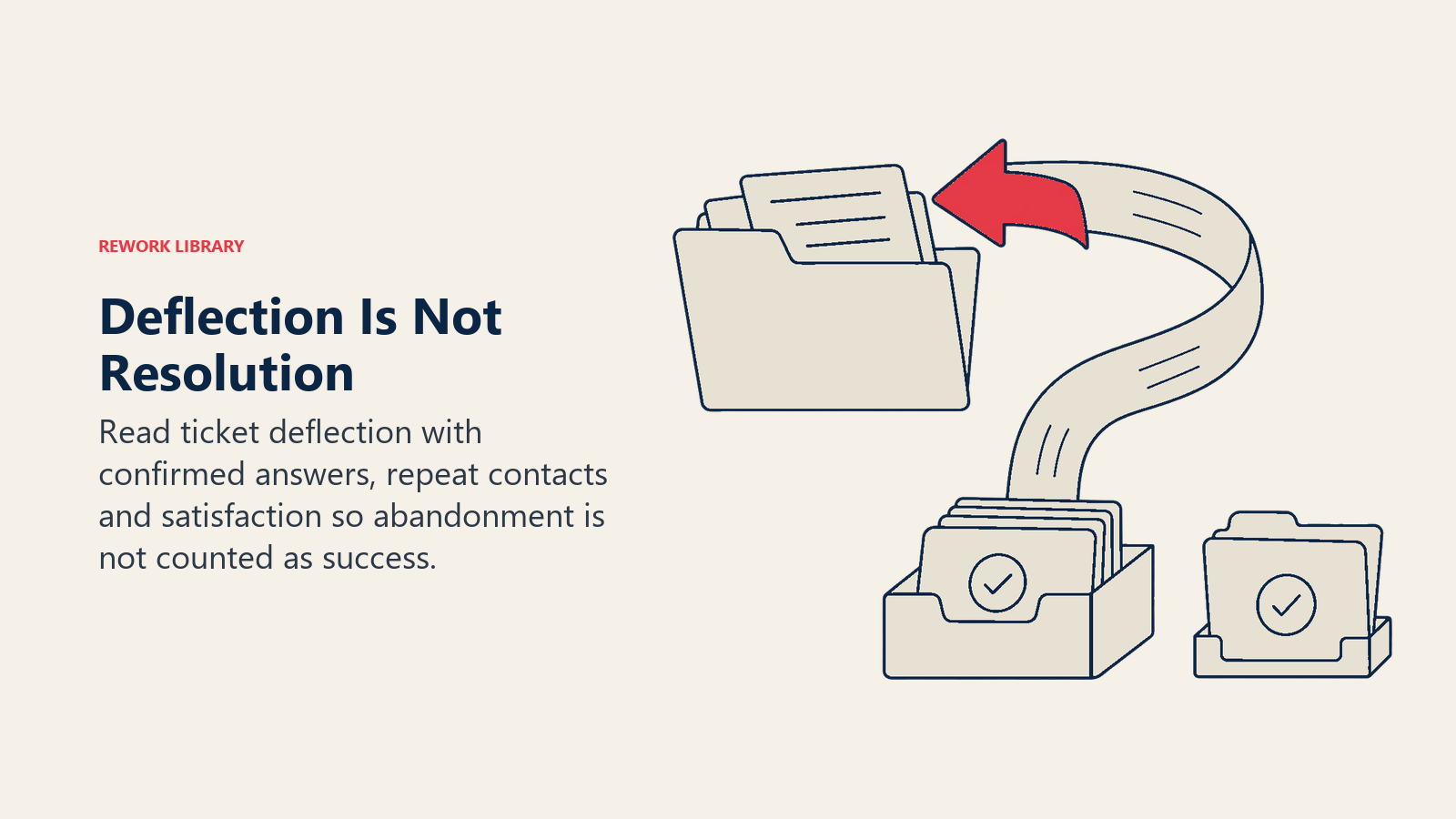
Deflection is the share of questions the assistant resolves without a human ticket. It's the headline number, and also the easiest to inflate. An employee who gives up on a bad answer looks identical to one who got a good answer, unless you measure more than volume.
| Metric | What it tells you | How to get it |
|---|---|---|
| Resolution rate | Share of conversations where the employee's question was answered | Thumbs-up or "did this help?" prompt, plus sampling |
| Deflection rate | Share of questions that never became a ticket | Conversations that ended without a case, within a set window |
| Repeat-contact rate | Whether employees come back with the same question | Same employee and topic within a few days |
| Escalation rate | Share handed to HR, and why | Case reasons tagged by topic |
| Accuracy on the test set | Whether answers match approved answers | Scheduled re-runs of your fixed questions |
| Time to resolution | Speed for assistant-answered and escalated cases | Timestamps in the case system |
| Employee satisfaction | Whether people trust it | Short survey after the conversation |
Read them together. A rising deflection rate with a rising repeat-contact rate means employees are being brushed off, not helped. A low escalation rate on sensitive topics may mean people are avoiding the assistant for the things that matter. Review the unanswered questions weekly; they tell you which policies are unclear and which documents are missing.
How to Implement It, Step by Step
- Pull a month of real questions. Use the HR inbox, ticket system and chat logs. Group them by topic and count them. This is your scope, and it's better than guessing.
- Pick the first 20 questions. Choose high-volume, low-risk ones with a clear written answer: holidays, leave rules, payslip dates, benefits basics.
- Clean the source documents. Remove duplicates and old versions, resolve conflicting rules, and assign owners. Expect this to be most of the work.
- Decide what the assistant may not do. Write the sensitive-topic list and the actions it can't take. Get HR and legal to sign it.
- Connect identity and records carefully. Use single sign-on so the assistant knows who is asking, and give it read-only access to the minimum fields it needs.
- Design the handoff. Define the escalation triggers, the queue each goes to, the response-time promise and what context travels with the case.
- Test before launch. Run the fixed question set, try to break it with trick questions and out-of-scope requests, and have HR staff review a sample of answers.
- Launch to a small group. Start with one location or department. Tell employees what the assistant is, what it can't do and how to reach a person.
- Review weekly, then monthly. Check the metrics above, read escalated and unanswered questions, fix the documents, and widen scope only when accuracy holds.
The wider operating question, such as who owns the assistant and how it fits HR's structure, is covered in AI and the HR operating model. If your team is also using AI to draft policies and communications, generative AI for HR teams explains where the lines sit.
Common Pitfalls
- Launching on messy documents. If the handbook contradicts itself, the assistant will too. Clean the sources first.
- Treating deflection as success. Low ticket volume can mean good answers or frustrated employees. Pair it with resolution and repeat-contact rates.
- Hiding the human option. Employees should reach a person in one step. Burying it destroys trust and pushes people back to email.
- Answering with advice, not information. Explaining a benefit is fine. Telling an employee which option to choose, or whether they have a legal claim, isn't.
- Ignoring local rules. Leave, notice and working-time rules vary by country and sometimes by region. An answer that's right in one place can be wrong in another.
- Leaving it unowned. Policies change. Without a named owner and a review schedule, answers drift out of date within months.
- Skipping the privacy review. Employee questions can reveal health, family and performance information. Decide what's stored, for how long and who can read it. This is general information, not legal advice, so involve counsel and your data protection lead.
Where This Fits in the Bigger Picture
Self-service is usually the first place HR teams see value from AI, because the questions are frequent, the answers are written down and the cost of a miss is manageable when escalation works. It also builds the foundation for what comes next. The same grounded-answer and handoff design supports onboarding questions, and it's one slice of the broader AI in HR picture. Get the basics right here and the later steps get easier.

Senior Customer Retention Strategist