Writing Job Descriptions With AI: Inclusive, Accurate and On-Brand
Turn this article into takeaways for your work.


Each assistant summarizes the article only for you and suggests best practices for your work.
Writing job descriptions with AI means using a language model to turn a hiring manager's real inputs (the work, the must-have skills, the pay range, the team) into a clean first draft, then having a person edit it for accuracy, inclusive wording and legal fit before it's posted. The model saves the blank-page hour. It doesn't know what the job actually is, what you really pay or what the law in your hiring location requires, so those stay with you.
This guide is for HR managers, talent acquisition leads and hiring managers who already use, or are about to use, a chatbot to draft postings. For the wider picture of AI across hiring, see AI in recruiting. This guide assumes the basics from generative AI for HR teams. General information only, not legal advice.
Key Facts
- In the research that started the field, Gaucher, Friesen and Kay analysed 493 online job ads across 11 occupations and found that ads for male-dominated jobs used more masculine-coded wording, and that masculine wording lowered women's sense of belonging, which in turn lowered how appealing the job looked (Harvard Kennedy School, Gender Action Portal summary of the 2011 study).
- In a 2022 NAACL workshop paper, researchers who used GPT-3 to write job ads found that diversity-encouraging prompts alone did not significantly reduce bias, while fine-tuning on unbiased real ads did (Borchers et al., arXiv).
- Under Article 5 of the EU Pay Transparency Directive, applicants have the right to the initial pay or its range, employers may not ask about pay history, and job vacancy notices and titles must be gender-neutral (Directive (EU) 2023/970).
- Member States had to bring that directive into national law by 7 June 2026 (Directive (EU) 2023/970, Article 34).
- Colorado's pay-posting rules took effect on 1 January 2021 and require the compensation range plus a general description of benefits and incentive pay (Littler).
What AI Does Well, and Badly, in a Job Description
A job description is a short document with a lot of jobs to do. It tells candidates what the work is, feeds the keyword matching on job boards, tells interviewers what to test for, and, once someone is hired, becomes the reference point for performance conversations. Models are good at the writing part and weak at the facts part.
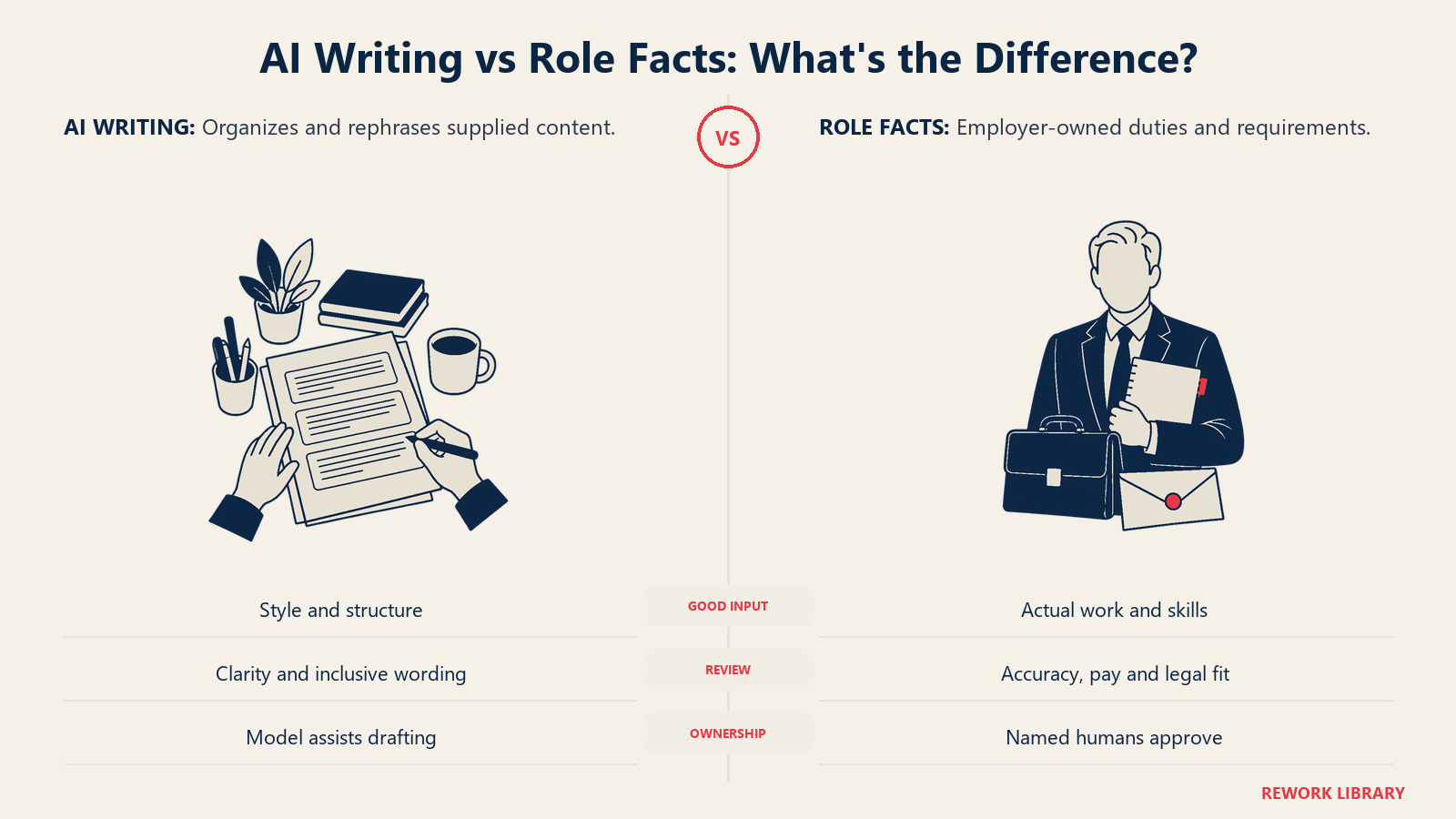
What they do well:
- Structure and tone. Give a model rough bullet notes and it returns a readable posting in your house style in seconds.
- Plain language. It can cut jargon, shorten run-on sentences and rewrite a bloated 40-bullet list into 8 clear ones.
- Variants. Same role, three versions: one for a job board, one for the careers page, one for an internal move.
- First-pass checks. It can flag wording that reads as exclusionary, or requirements that don't match the seniority.
What they do badly:
- Facts about your job. A model fills gaps with plausible filler. Ask for a description of a "Sales Operations Manager" with no context and you'll get a generic list of CRM tasks that may not describe your team.
- Invented requirements. Models copy the inflated lists they've seen online: ten years of experience for a mid-level role, three tools you don't use, a degree you don't need.
- Bias by default. Models reproduce the patterns in the text they learned from. The GPT-3 study above found that zero-shot generated ads were biased and easy to spot as synthetic, and that simply asking for diversity-friendly language wasn't enough to fix it. That study used an older model, but the lesson holds: test the output, don't trust the prompt.
- Legal specifics. A model can't know your pay range, your jurisdiction's posting rules or your collective agreement. You supply those.
In practice, the model drafts and runs a first check of the draft against your criteria, while a person stays in the loop to correct facts and approve the final text.
Examples by Function
The same method works across functions, but the inputs differ. These show what a manager should bring to the model, using a matching job description template as a reference point.
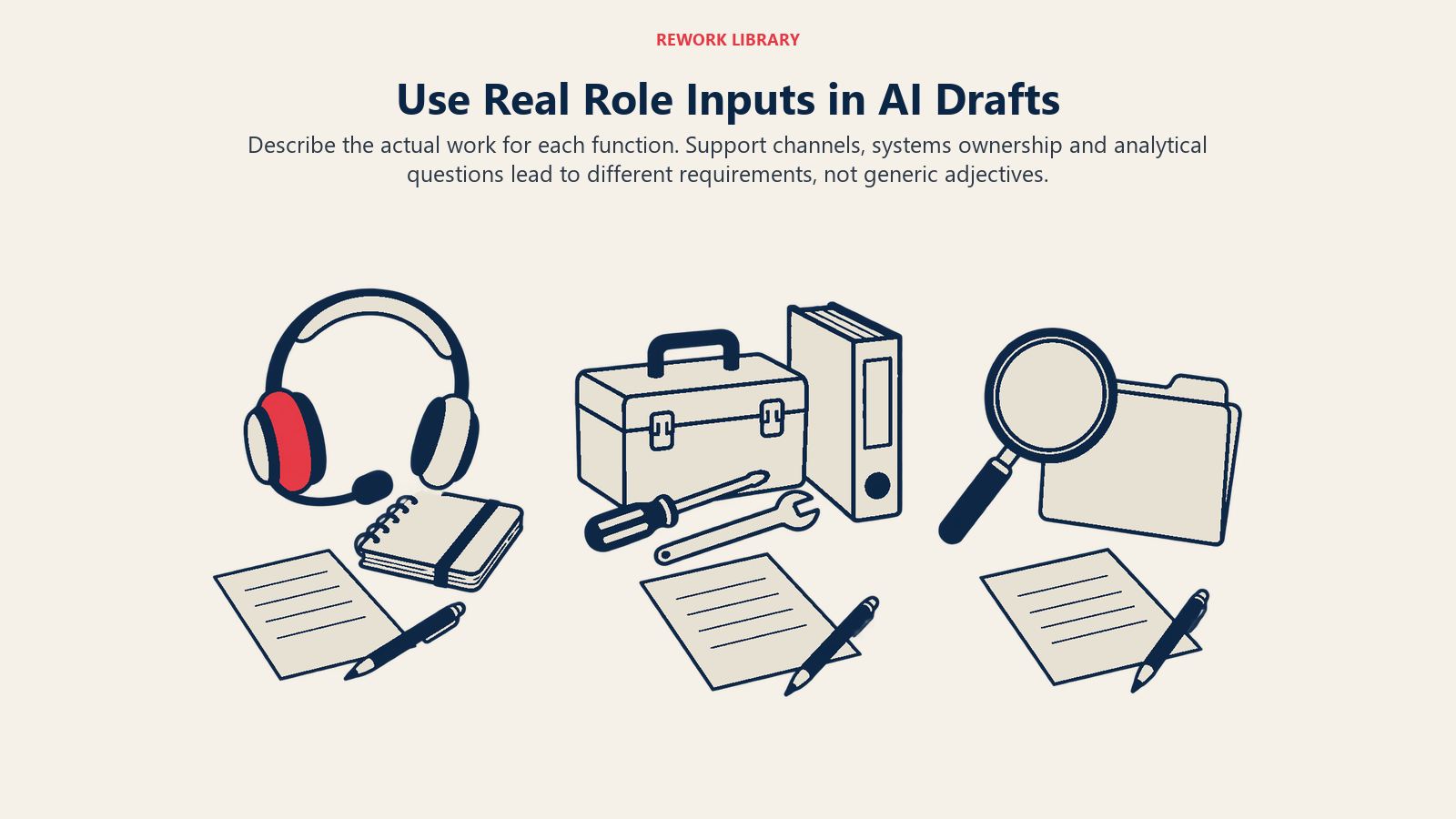
Customer support. For a customer support specialist, the useful inputs are channels covered (email, chat, phone), ticket volume expectations, shift pattern and the tools used. The model's weak spot here is the soft-skills pile ("passionate, energetic, rockstar"). Replace those with observable behaviours: explains a fix in plain language, stays calm with an upset customer, documents each case.
Sales operations. For a sales operations manager, say which systems the person will own, whether they build reports or only maintain them, and who they report to. Left alone, a model will blend this role with sales management and bury the analytical work. Your notes keep the two apart.
Data and analytics. For a data analyst, list the questions the analyst will answer in the first six months, the data sources and the stack. Models love to list every tool in the field, which narrows the pool for no reason. Ask the manager which two tools are essential and which are nice to have.
Executive and administrative roles. Here the risk is title inflation and vague scope. Give the model a typical week, not a list of adjectives.
Whatever the function, a template gives you the structure, and your hiring manager's notes give you the substance. The model joins them.
How to Write a Job Description With AI, Step by Step
- Start with a short intake, not a prompt. Before opening the chatbot, get answers from the hiring manager in writing: the top three outcomes the person must deliver, the real daily work, the two or three skills that truly can't be learned on the job, the reporting line, work location and the pay range. If the manager can't answer these, the job isn't ready to be posted, and no model will fix that.
- Separate must-haves from nice-to-haves. Count them. Long lists of requirements are a screening filter in disguise, and they tend to discourage people who could do the work. If you're moving toward skills-based hiring, phrase requirements as skills and evidence of results rather than years and degrees.
- Give the model your context and your structure. Paste the intake notes, a sample of a past posting you liked, your style rules and the sections you want (summary, what you'll do, what you bring, what we offer, pay). Tell it to use only the facts you supplied and to write "[to confirm]" where something is missing.
- Generate two drafts and compare. One draft is a guess, two show you what the model is filling in by itself. Anything that appears in both drafts but isn't in your notes is an invented detail to check.
- Run an accuracy review. Walk the draft line by line against the intake notes. Delete or confirm every responsibility, tool, qualification and benefit. The hiring manager signs off on the duties, and HR signs off on the benefits and pay.
- Run an inclusive-language review. Use the checks in the next section, on the draft and on the job title.
- Add the pay and legal information. Insert the range, benefits summary, location-specific notices and equal opportunity statement from approved text, not model output.
- Get a human sign-off and log the version. Treat it as a human-in-the-loop step with a named approver. Keep the final approved text in your applicant tracking system so interviewers screen against the same criteria that candidates saw.
- Review after the hire. Compare the posting with what the person actually did in their first quarter, then fix the template for next time.
An Inclusive-Language Review That Actually Works
The best-known evidence on this comes from a 2011 study in the Journal of Personality and Social Psychology by Gaucher, Friesen and Kay. They found that masculine-coded wording appeared more often in ads for male-dominated occupations, and that in experiments it made the job less appealing to women mainly because it reduced their sense of belonging. It did not change how skilled women felt for the job. The word choices signalled who the employer expected to apply.
So the review is about signals. A practical checklist:
| Check | What to look for | Better approach |
|---|---|---|
| Gender-coded words | Adjectives like "aggressive," "dominant," "ninja," "rockstar" | Describe the behaviour: "makes decisions with incomplete information" |
| Gendered titles and pronouns | "Salesman," "he/she," "guys" | Neutral titles and "you" or "they" |
| Age signals | "Digital native," "recent graduate," "young team" | State the skill, not the generation |
| Inflated requirements | Years of experience beyond what the work needs, degrees "preferred" by habit | Keep only requirements you'd defend in an interview |
| Culture-fit phrases | "Work hard, play hard," "fast-paced family" | Describe how the team actually works and the hours expected |
| Ability assumptions | "Must be able to stand for 8 hours" when it isn't an essential function | List essential functions only, and say you provide accommodations |
| Jargon and idiom | Slang, acronyms, sports metaphors | Plain language that a non-native reader can follow |
You can ask the model to flag these terms, and it's a decent first filter. But don't let it be the only one. Have someone outside the hiring team read the final text cold, ideally someone who doesn't share the hiring manager's background, and ask what the job sounds like and who it sounds like it's for. That human read catches tone problems that a word list misses.
This matters more with AI than without it. A GPT-3 study showed that a plain "be diverse" instruction in the prompt didn't significantly cut bias, so your safeguard is the review step, not the instruction. If you use a dedicated writing tool with a built-in bias checker, treat it as one input to that review.
Pay Transparency: What a Posting May Need to Say
More jurisdictions now expect pay information in or before the job posting, and AI drafts don't include it unless you ask. Two examples show the range of rules.
European Union. Directive (EU) 2023/970 sets the right for applicants to receive the initial pay or its range, based on objective, gender-neutral criteria, and bars employers from asking about pay history. It also requires job vacancy notices and job titles to be gender-neutral. The deadline for Member States to transpose it into national law was 7 June 2026, which has now passed, so check the national law where you hire because the details (and whether information goes in the posting or is given before the interview) depend on how each country wrote it.
Colorado, United States. Colorado's Equal Pay for Equal Work Act rules took effect on 1 January 2021. They require postings for jobs that can be done in Colorado to state the compensation range, which can run from the lowest to the highest pay the employer in good faith believes it might pay, with a general description of benefits and incentive pay such as bonuses and commissions. The range doesn't bind the employer to pay within it, but it must be a reasonable estimate when posted.
Other US states and cities have their own versions, with different employer-size thresholds, wording requirements and effective dates. The safe habit is simple: keep a table of the locations you hire in, the rule for each, and the approved pay text, and fill the posting from that table. Don't let the model generate pay ranges or benefit descriptions. Give it the numbers and have it place them.
A last point on remote roles. A job that can be done from several places may need to meet several places' rules at once. Ask counsel which rule governs your posting.
Keeping Descriptions On-Brand
An on-brand posting sounds like your company rather than the average of the internet. A model defaults to the average unless you anchor it. Three things help:
- A style sheet. Tone (direct, warm, formal), words you use and words you avoid, how you refer to the team and the customer.
- A short brand paragraph. Approved text about what you do and why people work there, pasted in rather than generated. This also keeps promises consistent with reality.
- A gold-standard example. One recent posting that performed well and reads like you. Tell the model to match its voice, not copy its content.
Then edit out the generic filler that survives anyway. If a line could appear in any company's posting, cut it or make it specific.
Pitfalls to Avoid
- Posting the first draft. The most common failure. The text reads smoothly, so nobody checks it.
- Copying a competitor's description into the prompt. You'll inherit their requirements, and possibly their copyrighted text.
- Asking the model to set the pay range. It will produce a number that sounds plausible and means nothing. Use your own pay bands and market data.
- Letting requirements drift upward. Each draft tends to add a skill. Compare against the intake list every time.
- Pasting confidential data. Don't put unreleased strategy, a named internal candidate or employee records into a public tool. Use the tools your company has approved.
- Treating the job description as the screening rule. If you also use AI to screen applicants against the posting, any bias in the text carries into the ranking. The risks are covered in the AI in recruiting overview.
- No owner. Someone should own the template library, update it when roles change and retire old versions.
What to Measure
Track whether the process helps, not just whether it's faster:
- Time to approved posting, from intake to sign-off.
- Edits per draft, as a rough view of how much the model's output needs correcting.
- Applicant mix and drop-off by stage, compared across postings, to see whether wording changes shift who applies.
- Hiring manager satisfaction and whether interviews test the same things the posting described.
Run these over a quarter before you claim a result. One posting is an anecdote.

Senior Customer Retention Strategist