AI in Workforce Scheduling and Time and Attendance
Turn this article into takeaways for your work.


Each assistant summarizes the article only for you and suggests best practices for your work.
AI in workforce scheduling is the use of forecasting and optimization models to predict how much labor a business needs, turn that forecast into shift schedules that fit employee availability and legal limits, and flag time and attendance records that look wrong. Three jobs sit under that definition: forecasting demand, assigning people to shifts, and checking what actually happened against the plan.
This guide is for operations leaders, HR managers and shift supervisors who run hourly or shift-based teams, in retail, restaurants, healthcare, warehouses, contact centers or field services. It explains what each part of the stack does, how fair workweek and working time laws constrain it, and how to roll it out without making schedules worse for the people on them. It sits in the AI in HR section, and it leans on the data discipline covered in HR data foundations for AI.
Key Facts
- Oregon's predictive scheduling rules require covered employers (large retail, hospitality or food service employers with at least 500 employees worldwide) to give written schedules at least 14 calendar days ahead, and to pay extra for many employer-caused changes (Oregon BOLI).
- Seattle's Secure Scheduling ordinance has applied since July 1, 2017, requires schedules 14 days in advance for covered retail and food service employers with 500 or more employees worldwide, and requires one hour of pay when hours are added or a shift's date or time is changed (Seattle Office of Labor Standards).
- A randomized experiment across 28 Gap stores found that more stable schedules raised median sales by 7% and labor productivity by 5% in the 19 treatment stores (WorkLife Law).
- The EU Working Time Directive sets 11 consecutive hours of daily rest, a 24-hour weekly rest, and an average weekly limit of 48 hours including overtime (EUR-Lex).
- In 2019 the EU Court of Justice held that employers must have an objective, reliable and accessible system for measuring each worker's daily working time (Addleshaw Goddard).
The Three Jobs AI Does in Scheduling
In ACE Framework terms, a scheduling system ingests sales, traffic, ticket, appointment and punch data, analyzes the patterns in them, predicts the labor each interval needs, generates a candidate schedule and executes it by publishing shifts and notifying people. The anomaly layer on top watches the punches.
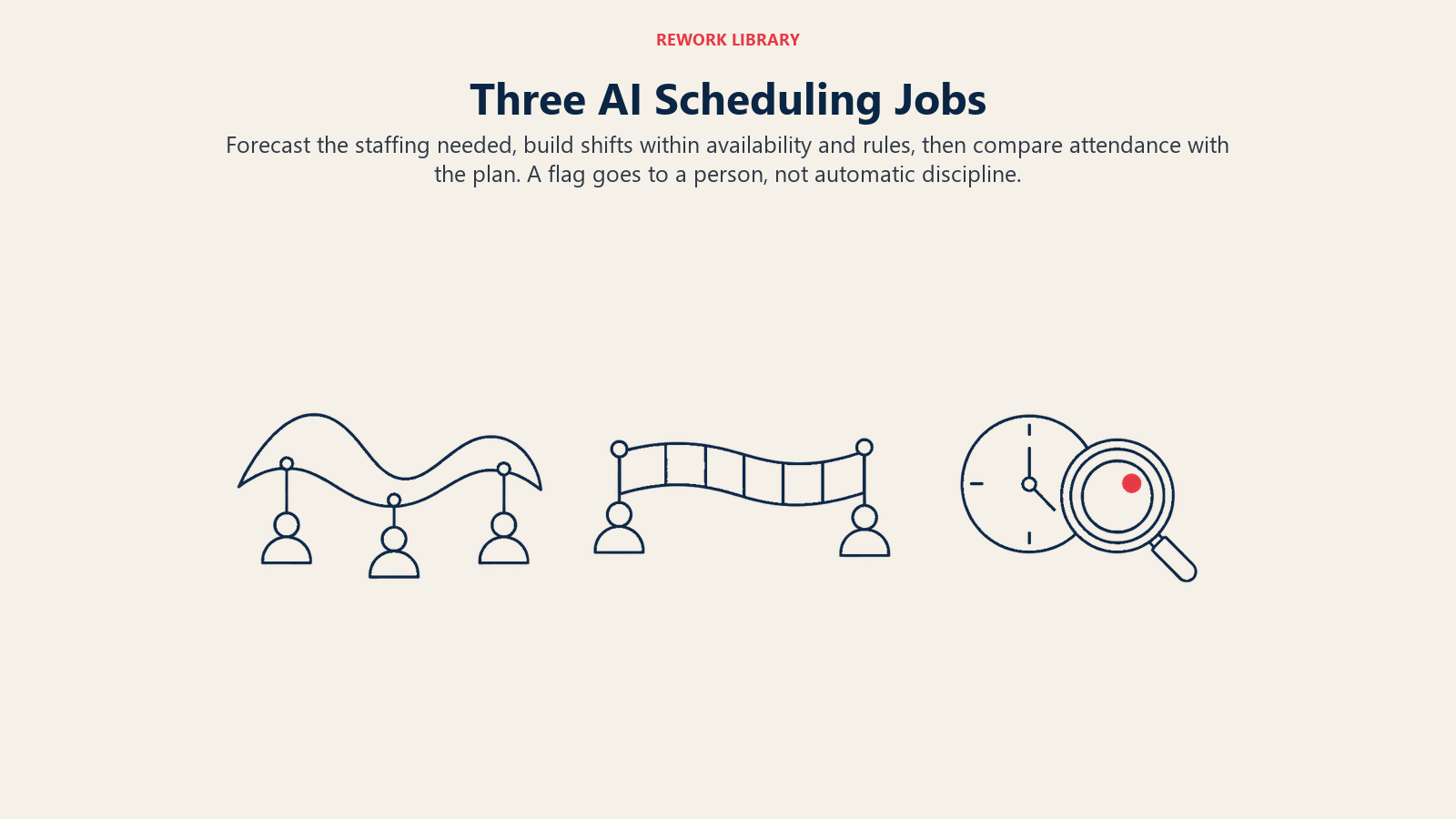
1. Forecasting labor demand. A model learns how demand moves by hour, day and season, then projects it forward. The inputs are usually transactions or orders, foot traffic, bookings, promotions, weather and local events. Those are standard machine learning techniques applied as predictive analytics. The output is a staffing requirement per interval, such as "six cashiers from noon to 2 pm on Saturdays," not a schedule.
2. Building the schedule. An optimizer takes the staffing requirement and matches it against constraints: who is available, what skills or certifications each shift needs, overtime thresholds, rest rules, union agreements and stated preferences. It then proposes a schedule that covers demand at the lowest cost while honoring those rules. Generative AI can sit on top for the human side, such as drafting shift-swap messages or answering "why was I scheduled Sunday?"
3. Flagging attendance anomalies. Once people work, the system compares punches to the plan. It can spot patterns that deserve a look: clock-ins from an unexpected location, repeated rounding in one direction, a sudden run of missed breaks, shifts that regularly exceed the scheduled end, or two people punching in from the same device. This is anomaly detection pointed at time records, and it works best when it routes a flag to a human instead of acting on its own.
Real Examples by Function
| Function | What AI does | What a human still decides |
|---|---|---|
| Retail | Forecasts hourly traffic from sales history and promotions, then schedules floor and register coverage | Which employees get the best hours, how to handle shift swaps |
| Restaurants and hospitality | Predicts covers by daypart, builds shifts by station, flags likely overtime before the week starts | Menu and event-specific staffing, tip-pool and break practices |
| Healthcare | Matches predicted patient volume and acuity to nurses by license and unit competency | Float assignments, safe-staffing exceptions |
| Warehouse and logistics | Forecasts inbound volume and builds shift crews by skill and equipment certification | Peak-season surge plans, agency labor |
| Contact centers | Forecasts call and chat volume by interval, schedules agents to service-level targets | Coaching time, break flexibility |
| Field services | Pairs technician availability and skills with appointment forecasts | Emergency dispatch, customer exceptions |
| HR and payroll | Flags missed punches, unusual rounding and overtime spikes before payroll closes | Disputed hours, corrections, discipline |
The pattern is the same everywhere. The model does the arithmetic across thousands of combinations, and people keep the judgment calls that involve fairness and context. For the connection to leave requests, see the time off and leave agent, and for the employee-facing side, AI employee self-service.
The Law Your Scheduler Has to Respect
An optimizer will happily schedule a closing shift followed by an opening shift if nothing tells it not to. Scheduling laws are the "nothing" you need to fix. Treat them as hard constraints in the configuration, not as something a manager catches afterward.
Predictive scheduling and fair workweek laws (US)
Several US jurisdictions require advance notice of schedules and extra pay when employers change them. The rules differ by place, industry and employer size, so confirm the current version for every location you operate in. A few reference points from official pages:
| Jurisdiction | Who's covered | Advance notice | Change penalty or rest rule |
|---|---|---|---|
| Oregon | Large retail, hospitality and food service employers with at least 500 employees worldwide | 14 calendar days | One hour of pay for adding more than 30 minutes or a shift; half pay for hours cut; time-and-a-half for work within 10 hours of a prior shift unless the worker requests or agrees |
| Seattle | Retail and food service with 500 or more employees worldwide | 14 days | One hour of pay for added hours or a changed shift time; half the unworked hours for early send-homes; time-and-a-half for shifts under 10 hours apart |
| San Francisco | Formula retail with at least 40 stores worldwide and 20 or more San Francisco employees | Two weeks | 1 to 4 hours of premium pay when changes come with under seven days' notice |
| Chicago | Covered industries including retail, restaurants, healthcare, hotels, manufacturing and warehouse services, with employer size and wage thresholds | See the city page | One hour of predictability pay for a shift change within 14 days; employees may decline hours starting under 10 hours after the prior shift |
| New York City, fast food | Fast food employers | 14 days | Premiums for schedule changes and clopenings; workers can decline clopenings |
Other cities and states have their own fair workweek laws too, and they keep adding or amending them. Don't rely on a table in an article as your compliance source. Keep a rules sheet per location, owned by someone in HR or legal, and review it on a schedule.
Two practical consequences for AI scheduling. First, the system should make late changes visible and priced: if a manager edits a published schedule inside the notice window, the tool should show the premium it will trigger before the edit is saved. Second, the system should log who changed what and why, because a premium-pay dispute is a records question.
Working time rules (EU)
The Working Time Directive sets minimums that a scheduler must treat as hard limits: at least 11 consecutive hours of rest in each 24-hour period, an uninterrupted 24-hour rest in each seven-day period, an average of no more than 48 hours a week including overtime (reference period up to four months), and a cap on night workers' normal hours of an average 8 hours in any 24. The directive allows derogations in some cases, and Member States and collective agreements add their own rules, so the configured limits should come from national law and your agreements, not from the directive alone.
Attendance data matters here too. In 2019 the Court of Justice of the EU held that employers must set up an objective, reliable and accessible system to measure each worker's daily working time, and that logging only overtime isn't enough (Addleshaw Goddard). A scheduling and attendance platform with clean punch data is one way to meet that standard.
Rounding and pay accuracy (US)
On the time side, the US Fair Labor Standards Act regulations accept rounding punches to the nearest five minutes, tenth or quarter hour, but only if it doesn't result over time in employees failing to be paid for all the time they work (29 CFR 785.48). An AI that flags one-directional rounding is doing something concrete for compliance.
Why Stable Schedules Are Worth Designing For
It's tempting to read scheduling AI as a cost tool, and the cheapest schedule on paper is often a volatile one. The best-known test of the opposite approach is the Gap study. Researchers from the Center for WorkLife Law, the University of Chicago and UNC Kenan-Flagler worked with Gap Inc. on a randomized experiment: 19 treatment stores and 9 control stores in the San Francisco and Chicago areas, running from November 2015 to August 2016. Treatment stores used practices such as tech-enabled shift swapping, core scheduling and targeted additional staffing, and they saw median sales up 7% and labor productivity up 5% (WorkLife Law).
It's one company's retail experiment from several years ago, so treat it as evidence that stability and performance aren't opposites, not as a forecast for your business. The design lesson is useful, though. Give the optimizer stability as an objective, not just coverage and cost: consistent shifts week to week, predictable days off, early notice and room for employee input. The related effect on fatigue is covered in pace and burnout in the AI era.
How to Implement It Step by Step
- Pick one population and one problem. Start with a single store group, site or department and one pain point: understaffing at peaks, overtime surprises or late schedule changes. Broad launches hide what's working.
- Clean the inputs. You need reliable demand history, a current roster with skills, certifications and availability, and punch data you trust. Garbage in produces confident, wrong schedules. HR data foundations for AI covers the groundwork.
- Write the rules down before you configure them. List notice windows, rest minimums, overtime thresholds, break rules, union terms and minor-work limits for each location. Have HR or legal sign off. Then load them as hard constraints.
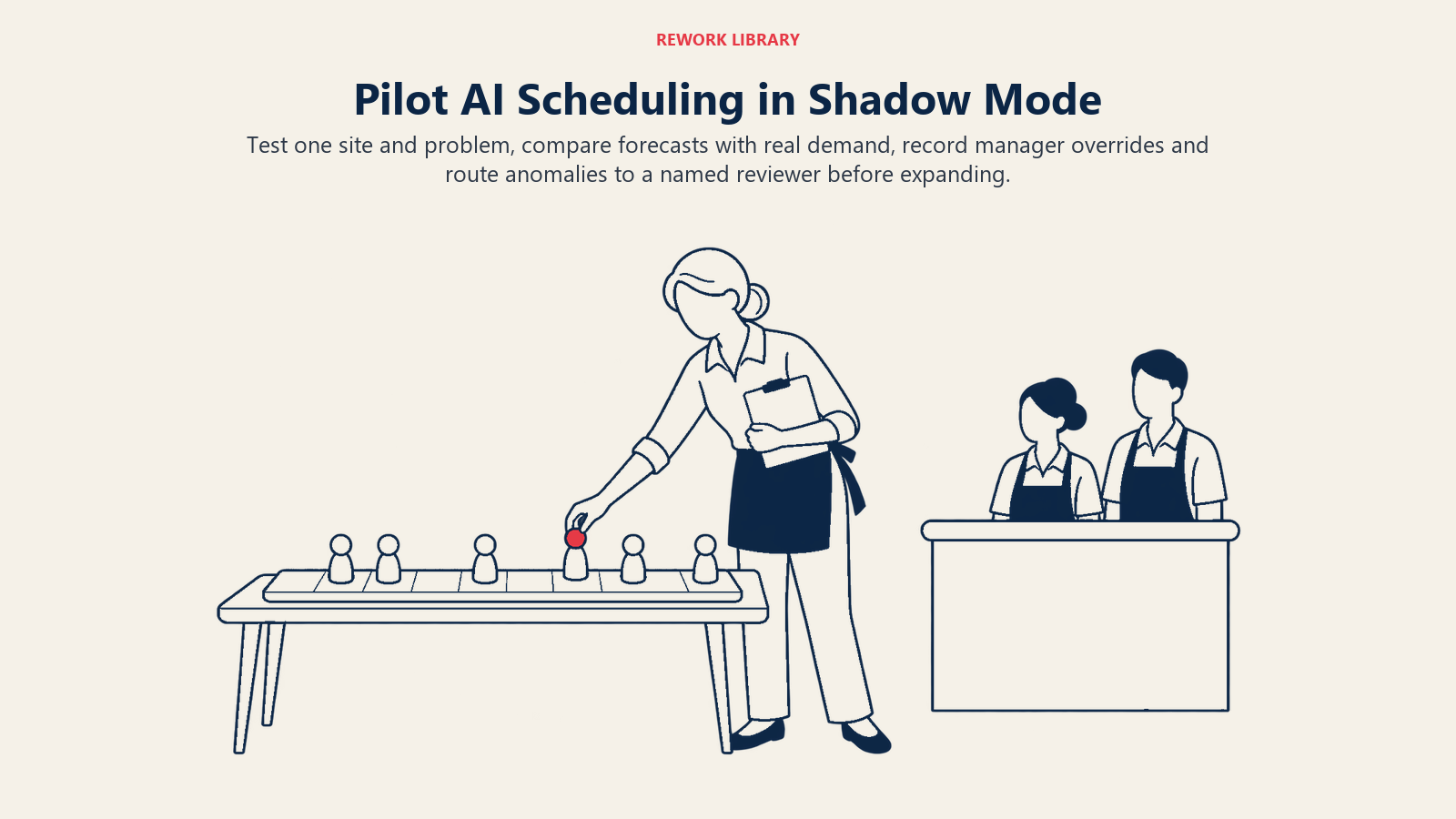
- Run the forecast in shadow mode. Compare predicted labor to what managers actually scheduled and what demand really needed, for several weeks. Measure forecast error by daypart, not just overall.
- Pilot the schedule generator with managers editing. Let managers adjust drafts and record why. Repeated overrides show you a missing constraint or a bad forecast.
- Turn on anomaly flags with a review path. Route flags to a named person with a set response time. A flag nobody reads is just noise, and a flag that triggers automatic discipline is a risk. Keep a human in the loop.
- Tell employees what the system does. Explain what data goes in, how preferences are weighed, how to swap shifts and how to challenge a record.
- Measure outcomes, not usage. Track forecast accuracy, schedule-change rate inside the notice window, premium pay paid, overtime hours, unfilled shifts, turnover and employee satisfaction with schedules. This also connects to attrition prediction, since schedule volatility often shows up in exits.
- Review quarterly. Demand shifts, laws change and locations open. Retest the forecast and update the rules sheet.
Common Pitfalls
- Optimizing for cost alone. Thin staffing at peaks and constant last-minute edits cost money in turnover and lost sales, and they can trigger premium pay.
- Treating law as a post-check. If the rules aren't hard constraints in the engine, managers will publish violations and find out later.
- One rule set for every location. Notice windows, covered employers and rest rules vary by city, state and country.
- Opaque scheduling. If employees can't see why they got a shift, the system will be read as unfair, whether or not it is.
- Using anomaly flags as accusations. A missed punch is usually a forgotten tap, not fraud. Check before acting.
- Ignoring availability and caregiving. A schedule that's technically legal can still push people out. Capture availability honestly and honor it.
- Surveillance creep. Location and biometric punch data raise privacy questions in many places. Collect only what you need and document why.
- Skipping the forecast review. A demand model trained on last year's patterns will be wrong after a new product, a new competitor or a changed opening time.
Where to Go Next
- AI in HR: the pillar for the whole section.
- HR data foundations for AI: the data you need before any of this works.
- AI employee self-service: where shift swaps, time off and schedule questions get answered.
- Time off and leave agent: how leave requests interact with coverage.
- Anomaly detection: the technique behind attendance flags.
- AI in payroll: where approved hours are validated and turned into pay.
- Pace and burnout in the AI era: why workload and schedule design matter for health.

Senior Customer Retention Strategist
On this page
- Key Facts
- The Three Jobs AI Does in Scheduling
- Real Examples by Function
- The Law Your Scheduler Has to Respect
- Predictive scheduling and fair workweek laws (US)
- Working time rules (EU)
- Rounding and pay accuracy (US)
- Why Stable Schedules Are Worth Designing For
- How to Implement It Step by Step
- Common Pitfalls
- Where to Go Next