AI in Payroll: Validation, Anomaly Detection and Compliance Checks
Turn this article into takeaways for your work.


Each assistant summarizes the article only for you and suggests best practices for your work.
AI in payroll means using machine learning and language models around the pay run, not inside the arithmetic: checking inputs before the run, flagging payments that look out of pattern, and answering routine pay questions. The calculation of gross-to-net, tax and deductions stays with deterministic rules engines, because payroll has a right answer and a model can only give a probable one.
This guide is for payroll managers, HR operations leads, finance controllers and the HR leaders who own them. It explains where AI genuinely helps, where a plain rules engine is still the better tool, and how to introduce AI without putting a wrong paycheck, a tax error or an audit finding on your desk. It sits inside the AI in HR section. If you want the build-level design of an agent that does this work, the AI payroll agent blueprint covers it.
Key Facts
- A 2026 Symmetry survey of 300 payroll, compliance and HR technology professionals, run in June 2026, found 78% using AI extensively (39%) or piloting it (39%), and 4% with no plans to adopt it (Symmetry).
- In the same survey, the top concern was data privacy and security risk (58%), followed by inaccurate tax calculations (39%). And 34% named unclear accountability when automation causes a compliance error as the largest single gap (Symmetry).
- Only 49% of respondents had automated alerts that flag jurisdiction or rate changes before they take effect, and for 11% a client or employee is usually the first to find a problem (Symmetry).
- The IRS says employers must keep employment tax records for at least four years after filing the fourth-quarter return for the year (IRS). The US Department of Labor requires payroll records to be preserved for at least three years under the Fair Labor Standards Act (US DOL).
What "AI in Payroll" Actually Covers
In ACE Framework terms, payroll AI ingests structured data (timesheets, HRIS changes, prior pay runs), analyzes it against history and policy, and in some cases predicts what a normal run should look like. It's the anomaly-detection pattern applied to money. The same data, though, is also processed by a very different kind of software: the rules engine that computes pay.
Keep these two apart in your head:
- A deterministic rules engine applies explicit rules the same way every time. Given the same inputs, it gives the same pay, and you can trace every number to a rule. Tax tables, overtime multipliers, benefit deductions and garnishment priority all live here.
- An AI layer works on patterns and language. It can notice that a payment is unusual, read a messy email, or draft a reply. It can also be confidently wrong, which is the AI hallucination problem, and no one wants that in a tax withholding figure.
The practical rule: let the rules engine decide the number, and let AI help people trust, check and explain it.
Where AI Helps: Three Jobs Around the Pay Run
1. Pre-run validation
Most payroll errors are born upstream. A new hire is entered with the wrong pay frequency, a terminated employee is still on the register, a rate change is keyed with an extra zero, or a timesheet contains 280 hours in a week. Rules catch the errors you've thought of. AI catches some you haven't.
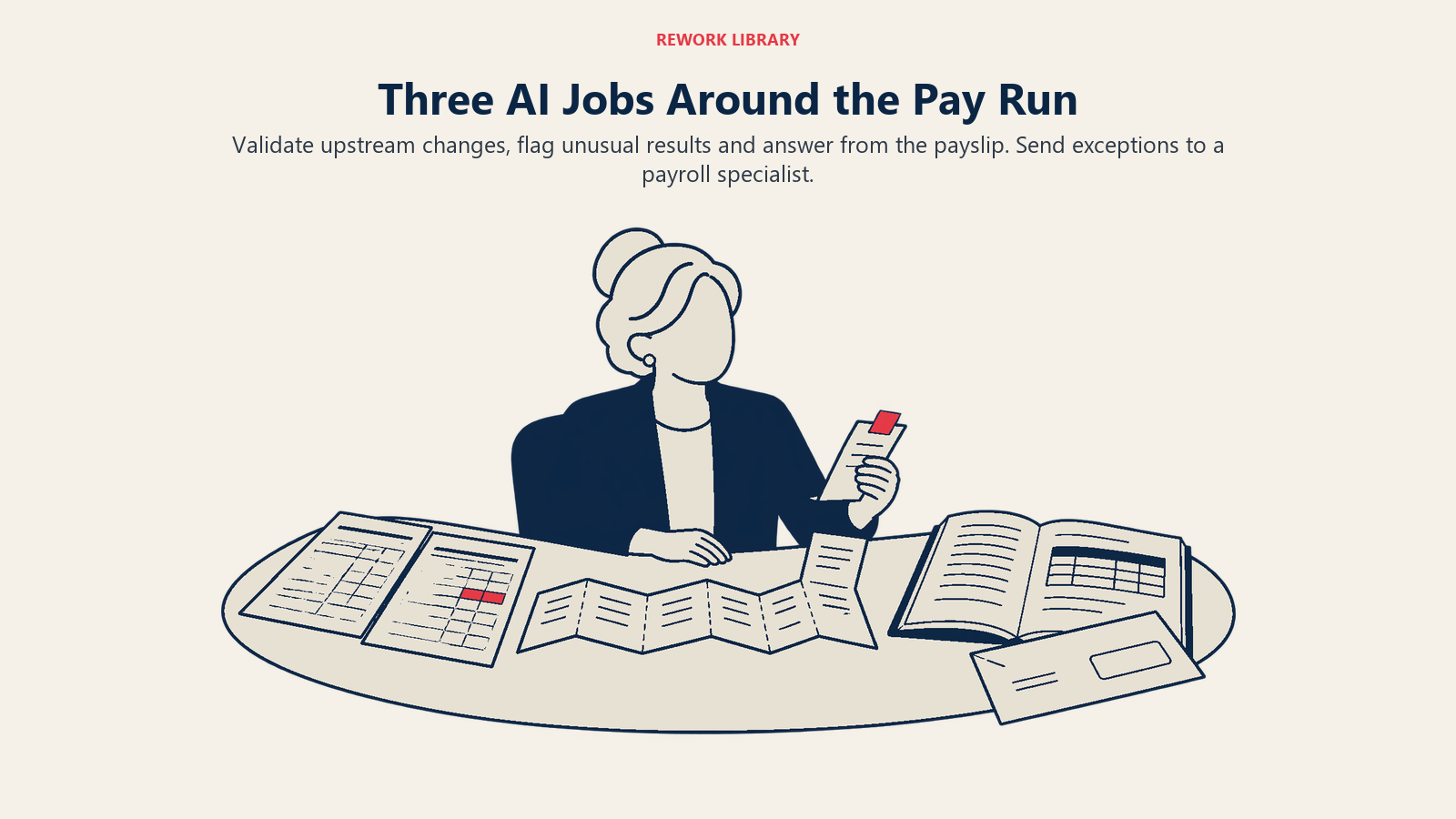
Useful pre-run checks include:
- Comparing each employee's inputs to their own recent history and to peers in the same role or location.
- Spotting changes that arrived late or outside the normal approval path, such as a bank-detail change made the day before the run.
- Reading free-text notes and emails from managers ("please pay Sam the retention bonus") and turning them into structured, reviewable changes.
- Reconciling the HRIS, the time system and the payroll register, and listing the mismatches.
The output is a short exceptions list for a payroll specialist, not a changed number.
2. Anomaly detection
Anomaly detection looks for results that don't fit the pattern. In payroll, that means a net pay that jumps 40% with no reason, two employees sharing one bank account, a ghost employee with no timesheet history, or a department whose overtime doubles in a month.
Rules can catch the obvious cases ("flag any net pay change above 20%"). Machine learning adds value when the "normal" is hard to write down: seasonal swings, shift premiums, commission plans, or workers with irregular hours. A model learns what typical looks like for each group and flags departures, with a reason a human can read.
Be honest about the trade-off. Every anomaly model produces false alarms. If your team gets 300 flags and 290 are harmless, they'll stop reading them. Tune for a list a person can clear in an hour.
3. Query handling
A large share of payroll workload is repeat questions: "When do I get paid?", "Why is my net pay lower this month?", "How is my overtime calculated?" A language model connected to the employee's own records and to your written pay policy can answer these through the employee self-service channel and hand the tough ones to a person.
Two guardrails make this safe: the assistant answers only from the employee's actual payslip data and approved policy text, and it never promises a correction or a payment. It routes those to a human with the context attached.
Where Deterministic Rules Engines Remain Better
It's tempting to ask a model to "run payroll". Don't. The following jobs should stay with rules.
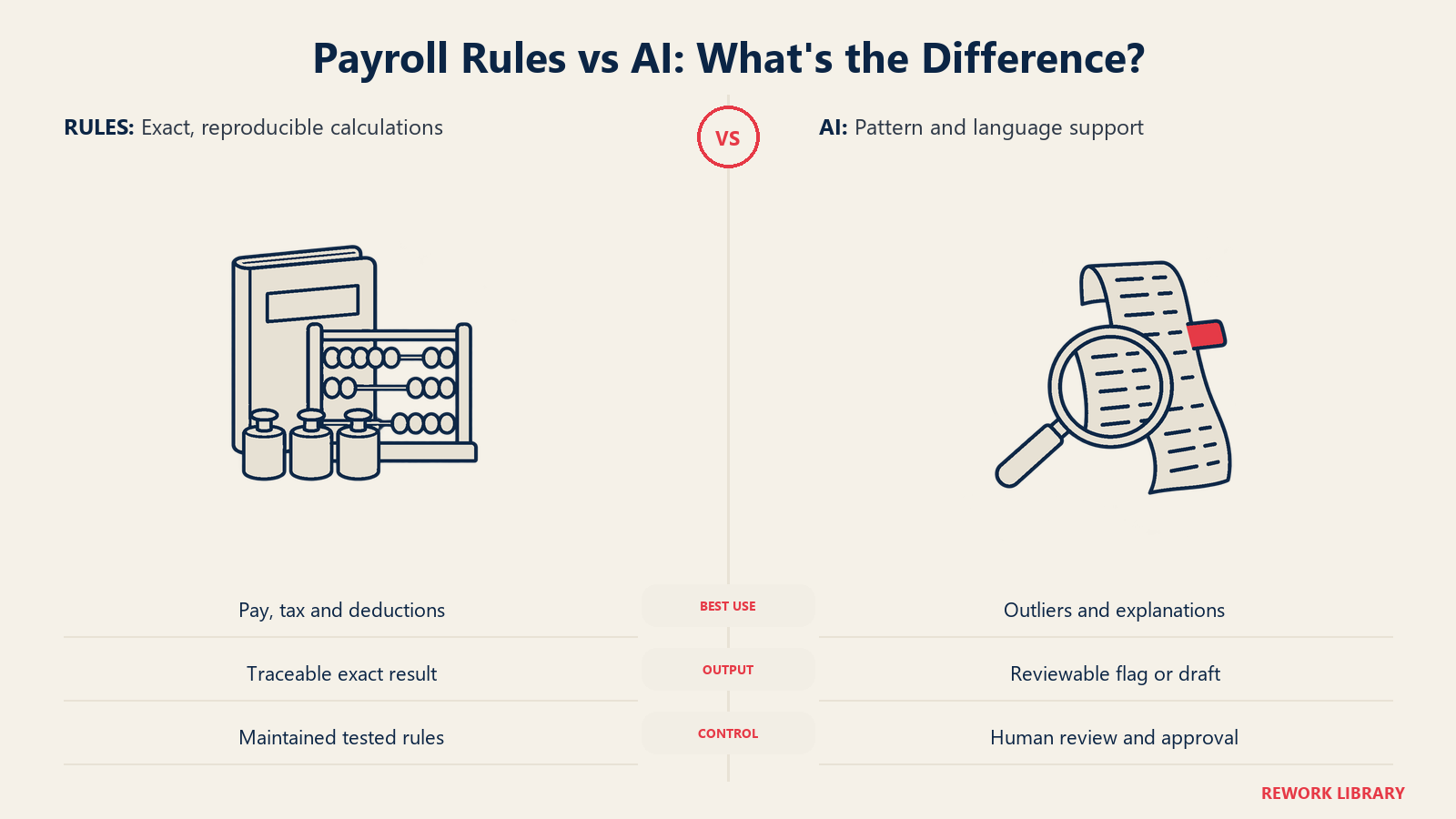
| Job | Better tool | Why |
|---|---|---|
| Gross-to-net calculation | Rules engine | One correct answer, must be reproducible and auditable |
| Tax withholding and filing | Rules engine fed by maintained tax tables | Law defines the result exactly |
| Overtime and premium pay | Rules engine | Contract and statute set the formula |
| Benefit and garnishment deductions | Rules engine | Priority and limits are fixed by rule |
| Approving and releasing payment | Named human, with segregation of duties | Accountability must sit with a person |
| Spotting an unusual pattern | AI or statistical model | Normal is hard to write as rules |
| Reading unstructured requests | Language model | Rules can't parse free text |
| Explaining a payslip in plain words | Language model, grounded in the payslip | Writing, not calculation |
A good example of why: the IRS says employers must withhold an Additional Medicare Tax of 0.9% on an employee's wages above $200,000, with no employer match (IRS). That's a fixed threshold and a fixed rate. A rules engine applies it exactly. A language model asked to compute it might get it right nine times out of ten, and in payroll the tenth is a compliance finding.
The Symmetry survey shows the same instinct in practice. Accuracy of tax calculations was the second-biggest worry at 39%, and 45% of respondents keep AI current on tax law through a real-time data feed rather than relying on what a model remembers (Symmetry). The fix is the same in both cases: tie the AI to maintained, authoritative data, and keep the final computation deterministic.
Compliance Checks: What AI Can and Can't Do
Compliance in payroll has three layers, and AI plays a different role in each.
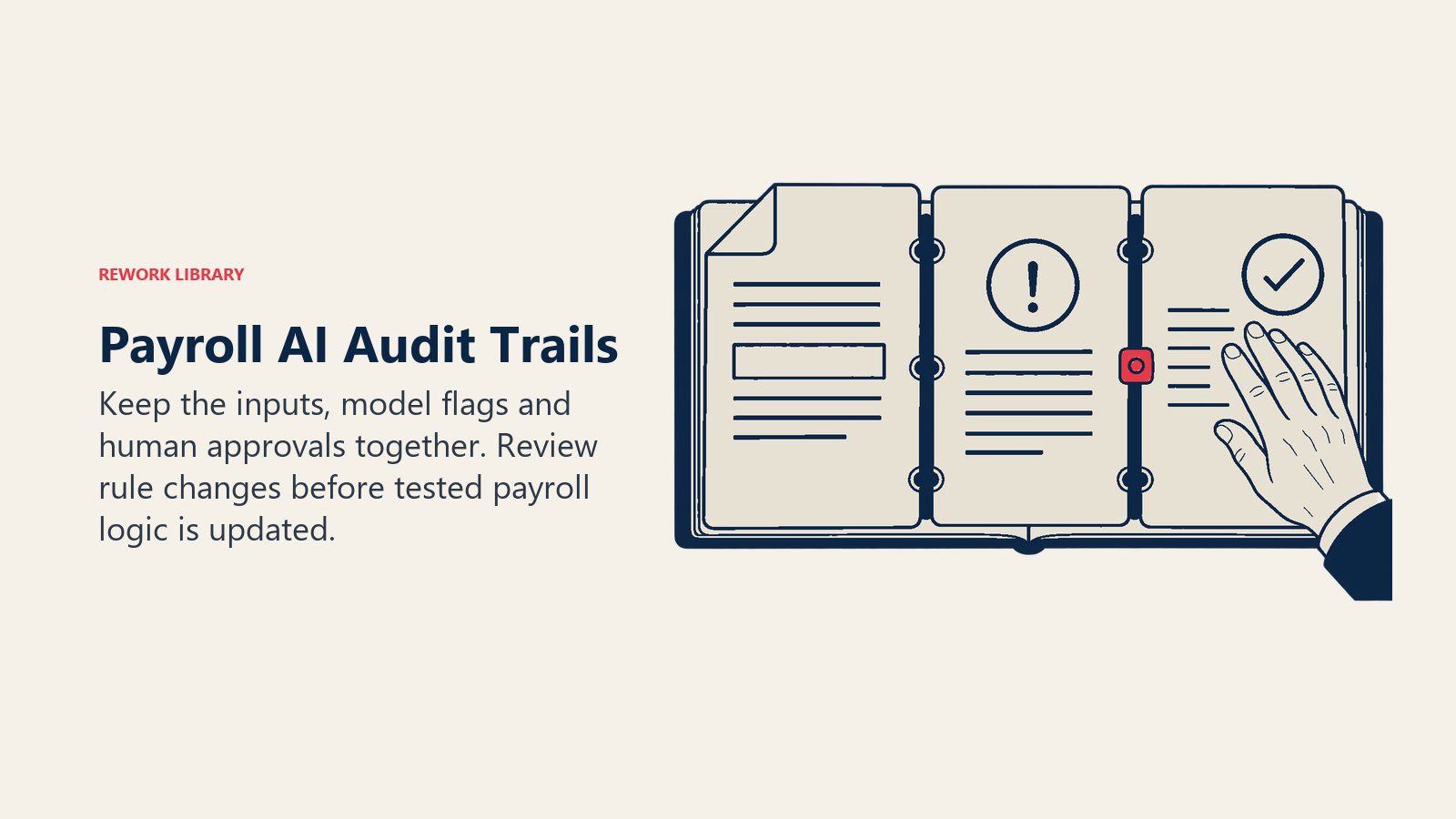
Rule changes. Rates, thresholds and filing rules change by jurisdiction. AI can help by monitoring official notices and drawing attention to changes that affect your locations. It shouldn't update tax logic on its own. A person reviews the change and a tested rules update does the work. Only 49% of survey respondents had alerts that flag rate or jurisdiction changes ahead of time, so a basic alerting process is often a bigger win than any model (Symmetry).
Run-level checks. Before a run closes, AI can verify that every active employee has a tax location, that no one is paid below the applicable minimum for their hours, and that totals reconcile to the general ledger. These are checks of the data, not the law, so a failed check goes to a person.
Records and audit. The IRS expects employment tax records to be kept for at least four years, and the DOL for at least three years for payroll records (IRS, US DOL). If AI is part of how a decision was made or a flag cleared, keep a log of what it saw, what it said and who approved. The survey found 32% of respondents say there's no reliable way to audit or explain what an automated system did and why (Symmetry). Don't join them.
Requirements differ by country and state, so confirm the details with your payroll provider, counsel or tax adviser.
Real Examples by Function
Payroll specialist. Before each bi-weekly run, an anomaly report lists 14 employees whose pay moved more than expected. Nine are known bonuses. Three are new hires with a prorated first period. Two are errors: a duplicate rate entry and a missed termination. The specialist fixes both in ten minutes instead of finding them after payday.
Finance controller. An AI check compares the payroll register to the budget by cost center and flags a department running 18% over on overtime. The controller asks operations about a staffing gap instead of discovering the variance at month end.
HR operations. A language model triages the payroll inbox. It tags "address change", "missing hours" and "bonus query", answers the ones it can from the employee's record, and passes the rest on with a summary. Specialists spend their time on cases that need judgement.
Internal audit. A pattern check looks for classic fraud signals: a shared bank account, a payee with no manager, round-number reimbursements just under an approval limit. Audit gets a reviewable list rather than a sample.
Employee. A worker asks why net pay dropped. The assistant explains from the payslip that a benefit deduction started this period and links the enrollment record. If the worker disputes it, the case goes to a person.
How to Introduce AI Into Payroll Step by Step
- Pick one painful, low-risk job. Pre-run exception reports and inbox triage are good first choices. Don't start with anything that moves money.
- Fix the data first. Anomaly models are only as good as the history they learn from. Clean employee, pay-rate and cost-center data, as described in HR data foundations for AI.
- Write down the rules you already know. Variance thresholds, required fields and approval limits belong in deterministic checks. Use AI only for what's left.
- Run it in shadow mode for two or three cycles. Let the AI flag while your team does payroll the usual way. Compare what it found with what you caught, and note false alarms.
- Measure the outcome. Track errors found before the run versus after, off-cycle payments, time spent on queries, and flags cleared as harmless. Pick the metrics before you start.
- Keep humans on the approval. The AI proposes, a named person approves and releases. Define who that is and what they must look at.
- Set data and access boundaries. Payroll data is highly sensitive, and privacy was the top concern in the survey at 58% (Symmetry). Limit who and what can see pay data, check where any vendor processes it, and remove unneeded identifiers.
- Log everything. Keep the inputs, outputs and approvals for each flag, aligned with your records-retention obligations.
- Review on a schedule. Re-tune thresholds each quarter and after any structural change such as an acquisition, new country or new pay frequency.
For the operating-model questions, such as who owns the AI layer between payroll, HR and finance, see AI and the HR operating model.
Common Pitfalls
- Letting a model do the math. Calculations belong to rules. Use AI around them, not instead of them.
- Too many alerts. A flag list nobody trusts is worse than none. Tune it down.
- No named owner. The survey's biggest gap, at 34%, was unclear accountability when automation causes an error. Decide who is answerable before go-live (Symmetry).
- Stale tax knowledge. A model trained last year doesn't know this year's rates. Feed it maintained data, or keep it away from tax questions.
- Unchecked answers to employees. A chatbot that guesses about pay erodes trust fast. Ground it in the payslip and escalate when unsure.
- Skipping segregation of duties. The same person or system shouldn't set up a payee, change the bank detail and approve the payment.
- No audit trail. If you can't show what the AI did and who signed off, you can't defend the run.
Where to Go Next
If pay decisions are your next concern, read how AI in compensation planning handles pay ranges and equity before the numbers reach payroll. For the full HR picture, start from the AI in HR pillar, and for a design you can configure and test, the AI payroll agent blueprint shows the role, rules and guardrails in detail. Clean pay starts with clean hours, so AI in workforce scheduling covers how attendance anomalies get caught before payroll closes.
Frequently Asked Questions about AI in Payroll
What is AI in payroll?
It's the use of machine learning and language models to support payroll work, such as validating inputs before a run, flagging unusual payments and answering routine employee questions. The pay calculation itself should stay with a deterministic rules engine, with a person approving each run.
Can AI run payroll on its own?
It shouldn't. Payroll has exact answers set by contracts and law, and models give probable ones. A 2026 Symmetry survey found 39% of payroll professionals worried about inaccurate tax calculations and 34% about unclear accountability when automation errs, so keep a named human on approval.
How does AI detect payroll errors and fraud?
It learns what a normal payment looks like for each employee, role or team and flags departures, such as a sudden net pay jump, a shared bank account or overtime that doubles. Rules catch known problems, while the model catches patterns that are hard to write down. A person reviews every flag.
Where are rules engines better than AI in payroll?
Anywhere the result is defined exactly: gross-to-net, tax withholding, overtime formulas and deduction priority. They give the same answer every time and can be traced to a rule. AI is better at spotting odd patterns, reading free text and explaining a payslip in plain words.
Is it safe to use AI with payroll data?
It can be, with limits. Privacy and security risk was the top concern, at 58% of respondents in the Symmetry survey. Restrict access, check where vendors process data, remove unneeded identifiers and keep logs. Confirm requirements with counsel for each country you pay in.
How long should payroll records be kept?
The IRS says employment tax records should be kept at least four years after filing the fourth-quarter return, and the US Department of Labor requires payroll records to be kept at least three years under the FLSA. Other countries and states differ, so check local rules.
What's a good first AI use case in payroll?
A pre-run exceptions report or payroll inbox triage. Both are low risk because they don't move money, and both show value within a few cycles. Run them in shadow mode first and measure errors caught before payday.

Senior Customer Retention Strategist
On this page
- Key Facts
- What "AI in Payroll" Actually Covers
- Where AI Helps: Three Jobs Around the Pay Run
- 1. Pre-run validation
- 2. Anomaly detection
- 3. Query handling
- Where Deterministic Rules Engines Remain Better
- Compliance Checks: What AI Can and Can't Do
- Real Examples by Function
- How to Introduce AI Into Payroll Step by Step
- Common Pitfalls
- Where to Go Next