AI for Employee Engagement: Pulse Surveys, Sentiment and Action
Turn this article into takeaways for your work.


Each assistant summarizes the article only for you and suggests best practices for your work.
AI for employee engagement is the use of language models and statistical analysis to read survey scores and open-text comments, group them into themes, and show managers where to act, so feedback turns into decisions instead of a report nobody opens. The survey itself hasn't changed much. What changed is that a few thousand free-text comments can be read in minutes, and that raises two new questions: how do you protect the people who wrote them, and what do managers actually do next?
This guide is for HR leaders, people managers and department heads who run or receive engagement surveys. It sits in the Employee Experience section of AI in HR and focuses on the analysis side. If you want the build-side blueprint for an automated survey assistant, see the AI engagement survey agent.
Key Facts
- Gallup's State of the Global Workplace 2026 report, using data collected January to December 2025, found that 20% of employees worldwide were engaged and 16% were actively disengaged (Gallup).
- In the same report, global engagement peaked at 23% in 2022 and 2023, then fell to 21% in 2024 and 20% in 2025 (Gallup).
- Gallup also reports that managers are slightly more engaged than individual contributors, 22% versus 19% (Gallup).
- Microsoft Viva Glint's default is to hide scores for any group with fewer than 5 respondents, and to hide comments for groups with fewer than 10 respondents (Microsoft Learn).
- Viva Glint's Copilot comment summary groups up to 8,000 of the most relevant comments into up to 10 topics, and it gives no answer if the comment count falls below the program's confidentiality threshold (Microsoft Learn).
- Culture Amp counts people, not comments, when it applies the comments minimum, and it can hide an extra group so a small team can't be worked out by subtraction (Culture Amp).
What AI Actually Does With Survey Data
Engagement surveys produce two kinds of data. Rated questions ("I would recommend this team as a place to work," scored 1 to 5) are structured numbers, and statistics handle them well. Open comments are text, and until recently someone had to read them, usually badly and late. Language models changed the second half.
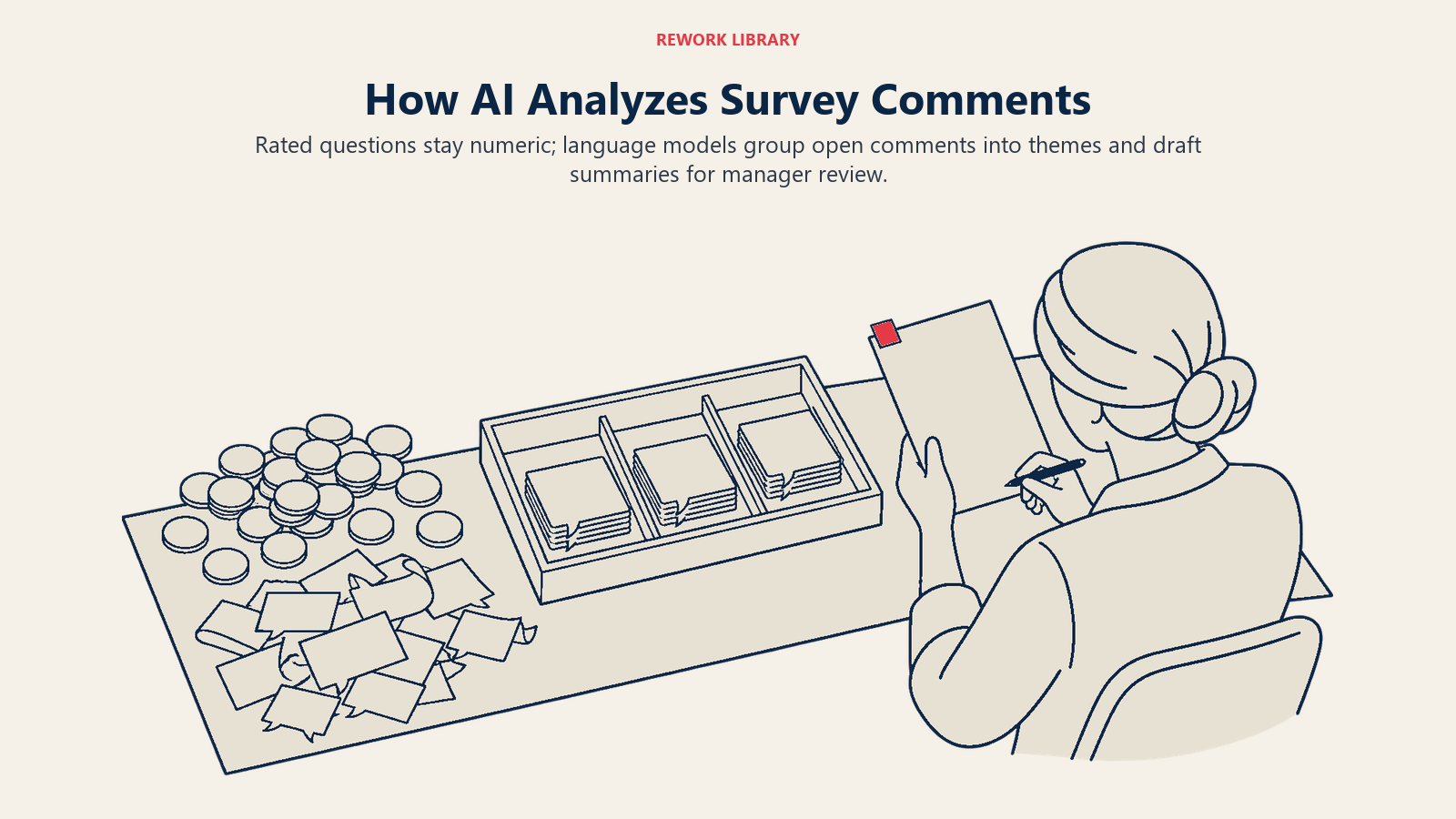
In ACE Framework terms, this is mostly ingest (pulling responses and HR attributes like team, location and tenure), analyze (grouping and scoring), and generate (summaries and suggested next steps). It rarely needs prediction, which is why the topic is lower risk than screening candidates. It still deals with sensitive data, though, so the guardrails matter.
The main jobs, in the order most teams adopt them:
- Theme detection. The model reads comments and clusters them: workload, pay, career growth, a specific manager, tools, schedules. A person would take days. The model takes minutes and can handle comments in several languages.
- Sentiment scoring. Each comment or theme gets a positive, neutral or negative tilt. This is sentiment analysis, and it's useful for sorting but weak on sarcasm, shorthand and cultural differences.
- Driver analysis. Statistics show which survey items move together with overall engagement or intent to stay, so you can see which topics matter most for which group.
- Summaries for managers. A leader gets three paragraphs in plain language instead of 400 raw lines. Microsoft's Copilot comment summary in Viva Glint is one commercial example of this feature (Microsoft Learn).
- Action suggestions. The model proposes conversation starters or small experiments tied to a theme. These are drafts, and a manager decides what fits the team.
Why Frequent Pulse Surveys Make Sense Now
The annual survey has a timing problem. By the time results are cleaned, presented and discussed, the situation they describe has often changed. A pulse survey asks a handful of questions every few weeks, which gives managers a fresher read.
The catch is volume. More surveys mean more comments, and a team that can't read them all will stop asking. AI is what makes a frequent cadence practical, because the reading no longer scales with the number of surveys.
The need isn't abstract. Gallup's 2026 report shows global engagement down from a 23% peak to 20%,, which leaves 80% of employees outside the engaged group (Gallup). Whatever the exact figure in your company, there's usually more to learn than a once-a-year questionnaire can show.
Privacy and Anonymity: The Part You Can't Skip
Employees answer honestly only if they believe nobody can trace a comment back to them. AI makes this harder in one way and easier in another. Harder, because a model can summarize a small team's comments so well that the author becomes obvious ("the only person who works nights on this team"). Easier, because the same software can enforce rules automatically.
Anonymous versus confidential
These words are not interchangeable. An anonymous survey collects no identifying information. A confidential survey links responses to employee records (so you can report by team, location or tenure) but promises that individuals aren't shown. Most engagement platforms are confidential, not anonymous, and your survey invitation should say which one you mean.
Minimum group thresholds
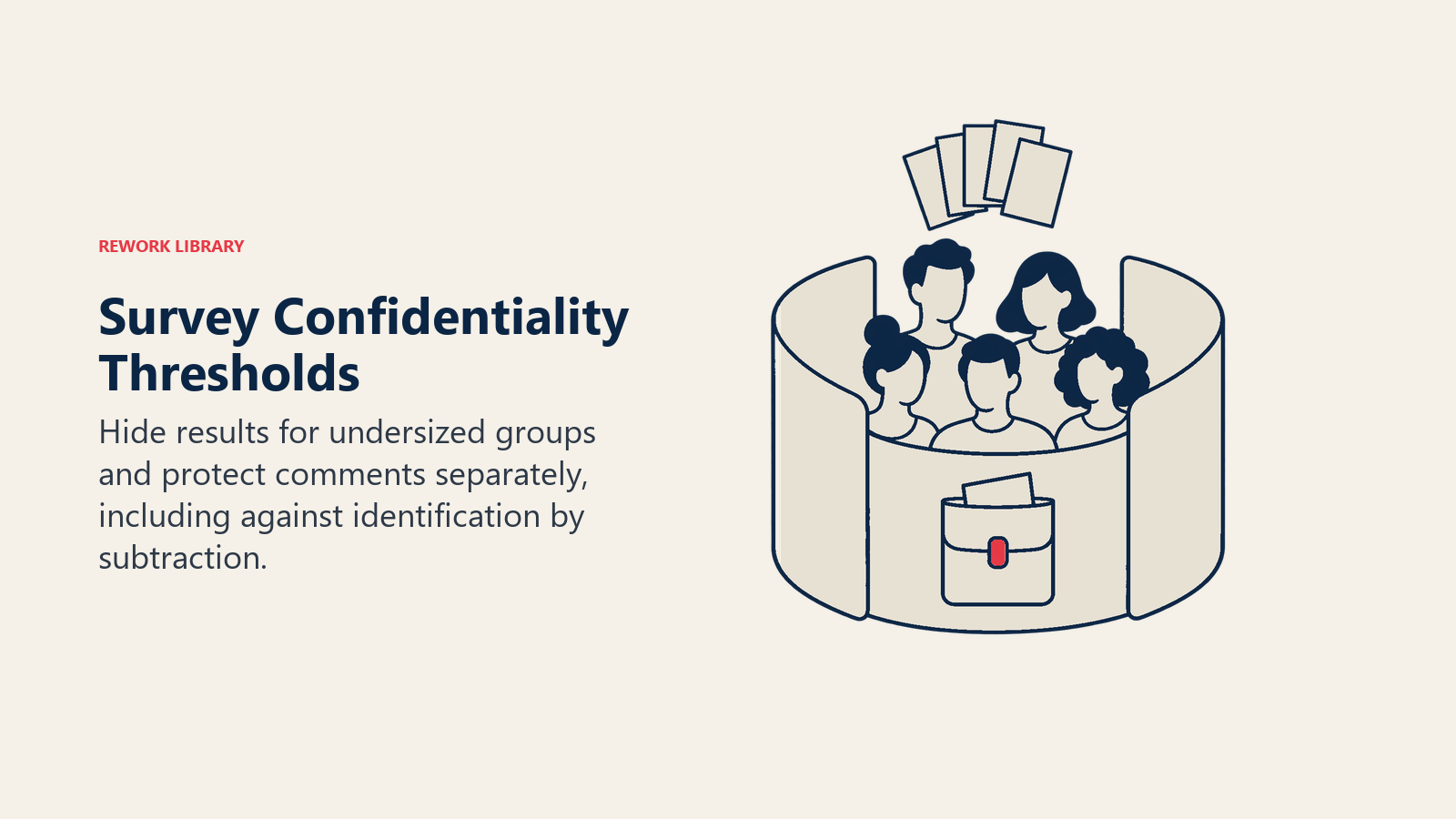
The standard protection is a minimum group size: no results are displayed for a group smaller than a set number of respondents. There's no single universal number. Vendors set their own defaults, let administrators change them, and often use a higher bar for comments than for scores.
| Platform | What its documentation says | Comments handled separately? |
|---|---|---|
| Microsoft Viva Glint | Scores hidden below 5 respondents by default; confidential surveys can be set as low as 3 (Microsoft Learn) | Yes, 10 respondents by default |
| Culture Amp | A "reporting group minimum" hides results until the minimum is met; its help examples use 5 (Culture Amp) | Yes, counted in people who took the survey, often set equal to the reporting minimum |
| Qualtrics | Admins set the minimum responses needed to show data; the help page gives no default (Qualtrics) | Yes, a separate minimum for comments |
Notice the pattern. Every platform separates scores from comments, because a single sentence can identify a person far more easily than an average can.
Defenses that go beyond a single number
A minimum alone has holes, and the better platforms close them:
- Suppressing the next group. If one tiny team is hidden but its parent group is shown, subtracting reveals the small team's result. Viva Glint's default suppression threshold of 2 hides the next smallest group until enough responses are covered (Microsoft Learn). Culture Amp's indirect identification setting does something similar.
- Filter limits. Culture Amp blocks filters that are smaller than the reporting minimum, so nobody can slice their way to an individual (Culture Amp).
- Extra protection when filtering by an answer. Viva Glint enforces a minimum of 10 for scores and 20 for comments when a report is filtered by a question response, such as everyone who answered favorably (Microsoft Learn).
- AI that respects the same rule. Make sure any summarizer obeys the thresholds. Viva Glint's Copilot gives no response when the comment count is under the program's threshold, and it only reads data the signed-in user is allowed to see (Microsoft Learn).
Treat all of these as feature facts about specific products, not legal standards. Your own thresholds are a decision for HR, privacy and legal teams together, and local data protection law may add requirements.
Step by Step: Rolling It Out
- Define the decision first. Write down what you'll change based on results: staffing, workload, recognition, manager coaching. A survey with no decision attached is just a mood check.
- Set the privacy rules before the first survey. Decide the minimum group size for scores and for comments, who can see what, and whether the survey is anonymous or confidential. Some platforms lock these once a survey launches, so settle them early. Viva Glint, for one, doesn't let admins change survey-level thresholds after a program has collected responses (Microsoft Learn).
- Fix your data foundation. Reporting by team requires accurate team assignments. If your org chart in the HR system is stale, the results will be assigned to the wrong managers. HR data foundations for AI covers the cleanup.
- Keep the survey short. Five to ten rated questions plus one or two open prompts beat a 60-item questionnaire. Response rate is what keeps small teams above the privacy threshold, and a long questionnaire tends to work against it.
- Tell employees what the AI does. Explain that a model groups comments into themes, who sees the output, and what is never shown. Silence invites suspicion.
- Review AI themes against raw comments. For the first two cycles, an HR partner should read a sample of comments and compare them to the generated themes. Look for missed topics, merged topics that should be separate, and wrongly assigned sentiment.
- Give managers one page. A manager needs the top two strengths, the top two concerns, and a suggested conversation, not a dashboard.
- Run team conversations within two weeks. Managers share the themes with the team, ask what's behind them, and agree on one or two actions with a named owner and a date.
- Close the loop. Tell the organization what changed because of the survey. People answer again when they've seen results.
Turning Results Into Manager Action
The gap in most engagement programs isn't analysis. It's what happens after. A good AI summary shortens the reading step, so the freed time should go to the conversation.
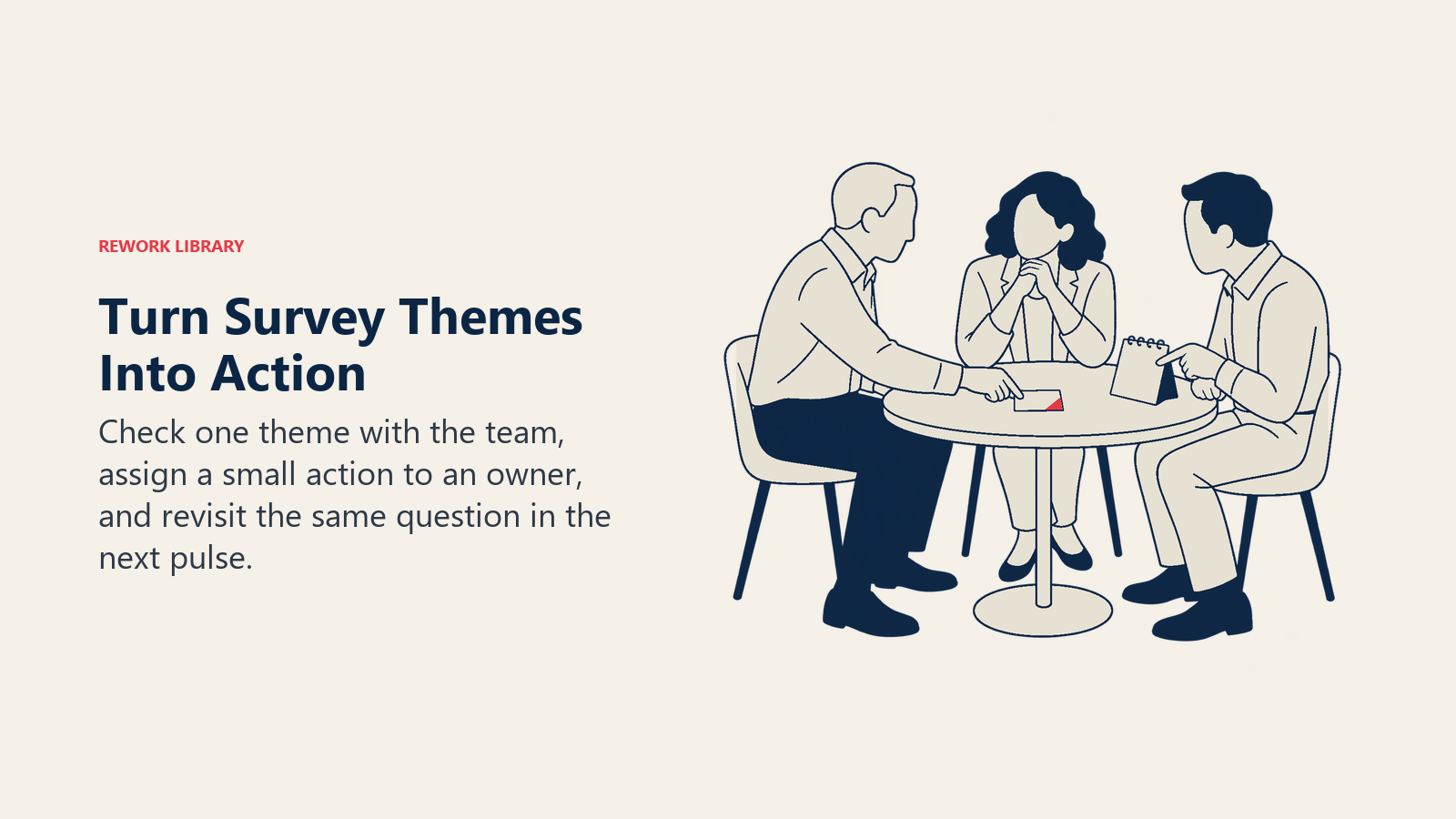
A simple structure managers can follow:
- Pick one theme. Not five. The theme with the most comments and the lowest score is a good start.
- Check it with the team. The summary is a hypothesis. Ask, "Does this match your experience? What's behind it?"
- Choose a small action. Move a recurring meeting, clear a blocked approval, rebalance a schedule. Small and visible beats large and vague.
- Name an owner and a date.
- Re-check in the next pulse. Use the same question so the change is comparable.
Real Examples by Function
Operations team with shift workers. A manager sees "schedule changes with little notice" as the top negative theme across several comments. Rather than a general talk about work-life balance, she commits to posting schedules a week ahead and checks the same question in the next pulse.
Sales team. The summary shows strong scores for peer support but repeated comments about unclear territory changes. The sales director holds a short session to explain how territories are set, then reviews whether the theme fades.
Engineering team. Comments cluster around slow code review and unclear priorities. The team lead tests a rule that reviews are done within one working day for a month.
HR business partner. Across the company, the model surfaces a theme about career paths that shows up in four departments. That's not a manager-level fix, so HR escalates it. This is where people analytics and AI comes in, combining survey themes with data like promotions and tenure.
Small team under the threshold. A team of four doesn't meet the minimum. The manager gets no team-level report, and shouldn't. Instead, they hold an open conversation and the team can choose to share feedback directly. The report for the department above them shows what it can.
Common Pitfalls
- Treating the summary as the truth. A model can miss a minority view or overweight a loud theme. Sample the raw comments.
- Setting thresholds too low to get "more data." Showing a team of three its own comments defeats the promise of confidentiality and teaches people to stop being honest.
- Letting managers hunt for authors. Forbid it explicitly. A single act of identifying a commenter can end candid feedback for years.
- Mixing survey data with performance decisions. If people think a comment can affect a review, they'll stop writing comments. Keep the two apart in policy and in tooling.
- Predicting attrition from survey answers without care. It's possible, and it's a different, higher-risk use that needs its own safeguards. See AI attrition prediction.
- Surveying and then going quiet. Nothing hurts the next response rate like silence after the last one.
- Skipping translation checks. Sentiment tools vary in quality across languages, so have a fluent reader check output for each major language group.
What to Measure
Judge the program on outcomes, not on dashboard use.
- Participation: response rate by team, and how many teams clear the privacy threshold.
- Speed: days from survey close to the first team conversation.
- Follow-through: share of teams with a named action and owner, and share completed.
- Movement: change in the targeted question from one pulse to the next.
- Trust: a question like "I believe my feedback will be used" tracked over time.
For drafting survey questions and manager talking points, a general writing assistant helps too, which is covered in generative AI for HR teams.

Senior Customer Retention Strategist
On this page
- Key Facts
- What AI Actually Does With Survey Data
- Why Frequent Pulse Surveys Make Sense Now
- Privacy and Anonymity: The Part You Can't Skip
- Anonymous versus confidential
- Minimum group thresholds
- Defenses that go beyond a single number
- Step by Step: Rolling It Out
- Turning Results Into Manager Action
- Real Examples by Function
- Common Pitfalls
- What to Measure