AI in HR: What It Is, Use Cases and Limits
Turn this article into takeaways for your work.


Each assistant summarizes the article only for you and suggests best practices for your work.
AI in HR is the use of machine learning and language models to handle the repetitive, rules-heavy parts of people work (screening, scheduling, answering policy questions, drafting documents) and to surface patterns in workforce data, while people keep the decisions that affect someone's job, pay or career. It's less a single product than a set of capabilities that plug into the hiring, onboarding, support, development and exit processes you already run.
This guide is for CHROs, HR directors and HR managers deciding where AI belongs in the function, what it takes to get there safely, and where it should stay out. It's the overview for the AI for HR collection, so it stays at the level of the whole function. For the agent side, with nine specific deployments, see AI agents for HR.
Key Facts
- In Mercer's February 2026 survey of just under 450 US companies, only 16% were using AI for compensation planning, design or management, while more than half were exploring it (Mercer QuickPulse, US AI survey).
- Mercer's Global Talent Trends 2026 (nearly 12,000 executives, HR leaders, investors and employees, fielded September to October 2025) found 40% of employees worried about job loss from AI, up from 28% in 2024, and only 19% of HR leaders including AI's emotional impact in their digital strategy (Mercer Global Talent Trends 2026).
- In a University of Washington test of three language models ranking resumes against over 500 real job listings, the systems preferred white-associated names 85% of the time versus 9% for Black-associated names (University of Washington).
- The European Commission lists AI tools for employment and worker management, such as CV-sorting software, as high-risk, with those rules applying from 2 December 2027 (European Commission, AI regulatory framework).
What AI in HR Actually Means
Strip away the vendor language and AI in HR is four things applied to people data and people documents. It reads (resumes, policies, survey comments, tickets), scores or predicts (which applicants match a role, which teams show attrition risk), writes (job descriptions, offer letters, policy summaries) and routes work (a leave request to the right approver, an unusual case to a specialist).
That's different from the workflow rules your HRIS already runs. A rule says "if the start date passes, send the day-one checklist." A model says "this applicant's experience resembles the people who succeeded in this role," or "this question about parental leave maps to section 4 of the policy." Rules are predictable and cheap. Models cope with messy input, but they make mistakes you have to monitor, and in HR a mistake can land on a person.
Two technology families do most of the work. Predictive models score and forecast from structured data such as applicant records, tenure and pay bands. Generative models draft and summarize from text. Most real workflows chain them. In the ACE Framework terms, that chain runs through Ingest, Analyze, Predict, Generate and Execute.
Where AI Fits Across the Employee Lifecycle
Think in terms of the employee's path rather than tools. The next article in this collection, AI across the employee lifecycle, goes stage by stage. This is the overview, with a different cut than the agent page: what the work is, what the AI contributes, and who still decides.
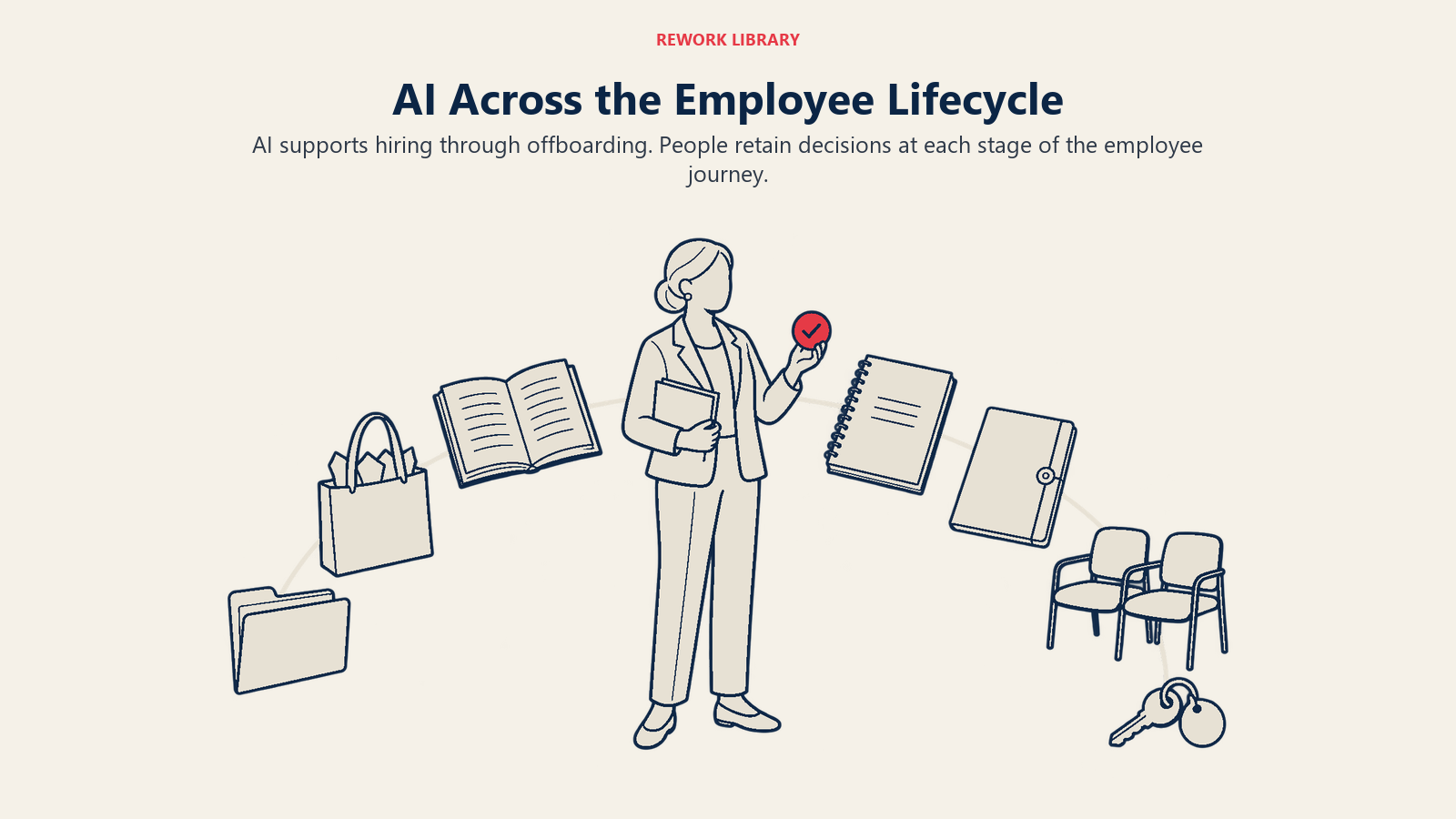
| Lifecycle stage | What AI contributes | What a person still decides |
|---|---|---|
| Sourcing and hiring | Drafts job descriptions, searches and ranks applicants against written criteria, schedules interviews | Who is advanced, interviewed and hired |
| Onboarding | Answers new-hire questions, tracks task completion, drafts welcome material | Exceptions such as visa issues or delayed starts |
| HR service and support | Answers policy and benefits questions from your documents, routes cases, drafts replies | Disputes, medical or legal leave, sensitive complaints |
| Learning and development | Recommends courses from role and skill data, summarizes progress | Development plans and promotions |
| Performance and pay | Assembles review inputs, flags missing reviews, benchmarks pay data | Ratings, pay decisions, corrective action |
| Engagement and retention | Clusters survey comments, flags teams with worsening trends | The response, and how results are used |
| Offboarding | Runs exit checklists, summarizes exit-interview themes | Termination decisions and final pay sign-off |
Real Examples by HR Function
The pattern across functions is the same: AI handles volume and first drafts, and a person owns judgment.
Talent acquisition. A recruiter with 400 applicants for one role can have a model sort them against the written requirements, then read the top tier and a sample of the rest. The risk is concentrated here, and the research later in this page shows why.
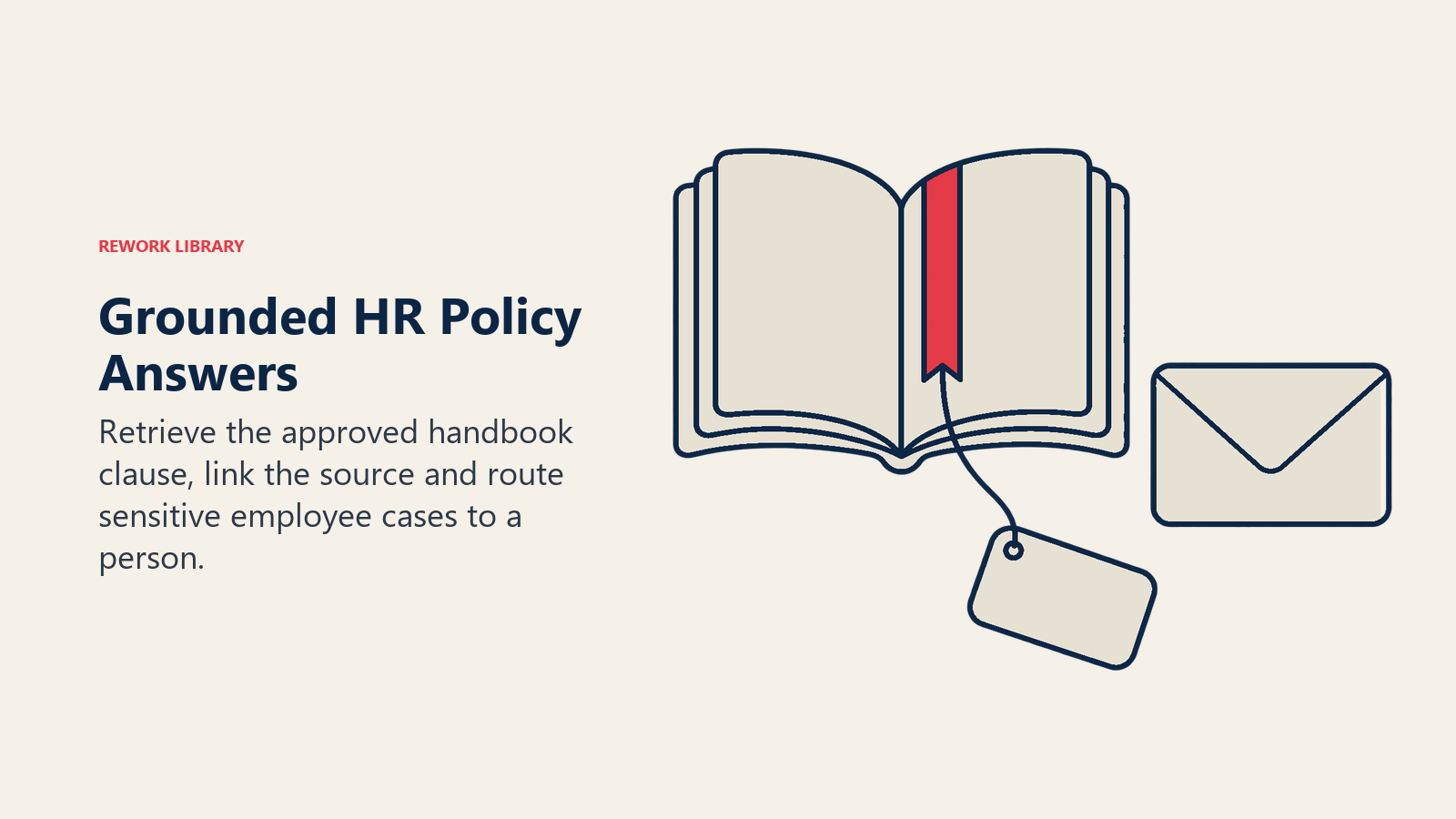
HR operations and service. An employee asks whether unused vacation carries over. A retrieval-based assistant finds the clause in the handbook, answers in plain language and links the source. If the question mentions a medical condition, it hands off to a person. This is the highest-volume, lowest-risk starting point for most teams.
Learning and development. A model can map a job's required skills against what someone has completed and suggest the three next courses. A manager still approves anything that changes a development plan.
Compensation. Teams use AI for market benchmarking and for drafting pay-range communications. Mercer's data above suggests this is early: most firms are exploring it, few use it.
People analytics. Models can surface where attrition is concentrated or which onboarding steps correlate with early exits. Treat the output as a lead for investigation, not a verdict. The maturity path from reports to predictions is covered in people analytics and AI.
Employee communications. Generative tools draft announcements, policy summaries and manager talking points. Used well, they save an hour per document. Used carelessly, they publish a confident error to the whole company, which is the hallucination problem.
How to Roll Out AI in HR, Step by Step
- Pick the process, not the tool. List the HR tasks that are high-volume, rule-based and already written down. Policy questions, interview scheduling and document drafting usually qualify. Score candidates on value, risk and data readiness.
- Classify the risk before you buy. Anything that ranks, scores or screens people is high-risk. Anything that answers questions or drafts text for a human to review is lower-risk. Start low.
- Fix the data and the policy documents. AI answers from what you give it. Out-of-date handbooks and inconsistent job titles produce confident wrong answers. The HR data foundations guide covers the usual defects and a readiness checklist.
- Define the human checkpoint in writing. For every use case, name who reviews, what they look at and what they can override. This is the practice of human-in-the-loop design, and it has to be a real step, not a click-through.
- Test for bias before launch. Compare outcomes across groups on realistic data. If a vendor can't tell you how its tool was tested, treat that as an answer.
- Pilot one process for one quarter. Measure time saved, error rate, corrections by reviewers and employee or candidate feedback.
- Set the governance. Name an owner, record what the tool does and what data it touches, and set a review cadence.
- Train the team. Recruiters and HR business partners need to know what the tool can't do. Building that baseline is the point of AI literacy.
Adoption: What the Evidence Shows
Vendor surveys tend to report high adoption because they define "use" loosely. Independent surveys with narrower definitions show a more cautious picture. In Mercer's February 2026 pulse of about 450 US companies, just 16% used AI for compensation work even though over half were exploring it. That gap between interest and use is the normal shape of a technology early in its adoption.
The people side matters as much as the tools. Mercer's Global Talent Trends 2026 found 40% of employees worried about losing their jobs to AI, up from 28% in 2024, while only 19% of HR leaders factored AI's emotional impact into their digital implementation plans. If HR runs AI projects without addressing that anxiety, the function that is supposed to steward trust becomes the source of the worry. A communication plan is part of the rollout, not an afterthought.
The Limits of AI in HR
HR is a poor place for the "move fast" approach. The limits fall into five groups.
Bias. A model learns from historical data, and historical hiring reflects historical preferences. The University of Washington study is the clearest recent illustration. Researchers varied 120 first names associated with white and Black men and women across resumes and had three language models rank them for over 500 real job listings. The systems preferred white-associated names 85% of the time versus 9% for Black-associated names, and male-associated names 52% of the time versus 11% for female-associated names. This was a research test of specific models, not a measure of every commercial product. But it shows why testing on your own data matters. The concept is explained in bias in AI.
Law. Buying a tool from a vendor doesn't hand off the risk. In Mobley v. Workday, a federal court in California conditionally certified an age-discrimination collective on May 16, 2025, on a theory that the vendor could be liable as an agent of the employers using its screening tools (Proskauer analysis). That was a procedural step, not a ruling on the merits, but it signals where scrutiny is heading. In New York City, Local Law 144 requires employers using automated employment decision tools to have a bias audit done within a year of use, post a summary of the results and give candidates notice, and the city began enforcing it on July 5, 2023 (NYC Department of Consumer and Worker Protection). In the EU, tools for employment and worker management count as high-risk under the AI Act, with CV-sorting software as the Commission's own example, and the Commission states those rules apply from 2 December 2027 after the AI Omnibus extension (European Commission). Recital 44 of the Act also says systems that detect people's emotional state in the workplace should be prohibited (Regulation (EU) 2024/1689). Rules differ by country and state, so involve counsel before using AI in any decision about a person.
Privacy. HR data is among the most sensitive a company holds. Pasting employee records into a public chatbot is a data leak. Employees using unapproved tools on their own is a separate exposure known as shadow AI. Decide what data may go into which tools before anyone asks.
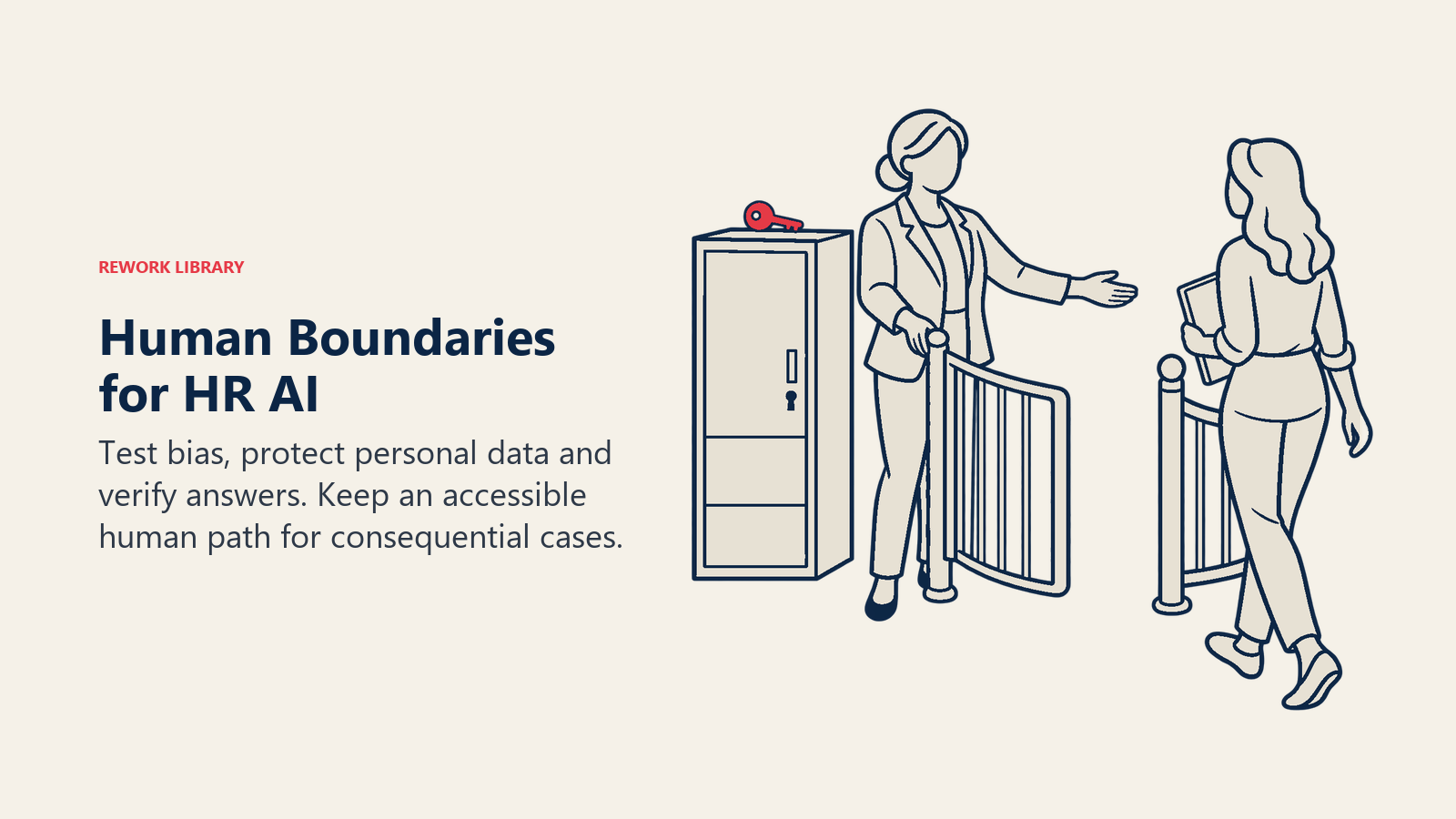
Over-automation. The failure mode isn't a robot firing someone. It's a candidate rejected for a reason no one can explain, or an employee who gets a polite bot answer when they needed a human to hear that they're in a crisis. Keep an easy path to a person. Where a tool influences a decision, be able to explain how, which is the idea behind explainable AI.
Accuracy. Generative tools state wrong things fluently. A leave policy summary with a wrong number of days is worse than no summary. Require sources in answers, and have a person review anything that will be published or acted on.
A Risk Framework to Borrow
You don't need to invent your own structure. The NIST AI Risk Management Framework, a voluntary framework first released on January 26, 2023, organizes the work into four functions: Govern, Map, Measure and Manage (NIST). For an HR team, that translates into plain tasks: assign ownership (Govern), list each use case and who it affects (Map), test for accuracy and bias (Measure), and monitor and fix in production (Manage).
What to Measure
Track speed and fairness together. A fast process that treats people unequally is a failure.
- Efficiency: time to first response on HR questions, time to schedule interviews, hours spent on document drafting.
- Quality: share of AI answers corrected by reviewers, and error rates found in audits.
- Fairness: outcomes compared across groups for any screening or ranking step, reviewed on a schedule.
- Experience: candidate and employee satisfaction, and how often people ask to reach a human.
Where to Go Next
If you only do one thing this quarter, pick one documented HR process, define the human checkpoint, and pilot it. When you're ready to go deeper, read how generative AI for HR teams works in daily practice, see how AI changes the HR operating model and the roles inside it, or use the AI agents for HR page to choose a first agent. Whatever you pick, write the policy down first. AI is only as fair and as accurate as the rules and data you give it.

Senior Customer Retention Strategist