Bahasa Indonesia
Float dan Slack: Total Float vs Free Float Dijelaskan
Turn this article into takeaways for your work.


Each assistant summarizes the article only for you and suggests best practices for your work.
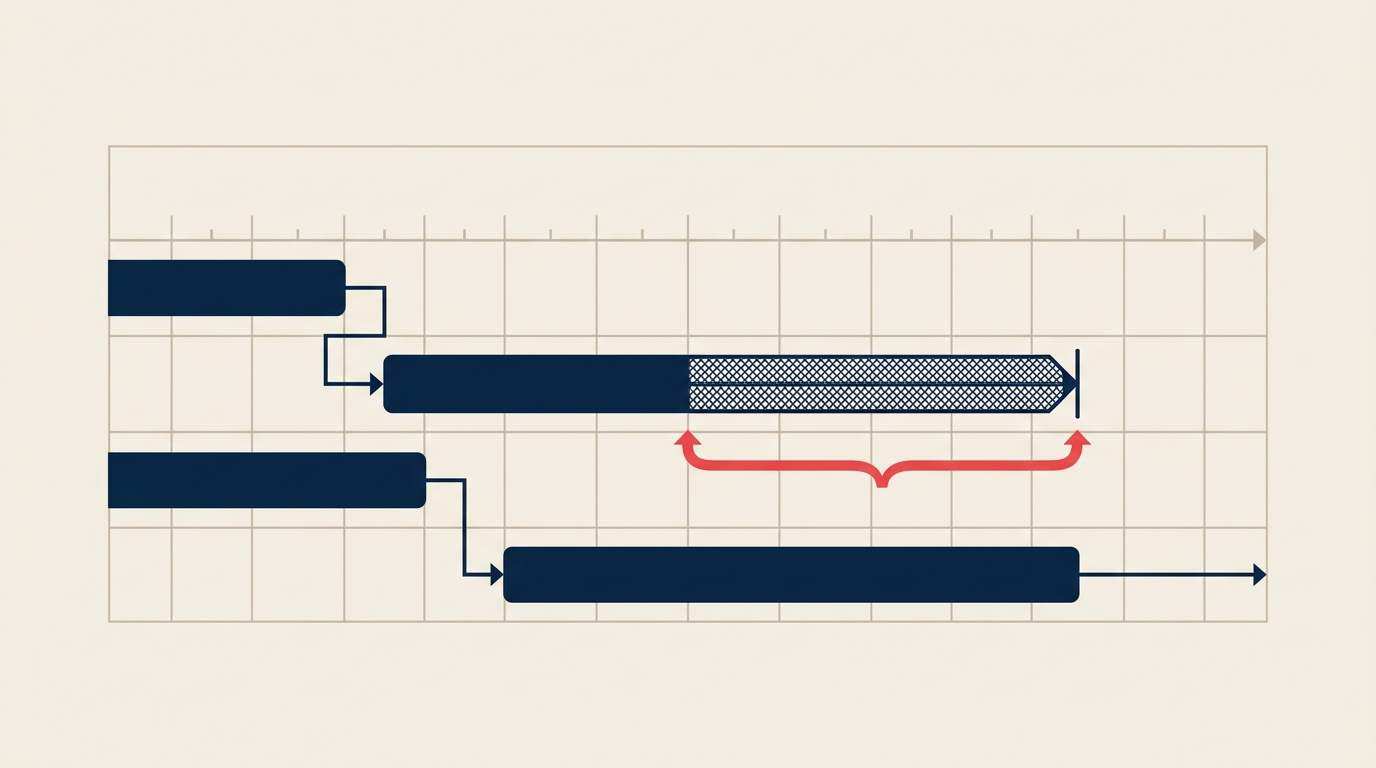
Float dalam manajemen proyek adalah jumlah waktu suatu tugas dapat ditunda tanpa menggeser tenggat waktu. Inilah yang membedakan jadwal yang hancur pada gangguan pertama dari jadwal yang lentur dan tetap bertahan. Salah memahaminya, dan Anda akan bereaksi terhadap setiap pergeseran kecil. Memahaminya dengan benar, dan Anda tahu persis tugas mana yang perlu dilindungi dan mana yang memiliki ruang untuk bergerak.
Apa itu Float dalam Manajemen Proyek?
Float (juga disebut Slack, keduanya memiliki arti yang persis sama) adalah penyangga penjadwalan yang tersedia untuk suatu tugas. Lebih tepatnya: penundaan maksimum yang dapat diserap suatu aktivitas sebelum menyebabkan tenggat waktu bergeser, baik tenggat waktu proyek maupun awal tugas penerus yang bergantung.
Float dihitung setelah Anda menjalankan metode jalur kritis (CPM) pada diagram jaringan Anda. Perhitungan maju dan mundur CPM menghasilkan empat nilai waktu untuk setiap aktivitas: awal mulai (ES), awal selesai (EF), akhir mulai (LS), dan akhir selesai (LF), dan nilai-nilai tersebut adalah bahan baku untuk setiap perhitungan float.
Tugas dengan nol Float berada pada jalur kritis. Tunda salah satu darinya dan tanggal akhir proyek bergerak.
Fakta Penting
- PMI Pulse of the Profession menemukan bahwa hanya 47% proyek diselesaikan tepat waktu, dengan manajemen penyangga jadwal yang buruk sebagai penyebab utama. (PMI, Pulse of the Profession 2023)
- Sebuah penelitian di International Journal of Project Management menemukan bahwa tim yang secara aktif memantau float menggunakan 20-30% lebih sedikit hari kontingensi daripada mereka yang hanya melacak tanggal Milestone.
- McKinsey melaporkan bahwa proyek infrastruktur besar rata-rata berjalan 20% melebihi jadwal, sebagian besar karena manajer proyek gagal membedakan tugas yang memiliki fleksibilitas dari yang tidak.
Total Float vs Free Float
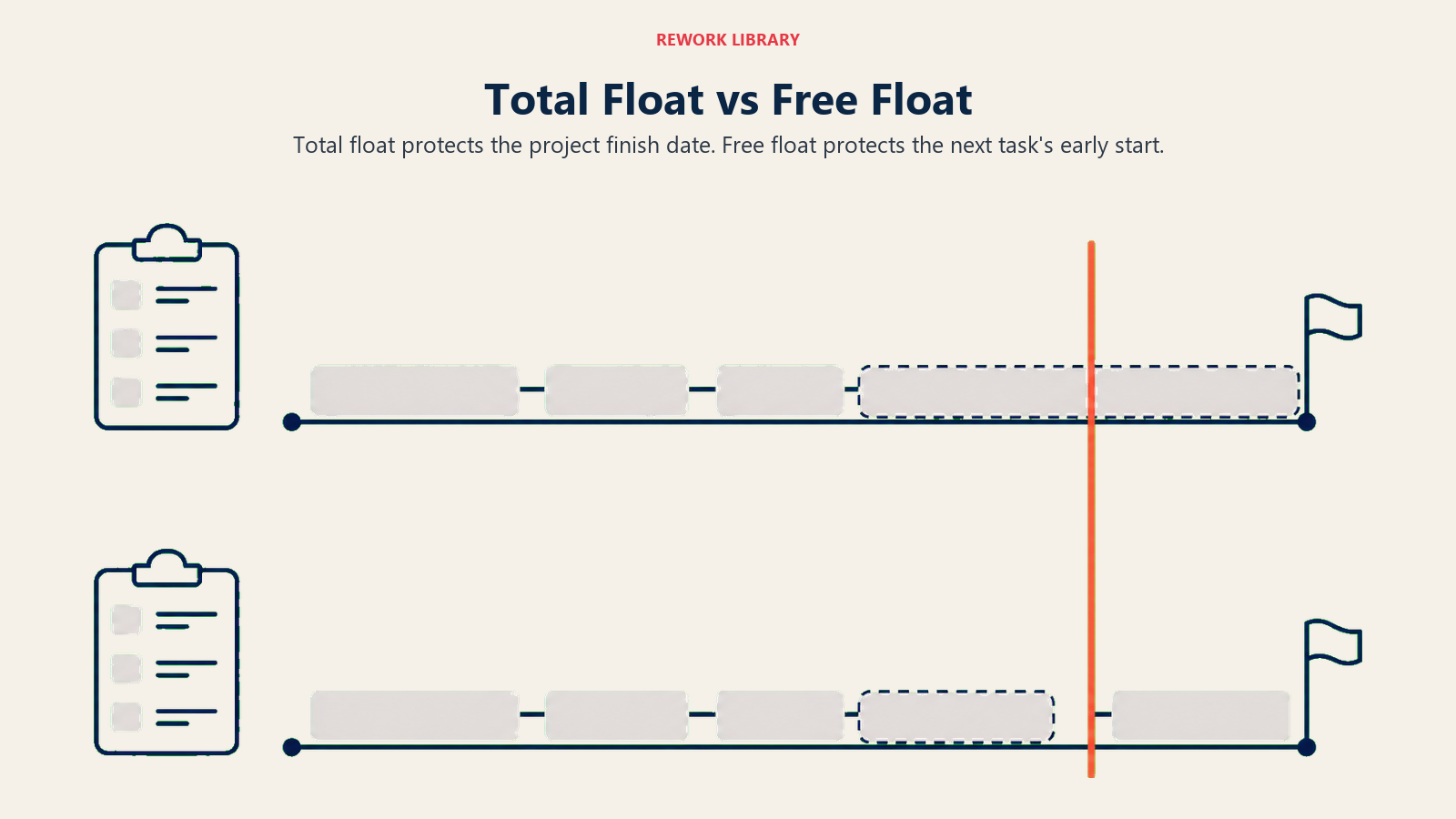
Inilah dua nilai float yang akan Anda hitung untuk setiap aktivitas. Keduanya menjawab pertanyaan yang berbeda, dan mencampuradukkannya mengarah pada keputusan yang buruk.
| Total Float | Free Float | |
|---|---|---|
| Yang diukur | Berapa lama tugas dapat ditunda tanpa menggeser tanggal selesai proyek | Berapa lama tugas dapat ditunda tanpa menunda tugas penerus mana pun |
| Tenggat waktu siapa? | Milik proyek | Milik tugas berikutnya yang langsung |
| Rumus | LS - ES atau LF - EF | ES (aktivitas berikutnya) - EF (aktivitas saat ini) - lag |
| Cakupan | Dampak seluruh proyek | Lokal, antara dua tugas |
| Bisa dibagi? | Ya, dibagi dengan semua tugas pada jalur yang sama | Tidak, milik tugas individual saja |
| Gunakan untuk | Memprioritaskan tugas mana yang perlu dipantau | Memutuskan apakah menunda tugas tanpa memberi tahu tim berikutnya |
Rumus Total Float:
Total Float = LS - ES
           = LF - EF
Keduanya memberikan jawaban yang sama. Gunakan pasangan nilai mana pun yang sudah Anda miliki.
Rumus Free Float:
Free Float = ES aktivitas berikutnya - EF aktivitas saat ini - lag
Jika tidak ada lag antara dua tugas, hilangkan suku tersebut.
Mana yang lebih penting? Total Float adalah angka utama, memberitahu Anda risiko proyek. Free Float adalah angka operasional, memberitahu Anda berapa banyak ruang yang Anda miliki secara lokal tanpa perlu berkoordinasi dengan tim berikutnya.
Float, Slack, dan Jalur Kritis
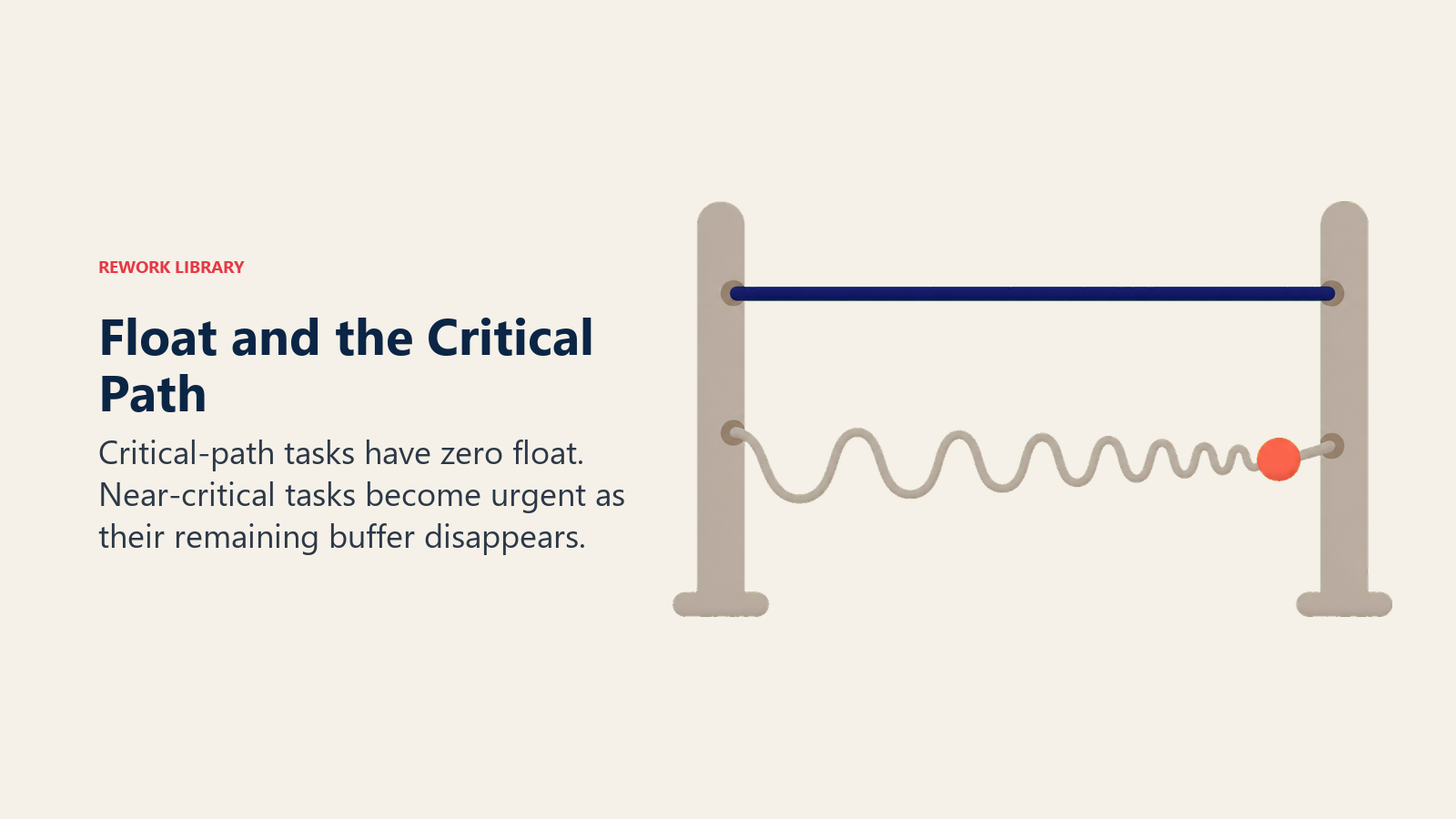
Float dan jalur kritis adalah dua sisi mata uang yang sama. Metode jalur kritis menghasilkan keduanya: jalur kritis adalah urutan aktivitas dengan nol total float, dan float adalah apa yang dimiliki setiap aktivitas lainnya secara definisi.
Beberapa hal mengikuti dari ini:
- Aktivitas jalur kritis memiliki nol total float, setiap keterlambatan di sana adalah keterlambatan bagi proyek.
- Tugas mendekati kritis memiliki total float yang sangat kecil (sering satu atau dua hari). Mereka tidak berada di jalur kritis hari ini, tetapi satu keterlambatan dapat menempatkan mereka di sana esok hari.
- Jalur kritis dapat bergeser. Jika tugas menghabiskan floatnya, ia bergabung dengan jalur kritis. Itulah mengapa float bukan sekadar angka yang Anda hitung sekali, melainkan sesuatu yang Anda pantau sepanjang pelaksanaan.
Ketika Anda bekerja dengan diagram jaringan, total float terlihat sebagai celah antara kotak ES/EF dan kotak LS/LF dari setiap simpul aktivitas. Pada Gantt chart, sering muncul sebagai bilah berbayang yang memanjang melewati awal selesai tugas.
Cara Menghitung Float
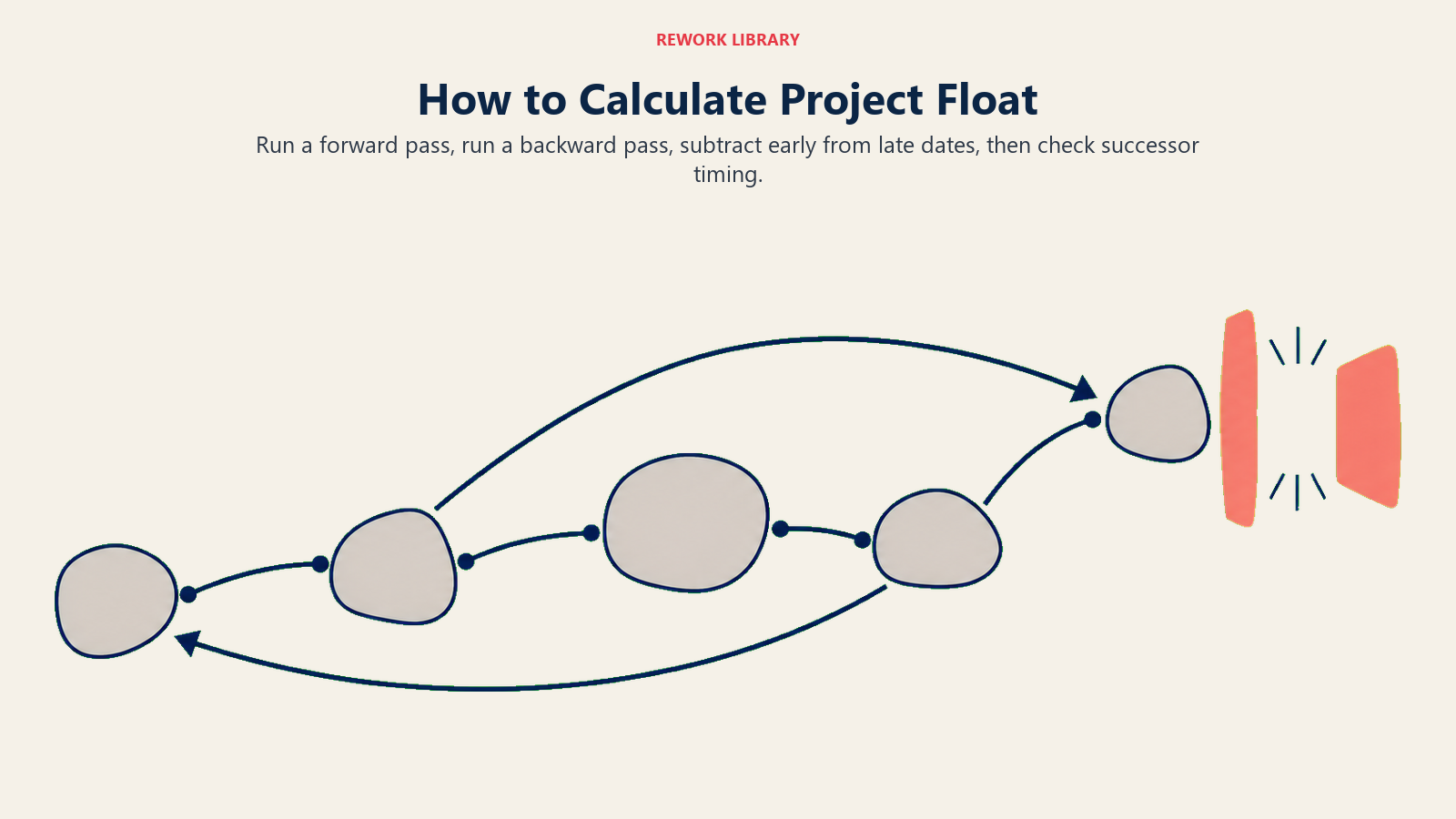
Perhitungan float mengikuti langsung dari CPM. Anda membutuhkan diagram jaringan dan estimasi durasi terlebih dahulu. Kemudian:
Langkah 1: Perhitungan Maju (hitung ES dan EF)
Bekerja dari kiri ke kanan melalui jaringan. Aktivitas pertama dimulai pada ES = 0 (atau hari 1, tergantung konvensi Anda).
Untuk setiap aktivitas:
- ES = EF tertinggi di antara semua pendahulu
- EF = ES + durasi
Lanjutkan hingga Anda memproses setiap aktivitas. EF dari aktivitas terakhir adalah durasi proyek.
Langkah 2: Perhitungan Mundur (hitung LS dan LF)
Bekerja dari kanan ke kiri. Mulai dengan menetapkan LF dari aktivitas terakhir sama dengan EF-nya (dengan asumsi Anda ingin selesai sesegera mungkin).
Untuk setiap aktivitas:
- LF = LS terendah di antara semua penerus
- LS = LF - durasi
Langkah 3: Hitung Total Float
Untuk setiap aktivitas:
Total Float = LS - ES (atau LF - EF, hasilnya sama)
Aktivitas dengan Total Float = 0 membentuk jalur kritis.
Langkah 4: Hitung Free Float
Untuk setiap aktivitas, lihat penerus langsungnya:
Free Float = ES (penerus) - EF (saat ini) - lag
Jika suatu aktivitas memiliki beberapa penerus, gunakan hasil terkecil. Free Float tidak bisa negatif. Jika rumus memberikan angka negatif, periksa logika jaringan Anda.
Contoh Praktis
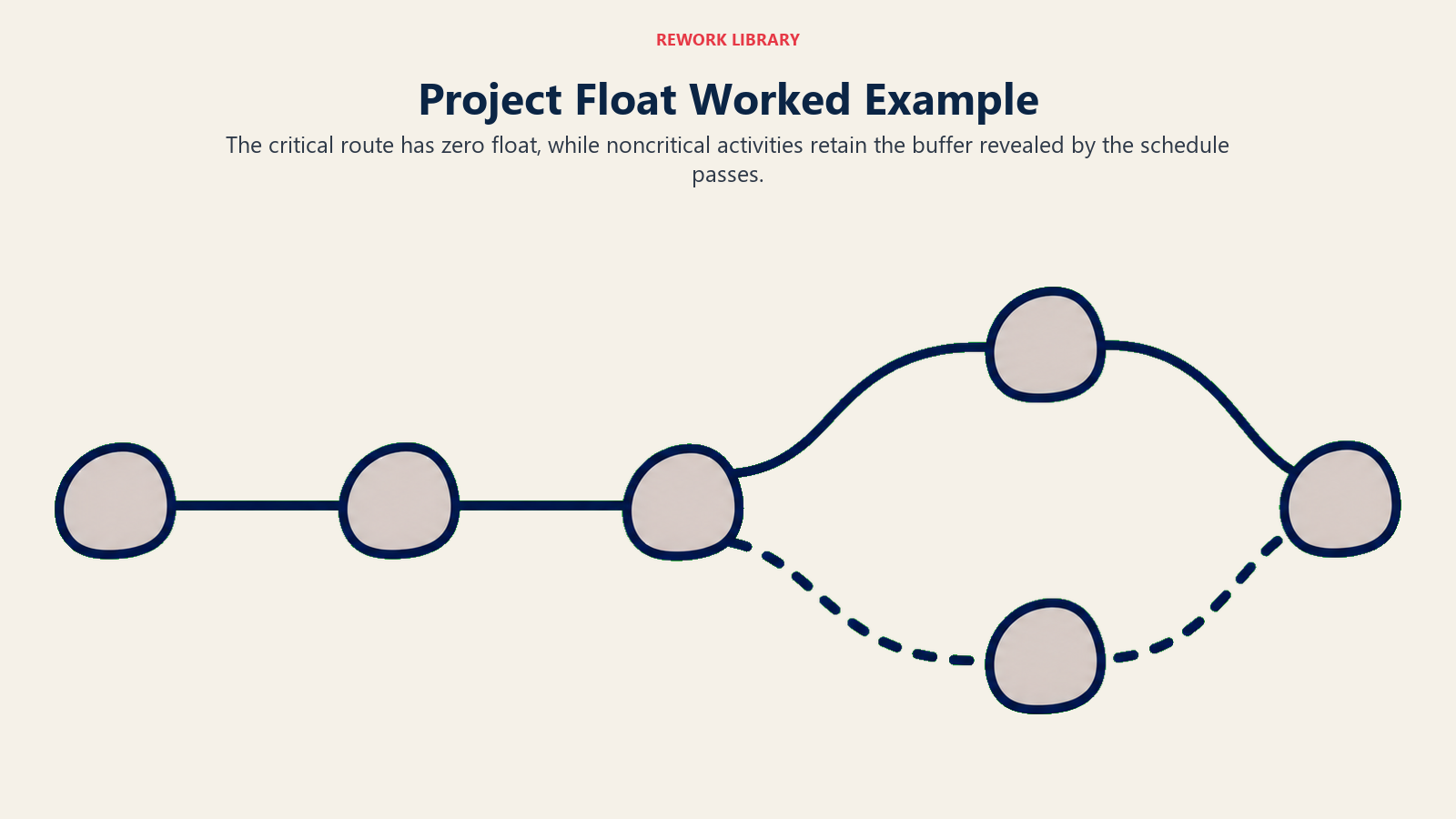
Pertimbangkan proyek enam aktivitas. Durasi dalam hari.
| Aktivitas | Durasi | Pendahulu |
|---|---|---|
| A | 3 | Tidak ada |
| B | 5 | A |
| C | 2 | A |
| D | 4 | B |
| E | 6 | C |
| F | 3 | D, E |
Perhitungan maju:
| Aktivitas | ES | EF |
|---|---|---|
| A | 0 | 3 |
| B | 3 | 8 |
| C | 3 | 5 |
| D | 8 | 12 |
| E | 5 | 11 |
| F | 12 | 15 |
Durasi proyek = 15 hari. EF F = 15, sehingga LF F = 15.
Perhitungan mundur:
| Aktivitas | LF | LS |
|---|---|---|
| F | 15 | 12 |
| D | 12 | 8 |
| E | 12 | 6 |
| B | 8 | 3 |
| C | 6 | 4 |
| A | 3 | 0 |
Nilai Float:
| Aktivitas | Total Float (LS - ES) | Free Float | Pada Jalur Kritis? |
|---|---|---|---|
| A | 0 - 0 = 0 | 0 | Ya |
| B | 3 - 3 = 0 | 0 | Ya |
| C | 4 - 3 = 1 | ES(E) - EF(C) = 5 - 5 = 0 | Tidak |
| D | 8 - 8 = 0 | 0 | Ya |
| E | 6 - 5 = 1 | ES(F) - EF(E) = 12 - 11 = 1 | Tidak |
| F | 12 - 12 = 0 | 0 | Ya |
Jalur kritis berjalan A, B, D, F (semua nol total float). Aktivitas C dan E masing-masing memiliki satu hari total float, tetapi hanya E yang memiliki free float (dapat tertunda satu hari tanpa menyentuh F). C memiliki nol free float karena E bergantung padanya.
Jenis Float Lainnya
Total float dan free float adalah yang paling umum, tetapi literatur manajemen proyek menyebutkan dua lainnya.
| Jenis Float | Definisi | Kapan Relevan |
|---|---|---|
| Total float | Penundaan yang diizinkan tanpa menggeser tanggal selesai proyek | Prioritisasi risiko di seluruh proyek |
| Free float | Penundaan yang diizinkan tanpa menggeser awal mulai awal penerus mana pun | Keputusan penjadwalan lokal antara dua tugas |
| Independent float | Penundaan yang diizinkan bahkan jika semua pendahulu selesai selambat mungkin dan semua penerus dimulai sesegera mungkin | Jarang digunakan; pemeriksaan keselamatan konservatif |
| Project float | Penundaan yang diizinkan terhadap tanggal selesai target yang lebih lambat dari tanggal selesai yang dihitung | Tenggat waktu kontraktual; komitmen klien |
Independent float paling restriktif karena merupakan penyangga yang ada tidak peduli bagaimana segalanya berjalan. Project float paling permisif karena merupakan celah antara yang dikatakan jaringan Anda dan yang dipersyaratkan kontrak.
Untuk sebagian besar proyek, total float dan free float adalah satu-satunya dua yang Anda perlukan.
Mengapa Float Penting
Float bukan sekadar keingintahuan penjadwalan. Ia mendorong keputusan manajemen nyata.
Perataan sumber daya. Ketika Anda memiliki konflik sumber daya, Anda menyelesaikannya dengan menunda tugas yang memiliki float. Tugas dengan lima hari total float dapat menyerap kekurangan sumber daya dua hari tanpa menyentuh tenggat waktu. Tugas dengan nol float tidak bisa.
Triase risiko. Tidak semua keterlambatan dibuat sama. Float memberitahu Anda keterlambatan mana yang penting. Pergeseran dua hari pada tugas dengan sepuluh hari total float adalah kebisingan. Pergeseran dua hari pada tugas mendekati kritis dengan dua hari float adalah ancaman proyek.
Analisis dampak perubahan ruang lingkup. Ketika klien meminta perubahan, Anda perlu tahu apakah itu menyentuh jalur kritis atau mendarat di zona kaya float. Jawaban itu mengubah posisi negosiasi Anda sepenuhnya.
Komunikasi tim. Float memberi Anda dasar faktual untuk percakapan tentang kecepatan. Daripada memberitahu tim bahwa mereka "tertinggal," Anda dapat menunjukkan tepat berapa banyak penyangga yang tersisa dan apa yang terjadi ketika habis. Itu percakapan yang jauh lebih produktif, dan didasarkan pada triple constraint, yaitu waktu, biaya, dan ruang lingkup, bukan perasaan.
Kompresi jadwal. Ketika proyek terlambat dan Anda perlu memampatkan jadwal, Anda fokus pada tugas jalur kritis. Float memberitahu Anda tugas mana yang dapat Anda lewati karena memiliki ruang.
Kesalahan umum adalah memperlakukan float sebagai waktu luang. Itu bukan. Float adalah asuransi. Begitu Anda menghabiskannya, tugas bergabung dengan jalur kritis dan Anda kehilangan penyangga. Tim yang membakar float lebih awal sering menemukan diri mereka kewalahan di minggu-minggu terakhir proyek yang tampak sehat di atas kertas.
Visibilitas float juga alasan mengapa alat seperti Gantt chart dan PERT chart penting karena membuat float terlihat dengan cara yang daftar tugas biasa tidak bisa.
Pertanyaan yang Sering Diajukan
Apakah Float sama dengan Slack?
Ya. Float dan Slack mengacu pada konsep yang sama. Kedua istilah berasal dari tradisi yang berbeda: Float adalah istilah yang digunakan dalam metode jalur kritis (CPM), sementara Slack muncul dalam Program Evaluation and Review Technique (PERT). Saat ini kedua istilah tersebut dapat dipertukarkan dalam praktik, dan sebagian besar alat manajemen proyek menggunakannya secara bergantian.
Bisakah Float negatif?
Ya. Float negatif berarti proyek sudah tertinggal dari tanggal targetnya. Ini terjadi ketika proyek memiliki tenggat waktu keras yang lebih awal dari tanggal selesai yang dihitung, atau ketika kemajuan aktual tertinggal dari jadwal dasar. Float negatif pada tugas berarti tugas tersebut perlu selesai lebih awal dari akhir selesai saat ini untuk menghindari melewatkan tenggat waktu, yang hanya mungkin dengan memampatkan pekerjaan hulu. Float negatif adalah tanda bahaya yang menuntut perhatian segera.
Bagaimana free float berbeda dari total float dalam praktik?
Perbedaan paling jelas dalam serah terima berurutan. Misalkan tim Anda menyelesaikan hasil kerja dan menyerahkannya ke tim lain. Jika tugas tersebut memiliki dua hari free float, tim Anda dapat mengambil dua hari ekstra tanpa mempengaruhi tanggal mulai tim penerima; Anda tidak perlu berkoordinasi atau memberi peringatan kepada siapa pun. Jika tugas memiliki dua hari total float tetapi nol free float, setiap keterlambatan segera menggeser awal mulai tim berikutnya, meskipun tanggal akhir proyek belum berisiko. Free float mengatur koordinasi lokal; total float mengatur risiko di tingkat proyek.
Apakah Float berubah selama pelaksanaan proyek?
Ya, dan sering menyusut lebih cepat dari yang diperkirakan tim. Float adalah nilai yang dihitung berdasarkan estimasi dan aktual saat ini. Seiring tugas berjalan lebih lama, perubahan ruang lingkup disetujui, atau ketergantungan bergeser, float pada aktivitas hilir berubah. Itulah mengapa float harus dihitung ulang (atau diperbarui secara dinamis oleh alat penjadwalan Anda) pada kadena reguler, setidaknya mingguan pada proyek yang kompleks.
Apa yang terjadi pada Float ketika ada lag atau lead antara tugas?
Lag menambahkan waktu antara akhir satu tugas dan awal tugas berikutnya; ini mengurangi free float pendahulu. Lead (lag negatif) memungkinkan penerus dimulai sebelum pendahulunya benar-benar selesai; ini dapat meningkatkan free float. Keduanya mengubah rumus free float: Free Float = ES (penerus) + lead - EF (saat ini) - lag. Perangkat lunak penjadwalan Anda menangani ini secara otomatis setelah Anda memasukkan jenis hubungan dan nilai lag/lead.
Bacaan Terkait
- Metode Jalur Kritis (CPM): Cara Menemukan Jalur Kritis
- Diagram Jaringan: Cara Memetakan Aktivitas Proyek
- Apa itu PERT Chart?
- Apa itu Gantt Chart?
- Triple Constraint dalam Manajemen Proyek
Float adalah salah satu angka paling berguna dalam jadwal proyek mana pun, tetapi hanya jika Anda melacaknya secara aktif. Hitung di awal, tinjau kembali setiap minggu, dan perlakukan float mendekati nol sebagai sinyal peringatan dini yang sebenarnya. Jadwal yang menunjukkan di mana penyangga berada adalah jadwal yang benar-benar dapat Anda kelola.

Senior Operations & Growth Strategist
On this page
- Apa itu Float dalam Manajemen Proyek?
- Total Float vs Free Float
- Float, Slack, dan Jalur Kritis
- Cara Menghitung Float
- Langkah 1: Perhitungan Maju (hitung ES dan EF)
- Langkah 2: Perhitungan Mundur (hitung LS dan LF)
- Langkah 3: Hitung Total Float
- Langkah 4: Hitung Free Float
- Contoh Praktis
- Jenis Float Lainnya
- Mengapa Float Penting
- Bacaan Terkait