Clockify vs Toggl Track: Which Time Tracking Tool Fits Your Team in 2026?
Turn this article into takeaways for your work.


Each assistant summarizes the article only for you and suggests best practices for your work.
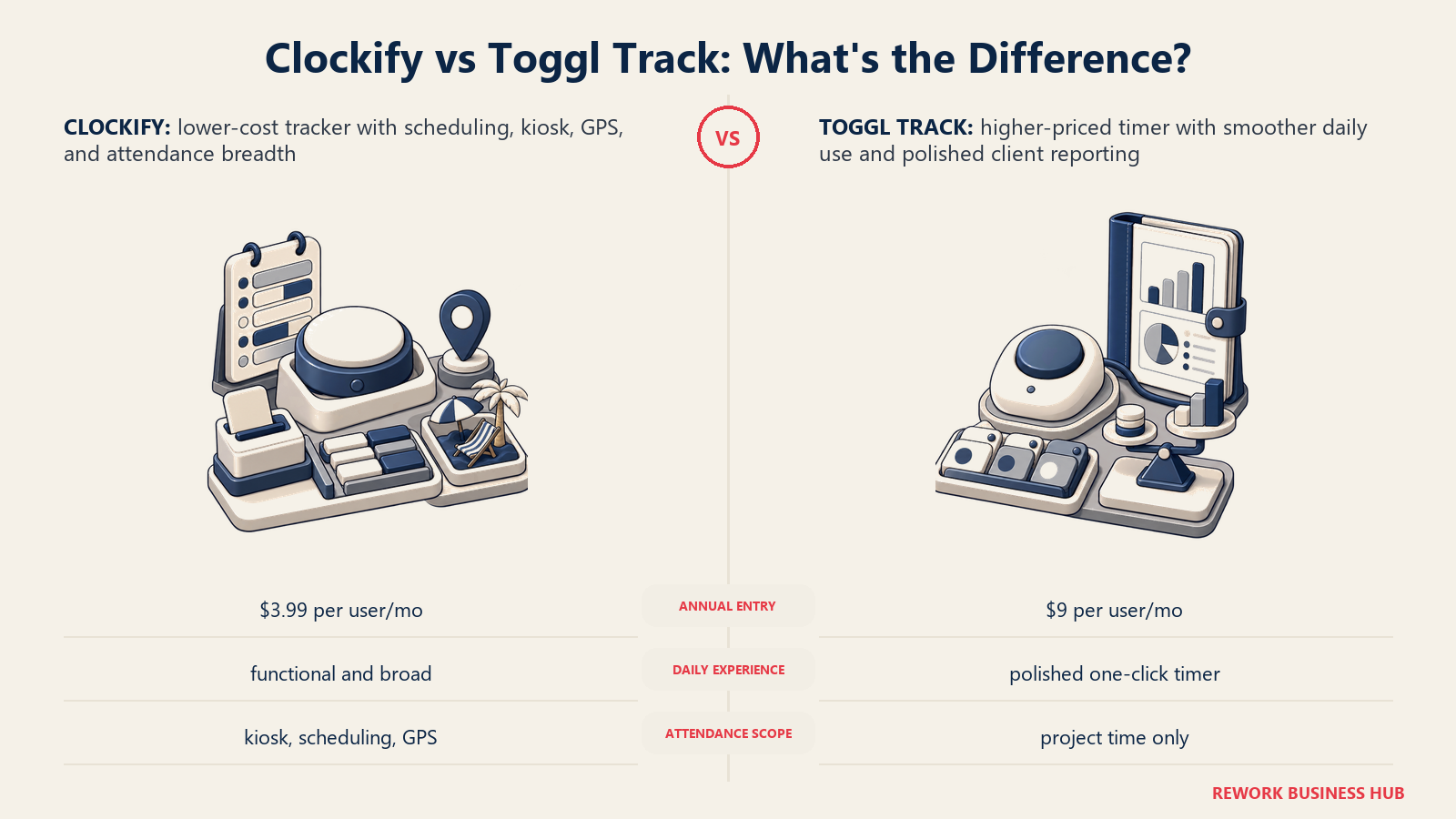
If you've typed "Clockify vs Toggl" into a search bar, you're really weighing two different questions at once: which timer your team will actually use every day, and how much you're willing to pay per seat to get it. That's not a small distinction. Clockify built its reputation on a free tier that covers up to five users and a paid ladder that undercuts almost everything else in the category, then kept adding attendance, scheduling, and kiosk clock-in on top. Toggl Track built its reputation on the opposite bet: a timer people genuinely enjoy starting, backed by reporting that looks and feels finished, at a price that reflects the extra polish.
One naming note before anything else, because it trips people up constantly. The product in this comparison is Toggl Track, not Toggl Plan (a separate project-planning tool) or Toggl Hire (a separate skills-assessment product). All three share the Toggl name and a shared login, but they're sold, priced, and built as independent products. If a listing or a search result starts talking about resource planning or candidate assessments, you've landed on the wrong Toggl.
TL;DR
| Clockify | Toggl Track | |
|---|---|---|
| What it is | Budget time tracker that also covers timesheets, scheduling, PTO, and kiosk clock-in | Timer-first time tracker with polished reporting and project profitability views |
| Free tier | Up to 5 users, trimmed down since April 2026 (no billable hours, kiosk, or exports) | Up to 5 users, keeps CSV/PDF export and auto tracking on the free plan |
| Cheapest paid seat, billed annually | Basic, $3.99/user/month ($47.88/user/year) | Starter, $9/user/month ($108/user/year) |
| Full-featured paid seat, billed annually | Standard, $5.49/user/month ($65.88/user/year) | Premium, $18/user/month ($216/user/year), promoted at $14 for year one |
| Genuinely stronger at | Price, plus attendance, scheduling, and kiosk clock-in in one product | Timer speed and feel, reporting polish, project profitability |
| Not really built for | Teams that want a best-in-class daily timer experience | Teams that mainly need the cheapest tool that still covers attendance |
| Best for | Cost-conscious teams that want time tracking and light attendance in one tool | Teams that want a timer their people won't fight with, and will pay more for it |
Who Each Tool Is Built For
Clockify comes from CAKE.com, the same company behind the Plaky project-management tool and the Pumble team chat app, and it's built and priced like a company that wants time tracking to be the thing that gets a small business in the door. When CAKE.com announced changes to Clockify's free plan on April 21, 2026, it described itself plainly as "100% bootstrapped," which lines up with how the product is positioned across the board: keep the entry point cheap, keep adding functional breadth (attendance, scheduling, kiosk, invoicing), and make money on volume rather than premium polish.
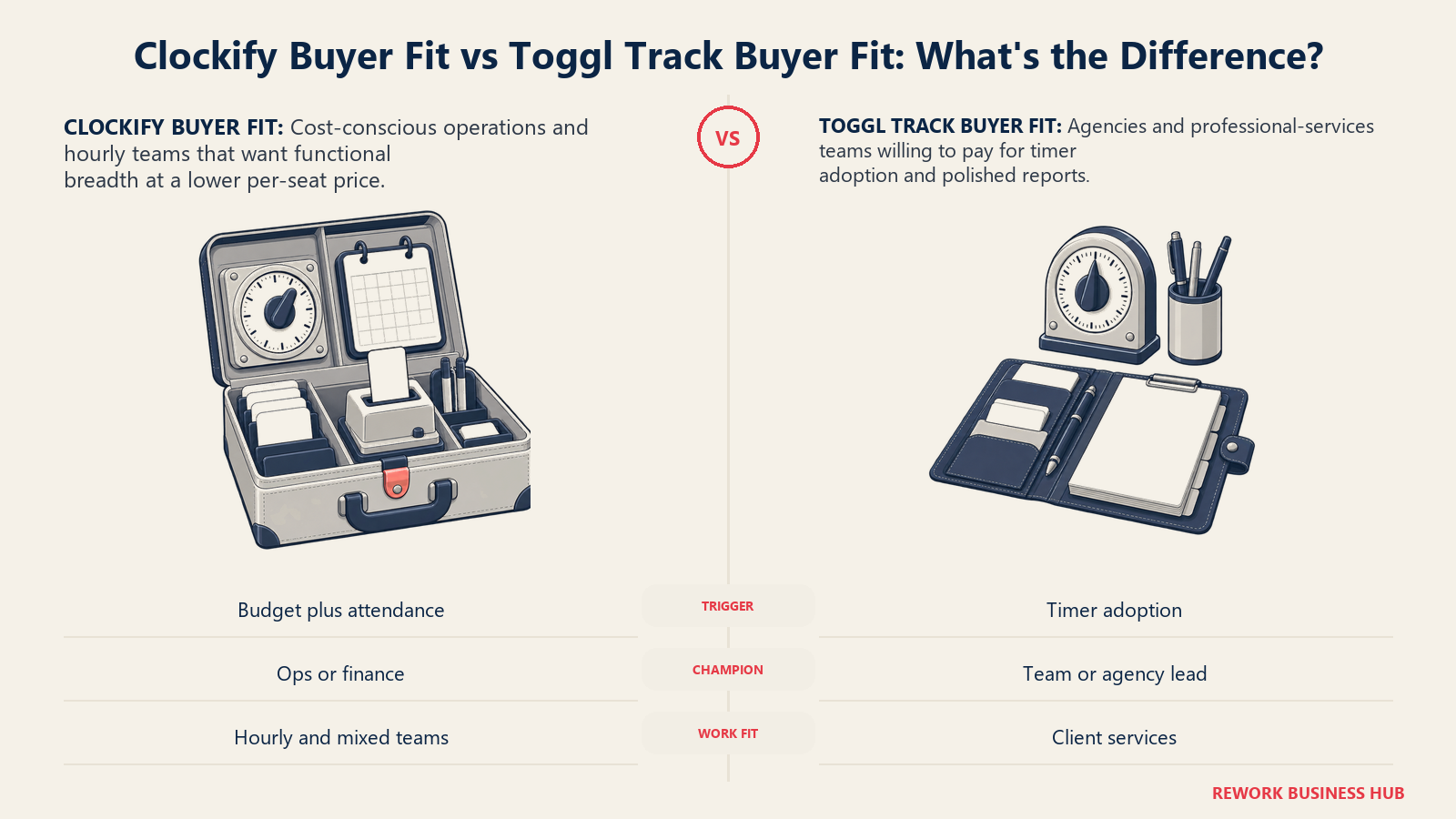
Toggl Track comes from Toggl, a company that has spent years narrowing its identity around the idea that time tracking should be genuinely pleasant to use, not just accurate. Its own feature pages talk about profitability insights, project-level financial views, and reporting built for people who read those reports weekly, which is a different emphasis than Clockify's breadth-first approach. Toggl Track's natural buyer already trusts that a nicer daily experience pays for itself in adoption, since a timer nobody starts is worthless no matter how cheap it is.
| Clockify | Toggl Track | |
|---|---|---|
| Natural buying trigger | Team has outgrown spreadsheets and wants the cheapest tool that also handles attendance | Team has tried a cheaper tracker and given up on it because people wouldn't use it |
| Team maturity assumed | Comfortable configuring more surface area (rates, scheduling, kiosk) for a lower price | Wants a tool that works well with minimal setup, and will pay for that |
| Primary champion | Ops or finance lead watching per-seat cost closely | Team lead or agency owner who cares about report quality and client-ready output |
| Company profile that fits best | Small and mid-size teams, agencies, and hourly workforces watching every dollar per seat | Consulting, creative, and professional-services teams billing clients by the hour |
Neither company is chasing a large enterprise buyer here. Both sell mostly to small and mid-size teams, and the real split is budget sensitivity versus daily-use polish, not company size.
Key Facts
- CAKE.com, the company behind Clockify, capped its Free plan at 5 users and moved billable hours, kiosk mode, CSV/Excel export, and shared report links to paid plans in an announcement dated April 21, 2026.
- Clockify holds a 4.5 out of 5 rating on G2 across more than 200 reviews, while Toggl Track holds a 4.6 out of 5 rating across more than 1,500 reviews, both strong scores in a crowded category.
- US workers logged 26.92% of full paid working days from home in March 2026, according to the WFH Research Survey of Working Arrangements and Attitudes, a scale of distributed work that keeps demand for cloud time trackers high.
- Clockify's own features page lists GPS location tracking, PIN or QR-code kiosk clock-in, and team scheduling as native modules, not add-ons, a reach into workforce attendance that Toggl Track's feature set does not attempt to match.
Time Tracking and Timer UX
This is the section where the two products feel most different in daily use, and it's the one most reviewers weigh heaviest.
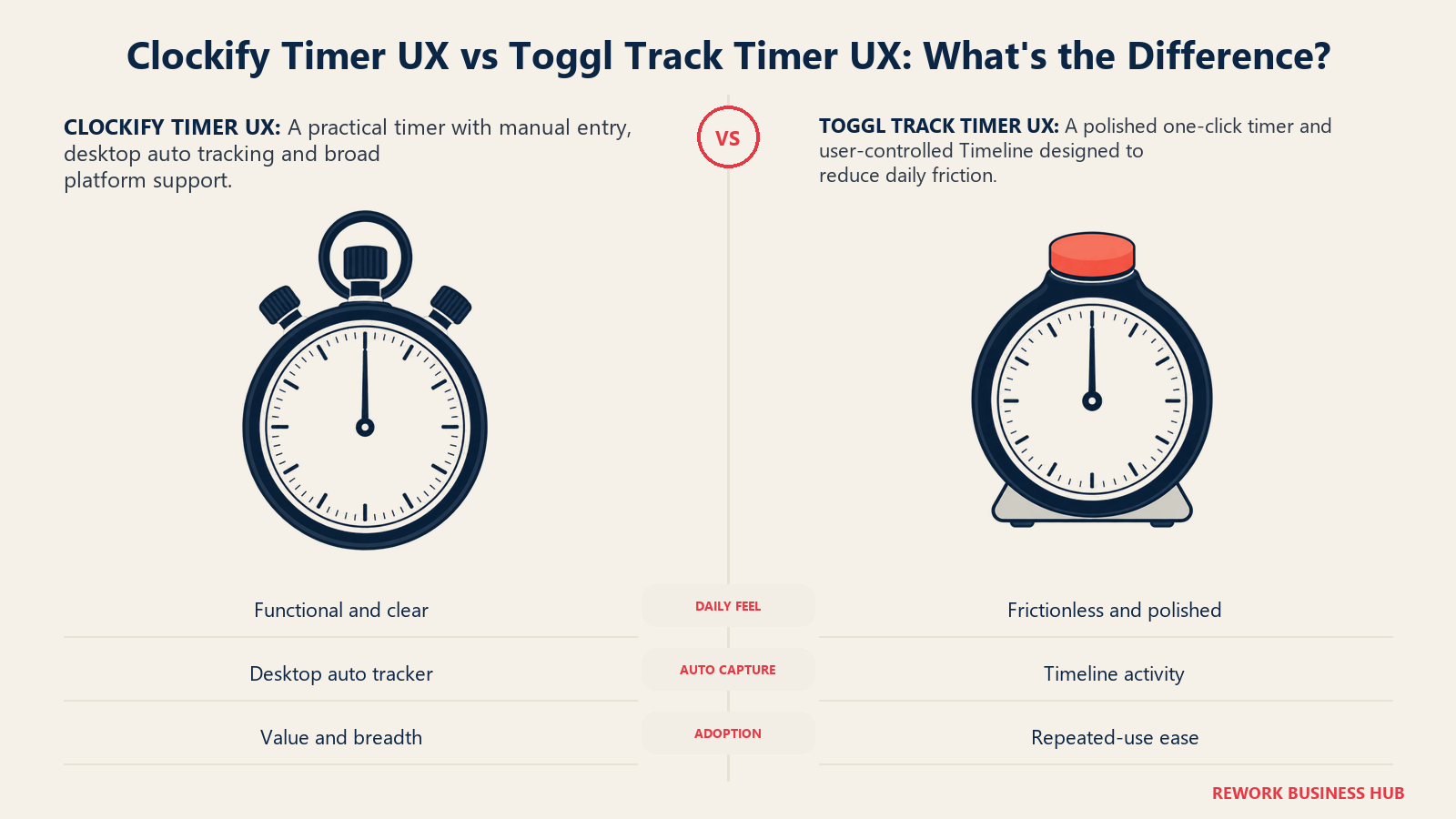
Clockify's timer works the way most time trackers work: start, stop, or enter hours manually, with a background auto-tracker on the desktop app that logs time spent in other apps and documents so nothing gets missed. It's functional and fast to learn, which matters when you're rolling it out to a team that has never tracked time before. Where it shows its budget-tool roots is polish, not speed. The interface leans utilitarian, and Clockify's own mobile app has drawn repeated complaints in recent reviews for slower sync and fewer reporting options than the desktop version.
Toggl Track's timer is consistently the thing reviewers single out first. One click starts a timer from the browser extension, the desktop app, or directly inside more than 100 supported tools like Salesforce, Jira, and Trello, and the interface is built around making that single action as frictionless as possible. Its Timeline feature adds automatic activity tracking across apps and browsers, with the user controlling what data gets logged, a lighter-touch version of the same auto-capture idea Clockify offers.
| Capability | Clockify | Toggl Track |
|---|---|---|
| Manual timer start/stop | Yes | Yes, widely cited as faster and more frictionless |
| Auto-tracking of app/document activity | Yes, desktop app (Windows, Mac, Linux) | Yes, via Timeline, user-controlled |
| One-click tracking inside other tools | Yes, browser extension | Yes, browser extension across 100+ tools |
| Offline tracking with sync | Yes | Yes |
| Idle detection | Yes | Yes |
| Reviewer consensus on daily feel | Functional, utilitarian | Consistently praised as the most pleasant to use |
If the goal is simply "get accurate hours logged as cheaply as possible," Clockify does that job. If the goal is "get a team that resists tracking time to actually do it every day," Toggl Track's UX edge is the more relevant variable.
Reporting and Dashboards
Clockify's reporting covers the standard set: summary, detailed, weekly, assignment, attendance, and expense breakdowns, all filterable and exportable. It's genuinely broad, spanning project performance and team attendance in the same reporting module rather than splitting them into separate products. The tradeoff, per its own April 2026 plan changes, is that CSV and Excel export, along with shareable report links, now sit behind a paid plan rather than the free tier.
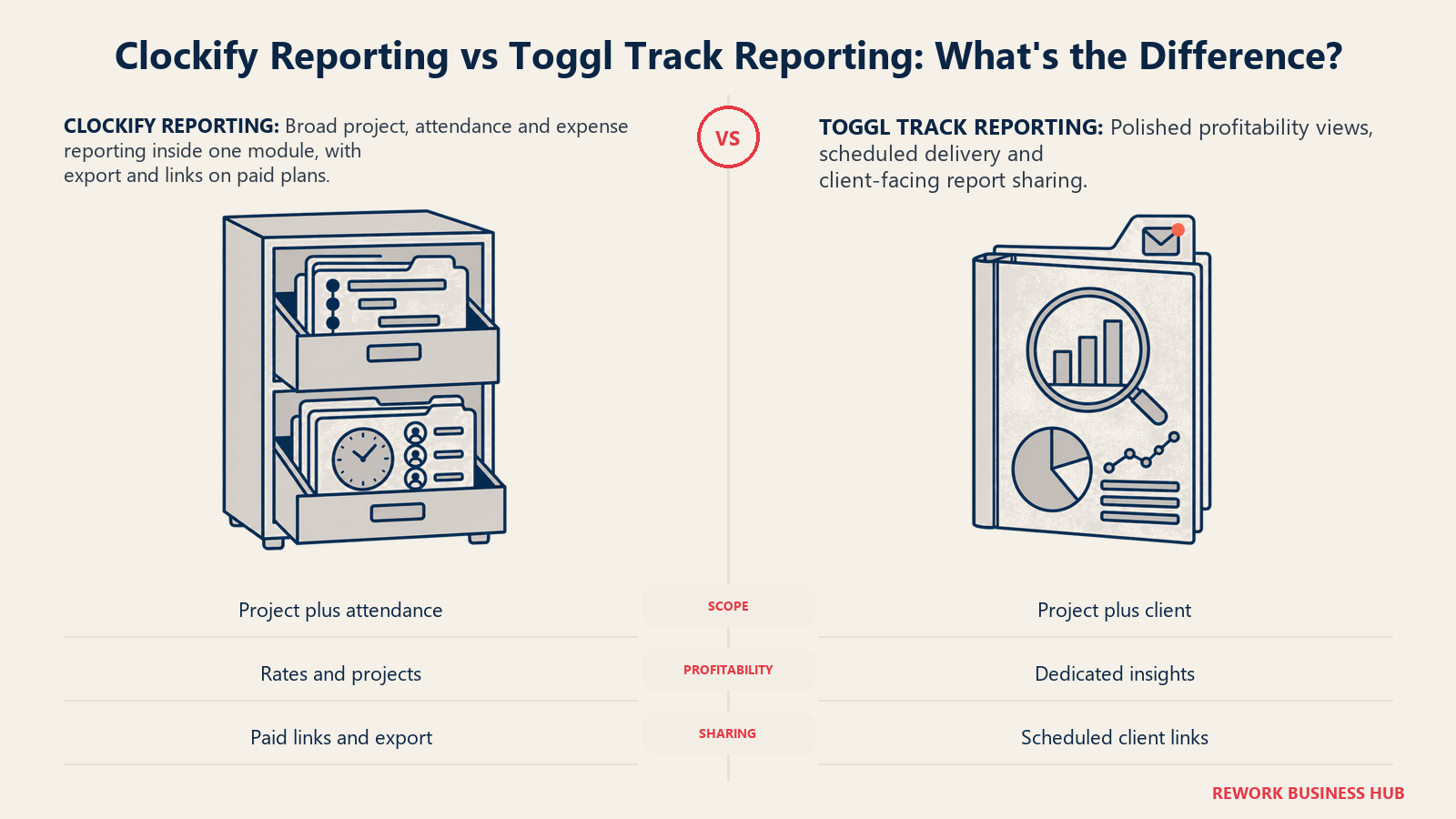
Toggl Track leans harder into report presentation and profitability. Its dashboard tracks revenue and cost at the project, task, client, and team level, with customizable filtering, scheduled report delivery to stakeholders, and link-based sharing for reports that go to people outside the workspace, like a client who wants to see billed hours without a login. That client-facing polish is a recurring theme in Toggl Track reviews, and it's the more natural fit if reports are something you hand to someone outside your own team on a regular basis.
| Capability | Clockify | Toggl Track |
|---|---|---|
| Standard summary/detailed/weekly reports | Yes | Yes |
| Attendance-specific reporting | Yes, built into the same reports module | No, project and client focused only |
| Project/client profitability view | Via Rates and Projects modules | Yes, dedicated Profitability Insights |
| Scheduled report delivery | Not a standout feature | Yes |
| Client-facing shareable report links | Paid plans only, since April 2026 | Yes |
| CSV/PDF export on free plan | No, moved to paid plans | Yes, still included free |
Timesheets and Approvals
Both tools support a weekly timesheet view where people log hours against projects and tasks, and both support an approval workflow where a manager reviews and signs off before hours flow into billing or payroll.
Clockify's timesheet lets people log a full week of activity quickly, and its Approval module covers timesheets and expenses together, with reminders to nudge people who haven't submitted. Toggl Track's approach is similar in shape: a required weekly submission flow, with admins able to review, approve, or reject entries, locked entries to prevent edits after a cutoff date, and required-field enforcement so incomplete time entries can't slip through.
| Capability | Clockify | Toggl Track |
|---|---|---|
| Weekly timesheet entry | Yes | Yes |
| Manager approval workflow | Yes, covers timesheets and expenses | Yes, dedicated Timesheet Approvals |
| Locked entries after cutoff | Yes | Yes |
| Required-field enforcement | Via admin settings | Yes, named feature |
| Submission reminders | Yes | Yes, via Team Reminders |
Neither tool treats approvals as an afterthought, which matters if hours feed directly into client invoices or payroll and a wrong number is expensive to unwind after the fact.
Project Budgets and Billable Rates
Clockify's Projects and Rates modules let you set hourly rates at multiple levels, track budgets, and calculate earnings, cost, and profit per project. Billable hours tracking itself, worth repeating, moved out of the free plan in April 2026, so any team relying on Clockify for client billing needs at minimum the Basic paid tier.
Toggl Track assigns billable rates at the workspace, member, project, or task level, and supports historical rate edits so a rate change today doesn't distort retroactive invoices for work already done under an old rate. Its Project Dashboard adds scope-creep detection, comparing estimated hours against actual hours in a way that flags a project drifting over budget before it blows past it entirely.
| Capability | Clockify | Toggl Track |
|---|---|---|
| Billable/non-billable rate tracking | Paid plans only | Paid plans, with historical rate edits |
| Multi-level rate assignment | Yes | Yes, workspace/member/project/task |
| Budget and scope-creep alerts | Via Projects module | Yes, named Project Alerts feature |
| Fixed-fee or retainer project tracking | Limited | Yes, dedicated Fixed Fee Projects |
| In-app invoice generation | Yes | Yes, plus direct QuickBooks Online transmission |
Integrations
Clockify connects to more than 100 web apps directly through its browser extension, which drops a timer button into the other tool so you never have to switch tabs to log time, plus a Zapier integration that opens up thousands of additional automated workflows.
Toggl Track's own features page lists the same shape of integration story: 100+ tools reachable through its browser extension, native connections into project tools like Jira and CRMs like Salesforce, plus Zapier and Make integrations covering more than 3,000 additional app workflows for teams that want custom automation.
| Integration type | Clockify | Toggl Track |
|---|---|---|
| Direct browser-extension integrations | 100+ | 100+ |
| Zapier / Make automation reach | Thousands of connected apps | 3,000+ app workflows via Zapier and Make |
| Native project/CRM tool timers | Yes | Yes, including Salesforce and Jira |
| Calendar sync (Google, Outlook) | Yes | Yes |
| API and webhooks | Yes | Yes, plus SSO on higher tiers |
Attendance, Scheduling, and Kiosk Clock-In
This is the section where the two products stop being close competitors and start serving different jobs.
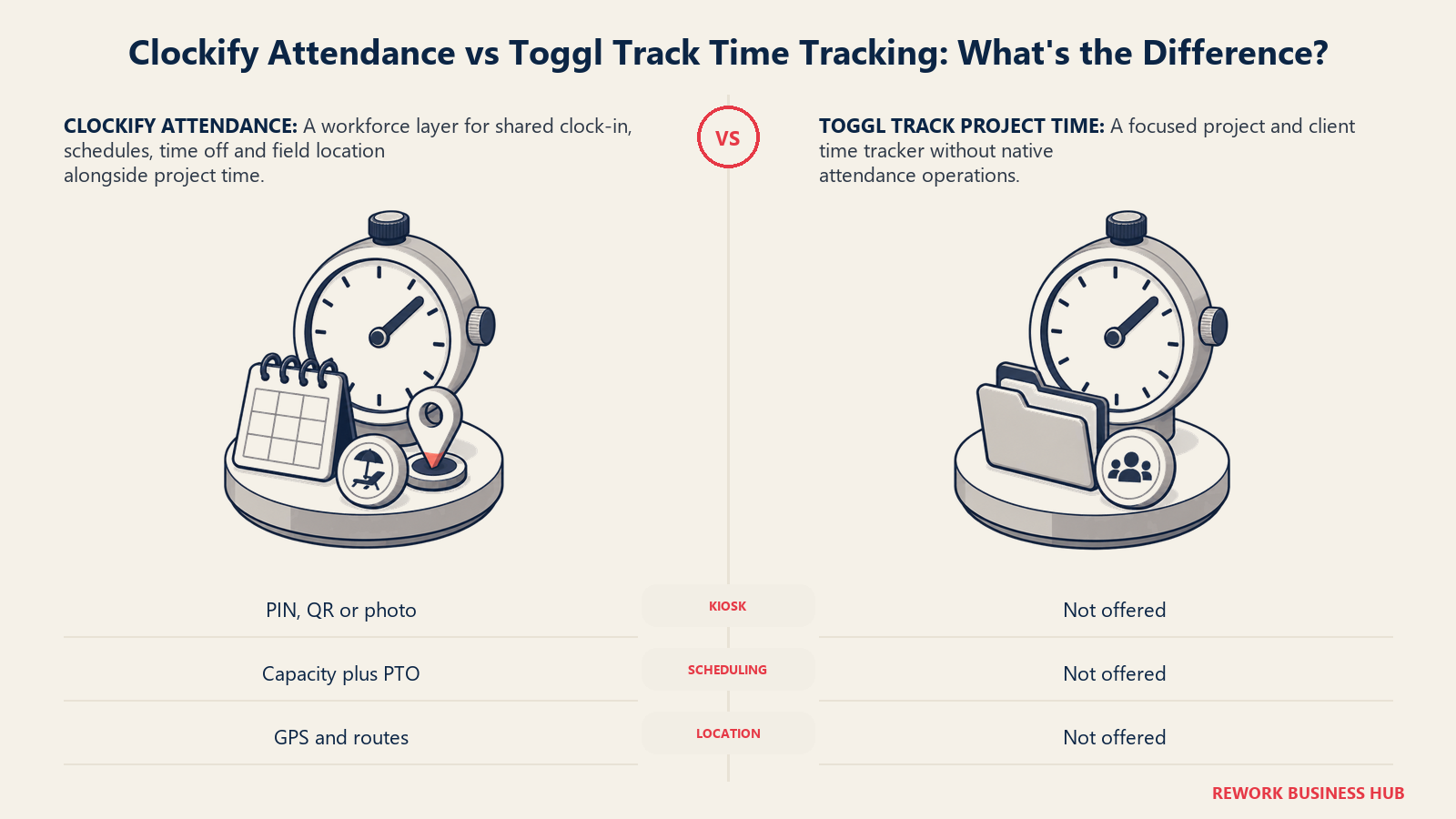
Clockify's feature set reaches well past project time tracking into actual workforce attendance. Its Scheduling module plans projects and visualizes team capacity with milestones and assignments. Its Time Off module tracks holidays, time-off requests, policies, and remaining balance. Its Kiosk feature lets hourly staff clock in from a single shared device using a PIN, QR code, or photo capture, the kind of feature a retail counter or a warehouse floor actually needs. And its Location module adds GPS tracking, routes, and optional screenshots, useful for field teams where "were they where they were supposed to be" is part of the job.
Toggl Track has none of this. It's built entirely around project and client time, not workforce attendance, and its own feature pages make no claim to scheduling, PTO tracking, kiosk clock-in, or GPS location. That's not a gap so much as a deliberate scope decision, but it's the single clearest reason a buyer would pick one tool over the other independent of price or timer feel.
| Capability | Clockify | Toggl Track |
|---|---|---|
| Kiosk clock-in (PIN/QR/photo) | Yes | No |
| GPS location and route tracking | Yes | No |
| Team scheduling and capacity planning | Yes | No |
| PTO / time-off tracking | Yes | No |
| Attendance-specific reports | Yes | No |
If your buying trigger is "we need to replace paper timesheets on a shop floor or a job site," this table alone should settle the comparison. Clockify reaches into that territory natively. Toggl Track was never built to.
Admin and Permissions
Clockify manages permissions through team profiles, rates, roles, and access groups, configurable per workspace. Toggl Track structures access into three named levels (basic member, project manager, and administrator) and adds Single Sign-On on its higher tiers for teams with enterprise identity requirements, plus audit filters that flag members who are consistently under- or over-tracking their time.
| Capability | Clockify | Toggl Track |
|---|---|---|
| Role-based access groups | Yes | Yes, basic/project manager/admin |
| Single Sign-On (SSO) | Enterprise tier | Yes, higher tiers |
| Team member time-tracking audits | Via reports | Yes, named Team Member Audits |
| Per-project permission control | Yes | Yes |
Mobile and Desktop Apps
Both tools ship the full spread of platforms you'd expect from a modern time tracker. Clockify covers Windows, Mac, and Linux on desktop, plus iOS and Android on mobile, with the desktop apps carrying the background auto-tracker feature. Toggl Track covers Windows and macOS on desktop, plus iOS and Android on mobile, alongside browser extensions for Chrome, Firefox, and Edge.
| Platform | Clockify | Toggl Track |
|---|---|---|
| Windows desktop | Yes | Yes |
| Mac desktop | Yes | Yes |
| Linux desktop | Yes, native app | Not a listed native platform |
| iOS | Yes | Yes |
| Android | Yes | Yes |
| Browser extensions | Chrome, Firefox, Edge | Chrome, Firefox, Edge |
Linux support is a small but real differentiator for engineering-heavy teams standardized on Linux workstations, and it's one Clockify covers natively where Toggl Track's published platform list does not.
Pricing at 5, 25 and 100 Seats
Both vendors bill per user per month, cheaper when paid annually. On the published list pricing, Clockify runs Free (up to 5 users), Basic at $3.99, Standard at $5.49, Pro at $7.99, and Enterprise at $11.99 per user a month. Toggl Track runs Free (up to 5 users), Starter at $9, and Premium at $18 per user a month, list, with Enterprise as a custom quote. Toggl Track is also currently promoting Premium at $14 per user a month for the first year of annual billing, renewing at the full $18 rate after that.
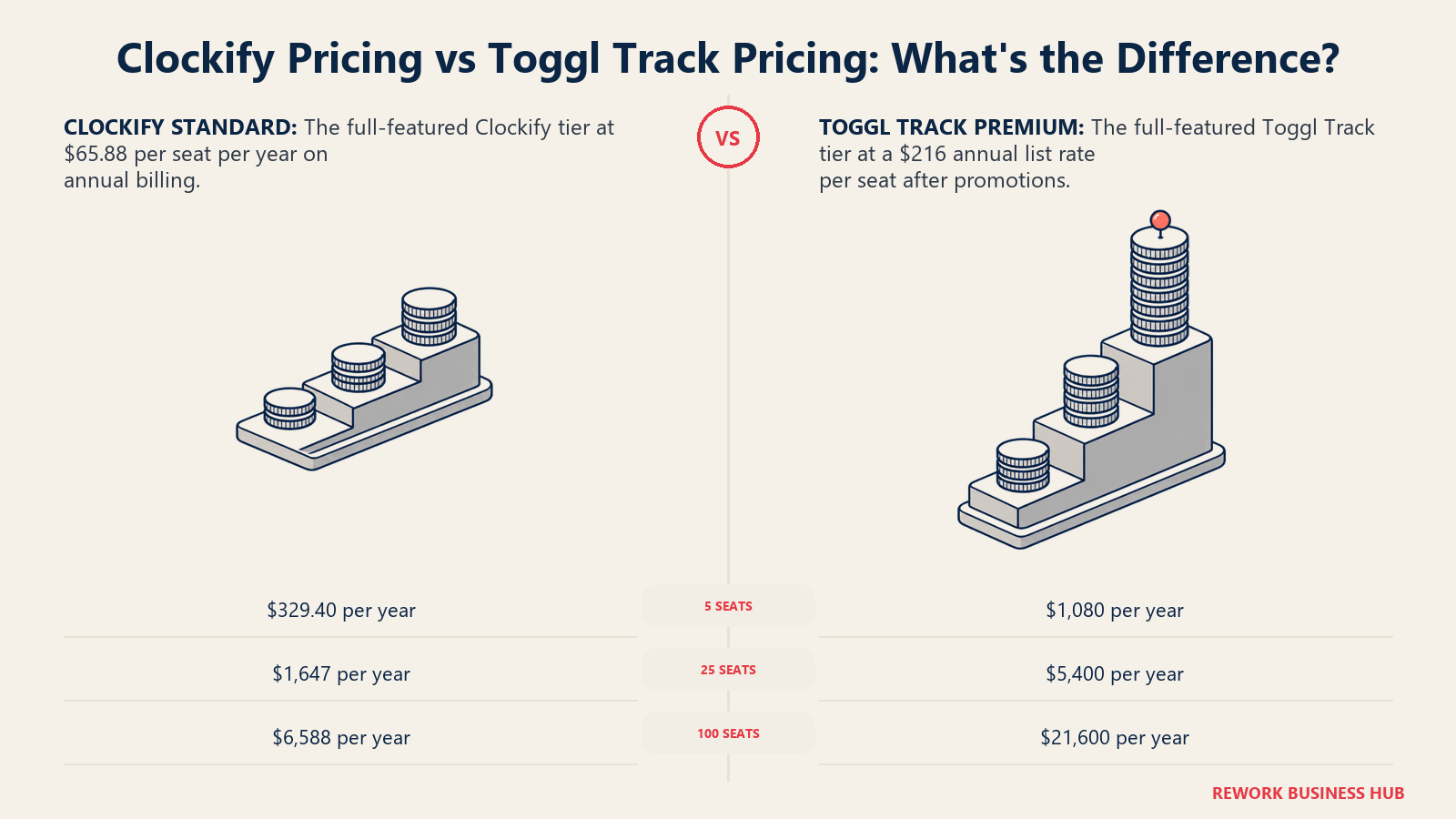
Here's the actual annual cost at real team sizes, using list annual pricing. At 5 seats, both tools can be run entirely free, so the paid math only kicks in once a team needs billable hours, exports, or the reporting features each vendor reserves for paid plans.
| Seats | Clockify Basic (entry paid) | Clockify Standard (full-featured) | Toggl Starter (entry paid) | Toggl Premium (full-featured, list) | Toggl Premium (year-one promo) |
|---|---|---|---|---|---|
| 5 | $239.40/year | $329.40/year | $540.00/year | $1,080.00/year | $840.00/year |
| 25 | $1,197.00/year | $1,647.00/year | $2,700.00/year | $5,400.00/year | $4,200.00/year |
| 100 | $4,788.00/year | $6,588.00/year | $10,800.00/year | $21,600.00/year | $16,800.00/year |
The math: Clockify's annual per-seat rate times seat count (Basic $47.88/seat/year, Standard $65.88/seat/year). Toggl Track's annual per-seat rate times seat count (Starter $108/seat/year, Premium $216/seat/year at list, or $168/seat/year for the promoted first year). At every seat count and every comparable tier, Clockify's list price runs meaningfully below Toggl Track's, even before the promo period ends and Toggl's Premium renews at the full $18 rate.
That gap is the whole story of this comparison in one table. Toggl Track is not pricing itself as the budget option, and it isn't trying to. At the entry tier, Toggl Track costs about $60 more per seat a year than Clockify. At the full-featured tier, that gap widens to roughly $100 more per seat a year during the Premium promo, or $150 more per seat a year once it renews at list price. The question worth asking isn't "which is cheaper" (Clockify almost always is), it's whether that extra cost buys enough daily-use adoption and reporting polish to be worth it for your team specifically.
When Clockify Is the Right Call
- You're watching cost per seat closely and want the lowest list price in the category at every comparable tier
- You need attendance, scheduling, or kiosk clock-in for hourly staff, not just project time tracking for salaried knowledge workers
- Your team includes Linux workstations and you want a native desktop client rather than a browser-only option
- You're comfortable trading some interface polish for functional breadth spanning time, attendance, PTO, and invoicing in one product
- You want the option to start on a genuinely free plan for up to 5 users and only pay once you need billable hours or exports
When Toggl Track Is the Right Call
- Your last time-tracking rollout failed because people simply didn't start the timer, and interface friction was the real reason
- You bill clients regularly and need report presentation and client-facing shareable links good enough to send externally without cleanup
- Project and client profitability, not workforce attendance, is the thing you actually need visibility into
- You're a consulting, creative, or professional-services team where the tool's daily feel affects adoption more than the per-seat price does
- You'd rather pay more per seat for a tool your team keeps using than save money on one they quietly stop opening
If Neither Fits
Some teams read this whole comparison and realize the real problem isn't which timer is nicer or cheaper. It's that hours, the project they were logged against, and the employee who logged them live in three different systems: a time tracker, a project tool, and an HR system that don't talk to each other, so someone spends a chunk of every payroll cycle reconciling all three by hand.
Rework's Timesheet module sits inside the same platform as its Work Ops projects and tasks and its People app (HRIS plus time and attendance), so hours logged against a project are already tied to the same record as the employee and the work itself, not exported and matched up after the fact. It is not a lightweight timer, and it's not the right answer if what you actually want is a free stopwatch for a solo user or a two-person team; there's no free or single-seat tier, and Rework isn't trying to out-timer Toggl Track or out-cheap Clockify on a per-seat basis. It's built for mid-size teams already consolidating operations onto one platform who are tired of hours living somewhere their project and people data doesn't. Pricing for the People line, including Timesheet, isn't published; it's quoted per organization, see rework.com/pricing for current details.
If that's not your situation, an agency doing heavy billable-hours invoicing and client budget reporting is usually better served by a tool built specifically for that job, and it's worth reading our Harvest alternatives roundup before assuming Clockify or Toggl Track covers it as well. And if the real requirement is monitoring, screenshots, and activity levels on a distributed workforce rather than attendance or billing, our Hubstaff alternatives guide covers that different angle of the category.
Decision Framework
Start with the job the team needs the time tracker to do. Cost and frontline attendance point toward Clockify, timer adoption and client reporting point toward Toggl Track, and connected work and people records point toward an integrated operations platform.
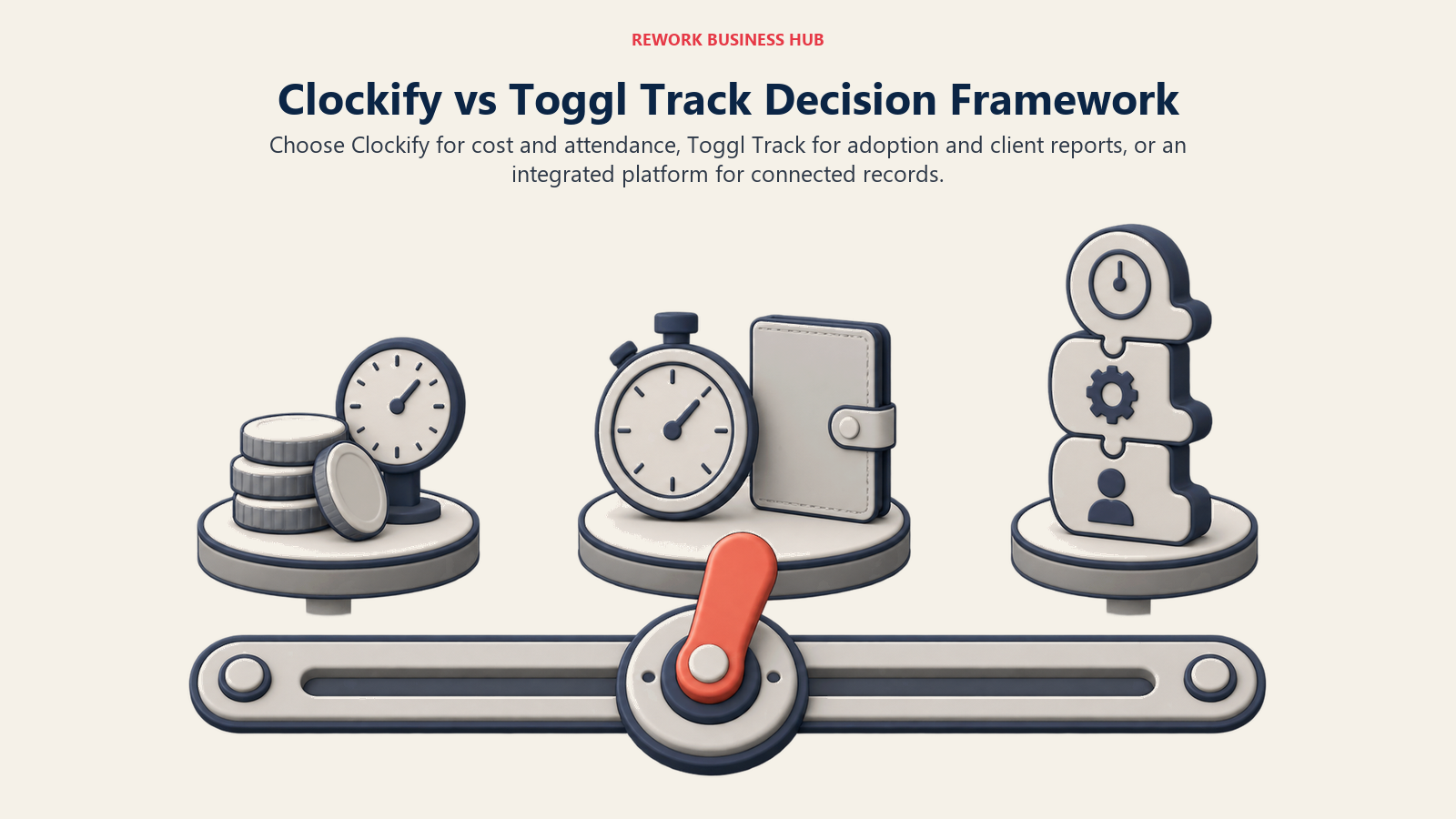
| If you are... | Pick |
|---|---|
| Optimizing hard for the lowest cost per seat at every tier | Clockify |
| Needing attendance, scheduling, or kiosk clock-in alongside project time | Clockify |
| Rolling out to hourly staff on a shop floor, warehouse, or job site | Clockify |
| Trying to fix a past rollout that failed because people wouldn't use the timer | Toggl Track |
| Sending client-facing time and profitability reports regularly | Toggl Track |
| Standardized on Linux desktops and want a native app | Clockify |
| Wanting hours tied to the same record as the project and the employee, not a standalone tracker | Rework (see rework.com/pricing) |
| Still comparing the wider category before narrowing down | See our full time tracking software roundup |
The verdict: if cost per seat and attendance features both matter, Clockify wins on price at every tier and does things Toggl Track was never built to do, like kiosk clock-in and scheduling. If your team has already fought with a cheaper tracker and lost, Toggl Track's timer feel and reporting polish are worth the higher per-seat cost, because a time tracker that goes unused is the most expensive option of all, regardless of what it costs per seat.
What to Do Next
- Run both free plans with your actual team, not a demo account, since the real difference between these tools shows up in whether people actually open the timer every day, not in a feature list.
- Price out your real seat count using the table above, and if you're close to needing Toggl Track's Premium tier, get the year-one promo in writing along with the $18 renewal rate so budget planning next year isn't a surprise.
- Decide whether attendance is actually in scope. If kiosk clock-in, scheduling, or PTO tracking matter at all, that alone should settle this in Clockify's favor regardless of price.
- Not sure time tracking is even the right category yet? How to choose project management software and our full time tracking roundup are both good next stops.
- Weighing this against a broader HR or ops platform decision? Our best HR software roundup and best project management software roundup cover the adjacent categories this decision usually touches.
Frequently Asked Questions about Clockify vs Toggl Track
Is Clockify or Toggl Track cheaper?
Clockify is cheaper at every comparable tier. Its entry paid plan (Basic) runs $3.99 per user a month billed annually versus $9 for Toggl Track's Starter plan, and its full-featured plan (Standard) runs $5.49 per user a month versus $18 for Toggl Track's Premium plan (promoted at $14 for the first year, then renewing at $18).
Does Clockify's free plan really support 5 users for free?
Yes, but with real limits since an April 21, 2026 change: the free plan supports up to 5 users but no longer includes billable hours tracking, kiosk clock-in, CSV/Excel export, or shared report links, all of which moved to paid plans. Toggl Track's free plan also caps at 5 users but still includes CSV/PDF export and auto-tracking.
Can Clockify handle employee attendance, not just project time tracking?
Yes. Clockify includes native scheduling, PTO tracking, kiosk clock-in with PIN, QR code, or photo capture, and GPS location tracking, none of which Toggl Track offers. If attendance and workforce scheduling matter alongside project time, that gap is usually decisive.
Which tool has better reporting?
It depends what the report is for. Clockify's reporting spans project and attendance data in one module, but CSV/Excel export and shareable links now require a paid plan. Toggl Track's reporting is narrower in scope but stronger for project and client profitability, with scheduled delivery and client-facing shareable links included.
Which tool is easier for a team to actually adopt?
Toggl Track consistently gets credit in reviews for the more frictionless timer experience, which matters most for teams that have struggled to get people to track time consistently in the past. Clockify is functional and fast to learn but leans more utilitarian, especially on mobile.
What if my real problem is that time, project, and employee data live in separate systems?
That's a different problem than either tool solves. Rework's Timesheet module runs on the same platform as its Work Ops projects and its People app, so hours are tied to the same record as the project and the employee rather than reconciled across three systems by hand. It's built for mid-size teams consolidating operations onto one platform, not as a lightweight timer replacement.
Related Resources:
- Best Time Tracking Software in 2026
- Best Clockify Alternatives in 2026
- Best Toggl Track Alternatives in 2026
- Best Harvest Alternatives in 2026
- Best Hubstaff Alternatives in 2026
- Best HR Software in 2026
- Best Payroll Software in 2026
- Best Project Management Software in 2026
- How to Choose Project Management Software

Senior Customer Retention Strategist
On this page
- TL;DR
- Who Each Tool Is Built For
- Key Facts
- Time Tracking and Timer UX
- Reporting and Dashboards
- Timesheets and Approvals
- Project Budgets and Billable Rates
- Integrations
- Attendance, Scheduling, and Kiosk Clock-In
- Admin and Permissions
- Mobile and Desktop Apps
- Pricing at 5, 25 and 100 Seats
- When Clockify Is the Right Call
- When Toggl Track Is the Right Call
- If Neither Fits
- Decision Framework
- What to Do Next