Best Teamwork Alternatives in 2026: 10 Project Management Tools for Agencies and Services Teams
Turn this article into takeaways for your work.


Each assistant summarizes the article only for you and suggests best practices for your work.
Teamwork is a well-focused product. It's built around the agency delivery model: client billing, time tracking, profitability views, and project-level budgets. If you run a 20-person digital agency billing clients by the hour, Teamwork does what it says on the tin.
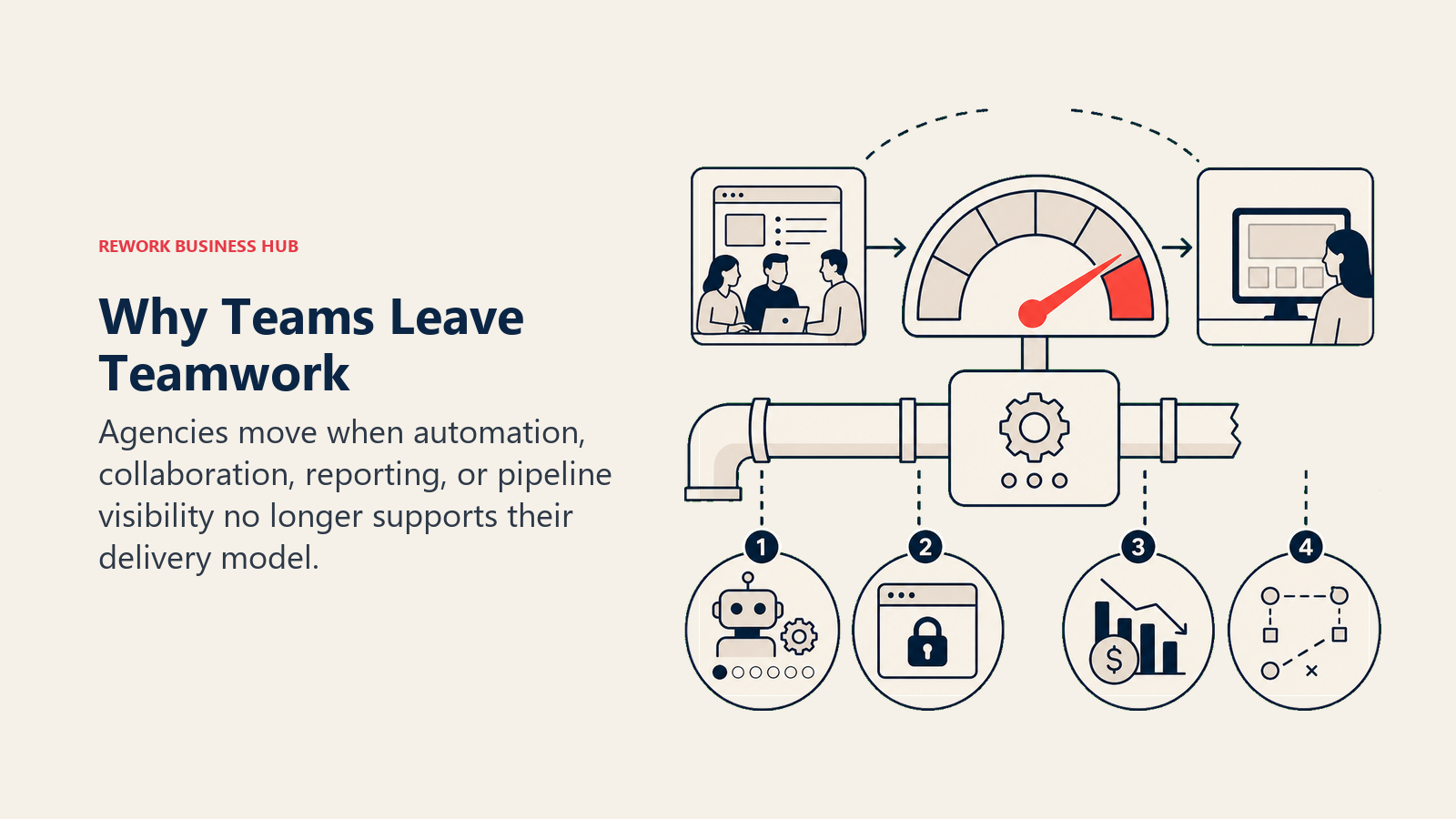
But agencies grow. Client relationships get more complex. Teams start managing recurring ops alongside project delivery. And that's where the gaps appear. Automation in Teamwork is rules-based and shallow compared to what modern ops teams need. The client portal works, but it's not built for the kind of deep external collaboration that agencies managing dozens of concurrent clients demand. The reporting tells you where your hours went, but it won't tell you why margins keep slipping on certain client types, or flag where your pipeline is stalling before it becomes a delivery problem. The ecosystem is smaller than Monday.com, ClickUp, or Asana, which matters when you're stitching together a modern agency tech stack. And per-seat pricing that rises as you grow can become a meaningful cost driver. This guide breaks down 10 honest alternatives, covering methodology, target audience, sizing fit, and where each one actually wins.
If you're also evaluating tools for the ops and delivery layers underneath your projects, the guides on building a repeatable sales process and running cross-team onboarding workflows cover how agencies typically structure those handoffs.
Why Teams Leave Teamwork
| Pain Point | Who Feels It Most | What They Want Instead |
|---|---|---|
| Automation is shallow and rule-based | Ops leads, project managers | Trigger-based automation with conditional logic |
| Client portal is limited for complex engagements | Account managers, directors | Real-time client collaboration and external visibility |
| Reporting doesn't surface margin or capacity risk | Agency owners, COOs | Profitability dashboards with forecast view |
| No CRM for managing the client pipeline | Sales and account teams | A single system from lead to delivery |
| Per-seat cost grows faster than revenue | Finance, agency owners | Flat-rate or value-based pricing |
| Smaller ecosystem limits integrations | IT, tech leads | Native connections to modern agency stack |
Quick Comparison Table
| Tool | Best For | Starting Price | Key Strength | Key Limitation |
|---|---|---|---|---|
| Rework | Agencies running ops + CRM alongside project delivery | From $99/mo billed yearly, 5 seats (rework.com/pricing) | Combined ops workflows + CRM + multi-channel inbox | Not for micro teams or pure billing-only use cases |
| Monday.com | Visual work management with strong dashboards | ~$9/seat/mo (Basic) | Highly customizable boards, 200+ integrations | Gets expensive and complex at scale |
| Asana | Cross-functional project and task management | Free tier; $10.99/seat/mo (Starter) | Clean PM structure, strong reporting | No native billing or time tracking |
| ClickUp | Everything-app power users who want one tool | Free tier; $7/seat/mo (Unlimited) | Deepest feature set available | Feature overload; requires real admin investment |
| Wrike | Creative agencies and enterprise PM with proofing | $9.80/seat/mo (Team) | Built-in proofing and approvals, strong compliance | Complex setup; pricier at higher tiers |
| Productive | Agency operations: projects, billing, and capacity | $9/seat/mo (Essential) | Purpose-built for agency profitability | Less flexible for non-agency workflows |
| Scoro | Full business management for agencies and consultancies | $26/seat/mo (Essential) | Project + CRM + finance in one platform | Higher price point; overkill for simpler teams |
| Kantata (Mavenlink) | Professional services and resource optimization | Contact for pricing | Deep resource management and forecasting | Enterprise focus; complex and expensive |
| Hive | Collaborative project management with flexibility | Free tier; $5/seat/mo (Starter) | Multiple project views, good for mid-size teams | Less specialized for agency billing |
| Accelo | Client work automation for services businesses | $24/seat/mo (Plus) | Automated time capture and client work tracking | Smaller ecosystem; steeper learning curve |
Stage Fit Matrix
| Tool | Startup (1-10) | Growth (10-50) | Mid-Market (50-200) | Enterprise (200+) |
|---|---|---|---|---|
| Rework | Not ideal | Strong fit | Strong fit | Possible |
| Monday.com | Good | Strong fit | Strong fit | Good |
| Asana | Good | Strong fit | Strong fit | Good |
| ClickUp | Good | Strong fit | Strong fit | Possible |
| Wrike | Not ideal | Good | Strong fit | Strong fit |
| Productive | Good | Strong fit | Strong fit | Possible |
| Scoro | Not ideal | Good | Strong fit | Possible |
| Kantata | Not ideal | Not ideal | Good | Strong fit |
| Hive | Good | Strong fit | Good | Not ideal |
| Accelo | Not ideal | Good | Strong fit | Possible |
Sizing and Persona Table
| Tool | Sweet Spot Team Size | Primary Buyer | Secondary Buyer |
|---|---|---|---|
| Rework | 20-200 | COO / Head of Ops | RevOps / Director of Delivery |
| Monday.com | 10-500 | Head of Ops / Project Manager | Marketing Ops / IT |
| Asana | 10-500 | Project Manager / Director | Head of Marketing / HR Ops |
| ClickUp | 5-300 | Ops Lead / PM | Engineering / Marketing |
| Wrike | 20-500 | VP Marketing / Agency Lead | Creative Director / IT |
| Productive | 10-200 | Agency Owner / COO | PM / Resource Manager |
| Scoro | 20-200 | Agency Director / CFO | PM / Finance Manager |
| Kantata | 100-1000 | VP Professional Services | Resource Manager / CFO |
| Hive | 10-200 | Project Manager / Ops Lead | Marketing / Agency PM |
| Accelo | 10-200 | Agency Owner / Service Director | Account Manager / PM |
1. Rework: Ops Workflows, CRM, and Project Delivery in One Platform
Teamwork is a project delivery tool. Rework is an operations platform. The distinction matters when your agency has grown past pure project execution into managing client relationships, lead pipelines, recurring ops cycles, and cross-team workflows alongside billable delivery.
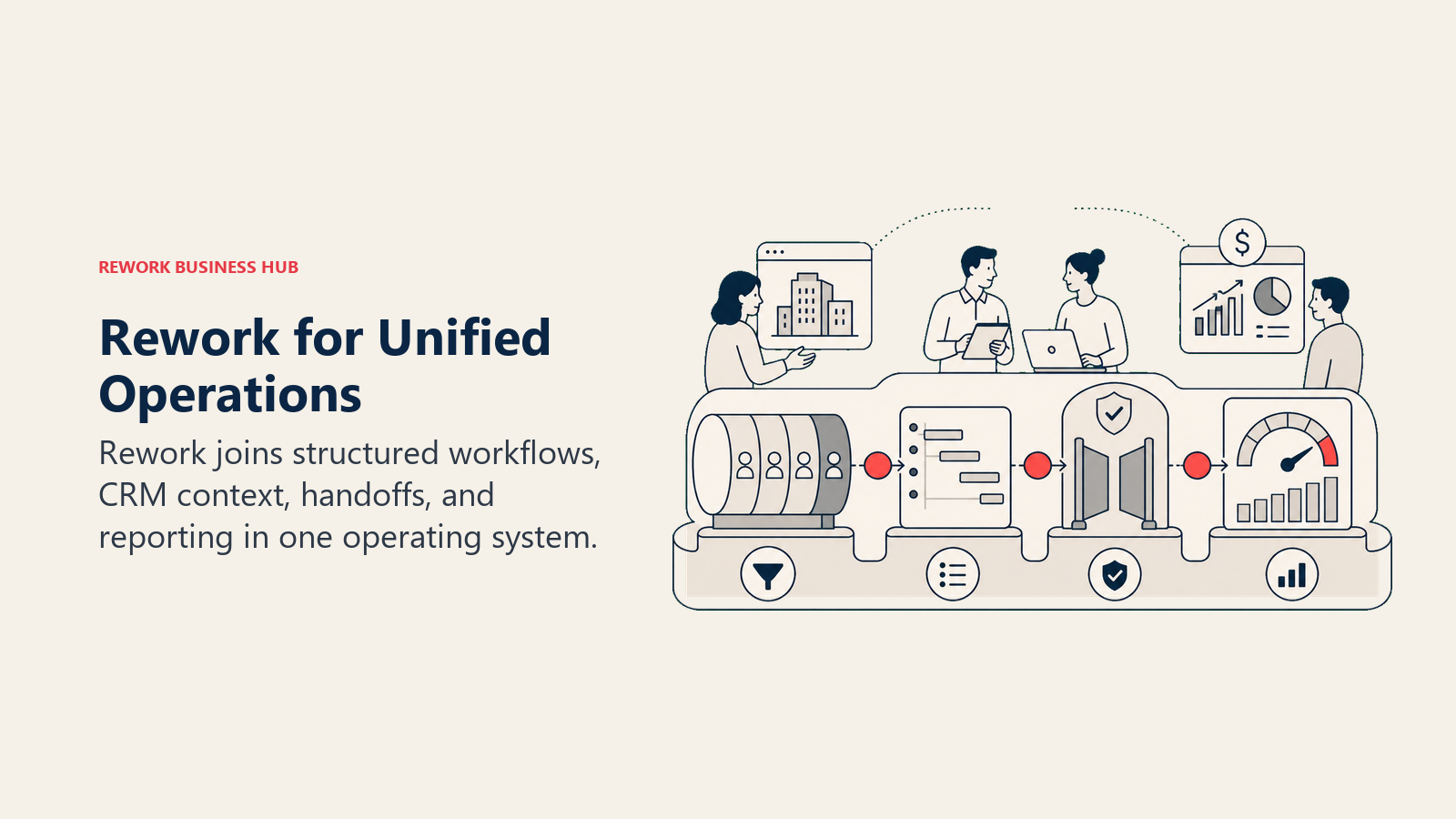
Where Teamwork focuses on hours-in and invoices-out, Rework is built around the full loop: attracting clients, managing the relationship, and running the delivery operations. The built-in CRM and lead management means your sales team and delivery team work in the same system, not two different tools that require a manual handoff every time a deal closes. The multi-channel inbox (WhatsApp, Messenger, Instagram DM, live chat) means client communication isn't scattered across five apps. And the ops workflow templates are designed for the cross-functional realities that growing agencies actually run: client onboarding sequences, approval chains, recurring ops tasks, and handoffs between teams.
Rework fits agencies of 20 to 200 people that are past the "manage projects, send invoices" stage and need a unified system for running the whole operation. It's not the right fit for a 5-person shop that just needs simple time tracking, and it's not a Teamwork replacement if billable time and project budgets are the only things that matter.
| What you get | What you don't |
|---|---|
| Pre-built ops workflow templates for cross-team delivery | Deep billable time tracking and invoice generation |
| Full CRM + lead management alongside project delivery | Free tier for micro teams |
| Unified multi-channel client inbox | Specialized agency financial reporting |
| Approval chains, SLA rules, and recurring ops cycles | A narrow billing-focused interface |
| Mid-size pricing without enterprise-only gates | Lightweight solo-user project view |
Pricing: Project Engine from $99/month billed yearly ($1,188/year) or $120 month to month, with 5 work seats included; extra seats come in blocks of 5 ($13/month per block, billed yearly). The CRM is the Sales Engine, from $69/month billed yearly; the client inbox and lead management sit in the Marketing Engine ($99/month billed yearly), and the Revenue Engine bundles CRM, inbox and lead capture for $159/month billed yearly. (rework.com/pricing)
Best for: Growing agencies and services businesses that need unified ops, CRM, and client relationship management alongside project delivery
2. Monday.com: Visual Work Management with Real Dashboard Depth
Monday.com's pitch to agencies is the same as its pitch to everyone: build the operating system for your work on top of our flexible boards. For agencies, that means you can configure a client delivery board, a resource tracking board, a new business pipeline, and a capacity view, all within one account and connected by automations.
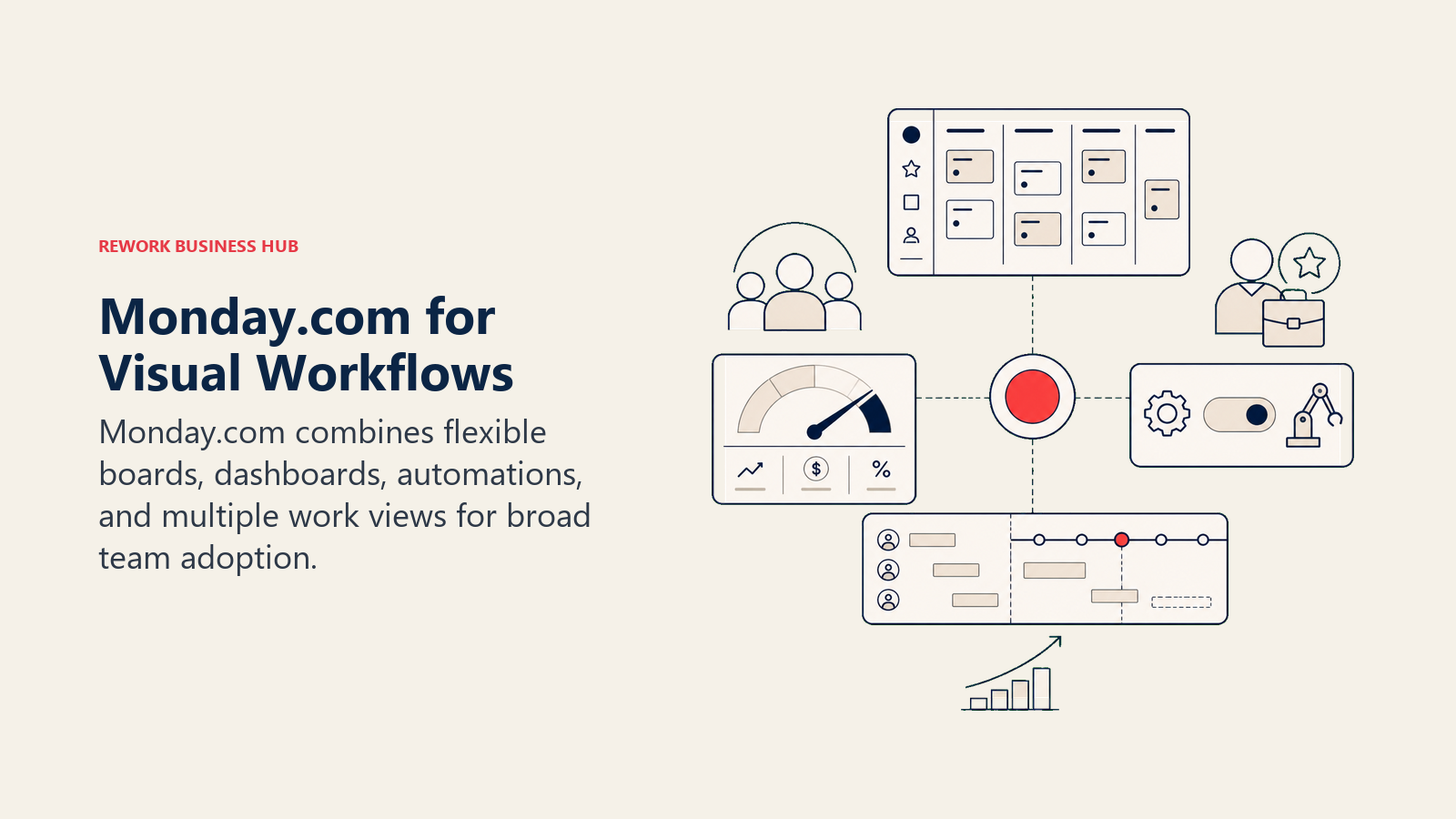
The methodology here is flexibility above all. Monday doesn't tell you how to run your agency. It gives you the building blocks. Teams with a strong ops lead who can architect the setup tend to love it; teams that want a tool to work out of the box often spend months configuring and never quite get there.
The Work OS framing means it genuinely serves company-wide use, not just project teams. Marketing, HR, sales, and finance can all operate in Monday alongside delivery, which is a real advantage as agencies scale.
Pricing is the honest downside. Most teams end up on Pro ($19/seat/mo) or Enterprise to unlock the features that make Monday worth the investment, and at 50+ seats that adds up fast. Before committing, the best Monday alternatives guide covers where Monday's flexibility becomes a liability.
| What you get | What you don't |
|---|---|
| Highly visual, customizable boards and timelines | Out-of-the-box agency billing or time tracking |
| Strong dashboards and cross-board reporting | Low-friction setup for non-technical teams |
| Work OS flexibility across all departments | Flat-rate pricing model |
| 200+ integrations including agency stack tools | CRM built in at lower tiers |
Pricing: From $9/seat/mo (Basic); most agencies need Pro at $19/seat/mo. See Monday.com's pricing page for current details.
Best for: Agencies that want flexible visual work management with dashboard depth and have someone to build and maintain the setup
3. Asana: Structured Project Management Without the Billing Layer
Asana is probably the most natural comparison point when evaluating Teamwork alternatives, because it solves the same core problem: structured project and task management for teams running multiple concurrent workstreams. It's cleaner to onboard than Monday, more opinionated about PM structure, and has strong timeline and dependency management.
What Asana doesn't have is the billing and client-facing layer that Teamwork built its product around. There's no native time tracking, no invoice generation, and the client portal concept isn't really part of Asana's product vision. If you're leaving Teamwork because the project management feels limiting, Asana is a strong candidate. If you're leaving Teamwork because billing is painful, Asana doesn't fix that.
The Asana AI features added in 2025 have meaningfully improved workflow automation and status reporting, which closes some of the gap on the automation complaint. Reporting is also notably better than Teamwork's for internal visibility.
| What you get | What you don't |
|---|---|
| Clean, opinionated PM structure | Native time tracking or billing |
| Strong timeline, dependency, and Gantt views | Client portal or external collaboration layer |
| Solid automation (improved post-2024 AI update) | Agency-specific profitability reporting |
| Good workload and resource management | Flat-rate pricing |
Pricing: Free tier; $10.99/seat/mo (Starter); $24.99/seat/mo (Advanced). See Asana's pricing page for current details.
Best for: Agencies with solid internal PM needs who handle billing through a separate finance tool and don't need a client portal
4. ClickUp: Maximum Configurability for Agencies Who Want One Tool
ClickUp's value proposition is consolidation: replace the PM tool, the docs tool, the goal tracker, the time tracker, and the CRM module, all in one product. For agencies tired of running Teamwork plus Notion plus a separate CRM plus a separate time tracker, that's an attractive idea.
The reality is that ClickUp requires real configuration investment. The depth of features is genuine, but so is the setup complexity. Teams that thrive on ClickUp usually have an ops lead or project manager who architects the system and maintains it. Teams without that capacity often end up with a half-configured product that creates more friction than the tools it replaced.
ClickUp's time tracking is native and decent, which directly addresses one of Teamwork's core strengths. The CRM module is functional but not purpose-built. The docs layer is solid. If your team has the configuration appetite and a single admin who can run the setup, ClickUp repays the investment with the most feature-dense platform in this list.
| What you get | What you don't |
|---|---|
| Deepest feature set in the market | Low-friction onboarding |
| Native time tracking with workload views | Purpose-built agency billing |
| Docs, goals, and CRM module in one product | Reliable performance at high data volumes |
| Free tier with meaningful functionality | Focused, opinionated workflows |
Pricing: Free; $7/seat/mo (Unlimited); $12/seat/mo (Business). See ClickUp's pricing page for current details.
Best for: Agencies that want maximum tool consolidation and have the admin capacity to build and maintain a configured system
5. Wrike: Creative Agencies and Structured Review Cycles
Wrike is purpose-built for two things that many agencies need: structured PM with enterprise-level governance, and creative review and approval workflows. The proofing tools are built in at the right tier, not bolted on, which matters when your agency is running design reviews, video approvals, or content sign-offs at scale.
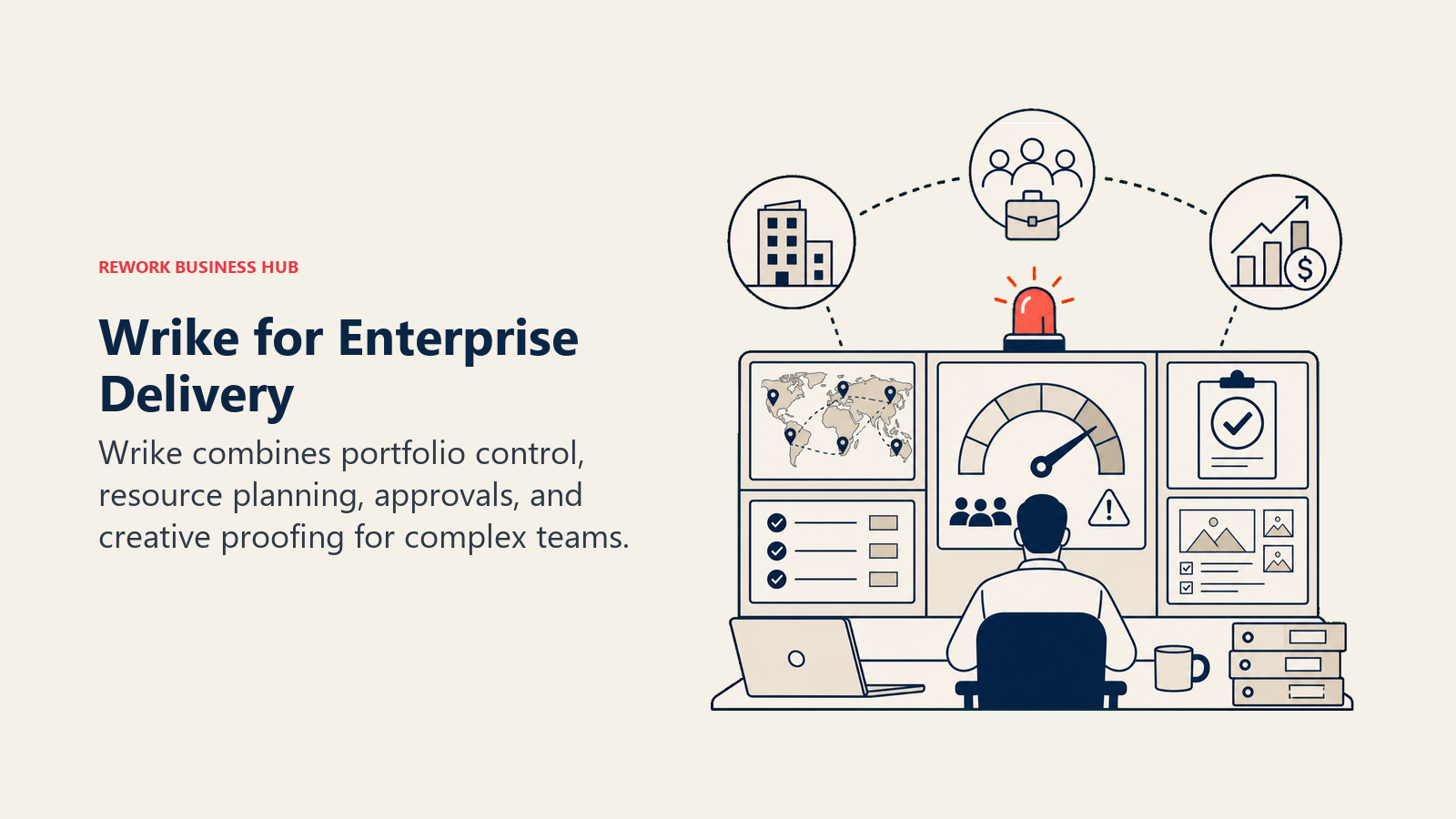
The philosophy behind Wrike is control and traceability. Every piece of work has an audit trail, every approval has a documented state, and the permission system is granular enough to satisfy enterprise clients who want evidence that their projects are being managed with process. That's a real differentiator for agencies working with regulated industries or large corporate clients.
The downside is price and complexity. Wrike's Business plan ($24.80/seat/mo) is where the proofing tools live, and setup takes real time. The best Wrike alternatives guide covers which team profiles are better served by lighter platforms.
| What you get | What you don't |
|---|---|
| Best-in-class creative proofing and approval workflows | Budget-friendly pricing |
| Enterprise security and compliance features | Simple, fast onboarding |
| Strong Gantt and resource management | CRM or sales pipeline tools |
| 400+ integrations | A flat-rate pricing model |
Pricing: $9.80/seat/mo (Team); $24.80/seat/mo (Business); Enterprise on request
Best for: Creative and marketing agencies running structured approval cycles or working with regulated, enterprise clients
6. Productive: Agency Operations Built for Profitability
Productive is the closest purpose-built Teamwork competitor in this list. It's designed specifically for agency and professional services operations: projects, budgets, time tracking, resource planning, and profitability reporting all in one product. The product vision is "agency command center," and it executes on that more completely than most tools here.
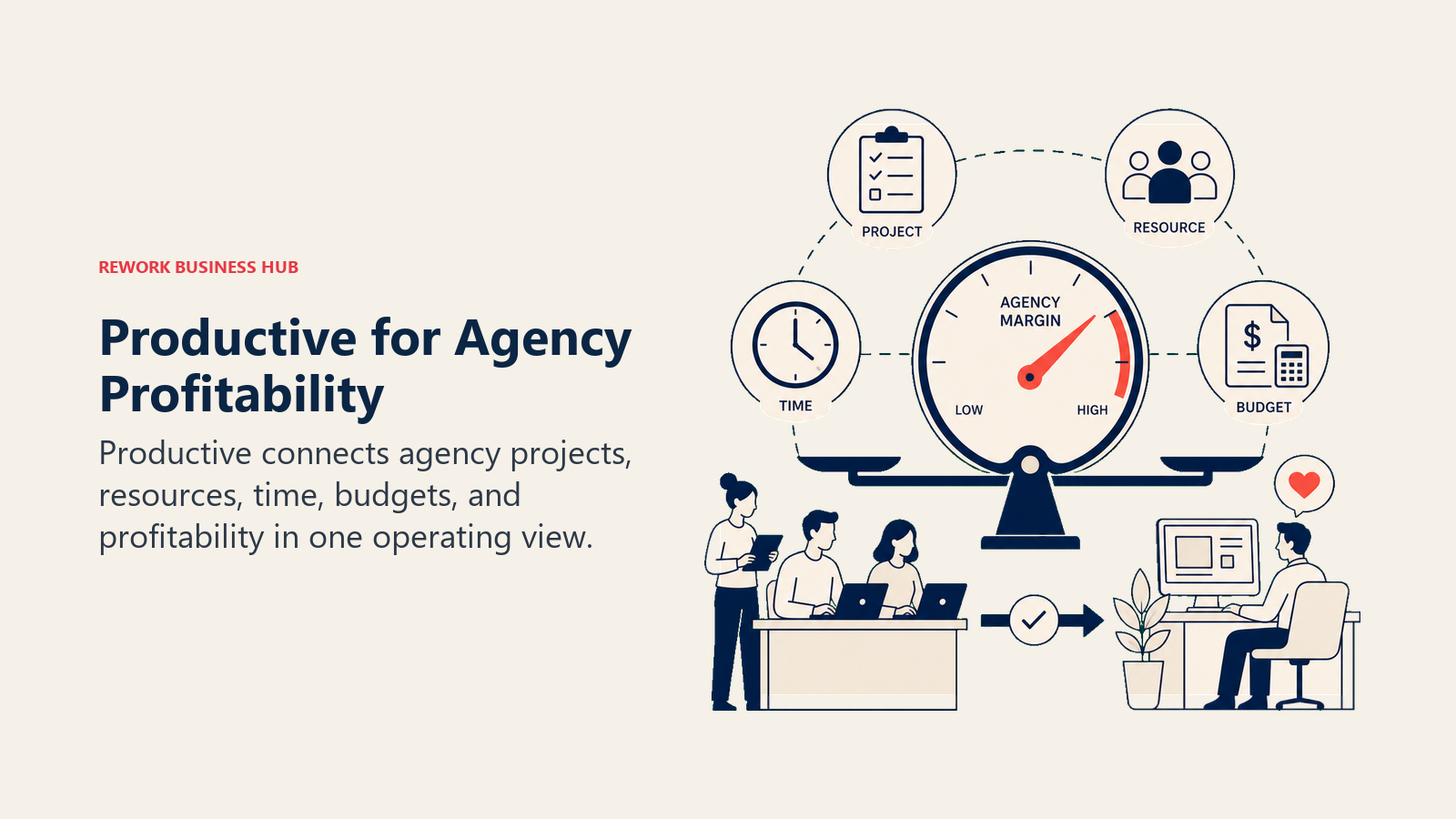
Where Productive wins over Teamwork is depth of profitability insight. You can see project margin in real time, track billable vs. non-billable ratios by person and project, forecast capacity 6-12 weeks out, and monitor budget burn without exporting to a spreadsheet. For agency owners who want financial clarity alongside project delivery, this is a meaningful difference.
The trade-off is flexibility. Productive is opinionated about the agency workflow. If your business model doesn't fit the project-billing-capacity model it assumes, the tool will feel like it's fighting you.
| What you get | What you don't |
|---|---|
| Real-time project profitability and margin tracking | Flexibility for non-agency workflows |
| Capacity planning and resource forecasting | CRM or lead management |
| Time tracking with billable/non-billable split | A large app ecosystem |
| Purpose-built for agency delivery model | Enterprise-tier governance features |
Pricing: $9/seat/mo (Essential); $24/seat/mo (Professional); $32/seat/mo (Ultimate)
Best for: Digital agencies and consultancies of 10-200 people that want real-time profitability visibility and dedicated capacity planning
7. Scoro: Full Business Management for Agencies and Consultancies
Scoro takes a broader view than most tools here. The product vision is a complete business management platform: CRM, quoting and invoicing, project delivery, time tracking, and financial reporting, all in one system. For an agency owner who is tired of running separate tools for sales, delivery, and finance, Scoro's pitch is consolidation at the business level, not just the project level.
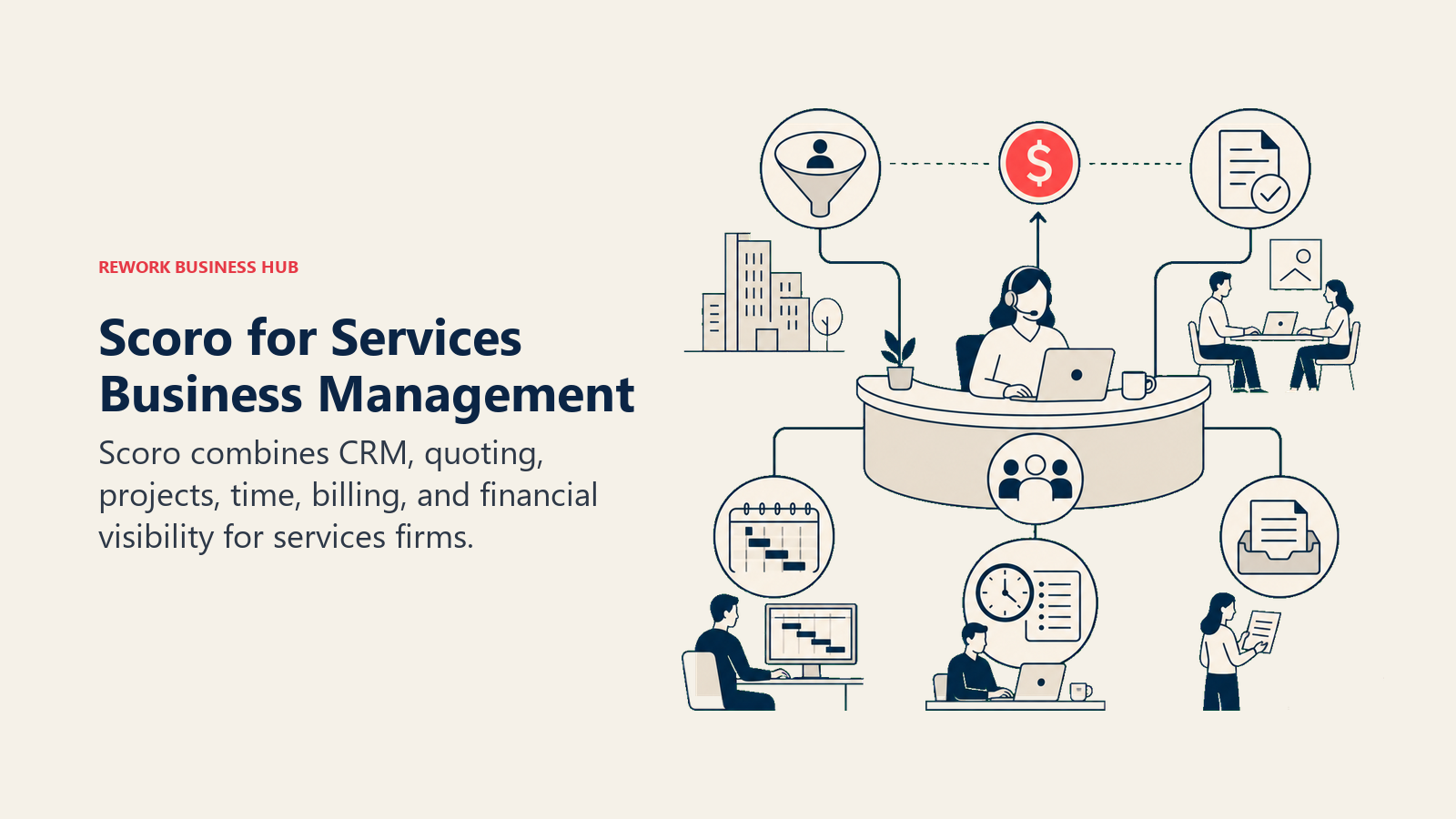
The differentiation over Teamwork is finance. Scoro handles quotes, invoices, expense management, and revenue forecasting in a way that Teamwork doesn't touch. If your agency's frustration is that Teamwork handles delivery but leaves you managing finance in QuickBooks and CRM in HubSpot, Scoro is worth serious consideration.
The honest limitation is price. Scoro's Essential plan starts at $26/seat/mo, and the plans that include full invoicing and advanced reporting are higher. It's an investment that pays off for agencies at 20-200 people with complex business operations, but overkill for simpler shops.
| What you get | What you don't |
|---|---|
| CRM, projects, time tracking, and invoicing in one system | Budget-friendly pricing |
| Revenue forecasting and financial reporting | Simplicity for smaller teams |
| Quoting and contract management | A lightweight project-only view |
| Strong profitability and utilization reporting | A large third-party integration ecosystem |
Pricing: $26/seat/mo (Essential); $37/seat/mo (Standard); $63/seat/mo (Pro)
Best for: Agencies and consultancies of 20-200 people that want to consolidate CRM, project delivery, and finance into a single platform
8. Kantata (Mavenlink): Professional Services Resource Optimization
Kantata (formerly Mavenlink) is the enterprise-grade option in this list. The product is built for professional services organizations that need deep resource management, utilization forecasting, and financial visibility at scale. It's the tool that large consulting firms, IT services companies, and enterprise agencies use when they're managing 100+ consultants across dozens of concurrent engagements.
The methodology is resource-first. Kantata assumes that the hardest problem in professional services isn't task tracking. It's knowing who is available, at what cost, and whether that mix of resources delivers a profitable engagement. The resource optimizer, skills matching, and scenario forecasting tools go significantly deeper than anything else in this list.
The sizing and stage fit is very specific: 100+ person professional services organizations that are serious about operational efficiency. For a 30-person digital agency, Kantata is almost certainly overkill and the implementation cost alone would be prohibitive.
| What you get | What you don't |
|---|---|
| Best-in-class resource management and forecasting | Budget or mid-market pricing |
| Skills matching and utilization optimization | Fast, low-friction implementation |
| Deep professional services financial reporting | Flexibility for non-PS workflows |
| Strong ERP and CRM integrations | A simple interface for smaller teams |
Pricing: Contact for pricing (enterprise contracts)
Best for: Large professional services firms and enterprise agencies managing 100+ resources who need serious utilization and financial forecasting
9. Hive: Collaborative Project Management for Mid-Size Teams
Hive positions itself as the collaborative alternative to traditional PM tools. The product philosophy centers on flexibility: you can run the same project in a Gantt view, kanban board, calendar view, or table, depending on what the team member prefers. That flexibility is real and useful for agencies where designers, PMs, and account managers all work differently.
Hive also has a notable strength in action management: tasks can be assigned from meeting notes, messages can be converted to actions directly, and the AI features introduced in 2024-2025 have added automated status summaries and deadline risk flags. For agencies that find PM tools too disconnected from where work actually gets discussed, Hive's tighter communication-to-task loop is worth testing.
The honest limitation is specialization. Hive doesn't have Teamwork's billing depth, Productive's profitability focus, or Scoro's financial layer. It's a strong general-purpose PM tool with good collaboration features, not a dedicated agency operations platform. If you are evaluating in the other direction and already run Hive, the best Hive alternatives guide covers where its add-on pricing starts to bite.
| What you get | What you don't |
|---|---|
| Multiple project views (Gantt, kanban, calendar, table) | Purpose-built agency billing or time tracking |
| Strong communication-to-action integration | Deep profitability or capacity reporting |
| AI-assisted status and deadline risk features | A large integration ecosystem |
| Reasonable pricing for mid-size teams | CRM or client relationship management |
Pricing: Free tier; $5/seat/mo (Starter); $12/seat/mo (Teams)
Best for: Mid-size agencies and services teams that want flexible project views and tighter communication-to-task workflows without paying for features they won't use
10. Accelo: Automated Client Work Tracking for Services Businesses
Accelo is built specifically for services businesses: agencies, consultancies, IT firms, and managed service providers. The core product philosophy is automation of the tedious parts of client work: time gets captured automatically from emails and meetings, work is linked to retainers and budgets without manual logging, and client communication is tied directly to the projects and tickets it relates to.
The differentiation over Teamwork is automation intelligence. Where Teamwork requires deliberate time tracking behavior from every team member, Accelo tries to capture it passively. That matters for agencies where non-billable time leaks are a chronic problem and getting people to log hours accurately is a constant management challenge.
The trade-off is ecosystem. Accelo's integration library is smaller than Monday, Asana, or ClickUp, and the interface has a steeper learning curve than most tools here. Teams that fully adopt it tend to see real gains in billing accuracy; teams that partially adopt it often find the automation unreliable.
| What you get | What you don't |
|---|---|
| Automated time capture from emails and meetings | A large integration ecosystem |
| Client work linked to retainers and budgets automatically | Simple, modern interface |
| Retainer and recurring revenue management | Flexibility for non-services workflows |
| Strong client communication tracking | Budget pricing |
Pricing: $24/seat/mo (Plus); $39/seat/mo (Premium)
Best for: Service businesses and agencies where passive time capture and automated billing accuracy would solve a recurring margin problem
How to Choose: Decision Framework
| If you need this... | Pick this |
|---|---|
| Ops workflows + CRM + client management in one platform | Rework |
| Visual flexibility and strong dashboards across the whole agency | Monday.com |
| Clean structured PM without billing (handled elsewhere) | Asana |
| Maximum tool consolidation with one configurable platform | ClickUp |
| Creative proofing and enterprise-grade approvals | Wrike |
| Real-time project profitability and agency capacity planning | Productive |
| Full business management: CRM + delivery + finance | Scoro |
| Enterprise resource optimization for 100+ consultants | Kantata |
| Flexible project views for collaborative mid-size teams | Hive |
| Automated time capture and passive billing accuracy | Accelo |
One pattern worth naming explicitly: most teams leaving Teamwork fall into one of two categories. The first is outgrowing the agency focus: you're past pure project delivery and need a platform that handles the full client lifecycle, from pipeline to ops to delivery. The second is needing deeper automation and reporting without the billing layer. The first group should look seriously at Rework and Scoro. The second group will find Asana, Monday.com, or ClickUp a better fit.
Related comparisons: If your team is also evaluating Wrike alternatives for enterprise project management, or Asana alternatives for a lighter PM layer, those guides cover overlapping tools from different angles. And the true cost of software sprawl analysis is worth reading before you start counting seats in a new tool.
What to Do Next
Run a two-week pilot with your top two picks against one real, active client engagement, not a test project. The setup friction, the questions your team asks in week one, and the places where the tool breaks down in your actual workflow tell you far more than any comparison guide. If the core frustration with Teamwork is that project management doesn't connect to how you run the client relationship, start with Rework. If the frustration is that automation is too shallow and reporting doesn't go deep enough, start with Monday.com or ClickUp.
For teams evaluating a full ops overhaul alongside the PM tool switch, running a retrospective on your current delivery process before you migrate is one of the better ways to identify which pain points are tool problems versus process problems.
Pricing data current as of early 2026. See each vendor's pricing page before purchasing.

Customer Success Operations Manager
On this page
- Why Teams Leave Teamwork
- Quick Comparison Table
- Stage Fit Matrix
- Sizing and Persona Table
- 1. Rework: Ops Workflows, CRM, and Project Delivery in One Platform
- 2. Monday.com: Visual Work Management with Real Dashboard Depth
- 3. Asana: Structured Project Management Without the Billing Layer
- 4. ClickUp: Maximum Configurability for Agencies Who Want One Tool
- 5. Wrike: Creative Agencies and Structured Review Cycles
- 6. Productive: Agency Operations Built for Profitability
- 7. Scoro: Full Business Management for Agencies and Consultancies
- 8. Kantata (Mavenlink): Professional Services Resource Optimization
- 9. Hive: Collaborative Project Management for Mid-Size Teams
- 10. Accelo: Automated Client Work Tracking for Services Businesses
- How to Choose: Decision Framework
- What to Do Next