Slack vs Microsoft Teams: Which Team Chat Fits Your Company in 2026?
Turn this article into takeaways for your work.


Each assistant summarizes the article only for you and suggests best practices for your work.
Most "Slack vs Microsoft Teams" articles frame this as a feature fight: threads versus channels, huddles versus meetings, app marketplace versus app marketplace. For the person actually signing the invoice, that's rarely the real question. Teams didn't get evaluated, shortlisted, and purchased the way Slack did. It showed up already sitting inside a Microsoft 365 subscription your company was paying for anyway, for Outlook, Word, and Excel. So the honest question isn't "which chat app is better." It's "is Slack worth paying for on top of a licence we already own."
This is written for the person stuck making that call: an IT lead, an ops manager, or a founder at a 20 to 500 person company who's watched half the team install Slack while the company's Microsoft 365 bill already includes Teams. We'll cover threading and channel structure, external and guest access, app ecosystem depth, huddles versus scheduled meetings, search and retention, compliance posture, admin overhead, and migration cost in either direction, but the licence question comes first, because it changes how to read everything after it. If a head-to-head isn't even the right format for your search yet, how to choose team chat software covers the broader evaluation questions first.
TL;DR
| Slack | Microsoft Teams | |
|---|---|---|
| How you get it | Bought separately, its own subscription and its own bill | Bundled inside a Microsoft 365 licence most companies already pay for |
| Core structure | Flat workspace, channels plus opt-in threads | Teams (containers) holding channels, threaded by default |
| Free plan | 90 days of message history, up to 10 connected apps, 1:1 huddles | Free tier exists for personal/very small use; most businesses land on a paid Microsoft 365 plan instead |
| Cheapest paid seat | Pro: $7.25/user/mo billed annually ($8.75/mo billed monthly) | Teams Essentials: $4.00/user/mo billed annually, standalone |
| Where it usually gets bought from | Standalone: bought on top of whatever else you already run | Microsoft 365 Business Basic ($7.00/user/mo billed annually) already includes it |
| External collaboration | Slack Connect: shared channels with other companies, no Slack subscription required on their end | Guest access and external access via Microsoft Entra ID, tenant-to-tenant |
| Best for | Teams that treat chat as its own product decision, not a licence afterthought | Teams already standardized on Microsoft 365 who don't want a second bill for chat |
Who Each Tool Is Built For
| Slack | Microsoft Teams | |
|---|---|---|
| Team size sweet spot | 10 to 2,000+ people, strongest where chat itself is the daily hub | 20 to 10,000+ people, strongest inside an existing Microsoft 365 tenant |
| Team maturity | Any maturity, especially teams that grew up chat-first (startups, product, engineering) | Established IT function already managing Microsoft 365, Entra ID, and SharePoint |
| Primary use case | Fast, searchable, channel-based conversation as the default coordination tool | Chat, meetings, and files folded into the same licence as Outlook and Office |
| Ideal buyer | Ops lead who wants chat to be genuinely good, independent of what else the company runs | IT director or CFO who wants one vendor, one bill, one identity system |
| Buying trigger | Outgrew email threads and disconnected DMs, wants a real communication hub | Already renewing Microsoft 365, doesn't want to justify a second collaboration tool |
For the wider field, see best Slack alternatives and best Microsoft Teams alternatives.
The Licence Bundling Question
Here's the number that decides most of these evaluations before a single feature gets compared. Microsoft sells Microsoft 365 Business Basic at $7.00 per user per month billed yearly, with Teams included. In the EU and a handful of other markets, it also sells a "no Teams" version of that plan, stripped out under regulatory pressure, at $5.40 per user per month billed yearly. Subtract the two and Microsoft is implicitly pricing Teams itself at about $1.60 per user per month, roughly $19.20 per seat per year, inside the bundle. Business Standard with Copilot shows the same pattern: $23.50 with Teams against $20.30 without it, again about $3.20 per user per month.
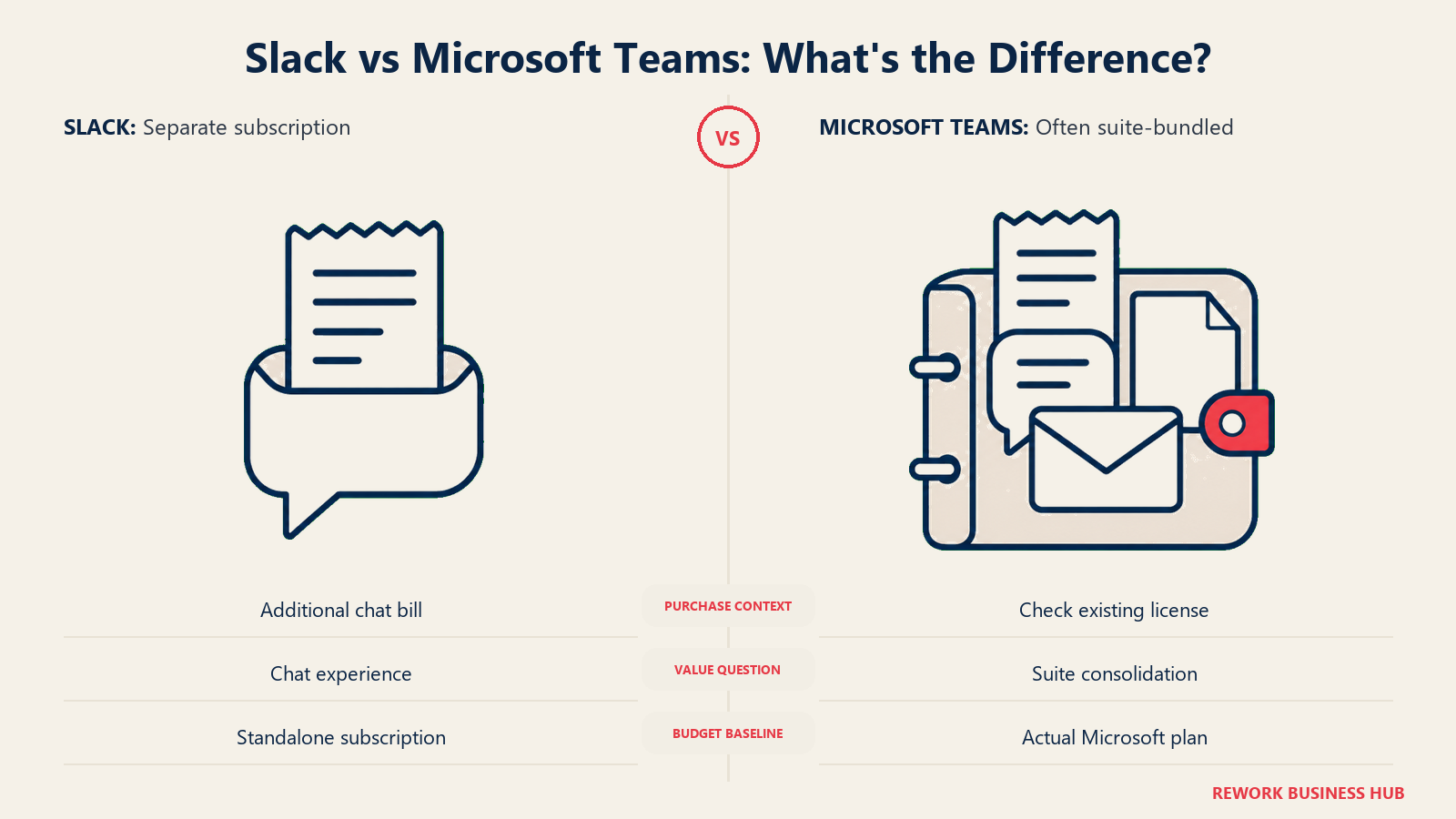
That's the real baseline you're negotiating against. If your company already pays for Microsoft 365 Business Basic or Standard, which most 20 to 500 person companies on Microsoft do regardless of chat preference, Teams costs close to nothing extra to turn on. Slack Pro, at $7.25 per user per month billed annually ($87 per seat per year), isn't competing against a $7-a-month product, it's competing against one Microsoft prices under $2 a month inside its own bundle. Slack Business+, at $15 per user per month billed annually ($180 per seat per year), is a steeper ask on top of that sunk cost.
None of that makes Slack a bad buy. The honest framing is "is Slack's chat experience worth $70 to $160 more per seat per year than the version we're already paying for," not "which app has more features." Teams Essentials, standalone at $4.00 per user per month billed yearly, exists for companies that skip the wider Microsoft 365 suite but still want Teams, worth checking before assuming Teams only comes bundled.
Channel and Threading Model
The two tools organize conversation differently enough that switching between them retrains muscle memory, not just menus.
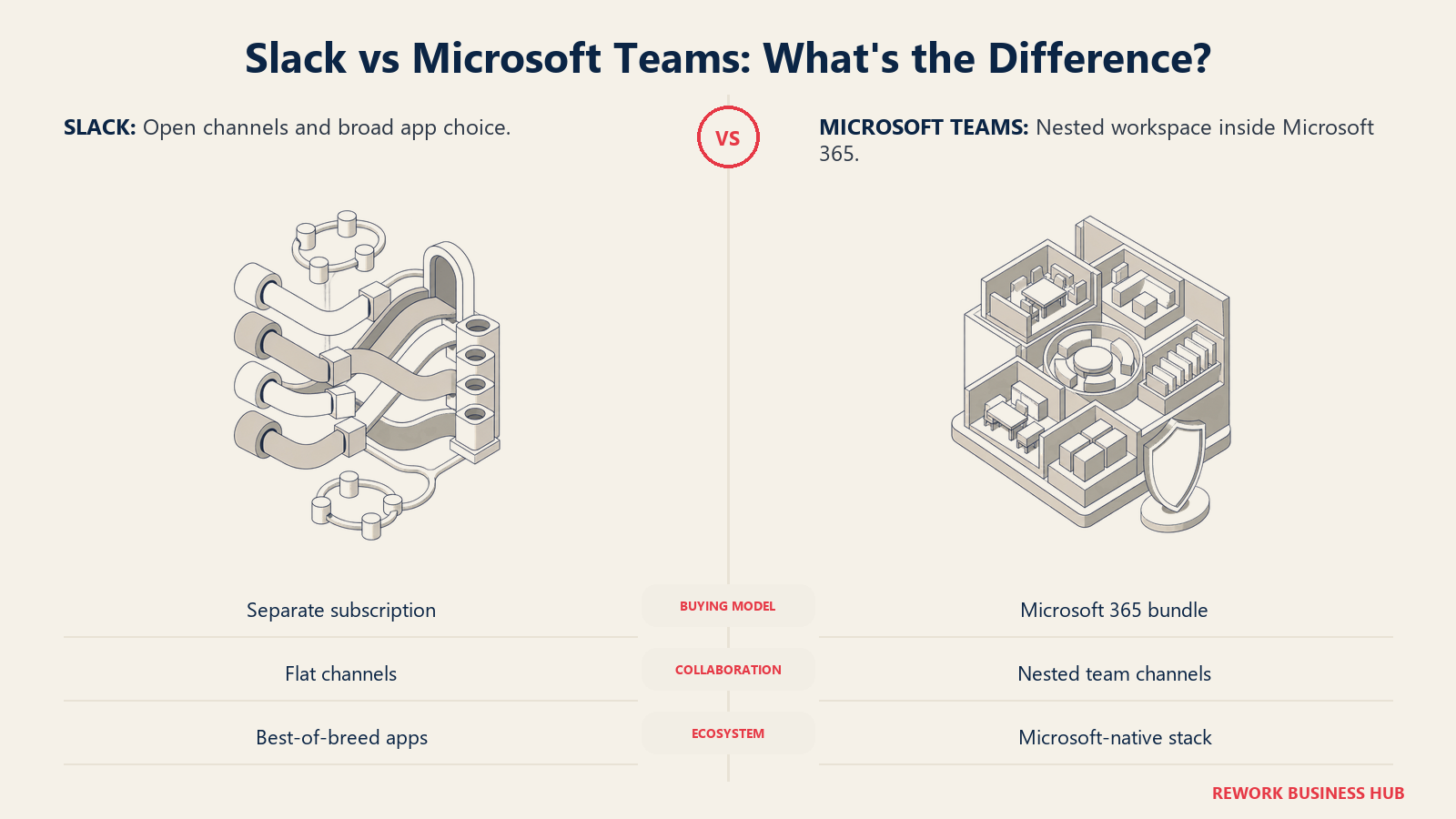
Slack is flat: a workspace holds channels directly, and every channel is a peer of every other. Replies are opt-in threads, so a reply in the main channel is a normal, visible message, and most Slack cultures reserve threads for longer side conversations. That flatness is also why async communication tends to work cleanly in Slack: a channel's history reads like one continuous conversation you can catch up on top to bottom.
Teams nests one level deeper: a Team is a container, channels live inside it, each with its own Posts, Files, and Wiki tabs, and every new message starts a visible thread by default with replies nesting under it. That's genuinely better at keeping parallel conversations from colliding in a busy channel, and worse for skimming a channel's overall narrative in one pass, since the thread structure breaks it into separate blocks.
| Capability | Slack | Microsoft Teams |
|---|---|---|
| Structural model | Flat: workspace holds channels directly | Nested: Teams contain channels, channels contain tabs |
| Threading default | Opt-in; un-threaded replies are normal | Default; every new post starts its own thread |
| Channel limit | Effectively unlimited on paid plans | Effectively unlimited, tied to the parent Team |
| Shared/multi-channel workspaces | Slack Connect channels bridge across companies | Shared channels bridge across Teams and tenants |
| File and wiki tabs per channel | Files live in a channel-level sidebar and search | Native Files, Wiki, and app tabs per channel |
| Editing and message history | Edit history visible on hover, full-text search across channels | Edit history visible, search scoped to Teams, channels, or people |
External Access: Slack Connect vs Teams External Access
This splits into two separate problems: talking to another company, and adding an individual guest.
Slack Connect lets you share a channel with people at another organization without requiring them to hold a paid Slack seat, they join through their own workspace or a free account, and admins on both sides control which channels connect and who's added. It's built for an agency and a client, or a vendor and a customer, wanting an ongoing working channel without either side exposing its whole workspace.
Teams splits the same job into two mechanisms. External access (tenant-to-tenant federation) lets people at two Microsoft 365 organizations chat and call once both tenants allow it, governed through Entra ID rather than a per-channel invite. Guest access is different: it adds a specific external person into a specific Team via Entra ID B2B, closer to a temporary internal member than an external contact.
| Slack | Microsoft Teams | |
|---|---|---|
| Cross-company channel | Slack Connect, no paid seat required on the external side | Shared channels via external access, requires the other tenant to allow federation |
| Individual guest in your workspace | Single-Channel Guest and Multi-Channel Guest roles, free by default | Guest access via Entra ID B2B, added directly into a Team |
| Admin approval model | Per-connection approval, workspace admins control which channels connect | Governed by tenant-wide external access and guest access policies in the admin center |
| Setup effort | Lightweight, closer to a channel-level invite | Heavier, tied into the company's broader identity governance |
| Best fit | Agencies, vendors, and partners who need a fast, scoped shared channel | Companies that already manage external identity through Entra ID and want that same control plane for chat |
App Ecosystem and Integration Depth
Slack's App Directory is the more mature third-party ecosystem here, built over a decade as a standalone product with an open API and a large developer community. If your stack spans multiple vendors, a project tool here, a support desk there, an alert feed somewhere else, Slack usually already has a listed integration, and building a custom one against its API is a well-worn path.
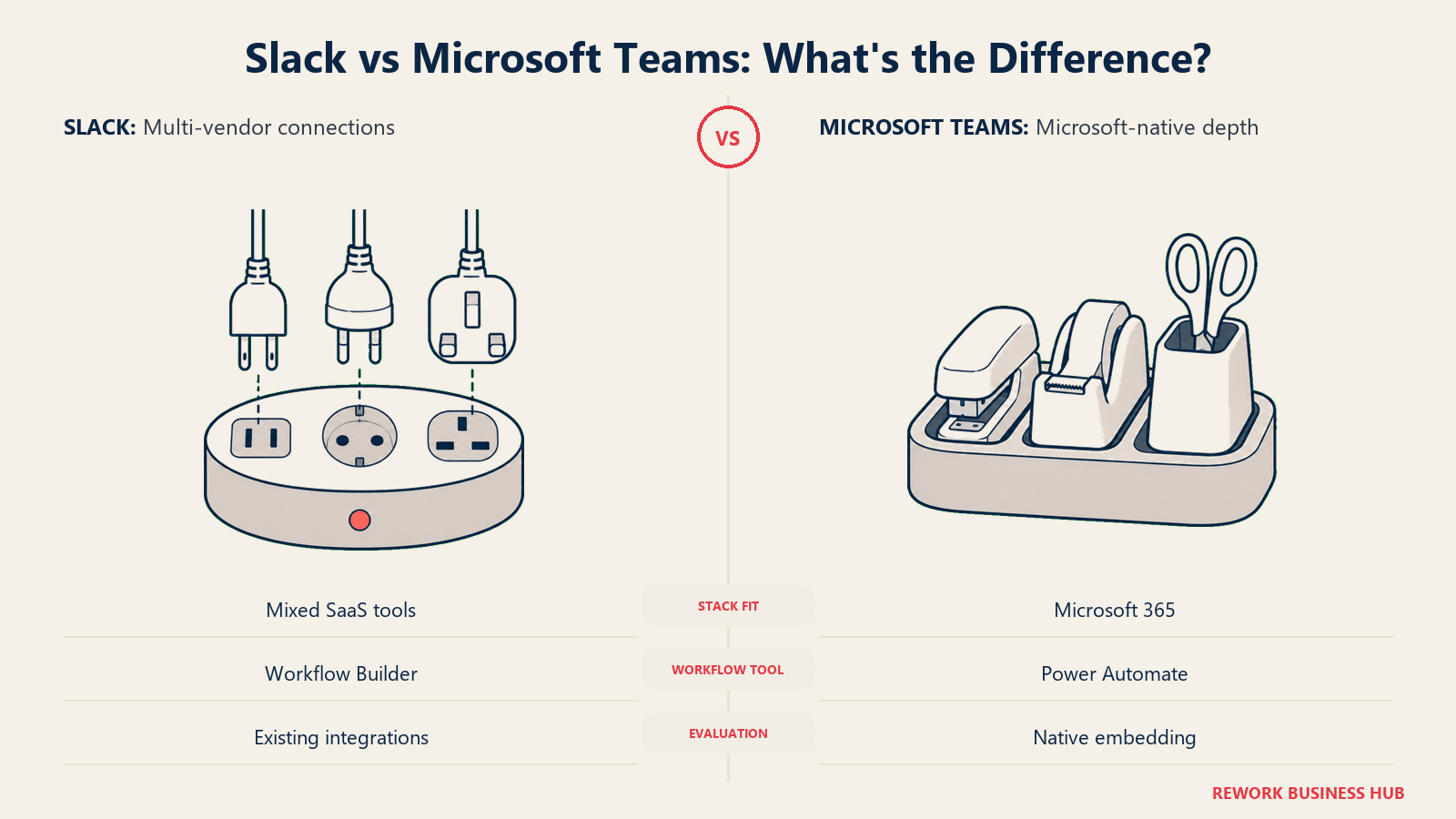
Teams runs the opposite direction: shallower outside Microsoft's own suite, but genuinely deep inside it. Word, Excel, PowerPoint, Planner, Loop, and Viva all embed directly, meaning fewer context switches for a company already living in Microsoft 365. It's the same logic as the licence question, and not unique to Microsoft: Google Workspace bundles Chat with Docs and Gmail the same way, so Teams' strength scales with how much of the rest of your stack is already Microsoft's.
| Slack | Microsoft Teams | |
|---|---|---|
| Third-party app ecosystem | Large, mature App Directory built around an open API | Smaller outside Microsoft's own suite |
| Native Microsoft 365 embedding | Requires connectors for Word, Excel, Planner, and similar | Native: Word, Excel, PowerPoint, Planner, Loop, and Viva embed directly |
| Workflow automation | Workflow Builder, no-code triggers and actions inside Slack | Power Automate, deeper but requires the wider Microsoft ecosystem |
| Custom bots and API | Mature, well-documented Slack API, large developer community | Microsoft Graph API and Bot Framework, more setup overhead |
| Best fit for a multi-vendor stack | Strong; most SaaS tools ship a Slack integration by default | Weaker unless the rest of the stack is also Microsoft |
Huddles vs Teams Meetings
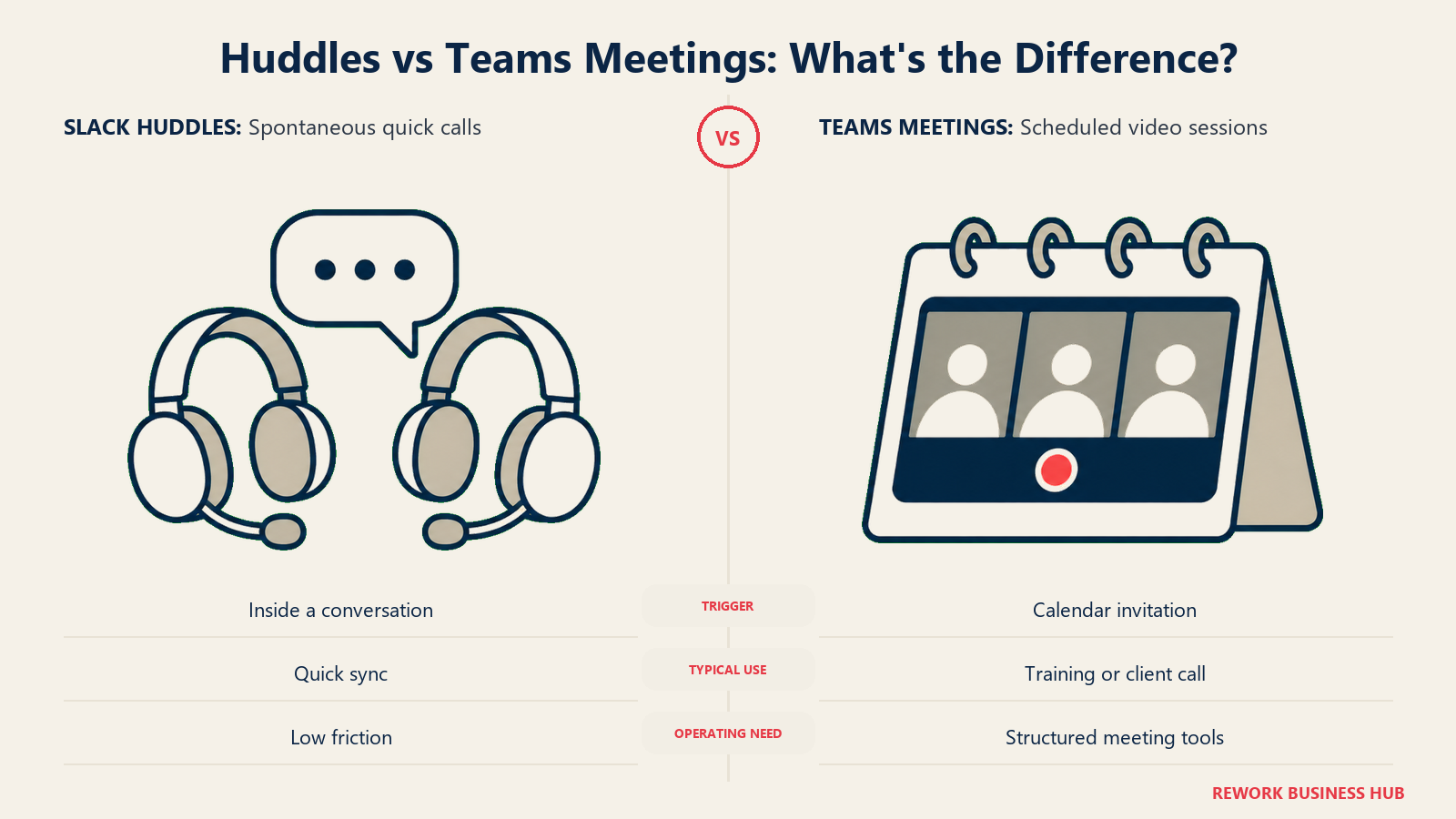
These aren't competing for the same job, and treating them as equivalent is where a lot of comparisons go wrong. Slack Huddles are a lightweight, audio-first, no-calendar way to jump into a conversation from inside a channel or DM, closer to walking over to someone's desk than booking a meeting; screen sharing exists, but the feature is built around spontaneity. Teams Meetings is the actual video conferencing product: calendar-integrated scheduling, breakout rooms, live transcription, whiteboards, recording, and large-attendee town halls. If your real meeting load is scheduled all-hands, client calls, or recorded training, that's Teams Meetings territory, not what Huddles was built for. Meeting volume itself is worth auditing separately from which tool hosts it: meeting audits and a standing no-meeting day tend to matter more to output than the calendar button.
| Slack Huddles | Microsoft Teams Meetings | |
|---|---|---|
| Purpose | Spontaneous, low-friction quick calls | Scheduled, full-featured video conferencing |
| Calendar integration | None by design | Native, deeply integrated with Outlook |
| Breakout rooms | No | Yes |
| Live transcription and recording | Limited | Yes, native |
| Large-attendee town halls or webinars | Not built for this | Yes, up to large attendee counts on higher tiers |
| Best fit | Quick sync inside an existing conversation | Anything that needs to be scheduled, recorded, or run at scale |
For distributed teams juggling time zones on top of all this, managing distributed teams across time zones is worth reading regardless of which chat tool you land on.
Key Facts
- Microsoft Teams reached 320 million monthly active users, roughly 80% of Microsoft 365's overall monthly active user base, per Microsoft's own FY24 Q1 earnings disclosure. (Microsoft, via Microsoft Tech Community)
- Slack states it has more than 200,000 paying customers and that 77 of the Fortune 100 use the product. (Slack)
- More than 78% of organizations that already run Microsoft also deploy a best-of-breed collaboration app like Slack, Zoom, or Box alongside it, according to Okta's Businesses at Work research. (Okta)
- The average worker receives 153 Teams messages and 117 emails per weekday, according to Microsoft's own Work Trend Index special report, "Breaking Down the Infinite Workday," published June 2025. (Microsoft Worklab)
- The average mid-market organization's SaaS app count grew 41% in a single year, from 116 to 164 apps, according to BetterCloud's 2026 State of SaaS report, published July 2026. (BetterCloud)
Search, Retention, Compliance, and Admin
Past a few dozen seats, the question stops being "can I find an old message" and starts being "can legal and compliance prove what was said, when, and to whom."
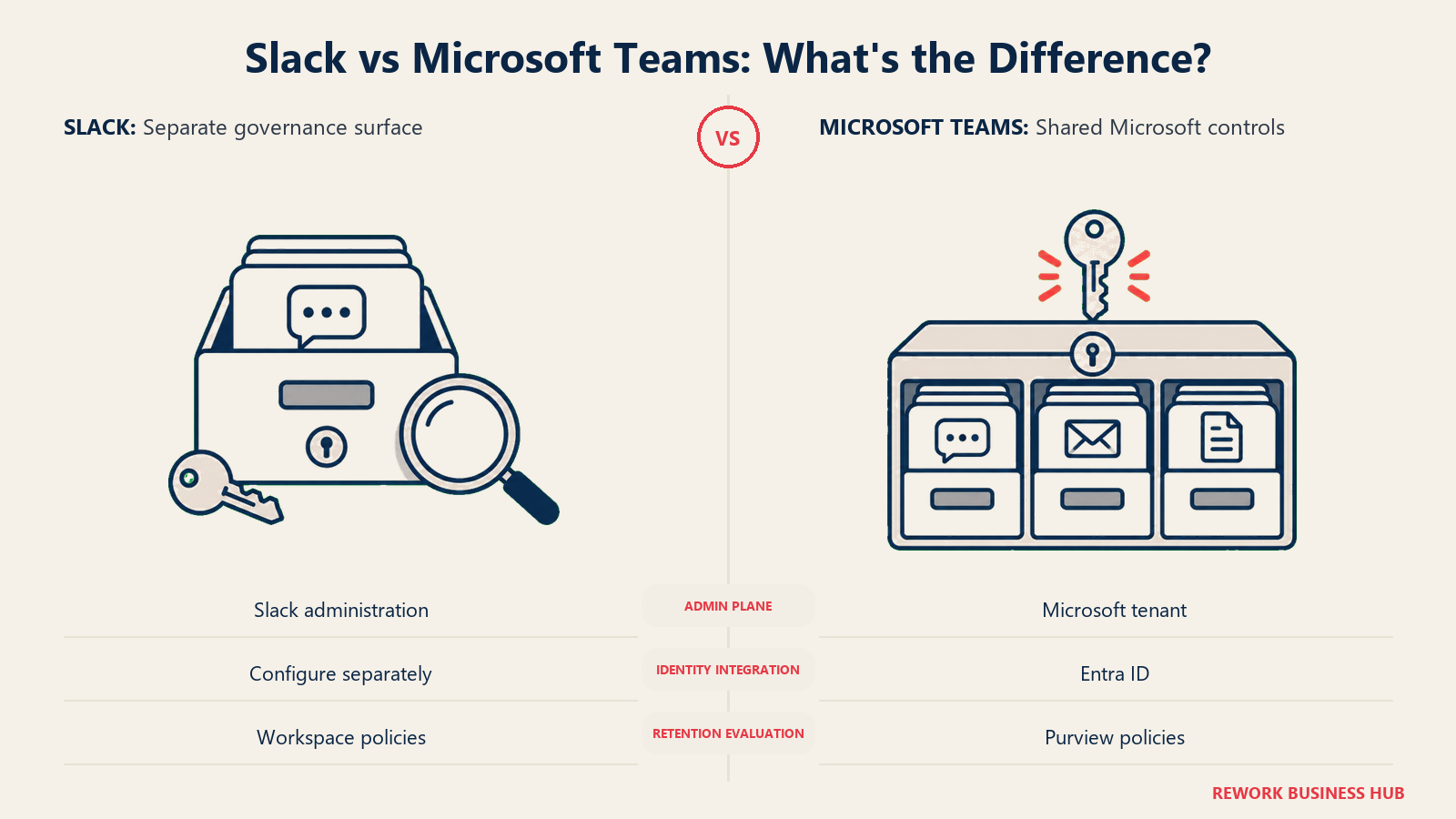
Slack's search covers channels, DMs, and files with query modifiers (from:, in:, before:, after:), and stays fast at scale. Free-plan retention caps at 90 days; paid plans let admins set retention per workspace or channel, and regulated teams export or archive through partners like Smarsh and Global Relay. That compliance layer sits on top of Slack specifically, separate from whatever governs the rest of the company's email and documents.
Teams inherits Microsoft Purview, the same suite that already governs Exchange and SharePoint for most Microsoft-standardized companies: eDiscovery, Communication Compliance, and Data Loss Prevention extend natively to Teams chats, so a company with Purview policies already running against email is making a configuration change, not standing up a new system. Admin follows the same pattern: Teams administration lives in the Microsoft 365 admin center, tied to the same Entra ID plane as the rest of the tenant, so SSO and DLP apply once and cover chat along with everything else. Slack's Enterprise Grid gives you org-wide admin, SSO/SAML, and SCIM provisioning, but as a separate policy plane from Microsoft 365, it's genuinely duplicate governance work rather than an extension of something already configured.
| Slack | Microsoft Teams | |
|---|---|---|
| Search | Fast, full-text, across channels, DMs, and files | Scoped search across Teams, channels, and people |
| Default message retention | 90 days on the free plan; configurable per workspace or channel on paid plans | Governed by Microsoft Purview retention policies |
| eDiscovery | Native export plus approved third-party archiving partners | Native, extends the same Purview eDiscovery already used for Exchange and SharePoint |
| Data Loss Prevention | Available on Enterprise Grid | Native, part of the same Purview DLP policies covering the rest of the tenant |
| Identity and SSO | Enterprise Grid SSO/SAML, a separate policy plane from Microsoft 365 | Native Entra ID, same identity plane as the rest of the tenant |
| Admin console | Slack's own org-level admin console | Microsoft 365 admin center and Teams admin center |
Migration Effort
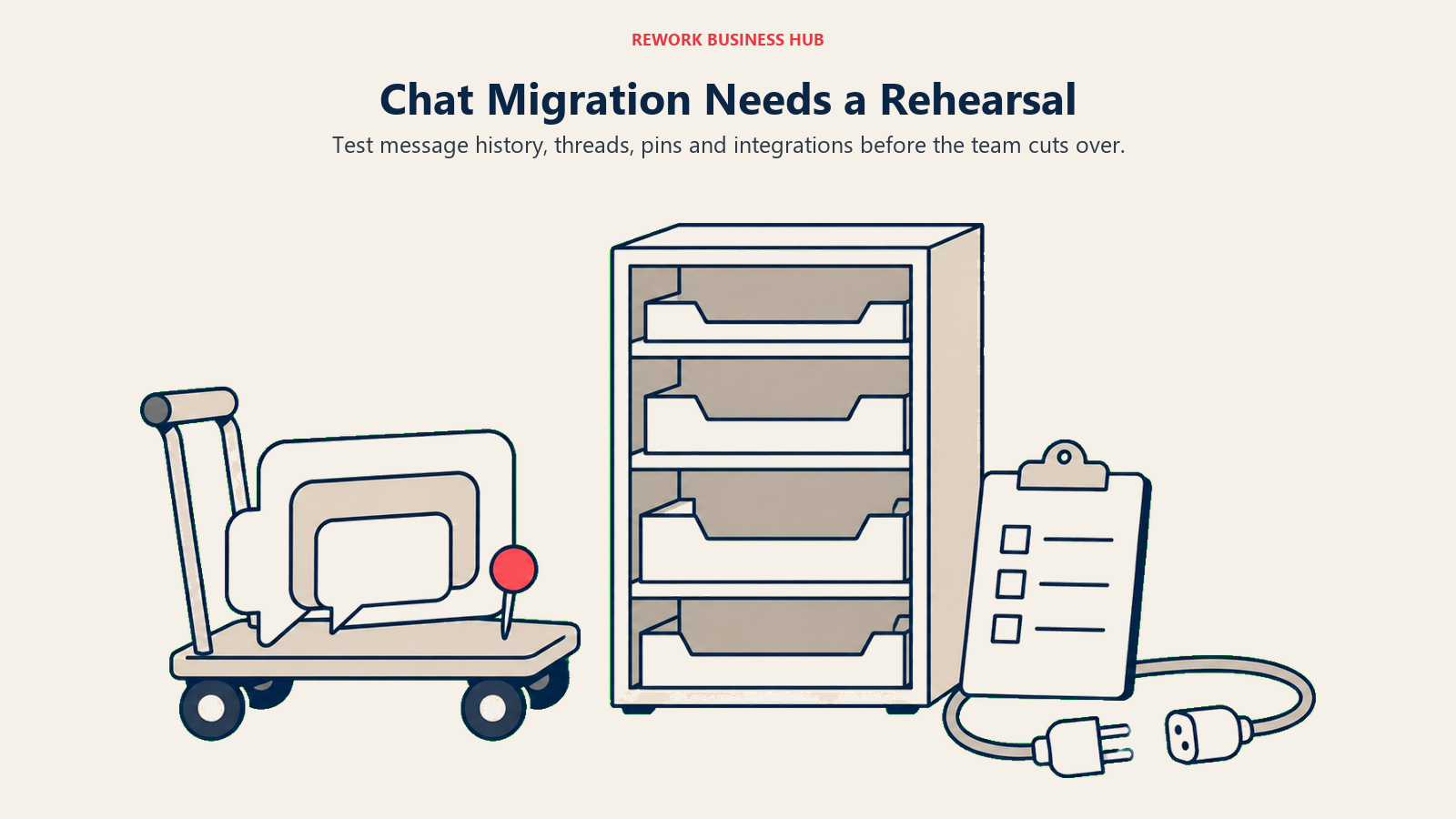
Moving in either direction is more disruptive than most vendors let on. Slack to Teams, usually driven by consolidating onto Microsoft 365 to cut a redundant bill, typically runs through a third-party tool like Mio or Cloudiway, and thread structure rarely survives cleanly since Slack's opt-in threads don't map one-to-one onto Teams' default threading. Teams to Slack is rarer and less mature in tooling, usually happening when a team splits off from a Microsoft-standardized parent. Either way, budget for a real transition: pinned messages, topics, and integrations need manually recreating, and a full-team cutover beats a slow bleed of half the company checking two apps.
Pricing at 25, 50, and 100 Seats
All figures use each vendor's published rate billed annually (monthly-equivalent x seats x 12).
Slack, standalone: Pro is $7.25/user/month billed annually ($87/seat/year); Business+ is $15/user/month billed annually ($180/seat/year). Microsoft Teams, three different bills depending on what you're buying: Teams Essentials standalone is $4.00/user/month billed yearly ($48/seat/year); Microsoft 365 Business Basic (Teams plus Outlook and web/mobile Office) is $7.00/user/month billed yearly ($84/seat/year); Business Standard with Copilot (Teams plus desktop Office and Copilot) is $23.50/user/month billed yearly ($282/seat/year).
| Seats | Slack Pro | Slack Business+ | Teams Essentials (standalone) | M365 Business Basic (incl. Teams) | M365 Business Standard w/ Copilot (incl. Teams) |
|---|---|---|---|---|---|
| 25 | $2,175/yr | $4,500/yr | $1,200/yr | $2,100/yr | $7,050/yr |
| 50 | $4,350/yr | $9,000/yr | $2,400/yr | $4,200/yr | $14,100/yr |
| 100 | $8,700/yr | $18,000/yr | $4,800/yr | $8,400/yr | $28,200/yr |
Read that table two ways. Without Microsoft 365 at all, compare Slack Pro directly against Teams Essentials as the standalone options they are, and Slack is pricier at every seat count. Already on Business Basic or Standard for email and Office, that column is money you're spending either way, so the real cost of choosing Slack is the full Pro or Business+ line added on top: $2,175 to $18,000 a year for a 25 to 100 person team, stacked on a bill you're already paying.
Microsoft's own EU/global "no Teams" SKUs, Business Basic without Teams at $5.40/user/month and Business Standard with Copilot without Teams at $20.30/user/month, both billed yearly, exist in some markets under antitrust unbundling rules. They're a useful sanity check: the with/without-Teams gap on the same plan, roughly $1.60 to $3.20 per user per month, is close to what Microsoft implicitly prices the chat product at inside its own bundle, a fraction of Slack's standalone rate.
When Slack Is the Right Call
- Your company isn't standardized on Microsoft 365, so there's no sunk-cost bundle making Teams effectively free, and you're comparing two real standalone purchases.
- Chat is genuinely the hub your team works from all day, not a secondary tool next to email, and opt-in threading plus a more mature third-party app ecosystem is worth paying for.
- You regularly need lightweight, fast shared channels with outside companies, agencies, vendors, contractors, where Slack Connect beats standing up tenant-to-tenant federation for every new partner.
- Your team already lives in a multi-vendor SaaS stack where most tools ship a Slack integration by default, and rebuilding those connections against Teams and Power Automate would cost more than Slack itself.
When Microsoft Teams Is the Right Call
- Your company already pays for Microsoft 365 Business Basic or Standard, and Teams is effectively a configuration toggle rather than a new purchase, making a second chat subscription hard to justify.
- Legal, HR, or compliance already governs email and files through Microsoft Purview, and extending the same eDiscovery and retention policies to chat is far less work than a separate compliance layer for Slack.
- Your team's daily work already happens inside Word, Excel, PowerPoint, and SharePoint, and native embedding of those apps inside chat removes real context-switching a Slack-plus-connectors setup can't fully replace.
- External collaboration already runs through Entra ID, and you'd rather manage guest access and federation through the same identity system covering the rest of the company than add Slack Connect as a second model to administer.
If Neither Fits Your Stack
Slack and Teams are both, at their core, standalone chat products, one sold on its own merits, one bundled into a licence you're probably already paying for. That's the right shape if chat is genuinely its own decision. It's the wrong shape if your real problem is that the conversation about a deal, the task it spun out of, and the process it needs to move through live in three disconnected tools: chat in one, CRM in another, workflow tracking in a third.
Rework's Chat module sits next to its CRM, task, and workflow modules in the same platform, alongside Exchange for cross-company chat, Townhall for company-wide announcements, Square for internal Q&A, and Meeting, Booking, and Schedule for coordinating time. The argument isn't chat depth (Rework comes nowhere near Slack's app ecosystem or Teams' Microsoft 365 embedding). It's consolidation: one login, one contact record, one place a conversation and the work it produces both live. It has no self-hosted, air-gapped, or federation option, so a team whose hard requirement is data sovereignty or a private deployment should stay with a specialist, and it's not built for a solo or two-person team; the fit is roughly 10 to 200 people, priced on request at rework.com/pricing rather than sold as a per-seat rate.
Decision Framework
| If you are... | Pick |
|---|---|
| Already paying for Microsoft 365 Business Basic or Standard and don't want a second bill for chat | Microsoft Teams |
| Not standardized on Microsoft 365 and comparing two genuine standalone purchases | Slack |
| Governed by Microsoft Purview for email and need the same eDiscovery and retention rules on chat | Microsoft Teams |
| Living inside a multi-vendor SaaS stack where most tools ship a Slack integration | Slack |
| Frequently setting up lightweight shared channels with outside companies | Slack (Slack Connect) |
| Managing external access through Entra ID and want chat governed the same way | Microsoft Teams |
| Weighing whether self-hosted or data-sovereign chat is a hard requirement | See best Mattermost alternatives or Mattermost vs Rocket.Chat |
| Looking for chat tied to your CRM and task workflows, not a standalone tool | Rework (see "If Neither Fits Your Stack" above) |
What to Do Next
Pull your company's actual Microsoft 365 plan before comparing feature lists. If you're already on Business Basic or Standard, price out Slack as a pure addition on top of that bill, not a like-for-like swap, since Teams is effectively already paid for. If you're not on Microsoft 365 at all, compare Slack Pro against Teams Essentials as the two real standalone options they are. Either way, run a two-to-four week pilot with the team that will actually live in the tool daily, not just IT, before a full rollout. For the fuller evaluation framework first, see how to choose team chat software, and if the real gap in your stack is company-wide announcements rather than team chat, best employee communication software covers that adjacent category.
Frequently Asked Questions about Slack vs Microsoft Teams
Is Slack or Microsoft Teams cheaper?
It depends on what you're already paying for. As a standalone purchase, Teams Essentials at $4.00/user/month billed yearly is cheaper than Slack Pro at $7.25/user/month billed yearly. But if your company already pays for Microsoft 365 Business Basic or Standard, Teams is effectively included, making Slack the pricier option by its full price, $2,175 to $18,000 a year for a 25 to 100 person team, added entirely on top.
Does Microsoft Teams cost anything if we already pay for Microsoft 365?
If your plan is Business Basic ($7.00/user/month billed yearly) or higher, Teams is already included, so turning it on costs nothing extra. Microsoft's own EU "no Teams" SKUs, priced $1.60 to $3.20 per user per month lower than the equivalent plan with Teams, show roughly what Microsoft itself values the chat product at inside the bundle.
Can external partners or clients join a Slack or Teams channel without their own paid subscription?
Yes on Slack, with more friction on Teams. Slack Connect lets external companies join a shared channel without a paid seat on their side. Teams offers guest access (adding a person into a specific Team via Entra ID) and external access (tenant-to-tenant federation both admins must enable), both requiring more identity-governance setup than a Slack Connect invite.
Which tool has better search and message retention?
Both are capable but suit different situations. Slack's search is fast and full-text across channels, DMs, and files, with 90-day retention on the free plan and configurable retention on paid plans. Teams inherits Microsoft Purview, the same suite governing Exchange and SharePoint, so a company already running Purview policies for email gets the same eDiscovery and retention rules extended to chat.
Is it hard to migrate from Slack to Teams, or from Teams to Slack?
Yes, in either direction. Slack to Teams, the more common move, usually runs through a third-party tool like Mio or Cloudiway, and Slack's opt-in threading rarely maps cleanly onto Teams' default threading, so history often looks more fragmented after the move. Teams to Slack is less common and less mature in tooling. Budget for manually recreating pinned messages, topics, and integrations either way.
Do Slack Huddles and Microsoft Teams Meetings do the same job?
No. Huddles are a lightweight, no-calendar, audio-first way to jump into a quick conversation from a channel or DM. Teams Meetings is a full video conferencing product with calendar integration, breakout rooms, live transcription, and large-attendee town halls. If your real need is scheduled or recorded meetings, that's Teams Meetings territory regardless of which tool handles day-to-day chat.

Principal Product Marketing Strategist
On this page
- TL;DR
- Who Each Tool Is Built For
- The Licence Bundling Question
- Channel and Threading Model
- External Access: Slack Connect vs Teams External Access
- App Ecosystem and Integration Depth
- Huddles vs Teams Meetings
- Key Facts
- Search, Retention, Compliance, and Admin
- Migration Effort
- Pricing at 25, 50, and 100 Seats
- When Slack Is the Right Call
- When Microsoft Teams Is the Right Call
- If Neither Fits Your Stack
- Decision Framework
- What to Do Next