Jotform vs Typeform: Which Form Builder Fits Your Team in 2026?
Turn this article into takeaways for your work.


Each assistant summarizes the article only for you and suggests best practices for your work.
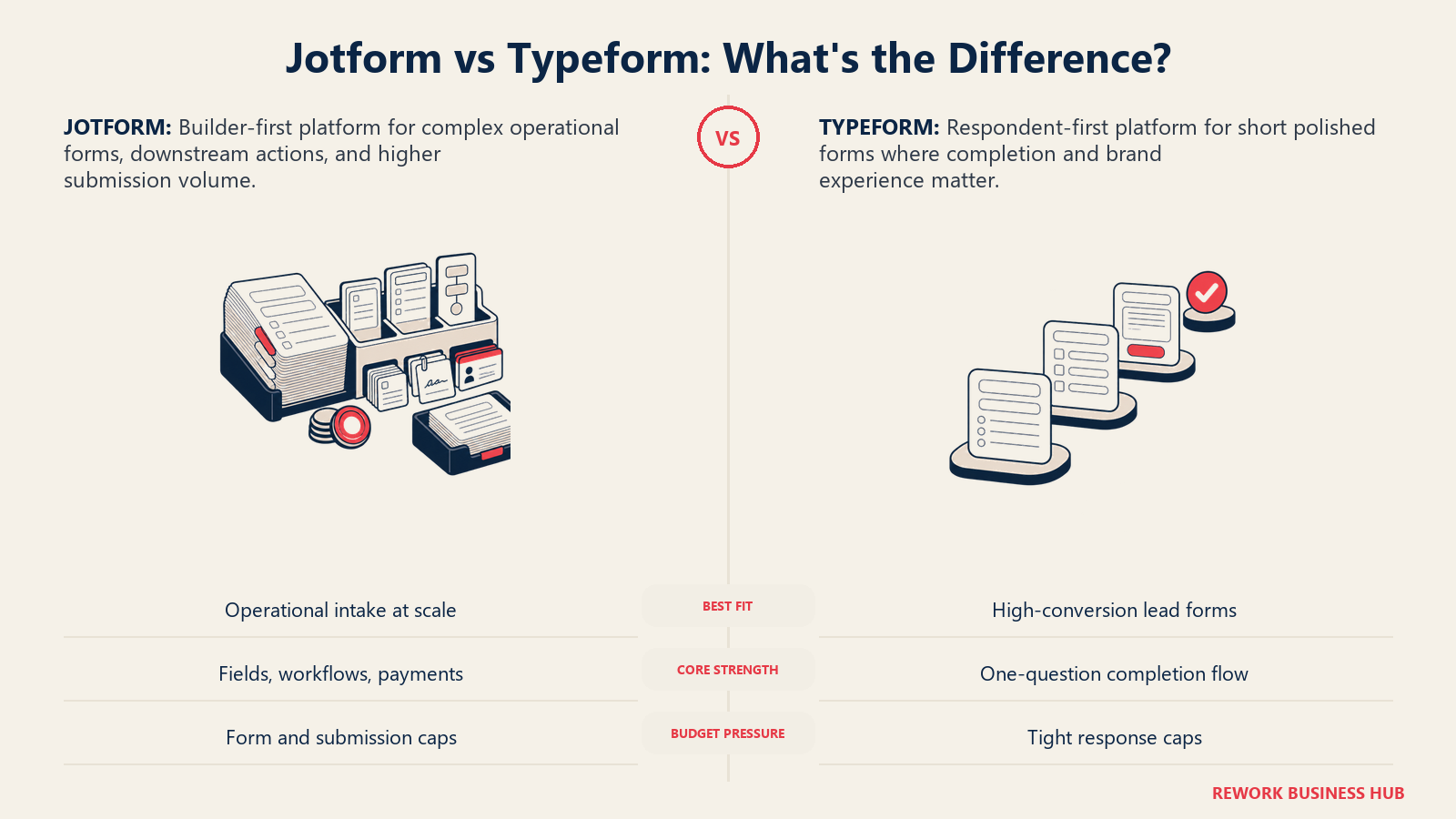
Type "Jotform vs Typeform" into Google and you'll get a wall of feature checklists that treat this like a fair fight between two similar products. It isn't, and treating it that way is why so many teams pick the wrong one and regret it six months later.
These two tools are built on opposite bets about what a form is for. Typeform bets that the respondent's experience is the product: one question at a time, animated transitions, a form that feels like a conversation instead of a data-entry chore. Jotform bets that the builder's power is the product: dense multi-field forms, 20,000-plus templates, conditional logic, payments, e-signatures, and a submission cap generous enough that volume doesn't wreck your budget. Neither bet is wrong. The question is which one matches what you're collecting: a short marketing form where every abandoned visitor is a lost lead, or a long operational form where structured data matters more than how pretty the experience feels.
TL;DR
| Jotform | Typeform | |
|---|---|---|
| Built for | Operations-heavy teams running many form types: intake, orders, HR, applications | Marketing and growth teams running a small number of high-conversion forms |
| Pricing model | Flat tier, generous monthly submission caps | Flat tier, tight monthly response caps |
| Cheapest paid tier | Bronze, $39/mo ($34/mo billed annually) | Basic, $39/mo ($28/mo billed annually) |
| Free plan caps at | 100 submissions/month | No published cap on the current pricing page; Basic is the practical starting point |
| Branding removed at | Bronze (cheapest paid tier) | Plus (second-cheapest paid tier) |
| HIPAA compliance | Included from Gold, $129/mo ($99/mo annually) | Enterprise only, custom quote |
| Respondent completion rate edge | Not the product's focus | Typeform's own 2023 data shows 47.3% average completion vs. a 21.5% industry benchmark |
| Best for | Structured, multi-field operational data collection | Short forms where finishing the form is the whole point |
The Real Question: Are You Optimizing for the Builder or the Respondent?
Most "which form tool" articles jump straight into a feature grid. That misses the actual decision. Every choice both companies made, pricing, layout defaults, template count, flows from one philosophical split.
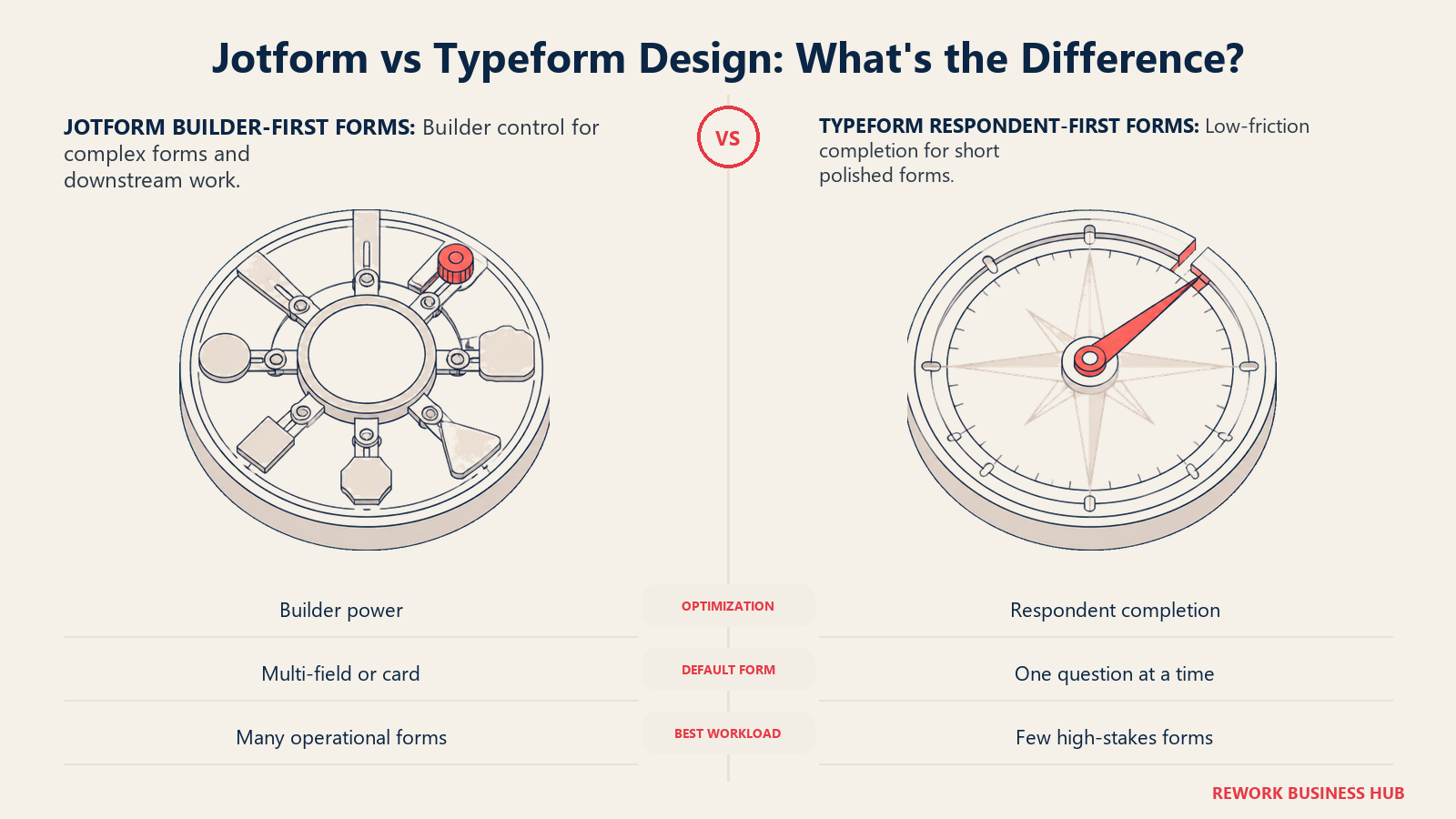
Typeform's entire product is built around a single insight: shorter, conversational forms get finished more often than long ones. One question fills the screen at a time, with no scroll and no wall of fields staring back at a respondent who's already thinking about closing the tab. That's why Typeform charges per response rather than per form: each response is worth more when more of your traffic actually completes it.
Jotform's product is built around a different insight: most businesses don't need one beautiful form, they need dozens of decent ones, built fast without a developer. Order forms, HR intake, event registration, HIPAA-compliant patient forms. Its pricing reflects that: it caps how many forms and fields you can build per tier, but it's comparatively loose on submissions, because the business model isn't betting on scarcity of responses.
Neither company is being dishonest about what it's selling. But evaluate Jotform on "does this feel as smooth as Typeform" or Typeform on "can this replace my ops team's entire form stack," and you'll walk away from both disappointed. The right frame: what are you actually trying to capture, and at what volume?
Who Each Tool Is Actually Built For
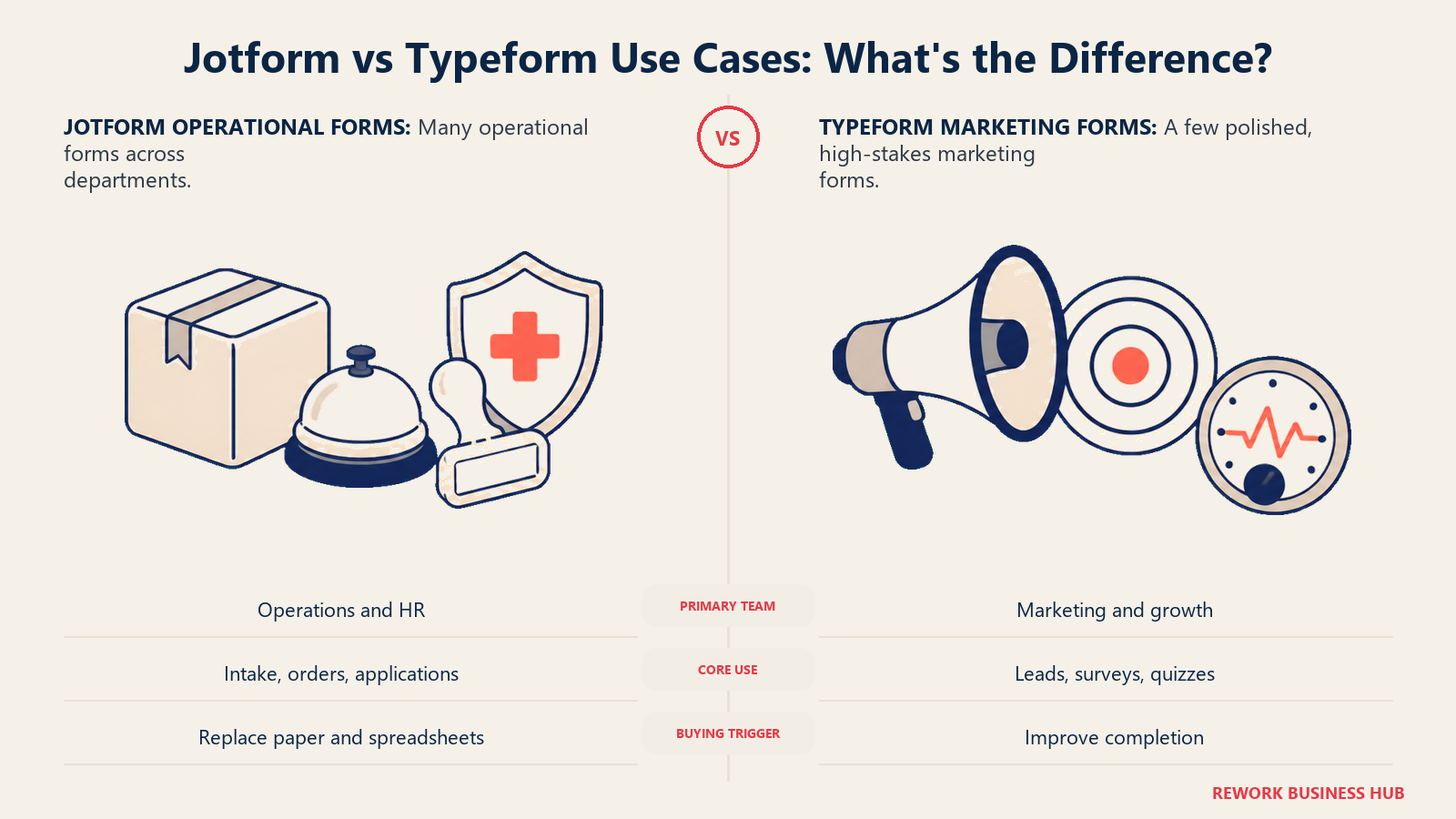
The buyer profile matters because a 40-field recruiting intake and a six-question lead form reward different tools. Start with who owns the workflow and what completion means before comparing features.
| Jotform | Typeform | |
|---|---|---|
| Primary buyer | Ops managers, HR teams, agencies running many different form types | Marketing and growth teams running a handful of polished, high-stakes forms |
| Team size sweet spot | 5 to 200 people | 1 to 100 people |
| Primary use case | Structured, multi-field data collection: applications, orders, intake, registrations | Short lead-gen forms, feedback surveys, quizzes optimized for completion |
| Buying trigger | Replacing paper forms, PDFs, or spreadsheets with something faster to build | A current form's completion rate is too low and it's costing pipeline |
| Builder mindset | "Give me every field type and a template so I never start from a blank page" | "Give me a form that feels like a conversation, not an interrogation" |
Neither team is wrong to want what they want. A recruiting coordinator building a 40-field intake form and a demand gen manager building a 6-question lead magnet are solving different problems, even though both typed "form builder" into Google.
Response and Submission Limits: Where the Two Philosophies Actually Show Up
This is the section that matters most on a real budget, since it's where the two companies' opposite bets turn into dollar amounts.
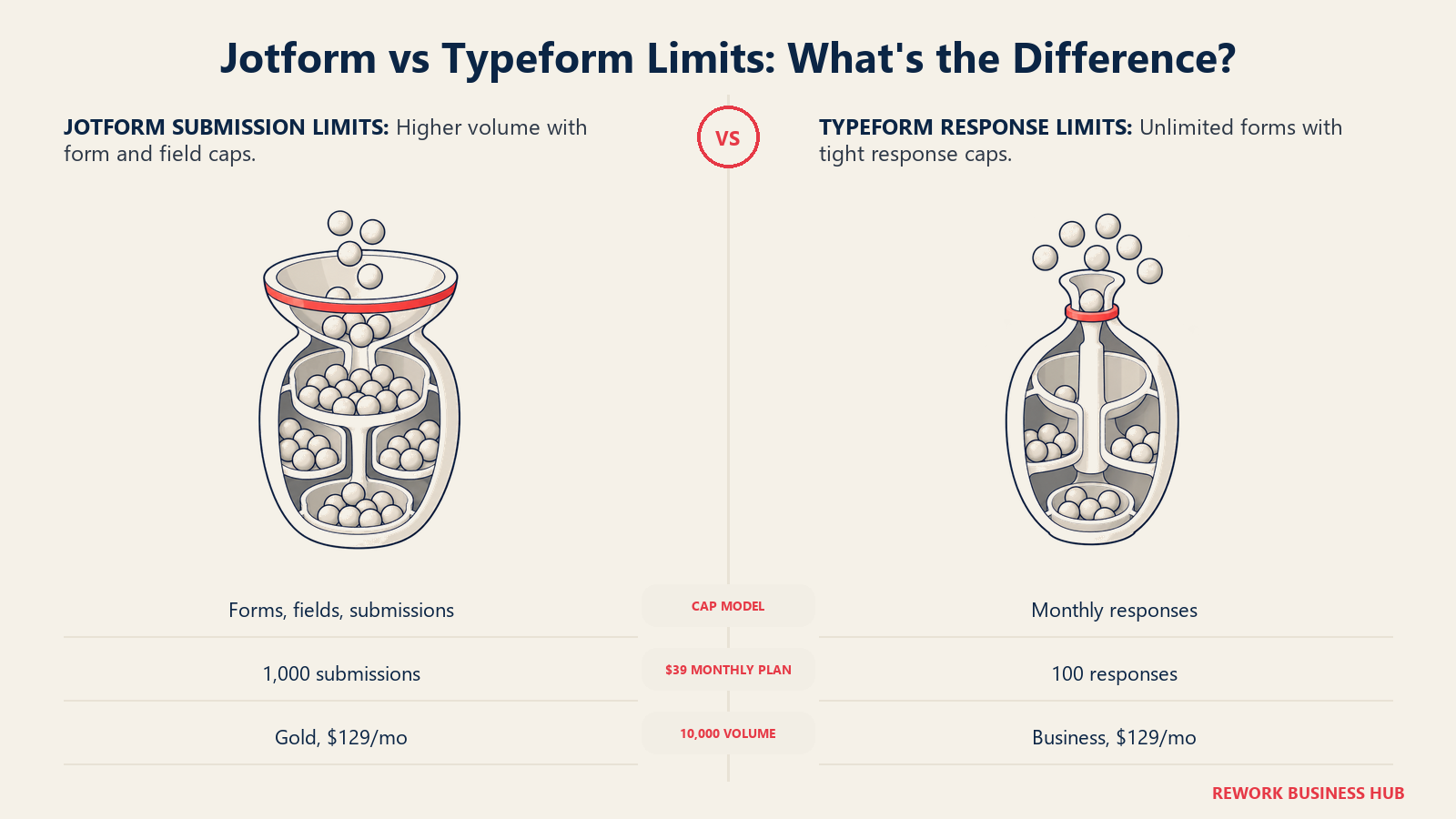
Typeform's tiers cap the number of monthly responses, but every tier gets unlimited forms and unlimited questions per form. You can build one enormous form with 200 questions on the Basic plan; you just can't collect more than 100 completed responses a month before you need to upgrade.
Jotform's tiers cap the number of forms you can build and the number of fields per form, but the monthly submission ceiling is far higher for the same money.
| Jotform (monthly submissions) | Typeform (monthly responses) | |
|---|---|---|
| Free | 100/mo, 5 forms, 100 fields/form | Not published on current pricing page |
| Cheapest paid tier | Bronze: 1,000/mo, 25 forms, 250 fields/form, $39/mo | Basic: 100/mo, unlimited forms, unlimited fields, $39/mo |
| Mid tier | Silver: 2,500/mo, 50 forms, 500 fields/form, $49/mo | Plus: 1,000/mo, unlimited forms, unlimited fields, $79/mo |
| Top self-serve tier | Gold: 10,000/mo, 100 forms, 1,000 fields/form, $129/mo | Business: 10,000/mo, unlimited forms, unlimited fields, $129/mo |
| Beyond that | Enterprise, custom quote | Enterprise, custom quote (Typeform's own FAQ tells anyone needing over 50,000 responses/month to contact sales) |
Source: Jotform's official pricing page and Typeform's official pricing page.
The number that jumps out: Jotform's free plan matches the 100-response cap Typeform charges $39/month for on its cheapest paid tier.
Key Facts
- Jotform's free plan includes 100 submissions/month at no cost; Typeform's cheapest paid tier, Basic at $39/month, includes the same 100 responses/month. (Jotform pricing, Typeform pricing)
- Typeform's own 2023 Data on Data report, covering 2.6 million forms and 568 million submissions, found its one-question-at-a-time forms averaged a 47.3% completion rate, more than double the 21.5% industry average it measured. (PR Newswire, Typeform's Data Report)
- Jotform's site states it's trusted by over 40 million users. (Jotform pricing page)
- Both tools hold identical 4.7 out of 5 ratings on Capterra, but Jotform's sample is roughly three times larger: 2,919 reviews versus 973. (Jotform on Capterra, Typeform on Capterra)
- Jotform includes HIPAA-compliant forms from Gold, $129/month or $99/month billed annually. Typeform gates HIPAA behind a custom Enterprise contract with no published price. (Jotform pricing, Typeform pricing)
Conditional Logic and Form-Building Depth
Both ship real conditional logic, and neither gates it behind an expensive tier. Typeform lists it under Basic's included features, its cheapest paid plan. Jotform includes it on every tier, including Free.
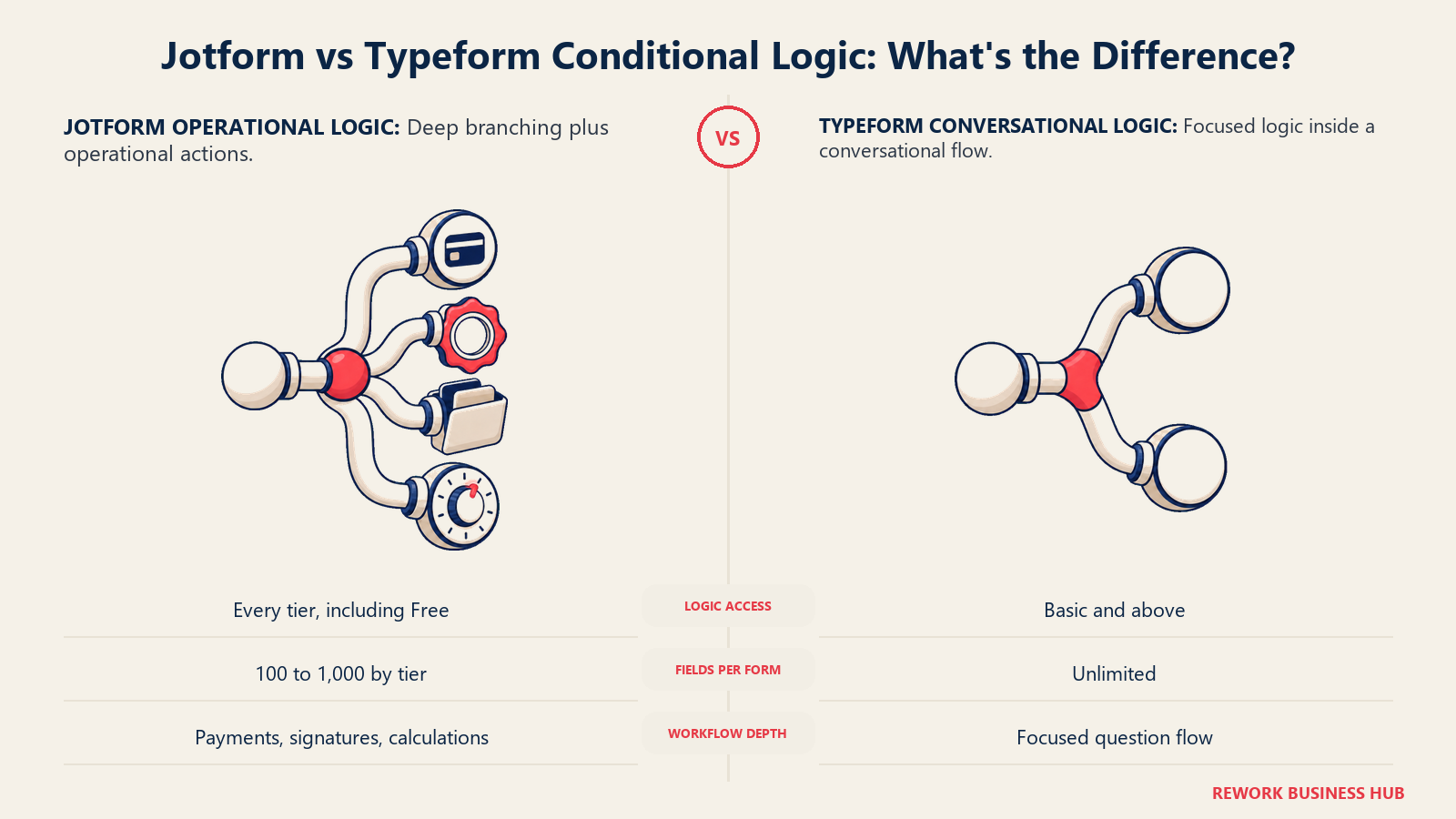
Where they diverge is what you build once logic is in place. Jotform supports up to 1,000 fields per form on Gold, plus widgets for payments, e-signatures, file uploads, appointment scheduling, and calculations, all without a developer. It's built for a genuinely complex form: a multi-page job application with conditional sections, a service request form that changes based on the customer's answers, an event registration with add-ons and waivers.
Typeform doesn't cap fields per form on any tier, but the product isn't designed around density. Its editor nudges you toward short, focused forms because that's what its own conversion research says performs best. Building a 40-field Typeform is technically possible; it just fights the product's design philosophy the entire way.
Capability Head-to-Head
| Capability | Jotform | Typeform |
|---|---|---|
| Conditional logic | Yes, all tiers including Free | Yes, from Basic |
| One-question-at-a-time layout | Optional, alongside classic multi-field forms | Default, core to the product |
| Native payment collection | Yes, 8+ processors including Stripe, PayPal, Square, and Authorize.Net | Yes, via Stripe, on paid plans |
| E-signatures | Yes, built in | No |
| Document/PDF generation from submissions | Yes, built in | No |
| Template library | 20,000+ templates | Smaller, curated, design-forward library |
| Fields per form | 100 to 1,000, by tier | Unlimited, every tier |
| Forms per account | 5 to 100, by tier | Unlimited, every tier |
| HIPAA compliance | Included from Gold ($129/mo, $99/mo annual) | Enterprise only, custom quote |
| Branding removed | From Bronze, the cheapest paid tier | From Plus, the second-cheapest paid tier |
Source: Jotform pricing and Typeform pricing.
Payments and Native Capabilities
Jotform's payment story is deep because payments are a core widget, not a bolt-on. It connects natively to Square, PayPal, Stripe, Authorize.Net, Apple Pay and Google Pay, Paysafe, Mollie, and Venmo, useful for deposits, registration fees, or product orders through the form itself. Add e-signatures and automatic PDF generation from submissions, and Jotform runs an entire intake-to-document workflow without leaving the platform.
Typeform supports payment collection through Stripe on paid plans, covering a single card payment tied to a form response but not signatures or document generation. That's consistent with Typeform's focus: optimizing the moment someone answers a question, not the paperwork after.
Respondent Experience and Completion Rates
This is where Typeform's philosophy earns its premium, and it's worth taking seriously. The 47.3% versus 21.5% completion gap cited above (see Key Facts) is a real, revenue-relevant edge for a lead-gen team where every completed form is a contact record, not a UX nicety.
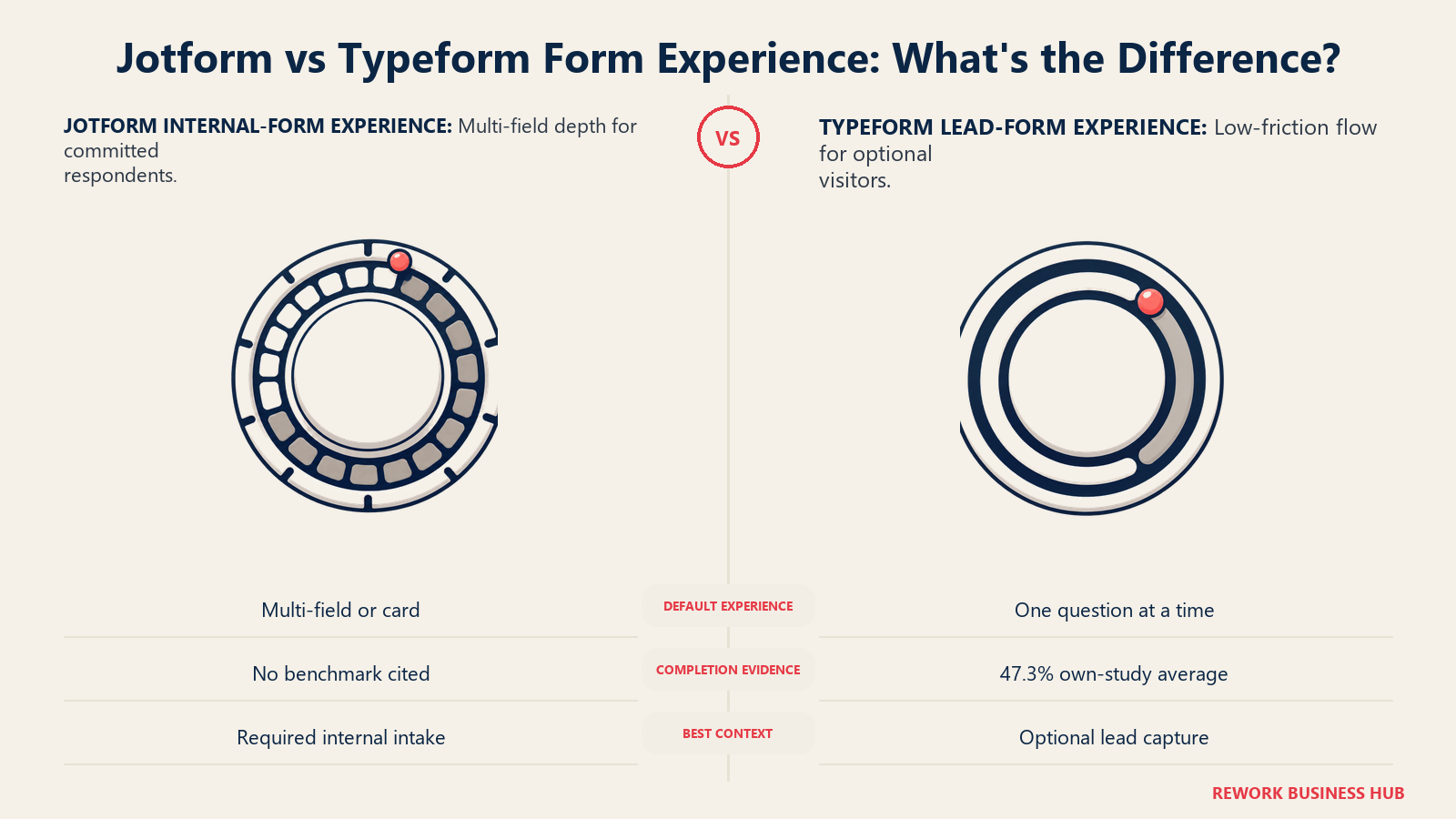
Jotform isn't optimized for that metric, and doesn't claim to be. A dense, multi-field intake form will generally see lower completion than an equivalent short Typeform, because that's what happens to any long, all-fields-visible form. For internal forms (HR onboarding, vendor intake), that trade-off matters less, since the person filling it out is already committed, often because it's part of their job rather than a marketing touchpoint they can bounce from.
The honest takeaway: if your form competes for attention on a landing page, Typeform's research is a real advantage. If it's a required step in an internal process, that advantage mostly doesn't apply, and Jotform's field depth becomes more useful.
Branding, HIPAA, and Look and Feel
Jotform removes its own branding starting at the cheapest paid tier, Bronze at $39/month. Typeform keeps its branding through Basic and only removes it starting at Plus, $79/month ($56/month billed annually), a roughly $40/month gap at the entry price point.
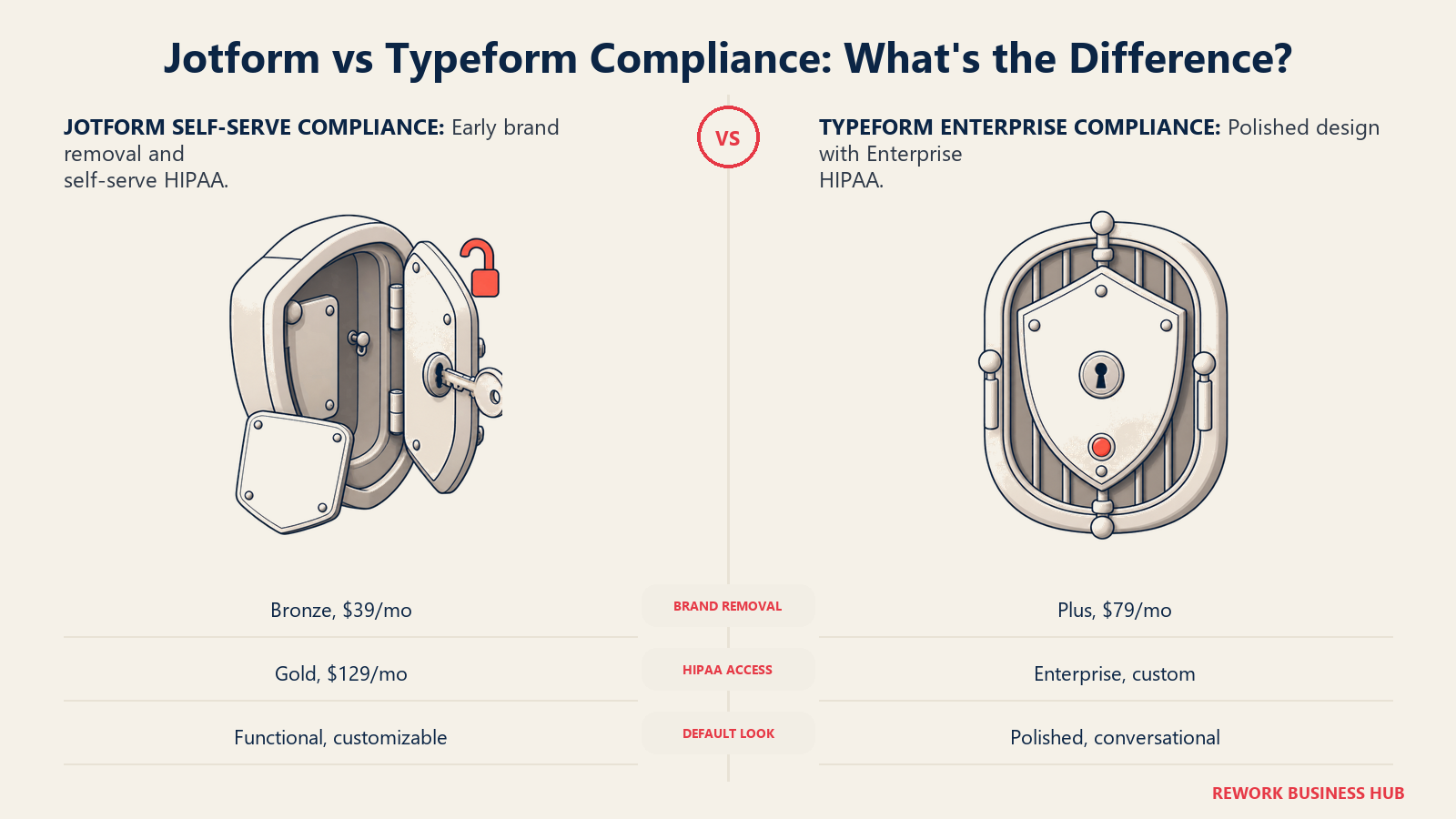
Design quality is more subjective, and where Typeform's reputation is genuinely earned: forms look considered by default, with clean typography and smooth transitions. Jotform's forms are functional and customizable but take more manual effort to reach the same polish on denser layouts.
On HIPAA, the gap is concrete. Jotform includes it starting at Gold ($129/month, $99/month billed annually), a self-serve tier anyone can buy directly from the pricing page. Typeform requires a custom Enterprise contract for HIPAA, bundled with SSO, GDPR compliance, and a choice of US or EU data center, no published price, sales call required. For a clinic on a budget, that's a fixed cost versus an open-ended negotiation.
Jotform Pricing in Detail
| Plan | Monthly | Annual (effective monthly) | Submissions/month | Forms | Users | HIPAA |
|---|---|---|---|---|---|---|
| Free | $0 | $0 | 100 | 5 | 1 | No |
| Bronze | $39/mo | $34/mo ($408/yr) | 1,000 | 25 | 3 | No |
| Silver | $49/mo | $39/mo ($468/yr) | 2,500 | 50 | 10 | No |
| Gold | $129/mo | $99/mo ($1,188/yr) | 10,000 | 100 | 100 | Yes |
| Enterprise | Custom | Custom | Custom | Custom | Custom | Yes |
Source: Jotform's official pricing page.
Two things stand out: Gold includes 100 users for the same $129/month Typeform charges for just 5, and Jotform's nonprofit and education customers get a 50% discount on Bronze, Silver, and Gold (30% off Enterprise), a real difference for schools and registered nonprofits.
Typeform Pricing in Detail
| Plan | Monthly | Annual (effective monthly) | Responses/month | Users | Notable features |
|---|---|---|---|---|---|
| Free | $0 | $0 | Not published on pricing page | 1 | Basic form creation, templates |
| Basic | $39/mo | $28/mo ($336/yr) | 100 | 1 | AI-powered creation, conditional logic, webhooks |
| Plus | $79/mo | $56/mo ($672/yr) | 1,000 | 3 | Branding removed, custom subdomain |
| Business | $129/mo | $91/mo ($1,092/yr) | 10,000 | 5 | Drop-off rates, conversion tracking, priority support |
| Growth Flow | $379/mo | Not offered annually at launch | 10,000 + 1,500 enrichments | 5 | Lead enrichment, Salesforce integration, SMS follow-ups (separate GTM product line, not a plain form tier) |
| Enterprise | Custom | Custom | Custom, unlimited available | Custom | SSO, HIPAA, GDPR, dedicated account management |
Source: Typeform's official pricing page.
Growth Flow isn't really a form-builder tier. It's Typeform's newer marketing-automation product, bundling lead enrichment and Salesforce sync on top of the same response caps as Business, at roughly triple the price. Unless you specifically need built-in enrichment, Business covers the same form capability for less.
The True Cost as Volume Grows
This table settles most budget conversations, since sticker price at one tier hides what happens as traffic grows.
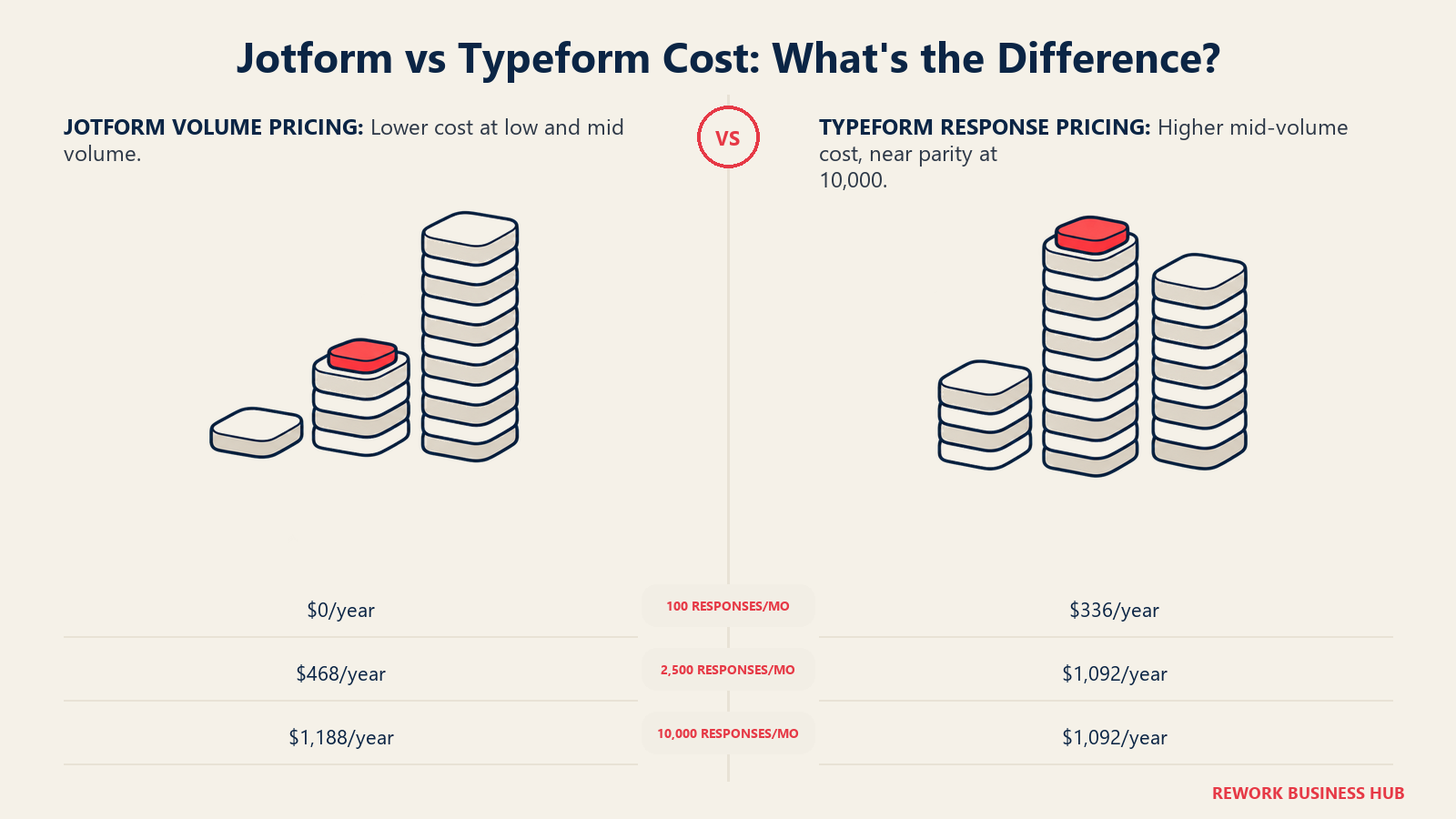
| Monthly volume needed | Typeform plan required | Typeform annual cost | Jotform plan required | Jotform annual cost |
|---|---|---|---|---|
| Up to 100 responses/mo | Basic | $336/yr ($28/mo) | Free | $0/yr |
| Up to 1,000 responses/mo | Plus | $672/yr ($56/mo) | Bronze | $408/yr ($34/mo) |
| Up to 2,500 responses/mo | Business (next tier up; Plus caps at 1,000) | $1,092/yr ($91/mo) | Silver | $468/yr ($39/mo) |
| Up to 10,000 responses/mo | Business | $1,092/yr ($91/mo) | Gold, includes HIPAA | $1,188/yr ($99/mo) |
| Beyond 10,000/mo | Enterprise, custom quote | Custom | Enterprise, custom quote | Custom |
At 2,500 responses a month, the gap is starkest: Typeform has no tier between Plus (capped at 1,000) and Business (which jumps straight to 10,000), forcing you to pay for capacity you don't need. Jotform's Silver tier lands almost exactly on that number: $468/year instead of $1,092/year for the same volume, a $624/year difference.
By 10,000 a month, the gap nearly closes ($1,092/year for Typeform Business versus $1,188/year for Jotform Gold), but Jotform throws in HIPAA compliance at that price. Seats are not the reason to pick it: Typeform publishes 5 on Business, while Jotform publishes no seat count at all and its own help documentation describes Bronze, Silver and Gold as one user per team, with extra team members requiring Enterprise. Past 10,000 a month, both companies stop publishing numbers and route you to sales, so get any Enterprise quote in writing before committing, on either side.
Integrations
| Integration category | Jotform | Typeform |
|---|---|---|
| CRM | 30+ CRMs including Salesforce, HubSpot, Pipedrive, Zoho CRM (native for some, webhook-based for others) | Native connections for select CRMs (HubSpot, Salesforce, Pipedrive listed) plus 500+ apps via Zapier |
| Payments | Square, PayPal, Stripe, Authorize.Net, Apple Pay/Google Pay, Paysafe, Mollie, Venmo | Stripe |
| Automation | Zapier, Make, Microsoft Power Automate, Pabbly Connect, Tray.io, IFTTT, webhooks | Zapier, webhooks, Typeform's own APIs |
| Cloud storage | Google Drive, Dropbox, OneDrive, Box, Egnyte, FTP | Not a primary focus; submissions live in Typeform's Results area |
| AI tools | Native Claude and ChatGPT apps, AI form builder | AI-powered form creation built into the editor |
Jotform's list is simply wider, a natural result of being built as a horizontal tool for many departments. Typeform leans on Zapier for breadth and keeps its native list tighter and more curated, consistent with the rest of the product.
When Typeform Is the Right Call
- Running a small number of lead-gen or feedback forms where completion rate is the metric that matters most
- Brand and design polish on the form itself is part of the pitch, not an afterthought
- Monthly response volume genuinely stays under a few thousand, so per-response pricing doesn't punish growth
- You want built-in drop-off and conversion analytics without wiring up a separate tool
- You're specifically evaluating Growth Flow's enrichment and Salesforce sync as part of a broader automation buy
When Jotform Is the Right Call
- Running many different form types across departments (HR, orders, events, intake) and need one tool instead of five
- You need native payments, e-signatures, or PDF generation from submissions without stitching tools together
- HIPAA compliance matters and you want a fixed, published price instead of an Enterprise negotiation
- Monthly submission volume is in the low thousands, where Typeform's response-based pricing costs meaningfully more
- Submission volume, not seat count, is what drives your bill, since neither vendor is generous on seats and Jotform routes multi-member teams to Enterprise
Decision Framework
| If you are... | Pick |
|---|---|
| Running a small number of short, high-stakes lead-gen or feedback forms | Typeform |
| Building many different operational forms across departments | Jotform |
| Collecting protected health information on a limited budget | Jotform |
| Optimizing hardest for form completion rate on a marketing page | Typeform |
| Growing past a few thousand monthly responses and price-sensitive about it | Jotform |
| Already committed to a broader Typeform marketing automation buy (Growth Flow) | Typeform |
| Comparing every survey and form option in the category, not just these two | See our Typeform alternatives guide |
What to Do Next
- Count your actual monthly volume, not your best-case scenario. Most teams overestimate the response volume they need and end up on a tier they didn't need to buy.
- If completion rate is your bottleneck, test one form on Typeform's free tier before committing. The completion gap from Typeform's own research is real, but confirm it on your own traffic before paying for it.
- If you're running more than two or three distinct form types, price out Jotform first. The per-form and per-field caps rarely bind for most teams, and the submission headroom is dramatically cheaper.
- Get any Enterprise quote in writing before signing, on either platform. Neither publishes pricing past its top self-serve tier, which is exactly where negotiating leverage matters most.
- If forms are one piece of a larger lead-capture stack, Form-to-CRM Automation covers the patterns that make submissions useful once they land, and Zapier vs n8n vs Make compares the automation layer most form teams eventually need. If neither tool wins outright, the full form builder comparison and best Jotform alternatives widen the shortlist.
Frequently Asked Questions about Jotform vs Typeform
Is Jotform or Typeform cheaper?
For most volume levels, Jotform is meaningfully cheaper. Its free plan matches Typeform's cheapest paid tier at 100 submissions a month, and at 2,500 responses a month Jotform's Silver plan costs $468 a year against $1,092 a year for Typeform's Business plan, because Typeform has no tier between 1,000 and 10,000 responses. The gap narrows near 10,000 responses a month.
Which tool has better form completion rates?
Typeform's own 2023 data report, covering 2.6 million forms and 568 million submissions, found its one-question-at-a-time forms averaged 47.3% completion versus a 21.5% industry average. That advantage is real for short, respondent-facing forms, and matters much less for long internal forms where the person filling it out is already committed.
Does Jotform support conditional logic and multi-step forms like Typeform?
Yes. Jotform includes conditional logic on every tier, including Free, and supports both classic multi-field layouts and card-style one-question-at-a-time forms. Typeform's product defaults to the conversational format; Jotform treats it as one option among several.
Which tool is better for HIPAA-compliant forms?
Jotform, by a clear margin on cost and accessibility. HIPAA compliance is included starting at Gold, $129 a month or $99 a month billed annually, purchasable directly from the pricing page. Typeform requires a custom Enterprise contract with no published price for HIPAA.
Can I use both tools for different purposes?
Plenty of teams do. A common split is Typeform for external, respondent-facing lead-gen forms where completion rate matters, and Jotform for internal operational forms like HR intake or order processing where field depth and volume matter more than conversational polish. There's no need to standardize on one tool if the use cases genuinely differ.
Related Resources:

Principal Product Marketing Strategist
On this page
- TL;DR
- The Real Question: Are You Optimizing for the Builder or the Respondent?
- Who Each Tool Is Actually Built For
- Response and Submission Limits: Where the Two Philosophies Actually Show Up
- Key Facts
- Conditional Logic and Form-Building Depth
- Capability Head-to-Head
- Payments and Native Capabilities
- Respondent Experience and Completion Rates
- Branding, HIPAA, and Look and Feel
- Jotform Pricing in Detail
- Typeform Pricing in Detail
- The True Cost as Volume Grows
- Integrations
- When Typeform Is the Right Call
- When Jotform Is the Right Call
- Decision Framework
- What to Do Next