Best Jotform Alternatives in 2026: 13 Form and Survey Tools for Teams Outgrowing Jotform
Turn this article into takeaways for your work.


Each assistant summarizes the article only for you and suggests best practices for your work.
Jotform earned its spot as the default form builder for a reason. Ten thousand-plus templates, 200-plus integrations, a genuinely usable free plan, and a HIPAA-ready tier that most competitors can't touch at the same price. For a huge range of use cases, from job applications to patient intake, it's still the fastest way to get a working form live without a developer.
But teams that scale past a certain point tend to hit the same three walls: submission and storage caps that force an upgrade at an inconvenient moment, an interface that gets harder to manage as your form count grows, and CRM sync that runs through integrations rather than anything native. This guide covers 13 alternatives worth evaluating in 2026, with honest notes on who each one actually serves and where it falls short of Jotform's breadth.
If you're building your shortlist from first principles rather than a single vendor swap, how to choose form builder software walks through the evaluation criteria before you get to vendor names. And if your form tool needs to feed a CRM automatically rather than just collect responses, Form-to-CRM Automation covers the integration patterns most of the tools below rely on.
Key Facts
- Only 45% of people who start an online form actually finish it, and desktop forms convert at 47% versus 42% on mobile (Zuko Analytics, 2026 benchmarking data).
- The average form and landing-page conversion rate across 13 industries is 5.13%, drawn from more than 110 million tracked sessions (Ruler Analytics, 2026).
- Completion rates drop 4 to 6 percent for every field added past the eighth, and 18% of users have abandoned a form over sheer complexity (Baymard Institute).
- The average healthcare data breach now costs $7.42 million, still the most expensive of any industry, which is why HIPAA-ready form vendors charge a real premium (HIPAA Journal, 2025 data).
- WordPress still runs 40.8% of all websites as of August 2026, which is why WordPress-native plugins like WPForms and Gravity Forms remain a separate category from standalone SaaS form builders (W3Techs).
Quick Comparison Table
| Tool | Best For | Starting Price | Key Strength | Key Limitation |
|---|---|---|---|---|
| Typeform | Conversational forms with high completion rates | Free (100 resp/mo); $39/mo monthly, $28/mo annual | Best-in-class design, strong completion rates | Response caps get expensive fast |
| Google Forms | Zero-budget internal surveys | Free | Completely free, Google Workspace sync | No conditional logic depth, no branding |
| Microsoft Forms | Organizations already on Microsoft 365 | Included from $7/user/mo (M365 Business Basic) | Native Teams and Excel integration | Very limited logic outside internal use |
| Formstack | Enterprise compliance and document workflows | From $83/mo (annual), head to head | HIPAA-ready, document generation, e-signatures | Expensive for small teams |
| Gravity Forms | WordPress sites needing deep native logic | From $59/yr (1 site) | Mature add-on ecosystem, full data ownership | Requires WordPress and separate hosting |
| Tally | Unlimited forms on a genuinely free plan | Free (unlimited); Pro $24/mo | No response caps at any tier | Thinner CRM-native integrations |
| Fillout | Teams on Notion, Airtable, or Supabase | Free (1,000 resp/mo); from $15/mo | Native database sync, no middleware | Newer product, smaller template library |
| Wufoo | Simple forms without a learning curve | Free (100 entries); paid from $16.25/mo | Oldest, simplest builder in the category | Entry limits are the lowest in this list; no shipped update since 2020 |
| Cognito Forms | Complex logic and HIPAA on a budget | Free (100 entries); $24/mo monthly, $19.20/mo annual | Workflow approvals, HIPAA at a lower price point | Guest-user model takes getting used to |
| WPForms | The most-installed WordPress form plugin | $49.50/yr first year, $99/yr renewal (Basic, 1 site) | Largest WordPress install base, gentle learning curve | Payment and CRM features gated to top tiers |
| Paperform | Forms that double as branded landing pages | From $24/mo (annual) | Rich media, quiz and scoring logic | Submission caps scale with add-on fees |
| SurveyMonkey | Structured research and benchmarking | Free (limited); paid from $25/user/mo | Best-in-class survey analysis and benchmarks | Expensive per seat, not built for lead capture |
| Zoho Forms | Teams standardized on the Zoho ecosystem | Free (500 submissions/mo); Basic US$10/mo billed annually | Native Zoho CRM and Desk sync | Less polished than category leaders |
Why Teams Leave Jotform
Before you pick an alternative, it helps to be specific about what's actually forcing the switch. Jotform's friction points cluster around a handful of recurring themes.
| Pain Point | Detail | Who Feels It Most |
|---|---|---|
| Submission and storage caps scale awkwardly | Free plan stops at 100 submissions/month; Bronze ($34/mo) only lifts that to 1,000 | Small teams running active campaigns |
| Interface density grows with form count | 10,000+ templates and dozens of widgets make the builder feel cluttered once you're managing many forms | Non-technical teams running multiple form types |
| CRM sync is integration-based, not native | Salesforce, HubSpot, and Pipedrive connections work but add a layer to maintain and monitor | RevOps, Sales Ops |
| Field and view caps gate advanced forms | Higher field counts and monthly view limits are locked to higher tiers | Teams running long, multi-step intake forms |
| HIPAA and stronger compliance sit on Gold and up | Compliance-grade forms cost meaningfully more once you need them | Healthcare, legal, and other regulated teams |
| Full-page layout feels dated next to conversational builders | Multi-field pages read as paperwork compared to one-question-at-a-time formats | Marketing teams optimizing for completion rate |
Jotform's own numbers explain why the brand still has staying power despite these frictions: the company reports more than 35 million users and a template library past 10,000 designs, and review platforms agree, with 4.7 out of 5 on G2 from 3,000+ ratings and 4.6 out of 5 on Capterra. Complaints in those same reviews cluster around the limits above, not whether the product works.
Stage Fit Matrix
Company stage changes the shortlist: low-cost simplicity matters early, while integration, compliance, and research depth become more important as the organization grows.
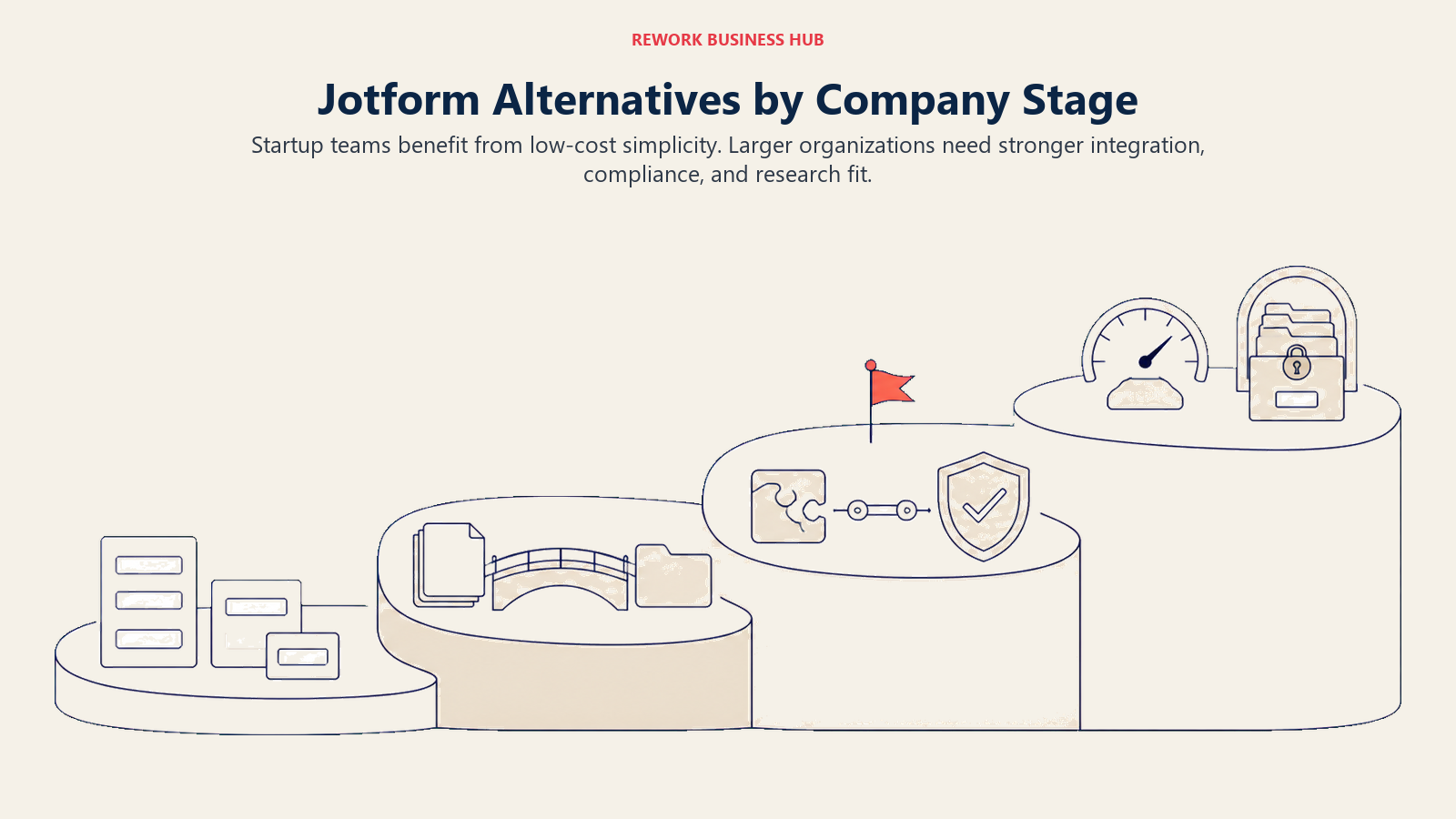
| Tool | Startup (1-10) | Growth (10-50) | Mid-Market (50-200) | Enterprise (200+) |
|---|---|---|---|---|
| Typeform | Strong fit | Good | Moderate | Limited |
| Google Forms | Strong fit | Limited | Not recommended | Not recommended |
| Microsoft Forms | Limited | Good (if on M365) | Strong fit | Strong fit |
| Formstack | Not recommended | Limited | Good | Strong fit |
| Gravity Forms | Good | Strong fit | Good | Limited |
| Tally | Strong fit | Good | Limited | Not recommended |
| Fillout | Strong fit | Good | Good | Limited |
| Wufoo | Strong fit | Good | Limited | Not recommended |
| Cognito Forms | Good | Strong fit | Good | Limited |
| WPForms | Strong fit | Strong fit | Good | Limited |
| Paperform | Good | Strong fit | Good | Limited |
| SurveyMonkey | Limited | Good | Strong fit | Strong fit |
| Zoho Forms | Good | Good | Strong fit | Limited |
Sizing and Persona Table
| Tool | Team Size Sweet Spot | Primary Buyer | Secondary Buyer |
|---|---|---|---|
| Typeform | 1-100 | Marketing Manager | Product Manager |
| Google Forms | Any | Anyone with a Google account | Internal Ops |
| Microsoft Forms | 10-10,000 | IT Admin | HR Manager |
| Formstack | 50-500+ | IT Director / Compliance Officer | Operations Leader |
| Gravity Forms | 1-100 | Developer / Agency | Marketing Ops |
| Tally | 1-50 | Founder / Solo Marketer | Content Marketer |
| Fillout | 1-50 | Product Manager / Ops | Marketing Ops |
| Wufoo | 1-30 | Small Business Owner | Office Manager |
| Cognito Forms | 5-100 | Operations Manager | Compliance Lead |
| WPForms | 1-200 | Marketing Manager | Small Business Owner |
| Paperform | 5-100 | Marketing Manager | Creative Director |
| SurveyMonkey | 20-500+ | Research Lead | Marketing Director |
| Zoho Forms | 5-500 | IT Admin | Operations Director |
1. Typeform: Conversational Design Built for Completion Rate
Typeform's thesis is that traditional forms feel like paperwork and conversational ones feel like a conversation. One question per screen, full-screen transitions, and a customizable "thank you" page add up to a form respondents are more likely to finish, which matters for lead magnets, gated content, and customer research where first impressions decide whether someone bothers.
The audience is mostly marketing and product teams at startups and growth-stage companies. Where Typeform struggles against Jotform is breadth: fewer templates, fewer native widgets, and per-response pricing that climbs fast once a campaign takes off. For a deeper look at Typeform's own alternatives, see best Typeform alternatives.
| What you get | What you don't |
|---|---|
| Highest completion rates in the category | Jotform's template and widget breadth |
| Beautiful default design, minimal setup | Affordable pricing at high response volumes |
| Video questions, file uploads | Deep statistical analysis |
| HubSpot, Salesforce, Slack integrations | Native CRM data model |
Pricing: Free (100 responses/mo). Basic $25-29/mo. Plus $50-59/mo. Business $83-99/mo (annual vs monthly). Enterprise custom.
Best for: Marketing and product teams prioritizing completion rate and brand-forward design over raw form capability.
2. Google Forms: Zero Cost, Zero Friction
Google Forms doesn't try to be more than "collect data from people who have a Google account," and for a large share of use cases that's genuinely enough. Internal surveys, event RSVPs, quick polls, simple job applications: if you don't need branding, conditional logic depth, or CRM sync, it does the job for free, forever.
It works at any company size as a tool, but stops being a serious lead-capture option past roughly 10 employees, because a Google Sheet isn't a pipeline. For teams evaluating Jotform on cost alone, Google Forms is the "zero budget, need it today" answer, not a long-term replacement for a team running real form volume.
| What you get | What you don't |
|---|---|
| Completely free, no submission limits | Any branding or design control |
| Automatic Google Sheets sync | Conditional logic depth |
| Reliable uptime, familiar interface | CRM integrations without third-party tools |
| Works with any Google Workspace account | Payment collection, multi-step forms |
Pricing: Free with any Google account. Included in Google Workspace plans (roughly $7-$18/user/month depending on tier).
Best for: Internal surveys, quick polls, and teams with no budget who don't need CRM integration.
3. Microsoft Forms: Already Included, Already Familiar
Microsoft Forms ships inside every Microsoft 365 subscription, so most enterprise organizations already have access and most employees already know how to use it. For internal surveys, HR pulse checks, and meeting feedback, it's the zero-procurement option: no new vendor relationship, no new login.
Integration with Teams, SharePoint, and Excel is native and smooth, but branching logic is basic, there's no white-label option, and anything beyond a summary chart means exporting to Excel. Like Google Forms, there's no native CRM sync. The case over Jotform is purely pragmatic: if you're on Microsoft 365 already, you already own the tool.
| What you get | What you don't |
|---|---|
| Included in Microsoft 365, no added cost | Advanced conditional logic |
| Native Teams and SharePoint integration | White-label or custom branding |
| Excel auto-population for responses | CRM integration without third-party tools |
| Familiar interface for Microsoft users | High-design external survey experience |
Pricing: Included in Microsoft 365. Business Basic $7/user/mo, Business Standard (with Copilot) $23.50/user/mo, Business Premium (with Copilot) $32/user/mo (annual billing).
Best for: Enterprise organizations on Microsoft 365 running internal surveys, HR programs, or operational feedback.
4. Formstack: Enterprise Forms With Compliance Built In
Formstack's vision is forms as enterprise infrastructure, not just a form builder. It's a document generation, e-signature, and workflow automation platform aimed at regulated industries: healthcare, finance, education, government. A Formstack submission can auto-generate a populated PDF, route it for signature, and archive it in Salesforce in one workflow, which is a level of process automation Jotform doesn't match without significant configuration.
The buyer is typically an IT director or compliance officer at a mid-to-large company, and the pricing reflects that. If you only need e-signatures or document generation, compare against dedicated tools first; see best DocuSign alternatives, best PandaDoc alternatives, or how to choose e-signature software.
| What you get | What you don't |
|---|---|
| Native document generation and e-signatures | Affordable pricing for small teams |
| Strong Salesforce integration | Modern, consumer-friendly UI |
| HIPAA-ready workflows (add-on) | Fast setup |
| Advanced routing and audit trails | A free tier |
Pricing: Standard $83/mo (annual) or $99/mo (monthly), 1 user, 25 forms, 1,000 submissions/form. Suite $250/mo (annual) or $299/mo (monthly), 3 users, HIPAA add-on. Enterprise custom.
Best for: Enterprise teams in regulated industries who need forms with built-in compliance, document generation, and e-signature workflows.
5. Gravity Forms: Deepest Logic for WordPress Sites
Gravity Forms is a WordPress plugin, not a SaaS product, which is exactly the point for teams that already run their site on WordPress and want form logic that lives inside the same platform rather than an external embed. The add-on ecosystem covers Stripe, Salesforce, Zapier, conditional logic, multi-step forms, and surveys, and the Elite license bundles all of it in.
The audience is developers, agencies, and ops teams comfortable managing a plugin rather than a hosted account. You're buying a license, not a seat, and you own your own hosting and updates, a real trade-off against a fully managed tool like Jotform.
| What you get | What you don't |
|---|---|
| Deep conditional logic and multi-step forms | A hosted, fully managed product |
| Mature add-on ecosystem (Stripe, Salesforce, Zapier) | Support beyond standard tiers |
| Full data ownership on your own WordPress install | Templates as extensive as Jotform's |
| Elite tier bundles every add-on | Simplicity for non-technical users |
Pricing: Basic $59/year (1 site). Pro $159/year (3 sites). Elite $259/year (unlimited sites, all add-ons included).
Best for: WordPress-based teams and agencies who want deep native form logic without a monthly SaaS bill.
6. Tally: Unlimited Forms Without the Response Anxiety
Tally's entire pitch is solving the one frustration almost every form tool eventually creates: response caps. The free plan includes unlimited forms and unlimited responses, with no per-response charge and no sudden wall when a campaign performs well.
The design borrows from Notion: a block-based editor where you type "/" to add a question and keep moving. It's fast, opinionated, and clean, competing with Typeform on aesthetics without competing on price. Where Tally falls short against Jotform is CRM depth and template breadth; you can connect to HubSpot or Salesforce, but the integrations lean on Zapier more than native sync.
| What you get | What you don't |
|---|---|
| Unlimited forms and responses on the free plan | Jotform's template and widget library |
| Clean, Notion-style block editor | Deep CRM-native integrations |
| Conditional logic and hidden fields | Large analytics dashboard |
| Fast form creation, good embedding | Enterprise compliance features |
Pricing: Free (unlimited forms and responses). Pro $18/mo (annual) or $24/mo (monthly). Business $55.50/mo (annual) or $74/mo (monthly).
Best for: Early-stage teams and solo marketers who need unlimited responses without a fee wall.
7. Fillout: Forms That Write Directly to Your Database
Fillout's bet is that forms should write directly into the database you already use, not export to a spreadsheet you sync somewhere else. Native integrations with Notion, Airtable, Supabase, Salesforce, and HubSpot mean submissions land in the exact data structure you're already running, with field mapping that understands your schema.
The target audience is operations and product teams at startups standardized on a modern data stack. The product is newer than Jotform: smaller template library, less mature conditional logic, compliance features still being built out. But the core integrations work well and pricing undercuts most of the category.
| What you get | What you don't |
|---|---|
| Native Notion, Airtable, Supabase sync | Jotform's template library depth |
| Modern, clean form UI | Enterprise compliance features |
| Conditional logic, multi-step forms | Category-leader brand recognition |
| Competitive entry pricing | Deep built-in analytics |
Pricing: Free (1,000 responses/mo). Starter $12-15/mo. Pro $32-40/mo. Business $75/mo (unlimited responses). Enterprise custom.
Best for: Tech-forward teams using Notion, Airtable, or Supabase who want forms that write directly into existing data structures.
8. Wufoo: The Simplest Builder in the Category
Wufoo has been around since 2006, and it has stayed close to its original pitch: a straightforward form builder without a steep learning curve. There's no conversational format, no rich media layouts, no AI copilots. You build a form, add fields, and publish, which is exactly what smaller teams sometimes want after getting lost in a more feature-heavy tool. There's a concrete reason behind that restraint, too: Wufoo's own release notes haven't listed a shipped update since August 2020, so this is six years without a public product change, not just a minimalist design philosophy.
The trade-off is scale. Wufoo's entry limits (100 free, 1,000 on the $16.25/mo Starter plan) are lower than most of this list, and real headroom (25,000 entries on Advanced) costs more than Jotform's equivalent tier. It works best for small teams with modest, predictable volume rather than growing lead-gen operations.
| What you get | What you don't |
|---|---|
| Genuinely simple builder, minimal learning curve | High entry limits at lower tiers |
| Unlimited forms from the Professional tier up | Conversational or landing-page-style forms |
| Reasonable pricing for small teams | Native CRM sync |
| Long track record and stability | Modern design flexibility |
| A product frozen in place since 2020 | Evidence the roadmap is still moving |
Pricing: Free (5 forms, 100 entries). Starter $16.25/mo ($195/yr). Professional $33.25/mo ($399/yr). Advanced $83.25/mo ($999/yr). Ultimate $210.25/mo ($2,523/yr). Each annual figure is exactly 12 times the monthly price, with no prepay discount, unlike most tools in this comparison.
Best for: Small teams who want a simple, no-frills form builder without Jotform's feature sprawl, and who don't mind a vendor whose last public update was in 2020.
9. Cognito Forms: Complex Logic and HIPAA at a Lower Price
Cognito Forms targets the gap between simple builders and enterprise compliance platforms like Formstack. Its Enterprise tier includes HIPAA compliance and single sign-on for a fraction of Formstack's Suite pricing, which makes it worth a look for regulated teams that don't need Formstack's full document-generation stack. EU-based teams juggling both HIPAA-style and GDPR requirements should also read collecting lead data under GDPR before picking a tier.
The product supports electronic signatures, save-and-resume, workflow approvals, and a "Client Portal" feature few competitors at this price match. The guest-user model (paid users plus matching free guest collaborators) takes some getting used to, but it lowers the real cost of collaboration versus strict per-seat pricing.
| What you get | What you don't |
|---|---|
| HIPAA compliance and SSO on Enterprise | Jotform's template breadth |
| Electronic signatures, save and resume | A large integration marketplace |
| Workflow approvals and data lookups | Conversational form format |
| Guest-user model lowers real seat cost | Deep third-party CRM sync |
Pricing: Free (100 entries/mo). Pro $19/mo (annual) or $24/mo (monthly). Team $39/mo (annual) or $49/mo (monthly). Enterprise $129/mo (annual) or $174/mo (monthly).
Best for: Operations and compliance teams needing HIPAA-ready forms and workflow logic without Formstack's price tag.
10. WPForms: The Most-Installed WordPress Form Plugin
WPForms leans on volume and simplicity: a drag-and-drop builder approachable for non-developers, installed on millions of WordPress sites. Unlike Gravity Forms, which assumes some technical comfort, WPForms is built for marketers and small business owners who want a working form in minutes without touching code.
Higher tiers unlock real depth: payment processing (Stripe, Square, PayPal), recurring subscriptions, conversational forms, and premium CRM integrations (Salesforce, Zoho, HubSpot, Pipedrive) on Elite. For the broader WordPress-versus-SaaS question, how to choose form builder software covers that trade-off.
| What you get | What you don't |
|---|---|
| Largest WordPress form plugin install base | A hosted, fully managed product |
| Gentle learning curve for non-developers | Payment processing below the Pro tier |
| Payment and CRM integrations on top tiers | Templates as broad as Jotform's |
| Form abandonment tracking, geolocation | Native cloud storage or analytics dashboard |
Pricing: Basic $49.50/yr (1 site). Plus $99.50/yr (3 sites). Pro $199.50/yr (5 sites). Elite $299.50/yr (unlimited sites).
Best for: WordPress site owners who want the most widely adopted form plugin with a gentle learning curve.
11. Paperform: Forms That Look Like Landing Pages
Paperform's philosophy is that a form should feel like a page, not a widget. Forms support images, video, and rich text alongside input fields, so a Paperform form can double as a landing page, a product quiz, or a booking flow without a separate page builder. Conditional logic is solid, and payments run natively through Stripe.
For marketing teams running content upgrades, quizzes, or event registrations, Paperform punches above its weight on presentation. The limitation against Jotform is submission economics: tiers charge extra once you exceed the included annual submission count, so high-volume campaigns can cost more than expected.
| What you get | What you don't |
|---|---|
| Rich media in form pages (video, images) | Predictable pricing at high submission volume |
| Strong conditional logic and branching | Jotform's template and widget breadth |
| Native Stripe payment processing | Deep enterprise compliance features |
| Calculation and scoring fields | Native CRM data model |
Pricing: Free (30 submissions/mo). Essentials $24/mo ($288/yr). Pro $49/mo ($588/yr). Business $99/mo ($1,188/yr), plus per-additional-submission fees past each tier's included volume.
Best for: Marketing teams who want forms that double as branded landing pages, quizzes, or booking flows.
12. SurveyMonkey: Research Depth Jotform Doesn't Attempt
SurveyMonkey plays a different game than Jotform entirely: it's a research platform, not a lead-capture or general-purpose form tool. The product is built around understanding audiences at scale, with proprietary benchmark data, statistical significance testing, and a respondent panel service most competitors don't offer at any price.
For enterprise teams running formal research programs (voice of customer, employee engagement, market sizing), SurveyMonkey is category-best. It's the wrong tool for lead capture or general-purpose forms; pricing is per seat and climbs quickly. If structured survey methodology is the actual need, how to choose survey software is worth reading first, and best SurveyMonkey alternatives covers that category in more depth.
| What you get | What you don't |
|---|---|
| Best-in-class survey analysis and benchmarking | Affordable pricing for small teams |
| Statistical significance testing | Forms optimized for lead conversion |
| Respondent panel recruitment | Broad general-purpose templates |
| Enterprise SSO and compliance | Per-response-based pricing model |
Pricing: Free (limited). Team Advantage $25/user/mo (annual, 3-user minimum, 50,000 responses/yr). Team Premier $75/user/mo (annual, 100,000 responses/yr). Enterprise custom.
Best for: Enterprise teams with formal research programs, not a fit for teams evaluating Jotform for lead capture.
13. Zoho Forms: Native Fit for the Zoho Ecosystem
Zoho Forms exists primarily to serve organizations already running Zoho CRM, Zoho Desk, or Zoho Analytics. If your business runs on Zoho, Zoho Forms is the obvious pick because responses sync natively into CRM contact records and support-ticket reports without Zapier or custom middleware.
Outside the Zoho ecosystem, the value proposition weakens; the builder is functional but not best-in-class on design or logic depth against Jotform or Typeform. Zoho's usual strategy of undercutting category leaders on price while bundling into a full suite holds true here too.
| What you get | What you don't |
|---|---|
| Native Zoho CRM, Desk, and Analytics sync | Best-in-class survey or form design |
| Competitive pricing across tiers | Strong brand recognition outside Zoho |
| HIPAA compliance on Premium | Deep statistical analysis |
| Multi-language forms | A generous free tier |
Pricing (reported, vendor page did not expose numeric pricing to automated tools): Free (3 forms, 500 submissions/mo). Basic ~$12/mo. Standard ~$30/mo (10 users). Professional ~$60/mo (25 users). Premium ~$110/mo (100 users, HIPAA).
Best for: Organizations already using Zoho CRM or Zoho Desk who want native survey-to-CRM data flow.
Feature Depth Comparison
Most serious alternatives cover logic and multi-step forms, so the real separation comes from payments, e-signatures, HIPAA support, and free access.
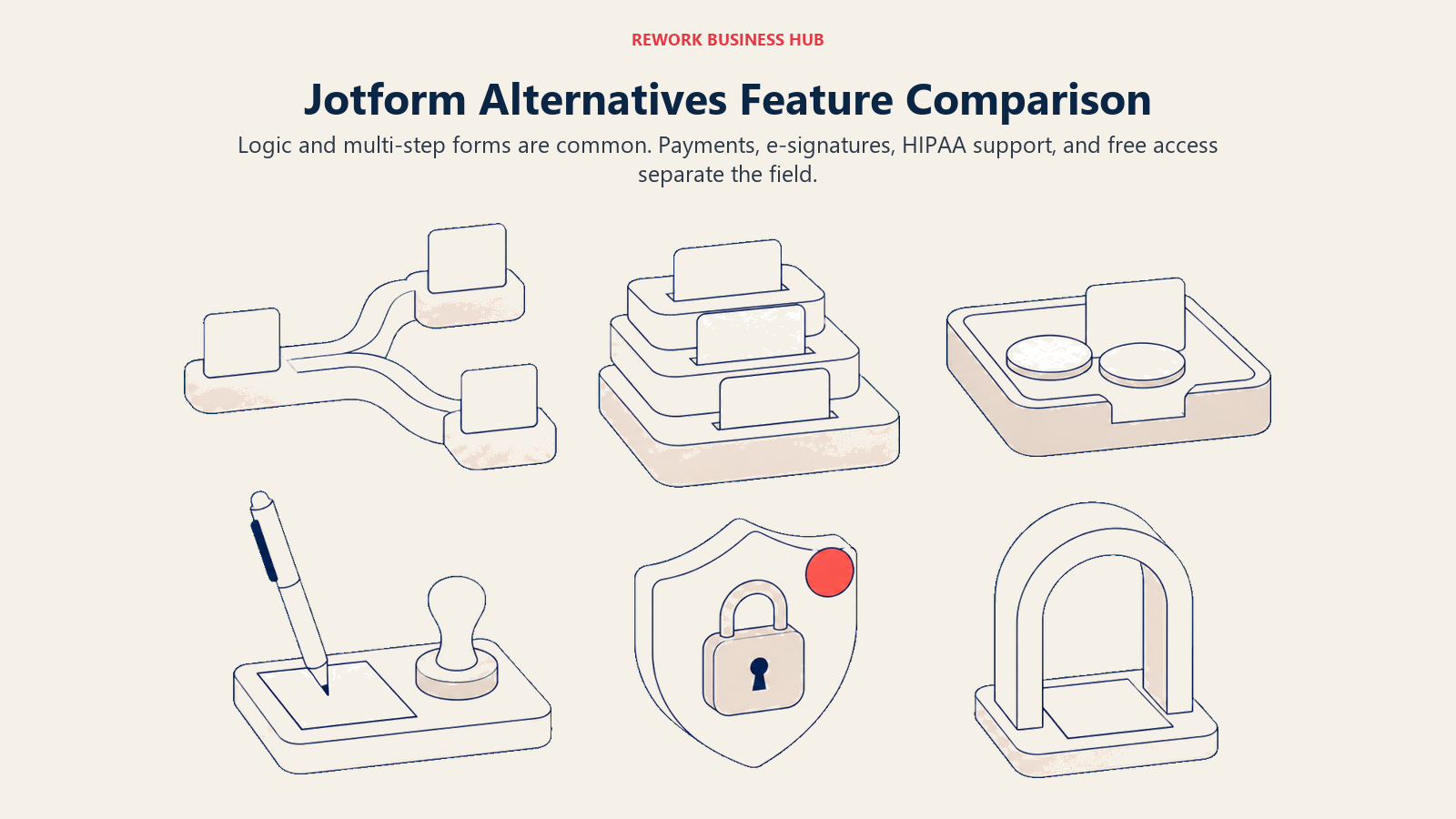
| Feature | Typeform | Google Forms | MS Forms | Formstack | Gravity Forms | Tally | Fillout | Wufoo | Cognito Forms | WPForms | Paperform | SurveyMonkey | Zoho Forms |
|---|---|---|---|---|---|---|---|---|---|---|---|---|---|
| Conditional logic | Yes | Limited | Limited | Yes | Yes | Yes | Yes | Yes | Yes | Yes | Yes | Yes | Yes |
| Multi-step forms | Yes | No | Yes | Yes | Yes | Yes | Yes | Yes | Yes | Yes | Yes | Yes | Yes |
| Payment collection | No | No | No | Yes | Yes (add-on) | No | Yes | No | Yes | Yes (Pro+) | Yes | No | Yes |
| E-signatures | No | No | No | Yes | Yes (add-on) | No | No | No | Yes | No | No | No | No |
| HIPAA compliance | Enterprise | No | No | Add-on | No | No | No | No | Enterprise | No | No | Enterprise | Premium |
| Free tier | Yes | Yes | Yes (M365) | No | No | Yes | Yes | Yes | Yes | No | Yes | Yes | Yes |
Pricing Comparison
The pricing models differ as much as the products, spanning fully free tools, unlimited-response plans, annual WordPress licenses, flat monthly SaaS, and per-seat pricing.
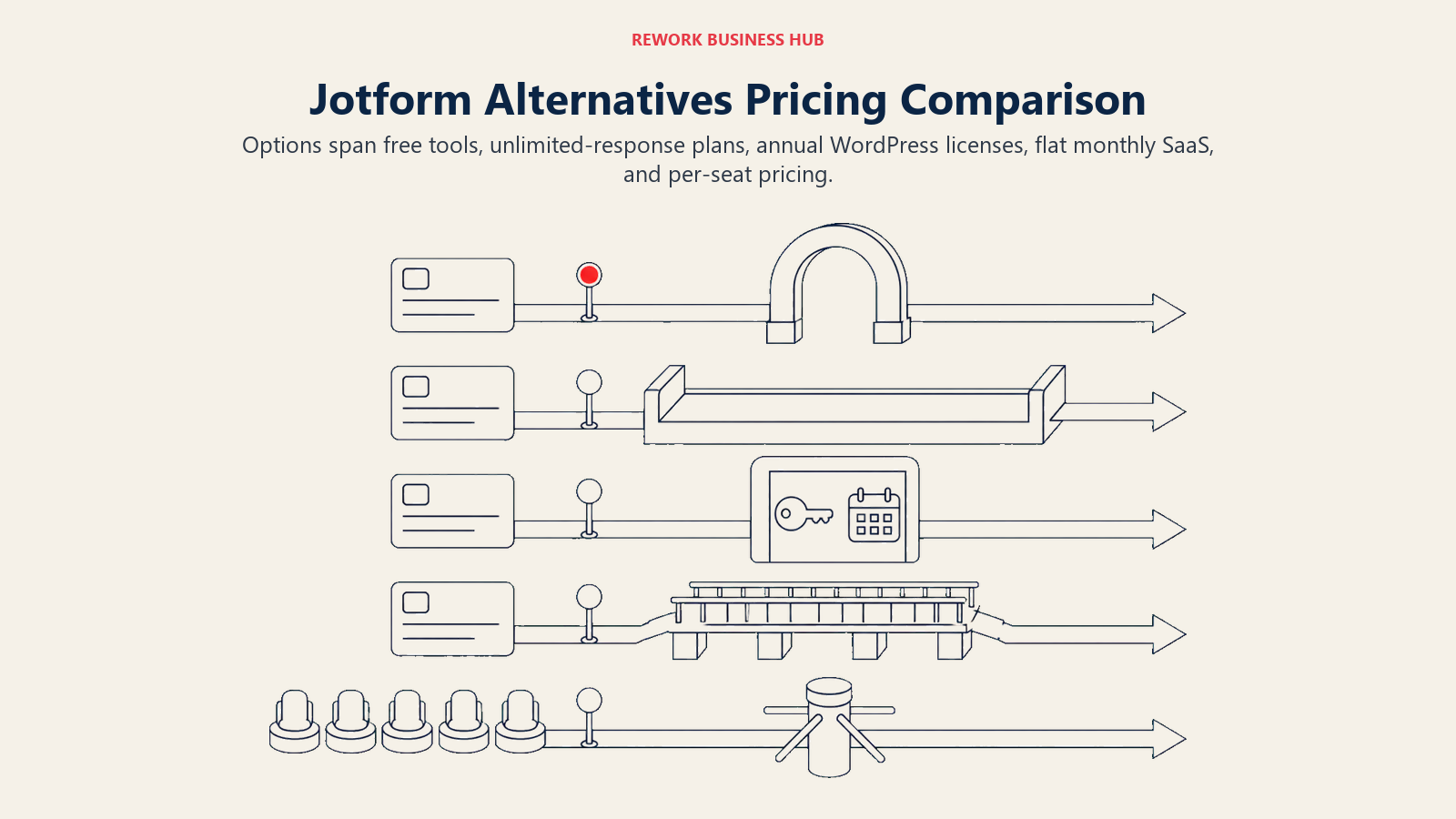
| Tool | Free Tier | Entry Paid (Annual) | Mid Tier | Enterprise | Pricing Model |
|---|---|---|---|---|---|
| Typeform | Yes (100 responses) | Free (100 resp/mo); $39/mo monthly, $28/mo annual | $50-83/mo | Custom | Per seat / responses |
| Google Forms | Yes (full) | N/A | N/A | N/A | Free |
| Microsoft Forms | Yes (with M365) | $7/user/mo | $23.50-32/user/mo | Custom | Per seat (M365) |
| Formstack | No | $83/mo | $250/mo | Custom | Flat monthly |
| Gravity Forms | No | $59/yr | $159/yr | $259/yr | Annual license |
| Tally | Yes (unlimited) | Free (unlimited); Pro $24/mo | $74/mo | N/A | Flat monthly |
| Fillout | Yes (1,000 responses) | Free (1,000 resp/mo); from $15/mo | $40/mo | Custom | Flat monthly |
| Wufoo | Yes (100 entries) | $16.25/mo | $33.25-83.25/mo | $210.25/mo | Flat monthly |
| Cognito Forms | Yes (100 entries) | Free (100 entries); $24/mo monthly, $19.20/mo annual | $39.20/mo | $129.60/mo | Flat monthly |
| WPForms | No | $49.50/yr first year, $99/yr renewal (Basic, 1 site) | $99.50-199.50/yr | $299.50/yr | Annual license |
| Paperform | Yes (30 submissions) | From $24/mo (annual) | $49/mo | $99/mo | Flat monthly |
| SurveyMonkey | Yes (limited) | $25/user/mo | $75/user/mo | Custom | Per seat |
| Zoho Forms | Yes (500 submissions) | US$10/mo annually | US$25-50/mo annually | US$90/mo annually | Flat monthly, annual billing |
How to Choose: Decision Framework
The right Jotform alternative depends on the dominant need, whether that's design, internal use, compliance, WordPress, database sync, simplicity, formal research, or ecosystem fit.
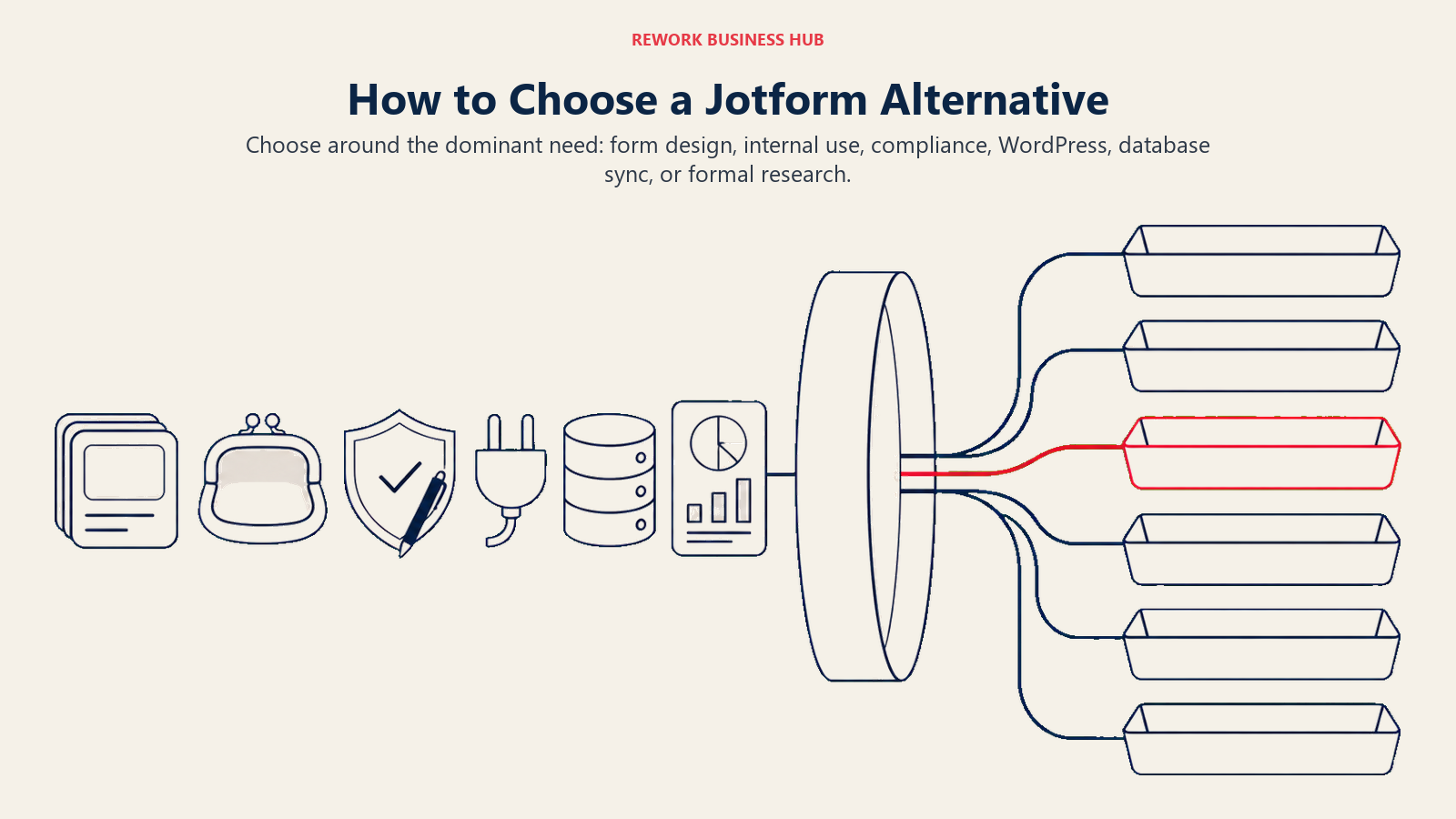
| If you need... | Best pick | Why |
|---|---|---|
| Best-in-class design and completion rate | Typeform | Conversational format outperforms static forms |
| Zero budget, internal use only | Google Forms | Completely free, Workspace-native |
| You're already paying for Microsoft 365 | Microsoft Forms | Included at no added cost |
| Enterprise compliance and document generation | Formstack | HIPAA-ready, e-signatures, document workflows |
| Deep native logic on your own WordPress site | Gravity Forms | Mature add-ons, full data ownership |
| Unlimited responses without a fee wall | Tally | No response caps at any tier |
| Forms that write into Notion, Airtable, Supabase | Fillout | Native database sync, no middleware |
| A simple builder with no learning curve | Wufoo | Oldest, most straightforward tool in the category, and unchanged since 2020 |
| Complex logic and HIPAA on a smaller budget | Cognito Forms | Enterprise tier undercuts Formstack significantly |
| The most widely adopted WordPress plugin | WPForms | Largest install base, gentle for non-developers |
| Forms that double as a landing page or quiz | Paperform | Rich media, scoring, and branching |
| Structured research, NPS, or benchmarking | SurveyMonkey | Purpose-built for formal research programs |
| You're standardized on Zoho | Zoho Forms | Native Zoho CRM and Desk sync |
Frequently Asked Questions about Jotform Alternatives
What's the best free Jotform alternative?
Tally and Google Forms are the strongest free options. Tally's free plan has no response cap at all, and Google Forms is completely free with no submission limits. Jotform's own free plan caps out at 100 submissions a month, which is the ceiling most switchers hit first.
Which Jotform alternative is best for HIPAA compliance?
Formstack and Cognito Forms both offer HIPAA-ready plans, and Zoho Forms adds HIPAA compliance on its Premium tier. Jotform itself offers HIPAA features starting on its Gold plan, so if compliance is your only reason for evaluating alternatives, it's worth confirming Jotform's own Gold tier covers your use case before switching platforms entirely.
Do any of these tools sync natively with a CRM the way Jotform doesn't?
Most connect through native integrations or Zapier-style middleware rather than a unified data model, similar to Jotform itself. Formstack has the deepest native Salesforce integration here, and Zoho Forms syncs natively into Zoho CRM. Outside those two cases, expect to maintain an integration layer regardless of which tool you pick.
Is Gravity Forms or WPForms better for a WordPress site?
Both are WordPress plugins with annual licensing rather than SaaS subscriptions. WPForms has the larger install base and a gentler drag-and-drop learning curve. Gravity Forms has deeper conditional logic and a more mature add-on ecosystem for complex, multi-step workflows. Start with WPForms if you're new to WordPress form building; move to Gravity Forms Elite if you need advanced logic or heavier CRM add-ons.
What's the cheapest way to replace Jotform's paid tiers?
Tally's free plan or Google Forms cover the most ground at zero cost. If you need conditional logic and a small paid tier, Fillout's Starter plan and Cognito Forms' Pro plan both undercut Jotform's $34/month Bronze plan while covering similar submission volume.
Can I export my forms and data if I switch away from Jotform?
Yes. Every tool in this guide lets you export response data as CSV or Excel. None offer a one-click Jotform migration tool, so budget time to rebuild your form logic by hand rather than expecting an automatic transfer.
Which alternative comes closest to Jotform's all-in-one feature set?
Formstack comes closest on compliance and document generation. WPForms' Elite tier comes closest on payment processing, e-signatures, and CRM integrations if you're on WordPress. No single tool matches Jotform's exact combination of templates and integrations at a lower price, which is why Jotform still leads on raw breadth even as teams outgrow it on cost or interface.
What to Do Next
Narrow the list to two tools using the decision framework above, then run a two-week pilot with a real form you'd otherwise be building in Jotform, not a test form. Watch three things: how close the submission and storage limits come to your actual monthly volume, how much manual work the CRM connection needs, and whether the logic holds up when real users take an unexpected path through the form.
If cost is the main driver, start with Tally or Google Forms since both remove the response-cap anxiety entirely. If compliance is the driver, compare Formstack against Cognito Forms before assuming you need the more expensive option. And if you're weighing whether to consolidate a wider stack of tools rather than swap one form builder for another, the true cost of software sprawl makes the case with real numbers before you sign a new annual contract. For a wider view than the Jotform-replacement angle, the full form builder comparison ranks all thirteen builders side by side, and Jotform vs Typeform settles the single most common head-to-head.
External Resources:
- Typeform pricing: Free through Enterprise plan comparison
- Tally pricing: Free, Pro, and Business plan breakdown
- Fillout pricing: Free through Enterprise tiers
- Formstack pricing: Standard and Suite plan comparison
- SurveyMonkey pricing: Team Advantage, Premier, and Enterprise
- Zuko Analytics form benchmarking: completion and abandonment rate data

Principal Product Marketing Strategist
On this page
- Key Facts
- Quick Comparison Table
- Why Teams Leave Jotform
- Stage Fit Matrix
- Sizing and Persona Table
- 1. Typeform: Conversational Design Built for Completion Rate
- 2. Google Forms: Zero Cost, Zero Friction
- 3. Microsoft Forms: Already Included, Already Familiar
- 4. Formstack: Enterprise Forms With Compliance Built In
- 5. Gravity Forms: Deepest Logic for WordPress Sites
- 6. Tally: Unlimited Forms Without the Response Anxiety
- 7. Fillout: Forms That Write Directly to Your Database
- 8. Wufoo: The Simplest Builder in the Category
- 9. Cognito Forms: Complex Logic and HIPAA at a Lower Price
- 10. WPForms: The Most-Installed WordPress Form Plugin
- 11. Paperform: Forms That Look Like Landing Pages
- 12. SurveyMonkey: Research Depth Jotform Doesn't Attempt
- 13. Zoho Forms: Native Fit for the Zoho Ecosystem
- Feature Depth Comparison
- Pricing Comparison
- How to Choose: Decision Framework
- What to Do Next