Best PandaDoc Alternatives in 2026: 9 Proposal and Document Automation Tools
Turn this article into takeaways for your work.


Each assistant summarizes the article only for you and suggests best practices for your work.
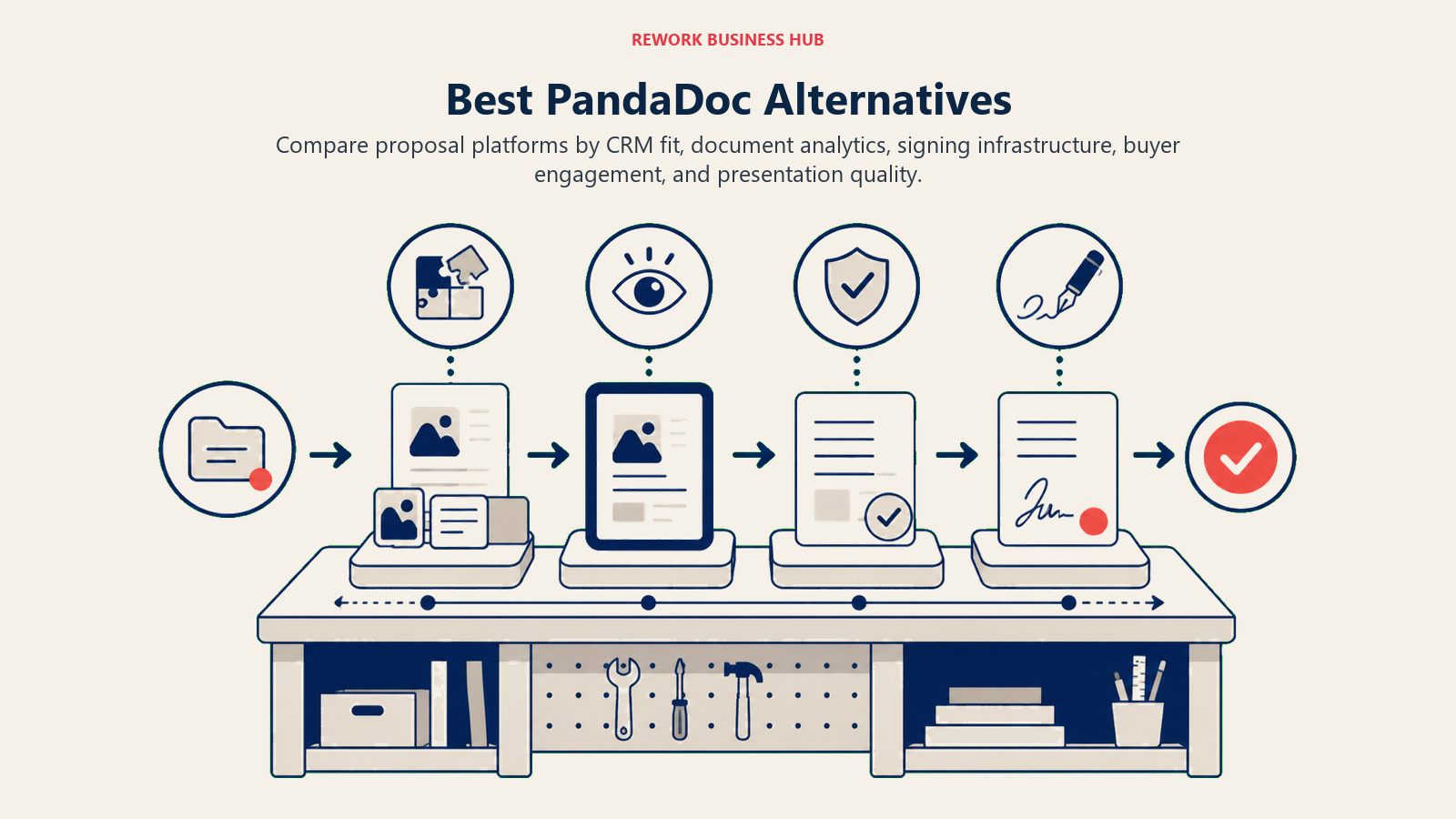
PandaDoc is a solid document automation platform. Proposals go out faster, e-signatures are built in, and the template library is genuinely useful. But somewhere between 20 and 100 seats, teams start doing the math and don't like what they find. Per-seat pricing compounds quickly. CRM depth beyond HubSpot and Salesforce is limited. The document editor hits walls when you need conditional pricing blocks or complex CPQ logic. And if you're trying to connect proposals to a broader revenue workflow (not just send-and-sign), the platform shows its age.
This guide is for sales ops leads, RevOps directors, and founders who've outgrown PandaDoc or never quite fit it in the first place. We looked at 9 alternatives across the full spectrum: dedicated proposal tools, enterprise-grade e-signature suites, CRM-native quoting, and lightweight document tools for small teams. For teams that primarily need e-signature infrastructure rather than full proposal automation, best DocuSign alternatives covers the standalone e-sign category in more depth. If payment collection is part of your sales workflow, the processors that integrate with proposal and contract tools are worth reviewing alongside this guide. The goal isn't to find the "best" tool in the abstract. It's to find the right tool for your specific stage, team size, and stack.
Quick Comparison Table
| Tool | Best For | Starting Price | Key Strength | Key Limitation |
|---|---|---|---|---|
| Proposify | Sales teams focused on proposal win rates | $49/user/mo | Proposal analytics and content library | Limited CRM integrations beyond Salesforce/HubSpot |
| DocuSign | Enterprise e-signature at scale | $15/user/mo (Standard) | Brand recognition, compliance, API ecosystem | Proposal/content features are thin |
| Adobe Acrobat Sign | Adobe ecosystem shops | $14.99/user/mo | PDF-native workflow, Creative Cloud integration | Expensive at scale, steep learning curve |
| GetAccept | Sales engagement + e-signature in one | $25/user/mo (eSign) | Video selling, engagement tracking | Smaller integration ecosystem |
| Qwilr | Interactive web-based proposals | $35/user/mo | Beautiful proposal UX, embed-anything | No true e-signature in lower tiers |
| Better Proposals | Freelancers and small agencies | $19/user/mo | Simplicity, fast setup, fair pricing | Limited for complex enterprise deals |
| HubSpot Quotes | HubSpot-native teams | Included with Sales Hub Starter ($20/seat/mo) | Zero friction if you're already in HubSpot | Only works inside HubSpot CRM |
| Zoho Sign | Zoho ecosystem users | $10/user/mo | Deep Zoho CRM integration, low cost | Weak outside the Zoho suite |
| Jotform Sign | Form-heavy document workflows | $34/mo (team plan) | Powerful forms + signing in one | Not built for complex sales proposals |
Stage Fit Matrix
| Tool | Startup (1-10) | Growth (10-50) | Mid-Market (50-200) | Enterprise (200+) |
|---|---|---|---|---|
| Proposify | Moderate | Strong | Strong | Moderate |
| DocuSign | Weak | Moderate | Strong | Strong |
| Adobe Acrobat Sign | Weak | Moderate | Strong | Strong |
| GetAccept | Good | Strong | Moderate | Weak |
| Qwilr | Strong | Strong | Moderate | Weak |
| Better Proposals | Strong | Moderate | Weak | Not suited |
| HubSpot Quotes | Moderate | Strong | Strong | Moderate |
| Zoho Sign | Good | Strong | Moderate | Weak |
| Jotform Sign | Strong | Moderate | Weak | Not suited |
Sizing and Persona Table
| Tool | Team Size Sweet Spot | Who Buys It | Team or Company-Wide? |
|---|---|---|---|
| Proposify | 5-100 users | Sales Ops, VP Sales | Sales team |
| DocuSign | 20-5,000+ users | Legal, IT, Procurement | Company-wide |
| Adobe Acrobat Sign | 20-5,000+ users | Legal, IT, Operations | Company-wide |
| GetAccept | 3-80 users | Sales Manager, AE team lead | Sales team |
| Qwilr | 1-50 users | Sales rep, Founder, Agency owner | Sales team |
| Better Proposals | 1-20 users | Freelancer, Agency owner | Individual or small team |
| HubSpot Quotes | 5-500 users | Sales Ops, HubSpot admin | Sales team |
| Zoho Sign | 5-150 users | IT admin, Zoho admin, SMB owner | Company-wide |
| Jotform Sign | 1-50 users | Operations, HR, Admin | Team or department |
1. Proposify: Proposal Analytics and Win-Rate Optimization
Proposify's philosophy is that the proposal itself is a sales asset, and it should be treated like one. Where PandaDoc focuses on document creation and signature collection, Proposify leans into what happens before and after the send: content library management, proposal analytics, and approval workflows designed to improve win rates over time.
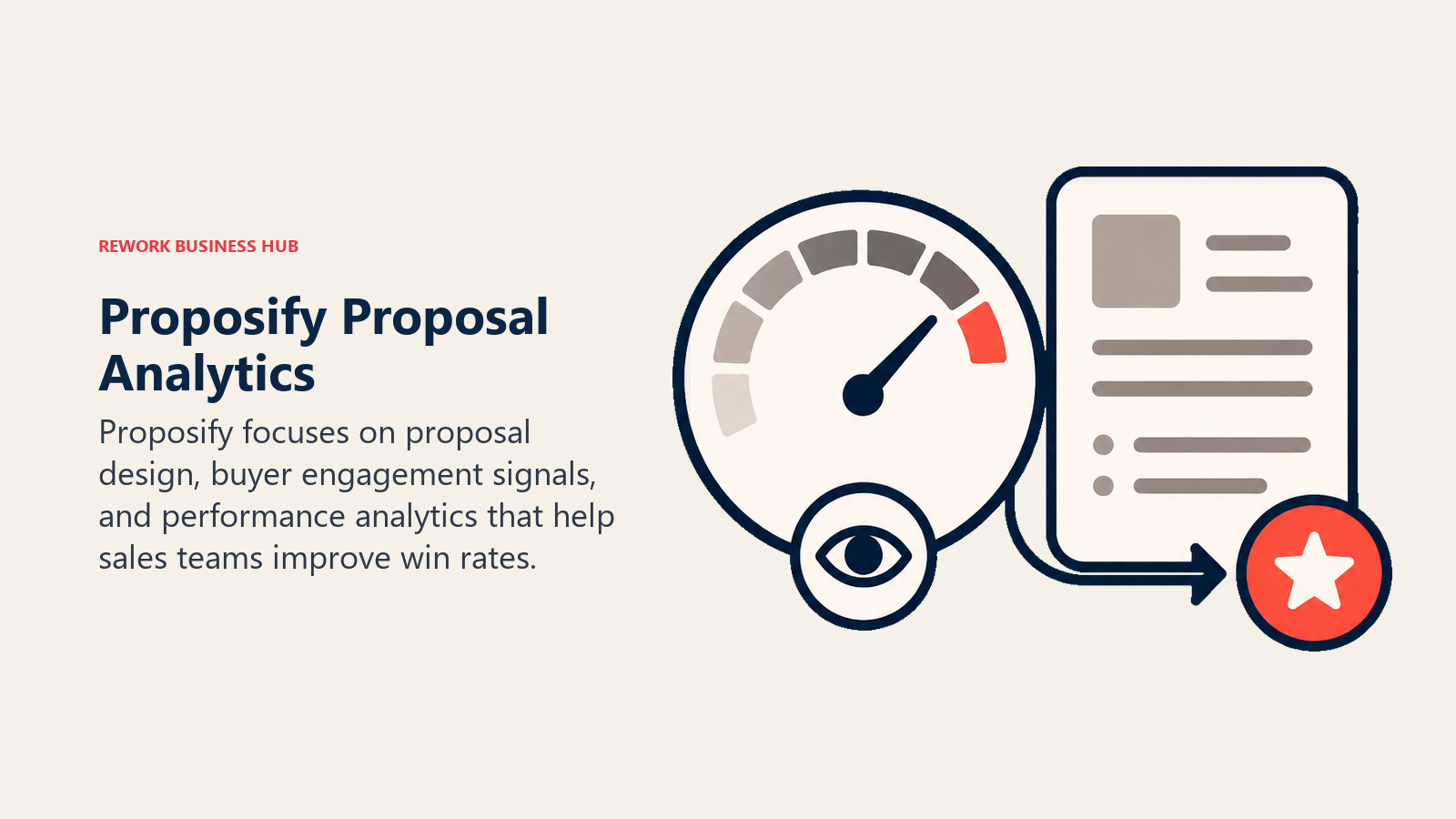
The platform targets sales teams at growth-stage and mid-market companies. The ICP is a VP Sales or Sales Ops lead who manages multiple AEs and wants consistency in how proposals go out (same pricing, same messaging, same brand) while still giving reps flexibility to personalize.
The content library is genuinely strong. Approved pricing blocks, case study snippets, and product descriptions live in a central repository. Reps pull from it rather than improvising. When pricing changes, one update propagates everywhere. That's a real workflow improvement for teams closing 30-100 deals a month. For teams also evaluating how proposals connect to broader pipeline reporting, best Asana alternatives covers the project-side tools that many RevOps teams run alongside their proposal stack.
Proposify connects to Salesforce, HubSpot, and a handful of other CRMs, but the integrations are surface-level compared to natively connected platforms. Data flows in one direction more smoothly than the other, and complex deal structures don't always map cleanly.
| What you get | What you don't |
|---|---|
| Detailed proposal open/view/time analytics | Deep CRM bi-directional sync |
| Centralized content library with approval controls | CPQ (configure, price, quote) sophistication |
| Templated workflows for consistent proposals | Video selling or interactive proposal formats |
| Good brand control and white-labeling | Low-cost entry tier |
Pricing: $49/user/month (Team). $590/month flat (Business, up to 10 users).
Best for: Growth-stage and mid-market sales teams (5-100 users) where proposal quality and consistency directly impact win rates. Not ideal for: Teams already embedded in a CRM that offers native quoting, or small teams who find the price-per-seat hard to justify.
2. DocuSign: Enterprise E-Signature Infrastructure at Scale
DocuSign isn't a proposal tool. It's infrastructure. The product's philosophy is that agreements should move as fast as business moves. For large organizations with complex signing workflows across legal, procurement, HR, and sales, DocuSign is the default answer.
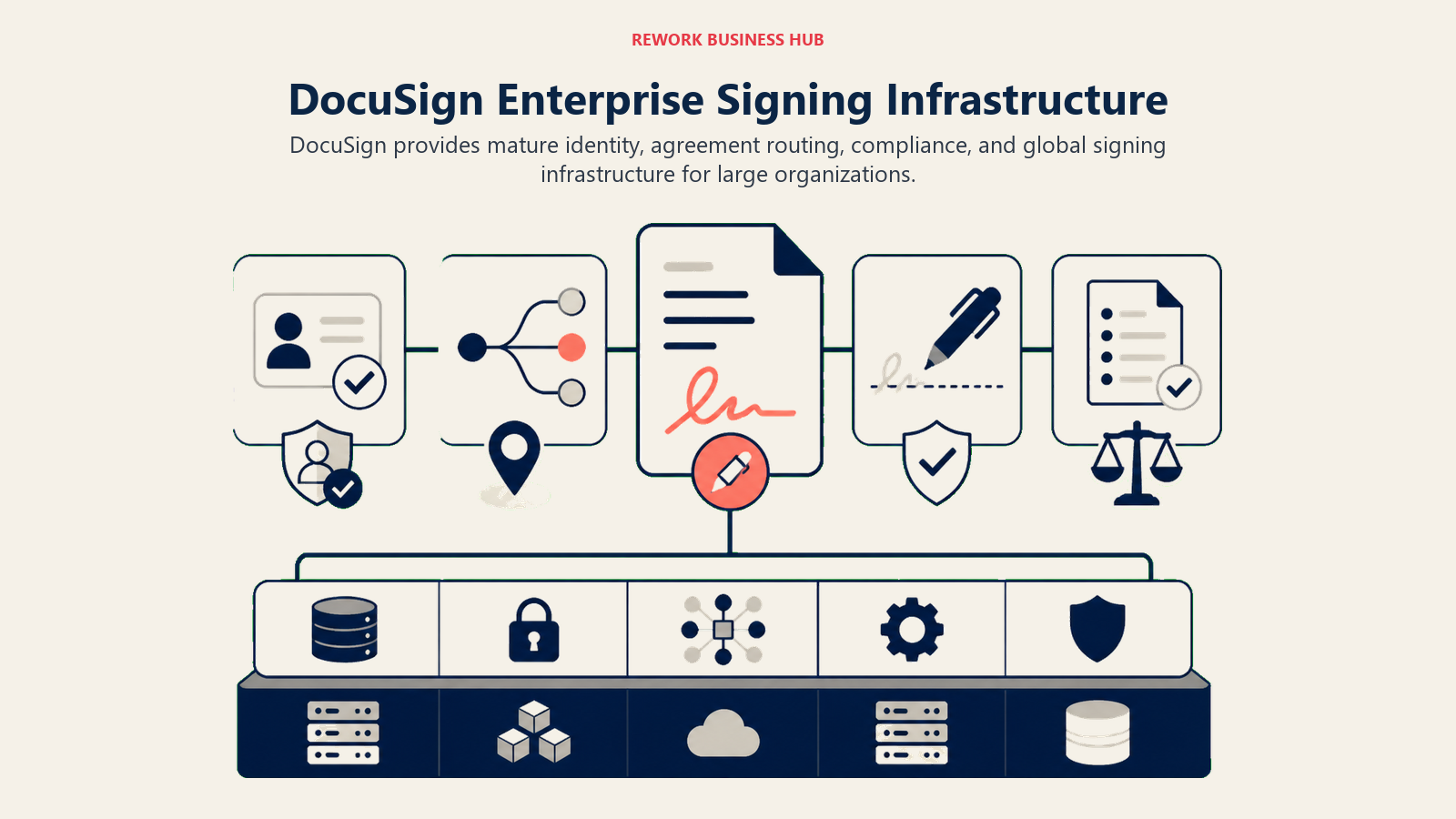
The target buyer is enterprise IT or legal: someone managing thousands of signing envelopes across departments, integrating with SAP or Salesforce, and requiring audit trails for compliance. DocuSign's API ecosystem is the deepest in the industry. Almost every major enterprise SaaS platform has a certified DocuSign integration. That ubiquity is its moat.
For sales-specific document workflows (proposals with dynamic pricing, interactive content, or deep CRM context), DocuSign is thin. The Rooms product and CLM (Contract Lifecycle Management) add capability, but at significant cost. Most companies using DocuSign for sales proposals are bolting it onto another tool rather than using it as the primary proposal platform. Teams evaluating DocuSign against other e-sign tools should read best DocuSign alternatives for a direct comparison of the standalone e-signature category.
| What you get | What you don't |
|---|---|
| Industry-leading compliance (FedRAMP, HIPAA, SOC 2) | Proposal creation or content library features |
| Massive API ecosystem and enterprise integrations | Competitive pricing at scale |
| Multi-party, multi-step signing workflows | Sales engagement analytics |
| Long track record and brand trust | Modern UI (improving, but legacy feel persists) |
Pricing: Personal $15/month, Standard $45/user/month, Business Pro $65/user/month. Enterprise pricing negotiated.
Best for: Enterprises (200+ users) that need compliant, scalable e-signature infrastructure across legal, HR, procurement, and sales. Not ideal for: Small teams that need proposal creation tools or companies where the primary use case is sales document automation.
3. Adobe Acrobat Sign: PDF-Native Document Workflows for Adobe Shops
Adobe's bet is that PDF isn't going anywhere, and for large organizations, they're right. Adobe Acrobat Sign is built for companies that live in the Adobe ecosystem: Creative Cloud, Acrobat Pro, and Document Cloud. The product's philosophy is that document workflows should extend naturally from where documents are already created and managed.
The ICP is an operations or IT leader at a mid-size to enterprise company that uses Adobe heavily across departments. Creatives output PDFs, legal reviews in Acrobat, and contracts go out via Sign. For those teams, the workflow is genuinely smooth. For everyone else, it's an expensive standalone e-signature tool with a learning curve.
Adobe Acrobat Sign supports web forms, bulk sending, and a capable API. The compliance story is strong, with the same certifications as DocuSign. But the proposal creation experience is thin. You're working with PDFs, not interactive documents. Dynamic pricing, video, or web-based proposal formats aren't part of the product vision.
| What you get | What you don't |
|---|---|
| Deep Adobe ecosystem integration | Proposal creation or content library |
| Strong PDF editing and form field detection | Competitive per-seat pricing |
| Enterprise compliance (HIPAA, SOC 2, FedRAMP-ready) | Sales engagement analytics |
| Bulk sending and form templates | Easy onboarding for non-Adobe users |
Pricing: Acrobat Standard $14.99/user/month, Acrobat Pro $19.99/user/month. Sign enterprise pricing separate.
Best for: Mid-market and enterprise companies (50-5,000+ users) deeply embedded in the Adobe ecosystem with complex PDF-based document workflows. Not ideal for: Teams that need modern proposal creation, interactive documents, or don't already use Adobe tools.
4. GetAccept: Sales Engagement Platform with Built-In E-Signature
GetAccept's vision is that the space between "proposal sent" and "deal signed" is where sales are won or lost, and most tools treat it as a black box. GetAccept fills that space with engagement tracking, video selling, live chat on documents, and e-signature, all in a single sales room.
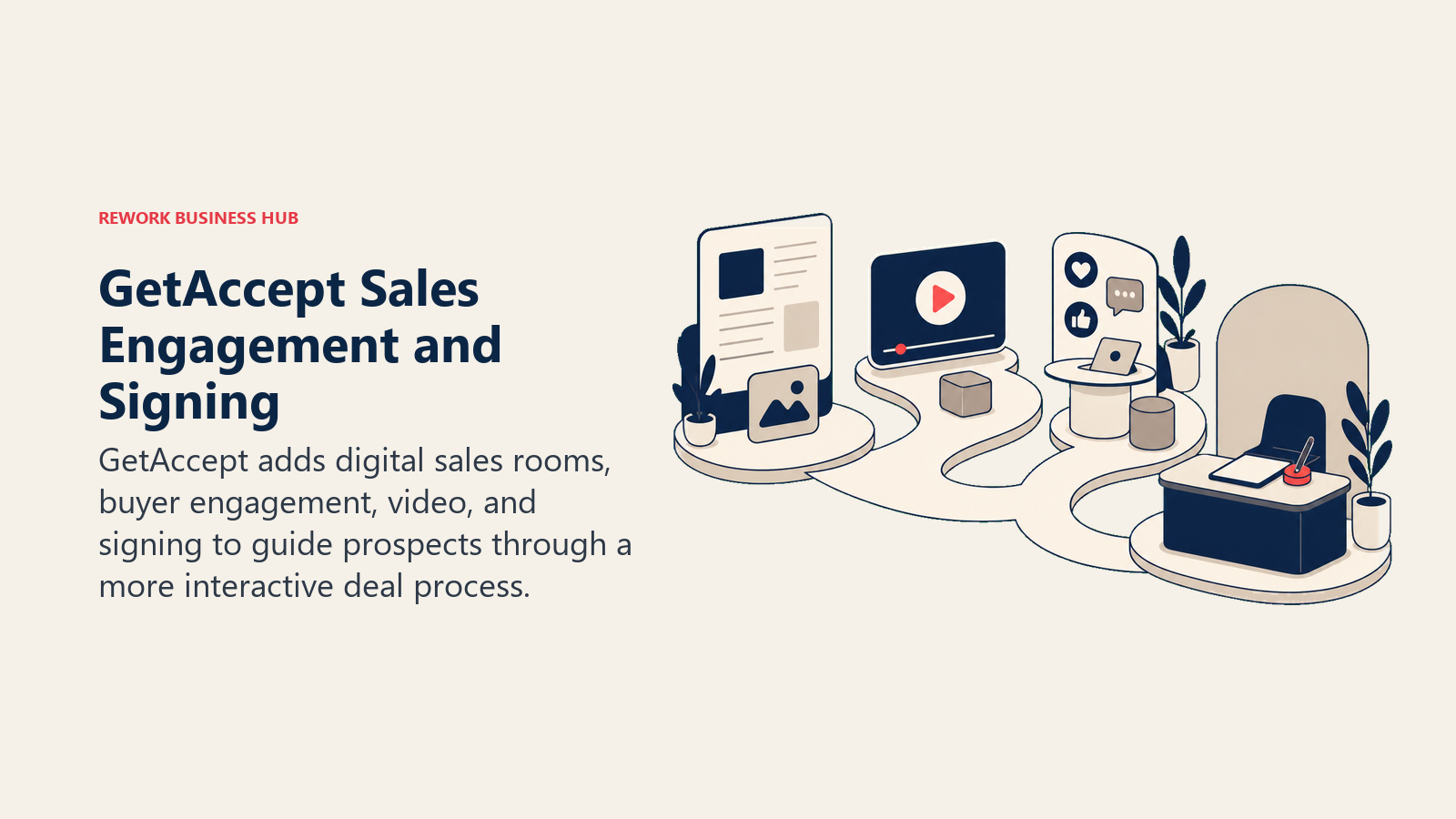
The target buyer is a sales manager or AE team lead at a growth-stage company (10-80 users) running a consultative sales process where relationship and timing matter. The sales room concept gives buyers a dedicated space to review proposals, ask questions, and sign, all tracked in real time. When a prospect spends 18 minutes on your pricing page, you know.
Video selling is a differentiator. Reps can embed personalized video introductions into proposals, which drives engagement metrics that GetAccept claims correlate with higher close rates. It's a real feature, not a gimmick, and it works well for teams selling complex products where context and trust matter. For teams where async video and screen recording are part of the sales motion, the best Loom alternatives covers standalone video tools that pair well with proposal platforms.
The integration ecosystem is smaller than DocuSign or PandaDoc. Major CRMs are covered (Salesforce, HubSpot, Pipedrive), but deeper RevOps stacks may require workarounds. Enterprise deals with complex procurement processes aren't the sweet spot.
| What you get | What you don't |
|---|---|
| Real-time document engagement analytics | Broad integration ecosystem |
| Video selling embedded in proposals | Enterprise CPQ or complex approval chains |
| Interactive digital sales rooms | Cheap per-seat entry point |
| Live chat on proposals for buyer questions | Mature content library management |
Pricing: Essential $39/user/month, Professional $69/user/month. Enterprise on request.
Best for: Growth-stage sales teams (5-80 users) running consultative deals where buyer engagement and timing insight improve close rates. Not ideal for: High-volume transactional sales, enterprise procurement workflows, or teams with complex CPQ requirements.
5. Qwilr: Web-Based Proposals That Look Like Landing Pages
Qwilr's philosophy is that a proposal is a first impression, and a Word doc or PDF doesn't make the right one. Every Qwilr document is a hosted web page. Animated, responsive, embeddable. You can drop in a demo video, a pricing calculator, a calendar booking link. The buyer opens a URL, not an attachment.
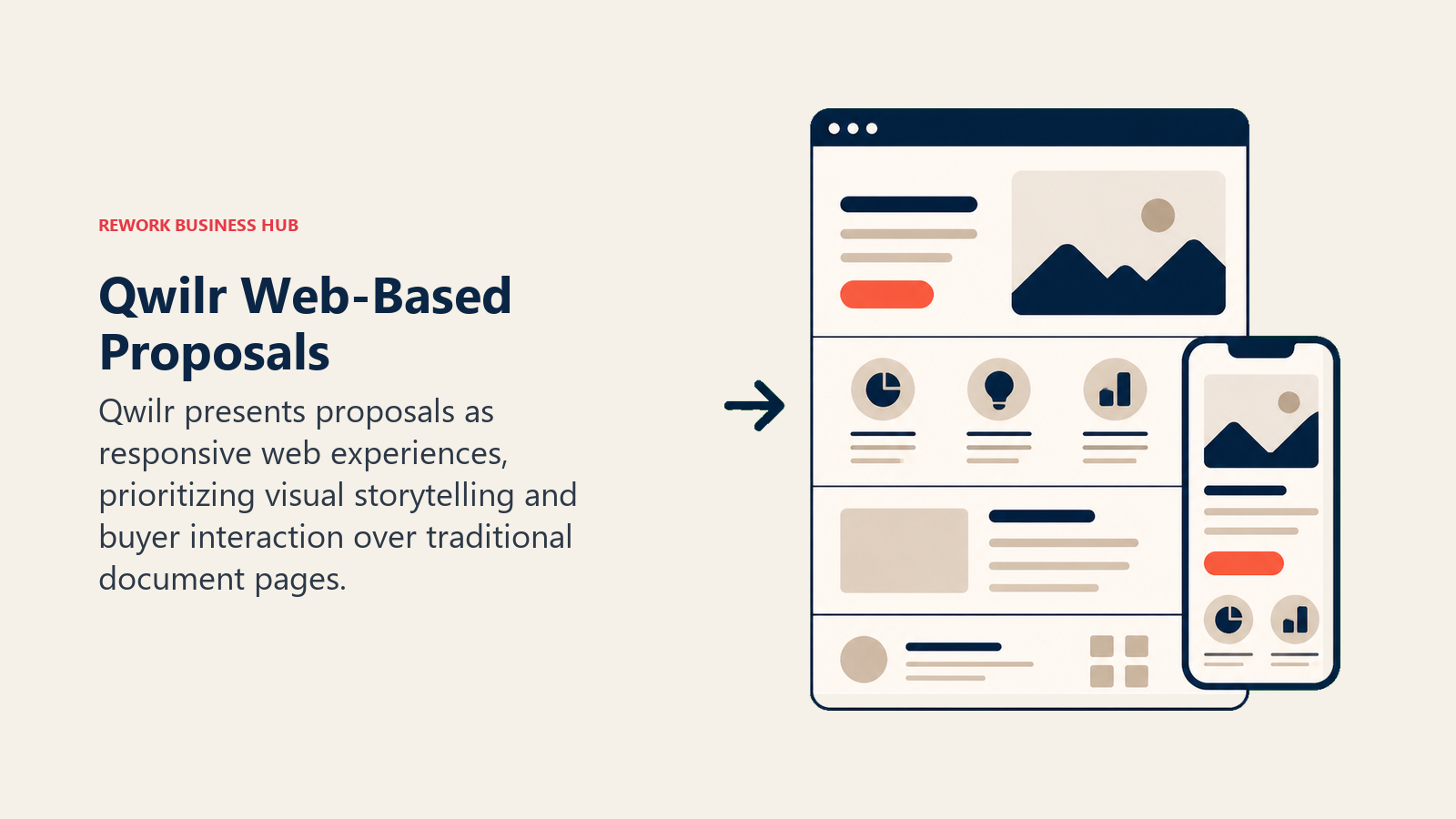
The product targets salespeople, founders, and agency owners who close deals where visual presentation matters: creative services, SaaS demo-to-close, consulting, marketing agencies. The ICP skews toward smaller organizations (1-50 users) where individual AEs or founders own the proposal process end-to-end.
The interactive pricing block is Qwilr's standout feature. Buyers can toggle between options, add line items, and see totals update in real time. Combined with view tracking and CRM updates on open/sign, it creates a tighter feedback loop than static PDF proposals.
The tradeoff is e-signature. True e-signature (legally binding, audit trail) is only available on the Business tier. The lower tier has a simple acceptance button, which is fine for some use cases and insufficient for others. For teams needing multi-party signing workflows, Qwilr gets expensive or incomplete.
| What you get | What you don't |
|---|---|
| Beautiful, web-native proposal format | Legal e-signature on entry tiers |
| Interactive pricing calculators for buyers | Complex multi-party signing workflows |
| Embed-anything (video, calendars, forms) | Deep CRM bi-directional sync |
| Strong view and engagement analytics | Large content library management tools |
Pricing: Basic $35/user/month (no e-sign), Business $59/user/month (e-sign included).
Best for: Sales teams and agencies (1-50 users) where proposal aesthetics and buyer experience drive conversion, especially in visual or creative industries. Not ideal for: High-volume deal teams that need fast, templated output or enterprises requiring complex multi-party signing workflows.
6. Better Proposals: Fast, Clean Proposal Software for Small Teams
Better Proposals builds for the solo operator and small agency. The product's thesis is that most proposal software is over-engineered for people sending 3-15 proposals a month, and that simplicity is a feature. Setup takes minutes. Templates are ready to customize. Signing works. Payments integrate directly (Stripe, PayPal). Done.
The ICP is a freelancer, consultant, or small agency owner (1-20 users) who doesn't need a CRM integration, doesn't need CPQ, and doesn't need enterprise compliance. They need to look professional, get a signature, collect a deposit, and move on.
Better Proposals covers that workflow well. The template library is decent, the editor is clean, and the pricing makes sense at small scale. The analytics (open tracking, time-spent per section) give solo operators enough signal to follow up intelligently.
Scaling beyond 20 users reveals the cracks. There's no true approval workflow, content governance is limited, and CRM integrations are shallow. For a 50-person sales team, Better Proposals creates more coordination problems than it solves.
| What you get | What you don't |
|---|---|
| Fast setup and clean editing experience | Enterprise features or compliance |
| Built-in payment collection (Stripe, PayPal) | Deep CRM integration |
| Solid template library | Multi-user governance or approval workflows |
| Fair per-user pricing at small scale | CPQ or dynamic pricing blocks |
Pricing: Starter $19/user/month (5 proposals), Premium $29/user/month (unlimited), Enterprise $49/user/month.
Best for: Freelancers, consultants, and small agencies (1-20 users) who need professional proposals with payment collection and don't want enterprise complexity. Not ideal for: Sales teams of 20+ people, companies with complex pricing, or anyone needing deep CRM bi-directional sync.
7. HubSpot Quotes: Native Quoting for Teams Already in HubSpot
HubSpot Quotes isn't a standalone product. It's a feature inside HubSpot Sales Hub. But for teams already running their CRM in HubSpot, it's often the right answer, and it's underused.
The philosophy is zero-friction native quoting. You're in a deal record, you click "Create quote," and all the contact, company, and deal data pre-populates. Product catalog pulls in. Line items auto-calculate. Send via HubSpot, track opens, collect signature. The entire workflow stays inside HubSpot, with no data syncing, no integration to maintain, and no per-seat add-on for the basic version.
The ICP is a sales team that's committed to HubSpot as the CRM of record and wants quoting that doesn't require a separate platform. This is most powerful at the growth stage (10-200 users) where the HubSpot ecosystem is already mature enough to support the workflow. For teams evaluating whether HubSpot is the right CRM foundation to build on, best HubSpot alternatives puts the quoting decision in broader context.
Outside of HubSpot, Quotes is nothing. The tool has zero standalone value. And even inside HubSpot, complex CPQ scenarios (multi-product bundles, discount approval chains, multi-currency) require third-party apps from the HubSpot App Marketplace. The native version is clean but limited.
| What you get | What you don't |
|---|---|
| Zero friction - deal data pre-fills automatically | Any value outside HubSpot CRM |
| Included in Sales Hub (no separate tool cost) | Complex CPQ or advanced approval workflows |
| Native tracking and reporting in HubSpot | Advanced proposal templates or web-based formats |
| E-signature and payment collection built in | True multi-party signing workflows |
Pricing: Included with Sales Hub Starter ($20/seat/month) and above. No additional cost for Quotes feature.
Best for: Teams (5-500 users) already using HubSpot CRM as their system of record who want quoting without adding another tool to the stack. Not ideal for: Teams on any other CRM, companies with complex CPQ requirements, or anyone who needs a proposal format that goes beyond a line-item table.
8. Zoho Sign: E-Signature for the Zoho Ecosystem
Zoho Sign is the e-signature component of Zoho's all-in-one business suite. The product's philosophy matches the broader Zoho bet: that most businesses don't need best-of-breed point solutions. They need an integrated suite that's good enough at everything and excellent at working together.
The ICP is an SMB or mid-market company (5-150 users) that has standardized on Zoho CRM, Zoho Books, or Zoho One. For those teams, Zoho Sign is the obvious e-signature choice because the integration is native and the pricing is aggressive. Documents flow from Zoho CRM deals to Zoho Sign and back without configuration.
Outside the Zoho ecosystem, Zoho Sign is a competent but unremarkable e-signature tool. The integrations with non-Zoho platforms exist but aren't deep. The UI is functional without being delightful. Compliance certifications cover the basics (ESIGN, eIDAS, UETA) but don't reach FedRAMP or HIPAA territory without enterprise plans.
| What you get | What you don't |
|---|---|
| Deep Zoho CRM and Zoho One integration | Competitive experience outside Zoho ecosystem |
| Aggressive pricing for small and mid-size teams | Enterprise compliance (FedRAMP, HIPAA) on standard plans |
| Solid template and bulk-send functionality | Modern UI design |
| API access on mid-tier plans | Proposal creation tools |
Pricing: Free (5 documents/month), Standard $10/user/month, Professional $20/user/month.
Best for: SMBs and mid-market companies (5-150 users) running Zoho CRM or Zoho One who want native e-signature without adding a separate vendor. Not ideal for: Teams outside the Zoho ecosystem, enterprise compliance requirements, or anyone wanting proposal creation beyond basic document sending.
9. Jotform Sign: Form-First Document Signing for Operational Workflows
Jotform Sign comes from a different angle than every other tool on this list. Jotform's product philosophy is that signing should be a natural extension of forms: intake forms, onboarding documents, consent forms, HR paperwork. The ICP isn't a sales team. It's an operations manager, HR coordinator, or small business owner automating document workflows that aren't sales-related.
That distinction matters. Jotform Sign handles sales proposals poorly because it wasn't designed for them. But for use cases like client onboarding agreements, employee offer letters, vendor contracts, and service agreements attached to intake forms, it works well and at a price point that's hard to argue with.
The product targets small teams and departments (1-50 users) that already use Jotform for form collection and want to add signing without adopting enterprise e-signature infrastructure. The form-to-signature workflow is genuinely smooth. A client fills out a service inquiry form, it auto-generates a personalized agreement, and they sign in the same session.
| What you get | What you don't |
|---|---|
| Tight form-to-signature workflow | Sales proposal creation or content library |
| Affordable team pricing | Advanced sales engagement features |
| Good conditional logic in documents | Enterprise compliance tiers |
| Wide integration library via Jotform ecosystem | Multi-party complex signing chains |
Pricing: Bronze $34/month (team plan, up to 5 users), Silver $39/month (up to 10 users). Individual plans from $34/month.
Best for: Small teams and departments (1-50 users) with form-heavy operational workflows - HR, onboarding, client intake - that need signing attached to data collection. Not ideal for: Sales teams building proposals, companies that need CPQ or deal management, or complex multi-stakeholder signing scenarios.
Why Teams Leave PandaDoc
Before making any switch, it's worth naming the actual pain point clearly. Teams tend to leave PandaDoc for one of four reasons:
| Reason | What's Really Happening | Better Fit |
|---|---|---|
| Per-seat pricing scales too fast | 30-100 seats hits a cliff | Better Proposals (flat tiers) or HubSpot Quotes (included) |
| CRM depth feels shallow | Data flows in but not out cleanly; complex deals require too much manual work | HubSpot Quotes (native to HubSpot), Zoho Sign (native to Zoho) |
| Document editor hits limitations | Complex tables, conditional sections, multi-product bundles get messy | Proposify (CPQ-adjacent content library), Qwilr (interactive format) |
| CPQ requirements outgrew basic functionality | Quote variants, discount approvals, tiered pricing logic breaks down | Proposify (structured content blocks), HubSpot Quotes + CPQ apps |
If the pain is one of the above, you can narrow the list fast. But if the real issue is "we want one fewer tool in the stack," the consolidation play (HubSpot Quotes for HubSpot-native teams, or Zoho Sign for teams already on Zoho CRM) is worth evaluating seriously before adding another point solution.
Feature Comparison: Core Capabilities
| Feature | Proposify | DocuSign | GetAccept | Qwilr |
|---|---|---|---|---|
| Proposal creation | Yes | Limited | Yes | Yes |
| Interactive pricing | Partial | No | No | Yes |
| E-signature | Yes | Yes | Yes | Business tier only |
| CRM integration | HubSpot/Salesforce | Broad | HubSpot/Salesforce/Pipedrive | HubSpot/Salesforce |
| Video selling | No | No | Yes | Embed only |
| Content library | Yes (strong) | No | Partial | Partial |
| Approval workflows | Yes | Limited | Partial | No |
| Analytics | Strong | Basic | Strong | Good |
| Feature | Better Proposals | HubSpot Quotes | Zoho Sign | Jotform Sign | Adobe Sign |
|---|---|---|---|---|---|
| Proposal creation | Yes | Basic | No | No | No |
| Interactive pricing | No | Line items | No | No | No |
| E-signature | Yes | Yes | Yes | Yes | Yes |
| CRM integration | Shallow | Native (HubSpot) | Native (Zoho) | Via Jotform | Broad |
| Video selling | No | No | No | No | No |
| Content library | Basic | No | No | No | No |
| Approval workflows | No | No | No | No | Yes |
| Analytics | Basic | HubSpot reporting | Basic | Basic | Good |
Pricing Comparison at 25 Users
| Tool | 25-User Monthly Cost | Notes |
|---|---|---|
| Proposify | ~$1,225/month | Team plan per-seat |
| DocuSign Business Pro | ~$1,625/month | Plus overage for high envelope volume |
| Adobe Acrobat Sign | ~$500/month | Acrobat Standard tier |
| GetAccept Professional | ~$1,725/month | Per-seat |
| Qwilr Business | ~$1,475/month | Per-seat with e-sign |
| Better Proposals Premium | ~$725/month | Per-seat |
| HubSpot Quotes (Sales Hub Starter) | ~$500/month | Quotes included, CRM functionality varies |
| Zoho Sign Professional | ~$500/month | Per-seat |
| Jotform Sign | ~$200/month | Team plan (limited users) |
Integration Depth Comparison
| Tool | Salesforce | HubSpot | Pipedrive | Zoho CRM | Zapier/Make |
|---|---|---|---|---|---|
| Proposify | Strong | Strong | Good | Limited | Yes |
| DocuSign | Strong | Good | Good | Moderate | Yes |
| Adobe Acrobat Sign | Strong | Good | Limited | Limited | Yes |
| GetAccept | Good | Good | Good | Limited | Yes |
| Qwilr | Good | Good | Good | Limited | Yes |
| Better Proposals | Basic | Basic | Basic | Basic | Yes |
| HubSpot Quotes | N/A | Native | No | No | No |
| Zoho Sign | Limited | Limited | Limited | Native | Yes |
| Jotform Sign | Limited | Good | Limited | Limited | Yes |
How to Choose: Decision Framework
| If you need... | Pick this |
|---|---|
| Best-in-class proposal analytics and win-rate optimization | Proposify |
| Enterprise-grade e-signature with legal and compliance teams | DocuSign or Adobe Acrobat Sign |
| Sales engagement features: video, buyer rooms, real-time tracking | GetAccept |
| Beautiful web-based proposals with interactive pricing for visual industries | Qwilr |
| Simple, affordable proposals for freelancers or small agencies | Better Proposals |
| Quoting inside HubSpot with no new tools added to the stack | HubSpot Quotes |
| E-signature natively inside Zoho CRM or Zoho One | Zoho Sign |
| Form-to-signature workflows for HR, operations, or client onboarding | Jotform Sign |
| A PandaDoc replacement with the lowest switching cost | Proposify (if staying proposal-focused) or HubSpot Quotes (if HubSpot is already your CRM) |
What to Do Next
Pick your top two tools based on the decision framework above. Run both for two weeks on live deals (not demos, live deals). The difference between how a tool handles your actual pricing complexity, your CRM data, and your buyer experience in the real world will be clear within five working days.
Don't over-index on feature checklists. The tool your team actually uses consistently beats the tool with the most features that adds friction to every deal. For teams improving the full buyer journey, best Typeform alternatives compares lead capture tools; many revenue teams update their form-to-CRM flow and proposal tools in the same sprint. And if automation is part of how you want to connect your proposal tool to the rest of your stack, best Zapier alternatives covers the integration layer that most proposal workflows depend on. For teams tracking the broader cost of maintaining multiple sales tools, the true cost of software sprawl makes the consolidation case with numbers.
External Resources:
- PandaDoc pricing page: current plan details
- Proposify: team and business plan comparison
- DocuSign plans: Standard through Business Pro
- GetAccept: Essential and Professional tiers
- Qwilr pricing: Business tier with e-signature

Principal Product Marketing Strategist
On this page
- Quick Comparison Table
- Stage Fit Matrix
- Sizing and Persona Table
- 1. Proposify: Proposal Analytics and Win-Rate Optimization
- 2. DocuSign: Enterprise E-Signature Infrastructure at Scale
- 3. Adobe Acrobat Sign: PDF-Native Document Workflows for Adobe Shops
- 4. GetAccept: Sales Engagement Platform with Built-In E-Signature
- 5. Qwilr: Web-Based Proposals That Look Like Landing Pages
- 6. Better Proposals: Fast, Clean Proposal Software for Small Teams
- 7. HubSpot Quotes: Native Quoting for Teams Already in HubSpot
- 8. Zoho Sign: E-Signature for the Zoho Ecosystem
- 9. Jotform Sign: Form-First Document Signing for Operational Workflows
- Why Teams Leave PandaDoc
- Feature Comparison: Core Capabilities
- Pricing Comparison at 25 Users
- Integration Depth Comparison
- How to Choose: Decision Framework
- What to Do Next