Best DocuSign Alternatives in 2026: 9 E-Signature Tools for Sales and Operations Teams
Turn this article into takeaways for your work.


Each assistant summarizes the article only for you and suggests best practices for your work.
DocuSign is a solid product. It works. Your clients recognize the brand. But if you're running a sales or operations team in 2026, you've probably noticed the same friction points: per-envelope pricing that scales painfully, CRM integrations that require custom connectors just to get basic field mapping, and a document creation experience that hasn't kept up with what modern revenue teams expect.
The alternatives have caught up. Some have surpassed DocuSign in specific areas that matter more to mid-market sales and ops teams than raw name recognition. This guide covers 9 tools worth evaluating: what each one does well, who it actually fits, and where it falls short. If you're evaluating proposal and quoting tools alongside e-signature, best PandaDoc alternatives covers the document automation layer in more depth. For teams where payment collection is part of the contract flow, best Stripe alternatives is worth reading alongside this one. Every tool here earns its place through genuine strengths for the right team.
Quick Comparison Table
| Tool | Best For | Starting Price | Key Strength | Key Limitation |
|---|---|---|---|---|
| PandaDoc | Sales document automation | $19/user/mo billed annually ($35 monthly) | End-to-end deal document workflow | Can get complex for non-sales use cases |
| HelloSign (Dropbox Sign) | Simple, reliable e-signatures | $15/user/month | Clean UX, Dropbox integration | Limited workflow logic |
| Adobe Acrobat Sign | Enterprise compliance + PDF workflows | $14.99/user/month | Adobe ecosystem, compliance depth | Expensive at scale, dated UI |
| SignNow | Cost-effective e-signature | $8/user/month | Price-to-feature ratio | Workflow automation is limited |
| Zoho Sign | Zoho stack users | $10/user/month | Zoho CRM/Suite integration | Weak outside Zoho ecosystem |
| OneSpan | High-compliance and regulated industries | Custom pricing | Identity verification + audit trails | Complex setup, enterprise-only |
| GetAccept | Digital sales rooms + signatures | $25/user/month (eSign) | Buyer engagement tracking | Niche fit; overkill for ops-only use |
| Proposify | Proposal-heavy sales teams | $19/user/month (Basic, annual) | Proposal design + analytics | Not for general contract management |
| Jotform Sign | Form-to-signature workflows | $34/month (team) | No-code form builder integration | Limited advanced contract features |
Stage Fit Matrix
| Tool | Startup (1-15) | Growth (15-80) | Mid-Market (80-300) | Enterprise (300+) |
|---|---|---|---|---|
| PandaDoc | Limited | Good | Best fit | Good |
| HelloSign | Best fit | Good | Limited | Not ideal |
| Adobe Acrobat Sign | Limited | Good | Good | Best fit |
| SignNow | Best fit | Good | Good | Limited |
| Zoho Sign | Good | Good | Good | Limited |
| OneSpan | Not ideal | Not ideal | Good | Best fit |
| GetAccept | Limited | Good | Best fit | Not ideal |
| Proposify | Good | Best fit | Best fit | Limited |
| Jotform Sign | Best fit | Good | Limited | Not ideal |
Sizing and Persona Table
| Tool | Team Size Sweet Spot | Primary Buyer | Use Case Fit |
|---|---|---|---|
| PandaDoc | 15-200 | Sales Director, VP Sales | Proposals, contracts, quotes with e-sign |
| HelloSign | 1-50 | Office Manager, Founder, HR | Simple document signing, recurring agreements |
| Adobe Acrobat Sign | 50-500+ | Legal, IT, Procurement | PDF-heavy compliance workflows |
| SignNow | 5-150 | Operations Manager, SMB Owner | General contract signing at low cost |
| Zoho Sign | 10-200 (Zoho users) | Zoho admin, SMB IT | Documents within the Zoho ecosystem |
| OneSpan | 200+ | Legal, Risk, Compliance | Regulated industry signing with identity verification |
| GetAccept | 10-100 | AE, Sales Manager | Buyer-facing deal rooms with embedded signing |
| Proposify | 10-100 | Account Executive, Sales Leader | High-design proposals with tracked opens |
| Jotform Sign | 1-50 | Operations, HR, Admin | Form-triggered signature workflows |
1. PandaDoc: End-to-end deal document automation
PandaDoc has become the go-to choice for sales teams that want more than signature collection. The product vision is document automation across the entire deal cycle: proposals, quotes, contracts, and order forms, all built, sent, tracked, and signed in one place. That's a meaningfully different scope than DocuSign, which assumes you've already built the document elsewhere.
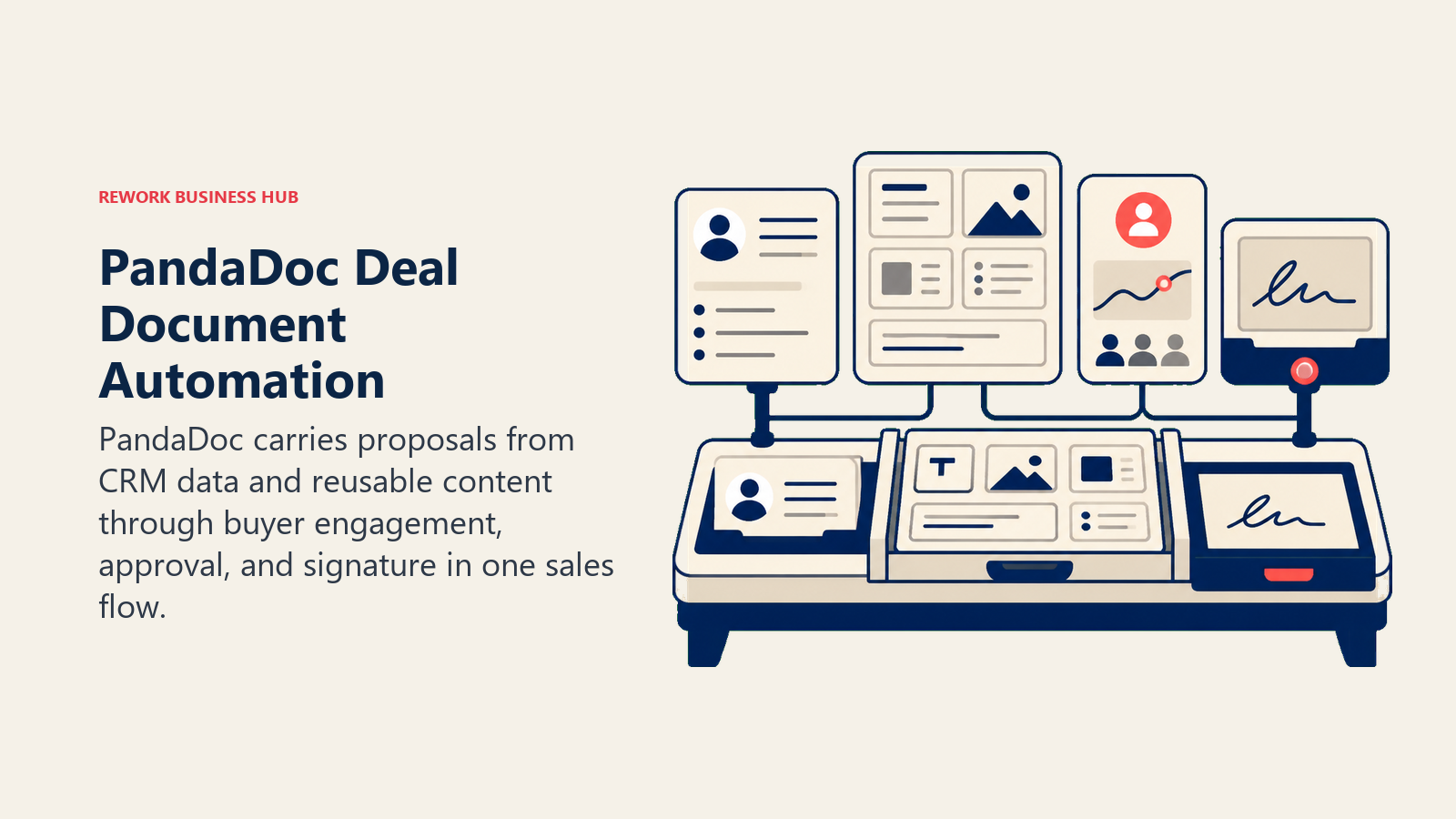
The template library is extensive and well-designed. Sales reps can produce professional proposals with payment terms, product tables, and e-signature blocks without involving design or legal on every deal. The CPQ (configure, price, quote) functionality in higher tiers reduces quoting errors that slow down revenue cycles.
CRM integrations with Salesforce, HubSpot, and Pipedrive are mature. PandaDoc can pull deal and contact data into documents automatically, which matters for teams doing high document volume. And the analytics layer (tracking opens, time on page, scroll depth) gives sales reps signal on where buyers are in the review process.
Methodology: PandaDoc's product thesis is that sales velocity depends on removing friction from document-heavy deal stages. They focus on speed, professionalism, and buyer engagement data.
Target audience: Sales-led companies in B2B SaaS, professional services, and media. The ICP is a sales team of 5-50 reps with a quota, a structured deal cycle, and a manager who wants visibility into document status.
Sizing fit: Works well at the growth stage (15-80 employees). Gets stronger at mid-market when you need workflow automation across multiple deal types. Can work at enterprise with Salesforce integration, but Conga or Ironclad may serve enterprise contract lifecycle needs better.
Stage fit: Best for growth-stage companies scaling a repeatable sales motion. Also strong for mature SMBs with a structured sales process.
| What you get | What you don't |
|---|---|
| Proposal + quote + contract in one tool | Simple, lightweight sending for non-sales docs |
| Buyer engagement analytics (opens, time on page) | Strong HR or legal-only workflow support |
| CPQ for product catalog and pricing tables | Low-cost tier with full functionality |
| Native CRM integrations for data auto-fill | Offline signing or kiosk modes |
Pricing: Essentials at $19/user/month billed annually ($35 billed monthly), Business at $49/user/month billed annually ($65 billed monthly), Enterprise custom. See PandaDoc pricing for current plans.
Best for: B2B sales teams that need proposal creation, quoting, and contract signing in a single workflow with CRM integration.
2. HelloSign (Dropbox Sign): Simple, reliable e-signatures without the complexity
Dropbox rebranded HelloSign as Dropbox Sign in 2022, and the product reflects that lineage: clean, focused, and easy to use. The core proposition is that most people asking for an e-signature tool don't need workflow orchestration. They need reliable signing that doesn't confuse the signer or require IT setup.
Dropbox Sign gets the basics right. The signer experience is one of the cleanest in the market: no account required for recipients, clear field placement, mobile-friendly, and fast. For HR agreements, vendor contracts, NDAs, and recurring agreements where the document is simple and the signature is the finish line, it works very well.
The Dropbox integration works well if your team already lives in Dropbox. Templates, signed copies, and document history all sync without extra steps. And the API is clean and well-documented for developers who want to embed signing into their own product or internal tools.
Methodology: Dropbox Sign treats signing as a utility: fast, reliable, and out of the way. It doesn't try to be a CRM, a proposal tool, or a workflow platform.
Target audience: Small teams, HR departments, legal assistants, and founders who send a moderate volume of documents and want predictable pricing without per-envelope surprises.
Sizing fit: Best for 1-50 person teams. Works at mid-market for specific departments (HR, legal) but doesn't scale well as a company-wide contract platform.
Stage fit: Strong for early-stage companies getting basic agreements signed without overhead. Also works for mature companies with simple, recurring document needs.
| What you get | What you don't |
|---|---|
| Clean signer UX with no recipient account required | Complex workflow logic or conditional routing |
| Dropbox storage integration | Strong CRM integrations for sales workflows |
| API for embedding signing in your product | Document creation (bring your own doc) |
| Template management | Buyer engagement tracking |
Pricing: Essentials at $15/user/month, Standard at $25/user/month, Premium custom. Free plan available (3 signature requests/month). See Dropbox Sign pricing for current rates.
Best for: Small teams and HR departments that need reliable, simple e-signatures without complexity or per-envelope billing surprises.
3. Adobe Acrobat Sign: Enterprise-grade PDF workflows with compliance depth
Adobe Acrobat Sign lives at the intersection of the world's most-used PDF tool and enterprise contract management. If your organization already pays for Adobe Acrobat or the Creative Cloud, the cost case improves significantly. But even on its own, Acrobat Sign earns its place for organizations where PDF compliance, legal admissibility, and audit trail depth are non-negotiable.
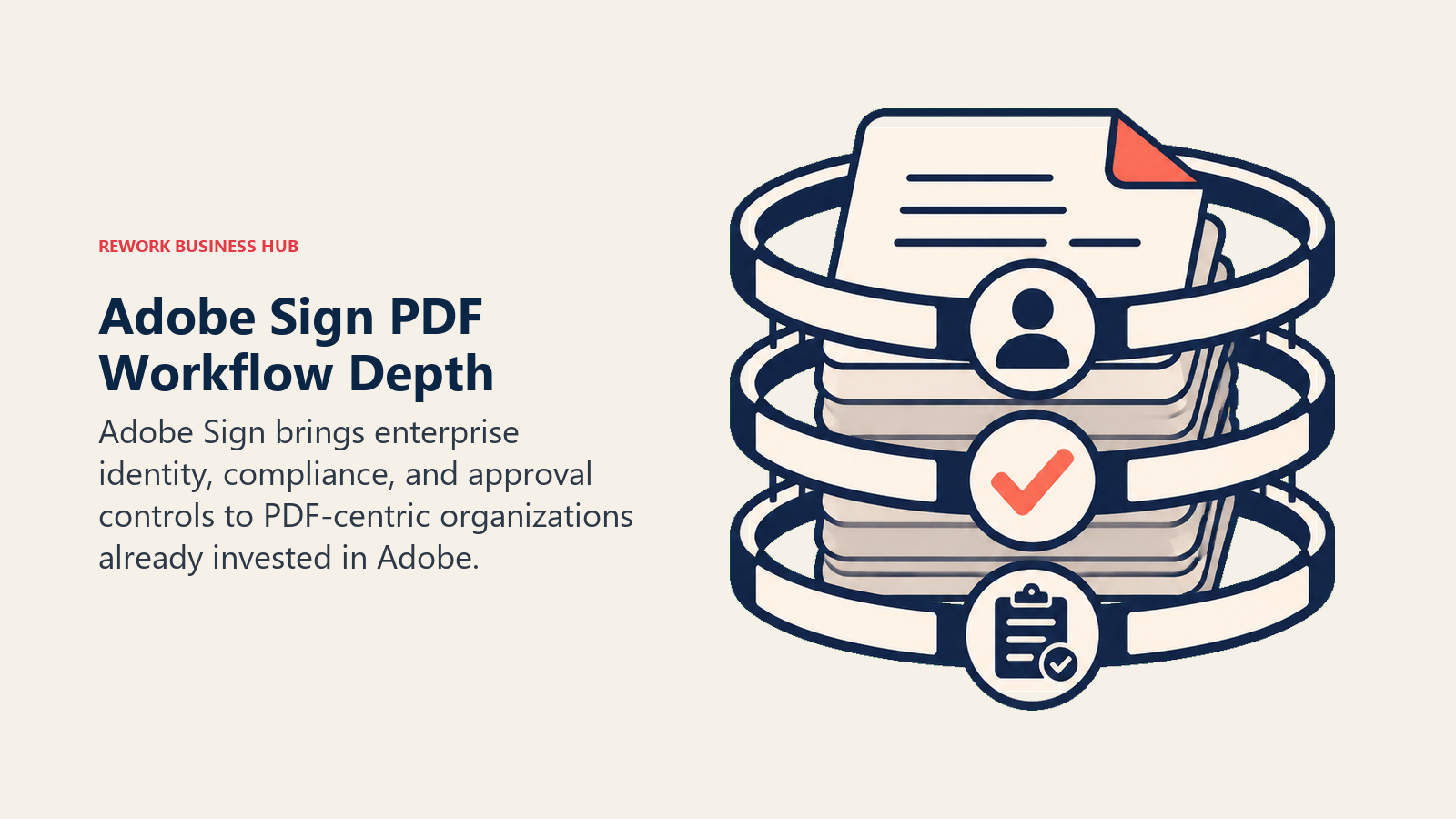
The product supports multiple signature standards: Basic, Advanced (AES), and Qualified Electronic Signatures (QES), which matter in regulated industries and jurisdictions where a standard click-to-sign isn't sufficient. The audit trail is detailed enough to satisfy legal teams in financial services, healthcare, and government procurement.
Document creation tools are the strongest in this list for PDF-heavy workflows. If your contracts are complex PDFs with redlines, annotations, and conditional fields, Adobe Acrobat Sign handles them more natively than tools built around web-first document editors.
Methodology: Adobe's product vision here is that the signed document is the product, and the entire PDF workflow (creation, review, markup, approval, signature, archival) should happen inside one trusted platform.
Target audience: Legal departments, compliance teams, enterprise procurement, and IT-managed rollouts at organizations with 50+ employees. Also strong for regulated industries: financial services, pharma, healthcare, and government contractors.
Sizing fit: Weak at startup stage due to pricing and complexity. Gets stronger from 50 employees onward. Best at 200+ for enterprise workflows.
Stage fit: Mature organizations optimizing for legal defensibility and process consistency. Not a fit for startups moving fast.
| What you get | What you don't |
|---|---|
| Advanced and Qualified Electronic Signatures | Modern, intuitive UI |
| Adobe PDF creation and editing tools | Affordable per-user pricing at scale |
| Deep compliance for regulated industries | Fast implementation without IT involvement |
| Microsoft 365 and SharePoint integration | Strong proposal or CPQ features |
Pricing: Acrobat Standard at $14.99/user/month (includes Acrobat), Acrobat Pro at $19.99/user/month, Sign-only enterprise plans custom. See Adobe Acrobat Sign pricing for current options.
Best for: Enterprise and regulated-industry teams that need legally robust e-signatures tied to the full Adobe PDF workflow.
4. SignNow: Cost-effective e-signature for budget-conscious teams
SignNow makes a straightforward bet: most teams are overpaying for e-signatures relative to what they actually need. The product delivers solid core functionality (templates, bulk sending, team management, and audit trails) at a price point that undercuts DocuSign and most alternatives significantly.
The per-seat pricing is flat, with no per-envelope fees. That's the single most impactful change for teams that DocuSign has mispriced out of. A sales team sending 30 contracts a month gets the full feature set without calculating unit economics on every send.
Workflow automation features exist but are limited compared to PandaDoc or GetAccept. You can set up routing sequences and conditional fields, but don't expect the sophistication of a purpose-built approval workflow tool. The document editor is functional rather than elegant. SignNow is a "does the job" tool, and for many operations teams, that's exactly right.
Methodology: SignNow's product thesis is feature parity with DocuSign at 30-50% of the cost. The target is the value buyer who's tired of being nickeled on envelope fees.
Target audience: SMBs, HR teams, and operations managers at companies with 10-150 employees who have steady but not extreme document signing volume and a budget-conscious procurement culture.
Sizing fit: Best for 5-150 person teams. Solid across that range. Larger organizations may hit limitations in compliance or workflow depth.
Stage fit: Works at any stage for teams with simple, steady signing needs. Best for growth-stage companies that have outgrown "email a PDF" but don't need full document automation.
| What you get | What you don't |
|---|---|
| No per-envelope fees | Sophisticated workflow logic |
| Solid template and bulk-send features | Strong document creation tools |
| Team management and role-based access | Polished, modern UX |
| API for custom integrations | Deep CRM integrations out of the box |
Pricing: Business at $8/user/month (annual), Business Premium at $15/user/month, Enterprise custom. See SignNow pricing for current plans.
Best for: Budget-conscious SMBs and operations teams that need reliable signing at flat, predictable pricing.
5. Zoho Sign: Purpose-built for the Zoho ecosystem
Zoho Sign is a strong choice under one condition: your team is already in the Zoho ecosystem. If you use Zoho CRM, Zoho Books, Zoho People, or Zoho Projects, the native integration depth is genuinely useful. Documents auto-populate from CRM deals, signed contracts sync back to contact records, and HR agreements connect to Zoho People workflows without middleware.
Outside of the Zoho ecosystem, Zoho Sign is a competent but unremarkable e-signature tool. The UI is functional, the pricing is fair, and the core features work. But integrations with Salesforce, HubSpot, and other non-Zoho tools are more limited, and the product development clearly prioritizes Zoho-to-Zoho connectivity first.
Compliance features are solid for a mid-market tool: ESIGN Act, eIDAS, and UETA compliance, with tamper-evident audit trails. Good for standard business agreements across most industries.
Methodology: Zoho's philosophy across all its products is deep ecosystem integration at accessible pricing. Zoho Sign follows that model: it's designed to complete the Zoho stack rather than compete head-to-head in the standalone market.
Target audience: SMBs and mid-market companies that have standardized on the Zoho suite. The buyer is typically a Zoho CRM admin or operations manager who wants to extend signing without adding another vendor.
Sizing fit: Works well from 10 to 200 users within the Zoho ecosystem. The value compounds with each additional Zoho product in the stack.
Stage fit: Growth and mid-market companies that have already committed to Zoho as their core business platform.
| What you get | What you don't |
|---|---|
| Native Zoho CRM/Books/People integration | Strong integrations outside Zoho |
| Competitive pricing at low per-user cost | Enterprise compliance depth |
| ESIGN, UETA, eIDAS compliance | Modern UX or buyer engagement features |
| Bulk sending and template management | Strong API ecosystem for developers |
Pricing: Standard at $10/user/month, Professional at $20/user/month. Free plan available for basic use. See Zoho Sign pricing for current tiers.
Best for: Operations and sales teams that run on the Zoho suite and want native e-signature without leaving the ecosystem.
6. OneSpan: High-compliance e-signatures for regulated industries
OneSpan (formerly VASCO and Silanis) is one of the oldest names in e-signature, and its focus has always been on the high end of legal and compliance requirements. The product goes further than most tools in identity verification, fraud detection, and audit trail defensibility. These features matter in financial services, insurance, banking, and government contracts where a signature challenge is a real business risk.
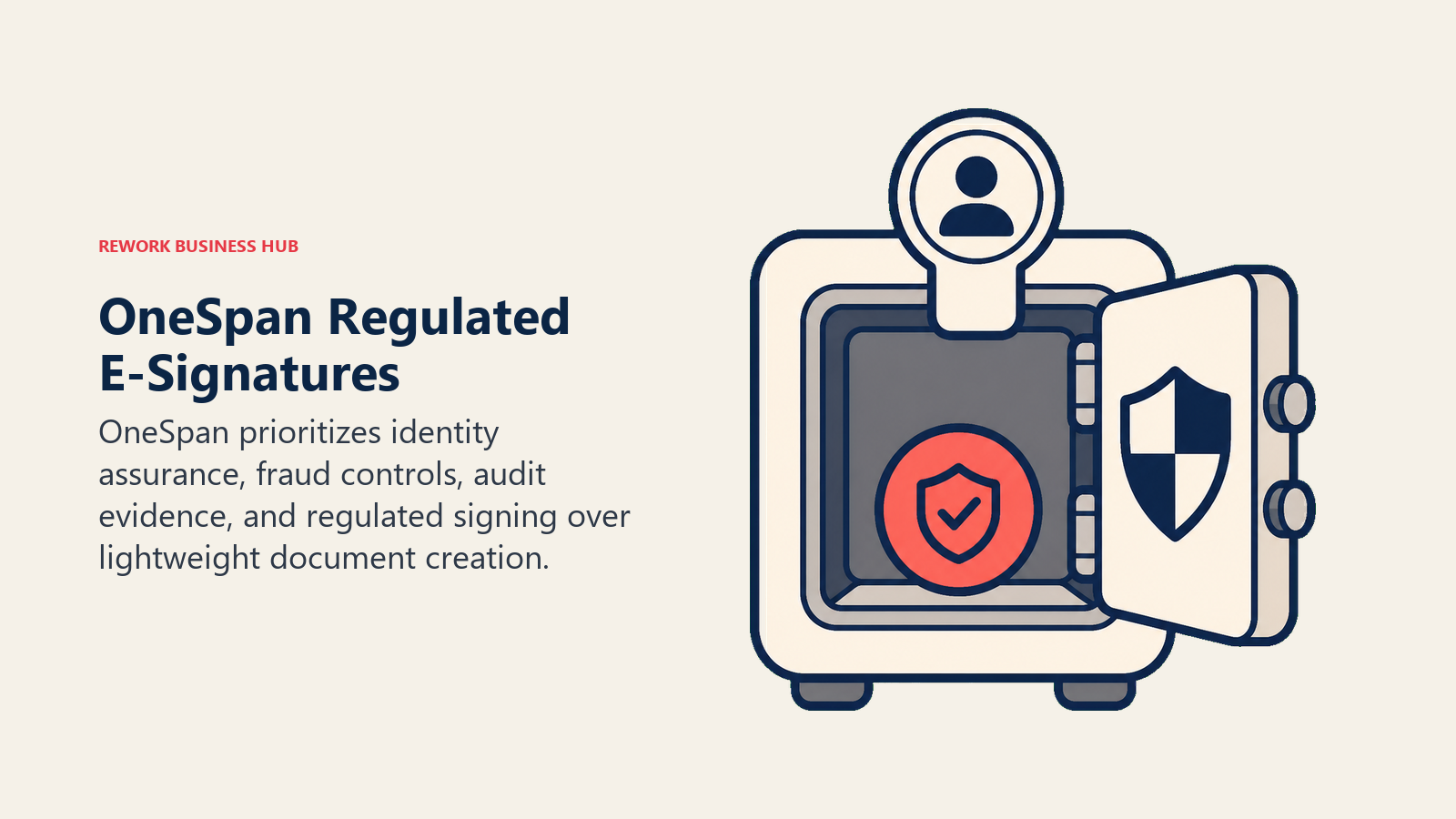
The identity verification layer is the differentiator. OneSpan supports knowledge-based authentication (KBA), ID document verification, biometric analysis, and certificate-based signatures. Generic e-signature tools don't offer any of that. For regulated workflows where you need to prove not just that someone clicked, but who they are, this is the tool.
Implementation is complex. OneSpan is not a product you deploy in a day. IT involvement is expected, compliance documentation is detailed, and the pricing is enterprise-only. But for teams where the alternative is non-compliance, that complexity is the point.
Methodology: OneSpan treats the signed document as a legal artifact that must withstand challenge. The product philosophy is that identity and integrity assurance is the core product, not the signing UX.
Target audience: Legal, risk, and compliance teams at financial services firms, insurance companies, mortgage lenders, and government contractors. The buyer is typically a Chief Compliance Officer, General Counsel, or IT Security Director.
Sizing fit: Not designed for companies under 200 employees. The overhead and pricing structure only makes sense at scale.
Stage fit: Mature, regulated organizations optimizing for legal defensibility and regulatory compliance. Not a startup or growth-stage tool.
| What you get | What you don't |
|---|---|
| Identity verification (KBA, biometrics, ID check) | Simple, fast deployment |
| Certificate-based advanced signatures | Accessible pricing for SMBs |
| Tamper-evident audit logs for legal challenge | Modern, intuitive interface |
| Fraud detection and risk scoring | Sales workflow or document creation features |
Pricing: Custom enterprise pricing only. Contact OneSpan sales for a quote.
Best for: Regulated industries (financial services, insurance, government) where identity verification and compliance documentation are mandatory.
7. GetAccept: Digital sales rooms with embedded signing
GetAccept takes a different angle on the e-signature problem: it argues that signing is the last step in a buyer engagement process, and you need to optimize the whole journey, not just the signature moment. The product builds a "digital sales room" where proposals, video pitches, live chat, pricing tables, and e-signature all live in a single buyer-facing URL.
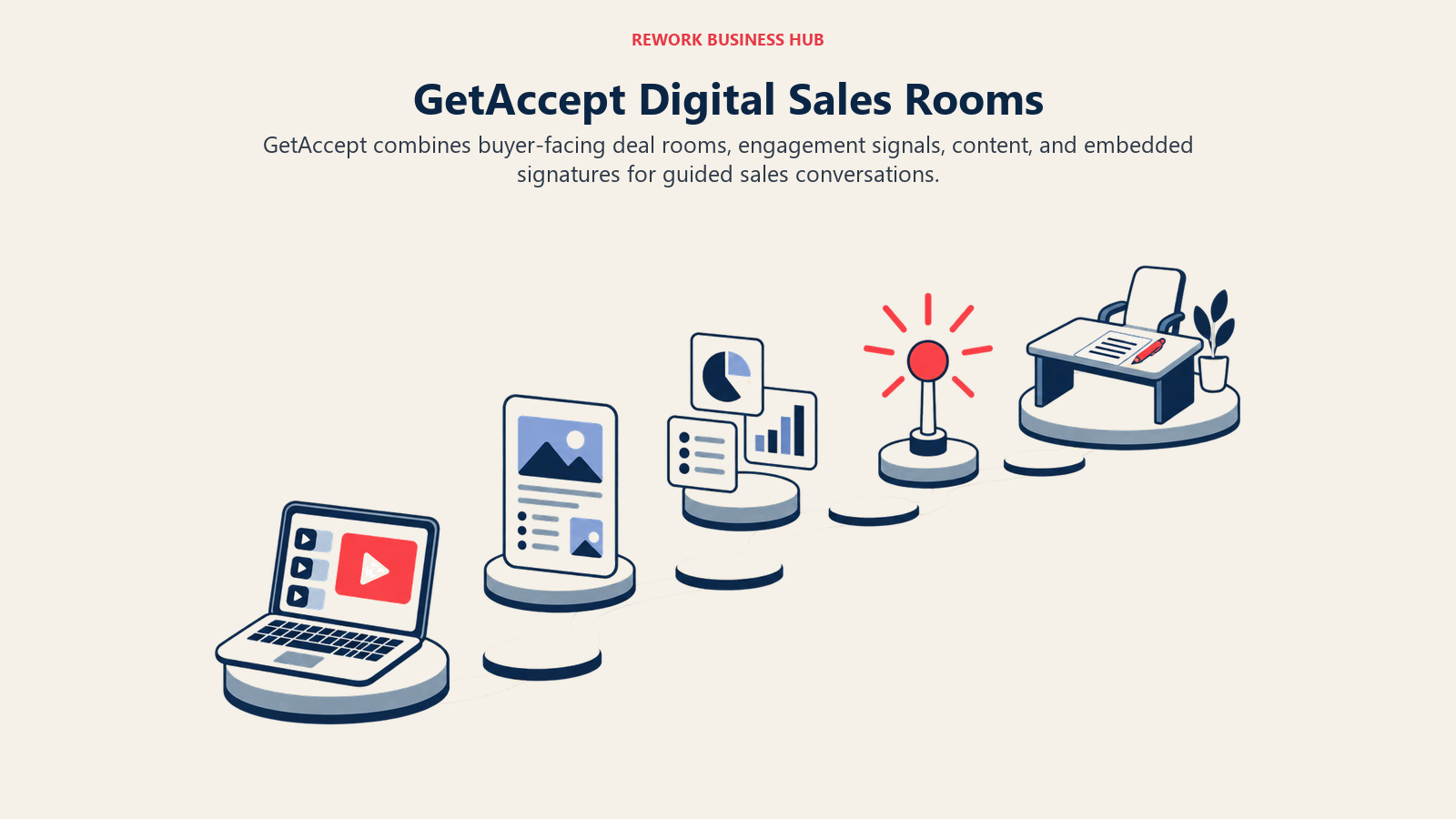
The buyer engagement analytics are the most detailed in this comparison. Sales reps see exactly which sections a prospect read, how long they spent on pricing, whether they shared the document internally, and what questions they asked in the embedded chat. That signal changes how reps follow up, and often surfaces stalled deals faster.
The product is clearly designed for deal-closing, not general contract management. It's less useful for HR agreements, vendor onboarding, or internal approvals. But for B2B sales teams where a deal involves multiple stakeholders, complex pricing, and an extended review period, GetAccept reduces the "proposal black hole" problem.
Methodology: GetAccept believes that buyers don't sign because they're confused or not yet convinced, and that giving reps real-time visibility into buyer engagement changes win rates.
Target audience: B2B sales teams, particularly in SaaS, professional services, and consulting. The buyer is an AE, Sales Manager, or VP Sales at a company with 10-100 reps running a structured outbound or inbound motion.
Sizing fit: Best for teams of 10-100 reps. The tool's value is in rep-level deal visibility, so it scales with headcount.
Stage fit: Growth-stage companies formalizing their sales process. Also strong for mature SMBs with complex, multi-stakeholder deals.
| What you get | What you don't |
|---|---|
| Digital sales room with multi-content types | General contract or HR workflow support |
| Buyer engagement analytics (page-level) | Low-cost entry point |
| Embedded video, pricing tables, and chat | Deep CRM-native document routing |
| E-signature with approval workflows | Simple, utility-grade signing |
Pricing: Professional at $49/user/month, Enterprise custom. Annual billing available. See GetAccept pricing for current plans.
Best for: B2B sales reps and managers who want to close deals faster by understanding how buyers engage with proposals before they sign.
8. Proposify: Proposal design and analytics for sales teams
Proposify is the most design-forward tool in this comparison. The product is built around the idea that a well-designed proposal closes faster. It gives sales reps the tools to produce polished, professional documents without relying on designers or PowerPoint heroics.
The template library is curated and genuinely usable out of the box. Proposals look professional from day one. The content library lets reps pull in pre-approved case studies, team bios, pricing tables, and service descriptions without starting from scratch on every deal. And managers control which content blocks reps can and can't modify.
The analytics track proposals from send to signature: opens, views, time on section, and forward events. Proposify claims to have data showing that proposals with certain structural elements close at higher rates, and the product coaching reflects that research.
But Proposify isn't a contract lifecycle management tool. Once a proposal is signed, it hands off to your CRM or billing system. It doesn't manage renewals, amendments, or multi-party contracts. It's a proposal-to-close tool, not a document-to-archive system.
Methodology: Proposify's thesis is that sales velocity is a design problem as much as a process problem. Their product obsesses over proposal aesthetics and buyer psychology.
Target audience: Account executives, sales managers, and revenue operators at B2B service and SaaS companies with 10-100 employees. The buyer is typically a Sales Director who wants consistency, professionalism, and close rate visibility across the team.
Sizing fit: Best for 10-100 person companies with a quota-carrying sales team. Proposify's controls work well for teams where brand and message consistency matter.
Stage fit: Growth to early mid-market companies with a repeatable proposal-driven sales motion.
| What you get | What you don't |
|---|---|
| Professional proposal templates and design tools | Contract lifecycle management |
| Content library with manager-controlled permissions | HR or operations document workflows |
| Proposal analytics (opens, views, section engagement) | Low-cost option |
| E-signature with approval routing | Strong CRM data auto-fill |
Pricing: Team at $49/user/month, Business at $590/month (unlimited users), Custom enterprise. See Proposify pricing for current plans.
Best for: Sales teams where proposal quality and consistency directly influence close rates, and where reps need guardrails on messaging without sacrificing speed.
9. Jotform Sign: Form-to-signature workflows without code
Jotform Sign extends Jotform's no-code form builder into the e-signature space. The use case is form-triggered signing: an applicant fills out an intake form and the signed agreement is automatically generated and sent back. Or a new vendor completes an onboarding questionnaire and their contract auto-populates from the responses.
For organizations that already use Jotform for intake processes (HR, client onboarding, vendor management, event registration), Jotform Sign is a natural extension that avoids adding another vendor. The no-code setup makes it deployable by operations staff without developer involvement.
The tool isn't designed for complex, multi-party contract negotiations or CRM-driven deal workflows. It excels at structured, repeatable signing processes where the document content derives from form inputs.
Methodology: Jotform's product philosophy is that most business processes start with a form, and the signing step should be part of that same workflow rather than a handoff to a separate tool.
Target audience: Operations managers, HR professionals, and admins at SMBs who run intake-heavy processes and already use Jotform. Also useful for small agencies and service businesses with structured client onboarding flows.
Sizing fit: Best for 1-50 person teams. Works for mid-market departments with specific intake-signing workflows, but doesn't scale as a company-wide contract platform.
Stage fit: Early-stage and growth companies with operational processes but not a complex deal cycle.
| What you get | What you don't |
|---|---|
| No-code form-to-signature automation | Complex multi-party contract workflows |
| Auto-populate documents from form inputs | Strong CRM integrations |
| Jotform ecosystem integration | Enterprise compliance features |
| Simple audit trail for signed documents | Proposal or quote creation tools |
Pricing: Bronze at $34/month (5 users), Silver at $39/month (10 users), Gold at $49/month (unlimited), Enterprise custom. All plans include Jotform Sign. See Jotform pricing for current options.
Best for: Operations and HR teams that need form-triggered signing without code, particularly those already using Jotform for intake processes.
Feature Comparison: E-Signature Capabilities
| Tool | Native E-Sign | Document Creation | Bulk Send | Templates | Conditional Routing |
|---|---|---|---|---|---|
| PandaDoc | Yes | Yes | Yes | Yes | Yes |
| HelloSign | Yes | No (bring your own) | Yes | Yes | Limited |
| Adobe Acrobat Sign | Yes | Yes (PDF) | Yes | Yes | Yes |
| SignNow | Yes | Basic | Yes | Yes | Basic |
| Zoho Sign | Yes | No | Yes | Yes | Limited |
| OneSpan | Yes | No | Yes | Yes | Yes |
| GetAccept | Yes | Yes | Limited | Yes | Yes |
| Proposify | Yes | Yes | No | Yes | Basic |
| Jotform Sign | Yes | Auto from forms | Limited | Yes | Basic |
Integration Ecosystem Comparison
| Tool | Salesforce | HubSpot | Zapier | API Quality | Microsoft 365 |
|---|---|---|---|---|---|
| PandaDoc | Strong | Strong | Yes | Strong | Yes |
| HelloSign | Moderate | Moderate | Yes | Strong | Yes |
| Adobe Acrobat Sign | Strong | Moderate | Yes | Strong | Strong |
| SignNow | Moderate | Moderate | Yes | Good | Yes |
| Zoho Sign | Limited | Limited | Yes | Good | Moderate |
| OneSpan | Custom | Custom | Limited | Enterprise | Yes |
| GetAccept | Strong | Strong | Yes | Good | Moderate |
| Proposify | Strong | Strong | Yes | Good | Limited |
| Jotform Sign | Limited | Limited | Yes | Good | Limited |
Compliance and Security Comparison
| Tool | ESIGN Act | eIDAS | SOC 2 | HIPAA | Advanced/QES |
|---|---|---|---|---|---|
| PandaDoc | Yes | Yes | Yes | Yes | Limited |
| HelloSign | Yes | Yes | Yes | Yes | No |
| Adobe Acrobat Sign | Yes | Yes | Yes | Yes | Yes |
| SignNow | Yes | Yes | Yes | Yes | Limited |
| Zoho Sign | Yes | Yes | Yes | Limited | No |
| OneSpan | Yes | Yes | Yes | Yes | Yes (QES) |
| GetAccept | Yes | Yes | Yes | Limited | No |
| Proposify | Yes | Limited | Yes | No | No |
| Jotform Sign | Yes | Limited | Yes | Yes | No |
Pricing Summary
| Tool | Entry Price | Pricing Model | Per-Envelope Fees | Free Plan |
|---|---|---|---|---|
| PandaDoc | $19/user/mo annual ($35 monthly) | Per seat | No | No |
| HelloSign | $15/user/month | Per seat | No | Yes (3/month) |
| Adobe Acrobat Sign | $14.99/user/month | Per seat | No | No |
| SignNow | $8/user/month | Per seat | No | No |
| Zoho Sign | $10/user/month | Per seat | No | Yes |
| OneSpan | Custom | Custom | Contact sales | No |
| GetAccept | $25/user/month | Per seat | No | No |
| Proposify | $19/user/month | Per seat | No | No |
| Jotform Sign | $34/month (team) | Per account | No | Limited |
How to Choose: Decision Framework
| If your primary need is... | Choose |
|---|---|
| End-to-end proposal + quote + contract in one tool | PandaDoc |
| Simple, reliable signing with no per-envelope fees | HelloSign or SignNow |
| Enterprise PDF workflows with compliance depth | Adobe Acrobat Sign |
| Regulated industry compliance with identity verification | OneSpan |
| Deep integration with the Zoho platform | Zoho Sign |
| Buyer engagement tracking during the proposal stage | GetAccept |
| High-design proposals with content control for reps | Proposify |
| Form-triggered signing without code | Jotform Sign |
| Replacing DocuSign at the lowest possible cost | SignNow |
Why Teams Leave DocuSign
The reasons teams evaluate alternatives tend to cluster around the same few issues:
Per-envelope pricing. DocuSign's baseline plans charge per envelope sent. For teams sending 50-100 contracts a month, this creates unpredictable costs and procurement friction every time volume spikes. Every tool on this list uses flat per-seat pricing.
Limited document creation. DocuSign assumes you'll bring a finished document to the platform. Teams that want to build proposals, auto-generate contracts from CRM data, or maintain a content library for reps have to bolt on additional tools.
CRM integration depth. DocuSign connects to Salesforce and HubSpot, but the integration often requires custom field mapping and doesn't natively route documents through deal stages or approval chains. For RevOps teams, this is significant overhead.
Overkill for simple use cases. For teams that just need an NDA signed or a vendor agreement approved, DocuSign's complexity and pricing are hard to justify. Tools like HelloSign, SignNow, and Jotform Sign handle the simple case faster and cheaper.
Teams evaluating contract tooling as part of a broader RevOps overhaul will also find value in the AI tools stack for mid-market guide, which covers how to think about document automation alongside CRM and sales engagement tools.
What to Do Next
Identify your primary use case first. If you need sales document automation, start with PandaDoc. If you need simple, low-cost signing at scale, SignNow is the right pilot.
Run a 2-week pilot with your top two picks. Send real documents, involve your actual signers, and connect to your CRM from day one. The gaps you find in two weeks of production use will tell you more than any feature comparison matrix.
Most teams find their answer in the first two weeks. If your signing workflows connect to a broader sales process, also see how best LiveChat alternatives covers tools that unify conversation and CRM data. Many revenue teams modernize chat and contracts together.

Principal Product Marketing Strategist
On this page
- Quick Comparison Table
- Stage Fit Matrix
- Sizing and Persona Table
- 1. PandaDoc: End-to-end deal document automation
- 2. HelloSign (Dropbox Sign): Simple, reliable e-signatures without the complexity
- 3. Adobe Acrobat Sign: Enterprise-grade PDF workflows with compliance depth
- 4. SignNow: Cost-effective e-signature for budget-conscious teams
- 5. Zoho Sign: Purpose-built for the Zoho ecosystem
- 6. OneSpan: High-compliance e-signatures for regulated industries
- 7. GetAccept: Digital sales rooms with embedded signing
- 8. Proposify: Proposal design and analytics for sales teams
- 9. Jotform Sign: Form-to-signature workflows without code
- Feature Comparison: E-Signature Capabilities
- Integration Ecosystem Comparison
- Compliance and Security Comparison
- Pricing Summary
- How to Choose: Decision Framework
- Why Teams Leave DocuSign
- What to Do Next