Best Adobe Acrobat Sign Alternatives in 2026: 14 E-Signature Platforms for Sales, HR, and Operations Teams
Turn this article into takeaways for your work.


Each assistant summarizes the article only for you and suggests best practices for your work.
Adobe Acrobat Sign earns its place in a lot of tech stacks honestly. It's built on the PDF format Adobe itself created, it plugs directly into Word, Outlook, SharePoint, and Teams, and its compliance credentials (eIDAS, 21 CFR Part 11, detailed audit trails) run deeper than most standalone e-signature tools bother to go. For a legal, procurement, or IT team already living in Microsoft 365 that needs signatures holding up under audit, Acrobat Sign is a reasonable default.
The friction shows up once a team tries to actually buy and administer it. Acrobat Standard, Acrobat Pro, and Sign Solutions are three different products with three different scopes, and figuring out which combination covers e-signature plus PDF editing plus enterprise volume takes more research than it should. Team plans cap out at 150 transactions per user per year before overage or a custom contract kicks in. The admin console looks and feels built for a different decade. And once a team needs volume beyond that cap, the path runs through Sign Solutions, which has no published price at all. This guide covers 14 alternatives, from budget-friendly unlimited-user tools to Rework for teams that want signature requests tied to the CRM deal that generated them. For the wider category beyond a single vendor swap, see Best E-Signature Software in 2026.
Figures marked "reported" come from third-party pricing analyses, since a few of the vendors below don't publish rates.*
Key Facts
E-Signature Software and What It Actually Changes
- The global digital signature market was worth $9.85 billion in 2025 and is projected to reach $154.52 billion by 2034, a 35.4% compound annual growth rate. (Fortune Business Insights, 2026)
- E-signature adoption cuts hard costs by 56% on average, with users saving $4 to $10 per document versus a paper process. (DocuSign)
- 79% of e-signature agreements are completed within 24 hours of being sent. (DocuSign)
- 73% of organizations see a return on their e-signature investment in under three months, and 90% see one within six months. (DocuSign)
- Teams using e-signature report an 8% increase in win rate and a 41% decrease in time to close deals, per DocuSign's own customer research. (DocuSign)
Quick Comparison Table
| Tool | Best For | Starting Price | Key Strength | Key Limitation |
|---|---|---|---|---|
| DocuSign | Enterprise-standard adoption and the broadest integration ecosystem | From $11/mo (Personal, 1 user); $30/user/mo billed annually for teams (Standard) | Widest third-party integration library and brand recognition | Envelope limits on lower tiers; custom quotes above Business Pro |
| Dropbox Sign | Simple, reliable signing already tied to Dropbox | $15/mo (Essentials, 1 user, reported); $17.50/user/mo (Standard) | Clean UX, fast setup, strong Dropbox and Google integration | Limited workflow logic beyond basic routing |
| PandaDoc | Sales teams that want proposals and signatures in one document | From $19/user/mo billed annually (Starter) | End-to-end deal document workflow, not just signing | Business tier pricing climbs fast per seat |
| SignNow | Budget e-signature with unlimited users | $8/user/mo billed annually (Business) | Unlimited users on every paid plan | Signature invites are metered per user, not truly unlimited |
| Zoho Sign | Teams already running Zoho One or Zoho CRM | $10/user/mo billed annually (Standard, reported) | Native Zoho ecosystem integration | Weak fit outside the Zoho suite |
| Rework | Signatures tied to the CRM deal and cross-team approvals | Quote on request (rework.com/pricing) | Contract, CRM, and Work Ops approval routing on one platform | Not a standalone e-signature specialist |
| OneSpan Sign | Regulated industries needing identity verification | Custom quote (no published price) | Deep identity verification and audit trail depth | Enterprise sales process, no self-serve pricing |
| Foxit eSign | HIPAA and 21 CFR Part 11 compliant signing tied to PDF tools | Business $300/user/yr (5+ licenses); Essentials price not published | Compliance depth (HIPAA, CFR Part 11) at a lower price than Adobe | Business tier has a 5-license minimum |
| Jotform Sign | Signature collection built into intake and HR forms | Free (10 signed docs/mo); Bronze $34/mo billed annually ($39 monthly) | Native fit with Jotform's form-building workflow | Not built as a standalone sales e-signature tool |
| GetAccept | AI-native digital sales rooms with e-signature built in | $25/user/mo (eSign plan, max 5 users, 12-month commitment) | Deal engagement tracking alongside signing | 12-month commitment on paid plans; 5-user cap on the entry tier |
| SignEasy | Mobile-first signing for small teams and field reps | From $10/mo billed annually (Personal, 1 user); $20/mo per seat for teams (Business) | Simple mobile app experience | Fewer enterprise workflow features than DocuSign or Adobe |
| Documenso | Open-source, self-hostable e-signature | Free (5 documents/month, open source); $25/mo (Individual) | Full API control and self-hosting option | Requires technical setup to self-host |
| Proposify | Proposal design and win-rate analytics with e-signature | $19/user/mo billed annually (Basic, 10 sends/month) | Proposal analytics and content library | Send limits on lower tiers; overage fees apply |
| Signaturely | The simplest, cheapest first e-signature tool | Free (1 doc/mo); Personal $20/mo billed annually ($25 monthly) | Low cost, minimal learning curve | Thin feature set once a team needs real workflow |
Stage Fit Matrix
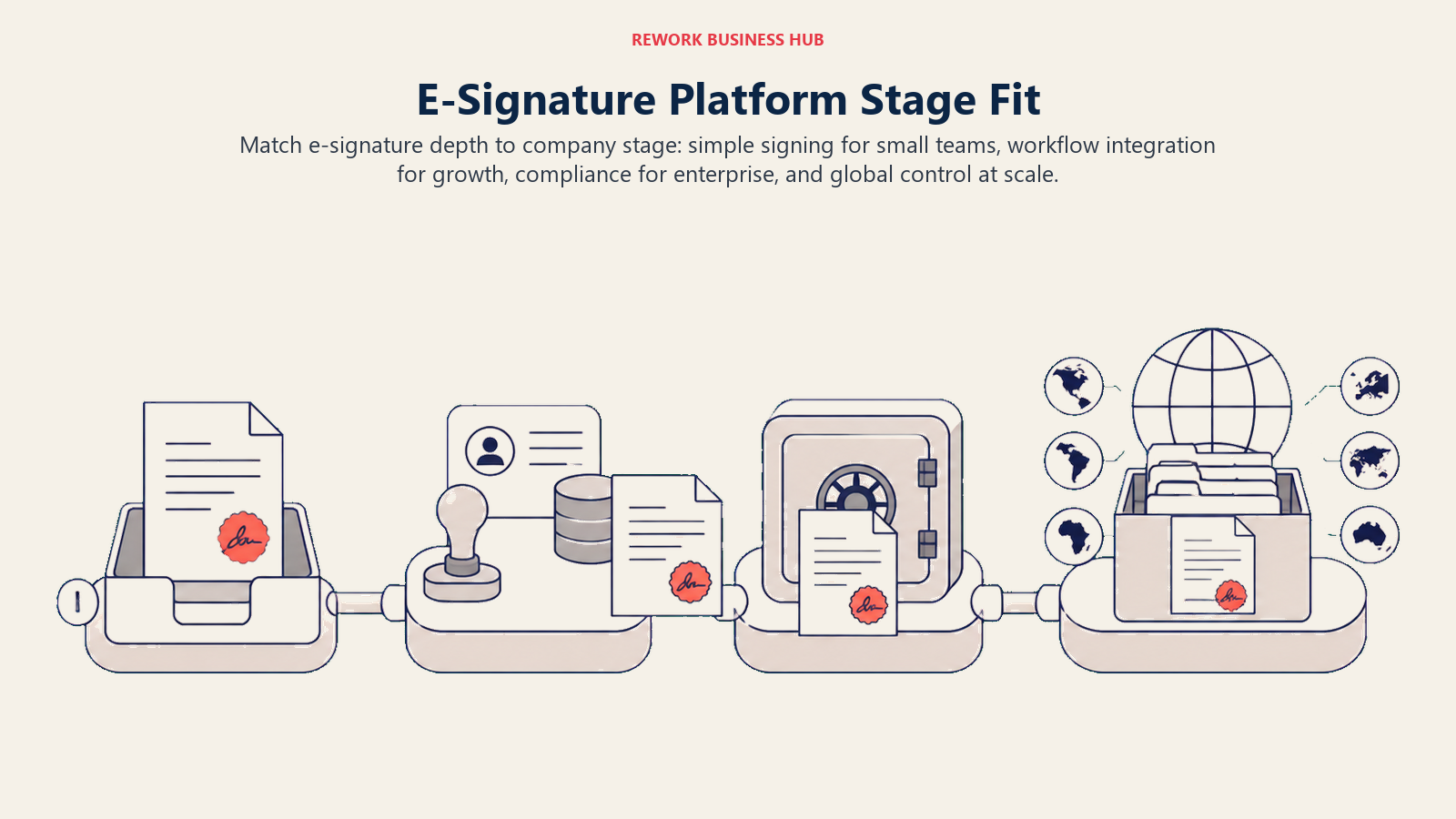
E-signature needs change with company scale, from simple signing and sales workflow at smaller teams to identity controls and global administration at enterprise size.
| Tool | Startup/SMB (1-50) | Growth (50-500) | Enterprise (500-5,000) | Global Enterprise (5,000+) |
|---|---|---|---|---|
| DocuSign | Limited | Good | Best fit | Best fit |
| Dropbox Sign | Best fit | Good | Limited | Not ideal |
| PandaDoc | Best fit | Best fit | Good | Limited |
| SignNow | Best fit | Good | Limited | Not ideal |
| Zoho Sign | Best fit | Good | Good | Limited |
| Rework | Good | Best fit | Limited | Not ideal |
| OneSpan Sign | Limited | Good | Best fit | Best fit |
| Foxit eSign | Good | Best fit | Good | Limited |
| Jotform Sign | Best fit | Good | Limited | Not ideal |
| GetAccept | Limited | Best fit | Good | Limited |
| SignEasy | Best fit | Good | Limited | Not ideal |
| Documenso | Best fit | Good | Limited | Not ideal |
| Proposify | Best fit | Best fit | Good | Limited |
| Signaturely | Best fit | Good | Not ideal | Not ideal |
Sizing and Persona Table
| Tool | Team Size Sweet Spot | Primary Buyer | Use Case Fit |
|---|---|---|---|
| DocuSign | 50-5,000+ | Legal Ops, IT, Procurement | Enterprise-standard e-signature with the broadest integration ecosystem |
| Dropbox Sign | 1-200 | Ops Manager, Founder | Simple, reliable e-signature for teams already in Dropbox or Google |
| PandaDoc | 5-500 | Sales Manager, RevOps | Proposal-to-signature document workflow for sales teams |
| SignNow | 5-500 | Office Manager, Ops | Budget e-signature with unlimited users on every paid tier |
| Zoho Sign | 5-500 | Ops Manager, Zoho Admin | E-signature inside an existing Zoho One or Zoho CRM deployment |
| Rework | 10-200 | COO, RevOps, Sales Ops | Signature requests tied to the CRM deal and Work Ops approval routing |
| OneSpan Sign | 200-5,000+ | Compliance Officer, IT Security | Identity verification and audit depth for regulated industries |
| Foxit eSign | 10-1,000 | IT, Compliance, Ops | PDF-native e-signature with HIPAA and 21 CFR Part 11 workflows |
| Jotform Sign | 1-200 | HR Coordinator, Ops Manager | Signature bundled into intake and HR forms, not a standalone sales tool |
| GetAccept | 5-200 | Sales Manager, RevOps | AI-native digital sales room combining e-signature with deal tracking |
| SignEasy | 1-200 | Founder, Ops Manager | Mobile-first signing for small teams and field-based signers |
| Documenso | 1-500 | Developer, IT, Privacy-conscious Ops | Open-source, self-hostable e-signature with API-first workflows |
| Proposify | 5-200 | Sales Manager, Agency Owner | Proposal design and analytics with e-signature built in |
| Signaturely | 1-100 | Founder, Small Business Owner | Simple, affordable signing for a team's first e-signature tool |
1. DocuSign: The Enterprise-Standard Default
DocuSign is the tool most Acrobat Sign evaluators already recognize, since it's the brand most counterparties expect to see land in their inbox. Where Acrobat Sign's strength is PDF and Microsoft depth, DocuSign's is breadth: a large integration library (Salesforce, NetSuite, Workday, and hundreds more), a signing experience most people have used before, and a tier structure that scales from a single Personal user to tens of thousands of seats.
| What you get | What you don't |
|---|---|
| The broadest third-party integration ecosystem in e-signature | Adobe's native PDF editing depth |
| A signing experience most counterparties already recognize | A flat, predictable price; Enhanced and Enterprise are custom |
| A clear tier structure from Personal through Business Pro | Unlimited envelopes below the Business Pro tier |
| Strong compliance certifications across regulated industries | A meaningfully lower price than Acrobat Sign at scale |
Pricing: Personal is $11/month billed annually ($132/year) for 1 user and 5 envelopes per month. Standard is $30/user/month billed annually ($360/user/year) for up to 50 users, with 100 envelopes per user per year. Business Pro is $45/user/month billed annually ($540/user/year), the same user and envelope caps as Standard. Enhanced and Enterprise are custom quotes for 50-plus users. DocuSign's own pricing page notes annual billing saves up to 33% versus paying month to month. (DocuSign)
Best for: Teams that want the e-signature tool most counterparties already trust, with room to grow from a single user to an enterprise deployment. See Best DocuSign Alternatives if DocuSign itself isn't the fit, or DocuSign vs Adobe Acrobat Sign for the direct comparison between the two biggest names in the category. Not ideal for: Teams that need PDF editing built into the same product; DocuSign's core strength is signing, not document creation.
2. Dropbox Sign: Simple Signing, Not a PDF Suite
Dropbox Sign (formerly HelloSign) targets teams that want e-signature to feel as easy as using Dropbox itself: fast setup, a clean interface, and almost no learning curve. It doesn't try to be a PDF editor or a document generator, just a reliable way to get something signed.
| What you get | What you don't |
|---|---|
| A genuinely simple signing experience with minimal setup | PDF creation or editing tools; it only handles signing |
| Native Dropbox, Google Drive, and HubSpot integrations | Adobe's compliance depth for heavily regulated industries |
| Unlimited signature requests on every paid tier | A workflow builder for multi-stage approvals |
| A flat per-user price instead of a transaction cap | Team pricing below 2 users; Standard requires at least 2 |
Pricing: Essentials is $15/month ($10.05/month billed annually, $180/year) for 1 user with unlimited signature requests. Standard is $25/user/month ($17.50/user/month billed annually, starting at $600/year for 2 users) for up to 5 users. Premium is a custom quote for 5-plus users. (Dropbox Sign)
Best for: Teams that want the simplest possible signing experience and already live in Dropbox or Google Drive. See Best Dropbox Sign Alternatives if Dropbox Sign itself doesn't fit, or Best Dropbox Alternatives for the broader storage and collaboration category. Not ideal for: Teams that need multi-stage approval workflows or Adobe's PDF editing depth in the same product.
3. PandaDoc: Documents First, Signature Second
PandaDoc solves a different problem than Acrobat Sign: it's built around the document itself, not just the signature on it. Proposals, quotes, and contracts get built, tracked, and signed inside one editor, with real-time notifications when a prospect opens what was sent.
| What you get | What you don't |
|---|---|
| A document editor built for proposals and quotes, not just PDFs | Adobe's PDF-editing depth for existing, complex documents |
| Real-time tracking of when a document is opened and viewed | A free tier with unlimited documents |
| CRM integrations (Salesforce, HubSpot, Pipedrive) built in | Envelope-style pricing; it's a flat per-seat model |
| A genuinely fast setup for a sales team | Deep compliance certifications for regulated industries |
Pricing: Free is $0 for occasional use. Starter is $19/user/month billed annually. Business is $49/user/month billed annually. Enterprise is a custom quote. (PandaDoc)
Best for: Sales teams whose documents are proposals and quotes that need tracking, not just PDFs that need a signature. See Best PandaDoc Alternatives for the wider category. Not ideal for: Teams whose real need is PDF editing or compliance-grade document management; PandaDoc is built for the sales document workflow specifically.
4. SignNow: Unlimited Users, Metered Volume
SignNow's pitch is straightforward: unlimited users on every paid plan, with cost tracked by signature volume instead of headcount. For a team where everyone occasionally needs to send something for signature but few people do it constantly, that model beats per-seat pricing.
| What you get | What you don't |
|---|---|
| Unlimited users on every paid tier | Truly unlimited signing; invites are metered per user annually |
| A genuinely low entry price for a full-featured e-signature tool | Adobe's PDF editing or document creation depth |
| Bulk sending and API access on higher tiers | A free tier for ongoing use beyond a trial |
| A Site License option for high-volume, unlimited-user deployments | Deep workflow automation beyond basic routing |
Pricing: Business is $8/user/month billed annually ($20/month billed monthly), with unlimited users and 100 signature invites per user per year included; overage runs $0.96 per additional invite. Business Premium is $15/user/month billed annually ($1.80 per additional invite). Enterprise is $30/user/month billed annually ($3.60 per additional invite). (reported, eversign)
Best for: Teams that want unlimited seats at a low entry price and don't send enough volume to hit the invite cap. See Best SignNow Alternatives for the wider category. Not ideal for: High-volume signing teams; the per-user invite cap turns into real overage cost once volume climbs.
5. Zoho Sign: The E-Signature Module Inside Zoho
Zoho Sign is the e-signature piece of Zoho's broader One and CRM suite, and it's built for teams already picking Zoho apps for other functions. Bought alone, its case is straightforward: real signing at a lower price than Acrobat Sign. The bigger value shows up once it's tied to Zoho CRM or Zoho One rather than deployed as a standalone contract tool.
| What you get | What you don't |
|---|---|
| Native integration with Zoho CRM and the Zoho One suite | Meaningful value as a standalone tool outside the Zoho ecosystem |
| A functional free tier for very light, single-user use | Published pricing on every tier |
| AATL-certified advanced signatures on paid tiers | Adobe's document creation and PDF editing tools |
| A lower entry price than most competitors on this list | Deep workflow automation outside basic approval routing |
Pricing: Free covers 1 user and 5 envelopes per month. Standard runs $10/user/month, Professional $16/user/month, and Enterprise $22/user/month (reported, Verdocs), since Zoho's own pricing page displays plan names and envelope limits (25 envelopes per user per month on Standard, unlimited on Professional and Enterprise) without listing dollar amounts publicly. (zoho.com/sign/pricing)
Best for: Teams already running Zoho CRM or Zoho One that want e-signature inside the same login instead of a separate vendor. Not ideal for: Teams outside the Zoho ecosystem; the price advantage matters less once it's evaluated purely as a standalone e-signature tool.
6. Rework: E-Signature Tied to the CRM Deal, Not a Standalone Inbox
Rework is the relevant pick when the problem with Acrobat Sign isn't the signing experience itself, it's that contracts and agreements live apart from the CRM record, the deal, and the internal approval that should happen before a document goes out. Rework's E-Sign module sends and tracks signature requests from the same platform as Sales Ops (CRM plus pipeline), Lead Management, Work Ops, and the People app (HRIS plus time and attendance), so a signed contract shows up on the same contact timeline as the deal that produced it, with Work Ops approval routing before anything gets sent.
| What you get | What you don't |
|---|---|
| Signature requests tied to the deal and contact record, not a separate tool | Advanced notarization or identity-verification depth |
| Work Ops approval routing before a document goes out for signature | A dedicated CLM workspace for clause-level contract redlining |
| One timeline across sales, signature, and cross-team ops history | High-volume API signing built for a developer-first workflow |
| Packaged annual pricing, not a per-envelope or per-transaction meter | Adobe's PDF editing depth for building documents from scratch |
Pricing: Rework does not publish a price for the E-Sign module. Rework sells packaged annual plans, not per-user or per-envelope licenses. See rework.com/pricing for the published Sales Ops, Lead Ops, and Work Ops lines, or ask the team for an E-Sign quote.
Best for: Mid-size, roughly 10 to 200-person sales-led or operations-heavy teams (COO, RevOps, Sales Ops persona) that want signature requests, CRM records, and internal approvals on one platform instead of a standalone e-signature inbox disconnected from the deal. See Best CRM Software in 2026 for the broader CRM category, or Best Contract Management Software in 2026 and Best Ironclad Alternatives if the real need is deeper contract lifecycle management with clause-level negotiation, not e-signature alone. Not ideal for: Teams that need notarization, government-grade identity verification, high-volume API signing, or a dedicated legal negotiation workspace; Rework isn't built to compete with a standalone e-signature specialist on that depth.
7. OneSpan Sign: Identity Verification for Regulated Industries
OneSpan built its reputation in the highest-compliance corner of e-signature, banks, insurers, and government agencies that need identity verification and audit trails beyond what a typical business tool offers. It's the pick when Acrobat Sign's compliance certifications aren't quite enough for the specific regulatory bar a team has to clear.
| What you get | What you don't |
|---|---|
| Deep identity verification options beyond standard e-signature | Self-serve, published pricing; every deal is a custom quote |
| Audit trail and compliance depth built for banking and government | A modern, consumer-grade interface out of the box |
| A track record in the most heavily regulated corners of e-signature | Adobe's broader document creation and PDF editing suite |
| A 30-day free trial to test the signing workflow before committing | Fast self-serve setup; onboarding runs through a sales process |
Pricing: No public pricing. OneSpan directs prospects to a demo or sales conversation for both its Professional plan and enterprise deployments. (OneSpan)
Best for: Banks, insurers, healthcare organizations, and government agencies that need identity verification and audit depth beyond what a general-purpose e-signature tool provides. Not ideal for: A team that just needs straightforward signing; OneSpan's compliance depth comes with an enterprise sales process most SMBs don't need to sit through.
8. Foxit eSign: PDF Depth Without Adobe's Price
Foxit built its e-signature product on the same PDF engine that powers its PDF editor, making it the closest philosophical match to Acrobat Sign on this list: PDF tools and signing from one vendor, at a lower price. Foxit eSign includes HIPAA workflows and 21 CFR Part 11 support standard rather than as an enterprise add-on.
| What you get | What you don't |
|---|---|
| HIPAA and 21 CFR Part 11 compliance workflows included standard | Adobe's brand recognition or a comparably large integration ecosystem |
| A PDF engine built by the same company, at a lower price than Adobe | Unlimited envelopes below the Business tier |
| Remote online notarization and native payment collection | A large marketplace of third-party integrations |
| SOC 2 Type II, eIDAS, and GDPR readiness across tiers | Self-serve pricing displayed publicly on every tier |
Pricing: eSign Essentials includes 250 envelopes per year and 10 templates; Foxit's own pricing page lists it as billed per user per year without displaying the dollar figure, and third-party trackers report it around $120 per year (reported, checkthat.ai). eSign Business is $300 per user per year with unlimited envelopes and templates, a 5-license minimum. (Foxit)
Best for: Teams that want Acrobat Sign's PDF-plus-signing philosophy with HIPAA or CFR Part 11 compliance built in, at a meaningfully lower price. Not ideal for: Small teams under 5 people; the Business tier's license minimum pushes the effective cost up for a very small deployment.
9. Jotform Sign: Signing as a Form Feature
Jotform Sign starts from a different place than every other tool here: signing as an extension of a form, not a standalone document workflow. For HR onboarding, intake, and consent paperwork already built as Jotform forms, adding a signature field is a natural extension rather than a second tool. See Best Jotform Alternatives for the wider forms category if Jotform itself isn't the right form builder for the team.
| What you get | What you don't |
|---|---|
| Signature collection built directly into Jotform's form workflow | A standalone e-signature tool aimed at sales or legal contracts |
| A usable free tier (10 signed documents per month) | Unlimited signing below the highest paid tier |
| Access to Jotform's large form template library | Adobe's PDF editing or document creation depth |
| A natural fit for HR, intake, and consent-form workflows | Multi-party negotiation or redlining workflow |
Pricing: Jotform Sign is bundled into Jotform's plans rather than sold separately. Starter is free with 10 signed documents per month. Bronze is $34/month billed annually with 100 signed documents per month. Gold runs up to $99/month billed annually with 1,000 signed documents per month. (Jotform)
Best for: HR coordinators and ops managers who already build intake, onboarding, or consent forms in Jotform and want signing in the same workflow. Not ideal for: A sales or legal team evaluating Acrobat Sign primarily for contract signing; Jotform Sign is a forms feature first.
10. GetAccept: E-Signature Inside a Digital Sales Room
GetAccept's pitch is that e-signature should sit inside a broader digital sales room rather than stand alone, tracking video, chat, and document engagement alongside the signature itself. For a sales team that wants to see when a prospect actually opens and reads a proposal before signing, that visibility is the differentiator over Acrobat Sign's simpler signing flow.
| What you get | What you don't |
|---|---|
| Engagement tracking (video, chat, document views) alongside e-signature | A low entry price; the eSign tier alone runs $25/user/month |
| An AI-native digital sales room built specifically for revenue teams | Flexibility to cancel mid-term; plans run on 12-month commitments |
| CPQ and unlimited product libraries on the Enterprise tier | A free tier or month-to-month option on paid plans |
| Legally binding, unlimited signatures on every paid tier | Adobe's PDF editing depth for building complex documents |
Pricing: eSign is $25/user/month on a 12-month agreement, capped at 5 users. Professional is $49/user/month, minimum 5 users, adding AI-powered engagement tools. Enterprise is a custom quote. (GetAccept)
Best for: Sales teams that want proposal and contract engagement data, not just a signature, and are comfortable with a 12-month commitment. Not ideal for: A team that just needs straightforward signing without the sales-room layer; the price premium over SignNow or Dropbox Sign is real.
11. SignEasy: Mobile-First Signing
SignEasy is built mobile-first, for signers and senders who are rarely at a desk: field sales reps, real estate agents, healthcare staff moving between locations. Where Acrobat Sign's mobile experience feels like a desktop tool shrunk down, SignEasy's is designed for a phone from the start.
| What you get | What you don't |
|---|---|
| A genuinely mobile-first signing experience | Adobe's PDF editing or document creation tools |
| A low-cost Personal tier for a single user | Unlimited documents on the entry tier (capped at 5 contracts/month) |
| Unlimited signing on Business and Business Pro tiers | Deep workflow automation for multi-stage approvals |
| Cloud storage integrations (Google Drive, Dropbox, OneDrive, Box) | Enterprise-grade identity verification or audit depth |
Pricing: Personal is $10/month ($120/year billed annually) for 1 user with 5 contracts per month. Business is $20/month per seat ($240/year billed annually) with unlimited documents. Business Pro is $30/month per seat ($360/year billed annually). Custom pricing applies at 5-plus seats or high volume. (SignEasy)
Best for: Field-based teams, real estate agents, and small businesses that need reliable mobile signing more than desktop workflow depth. Not ideal for: Teams needing multi-stage approval routing or enterprise compliance certifications; SignEasy stays intentionally simple.
12. Documenso: Open Source, Self-Hostable
Documenso is the open-source entry on this list, built for teams, usually with a developer on staff, that want full control over where signed documents live, up to and including self-hosting the entire platform. It's a meaningfully different trust model than Acrobat Sign's closed, Adobe-hosted infrastructure.
| What you get | What you don't |
|---|---|
| A genuinely open-source codebase, inspectable and self-hostable | Adobe's brand recognition or enterprise sales support |
| Full API access for automating document workflows | A large template library or drag-and-drop form builder |
| A free tier with real usage (5 documents/month, 10 recipients each) | Unlimited documents below the Individual tier |
| A self-hosted option for teams with strict data-residency needs | Non-technical, guided setup; self-hosting requires engineering time |
Pricing: Free covers 5 documents per month with up to 10 recipients each. Individual is $25/month ($300/year billed annually) with unlimited documents. Teams is $40/month for 5 users ($480/year billed annually), with additional users at $8/month each. Platform is $250/month ($3,000/year billed annually) with unlimited documents and users. Enterprise and self-hosted licensing are custom quotes. (Documenso)
Best for: Technical teams, privacy-conscious organizations, or anyone who wants full control over signed-document infrastructure instead of trusting it to a closed vendor. Not ideal for: Non-technical teams that want a polished, guided setup; self-hosting Documenso is a real engineering commitment.
13. Proposify: Proposals With Signing Built In
Proposify, like PandaDoc, treats the proposal as the product, with e-signature as one step in a longer document lifecycle that includes design, content libraries, and win-rate analytics. It's a fit specifically for sales and agency teams whose real bottleneck is proposal quality and tracking, not raw signing volume.
| What you get | What you don't |
|---|---|
| A design-forward proposal editor with a reusable content library | Adobe's PDF editing depth for existing complex documents |
| Win-rate and engagement analytics on sent proposals | Unlimited sends on lower tiers; Basic caps at 10 per month |
| A 14-day free trial with Team-tier features, no credit card required | A free ongoing tier; every plan requires payment after trial |
| User roles, permissions, and SSO on the Business tier | A low-cost path for a team that just needs basic signing |
Pricing: Basic is $29/user/month ($19/user/month billed annually) with 10 sends per month included and $0.50 per additional send. Team is $49/user/month quarterly ($41/user/month billed annually) with 30 sends per month. Business starts around $3,900/year with 75 sends per month included. Enterprise is a custom quote. (Proposify)
Best for: Sales and agency teams whose core need is proposal design and win-rate visibility, with signing as part of that same workflow. Not ideal for: Teams that just need to sign contracts, not build and track proposals; the design and analytics layer is overhead if signing is the only requirement.
14. Signaturely: The Budget Option
Signaturely is the straightforward, budget option on this list: legally binding signatures, cloud storage integrations, and an audit log, without the sales-room features or compliance depth that push other tools' prices up. For a small team sending its first real e-signature request, it's a low-risk starting point.
| What you get | What you don't |
|---|---|
| A low, predictable price for a small team's first e-signature tool | Adobe's PDF editing depth or a broader document suite |
| A genuinely usable free tier (1 document/month after the trial) | Unlimited signature requests below the Business tier |
| Cloud storage integrations (Google Drive, Dropbox, OneDrive, Box) | Multi-stage approval workflows or deal-engagement tracking |
| Custom branding on the Business tier | Enterprise compliance certifications or identity verification |
Pricing: Free allows 1 document for e-signature per month after the trial ends. Personal is $25/month ($240/year billed annually, a $20/month equivalent) with 5 signature requests per month and 1 template. Business is $50/month per user ($480/year per user billed annually, a $40/month equivalent) with unlimited requests and templates. (Signaturely)
Best for: A small team or solo operator sending its first e-signature requests without needing workflow depth. Not ideal for: A growing team that will need multi-stage approvals or CRM integration soon; Signaturely's simplicity becomes a ceiling fast.
Why Teams Look Beyond Adobe Acrobat Sign
Acrobat Sign earns its adoption honestly. It holds a 4.4 out of 5 rating across more than 1,000 reviews on G2, and reviewers consistently point to ease of use for the core signing flow and genuine mobile accessibility. (G2) Most teams evaluating alternatives aren't fleeing a broken product. They're running into the edges of how Adobe packages and prices it.
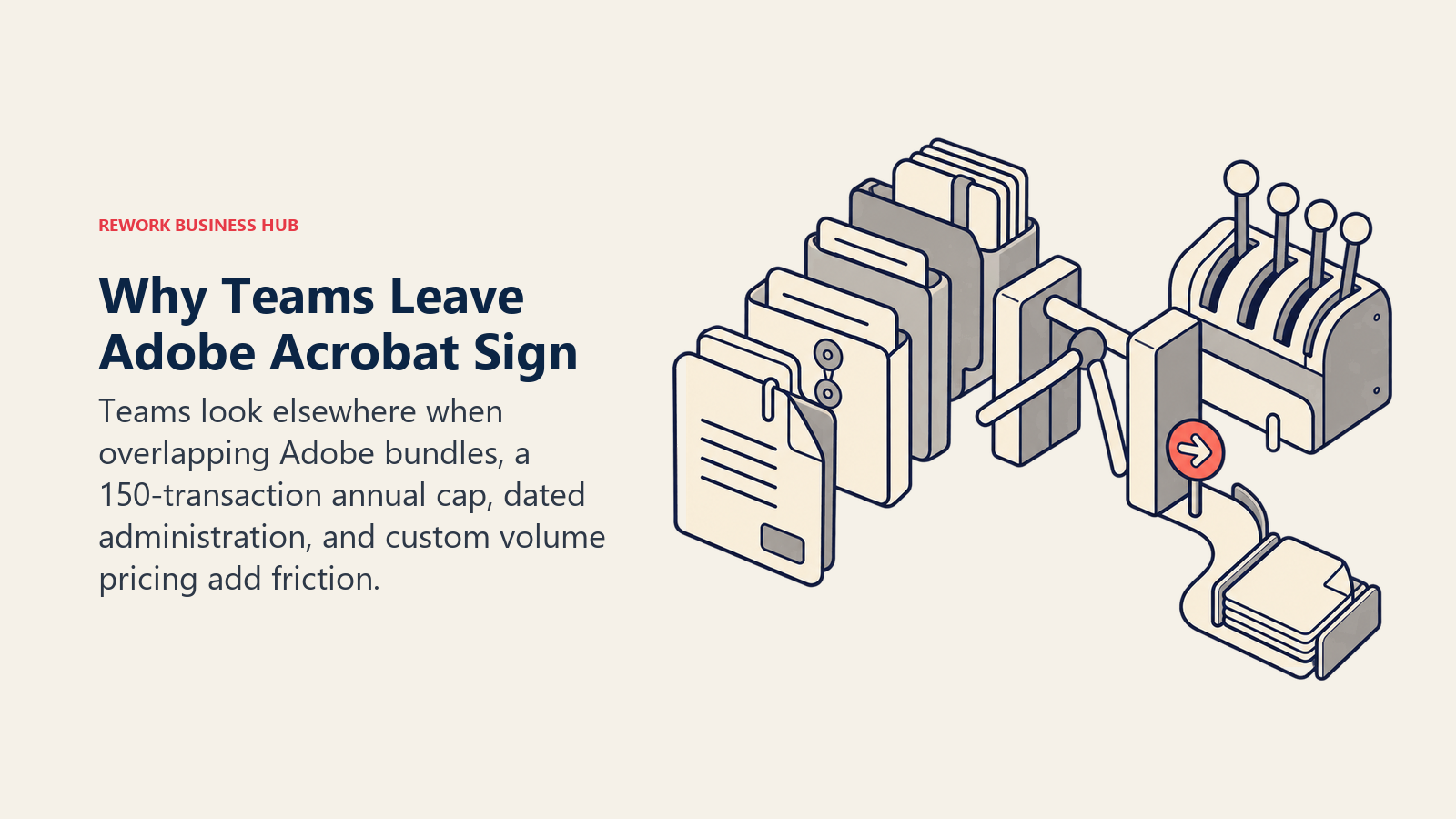
The license bundle is genuinely confusing. Acrobat Standard, Acrobat Pro, Acrobat Studio, and Sign Solutions are four different products with overlapping but distinct scopes, and Adobe's own pricing pages route a buyer between them more than once before landing on a number. A team that needs PDF editing plus e-signature plus enterprise volume ends up piecing together which combination actually covers all three, rather than picking one plan and moving on.
Team plans cap out well before enterprise volume. Acrobat Sign plans sold as user licenses include 150 transactions per user per year unless a contract states otherwise, roughly 12.5 transactions per user per month. (Adobe) That's fine for occasional signing. It's a hard wall for a sales, HR, or procurement team sending contracts, offer letters, or vendor agreements at real volume, and the only way past it is a custom Sign Solutions contract with no published price.
The admin console hasn't kept pace with the rest of the product. Reviewers cite a learning curve and a dated feel to template creation and admin management, a common complaint on an otherwise well-reviewed product. (G2) For an ops team managing dozens of templates across departments, that friction compounds.
Cost climbs fast once a team needs both PDF tools and volume signing. Acrobat Standard for teams runs $16.99 per user per month, Acrobat Pro for teams $23.99, and Acrobat Studio for teams $29.99, all billed annually, and none of those includes the transaction headroom a growing team needs without adding a separate Sign Solutions contract. (Adobe) Stack that against a 20-person sales team and the bill moves quickly.
Acrobat's tightest integrations run through Microsoft, not Google. Word, Outlook, SharePoint, and Teams are first-class citizens in Acrobat Sign's workflow. A team standardized on Google Workspace instead feels that friction first, and often ends up evaluating its document stack more broadly rather than just its signature tool. If that's the actual migration under review, Best Google Workspace Alternatives covers that broader decision.
None of this makes Acrobat Sign wrong for every team. For an organization already standardized on Microsoft 365 that needs compliance depth and doesn't mind the enterprise sales process for Sign Solutions, it remains a defensible default. This guide covers what to evaluate once that trade-off stops working.
How to Choose: Decision Framework
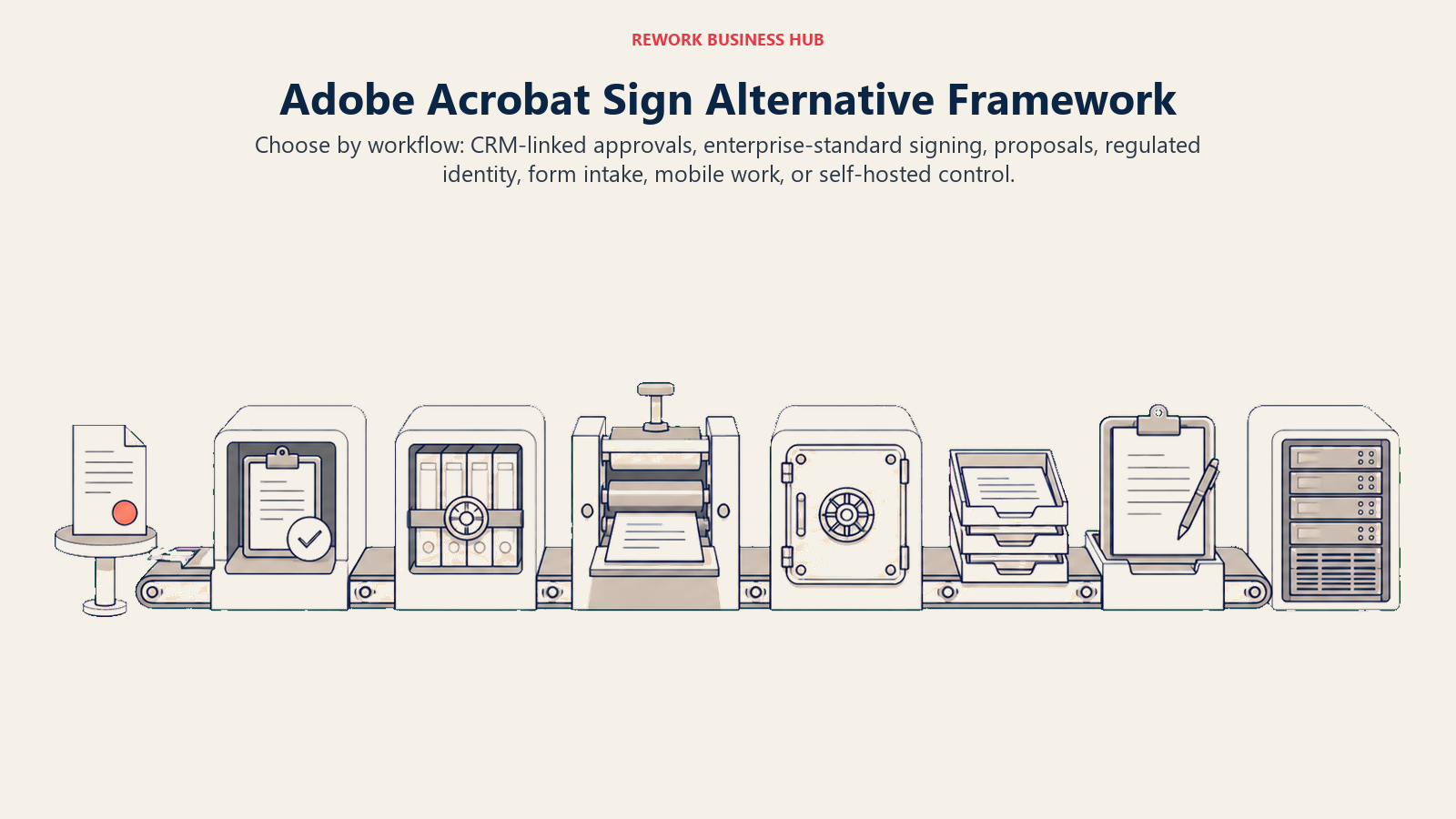
Choose by the workflow that surrounds the signature, then narrow by integration depth, identity requirements, mobility, and hosting control.
| If you need... | Best pick |
|---|---|
| Signatures tied to the CRM deal and cross-team Work Ops approvals | Rework |
| The broadest integration ecosystem and enterprise-standard adoption | DocuSign |
| Simple, reliable signing already inside Dropbox or Google Drive | Dropbox Sign |
| Proposal-to-signature workflow built for a sales team | PandaDoc |
| Unlimited users on every paid tier at a budget price | SignNow |
| E-signature inside an existing Zoho One or Zoho CRM deployment | Zoho Sign |
| Identity verification and audit depth for a regulated industry | OneSpan Sign |
| HIPAA or 21 CFR Part 11 compliant signing tied to PDF workflows | Foxit eSign |
| Signature collection built into intake, onboarding, or HR forms | Jotform Sign |
| An AI-native digital sales room with engagement tracking alongside signing | GetAccept |
| Mobile-first signing for a small team or field reps | SignEasy |
| An open-source, self-hostable signing tool with full API control | Documenso |
| Proposal design and win-rate analytics bundled with signing | Proposify |
| The simplest, cheapest way to get a small team's first e-signature tool live | Signaturely |
Frequently Asked Questions about Adobe Acrobat Sign Alternatives
What's the biggest reason teams look for alternatives to Adobe Acrobat Sign?
License complexity is the most common trigger. Acrobat Standard, Acrobat Pro, Acrobat Studio, and Sign Solutions are separate products with overlapping scopes, and team plans cap out at 150 transactions per user per year before a custom contract is required. A dated admin console and rising cost at scale round out the list.
How much does a typical Adobe Acrobat Sign alternative cost per year?
It depends heavily on the billing model. Budget tools like SignNow start around $8 per user per month billed annually with unlimited users. Mid-market tools like DocuSign and PandaDoc run $19 to $45 per user per month depending on the tier. Enterprise-grade tools like OneSpan Sign are quote-only, similar to Adobe's own Sign Solutions.
Which alternative is easiest to set up without an IT project?
Dropbox Sign and Signaturely are both built for fast, largely self-serve setup, with Dropbox Sign focused on simplicity and Signaturely on a low, predictable price. SignEasy is the simplest option for a team that mostly signs from a phone.
Which alternative fits a team that wants signatures tied to the CRM and other business systems, not a standalone inbox?
Rework is the option here. Its E-Sign module keeps signature requests on the same contact timeline as the CRM deal, Work Ops approvals, and People (HR) data, something none of the dedicated e-signature specialists on this list attempt; they're built to stand alone as signing tools, the same way Acrobat Sign is.
Is Documenso actually free and open source?
The core Documenso codebase is open source and can be self-hosted, and its hosted Free tier covers 5 documents a month with up to 10 recipients each at no cost. Higher usage, more users, or a managed deployment move into the Individual, Teams, or Platform paid tiers.
Which alternative fits a regulated industry that needs more identity verification than Adobe provides?
OneSpan Sign and Foxit eSign both lean into compliance depth beyond Adobe's own certifications, OneSpan for identity verification and audit trails in banking and government, Foxit for HIPAA and 21 CFR Part 11 workflows included standard rather than as an enterprise add-on.
When does it make sense to stay on Adobe Acrobat Sign instead of switching?
Acrobat Sign remains a reasonable choice for a team already standardized on Microsoft 365 that needs Adobe's compliance certifications and PDF depth in one product, and whose signing volume hasn't outgrown the 150-transaction-per-user cap. Teams hitting that cap, juggling the Standard, Pro, and Sign Solutions bundle, or watching cost climb per seat are the ones this guide is for.
What to Do Next
Pick two tools based on which part of Acrobat Sign is actually costing time today, not which demo looks best. If it's the transaction cap or license bundle confusion, put DocuSign and SignNow head to head against your actual monthly signing volume, not a sales rep's estimate. If it's compliance depth for a regulated industry, trial OneSpan Sign or Foxit eSign against a real audit requirement, not a generic feature list.
If the real problem is that signed contracts live apart from the CRM deal and the approval that should have happened before they went out, start with Rework. Pricing for E-Sign is quoted per organization; see rework.com/pricing. For the wider e-signature landscape beyond this list, the Best E-Signature Software in 2026 roundup covers additional categories, and DocuSign vs Adobe Acrobat Sign settles that specific head-to-head if the shortlist has already narrowed to two.

Principal Product Marketing Strategist
On this page
- Key Facts
- Quick Comparison Table
- Stage Fit Matrix
- Sizing and Persona Table
- 1. DocuSign: The Enterprise-Standard Default
- 2. Dropbox Sign: Simple Signing, Not a PDF Suite
- 3. PandaDoc: Documents First, Signature Second
- 4. SignNow: Unlimited Users, Metered Volume
- 5. Zoho Sign: The E-Signature Module Inside Zoho
- 6. Rework: E-Signature Tied to the CRM Deal, Not a Standalone Inbox
- 7. OneSpan Sign: Identity Verification for Regulated Industries
- 8. Foxit eSign: PDF Depth Without Adobe's Price
- 9. Jotform Sign: Signing as a Form Feature
- 10. GetAccept: E-Signature Inside a Digital Sales Room
- 11. SignEasy: Mobile-First Signing
- 12. Documenso: Open Source, Self-Hostable
- 13. Proposify: Proposals With Signing Built In
- 14. Signaturely: The Budget Option
- Why Teams Look Beyond Adobe Acrobat Sign
- How to Choose: Decision Framework
- What to Do Next