Best Dropbox Sign Alternatives in 2026: 14 E-Signature Tools for Growing Sales and Ops Teams
Turn this article into takeaways for your work.


Each assistant summarizes the article only for you and suggests best practices for your work.
Dropbox Sign built its reputation as HelloSign, the e-signature tool developers liked integrating and small teams reached for because it was fast, clean, and didn't feel like enterprise software. Dropbox acquired it in 2019 and folded it into the Dropbox Sign brand, and the product still earns that reputation today: the signing experience stays simple for the person actually clicking to sign, its API remains one of the better-documented ones in the category, and teams already paying for Dropbox storage get signature requests and completed documents saved straight back into folders they already use.
If you're reading this, the trade-offs are probably familiar too. Workflow logic stays shallow, there's no real conditional routing or multi-stage approval chain the way project and ops tools handle it, so anything beyond "send, sign, done" gets awkward fast. Dropbox Sign was never built to be a CRM, so signature requests live disconnected from the deal or contact record that produced them, and ops teams end up stitching that connection with Zapier or a custom integration. Per-seat cost climbs once a team grows past a handful of signers, Standard jumps to $25 a user a month from Essentials' $15, and branding, bulk send, and SSO all sit behind that jump. Templates that felt flexible for one department get rigid once legal, sales, HR, and finance all want their own fields and routing on the same account.
This guide covers 14 alternatives, from category leaders built for enterprise trust to Rework for teams whose signature requests need to live on the same record as the deal, contact, or approval chain that produced them. Evaluated on workflow depth, CRM and ops integration, and pricing transparency, not raw feature count, since most Dropbox Sign buyers chose it for simplicity in the first place. For the wider category, see the Best E-Signature Software in 2026 roundup.
Pricing for two vendors here, Adobe Acrobat Sign and PandaDoc, is labeled "reported" and sourced from named third-party pricing trackers; confirm current numbers with each vendor.
Key Facts
E-Signature Software and What Dropbox Sign Alternatives Are Solving For
- The global digital signature market was worth $9.85 billion in 2025 and is projected to reach $13.70 billion in 2026, growing at a 35.4% CAGR through 2034. (Fortune Business Insights, 2026)
- A Forrester Total Economic Impact study commissioned by DocuSign found its Contract Lifecycle Management platform, which layers on top of e-signature, delivered a 449% ROI for a composite organization and cut contract generation time by 90%. (DocuSign, citing Forrester, 2026)
- Poor contract management costs the average organization 9.2% of annual revenue through missed deadlines, unfavorable renewals, and overlooked terms. (World Commerce & Contracting, 2026)
- DocuSign alone counts more than 1.8 million customers and over a billion people across 180+ countries using its e-signature solutions. (DocuSign Newsroom, 2026)
- The US ESIGN Act establishes that a signature or contract cannot be denied legal effect solely because it's in electronic form, the legal foundation the entire category runs on. (15 U.S.C. Section 7001, Cornell Law School Legal Information Institute)
Quick Comparison Table
| Tool | Best For | Starting Price | Key Strength | Key Limitation |
|---|---|---|---|---|
| DocuSign | Broadest signer trust and adoption at scale | $11/mo (Personal, billed annually) | Category-leading brand recognition and integrations | Envelope caps meter usage even on paid tiers |
| Adobe Acrobat Sign | Teams already paying for Acrobat PDF tools | $14.99/user/mo (Standard for Teams, reported) | E-signature bundled with a full PDF editor | Not sold as a standalone low-cost signing tool anymore |
| PandaDoc | Sales teams building proposals, not just signing | $19/user/mo (Starter, reported) | Proposal and quote workflow plus e-signature | CRM sync and automation locked to the Business tier |
| SignNow | Budget-conscious teams wanting real workflow tools | $8/user/mo (Business, reported) | Lowest per-seat entry price with document groups | Branding and bulk send gated to Premium and up |
| Zoho Sign | Teams already running Zoho CRM or Zoho One | $10/user/mo (Standard, reported) | Native, no-integration tie-in to the Zoho stack | Weak fit outside the Zoho ecosystem |
| Rework | Signing tied to the CRM deal and contact record | Quote on request (rework.com/pricing) | E-signature, CRM, and Work Ops approvals on one timeline | Not a standalone e-signature specialist |
| Jotform Sign | Teams whose documents start as a Jotform intake form | Free (10 signed docs/mo); Bronze $34/mo billed annually ($39 monthly) | Signing built into forms and approval workflows | No dedicated sign-only pricing tier |
| Foxit eSign | PDF editing and signing at a lower price than Adobe | Business $300/user/yr (5+ licenses); Essentials price not published | Full PDF editor plus e-signature at a lower price | Smaller integration ecosystem than the leaders |
| OneSpan Sign | Regulated industries needing identity verification | Volume-based, contact sales (about $22/user/mo reported entry) | Deep identity verification and audit-trail depth | No published self-serve pricing tier |
| SignEasy | Small teams signing mostly from a phone | $10/mo per seat (Personal) | Clean, genuinely mobile-first apps | Workflow depth thins out below Business Pro |
| Documenso | Engineering-led teams wanting open-source, self-hosted signing | Free (self-hosted) or $25/mo (Individual cloud) | Open-source core, full data control if self-hosted | Smaller support bench than commercial incumbents |
| GetAccept | Sales teams wanting video and deal-room engagement | $25/user/mo (eSign) | Video messaging and deal room built around signing | Enterprise-grade features locked to the Professional tier |
| Signaturely | Very small teams wanting the simplest signer | Personal $20/mo billed annually ($25 monthly) | Short learning curve, straightforward pricing | Minimal workflow, branding, or integration depth |
| Proposify | Proposal-heavy sales teams needing document design control | $19/user/mo (Basic, billed annually) | Strong proposal design and engagement analytics | Metered send overages punish high-volume signing |
Stage Fit Matrix
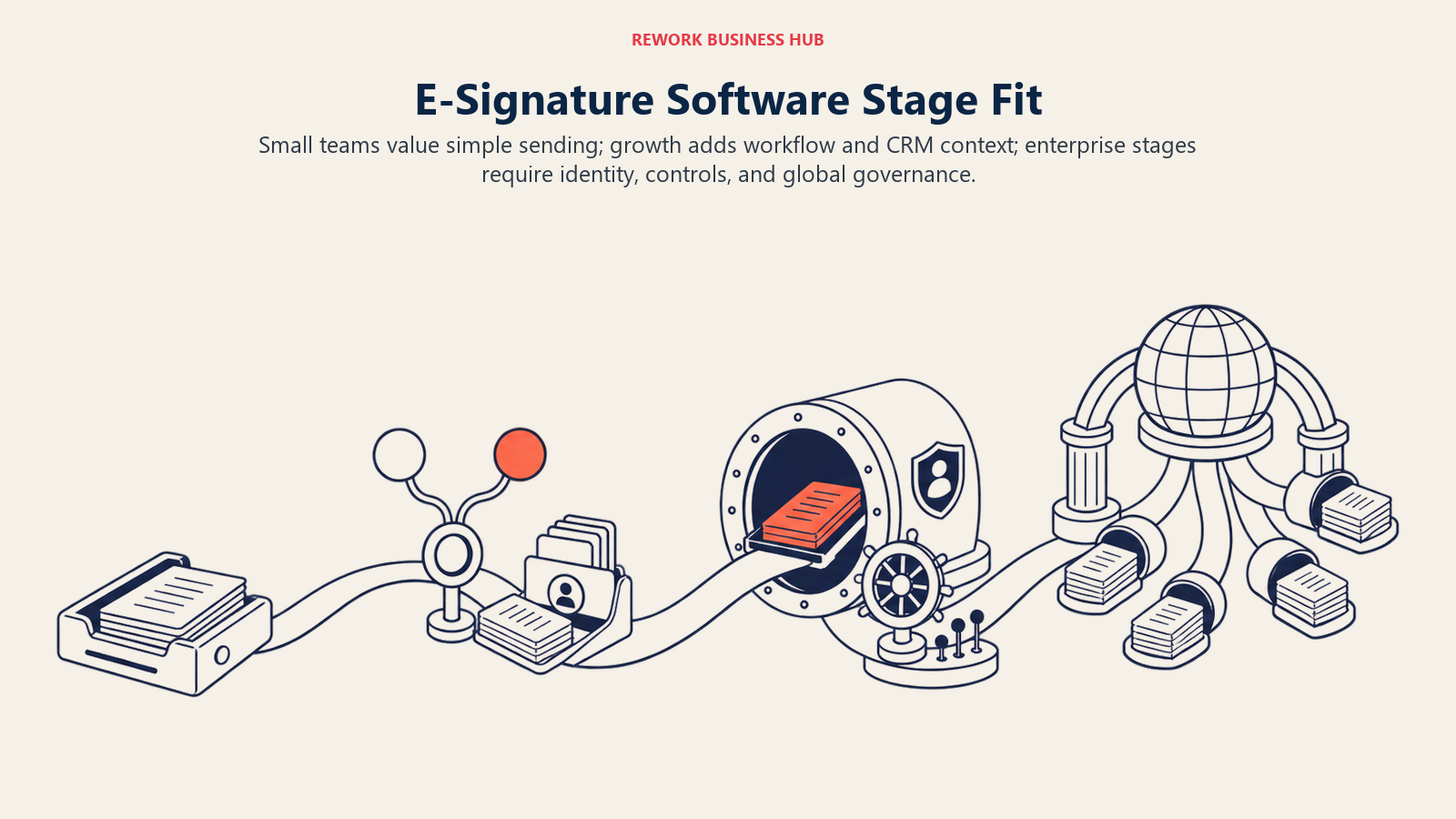
Team size changes the value of signer familiarity, workflow depth, compliance controls, and the cost of adding seats.
| Tool | Startup/SMB (1-50) | Growth (50-500) | Enterprise (500-5,000) | Global Enterprise (5,000+) |
|---|---|---|---|---|
| DocuSign | Good | Best fit | Best fit | Best fit |
| Adobe Acrobat Sign | Good | Best fit | Best fit | Good |
| PandaDoc | Best fit | Best fit | Limited | Not ideal |
| SignNow | Best fit | Good | Limited | Not ideal |
| Zoho Sign | Best fit | Good | Good | Limited |
| Rework | Good | Best fit | Limited | Not ideal |
| Jotform Sign | Best fit | Good | Limited | Not ideal |
| Foxit eSign | Best fit | Good | Good | Limited |
| OneSpan Sign | Limited | Good | Best fit | Best fit |
| SignEasy | Best fit | Good | Limited | Not ideal |
| Documenso | Best fit | Good | Good | Limited |
| GetAccept | Good | Best fit | Good | Limited |
| Signaturely | Best fit | Limited | Not ideal | Not ideal |
| Proposify | Good | Best fit | Good | Limited |
Sizing and Persona Table
| Tool | Team Size Sweet Spot | Primary Buyer | Use Case Fit |
|---|---|---|---|
| DocuSign | 50-5,000+ | IT/Procurement, Legal Ops | Broadest enterprise trust and envelope-based signing at scale |
| Adobe Acrobat Sign | 20-2,000 | IT, Document/Records Manager | Teams standardized on Acrobat for PDF editing and compliance |
| PandaDoc | 5-500 | Sales Ops, RevOps | Sales proposals and quotes with e-signature built in |
| SignNow | 5-500 | Office Manager, Ops Lead | Budget-conscious teams wanting real workflow tools at a low seat price |
| Zoho Sign | 5-500 | Zoho Admin, RevOps | Teams already running Zoho CRM or Zoho One |
| Rework | 10-200 | COO, RevOps, Sales Ops | Signing tied to the CRM deal, contact record, and cross-team approvals |
| Jotform Sign | 1-200 | Ops Manager, HR, Marketing | Intake forms that need a signature step without a separate tool |
| Foxit eSign | 5-500 | IT, Document Manager | PDF editing and signing together at a lower price than Adobe |
| OneSpan Sign | 200-10,000+ | CISO, Compliance Officer | Regulated industries (banking, insurance) needing identity verification |
| SignEasy | 1-100 | Founder, Office Manager | Small teams that sign mostly from a phone or tablet |
| Documenso | 5-500 | Engineering Lead, IT | Self-hosted or open-source signing with full data control |
| GetAccept | 10-500 | Sales Leader, Account Executive | Sales teams wanting video and deal-room engagement around the signature |
| Signaturely | 1-50 | Founder, Freelancer, Small Team Lead | Simple, low-cost signing without workflow complexity |
| Proposify | 10-500 | Sales Leader, Agency Owner | Proposal design and analytics with signing built in |
1. DocuSign: The Broadest Trust and Adoption in the Category
DocuSign built the recognition that made "DocuSign it" a verb long before Dropbox Sign existed, and that brand trust still matters when the person on the other end of a signature request has never heard of your company. It counts more than 1.8 million customers and over a billion people signing across 180+ countries, the kind of scale that makes an unfamiliar vendor's request feel routine to sign.
| What you get | What you don't |
|---|---|
| The signer recognition that comes with category leadership | Dropbox Sign's simpler, faster setup for a first send |
| A deep integration ecosystem (Salesforce, Microsoft, Google Workspace) | A flat price; envelope caps meter usage even on paid tiers |
| Identity verification and compliance options for regulated signing | The lowest per-seat price in this list |
| A path into full contract lifecycle management if you outgrow plain e-signature | Dropbox Sign's native Dropbox storage tie-in |
Pricing: Personal is $11/month billed annually ($132/year), 1 user, 5 envelopes/month. Standard is $30/user/month billed annually ($360/user/year), up to 50 users, 100 envelopes per user per year. Business Pro is $45/user/month billed annually ($540/user/year), up to 50 users, 100 envelopes per user per year. Enhanced/Enterprise is a custom quote for 50+ users. (DocuSign)
Best for: Teams that need the broadest signer trust and expect to grow into full contract lifecycle management. See Best DocuSign Alternatives if DocuSign itself is the one you're evaluating away from, and DocuSign vs Adobe Acrobat Sign for the direct comparison. Not ideal for: Teams that just left a $15-25/user tool and don't want a bigger bill for features they won't use; envelope limits also mean heavy senders hit caps fast.
2. Adobe Acrobat Sign: E-Signature Bundled With the PDF Editor You Already Pay For
Adobe folded its standalone e-signature product into Acrobat's broader PDF plans, so the pitch differs from Dropbox Sign's dedicated sign tool: if a team already pays for Acrobat to edit, redact, and manage PDFs, e-signature comes along for a fraction of what a separate tool would cost.
| What you get | What you don't |
|---|---|
| E-signature plus a full PDF editor (compare, redact, OCR) in one subscription | A standalone, low-cost signing-only plan the way Dropbox Sign sells one |
| Deep Microsoft 365 and enterprise compliance integrations | Confirmed public pricing; Adobe's page routes through multiple SKUs |
| A recognizable brand for signers wary of a smaller vendor | Dropbox Sign's simpler, faster send-and-sign flow |
| A path to Acrobat Sign Solutions for high-volume, API-first sending | A single, transparent price point across every use case |
Pricing (reported; Adobe's own pricing pages could not be confirmed directly): Acrobat Standard for Teams runs about $14.99/user/month billed annually. Acrobat Pro for Teams, which adds e-signature, compare, and redact, runs about $23.99/user/month billed annually ($35.99/user/month billed monthly). Acrobat Sign Solutions, for high-volume API sending, HIPAA, and advanced authentication, is a custom quote through Adobe sales. (eversign's 2026 Adobe Acrobat Sign pricing guide)
Best for: Teams already standardized on Acrobat for PDF work who want signing bundled in rather than paying for a second subscription. See Best Adobe Acrobat Sign Alternatives if Acrobat Sign is the one you're leaving. Not ideal for: Teams that want a simple, dedicated signing tool without buying into the wider Acrobat/PDF subscription.
3. PandaDoc: Signing Plus Sales Documents in One Workflow
PandaDoc solves a different problem than Dropbox Sign. If what's slowing a sales team down isn't just collecting a signature but building the proposal or quote that precedes it, PandaDoc's document workflow (content library, pricing tables, approval flows) plus e-signature closes the whole loop in one tool.
| What you get | What you don't |
|---|---|
| Proposal and quote building alongside signing, not just a bare signature request | Dropbox Sign's simplicity for a team that just needs "send and sign" |
| CRM integrations (Salesforce, HubSpot, Pipedrive) built for a sales workflow | Real automation and CRM sync on the entry tier; that's a Business-tier feature |
| A content library and reusable templates for proposals and contracts | The lowest cost per seat in this category |
| Document analytics on the Business tier (opens, time on page) | A flat, predictable price at scale; add-ons and overages apply |
Pricing (reported): Free covers basic e-signature only, capped around 5 documents a month. Starter runs from $19/user/month billed annually. Business runs from $49/user/month billed annually and adds CRM integrations, approval workflows, and custom branding. Enterprise is a custom quote, reported starting near $59+/user/month on annual contracts. (Proposify's 2026 PandaDoc pricing guide)
Best for: Sales teams whose real bottleneck is building the proposal or quote, not just collecting the final signature. See Best PandaDoc Alternatives for the wider category. Not ideal for: Teams that only need plain e-signature and don't want to pay for proposal-building features they won't touch.
4. SignNow: The Lowest Per-Seat Entry Price With Real Workflow Tools
SignNow, part of the airSlate family, competes with Dropbox Sign directly on the same "clean, affordable signing" turf, but undercuts it on price while adding workflow features Dropbox Sign's Essentials tier doesn't offer at all.
| What you get | What you don't |
|---|---|
| A lower entry price than Dropbox Sign's Essentials tier | Dropbox Sign's brand recognition with signers |
| Document groups and bulk sending on the Premium tier | Bulk send or custom branding on the base Business plan |
| Access to the wider airSlate workflow and document-automation suite | The deepest CRM-native integrations in this list |
| Unlimited templates even on the entry tier | Advanced authentication and reporting below Enterprise |
Pricing (reported; SignNow's own pricing page redirected to a purchase flow with no usable pricing content): Business runs about $8/user/month billed annually. Business Premium, which adds bulk send, document groups, and branding, runs about $15/user/month. Enterprise, with advanced threat protection and a reporting dashboard, runs about $30/user/month. (costbench.com's 2026 SignNow pricing guide)
Best for: Budget-conscious teams that want real workflow features (bulk send, document groups) without Dropbox Sign's jump to $25/user for similar capability. See Best SignNow Alternatives if SignNow itself is what you're evaluating away from. Not ideal for: Teams that want a single, well-known integration partner list; SignNow's ecosystem is smaller than DocuSign's or Adobe's.
5. Zoho Sign: Native to the Zoho CRM Stack
Zoho Sign's pitch is almost entirely about ecosystem fit. If a team already runs Zoho CRM, Zoho Books, or the broader Zoho One suite, signing lives in the same login and data model rather than needing a Zapier bridge the way Dropbox Sign would.
| What you get | What you don't |
|---|---|
| Native, no-integration-required tie-in to Zoho CRM and Zoho One | A reason to adopt it if you're not already on Zoho |
| An AI assistant and advanced signer authentication on paid tiers | Dropbox Sign's standalone brand recognition |
| A free tier (5 envelopes/month, single user) to start with no cost | Deep, out-of-the-box CRM integrations outside the Zoho ecosystem |
| Compliance options up to QES and blockchain timestamping on Enterprise | Published dollar figures on Zoho's own pricing page |
Pricing (reported; Zoho's pricing page lists tier features but no dollar figures in fetchable content): Standard runs about $10/user/month (25 envelopes per user per month). Professional runs about $16/user/month (unlimited envelopes, branding, templates). Enterprise runs about $22/user/month (bulk send, payment collection, APIs). All three are billed annually. A free plan covers 5 envelopes/month for a single user. (Capterra's Zoho Sign pricing page)
Best for: Teams already inside the Zoho ecosystem, especially Zoho CRM, that want signing without adding a new vendor relationship. Not ideal for: Teams outside Zoho; the integration advantage disappears and the price advantage over SignNow narrows.
6. Rework: E-Signature Tied to the CRM Deal, Not a Standalone Tool
Rework is the relevant pick when the gap with Dropbox Sign isn't the signing experience itself, it's that a signature request has nothing to do with the deal, contact, or approval chain that produced it. Rework's E-Sign module lives on the same platform as Sales Ops (CRM plus pipeline), Lead Ops, Work Ops, and the People app (HRIS plus time and attendance), so a signature request sits on the same contact timeline as the deal that triggered it, and Work Ops approval routing can move a document through internal sign-off before it ever reaches the counterparty.
| What you get | What you don't |
|---|---|
| Signature requests tied to the CRM deal and contact record, not a standalone tool | Advanced notarization or government-grade identity-verification depth |
| Work Ops approval routing before a document goes out for signing | High-volume, API-first signing built for a developer-led workflow |
| One timeline across sales, contract, and cross-team ops history | A dedicated legal-grade contract negotiation or redlining workspace |
| Packaged annual pricing across Sales Ops, Lead Ops, and Work Ops | A published price for the E-Sign module itself |
Pricing: Rework does not publish a price for the E-Sign module. Rework sells packaged annual plans, Sales Ops, Lead Ops, and Work Ops, rather than per-user or per-envelope e-signature licenses. See rework.com/pricing for the published lines, or ask the team for an E-Sign quote.
Best for: Mid-size, ops-led teams (roughly 10-200 people) whose COO, RevOps lead, or Sales Ops manager wants signature requests tied to the same CRM record, deal, and approval chain everything else already runs through, instead of a signing tool that lives apart from it. See Best CRM Software in 2026 for the CRM layer this sits on, or Best Contract Management Software in 2026 for deeper contract lifecycle needs. Not ideal for: Teams that need notarization, government-grade identity verification, high-volume API signing, or a dedicated legal negotiation workspace; those needs call for a purpose-built e-signature or CLM specialist.
7. Jotform Sign: Signing Bundled Into the Form Builder You Already Use
Jotform Sign solves a narrower, adjacent problem. If the documents needing signatures start life as a Jotform intake form, an application, a waiver, an onboarding packet, keeping the signature step inside the same tool avoids exporting to a separate signing app.
| What you get | What you don't |
|---|---|
| Signature requests built directly into Jotform's form and approval workflows | A dedicated, standalone e-signature product; signing is a Jotform feature |
| A genuinely usable free tier (10 signed documents/month) | Generous limits on lower tiers; Bronze caps around 100 signed documents/month |
| Access to Jotform's 200+ integrations and PDF editor | Dropbox Sign's simpler, signature-first interface |
| An Enterprise tier with SSO, HIPAA, and multi-user administration | A separate sign-only pricing tier; you pay for the whole Jotform plan |
Pricing (reported; Jotform's dedicated Sign pricing page returned connection errors): The free Starter plan includes 10 signed documents/month. Paid plans bundle signing into Jotform's general tiers: Bronze runs around $39/month (about 100 signed documents/month), Silver around $49/month, Gold around $129/month with higher limits, and a custom Enterprise plan adds SSO and HIPAA support. (costbench.com's 2026 Jotform pricing guide)
Best for: Teams whose signature workflow starts as a form (intake, application, waiver) and want one tool instead of two. See Best Jotform Alternatives for the wider form-builder category. Not ideal for: Teams that only need signing and don't use Jotform's form builder; paying for the whole plan just for the signature feature is poor value.
8. Foxit eSign: PDF Editing and Signing at a Lower Price Than Adobe
Foxit built its name as the lower-cost PDF editor alternative to Adobe Acrobat, and Foxit eSign extends that same positioning to signing: a genuine PDF editor plus e-signature, priced well under what Adobe charges for the equivalent bundle.
| What you get | What you don't |
|---|---|
| A full PDF editor bundled with e-signature at a lower price than Adobe's equivalent | Adobe's brand recognition or the size of its integration ecosystem |
| Global compliance coverage (HIPAA, 21 CFR Part 11, eIDAS, GDPR) on the Business tier | Dropbox Sign's simpler, dedicated-to-signing interface |
| Notary services and payment collection (Foxit Pay) built in | The deepest CRM-native integrations in this list |
| Unlimited envelopes and templates on the Business tier | A large third-party template or partner marketplace |
Pricing (reported; Foxit's own eSign pricing page and press release did not surface fixed dollar figures): Essentials runs about $10/user/month billed annually (about $120/year). Business runs about $25/user/month billed annually (about $300/year) and adds unlimited envelopes, notary services, and API access. (G2's Foxit eSign pricing page)
Best for: Teams that want PDF editing and signing together without paying Adobe's price for the combination. Not ideal for: Teams that need the deepest integration or template ecosystem; Foxit's is smaller than Adobe's or DocuSign's.
9. OneSpan Sign: Identity Verification Depth for Regulated Industries
OneSpan comes from the digital identity and fraud-prevention side of the industry, not the document-workflow side, and that shows in what it's built for: banks, insurers, and other regulated organizations that need to prove who signed, not just that someone did.
| What you get | What you don't |
|---|---|
| Identity verification and audit-trail depth built for regulated industries | A published, self-serve price; it's volume/transaction-based, contact required |
| SOC 2, ISO 27001, FedRAMP, and HIPAA compliance out of the box | Dropbox Sign's fast, self-serve setup for a small team |
| An embeddable signing UI and white-labeling for a branded experience | The lowest cost of ownership for a team without compliance requirements |
| API-first architecture built for high-volume automated workflows | A flat per-seat price the way SignNow or Zoho Sign publish |
Pricing: OneSpan's own pricing page states transaction/volume-based pricing with no published rate, contact required. (OneSpan) Third-party guides report a Professional plan around $22/user/month billed annually for individuals and small teams, scaling to a custom Enterprise quote with white-labeling, bulk send, and advanced API access. (reported, signeasy.com's OneSpan pricing guide)
Best for: Banks, insurers, and other regulated organizations that need identity-verification depth Dropbox Sign was never built for. Not ideal for: A small team without compliance requirements; the sales process and pricing model are built for enterprise volume, not a first quick signature.
10. SignEasy: Small Teams and Mobile-First Signing
SignEasy leans into a use case Dropbox Sign's mobile app handles reasonably but doesn't lead with: signing and sending from a phone, for a founder or small operations team that's rarely at a desk.
| What you get | What you don't |
|---|---|
| Clean, genuinely mobile-first apps for signing on the go | Dropbox Sign's deeper API and developer documentation |
| A lower entry price than Dropbox Sign's Essentials tier | Advanced workflow depth below the Business Pro tier |
| Google Workspace and Microsoft 365 sync for documents | SSO, HIPAA compliance, or bulk send below the custom tier |
| A 100-day money-back guarantee on annual plans | The brand recognition of a category leader |
Pricing: Personal runs $10/month per seat ($120/year), covering 5 contracts a month. Business runs $20/month per seat ($240/year) with unlimited documents and team collaboration. Business Pro runs $30/month per seat ($360/year) and adds role management, SharePoint and HubSpot integration, and priority support. Teams needing SSO, HIPAA compliance, or bulk send move to a custom "Build Your Plan" quote (5+ seats). (signeasy.com/pricing)
Best for: Small teams and founders who sign and send documents mostly from a phone or tablet, not a desk. If Google Workspace itself is also on the table, Best Google Workspace Alternatives covers that separately. Not ideal for: Teams that need deep workflow automation or API-first signing; SignEasy's depth thins out fast below the Business Pro tier.
11. Documenso: The Open-Source, Self-Hostable Option
Documenso solves a problem none of the other tools here address: what if a team doesn't want its signed contracts sitting on someone else's servers at all? It's built as an open-source DocuSign alternative under an AGPL-3.0 license, so an engineering-led team can self-host it and own the infrastructure outright, or pay for the cloud version if that's not a priority.
| What you get | What you don't |
|---|---|
| A genuinely open-source core (AGPL-3.0) that can be self-hosted for free | Dropbox Sign's polish, support bench, or integration ecosystem |
| Full data control and no vendor lock-in for a self-hosted deployment | A large partner or template marketplace |
| Unlimited documents on every paid cloud tier, no envelope metering | The brand recognition that makes signers comfortable on sight |
| API access for automation even on the entry paid tier | A mature enterprise sales motion; the commercial license is newer |
Pricing: Free covers 5 documents/month, up to 10 recipients per document. Individual runs $25/month billed annually ($300/year, unlimited documents, personal API access). Teams runs $40/month billed annually for up to 5 users ($480/year), additional users at $8/month each. Platform runs $250/month billed annually ($3,000/year) for unlimited documents and users. (documenso.com/pricing) Enterprise and self-hosted licensing are custom quotes, reported near $30,000/year for self-hosted Enterprise Edition (via Documenso's published licensing policy).
Best for: Engineering-led teams that want to self-host their signing infrastructure or prefer an open-source foundation over a closed commercial product. Not ideal for: Teams without engineering resources to manage a self-hosted deployment, or that need Dropbox Sign's out-of-the-box polish and support.
12. GetAccept: Video and Deal-Room Engagement Around the Signature
GetAccept treats the signature as the last step of a sales engagement, not a standalone action, wrapping it in video messaging, a digital deal room, and mutual action plans that Dropbox Sign doesn't attempt.
| What you get | What you don't |
|---|---|
| Video messaging and a digital deal room built around the signing process | Dropbox Sign's simplicity for a plain, no-frills signature request |
| Mutual action plans and stakeholder engagement tracking on Professional | The lowest price point in this list |
| GetAccept AI (smart content, meeting summarizer) on the Professional tier | A fit for teams that just need a document signed, nothing more |
| CRM integrations built for a sales, not legal or HR, workflow | Bulk send or CPQ-style pricing tables below Enterprise |
Pricing: eSign runs $25/user/month, monthly or annual billing, capped at 5 users. Professional runs $49/user/month, billed annually, minimum 5 users, and adds GetAccept AI, advanced branding, and CRM integrations. Enterprise is a custom quote with SSO and unlimited CPQ product libraries. (getaccept.com/pricing)
Best for: Sales teams that want video and deal-room engagement layered onto the signature, not just a plain signing tool. Not ideal for: Legal, HR, or ops teams whose signing needs are transactional, not relationship-building; the video and deal-room layer is overhead they won't use.
13. Signaturely: The Simplest, Lowest-Cost Signer
Signaturely strips e-signature down close to the minimum: send a document, get it signed, done, with a learning curve close to zero and no workflow features to configure first.
| What you get | What you don't |
|---|---|
| A genuinely short learning curve; new users are sending in minutes | Bulk send, advanced branding, or workflow automation |
| A working free tier (3 signature requests/month) to try before paying | CRM integrations built for sales or ops workflows |
| Unlimited templates and custom branding on the Business plan | Dropbox Sign's API depth or developer documentation |
| Cloud storage integrations (Google Drive, Dropbox, OneDrive, Box) | A path to enterprise-scale identity verification or compliance |
Pricing: Personal runs $25/month billed monthly, or $240/year billed annually (about $20/month effective), covering 5 signature requests/month and 1 template. Business runs $50/month per user billed monthly, or $480/year per user billed annually (about $40/month effective), with unlimited signature requests, unlimited templates, and custom branding. (signaturely.com/pricing)
Best for: Very small teams or solo operators who want the simplest signing tool available and don't need workflow depth. Not ideal for: Any team that will outgrow "send and sign" within a year; there's no clear upgrade path to workflow or CRM depth from here.
14. Proposify: Proposal Design and Analytics With Signing Built In
Proposify's angle sits closer to proposal-design territory than plain signing: it's a proposal-building tool first, with e-signature as the closing step, aimed at agencies and sales teams that care as much about how the document looks as whether it gets signed.
| What you get | What you don't |
|---|---|
| Strong visual proposal design control most e-signature tools don't offer | Dropbox Sign's speed for a plain internal document that needs no design |
| Document analytics (opens, time on page, section-by-section engagement) | A free tier; every plan is paid from the start |
| Interactive pricing tables and quote-building inside the proposal | Bulk, transactional signing at a low per-document cost |
| A 14-day free trial and unlimited document creation on every plan | A fit for HR, legal, or ops signing that isn't sales-proposal shaped |
Pricing: Basic runs $29/user/month billed monthly, or $19/user/month billed annually, including 10 sends/month (overages $0.50/send). Team runs $49/user/month billed monthly, or $41/user/month billed annually, including 30 sends/month (overages $0.30/send). Business is a custom quote starting around $3,900/year, including 75 sends/month, SSO, and API access. (proposify.com/pricing)
Best for: Agencies and sales teams whose proposals need real design control, with e-signature as the natural close. Not ideal for: Teams sending high volumes of plain contracts; Proposify's per-send overage pricing punishes volume the way a flat-envelope tool wouldn't.
Why Teams Look Beyond Dropbox Sign
Dropbox Sign, still known to many as HelloSign, built genuine goodwill with a signing experience that stays out of the way and an API developers actually enjoy working with. Most teams looking at alternatives aren't fleeing a broken product, they're running into the edges of what a lightweight, single-purpose signing tool was built to do.
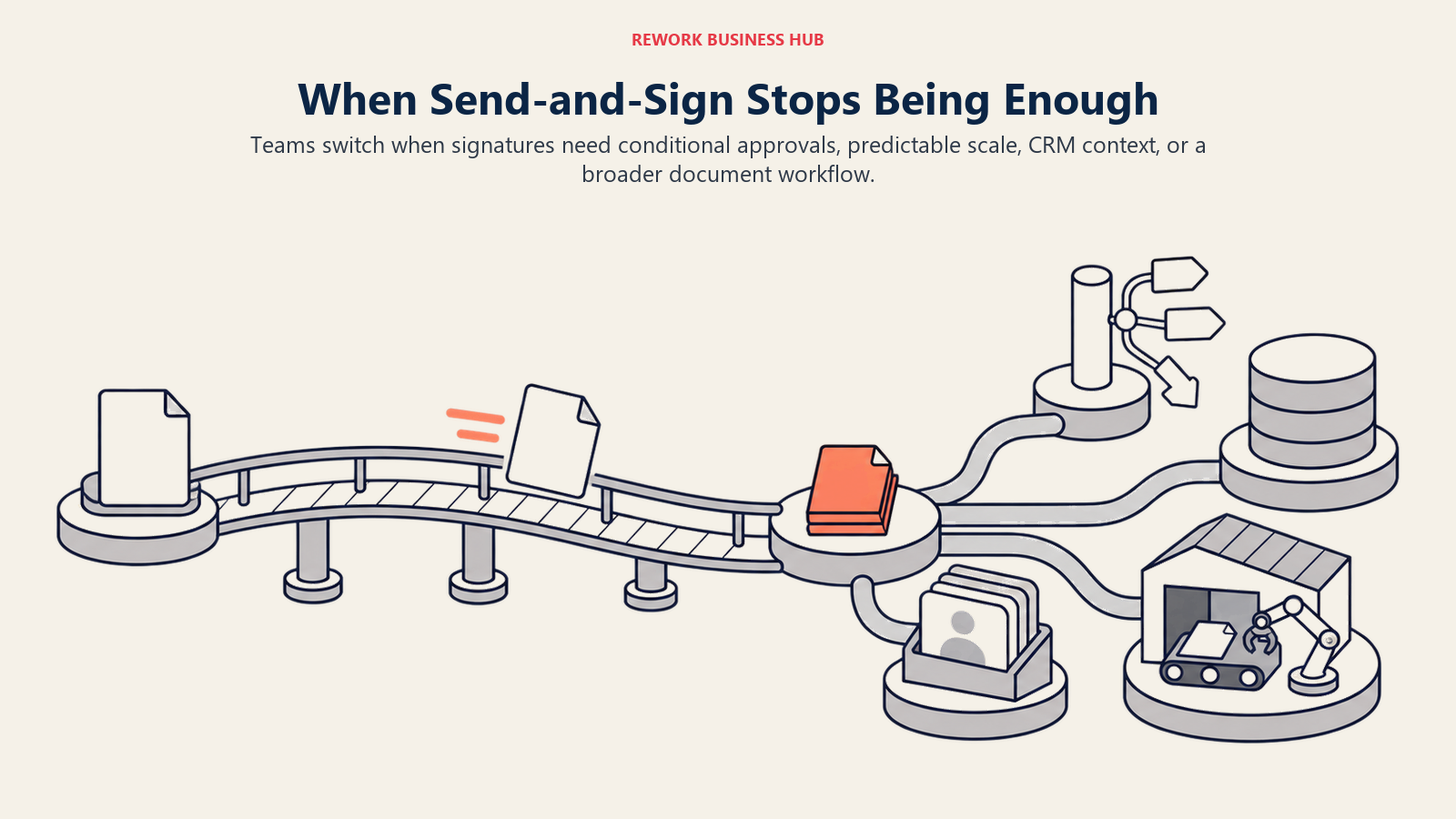
Workflow logic stops at "send and sign." There's no conditional routing, multi-stage approval chain, or branching logic the way project and ops tools handle it. Once a document needs to go through legal review, then a manager's approval, then the customer, before circling back for a countersignature, that whole chain has to be built and monitored outside the product.
Per-seat cost climbs fast past the entry tier. Essentials runs $15/user/month, or $10.05/user/month billed annually. Standard, at $25/user/month ($17.50/user/month billed annually), is where branding, bulk send, the admin console, and SSO actually live, a jump most growing teams end up paying within the first year. (Dropbox Sign's own pricing page)
Signature requests live disconnected from the deal or record that produced them. Dropbox Sign was never built to be a CRM or an ops platform, so a signed contract and the pipeline stage, contact record, or approval chain that triggered it live in two different systems, reconciled by hand or by a Zapier connector someone has to maintain.
The category itself is moving fast, and standalone signing is a shrinking slice of it. The broader digital signature market is projected to grow from $9.85 billion in 2025 to $13.70 billion in 2026 at a 35.4% compound annual growth rate, and a growing share of that spend is going toward platforms that bundle signing with contract lifecycle management, CRM, or document workflow rather than dedicated signing apps. (Fortune Business Insights, 2026)
None of this makes Dropbox Sign wrong for every team. For straightforward signing with a clean UX, a Dropbox-native workflow, and a genuinely good API to build on, it remains hard to beat. This guide covers what to evaluate once that trade-off stops working.
How to Choose: Decision Framework
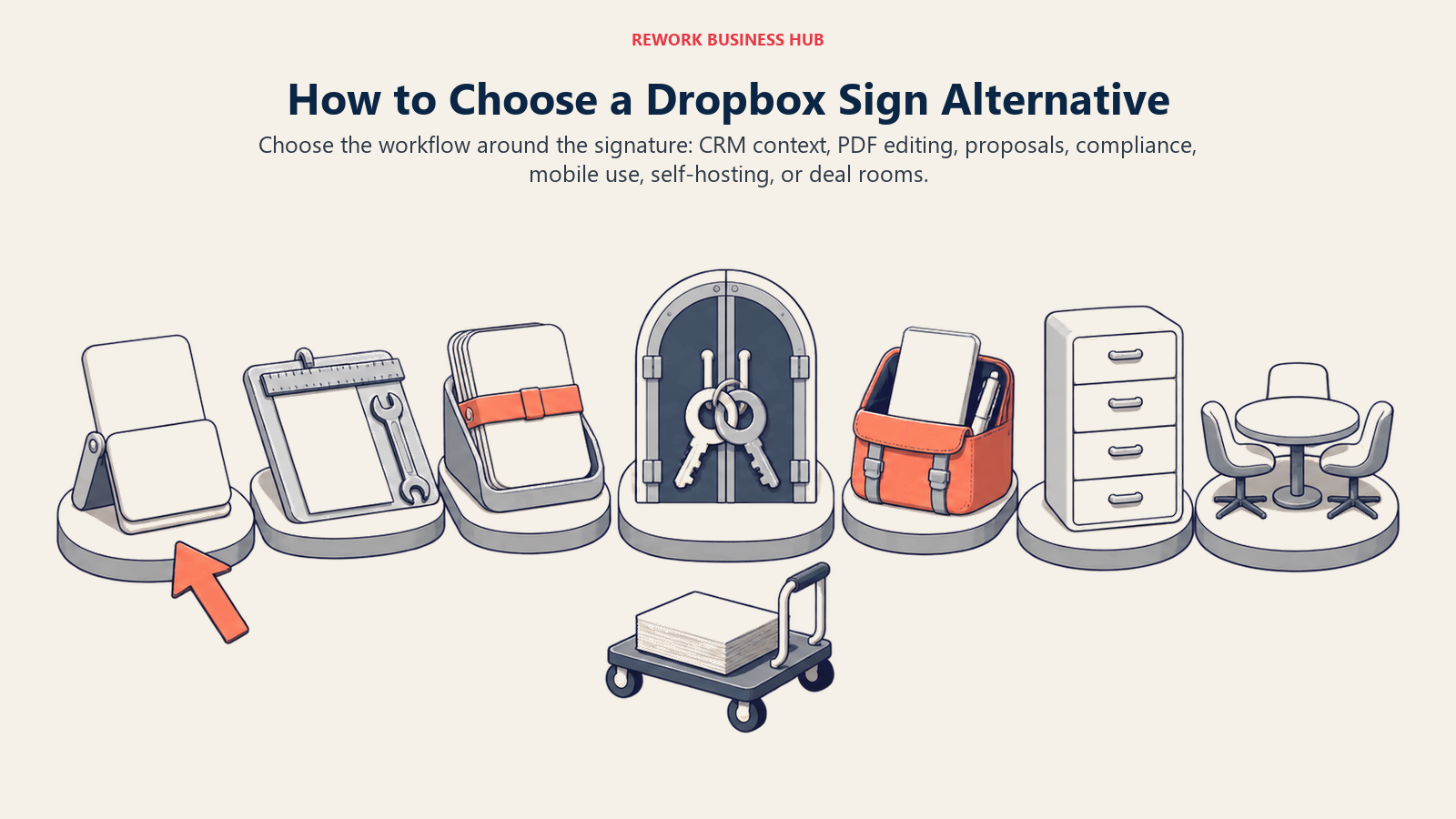
Choose the workflow around the signature first, then match the tool to the surrounding CRM, document, compliance, mobility, infrastructure, or deal-room need.
| If you need... | Best pick |
|---|---|
| E-signature tied to the CRM deal, contact record, and cross-team approvals | Rework |
| The broadest signer trust and adoption at enterprise scale | DocuSign |
| Signing bundled with a PDF editor you already pay for | Adobe Acrobat Sign |
| Signing plus proposal, quote, and content-library building | PandaDoc |
| The lowest per-seat entry price with real workflow tools | SignNow |
| Native tie-in to Zoho CRM or the wider Zoho One suite | Zoho Sign |
| Signing built into the form or intake tool you already use | Jotform Sign |
| PDF editing and signing together at a lower price than Adobe | Foxit eSign |
| Identity verification and audit-trail depth for a regulated industry | OneSpan Sign |
| Mobile-first signing for a small team that's rarely at a desk | SignEasy |
| Open-source, self-hostable signing infrastructure | Documenso |
| Video and deal-room engagement layered onto the signature | GetAccept |
| The simplest, lowest-cost signer with no workflow depth needed | Signaturely |
| Proposal design and analytics with e-signature as the close | Proposify |
Frequently Asked Questions about Dropbox Sign Alternatives
What's the biggest reason teams look for alternatives to Dropbox Sign?
Two things come up most: workflow logic and cost at scale. Dropbox Sign's routing stops at "send and sign," with no conditional approval chains, and per-seat cost jumps from $15/user on Essentials to $25/user on Standard once a team needs branding, bulk send, or SSO.
Is Dropbox Sign the same thing as HelloSign?
Yes. Dropbox acquired HelloSign and rebranded it as Dropbox Sign, so searches for "HelloSign pricing" or "HelloSign alternatives" point to the same product covered in this guide.
Which Dropbox Sign alternative is cheapest for a small team?
SignNow and Signaturely both undercut Dropbox Sign's Essentials tier, SignNow reported around $8/user/month and Signaturely's Personal plan around $20/month effective on annual billing. Documenso's free self-hosted option removes per-seat cost entirely for a team with the engineering resources to run it.
Which alternative fits a team that wants signing tied to CRM and ops, not just legal?
Rework is the option here. Its E-Sign module keeps signature requests on the same contact timeline as the CRM deal and Work Ops approval routing, something none of the dedicated signing tools on this list attempt; they're built to stand alone the way Dropbox Sign does.
What's the difference between Dropbox Sign alternatives built for compliance versus sales?
OneSpan Sign and Adobe Acrobat Sign lean toward regulated-industry compliance: identity verification, audit trails, HIPAA support. PandaDoc, Proposify, and GetAccept lean toward sales, wrapping signing in proposal building, analytics, or deal-room engagement. Match the alternative to which side of that line your actual signing volume falls on.
Does it make sense for a small team to switch straight to OneSpan Sign or DocuSign Enterprise?
Rarely. Both are built for enterprise volume and regulated compliance needs, with pricing and sales processes to match. A team leaving Dropbox Sign's Essentials or Standard tier is usually better served by SignNow, Zoho Sign, or SignEasy first.
When does it make sense to stay on Dropbox Sign instead of switching?
Dropbox Sign remains a strong choice for a team that values a simple, fast signing experience and a well-documented API, and whose signature volume hasn't outgrown "send and sign" yet. Teams that need workflow routing, CRM ties, or predictable cost at scale are the ones this guide is for.
What to Do Next
Pick two tools based on which part of Dropbox Sign is actually costing time today, not which demo looks best. If workflow routing is the gap, put SignNow and Foxit eSign head to head against a real multi-stage document, not a simple NDA. If cost at scale is the concern, trial SignNow's or Zoho Sign's published tiers against your next Dropbox Sign renewal.
If your actual problem is that signed contracts, CRM records, and internal approvals live in separate systems, start with Rework. Pricing for E-Sign is quoted per organization, see rework.com/pricing. For the wider e-signature landscape beyond this list, the Best E-Signature Software in 2026 roundup covers additional categories. If Dropbox itself, the storage and collaboration platform, is also on the table, Best Dropbox Alternatives covers that separately.

Principal Product Marketing Strategist
On this page
- Key Facts
- Quick Comparison Table
- Stage Fit Matrix
- Sizing and Persona Table
- 1. DocuSign: The Broadest Trust and Adoption in the Category
- 2. Adobe Acrobat Sign: E-Signature Bundled With the PDF Editor You Already Pay For
- 3. PandaDoc: Signing Plus Sales Documents in One Workflow
- 4. SignNow: The Lowest Per-Seat Entry Price With Real Workflow Tools
- 5. Zoho Sign: Native to the Zoho CRM Stack
- 6. Rework: E-Signature Tied to the CRM Deal, Not a Standalone Tool
- 7. Jotform Sign: Signing Bundled Into the Form Builder You Already Use
- 8. Foxit eSign: PDF Editing and Signing at a Lower Price Than Adobe
- 9. OneSpan Sign: Identity Verification Depth for Regulated Industries
- 10. SignEasy: Small Teams and Mobile-First Signing
- 11. Documenso: The Open-Source, Self-Hostable Option
- 12. GetAccept: Video and Deal-Room Engagement Around the Signature
- 13. Signaturely: The Simplest, Lowest-Cost Signer
- 14. Proposify: Proposal Design and Analytics With Signing Built In
- Why Teams Look Beyond Dropbox Sign
- How to Choose: Decision Framework
- What to Do Next