DocuSign vs Adobe Acrobat Sign in 2026: Which E-Signature Platform Fits Your Stack?
Turn this article into takeaways for your work.


Each assistant summarizes the article only for you and suggests best practices for your work.
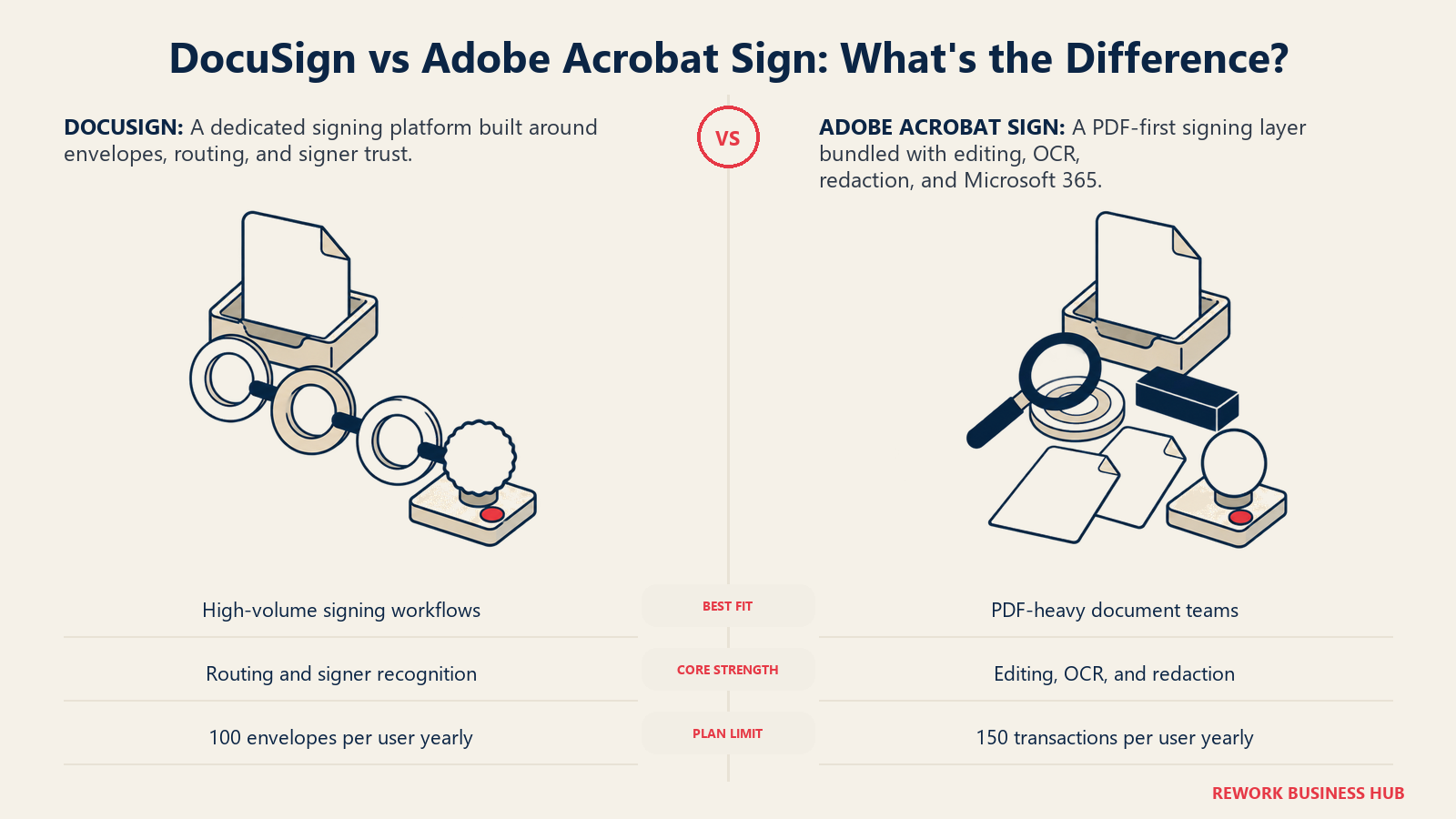
If you're comparing DocuSign and Adobe Acrobat Sign, you've already ruled out building a home-grown signing process out of PDFs and email. You're an ops lead, a legal ops manager, or an IT director trying to answer a narrower question: does your team need a dedicated e-signature workflow tool, or does it need PDF authoring and signing bundled into the document tool it already owns? That single question decides more of this comparison than any feature checklist.
DocuSign built its whole product around the envelope: a document goes in, a routing sequence decides who signs in what order, and a certificate of completion comes out. Adobe Acrobat Sign starts from the opposite direction. It's the signing layer bolted onto the PDF editor most of your signers already have installed, which matters more than it sounds once you count how many contracts start life as a redlined, OCR'd, or redacted document rather than a clean upload. Neither approach is wrong. They just optimize for different first moves.
Figures marked "(reported)" come from those trackers, not from Adobe directly.*
TL;DR
| DocuSign | Adobe Acrobat Sign | |
|---|---|---|
| Built by | DocuSign, Inc. | Adobe |
| Core identity | Dedicated e-signature and agreement workflow platform | PDF platform (Acrobat) with e-signature built in |
| Signing experience | Guided envelope flow, the most broadly recognized signing UI in the category | Signing happens inside the Acrobat viewer, which most business users already have |
| Entry price | Personal: $11/month billed annually, 1 user, 5 envelopes/month | Acrobat Standard (Individual): $12.99/month billed annually (reported), 1 user, unlimited transactions |
| Team price | Standard: $30/user/month billed annually, up to 50 users, 100 envelopes/user/year | Acrobat Standard for teams: $14.99/user/month billed annually (reported), no published seat cap, 150 transactions/user/year |
| Strongest differentiator | Deepest e-signature-specific feature set: PowerForms, bulk send, Connect webhooks, a separate CLM product | Native PDF editing, redaction, OCR, and document comparison bundled with signing |
| Weakest spot | No native PDF editing; DocuSign is a routing layer, not a document editor | Acrobat Sign Solutions (the enterprise tier) is quote-only, and self-serve team plans cap at 150 signed transactions per user per year |
| Best for | Teams whose core workflow is sending documents out for signature, at any scale | Teams already standardized on Acrobat and Microsoft 365 that want document prep and signing in one place |
Key Facts
- The global digital signature market is projected to grow from $9.85 billion in 2025 to $13.70 billion in 2026, a 35.40% compound annual growth rate toward $154.52 billion by 2034, per Fortune Business Insights.
- Teams using end-to-end, AI-assisted agreement workflows saw a 36% average reduction in manual effort and total cycle time, and 29% higher ROI than teams using point solutions, per a DocuSign-commissioned Deloitte study, Capitalizing on AI: How Automated Agreement Workflows Drive ROI.
- The same study found a 72% reduction in clerical errors and compliance oversights among teams running agreement work through an integrated platform rather than disconnected tools.
- A qualified electronic signature under the EU's eIDAS Regulation (910/2014) carries the same legal effect as a handwritten signature and is recognized without additional formalities across every EU member state, per DocuSign's eIDAS regulatory primer.
- DocuSign's Intelligent Agreement Management platform, including eSignature and CLM, achieved FedRAMP Moderate authorization in September 2025, along with provisional DoD Impact Level 4 status, per DocuSign's own announcement; Adobe Acrobat Sign holds the lighter FedRAMP Tailored authorization, per Adobe's compliance documentation.
Who Each Platform Is Actually Built For
DocuSign sells to a buyer who needs a signing process, full stop. The document itself is usually finished before it reaches DocuSign; the job is routing it to the right people in the right order and proving it was signed. That's why DocuSign's roadmap keeps pushing into agreement lifecycle territory with a separate CLM product rather than PDF authoring. If your team's pain point is "we need contracts signed faster and tracked better," DocuSign is speaking your language directly. For teams evaluating that fuller lifecycle question, Ironclad vs DocuSign CLM covers the add-on product this comparison doesn't.
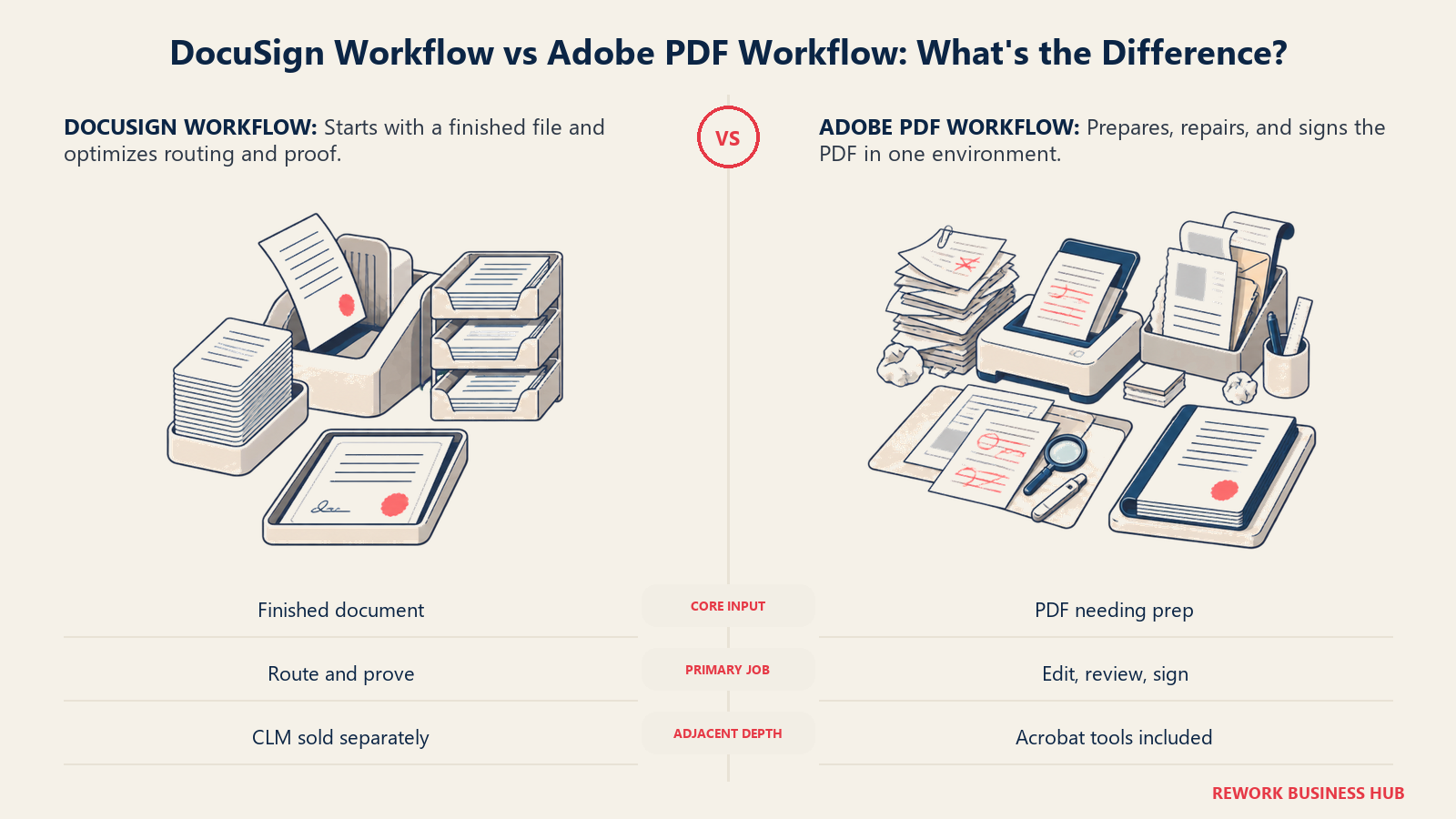
Adobe Acrobat Sign sells to a buyer who already has a PDF problem before the signature problem even starts. Proposals need formatting fixes. Scanned intake forms need OCR. A counterparty's redline needs comparing against the original. Acrobat Sign folds signing into the same license as the tool doing that PDF prep work, so a team doesn't buy and learn two separate products for what feels like one job.
| DocuSign | Adobe Acrobat Sign | |
|---|---|---|
| Sweet-spot team | Sales, legal, and ops teams whose core job is sending documents for signature | Teams already licensing Acrobat for document creation, editing, or PDF-heavy workflows |
| What the document looks like before it arrives | Usually finished; DocuSign adds routing and signature fields | Often needs editing, redaction, OCR, or comparison before it's signature-ready |
| Buying trigger | "We need a faster, more trackable way to get documents signed" | "We're already paying for Acrobat; do we need a second signing tool too?" |
| Adjacent product | DocuSign CLM (separate purchase, full contract lifecycle) | Acrobat Sign Solutions (enterprise tier, deeper workflow and API access) |
If neither of these framings fits and you're still shopping the category broadly, the best e-signature software in 2026 roundup covers a wider field than this head-to-head.
Signing Experience and Mobile
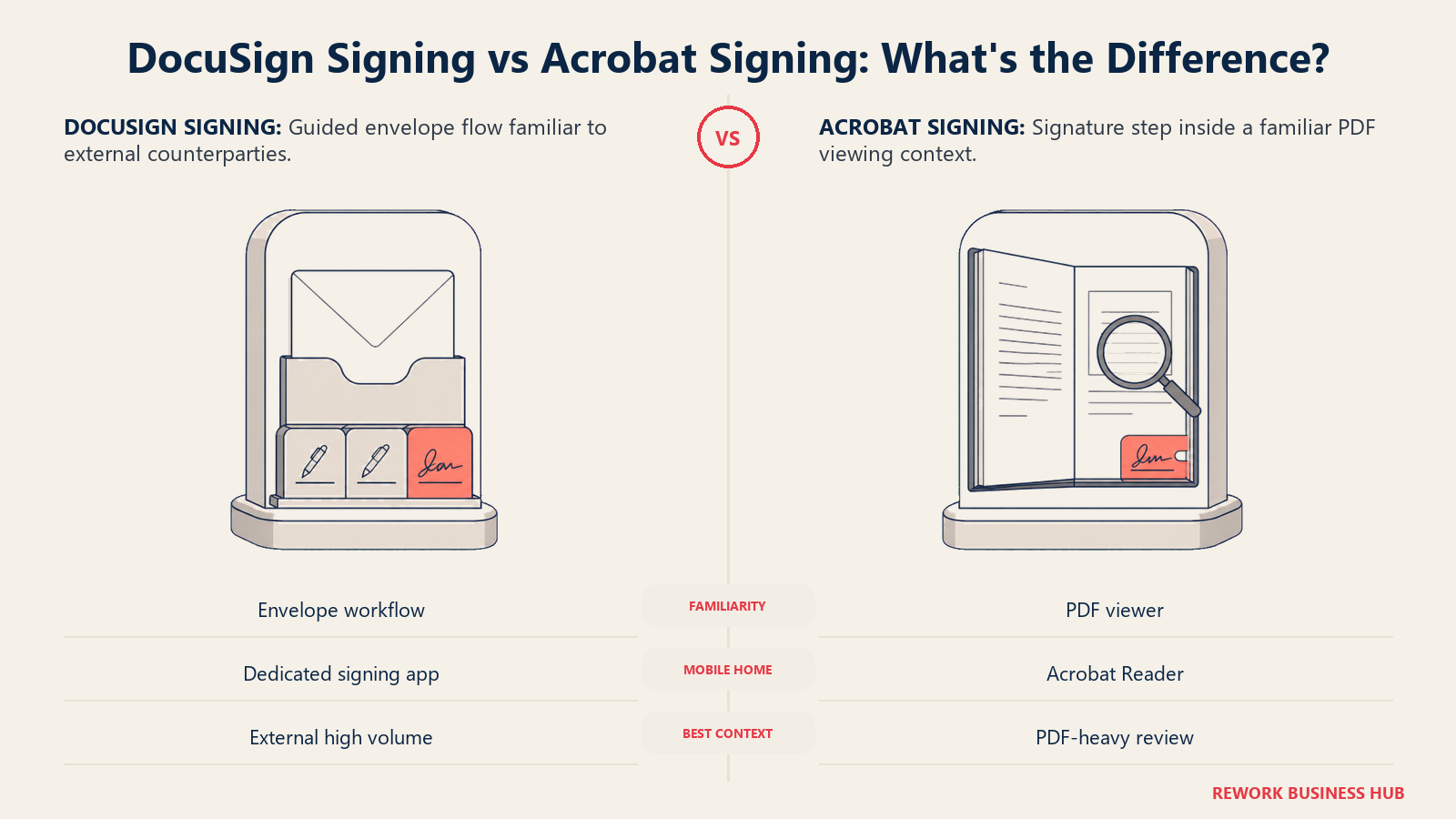
This is the part your counterparties actually experience, and it's worth separating from everything an admin cares about. DocuSign's tag-and-sign flow is close to a category default; most business professionals have signed at least one DocuSign envelope, and that familiarity reduces support questions and abandoned signing sessions. Adobe leans on a different kind of familiarity: the Acrobat icon and PDF viewer that most desktop users already recognize, even if they've never used Acrobat Sign specifically.
| DocuSign | Adobe Acrobat Sign | |
|---|---|---|
| Signing flow | Guided envelope flow with tag-to-sign fields | Signing happens inside the Acrobat/PDF viewer experience |
| Mobile app | Dedicated DocuSign app for iOS and Android with envelope tracking | Signing works through Acrobat Reader mobile, one of the most installed apps in its category |
| Signer account required | No, external signers do not need a DocuSign account to sign | No, external signers do not need an Adobe account to sign |
| Brand recognition for signers | Very high, especially in the US and among enterprise counterparties | High, particularly among users who already associate the Acrobat icon with PDFs |
| Best fit for signer experience | High-volume external signing (customers, vendors, candidates) | Internal or PDF-heavy signing where the document itself needs review, not just a signature |
PDF Authoring and Document Prep
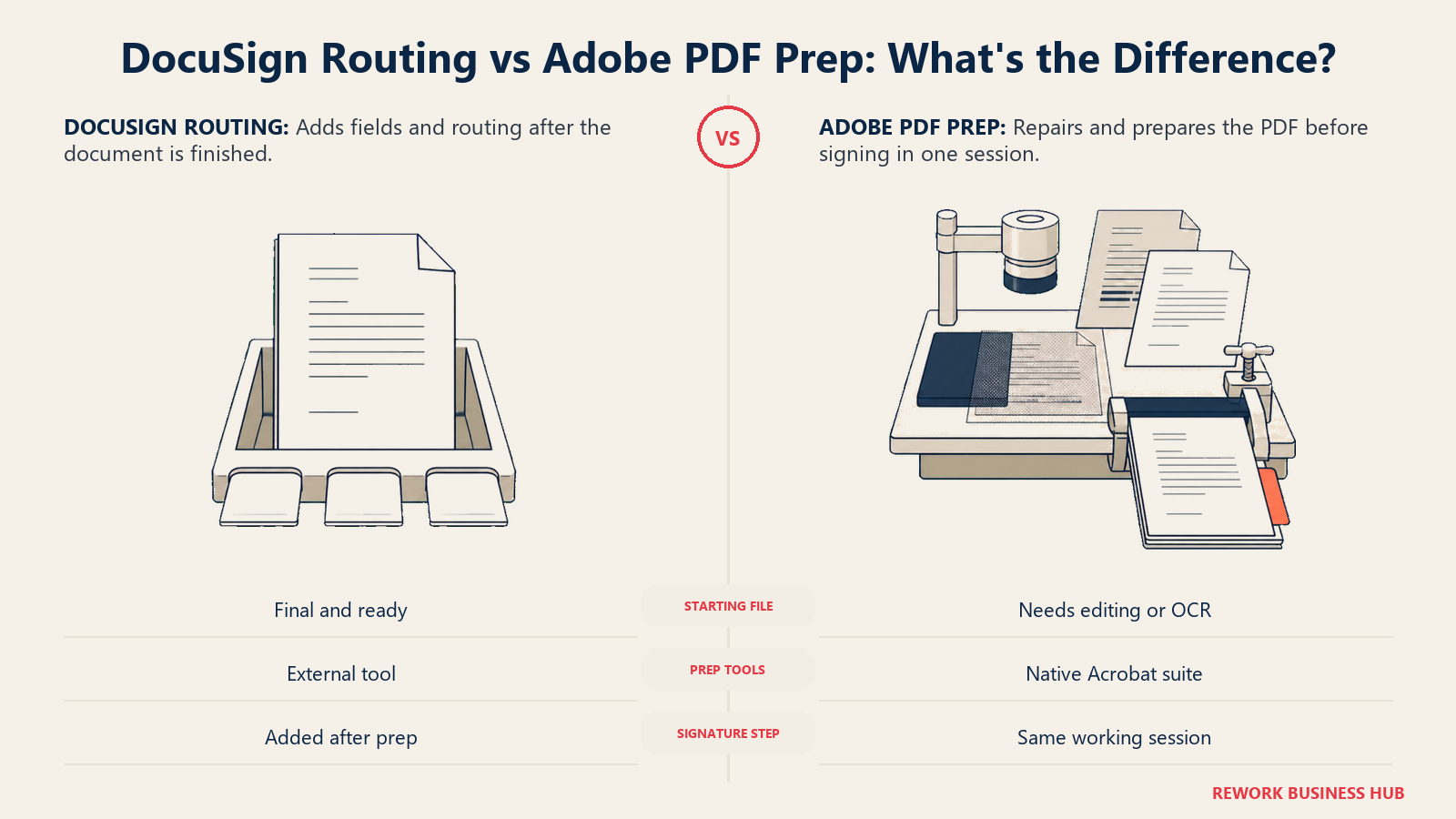
This is where the two platforms genuinely diverge, not just in price but in what they're for. DocuSign is not a PDF editor. It accepts a finished document and adds routing and signature fields on top; if the underlying PDF needs edits, redaction, or cleanup, that work happens somewhere else first. Adobe Acrobat Sign inherits the full weight of Acrobat, so document prep and signing live in the same license and the same session.
| DocuSign | Adobe Acrobat Sign | |
|---|---|---|
| Native PDF text/image editing | No | Yes, full Acrobat editing |
| Redaction | Not native | Native, part of Acrobat Pro and above |
| OCR on scanned documents | Limited | Native, built on Adobe's OCR engine |
| Compare two document versions | Not native | Native, Compare Files tool |
| Combine or split PDF files | Not native | Native |
| Where document prep happens | A separate tool, before the file reaches DocuSign | The same license, the same session, before sending for signature |
For teams whose real bottleneck is proposal or document assembly rather than the signature step itself, best PandaDoc alternatives covers the document-automation layer both of these platforms sit downstream of.
Templates and Bulk Send
Both platforms treat templates as table stakes, but the gating tier differs and matters for a budget-conscious team.
| DocuSign | Adobe Acrobat Sign | |
|---|---|---|
| Reusable templates | Yes, Standard tier and above | Yes, Pro for teams and above |
| Bulk send to a list of recipients | Yes, Business Pro and above | Yes, Pro for teams and above |
| Self-service signing links | PowerForms, Business Pro and above | Web Forms |
| Conditional or dynamic form fields | Yes | Yes |
| Payment collection during signing | Yes, Business Pro and above | Limited |
A practical note: DocuSign's cheapest tier with templates (Standard) doesn't include bulk send or PowerForms, so a small team that wants both templates and mass-send capability needs Business Pro, not Standard. The equivalent jump on Adobe's side is from Standard for teams to Pro for teams.
Workflow and Routing Depth
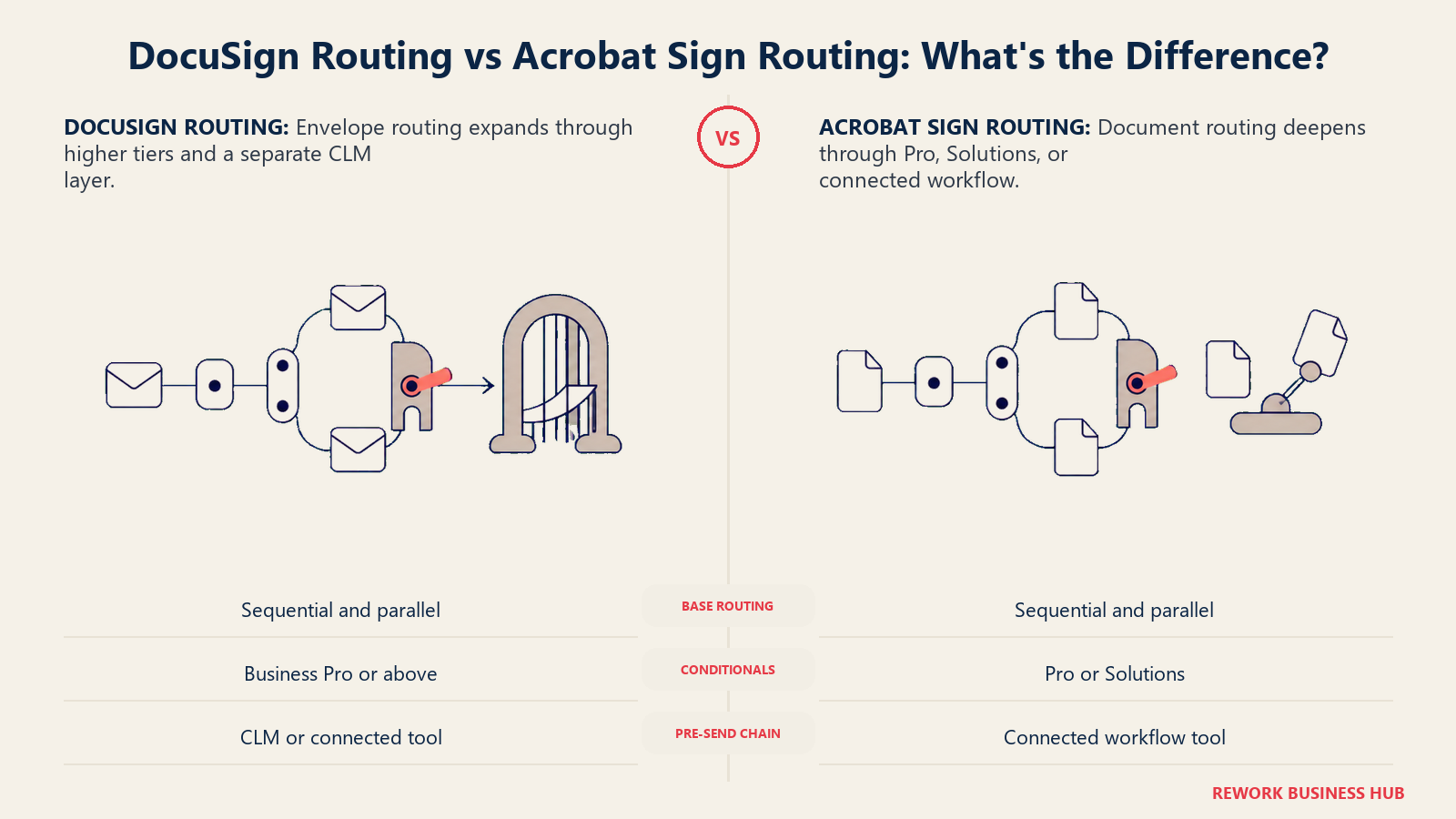
Sequential and parallel routing exist on both platforms at a comparable level for most use cases. The gap widens once a workflow needs conditional branching or approval chains before a document even reaches the first signer.
| DocuSign | Adobe Acrobat Sign | |
|---|---|---|
| Sequential routing | Yes, all tiers with envelope routing | Yes, all team and business tiers |
| Parallel routing | Yes | Yes |
| Conditional routing rules | Yes, Business Pro and Enhanced | Yes, Pro for teams and Acrobat Sign Solutions |
| Full contract lifecycle management | Separate product, DocuSign CLM | No dedicated CLM product; deeper workflow lives in Acrobat Sign Solutions |
| Pre-send approval chains | Limited without the CLM add-on | Limited without a connected workflow tool |
Neither platform is a substitute for a dedicated contract lifecycle or work-approval system on its own. If routing and pre-send approvals are the real gap, not just the signature step, see best contract management software in 2026 for the category built specifically around that problem.
CRM and Microsoft/Google Integrations
Here the two vendors' parent ecosystems show through clearly. DocuSign's Salesforce integration is longstanding and deep; Adobe's Microsoft 365 embedding runs deeper than DocuSign's, a direct result of Adobe and Microsoft's multi-year product partnership.
| DocuSign | Adobe Acrobat Sign | |
|---|---|---|
| Salesforce | Deep native integration, one of the most established in the category | Native integration via Acrobat Sign for Salesforce |
| HubSpot | Native integration | Third-party/connector-based |
| Microsoft 365 (Word, Outlook, Teams) | Add-ins available for sending from Word and Outlook | Deeper native embedding: "Send for Signature" inside Word, Outlook, Teams, and SharePoint |
| Microsoft Dynamics 365 | Available via connector | Available, with closer platform alignment given the Adobe-Microsoft partnership |
| Google Workspace | Native integration (Gmail, Drive) | Native integration (Gmail, Drive) |
If your CRM decision is still open alongside the e-signature one, best CRM software in 2026 is worth reading before you lock in an integration-dependent choice.
API and Developer Experience
Both platforms ship a mature REST API and a webhook system for event-driven workflows (DocuSign Connect, Acrobat Sign webhooks). The practical difference shows up in ecosystem size rather than raw capability.
| DocuSign | Adobe Acrobat Sign | |
|---|---|---|
| Primary API | eSignature REST API | Acrobat Sign REST API |
| Event webhooks | DocuSign Connect | Acrobat Sign webhooks |
| Developer ecosystem | Larger, more third-party SDKs, sample apps, and community integrations | Smaller, but well documented with official SDKs |
| Free developer/sandbox account | Yes | Yes |
| Typical use case | Embedding signing into a custom app or product flow | Embedding signing into an existing Adobe Document Cloud or Experience Cloud workflow |
Compliance Posture: eIDAS, 21 CFR Part 11, SOC 2, and Qualified Signatures
Neither vendor is thin here. Both sell into regulated enterprises and carry the certifications to prove it. The real difference is in one specific certification most buyers overlook until it's a blocker.
| DocuSign | Adobe Acrobat Sign | |
|---|---|---|
| SOC 2 Type 2 | Yes | Yes |
| ISO 27001 / 27017 / 27018 | Yes | Yes |
| HIPAA | Supported via a signed BAA and correct configuration (not an independent certification) | Supported via configuration; HIPAA readiness documented |
| 21 CFR Part 11 (FDA, life sciences) | Supported | Supported, with FDA readiness documentation |
| eIDAS Qualified Electronic Signature | Supported | Supported |
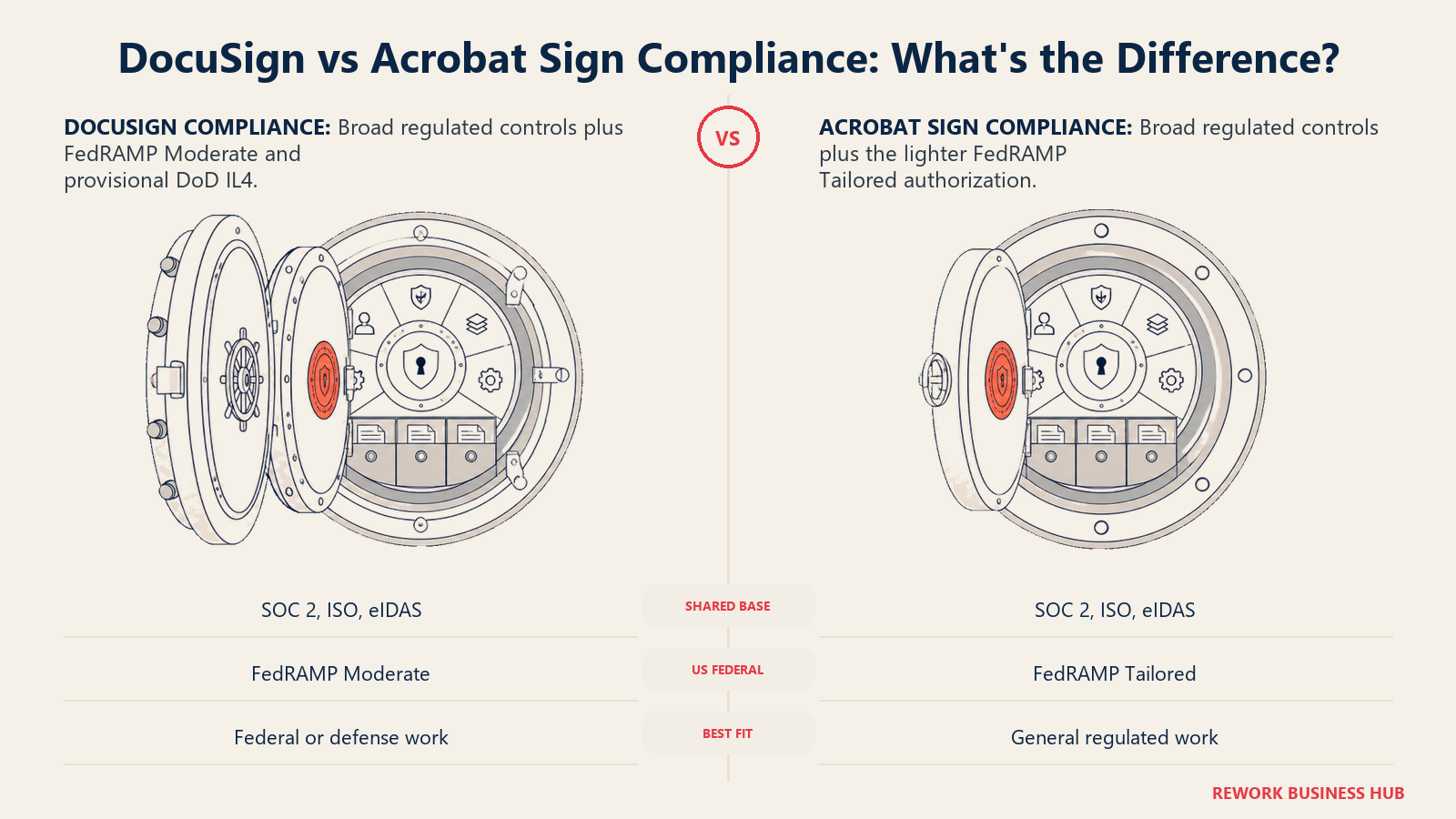
| FedRAMP | FedRAMP Moderate (IAM, eSignature, CLM), provisional DoD IL4 | FedRAMP Tailored, a lighter authorization tier for lower-risk cloud services |
That FedRAMP gap matters specifically for US federal or federal-adjacent buyers: Moderate authorization covers controlled unclassified information and is the bar roughly 80% of federal agencies require, per DocuSign's own FedRAMP announcement; Tailored authorization is scoped to lower-risk, lower-data-sensitivity use cases and won't clear the same procurement bar on its own. For every other regulated buyer, HIPAA, 21 CFR Part 11, and eIDAS qualified signatures, the two platforms are close enough to call it a tie.
Identity Verification and Notarization
Both platforms go well beyond "click to sign" for scenarios that need real identity assurance, and the feature sets look similar on paper.
| DocuSign | Adobe Acrobat Sign | |
|---|---|---|
| Government ID verification | Yes, via DocuSign Identify | Yes, via Government ID authentication |
| Knowledge-based authentication (KBA) | Yes | Yes |
| Biometric or selfie-to-ID match | Yes | Yes |
| Remote online notarization | DocuSign eNotary, with RON-specific tools and jurisdiction-specific templates | Via a Notarize integration inside Acrobat Sign |
| SMS or phone-based authentication | Yes | Yes |
Both charge more, or require a higher tier, for these identity features; neither bundles them into an entry-level plan. Teams that need this depth as a primary requirement, not a nice-to-have, should budget for DocuSign Business Pro/Enhanced or Adobe's Acrobat Sign Solutions tier rather than assuming a Standard plan covers it.
Admin and Governance
Once a rollout passes a handful of users, admin depth decides how much IT overhead the platform adds rather than removes.
| DocuSign | Adobe Acrobat Sign | |
|---|---|---|
| Admin console | Yes | Yes |
| SSO / SAML | Available on higher tiers | Available on higher tiers |
| Audit trail | Full envelope history and a certificate of completion per document | Full audit trail and a signed certificate per transaction |
| User provisioning | Manual, or SCIM on higher tiers | Manual, or SSO-linked provisioning on higher tiers |
| Granular permission sets | Business Pro and above | Pro for teams and Acrobat Sign Solutions |
Pricing and the Real Cost at Volume
This is the section most buyers came for, and it's the one where a comparison can quietly mislead by comparing the wrong tiers to each other. Here's what's actually published, what had to come from third-party trackers, and what it costs at real team sizes.
What's Published Today
DocuSign's numbers below come from its own pricing page (USD, annual billing; the page notes annual billing saves up to 33% versus paying monthly). The Adobe figures below are reported by three independent third-party pricing trackers, TopAdvisor, Redress Compliance, and Signeasy, which agree with each other and are marked "(reported)." Confirm current pricing with Adobe.
| Plan | DocuSign | Adobe Acrobat Sign |
|---|---|---|
| Individual/solo | Personal: $11/month billed annually ($132/year), 5 envelopes/month | Acrobat Standard (Individual): $12.99/month billed annually (reported), unlimited transactions |
| Individual, more features | Not applicable at this tier | Acrobat Pro (Individual): $19.99/month billed annually (reported), unlimited transactions |
| Team entry | Standard: $30/user/month billed annually ($360/user/year), up to 50 users, 100 envelopes/user/year | Acrobat Standard for teams: $14.99/user/month billed annually (reported), minimum 2 seats, 150 transactions/user/year |
| Team, advanced | Business Pro: $45/user/month billed annually ($540/user/year), up to 50 users, 100 envelopes/user/year | Acrobat Pro for teams: $23.99/user/month billed annually (reported), minimum 2 seats, 150 transactions/user/year |
| Team, AI-added | Not applicable at this tier | Acrobat Studio for teams: $29.99/user/month billed annually (reported), minimum 2 seats, 150 transactions/user/year |
| Enterprise | Enhanced / Enterprise: custom pricing, 50+ users | Acrobat Sign Solutions: custom pricing, quote-only |
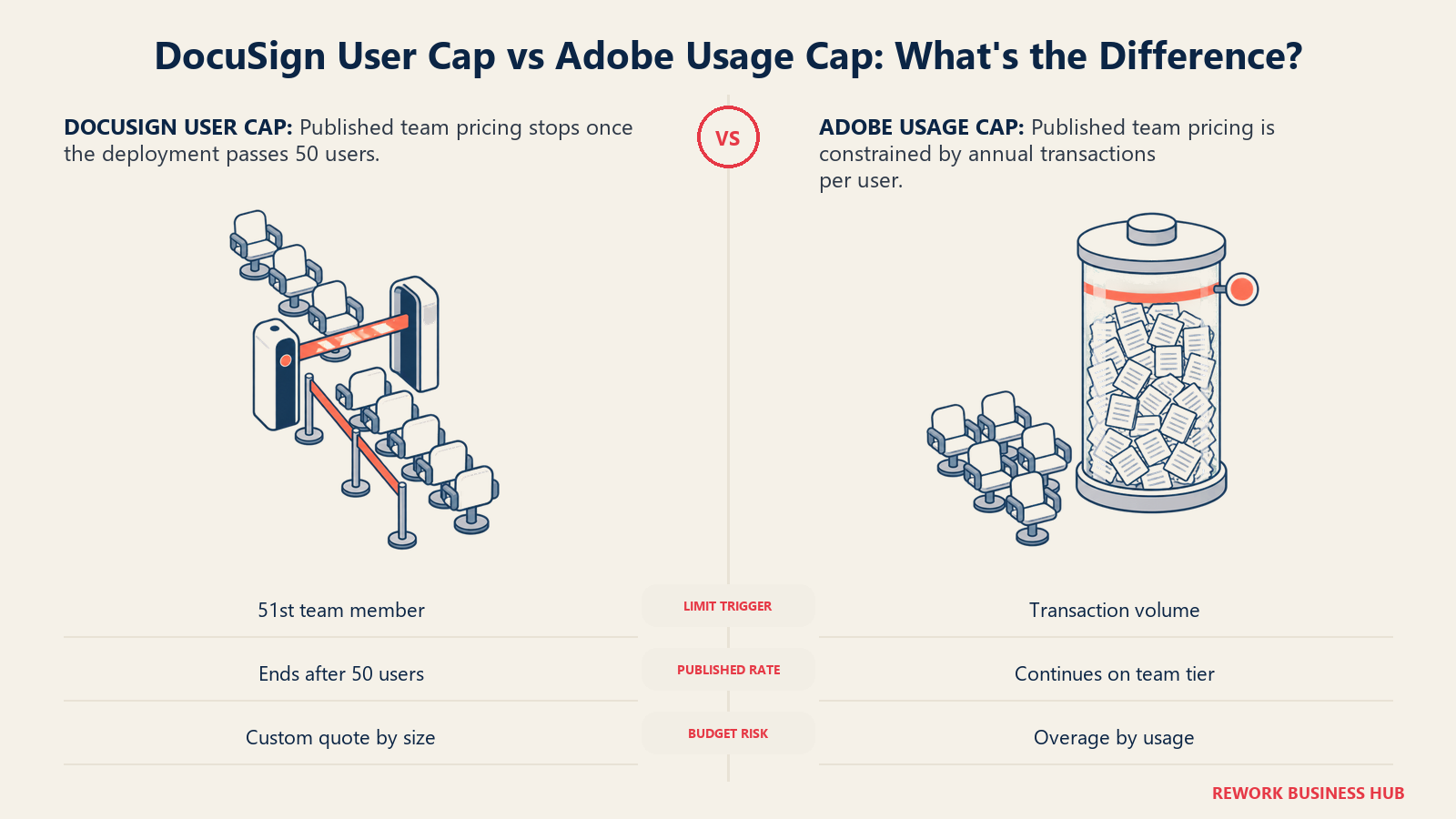
Two conflation traps to avoid here. First, DocuSign's Standard and Business Pro tiers are both capped at 50 users; a team of 100 cannot buy either one at the published rate and has to move to a custom Enhanced/Enterprise quote regardless of how few envelopes it sends. Second, Adobe sells three genuinely different things under "Acrobat": Standard for teams, Pro for teams, and Acrobat Sign Solutions are not the same product with different names. The team tiers bundle PDF editing with e-signature; Solutions is the dedicated enterprise e-signature product with deeper authentication, compliance, and API access, and it doesn't publish a rate.
Cost at 5, 25, and 100 Seats
The math below uses each vendor's own published (or reported) per-seat rate, billed annually, and shows where each platform's built-in limit bites first.
| Seats | DocuSign Standard | DocuSign Business Pro | Adobe Standard for teams (reported) | Adobe Pro for teams (reported) |
|---|---|---|---|---|
| 5 | $1,800/year (500 envelopes/year cap) | $2,700/year (500 envelopes/year cap) | $899/year (750 transactions/year cap) | $1,439/year (750 transactions/year cap) |
| 25 | $9,000/year (2,500 envelopes/year cap) | $13,500/year (2,500 envelopes/year cap) | $4,497/year (3,750 transactions/year cap) | $7,197/year (3,750 transactions/year cap) |
| 100 | Exceeds the 50-user cap; requires a custom Enhanced/Enterprise quote | Exceeds the 50-user cap; requires a custom quote | $17,988/year (15,000 transactions/year cap)* | $28,788/year (15,000 transactions/year cap)* |
*Adobe's team tiers don't publish a hard seat cap the way DocuSign does, but Adobe steers large deployments toward the quote-only Acrobat Sign Solutions tier for admin depth, SSO, and API access at that scale, so treat the self-serve number at 100 seats as a floor, not a guaranteed available path.
The limit that bites first is different on each side. DocuSign's is a headcount wall: at exactly 51 users, the published rate disappears entirely and every team above that size is negotiating a custom quote, independent of usage. Adobe's is a usage wall: the published rate holds at any team size, but 150 signed transactions per user per year works out to roughly 12-13 per month, which a sales rep or recruiter sending contracts weekly can clear without much effort, at which point the overage conversation with Adobe starts. Run your own team's actual monthly send volume against both caps before assuming either published number is the number you'll actually pay.
Implementation Effort and Time to Value
| DocuSign | Adobe Acrobat Sign | |
|---|---|---|
| Fastest path to a first signed document | Minutes, upload a file and add signers | Minutes, if the team already has Acrobat installed |
| Who typically leads rollout | An ops or sales admin | An IT admin, often already managing Acrobat licenses |
| Training load for basic signing | Low | Low, lower still if the team already uses Acrobat daily |
| Training load for templates and routing | Moderate | Moderate |
| Migration effort from another e-signature tool | Moderate, rebuilding templates and re-wiring integrations | Moderate, plus consolidating any separate PDF tool the team was using alongside the old signature tool |
When DocuSign Is the Right Call
- Your team's core job is sending documents out for signature, and the document itself is already finished before it reaches this step
- You need the widest possible signer recognition, especially for external, customer-facing, or enterprise counterparties who expect a DocuSign link
- You're weighing a full contract lifecycle management purchase later and want the e-signature layer and the CLM layer from the same vendor, see Ironclad vs DocuSign CLM for that fuller comparison
- Your buyer is a US federal agency or a contractor serving one, where FedRAMP Moderate and DoD IL4 authorization are procurement requirements, not nice-to-haves
- Your team is under 50 seats and the published Standard or Business Pro rate covers your real usage without hitting the envelope cap
When Adobe Acrobat Sign Is the Right Call
- Your team already pays for Acrobat, and adding e-signature to that license is cheaper and simpler than buying a second, separate product
- Document prep, not just signing, is the actual bottleneck: redaction, OCR on scanned intake forms, comparing a counterparty's redline against your original
- You're standardized on Microsoft 365, and sending a document for signature directly from Word, Outlook, or Teams without switching apps matters to your team's daily workflow
- Your team's monthly send volume comfortably fits inside the 150-transactions-per-user-per-year cap, and you don't want to hit DocuSign's 50-user pricing wall as you grow
- If Acrobat Sign turns out to be too heavy or too PDF-centric for your case, best Adobe Acrobat Sign alternatives and best Dropbox Sign alternatives both cover lighter, more affordable options worth a look
If Neither Fits Your Stack
Both DocuSign and Adobe Acrobat Sign are built as standalone e-signature specialists, which is exactly right if signing is a job on its own. It's exactly wrong if your real problem is that the signature request, the CRM deal it belongs to, and the internal approval that needs to happen before the document goes out all live in three disconnected tools.
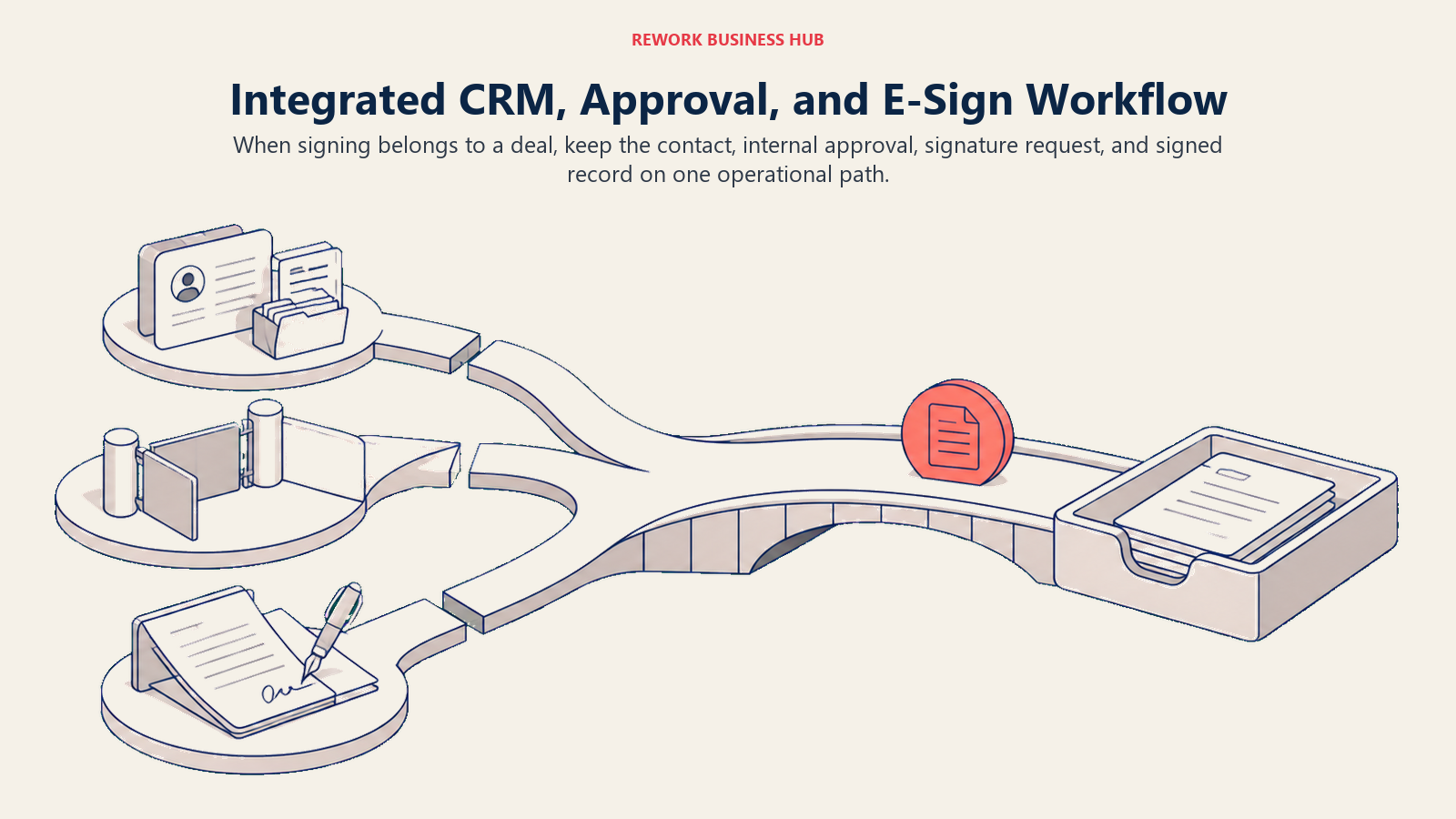
Rework's E-Sign module ties signature requests directly to the deal and contact record already in the CRM, and routes the document through Work Ops approval before it ever reaches a signer, so a sales rep or ops lead doesn't have to leave the platform where the rest of the deal already lives to get a contract signed. It's not a fit for every buyer: Rework doesn't do advanced notarization, doesn't match DocuSign's or Adobe's identity-verification depth, and isn't a dedicated CLM tool for clause-level redlining. If e-signature is a job on its own for your team, stay with a specialist. If the actual gap is signing disconnected from the deal record and the approval that should happen first, this is the option worth a look.
| DocuSign | Adobe Acrobat Sign | Rework E-Sign | |
|---|---|---|---|
| Built for | Dedicated, high-volume e-signature workflows | Teams that live in PDFs and Microsoft 365 | Teams that want signing tied to the CRM deal and Work Ops approvals |
| Entry pricing | From $30/user/month (Standard, billed annually) | From $14.99/user/month (Standard for teams, billed annually, reported) | Quote on request (rework.com/pricing) |
| Strongest fit | Standalone e-signature at any scale | Document prep and signing in one license | 10-200 person teams wanting signing, CRM, and approvals in one platform |
| Not built for | PDF authoring | Standalone e-signature depth beyond Acrobat's own workflow | Notarization, deep identity verification, dedicated CLM redlining |
For teams evaluating the wider category first, best DocuSign alternatives and best SignNow alternatives cover more of the field beyond just these two, and best contract management software in 2026 covers the fuller lifecycle layer above e-signature.
Decision Framework
The best choice follows the work surrounding the signature, not the signature field itself.
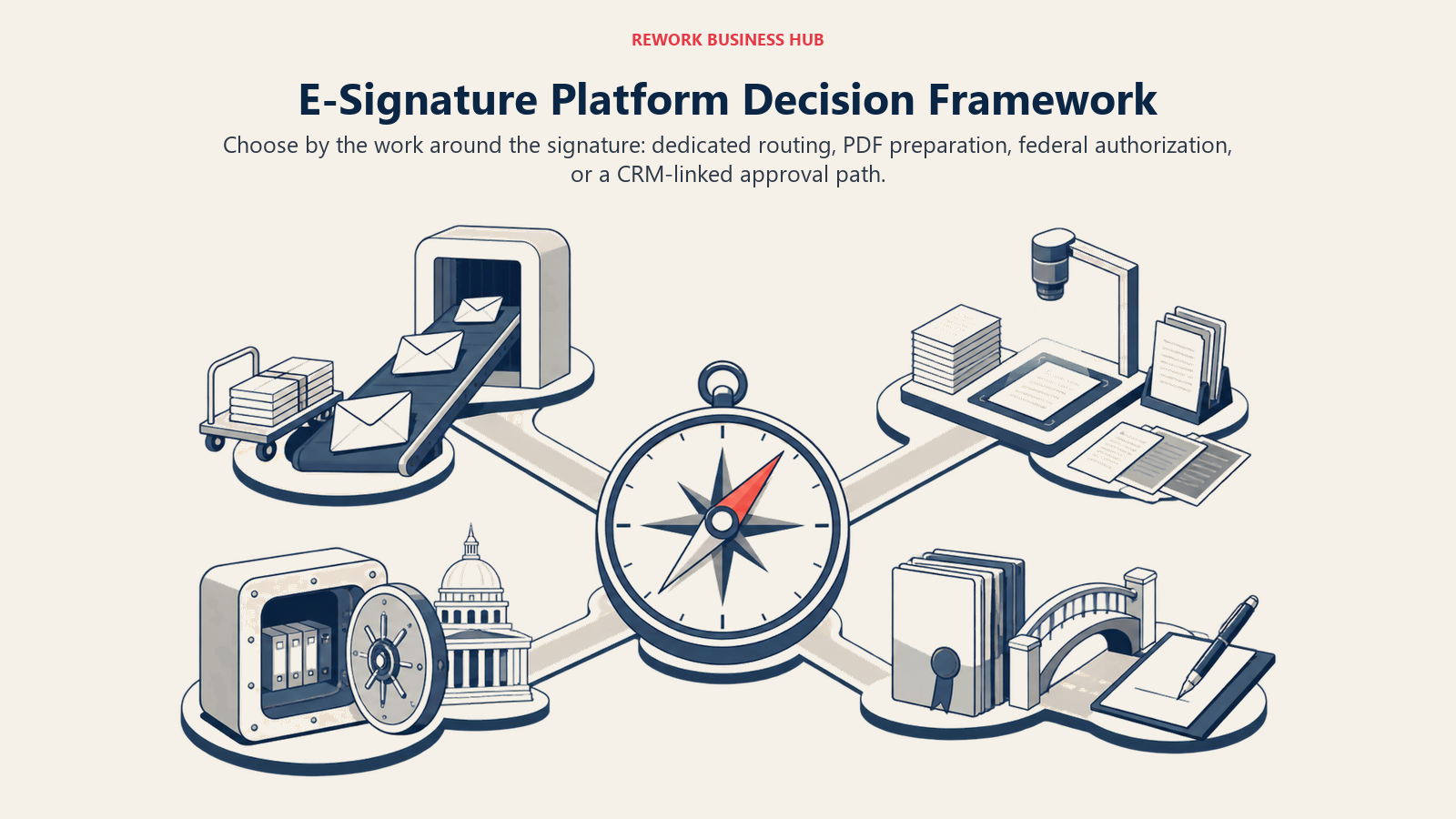
| If you are... | Pick |
|---|---|
| Sending a high volume of documents out for signature, with the document itself already finished | DocuSign |
| Already paying for Acrobat and want PDF editing and signing in one license | Adobe Acrobat Sign |
| A US federal buyer or contractor needing FedRAMP Moderate / DoD IL4 | DocuSign |
| Regularly redacting, OCR-ing, or comparing document versions before sending for signature | Adobe Acrobat Sign |
| Standardized on Microsoft 365 and want signing embedded in Word, Outlook, and Teams | Adobe Acrobat Sign |
| Growing past 50 seats and want to avoid a headcount-triggered custom quote | Adobe Acrobat Sign (team tiers scale further before requiring a custom quote) |
| Weighing a future CLM purchase from the same vendor as your e-signature tool | DocuSign |
| Looking for signing tied to your CRM deal record and internal approvals, not a standalone tool | Rework (see "If Neither Fits Your Stack" above) |
What to Do Next
- Count your team's real monthly send volume before comparing sticker prices. DocuSign's 100 envelopes per user per year and Adobe's 150 transactions per user per year both work out to roughly 8-13 sends a month; run your busiest rep or ops person's actual numbers against both caps.
- Decide whether document prep is really part of the job. If your team regularly edits, redacts, or OCRs documents before sending them, that tips toward Adobe Acrobat Sign, where that work and the signature step share one license.
- Check your headcount trajectory against DocuSign's 50-user wall. A team of 40 growing toward 80 should price out Enhanced/Enterprise now, not after the published rate disappears.
- If either vendor's own pricing page is inconclusive or down, verify current numbers directly before budgeting; this article notes the exact date it was checked and where each figure came from.
- If the real gap is disconnected tools, not the signature step itself, see the Rework comparison in "If Neither Fits Your Stack" above.
Frequently Asked Questions about DocuSign vs Adobe Acrobat Sign
Is DocuSign or Adobe Acrobat Sign cheaper?
It depends on team size and usage. At 5 or 25 seats, Adobe's team tiers are cheaper per seat than DocuSign's Standard or Business Pro on a published-rate basis (reported pricing, since Adobe doesn't publish these rates directly). At 100 seats, DocuSign has no published rate at all, since its Standard and Business Pro tiers cap at 50 users, while Adobe's team tiers technically scale further on paper. Run your own team's real envelope or transaction volume against each plan's cap before deciding on price alone.
Which platform has better PDF editing?
Adobe Acrobat Sign, by a wide margin. It's built on Acrobat, so redaction, OCR, document comparison, and full PDF editing are native. DocuSign has no native PDF editor; it expects a finished document and adds signature routing and fields on top.
Does Adobe Acrobat Sign integrate with Microsoft 365 better than DocuSign?
Yes, generally. Adobe's long-standing partnership with Microsoft gives Acrobat Sign deeper native embedding inside Word, Outlook, and Teams. DocuSign offers add-ins for the same apps, but the integration is less deeply built into the Microsoft 365 experience itself.
Do both platforms support eIDAS qualified electronic signatures?
Yes. Both DocuSign and Adobe Acrobat Sign support eIDAS Qualified Electronic Signatures, which carry the same legal effect as a handwritten signature and are recognized without additional formalities across every EU member state under Regulation 910/2014.
Can I use Adobe Acrobat Sign without buying a full Acrobat subscription?
Not as a self-serve, standalone product. Adobe bundles e-signature into its Acrobat Standard, Pro, and Studio subscriptions rather than selling Acrobat Sign on its own; the closest thing to a standalone e-signature purchase is the quote-only Acrobat Sign Solutions tier for enterprises.
Which platform is better for government or heavily regulated compliance work?
DocuSign, specifically for US federal buyers. Its Intelligent Agreement Management platform holds FedRAMP Moderate authorization and provisional DoD Impact Level 4 status, while Adobe Acrobat Sign holds the lighter FedRAMP Tailored authorization. For HIPAA, 21 CFR Part 11, and SOC 2, both platforms are comparably strong.
What happens if my team exceeds the envelope or transaction limit on either plan?
Both vendors expect teams that exceed their published caps to move to a higher tier or a custom quote. DocuSign's cap is 100 envelopes per user per year on Standard and Business Pro; Adobe's is 150 transactions per user per year on all three team tiers. Neither publishes an overage rate, so a team that expects to exceed either cap should budget for a custom conversation rather than assuming the published price is final.

Principal Product Marketing Strategist
On this page
- TL;DR
- Key Facts
- Who Each Platform Is Actually Built For
- Signing Experience and Mobile
- PDF Authoring and Document Prep
- Templates and Bulk Send
- Workflow and Routing Depth
- CRM and Microsoft/Google Integrations
- API and Developer Experience
- Compliance Posture: eIDAS, 21 CFR Part 11, SOC 2, and Qualified Signatures
- Identity Verification and Notarization
- Admin and Governance
- Pricing and the Real Cost at Volume
- What's Published Today
- Cost at 5, 25, and 100 Seats
- Implementation Effort and Time to Value
- When DocuSign Is the Right Call
- When Adobe Acrobat Sign Is the Right Call
- If Neither Fits Your Stack
- Decision Framework
- What to Do Next