ServiceTitan vs Housecall Pro: Which Field Service Software Fits Your Business in 2026?
Turn this article into takeaways for your work.


Each assistant summarizes the article only for you and suggests best practices for your work.
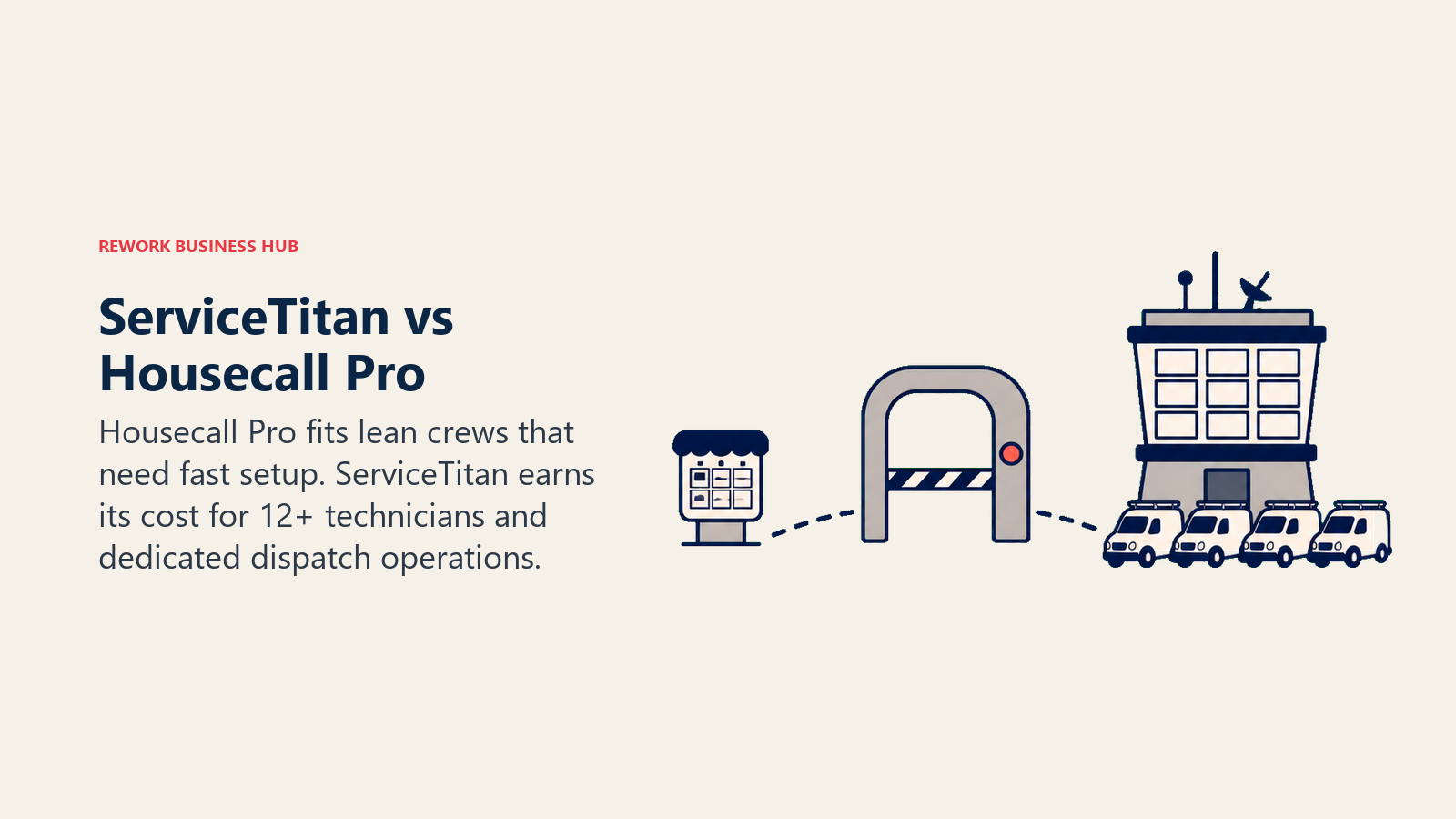
If you're running an HVAC, plumbing, electrical, or garage door business and you've outgrown the whiteboard-and-group-chat method of dispatching jobs, you've almost certainly had both of these names thrown at you. ServiceTitan and Housecall Pro get mentioned in the same breath constantly, but they were built for different-sized businesses, and the gap between them is bigger than a feature checklist suggests.
This isn't a "which is objectively better" question. It's a "which one matches where your business actually is right now" question. A 4-truck plumbing outfit and a 40-truck multi-location HVAC company have almost nothing in common operationally, and picking the wrong platform means paying for capability you'll never touch, or outgrowing your software in eighteen months. Here's the honest breakdown, with real numbers, so you can make that call without sitting through two sales demos first.
TL;DR
| ServiceTitan | Housecall Pro | |
|---|---|---|
| Built for | Established residential contractors, 10+ techs, structured sales process | Solo operators through growing crews, roughly 1 to 15 techs |
| Pricing model | Per-technician, quote-only (no published rates) | Published tiers, $59 to $299/month |
| Typical setup fee | $5,000 to $50,000+, one time | None, self-serve onboarding |
| Time to go live | 4 to 12 weeks with a dedicated implementation specialist | Same-day to a few days |
| Contract | 12-month minimum, often multi-year for larger accounts | Month-to-month or annual, no lock-in required |
| Dispatch depth | Advanced multi-dispatcher board, capacity planning | Clean drag-and-drop board, single or small dispatch team |
| Reporting | Campaign attribution, CSR scorecards, marketing ROI | Revenue and job-level reporting, lighter marketing analytics |
| Best for | $2M+ revenue, 12+ technicians, dedicated office staff | Under $2M revenue, lean teams that need to move fast |
Who Each Platform Is Actually Built For
ServiceTitan was built for contractors who already have some operational structure in place: a dispatcher, a CSR team fielding calls, and a sales process for big-ticket replacements, not just service calls. Data from Enlyft's technographic profiling shows ServiceTitan's customer base skews toward companies with 10 to 50 employees and $1 million to $10 million in revenue, with a long tail of larger multi-location operations layered on top. The platform's pricing structure (per-technician, tiered, paid add-on modules) assumes you have enough volume to justify the overhead of managing all of it.
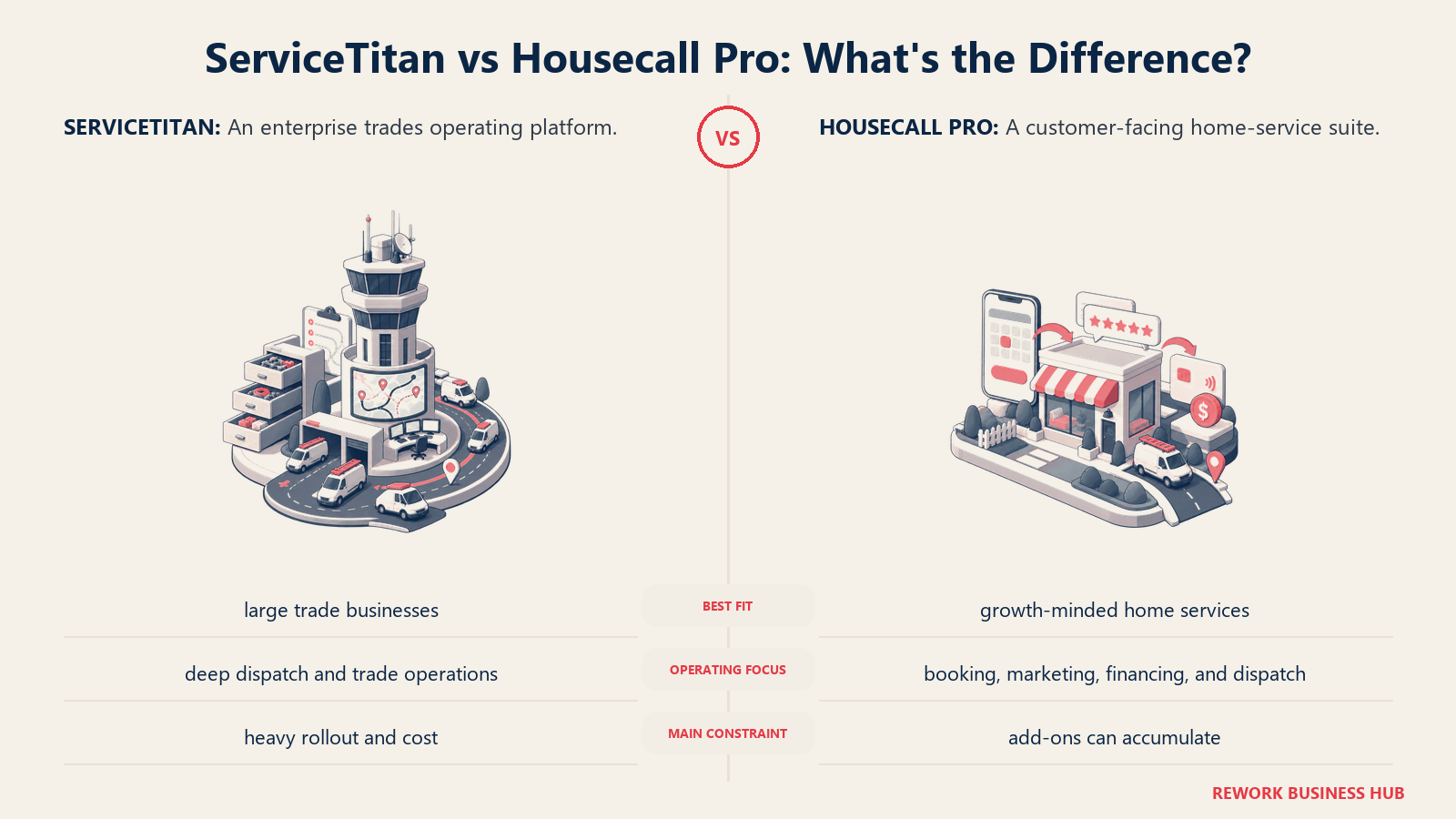
Housecall Pro was built for the other end of that spectrum: the solo operator who just went from one truck to two, or the 6-person crew that's been running on paper tickets and finally needs something that syncs to QuickBooks automatically. It's designed to be usable on day one without a training program, and its pricing scales down to a single technician without forcing you into complexity you don't need yet.
| ServiceTitan | Housecall Pro | |
|---|---|---|
| Sweet-spot company size | 12+ technicians, $2M+ annual revenue | 1 to 15 technicians |
| Team maturity | Dedicated dispatch and CSR staff already in place | Owner-operator or small office team wearing multiple hats |
| Primary use case | Structured sales process, big-ticket replacements, multi-location ops | Fast booking, invoicing, and job tracking for a growing crew |
| Buying trigger | Outgrowing a lighter tool, need deeper reporting and dispatch control | First real software purchase, replacing paper or spreadsheets |
Neither of those is a knock on the other tool. It's the difference between software built for a business that already runs like a business, and software built to get a business there.
Key Facts
- ServiceTitan's customer base skews toward companies with 10 to 50 employees and $1 million to $10 million in annual revenue, according to Enlyft's technographic data.
- Housecall Pro serves more than 45,000 home service businesses and over 200,000 individual field service professionals, per the company's own about page.
- ServiceTitan doesn't publish pricing publicly and requires a sales call for a quote, but buyer-side research from Projul's 2026 pricing analysis puts per-technician costs at $245 to $500/month depending on tier, plus a $5,000 to $50,000+ one-time implementation fee.
- On Capterra, ServiceTitan holds a 4.3 out of 5 rating across roughly 325 verified reviews, while Housecall Pro holds a 4.7 out of 5 across more than 2,700 reviews, the largest review sample of any major field service platform.
- The US field service management software market is valued at $3.1 billion in 2026 and has grown at a 7.7% CAGR since 2021, according to IBISWorld.
Pricing and the True Cost of Ownership
This is where the two products diverge hardest, and it's not just about the sticker price.
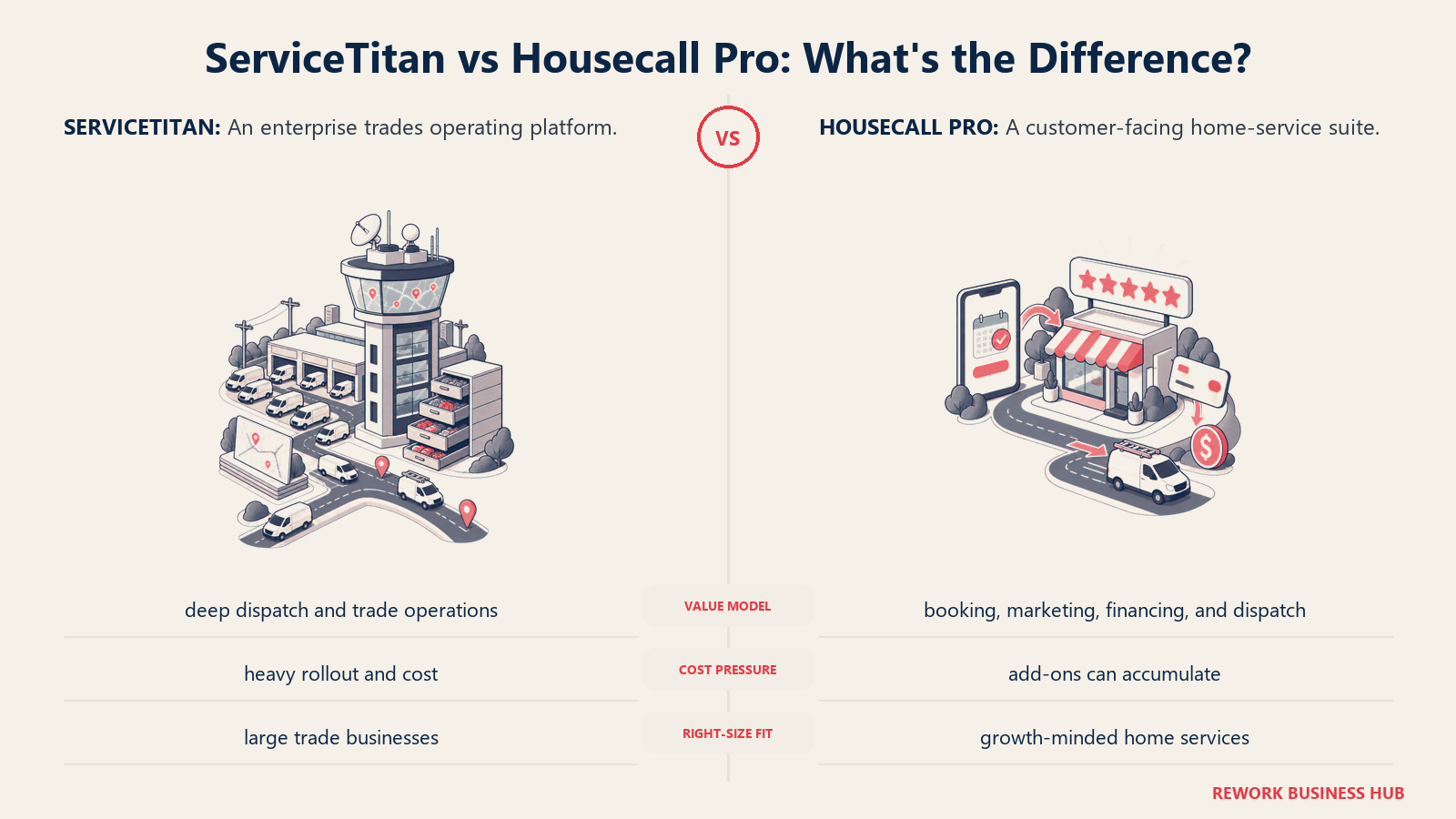
Housecall Pro publishes its pricing. You can see exactly what you'll pay before you ever talk to a salesperson.
| Plan | Monthly (billed annually) | Users included | Additional user cost | Key features |
|---|---|---|---|---|
| Basic | $59/month | 1 | Priced separately | Online booking, invoicing and payments, scheduling |
| Essentials | $149/month | 5 | Priced separately | Routes, flat-rate pricing, checklist automations, GPS tracking, QuickBooks sync |
| MAX | $299/month | 8 | $35/month each | Sales proposals, recurring service plans, route optimization, open API, dedicated onboarding |
Source: Housecall Pro's official pricing page.
ServiceTitan doesn't publish pricing at all. Its own pricing page lists three tiers (Starter, Essentials, The Works) but sends every visitor to a "Request Pricing" form regardless of tier. What we know comes from buyer-reported ranges compiled by third-party research sites, not from ServiceTitan itself:
| Tier | Estimated cost per technician/month | What's typically included |
|---|---|---|
| Starter | $245 to $300 | Dispatching, scheduling, call booking, invoicing, pricebook |
| Essentials | $300 to $400 | Starter features plus mobile estimates and payroll management |
| The Works | $400 to $500 | Advanced reporting, commission tracking, customizable memberships |
Source: Projul's 2026 ServiceTitan pricing analysis. On top of the monthly rate, ServiceTitan's Pro suite (AI Virtual Agent, Marketing Pro, Contact Center Pro, Pricebook Pro, Fleet Pro, Scheduling Pro, Dispatch Pro, Field Pro) is sold as separate paid add-ons, each priced individually during the sales process.
What that looks like at real crew sizes
| Business size | ServiceTitan Year 1 (software + implementation, estimated) | ServiceTitan ongoing annual | Housecall Pro annual |
|---|---|---|---|
| 5 technicians | $19,700 to $33,000 | $14,700 to $18,000 | $1,788 (Essentials) |
| 15 technicians | $69,000 to $102,000 | $54,000 to $72,000 | $6,528 (MAX + 7 extra users) |
| 30 technicians | $174,000 to $230,000+ | $144,000 to $180,000 | $12,828 (MAX + 22 extra users) |
The ServiceTitan figures are ranges built from Projul's published per-technician rates and implementation fee bands, not exact quotes, because ServiceTitan won't confirm a number until you're on a call with sales. Housecall Pro's numbers are exact, because the company publishes them. Budget for a real conversation with ServiceTitan's sales team before you commit, and don't assume the lowest published range is what you'll pay once add-on modules are factored in.
Onboarding and Time to Go Live
Housecall Pro is built to be self-serve. Most small teams are booking jobs and sending invoices within days of signing up, and the MAX tier includes a dedicated onboarding specialist if you want extra hand-holding. There's no mandatory implementation phase standing between you and using the product.
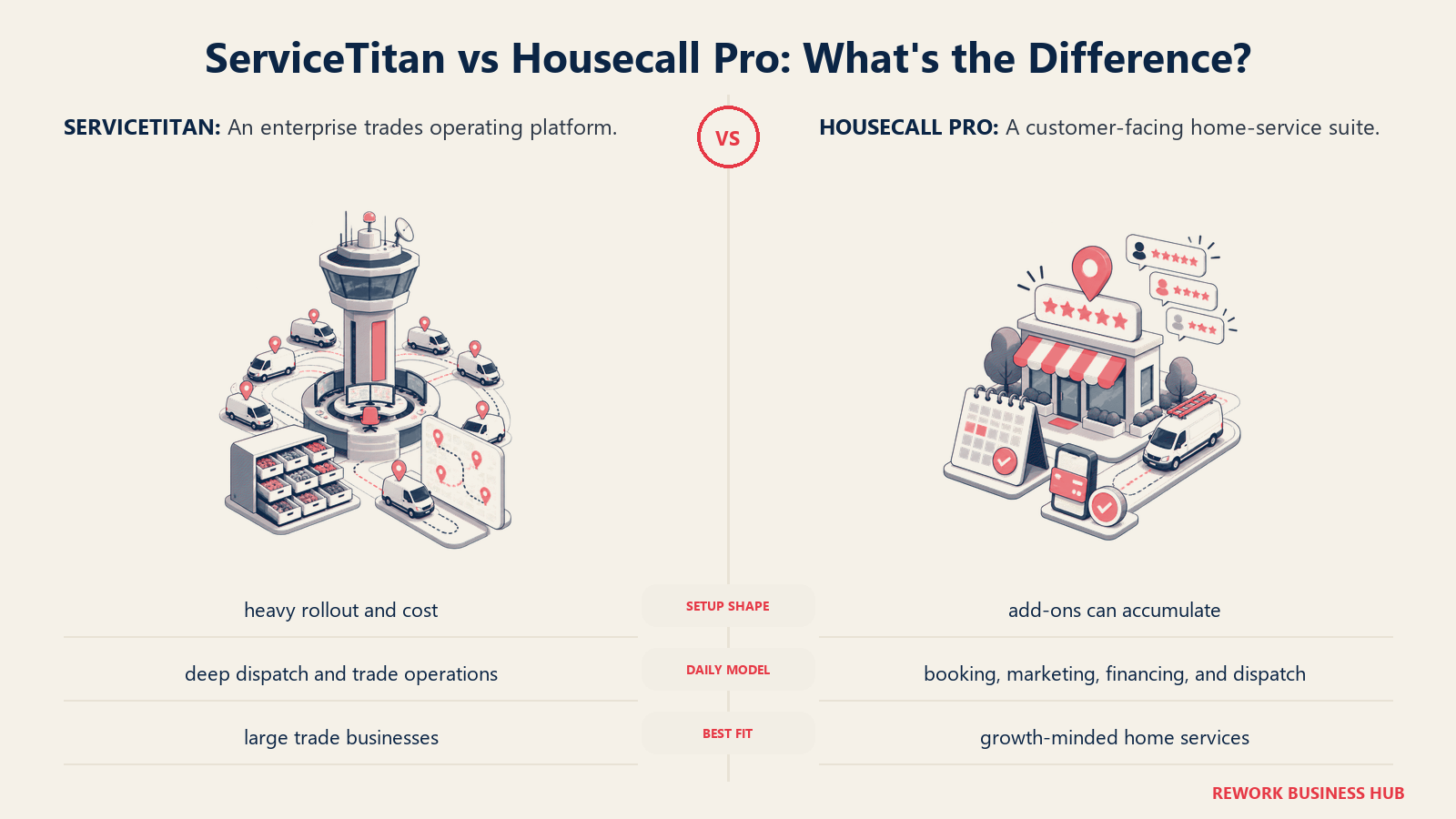
ServiceTitan is the opposite by design. Implementation typically runs 4 to 6 weeks at minimum and can stretch to several months for larger, more complex rollouts, according to buyer research from Field Service Software's comparison. You get a dedicated implementation specialist, structured CSR and dispatch training, and data migration support, but that means a real change-management project, not a software signup. For a business with staff already dedicated to running the office, that investment pays off. For a smaller crew, it's a lot of runway before the tool earns its keep.
Dispatch and Scheduling
Both platforms handle the basics well: drag-and-drop job boards, technician assignment, calendar views, and route awareness. The difference shows up at scale.
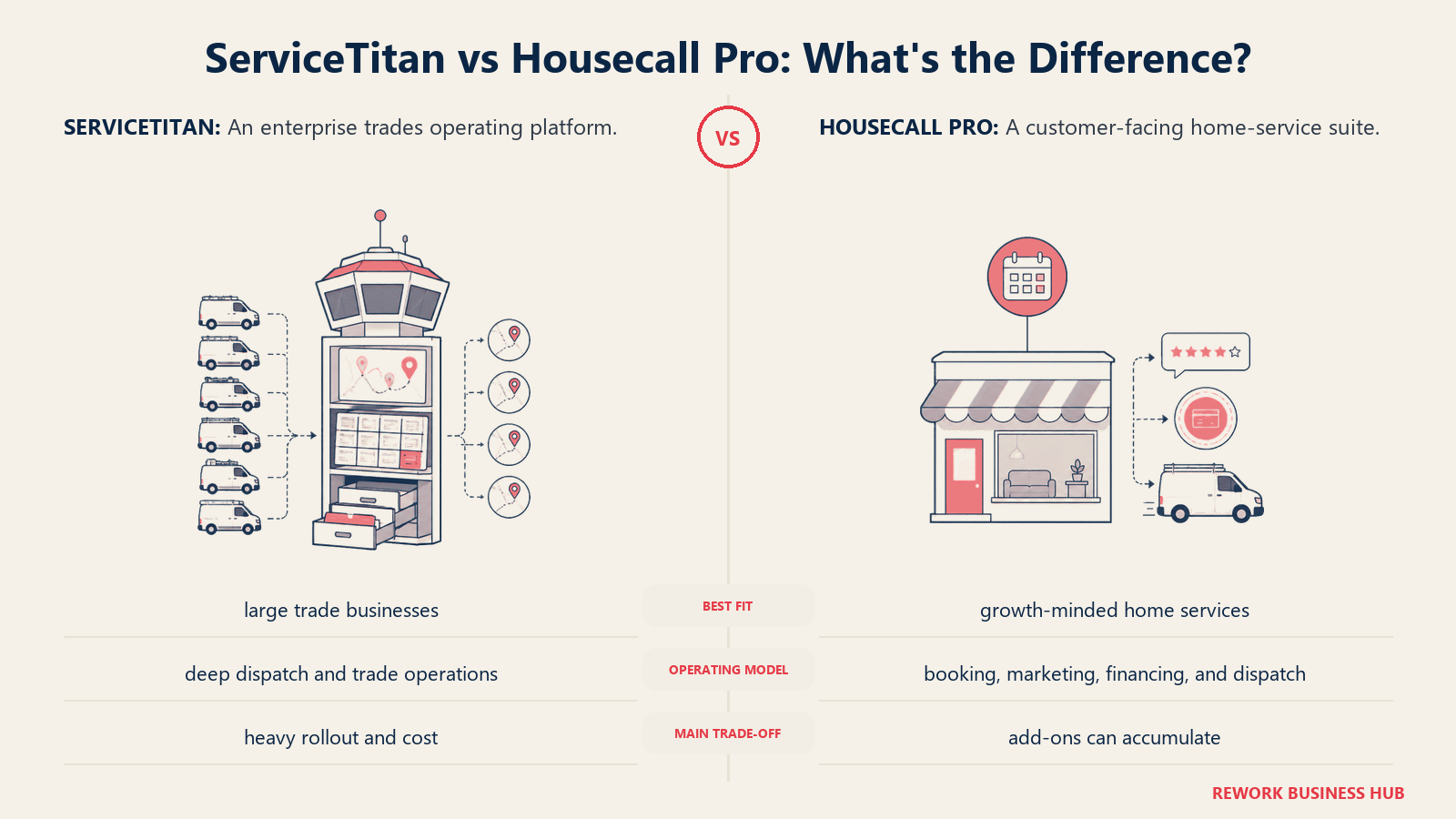
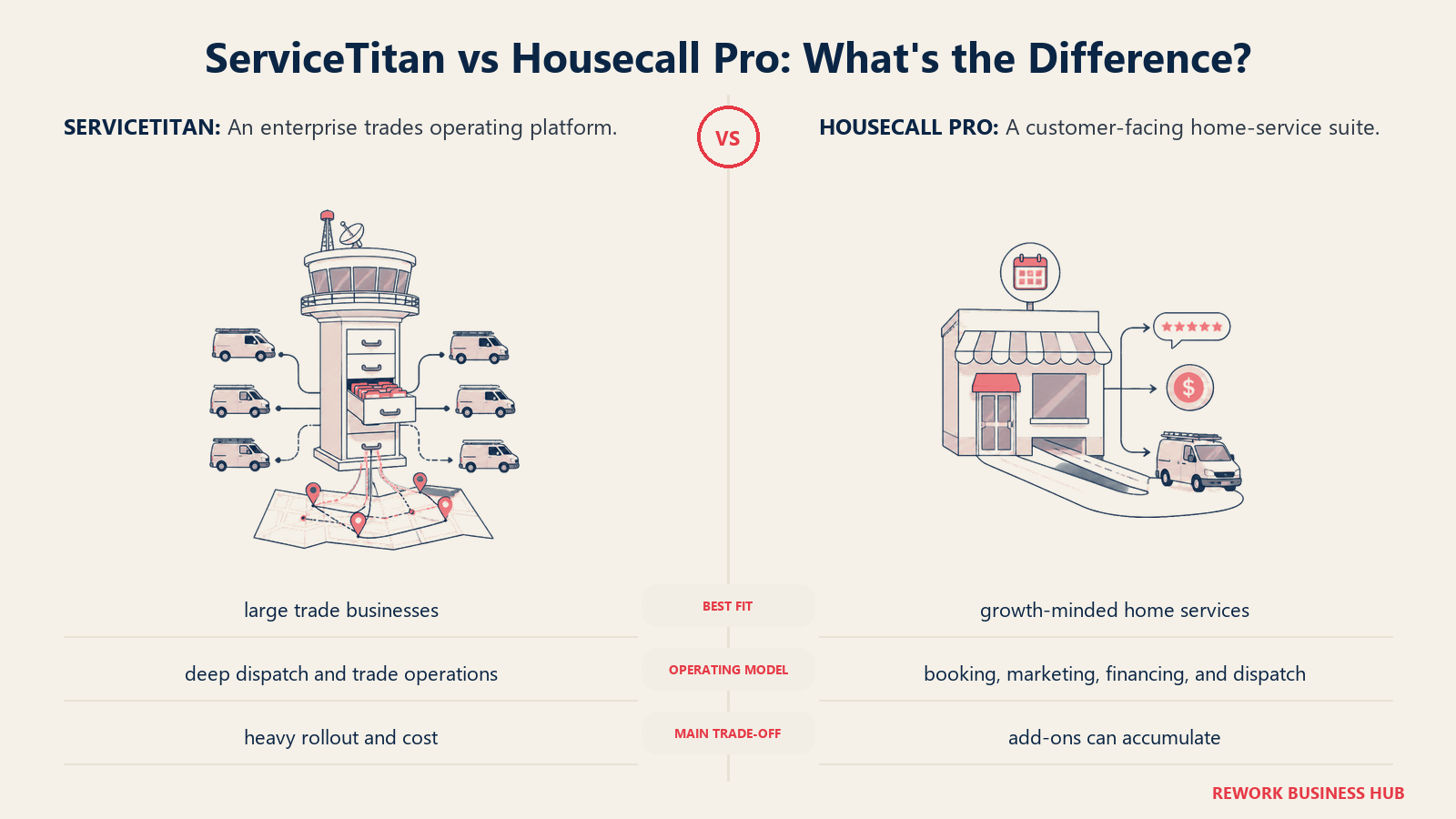
ServiceTitan's dispatch board is built for multi-dispatcher operations: capacity planning across crews, skill-based and zone-based routing, and enough configuration depth to model a business running dozens of trucks across multiple service lines. That depth is genuinely useful once you have the volume to need it, and genuinely more than most small teams will ever touch.
Housecall Pro's dispatch board is simpler by design: a clean, visual drag-and-drop interface that a single dispatcher (often the owner) can run without training. Add-on features like route optimization and employee GPS tracking (both on the MAX tier) cover most of what a growing crew needs without the configuration overhead of ServiceTitan's system.
Mobile App for Technicians
Technicians live in these apps all day, so this matters more than most feature comparisons suggest.
Housecall Pro's mobile app is consistently rated clean and intuitive, one of the most cited strengths in user reviews on both G2 and Capterra. Techs can see their schedule, capture photos, collect signatures, and take payment on the spot without a steep learning curve.
ServiceTitan's app is more comprehensive: full pricebook access, photo and video capture tied to job records, and deeper office integration (triggering commission tracking, updating a customer's full service history in real time). That depth means more screens and more training time before a new hire is comfortable in the field.
Invoicing, Payments, and Price Books
Housecall Pro makes the estimate-to-invoice-to-payment flow fast: a tech can convert a quote to an invoice and take a card payment on-site in a couple of taps, with card processing starting around 2.59%. Flat-rate pricing (Essentials and above) standardizes pricing across the team.
ServiceTitan ships a more built-out flat-rate pricebook with good/better/best option presentation, a real revenue lever for contractors selling equipment replacements, not just service calls. That pricebook is also more work to build and maintain, since you're loading in your own SKUs, labor rates, and margin targets during implementation rather than working out of the box.
Customer Communication and Booking
Housecall Pro integrates natively with Google Local Services Ads, so LSA and "Reserve with Google" bookings sync directly into the job inbox and alert your team the moment a lead books. Automated appointment reminders, on-my-way texts, and review requests are standard across the paid tiers.
ServiceTitan covers similar ground but layers in call-center-grade tooling through its Contact Center Pro add-on, including call recording and CSR performance scoring tied to booked revenue. That's a meaningfully different product if you're running an actual inbound call center versus a small team answering their own phones.
Reporting Depth
This is one of the clearest lines between the two products. ServiceTitan's reporting goes deep into marketing attribution (which channel produced the booked job), CSR-level performance, and technician-level revenue generation. For a business making real marketing spend decisions or managing commission structures, that depth is the whole point of paying for the platform.
Housecall Pro's reporting covers the essentials: revenue by technician, job status, and basic marketing performance. It's enough to run a healthy small business, but it won't answer "which of my three ad channels is actually driving profitable bookings" the way ServiceTitan's attribution reporting can.
Integrations
| Integration | ServiceTitan | Housecall Pro |
|---|---|---|
| QuickBooks Online | Native, two-way sync | Native, two-way sync |
| CompanyCam | Native (auto-creates and archives projects) | Native (photos auto-link to jobs) |
| Google Local Services Ads | Via Marketing Pro add-on | Native, included |
| Open API access | Yes, deeper technical setup required | Yes, on the MAX tier |
| Marketing / call tracking | Marketing Pro, Contact Center Pro (paid add-ons) | Built into paid tiers |
| Fleet management | Fleet Pro (paid add-on) | Not a first-class feature |
ServiceTitan's integration depth is real, but a lot of it sits behind separately priced Pro modules, worth factoring into any total-cost comparison. Housecall Pro bundles more of its ecosystem directly into the tier price.
When ServiceTitan Is the Right Call
The section defines the specific buyer conditions that make ServiceTitan the better fit.
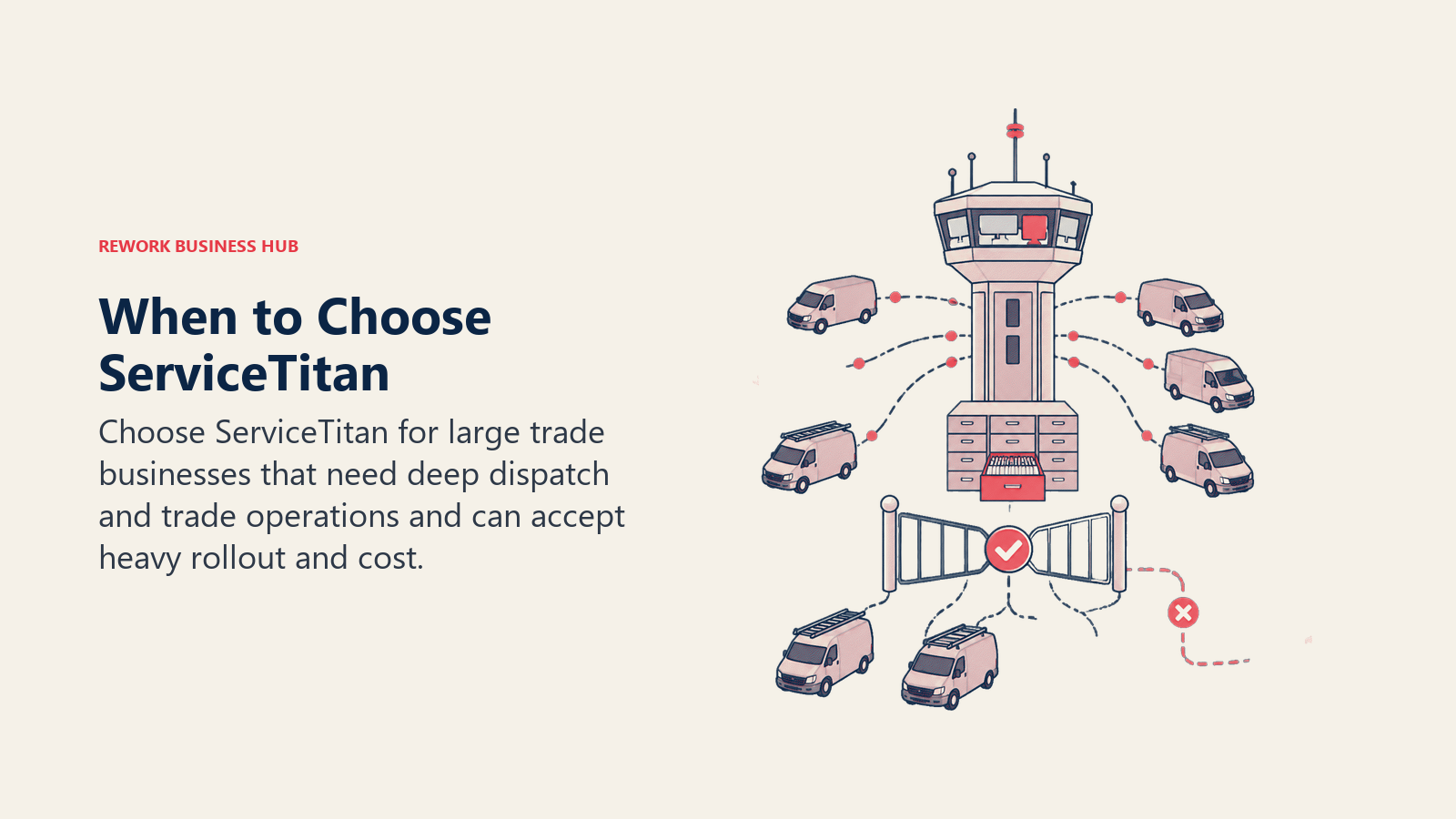
- You're running 12 or more technicians with dedicated dispatch and CSR staff who need real capacity planning tools, not just a job board
- Big-ticket replacement sales (HVAC systems, water heaters, panel upgrades) are a meaningful part of revenue, and a good/better/best pricebook presentation actually moves the needle
- You need to prove which marketing channel is producing profitable jobs, and you have the budget to pay for that attribution depth
- You're consolidating multiple locations or business units onto one platform and need the reporting to roll up cleanly across them
- You have the budget and patience for a multi-week implementation and a 12-month contract in exchange for that depth
When Housecall Pro Is the Right Call
- You're a solo operator or running a crew of 15 or fewer technicians and need to be booking jobs within days, not weeks
- Published, predictable pricing matters to you, and "contact sales for a quote" is a dealbreaker at your stage
- Your team doesn't have dedicated office staff to run implementation, training, and pricebook configuration
- You want a tool techs can pick up with minimal training, since you're likely doing double duty as owner, dispatcher, and technician
- You're not yet running a formal outbound sales motion for equipment replacements, so ServiceTitan's pricebook depth wouldn't get used
If Neither Fits: Field Jobs and the Rest of Your Business in One Place
Worth naming honestly: both tools are built specifically for field service dispatch, and neither is trying to be your CRM, HR system, or general operations platform. If your actual problem is broader (you want field jobs, customer records, scheduling, and staff time tracking living in the same system your office and sales team already use, not stitched together from a field tool plus a separate CRM plus a separate time-tracking app) that's a different shape of problem.
Rework's Field Work top-up covers field service scheduling and job management inside the same platform as Rework's CRM and Work Ops tools, so a customer record, a booked job, and staff hours don't live in three disconnected systems. It's not a replacement for either tool if your whole operation is dispatch-first field service; it's worth a look if field work is one piece of a larger operation you'd rather run on one platform. Field Work starts at $43/month billed yearly (1,000 visits a month) and is added to a Process or Project Engine, from $99/month billed yearly with 5 work seats; the CRM is the Sales Engine, from $69/month billed yearly, and People (HR and attendance) is quoted per organization. See rework.com/pricing for current plans.
Decision Framework
| If you are... | Pick |
|---|---|
| A solo operator or small crew (1 to 15 techs) needing fast setup and published pricing | Housecall Pro |
| An established contractor (12+ techs) with dedicated office staff and a real sales process | ServiceTitan |
| Focused mainly on marketing attribution and CSR performance reporting | ServiceTitan |
| Focused mainly on getting booked and paid fast without a training program | Housecall Pro |
| Looking for field service as one part of a broader CRM, ops, and HR platform | Rework (see rework.com/pricing) |
| Comparing every option in the category, not just these two | See our full field service software roundup |
What to Do Next
- Count your technicians and be honest about revenue. Under 15 techs and under $2M in revenue points toward Housecall Pro. Above that, with dedicated office staff, ServiceTitan starts to make sense.
- Try Housecall Pro before you book a ServiceTitan demo. It's free to try and takes minutes, so you'll know within a day whether its simplicity is a feature or a limitation for your business.
- Get the implementation fee and Pro add-on pricing in writing before signing with ServiceTitan. Those numbers matter as much as the per-technician rate, and they're not on the pricing page.
- Not sure ServiceTitan is the right size yet? Our ServiceTitan alternatives guide covers lighter options for growing contractors.
- Outgrowing Housecall Pro's simplicity? Our Housecall Pro alternatives guide and Jobber alternatives guide cover the mid-market step up.
Frequently Asked Questions about ServiceTitan vs Housecall Pro
Is ServiceTitan or Housecall Pro cheaper?
Housecall Pro is cheaper for almost every business size, with published plans from $59 to $299 a month and no implementation fee. ServiceTitan doesn't publish pricing, but buyer-reported ranges put it at $245 to $500 per technician per month plus a $5,000 to $50,000+ implementation fee, several times more expensive at the same crew size.
How many technicians do I need before ServiceTitan makes sense?
Most buyer research and ServiceTitan's own customer base point to roughly 12 or more technicians with dedicated dispatch and CSR staff as the point where its depth (capacity planning, pricebook, marketing attribution) starts to pay for itself. Below that, the implementation cost usually outweighs the extra capability.
Can I switch from Housecall Pro to ServiceTitan later as I grow?
Yes, that's a common path. Many contractors start on a lighter platform and migrate once they cross into a larger crew size with dedicated office staff. Expect a real data migration and a multi-week implementation, so time it around a slower season.
Does Housecall Pro have the same dispatch depth as ServiceTitan?
No, and it isn't trying to. Housecall Pro's dispatch board is a clean, visual, single-dispatcher tool. ServiceTitan's is built for multi-dispatcher operations with capacity planning and zone-based routing across many trucks. For a small crew, that simplicity is usually the better fit, not a missing feature.
Do either of these tools handle anything outside field service, like CRM or HR?
No. Both are purpose-built field service dispatch platforms. If you need a customer record, a booked job, and staff time tracking in one system alongside your broader sales and operations workflow, that's a different category of tool worth evaluating separately.
Related Resources:
- Best Field Service Management Software in 2026
- Best ServiceTitan Alternatives in 2026
- Best Housecall Pro Alternatives in 2026
- Best Jobber Alternatives in 2026
- How to Choose Scheduling Software
- SaaS Vendor Evaluation Scorecard
- The True Cost of Software Sprawl
- First Service Install Scheduling
- Sale-to-Service Start Handoff

Business Consultant
On this page
- TL;DR
- Who Each Platform Is Actually Built For
- Key Facts
- Pricing and the True Cost of Ownership
- What that looks like at real crew sizes
- Onboarding and Time to Go Live
- Dispatch and Scheduling
- Mobile App for Technicians
- Invoicing, Payments, and Price Books
- Customer Communication and Booking
- Reporting Depth
- Integrations
- When ServiceTitan Is the Right Call
- When Housecall Pro Is the Right Call
- If Neither Fits: Field Jobs and the Rest of Your Business in One Place
- Decision Framework
- What to Do Next