Mejor software de gestión de servicios de campo en 2026: 15 herramientas para oficios y servicios para el hogar
Turn this article into takeaways for your work.


Each assistant summarizes the article only for you and suggests best practices for your work.
El mejor software de gestión de servicios de campo en 2026 depende de su oficio, del tamaño de su cuadrilla y de cuánto del trabajo necesita tener en un solo sistema. ServiceTitan gana en profundidad enterprise para HVAC y fontanería, Jobber gana en rapidez de configuración para equipos pequeños de servicios para el hogar, ServiceM8 gana en la sencillez de pagar por trabajo, y Rework gana para los equipos que quieren el servicio de campo junto con CRM, lead management y RR. HH. en una sola plataforma. Esta guía clasifica 15 plataformas según su ajuste.
La mayoría de los compradores empieza comparando listas de funciones y luego se atasca cuando tres herramientas afirman hacer "programación, despacho y facturación". Las diferencias reales aparecen en el ajuste por oficio (residencial frente a comercial), en el modelo de precios (por puesto, por trabajo o por empresa) y en cuánto presupone la herramienta sobre el tamaño de su cuadrilla.
Datos Clave
- El mercado global de gestión de servicios de campo se valoró en $4.43 mil millones en 2022 y se proyecta que llegue a $11.78 mil millones en 2030, una CAGR del 13.3%, según Grand View Research.
- Las estrategias de mantenimiento basadas en analítica pueden reducir los costos de mantenimiento entre un 18 y un 25% y aumentar la disponibilidad de los activos entre un 5 y un 15%, según McKinsey.
- El 66% de los técnicos de servicio de campo reporta agotamiento al menos una vez al mes, y los trabajadores móviles dicen que cerca del 18% de las horas de trabajo (más de 7 horas a la semana) se va en tareas administrativas en lugar de trabajo facturable, según Salesforce.
- Un estudio de Forrester encargado por Microsoft encontró que Dynamics 365 Field Service generó un ROI del 346% en tres años, incluidos $2.1 millones ahorrados solo con el enrutamiento optimizado, según Forrester.
- El 55% de los líderes de servicio de campo considera la tecnología avanzada su principal diferenciador competitivo, y el 40% ya usa IA generativa para análisis, informes o asistencia a técnicos, según el informe de servicio de campo 2026 de Deloitte.
Tabla Comparativa Rápida
| Herramienta | Ideal para | Precio inicial | Fortaleza principal | Limitación principal |
|---|---|---|---|---|
| ServiceTitan | HVAC/fontanería/electricidad enterprise | ~$245-$500/técnico/mes (reportado) | El conjunto de funciones todo en uno más profundo | Costoso, contratos largos |
| Jobber | Equipos pequeños de servicios para el hogar | Desde $49/mes (1 usuario) | Configuración rápida, experiencia de uso limpia | Costeo de trabajos más limitado que las herramientas enterprise |
| Housecall Pro | Equipos pymes que quieren marketing integrado | Desde $59/mes anual | Reservas más automatización de reseñas y marketing | Los complementos se acumulan rápido |
| Workiz | Oficios con muchas llamadas | ~$187/mes (reportado) | Seguimiento de llamadas y atribución integrados | El costo real supera el plan base |
| Service Fusion | Equipos con presupuesto ajustado y muchos usuarios de campo | $208/mes anual, usuarios ilimitados | Precio por empresa, no por puesto | La interfaz se siente anticuada |
| Rework | Servicio de campo dentro de una plataforma de CRM + RR. HH. | Desde $142/mes con facturación anual (Process Engine + Field Work, 5 asientos); People se cotiza aparte | Field Work más CRM, leads y People en un solo sistema | No está pensado para listas de precios profundas por oficio |
| FieldEdge | Talleres de HVAC/fontanería con QuickBooks | ~$225+/mes (reportado) | Sincronización bidireccional en tiempo real con QuickBooks | Sin precios públicos |
| FieldPulse | Equipos reducidos con puestos mixtos de oficina y campo | Por cotización, precio por puesto | Puestos solo de campo más económicos | Sin precios publicados |
| ServiceM8 | Operadores individuales hasta ~20 técnicos | Gratis-$349/mes, usuarios ilimitados | Se paga por volumen de trabajos, no por puesto | Los límites de trabajos afectan a los talleres de alto volumen |
| Kickserv | Cuadrillas muy pequeñas con presupuesto ajustado | Desde $60/mes (5 usuarios) | El precio de entrada real más bajo | Informes e inventario limitados |
| Simpro | Proyectos comerciales + trabajo de servicio | ~$30-$70+/usuario/mes (reportado) | Costeo de trabajos e inventario profundos | Curva de aprendizaje pronunciada |
| BuildOps | Contratistas comerciales especializados | ~$150-$300+/usuario/mes (reportado) | Creado para contratos de servicio comerciales | No es para talleres solo residenciales |
| Zuper | Multioficio, franquicias, necesidades de API | ~$50-$150/usuario/mes (reportado) | API e integraciones sólidas | Precios poco transparentes |
| Salesforce Field Service | Empresas con Salesforce Service Cloud | ~$50-$165/usuario/mes (reportado) | Gestión de casos y activos nativa del CRM | Requiere una licencia base de Service Cloud |
| Dynamics 365 Field Service | Empresas del ecosistema Microsoft | $105/usuario/mes | Integración profunda con Dynamics 365/Microsoft 365 | Excesivo para negocios de oficios pequeños |
Cómo elegir software de servicio de campo en 2026
Responda tres preguntas antes de comparar funciones: cuántos técnicos hay en campo y qué tan rápido está contratando; si su trabajo es residencial, comercial o ambos (el trabajo comercial necesita programación por fases, coordinación con contratistas generales y órdenes de cambio que las herramientas residenciales de una sola visita omiten); y cuánto del back office (CRM, RR. HH., nómina) quiere atar al mismo modelo de datos en lugar de mantenerlo separado.
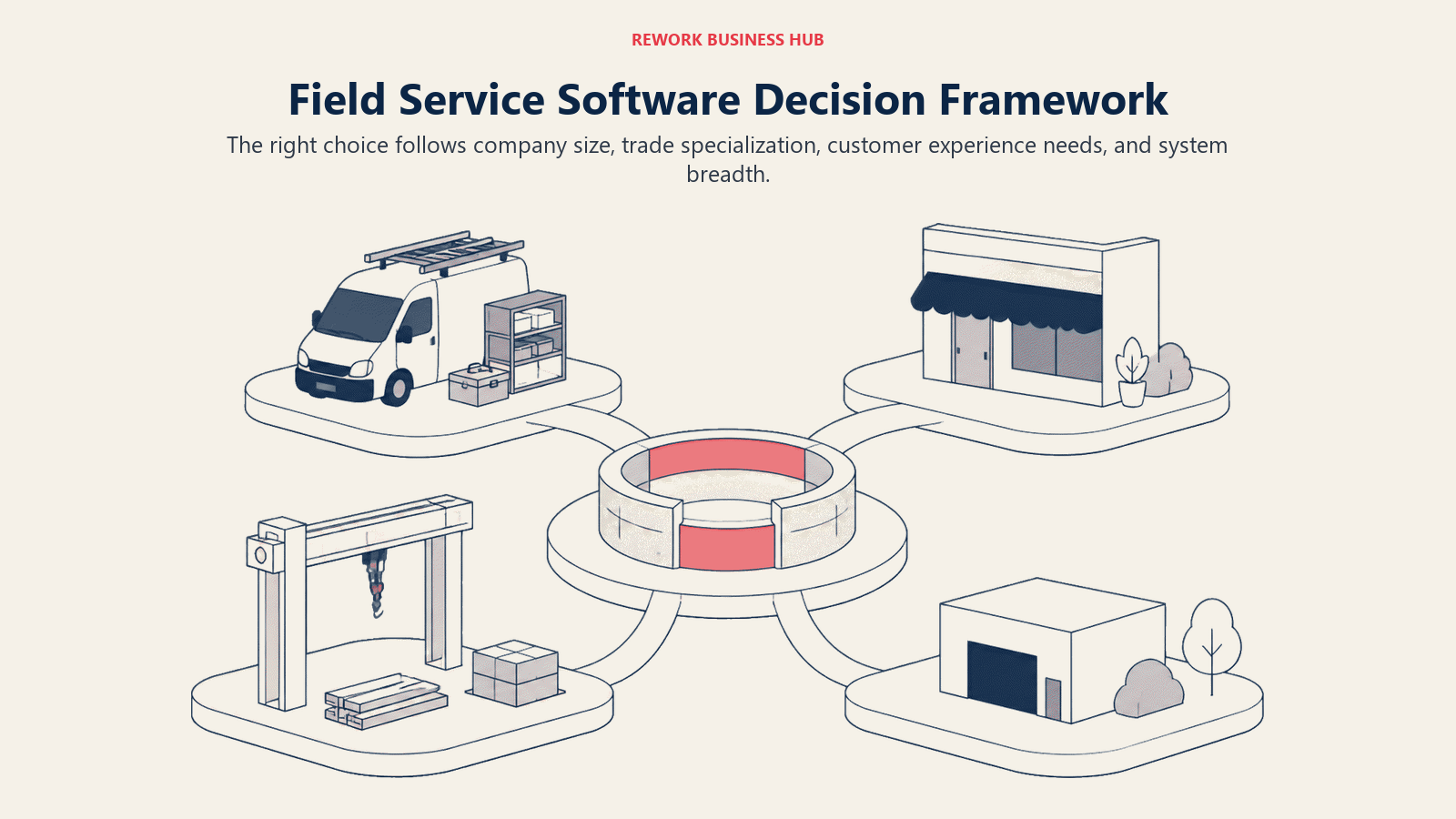
La mano de obra es la cuarta variable que impulsa las decisiones de 2026. El 45% de los líderes sénior de servicio de campo cita la escasez de técnicos y la capacidad de la plantilla como una barrera principal para crecer, según TrueContext, y por eso el despacho asistido por IA se ha vuelto un verdadero diferenciador y no una casilla más que marcar. Si está armando el stack que alimenta de trabajos su tablero de despacho, CRM y aplicaciones de canvassing D2D cubre la captación de leads, y programación del primer servicio e instalación cubre el traspaso del contrato firmado al primer trabajo.
Marco: por tamaño de cuadrilla
| Tamaño del equipo | Qué necesita | Mejores opciones |
|---|---|---|
| 1-5 técnicos | Programación sencilla, bajo costo | ServiceM8, Kickserv, Jobber Core |
| 6-20 técnicos | Despacho estructurado, costeo de trabajos, marketing | Jobber, Housecall Pro, Workiz, Service Fusion, FieldPulse |
| 20-75 técnicos | FSM completo, inventario, informes más profundos | FieldEdge, Simpro, Zuper, Rework |
| 75-200 técnicos | Varias sedes, listas de precios, soporte para franquicias | ServiceTitan, BuildOps, Simpro |
| Más de 200 / enterprise | Nativo de CRM o de ERP, flujos de trabajo personalizados | Salesforce Field Service, Dynamics 365, ServiceTitan |
El oficio importa tanto como el tamaño: HVAC y fontanería se inclinan por ServiceTitan, FieldEdge o Simpro por las listas de precios y los contratos de mantenimiento; limpieza y jardinería se inclinan por Jobber, ServiceM8 o Kickserv por la programación recurrente; y la electricidad comercial y la protección contra incendios y seguridad de las personas se inclinan por Simpro o BuildOps para trabajo combinado de proyecto y servicio.
1. ServiceTitan: potencia enterprise para HVAC, fontanería y electricidad
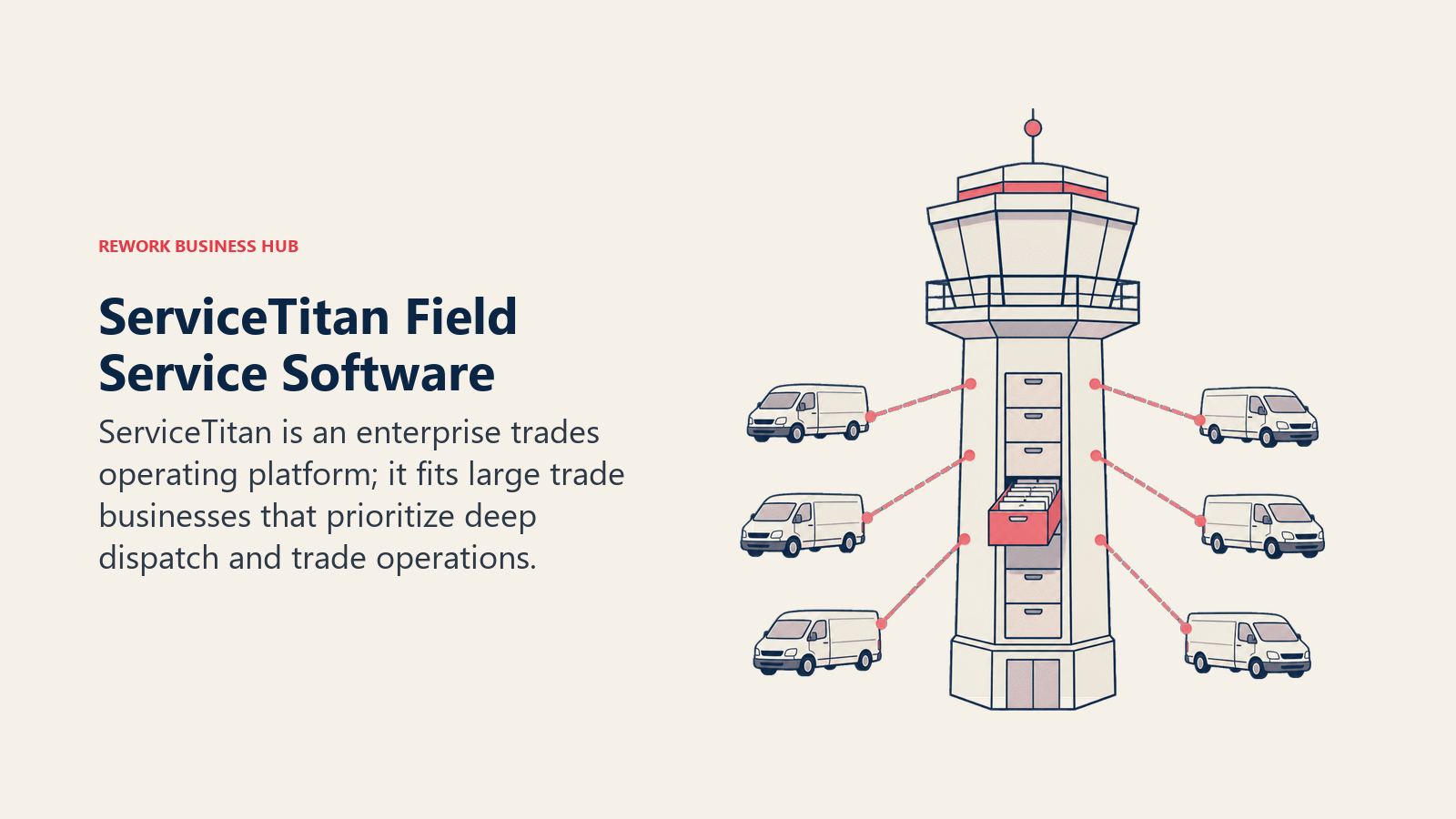
Creado para negocios de oficios que facturan millones, ServiceTitan reúne en un solo producto el despacho, las listas de precios de tarifa fija, la atribución de marketing, un sistema telefónico integrado con monitoreo de CSR, inventario y nómina. Más de 100,000 negocios de servicios funcionan con él. Los precios no son públicos; los análisis de compradores de terceros reportan aproximadamente $245-$500+ por técnico al mes, más $5,000-$50,000 en tarifas de configuración y contratos de 12 meses o más. Si ya superó una herramienta más ligera, mejores alternativas a ServiceTitan cubre lo que compite en este nivel.
| Lo que obtiene | Lo que no obtiene |
|---|---|
| El conjunto de funciones más profundo: lista de precios, marketing, herramientas de CSR, nómina | Costo alto y contratos largos |
| Creado específicamente para HVAC, fontanería y electricidad | Excesivo para cuadrillas de menos de 20 técnicos |
Precios: No se publican; se reportan $245-$500+/técnico/mes más tarifas de configuración.
Ideal para: Contratistas establecidos de HVAC, fontanería y electricidad con más de 50 técnicos.
2. Jobber: la incorporación más fácil para equipos pequeños de servicios para el hogar
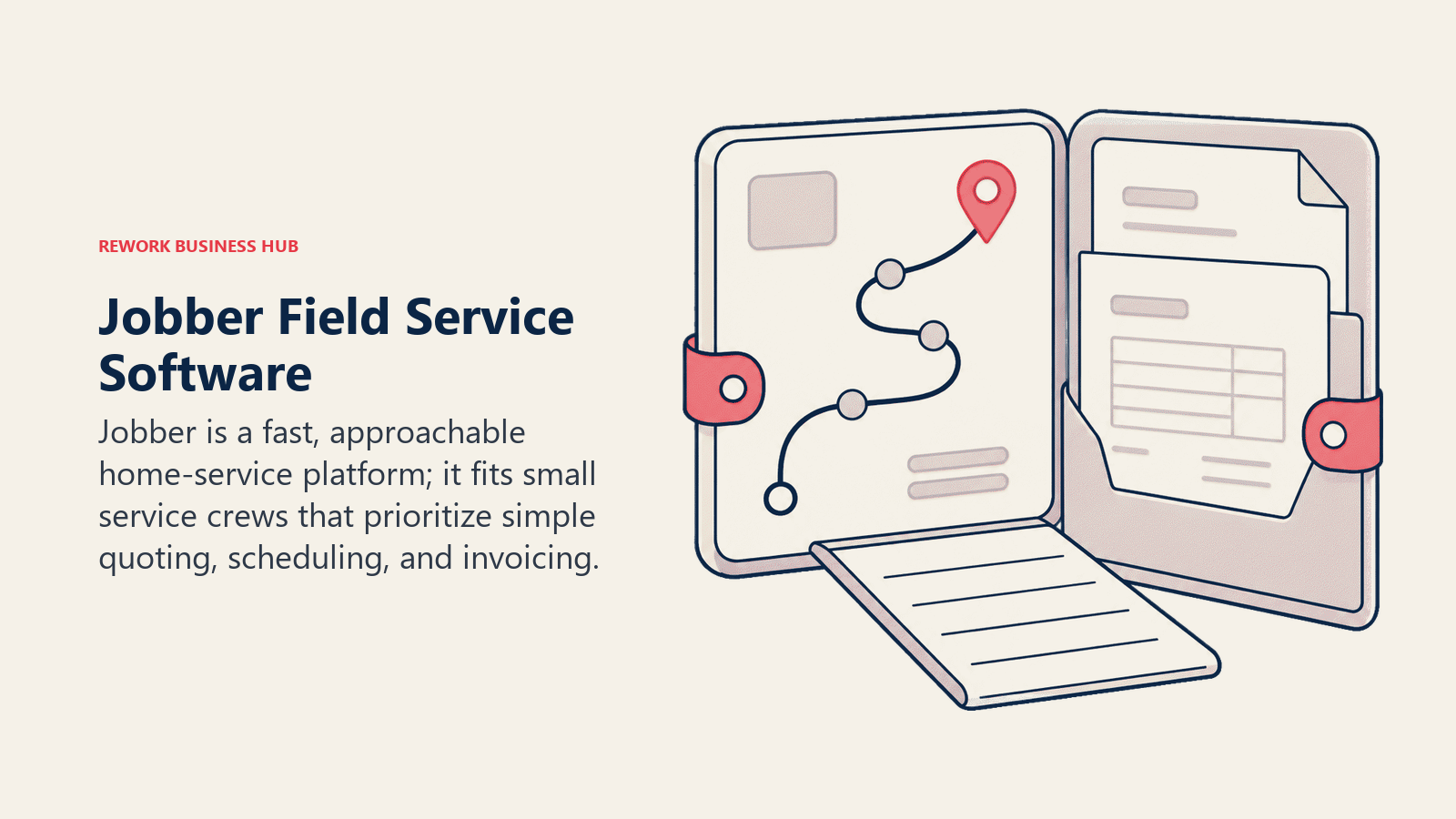
La apuesta de Jobber es la rapidez para generar valor: presupuestos, programación, facturación y un portal de clientes que una cuadrilla de 2 personas puede configurar en una tarde. La agenda visual sigue siendo una de las más limpias de la categoría. El techo se nota en el costeo de trabajos y en los informes de varias sedes, ambos más ligeros que en ServiceTitan o Simpro, y los puestos adicionales cuestan $29/mes cada uno por encima de la cantidad incluida en el plan.
| Lo que obtiene | Lo que no obtiene |
|---|---|
| La configuración más rápida; herramientas limpias de cara al cliente | Profundidad de costeo de trabajos inferior a las herramientas de nivel comercial |
| Programación y optimización de rutas integradas y sólidas | No está pensado para trabajos comerciales de varias fases |
Precios: Core $49/mes (1 usuario); Connect $139/mes (5 usuarios); Grow $299/mes (10 usuarios); Plus $499/mes (15 usuarios); +$29/mes por usuario. La facturación anual ahorra hasta un 25% sobre esas tarifas.
Ideal para: Equipos residenciales de servicios para el hogar de 1 a 25 personas que quieren estar operando en una semana.
3. Housecall Pro: marketing de cara al consumidor integrado en el trabajo
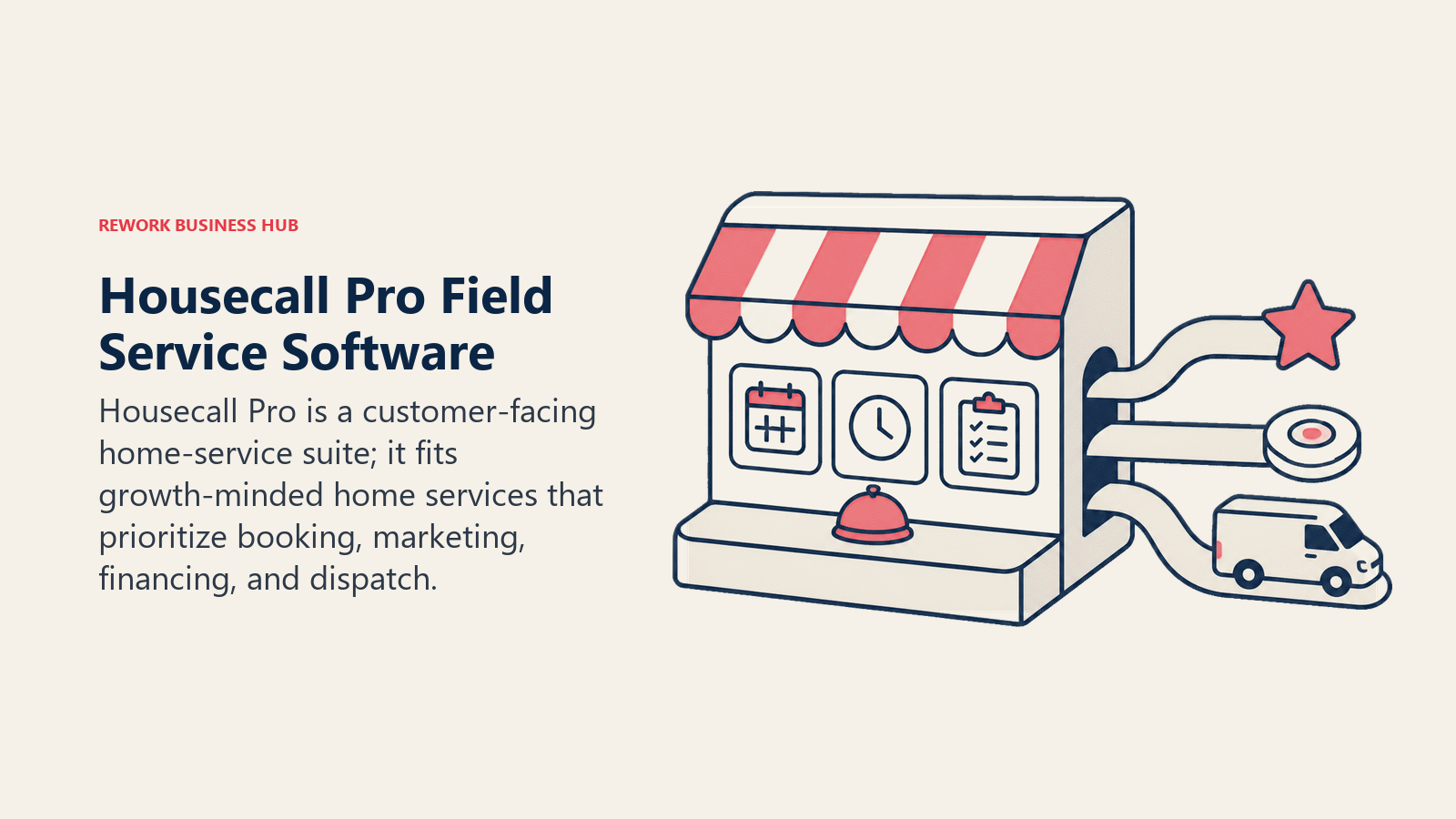
Housecall Pro apuesta por el lado del consumidor: reservas en línea, solicitudes automáticas de reseñas y campañas de marketing que hacen que la experiencia del cliente se parezca a la de una marca moderna de retail y no a un tablero de despacho. El precio anunciado es un punto de partida; los SMS, las integraciones y los puestos adicionales ($35/mes cada uno por encima de la cantidad incluida) elevan la factura real. Para ver cómo se compara directamente con Jobber, consulte mejores alternativas a Jobber; si Housecall Pro es la herramienta que intenta reemplazar, mejores alternativas a Housecall Pro recorre el cambio, y ServiceTitan vs Housecall Pro resuelve el enfrentamiento directo más común de esta categoría. Las otras dos lecturas que vale la pena hacer antes de comprometerse son ServiceTitan vs Jobber, sobre cuándo subir de nivel realmente se amortiza, y Jobber vs Housecall Pro, el enfrentamiento directo más parejo en el nivel de cuadrillas pequeñas.
| Lo que obtiene | Lo que no obtiene |
|---|---|
| Solicitudes de reseñas, campañas y widget de reservas integrados | Los complementos de SMS/integraciones inflan el costo real |
| App de cliente amigable para el consumidor | El límite de 5 usuarios del plan Essentials es ajustado para cuadrillas en crecimiento |
Precios: Basic $59/mes anual (1 usuario); Essentials $149/mes anual (5 usuarios); Max $299/mes anual (8 usuarios, +$35/mes/usuario).
Ideal para: Equipos pymes de servicios para el hogar atentos a su marca que tratan el marketing como algo central, no como un añadido.
4. Workiz: despacho impulsado por llamadas para servicios de alto volumen
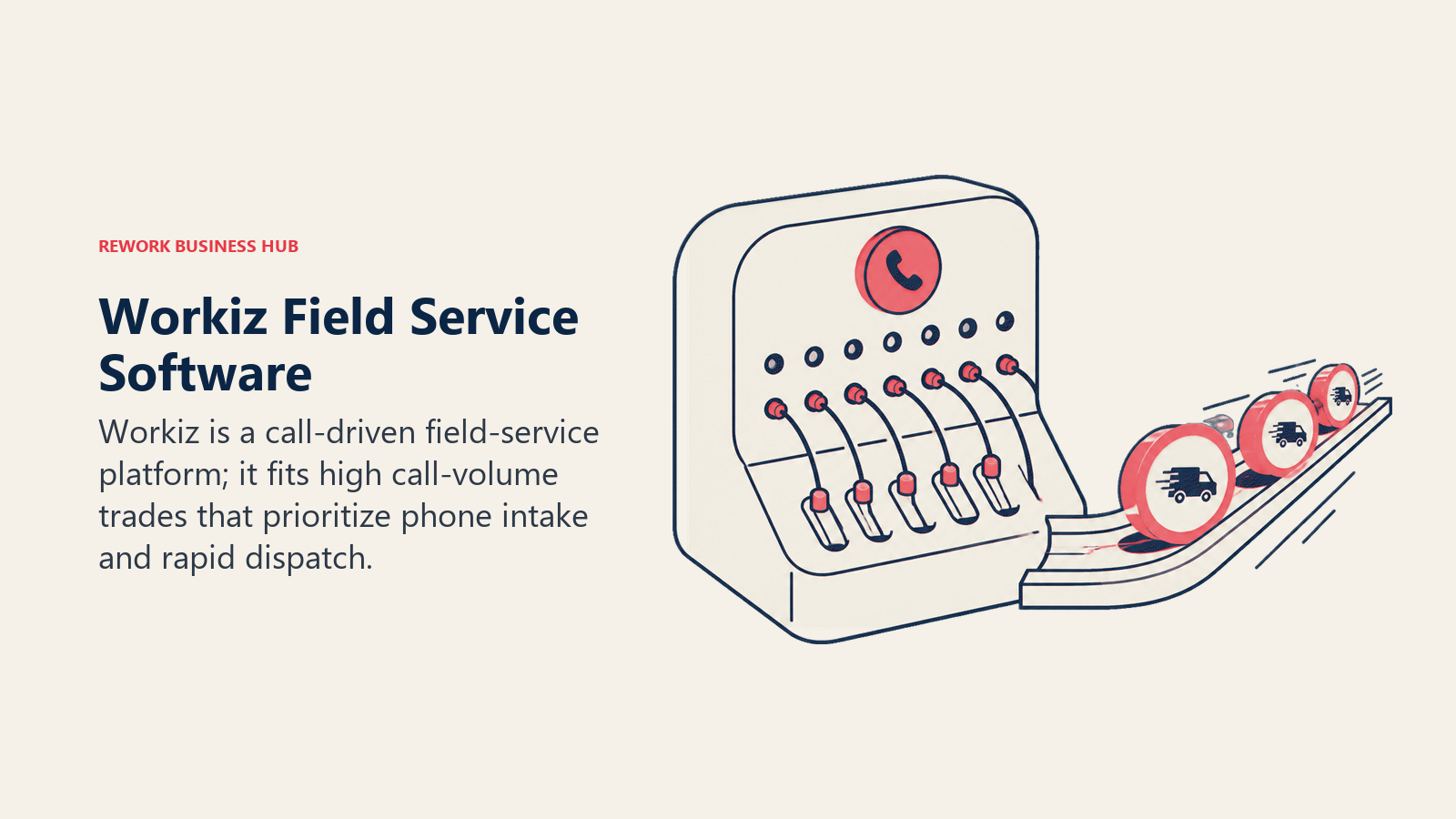
Workiz está construido en torno a la llamada telefónica: seguimiento de llamadas integrado, atribución de leads hasta el anuncio o número que generó la llamada y respuesta asistida por IA, lo que encaja con los oficios que viven del volumen de llamadas entrantes (reparación de electrodomésticos, cerrajería, puertas de garaje, HVAC). El inconveniente es que los minutos de teléfono, los créditos de SMS, los usuarios adicionales ($30/mes cada uno) y los complementos de IA se acumulan rápidamente sobre el plan base. Un plan Lite gratuito cubre hasta 2 usuarios para probar la programación básica.
| Lo que obtiene | Lo que no obtiene |
|---|---|
| Seguimiento de llamadas y atribución de leads integrados | El costo mensual real queda muy por encima del plan base |
| Plan Lite gratuito (2 usuarios) para probar las funciones básicas | Menos profundidad de costeo de trabajos que Simpro o ServiceTitan |
Precios: Se reportan Kickstart ~$187/mes, Standard ~$229/mes, Pro ~$270/mes; +$30/mes por usuario.
Ideal para: Oficios con muchas llamadas, donde la atribución de llamadas y la rapidez de respuesta generan los ingresos. Vea Mejores alternativas a Workiz.
5. Service Fusion: usuarios ilimitados, precios por empresa
Service Fusion cobra por empresa, no por puesto, de modo que cada plan incluye usuarios ilimitados, una ventaja de costo real para una cuadrilla de campo grande con un presupuesto modesto. La contrapartida es el pulido: la interfaz es funcional pero visiblemente más antigua que la de Jobber o Housecall Pro, y el costeo de trabajos y la firma electrónica requieren el nivel Plus o Pro. No hay prueba gratuita, pero tampoco contrato a largo plazo con la facturación mensual.
| Lo que obtiene | Lo que no obtiene |
|---|---|
| Usuarios ilimitados en todos los planes | La interfaz se siente anticuada |
| Sin obligación de contrato con la facturación mensual | Sin prueba gratuita |
Precios: Starter $208/mes anual ($245 mensual); Plus $325/mes anual; Pro $533/mes anual; usuarios ilimitados en todos los niveles.
Ideal para: Equipos con presupuesto ajustado y una plantilla de campo numerosa que no quieren costos por puesto.
6. Rework: servicio de campo dentro de una plataforma unificada de CRM, leads y personal
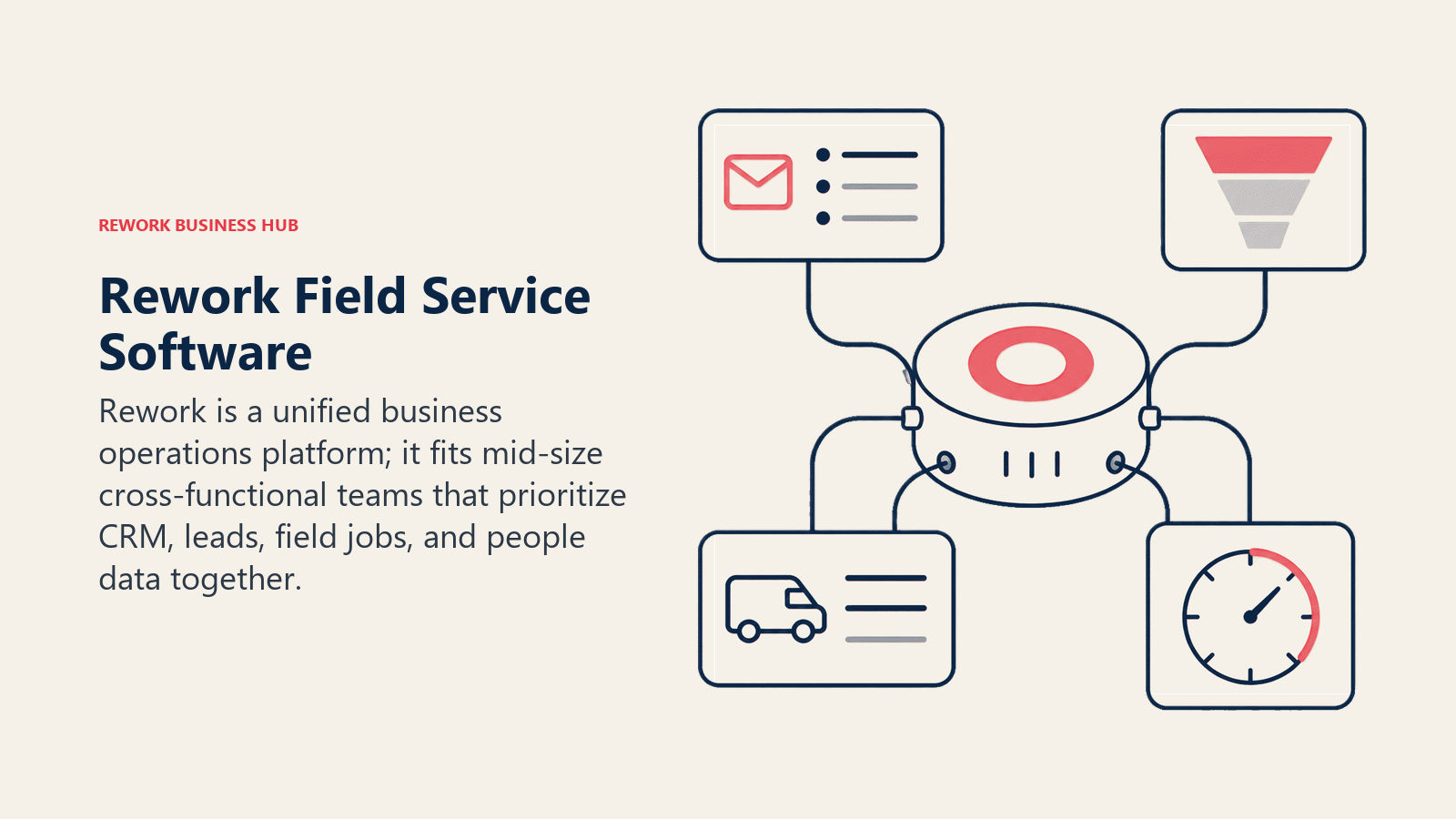
El complemento de servicio de campo de Rework, Field Work, viene dentro de la misma plataforma que sus apps de CRM, lead management y People (HRIS más tiempo y asistencia). La propuesta no es el tablero de despacho más profundo; es que un negocio de oficios que programa trabajos, lleva el historial de clientes y gestiona las hojas de horas del personal no necesita tres inicios de sesión y una conexión de Zapier entre ellos. Eso encaja con un comprador concreto: un negocio de servicios para el hogar o de oficios en crecimiento (de unas 10 a 200 personas) que ya superó las hojas de cálculo tanto en el lado de clientes como en el de operaciones de campo. No es la opción para un negocio que necesita listas de precios profundas específicas de un oficio o tableros de despacho comercial complejos de varios días como los que construyeron ServiceTitan o Simpro. Si su mayor carencia es el CRM y no el despacho, vea mejor software CRM en 2026 o cómo elegir un CRM para pequeñas empresas; si son los RR. HH., vea el mejor software de RR. HH. (HRIS) en 2026.
| Lo que obtiene | Lo que no obtiene |
|---|---|
| Field Work más CRM, lead management y People en un solo modelo de datos | No está pensado para listas de precios profundas por oficio ni para despacho complejo |
| Precios publicados; los asientos adicionales vienen en bloques de 5 ($13/mes por bloque, con facturación anual) | No es para operadores individuales ni equipos de menos de 10 personas |
Precios: Rework vende las visitas de campo como el complemento Field Work ("field visits and service jobs"), desde $43/mes con facturación anual por 1,000 visitas al mes. Se añade a un Process Engine o Project Engine, desde $99/mes con facturación anual con 5 asientos incluidos, de modo que los trabajos de campo empiezan en unos $142/mes con facturación anual; los asientos adicionales vienen en bloques de 5. El CRM es el Sales Engine, desde $69/mes con facturación anual, o el Revenue Engine, desde $159/mes con facturación anual, si quiere lead management en el mismo plan. People (RR. HH., asistencia y hojas de horas) no tiene precio público; se cotiza por organización. Vea rework.com/pricing para conocer los planes vigentes.
Ideal para: Negocios de oficios o de servicios para el hogar de 10 a 200 personas que quieren programación de campo, registros de clientes y tiempo del personal en un solo sistema.
7. FieldEdge: software centrado en HVAC creado por contratistas
FieldEdge, ahora parte de Xplor, apunta específicamente a contratistas de HVAC, fontanería y electricidad, con una sincronización bidireccional en tiempo real con QuickBooks como su función distintiva, que evita el problema de la doble captura que algunos competidores todavía tienen. Los precios no son públicos; las cifras reportadas lo sitúan en torno a $100 por usuario de oficina más $125 por técnico al mes, con niveles Select, Premier y Elite que requieren una llamada de ventas y un período de incorporación de varias semanas.
| Lo que obtiene | Lo que no obtiene |
|---|---|
| Sincronización bidireccional en tiempo real con QuickBooks | Sin precios públicos; requiere una llamada de ventas |
| Creado específicamente para HVAC/fontanería/electricidad | Menos flexible para oficios fuera de ese enfoque |
Precios: Por cotización; se reportan alrededor de $100/usuario de oficina más $125/técnico al mes.
Ideal para: Talleres de HVAC y fontanería que llevan su contabilidad en QuickBooks. Vea Mejores alternativas a FieldEdge.
8. FieldPulse: puestos flexibles para equipos reducidos en crecimiento
El diferenciador de FieldPulse es su modelo de puestos: puestos de acceso completo para el personal de oficina y puestos solo de campo, más económicos, para los técnicos que solo necesitan la app móvil, lo que reduce la factura de los equipos reducidos. Sin embargo, nada de eso se publica; los niveles Essentials, Professional y Enterprise requieren una llamada de demo para obtener una cifra real. Los complementos de sistema telefónico, asistencia de despacho con IA y seguimiento de flota se venden por separado.
| Lo que obtiene | Lo que no obtiene |
|---|---|
| Precios por puesto de acceso completo frente a puesto solo de campo | Sin precios publicados; se requiere demo |
| El nivel Enterprise añade varias sedes y API abierta | Menos herramientas de marketing integradas que Housecall Pro |
Precios: Por cotización, precio por puesto; sin cifra mensual pública.
Ideal para: Cuadrillas pequeñas en crecimiento que quieren pagar menos por los técnicos solo de campo.
9. ServiceM8: se paga por volumen de trabajos, no por puesto
ServiceM8 invierte el modelo estándar: cobra por volumen mensual de trabajos con usuarios ilimitados en todos los niveles de pago, de modo que una cuadrilla eficiente de 15 personas puede pagar lo mismo que una de 3 con la misma cantidad de trabajos. Starter cuesta $29/mes por 50 trabajos y llega hasta Premium Plus, a $349/mes por más de 1,500 trabajos, con un nivel gratuito realmente utilizable para probar. Los oficios de alto volumen y poco personal (cerrajeros, empresas de limpieza) llegan antes al límite de trabajos que al de personal.
| Lo que obtiene | Lo que no obtiene |
|---|---|
| Usuarios ilimitados; el precio escala con el volumen de trabajos | Los oficios de alto volumen y poco personal llegan a los límites de trabajos |
| Nivel gratuito realmente utilizable para operadores individuales | Marketing nativo más limitado que Housecall Pro |
Precios: Gratis (1 usuario, 30 trabajos/mes); Starter $29/mes; Growing $79/mes; Premium $149/mes; Premium Plus $349/mes.
Ideal para: Operadores individuales y cuadrillas pequeñas (hasta ~20 técnicos) con un volumen de trabajos moderado. Vea Mejores alternativas a ServiceM8.
10. Kickserv: sencillez económica para cuadrillas pequeñas
Kickserv es deliberadamente más simple que ServiceTitan, a un precio proporcionalmente más bajo: programación, despacho y facturación sin un conjunto de funciones que la mayoría de las cuadrillas pequeñas nunca tocará, más un 20% de descuento con facturación anual. El techo honesto está en la profundidad de informes e inventario, que no compiten con Simpro ni ServiceTitan en costeo avanzado de trabajos ni en analítica de varias sedes.
| Lo que obtiene | Lo que no obtiene |
|---|---|
| El precio de entrada real más bajo con programación/facturación auténticas | Informes e inventario avanzados limitados |
| Incorporación simple y rápida | El portal de autoservicio del cliente ahora es un complemento de pago |
Precios: Start $60/mes (5 usuarios); Run $119/mes (10 usuarios); Scale $199/mes (20 usuarios); 20% de descuento con facturación anual.
Ideal para: Cuadrillas muy pequeñas (2 a 20 técnicos) que quieren funciones FSM básicas y confiables sin la profundidad enterprise.
11. Simpro: costeo de trabajos y proyectos de nivel comercial
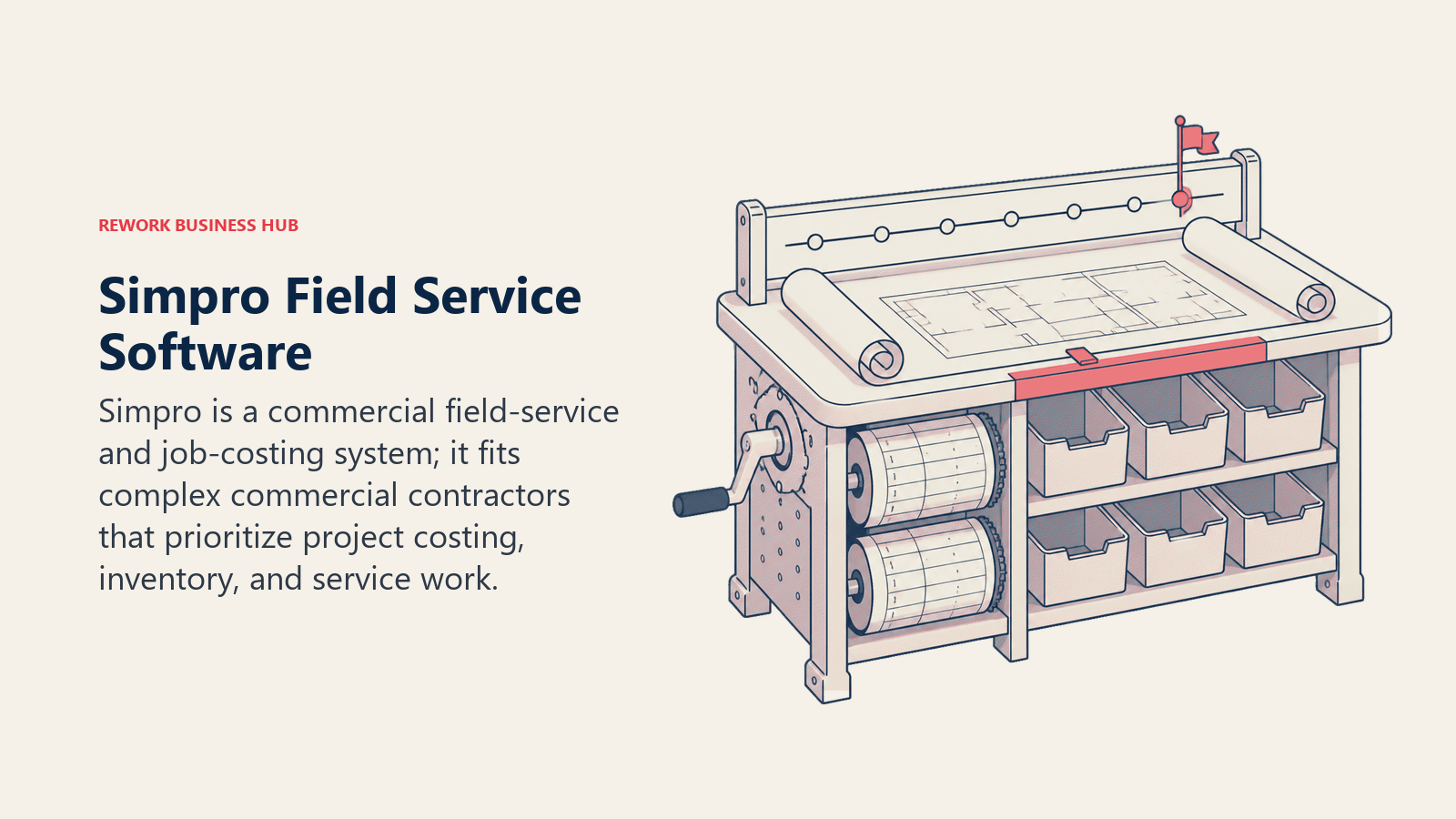
Simpro está creado para negocios de oficios que ejecutan trabajo de proyectos junto con llamadas de servicio, no solo visitas residenciales aisladas: estimación, presupuestos, costeo de trabajos, inventario e informes financieros diseñados en torno al ciclo de vida completo del trabajo. Esa profundidad viene con una curva de aprendizaje; no es la herramienta para una cuadrilla residencial de 3 personas que solo quiere una agenda. Simpro Lightning, su capa de IA, apunta a la misma presión por escasez de mano de obra que está detrás del dato del 45% de escasez de técnicos mencionado arriba.
| Lo que obtiene | Lo que no obtiene |
|---|---|
| Costeo de trabajos e inventario completos para la complejidad comercial | Curva de aprendizaje pronunciada para cuadrillas pequeñas o simples |
| Maneja juntos el trabajo de proyectos y el servicio recurrente | Precio por cotización; amplio rango reportado |
Precios: Por cotización; las estimaciones de terceros van aproximadamente de $30 a $70+/usuario/mes.
Ideal para: Negocios de oficios comerciales (electricidad, protección contra incendios, HVAC) que combinan trabajo de proyectos y de servicio, de unos 20 a 200 técnicos. Vea Mejores alternativas a Simpro.
12. BuildOps: creado a propósito para contratistas comerciales especializados
BuildOps fue creado específicamente para contratistas comerciales especializados: negocios de HVAC, electricidad, fontanería, protección contra incendios y seguridad de las personas, y refrigeración que manejan programaciones por fases, coordinación con contratistas generales, facturación por avance y órdenes de cambio. Es la única herramienta de esta lista que no intenta atender también a los talleres solo residenciales. Ese enfoque es toda la propuesta y toda la limitación: más maquinaria de la que necesita un negocio solo residencial, y el ajuste natural para quien maneja contratos de servicio comerciales.
| Lo que obtiene | Lo que no obtiene |
|---|---|
| Creado para contratos de servicio comerciales y coordinación con contratistas generales | No está diseñado para negocios solo residenciales |
| Facturación por avance y gestión de órdenes de cambio nativas | Precio solo por cotización |
Precios: Por cotización; se reportan aproximadamente $150-$300+/usuario/mes.
Ideal para: Contratistas comerciales especializados que gestionan contratos de servicio y relaciones con contratistas generales.
13. Zuper: flexibilidad API-first para operaciones multioficio y de franquicias
El diferenciador de Zuper es la profundidad de integración: APIs sólidas y conectores prediseñados que permiten a operaciones medianas y de franquicias conectar el servicio de campo con el CRM, la facturación o el stack de IoT que ya usen, y atender operaciones multioficio residenciales y comerciales y proveedores de servicios públicos que hacen mantenimiento programado a escala. Los precios no se publican, y las cifras reportadas abarcan un amplio rango de $50 a $150 por usuario al mes, lo que hace más difícil de lo debido presupuestar antes de una llamada de ventas.
| Lo que obtiene | Lo que no obtiene |
|---|---|
| Sólida capacidad de API e integración | Precios no publicados; amplio rango reportado |
| La programación por habilidades asigna los trabajos al técnico adecuado | La complejidad de configuración favorece a los equipos con recursos técnicos |
Precios: Por cotización; se reportan aproximadamente $50-$150/usuario/mes.
Ideal para: Operaciones multioficio medianas y de franquicias (20 a 500 técnicos) que necesitan conectar el servicio de campo con otros sistemas.
14. Salesforce Field Service (Agentforce Field Service): despacho enterprise nativo del CRM
El producto de servicio de campo de Salesforce, recientemente rebautizado Agentforce Field Service, extiende la gestión de casos y activos de Service Cloud hacia la programación, la Intelligent Dispatch Console y las herramientas móviles para técnicos, útil para empresas que ya gestionan los datos de sus clientes en Salesforce. Es un complemento de una licencia base de Service Cloud, no un producto independiente, así que el costo real incluye ambos. Los precios reportados por usuario van aproximadamente de $50 (Contractor) a $165 (Dispatcher/Technician) al mes; Salesforce no publica cifras exactas.
| Lo que obtiene | Lo que no obtiene |
|---|---|
| Extensión nativa de los datos de Salesforce Service Cloud | Requiere una licencia de Service Cloud como base |
| Intelligent Dispatch Console sobre los mismos datos del CRM | Excesivo y costoso para negocios de oficios pymes |
Precios: Por cotización; se reportan aproximadamente $50-$165/usuario/mes, más una licencia base obligatoria de Service Cloud.
Ideal para: Empresas que ya usan Salesforce Service Cloud y quieren despacho de campo sobre los mismos datos.
15. Dynamics 365 Field Service: profundidad del ecosistema Microsoft para operaciones complejas
Dynamics 365 Field Service apunta a empresas que ya viven en el ecosistema de Dynamics y Microsoft 365: gestión de órdenes de trabajo, optimización de la programación de recursos, mantenimiento predictivo impulsado por IoT y asistencia remota integrada con Teams y Outlook. Un estudio encargado a Forrester encontró que generó un ROI del 346% en tres años, con $2.1 millones de eso provenientes solo del enrutamiento optimizado y la reducción de los tiempos de traslado. Las licencias son públicas, algo inusual en FSM enterprise, pero el costo real rara vez se justifica para un negocio de oficios de tamaño medio que no esté ya estandarizado en Dynamics.
| Lo que obtiene | Lo que no obtiene |
|---|---|
| Precios por usuario publicados | Excesivo y costoso para negocios de oficios pequeños o medianos |
| Integración nativa con Teams, Outlook y Dynamics 365 | El mejor valor solo dentro de una infraestructura Microsoft existente |
Precios: Dynamics 365 Field Service $105/usuario/mes; Field Service Contractor $50/usuario/mes; complemento Resource Scheduling Optimization ~$30/recurso/mes.
Ideal para: Empresas ya estandarizadas en Microsoft Dynamics 365 que necesitan el servicio de campo integrado en el mismo stack.
Errores de compra de software de servicio de campo que conviene evitar
La mayoría de las implementaciones fallidas son un problema de ajuste, no de software. Revise su lista corta con estos puntos antes de firmar.
| Error | Cómo se ve | Qué hacer en su lugar |
|---|---|---|
| Comprar profundidad enterprise demasiado pronto | Firmar con ServiceTitan con 8 técnicos "para crecer hacia él" | Compre para el tamaño actual de la cuadrilla más 12 a 18 meses de contrataciones |
| Ignorar el ajuste residencial frente a comercial | Usar una herramienta pensada primero para lo residencial en trabajos de varias fases con contratistas generales | Haga coincidir la herramienta con su tipo de trabajo real |
| Comparar solo el precio de lista | Elegir el plan más barato sin cotizar SMS, puestos ni complementos | Pida un costo mensual total con su cantidad real de personal |
| Dividir CRM, servicio de campo y RR. HH. en tres herramientas | Gestionar por separado los datos de clientes, trabajos y personal | Decida desde el inicio si pesa más contar con datos unificados o con profundidad especializada |
| No revisar el modelo de precios | Suponer que todas las herramientas cobran por puesto | Confirme si es por puesto, por trabajo o por empresa antes de comparar precios |
Si su carencia está en la capa de programación y no en el despacho completo, cómo elegir software de agendamiento cubre esa categoría más acotada, y gestión de rutas y tiempo para representantes de ventas puerta a puerta es un buen complemento sobre el enrutamiento de las cuadrillas de campo.
Marco de decisión
| Si necesita... | Elija... | Por qué |
|---|---|---|
| La plataforma todo en uno más profunda para un taller grande de HVAC/fontanería | ServiceTitan | Lista de precios, marketing, CSR y nómina integrados |
| La configuración más rápida para un equipo pequeño de servicios para el hogar | Jobber | Experiencia limpia, en marcha en días |
| Marketing y gestión de reputación integrados | Housecall Pro | Reseñas, campañas y widget de reservas nativos |
| Seguimiento de llamadas para oficios que dependen del teléfono | Workiz | Atribución vinculada al despacho |
| Usuarios ilimitados sin costo por puesto | Service Fusion | Precio por empresa |
| Sincronización con QuickBooks en tiempo real | FieldEdge | La sincronización bidireccional evita la doble captura |
| Menor costo para técnicos solo de campo | FieldPulse | Puestos solo de campo con precio aparte |
| Pagar por volumen de trabajos en lugar de por puesto | ServiceM8 | Usuarios ilimitados; escala con la cantidad de trabajos |
| El precio de entrada real más bajo | Kickserv | Programación y facturación a precios de cuadrilla pequeña |
| Costeo de trabajos comerciales y trabajo de proyectos | Simpro | Creado para ciclos de vida de trabajos comerciales complejos |
| Software creado para contratistas comerciales especializados | BuildOps | Facturación por avance, órdenes de cambio, coordinación con contratistas generales |
| Flexibilidad API-first para multioficio/franquicias | Zuper | Sólida capa de integración |
| Servicio de campo más CRM y RR. HH. en una sola plataforma | Rework | Field Work comparte datos con las apps de CRM y People |
| Despacho de campo sobre datos existentes de Salesforce | Salesforce Field Service | Extensión nativa de Service Cloud |
| Servicio de campo integrado en un stack Microsoft existente | Dynamics 365 Field Service | El ajuste más profundo dentro de Microsoft/Dynamics |
Preguntas frecuentes sobre el software de gestión de servicios de campo
¿Cuál es el mejor software de gestión de servicios de campo en 2026?
No existe una única herramienta mejor para todos los oficios. ServiceTitan lidera en los talleres grandes de HVAC, fontanería y electricidad que necesitan marketing y nómina integrados. Jobber y Housecall Pro lideran en los equipos residenciales pequeños. Simpro y BuildOps lideran en el trabajo de oficios comerciales. Rework encaja con los equipos que quieren servicio de campo, CRM y RR. HH. unificados en una sola plataforma.
¿Cuál es el mejor software de servicio de campo para una cuadrilla pequeña de menos de 10 técnicos?
ServiceM8 y Kickserv están hechos para cuadrillas pequeñas y cobran en consecuencia: ServiceM8 por volumen de trabajos y Kickserv con una tarifa mensual fija. Jobber es un buen punto medio si busca más pulido de cara al cliente.
¿Cuánto cuesta el software de gestión de servicios de campo en 2026?
Los precios de entrada empiezan en torno a $29-$60 al mes para herramientas de cuadrillas pequeñas como ServiceM8 o Kickserv. Las herramientas pymes de gama media (Jobber, Housecall Pro, Workiz) suelen costar entre $150 y $350 al mes para un equipo pequeño. Las plataformas enterprise como ServiceTitan y BuildOps se cotizan a pedido y suelen costar de varios cientos a unos pocos miles de dólares al mes.
¿Cuál es la diferencia entre el software de servicio de campo residencial y el comercial?
Las herramientas pensadas primero para lo residencial (Jobber, Housecall Pro, ServiceM8) giran en torno a trabajos de una sola visita: presupuesto, programación, factura y listo. Las herramientas pensadas primero para lo comercial (Simpro, BuildOps) manejan proyectos de varias fases, coordinación con contratistas generales, facturación por avance y órdenes de cambio, flujos de trabajo que las herramientas residenciales por lo general no soportan bien.
¿Rework ofrece gestión de servicios de campo?
Sí. El complemento Field Work de Rework maneja la programación del servicio de campo y la gestión de trabajos dentro de la misma plataforma que sus apps de CRM, lead management y People. Está pensado para unificar los datos entre ventas, operaciones de campo y RR. HH., no para ser el tablero de despacho más profundo del mercado específico para un oficio.
¿Qué software de servicio de campo tiene las mejores funciones de IA en 2026?
Simpro Lightning y ServiceTitan apuestan por la programación asistida por IA y la reducción de tareas administrativas, y Salesforce y Dynamics 365 incorporan IA en sus plataformas más amplias. Según el informe de servicio de campo 2026 de Deloitte, el 40% de las organizaciones de servicio de campo ya usa IA generativa para análisis, informes o asistencia a técnicos.
¿Necesito software de servicio de campo con solo 1 o 2 técnicos?
Con 1 o 2 personas, una herramienta gratuita o casi gratuita (el nivel gratuito de ServiceM8, o una simple app de calendario y facturación) suele ser suficiente. El punto de inflexión para el software de pago suele estar entre 3 y 5 técnicos, cuando los conflictos de programación empiezan a costar ingresos reales.
Qué hacer a continuación
Reduzca su lista a dos herramientas antes de reservar una demo: una que encaje hoy con el tamaño de su cuadrilla y su oficio, y otra a la que usted crecería en los próximos 18 meses. Use el marco por tamaño de cuadrilla de arriba para descartar todo lo que esté sobredimensionado o subdimensionado para su operación, y luego haga un piloto real de 2 semanas con trabajos reales en la agenda. Si su equipo quiere herramientas de ventas, marketing y RR. HH. sobre el mismo modelo de datos que el despacho de campo, en lugar de tres inicios de sesión separados, empiece con el complemento Field Work de Rework.

Business Consultant
On this page
- Datos Clave
- Tabla Comparativa Rápida
- Cómo elegir software de servicio de campo en 2026
- Marco: por tamaño de cuadrilla
- 1. ServiceTitan: potencia enterprise para HVAC, fontanería y electricidad
- 2. Jobber: la incorporación más fácil para equipos pequeños de servicios para el hogar
- 3. Housecall Pro: marketing de cara al consumidor integrado en el trabajo
- 4. Workiz: despacho impulsado por llamadas para servicios de alto volumen
- 5. Service Fusion: usuarios ilimitados, precios por empresa
- 6. Rework: servicio de campo dentro de una plataforma unificada de CRM, leads y personal
- 7. FieldEdge: software centrado en HVAC creado por contratistas
- 8. FieldPulse: puestos flexibles para equipos reducidos en crecimiento
- 9. ServiceM8: se paga por volumen de trabajos, no por puesto
- 10. Kickserv: sencillez económica para cuadrillas pequeñas
- 11. Simpro: costeo de trabajos y proyectos de nivel comercial
- 12. BuildOps: creado a propósito para contratistas comerciales especializados
- 13. Zuper: flexibilidad API-first para operaciones multioficio y de franquicias
- 14. Salesforce Field Service (Agentforce Field Service): despacho enterprise nativo del CRM
- 15. Dynamics 365 Field Service: profundidad del ecosistema Microsoft para operaciones complejas
- Errores de compra de software de servicio de campo que conviene evitar
- Marco de decisión
- Qué hacer a continuación