Crowdpurr vs StreamAlive vs Sendsteps: Which Fits Your Room, Your Stream, or Your Slides in 2026?
Turn this article into takeaways for your work.


Each assistant summarizes the article only for you and suggests best practices for your work.
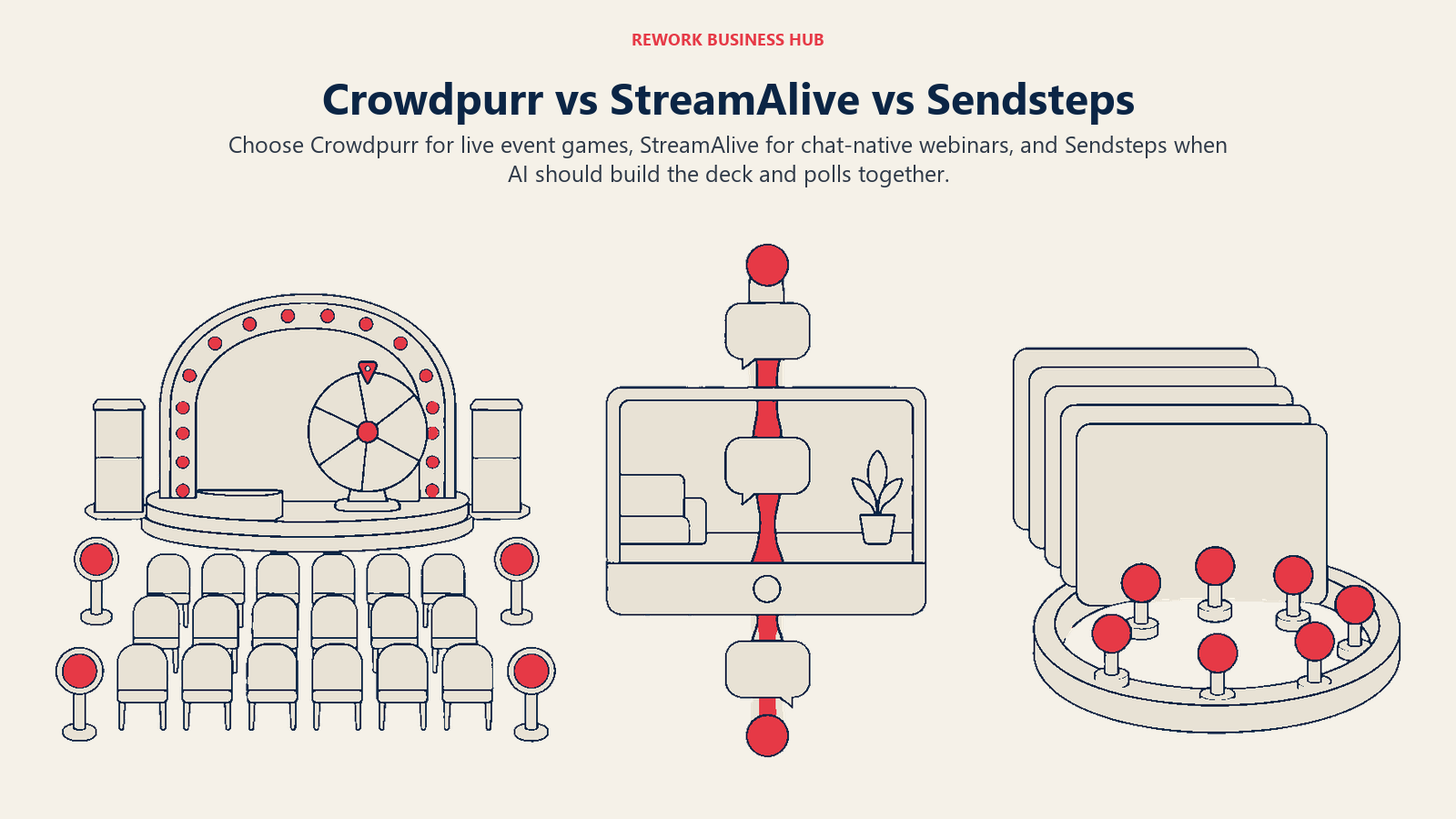
Crowdpurr, StreamAlive, and Sendsteps rarely land on the same shortlist, and that's worth understanding before you compare a single feature. All three sit a tier below Slido and Mentimeter in this category, and each one was built around a different place your audience is actually sitting. Crowdpurr is built for the room: a big screen, a mobile-first trivia app in someone's hand, and an emcee running a game-show format at a live event. StreamAlive is built for the stream: it reads whatever people are already typing into the Zoom, Teams, YouTube, or LinkedIn Live chat window and turns that into a live poll, with no second app or link involved, which is its entire pitch. Sendsteps is built for the slide deck itself: an AI presentation generator that writes the deck and wires in live polling at the same time, so the interactivity and the content come from the same prompt.
That's the real framing question, and most comparisons of this category skip it: is your audience in a room, in a stream, or in your slides? Pick the wrong bucket and the tool still runs, but it never quite fits the job. This article prices each one at a 50-participant session, a 500-participant event, and a team of 10 presenters, because the three vendors meter pricing on three genuinely different bases, and that difference changes which one actually costs less at your real numbers. All three remain independently owned and operated as of this update: Crowdpurr out of Los Angeles, StreamAlive out of Basking Ridge, New Jersey, and Sendsteps out of Amsterdam. None has been acquired, shut down, or rebranded. For the wider field these three sit inside, our best audience engagement software guide for 2026 is the place to start if you haven't narrowed the category down yet.
TL;DR
| Crowdpurr | StreamAlive | Sendsteps | |
|---|---|---|---|
| Built for | Live trivia and game-show mechanics at events | Reading your existing meeting or stream chat | AI-generated decks with polling built in |
| Delivery surface | The room: big screen, mobile-first play | The stream: Zoom, Teams, YouTube, LinkedIn Live chat | The slide deck: PowerPoint plus a browser join page |
| Company | Independent, Los Angeles, small team | Independent, Basking Ridge NJ, venture-backed | Independent, Amsterdam, founded 2008 |
| How pricing meters | Participants per experience AND named team-member seats | Sessions per month and AI tokens, not participants or headcount | Not published on a crawlable page |
| Free plan cap | 20 participants/experience, 15 questions, 3 simultaneous experiences | 5 participants/session, unlimited sessions, 2,000 AI tokens | Not published |
| Signature strength | Big-screen trivia and leaderboard mechanics an emcee runs solo | No second app; reads chat people already have open | Builds the deck and the interactivity in one AI pass |
| Typical buyer | Event producer, emcee, brand activation lead | Webinar host, virtual event producer | Solo presenter, trainer, sales rep |
| Best fit | Corporate trivia nights, brand activations, sales kickoffs | Any meeting or stream where a second tab kills participation | Starting from a blank page, wanting deck and polls together |
Key Facts
- The global audience response system market is projected to grow from $1.2 billion in 2025 to $2.5 billion by 2034, an 8.7% CAGR, per Verified Market Reports.
- Only 20% of employees worldwide were engaged at work in 2025, and low engagement cost the global economy an estimated $10 trillion in lost productivity, according to Gallup's State of the Global Workplace.
- Live reactions are the most-used engagement feature in webinars at 92% adoption, ahead of chat at 63%, Q&A at 49%, and polls at 40%, according to Univid's 2026 Webinar Insights report, which analyzed more than 2,000 webinars hosted on its platform between January 2023 and August 2026.
- The average webinar draws 20.4 Q&A questions but just 2.77 polls, according to Livestorm's 2026 Webinar Benchmark Report, which analyzed 33,786 sessions across 3,199 organizations in 2025.
What Each Tool Is Actually Built For
Crowdpurr treats engagement as entertainment first. It's a live trivia and game-show platform: multiple-choice rounds, a countdown timer, a leaderboard, and a mobile-first join experience aimed at corporate events, brand activations, sales kickoffs, and team-building sessions where the point is a fun shared experience, not data-gathering. It's bought by event producers and emcees running a live show, not by IT provisioning a meeting tool.
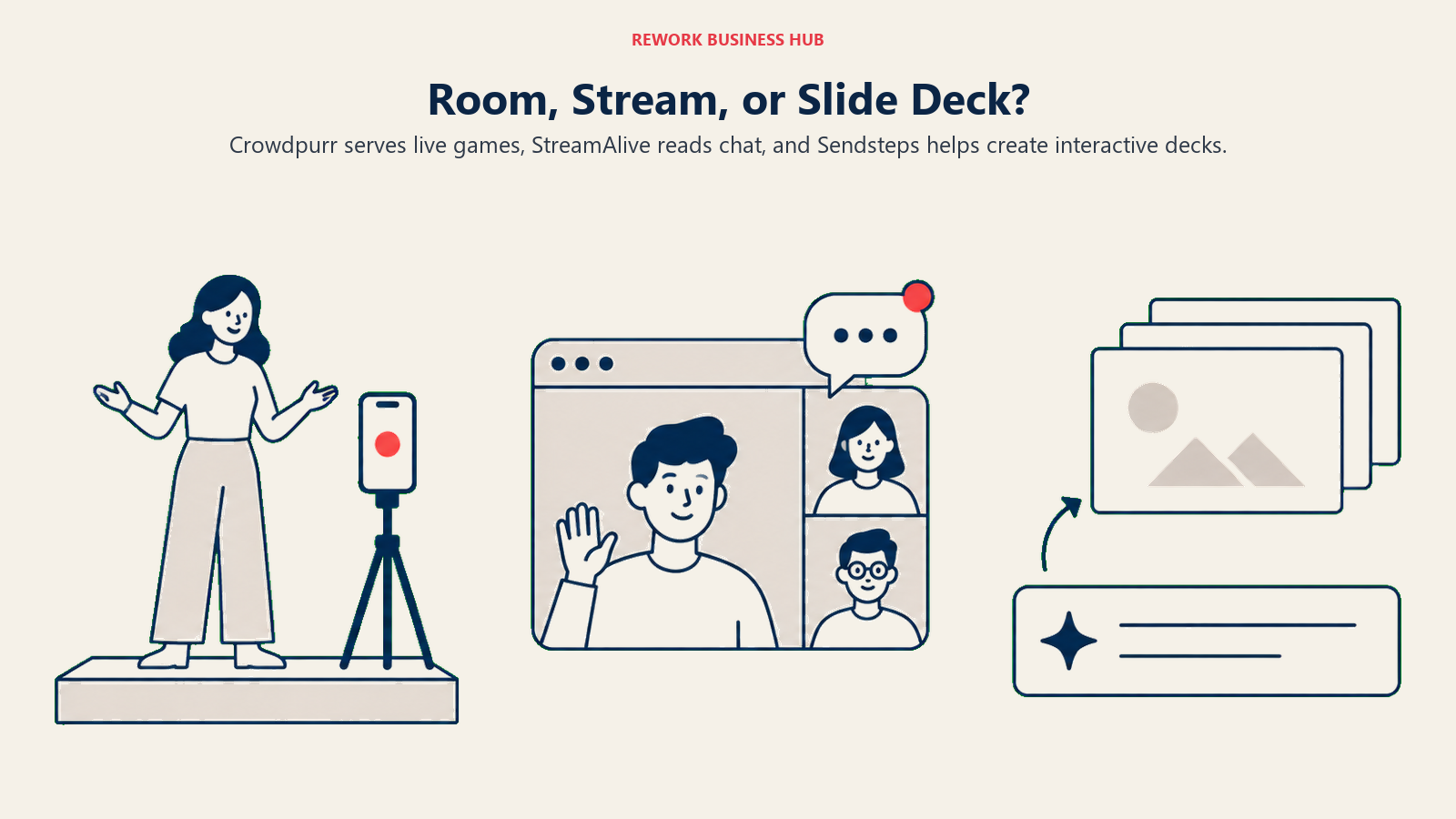
StreamAlive skips the second screen entirely. Instead of sending people to a join code and a separate polling interface, it reads reactions and responses directly out of the chat window in Zoom, Microsoft Teams, Google Meet, YouTube Live, or LinkedIn Live, turning a feature the audience already has open into the response mechanism. There's no join code because there's nothing new to join. That makes it the narrowest pitch of the three, and also the hardest to replicate: every other tool on this page, including the other two here, still asks the audience to go somewhere else.
Sendsteps solves a different problem than either: building the presentation itself. Its AI generates a full interactive deck from a prompt, then layers in the same live polling, quizzes, word clouds, and Q&A other tools add to a deck you already built. For a presenter starting from a blank page rather than an existing PowerPoint file, that removes a step the other two, and most of the category, still assume you've already done.
How Attendees Actually Join
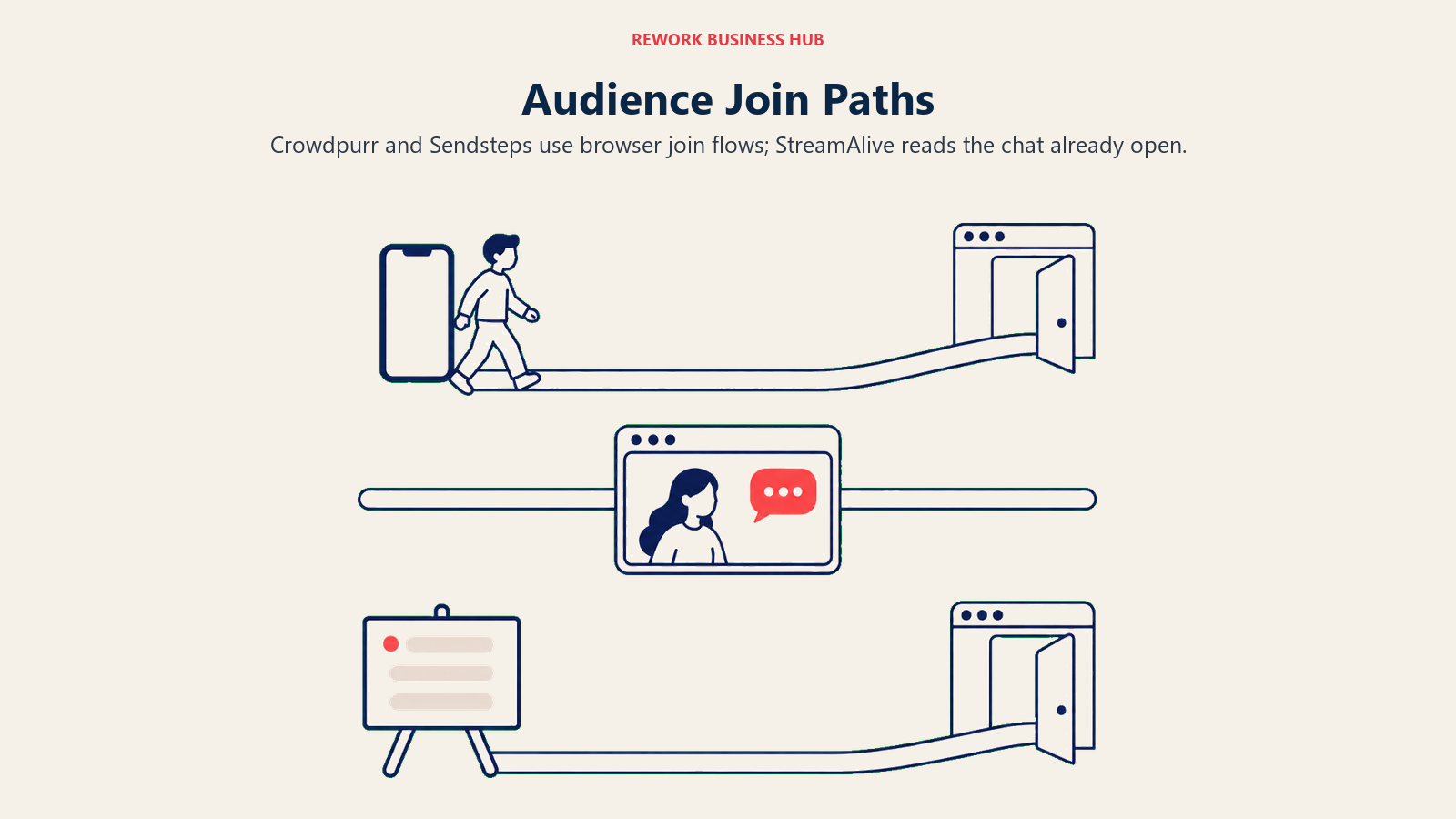
None of the three requires an app, and none requires participants to create an account, which puts them in line with the rest of this category. How they get into a session still differs in a way worth knowing before you commit to one.
| Crowdpurr | StreamAlive | Sendsteps | |
|---|---|---|---|
| App required | No | No | No |
| Account required | No | No | No |
| How participants join | Scan a QR code or open the experience URL in a browser | Nothing extra; responses are read from the chat window already open | Enter a session code at the Sendsteps join page in a browser |
| A second screen needed | Yes, separate from whatever's on the shared display | No, the meeting or stream window is the interaction surface | Yes, separate from the presented slide |
| Where the interaction happens | A purpose-built join page, results shown on a big-screen display | Inside the Zoom, Teams, Meet, YouTube Live, or LinkedIn Live window you're already running | A purpose-built join page, layered onto the presented deck |
Crowdpurr describes itself as "100% Browser Based," with support across devices and browsers, which matters for a live event where you can't control what phones show up. That's the same no-install premise Sendsteps uses for its own join page. StreamAlive's join experience is the outlier precisely because there isn't one: nothing changes for the audience at all.
Confirmed Platform Integrations
This is where the three diverge the most, and it's worth checking against your actual meeting stack rather than assuming any one of them covers what you use.
| Platform | Crowdpurr | StreamAlive | Sendsteps |
|---|---|---|---|
| Zoom | Screen-share only, no named plugin | Yes, native | Not confirmed |
| Microsoft Teams | Screen-share only | Yes, native | Not confirmed |
| Cisco Webex | Yes, a named Webex plugin | Not confirmed | Not confirmed |
| Google Meet | Not confirmed | Yes, native | Not confirmed |
| YouTube Live | Yes, for streaming your event out via OBS | Yes, native, reads the live chat directly | Not confirmed |
| LinkedIn Live | Not confirmed | Yes, native | Not confirmed |
| Twitch | Not confirmed | Yes, native | Not confirmed |
| Microsoft PowerPoint | Not confirmed | Yes, native | Yes, a native add-in, core to the product |
| Google Slides | Not confirmed | Yes, native | Not confirmed |
Crowdpurr's one named meeting integration is a Webex plugin, alongside YouTube Live and OBS support for streaming an event out; everything else is a screen-share arrangement rather than a native tie-in. StreamAlive's whole product depends on genuinely deep platform reach, and its confirmed list, Zoom, Teams, Meet, YouTube Live, LinkedIn Live, Twitch, PowerPoint, Google Slides, and Canva, reflects that. Sendsteps is the narrowest here: its confirmed integration story starts and ends with a PowerPoint add-in, since the product's whole premise is building and presenting the deck itself rather than plugging into a meeting platform. If your team runs mainly through Zoom, Microsoft Teams, Google Meet, or Webex and the integration itself is the deciding factor, checking that category directly is worth doing before you commit to any engagement layer on top of it.
Getting Your Data Out
Check file formats and captured fields before relying on post-session reporting for follow-up.

| Crowdpurr | StreamAlive | Sendsteps | |
|---|---|---|---|
| Export named on the vendor's site | Export the entire event to a spreadsheet, plus lead-capture fields (name, email, phone, custom fields) | In-app "Reports & Analytics"; no specific downloadable file format named on public pages | A post-session report covering all questions and responses; no specific file format named on public pages |
| Where you access it | The event dashboard, after the experience ends | The session dashboard | The Sendsteps results dashboard |
Crowdpurr is the most specific of the three about what you actually get afterward, spreadsheet export plus structured lead-capture fields, which matters if the event doubles as a lead-gen activation. StreamAlive and Sendsteps both describe post-session reporting on their marketing pages without naming a specific file format the way Crowdpurr, or Slido and Mentimeter above them in this category, do.
Participant Limits and Where They Bite
Participants, questions, sessions, and team access may each constrain the plan you can use.
| Plan | Crowdpurr | StreamAlive | Sendsteps |
|---|---|---|---|
| Free | 20 participants/experience, 15 questions, 3 simultaneous experiences, 15 min streaming/month | 5 participants/session, unlimited sessions, 2,000 AI tokens | Not published on a crawlable page |
| Entry paid | Classroom: 100 participants, 2 team members | Starter: any audience size, capped at 10 sessions/month | Not published |
| Mid | Seminar: 500 participants, 5 team members | Pro: any audience size, unlimited sessions | Not published |
| Upper | Conference: 1,000 participants, 10 team members | Scale: any audience size, unlimited sessions, SSO/SCIM | Not published |
| Top | Convention: 5,000 participants, 25 team members | (Scale is the top published tier) | Not published |
Crowdpurr's free Basic plan caps out on four dimensions at once, 20 participants, 15 questions, 3 simultaneous experiences, and 15 minutes of live streaming a month, which makes it closer to a demo than something you'd run a real trivia night on. StreamAlive's free tier is tighter on headcount (5 participants) but genuinely unlimited on sessions, and the vendor treats anything under 5 people as a test that doesn't count against usage at all. Sendsteps doesn't publish a participant cap for any tier on a page that loads without JavaScript, so there's nothing to state here beyond that gap itself.
Decision by Business Goal
| Your actual goal | Best pick | Why |
|---|---|---|
| "I need a competitive, big-screen activity for a live event or sales kickoff" | Crowdpurr | Built around trivia and leaderboard mechanics, not slide-embedded polling |
| "My audience is entirely inside a video call and won't open a second tab" | StreamAlive | Reads the chat window they already have open, no new link to share |
| "I'm starting from a blank page and want the deck built for me" | Sendsteps | The only one of the three that generates the presentation itself |
| "I have 10 people running sessions and don't want per-seat pricing" | StreamAlive | No named seat limit on any published tier |
| "I need named logins for my events team, not one shared password" | Crowdpurr | Team-member seats are named and scale by tier, 2 up to 25 |
| "I need a moderated Q&A queue for a serious town hall instead" | Neither, see Slido or Vevox | None of these three are built for large-audience Q&A moderation |
Team and Role Fit
| Team / role | Best fit | Why |
|---|---|---|
| Event producer or emcee | Crowdpurr | Built for the room: big screen, mobile play, lead capture |
| Webinar host or virtual event producer | StreamAlive | Built for the stream: no second app for the audience |
| Marketing or brand activation lead | Crowdpurr | Trivia and game mechanics built for a live crowd, not a training module |
| Corporate trainer or L&D | Neither is the strongest fit | Gamified training tools with LMS ties are the better match for that job |
| Solo presenter, consultant, or sales rep | Sendsteps | AI builds the deck and the poll questions in one pass |
| Internal comms or HR running a town hall | Neither | Q&A-moderation-first tools are the better-built option for that job |
If a corporate-trainer or town-hall use case is what actually brought you here, our best Kahoot alternatives roundup and best Slido alternatives roundup cover those jobs more directly than any of these three do.
Pricing at Real Team Sizes
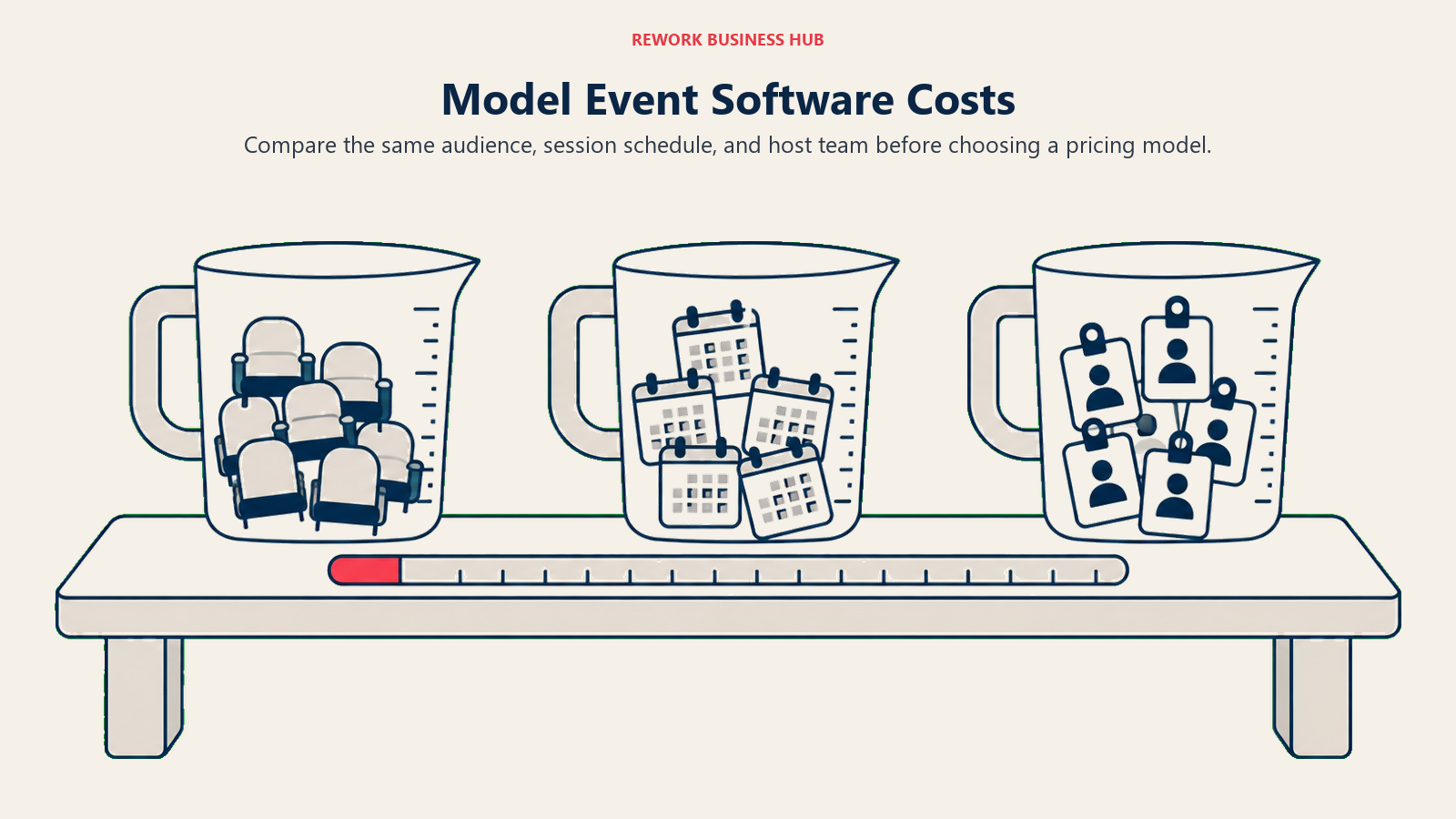
Here's the part most comparisons of this trio skip, and it changes the answer more than any feature row above: Crowdpurr, StreamAlive, and Sendsteps don't meter price the same way at all.
| Crowdpurr | StreamAlive | Sendsteps | |
|---|---|---|---|
| Meters on | Participants per experience AND named team-member seats, together | Sessions per month and AI tokens; not participant count, not presenter headcount | Not published on a crawlable page |
| Does the participant cap move with the plan? | Yes, a hard per-tier cap (100 / 500 / 1,000 / 5,000) | No, any audience size from the cheapest paid tier up | Unknown |
| Are presenter/host seats named? | Yes, 2 / 5 / 10 / 25 team members by tier | No, unlimited people can share one paid account | Unknown |
| Billing basis | Monthly, or annual at roughly half the monthly rate | Monthly, or annual at roughly 60% off the monthly rate | Monthly or annual; vendor states annual "saves up to 31%," no base figure shown |
Crowdpurr is the only one of the three that charges for both dimensions at once: how many people can be in a single experience, and how many named logins your team gets. StreamAlive charges for neither directly; it charges for how many sessions you run in a month and how many AI tokens you use, which means a 5-person audience and a 5,000-person audience cost the same once you're on a paid plan. Sendsteps' own pricing page is JS-rendered and exposes no crawlable dollar figures beyond a note that paying annually saves up to 31%; treat any specific number attached to Sendsteps elsewhere as unverified until you get a quote directly.
What each scenario actually costs:
| Scenario | Crowdpurr | StreamAlive | Sendsteps |
|---|---|---|---|
| One 50-participant session | Classroom tier: $49.99/mo, or $24.99/mo billed yearly ($299.94/year); covers up to 100 | Starter tier: $50/mo, or $20/mo billed annually ($240/year); any audience size | Not published |
| One 500-participant event | Seminar tier: $149.99/mo, or $74.99/mo billed yearly ($899.94/year); covers up to 500 | Starter tier still covers it at $50/mo or $240/year annual; the real constraint is 10 sessions/month, not audience size | Not published |
| A team of 10 presenters sharing one account | Conference tier: $249.99/mo, or $124.99/mo billed yearly ($1,499.94/year); the cheapest tier with 10 named team-member logins, also includes 1,000 participants | No extra cost for the 10th presenter on any tier; price is set by session volume and audience size, not headcount. If those 10 people combined need more than 10 sessions/month, Pro at $150/mo or $60/mo billed annually ($720/year) removes that cap | Not published; the vendor's own pages give no basis to model this |
Run the arithmetic and the ranking flips depending on which number is actually forcing your decision. A single 500-person event costs StreamAlive's cheapest paid tier the same $50 a month it would cost for 5 people, because StreamAlive doesn't charge for audience size at all once you're paying. The same event pushes Crowdpurr into its $149.99/month Seminar tier, three times the entry price, because Crowdpurr's cap is real and per-tier. Flip the question to a 10-presenter events team instead, and Crowdpurr's named-seat model means you're paying for Conference at $249.99/month regardless of how many people actually show up to any one experience, while StreamAlive charges the same whether 1 person or 10 people are logged into the account. Neither model is wrong; they're optimized for different buyers, a producer running fewer, bigger, branded live shows versus a distributed team running many small sessions.
Implementation and Change Management
Build the session, test the connection, and check the attendee experience before the live event.
| Crowdpurr | StreamAlive | Sendsteps | |
|---|---|---|---|
| Who typically buys it | Event producer or emcee, corporate card | Webinar host or events ops, corporate card | Solo presenter or trainer, corporate card |
| Setup before the first real session | Build a branded "experience": questions, logo, lead-capture fields | Connect the integration to your meeting or stream platform of choice | Prompt the AI to draft the deck, then review and edit it |
| Attendee-side training needed | Minimal, scan a code and play | None, they keep typing in the chat they already have open | Minimal, enter a code in a browser |
| Where the real setup time goes | Building and branding the experience ahead of the event | Almost nowhere; nothing changes for the audience | Reviewing and correcting whatever the AI generated |
Crowdpurr's heavier tiers add real production surface area, OBS streaming integration, custom domain URLs, and private-label branding on Conference and above, which is a genuine implementation step if you're running the top-end plan rather than a quick Classroom-tier trivia round. StreamAlive is the lightest lift of the three almost by design: since the interaction lives inside a call or stream you're already running, there's no new join flow to test with attendees. Sendsteps shifts the work from slide-building to AI-output review, which is a different kind of time cost, not necessarily a smaller one, since someone still has to check an AI-drafted deck before it goes in front of a real audience.
Risk and Governance
Validate account controls, participant data handling, and ownership before putting the tool into routine use.
| Crowdpurr | StreamAlive | Sendsteps | |
|---|---|---|---|
| Founded | 2012 | 2021 | 2008 |
| Headquarters | Los Angeles, US | Basking Ridge, New Jersey, US | Amsterdam, Netherlands |
| Company size signal | Small team (public company-profile data lists 2 employees) | Early-stage, venture-backed (more than $3 million raised across two pre-seed rounds) | Longest track record of the three (public profiles list around 13 employees) |
| SOC 2 / ISO named on public pages | SOC 2 Type 2 stated as in progress, not yet certified | Not named | Not named |
| GDPR posture | Data export and deletion rights stated in its privacy policy; hosted on AWS | GDPR-referenced privacy notice; AWS VPC hosting; encryption in transit and at rest | GDPR-aligned rights (access, correction, deletion, portability); MFA and disk encryption stated |
| SSO / SCIM | Not named on any tier | Named on the Scale plan only | Not named |
None of the three publishes the compliance depth Slido carries through Cisco, and that's expected at this level of the category rather than a red flag specific to any one of them. Crowdpurr is explicit that SOC 2 Type 2 is in progress rather than complete, which is worth noting precisely rather than rounding up to "certified." StreamAlive references a gated trust center and names SSO and SCIM only on its top Scale plan, suggesting an enterprise security story exists but isn't fully public yet. If your organization has a hard compliance requirement, ask any of the three for current documentation directly rather than assuming a marketing page settles it, the same caveat that applies across most of this category below its Cisco-owned tier.
When Crowdpurr Is the Right Call
- The event itself is the content. A trivia night, a sales kickoff, a brand activation, or a conference general session where hundreds to thousands of attendees play from their own phones on a mobile-first interface built for exactly that.
- You need a big-screen, emcee-run format. Crowdpurr is designed around someone hosting live, with a leaderboard and a timer, not a presenter clicking through slides.
- You want named team-member logins. Every paid tier gives your events team individual logins to a shared account rather than one password everyone uses.
- Lead capture matters as much as the game. Custom fields for names, emails, and phone numbers are built into the same flow as the trivia round.
If Crowdpurr's jump from a 20-participant free tier to a per-tier paid structure doesn't fit your budget, the field of tools built around the same gamified-quizzing job is in our best Kahoot alternatives roundup.
When StreamAlive Is the Right Call
- Your audience is entirely inside a video call or livestream. Asking them to open a second tab or download an app is exactly the friction StreamAlive was built to remove.
- You're running many sessions with a shifting cast of presenters. No named seat limit on any tier means adding the 10th presenter costs nothing extra.
- Audience size shouldn't force an upgrade. Even the cheapest paid tier supports any audience size; what you're actually paying for is session volume and AI usage, not headcount.
- You want the free plan to be a real test, not a demo. It's genuinely usable at 5 participants, and StreamAlive doesn't count sessions under that size against your monthly limits at all.
If StreamAlive's chat-reading model is the right idea but the wrong meeting platform for you, our Zoom, Microsoft Teams, and Google Meet alternatives guides cover the platforms it plugs into.
When Sendsteps Is the Right Call
- You're starting from a blank page. Sendsteps is the only one of these three that generates the deck itself, not just the polling layer on top of a deck you already built.
- You live in PowerPoint. Its confirmed integration story is a native add-in, built for presenters who don't want to leave the tool they already use.
- You're a solo presenter or trainer, not a team. Building slides and interactive questions in one AI pass suits an individual working alone more than a distributed events team.
- You'd rather review AI output than build from scratch. The tradeoff is time spent editing instead of time spent designing.
If a confirmed price before signup is a hard requirement, Sendsteps is the one tool on this page that can't offer that, and our best Mentimeter alternatives roundup covers other presentation-first tools that do publish a number.
Decision Framework
| If this is true for you | Pick |
|---|---|
| Your audience is in a room with a shared screen and you want game-show energy | Crowdpurr |
| Your audience is entirely inside a Zoom, Teams, YouTube, or LinkedIn Live session | StreamAlive |
| You're starting from a blank page and want the deck built for you | Sendsteps |
| You need named per-seat logins for an events team | Crowdpurr |
| You have 10 presenters sharing one account and don't want per-seat pricing | StreamAlive |
| You need a confirmed price before you can budget | Crowdpurr or StreamAlive (Sendsteps publishes neither) |
| You actually need a moderated Q&A queue for a large town hall | Neither, see Slido or the hub guide |
| You're comparing the whole category, not just these three | See the best audience engagement software guide for 2026 |
What to Do Next
- Name where your audience physically is. A room, a stream, or your own slide deck. That alone eliminates two of the three before you look at a single price.
- If Crowdpurr, build one real experience and test it at your actual headcount. The jump from the free tier's 20-participant cap to Classroom's 100 happens fast, and the tier above that is a real price jump, not a small one.
- If StreamAlive, run one real session through your actual meeting platform first. Then count how many sessions per month your team genuinely needs, since that's what Starter's price is metered on, not audience size.
- If Sendsteps, request a live quote before assuming a number. Nothing is published, so budget planning has to start with the vendor directly, not a comparison article.
- Check the wider category if none of the three fit cleanly. Our best audience engagement software guide for 2026 covers the Q&A-first and slide-embedded options these three sit below, and Slido vs Mentimeter is the head-to-head one tier up if a moderated town hall or a branded presentation deck turns out to be the real job.
Frequently Asked Questions about Crowdpurr vs StreamAlive vs Sendsteps
What is the main difference between Crowdpurr, StreamAlive, and Sendsteps?
They're built for three different places your audience sits. Crowdpurr is a live trivia and game-show platform for events with a shared screen. StreamAlive reads the chat inside a Zoom, Teams, YouTube, or LinkedIn Live session you're already running, with no second app. Sendsteps uses AI to generate the presentation deck itself, then adds live polling on top of what it just built.
Do participants need to download an app for any of these three?
No. All three run entirely in a browser for participants. Crowdpurr and Sendsteps use a join code or QR code on a purpose-built page; StreamAlive doesn't need a join step at all, since it reads responses directly from the chat window people already have open.
How many participants can I have on Crowdpurr's free plan?
20 participants per experience, capped further at 15 questions and 3 simultaneous experiences, with 15 minutes of live streaming included per month. That makes the free Basic plan closer to a demo than something to run a real event on.
Is StreamAlive's free plan really usable for a real session?
It's usable but small: 5 participants per session, with unlimited sessions and 2,000 AI tokens included. Sessions under 5 people don't count against StreamAlive's monthly usage limits, which makes the free tier more of a genuine test environment than Mentimeter's or Poll Everywhere's tighter free caps.
Does Sendsteps publish its pricing?
No. Sendsteps' pricing page renders client-side and exposes no dollar figures to a standard page load, only a note that paying annually saves up to 31% off the monthly rate. Treat any specific number you see for Sendsteps elsewhere as unverified until you get a quote directly from the vendor.
Which of these three integrates natively with Zoom and Microsoft Teams?
StreamAlive, natively, for both. Crowdpurr's presence in Zoom or Teams is limited to screen-sharing your Crowdpurr experience rather than a native plugin, though it does offer a named Webex plugin. Sendsteps' confirmed integration is a PowerPoint add-in; it doesn't name a Zoom or Teams integration on its own site.
How does StreamAlive's pricing work if it doesn't cap participants?
It meters on sessions per month and AI token usage instead. Starter ($50/month, or $20/month billed annually) allows 10 sessions a month at any audience size; Pro and Scale remove the session cap entirely. A 5-person meeting and a 5,000-person town hall cost the same on a given tier, since audience size isn't what StreamAlive charges for.
Is Crowdpurr built for classroom teaching or live events?
Live events, primarily. Its mobile-first design, leaderboard mechanics, and lead-capture fields are built for trivia nights, brand activations, conferences, and sales kickoffs run by an event producer or emcee, not for a recurring weekly classroom session the way Wooclap or Poll Everywhere are.
Are Crowdpurr, StreamAlive, and Sendsteps still independently owned companies?
Yes, as of this update. Crowdpurr (Los Angeles, founded 2012) and Sendsteps (Amsterdam, founded 2008) are both independent and privately held with no acquisition or rebrand on record. StreamAlive (Basking Ridge, New Jersey, founded 2021) is an independent, venture-backed startup that has raised more than $3 million across two pre-seed rounds.
Which tool is cheapest for a team of 10 presenters sharing one account?
StreamAlive, by a wide margin, because it doesn't charge for named seats at all; 10 presenters can share any paid tier at the same price as 1. Crowdpurr charges directly for team-member logins, so 10 presenters requires its Conference tier at $249.99/month, or $124.99/month billed yearly. Sendsteps publishes no pricing to compare against either.
Related Resources:
- Best Audience Engagement Software in 2026
- Slido vs Mentimeter
- Best Slido Alternatives
- Best Mentimeter Alternatives
- Best Poll Everywhere Alternatives
- Best Kahoot Alternatives
- Best Event Management Software in 2026
- Best Zoom Alternatives
- Best Microsoft Teams Alternatives
- Best Webex Alternatives
- Best Google Meet Alternatives

Principal Product Marketing Strategist
On this page
- TL;DR
- Key Facts
- What Each Tool Is Actually Built For
- How Attendees Actually Join
- Confirmed Platform Integrations
- Getting Your Data Out
- Participant Limits and Where They Bite
- Decision by Business Goal
- Team and Role Fit
- Pricing at Real Team Sizes
- Implementation and Change Management
- Risk and Governance
- When Crowdpurr Is the Right Call
- When StreamAlive Is the Right Call
- When Sendsteps Is the Right Call
- Decision Framework
- What to Do Next