Best Invoice Management Software in 2026: 14 Tools for Getting Invoices Paid Faster
Turn this article into takeaways for your work.


Each assistant summarizes the article only for you and suggests best practices for your work.
The best invoice management software depends on whether invoicing is one task inside software you already own, or the actual job you're buying for. QuickBooks Online and Xero handle invoicing well if your books already live there. Zoho Invoice and Wave are the strongest free, dedicated options for freelancers who don't want a general ledger attached. Harvest and Bonsai tie invoicing to the time and contract work that generates it. And BILL or Melio are what you need once invoicing turns into a real workflow, with approvals, dunning, and reconciliation that a bolted-on feature was never built to handle. If your real problem is broader than invoicing, our companion guide to best accounting software covers full bookkeeping platforms in more depth.
This guide covers 14 tools: the accounting platforms most businesses already invoice through, the dedicated invoicing apps built for freelancers and small teams, the AP/AR automation layer finance teams graduate into, and the payments-first options that only charge when an invoice actually gets paid. We evaluated each on invoicing depth (not just accounting depth), approval and dunning workflows, payment reconciliation, and real pricing.
Key Facts
- 59% of small businesses were carrying invoices overdue by 30 days or more in 2026, up from 47% a year earlier, with an average of $17,700 sitting unpaid per business, according to Intuit's 2026 Small Business Late Payments Report.
- 49% of small business owners say standard payment processing times still create critical or moderate cash flow gaps even after a customer has paid, per the same Intuit report.
- US small businesses were paid an average of 9 days late in the March 2026 quarter, up from 8.4 days the quarter before, with a 28.8-day average wait to collect on any invoice, according to Xero Small Business Insights.
- Nearly 1 in 3 B2B suppliers report that about a third of the payments they're owed arrive late, per PYMNTS Intelligence.
- Owners who spend 5 or more hours a month manually creating and chasing invoices are nearly 3 times more likely to report cash flow problems, per FreshBooks' State of Financial Flow 2026 survey.
An Invoicing Feature Is Not an Invoice Management Workflow
Every accounting platform on this list can generate an invoice. That's table stakes. The question worth asking before you pick a tool is whether you need invoicing (create a document, email it, mark it paid) or invoice management (a workflow that touches approvals, reminders, aging, and reconciliation before anyone calls the invoice done).
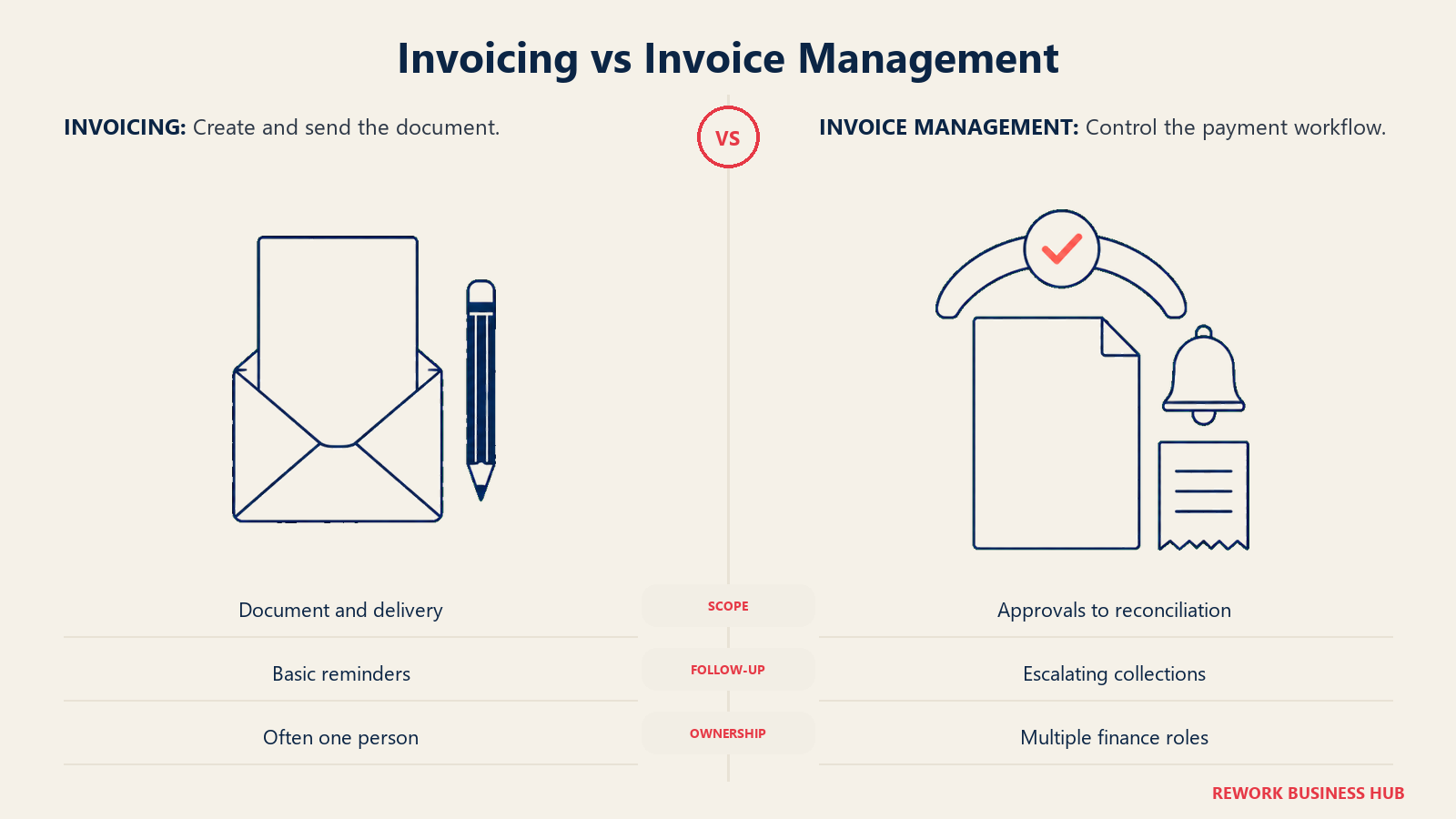
A freelancer sending eight invoices a month doesn't need approval chains. Zoho Invoice or Wave's free tier covers the job completely: create the invoice, send it, get paid, done. But a 40-person company running invoices through three people, the person who creates it, the manager who approves it, and the controller who reconciles it against the bank feed, has outgrown "create and send" long before its accounting software's plan tier says so. That's the gap dedicated invoice management fills: multi-step approval routing, automated dunning sequences that escalate as an invoice ages, an AR aging report that sorts what's overdue by how overdue it is, and two-way reconciliation that matches a payment to the invoice and the bank transaction without someone doing it by hand.
The tools on this list split cleanly along that line. QuickBooks Online, Xero, Zoho Books, FreshBooks, and Wave treat invoicing as one feature inside a general ledger, and none of them ship real approval workflows or automated dunning as a first-class feature. Zoho Invoice, Invoice Ninja, Harvest, and Bonsai are dedicated to invoicing itself but stay lightweight, with no built-in AP side. BILL and Melio are where the workflow gets serious: multi-step approvals, role-based permissions, and reconciliation that assumes more than one person touches an invoice before it's paid. Stripe Invoicing and Square Invoices sit outside both camps: they're payment infrastructure with an invoice generator attached, priced per transaction instead of per seat.
| What you need | Accounting-suite invoicing | Dedicated invoice management |
|---|---|---|
| Create and send an invoice | Yes, every tool here | Yes, every tool here |
| Multi-step approval before an invoice goes out or a bill gets paid | Rare, mostly manual | Core feature (BILL, Melio) |
| Automated dunning that escalates as an invoice ages | Basic reminders at best | Built-in sequencing (BILL, Zoho Invoice, Invoice Ninja) |
| AR aging report by bucket (0-30, 31-60, 61-90+) | Included, usually basic | Included, usually more granular |
| Payment reconciliation against a bank feed | Manual matching | Automated two-way match (BILL, Melio) |
| Multi-entity or multi-currency invoicing | Higher tiers only | Varies by tool |
Quick Comparison Table
| Tool | Best For | Starting Price | Key Strength | Key Limitation |
|---|---|---|---|---|
| QuickBooks Online | Businesses that already run accounting and invoicing through QuickBooks | $38/mo (Simple Start); free plan available | Deepest accountant network on this list | August 2026 price increase pushed Essentials to $85/mo and Plus to $140/mo |
| Xero | SMBs that want unlimited users invoicing from day one | $25/mo (Early) | No per-seat fee at any tier | Early plan caps you at 20 invoices and 5 bills a month |
| Zoho Books | Teams invoicing inside a full accounting and CRM stack | $0 (Free, under $50K revenue) | Invoices auto-generate from CRM deals | Free plan caps out at 1,000 invoices a year |
| FreshBooks | Service businesses that invoice constantly by the hour or project | $23/mo (Lite) | Best invoice and client-billing UX on this list | $11/user/mo for every extra seat, on every tier |
| Wave | Freelancers who want free invoicing with real double-entry books attached | $0 (Starter) | Genuinely unlimited free invoices | Automated bank feeds and multi-user access require paid Pro |
| Zoho Invoice | Freelancers who want dedicated invoicing for zero dollars | $0, forever free, only tier | No paid tier to eventually upsell into | Capped at 2 users, 3 projects, 500 invoices a year |
| Zoho Billing | Businesses moving from one-off invoices to recurring subscription billing | $50/mo (Standard) | Purpose-built for subscription and usage billing | A separate product from Zoho Invoice, not an upgrade path within it |
| Invoice Ninja | Technical teams that want self-hosted, open-source invoicing | Free (up to 5 clients) | Self-hostable, full source available | Free tier caps at 5 clients and 4 templates |
| Harvest | Consultancies that invoice off tracked time and project budgets | Free (1 seat, 2 projects) | Time tracking and invoicing genuinely unified | Per-seat pricing gets expensive past a small team |
| Bonsai | Freelancers who need contracts and proposals alongside invoicing | $15/mo (Basic) | Bundles proposals and contracts with billing | Invoicing itself only unlocks on Essentials and up |
| BILL | Finance teams that need approval workflows on both AP and AR | $49/user/mo (Essentials) | Full approval chains and bank reconciliation | Per-user pricing adds up fast for a growing finance team |
| Melio | Small businesses that want free AP and AR without an accounting-suite lock-in | $0 (Go, 1 user) | AR and invoicing included free on every tier | Go plan is limited to a single user |
| Stripe Invoicing | Businesses that already process payments through Stripe | 0.4% per paid invoice (Starter) | No fixed monthly fee, pay only when an invoice is paid | Standard Stripe Payments processing is charged on top |
| Square Invoices | Businesses already running Square for payments or point of sale | $0/mo per location (Free) | Deeply integrated with Square POS and payments | Card processing runs 3.3% + 30c on the free plan |
Stage and Sizing Fit Matrix
| Tool | 1-10 employees | 10-50 employees | 50-200 employees | 200+ employees |
|---|---|---|---|---|
| QuickBooks Online | Good | Best fit | Possible | Limited |
| Xero | Good | Best fit | Strong | Limited |
| Zoho Books | Good | Best fit | Strong | Limited |
| FreshBooks | Best fit | Good | Limited | No |
| Wave | Best fit | Limited | No | No |
| Zoho Invoice | Best fit | Possible | No | No |
| Zoho Billing | Possible | Good | Strong | Possible |
| Invoice Ninja | Best fit | Good | Possible | No |
| Harvest | Best fit | Good | Limited | No |
| Bonsai | Best fit | Limited | No | No |
| BILL | Possible | Good | Best fit | Strong |
| Melio | Best fit | Good | Possible | No |
| Stripe Invoicing | Best fit | Good | Strong | Strong |
| Square Invoices | Best fit | Good | Possible | No |
Buyer Persona and Sizing Table
| Tool | Primary Buyer | Team Size Sweet Spot | Who Signs the Check |
|---|---|---|---|
| QuickBooks Online | Owners already working with a CPA | 3-50 employees | Owner or controller |
| Xero | Accountants recommending to SMB clients | 2-50 employees | Owner or CFO |
| Zoho Books | Teams already inside the Zoho stack | 5-100 employees | IT buyer or owner |
| FreshBooks | Freelancers, consultants, agencies | 1-10 employees | Owner or founder |
| Wave | Solo operators, sole proprietors | 1-5 employees | Owner |
| Zoho Invoice | Freelancers and micro businesses | 1-2 employees | Owner |
| Zoho Billing | Subscription and SaaS businesses | 5-100 employees | Finance or ops lead |
| Invoice Ninja | Developers, agencies, technical freelancers | 1-15 employees | Owner or IT lead |
| Harvest | Consultancies, agencies billing by the hour | 2-50 employees | Owner or ops manager |
| Bonsai | Freelance creatives and consultants | 1-10 employees | Owner |
| BILL | Controllers, AP/AR managers | 20-500 employees | Controller or CFO |
| Melio | Small businesses paying and getting paid via ACH | 1-50 employees | Owner or bookkeeper |
| Stripe Invoicing | Businesses already on Stripe for payments | 1-100 employees | Founder or finance lead |
| Square Invoices | Retail, services, and Square POS users | 1-50 employees | Owner |
1. QuickBooks Online: Invoicing Inside the Accounting Suite Most Businesses Already Own
QuickBooks Online is the invoicing tool most small businesses already own, because it's the invoicing tool inside the accounting software most small businesses already own. If your bookkeeper and your invoices are already both in QuickBooks, there's real friction in moving invoicing to a separate app: payment reconciliation, customer records, and reporting all live in one place today. The invoicing feature itself covers the standard ground (recurring invoices, progress invoicing against a project, payment links through QuickBooks Payments) without needing a second subscription. For a side-by-side against the platform most invoicing buyers compare it to, see QuickBooks vs. Xero; if QuickBooks itself isn't working for you, best QuickBooks alternatives covers 11 replacements.
Methodology: Invoicing as one module inside a tiered accounting platform. Reminders, payment links, and recurring invoices scale up by plan; there's no standalone invoicing-only tier.
Target audience: SMBs of 3 to 50 employees who want invoicing to live in the same system as their books and already work with an accountant.
Sizing fit: Comfortable from a handful of employees to around 50; per-user caps make Advanced expensive once a finance team grows past that.
Stage fit: Best once a business has moved past ad hoc invoicing and wants invoices, payments, and the general ledger reconciled automatically in one place.
| Pros | Cons |
|---|---|
| Invoicing, payments, and reconciliation all live in one system | Prices rose in August 2026: Essentials to $85/mo, Plus to $140/mo |
| Recurring and progress invoicing built in | Per-user caps: Simple Start is 1 user, Plus is 5 |
| Payment links via QuickBooks Payments accept cards and bank transfer | No dedicated approval workflow for outbound bills |
| Free plan available for the simplest invoicing needs | Advanced tier is a steep jump for reporting depth alone |
| Largest accountant network for support | A 50% off, 3-month promotional rate is running; list prices are what renews |
Pricing: Free $0/mo (1 user), Simple Start $38/mo (1 user), Essentials $85/mo (3 users), Plus $140/mo (5 users), Advanced $340/mo (25 users). These reflect Intuit's August 2026 price increase; a 50% off, 3-month promotional rate is currently running on top of the list prices above.
Best for: Businesses that want invoicing and accounting in the same system and don't want to manage a second subscription for it.
2. Xero: Unlimited Users, But Read the Invoice Cap on the Entry Plan
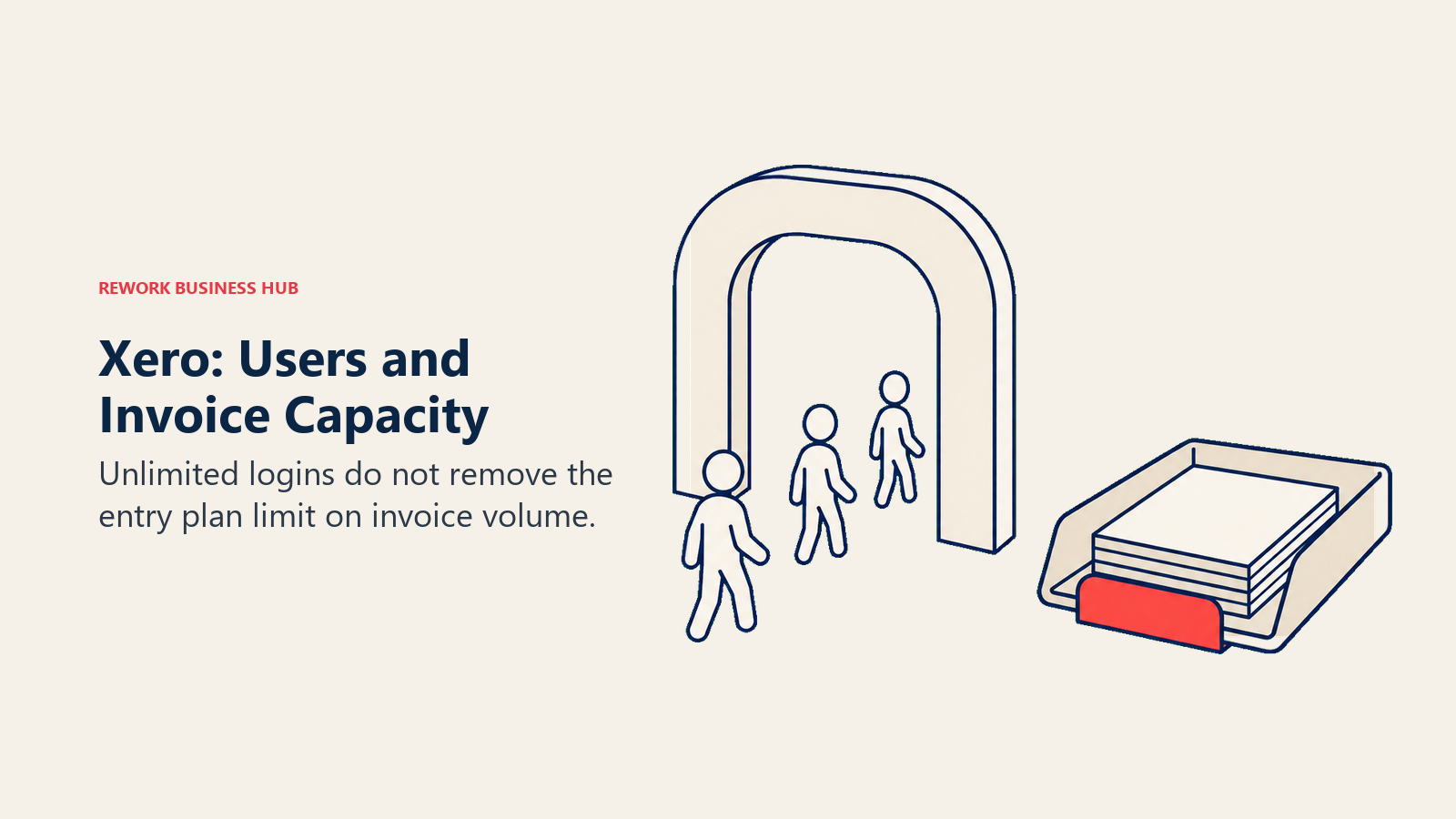
Xero's usual pitch, unlimited users on every plan, matters just as much for invoicing as it does for accounting: the bookkeeper, the salesperson creating invoices, and the owner approving them can all log in without a per-seat fee. The catch specific to invoicing is on the Early plan: it's capped at 20 invoices and 5 bills a month, a limit that a business sending invoices daily will hit inside the first two weeks. Growing and Established remove that cap entirely. For the full field of alternatives, see best Xero alternatives.
Methodology: Cloud-first double-entry accounting with invoicing as a core, not bolted-on, feature: online invoices, automatic reminders, and real-time bank reconciliation are standard from the entry tier up.
Target audience: SMBs with 2 to 50 employees and an external accountant who wants their own unlimited login rather than a shared one.
Sizing fit: Strong from solo through mid-size; the Early plan's invoice cap makes it a poor fit for any business invoicing more than a handful of times a month.
Stage fit: Best when invoicing volume is still low enough that unlimited users matters more than unlimited invoices, or once you're on Growing and both are unlimited.
| Pros | Cons |
|---|---|
| Unlimited users on every plan, including Early | Early plan caps at 20 invoices and 5 bills a month |
| Automatic payment reminders and online invoice tracking | US payroll isn't native, it runs through a Gusto add-on |
| Real-time bank reconciliation against invoices | Inventory Plus is a separate paid add-on |
| Strong accountant and bookkeeper network | Reporting customization trails some rivals at the top end |
| 90% off for 6 months if purchased by September 30, 2026 | That promotional window is closing; list price applies after |
Pricing: Early $25/mo (20 invoices and quotes, 5 bills), Growing $55/mo (unlimited invoices and bills), Established $90/mo (adds multi-currency and projects). A 90% off promotion for the first 6 months is running through September 30, 2026, cutting those to roughly $2.50, $5.50, and $9 for new signups in that window.
Best for: SMBs that want unlimited logins from day one and plan to move off Early the moment invoice volume picks up.
3. Zoho Books: Invoicing That Auto-Generates From Your CRM Pipeline
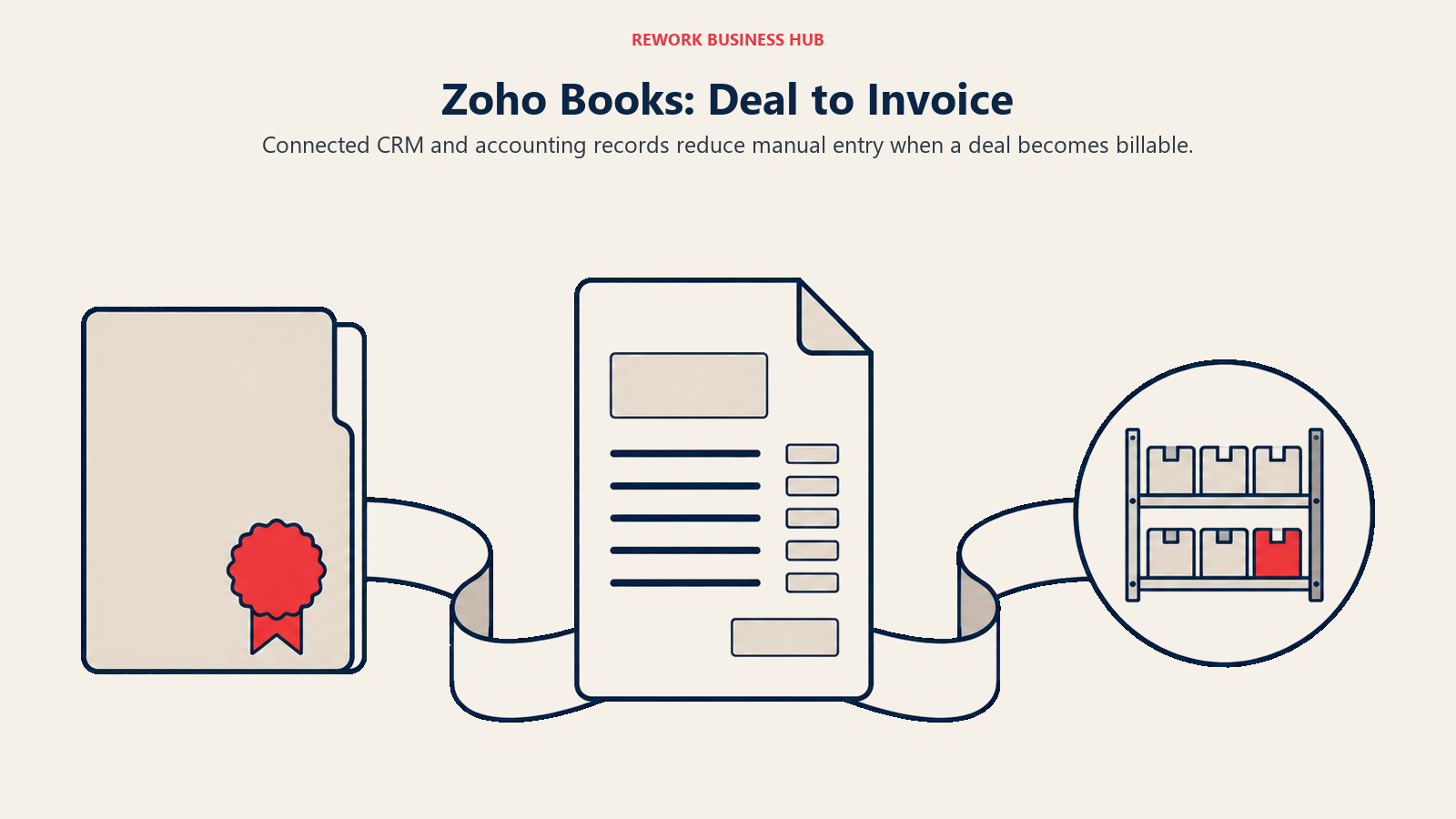
Zoho Books' invoicing feature gets more useful the deeper you are in the Zoho ecosystem: invoices can auto-generate off a closed deal in Zoho CRM, customer records sync across every connected Zoho app, and inventory levels update the moment an invoice ships. Standalone, it's a competent SMB accounting tool with a genuinely free tier. Inside Zoho, it's invoicing with less manual data entry than almost anything else on this list. See Xero vs. Zoho Books for a direct comparison, or best Zoho Books alternatives for the wider field.
Methodology: Full double-entry accounting with invoicing automation built around cross-app data sharing rather than around invoicing as a standalone problem.
Target audience: SMBs already using or evaluating Zoho CRM or Zoho Inventory, and price-sensitive buyers who qualify for the free tier.
Sizing fit: Best from 5 to 100 employees, where the automation actually saves real manual entry across departments.
Stage fit: Best when a business is picking a CRM and an accounting tool at the same time and wants invoicing to bridge the two automatically.
| Pros | Cons |
|---|---|
| Invoices auto-generate from Zoho CRM deals | Free plan caps at 1,000 invoices a year and $50K revenue |
| Client and vendor self-service portals included | Full value depends on adopting other Zoho apps |
| Multi-currency and tax compliance built in | Smaller footprint with US-based CPAs than QuickBooks or Xero |
| Extra users run just $3/mo ($2.50 billed annually) | Interface gets crowded once several Zoho modules are active |
| Six tiers scale from free to 15-user Ultimate | Elite and Ultimate pricing is steep relative to Standard |
Pricing: Free $0/mo (1 user plus 1 accountant, under $50K annual revenue, 1,000 invoices a year), Standard $20/mo ($15/mo billed annually, 3 users), Professional $50/mo ($40/mo annually, 5 users), Premium $70/mo ($60/mo annually, 10 users), Elite $150/mo ($120/mo annually, 10 users), Ultimate $275/mo ($240/mo annually, 15 users). Extra users run $3/mo, $2.50 billed annually.
Best for: Teams already in the Zoho ecosystem who want invoices generated automatically from CRM and inventory activity instead of typed by hand.
4. FreshBooks: The Invoicing UX Nothing Else on This List Matches
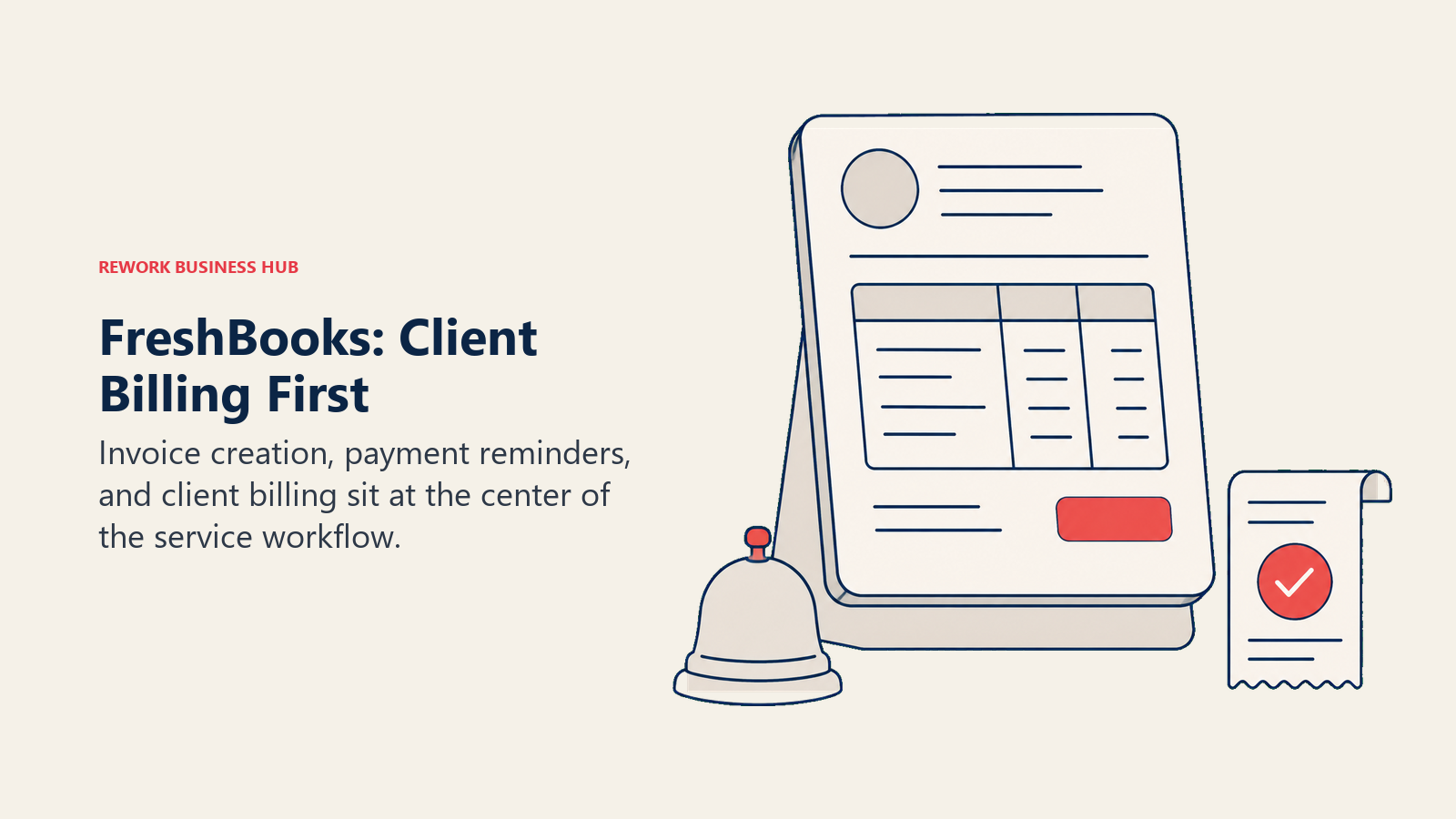
FreshBooks started as an invoicing tool, and it still shows: the invoice builder, client portal, and automatic late-payment reminders are the most polished on this list. Double-entry accounting was added later, in 2019, and it's still the secondary feature. If the actual problem is clients not paying fast enough, rather than books that are a mess, FreshBooks solves the first problem better than anything here. Weighing it against Xero specifically, read Xero vs. FreshBooks; for the wider field, see best FreshBooks alternatives.
Methodology: Invoicing-first design: unpaid balances, client history, and project profitability sit front and center, with accounting as the layer underneath rather than the entry point.
Target audience: Freelancers, consultants, agencies, and contractors billing by the hour or by project rather than carrying inventory.
Sizing fit: Solo to roughly 10 employees; the $11/user/mo add-on makes it expensive fast past a small team.
Stage fit: Best for a service business at any stage that wants invoicing and getting paid to look professional without hiring a bookkeeper.
| Pros | Cons |
|---|---|
| Best invoice builder and client portal on this list | $11/user/mo for every extra seat, on every tier |
| Automatic late-payment reminders built in | No inventory management |
| Time tracking and project billing native | Double-entry accounting is thinner than Xero or QuickBooks |
| Billable client caps: 5 (Lite), 50 (Plus), unlimited (Premium) | Payroll requires a third-party add-on |
| A 90% off, 3-month promo is running on every tier | Promo pricing reverts to list price after 3 months |
Pricing: Lite $23/mo (5 billable clients, 1 user), Plus $43/mo (50 clients), Premium $70/mo (unlimited clients), Select is custom-quoted. A 90% off promotional rate for the first 3 months is currently running (Lite $2.30, Plus $4.30, Premium $7.00), and paying annually saves a further 10% on top of list price. Every plan charges $11/user/mo for additional team members.
Best for: Freelancers and agencies whose real bottleneck is getting invoices out and paid, not accounting depth.
5. Wave: Free, Unlimited Invoicing With a Real Accounting Ledger Behind It
Wave's invoicing is the rare case of "free" that actually means free: the Starter plan allows genuinely unlimited invoices, not a capped trial dressed up as a permanent tier. What's not included on Starter is automatic bank feed import, auto-categorization, and multi-user access, all of which moved behind the paid Pro plan. If you've heard Wave described as free accounting with bank feeds included, that's out of date; the free tier is invoicing plus manual bookkeeping. For the wider field of low-cost picks, see best Wave alternatives.
Methodology: Double-entry accounting and invoicing monetized through payment processing fees rather than a software subscription, at least on the free tier.
Target audience: Freelancers, sole proprietors, and very small service businesses sending a modest volume of invoices without needing a second user.
Sizing fit: Built for solo through micro; the gaps show up fast once you need a second login or automatic bank feeds.
Stage fit: Best pre-revenue or early-revenue, when every dollar of software spend counts and manual entry is still manageable.
| Pros | Cons |
|---|---|
| Genuinely unlimited free invoices, no trial period | Bank feeds and auto-categorization require paid Pro ($19/mo or $190/yr) |
| Real double-entry accounting underneath, not just an invoice generator | No inventory management |
| Clean, simple interface | Support is limited on the free tier |
| Pro plan waives the $0.60 card fee on the first 10 transactions monthly | Card processing runs 2.9% + $0.60 per transaction (3.4% + $0.60 Amex) |
| Payroll and bookkeeping support (Wave Advisors, from $149/mo) available as add-ons | Multi-user access is a paid-only feature |
Pricing: Starter (free): unlimited invoicing, manual transaction entry, basic reporting. Pro: $19/mo or $190/year, adds automatic bank imports, auto-categorization, unlimited receipt capture, and multi-user access. Wave Advisors bookkeeping support starts at $149/mo.
Best for: Solo operators who want unlimited free invoicing today, with the option to pay $19/mo once bank automation is worth it.
6. Zoho Invoice: Free Forever, But Capped on Purpose
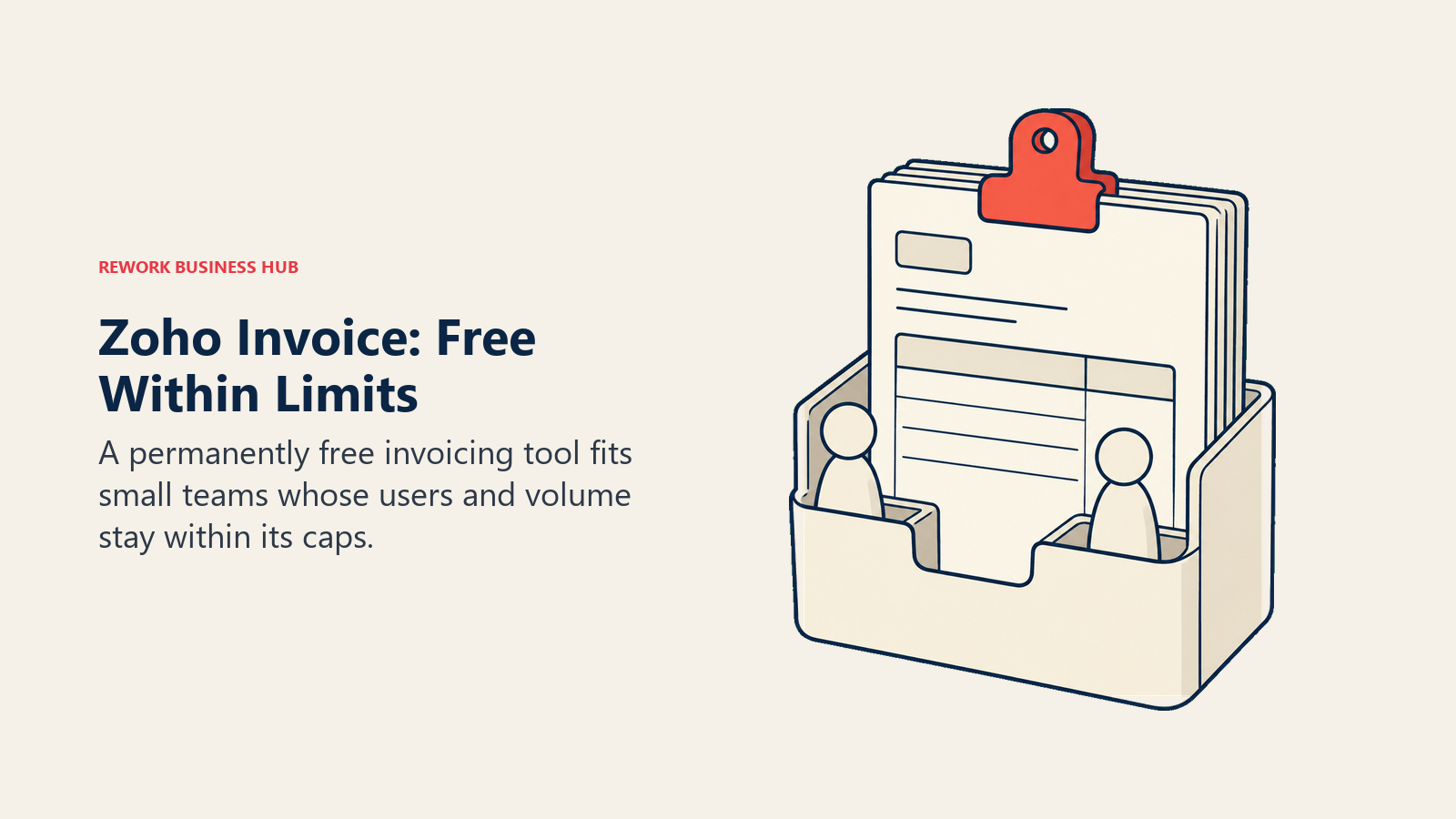
Zoho Invoice is the cleanest "genuinely free" story in this cluster, and also the most misunderstood one. It's $0, forever, with no paid tier at all: not a freemium funnel, just a permanently free product. The catch is real caps, not marketing caps: two users, three projects, and 500 invoices a year, all carrying "Powered by Zoho Invoice" branding on the invoice itself. Once a business needs more than that, more users, more invoices, or recurring subscription billing, Zoho's own upgrade path isn't a paid Zoho Invoice tier, it's a jump to Zoho Billing, a separate product built for recurring revenue rather than one-off invoices. For a full field of alternatives at every price point, see best Zoho Invoice alternatives.
Methodology: A dedicated, standalone invoicing app decoupled from full accounting, monetized by cross-selling into Zoho Books or Zoho Billing rather than by charging for Invoice itself.
Target audience: Freelancers and micro businesses that need professional invoicing without a general ledger attached.
Sizing fit: Built for 1 to 2 people; the 2-user cap makes it a hard stop for anything bigger.
Stage fit: Best for a business just starting to invoice clients that doesn't want a software bill for it.
| Pros | Cons |
|---|---|
| $0, forever, with no paid tier to eventually hit a paywall on | Hard-capped at 2 users, 3 projects, and 500 invoices a year |
| No credit card required, no trial clock running | Invoices carry "Powered by Zoho Invoice" branding |
| Client portal and payment reminders included free | No accounting ledger; pair it with Zoho Books or another tool for that |
| Multi-currency invoicing on the free tier | Scaling past the invoice cap forces a move to a different product |
| Native integration if you're already in the Zoho ecosystem | Recurring or subscription billing isn't the product; that's Zoho Billing |
Pricing: $0/mo, forever free, the only tier. Limits: up to 2 users, a maximum of 3 projects, and up to 500 invoices sent per year.
Best for: Freelancers and very small businesses that want dedicated invoicing at zero cost and don't expect to outgrow 500 invoices a year soon.
7. Zoho Billing: The Real Upgrade Path Once Invoicing Turns Into Subscriptions
Zoho Billing is easy to confuse with a paid Zoho Invoice tier, and it isn't one. It's a separate product built for recurring and usage-based billing: subscription plans, metered pricing, dunning management, and revenue recognition that a one-off invoice tool was never designed to handle. If your business has moved from sending individual invoices to billing customers on a monthly or usage-based cycle, this is the natural next step, not an upsell inside Zoho Invoice itself.
Methodology: Subscription and usage-based billing infrastructure, with one-off invoicing supported but secondary to recurring revenue management.
Target audience: SaaS, subscription, and usage-billing businesses that have outgrown one-off invoicing and need recurring plans handled automatically.
Sizing fit: Comfortable from 5 to 100 employees; the $1M annual revenue ceiling on named tiers means fast-scaling subscription businesses eventually need a custom Enterprise quote.
Stage fit: Best the moment a business starts selling subscriptions or usage-based plans instead of, or alongside, one-off invoices.
| Pros | Cons |
|---|---|
| Purpose-built dunning and involuntary-churn recovery for subscriptions | A separate product from Zoho Invoice, with its own separate subscription |
| Metered and usage-based billing supported natively | Overkill if you only ever send one-off invoices |
| Up to 100,000 invoices a year on named tiers | Enterprise pricing (above the revenue ceiling) is custom-quoted |
| Native Zoho ecosystem integration | Smaller brand recognition than Stripe Billing or Chargebee |
| Revenue recognition reporting included | Steeper setup than a simple invoice tool |
Pricing: Standard $50/mo ($39/mo billed annually), up to 3 users; Premium $100/mo ($79/mo billed annually), up to 10 users; Enterprise is custom-quoted. Standard and Premium both cap at 100,000 invoices a year and $1M in annual revenue.
Best for: Businesses that have outgrown one-off invoicing and need subscription or usage-based billing handled automatically, without leaving the Zoho ecosystem.
8. Invoice Ninja: Open Source Invoicing You Can Self-Host
Invoice Ninja is the one genuinely open-source, self-hostable option on this list. A technical team can run it on its own infrastructure instead of paying a per-seat SaaS fee indefinitely, which matters for agencies and developers who'd rather own the stack than rent it. The hosted version is priced far below FreshBooks or Bonsai for comparable invoicing features, and the free tier is real, not a crippled trial.
Methodology: Dedicated invoicing and client management, offered both as hosted SaaS and as self-hosted open-source software, with API access built in from the start.
Target audience: Developers, technical agencies, and freelancers comfortable evaluating a self-hosted option, plus anyone who wants dedicated invoicing at a lower price than the mainstream picks.
Sizing fit: Free tier fits solo operators; Ninja Pro and Enterprise scale from a couple of users up to 100.
Stage fit: Best for technically capable teams that want either the lowest-cost hosted invoicing on this list, or full control via self-hosting.
| Pros | Cons |
|---|---|
| Genuinely open source, with a self-hosted option | Free tier caps at 5 clients and 4 templates |
| Ninja Pro undercuts FreshBooks and Bonsai on price | Interface is less polished than FreshBooks or Bonsai |
| API-first design for custom integrations | Self-hosting requires your own technical maintenance |
| Enterprise scales from 1-2 users to 51-100 users | Smaller support team than the venture-backed competitors here |
| No vendor lock-in if you self-host | Fewer built-in payment gateway integrations out of the box |
Pricing: Free (up to 5 clients, 4 templates), Ninja Pro $14/mo or $140/year, Enterprise from $18/mo (1 to 2 users) scaling to $300/mo (51 to 100 users). Self-hosting the open-source version is also available; check current self-hosting terms on Invoice Ninja's own site before committing.
Best for: Technical teams and budget-conscious freelancers who want dedicated invoicing without FreshBooks or Bonsai pricing, and are open to self-hosting.
9. Harvest: Invoicing Built Off Tracked Time, Not a Blank Form
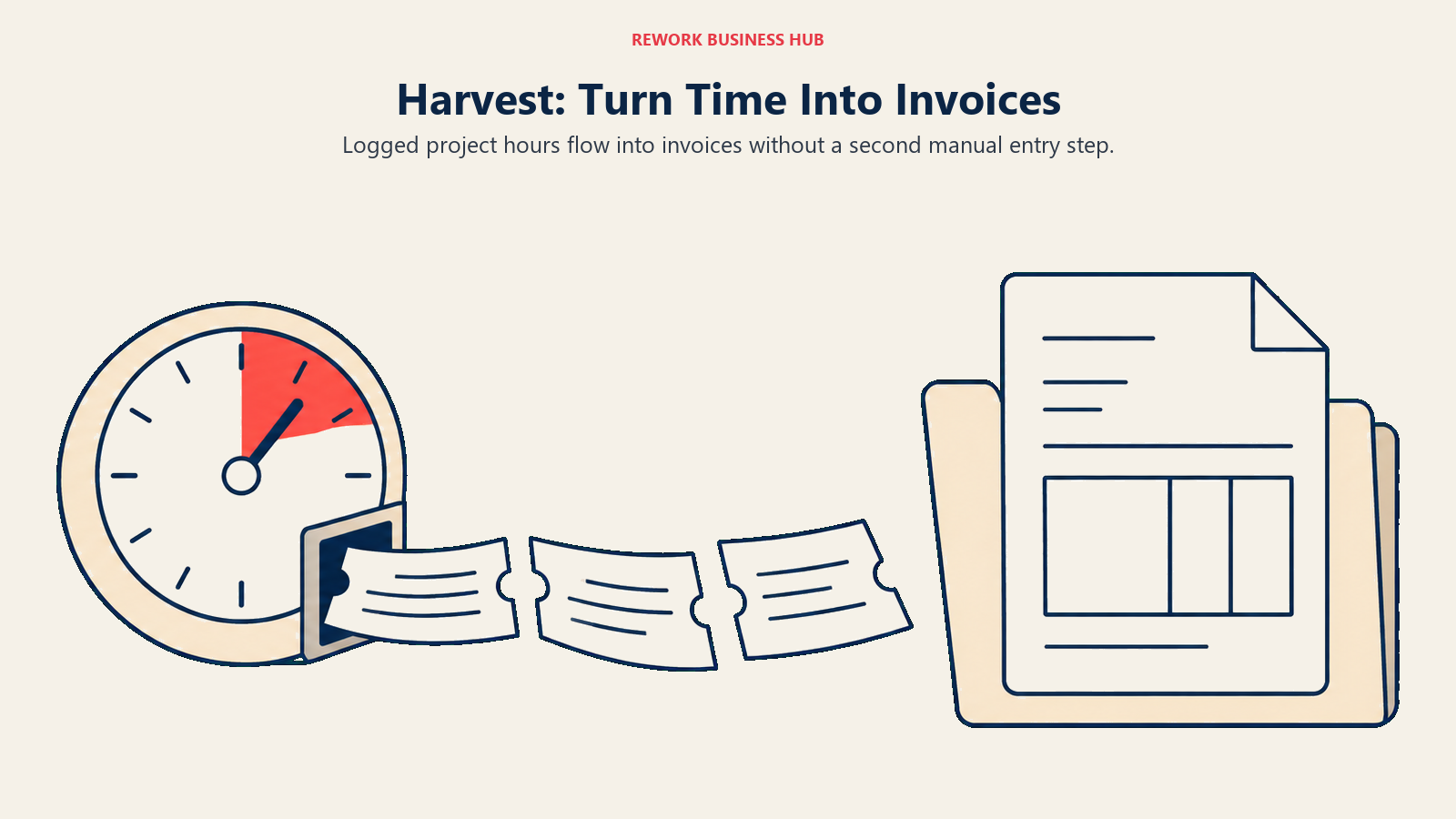
Harvest ties invoicing directly to time tracking: log hours against a project, and the invoice builds itself off actual tracked time instead of someone re-entering numbers from a spreadsheet. For a consultancy or agency billing hourly, that's the difference between an invoicing tool and a time-and-billing system that happens to also send invoices.
Methodology: Time tracking as the primary product, with invoicing generated directly from logged hours and project budgets rather than entered manually.
Target audience: Consultancies, agencies, and professional services firms that bill by the hour and need time data and invoices to stay in sync automatically.
Sizing fit: Free tier fits a single freelancer; Teams and Enterprise pricing scales per seat for small to mid-size service firms.
Stage fit: Best once a business has more than one person tracking billable time and needs invoices to reflect that time accurately without manual reconciliation.
| Pros | Cons |
|---|---|
| Invoices generate directly from tracked time and expenses | Per-seat pricing gets expensive past a small team |
| Project budget tracking flags overruns before you invoice | Not built for product businesses or inventory |
| Free tier covers 1 seat and 2 projects | No native payroll or bill-pay functionality |
| Integrates with QuickBooks and Xero for the accounting side | Vendor page states the annual-billed rate; no separate monthly-billing figure is published |
| Clean, focused interface built around time-to-invoice | Limited customization compared to a dedicated invoicing tool |
Pricing: Free (1 seat, 2 projects), Teams $9 per seat/month, billed annually ($108 per seat, billed annually), Enterprise $14 per seat/month, billed annually ($168 per seat, billed annually), Enterprise Plus is custom-quoted.
Best for: Hourly-billing consultancies and agencies that want invoices to come directly from tracked time, not a second manual step.
10. Bonsai: Invoicing Bundled With the Contracts That Precede It
Bonsai's real product isn't invoicing, it's the whole client relationship that leads up to it: proposals, contracts, and time tracking all live in the same tool, with invoicing as the last step of a workflow rather than a standalone feature. For a freelancer whose actual operational gap is a missing system for closing and billing clients, Bonsai solves more of the problem than a pure invoicing tool would.
Methodology: A freelancer operations suite with invoicing attached to the end of the sales and contracting workflow, not built as a standalone accounting product.
Target audience: Freelance consultants, designers, developers, and creative businesses that need client-facing documents as much as they need to get paid.
Sizing fit: Built for 1 to 10 people; it isn't designed to scale into a product business or a larger team.
Stage fit: Best for solo operators and small creative teams still running their own sales process end to end, from proposal to paid invoice.
| Pros | Cons |
|---|---|
| Proposals, contracts, and invoicing in one connected workflow | Invoicing itself only unlocks on Essentials and up, not Basic |
| Time tracking built in for hourly work | Bookkeeping depth is thin compared to a dedicated accounting tool |
| Client-facing document workflow is genuinely strong | Elite tier requires a 3-user minimum |
| Annual billing cuts every tier's price versus monthly | Limited team or multi-user features below Elite |
| Simple setup for non-accountants | Smaller integration ecosystem than the major invoicing tools |
Pricing (billed monthly): Basic $15/mo, Essentials $25/mo, Premium $39/mo, Elite $59/mo, all per user. Billed annually: Basic $9/mo, Essentials $19/mo, Premium $29/mo, Elite $49/mo, all per user. Invoicing itself starts on Essentials; Elite carries a 3-user minimum.
Best for: Freelancers who want contracts, proposals, and invoicing handled as one workflow instead of three separate tools.
11. BILL: Approval Workflows on Both Sides of the Ledger
BILL is where invoice management stops being about sending invoices and starts being about controlling who can approve what before money moves. It handles accounts payable and accounts receivable in one platform, with multi-step approval chains, role-based permissions, and bank reconciliation built for a finance team where more than one person touches every invoice before it's paid or every bill before it's approved.
Methodology: AP and AR automation with configurable approval workflows as the core feature, built for finance teams that need controls, not just a faster way to type an invoice.
Target audience: Controllers and AP/AR managers at companies where invoices and bills need sign-off from more than one person before money moves.
Sizing fit: Best from 20 to 500 employees, where the per-user pricing is justified by the number of people the approval workflow actually needs to include.
Stage fit: Best once a business has a real finance function, not just an owner approving their own bills, and needs an audit trail to match.
| Pros | Cons |
|---|---|
| Multi-step approval workflows on both AP and AR | Per-user pricing adds up fast: $49 to $89 per user, per month |
| Bank reconciliation built for multi-person finance teams | No published annual discount rate |
| Spend & Expense module included free per user | Instant payment fee (1%) has a $9.99 minimum even on small transactions |
| ACH ($0.59) and virtual card (free) options for outbound payments | Check payments cost $1.99 each |
| Deep integrations with QuickBooks, Xero, NetSuite, and Sage Intacct | Overkill for a solo operator or a two-person team |
Pricing: Essentials $49/user/mo, Team $65/user/mo, Corporate $89/user/mo, Enterprise is custom-quoted. Payment fees run separately: ACH $0.59, check $1.99, virtual card free, instant payment 1.0% (minimum $9.99, maximum $100). Spend & Expense is included at $0/user/mo.
Best for: Finance teams that need real approval controls on invoices and bills, not just a faster way to create them.
12. Melio: Free AP and AR Without an Accounting-Suite Lock-In
Melio's pitch is the mirror image of BILL's: instead of deep approval workflows for a finance team, it's free-forever AP and AR for a small business that doesn't want to buy a full accounting suite to get bill pay and invoicing in one place. The Go plan really is $0 forever, not a trial, and AR and invoicing are included free on every tier, Go included.
Methodology: AP-first bill pay with AR and invoicing bundled in, monetized through payment processing fees past a monthly free allowance rather than a software subscription on the entry tier.
Target audience: Small businesses that want to pay bills and send invoices from one free tool without committing to a broader accounting platform.
Sizing fit: Comfortable from 1 to 50 employees; Core and Boost add multi-user support as a team grows past a single owner-operator.
Stage fit: Best for a small business that wants AP and AR consolidated without the cost of BILL or the complexity of a full ERP.
| Pros | Cons |
|---|---|
| AR and invoicing included free on every tier, including Go | Go plan is capped at a single user |
| Go plan is genuinely $0 forever, not a trial | ACH beyond the monthly free allowance costs $0.50 each |
| 5 to 50 free ACH transactions a month depending on tier | Extra users on Core cost $10/mo each ($8 annually) |
| Syncs with QuickBooks and Xero rather than replacing them | Fewer approval-workflow controls than BILL |
| Annual billing lowers both Core and Boost versus monthly | Boost's 50 free ACH transactions a month can still run out for high-volume AP |
Pricing: Go $0/mo forever (1 user, 5 free ACH transactions a month), Core $25/mo ($20/mo billed annually) plus $10/mo per extra user ($8/mo billed annually, 20 free ACH transactions a month), Boost $55/mo ($44/mo billed annually, 50 free ACH transactions a month). ACH transactions beyond the monthly free allowance cost $0.50 each.
Best for: Small businesses that want free AP and AR bill pay alongside their existing accounting software, not instead of it.
13. Stripe Invoicing: Pay Only When an Invoice Gets Paid
Stripe Invoicing skips the subscription question entirely: there's no monthly software fee, just a percentage of each invoice once it's actually paid. For a business that already processes payments through Stripe, that's invoicing with zero incremental software cost until money moves, though standard Stripe Payments processing fees still apply on top and aren't waived by the invoicing fee itself. For businesses evaluating Stripe more broadly, best Stripe alternatives covers the wider payments field.
Methodology: Invoicing built as a feature of Stripe's payments infrastructure, priced per successfully paid invoice rather than per seat or per month.
Target audience: Businesses already using Stripe for payments that want invoicing without adding a separate accounting or invoicing subscription.
Sizing fit: Scales from a single freelancer to a large payments-heavy business; the percentage-of-invoice model means cost grows with revenue, not headcount.
Stage fit: Best for a business whose invoicing volume is unpredictable or low enough that a flat monthly fee wouldn't be worth it.
| Pros | Cons |
|---|---|
| No fixed monthly fee for either tier | Standard Stripe Payments processing is charged on top of the invoicing fee |
| Scales naturally with revenue instead of headcount | No published free monthly invoice allowance |
| Deep API access for custom invoicing workflows | Less of a standalone product, more a feature of the Stripe platform |
| Unlimited users, since pricing isn't per seat | Not built for businesses that want a dedicated invoicing UI and client portal |
| Works natively with the rest of Stripe's payments stack | Overkill to adopt Stripe just for invoicing if you don't already process payments there |
Pricing: Invoicing Starter charges 0.4% per paid invoice, Invoicing Plus charges 0.5% per paid invoice. There's no fixed monthly fee for either tier; standard Stripe Payments processing fees apply separately on top.
Best for: Businesses already on Stripe for payments that want invoicing added without a second software subscription.
14. Square Invoices: Invoicing Bundled Into Square's POS and Payments Stack
Square Invoices makes the most sense for a business that's already running Square for point-of-sale or payments and wants invoicing in the same dashboard rather than a separate app. Pricing is per location rather than per user, which fits Square's retail and services customer base better than a per-seat model would.
Methodology: Invoicing as one module inside Square's broader payments and point-of-sale ecosystem, priced per location to match how Square's core business already bills.
Target audience: Retail, services, and hospitality businesses already using Square for in-person payments that want invoicing without adopting a second vendor.
Sizing fit: Comfortable from a single location up to a modest multi-location business; per-location pricing means costs scale with physical footprint, not invoice volume.
Stage fit: Best for a business whose invoicing needs are secondary to in-person payments, not the primary reason it's shopping for software.
| Pros | Cons |
|---|---|
| Deeply integrated with Square POS and payments | Card processing runs 3.3% + 30c on the free plan |
| Free tier available per location | The old standalone "Invoices Plus" plan no longer exists; bundled Square plans replaced it |
| ACH payments available on paid tiers | ACH is capped at $10 per transaction on Plus and Premium |
| Simple, predictable per-location pricing | Pricing scales with locations, not invoice volume, which can overcharge a low-volume, multi-location business |
| Natural fit if Square already handles in-person payments | Less invoicing-specific depth than FreshBooks, Harvest, or Bonsai |
Pricing: Square Free $0/mo per location, Square Plus $49/mo per location, Square Premium $149/mo per location. Invoice card processing runs 3.3% + 30c on Free, 2.9% + 30c on Plus and Premium; ACH is capped at $10 per transaction on Plus and Premium.
Best for: Businesses already running Square for in-person payments that want invoicing in the same dashboard instead of a separate tool.
How to Choose: Decision Framework
| If you need this... | Pick this |
|---|---|
| Invoicing already living inside your accounting software | QuickBooks Online or Xero |
| Unlimited users without a per-seat invoicing fee | Xero (once past the Early plan's invoice cap) |
| The single best invoice-sending and client-billing experience | FreshBooks |
| Genuinely free, unlimited invoicing | Wave |
| Free dedicated invoicing with no accounting attached | Zoho Invoice |
| Invoices generated automatically from tracked time | Harvest |
| Multi-step approval workflows on AP and AR | BILL |
| Free AP and AR without buying a full accounting suite | Melio |
What to Do Next
Start by identifying which side of the divide you're actually on. If invoicing is one task inside a business that already needs a general ledger, don't add a second subscription: QuickBooks Online, Xero, Zoho Books, FreshBooks, or Wave will cover it without a separate invoice management tool. If invoicing itself is the job, dedicated tools like Zoho Invoice, Harvest, or Bonsai will do it better, and usually cheaper, than an accounting suite's bolted-on feature.
The harder call is when to move from either of those into real invoice management: BILL or Melio, once more than one person needs to approve what goes out or comes in, or once AR aging and dunning have become a manual spreadsheet exercise someone owns every Friday. That's a workflow problem, not a pricing problem, and it usually shows up before the accounting software's plan tier forces the issue.
Whatever you land on, run it against real invoices before committing: send five actual invoices the way you actually bill, log a real bank feed against them, and have whoever approves payments in practice try the approval flow, not just the demo. The tool that survives that test, not the one with the longest feature list, is the right one.
Best Invoice Management Software FAQ
What's the difference between invoicing software and invoice management software?
Invoicing software creates and sends invoices. Invoice management software handles what happens next: approvals before money moves, automated reminders as an invoice ages, AR aging reports, and reconciliation against a bank feed. Most accounting platforms only do the first; tools like BILL and Melio are built for the second.
Is there a genuinely free invoice management option?
Yes. Zoho Invoice is free forever with no paid tier, capped at 2 users and 500 invoices a year. Wave's Starter plan allows unlimited free invoices with real double-entry accounting attached. Melio's Go plan includes AP and AR free for a single user with 5 free ACH transactions a month.
Should I use my accounting software's built-in invoicing, or a dedicated invoicing tool?
If invoicing is a small part of a business that already needs a general ledger, use what's built into QuickBooks Online, Xero, Zoho Books, or FreshBooks rather than paying for a second tool. Move to a dedicated tool once invoicing volume, approval needs, or client-facing polish outgrow what the accounting suite offers.
What's the difference between Zoho Invoice and Zoho Books?
Zoho Invoice is a standalone, always-free invoicing app capped at 2 users and 500 invoices a year, with no accounting ledger attached. Zoho Books is full double-entry accounting with invoicing as one feature, starting free for businesses under $50K in revenue and scaling to paid tiers as revenue and users grow.
When does a business need dedicated AP/AR automation like BILL or Melio instead of just invoicing software?
Once more than one person needs to approve a bill before it's paid, or an invoice before it goes out, manual approval over email or chat stops scaling. That's the signal to move to a tool built around approval workflows and reconciliation rather than one built just to create documents.
How much does invoice management software cost at real usage volume?
Free options (Zoho Invoice, Wave Starter, Melio Go) cover very light usage. Invoicing inside mainstream accounting software runs $25 to $90 a month for most SMBs. Dedicated AP/AR automation like BILL runs $49 to $89 per user per month, which adds up quickly once several people in finance need seats.

Principal Product Marketing Strategist
On this page
- Key Facts
- An Invoicing Feature Is Not an Invoice Management Workflow
- Quick Comparison Table
- Stage and Sizing Fit Matrix
- Buyer Persona and Sizing Table
- 1. QuickBooks Online: Invoicing Inside the Accounting Suite Most Businesses Already Own
- 2. Xero: Unlimited Users, But Read the Invoice Cap on the Entry Plan
- 3. Zoho Books: Invoicing That Auto-Generates From Your CRM Pipeline
- 4. FreshBooks: The Invoicing UX Nothing Else on This List Matches
- 5. Wave: Free, Unlimited Invoicing With a Real Accounting Ledger Behind It
- 6. Zoho Invoice: Free Forever, But Capped on Purpose
- 7. Zoho Billing: The Real Upgrade Path Once Invoicing Turns Into Subscriptions
- 8. Invoice Ninja: Open Source Invoicing You Can Self-Host
- 9. Harvest: Invoicing Built Off Tracked Time, Not a Blank Form
- 10. Bonsai: Invoicing Bundled With the Contracts That Precede It
- 11. BILL: Approval Workflows on Both Sides of the Ledger
- 12. Melio: Free AP and AR Without an Accounting-Suite Lock-In
- 13. Stripe Invoicing: Pay Only When an Invoice Gets Paid
- 14. Square Invoices: Invoicing Bundled Into Square's POS and Payments Stack
- How to Choose: Decision Framework
- What to Do Next