Best QuickBooks Alternatives in 2026: 11 Accounting Tools for Growing Businesses
Turn this article into takeaways for your work.


Each assistant summarizes the article only for you and suggests best practices for your work.
The best QuickBooks alternatives in 2026 are Xero for SMBs wanting unlimited users, FreshBooks for service businesses, Wave for free freelancer accounting, Sage Business Cloud for cash flow forecasting, and NetSuite or Sage Intacct for mid-market and multi-entity finance. The right pick depends on your team size, whether you need payroll or inventory, and what is actually pushing you off QuickBooks.
QuickBooks is the default choice for small business accounting, and for years it earned that position. The feature set is broad, the accountant network is deep, and the desktop versions built a loyal following over decades. But the relationship between Intuit and its customers has gotten complicated. Pricing increases have come fast. QuickBooks Online plans have jumped 40–80% in some tiers over the past three years. You can review QuickBooks Online's current pricing to see where your plan sits today. Intuit's push to sunset Desktop is forcing migrations onto Online, a product many Desktop users consider a step backward in functionality. Customer support quality has dropped as the company scaled. File size limits hit growing businesses at the worst time. And for companies with multiple entities, the multi-entity story is expensive and clunky.
If you're evaluating QuickBooks alternatives, you're probably in one of a few situations: you're a freelancer who doesn't need the complexity, a growing SMB that's hit the price wall, a mid-market business that needs real multi-entity support, or a company that's simply tired of paying Intuit more for less. This guide covers 11 honest alternatives: what each does well, who each is built for, and which situations each one actually fits.
Quick Comparison Table
| Tool | Best For | Starting Price | Key Strength | Key Limitation |
|---|---|---|---|---|
| Xero | SMBs wanting clean cloud accounting | $25/mo (Early) | Unlimited users on all plans | No native US payroll; Gusto-powered add-on |
| FreshBooks | Freelancers and service businesses | $23/mo (Lite) | Invoicing and client billing UX | One user included; $11/mo per extra seat |
| Wave | Freelancers and micro businesses | Free (core features) | Zero cost for accounting + invoicing | No inventory, limited reporting |
| Sage Accounting | Growing SMBs and mid-market outside the US | Varies by country | Cash flow forecasting, strong UK/EU coverage | Retired in the US; Sage 50 is the US product |
| Zoho Books | Teams already in Zoho ecosystem | ~$20/mo (Standard) | Deep Zoho CRM and Inventory integration | Less popular with US accountants |
| NetSuite | Enterprise and fast-scaling companies | ~$999/mo + modules | Full ERP: inventory, manufacturing, multi-entity | Cost and implementation complexity |
| Sage Intacct | Mid-market with complex financials | ~$400/mo (estimate) | Multi-entity, dimensional reporting, GAAP compliance | Steep learning curve, requires implementation |
| Kashoo | Very small businesses wanting simplicity | ~$27/mo | One flat price, very easy setup | Minimal advanced features |
| ZipBooks | Budget-conscious freelancers and small teams | Free / ~$15/mo | Free tier, clean invoicing, smart reporting | Limited integrations |
| Patriot Software | Small US businesses needing payroll | $10/mo promo, $20/mo regular (Accounting Basic) | Affordable accounting with a payroll add-on | US-only, basic feature set |
| Bench | Business owners who want to outsource bookkeeping | ~$299/mo | Human bookkeepers + software in one | You're paying for service, not just software |
Why People Leave QuickBooks
Before choosing an alternative, it's worth being clear about what's actually driving the switch. The reasons aren't always the same, and the right replacement depends on which problem you're actually solving.
| Pain Point | Who Feels It Most |
|---|---|
| Annual price increases (40–80% over 3 years) | Every existing customer |
| Forced migration from Desktop to Online | Long-term Desktop users who rely on its feature depth |
| Desktop file size limits slowing performance | Businesses with 5+ years of transaction history |
| Poor customer support and slow resolution times | Any user who's needed help |
| Limited multi-entity support without separate subscriptions | Holding companies, franchises, multi-location businesses |
| Online version feels like a downgrade from Desktop | Accountants and power users |
| Payroll add-on pricing stacks quickly | Small businesses trying to keep costs manageable |
| Accountant ecosystem lock-in pressure | Business owners wanting to switch but worried about their CPA |
Stage and Sizing Fit Matrix
| Tool | Solo/Freelancer | Small Business (1–20) | Growing SMB (20–100) | Mid-Market (100–500) | Enterprise (500+) |
|---|---|---|---|---|---|
| Xero | Good | Best fit | Strong | Possible | Limited |
| FreshBooks | Best fit | Good | Limited | Not ideal | No |
| Wave | Best fit | Good | Limited | No | No |
| Sage Business Cloud | Possible | Good | Strong | Possible | Limited |
| Zoho Books | Good | Best fit | Strong | Possible | No |
| NetSuite | No | No | Possible | Good | Best fit |
| Sage Intacct | No | No | Possible | Best fit | Strong |
| Kashoo | Good | Good | Limited | No | No |
| ZipBooks | Best fit | Good | Limited | No | No |
| Patriot Software | Good | Best fit | Limited | No | No |
| Bench | Best fit | Best fit | Limited | No | No |
Buyer Persona and Sizing Table
| Tool | Primary Buyer | Team Size Sweet Spot | Who Signs the Check |
|---|---|---|---|
| Xero | Accountants recommending to SMB clients | 2–50 employees | Business owner or CFO |
| FreshBooks | Self-employed professionals, agencies | 1–10 employees | Owner/founder |
| Wave | Freelancers, sole proprietors | 1–5 employees | Owner |
| Sage Business Cloud | SMB owners, bookkeepers | 5–100 employees | Finance manager or owner |
| Zoho Books | Teams inside Zoho CRM | 5–100 employees | IT buyer or business owner |
| NetSuite | CFOs, VPs of Finance | 100–2,000 employees | CFO, VP Finance, IT Director |
| Sage Intacct | Controllers, VPs of Finance | 50–500 employees | Controller or CFO |
| Kashoo | Non-accountant business owners | 1–10 employees | Owner |
| ZipBooks | Freelancers, small service businesses | 1–20 employees | Owner |
| Patriot Software | Small US businesses with W-2 employees | 1–25 employees | Owner or office manager |
| Bench | Owners who hate accounting | 1–50 employees | Owner |
1. Xero: Cloud Accounting Built for SMBs Who Want an Accountant-Friendly Platform
Xero's philosophy is that accounting software should be the collaboration layer between a business and its accountant, not a walled garden owned by the software vendor. It launched in New Zealand in 2006, built a strong foothold in the UK and Australia, and has grown steadily in the US. For growing SMBs that also need to connect their accounting layer to an ERP or full business platform, the best Odoo alternatives guide covers how tools like NetSuite, Sage Intacct, and Zoho One compare on the accounting side. The product is modern, clean, and genuinely pleasant to use compared to QuickBooks Online's cluttered interface.
The biggest structural advantage Xero has over QuickBooks is its unlimited users on every plan. QuickBooks charges per seat; Xero doesn't. For small businesses where multiple people (owner, bookkeeper, accountant, operations manager) need access, that difference compounds quickly. Xero also has a strong bank reconciliation experience, automatic bank feeds from most major institutions, and a clean mobile app.
Methodology: Double-entry accounting with a modern cloud-first architecture. Real-time bank feeds, multi-currency on higher tiers, and a large app marketplace (1,000+ integrations). The product assumes you'll pair it with a Xero-certified advisor.
Target audience: SMBs with 2–50 employees, e-commerce businesses, professional services firms, companies with an external accountant or bookkeeper.
Sizing fit: Works well from solo through mid-size. Starts to strain at 100+ employees with complex needs, where ERP tools take over.
Stage fit: Best for a growing business that's outgrown spreadsheets or basic tools but isn't ready for a full ERP. Ideal when hiring the first finance hire or bringing on an external CPA.
Team vs company-wide: Company-wide. The unlimited user model means everyone who needs visibility gets it.
| Pros | Cons |
|---|---|
| Unlimited users on all plans | Payroll only available in US, UK, AU, NZ |
| Clean UI, strong bank reconciliation | Starter plan limits 20 invoices/month |
| 1,000+ integrations including Stripe, Shopify | Reporting less flexible than QuickBooks Desktop |
| Large certified advisor network | US market penetration still trails QuickBooks |
| True multi-currency (premium plans) | No built-in time tracking |
Pricing: Early $25/mo, Growing $55/mo, Established $90/mo, with no per-user fee on any plan. US payroll is not native: Xero Payroll, powered by Gusto, is a separate add-on at $36/mo plus $6 per employee or contractor. See Xero's pricing page for current plan details and available add-ons.
Best for: SMBs who want clean accounting, unlimited user access, and a strong accountant ecosystem without Intuit's pricing games.
2. FreshBooks: Invoicing-First Accounting for Service Businesses
FreshBooks started as an invoicing tool and built accounting capabilities around that core. That heritage shows in the product: the invoicing, client portal, time tracking, and project billing experience is genuinely best-in-class for service-based businesses. If your revenue model is "bill clients for time and deliverables," FreshBooks fits that workflow better than any general accounting tool.
Methodology: Designed for non-accountants. FreshBooks uses simple language (not "accounts receivable" but "money coming in"), hides accounting jargon, and surfaces the things service business owners actually care about: unpaid invoices, client balances, and project profitability. It added double-entry accounting in 2019, but it sits under a clean consumer-facing layer.
Target audience: Freelancers, consultants, agencies, contractors, independent professionals billing by the hour or by project. Not ideal for product businesses with inventory.
Sizing fit: Solo to around 10 employees is the sweet spot. It scales poorly past that. No payroll, inventory, or multi-entity features.
Stage fit: Best for early-stage or steady-state service businesses that need to look professional to clients and track income without a bookkeeper.
Team vs company-wide: Typically owner + accountant access. Not a team-wide tool.
| Pros | Cons |
|---|---|
| Best invoicing UX on the market | No inventory management |
| Time tracking and project billing built-in | Double-entry accounting is limited at lower tiers |
| Client portal for proposals and payments | Integrations fewer than Xero or QuickBooks |
| Automatic late payment reminders | Payroll requires third-party integration |
| Clean mobile app | Gets expensive relative to features at higher tiers |
Pricing: Lite $23/mo (5 billable clients), Plus $43/mo (50 clients), Premium $70/mo (unlimited), Select (custom). Every tier below Select includes one user, and extra team members are $11/user/mo. See FreshBooks' pricing page for current plan details.
Best for: Freelancers and agencies who invoice clients and need professional billing tools more than accounting depth.
3. Wave: Free Accounting for Freelancers and Micro Businesses
Wave is the most unusual entry on this list: its core accounting and invoicing features are genuinely free, not freemium with a hard paywall after 30 days. Wave makes money on payment processing (2.9% + 30¢ per transaction) and payroll (paid add-on). For a freelancer or solo business owner who processes a small number of invoices, Wave is hard to argue against on cost alone.
Methodology: Double-entry accounting built on a free tier. Wave assumes you'll use its payment processing or payroll, which is how it monetizes. The accounting itself is not a trial or crippled version. It's the full product.
Target audience: Freelancers, sole proprietors, very small service businesses (under 5 people), side businesses that need basic accounting without a monthly subscription.
Sizing fit: Designed for solo through micro. Wave starts showing cracks at 10+ employees or when inventory, project tracking, or multi-user permissions become important.
Stage fit: Best for pre-revenue or early-revenue businesses where every dollar of tooling spend matters. Not the right call when you bring on a bookkeeper or hire finance staff.
Team vs company-wide: Solo tool. Multi-user access is available but basic.
| Pros | Cons |
|---|---|
| Core accounting and invoicing completely free | No inventory management |
| Double-entry accounting, not just cash tracking | Payroll is US/Canada only (paid add-on) |
| Bank connections and reconciliation included | Customer support is limited on the free tier |
| Clean simple interface | Reporting is basic |
| No feature gating for core functions | Limited integrations compared to Xero/QBO |
Pricing: Accounting and invoicing free. Payroll: ~$20/mo base + $6/employee (US). Payment processing: 2.9% + 30¢ per transaction.
Best for: Freelancers and micro businesses who need real accounting without paying a monthly subscription.
4. Sage Business Cloud Accounting: Mid-Market Accounting with Strong Cash Flow Tools
Sage is one of the oldest accounting software companies in the world (founded 1981), and Sage Business Cloud Accounting is its SMB-focused cloud product. It has strong traction in the UK and Europe, and growing but still trailing adoption in the US. The cash flow forecasting and scenario planning features are meaningfully better than QuickBooks Online for businesses that need to see where their cash is going 30, 60, and 90 days out.
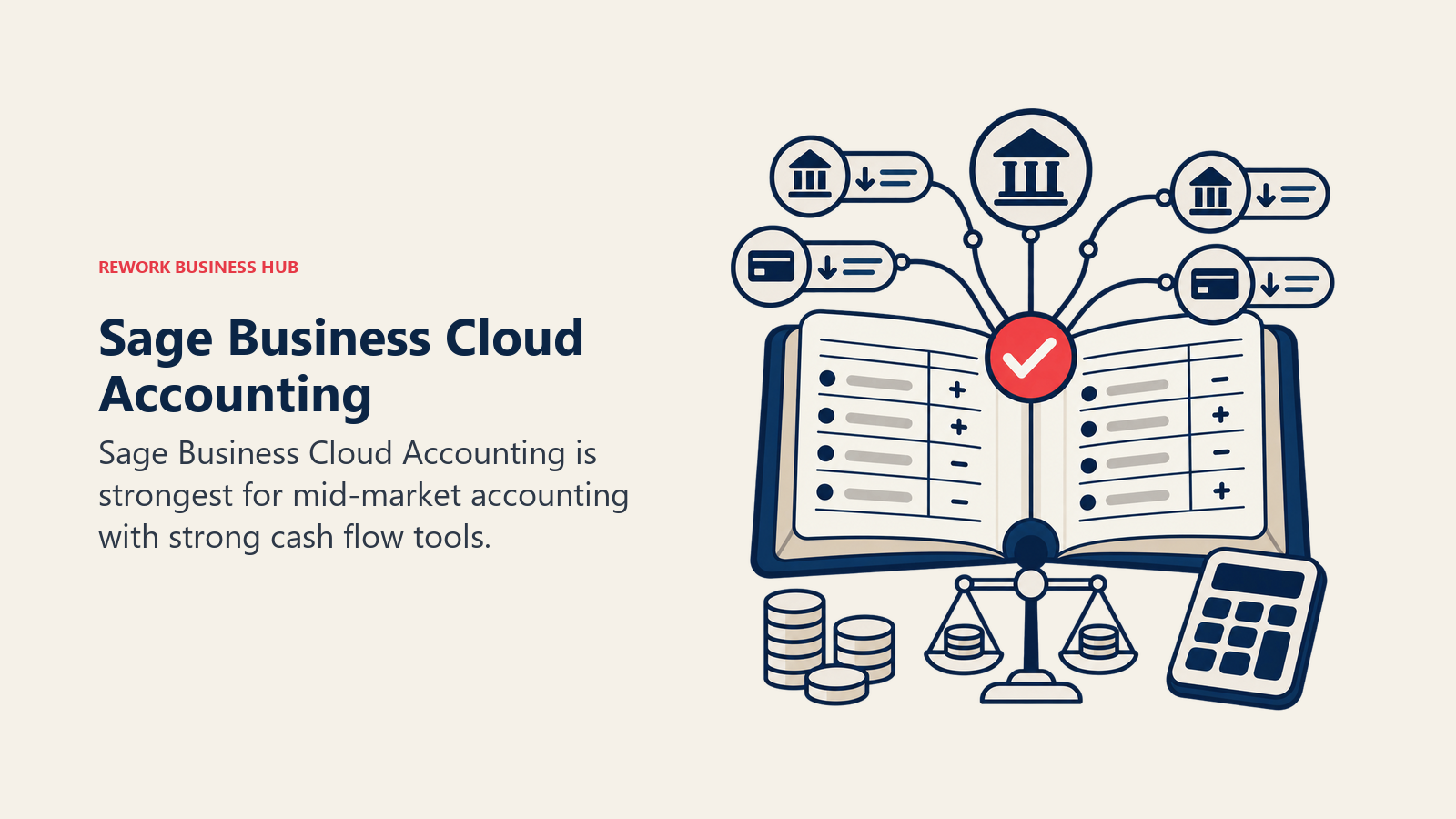
Methodology: Traditional accounting with a modern cloud layer. Sage leans into cash flow visibility as a differentiator. The dashboard surfaces cash in/out projections more prominently than most competitors. The product supports multi-currency, VAT, and compliance requirements across multiple regions.
Target audience: Growing SMBs (10–100 employees), businesses with international operations, UK/European companies, and businesses whose primary worry is cash flow management rather than advanced inventory.
Sizing fit: Works well from small through mid-size. For complex multi-entity or ERP needs, Sage Intacct (below) is the right upgrade path within the Sage family.
Stage fit: Good for a scaling business that needs to hand off bookkeeping responsibilities and wants real cash flow insight. The product assumes you're past the "owner does the books in evenings" stage.
Team vs company-wide: Finance and accounting team-focused. Can extend to other roles for expense submission and approvals.
| Pros | Cons |
|---|---|
| Strong cash flow forecasting and scenario planning | US accountant ecosystem smaller than QuickBooks/Xero |
| Multi-currency and multi-region compliance | Interface can feel dated compared to Xero or FreshBooks |
| Inventory management included | Mobile app less polished |
| Unlimited users on most plans | Migration from other tools can be complex |
| Upgrade path to Sage Intacct for mid-market needs | Customer support quality varies |
Pricing: Start ~$10/mo, Standard ~$25/mo, Plus ~$36/mo. Annual billing available.
Best for: Growing SMBs, especially in the UK and Europe, that need cash flow visibility, multi-currency, and a clear upgrade path as they scale.
5. Zoho Books: Affordable Accounting for Teams Inside the Zoho Ecosystem
Zoho Books is the accounting module within Zoho's broader business suite, which includes Zoho CRM, Zoho Inventory, Zoho Desk, and 40+ other applications. If your business already uses Zoho CRM or is evaluating the Zoho One bundle, Zoho Books is the accounting layer that fits cleanly into that stack. Standalone, it's a capable SMB accounting tool at a competitive price. Inside the Zoho ecosystem, it becomes meaningfully more powerful through native integrations.
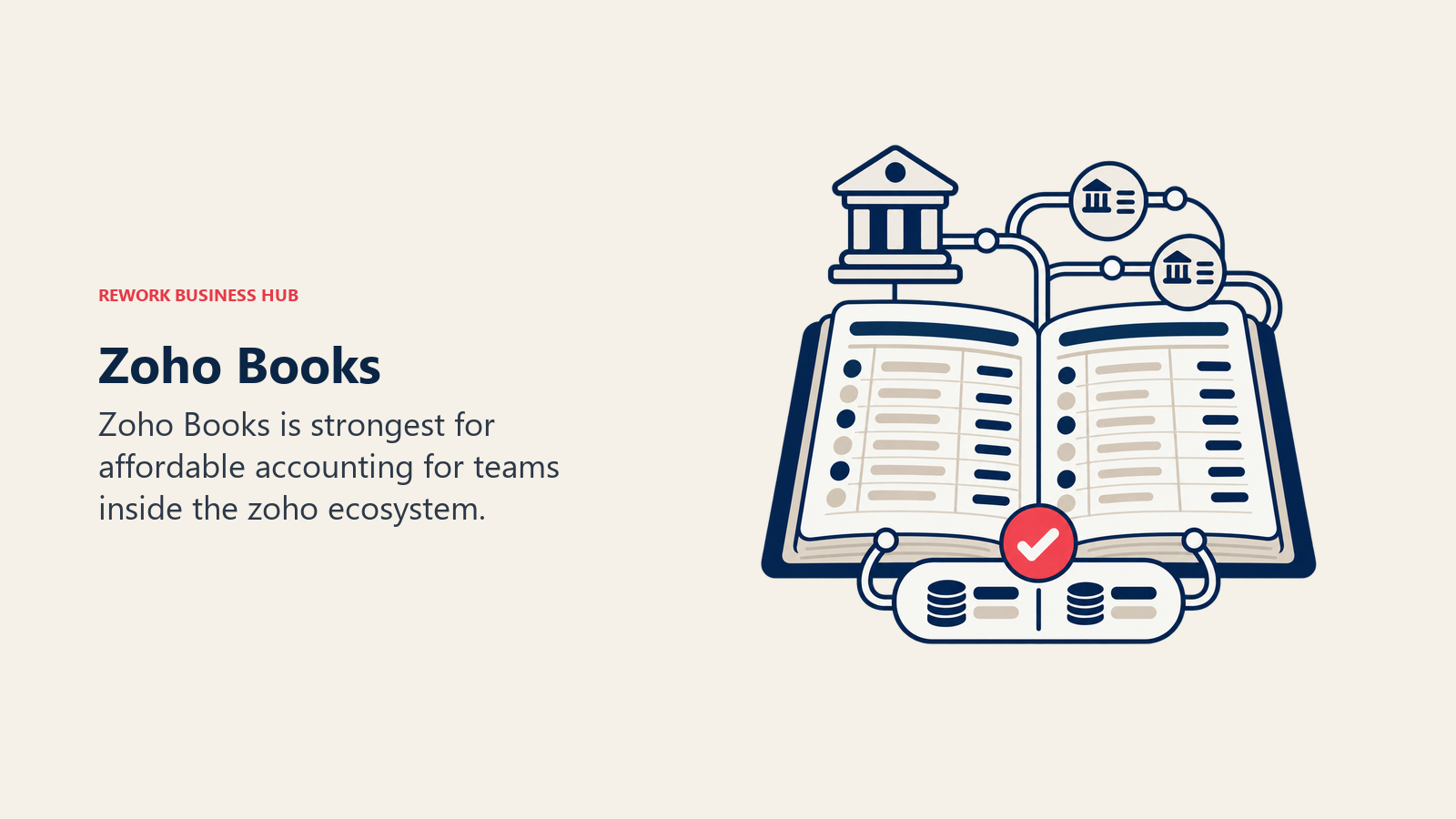
Methodology: Full double-entry accounting with strong automation built around the Zoho platform. Zoho Books can auto-create invoices from CRM deals, sync customer records across Zoho CRM and Books, and push inventory updates from Zoho Inventory. The automation capabilities are deeper than most pure accounting tools.
Target audience: SMBs using or evaluating Zoho CRM, teams that want bundled business software, businesses in India and Southeast Asia (Zoho's largest markets), value-focused buyers.
Sizing fit: Best from 5 to 100 employees. Handles the features growing businesses need without the complexity of ERP.
Stage fit: Best for a scaling team that's choosing a CRM and accounting tool simultaneously and wants one vendor relationship. Less useful as a standalone accounting swap if you're not adopting other Zoho tools.
Team vs company-wide: Designed for finance and sales to work together: invoice creation from CRM, payment tracking back to the deal.
| Pros | Cons |
|---|---|
| Deep native integration with Zoho CRM and Inventory | Weaker accountant ecosystem in the US and UK |
| Strong automation for invoicing and workflows | Best value when bundled with other Zoho tools |
| Competitive pricing including a free tier (under 1,000 invoices/year) | Interface can be overwhelming with all Zoho modules |
| Multi-currency, tax compliance, project billing | Customer support response times inconsistent |
| Client portal and vendor portal included | Less common for US-based CPAs |
Pricing: Free (up to 1,000 invoices/year, 1 user), Standard ~$20/mo, Professional ~$50/mo, Premium $70/mo. Zoho One bundle ($37/user/mo) includes all Zoho apps.
Best for: Teams in the Zoho ecosystem who want accounting tightly woven into their CRM, inventory, and operations stack.
6. NetSuite: Enterprise ERP with Accounting at Its Core
NetSuite (owned by Oracle since 2016) is not an accounting tool that happens to have ERP features. It's a full ERP platform that includes a comprehensive financial management layer. If your business has outgrown mid-market accounting tools, manages inventory across multiple warehouses, runs operations across multiple entities, or needs a system that can support you from $10M ARR to $1B ARR without re-platforming, NetSuite is the serious option to evaluate.
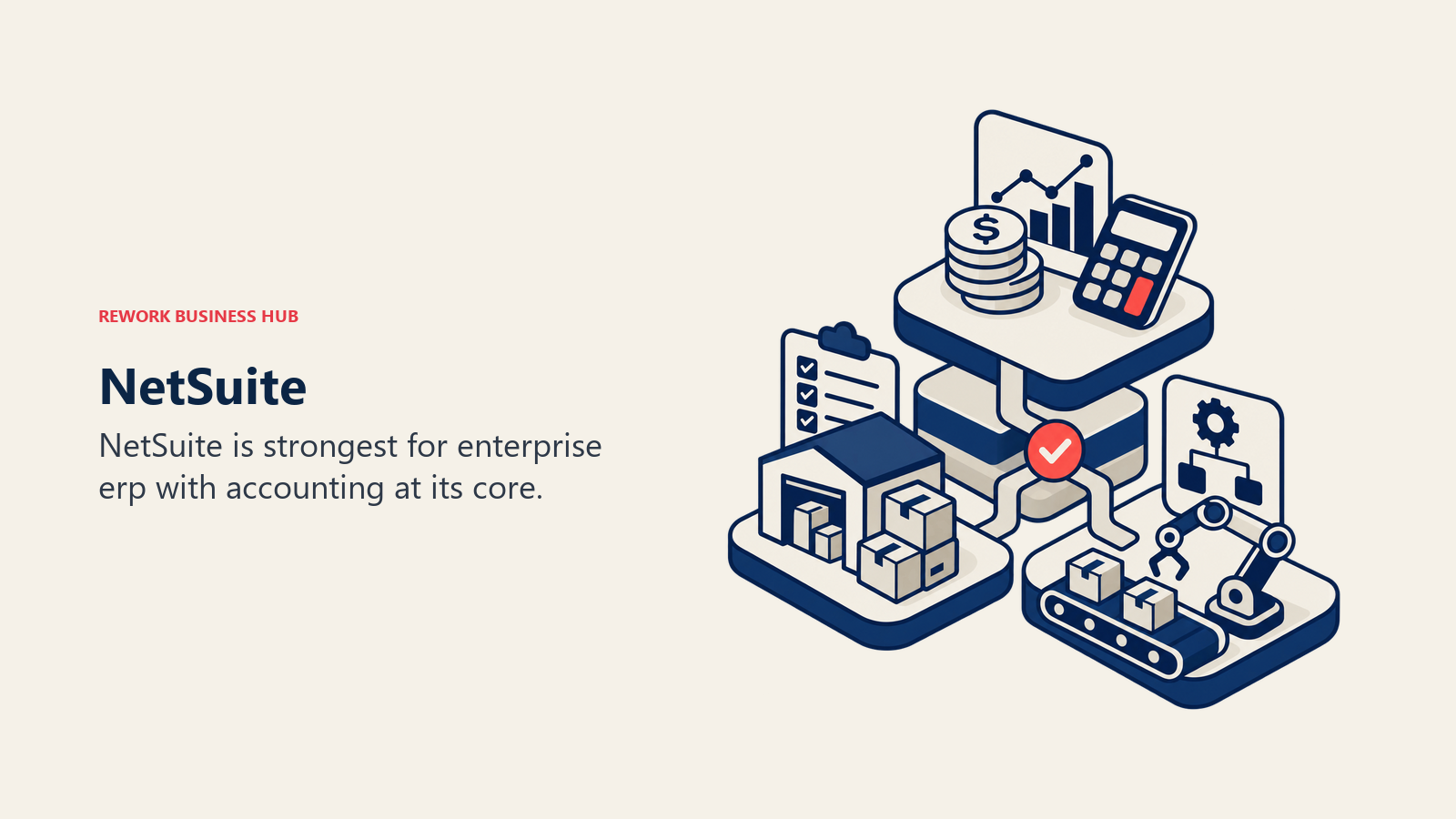
Methodology: NetSuite's philosophy is that finance, operations, inventory, e-commerce, and CRM should share a single data model. Revenue recognition, multi-entity consolidation, intercompany transactions, and advanced approval workflows are built as first-class features, not add-ons. The product assumes you'll have a NetSuite administrator and a finance team, not a solo business owner.
Target audience: High-growth companies ($10M+ revenue), mid-market and enterprise businesses, companies with complex multi-entity structures, manufacturing, wholesale distribution, and e-commerce businesses with serious inventory needs.
Sizing fit: Not designed for small businesses. NetSuite's value proposition requires complexity to justify the cost and implementation load. Best from 100 employees upward, though fast-scaling companies sometimes adopt it at 50.
Stage fit: Best at the "we've outgrown QuickBooks and need a system that'll last 10 years" moment. The implementation is significant: plan for 3–6 months and a dedicated project. Not for companies still finding product-market fit. The best NetSuite alternatives guide covers what teams evaluate when NetSuite's cost is the sticking point.
Team vs company-wide: Company-wide ERP. Finance, ops, sales, inventory, and HR all operate in the same system.
| Pros | Cons |
|---|---|
| True multi-entity with real-time consolidation | High cost (base license $999+/mo plus modules and users) |
| Revenue recognition (ASC 606/IFRS 15) built in | 3–6 month implementation, often requires a partner |
| Full inventory, manufacturing, and e-commerce modules | Requires a dedicated NetSuite admin |
| Single system of record for finance + ops | UI is dated; steep learning curve |
| Scales to enterprise without re-platforming | Overkill for businesses under 50 employees |
Pricing: Base license ~$999/mo + per-module pricing + per-user fees. Total cost typically $2,000–$10,000+/mo for mid-market deployments. Contact sales for a real quote.
Best for: Fast-scaling companies, mid-market businesses, and enterprises that need ERP capabilities and are ready to invest in implementation and administration.
7. Sage Intacct: Mid-Market Financial Management with Dimensional Reporting
Sage Intacct sits between mid-market accounting tools like Xero and full ERP platforms like NetSuite. It's purpose-built for finance teams that need GAAP-compliant reporting, multi-entity management, dimensional reporting (tagging transactions across multiple dimensions like department, project, location, and entity), and strong audit trails, without requiring a full ERP rollout.
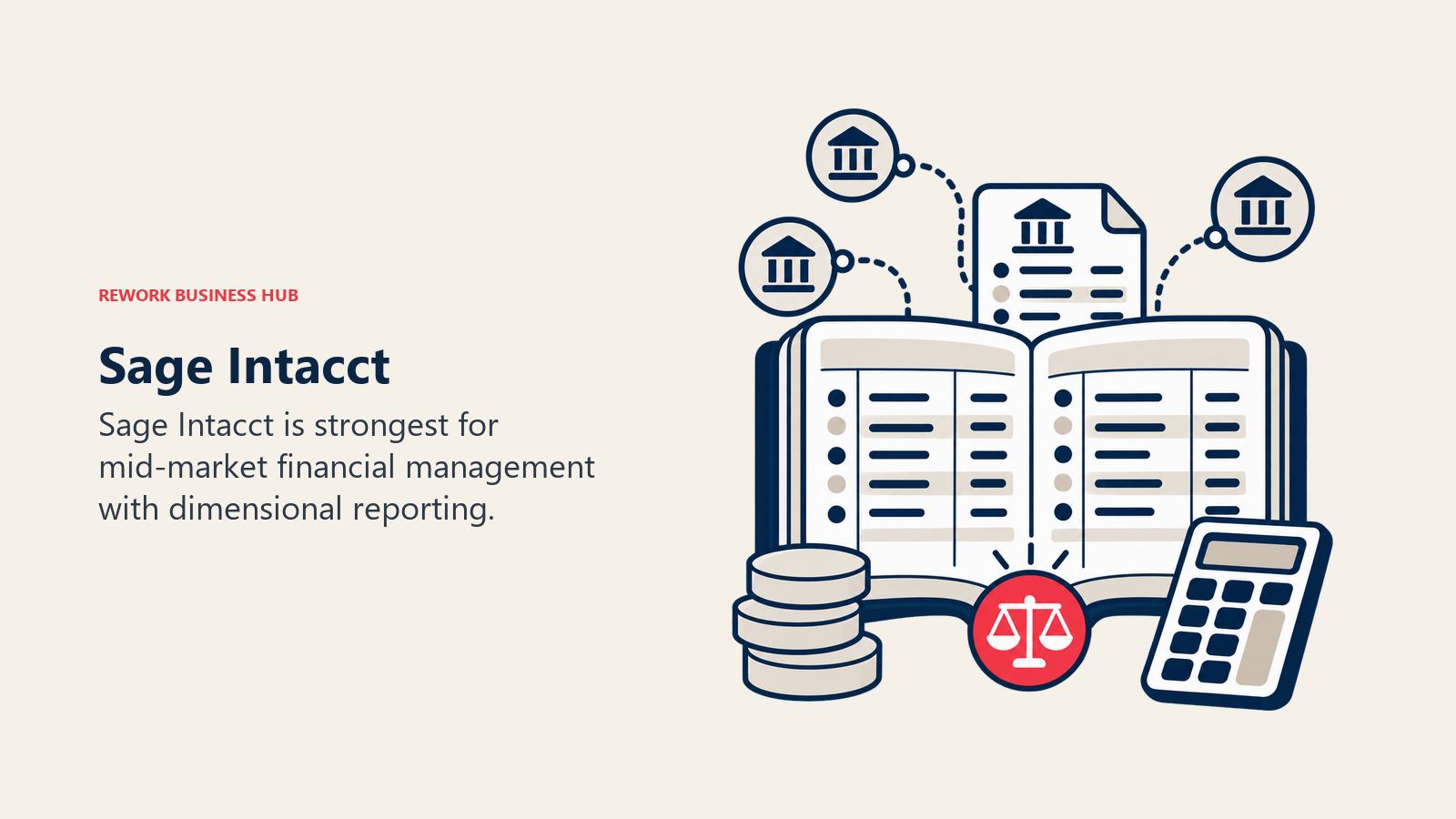
Methodology: Intacct's core philosophy is that financial reporting should be flexible enough to answer any business question without custom development. Its dimensional chart of accounts lets finance teams slice data across departments, projects, grants, locations, and entities simultaneously. This is the feature that wins over controllers at nonprofits, professional services firms, and multi-location businesses.
Target audience: Controllers and VPs of Finance at companies with 50–500 employees, nonprofits, professional services firms, SaaS companies with complex revenue recognition, businesses with 3–10 legal entities.
Sizing fit: Best from 50 to 500 employees. Below 50, it's expensive relative to what you need. Above 500, NetSuite or SAP may be appropriate.
Stage fit: Best at the "our accountant says we've outgrown QuickBooks" moment, when the business has multiple entities, departments that need their own P&Ls, or revenue recognition complexity that basic tools can't handle.
Team vs company-wide: Finance and accounting team-focused. Other teams interact mainly through expense submission and approvals.
| Pros | Cons |
|---|---|
| Multi-dimensional reporting without custom dev | Steep learning curve (not for non-accountants) |
| Multi-entity consolidation as a native feature | Requires implementation partner for most deployments |
| AICPA "most preferred" cloud financial management platform | Pricing not published (typically $400–$1,500+/mo) |
| Strong audit trail and controls for compliance | UI is not modern compared to Xero or FreshBooks |
| Deep integrations with Salesforce and Sage HR | Overkill for businesses without real multi-entity needs |
Pricing: Not publicly listed. Typically $400–$1,500+/mo depending on modules and users. Requires a demo and scoping call. Sage Intacct holds the AICPA's preferred financial management solution designation, which is relevant for finance teams building vendor justification for their board.
Best for: Controllers and finance teams at mid-market companies that need multi-entity, dimensional reporting, and compliance-grade financial management.
8. Kashoo: Simple Flat-Price Accounting for Very Small Businesses
Kashoo's pitch is simple: one product, one flat price, no tiers. If you're a small business owner who wants accounting software that doesn't require an accounting degree to use, that doesn't hit you with feature paywalls, and that your accountant can access without a separate seat charge, Kashoo is worth a look.
Methodology: Straightforward double-entry accounting designed to be used by non-accountants. Kashoo emphasizes getting bank transactions imported and categorized quickly. The interface is minimal by design. There are fewer features than competitors, but what's there works without training.
Target audience: Very small businesses, sole proprietors who've outgrown Wave and want something with more structure, business owners who want simplicity over feature depth.
Sizing fit: Best for 1–10 employees. Beyond that, the missing features (inventory, multi-entity, advanced reporting) become real gaps.
Stage fit: Early-stage businesses that have basic accounting needs, want a clean setup experience, and prioritize simplicity over power.
Team vs company-wide: Owner and accountant access. Not a team-wide tool.
| Pros | Cons |
|---|---|
| One flat price, no tiers or upsells | Feature set is minimal compared to Xero or QBO |
| Truly simple interface for non-accountants | No inventory management |
| Bank reconciliation and categorization work well | No payroll built-in |
| Unlimited users and accountant access included | Small integration ecosystem |
| Good mobile app | Less popular with US CPAs |
Pricing: ~$27/mo flat (all features, unlimited users). Annual billing available.
Best for: Small business owners who want straightforward accounting at a predictable flat price without navigating tier decisions.
9. ZipBooks: Free Invoicing and Accounting with Smart Reporting
ZipBooks started as a free alternative to FreshBooks and QuickBooks aimed at freelancers and very small businesses. Its free tier is competitive: unlimited invoices and customers, basic accounting, and a smart business health score that flags issues in your financials. The paid tiers add team features and more advanced reporting.
Methodology: ZipBooks focuses on making accounting approachable for non-financial business owners. Its "smart inbox" auto-categorizes transactions, and its business health score surfaces problems the average owner wouldn't spot manually. The reporting UX is notably clean for a tool at this price point.
Target audience: Freelancers, very small businesses, early-stage founders who need more than Wave but don't want to pay FreshBooks prices.
Sizing fit: Best for 1–20 employees. Similar ceiling to FreshBooks. Not designed for inventory, payroll, or multi-entity.
Stage fit: Early-stage and steady-state small businesses. Good for the owner who does their own books and wants software that surfaces insights, not just stores data.
Team vs company-wide: Primarily owner + accountant. Team features available on paid plans.
| Pros | Cons |
|---|---|
| Free tier with unlimited invoices and customers | Smaller accountant network than QBO or Xero |
| Smart auto-categorization reduces bookkeeping time | Integration ecosystem is limited |
| Business health score surfaces financial risks | No inventory or payroll |
| Clean reporting UX | Brand recognition is low (accountants may not know it) |
| Low-cost paid tiers | Mobile app less capable than competitors |
Pricing: Free (unlimited invoices, basic accounting), Smarter ~$15/mo (team features), Sophisticated ~$35/mo (advanced reporting), Accountant (free for CPA practices).
Best for: Freelancers and small business owners who want a free or very low-cost invoicing and accounting tool with smarter reporting than Wave.
10. Patriot Software: Affordable Payroll and Accounting Bundled for Small US Businesses
Patriot Software targets a specific pain point: small US businesses that need both accounting and payroll but find QuickBooks + QuickBooks Payroll pricing punishing. Patriot keeps its pricing simple and its feature set deliberately narrow. It does accounting and payroll well for businesses under 25 employees, without charging enterprise pricing for basic needs.
Methodology: Patriot is built for US small businesses with W-2 employees. The accounting is solid and straightforward. The payroll is the stronger product: full-service payroll with tax filings, direct deposit, and year-end W-2/1099 processing. Patriot's own pricing page shows a promotional price with the regular price struck through next to it, and both are genuine: Accounting Basic runs $10/mo promotional versus $20/mo regular, and Full Service Payroll runs $18.50/mo plus $2.50/worker promotional versus $37/mo plus $5/worker regular.
Target audience: US small businesses with 5–25 employees, business owners who handle payroll themselves, companies that want to cut the QuickBooks + Intuit Payroll bill.
Sizing fit: Designed for small businesses. Above 25 employees, the feature gaps (limited reporting, no inventory, basic project tracking) become limiting.
Stage fit: Stable small businesses that have consistent payroll needs and basic accounting requirements. Not for fast-scaling companies that will quickly outgrow the feature set.
Team vs company-wide: Owner and accountant primarily. Employees access a self-service portal for pay stubs.
| Pros | Cons |
|---|---|
| Affordable accounting and payroll, promotional plus regular pricing both published | US only; no multi-currency or international support |
| Full-service payroll with tax filing included | Basic reporting compared to Xero or QBO |
| Clean simple interface for non-accountants | No inventory management |
| Free US-based customer support | Limited integrations |
| Employee self-service portal for pay stubs | Brand recognition low (accountants may not support it) |
Pricing: Accounting Basic $10/mo promotional ($20/mo regular). Full Service Payroll $18.50/mo plus $2.50/employee promotional ($37/mo plus $5/employee regular). Both figures come from Patriot's own pricing page, which shows the regular price struck through next to the promotional one.
Best for: Small US businesses that want affordable, bundled accounting and payroll without Intuit's pricing complexity.
11. Bench: Bookkeeping as a Service Plus Software
Bench is different from every other tool on this list: you're not just buying software. You're hiring a team of bookkeepers who do your books for you, using Bench's proprietary software platform. Teams that also need to connect their finance function to their CRM and ops workflows should read the best Odoo alternatives guide for platforms that cover both sides without requiring separate tools. Every Bench plan includes a dedicated bookkeeping team, monthly financial statements, year-end tax-ready books, and access to the Bench software to see your financials at any time.
Methodology: Bench's philosophy is that small business owners shouldn't spend time on bookkeeping. They should have someone else do it. The software is a reporting and visibility layer; the actual categorization, reconciliation, and statement preparation is handled by Bench's team. This shifts the product from "accounting tool" to "accounting service."
Target audience: Business owners who hate bookkeeping, solopreneurs and small business owners who've let their books fall behind, companies that want to outsource bookkeeping entirely rather than hire a part-time bookkeeper.
Sizing fit: Best for 1–50 employees. At higher employee counts, the cost of a bookkeeping service becomes less competitive against hiring a part-time controller or upgrading to Xero + an accountant.
Stage fit: Early-stage through steady-state small businesses that have revenue but haven't built a finance function. Also popular for catch-up bookkeeping when a business has fallen months or years behind.
Team vs company-wide: Owner-focused tool. The software dashboard shows financials; the Bench team does the work.
| Pros | Cons |
|---|---|
| No bookkeeping work for the owner (it's done for you) | Monthly cost is higher than pure software tools |
| Dedicated bookkeeping team familiar with your business | You're dependent on Bench staff; turnover can disrupt continuity |
| Monthly financial statements included | Proprietary platform; migrating out takes effort |
| Tax prep and year-end packages available | Not a good fit if you want to do your own books |
| Catch-up bookkeeping available for behind businesses | Limited advanced accounting features (no inventory, multi-entity) |
Pricing: Essential ~$299/mo, Premium ~$499/mo. Catch-up bookkeeping priced separately based on volume.
Best for: Business owners who want to outsource bookkeeping entirely and are willing to pay a service premium for that.
How to Choose: Decision Framework
Match the platform to your operating need, team size, implementation capacity, and the trade-offs you can support.
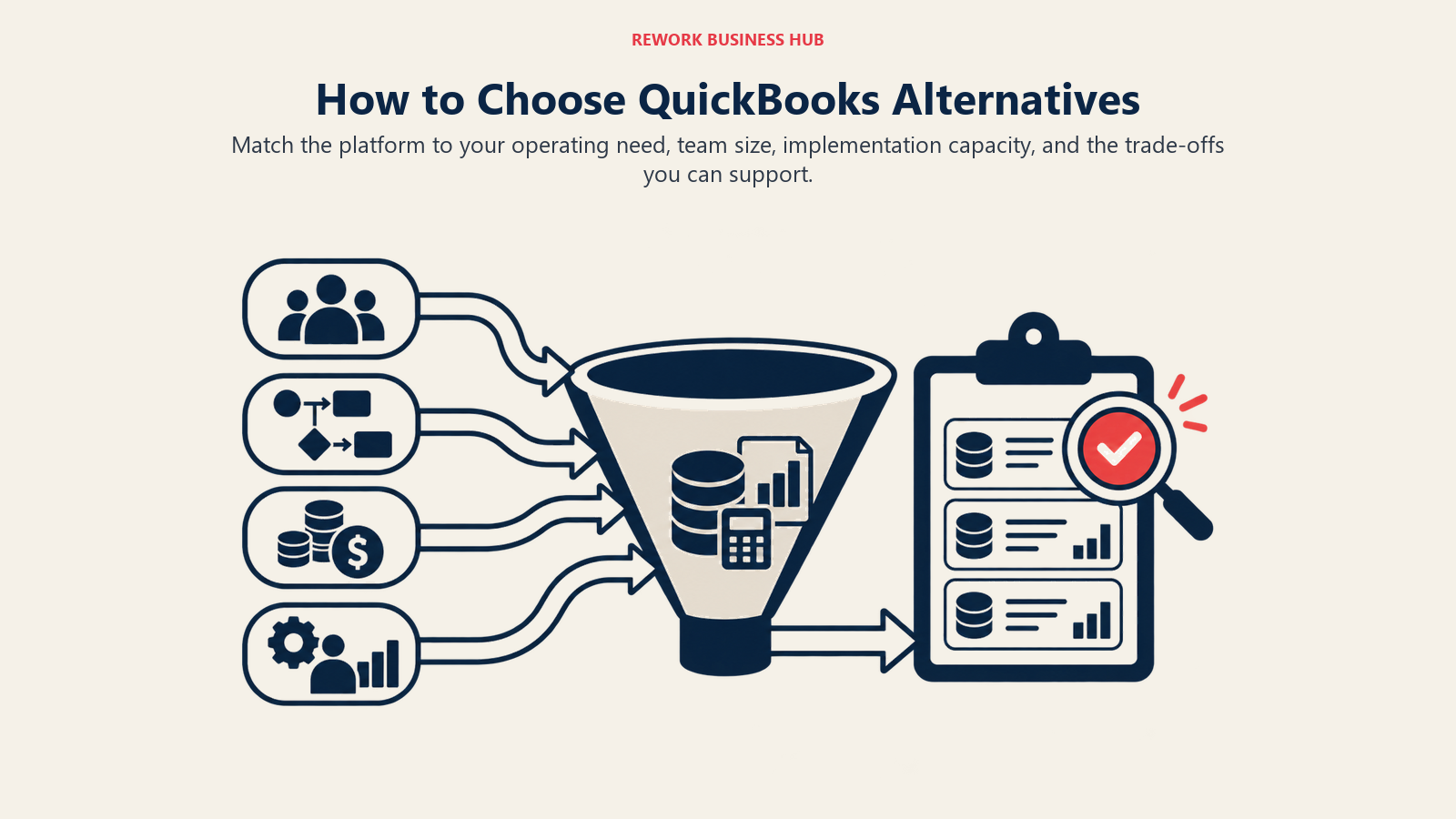
| If you need this... | Pick this |
|---|---|
| Clean cloud accounting, unlimited users, strong accountant network | Xero |
| Best invoicing UX and project billing for a service business | FreshBooks |
| Free accounting with no monthly subscription | Wave |
| Cash flow forecasting and a clear upgrade path in one vendor | Sage Business Cloud |
| Accounting woven into your Zoho CRM and inventory | Zoho Books |
| Full ERP for a scaling company with complex ops and inventory | NetSuite |
| Multi-entity consolidation and dimensional reporting for mid-market finance teams | Sage Intacct |
| Flat-price accounting with zero tier confusion for a tiny business | Kashoo |
| Free invoicing + smart reporting at the freelancer budget | ZipBooks |
| Affordable US payroll + accounting in one bundle | Patriot Software |
| Someone to do your bookkeeping for you, not just software | Bench |
Price Comparison at Common Business Sizes
| Tool | ~5 Users / Month | ~25 Users / Month | ~100 Users / Month |
|---|---|---|---|
| Xero | ~$42 (Standard) | ~$54 (Premium) | ~$54 (unlimited users) |
| FreshBooks | ~$33–$60 | ~$60 (Premium) | Contact sales (Select) |
| Wave | Free | Free | Free (core) |
| Sage Accounting (non-US) | Varies by country | Varies by country | Varies by country |
| Zoho Books | ~$20–$50 | ~$50–$70 | Zoho One bundle |
| NetSuite | $2,000+/mo (base + modules) | $2,000+/mo | $5,000+/mo (estimate) |
| Sage Intacct | ~$400–$600/mo | ~$600–$1,000/mo | $1,000–$2,000+/mo |
| Kashoo | ~$27 (flat) | ~$27 (flat) | ~$27 (flat) |
| ZipBooks | Free or ~$15–$35 | ~$35 | ~$35 |
| Patriot Software* | $41/mo promo, $82/mo regular | $91/mo promo, $182/mo regular | $278/mo promo, $557/mo regular |
| Bench | ~$299–$499/mo | ~$299–$499/mo | Not designed for scale |
Prices are approximate as of Q1 2026. Verify on vendor pricing pages before budgeting. According to G2's accounting software reviews, user satisfaction scores diverge significantly between tools as company size grows. Worth checking peer reviews for your specific stage.
Patriot Software's figures are a computed example combining Accounting Basic and Full Service Payroll at 5, 25, and 100 employees, not a published bundle price; both the promotional and regular numbers come from Patriot's own pricing page.
What to Do Next
Migration effort varies a lot by destination, and that effort is often the deciding factor once two tools look similar on features. Here is a realistic view of what switching off QuickBooks actually takes:
| Destination | Typical migration effort | Data import path | Realistic timeline |
|---|---|---|---|
| Xero | Low | Direct QuickBooks-to-Xero conversion tool + bank feeds | 1-2 weeks |
| FreshBooks | Low | CSV import of clients/invoices, manual chart of accounts | 1-2 weeks |
| Wave | Low | CSV import, manual opening balances | Days to 1 week |
| Sage Business Cloud | Medium | CSV import, some manual reconciliation | 2-4 weeks |
| Zoho Books | Medium | CSV import, integration setup if using Zoho CRM | 2-3 weeks |
| Sage Intacct / NetSuite | High | Implementation partner, data mapping, testing | 2-6 months |
The pattern is consistent: lateral moves to another SMB cloud tool (Xero, FreshBooks, Wave) are short projects you can run yourself, while a move up to ERP-class software (NetSuite, Sage Intacct) is a scoped implementation with a partner and a real budget. If you are leaving QuickBooks over price, weight migration effort heavily, because a two-week switch to Xero pays back fast, while a six-month NetSuite rollout only makes sense when you have genuinely outgrown SMB tooling.
Don't switch accounting software based on a blog post alone. Run a two-week evaluation with your actual data: import three months of bank transactions, create five invoices using your typical workflow, and have your accountant log in with their own credentials. The tool that feels right after that process is the right answer, not the one with the most impressive feature list.
If you're leaving QuickBooks because of price, Xero is the most straightforward migration path for most SMBs, with the strongest accountant ecosystem outside of Intuit. If you're leaving because QuickBooks can't handle your scale, Sage Intacct or NetSuite is the honest answer. And if you're leaving because you just want someone else to handle the books entirely, Bench removes the problem rather than replacing the software.
For businesses also evaluating their operations platform alongside accounting, many teams pair a new accounting tool with a modern CRM. The best Salesforce alternatives and best HubSpot alternatives guides cover the CRM side of that decision. And if the true cost of software sprawl is driving the consolidation conversation, that guide explains how to quantify what fragmented tools actually cost when you include integration maintenance and data reconciliation time.
QuickBooks Alternatives FAQ
What is the best overall QuickBooks alternative?
For most small and growing businesses, Xero is the strongest all-around alternative. It offers unlimited users on every plan (QuickBooks charges per seat), a clean interface, strong bank reconciliation, and the deepest accountant ecosystem outside Intuit. It is also the most straightforward migration path from QuickBooks Online.
Is there a free alternative to QuickBooks?
Yes. Wave offers genuinely free core accounting and invoicing, monetized through payment processing and an optional payroll add-on. ZipBooks also has a free tier with unlimited invoices. Both fit freelancers and micro businesses, though they lack inventory and advanced reporting.
Which QuickBooks alternative is best for multi-entity businesses?
Sage Intacct and NetSuite are the serious options for multi-entity accounting. Sage Intacct handles multi-entity consolidation and dimensional reporting natively for mid-market finance teams, while NetSuite is a full ERP for fast-scaling companies that also need inventory, manufacturing, and revenue recognition in one system.
Why are businesses switching away from QuickBooks in 2026?
The main drivers are price increases of 40 to 80 percent over three years, the forced migration from Desktop to Online, declining support quality, file size limits on Desktop, and weak multi-entity support. The right replacement depends on which of those problems is actually pushing you to switch.
How hard is it to migrate from QuickBooks?
Moving to another SMB cloud tool like Xero, FreshBooks, or Wave is usually a one-to-two-week, do-it-yourself project using conversion tools and CSV imports. Moving up to NetSuite or Sage Intacct is a two-to-six-month implementation that typically requires a partner and a dedicated budget.

Principal Product Marketing Strategist
On this page
- Quick Comparison Table
- Why People Leave QuickBooks
- Stage and Sizing Fit Matrix
- Buyer Persona and Sizing Table
- 1. Xero: Cloud Accounting Built for SMBs Who Want an Accountant-Friendly Platform
- 2. FreshBooks: Invoicing-First Accounting for Service Businesses
- 3. Wave: Free Accounting for Freelancers and Micro Businesses
- 4. Sage Business Cloud Accounting: Mid-Market Accounting with Strong Cash Flow Tools
- 5. Zoho Books: Affordable Accounting for Teams Inside the Zoho Ecosystem
- 6. NetSuite: Enterprise ERP with Accounting at Its Core
- 7. Sage Intacct: Mid-Market Financial Management with Dimensional Reporting
- 8. Kashoo: Simple Flat-Price Accounting for Very Small Businesses
- 9. ZipBooks: Free Invoicing and Accounting with Smart Reporting
- 10. Patriot Software: Affordable Payroll and Accounting Bundled for Small US Businesses
- 11. Bench: Bookkeeping as a Service Plus Software
- How to Choose: Decision Framework
- Price Comparison at Common Business Sizes
- What to Do Next