Best FreshBooks Alternatives in 2026: 11 Accounting and Invoicing Tools for Small Businesses
Turn this article into takeaways for your work.


Each assistant summarizes the article only for you and suggests best practices for your work.
FreshBooks gets a lot right. The invoicing experience is genuinely clean, time tracking is built in rather than bolted on, and it's one of the few accounting tools that non-accountants can open without a training session. For a solo consultant or two-person agency billing a dozen clients, it's hard to beat.
But the cracks show up quickly once you grow past that sweet spot. The Lite plan caps you at five active clients. Moving to Plus costs $43 per month, and every team member after the first adds another $11 per seat per month. Double-entry accounting is present but thin compared to tools built for bookkeepers. Inventory management is absent. Payroll requires a third-party integration. And if you're running a finance operation with real complexity, the reporting depth doesn't hold up. Freelancers and small agency owners tend to hit those walls somewhere between year one and year three. When that happens, the decision isn't whether to look elsewhere: it's which direction to go. If you're already weighing options in the broader ERP and finance space, the best QuickBooks alternatives and best Xero alternatives guides cover adjacent tools worth reading alongside this one.
Quick Comparison Table
| Tool | Best For | Starting Price | Key Strength | Key Limitation |
|---|---|---|---|---|
| QuickBooks Online | US small businesses needing full accounting | $38/mo | CPA compatibility, broad ecosystem | Expensive as you scale; price increases |
| Xero | Multi-currency, inventory-heavy businesses | $25/mo | Unlimited users on all plans | Steeper learning curve |
| Wave | Bootstrapped freelancers and micro-businesses | Free | Core accounting at zero cost | Limited scalability; basic reporting |
| Zoho Books | Zoho-stack teams, automation-focused finance | $20/mo (Free tier available) | Deep automation, generous free tier | UI can feel complex for newcomers |
| FreeAgent | UK freelancers and contractors | $34/mo | All features included, one price | Primarily UK-focused; weaker for US teams |
| Sage Accounting | Small businesses outside the US wanting simple full accounting | Varies by country | Low entry cost, unlimited users on the higher plan | Retired in the US; Sage 50 is the US product |
| Bonsai | Freelancers needing CRM plus invoicing in one | $9/mo | Contracts, proposals, time tracking bundled | Not a full double-entry accounting tool |
| Harvest | Time-tracking-first agencies and consultants | $13.75/seat/mo | Time-to-invoice workflow is best in class | Limited accounting depth |
| Patriot Accounting | US small businesses needing payroll and books | $10/mo promo, $20/mo regular | Payroll add-on available, affordable pricing | Fewer integrations; simpler UI |
| Invoice Ninja | Self-hosted or open-source invoicing | Free; $14/mo (Pro) | Fully self-hostable, deep customization | Not a full accounting suite |
| Bill.com | Mid-market AP/AR automation teams | $45/user/mo | AP automation, approval workflows, ERP sync | Overkill and expensive for small teams |
Why Businesses Actually Leave FreshBooks
Before diving into alternatives, it's worth naming the real friction points rather than generic "looking for something better" reasons.
| Pain Point | Who Feels It | Severity |
|---|---|---|
| Per-client caps (5 on Lite, 50 on Plus) | Growing freelancers and small agencies | High |
| Per-seat costs ($11/person) stack up fast | Teams of 3 or more | High |
| No inventory management | Product-based small businesses | High |
| Thin payroll (third-party only) | Small businesses with employees | Medium |
| Reporting depth limited for bookkeepers | Finance teams and CPAs | Medium |
| No built-in CRM or project pipeline | Service businesses tracking proposals | Medium |
| Price increases since 2024 | Cost-sensitive teams | Medium |
If none of those apply, FreshBooks is probably still the right call. If two or more feel familiar, keep reading.
1. QuickBooks Online: The Full-Stack US Standard
QuickBooks Online is the default accounting comparison for any tool in this category, and for good reason. It has the broadest CPA and bookkeeper ecosystem in the US, the deepest integrations list in the market, and enough reporting depth to run a real finance function.
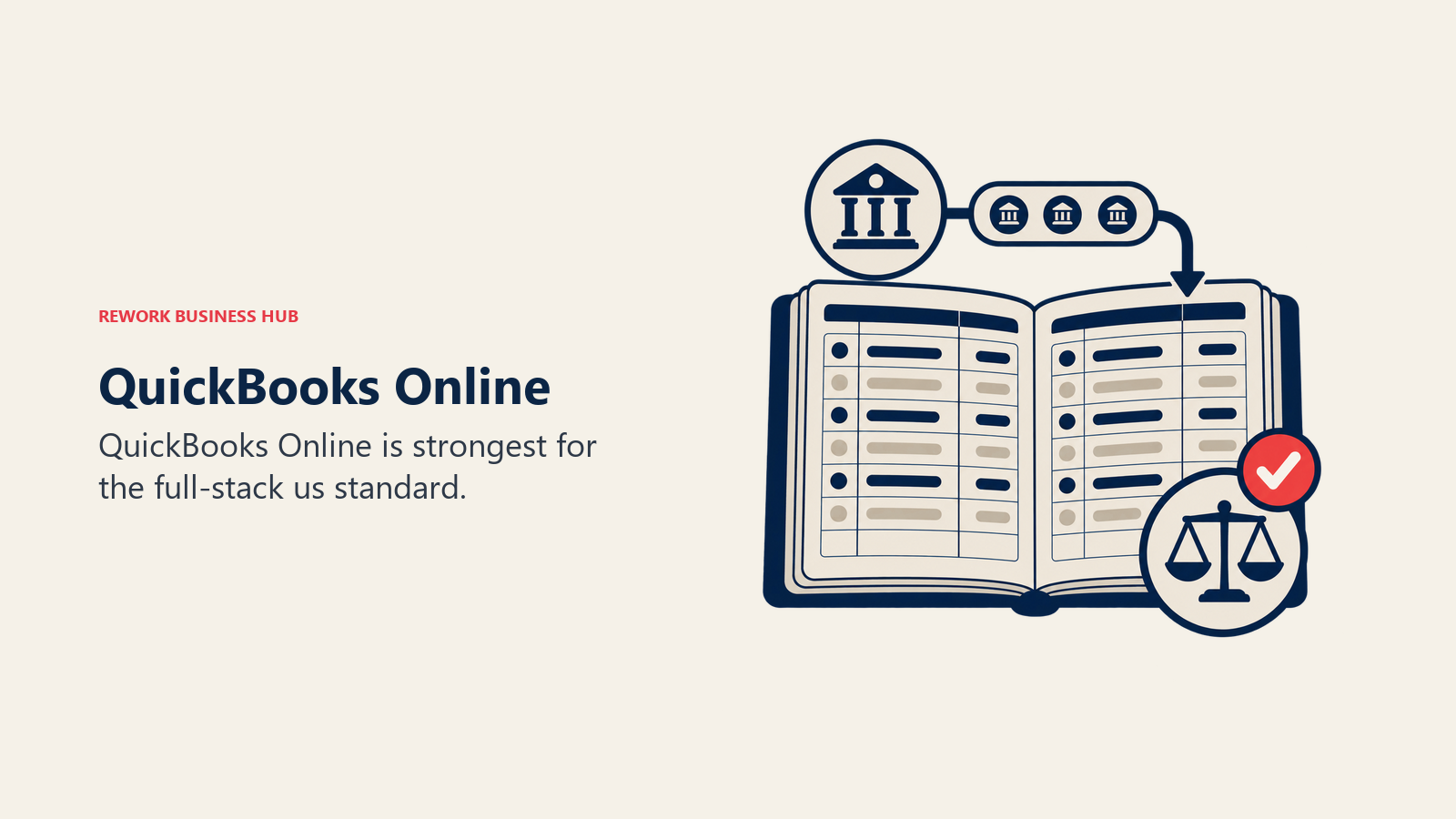
Methodology: Intuit built QuickBooks around the double-entry accounting workflow that accountants already know. The UX has modernized significantly over the past few years, but the DNA is still "accountant-first, business-owner-second." That's a feature if you work closely with a bookkeeper. It's friction if you handle your own books.
Target audience: US-based small businesses with 2-50 employees, especially those working with an external accountant or bookkeeper. Also strong for product-based businesses that need inventory tracking, and any business that wants payroll built in (via QuickBooks Payroll add-on).
| Pros | Cons |
|---|---|
| Best-in-class CPA and accountant compatibility | Pricing increases sharply with each tier |
| Payroll, inventory, and project tracking available | Add-ons stack up in cost quickly |
| Largest third-party integration ecosystem | Can feel complex for solo users |
| Strong mobile app | Customer support inconsistent |
Sizing fit:
| Team Size | Fit |
|---|---|
| Solo freelancer | Workable but may be overkill |
| Small team (2-10) | Strong, especially with a bookkeeper |
| Mid-size (10-50) | Strong, Plus or Advanced tier |
| Enterprise (50+) | Upgrade to NetSuite or ERP at this stage |
Stage fit: Best for established small businesses that want a finance foundation that scales to 50 employees without switching tools. Also good for startups that know they'll hire a bookkeeper within the first year.
Team vs company-wide: Finance and operations tool. Payroll capabilities extend it into an HR-adjacent system for small teams.
Pricing: Simple Start at $38/month, Essentials at $85/month, Plus at $140/month, Advanced at $340/month. Payroll is a separate add-on that Intuit publishes bundled with accounting, from $88/month plus $7 per employee. See QuickBooks Online pricing for current rates.
Best for: Small US businesses with an accountant on retainer or in-house bookkeeper who need the gold standard for CPA compatibility.
2. Xero: Unlimited Users, Global-Ready Books
Xero's clearest advantage over both FreshBooks and QuickBooks is one you'll see on the first day: every pricing plan includes unlimited users. No per-seat fees. For a small business with three to eight people who all need some level of access, that single difference can cut your accounting software bill in half.
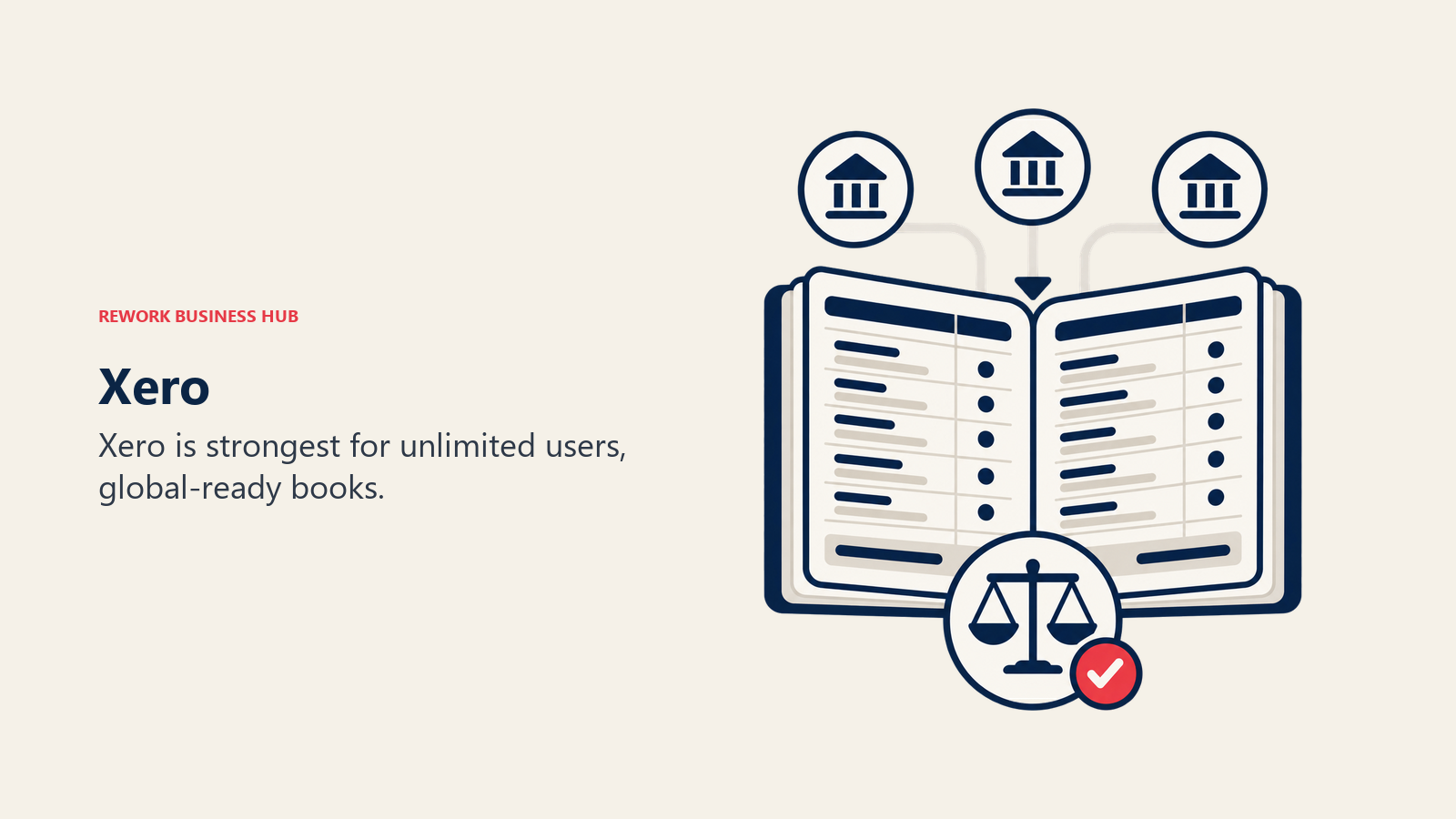
Methodology: Xero's architecture is genuinely cloud-native, built from day one for browser-first collaboration rather than retrofitted from a desktop app. It handles multi-currency transactions well, has solid inventory features on its Growing and Established plans, and integrates with a large ecosystem of apps. The bookkeeper network isn't quite the size of QuickBooks' but is substantial globally.
Target audience: Small to mid-size businesses with multiple team members who need access, companies operating in multiple currencies or countries, and businesses that need inventory management alongside invoicing. Particularly popular in Australia, New Zealand, and the UK, where the Xero bookkeeper network rivals QuickBooks' US presence.
| Pros | Cons |
|---|---|
| Unlimited users on all plans | Early plan lacks bank reconciliation and unlimited invoices |
| Strong multi-currency support | Steeper learning curve than FreshBooks |
| Good inventory management | US payroll is a third-party add-on |
| Large app marketplace | Customer support primarily async |
Sizing fit:
| Team Size | Fit |
|---|---|
| Solo freelancer | Overkill unless you need multi-currency |
| Small team (2-10) | Excellent, especially for cost control |
| Mid-size (10-50) | Strong, scales cleanly |
| Enterprise (50+) | Start evaluating NetSuite or SAP |
Stage fit: Best for growth-stage small businesses that have outgrown per-seat pricing and need real accounting depth without jumping to a full ERP. Strong for international businesses from day one.
Team vs company-wide: Finance and operations. Multi-user access means it can extend to managers reviewing budgets without adding cost.
Pricing: Early at $25/month (limited invoices and bills), Growing at $55/month (unlimited), Established at $90/month (multi-currency, project tracking). See Xero pricing for current rates.
Best for: Multi-person small businesses that want real accounting depth without paying per seat, and businesses operating internationally.
3. Wave: Free Core Accounting That Actually Works
Wave is the only tool in this list where the core accounting product, including invoicing, expense tracking, and bank reconciliation, is genuinely free with no artificial limits on clients, invoices, or transactions. The business model runs on payment processing fees and an optional payroll add-on, not software subscriptions.
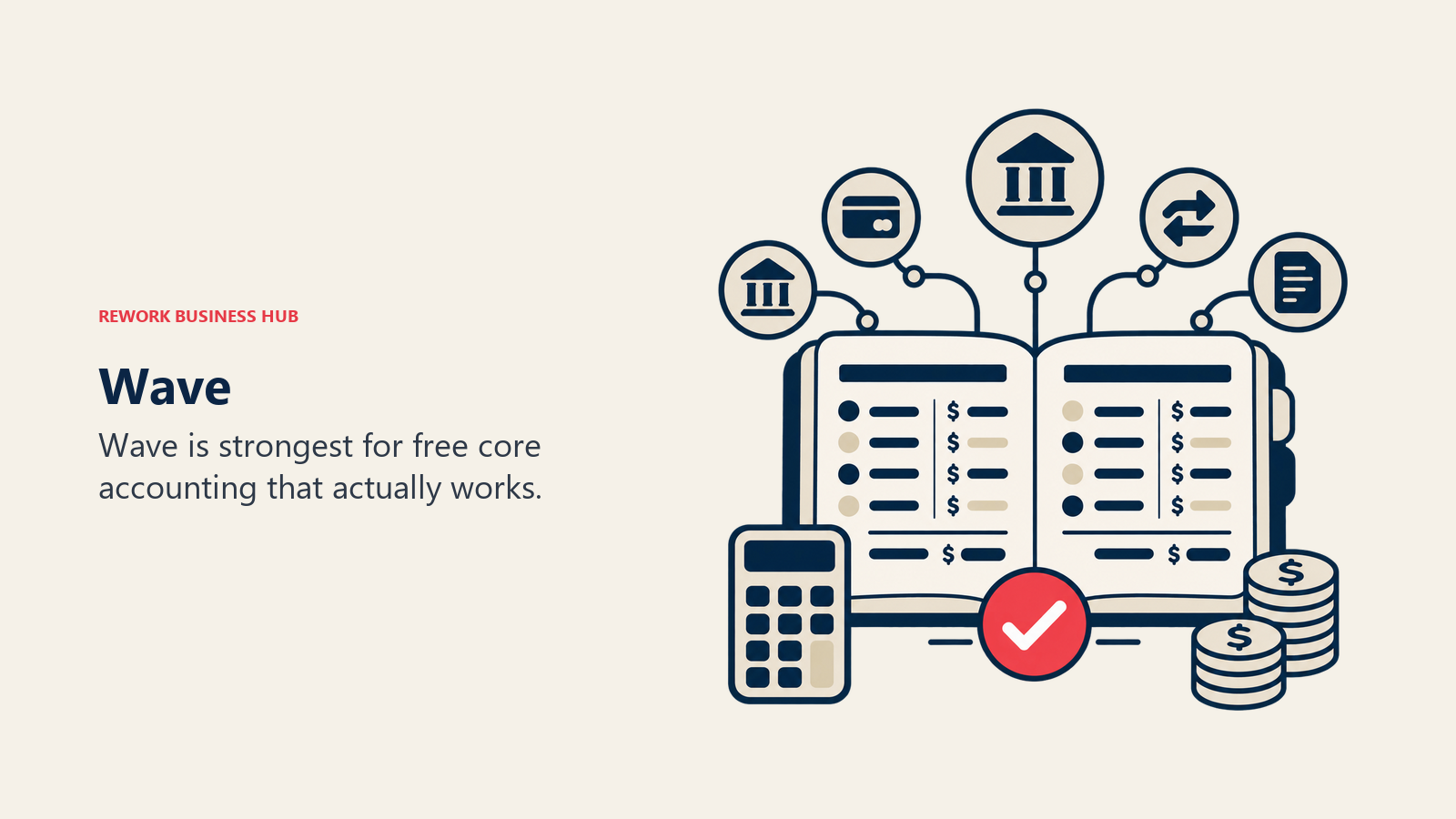
Methodology: Wave treats accounting software as a utility that should be free for small businesses. The product is simpler than QuickBooks or Xero by design: it covers what a solo owner or micro-business needs without overwhelming them. Double-entry accounting runs underneath, so the reports are real, but the UI shields you from that complexity.
Target audience: Freelancers, sole proprietors, and very small businesses (under five people) that want clean invoicing and basic accounting without a monthly bill. Best for service businesses since Wave's inventory management is thin.
| Pros | Cons |
|---|---|
| Core accounting and invoicing are free | Payroll costs extra (US-only) |
| No client or invoice limits | Limited inventory and project tracking |
| Double-entry accounting under the hood | Fewer integrations than QuickBooks or Xero |
| Clean, approachable interface | Customer support is email-only on free plan |
Sizing fit:
| Team Size | Fit |
|---|---|
| Solo freelancer | Excellent, best free option |
| Small team (2-10) | Good for cost-sensitive teams, limited collab features |
| Mid-size (10-50) | Start looking at Xero or QuickBooks |
| Enterprise (50+) | Not appropriate |
Stage fit: Ideal for early-stage freelancers and bootstrapped micro-businesses. The free tier is a legitimate product, not a demo. When you hire your third employee or start carrying inventory, it's time to graduate.
Team vs company-wide: Primarily the owner or one bookkeeper. Multi-user collaboration is limited compared to paid tools.
Pricing: Free for invoicing, accounting, and bank reconciliation. Pro Plan at $16/month adds bank transaction auto-import and receipt capture. Payroll add-on at $20/month plus $6/employee (US only). See Wave pricing for current options.
Best for: Solo freelancers and micro-businesses that want zero monthly overhead for real accounting software.
4. Zoho Books: The Best Value Full-Accounting Suite
Zoho Books offers the most pricing tiers of any tool in this list, including a genuinely functional free tier for businesses under $50K in annual revenue, and its paid plans top out well below what QuickBooks charges at the equivalent feature level.
Methodology: Zoho Books is part of the broader Zoho ecosystem, which means it integrates deeply with Zoho CRM, Zoho Projects, Zoho Inventory, and the rest of the suite. Even as a standalone product, it's feature-rich: automated workflows, client portal, purchase orders, and solid reporting all show up before you hit the $50/month plan.
Target audience: Small to mid-size businesses that are already in the Zoho ecosystem, or businesses that want full double-entry accounting with strong automation at a lower price than QuickBooks. Also a strong pick for businesses with inventory or multi-currency needs on a budget.
| Pros | Cons |
|---|---|
| Generous free tier (sub-$50K revenue) | UI can feel dense for newcomers |
| Best automation depth at each price point | CPA ecosystem smaller than QuickBooks |
| Deep Zoho suite integration | Some features locked to higher tiers |
| Client portal, purchase orders, inventory | Support quality varies by region |
Sizing fit:
| Team Size | Fit |
|---|---|
| Solo freelancer | Excellent on free tier |
| Small team (2-10) | Strong, Standard or Professional plan |
| Mid-size (10-50) | Good, Premium tier handles it |
| Enterprise (50+) | Consider Zoho ERP or NetSuite |
Stage fit: Any stage, from bootstrapped freelancer on the free tier to a 50-person business on the Premium plan. The pricing ladder is gradual enough that you rarely have to switch tools.
Team vs company-wide: Finance, operations, and if you're in the Zoho ecosystem, it connects naturally to sales and project teams.
Pricing: Free (1 user, 1,000 invoices/year, under $50K revenue), Standard at $20/month, Professional at $50/month, Premium at $70/month, Elite at $150/month, Ultimate at $275/month. See Zoho Books pricing for current rates.
Best for: Budget-conscious small businesses that want full accounting depth, strong automation, and a realistic free starting tier.
5. FreeAgent: All-In-One for UK Freelancers and Contractors
FreeAgent bundles everything a UK freelancer or contractor needs into one subscription at one price: invoicing, time tracking, expense management, and self-assessment tax returns. That last part is the real differentiator. FreeAgent connects directly to HMRC's Making Tax Digital system and guides you through self-assessment, which is a headache most freelancers would rather not handle in spreadsheets.
Methodology: FreeAgent was designed specifically for sole traders, freelancers, and limited companies in the UK. The product follows the UK tax calendar, handles VAT returns natively, and supports the MTD (Making Tax Digital) workflow. It's also free with a NatWest, Royal Bank of Scotland, or Mettle business banking account, which is how many UK freelancers discover it.
Target audience: UK-based freelancers, contractors, and small limited companies. US users will find it less useful since the tax features and banking integrations are UK-specific.
| Pros | Cons |
|---|---|
| All features included at one flat price | Primarily useful for UK tax workflows |
| Direct HMRC MTD and VAT return integration | US and international teams get less value |
| Free with select UK business bank accounts | No inventory management |
| Clean project and time tracking built in | Limited scalability for larger teams |
Sizing fit:
| Team Size | Fit |
|---|---|
| Solo UK freelancer | Excellent, especially free via NatWest |
| Small UK team (2-10) | Good for limited companies |
| Mid-size (10-50) | Start evaluating Xero or QuickBooks |
| Enterprise (50+) | Not appropriate |
Stage fit: Perfect for UK freelancers from their first invoice through their first few years as a limited company. The flat-fee model means no surprises as you bill more clients.
Team vs company-wide: Finance and time tracking. Self-assessment integration makes it a solo/small-team tool by design.
Pricing: $34/month (all features, no tiers). Free with qualifying NatWest, RBS, or Mettle business accounts. See FreeAgent pricing for current rates.
Best for: UK-based freelancers and contractors who want tax filing, invoicing, and time tracking in one place with no per-feature fees.
6. Sage Business Cloud Accounting: Low-Cost Full Accounting
One important caveat before anything else: Sage retired Sage Business Cloud Accounting in the United States on 31 December 2024, and support and account access ended on 31 January 2025. The product continues in other markets, where it punches above its price point and its higher plan unlocks unlimited users, full inventory management, and multi-currency. If you are in the US, the Sage product to look at instead is Sage 50, which we cover in our Sage 50 alternatives roundup and our QuickBooks vs Sage comparison.
Methodology: Sage approaches accounting from a traditional, structure-first lens. The product is less flashy than Xero or Zoho Books but covers the core accounting workflows thoroughly. Sage has been in the accounting software market since the 1980s, so the feature set is complete even if the UX is more utilitarian.
Target audience: Small businesses, particularly in the UK and European market (though US plans are available), that need full accounting without a hefty price tag. Also useful for businesses that want unlimited users without the per-seat math.
| Pros | Cons |
|---|---|
| Very low entry price outside the US | Retired in the US as of 31 December 2024 |
| Unlimited users on the higher plan | Fewer integrations than QuickBooks |
| Full inventory and multi-currency on the higher plan | Smaller third-party app ecosystem |
| 30-day free trial | Customer support inconsistent |
Sizing fit:
| Team Size | Fit |
|---|---|
| Solo owner | Good, affordable entry |
| Small team (2-10) | Strong, $25 plan covers all users |
| Mid-size (10-50) | Moderate, may need Sage 50 or Sage Intacct |
| Enterprise (50+) | Upgrade to Sage Intacct or ERP |
Stage fit: Early and growth-stage small businesses that want complete accounting without paying QuickBooks rates. Good for product-based businesses that need inventory from the start.
Team vs company-wide: Finance and operations. Unlimited users at the $25 tier makes it practical for teams.
Pricing: Accounting Start at $10/month (1 user, no inventory), Accounting at $25/month (unlimited users, inventory, multi-currency). See Sage pricing for current rates.
Best for: Small businesses that want full inventory-capable accounting at a low entry cost and don't need the QuickBooks ecosystem.
7. Bonsai: The Freelancer's All-In-One
Bonsai isn't a full accounting suite. It's a freelance business management platform that wraps invoicing around a set of tools most accounting software ignores: contracts, proposals, project management, client CRM, and time tracking. If you spend as much time chasing signed contracts as you do chasing invoices, Bonsai solves both in one place.
Methodology: Bonsai was built for the business-of-freelancing: not just the invoicing, but the entire workflow from proposal to payment. The bet is that freelancers and small agencies need a tool that follows the client lifecycle, not one that starts at "create invoice." Tax assistance features have also improved, with estimated quarterly tax calculations built into the dashboard.
Target audience: Freelancers, consultants, and small creative agencies (under 10 people) who bill on proposals and contracts and want one tool rather than three separate SaaS subscriptions stitched together.
| Pros | Cons |
|---|---|
| Contracts, proposals, and CRM bundled in | Not a true double-entry accounting system |
| Time tracking wired directly to invoicing | Limited reporting depth for bookkeepers |
| Quarterly tax estimation built in | Per-user pricing can add up for small teams |
| Clean UX designed for non-accountants | Fewer integrations than dedicated accounting tools |
Sizing fit:
| Team Size | Fit |
|---|---|
| Solo freelancer | Excellent |
| Small team (2-5) | Strong for project-based agencies |
| Team (5-15) | Moderate, accounting gaps become visible |
| Mid-size (15+) | Switch to full accounting software |
Stage fit: Early-stage freelancers and small agencies. Strong for service-only businesses where contracts and proposals are part of every client relationship.
Team vs company-wide: The freelancer and small agency team, not company-wide finance. A bookkeeper will need separate software for year-end.
Pricing: Starter at $9/user/month (billed annually), Professional at $19/user/month, Business at $29/user/month (team features). See Bonsai pricing for current rates.
Best for: Freelancers and small agencies who want proposals, contracts, time tracking, and invoicing in one place rather than a pure accounting suite.
8. Harvest: Time Tracking That Turns Into Invoices
Harvest does one thing better than any other tool in this list: it connects time tracking to invoicing in a frictionless way. You log hours, Harvest builds the invoice. Expenses get attached. The client approves. Payment comes in. For agencies and consultants who bill by the hour, that loop is the entire financial workflow, and Harvest runs it cleanly.
Methodology: Harvest is built around the time-to-invoice pipeline. The tool tracks time by project and task, generates detailed invoices from that data, and follows up with payment reminders. It's not trying to be your general ledger. It's trying to make sure you never forget to bill for time you worked.
Target audience: Agencies, consultants, and professional services firms (law, design, development) that bill on hourly or project rates. Best for teams of 2-25 people where time tracking accuracy directly affects revenue.
| Pros | Cons |
|---|---|
| Time-to-invoice workflow is best in class | Not a full double-entry accounting tool |
| Integrates with QuickBooks, Xero, and FreshBooks | Price increased significantly post-acquisition |
| Budget alerts and project cost tracking | Pricing changes introduced usage-based fees |
| Good team time reporting | Sole freelancers may overpay vs free tools |
Sizing fit:
| Team Size | Fit |
|---|---|
| Solo freelancer | Good, but free alternatives exist |
| Small team (2-15) | Strong for time-billing workflows |
| Mid-size (15-50) | Good alongside a main accounting tool |
| Enterprise (50+) | Pair with enterprise accounting; not standalone |
Stage fit: Growth-stage professional services firms where billable hour accuracy drives profitability. Pairs well with QuickBooks or Xero rather than replacing them.
Team vs company-wide: Project-based teams. Often used alongside a main accounting tool rather than as a replacement.
Pricing: Free (1 user, 2 projects), Pro at $13.75/seat/month (billed monthly, unlimited projects). Note: pricing changed in 2025 post-acquisition by Bending Spoons; verify current rates at Harvest pricing.
Best for: Agencies and consultants that bill by the hour and want time tracking to feed invoicing automatically, paired with a main accounting tool.
9. Patriot Accounting: US Payroll and Books at Low Cost
Patriot Accounting occupies a specific niche: it's one of the few tools where you can get both accounting software and a built-in payroll system for a low combined price, with transparent pricing (a promotional rate plus a clearly stated regular rate) and no per-seat fees for the accounting side.
Methodology: Patriot was built for US small businesses that want to handle payroll and accounting in one place without paying QuickBooks prices. The accounting product covers double-entry books, invoicing, expense tracking, and reporting. The payroll product handles federal and state filings, direct deposit, and tax payments. Both are simpler than their QuickBooks equivalents but cover the essentials without the overhead.
Target audience: US small businesses with employees, particularly those in the 2-20 employee range, that want an integrated payroll and accounting solution below QuickBooks pricing.
| Pros | Cons |
|---|---|
| True double-entry accounting at low cost | Fewer integrations than QuickBooks or Xero |
| Built-in payroll option (separate add-on) | UI is functional but not as modern |
| No per-user fees on accounting plans | Smaller bookkeeper ecosystem |
| Transparent, stable pricing | Limited inventory management |
Sizing fit:
| Team Size | Fit |
|---|---|
| Solo freelancer | Overkill unless you need payroll |
| Small team (2-15) | Strong, particularly with payroll add-on |
| Mid-size (15-50) | Moderate, may outgrow reporting depth |
| Enterprise (50+) | Not appropriate |
Stage fit: Early to growth-stage US small businesses with employees that want payroll and accounting from one vendor at a fraction of QuickBooks' price.
Team vs company-wide: Finance and HR-adjacent (via payroll). Not company-wide.
Pricing: Accounting Basic at $10/month promotional, $20/month regular (unlimited invoices and customers), Accounting Premium at $15/month promotional, $30/month regular. Payroll is sold separately: Basic Payroll at $8.50/month promotional ($17/month regular) plus $2/worker promotional ($4/worker regular), Full Service Payroll at $18.50/month promotional ($37/month regular) plus $2.50/worker promotional ($5/worker regular). See Patriot pricing for current rates.
Best for: US small businesses with employees that want accounting and payroll in one system at a lower cost than QuickBooks.
10. Invoice Ninja: Open-Source and Self-Hosted Invoicing
Invoice Ninja is a full-featured invoicing platform with an open-source core that you can self-host for free on your own server. For businesses that want complete data control, no vendor lock-in, and deep customization over their invoicing workflow, it's the most flexible option in this list.
Methodology: Invoice Ninja's philosophy is that invoicing infrastructure should be ownable, not rented. The self-hosted version is free and includes all core features. The cloud-hosted version starts at $14/month. Either way, you get more customization over invoice templates, payment gateways, and client portals than any SaaS-only tool will give you.
Target audience: Technical freelancers and small agencies that prefer self-hosted tools, developers who want to customize their invoicing deeply, and businesses in regions where SaaS pricing in USD creates cost friction.
| Pros | Cons |
|---|---|
| Fully self-hostable for zero cost | Not a full double-entry accounting system |
| Deep invoice customization and templates | Self-hosting requires technical setup |
| Supports 40+ payment gateways | Cloud version less competitive than Wave free tier |
| Client portal, recurring invoices, proposals | Smaller community than FreshBooks or Wave |
Sizing fit:
| Team Size | Fit |
|---|---|
| Solo technical freelancer | Excellent on self-hosted |
| Small team (2-10) | Good for tech-comfortable teams |
| Mid-size (10-50) | Moderate, pair with accounting software |
| Enterprise (50+) | Not appropriate |
Stage fit: Any stage for invoicing needs, but best for bootstrapped or technically-oriented businesses that want data ownership over convenience.
Team vs company-wide: Finance and invoicing. Self-hosting is a team decision, not a company-wide tool.
Pricing: Free (self-hosted, unlimited). Ninja Pro (cloud) at $14/month. Enterprise at $54/month. See Invoice Ninja pricing for current rates.
Best for: Technical freelancers and small agencies that want full control over their invoicing infrastructure and are comfortable self-hosting.
11. Bill.com: AP Automation for Growing Finance Teams
Bill.com sits at the high end of this list in both price and capability. It's not a FreshBooks replacement for a solo freelancer. It's what you reach for when your accounts payable and receivable workflows have grown too complex for a small business accounting tool: multi-level approval workflows, ERP integrations, and automated payment runs that would take a finance team hours to manage manually.
Methodology: Bill.com automates the accounts payable and accounts receivable cycle for finance teams. Invoices come in, get routed through approval chains, and payments go out with audit trails attached. On the receivable side, it automates invoicing and follow-up. The product connects to QuickBooks, Xero, NetSuite, and Sage Intacct, sitting on top of your accounting system rather than replacing it. If you want to understand how it compares to full ERP platforms, the best NetSuite alternatives and best Odoo alternatives guides cover the next tier up.
Target audience: Finance teams at mid-market companies (50-500 employees) that have outgrown their accounting tool's AP and AR capabilities but aren't ready for a full ERP. Also used by smaller companies where the finance team processes high volumes of bills from many vendors.
| Pros | Cons |
|---|---|
| Multi-level approval workflows for AP | Expensive, starting at $45/user/month |
| Integrates with major accounting tools and ERPs | Per-transaction fees add to cost |
| Automated vendor payment runs | Too complex for businesses under 20 employees |
| Strong audit trail for compliance | Setup and onboarding takes time |
Sizing fit:
| Team Size | Fit |
|---|---|
| Solo freelancer | Wrong tool entirely |
| Small team (2-15) | Rarely justified at this size |
| Mid-size (15-100) | Strong if AP volume is high |
| Enterprise (100+) | Good until you need a full ERP |
Stage fit: Mid-market growth and established companies where accounts payable volume and compliance requirements have outgrown basic accounting software.
Team vs company-wide: Finance team tool. Accounts payable and accounts receivable staff are the primary users.
Pricing: Essentials at $45/user/month, Team at $55/user/month, Corporate at $79/user/month, Enterprise (custom). Per-transaction fees apply for ACH, check, and international payments. See Bill.com pricing for current rates.
Best for: Mid-market finance teams processing high volumes of bills and vendor payments who need approval workflows and ERP-level audit trails.
Stage Fit Matrix
| Tool | Startup (0-10) | Growth (10-50) | Mid-Market (50-200) | Enterprise (200+) |
|---|---|---|---|---|
| QuickBooks Online | Good | Strong | Strong | Transition to ERP |
| Xero | Good | Strong | Strong | Transition to ERP |
| Wave | Excellent | Limited | Not appropriate | Not appropriate |
| Zoho Books | Excellent | Strong | Good | Transition to ERP |
| FreeAgent | Excellent (UK) | Good (UK) | Limited | Not appropriate |
| Sage Business Cloud | Good | Strong | Moderate | Transition to Sage Intacct |
| Bonsai | Excellent | Limited | Not appropriate | Not appropriate |
| Harvest | Good | Strong | Good (paired tool) | Good (paired tool) |
| Patriot Accounting | Good | Strong | Moderate | Not appropriate |
| Invoice Ninja | Excellent | Good | Moderate | Not appropriate |
| Bill.com | Not appropriate | Limited | Strong | Good |
Sizing and Persona Table
| Tool | Team Size Sweet Spot | Primary Buyer | Secondary Buyer |
|---|---|---|---|
| QuickBooks Online | 2-50 employees | Small Business Owner | Bookkeeper/CPA |
| Xero | 2-100 employees | Finance Manager | Business Owner |
| Wave | 1-5 people | Sole Proprietor | Freelancer |
| Zoho Books | 1-100 employees | Small Business Owner | Finance Manager |
| FreeAgent | 1-10 (UK) | UK Freelancer/Contractor | Limited Company Director |
| Sage Business Cloud | 1-50 employees | Small Business Owner | Finance Manager |
| Bonsai | 1-10 people | Freelancer/Consultant | Small Agency Owner |
| Harvest | 2-25 people | Agency Owner | Project Manager |
| Patriot Accounting | 2-25 employees | Small Business Owner | HR/Payroll Manager |
| Invoice Ninja | 1-20 people | Technical Freelancer | Small Agency Owner |
| Bill.com | 15-200 employees | Controller/CFO | AP/AR Manager |
How to Choose: Decision Framework
Match the platform to your operating need, team size, implementation capacity, and the trade-offs you can support.
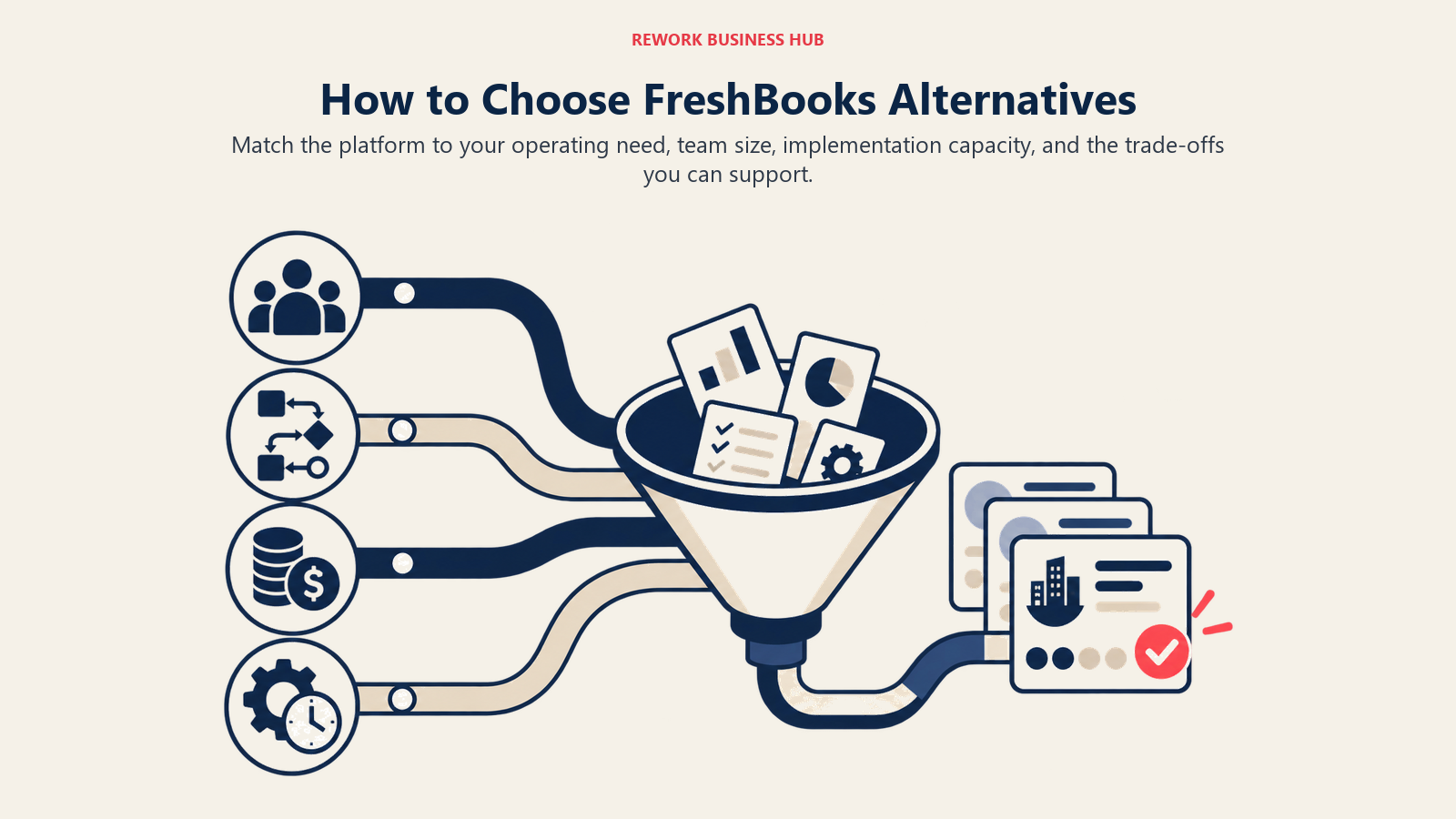
| If you need... | Choose |
|---|---|
| The US accounting standard with the best CPA ecosystem | QuickBooks Online |
| Unlimited users without per-seat fees | Xero |
| Zero cost for core accounting and invoicing | Wave |
| Full accounting with a generous free tier | Zoho Books |
| UK tax filing and invoicing in one product | FreeAgent |
| Inventory-capable accounting at the lowest price | Sage Business Cloud |
| Contracts, proposals, and invoicing as one workflow | Bonsai |
| Time tracking that feeds directly into hourly invoices | Harvest |
| Low-cost accounting and payroll from one vendor | Patriot Accounting |
| Self-hosted invoicing with no monthly fee | Invoice Ninja |
| Multi-level AP approval workflows and ERP integration | Bill.com |
| A broader look at invoice and payment platforms | Best Stripe alternatives |
What FreshBooks Still Does Best
In the interest of balance: FreshBooks isn't a bad product. It earns its reputation for specific use cases.
| FreshBooks strength | Who it matters for |
|---|---|
| Invoicing UX is the cleanest in the category | Non-accountants who manage their own books |
| Time tracking is native and intuitive | Freelancers who bill hourly |
| Client portal for invoice viewing and payment | Service businesses with recurring clients |
| Expense tracking with receipt scanning on mobile | Consultants tracking billable expenses on the go |
| Double-entry accounting without accounting jargon | Owners who want real books without the complexity |
If you have under five clients, bill by the hour, and want the cleanest invoicing interface in the market, FreshBooks is still a strong choice. The pain starts when you grow past those parameters.
What to Do Next
Pick your top two options from the decision framework above and run a two-week parallel trial with real data. Don't test with dummy invoices. Import an actual month of transactions, connect your bank account, and see which tool surfaces the information you actually need.
For most freelancers outgrowing FreshBooks, the choice comes down to Wave (if cost is the primary driver), Zoho Books (if you want automation and a free tier with real depth), or QuickBooks Online (if you work with a bookkeeper or accountant). For agencies hitting the per-seat wall, Xero's unlimited-user model resolves that specific frustration immediately. And if your real problem isn't accounting depth but the full client lifecycle from proposal to payment, Bonsai or Harvest may solve more of your actual day than a straight accounting tool swap would.
For teams also evaluating broader finance infrastructure, the best Odoo alternatives guide covers platforms that combine accounting with operations as you move toward a more integrated stack.
Camellia writes about finance and operations tooling for B2B teams. Last updated June 2026.

Principal Product Marketing Strategist
On this page
- Quick Comparison Table
- Why Businesses Actually Leave FreshBooks
- 1. QuickBooks Online: The Full-Stack US Standard
- 2. Xero: Unlimited Users, Global-Ready Books
- 3. Wave: Free Core Accounting That Actually Works
- 4. Zoho Books: The Best Value Full-Accounting Suite
- 5. FreeAgent: All-In-One for UK Freelancers and Contractors
- 6. Sage Business Cloud Accounting: Low-Cost Full Accounting
- 7. Bonsai: The Freelancer's All-In-One
- 8. Harvest: Time Tracking That Turns Into Invoices
- 9. Patriot Accounting: US Payroll and Books at Low Cost
- 10. Invoice Ninja: Open-Source and Self-Hosted Invoicing
- 11. Bill.com: AP Automation for Growing Finance Teams
- Stage Fit Matrix
- Sizing and Persona Table
- How to Choose: Decision Framework
- What FreshBooks Still Does Best
- What to Do Next